
Educational Games for Kids That Build Real-World Skills






Educational games for kids that build real-world skills give children practice they can use at the table, in class, and with friends. Strong learning games for children teach care, focus, words, and simple problem solving, not just taps and rewards. Skill-building games for kids work best when the task feels like play and the screen stays calm.
Age changes how long a child can stay with one task. Toddlers usually start with the best educational games for 2 year olds, where care and simple words come in very short turns. Preschoolers often move to the best educational games for kids age 3 or the best educational games for kids 4 years old online as stories get a little longer. By kindergarten, the best educational games for 5 year olds can mix counting, focus, and play without leaving the calm pace.
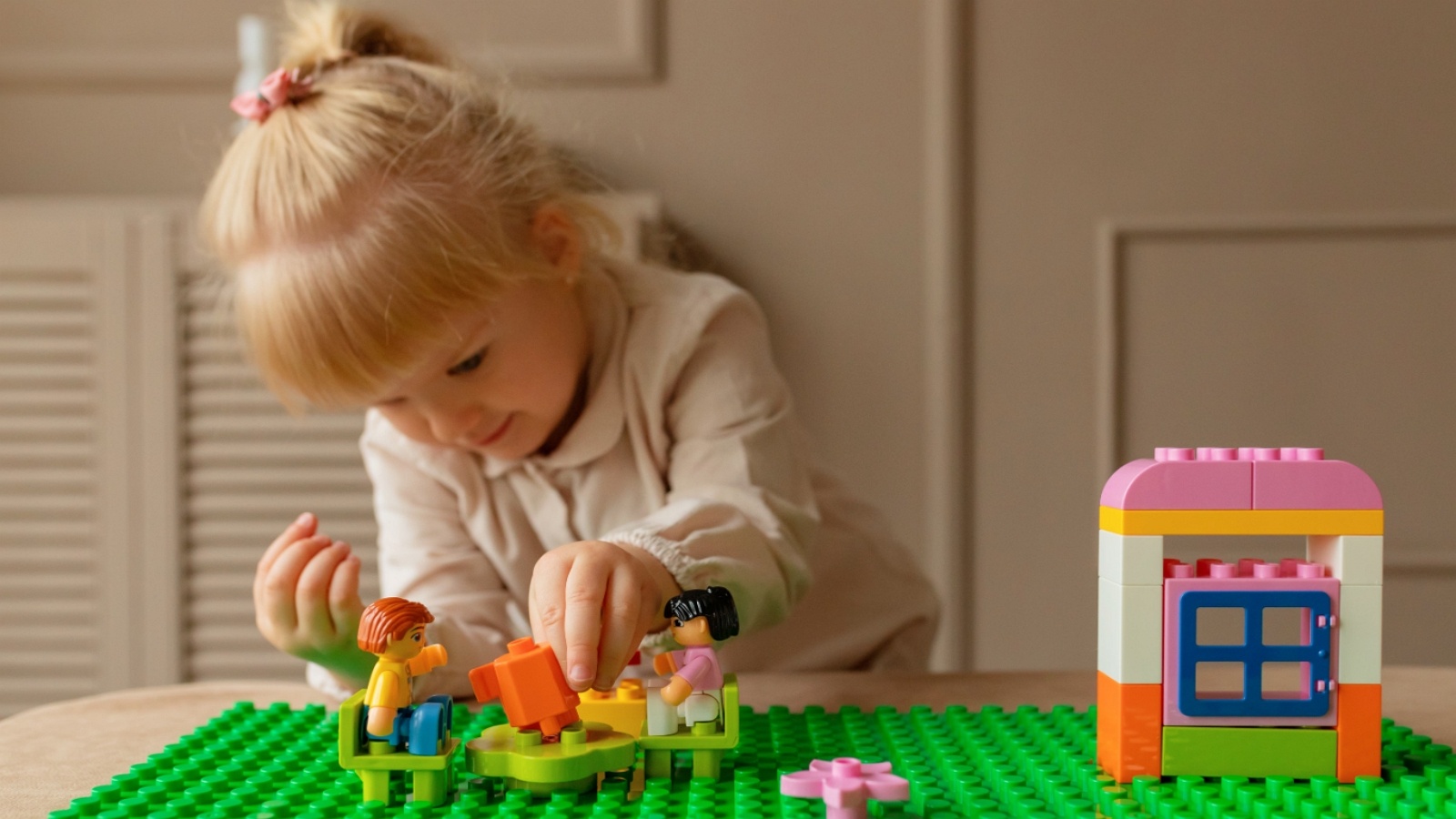
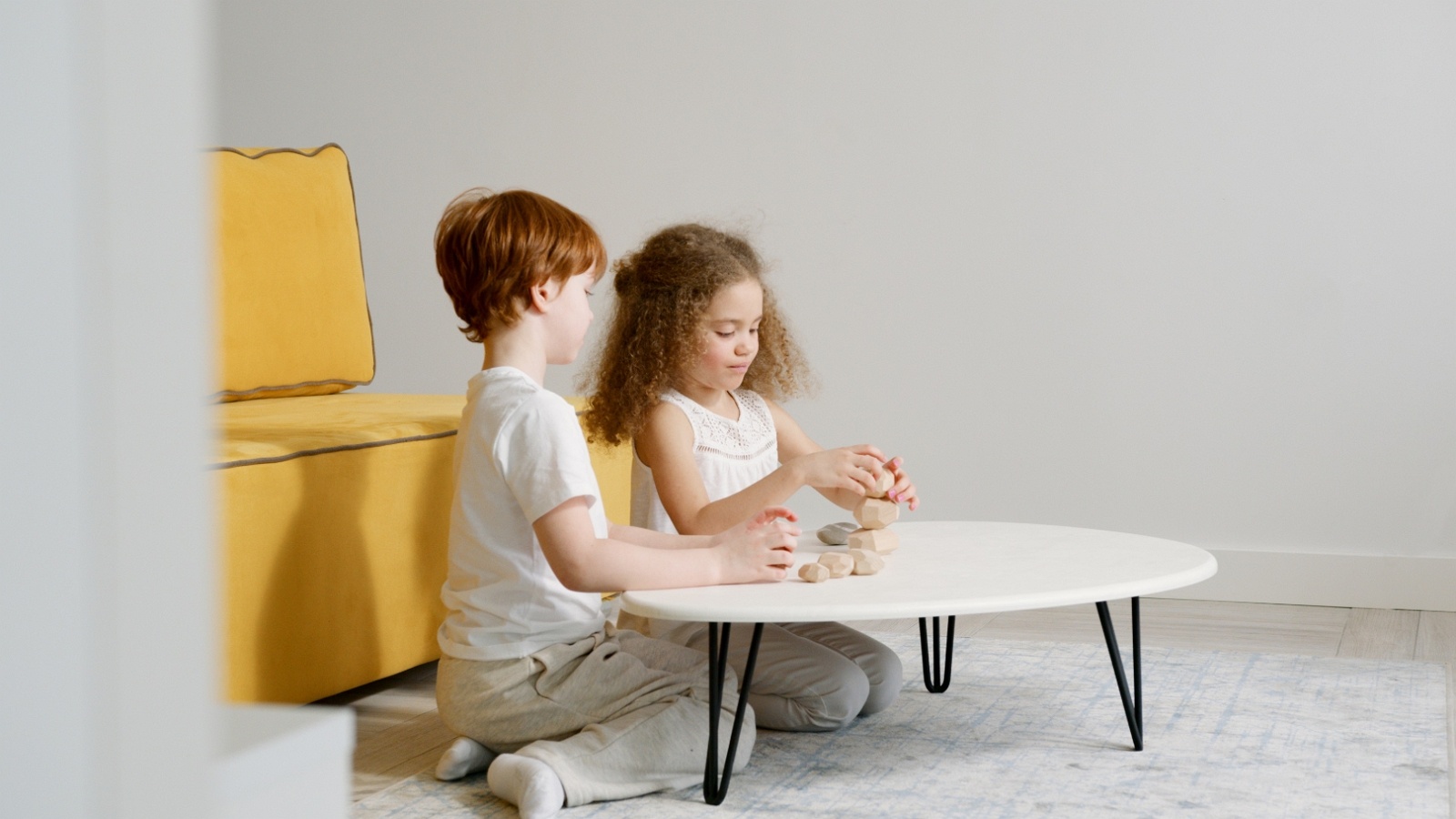
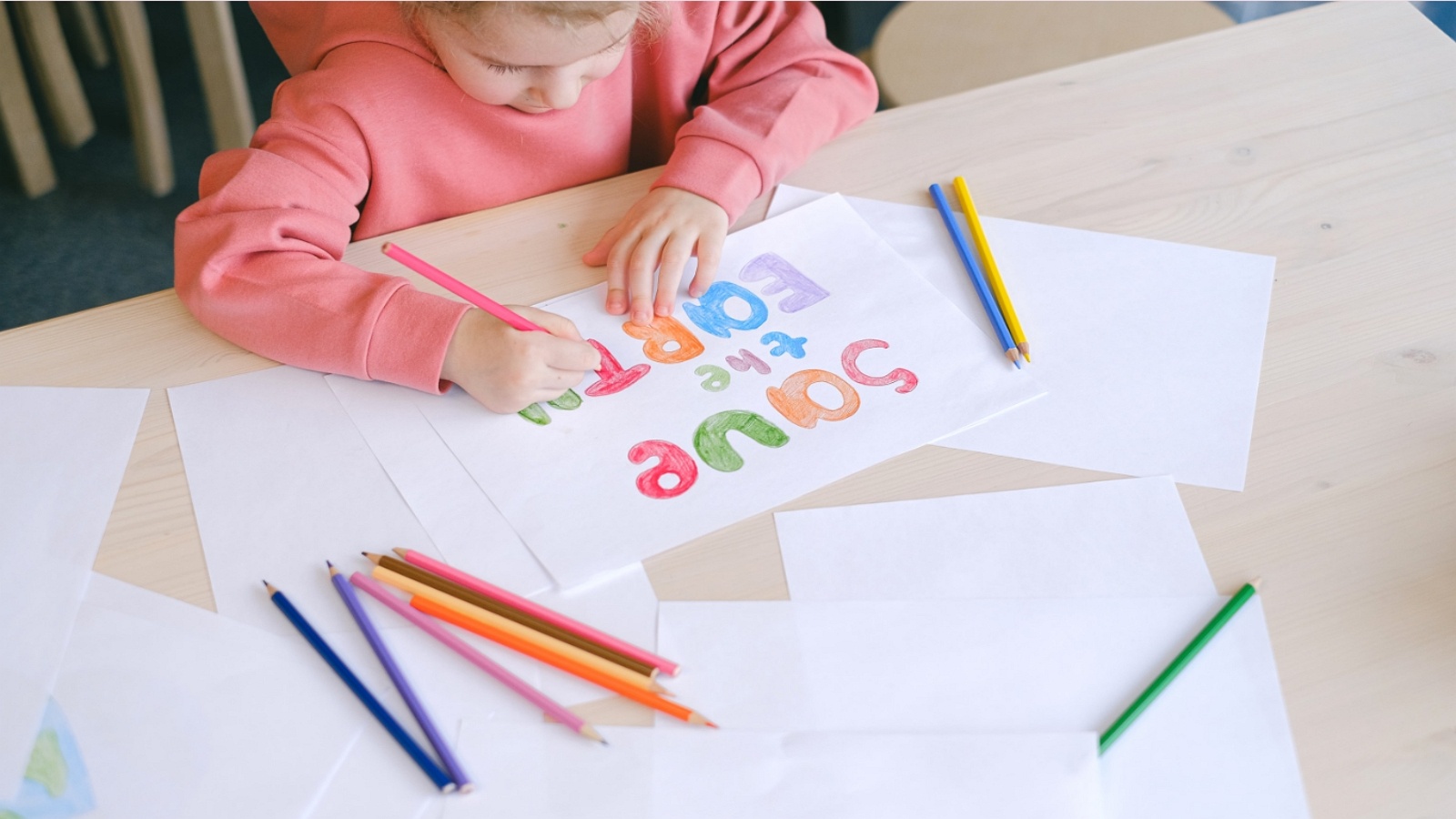
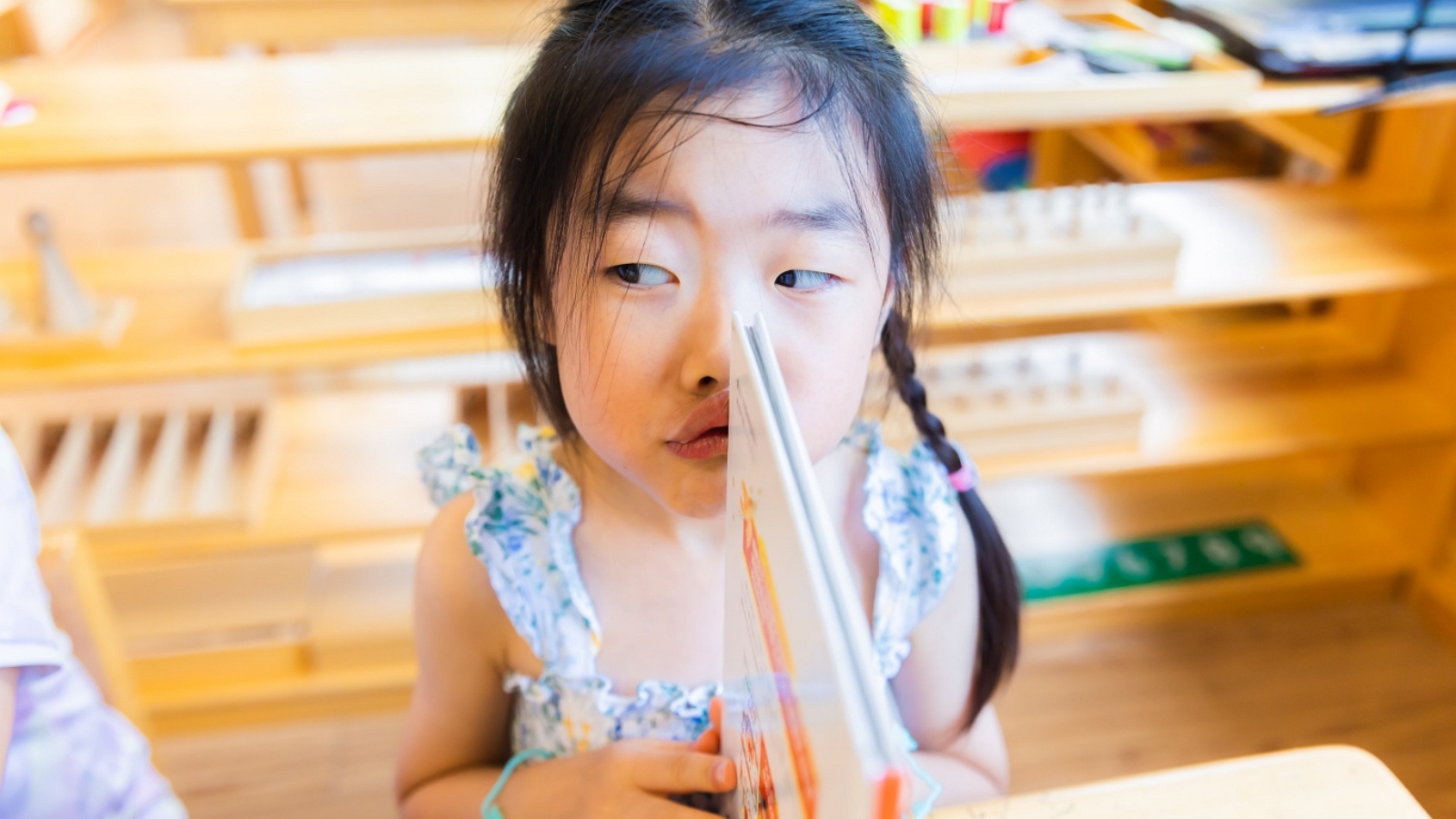
Give educational games for kids a calm place to build real-world skills.
What Real-World Skills These Games Can Build

The point of educational games for kids is transfer. A child should be able to take a habit from the screen and use it in the room. The National Association for the Education of Young Children describes play as a way children practice thinking, language, and social roles. That idea fits digital play too, when the game asks for a real choice.
Useful skill areas look like this:
- Care and empathy. Feeding a pet, calming a baby character, or cleaning a room teaches kids to notice a need and respond. Pet care games that teach empathy and responsibility and social emotional games for kids keep that response inside the story.
- Focus and working memory. Matching pairs, recalling a short list, or finishing a sequence builds the same attention kids use for directions. Memory games for kids and brain games for kids train that hold-and-use loop.
- Language. Naming objects, hearing letter sounds, and retelling a short story support early reading and talk. English learning apps for kids tie a sound to a picture.
- Problem solving. A blocked path, a missing item, or a puzzle with more than one step asks kids to try, fail, and try again. Problem-solving games for kids make the second try part of the play.
- Self-expression. Art, dress-up, and simple story scenes let kids choose colors, roles, and ideas. Dress-up games and confidence building games leave room for a choice with no single right answer.
- Everyday responsibility. Cleanup, sorting, and routine tasks make home habits feel familiar before a child does them for real. Responsibility games for kids and chore games for real-life skills use that same order.
The American Academy of Pediatrics points families toward high-quality media with a clear purpose, shared use when possible, and limits that match the child’s age. Quality matters more than a long list of subjects on the store page. The benefits of learning through play show up when that purpose is easy to name after the session.
How to Spot a Game That Teaches, Not Just Entertains
Many apps look educational and still play like a noisy worksheet. A better test is what the child must do to move forward. Educational games for kids and kids educational games should make the skill the action, not a quiz taped on at the end.
Watch for these signs:
- The child makes a choice that changes the story.
- Feedback is clear, kind, and quick.
- The task matches the age, with bigger steps for older kids.
- Ads, pop-ups, and surprise purchases stay out of the session.
- The same skill can be named at home, such as “you sorted the toys” or “you waited your turn.”
Skip games that only reward speed taps, loud effects, or endless levels with no new idea. Those titles train attention grabbing. They rarely train care, language, or planning. Easy educational games for kids can still be rich if the child must choose, match, or finish a routine.
Parents can also ask three plain questions after play. What did you do? What was hard? What would you try next time? If a child can answer, the game left a trace. If the answer is only “I won,” the skill may not stick. Fun educational games for kids work best when the fun and the skill share the same action. Caring is the game. Sorting is the game. Building a short story is the game. Educational games for kids that are fun and educational but fun games for kids follow that same test. Kid educational games and games for kids that are educational are easier to judge after one short session than after a long store-page list.
Why TutoClub Fits Skill-Building Play
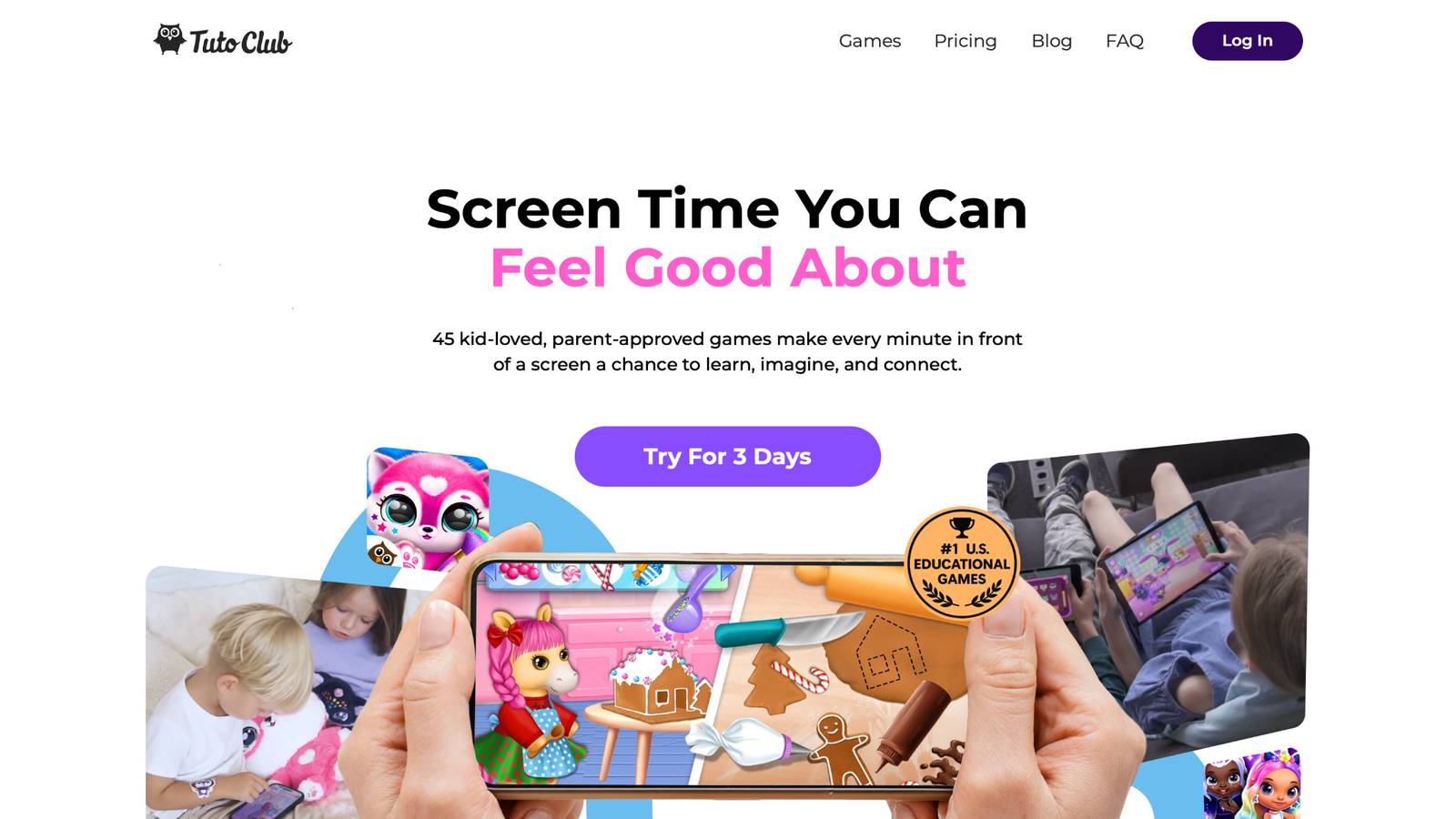
TutoClub is a family subscription from the TutoTOONS studio that opens a large set of ad-free educational games for kids in one login. The games focus on care, creativity, focus, and early learning rather than open chat or outside links. After download, many titles can be played offline, which helps on trips and in spots with weak Wi-Fi.
The collection lines up with real-world skills in simple ways:
- My Baby Unicorn asks kids to care for a unicorn baby, which supports kindness and noticing feelings.
- Fluvsies and Smolsies center on hatching, feeding, and looking after pets, plus early letters and numbers in some play.
- Sweet Baby Girl Clean Up turns tidying into a game, so chores feel familiar.
- Floof - My Pet House mixes memory, puzzles, and decorating.
- Princesses – Enchanted Castle and fashion play support creative choice and confidence.
- Giggle Babies supports early learning through short, playful tasks.
Parents get one place for many titles instead of a new download every week. That makes it easier to keep screen time on purpose. A learning through play approach shows up in the design: the lesson sits inside the story, not in a lecture after the fun stops. Learning through play examples use the same pattern of care, choice, and a finished task. Account questions sit in the subscription FAQ, and device questions sit in the web FAQ.
TutoClub Overview
TutoClub is your gateway to a magical world of educational games designed especially for children.
As part of TutoTOONS, a leading kids' games studio, we offer premium access to over 45 ad-free games.
Our mission is to blend learning and play, helping kids explore, create, and grow in a safe online space.
Thousands of parents trust us for family-friendly content that sparks imagination and builds essential skills.
Key Features
- Unlimited Access: Unlock full content in all games with no interruptions.
- Ad-Free Experience: Enjoy seamless play without any ads or distractions.
- Skill Development: Games foster creativity, social skills, communication, and more through fun activities like pet care and cleanup challenges.
- Regular Updates: Get new releases, exclusive content, and future updates automatically.
- Easy Subscription: Cancel anytime with no obligations, simple and flexible for families.
Explore Our World
TutoClub provides a rich ecosystem of educational games for kids, featuring ad-free experiences that promote creativity, focus, and emotional growth through play.
This platform turns screen time into valuable learning opportunities, with parent-approved content that builds essential skills and sparks curiosity in young minds.
- TutoClub Games: Over 45 educational games, including popular titles like Fluvsies, Smolsies, and the Sweet Baby Girl series
- Blog: Insights, tips, and stories for families on kids' learning and play
- FAQ: Comprehensive answers to frequently asked questions about subscriptions, features, and more
Get TutoClub on Your Device
TutoClub delivers premium kids educational games directly to your mobile devices, making learning accessible anytime, anywhere.
With apps available on major platforms, families can easily download and subscribe for ad-free play that turns screen time into skill-building adventures.
Perfect for parents seeking safe, engaging content on iOS, Android, or Amazon devices.
Why Choose TutoClub?
We're committed to 100% safe, enriching entertainment that kids love and parents approve.
Join the thousands who've seen their children thrive through playful learning.
Ready to start the adventure?
Start skill-building games for kids with a family subscription built for calm play.
Skill-Building Games by Real-World Goal
Match the game to the skill you want to see at home. One title will not cover every need. A small mix works better. Educational kids games and kids games that are educational are easier to sort by goal than by how bright the icon looks.
Care, Empathy, and Feelings
Pet care and baby care games ask a child to read a face, meet a need, and wait for a result. That loop is close to real life. A child who comforts a sad character can later name a friend’s mood. Emotional games for kids help when they show a clear feeling and a clear response. Pair them with a short talk: “The pet looked hungry. What did you do?” Emotional regulation games for kids add practice in pausing before the next tap.
Focus, Memory, and Following Steps
Memory games ask kids to hold a picture, a sound, or a short list and use it. That skill shows up when a child remembers a two-step chore or a classroom direction. Memory games that teach while kids play work well in short rounds. Stop while the child still wants one more turn. Tired play trains frustration, not recall. Benefits of memory games for kids include better attention to detail and stronger listening during routines.
Language, Letters, and Early English
Word games should tie sounds to meaning. A child hears a letter, sees a picture, and uses the word in a tiny story. That beats a flashcard with no context. Educational games for kids learning English help with vocabulary, phonics, and listening when the speech is clear and the pace is slow. Read the on-screen word out loud with your child. Hearing a parent voice next to the game voice strengthens the link.
Problem Solving and Everyday Tasks
Cleanup, sorting, and simple build tasks teach order. Kids learn that a mess has a start, a middle, and a finish. That pattern transfers to backpacks, art tables, and bedtime. Safe kids games that use real routines give parents an easy bridge. After the game, invite the same action in the room: sort socks, wipe a spot, or put blocks in a bin.
Creativity and Confidence
Drawing, dress-up, and castle stories let kids make a choice that has no single right answer. That freedom supports confidence. A child who designs a look or a room practices taste, planning, and pride in a finished piece. A Fluvsies paper doll printable can move that same choice off the screen. Keep creative games ad-free. Outside prompts and surprise shops pull attention away from the child’s own idea.
Educational Games for Kids by Age
Age bands are guides, not rules. Interest and attention span matter as much as the birthday. Games for young kids stay calmer when the first rounds are short and shared.
Ages 3 to 5
Preschoolers do best with big buttons, short tasks, and friendly characters. Care routines, colors, shapes, simple counting, and letter sounds fit this stage. Sessions of a few minutes, repeated often, beat one long sitting. Educational games for toddlers, games for preschoolers, and educational games for kindergarten should still feel like play. Educational games for 5 year olds are too hard if a child needs constant adult help to tap the right spot. Educational games for kids age 3 and educational games for kids 4 years old fit one clear action better than a long path.
Ages 6 to 8
Early elementary kids can handle longer stories, light reading, and puzzles with more than one step. Memory sets, spelling in a pet world, and multi-step cleanup fit well. They can also talk about why a choice worked. Educational games for 6 year olds and educational games for 7 year olds can add planning: what to do first, what to save for later, and how to fix a mistake. Learning apps for kids 8 years old can stretch that planning without open profiles.
Ages 9 to 12
Older kids still gain from care and creative play, and they can add strategy, simple design, and longer projects. The same safety rules apply. Open chat, public profiles, and spending prompts do not belong in a learning session. Educational games for 10 year olds and educational games for kids in 4th grade work better when the child can explain a choice. If a game needs a parent account, keep the login with the adult. Tips for finding safe apps for kids start with who can message the child and who can ask for money.
How Parents Can Make the Skill Stick
A game alone does not raise a child. The minutes around the game do a lot of the work.
- Play beside younger kids for part of the session.
- Name the skill in plain words: “You waited,” “You matched,” “You helped.”
- Keep a steady time box so play has a start and a stop.
- Repeat the same title for several days. Mastery loves repeat.
- Move one action offline the same day.
- Turn off extra noise, rewards, and new downloads during the session.
The best kids learning games online stay useful when parents treat them as practice, not a babysitter for every hour. Interactive online games for kids add more value when the child must respond, not only watch. Learning games for kids and learning games for kids online improve when the same title repeats. Fun games that are educational for kids still need that repeat. Co-play can be short. Five shared minutes at the start often beat a parent hovering the whole time. Older kids can show you one choice they made and why. Practical tips for new parents fit this same short, steady pattern.
Safety, Ads, and Screen Habits
Real-world skills grow in a calm setting. Ads, loot prompts, and public chat work against that. Check these points before a new download:
- No third-party ads during play.
- No direct messages with strangers.
- Purchases locked behind a parent.
- A clear privacy note a parent can read.
- Content that matches the child’s age.
- A way to play offline after setup, if you want fewer live prompts.
Safe games for kids put those checks first. Educational videos and games for kids should follow the same rule: the child stays inside the activity. Safe apps for kids and how to protect kids online start with who can reach the child and who can ask for money. A parents' guide to healthy screen time pairs short play with sleep, movement, and in-person time. Healthy screen habits include a shared room and a warning before the last round.
The American Academy of Pediatrics also encourages families to protect sleep, movement, and in-person play. Digital skill games sit beside those, not in place of them. A child who runs, reads, and helps at home will use game skills more often. Common questions parents ask the support team are collected in the FAQ section, including devices, accounts, and how a subscription works across the family. The privacy FAQ and Support pages cover account and safety questions in plain language.
A Weekly Rhythm That Stays Light
You do not need a full curriculum chart. A light week is easier to keep.
- Two care sessions. Pet or baby play, then one kind act at home.
- Two focus sessions. Memory or sorting, then a two-step chore.
- One language session. Words or letter sounds, then the child retells the bit of story.
- One creative session. Art or dress-up, with the child explaining a choice.
- One offline game. Feelings, faces, a scavenger list, or a shared puzzle.
Stop when attention drops. Short and finished beats long and cranky. Many families keep the tablet in a shared room so play stays visible. Tablet games for kids, iPad games for kids, and mobile games for kids all work in that shared spot. Educational games for kids on iPad are easier to see across the room. PC games for kids suit a longer creative round at a desk. If a child resists stopping, warn them one round ahead. A clear ending is part of the skill. Waiting, saving progress, and leaving the screen are real-world skills too. Educational and fun games for kids still need that ending.
Mistakes That Block Skill Transfer
Even a good game can miss the mark if the setup fights the goal.
- Switching apps every few minutes, so no skill gets practice.
- Letting reward videos interrupt the task.
- Using the game as the only talk time in the day.
- Picking titles far above the child’s reading or tap skill.
- Praising only winning, not effort or kindness.
- Ignoring sleep, so the next session starts tired.
Fix one habit at a time. Parents who swap a noisy app for a care game often see calmer endings first, then better talk about the play. Apps for kids learning and learning apps for kids fail this test when a new download replaces yesterday’s skill. Educational websites for kids need the same check for pop-ups. Games for autistic kids often need a steady pace and no surprise sounds. A parents' guide to safe skill-building apps for toddlers keeps early play to one clear action. Electronic educational games for kids should still end before the child is tired.
FAQ
What are educational games for kids that build real-world skills?
Educational games for kids that build real-world skills ask a child to practice something they can also use offline. Care, sorting, memory, word use, and simple planning all fit, because each one has a matching task at home or at school. The useful part is transfer: a feeding routine in a game can later look like helping at the table, and a matching round can later look like following a short direction. Skill-building games for kids work best when the lesson sits inside the story, so play and practice are the same moment. A child should be able to point to what they did, not only to a score or a prize at the end. An educational games app for kids that stays ad-free makes that practice easier to repeat, without pop-ups pulling attention away from the task. Short sessions, a clear ending, and a parent nearby help the skill show up later in chores, sharing, and schoolwork.
Which learning games for children help with empathy and everyday care?
Learning games for children help with empathy when a character has a clear need and the child can respond. Feeding, comforting, bathing, or tidying for a pet or baby gives a feeling, an action, and a result the child can see. That loop is close to real life, because kids notice a face, wait, and then help. Baby care, pet care, and cleanup stories work better than a lecture about sharing, since the child practices the kind act instead of only hearing about it. Apps for preschoolers support this when the mood is easy to see and the response is kind. After play, a short question such as “What did the pet need?” helps the skill leave the screen. Preschoolers can point to a face. Older kids can say what they would do for a friend in a similar spot, which ties the game to real friendships.
How do memory and focus games support school and home routines?
Memory and focus games ask kids to hold a picture, a sound, or a short list and use it a moment later. That same hold-and-use loop shows up when a child remembers a two-step chore, a backpack checklist, or a classroom direction. Short rounds work well, stopped while the child still wants another turn. Tired play trains frustration, not recall, so a finished round beats a long sitting. A wrong match is useful information, not a reason to quit, and kids who stay with the round practice patience as well as memory. Kids games online that are educational can include that matching inside a care story, so recall is not a separate drill. Pairing a memory game with a real list, such as three items to find in the room, helps the skill transfer the same day.
How can parents tell a skill-building game from empty screen time?
A skill-building game changes when the child makes a choice. Feedback is clear and kind, the task matches the age, and ads or surprise purchases stay out of the session. After play, the child can say what they did, what was hard, and what they might try next. If the only answer is “I won,” the skill may not stick, because speed taps and loud rewards rarely train care, language, or planning. Calm design matters, because noise and pop-ups pull attention away from the task the child was meant to practice. Online kids educational games keep the session inside the activity when there is no open chat and purchases stay locked to a parent. Parents can also watch the hands and the face: steady choices and a short retell of the story are better signs than endless levels with no new idea.
What age fit and weekly rhythm help these skills transfer?
Preschoolers do best with big buttons, short care tasks, colors, shapes, and simple sounds. Early elementary kids can handle longer stories, light reading, and puzzles with more than one step. Older kids can add planning and creative projects, still without public chat or spending prompts. A title that needs constant adult help to tap the right spot is too hard, and a title the child finishes without thinking may be too easy. A light week can mix two care sessions, two focus sessions, one language session, and one creative session, plus one offline game the same day. Kids educational games for 5 year olds stay useful when the same title repeats for several days and one action moves into the room, such as sorting toys after a cleanup story. Stopping when attention drops is part of the skill, because waiting, saving progress, and leaving the screen are real-world habits too.
Read Also:
- How Pet Care Games Teach Kids Empathy and Responsibility
- Best Social Emotional Games for Kids
- Chore Games for Real-Life Skills Through Play
- Best Responsibility Games for Kids
- Parents' Guide to Healthy Screen Time with Educational Apps
Give educational games for kids a calm place to build real-world skills.