

Parent’s Guide to Healthy Screen Time with Educational Apps






Parents today face a common challenge: screens are everywhere, and kids love them. The good news is that you can turn screen time into a positive part of your child's day. Healthy screen time for kids with educational apps helps children build skills while you feel confident about their digital activities.
By choosing the right options, parents can make screen time both enjoyable and enriching. Many families turn to the best safe apps for kids to ensure a secure experience, while exploring the best learning apps for kids. These often include some of the best educational games for kids and even overlap with the best brain games for kids, helping develop important cognitive and emotional skills in a fun way.
Try TutoClub today for meaningful screen time your kids will love.
Why Quality Matters More Than Just Limiting Minutes

In today’s digital world, many parents focus heavily on limiting screen minutes. Yet experts agree quality matters far more than quantity. What kids do during screen time decides if it helps or harms. Passive video watching often leads to low engagement and weak learning. In contrast, the best educational games promote active thinking, problem-solving, creativity, emotional intelligence, and social skills - all while keeping kids entertained.
Many parents see real gains in focus, curiosity, and communication after switching to purposeful play. Co-playing adds extra value: parents can guide talks, explain ideas, and link lessons to real life, reducing guilt with every meaningful session. TutoClub shines here with calm, ad-free educational games that focus on skill-building instead of distractions. Their collection delivers meaningful play for emotional growth and cognitive development.
For even stronger results, parents can explore the best brain games for kids, the best memory games for kids, the best confidence building games, and the best responsibility games for kids. These purposeful educational games deliver targeted cognitive and character development while maintaining the fun factor that keeps children engaged. Incorporating a variety of these high-quality options helps maximize the benefits of screen time, turning digital play into a powerful tool for long-term growth and learning.
Age-Appropriate Guidelines for Screen Use
Screen time recommendations should always consider the child’s age and developmental stage. For toddlers and very young children (under 2 years), experts recommend minimal to no solo screen time, with any use being highly interactive and shared with parents.
Preschoolers (3–5 years old) can benefit from short daily sessions of high-quality content. Choose safe games for kids that support early literacy, numeracy, social skills, and emotional awareness. At this age, interaction is key - talking about what’s happening on screen helps strengthen learning.
School-age children (6+ years) can handle longer sessions, especially when content aligns with school learning or personal interests. The golden rule remains the same across all ages: balance screen time with plenty of physical activity, outdoor play, reading, and face-to-face family interactions.
Setting Effective Family Rules That Stick
Creating family screen rules that actually work requires collaboration. Sit down together and discuss why balanced screen time is important for everyone’s health and happiness. Set clear, realistic rules such as no screens during meals, one hour before bedtime, or until homework and chores are done.
Use visual tools like timers, reward charts, or a family calendar to make rules easy to follow. Start small - for example, replace one hour of entertainment videos with online educational games for kids. Praise and celebrate when children follow the rules or transition smoothly between activities. Don’t forget positive reinforcement. Offer attractive alternatives such as extra outdoor time, family board games, or park visits after completing responsibilities. Consistency over time turns good rules into healthy habits.
Choosing the Right Educational Apps
Not all apps are created equal. When selecting educational apps, look for titles that match your child’s age, interests, and developmental needs. The best ones offer clear learning goals, progress tracking, meaningful feedback, and zero intrusive advertisements.
Popular and effective categories include math adventures, language learning games, creative storytelling tools, and virtual pet care experiences. Always test a few options with your child to see what genuinely holds their attention and brings joy. Platforms like TutoClub make choosing easier by curating safe games for kids that are both engaging and educationally valuable.
Making Screen Time a Shared Family Activity
One of the most effective ways to boost learning is to turn screen time into family time. Sit with your child during gameplay, ask open questions like “Why did you choose that action?” or “How do you think the character feels?” This transforms passive play into rich bonding and learning moments. Some families create weekly “Tech & Learn Nights” where everyone explores a new educational game together. Others turn game experiences into real-world projects - drawing characters, acting out stories, or building models inspired by the app.
Building Healthy Habits Beyond the Screen
Healthy screen habits extend far beyond the device itself. Encourage regular movement breaks, outdoor play, and non-digital activities. Create device-free zones in bedrooms and dining areas to promote better sleep and family connection. Model positive behavior by putting your own phone away during family time. When children see parents balancing digital and real-life activities, they are more likely to follow the same pattern.
Common Challenges and How to Handle Them
Children often resist new screen rules at first. Stay calm, explain the reasons simply, and offer limited choices within the boundaries. Use gentle timers with advance warnings and pair the end of screen time with a fun non-digital activity. To avoid distractions, choose ad-free platforms like TutoClub that keep children focused on learning instead of advertisements.
Advanced Strategies for Long-Term Success
As children grow older, involve them in creating their own screen goals and schedules. Teach digital literacy skills, including how to evaluate content quality and protect kids online. Rotate different types of games to maintain interest and develop well-rounded skills. Combine digital learning with offline follow-up activities for deeper understanding. Many families successfully use seasonal learning themes - such as summer science games followed by outdoor experiments.
Why Educational Apps Can Transform Your Approach
Well-designed educational games can completely change how you view screen time - from a source of worry to a valuable development tool. Children build confidence, persistence, empathy, and problem-solving skills in a low-pressure environment.
Parents often notice reduced conflicts, richer conversations, and visible improvements in focus, vocabulary, and responsibility. When used thoughtfully, high-quality apps - especially responsibility games and safe, engaging experiences - become powerful allies in raising curious, kind, and capable children.
Discover TutoClub: Best Educational App for Kids
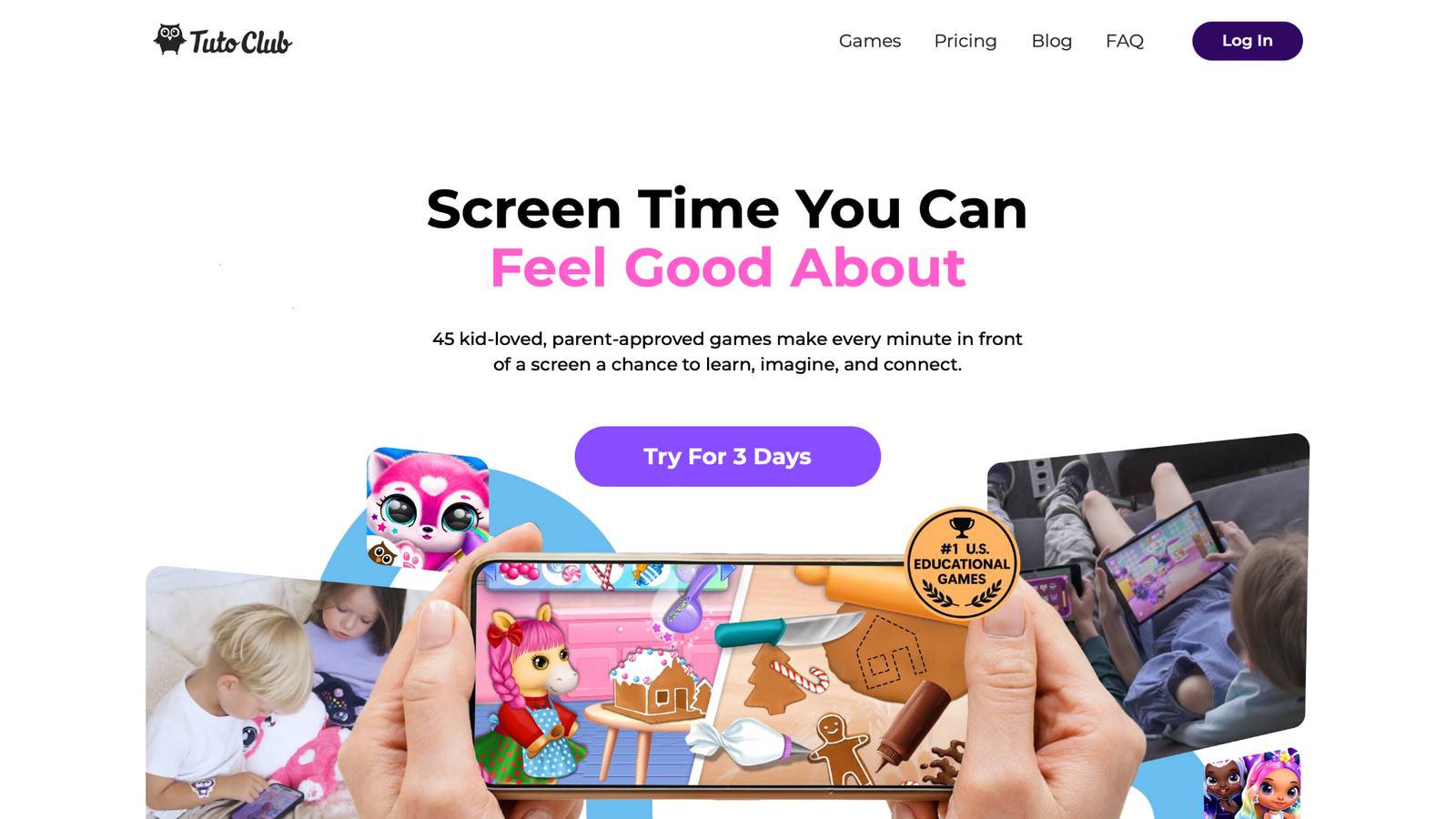
TutoClub is your gateway to a magical world of educational games designed especially for children.
As part of TutoTOONS, a leading kids' games studio, we offer premium access to over 45 ad-free games.
Our mission is to blend learning and play, helping kids explore, create, and grow in a safe online space.
Thousands of parents trust us for family-friendly content that sparks imagination and builds essential skills.
Key Features
- Unlimited Access: Unlock full content in all games with no interruptions.
- Ad-Free Experience: Enjoy seamless play without any ads or distractions.
- Skill Development: Games foster creativity, social skills, communication, and more through fun activities like pet care and cleanup challenges.
- Regular Updates: Get new releases, exclusive content, and future updates automatically.
- Easy Subscription: Cancel anytime with no obligations, simple and flexible for families.
Explore Our World
TutoClub provides a rich ecosystem of educational games for kids, featuring ad-free experiences that promote creativity, focus, and emotional growth through play.
This platform turns screen time into valuable learning opportunities, with parent-approved content that builds essential skills and sparks curiosity in young minds.
- TutoClub Games: Over 45 educational games, including popular titles like Fluvsies, Smolsies, and the Sweet Baby Girl series
- Blog: Insights, tips, and stories for families on kids' learning and play
- FAQ: Comprehensive answers to frequently asked questions about subscriptions, features, and more
Get TutoClub on Your Device
TutoClub delivers premium kids educational games directly to your mobile devices, making learning accessible anytime, anywhere.
With apps available on major platforms, families can easily download and subscribe for ad-free play that turns screen time into skill-building adventures.
Perfect for parents seeking safe, engaging content on iOS, Android, or Amazon devices.
Why Choose TutoClub?
We're committed to 100% safe, enriching entertainment that kids love and parents approve.
Join the thousands who've seen their children thrive through playful learning.
Ready to start the adventure?
Subscribe to TutoClub today and unlock endless fun!
FAQ
What makes educational apps better than regular games for screen time?
Educational apps stand out because they weave learning elements such as puzzles, stories, and skill challenges directly into play, keeping children actively involved instead of simply watching. These tools often adjust to match a child's current abilities, offering the right level of challenge to encourage steady growth in areas like thinking and creativity. Families find that sessions feel more rewarding overall, since the focus stays on completion and imagination rather than repetitive loops.
How can I handle resistance when introducing new screen time rules?
Resistance tends to ease when parents explain the reasons behind changes in positive, age-appropriate language that highlights benefits like having more energy for outdoor fun or family moments. Involving children in setting a couple of the rules gives them a sense of ownership and makes the plan feel fairer.
Are there ways to use screens that actually improve sleep and focus?
Calm, purposeful content chosen for creative or problem-solving elements supports better daily focus when screens pair with movement breaks that keep bodies active. Ending device use well before bedtime avoids stimulation that can interfere with winding down. Consistent daily patterns around media help the whole family maintain steadier energy levels from morning through evening. This thoughtful use of safe apps for kids turns digital time into part of a supportive routine rather than a disruptor.
What should I do if my child prefers screens over other activities?
Matching non-screen options to the same interests shown in apps, such as art projects inspired by game stories or outdoor versions of virtual adventures, helps bridge the gap gradually. Clear times set for different kinds of play position screens as one balanced part of the day instead of the default choice. Noticing and celebrating small efforts to try new things builds positive feelings around variety over time. This gentle shift supports broader engagement without sudden cutoffs, especially when using purposeful educational games.
How does TutoClub support healthy screen time specifically?
TutoClub builds ad-free games centered on genuine skill growth through playful experiences that nurture creativity, emotional understanding, and thoughtful decision-making in safe settings. Their approach blends enjoyment with development so that every session contributes to curiosity and confidence building in kids without extra distractions. Parents value the calm environment that makes monitoring straightforward and supports family involvement during play.
Read Also:
- Balancing Self-Care and Parenting: 7 Tips for Moms
- Key Advice for New Parents: What No One Tells You
- How to Protect Kids Online
- Best Educational Games For Kids iPad In 2026
- Best Responsibility Games For Kids In 2026
Try TutoClub today for meaningful screen time your kids will love.