

Best Learning Games for Kids






Kids love to play, and when that play turns into learning, it's a win for everyone. Learning games for kids mix fun with education, helping young minds grow through interactive challenges. Parents often seek ways to make screen time productive, and these games deliver just that. Discover the best learning games for kids in 2026 that make education fun for kids
A wide variety of best kid educational games blend creativity, problem-solving, and core academic skills into engaging digital play. Families prioritizing security often look for the best safe apps for kids, while early learners benefit from the best educational games for kindergarten that build foundational literacy and math skills. From interactive tablet games for kids to the most balanced educational and fun games for kids, today’s options make learning both effective and enjoyable.
Discover the best learning games for kids - Tuto Club
Why Learning Games Matter for Child Development

Learning games do more than entertain. They support brain growth by encouraging kids to think critically and solve problems on their own. Many children show improved focus and memory after regular play. These activities also help with social skills, like sharing ideas or working together in group modes. Plus, they make tough topics approachable, turning frustration into excitement. For instance, games that involve stories or puzzles can build empathy and resilience. Overall, they create a balanced way for kids to learn key concepts while enjoying themselves.
How to Pick the Right Learning Games for Your Child
Choosing the best game depends on your child's age and interests. Start with simple ones for younger kids to build basics, then move to complex challenges. Look for features like adaptive difficulty, which adjusts as skills improve. Safety is key, so opt for ad-free platforms with parental controls. Consider games that align with school topics for extra support. Reading reviews from other families helps too. Always test a few to see what clicks. Once you find a match, regular play can lead to noticeable gains. This approach ensures games enhance learning without overwhelming.
Best Learning Games for Kids in 2026
1. TutoClub - Best Learning Games for Kids
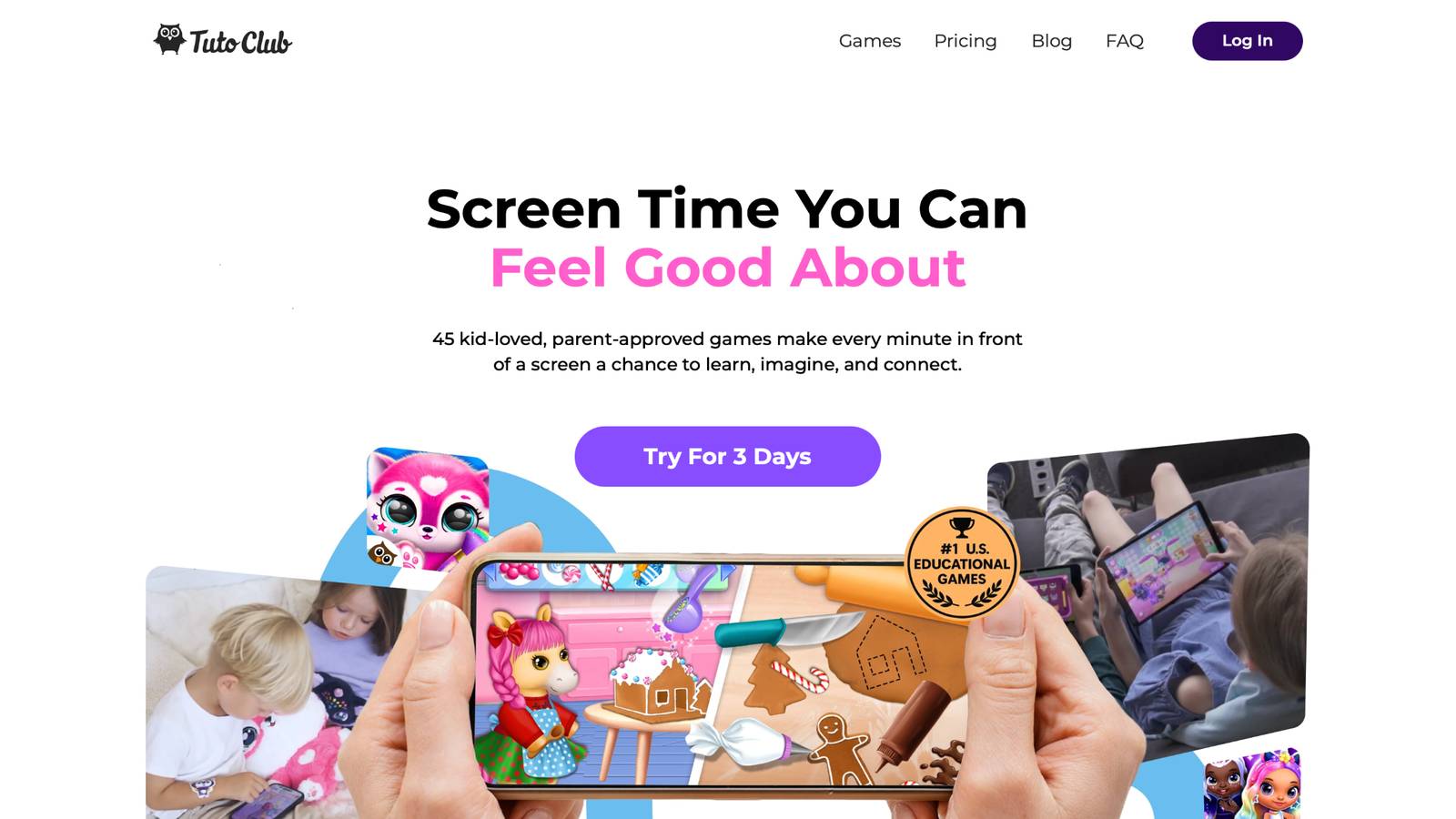
Explore TutoClub's educational games, a standout choice that turns screen time into meaningful adventures. This platform offers over 40 kid-approved titles crafted by experts to spark curiosity and build essential skills. Children dive into creative puzzles, storytelling quests, and interactive routines that foster empathy, confidence, and responsibility. The ad-free environment keeps focus sharp, while multi-device access makes it easy for families to join in. What sets it apart is the blend of fun and real-world benefits, like boosting problem-solving through open-ended play. Kids often return to favorites, growing more engaged each time. It's perfect for nurturing lifelong habits in a safe space.
- Standout features include creative design tools, emotional growth activities, and focus-building challenges.
- Facts and information: Games promote kindness and self-expression, with content tailored for various ages to encourage family connections.
TutoClub Overview
TutoClub is your gateway to a magical world of educational games designed especially for children.
As part of TutoTOONS, a leading kids' games studio, we offer premium access to over 45 ad-free games.
Our mission is to blend learning and play, helping kids explore, create, and grow in a safe online space.
Thousands of parents trust us for family-friendly content that sparks imagination and builds essential skills.
Key Features
- Unlimited Access: Unlock full content in all games with no interruptions.
- Ad-Free Experience: Enjoy seamless play without any ads or distractions.
- Skill Development: Games foster creativity, social skills, communication, and more through fun activities like pet care and cleanup challenges.
- Regular Updates: Get new releases, exclusive content, and future updates automatically.
- Easy Subscription: Cancel anytime with no obligations, simple and flexible for families.
Explore Our World
TutoClub provides a rich ecosystem of educational games for kids, featuring ad-free experiences that promote creativity, focus, and emotional growth through play.
This platform turns screen time into valuable learning opportunities, with parent-approved content that builds essential skills and sparks curiosity in young minds.
- TutoClub Games: Over 45 educational games, including popular titles like Fluvsies, Smolsies, and the Sweet Baby Girl series
- Blog: Insights, tips, and stories for families on kids' learning and play
- FAQ: Comprehensive answers to frequently asked questions about subscriptions, features, and more
Get TutoClub on Your Device
TutoClub delivers premium kids educational games directly to your mobile devices, making learning accessible anytime, anywhere.
With apps available on major platforms, families can easily download and subscribe for ad-free play that turns screen time into skill-building adventures.
Perfect for parents seeking safe, engaging content on iOS, Android, or Amazon devices.
Why Choose TutoClub?
We're committed to 100% safe, enriching entertainment that kids love and parents approve.
Join the thousands who've seen their children thrive through playful learning.
Ready to start the adventure?
Subscribe to TutoClub today and unlock endless fun!
2. Khan Academy Kids
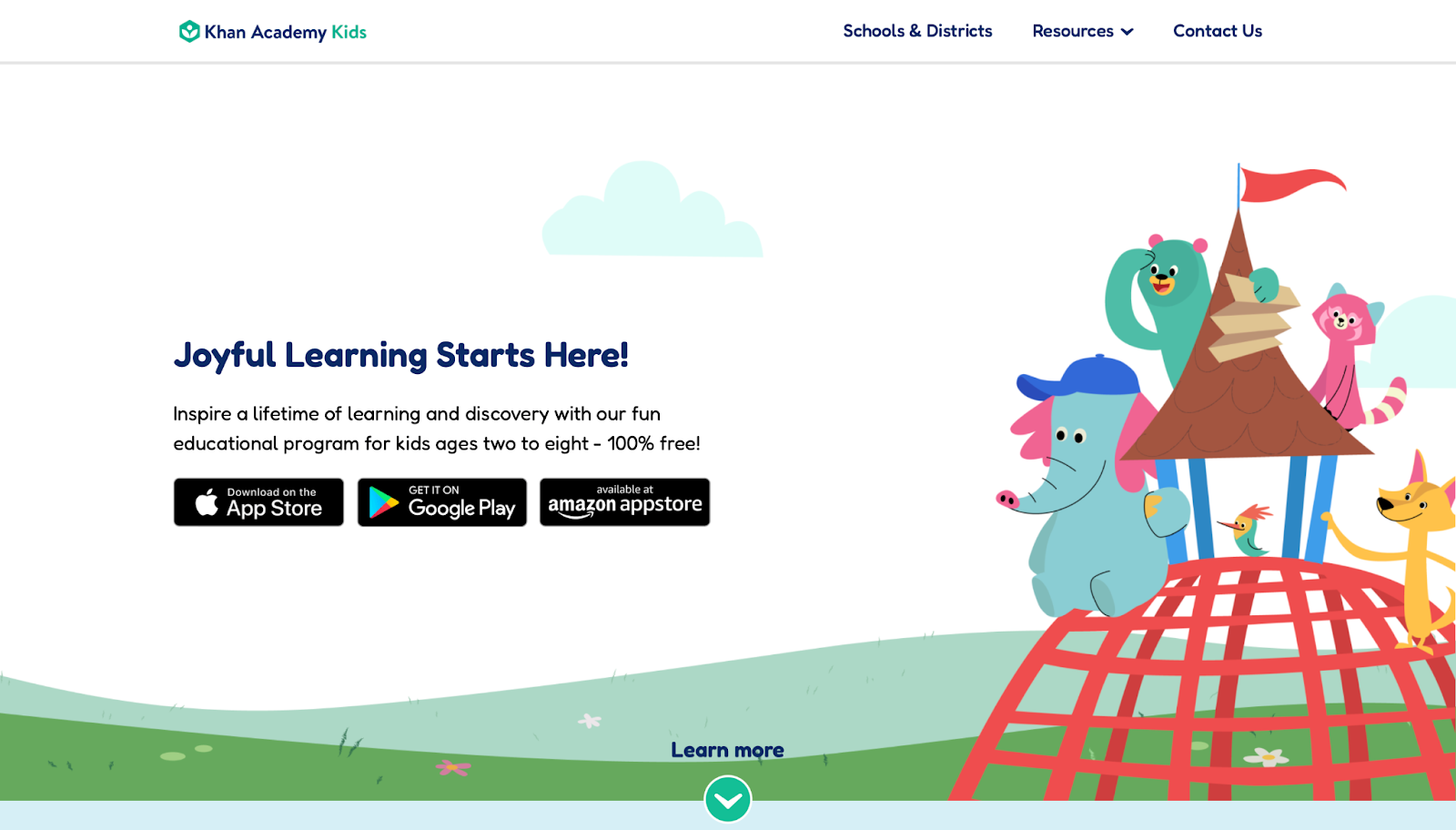
Khan Academy Kids, from Khan Academy, stands out as a free app packed with activities for preschoolers through early elementary. It covers reading, math, and social-emotional learning through colorful animations and friendly characters. Kids explore phonics with alphabet games or count with interactive stories. Strengths lie in its self-paced setup, letting children progress at their own speed, which builds independence. However, some sections feel repetitive if not mixed with other tools. The app adapts to skill levels, offering rewards like stickers to keep motivation high. Based in Mountain View, California, it draws from educational standards to make learning feel like play.
- Key features: Over 5,000 activities, including ABC games, addition practice, and shape recognition.
- Facts and information: Aligns with national standards, helping kids develop literacy and numeracy through engaging narratives.
3. Fluvsies Academy
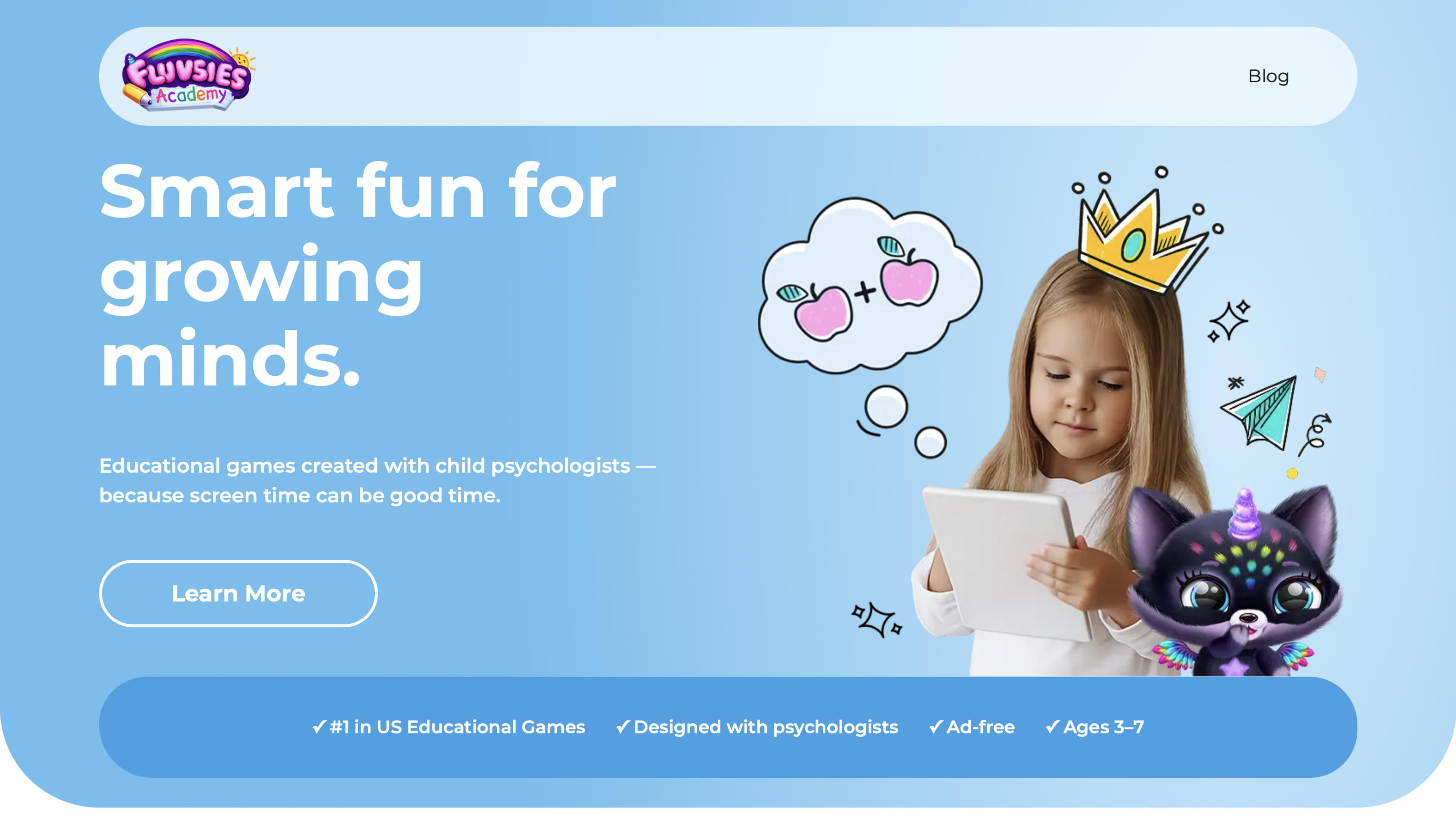
Fluvsies Academy turns everyday screen time into joyful discovery for preschoolers with its collection of guided games starring lovable fuzzy characters. Tailored games for children aged 3 to 7, the app builds strong foundations in phonics and early language, counting and basic math, logic puzzles that boost attention, sorting exercises for comparison skills, and practical life lessons through role play like exploring jobs as bakers or astronauts and routines such as teeth brushing.
Developed alongside child psychologists, it emphasizes emotional growth, empathy, mindfulness, and simple yoga flows alongside academic skills, all within a fully ad free and safe environment that feels like pure play rather than structured lessons. Parents love the built in progress insights and how kids quickly gain confidence and independence while having fun.
Key features:
- Ad free games featuring adorable Fluvsies characters kids adore
- Activities covering language, math, logic, and real life skills
- Psychologist designed content focused on holistic development
- Mindfulness, yoga, and healthy habit builders for emotional balance
- Role play scenarios that expand vocabulary and imagination
- Easy to follow progress reports for parents
Facts and information:
- Ideal for ages 3 to 7
- Completely safe and ad free platform
- Includes a 7 day free trial
- Supports independent learning with expert backed activities
- Promotes focus, empathy, and curiosity through playful challenges
4. ABCya
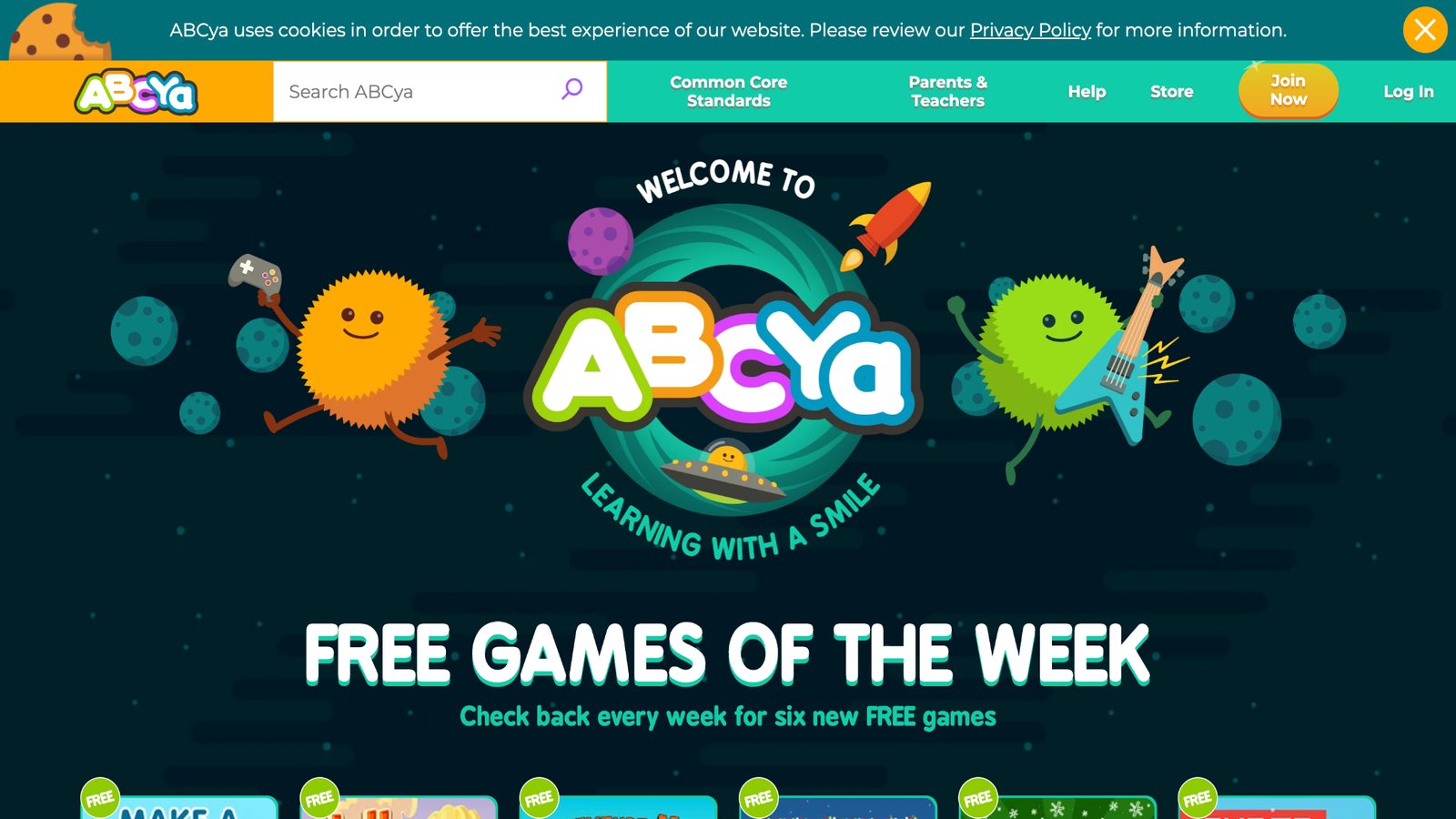
ABCya, created by IXL Learning, provides browser-based games for pre-K to grade 6, focusing on math, reading, and logic. Children practice typing, solve puzzles, or create art in a safe, ad-free space. Its strength is the variety, with holiday-themed options adding fun twists. On the downside, advanced levels might require more guidance for younger users. The platform encourages exploration, turning routine drills into adventures. Headquartered in San Mateo, California, it supports classroom use with teacher resources.
- Key features: Topics like fractions, vocabulary, and strategy games with easy navigation.
- Facts and information: Used in schools to reinforce concepts, promoting engagement through short, rewarding sessions.
5. Prodigy Math
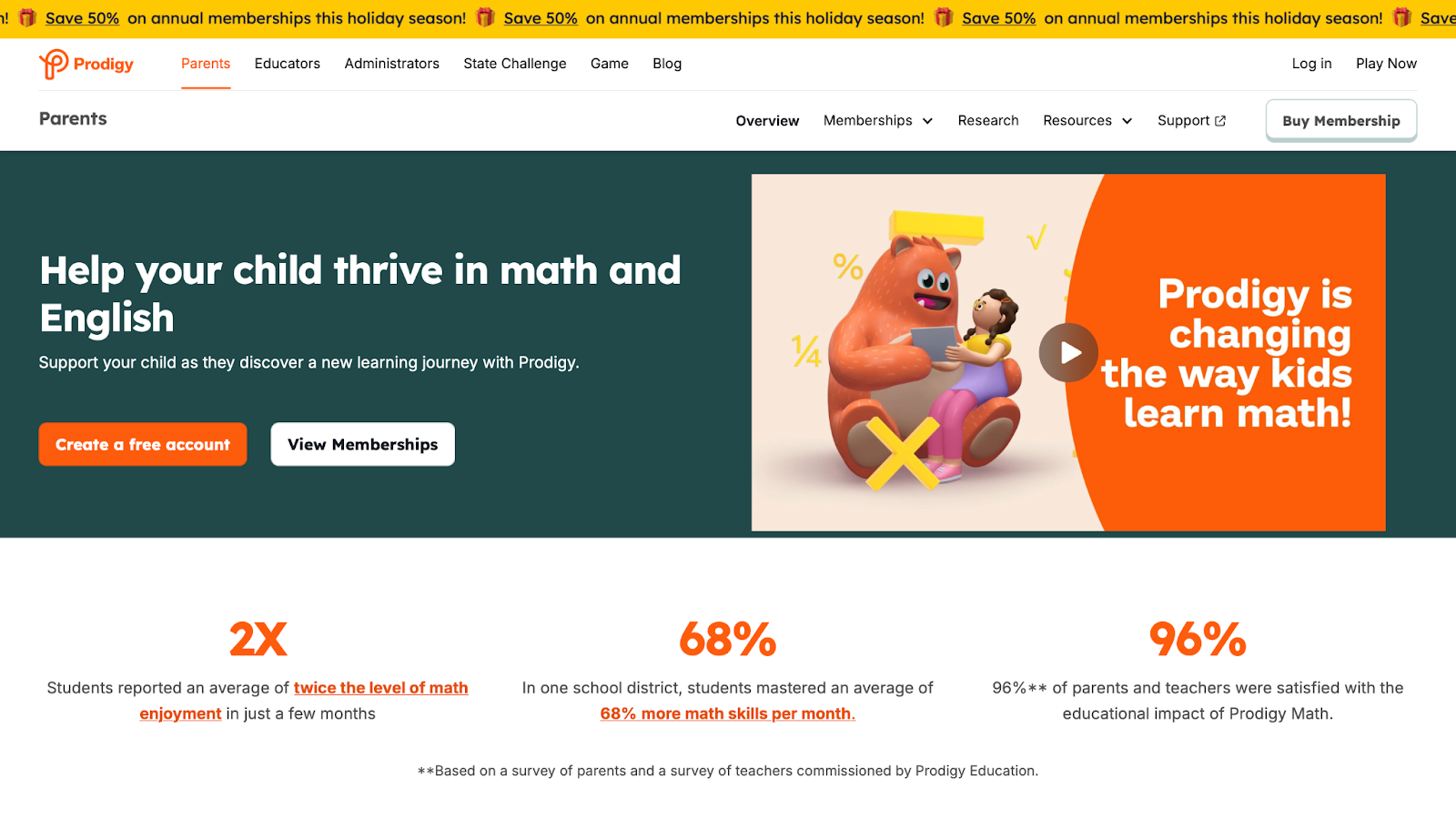
Prodigy Math, by Prodigy Education, turns math into a wizard battle game for grades 1-8. Kids cast spells by solving problems, covering addition to algebra. Its adaptive system personalizes challenges, a big plus for different learners. Weaknesses include occasional glitches in battles that frustrate players. The Toronto, Canada-based company emphasizes curriculum alignment, making it a go-to for homework support.
- Key features: Placement tests, progress reports, and multiplayer modes.
- Facts and information: Helps reduce math anxiety by framing equations as part of epic quests.
6. Teach Your Monster to Read
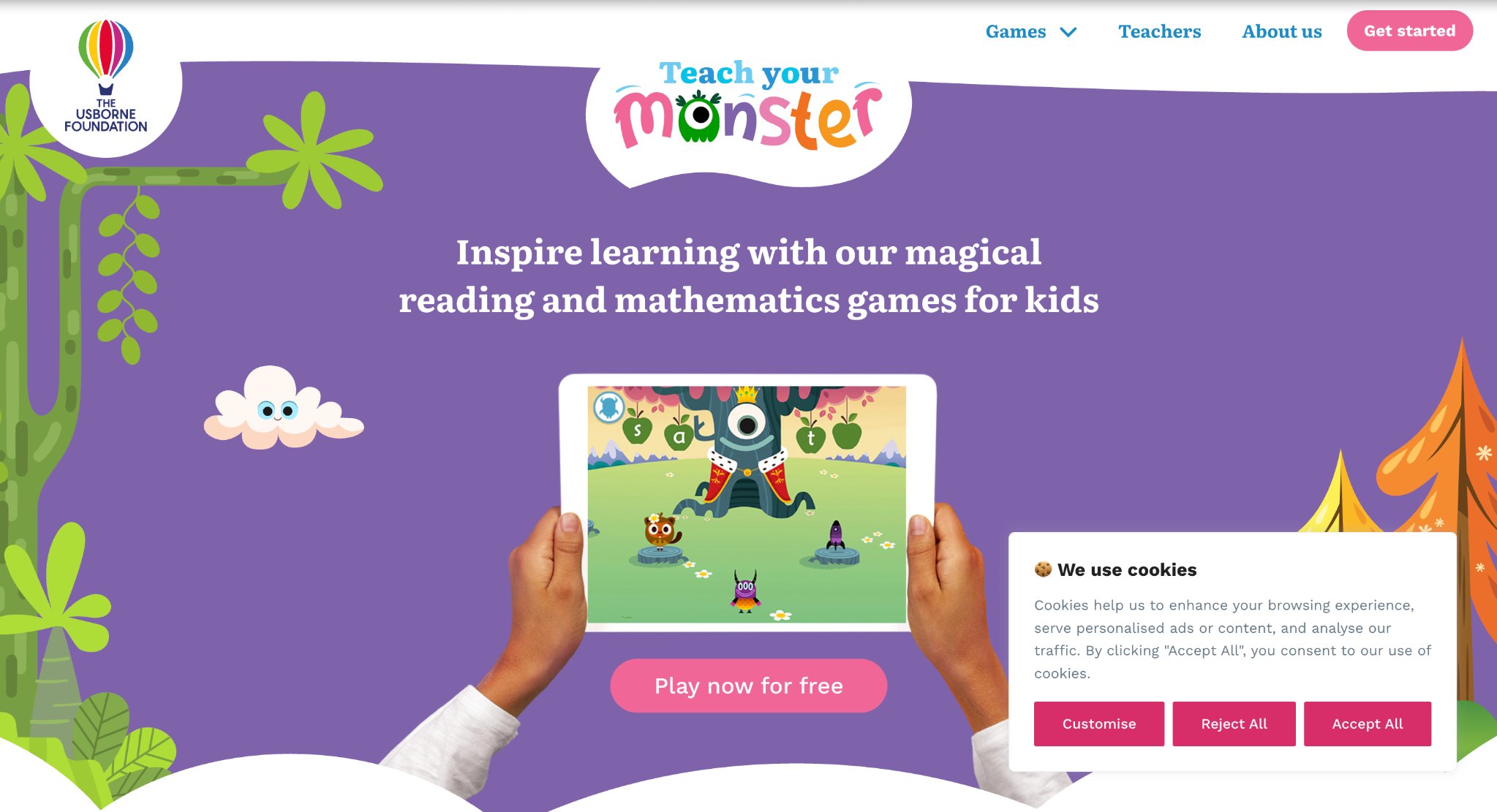
Teach Your Monster to Read, from Teach Monster Games, guides kids through phonics and reading via monster adventures. Suitable for ages 3-6, it starts with letter sounds and builds to full sentences. Strengths: Engaging storylines that hold attention well. Drawbacks: Limited to reading, so it pairs best with other subjects. Based in London, UK, it's backed by literacy experts.
- Key features: Mini-games for blending sounds, sight words, and comprehension.
- Facts and information: Designed with educators to support early reading milestones.
7. Starfall
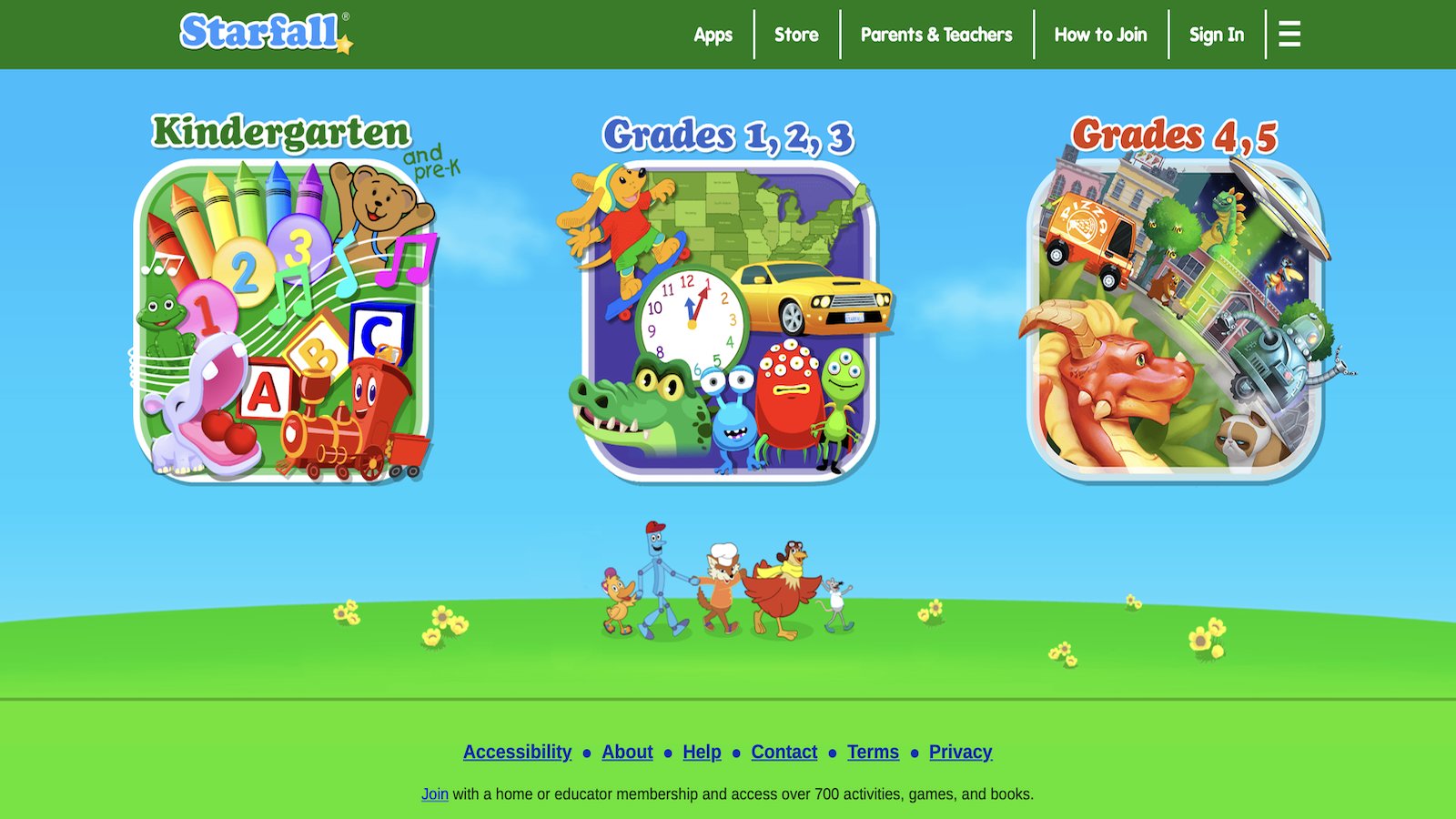
Starfall, by Starfall Education Foundation, offers free and premium content for pre-K to grade 3, blending songs, stories, and games for reading and math. Kids learn letters through animations or count with interactive books. Its gentle pace suits beginners, but older children might outgrow it quickly. From Boulder, Colorado, it promotes phonemic awareness effectively.
- Key features: Animated movies, printable worksheets, and seasonal activities.
- Facts and information: Focuses on foundational skills to prepare for school success.
8. PBS Kids Games
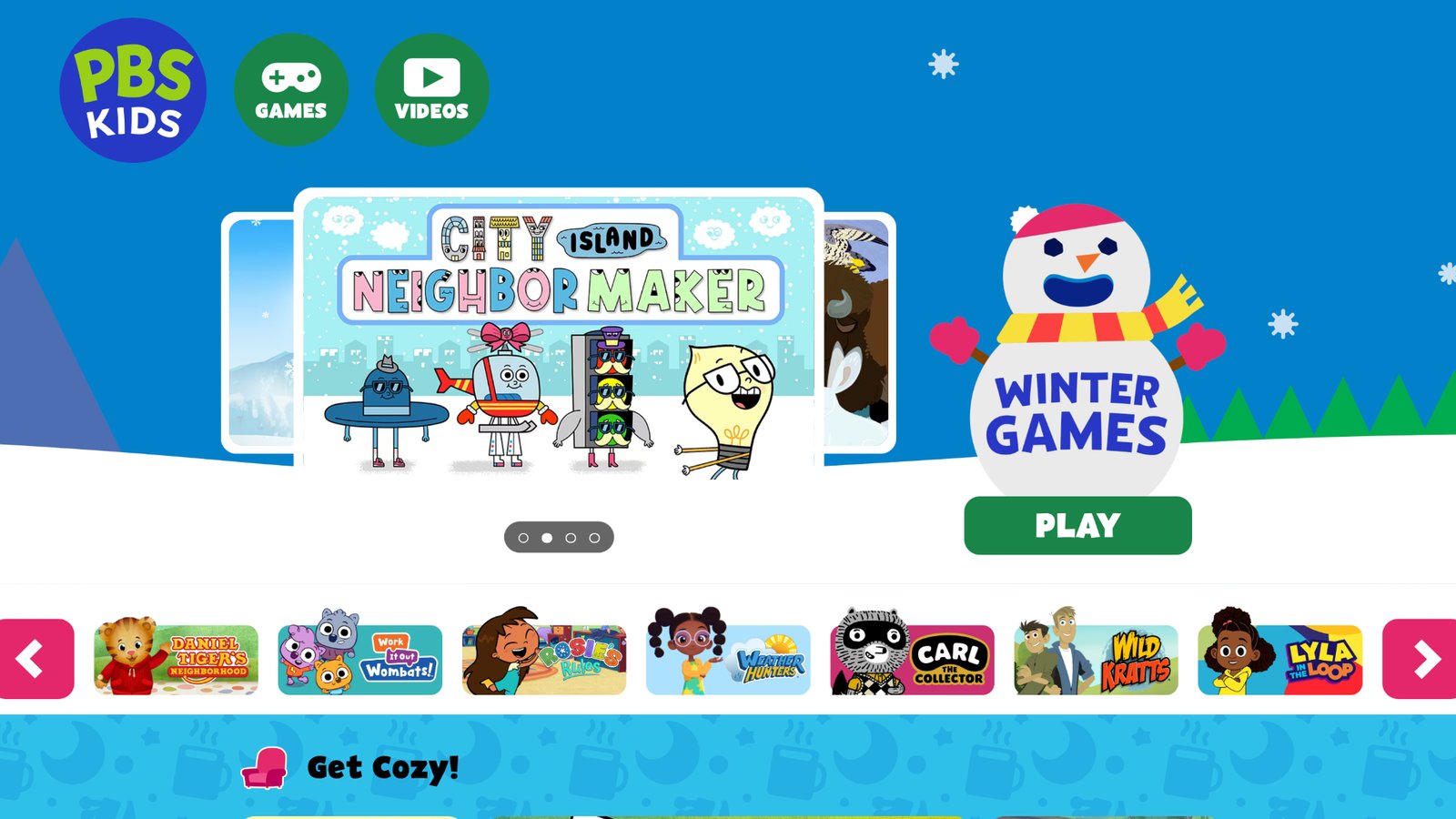
PBS Kids Games, from PBS, features characters from shows like Sesame Street in educational mini-games. Covers science, creativity, and emotions for ages 2-8. Strengths: Trusted content with diverse topics. Weaknesses: Some games load slowly on older devices. Headquartered in Arlington, Virginia, it ties into TV episodes for deeper learning.
- Key features: Exploration in virtual worlds, like building with Daniel Tiger.
- Facts and information: Encourages emotional regulation through familiar friends.
9. Endless Alphabet
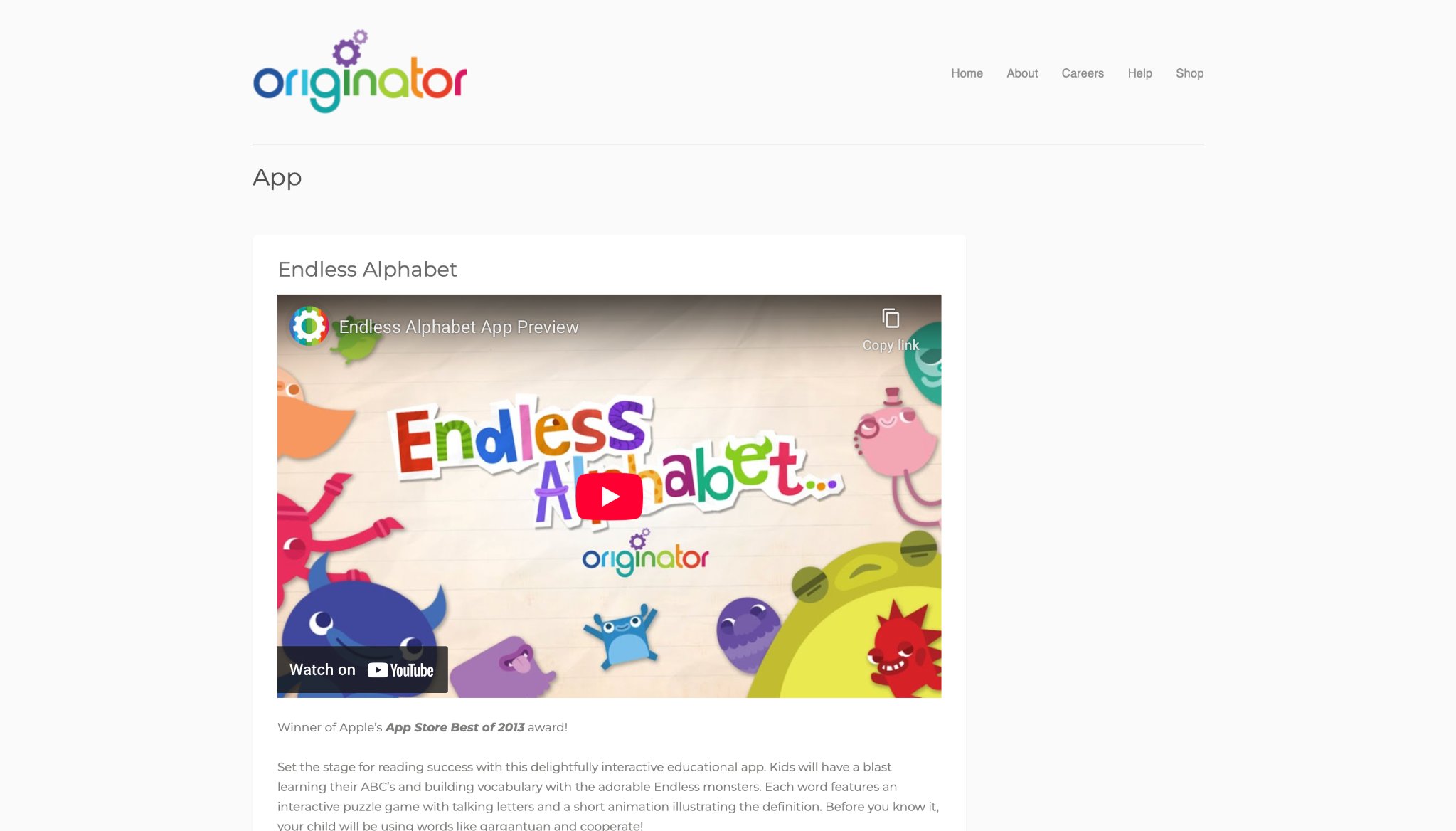
Endless Alphabet, developed by Originator in San Francisco, California, captivates toddlers and preschoolers with its whimsical approach to vocabulary building. Kids interact with colorful monsters that scramble letters, requiring them to drag the correct ones into place to form words. Each completed word triggers a short, humorous animation that illustrates its meaning, complete with simple definitions and example sentences. This method reinforces letter recognition, phonics, and comprehension in a playful manner. Strengths shine in its engaging visuals and sound effects that keep young learners hooked, promoting repeated play without feeling like drills. The app's offline capability makes it ideal for travel or quiet times. However, the free version offers limited words, and some animations might overwhelm sensitive children if played too long.
Overall, it excels at making early language learning feel like an adventure, encouraging curiosity about words. Parents appreciate how it builds confidence in spelling and reading basics through trial and error. With no ads interrupting, focus remains on education. It's a solid pick for introducing over 100 common words in an entertaining format that blends art and literacy seamlessly. The intuitive interface allows even the youngest users to navigate independently, fostering a sense of achievement. As children progress, they unlock more complex terms, gradually expanding their lexicon. Educators often incorporate it into early childhood programs for its alignment with developmental benchmarks. The combination of interactivity and repetition solidifies learning, making abstract concepts tangible. Families report noticeable improvements in word recall after consistent use, turning passive screen time into active skill-building sessions.
- Key features: Interactive letter puzzles, animated word demonstrations, phonetic sounds, and progress tracking.
- Facts and information: Supports early vocabulary growth, used by many families to prepare for kindergarten reading milestones.
10. Minecraft Education
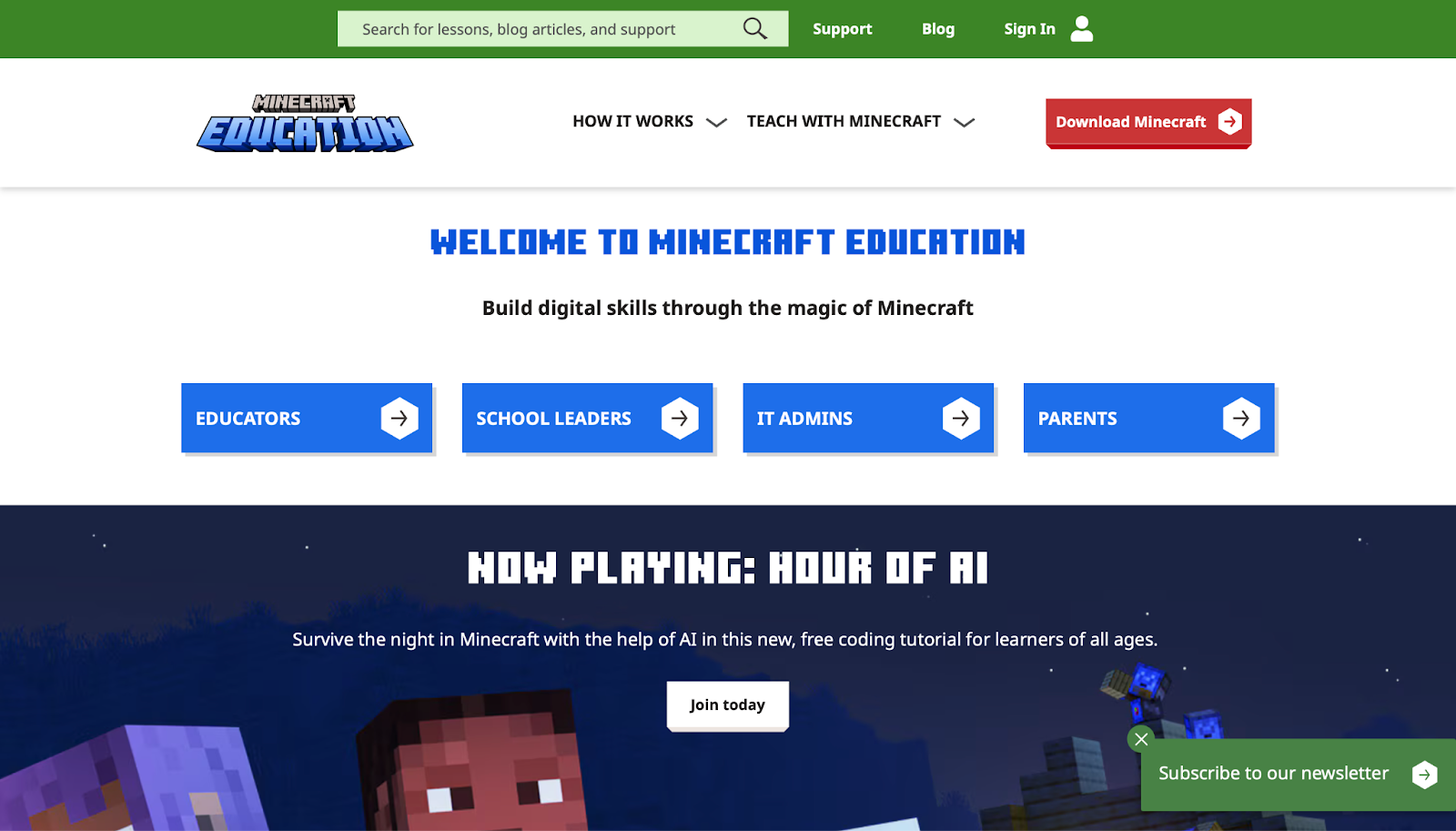
Minecraft Education, from Mojang Studios in Stockholm, Sweden, transforms the popular block-building game into a powerful educational tool for K-12 students. Kids construct virtual worlds while exploring subjects like history, chemistry, and coding through guided lessons and collaborative projects. They can recreate ancient civilizations, simulate chemical reactions, or program agents to automate tasks. Strengths include its immense creativity, allowing open-ended exploration that fosters teamwork and critical thinking in multiplayer modes. The platform integrates with classroom tools, making it versatile for teachers. However, the initial learning curve can be steep for newcomers, requiring time to master controls and concepts.
Some worlds might load slowly on older devices, potentially disrupting flow. Despite this, it stands out for bridging gaming with real curricula, encouraging students to apply knowledge practically. Many educators use it to teach sustainability by building eco-friendly structures. Its community shares thousands of pre-made lessons, expanding possibilities. This version emphasizes safe, moderated environments to keep focus on learning outcomes. Students often collaborate on projects that mimic real-world scenarios, such as urban planning or ecosystem management. The immersive nature helps retain information longer than traditional methods. With regular updates, it incorporates new features like AI elements for advanced simulations. Parents find it valuable for homeschooling, as it covers multiple subjects in one platform. The game's popularity ensures high engagement, reducing resistance to educational content. Overall, it cultivates 21st-century skills like digital literacy and innovation through hands-on virtual experiences.
- Key features: Lesson library, code builder, chemistry resource pack, and cross-platform play.
- Facts and information: Enhances STEM skills, with global adoption in schools for interactive history and science simulations.
11. Code.org Games
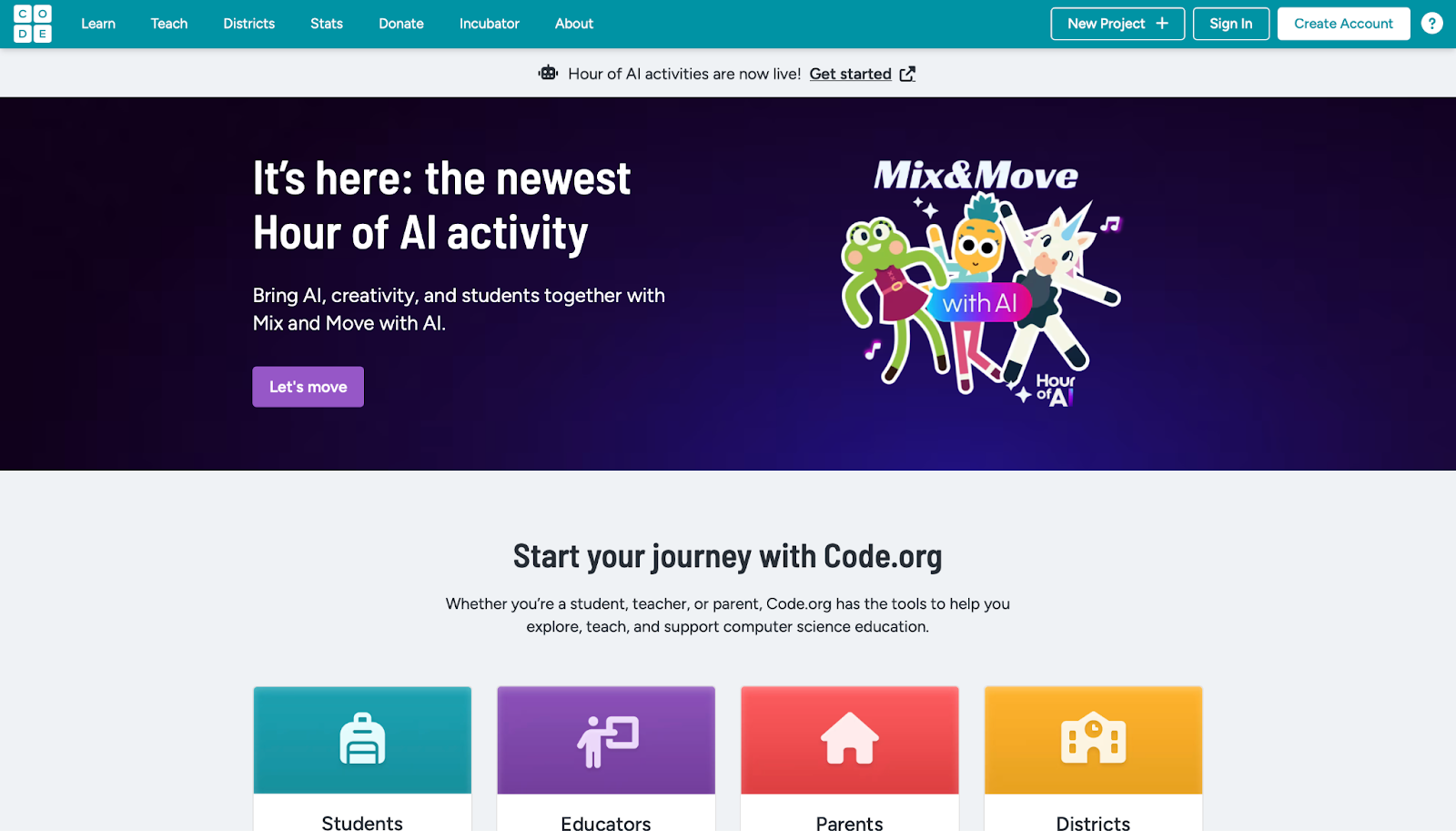
Code.org Games, created by the nonprofit Code.org based in Seattle, Washington, introduces coding fundamentals through accessible puzzles featuring popular characters from games like Angry Birds or Minecraft. Aimed at all ages but especially beginners, kids drag and drop blocks to solve challenges, progressing from basic sequences to loops and conditionals. Strengths lie in its free access and no-prior-knowledge requirement, making computer science approachable for diverse learners. The step-by-step guidance builds confidence, with instant feedback on errors. However, advanced users might find early levels too simplistic, and it primarily focuses on logic rather than broad subjects. Still, it's excellent for sparking interest in tech careers early.
Teachers integrate it into curricula via the Hour of Code initiative, reaching millions annually. The platform promotes inclusivity, aiming to close gender and racial gaps in computing. Kids often complete puzzles feeling accomplished, translating skills to real-world problem-solving. With multilingual support, it's accessible globally, encouraging family participation. The puzzles escalate in complexity, teaching debugging and optimization naturally. Educators praise its alignment with standards, using it to supplement STEM lessons. Parents notice improved logical thinking in everyday tasks after play. The nonprofit's mission drives continuous improvements, adding new themes and collaborations. It's a gateway to more advanced programming, inspiring some to pursue further studies. The engaging format turns potential frustration into triumphs, making abstract concepts concrete.
- Key features: Block-based programming, themed challenges, teacher dashboards, and offline options.
- Facts and information: Part of efforts to teach coding to every student, boosting logical reasoning across age groups.
12. Osmo
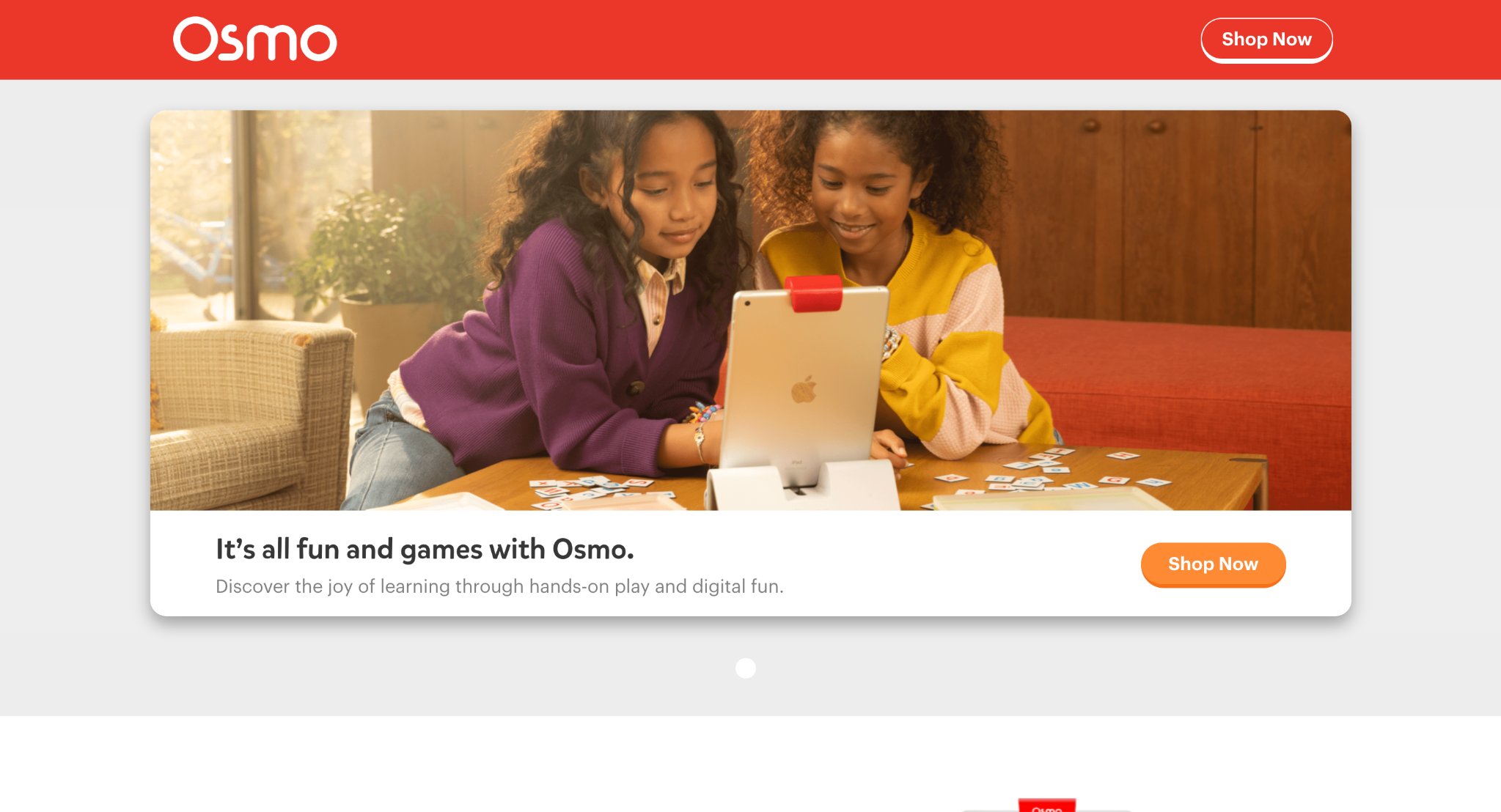
Osmo, produced by Tangible Play in Palo Alto, California, merges physical manipulatives with digital apps on iPads or Fire tablets for hands-on learning in math, coding, and creativity. Kids use tangible pieces like numbers or shapes in front of the device, which the camera detects to interact with on-screen elements. For instance, they arrange tiles to solve equations or code paths for characters. Strengths include bridging real-world touch with tech, enhancing fine motor skills and engagement through multisensory play. It's great for collaborative sessions, encouraging discussion among siblings or classmates. Drawbacks involve needing compatible hardware, which might limit accessibility, and occasional calibration issues on uneven surfaces.
Nevertheless, it shines in making abstract concepts concrete, like visualizing geometry. Parents value the screen-time balance, as much interaction happens off-device. With expansions for different subjects, it grows with the child. The system promotes active learning over passive consumption, leading to deeper understanding. Teachers use it in classrooms for group activities that build social skills alongside academics. The innovative blend captivates reluctant learners, turning education into play. Regular updates introduce new kits, keeping content fresh. Families appreciate the durability of pieces for repeated use. It supports diverse learning styles, from kinesthetic to visual, making it inclusive. Overall, Osmo redefines educational tech by emphasizing tangible experiences in a digital world.
- Key features: Masterpiece drawing, Newton physics puzzles, coding blocks, and word adventures.
- Facts and information: Promotes active learning, adopted in classrooms for STEM and language development.
13. LeapFrog Games
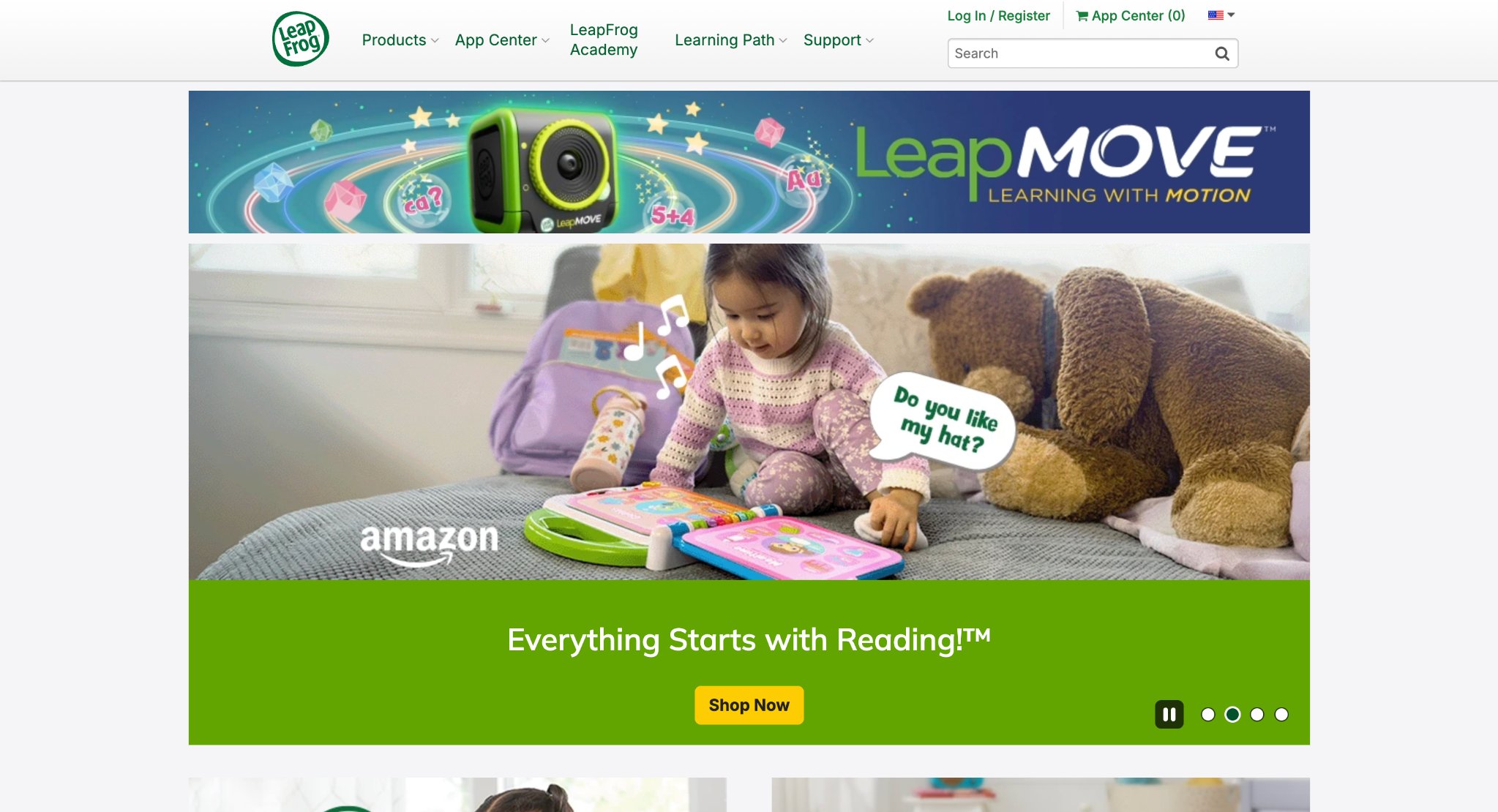
LeapFrog Games, from VTech in Emeryville, California, deliver portable educational experiences via handheld devices like LeapPads, focusing on reading, math, and science for preschoolers. Kids engage with interactive e-books, quizzes, and mini-games that adapt to their progress, featuring characters that guide through adventures. Strengths are in durability for young hands and offline play, perfect for on-the-go learning without internet. The content aligns with early childhood milestones, building phonics and number sense through songs and stories. However, voiceovers can become repetitive over time, and some devices have limited battery life during extended use. It excels at providing structured yet fun routines, helping transition to school skills.
Many families use it as a first tech introduction, with parental controls for safety. The variety keeps interest high, from animal facts to basic coding. The devices are kid-proof, withstanding drops and spills common in play. Educators recommend it for reinforcing classroom concepts at home. Parents observe quicker mastery of basics like counting and letter sounds. With cartridge expansions, it offers endless content without subscriptions. The engaging narratives encourage repeat plays, solidifying knowledge. It's particularly helpful for travel, keeping kids occupied productively. The brand's long history ensures reliable, age-appropriate material. Overall, LeapFrog empowers young learners with independent exploration in a safe, portable format.
- Key features: Adaptive learning paths, video recording, music creation, and app downloads.
- Facts and information: Supports developmental stages, aiding in reading readiness and basic arithmetic.
14. Scratch
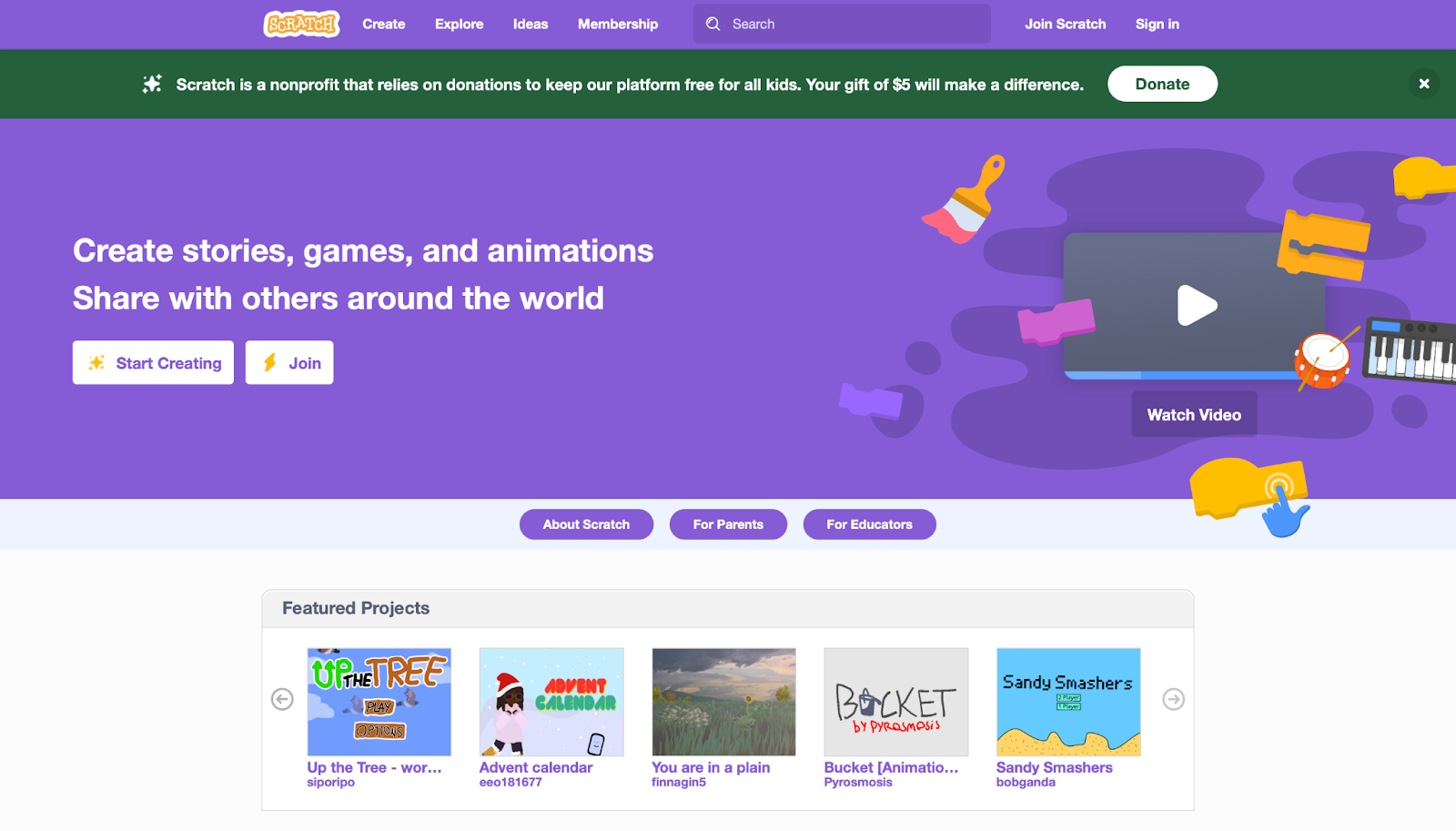
Scratch, developed by MIT Media Lab in Cambridge, Massachusetts, empowers kids aged 8 and up to create their own interactive stories, games, and animations using colorful drag-and-drop blocks. They remix community projects or start fresh, learning programming concepts like variables and events. Strengths encompass its free, community-driven platform where users share millions of creations, fostering collaboration and inspiration. It teaches computational thinking through experimentation, with no right or wrong in creative modes. Weaknesses include potential overwhelm for complete beginners due to the vast interface, and reliance on internet for sharing.
Yet, it's invaluable for building digital literacy, often used in schools to introduce CS fundamentals. Kids gain pride from publishing work, receiving feedback globally. The visual scripting demystifies code, making it accessible worldwide. Teachers facilitate clubs around it, promoting peer teaching. Parents see creativity flourish as children design personal projects. With extensions for hardware like robots, it bridges virtual and physical worlds. The platform evolves with user input, adding features like mobile compatibility. It's a stepping stone to languages like Python, building foundational skills. Diverse tutorials support self-paced learning, accommodating various paces. Overall, Scratch cultivates innovators by turning ideas into interactive realities.
- Key features: Sprite editor, sound integration, broadcasting messages, and extension libraries.
- Facts and information: Cultivates innovation, with widespread use in education for project-based learning.
15. Duolingo ABC
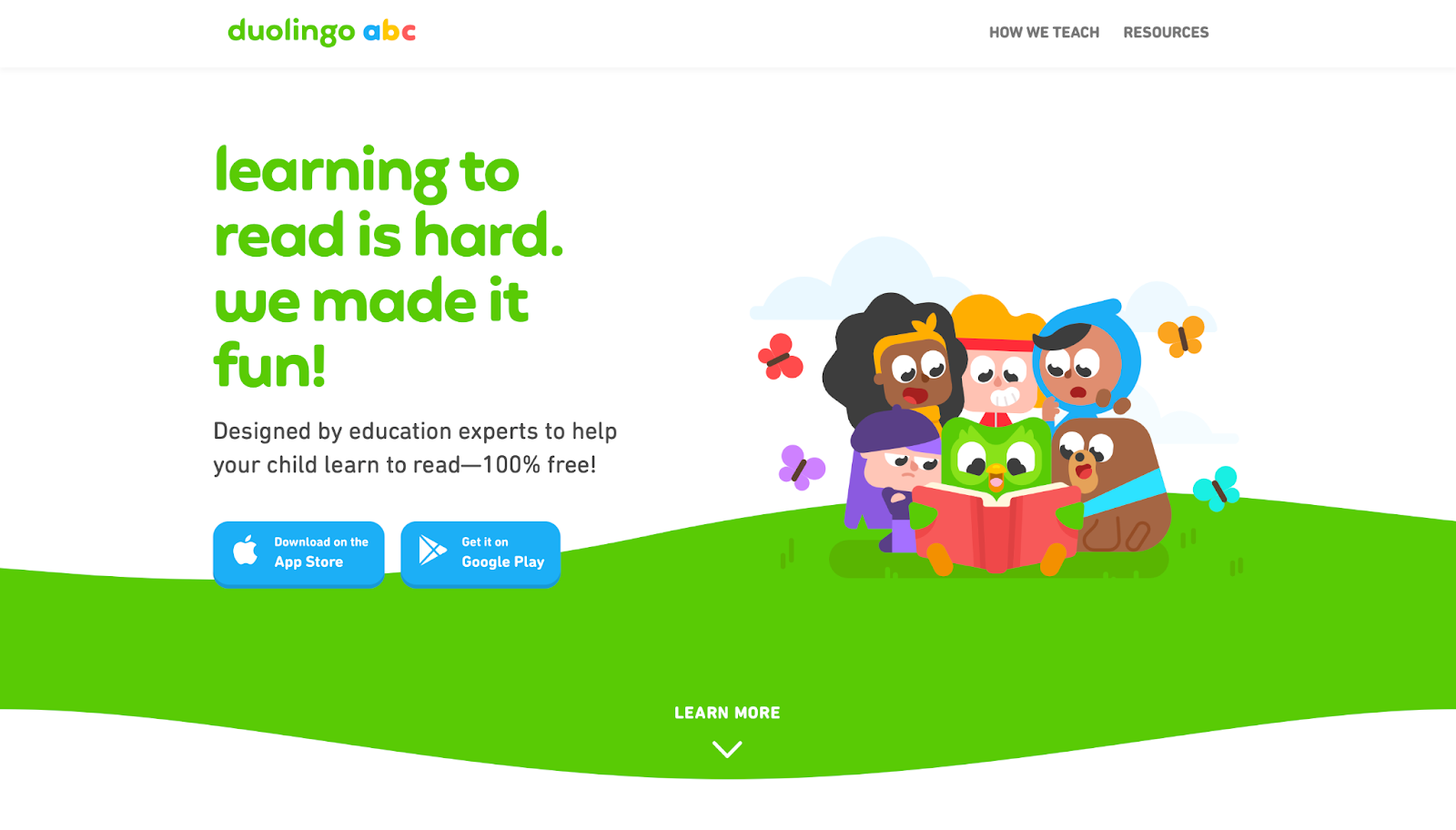
Duolingo ABC, from Duolingo in Pittsburgh, Pennsylvania, targets ages 3-6 with bite-sized lessons on literacy, using games to teach letters, phonics, and simple words. Kids trace shapes, match sounds, and read short stories with cheerful characters and rewards like streaks. Strengths are in its gamified structure that encourages daily habits, with adaptive difficulty to match pace. The app's clean design minimizes distractions, focusing on foundational reading. However, it can feel structured, limiting free exploration, and requires consistency for best results. It's effective for building early confidence in language arts, complementing preschool curricula.
Parents track progress easily, noting improvements in word recognition. With no ads in the kids' version, it's a safe space for learning. The lessons build sequentially, ensuring steady advancement from basics to sentences. Educators use it as a supplement to classroom reading circles. Families enjoy the portability, fitting into busy schedules. Drawing from Duolingo's adult app success, it applies proven methods to young learners. The fun elements, like animations, keep motivation high without pressure. It's multilingual in approach, supporting diverse households. Overall, Duolingo ABC makes literacy acquisition enjoyable and habitual, setting a strong base for future education.
- Key features: Tracing exercises, phonics games, story reading, and progress badges.
- Facts and information: Draws on language expertise to foster daily reading routines in young learners.
16. ABCmouse
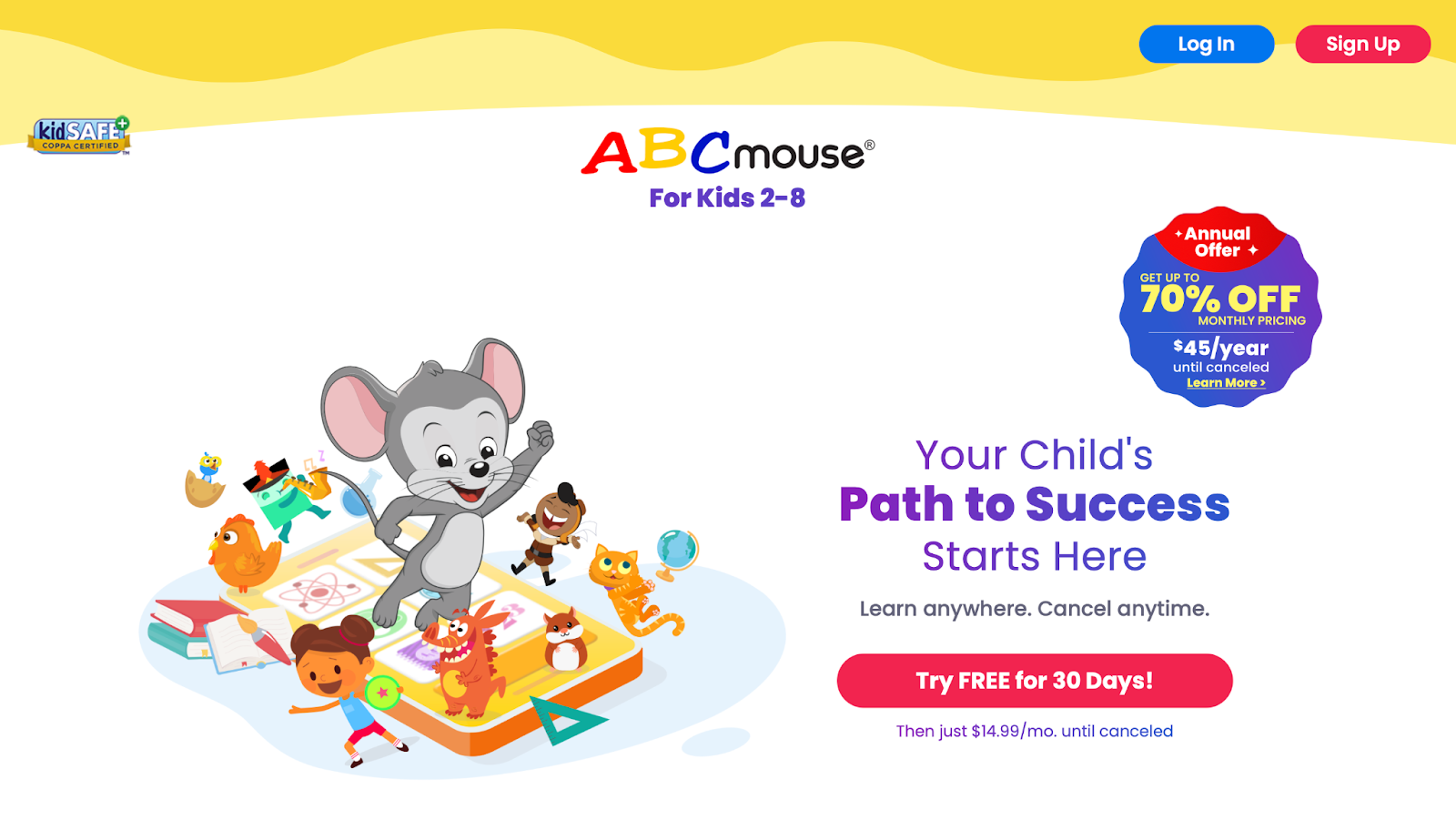
ABCmouse, created by Age of Learning in Glendale, California, offers a comprehensive online curriculum for ages 2-8, covering reading, math, science, and art through over 10,000 activities. Kids follow a step-by-step learning path with games, books, and puzzles, earning tickets to customize avatars or buy virtual items. Strengths include its structured progression that mimics school, with printable worksheets for offline reinforcement. The variety keeps engagement high, from animated lessons to interactive maps. However, the subscription model might limit access, and some activities require adult supervision for younger users.
It stands out for blending education with entertainment, helping close learning gaps. Many teachers recommend it for homeschooling, with progress reports for parents. The platform promotes curiosity across subjects, making complex topics fun. With themed worlds, it immerses kids in learning environments like farms or zoos. Parental dashboards provide insights into strengths and areas for improvement. The content is vetted by experts, ensuring accuracy and age-appropriateness. Families report increased school readiness after regular use. It includes music and art to round out development. Overall, ABCmouse serves as a virtual academy, supporting holistic growth in early years.
- Key features: Virtual classroom, puzzle games, art studio, and music videos.
- Facts and information: Aligns with standards, supporting early academic success in multiple areas.
17. Epic!

Epic!, developed by Epic in Redwood City, California, provides a digital library with over 40,000 books, audiobooks, and videos for ages 2-12, encouraging reading through personalized recommendations and read-to-me features. Kids explore genres from fiction to nonfiction, earning badges for milestones. Strengths lie in its vast, curated collection that sparks a love for reading, with offline downloads for anytime access. The safe environment filters content appropriately. Drawbacks include potential screen fatigue from extended use and less emphasis on interactive games.
It's ideal for building vocabulary and comprehension, often used in classrooms for independent reading. Parents appreciate the analytics on reading habits. This app turns devices into portable libraries, fostering lifelong readers. With search tools by interest or level, it tailors experiences to individual preferences. Educators assign books for group discussions, enhancing literacy programs. The diversity of titles includes multicultural stories, promoting empathy. Families use it during commutes or bedtime for quality time. Regular additions keep the library fresh, covering current events and classics. Overall, Epic! democratizes access to literature, making reading an exciting daily pursuit.
- Key features: Search by interest, quizzes on books, and family profiles.
- Facts and information: Boosts literacy, with adoption by educators for diverse reading materials.
18. SplashLearn
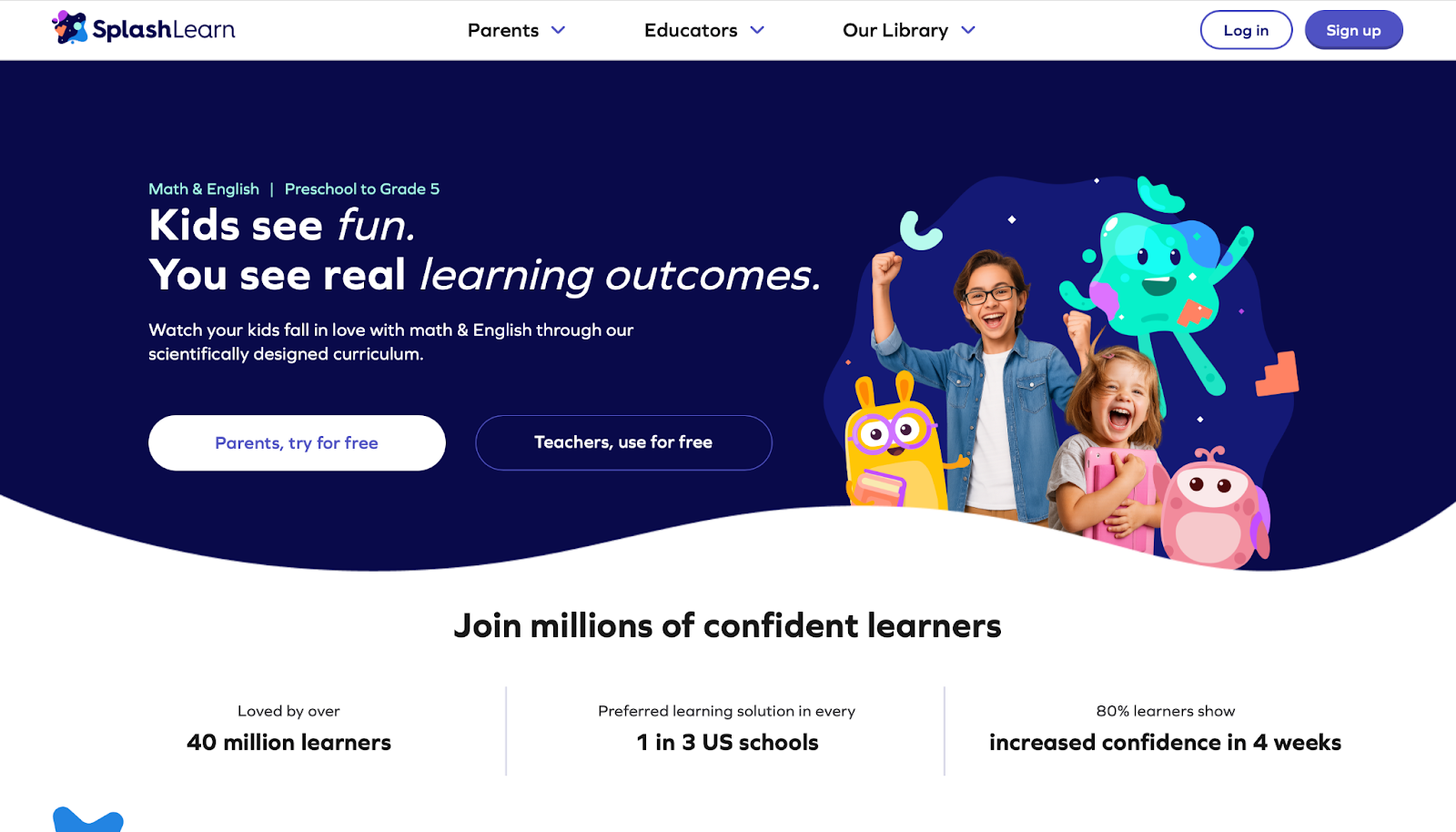
SplashLearn, from the company SplashLearn in Gurgaon, India, focuses on math and ELA for pre-K to grade 5, using adaptive games with vibrant graphics and rewards. Kids tackle problems in story-based adventures, tracking progress with reports. Strengths are in personalization that adjusts difficulty, making learning feel like play while aligning with curricula. It reduces math anxiety through fun challenges. However, internet dependence can be an issue, and some games might repeat if not varied.
Excellent for reinforcing school concepts at home, with parental insights. Many schools integrate it for extra practice, noting skill improvements. The platform includes live classes for interactive sessions. Kids collect coins to redeem prizes, boosting motivation. Teachers customize assignments to target weak areas. Families find it helpful for summer learning to prevent slide. The research-backed approach ensures effective methods. With holiday-themed content, it adds seasonal fun. Overall, SplashLearn makes core subjects engaging, supporting academic confidence.
- Key features: Live classes, coin rewards, and skill diagnostics.
- Facts and information: Research-backed, enhancing engagement in core subjects.
19. DragonBox
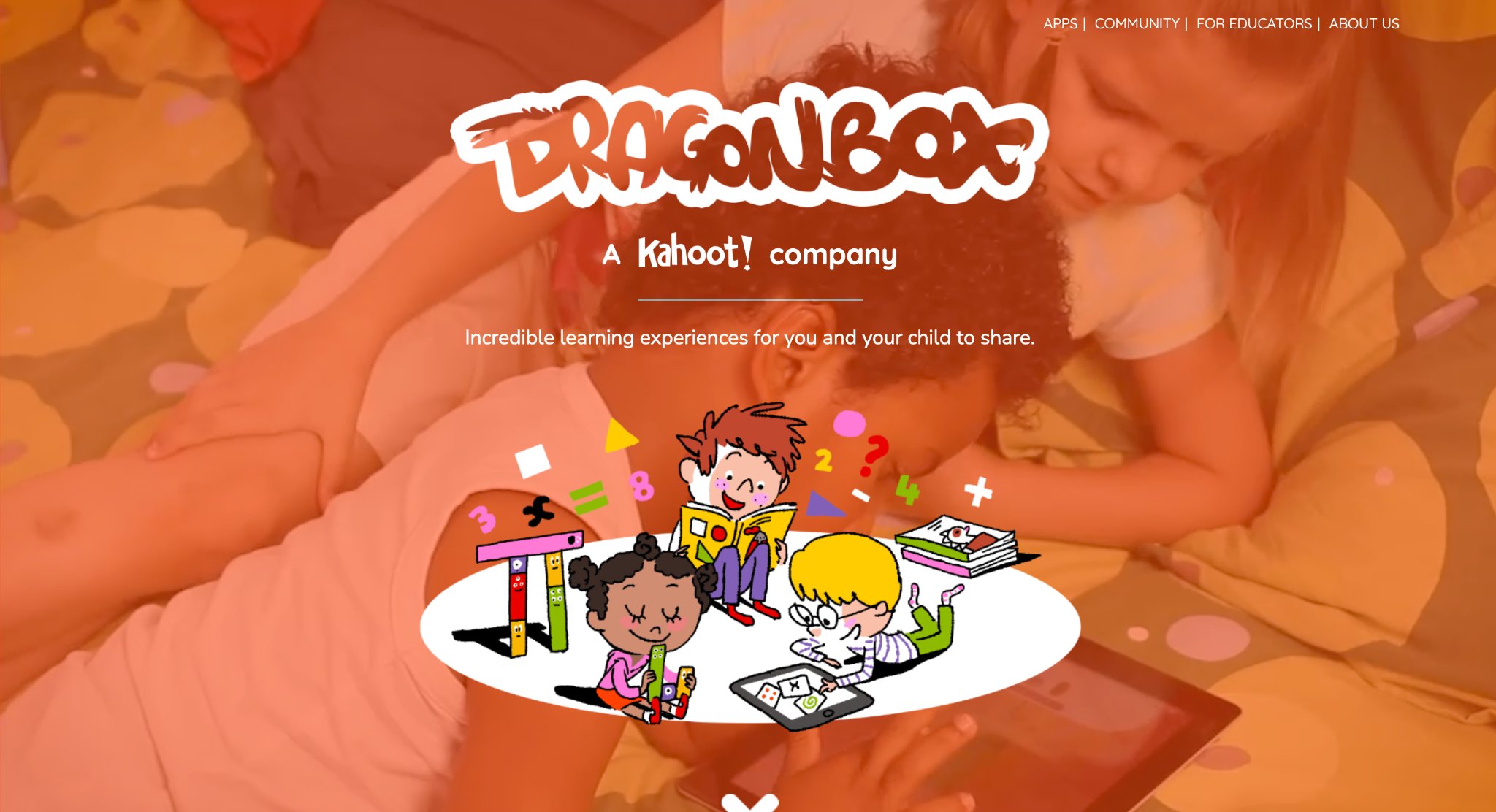
DragonBox, now under Kahoot! in Oslo, Norway, teaches math concepts like algebra and geometry through intuitive puzzles where kids manipulate elements to solve equations. For ages 4-9, it uses characters and visuals to abstract ideas concretely. Strengths include progressive difficulty that builds mastery without frustration, turning math into discovery. The series covers various topics seamlessly. Weaknesses involve limited replay value once completed and focus solely on math.
It's praised for making advanced concepts accessible early, with studies showing better understanding. Parents see confidence gains in schoolwork. The no-text interface suits pre-readers, relying on visuals. Educators use it to introduce topics before formal lessons. Families enjoy the calm pace, free of timers. Updates add new levels, extending usability. Overall, DragonBox revolutionizes math education by gamifying logic.
- Key features: Noom characters, equation balancing, and geometry tools.
- Facts and information: Develops number sense, used in education for conceptual learning.
20. Lightbot
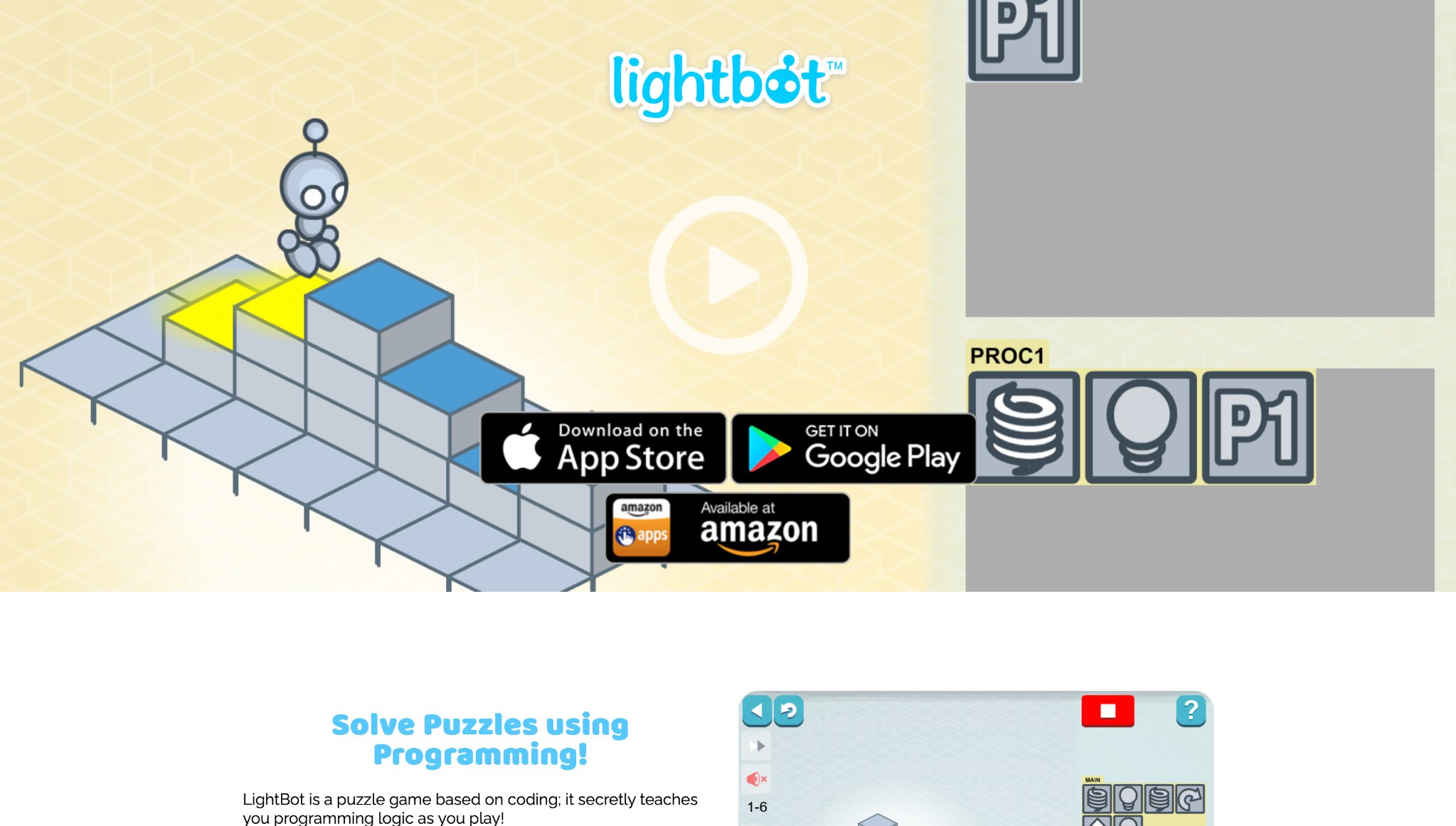
Lightbot, from Lightbot Inc. in Canada, introduces coding via robot puzzles for ages 4-12, using commands to navigate grids and light tiles. Kids learn loops and procedures in escalating challenges. Strengths encompass clear progression that teaches programming logic without text, suitable for non-readers. It's device-agnostic and promotes problem-solving. However, advanced levels can challenge without hints, and it's coding-focused only.
Great for building computational thinking, often in STEM programs. Users report improved logical skills transferable to other areas. The puzzles encourage multiple solutions, fostering creativity. Teachers incorporate it into tech units. Parents note patience development through trial. With versions for different devices, it's versatile. Overall, Lightbot simplifies coding basics effectively.
- Key features: Procedure nesting, conditional jumps, and puzzle editor.
- Facts and information: Fosters coding basics, popular in introductory tech education.
21. Toca Nature
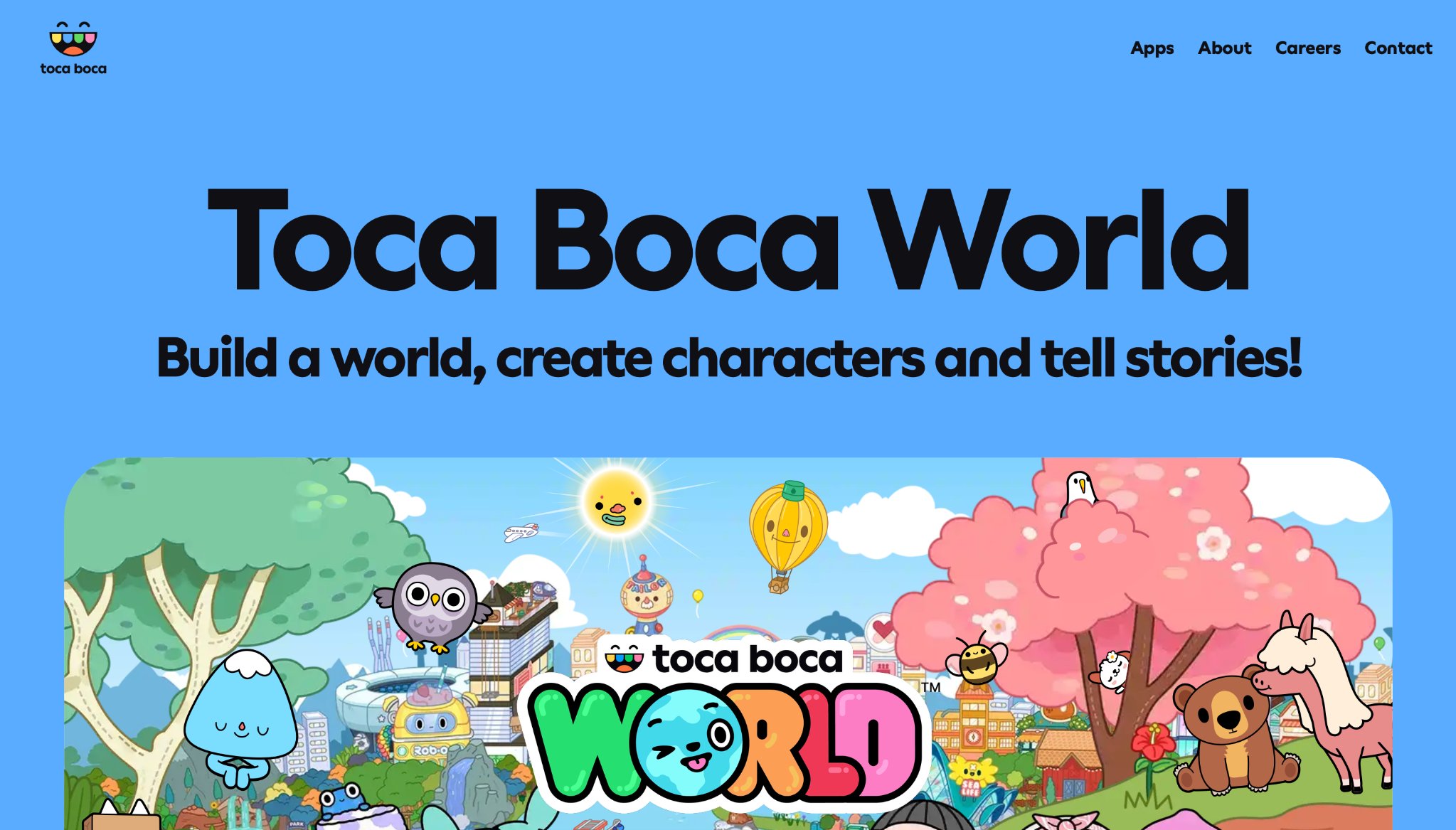
Toca Nature, by Toca Boca in Stockholm, Sweden, lets kids aged 2-6 create and explore virtual ecosystems, shaping landscapes and observing wildlife. They plant trees, dig lakes, and feed animals in open-ended play. Strengths are in encouraging environmental awareness and creativity, with no goals or failures for stress-free discovery. The serene graphics inspire wonder. Drawbacks include lack of structured lessons, better as a supplement, and potential boredom for older kids.
It nurtures curiosity about nature, complementing science talks. Families use it for imaginative downtime. The intuitive controls suit young users. Educators tie it to ecology discussions. With realistic sounds, it immerses in virtual outdoors. Overall, Toca Nature sparks eco-interest through play.
- Key features: Terrain tools, animal interactions, and day-night cycles.
- Facts and information: Promotes eco-literacy through interactive simulation.
Benefits of Incorporating Learning Games into Daily Routines
Adding learning games to a child's schedule can transform downtime into skill-building moments. Many families report smoother transitions to homework when games are involved. They help reinforce school lessons in a relaxed way, making concepts stick better. Games also encourage independence, as kids often figure out challenges solo. This routine supports emotional balance too, with activities that teach patience and teamwork.
Skill Area | How Games Help | Example Activities |
| Cognitive | Boost problem-solving | Puzzles and logic quests |
| Social | Promote sharing | Multiplayer challenges |
| Emotional | Build resilience | Story-based adventures |
The Role of Parental Involvement in Learning Games
Parents play a key part by guiding without taking over. Sitting together during play opens discussions about what kids learn. This strengthens bonds and clarifies tough spots. Active participation leads to shared discoveries. Some games include parent dashboards for tracking progress. Involvement ensures games align with family values, like limiting screen time.
How Creative Learning Games for Kids Enhance Imagination
Creative learning games for kids provide open-ended environments where children experiment with storytelling, design, and role-playing scenarios that expand their inventive capabilities. Learning games for kids deliver a range of such experiences that align with natural curiosity in young minds during unstructured play periods.
Many households notice that consistent engagement with these kids learning apps leads to richer pretend play and original idea generation at home. This approach complements other family activities by turning everyday moments into opportunities for self-expression through digital tools tailored to developmental stages.
Problem-Solving Learning Games for Kids Critical Thinking Skills
Problem-solving learning games for kids present progressive challenges that require logical sequencing, pattern recognition, and decision-making in simulated contexts. Educational games for kids apps like the TutoClub subscription grants families ongoing access to updated libraries focused on these cognitive areas that match school-age progression.
Latest News In 2026
Developments in early 2026 highlight expanded personalization features across learning game platforms that adjust difficulty based on individual response patterns. Industry updates emphasize hybrid play models combining digital challenges with offline extensions that many families adopt for comprehensive growth.
FAQ
What makes learning games effective for young children?
Learning games captivate kids by blending entertainment with skill-building tasks, which keeps them motivated during sessions. They often feature rewards and progression systems that encourage repeated attempts, leading to better retention of ideas. Such educational games also promote hands-on interaction, allowing children to experiment freely and learn from outcomes in a supportive setup.
How do learning games support emotional development in kids?
Through scenarios involving characters and choices, these games help children identify emotions and respond appropriately. Kids gain tools for handling setbacks by retrying challenges, which fosters a sense of achievement over time. This approach ties into broader growth, where play mirrors real-life interactions to strengthen self-awareness.
Can learning games replace traditional teaching methods?
Learning games serve as supplements that make abstract ideas more tangible through visuals and stories. They provide flexible practice outside formal settings, helping bridge gaps in understanding. When combined with direct instruction, they create a rounded experience that adapts to individual paces.
What age is best to start with learning games for kids?
Introducing simple learning games early allows toddlers to explore basic concepts like patterns and sounds. As children grow, more layered activities can introduce reasoning and creativity. Matching content to developmental stages ensures engagement without overwhelming young learners.
What features define effective creative learning games for kids?
Effective creative learning games for kids prioritize open tools for building and storytelling that allow free-form expression while maintaining structured guidance. The TutoClub games collection exemplifies formats where children direct outcomes through choices in art and adventure elements. Families appreciate how these designs sustain interest without repetitive prompts.
How do problem-solving learning games support school readiness?
Problem-solving learning games support school readiness by introducing foundational logic and sequencing that mirror classroom tasks in engaging formats. The best educational games for kids on iPad update regularly incorporate scenarios that build these connections across age-appropriate levels. Parents align home play with educational benchmarks.
Can learning games help with emotional regulation in children?
Learning games help with emotional regulation in children through scenarios that simulate social choices and consequence exploration in low-pressure settings. The TutoClub platform includes mechanics where characters model calm responses during challenges that children encounter. This virtual practice often translates to improved handling of real-world frustrations observed at home.
What considerations apply when selecting learning games for mixed-age siblings?
When selecting learning games for mixed-age siblings, shared progress tracking and adjustable modes ensure all participants engage at suitable levels without frustration. The TutoClub subscription aids in joint sessions that accommodate varying abilities within one household.
How do ad-free learning games differ in focus from other options?
Ad-free learning games differ in focus by maintaining uninterrupted flow that keeps attention on skill-building rather than external prompts. Caregivers note clearer connections between game activities and developmental gains in distraction-free environments. The TutoClub subscription structures its entire library around this principle to maximize cognitive benefits during play.
What role does parental observation play alongside learning games?
Parental observation alongside learning games reveals patterns in a child's preferences and growth areas that inform future selections. This collaborative dynamic strengthens understanding of how digital play contributes to overall development.
Are there ways to combine learning games with physical activities?
Ways to combine learning games with physical activities include using game themes as inspiration for real-world crafts or movement games that extend virtual concepts. The TutoClub game and character printables provide starting points through creative outputs that translate easily to hands-on follow-ups.
How do learning games evolve with advancing technology in 2026?
Learning games evolve with advancing technology in 2026 through adaptive algorithms that personalize challenges based on real-time performance data. The TutoClub subscription integrates these capabilities to maintain relevance as children advance.
Read Also:
- Balancing Self-Care and Parenting: 7 Tips for Moms
- Key Advice for New Parents: What No One Tells You
- Best Apps For Preschoolers in 2026
- Best Games For Toddlers in 2026
- Best Educational Games For 10 Year Olds in 2026
- Best Learning Apps For Kids 8 Years Old In 2026
Discover the best learning games for kids - Tuto Club




.jpg)



-(1)-min.png)