

Best Educational Games for Kids






Finding the right educational games for kids can turn playtime into a chance for growth. These tools help children develop skills like problem-solving, creativity, and empathy while keeping things fun. With so many choices out there, parents often look for ad-free options that fit busy family life. Discover the best educational games for kids in 2026.
Explore even more quality options with our handpicked collections: the best learning games for kids, best educational websites for kids, best kids educational games, and best online educational games for kids. These resources make it easy for parents to find safe, engaging, and truly educational content that supports learning in 2026 and beyond.
Discover the best educational games for kids - Tuto Club
Why Educational Games Matter for Child Development
.jpg)
Educational games play a big role in how kids learn today. They blend fun with lessons, helping children grasp concepts in math, reading, and science without feeling like schoolwork. Many games use stories and characters to teach empathy and teamwork, which builds social skills early on. Parents see kids stay focused longer when games match their interests, leading to better retention of new ideas.
Research from sources like the American Academy of Pediatrics shows that balanced screen time with interactive content supports brain development. Games encourage trial and error, which fosters resilience. Some even include offline modes, perfect for travel or limited internet.
Parents looking for high-quality options can explore the best learning apps for kids that combine education with entertainment. Many families also love the best online educational games for kids, which deliver interactive experiences across subjects. To keep things secure, it’s wise to focus on the best safe apps for kids. Tablet users will especially appreciate the educational games for kids iPad that work beautifully on mobile devices.
How Educational Games Boost Learning Skills
These games go beyond basics, targeting areas like fine motor skills and logical thinking. For instance, puzzles in games help with pattern recognition, while role-playing builds language abilities. Kids often show improved attention spans after regular play. Data from child development studies indicate that interactive play leads to stronger memory and quicker problem-solving. This makes it clear how games align with daily growth.
Different skill areas are enhanced through engaging gameplay:
- Math: Number puzzles help children build strong counting basics and number recognition.
- Reading: Word adventures expand vocabulary and improve reading comprehension in a fun way.
- Creativity: Art challenges spark imagination and encourage creative thinking and self-expression.
- Social Skills: Character care activities teach kindness, empathy, and responsibility toward others.
Educational Games for Kids by Age Group
Educational games for kids work best when they match a child’s exact developmental stage. Choosing the right games by age group ensures children stay engaged while building skills at the perfect pace.
- Ages 3–5 (Preschool): Focus on simple educational games for kids that develop colors, shapes, letters, and basic counting through colorful, repetitive play.
- Ages 6–8 (Early Elementary): Introduce math games, reading adventures, and beginner logic puzzles that support school curriculum and growing attention spans.
- Ages 9–12 (Upper Elementary): Offer more complex STEM games, coding challenges, and critical thinking educational games that encourage deeper problem-solving and creativity.
Matching educational games for kids by age group prevents frustration and maximizes learning. Always check age ratings and skill levels before downloading or purchasing.
How to Choose Educational Games for Your Child
Parents often feel overwhelmed by the huge number of options available. Follow these practical tips to select the best educational games for your child.
Look for games that target specific skills your child needs — whether math, reading, or social-emotional development. Prioritize educational games for your child that adapt to skill level and provide clear progress feedback.
Check for safety features: no intrusive ads, strong privacy protection, and offline play options. Read recent parent reviews and test the game yourself when possible. The most effective educational games combine fun with real learning outcomes, so choose titles that feel like play but deliver measurable growth in confidence and knowledge.
How Educational Games Support Different Learning Styles
Educational games adapt well to how kids learn best. Visual learners enjoy colorful puzzles and art activities that build pattern recognition through bright designs and shapes. Auditory kids pick up new words and sounds during character stories or rhythm-based play. Kinesthetic learners thrive with interactive tasks like dragging items or simple gestures that strengthen coordination.
Online games often mix these approaches so every child finds something that clicks. A quiet moment with a logic puzzle can calm active minds while sparking ideas in creative ones. Parents notice kids return to these activities with fresh energy because the play matches their natural way of exploring the world.
Integrating Educational Games into Daily Routines
Short play sessions fit easily into busy mornings or evenings. A quick fun game after breakfast might reinforce counting or colors before school. Evening sessions with pet care activities help wind down the day while teaching responsibility in a gentle way. Many families set screens aside during meals or family talks to keep balance. Offline options let kids continue learning during car rides or trips without needing constant internet. This steady rhythm turns scattered play into steady growth in focus and curiosity over time.
Role of Creativity and Imagination in Educational Play
Dress up games let kids design stories, build worlds, or dress characters in their own styles. These moments encourage original thinking as children experiment with colors, shapes, and ideas without strict rules. Storytelling elements help them express feelings and solve made-up problems that mirror real life in fun ways.
Such play nurtures confidence because kids see their choices come to life on screen. Over repeated sessions, they develop stronger problem-solving habits for kids and a love for trying new things. This foundation supports schoolwork and everyday challenges alike.
Best Educational Games for Kids in 2026
1. 👑 TutoClub - Best Educational Games for Kids 👑
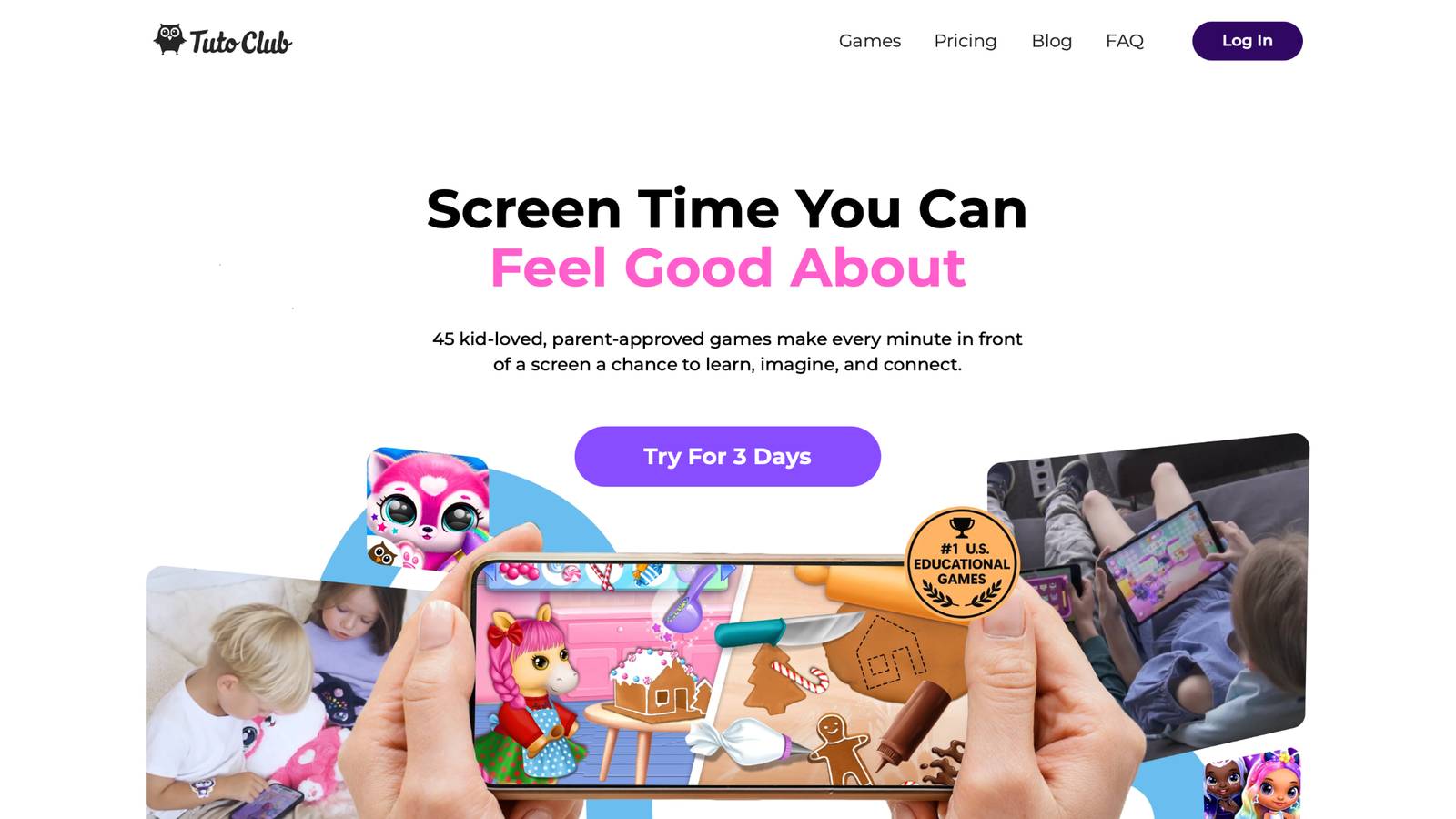
Start with TutoClub educational games, a standout subscription that unlocks over 45 ad-free titles from TutoTOONS, all designed to make screen time meaningful. Based in Lithuania, this platform turns play into powerful learning, with games that nurture creativity, focus, and emotional skills. Kids hatch virtual pets in Fluvsies, sparking curiosity as they care for fluffy creatures through mini-challenges. Or they dive into My Baby Unicorn, where babysitting a magical pet teaches empathy and responsibility in a whimsical world. Sweet Baby Girl Clean Up 5 makes routines exciting by turning chores into interactive adventures, helping little ones understand organization and helpfulness.
Floof - My Pet House combines puzzles and decorating, letting children build cozy spaces for pets while honing memory and design skills. L.O.L. Surprise! O.M.G. Fashion Club boosts self-expression with fashion quests and makeovers, encouraging confidence in personal style. Smolsies offers letter and number fun wrapped in pet care, blending education with cuddly play.
Princesses - Enchanted Castle inspires magical storytelling, where kids care for dolls in a fairy-tale setting. Kpopies brings dance and surprises with unicorn bands, filling play with joy and rhythm. Giggle Babies supports early habits through playful activities, making learning feel natural. Regular updates keep content fresh, and multi-device access fits family life seamlessly. Offline play after download means fun anywhere, anytime.
- Ad-free environment keeps focus on learning without distractions.
- Games build empathy by letting kids care for characters in kind ways.
- Creative tools like decorating and fashion encourage unique ideas.
- Puzzles and memory challenges sharpen thinking skills.
- Emotional growth comes from stories that teach compassion and teamwork.
TutoClub Overview
TutoClub is your gateway to a magical world of educational games designed especially for children.
As part of TutoTOONS, a leading kids' games studio, we offer premium access to over 45 ad-free games.
Our mission is to blend learning and play, helping kids explore, create, and grow in a safe online space.
Thousands of parents trust us for family-friendly content that sparks imagination and builds essential skills.
Key Features
- Unlimited Access: Unlock full content in all games with no interruptions.
- Ad-Free Experience: Enjoy seamless play without any ads or distractions.
- Skill Development: Games foster creativity, social skills, communication, and more through fun activities like pet care and cleanup challenges.
- Regular Updates: Get new releases, exclusive content, and future updates automatically.
- Easy Subscription: Cancel anytime with no obligations, simple and flexible for families.
Explore Our World
TutoClub provides a rich ecosystem of educational games for kids, featuring ad-free experiences that promote creativity, focus, and emotional growth through play.
This platform turns screen time into valuable learning opportunities, with parent-approved content that builds essential skills and sparks curiosity in young minds.
- TutoClub Games: Over 45 educational games, including popular titles like Fluvsies, Smolsies, and the Sweet Baby Girl series
- Blog: Insights, tips, and stories for families on kids' learning and play
- FAQ: Comprehensive answers to frequently asked questions about subscriptions, features, and more
Get TutoClub on Your Device
TutoClub delivers premium kids educational games directly to your mobile devices, making learning accessible anytime, anywhere.
With apps available on major platforms, families can easily download and subscribe for ad-free play that turns screen time into skill-building adventures.
Perfect for parents seeking safe, engaging content on iOS, Android, or Amazon devices.
Why Choose TutoClub?
We're committed to 100% safe, enriching entertainment that kids love and parents approve.
Join the thousands who've seen their children thrive through playful learning.
Ready to start the adventure?
Subscribe to TutoClub today and unlock endless fun!
2. Fluvsies Academy
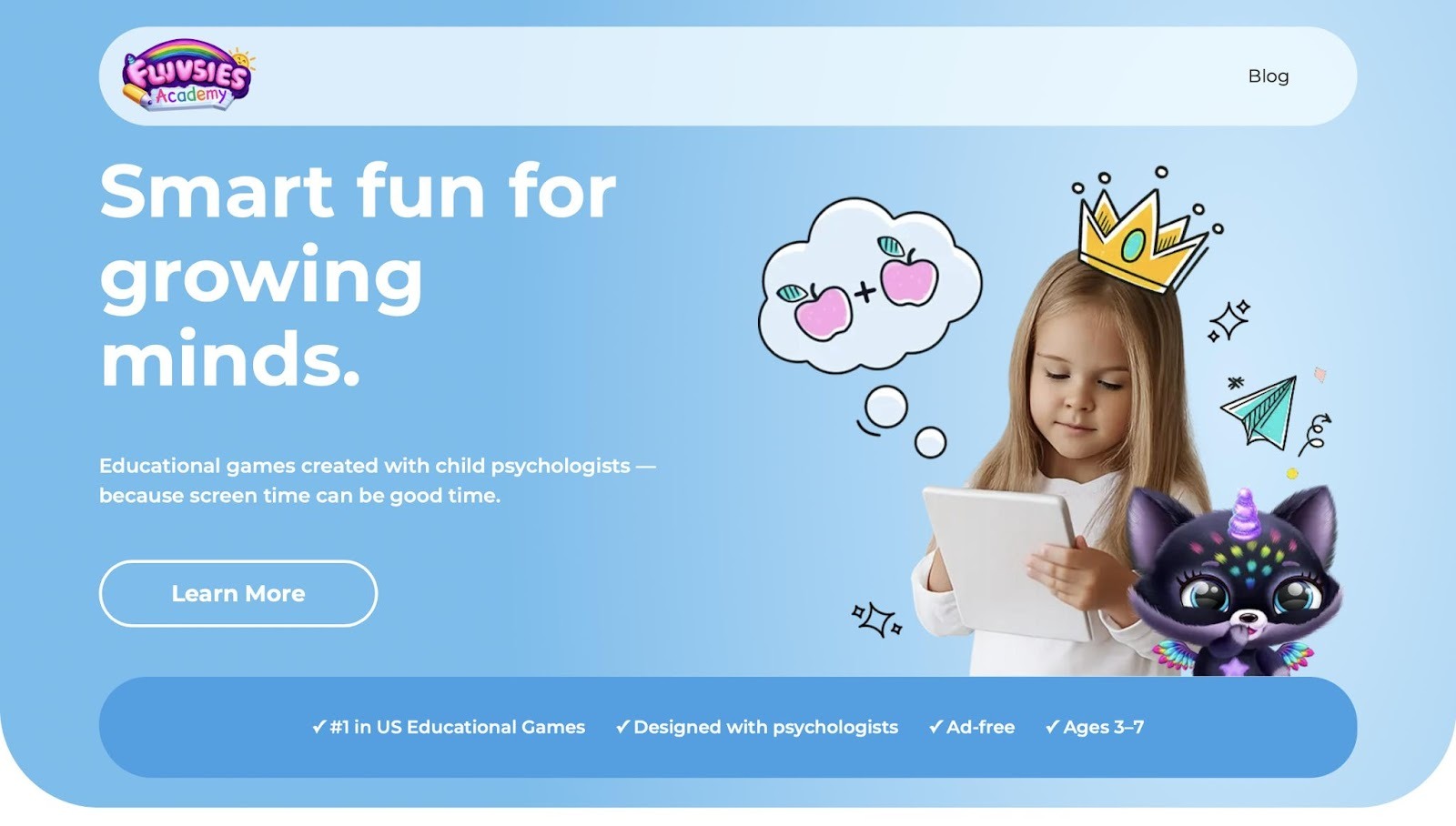
Fluvsies Academy offers a relaxing educational app built around the beloved Fluvsies characters that many young children already know and love from other gentle games. Children engage in thoughtful minigames that feel playful rather than forced as they care for cute pets, complete simple tasks, and explore colorful worlds filled with surprises. The design creates a gentle atmosphere where learning happens naturally through caring routines and light challenges that build confidence without pressure.
Kids hatch eggs, nurture creatures, and solve easy puzzles that spark curiosity while encouraging kindness and responsibility in everyday play. Parents notice how the app keeps little ones happily occupied for meaningful stretches of time while quietly supporting early skills in a way that feels like pure fun. The calm visuals and soothing sounds help maintain focus even on busy days, making it a favorite choice for families seeking screen time that nurtures rather than distracts. While some activities repeat familiar patterns, this consistency actually helps children master concepts at their own pace and return with excitement each time.
Key features include:
- Ad-free environment that keeps focus sharp and uninterrupted
- Minigames covering language, logic, math basics, and life skills
- Cute characters and relaxing vibe that appeal strongly to young learners
- Simple controls designed for independent play from an early age
Facts and information:
- Psychologist-informed design supports gentle skill-building in a safe, colorful world
- Combines pet care with educational moments that feel natural and rewarding
3. ABCmouse
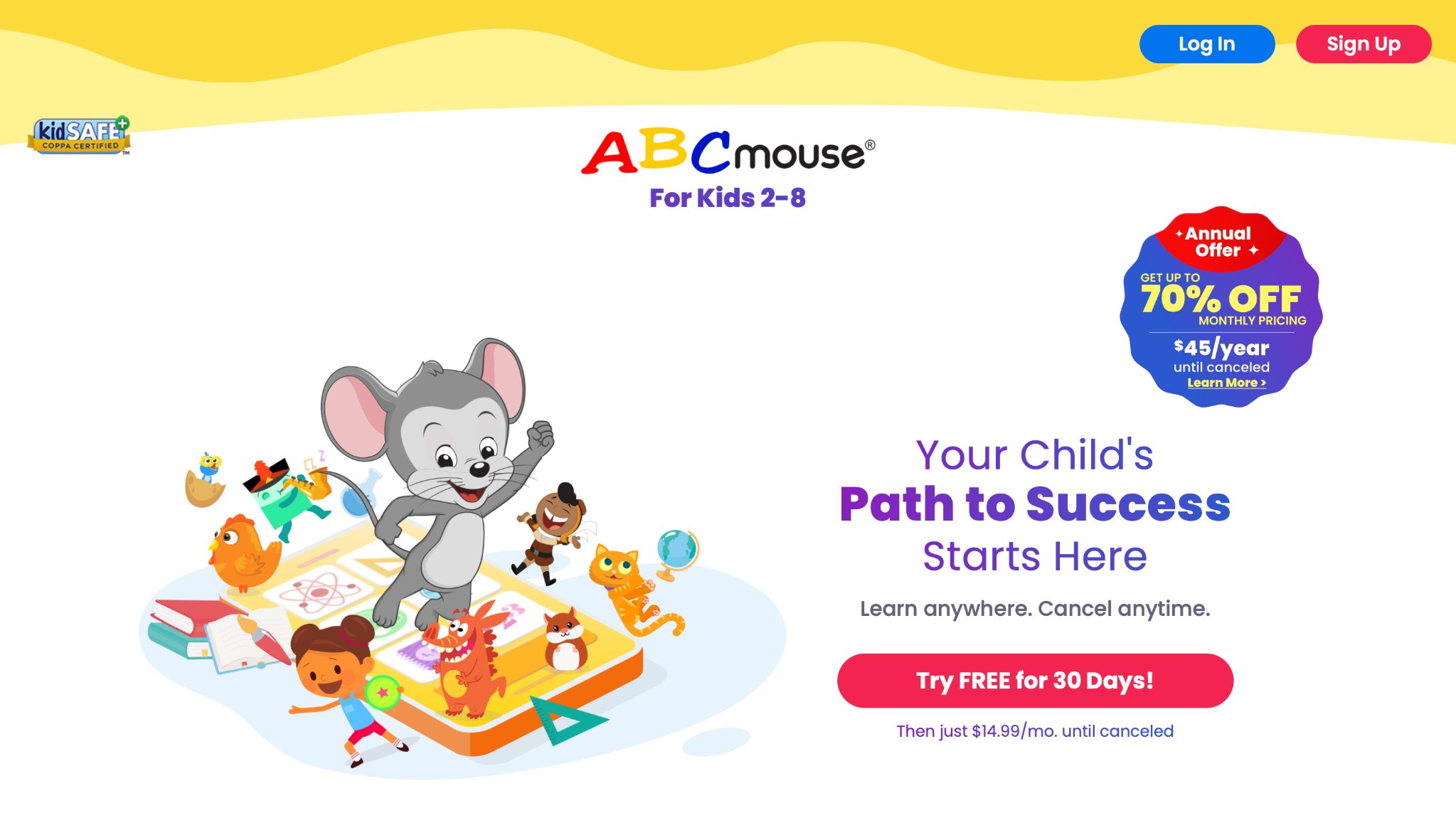
ABCmouse, created by Age of Learning, offers a structured online learning adventure for kids aged 2 to 8, resembling a virtual academy with over thousands of activities in reading, math, science, art, and music. Children embark on a progressive learning path, starting with basic letter recognition and advancing to more complex topics like addition or animal habitats, all presented through engaging animations, games, and songs.
Interactive puzzles and books foster critical thinking, while art projects allow for creative output, such as digital painting or composing simple tunes. It's designed to align with school curricula, making it a solid bridge between home and classroom learning. The platform is accessible via app or website, with progress reports sent to parents to monitor advancements.
- Step-by-step learning paths for gradual skill building.
- Themed classrooms cover diverse topics like world cultures.
- Reward shop encourages consistent participation.
- Parent resources include printable worksheets.
4. Prodigy
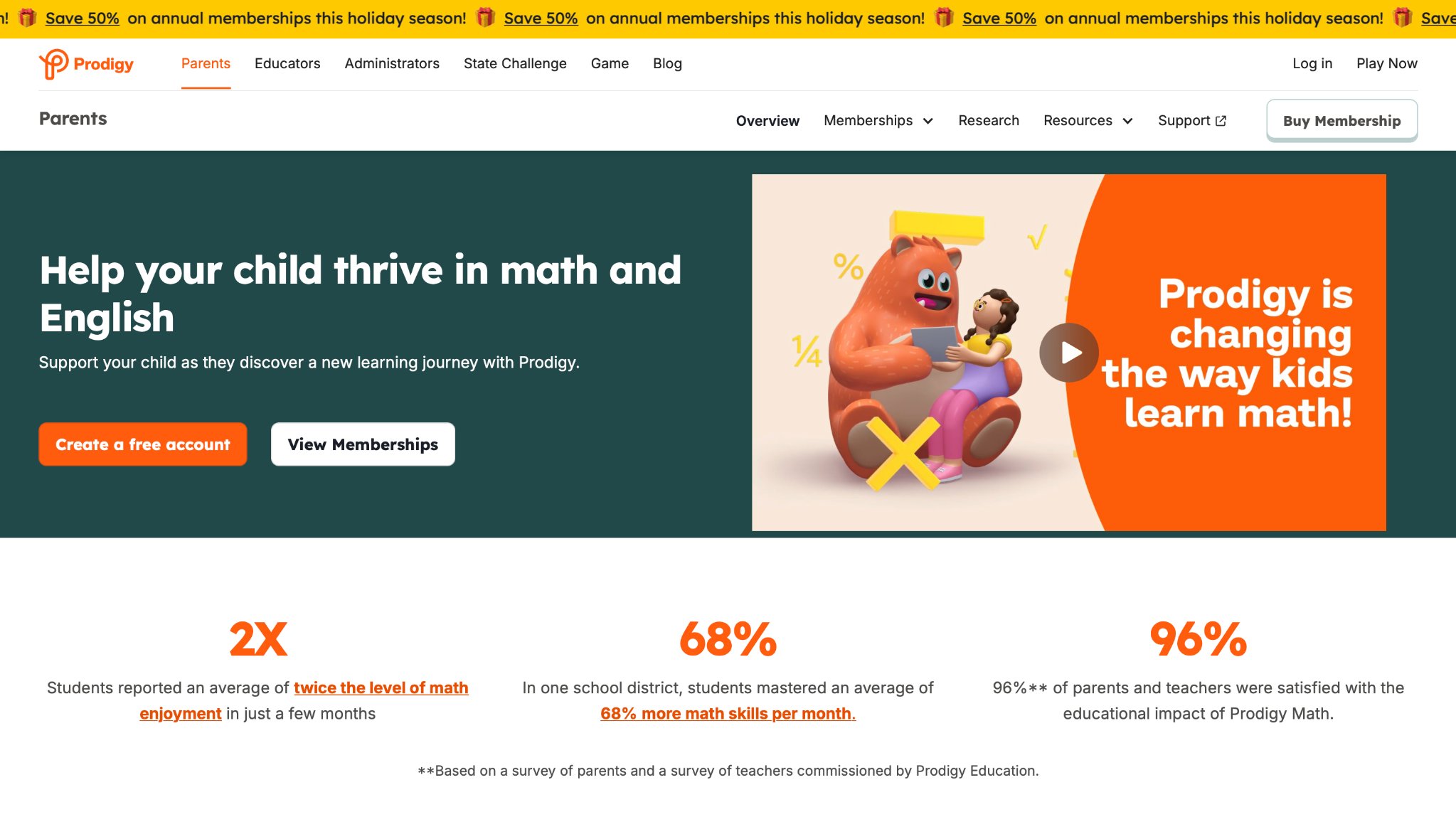
Prodigy, from Prodigy Education, transforms math practice into an epic role-playing game for students in grades 1 to 8, where kids become wizards battling creatures by solving math problems tailored to their level. The fantasy world immerses players in quests that cover everything from basic arithmetic to geometry and algebra, with questions adapting dynamically to ensure challenges remain appropriate and engaging.
Multiplayer elements allow friends to team up, fostering collaboration while reinforcing concepts. The game aligns with common core standards, making it a favorite for both home and school use. Teachers can assign specific topics, and parents receive detailed reports on strengths and areas for improvement.
- Customizable avatars and pets for personal touch.
- Real-time adaptation to skill levels.
- In-game events and seasonal challenges keep content fresh.
- Integration with classroom tools for educators.
5. Duolingo ABC
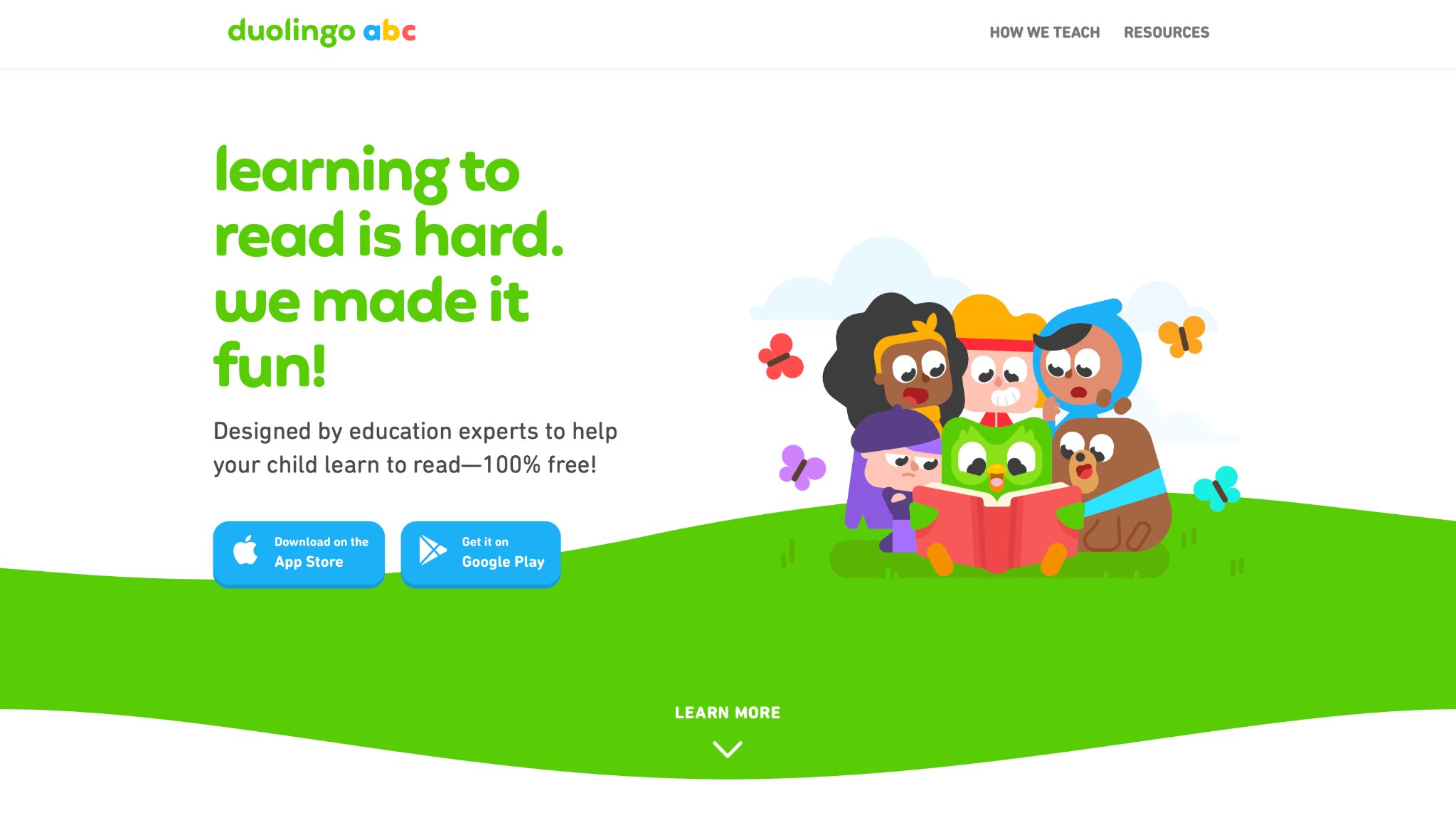
Duolingo ABC, an extension of the popular language app Duolingo, specializes in early literacy for children aged 3 to 6, using short, interactive lessons to teach letter sounds, word formation, and basic reading skills. Kids interact with friendly characters in bite-sized games that build phonics knowledge, such as matching letters or tracing words, progressing to reading simple sentences in story contexts.
The app employs repetition and rewards, like stars for daily streaks, to maintain motivation without pressure. Voice features help with pronunciation, and colorful visuals make sessions appealing. It's completely free with optional ads, focusing on foundational reading in an accessible way. For bilingual households, it offers support in multiple languages, blending seamlessly into family routines. Based in
- Phonics-based games for sound blending.
- Interactive stories to practice reading.
- Daily reminders for habit formation.
- Multilingual options for diverse learners.
6. Endless Alphabet
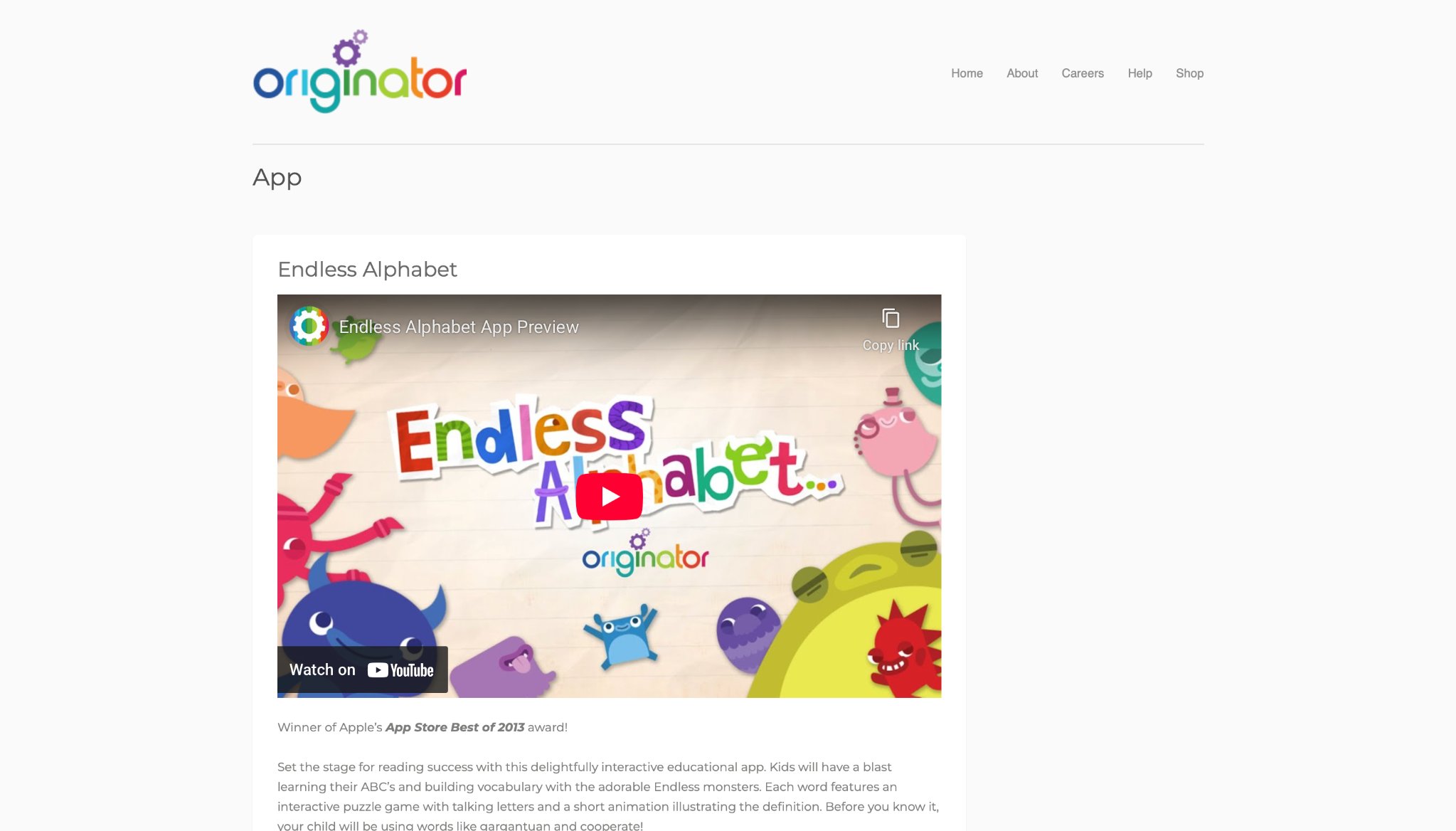
Endless Alphabet, produced by Originator, delights preschoolers with a unique approach to vocabulary building, featuring quirky monsters that animate words in humorous ways. Children drag letters to form over 100 common words, triggering lively scenes that illustrate meanings, such as "gargantuan" showing a huge creature. Words are selected for early education relevance, with many parents seeing vocabulary growth from repeated play.
The app is ad-free after initial purchase, allowing uninterrupted exploration at a child's pace. Themes range from everyday objects to emotions, expanding language in context. It's ideal for building a robust word bank before formal schooling, with no timers to reduce stress.
- Letter puzzles reinforce phonetics.
- Animated definitions make concepts stick.
- Thematic word groups for variety.
- Child-friendly navigation for independence.
7. Osmo Genius Starter Kit
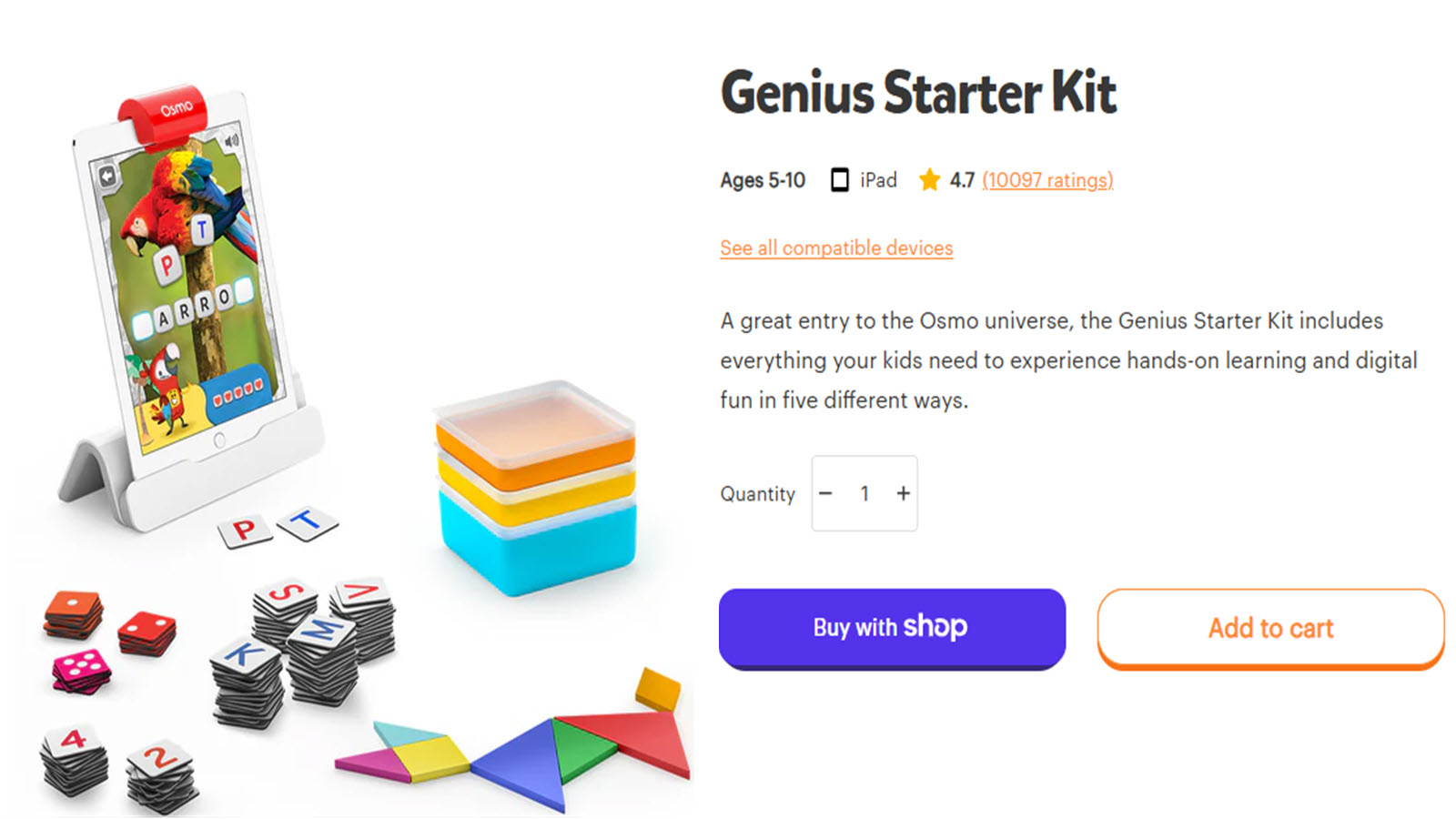
Osmo Genius Starter Kit, by Tangible Play, merges physical manipulatives with digital iPad games for children aged 6 to 10, using a camera to detect real-world actions in subjects like math, spelling, and drawing. Kids arrange tangram pieces to match on-screen shapes, building spatial awareness, or spell words with letter tiles for literacy practice. It supports STEM development, with some educators incorporating it into lessons for engagement.
Number games involve placing cards to solve equations, blending hands-on tactile feedback with instant digital responses. The kit includes creative drawing modes where sketches come alive, encouraging artistic expression. It's compatible with most iPads, promoting active learning away from passive screen time. Based in Palo Alto, California, Osmo emphasizes hybrid play that enhances fine motor skills and logical thinking through interactive technology. However, it requires compatible iPads, and tracking physical pieces can be challenging.
- Tangram puzzles for geometry.
- Word formation with physical tiles.
- Math challenges with number cards.
- Freeform drawing integration.
8. Starfall
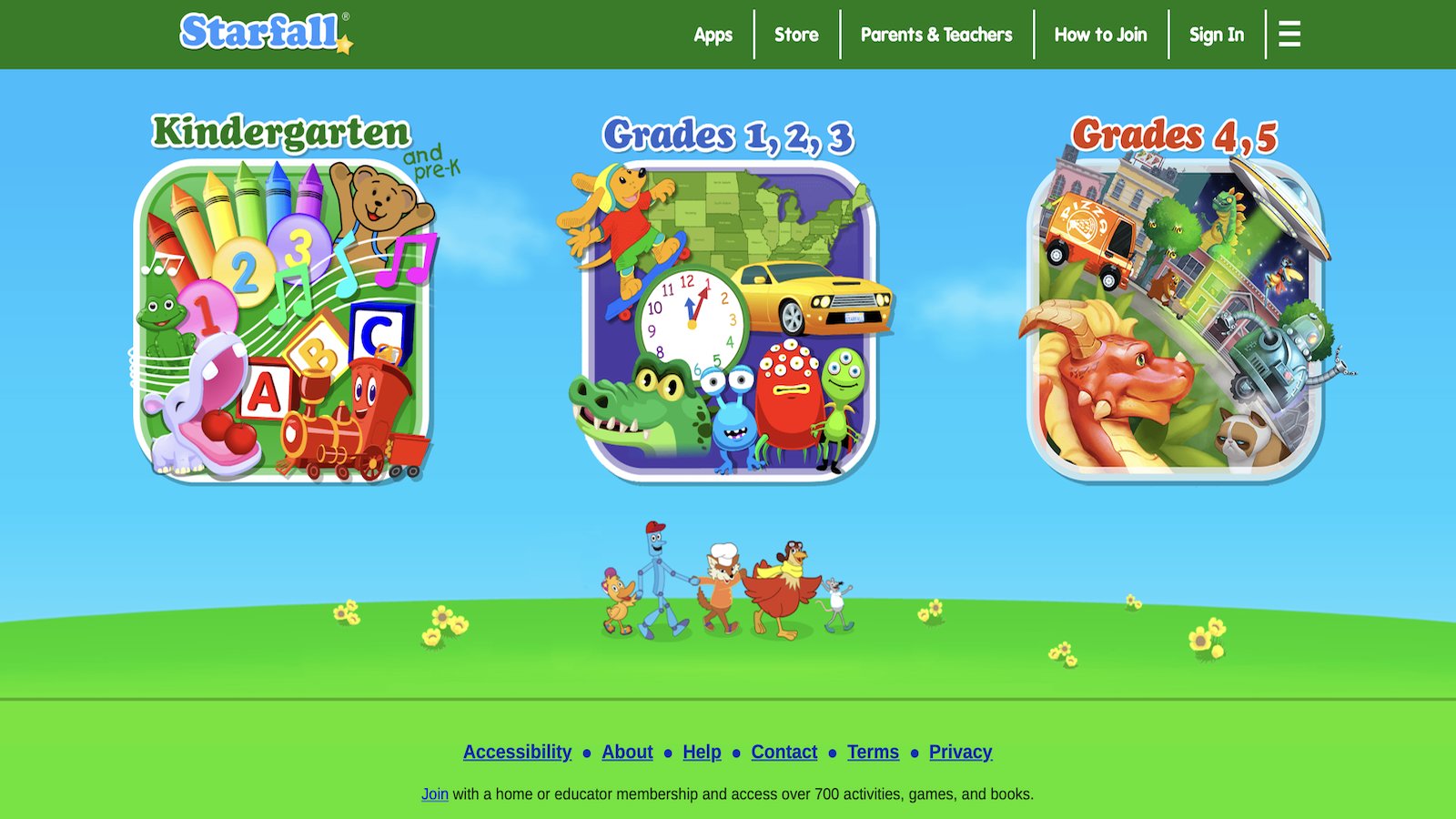
Starfall, from the Starfall Education Foundation, provides a blend of free and premium content for pre-K to third-grade learners, emphasizing reading and math through animated games, songs, and stories. Kids learn ABCs with rhythmic phonics tunes or count objects in interactive scenarios, progressing to comprehension with readable tales.
It aids in bridging learning gaps, with many homeschoolers relying on its structured approach. The platform is web and app-based, with seasonal themes adding fun variations. As a nonprofit in Boulder, Colorado, it aims for equitable access, aligning activities with educational standards to support diverse learning needs. However, premium unlocks more content, and the design may feel dated to some.
- Phonics animations for letter mastery.
- Math games on patterns and operations.
- Story collections for reading practice.
- Inclusive features for special needs.
9. Cool Math Games
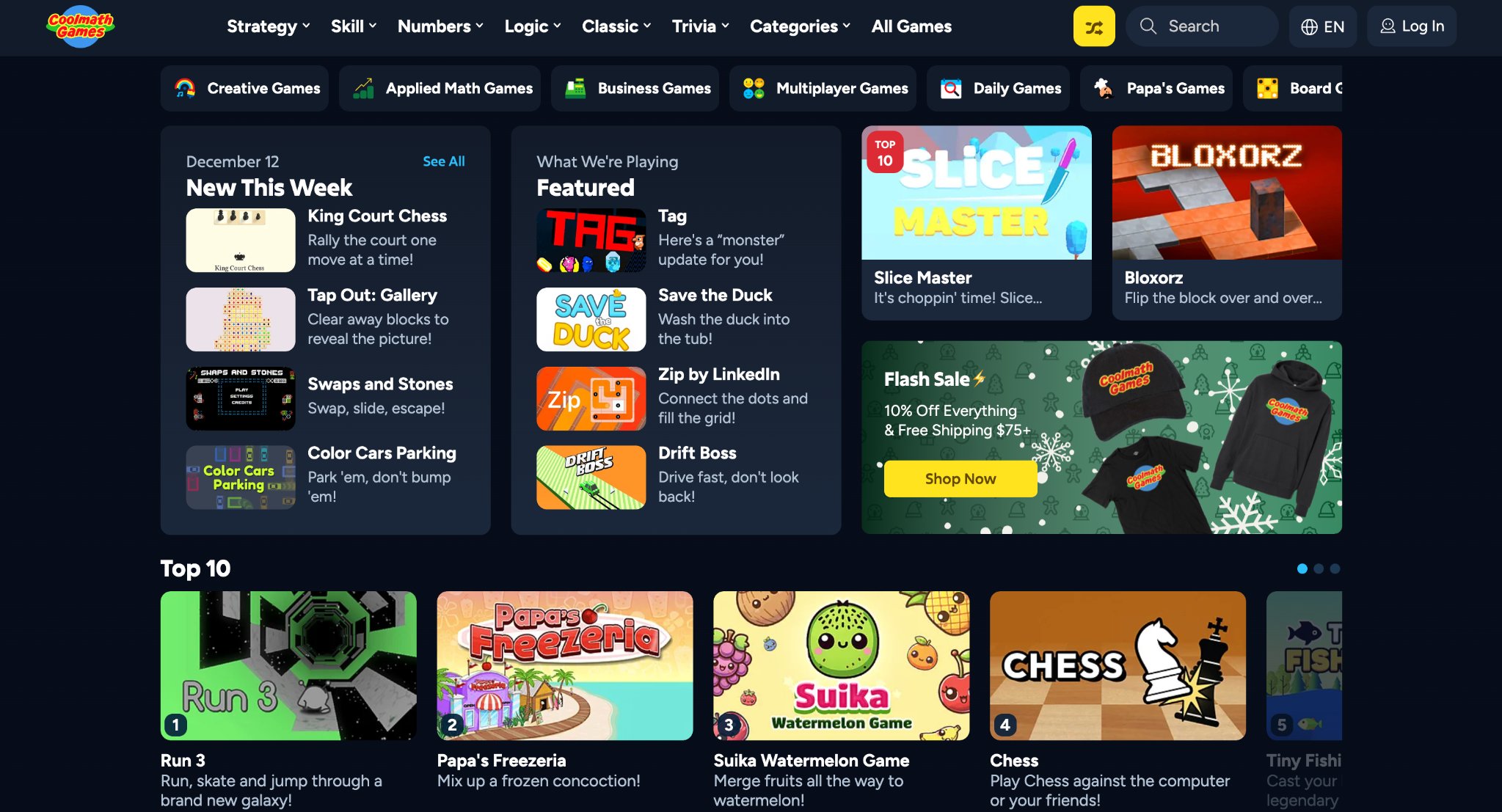
Cool Math Games, managed by Coolmath LLC, offers browser-based puzzles and strategy games for kids aged 3 and up, subtly teaching logic, spatial reasoning, and basic math without overt lessons. Popular titles like Run involve navigating obstacles with timing, while others like Fireboy and Watergirl require cooperative problem-solving.
Schools use it for mental breaks, with some kids developing better planning abilities. The site is ad-supported but keeps distractions low, ideal for short brain-boosting sessions. Based in the U.S., it makes abstract concepts approachable through arcade-style fun. However, ads can interrupt, and not all games focus strictly on education.
- Logic puzzles for critical thinking.
- Strategy elements in adventure games.
- Variety of skill levels.
- Instant play without setup.
10. Tynker
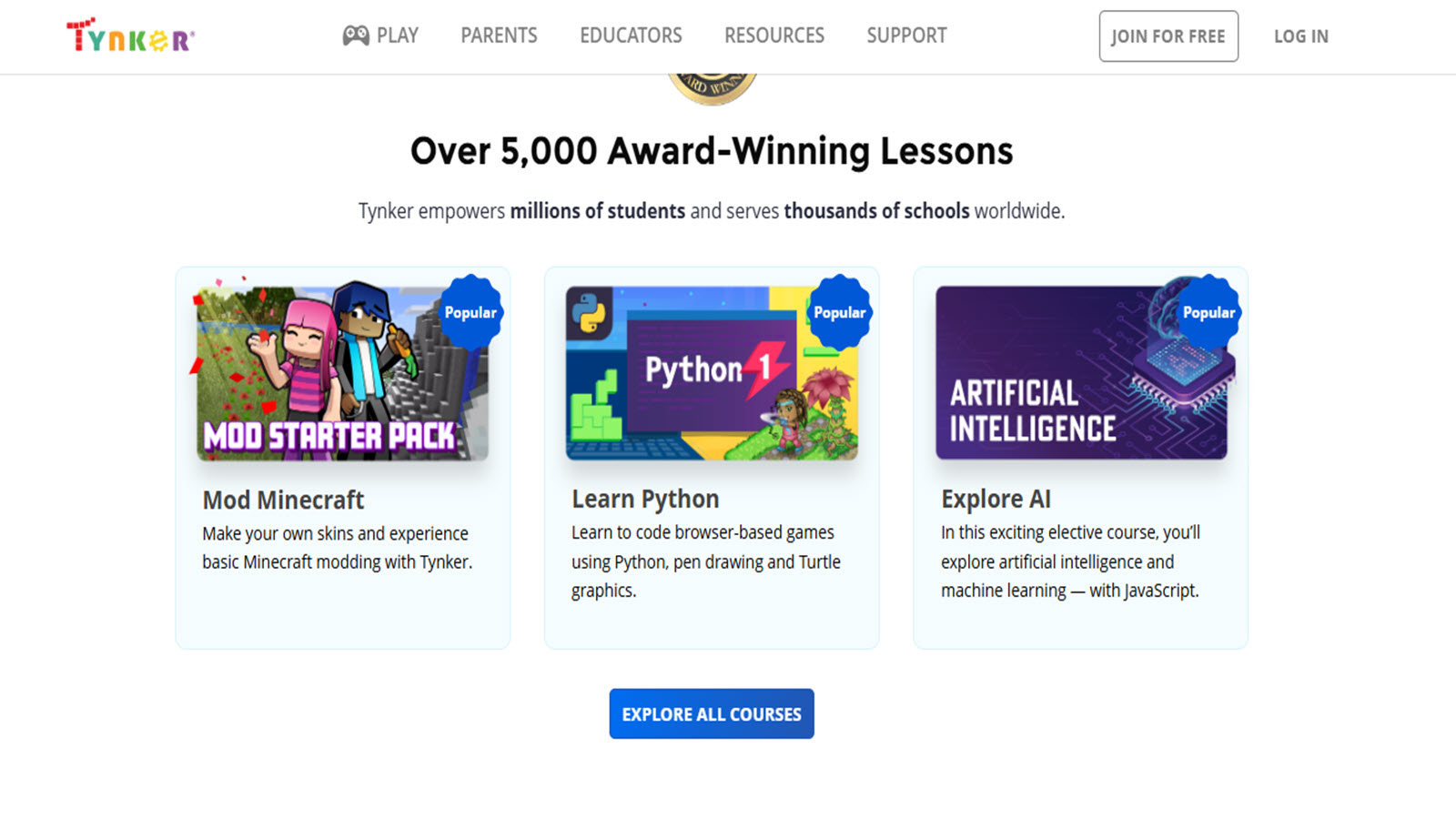
Tynker introduces children to the exciting world of coding through engaging block-based programming and themed projects that range from simple puzzles to advanced game creation and Minecraft mods. Kids aged five and up build interactive stories, animations, and apps while mastering essential concepts like loops, variables, conditionals, and functions in a creative, hands-on environment. The platform aligns with computer science education standards and offers milestone certificates that celebrate achievements, helping young learners gain real confidence in programming skills.
Headquartered in Mountain View, California, Tynker emphasizes creativity and problem-solving, allowing children to explore AI, robotics, and community sharing of their creations. Its educator tools make it popular in classrooms, while the progression from visual blocks to more advanced coding prepares kids for future tech opportunities. Seven year olds particularly enjoy designing their own games and seeing immediate results from their code, turning abstract programming ideas into tangible, rewarding experiences that spark long-term interest in technology.
- Block coding for easy starts.
- Projects in AI and robotics.
- Community sharing of creations.
- Educator tools for classes.
11. Minecraft Education
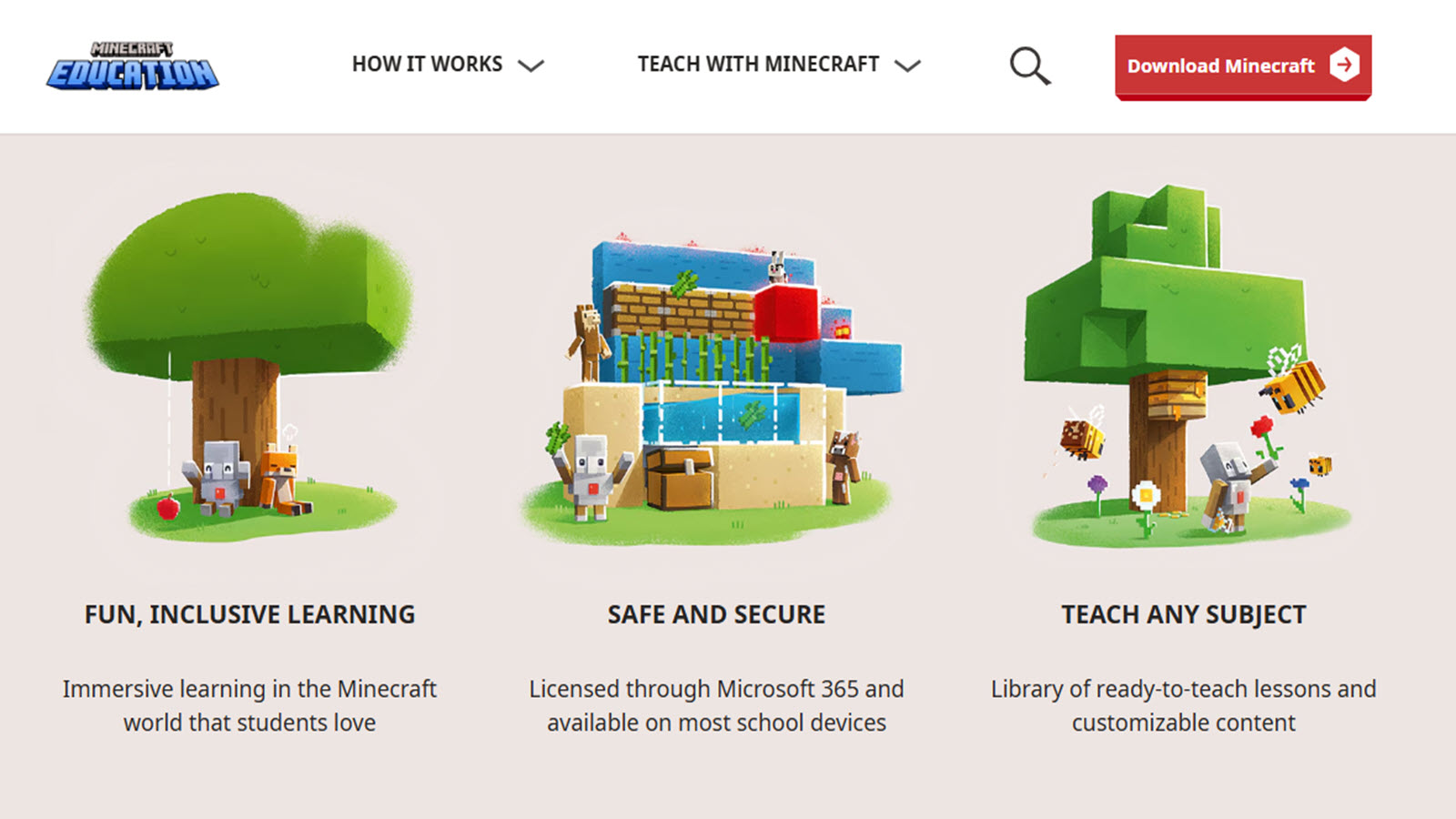
Minecraft Education transforms the beloved block-building game into a powerful learning tool where children explore history, science, chemistry, math, and coding within immersive virtual worlds. Kids collaborate on projects that simulate real-world concepts, such as building historical landmarks, conducting virtual experiments, or programming automated systems using in-game coding blocks. The platform supports multiplayer sessions ideal for team-based learning and offers extensive teacher resources for structured lessons.
Developed by Mojang Studios and based in Stockholm, Sweden, it enhances spatial reasoning, creativity, and problem-solving skills as children experiment through trial and error in safe, guided environments. Seven year olds thrive when recreating ecosystems, designing inventions, or solving engineering challenges, making complex subjects feel approachable and fun. Its flexibility allows integration across curricula while fostering collaboration and innovative thinking that extends far beyond traditional classroom boundaries.
- Custom worlds for subject integration.
- Coding blocks for automation.
- Collaborative modes for groups.
- Teacher resources for guidance.
12. Scribblenauts Unlimited
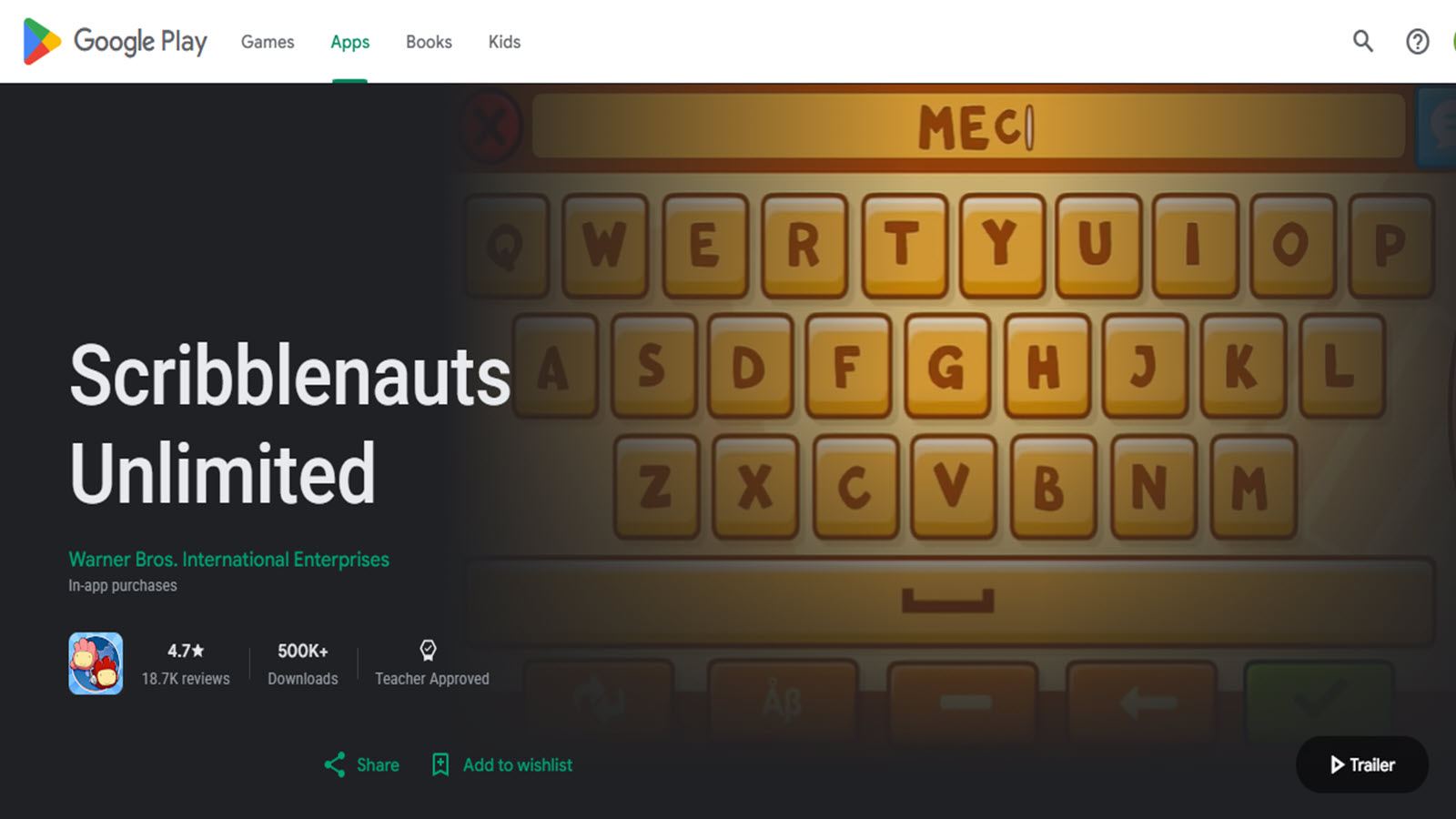
Scribblenauts Unlimited sparks boundless creativity by letting children type any word to summon objects and solve imaginative puzzles in vast, open-ended adventure worlds. This unique word-based gameplay encourages vocabulary growth, lateral thinking, and inventive problem-solving as kids experiment with thousands of interactive items to overcome challenges and create their own stories. Players explore themed areas, customize objects, and share creations with others, developing storytelling abilities and creative confidence along the way.
Developed in the United States, the game blends language skills with playful exploration, making it an excellent tool for expanding imagination while subtly reinforcing reading and reasoning. Seven year olds love the freedom to invent wild solutions, whether summoning vehicles to cross obstacles or combining items in unexpected ways, turning every puzzle into an opportunity for discovery and fun.
- Vast object dictionary.
- Puzzle scenarios for invention.
- Exploration in themed areas.
- Customization for replayability.
13. Kerbal Space Program
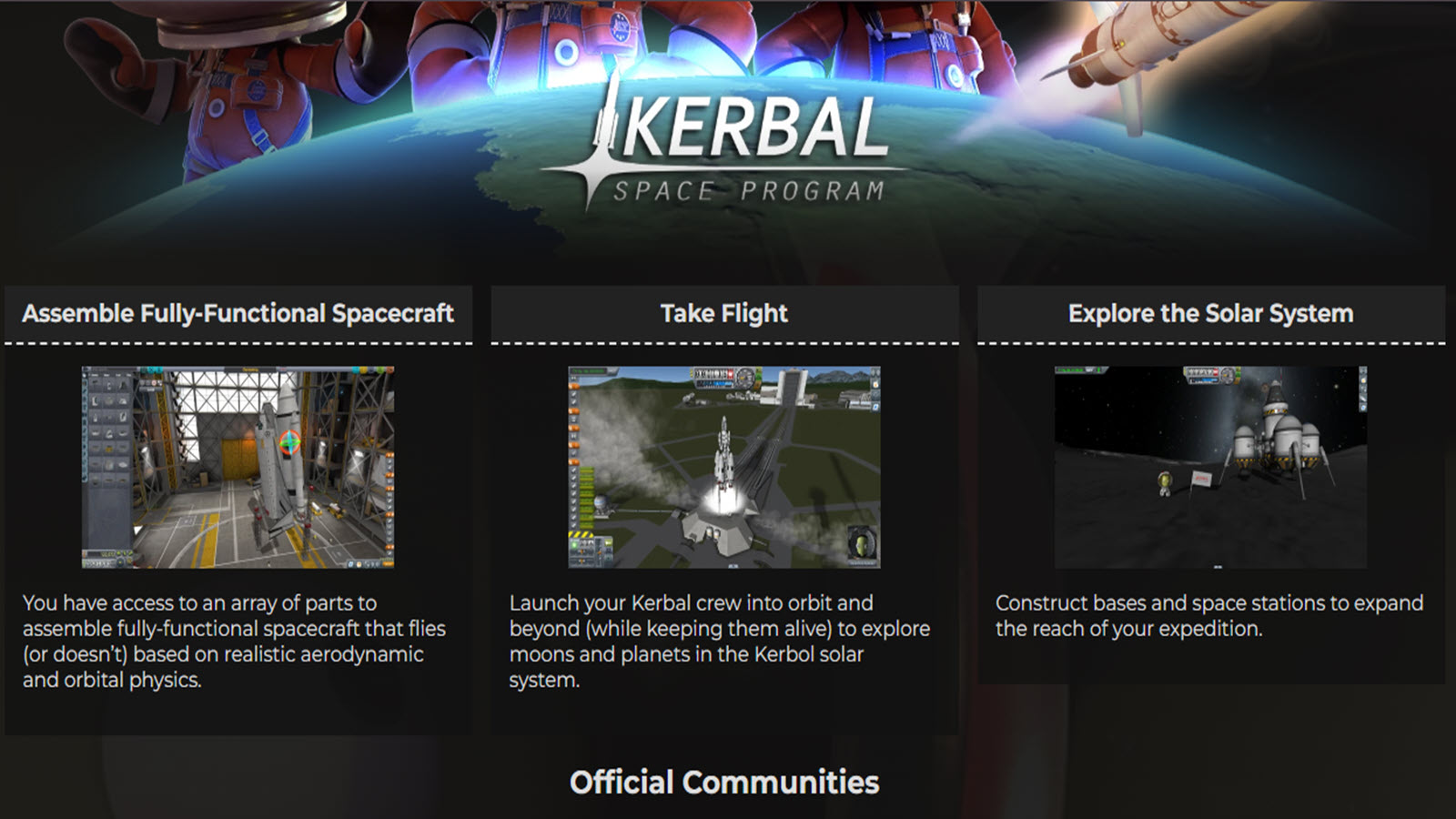
Kerbal Space Program delivers an engaging space simulation where children learn physics, mathematics, and engineering by designing, building, and launching rockets with adorable Kerbal astronauts. Through trial-and-error missions involving orbits, aerodynamics, and spacecraft assembly, kids gain practical understanding of scientific principles while experiencing the thrill of space exploration. The game’s realistic physics engine turns failures into valuable learning moments, encouraging persistence and analytical thinking.
Based in Mexico City, Mexico, it appeals to curious minds with its depth and modding community that expands possibilities even further. Seven year olds (with guidance) enjoy planning missions and watching their creations succeed or spectacularly fail, building intuition for gravity, thrust, and momentum in ways traditional lessons cannot match. It stands out as a hands-on STEM experience that makes complex concepts exciting and memorable.
- Vehicle assembly simulations.
- Mission planning for science.
- Physics-based failures for lessons.
- Community mods for variety.
14. Roblox Education
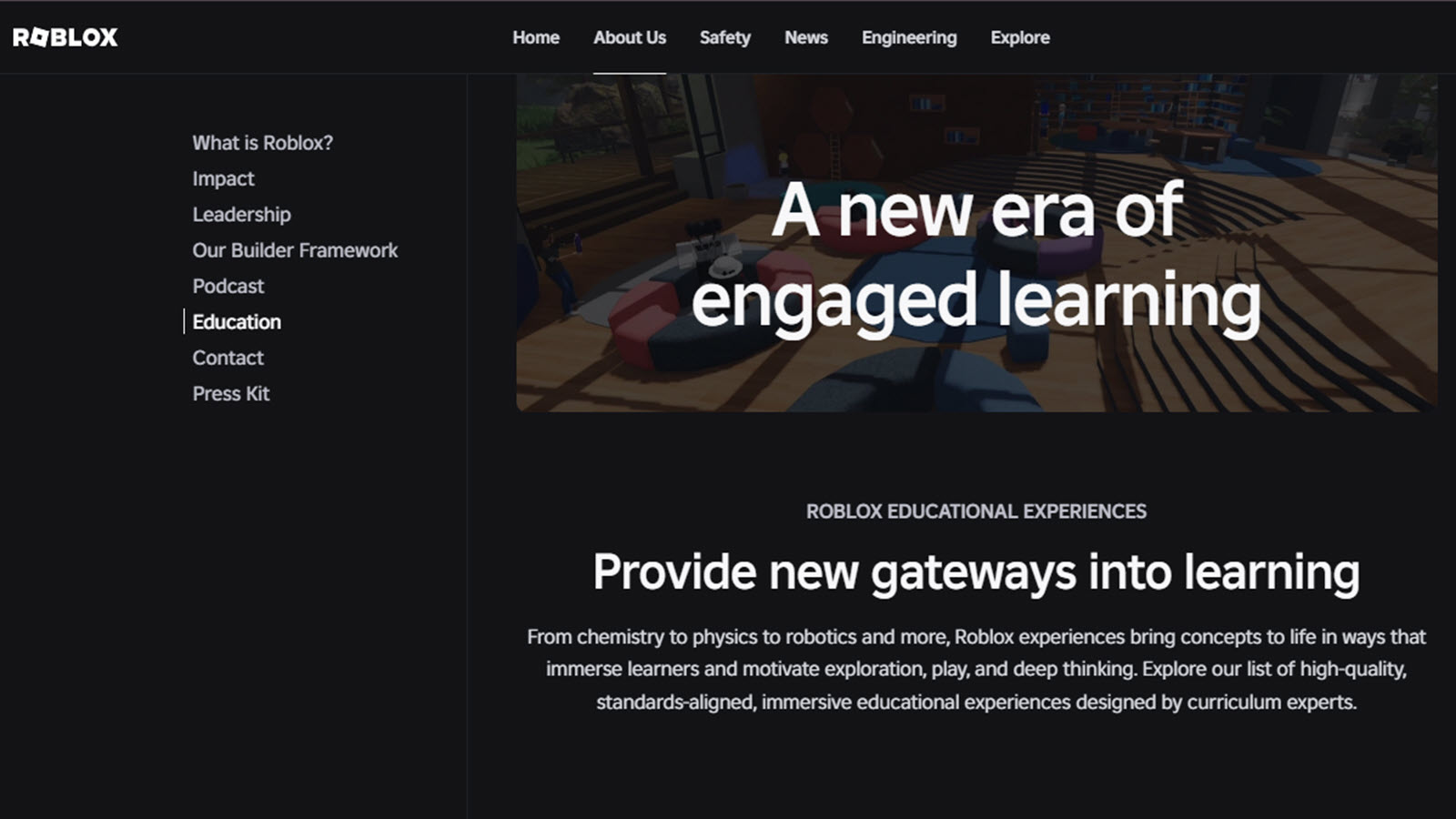
Roblox Education empowers children to create, share, and explore educational experiences within the vast Roblox platform, learning coding in Lua while collaborating on virtual simulations of history, science, and more. Safety features and moderated environments help parents feel secure as kids build games, design interactive lessons, and participate in virtual classrooms. The platform promotes creativity, social learning, and basic programming skills through user-generated content tailored for education.
Headquartered in San Mateo, California, it bridges play and learning by letting seven year olds script simple behaviors, construct historical scenes, or experiment with physics in shared worlds. Its collaborative nature encourages teamwork and communication, turning screen time into opportunities for innovation and knowledge sharing in a format children already love.
- Game creation with scripting.
- Educational simulations shared.
- Social learning in safe spaces.
- Tools for virtual classrooms.
15. Epic!

Epic!, from Epic! Creations Inc., serves as a digital library for kids aged 2 to 12, offering thousands of books, audiobooks, and videos in an app format that encourages reading across genres like fiction, science, and history. Children can search by interest or level, with read-to-me options for younger ones and quizzes to check comprehension.
It covers diverse topics, with some families seeing increased reading interest. The platform personalizes recommendations based on reading habits, helping build a lifelong love for books. Teachers use class modes for assignments, and parents get progress insights. Based in Redwood City, California, Epic! makes literature accessible and interactive, turning screen time into enriching story sessions. However, full access requires a subscription, and personalization could be more refined.
- Personalized book suggestions.
- Audiobooks for listening skills.
- Quizzes for retention.
- Classroom integration features.
16. Reading Eggs
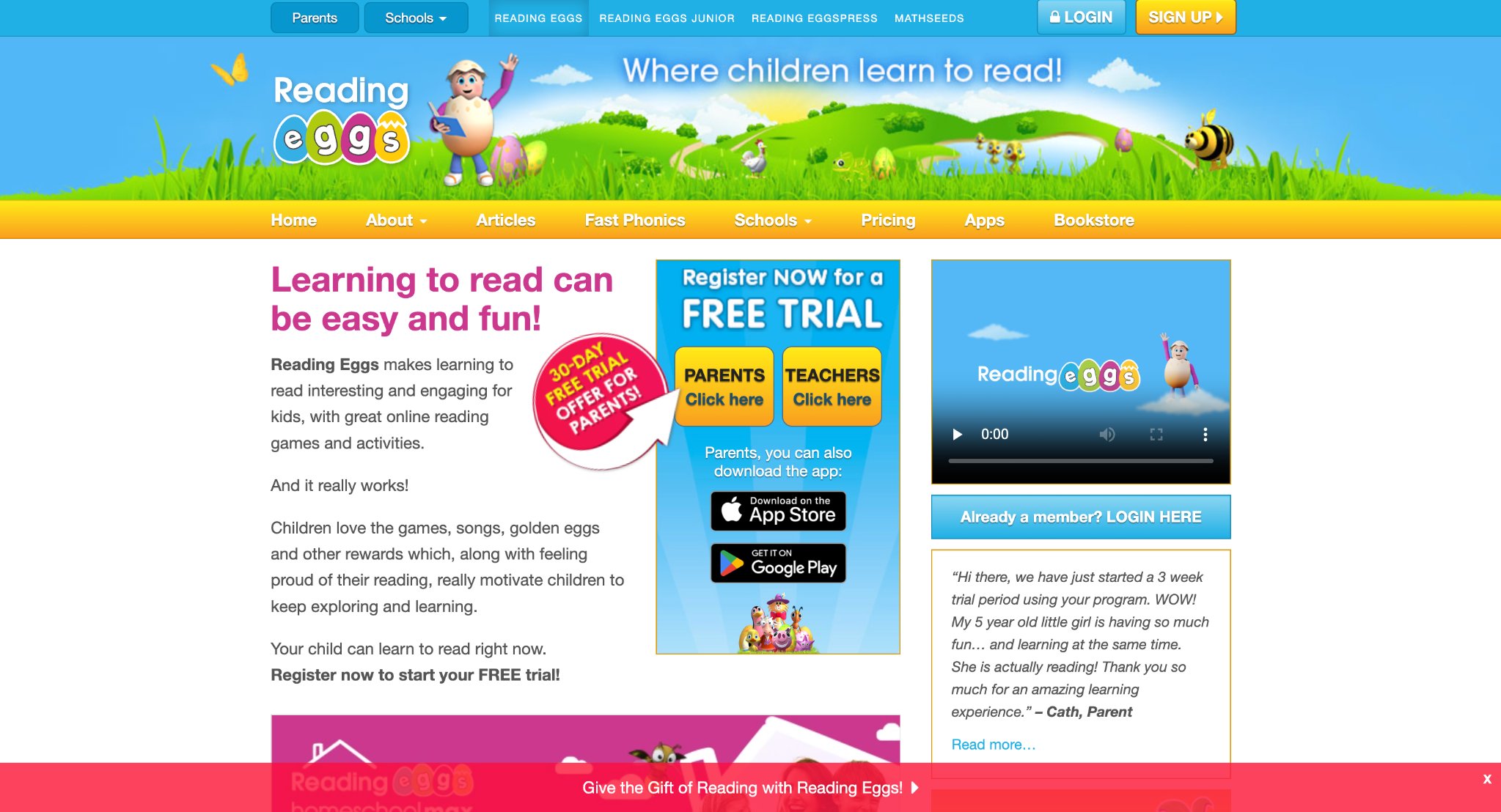
Reading Eggs offers a structured, progressive literacy program that teaches phonics, sight words, vocabulary, and comprehension through engaging games, songs, animated books, and rewarding activities. Children follow personalized learning maps and earn golden eggs as they advance, building confidence and fluency at their own pace. The platform also integrates early math concepts for balanced development and provides detailed tracking for parents and teachers.
Based in Australia with strong adoption in the United States, it follows proven reading methodologies that help many children accelerate their literacy skills. Seven year olds enjoy the colorful characters and motivating journey as they blend sounds, read stories, and complete challenges, making the path to independent reading both effective and enjoyable.
- Phonics lessons with animations.
- Reward system for motivation.
- Math integration for balance.
- Parent dashboards for monitoring.
17. SplashLearn
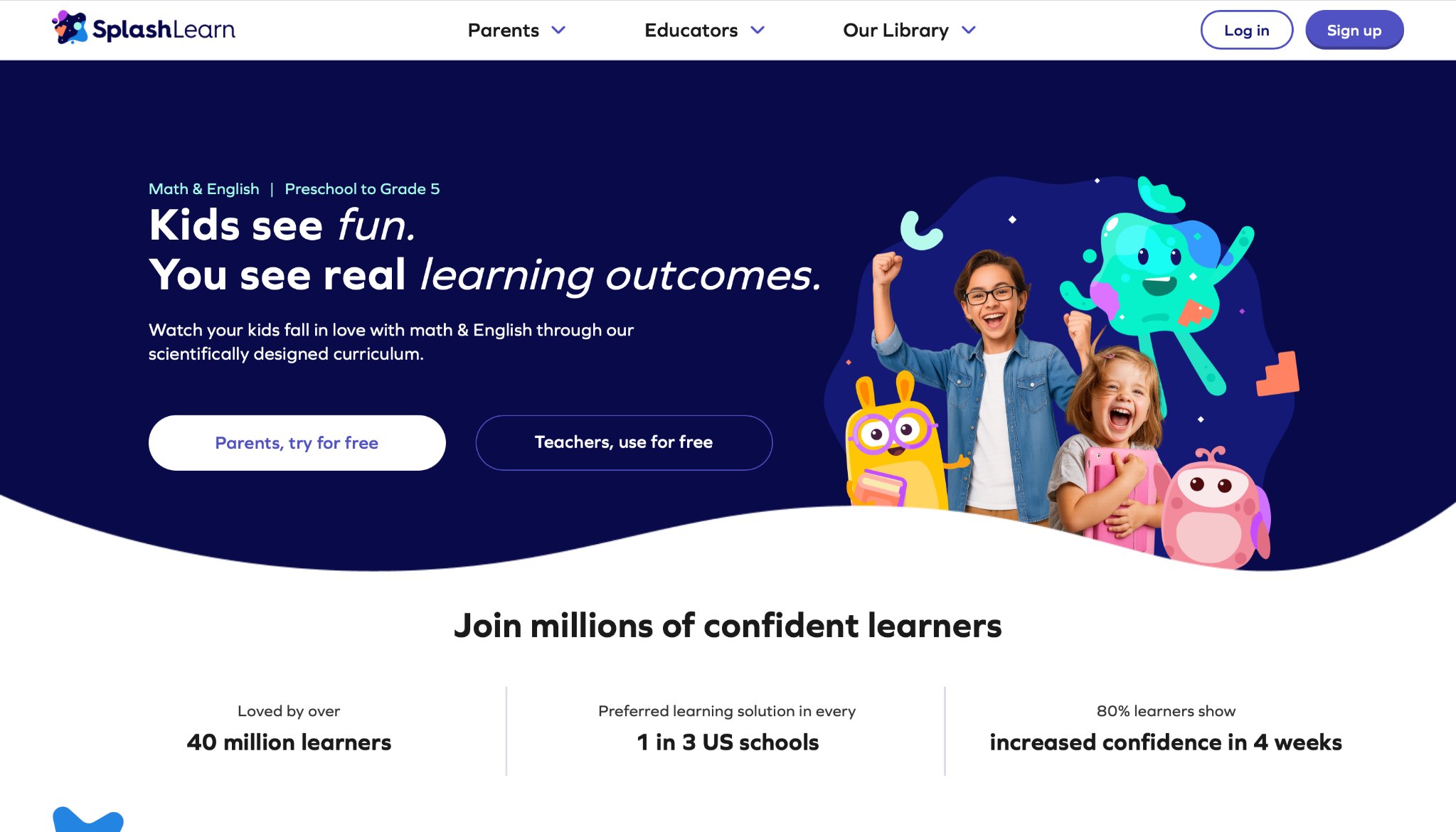
SplashLearn delivers adaptive math and reading games designed for pre-K to grade 5, covering essential topics like addition, fractions, grammar, vocabulary, and geometry through vibrant, theme-based adventures. Children stay motivated by collecting rewards and customizing avatars while the platform adjusts difficulty to match their growing abilities. Live classes and detailed weekly reports give parents and teachers valuable insights into progress. Based in San Francisco, California, SplashLearn aligns with school curricula and makes daily practice feel like play. Seven year olds solve puzzles, complete missions, and reinforce core skills in an environment that keeps them engaged and confident in their academic abilities.
- Adaptive math challenges.
- Reading games on vocabulary.
- Reward customization.
- Weekly reports for parents.
18. Homer
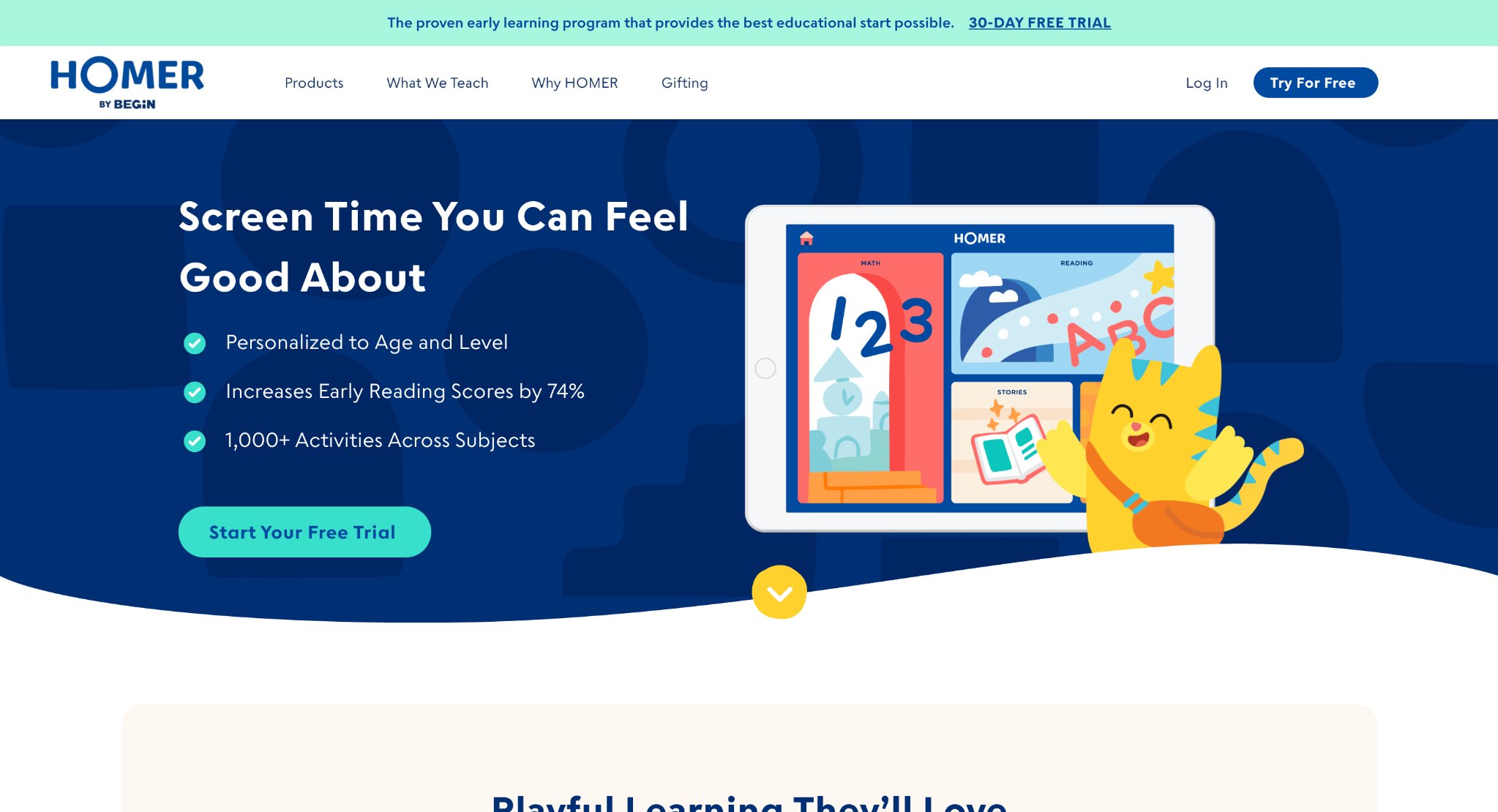
Homer provides personalized learning experiences for young children focusing on reading, math, creativity, and life skills through interactive stories, games, songs, and art activities. The program adapts content to each child’s age, interests, and progress, supporting holistic development from phonics to early problem-solving. Physical activity kits extend learning beyond the screen for balanced growth. Based in New York, New York, Homer combines research-backed curriculum with engaging characters that make education feel natural and fun. Seven year olds build vocabulary, number sense, and emotional awareness while enjoying stories and creative projects tailored to their development, helping establish strong foundations for school success.
- Customized lesson plans.
- Story-based learning.
- Skill-building games.
- Offline extensions.
19. PBS Kids Games
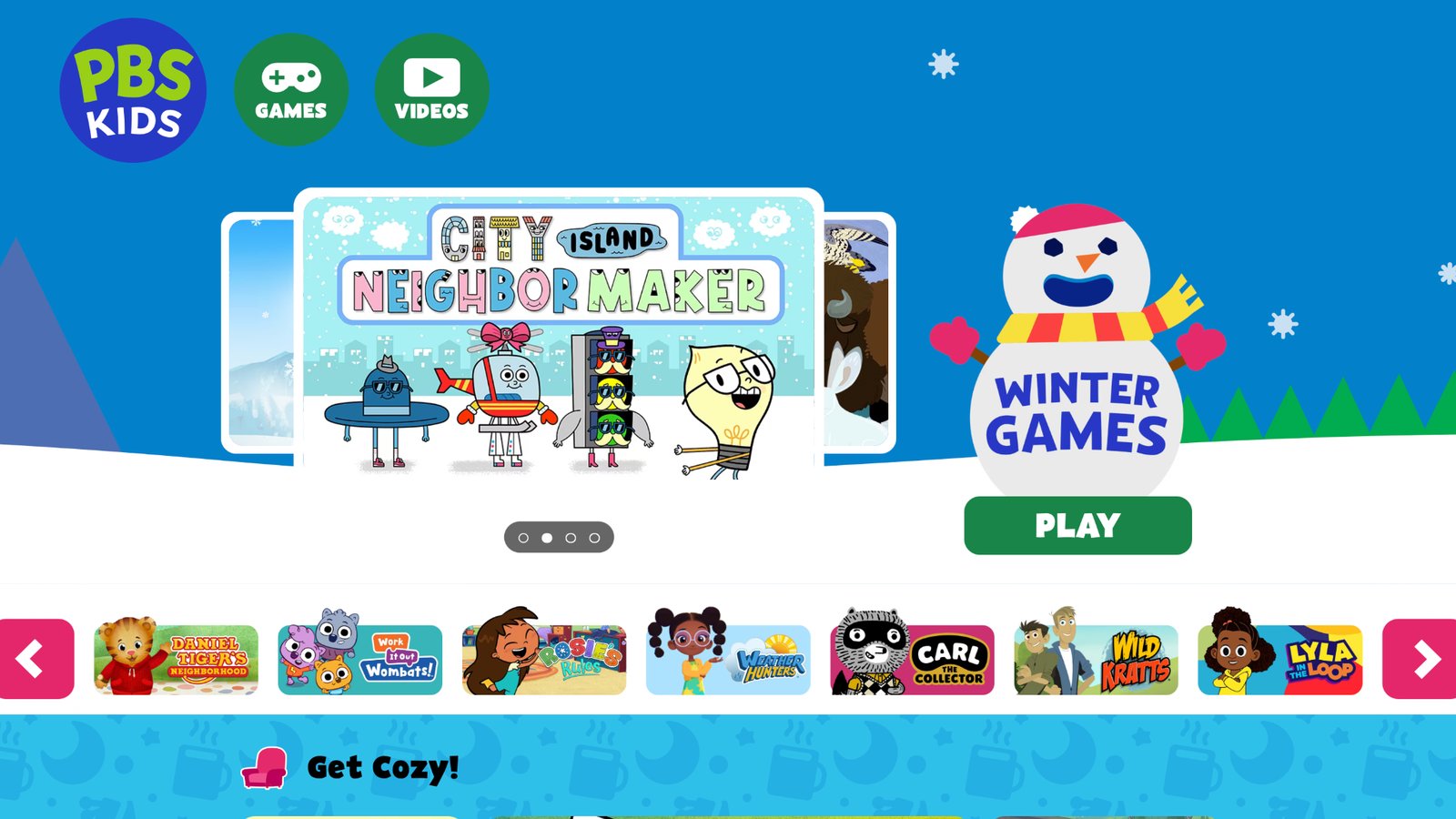
PBS Kids Games brings beloved television characters into free, ad-free educational activities that cover literacy, math, science, social-emotional learning, and creativity. Children engage with familiar friends from shows like Sesame Street and Daniel Tiger through puzzles, explorations, and skill-building games that reinforce concepts in playful ways. The platform emphasizes safety, positive values, and learning through play in a trusted environment. Based in Arlington, Virginia, it connects television familiarity with interactive experiences that support early development. Seven year olds enjoy solving mysteries, building with characters, and learning about emotions or nature, making educational content both comforting and effective for young learners.
- Show-themed educational play.
- Puzzles for problem-solving.
- Social-emotional focus.
- Free access for all.
20. Sago Mini World

Sago Mini World offers gentle, open-ended play experiences for young children featuring whimsical characters and charming mini-games that encourage creativity, empathy, and basic concept exploration. Kids freely care for pets, build structures, and interact in colorful worlds without pressure or strict goals, allowing imagination to lead the way. The simple controls and peaceful atmosphere support fine motor skills and emotional growth through joyful discovery. Based in Toronto, Canada, it creates a stress-free digital space perfect for imaginative play. Seven year olds love exploring different activities with friendly characters, developing creativity and social understanding while enjoying calm, rewarding screen time that feels more like pure play than structured learning.
- Open-world adventures.
- Character interactions for empathy.
- Creative building tools.
- Age-appropriate simplicity.
21. DragonBox
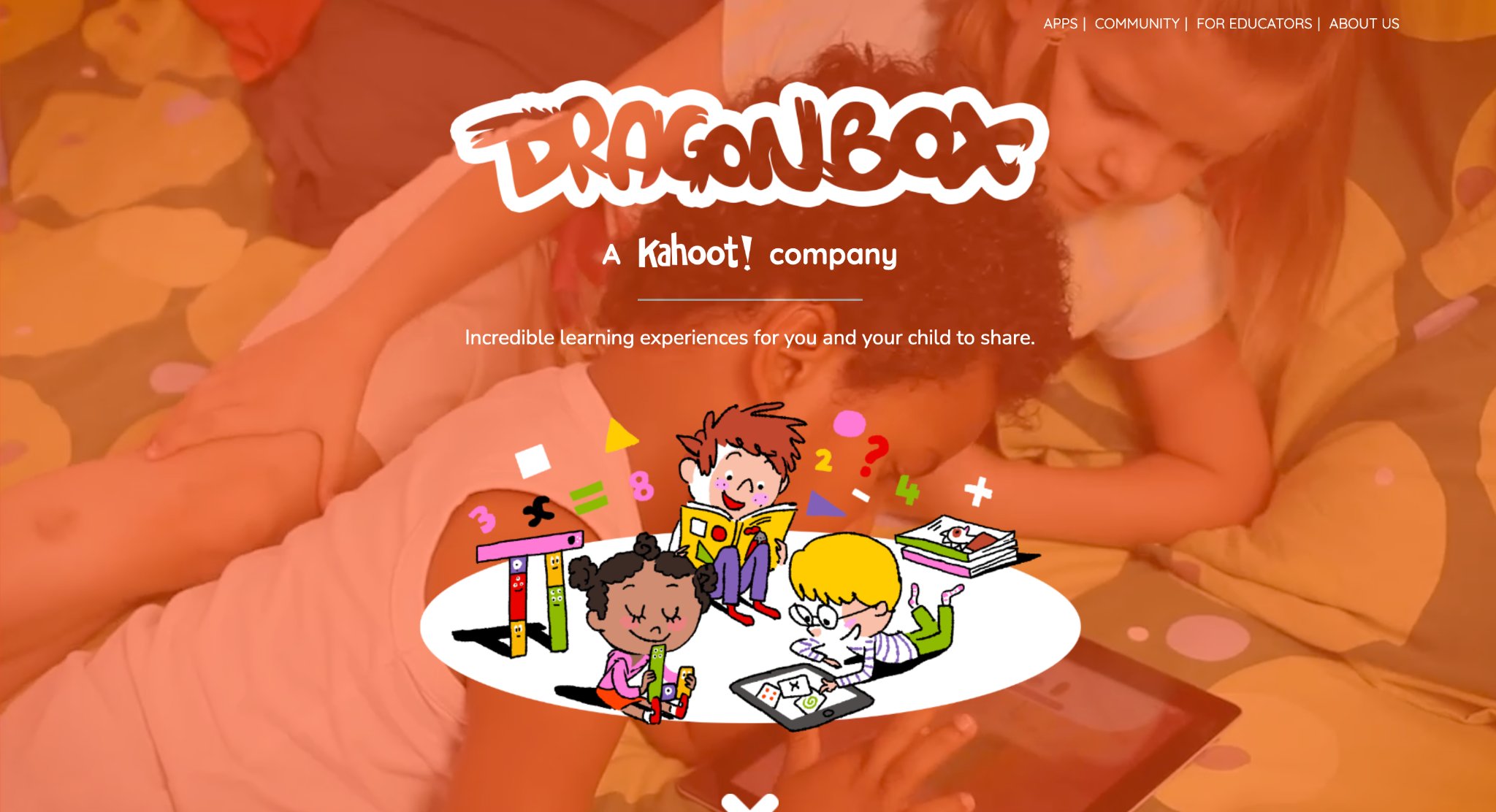
DragonBox, developed by Kahoot!, delivers a series of award-winning math apps that teach foundational concepts through intuitive gameplay rather than traditional drills. The series includes titles like DragonBox Numbers for ages 4-8 and DragonBox Algebra for older kids, using visual “Nooms” characters that represent numbers and operations in engaging puzzle environments. Children manipulate colorful elements to discover relationships, such as balancing equations or building larger numbers, fostering deep number sense and algebraic thinking without realizing they are learning math.
The apps emphasize exploration and creativity, allowing kids to experiment freely in sandbox-style modes before progressing through levels that introduce increasingly complex ideas. Visual proofs and progressive challenges build confidence in logical reasoning, with many educators noting improved problem-solving skills transferable to classroom math. Parents value the ad-free, distraction-free design that keeps sessions focused yet fun, often leading to voluntary extended play as children unlock new worlds and achievements.
- Visual Nooms characters for intuitive number representation and operations.
- Progressive puzzles covering addition, subtraction, equations, and geometry.
- Sandbox modes for free exploration and experimentation.
- Alignment with educational standards through discovery-based learning.
- Multi-level difficulty adaptable to individual progress.
22. Adventure Academy
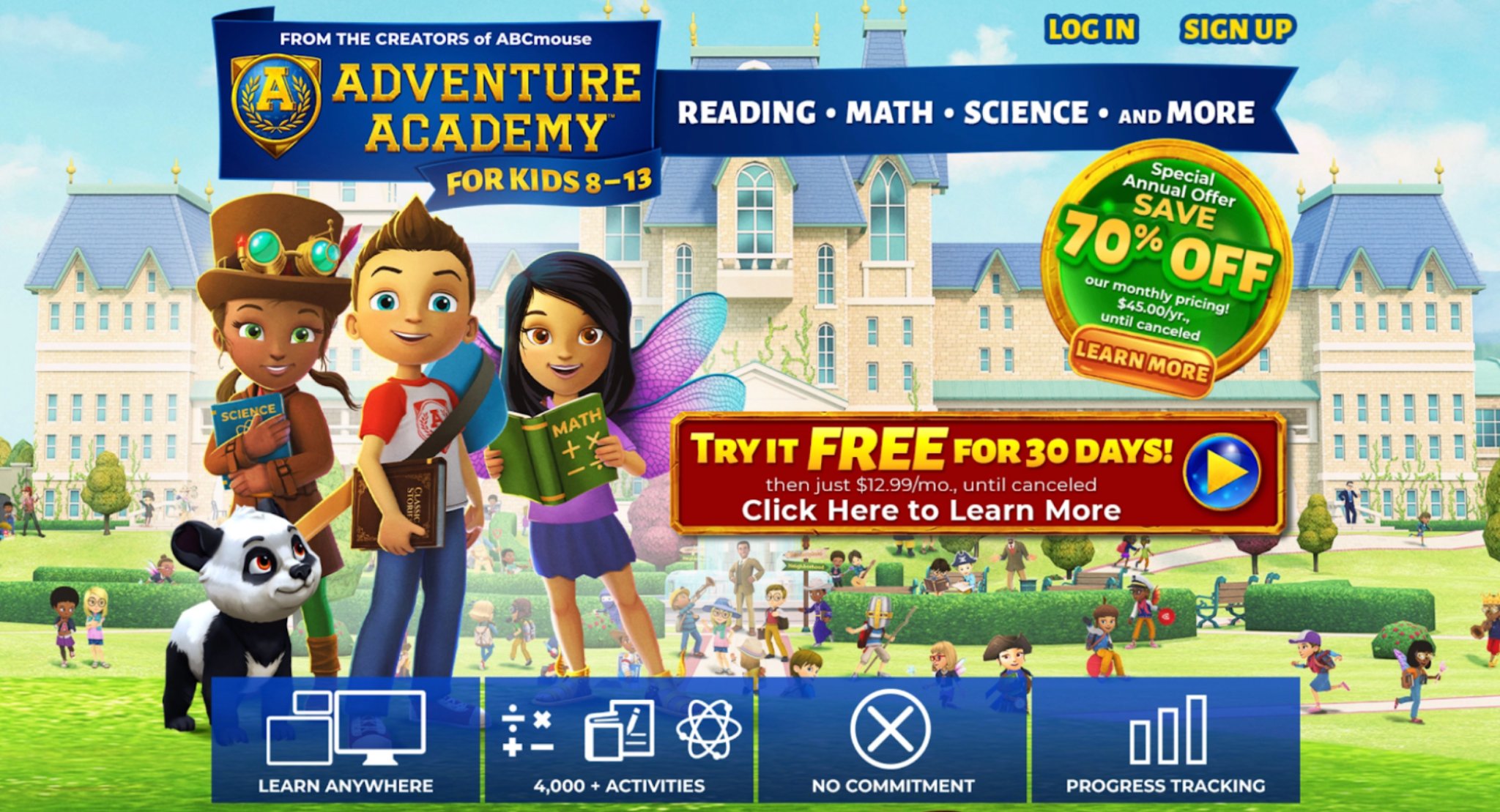
Adventure Academy, created by Age of Learning (headquartered in Glendale, California), offers an immersive massively multiplayer online educational game for kids ages 8-13. It expands into a vibrant 3D virtual world where learners create avatars, complete quests, and interact safely with peers while mastering curriculum-aligned content in language arts, math, science, and social studies. Thousands of activities blend videos, interactive games, books, and quizzes into an engaging adventure that feels like a game rather than schoolwork.
Children embark on personalized journeys, earning rewards and leveling up through skill-building challenges that adapt to their performance. Social elements encourage collaboration on projects, while the expansive world supports open-ended exploration alongside structured lessons. Teachers and parents appreciate detailed progress tracking and the ability to assign specific topics, helping bridge home and school learning. The platform’s high-production quality keeps engagement high, with many users reporting stronger retention of concepts through contextual application.
- Thousands of curriculum-based activities across core subjects.
- Multiplayer virtual world with avatar customization and quests.
- Adaptive learning paths with real-time feedback.
- Integrated videos, games, books, and interactive quizzes.
- Safe social features for collaborative learning.
23. Hopscotch
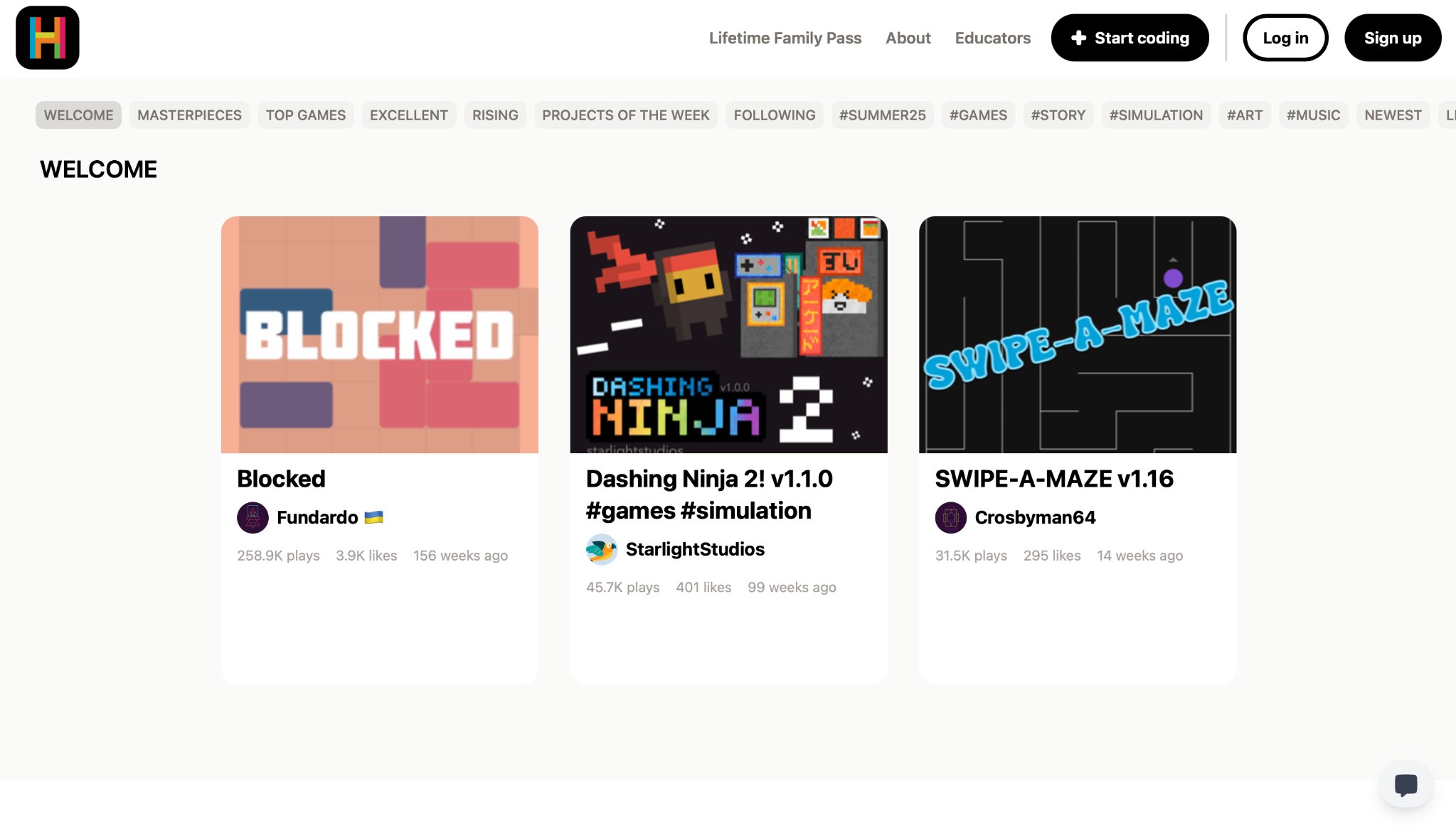
Hopscotch, from Hopscotch Technologies in the USA, introduces coding fundamentals to kids ages 9 and up through a drag-and-drop visual programming environment. Children create their own games, animations, stories, and interactive art projects using colorful blocks that represent commands, fostering computational thinking and creativity. The app supports sharing and remixing community creations, building a collaborative ecosystem where young coders learn from and inspire each other.
Projects range from simple character movements to complex multiplayer-style games, teaching concepts like loops, conditionals, and variables in a playful context. The intuitive interface lowers the barrier for beginners while offering depth for advanced users, with many kids developing portfolios of original work. Educators integrate it into classrooms for STEM lessons, noting gains in logical reasoning and problem-solving. The community hub encourages social learning and iteration on ideas.
- Drag-and-drop block coding for games and animations.
- Community sharing and remixing of user projects.
- Progressive tutorials building from basics to advanced logic.
- Support for custom characters, sounds, and interactions.
- Tools for storytelling and creative expression through code.
24. BrainPOP
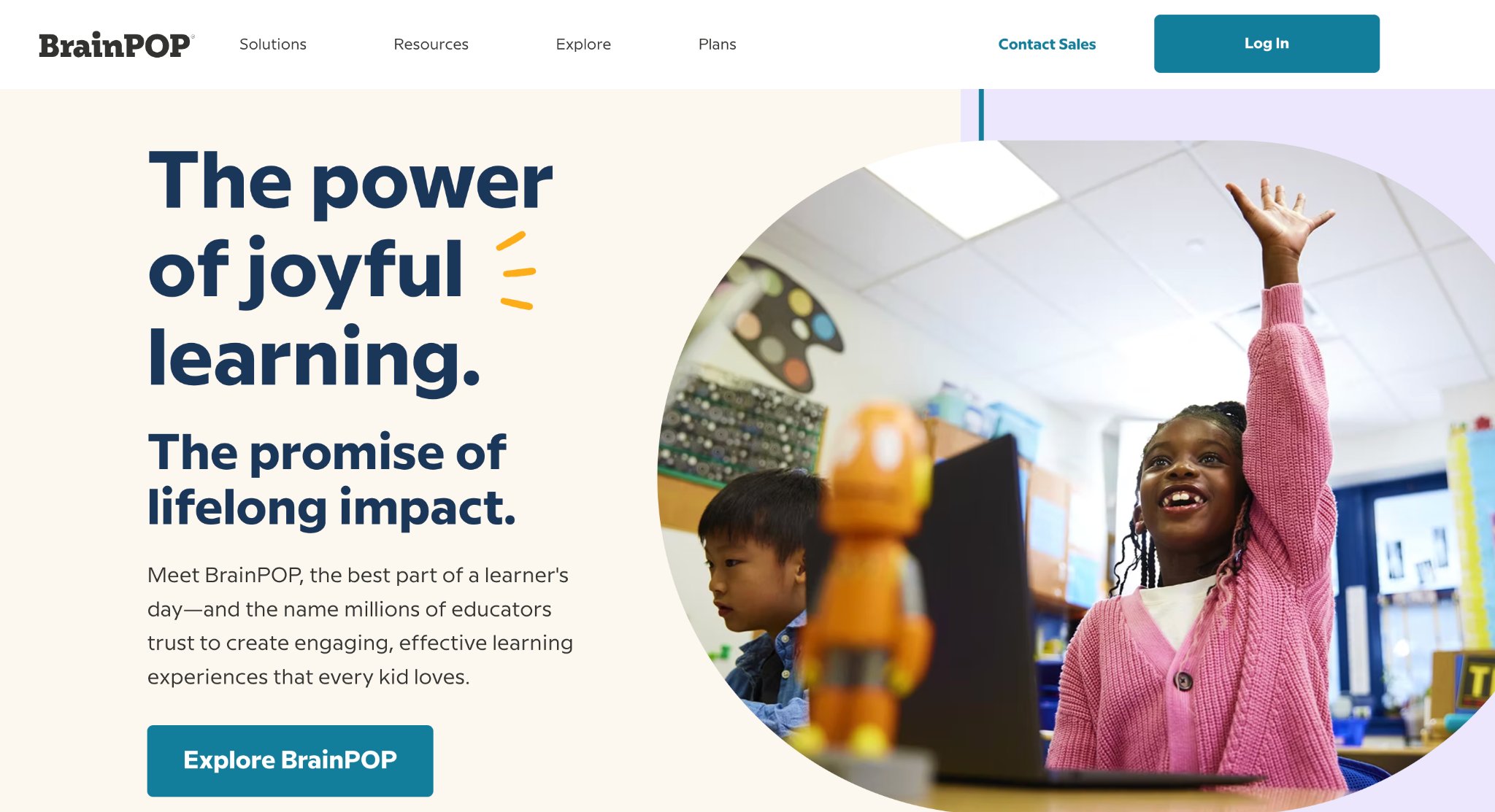
BrainPOP, based in New York City, provides animated educational videos and activities for grades K-8+, covering science, social studies, English, math, arts, health, and technology. Short, engaging movies featuring characters like Tim and Moby explain complex topics accessibly, followed by quizzes, games, and hands-on activities that reinforce comprehension and critical thinking. BrainPOP Jr. offers tailored content for younger learners with simpler language and visuals.
The platform supports independent exploration and classroom integration, with features like concept maps and writing prompts extending learning beyond videos. Millions of students use it to build background knowledge, with research showing improved retention and curiosity. Progress tracking helps parents and teachers monitor growth across topics, while seasonal or current-event tie-ins keep content relevant and exciting.
- Hundreds of animated movies with related quizzes and activities.
- Coverage across multiple subjects with grade-appropriate versions.
- Interactive tools like concept maps and experiment simulations.
- Real-time feedback and assessment features.
- Alignment with educational standards for core curriculum support.
25. IXL
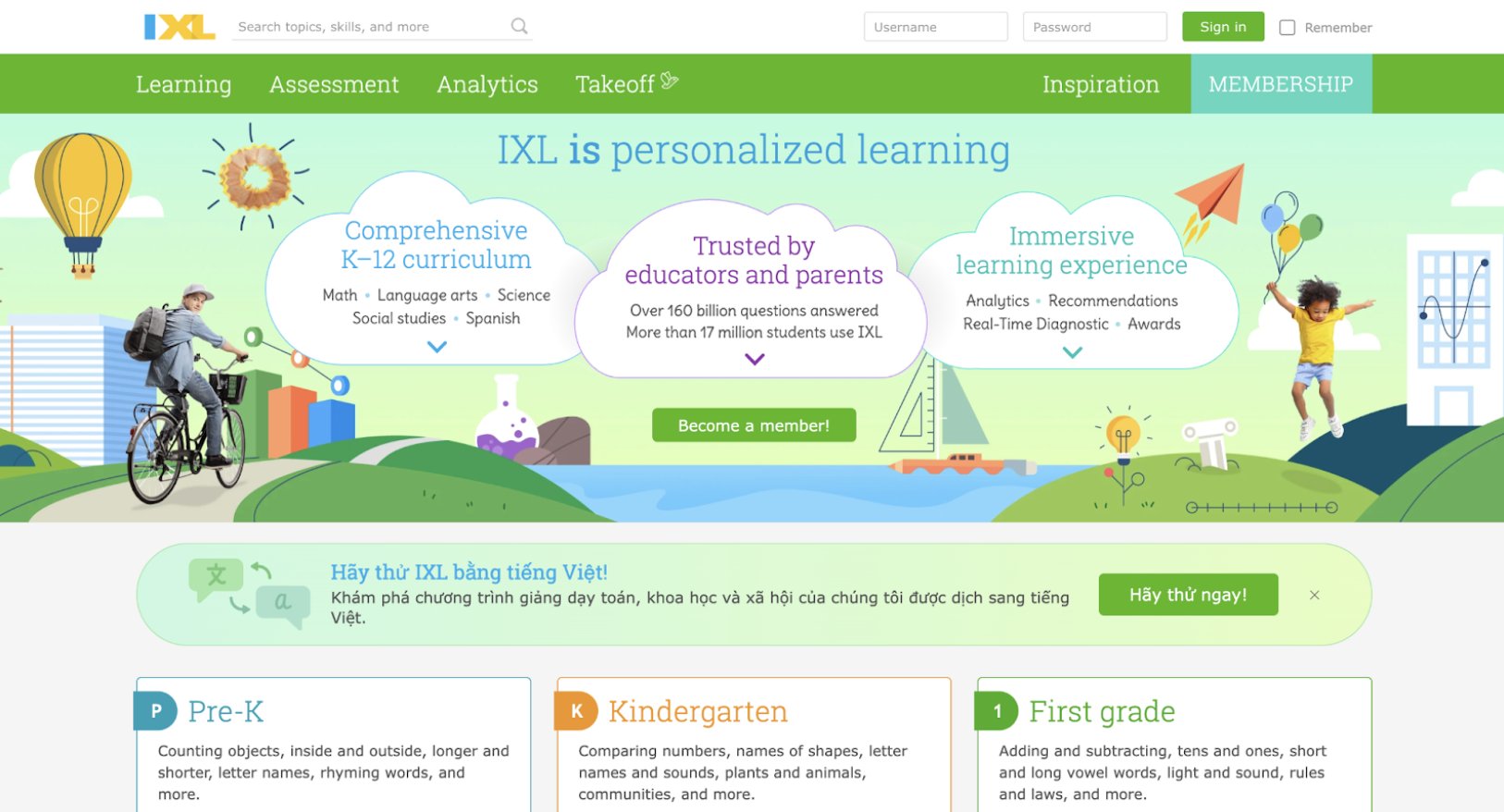
IXL, from IXL Learning in the USA, delivers a comprehensive K-12 personalized learning platform with thousands of interactive skills in math, language arts, science, social studies, and Spanish. Adaptive questions adjust in real time to each child’s performance, providing immediate feedback and targeted practice that builds mastery through repetition and variety. Detailed analytics offer insights into strengths and improvement areas.
The gamified experience includes rewards, streaks, and virtual achievements to maintain motivation, while diagnostic assessments create customized learning paths. Widely adopted in schools and homes, it supports skill reinforcement aligned with standards, helping users gain confidence through consistent, bite-sized practice sessions. The broad subject coverage makes it a versatile tool for holistic academic development.
- Over 17,000 skills with adaptive, infinite practice questions.
- Real-time diagnostics and personalized recommendations.
- Interactive rewards and progress visualizations.
- Multi-subject coverage including Spanish language practice.
- Teacher and parent reporting tools for monitoring growth.
26. Khan Academy Kids
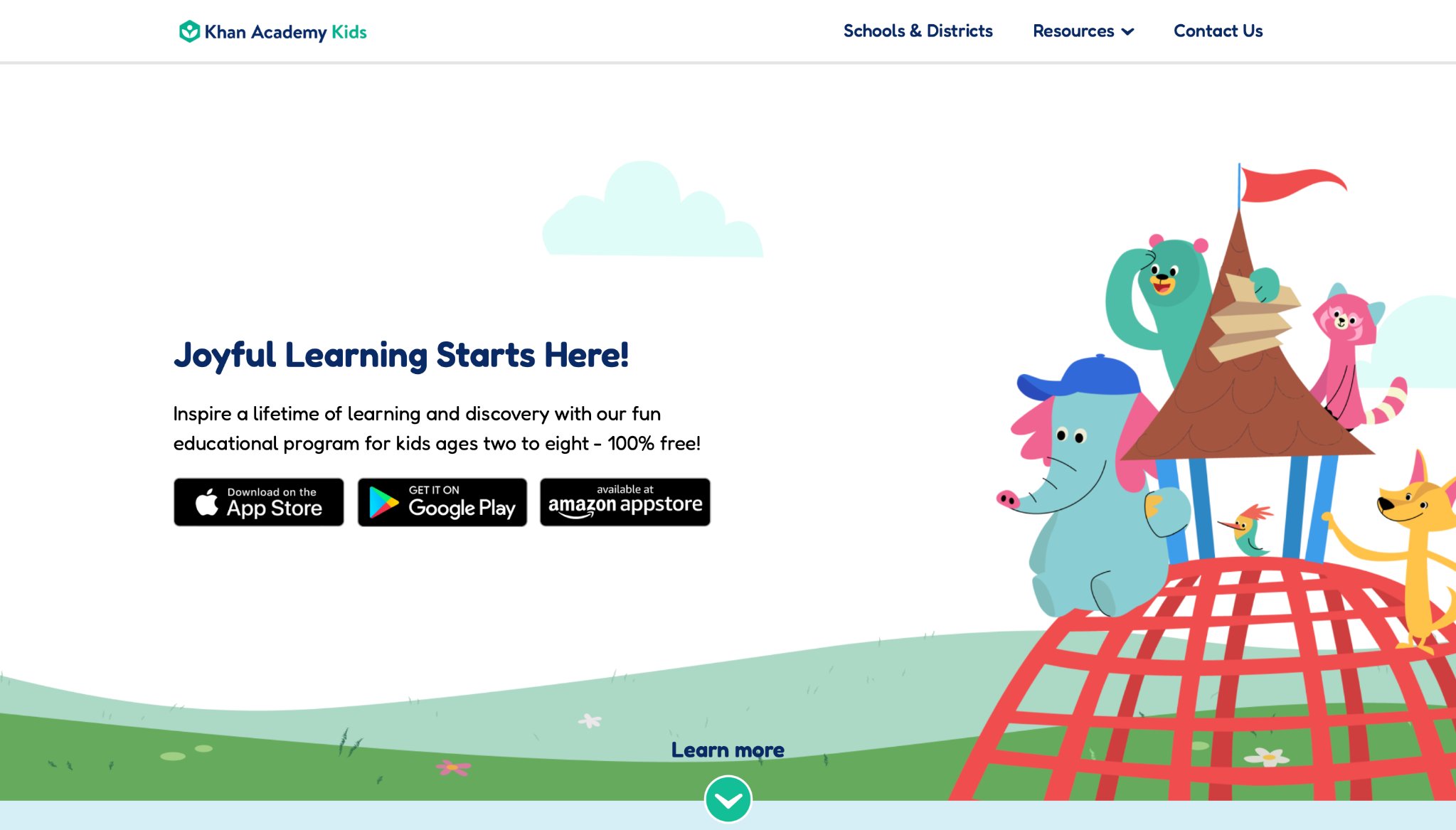
Khan Academy Kids delivers a completely free educational app packed with thousands of interactive activities, books, videos, and games tailored for children ages 2 to 8. Developed by the nonprofit Khan Academy organization headquartered in Mountain View, California, it offers a joyful, standards-aligned experience that covers early literacy, math, reading, writing, and social-emotional learning. Young learners follow personalized paths guided by friendly characters like Kodi Bear, exploring topics through playful stories, creative drawing exercises, and skill-building challenges that adapt naturally to their progress. Parents appreciate the ad-free environment and detailed progress insights, while kids stay motivated with engaging animations and immediate feedback that make learning feel like an exciting adventure rather than structured lessons. The platform supports whole-child development, blending academic foundations with creative expression and emotional growth in a safe, accessible format suitable for home or classroom use.
Key features include:
- Over 5,000 activities spanning phonics, counting, addition, shapes, and more
- Interactive storybooks and creative tools for self-expression
- Personalized learning paths with real-time adaptation
- Whimsical characters and animations that maintain engagement
- Parent dashboards for monitoring progress and insights
27. Code.org
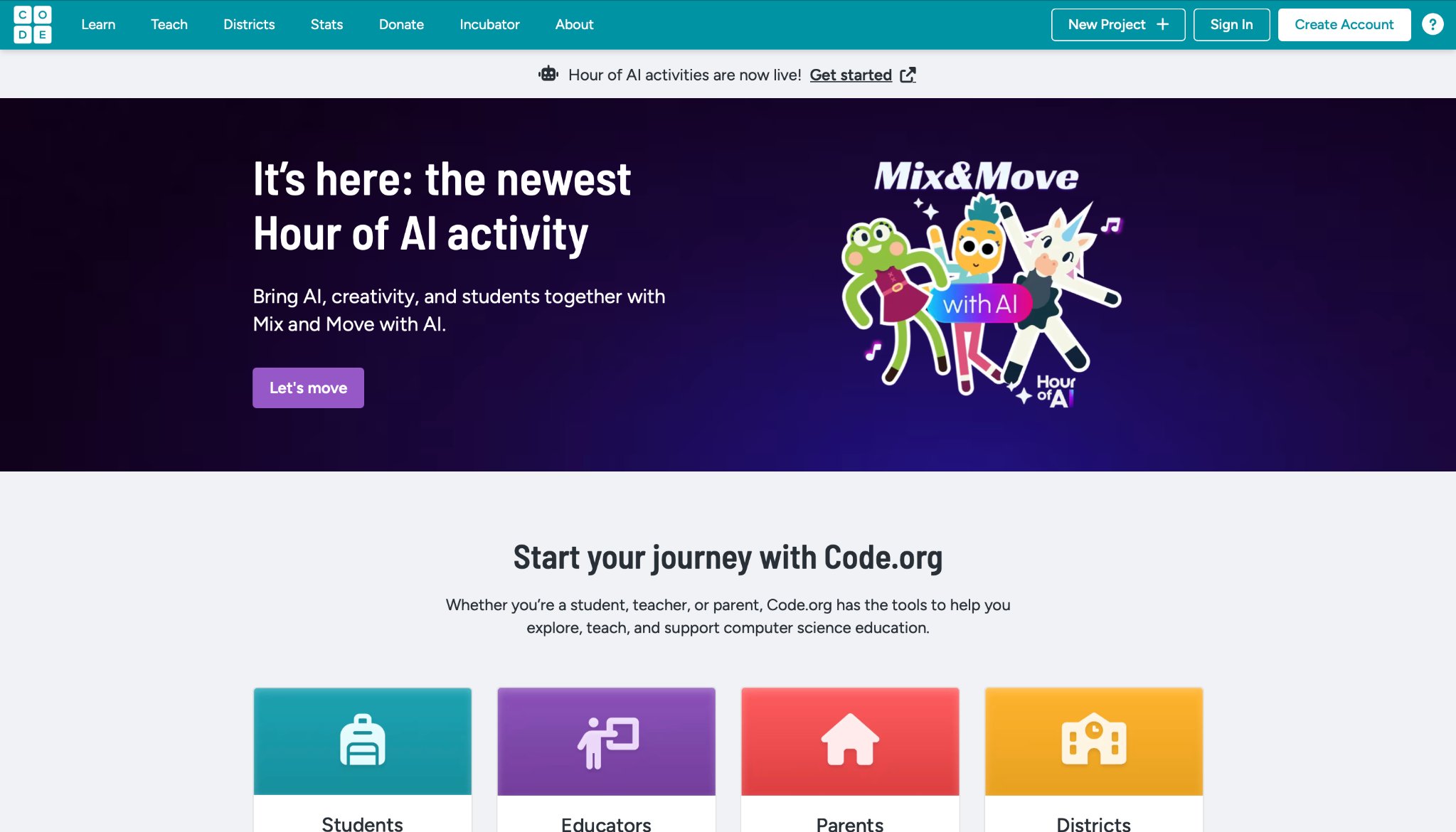
Code.org provides free, accessible computer science education through engaging games, puzzles, and block-based programming tools designed for elementary and middle school students. Headquartered in the United States, the nonprofit platform introduces young learners to coding fundamentals via fun projects like creating animations, interactive stories, and simple games in environments such as Sprite Lab and Game Lab. Children experiment with concepts like loops, conditionals, and events while building their own creations, fostering computational thinking, problem-solving, and creativity without requiring prior experience. Educators and parents value the standards-aligned curriculum and classroom resources that make integration seamless, while kids enjoy the immediate results of their code coming to life in colorful, shareable projects. The platform emphasizes equity in tech education, offering self-paced activities and AI-related explorations that prepare children for future opportunities in a playful, low-pressure way.
Key features include:
- Block-based coding in Sprite Lab and Game Lab for animations and games
- Hour of Code activities and full curriculum modules
- AI and game design projects for broader exploration
- Browser-based access with no downloads needed for many tools
- Teacher and parent resources for classroom or home support
28. Teach Your Monster to Read
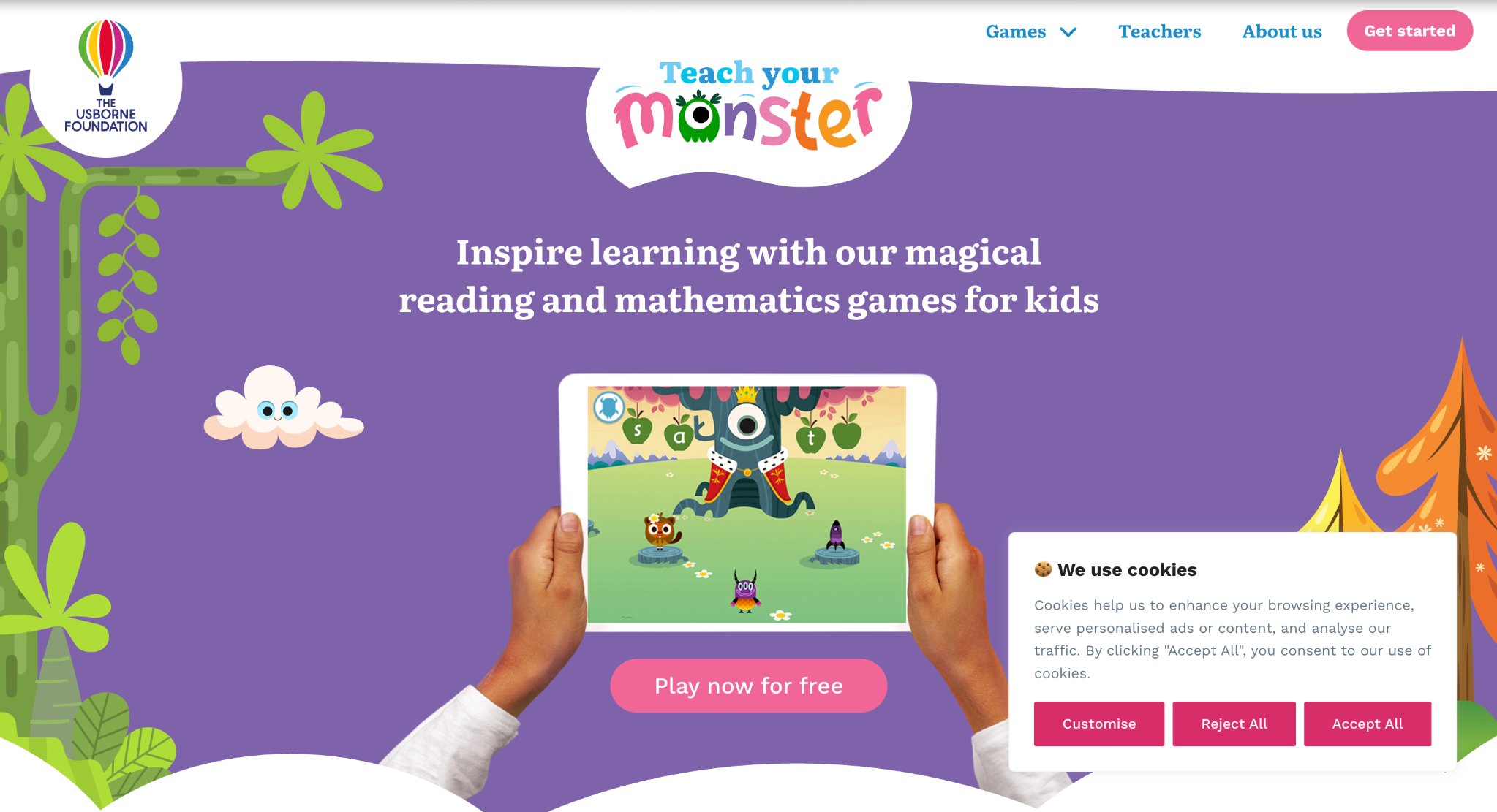
Teach Your Monster to Read offers an award-winning phonics and early reading program where children create and guide their own custom monster through a magical world filled with adventures, mini-games, and stories. Designed for ages 3-6 in collaboration with experts, it covers the first two years of reading instruction through progressive challenges focusing on letter sounds, blending, segmenting, and sentence reading. Kids build confidence as they help their monster complete quests, collect items, and unlock books, turning foundational literacy skills into an immersive, motivating journey. The structured yet playful approach supports independent practice while providing clear progression and feedback, making it a favorite for building strong reading habits in a fun, character-driven environment.
Key features include:
- Three main games progressing from letter sounds to full sentences
- Personalized monster customization and adventure elements
- Phonics-focused mini-games for speed and accuracy
- Reading-for-pleasure library with quests and stories
- Progress tracking for parents and targeted practice modes
29. ABCya!
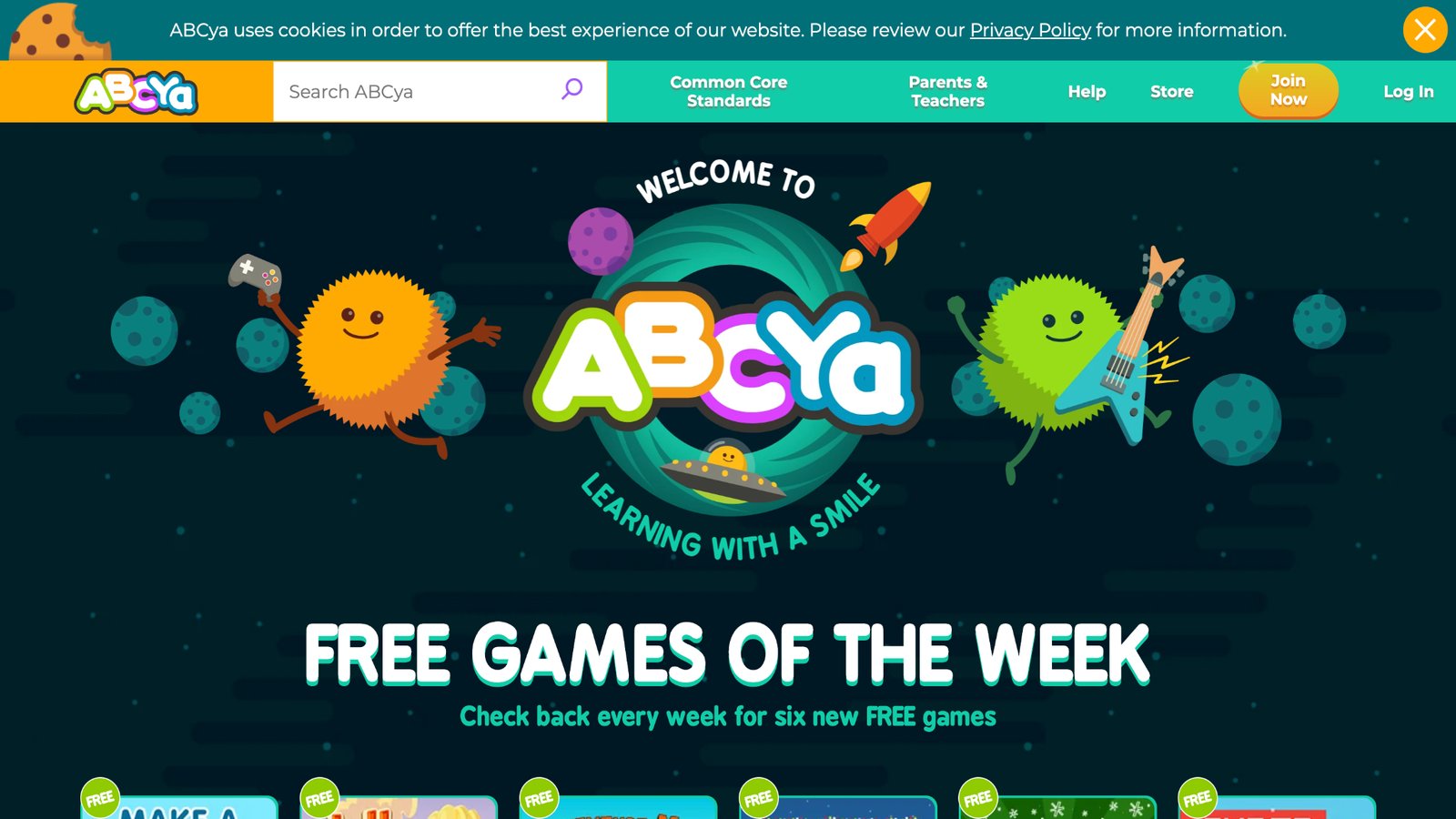
ABCya! delivers a vast collection of browser and app-based educational games for PreK through grade 6, covering math, reading, logic, typing, and more through colorful, skill-focused activities. Created by teachers and popular in schools across the U.S., it offers hundreds of games that reinforce curriculum concepts in an entertaining format, such as puzzles, strategy challenges, and interactive lessons that adapt to different grade levels. Children enjoy independent exploration with fresh content added regularly, while the ad-light design (with subscription options for full access) keeps sessions productive and enjoyable. The platform emphasizes learning through play, helping build confidence in core subjects alongside problem-solving and creativity.
Key features include:
- 250+ games organized by grade and skill
- Math, reading, and logic activities with immediate feedback
- Regular updates and new content monthly
- Teacher-created and classroom-tested design
- Options for free weekly games or full access
30. ScratchJr
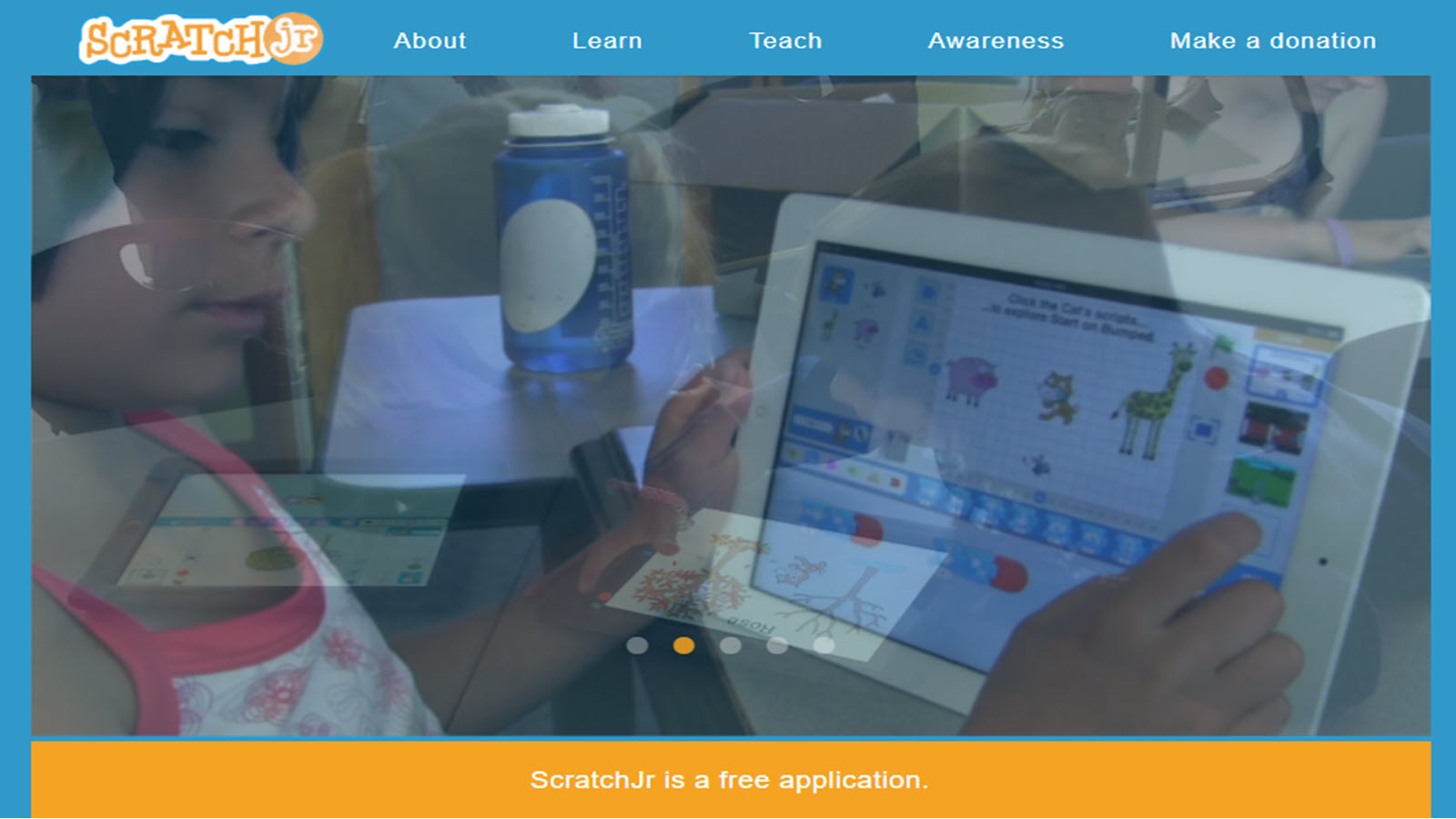
ScratchJr introduces young children ages 5-7 to coding through a free, visual block-based programming app where kids create their own interactive stories, animations, and games. Inspired by the popular Scratch platform and developed through collaboration including MIT, it allows children to snap together graphical blocks to make characters move, dance, sing, and interact without needing to read or write code. Users customize characters, add sounds, voices, and photos, fostering creativity, logical thinking, and problem-solving skills in a developmentally appropriate way. The simple interface supports independent exploration while building foundational computational concepts that prepare kids for more advanced programming later.
Key features include:
- Drag-and-drop block programming for stories and games
- Character customization with paint editor and personal media
- Support for motion, sounds, and interactions
- Free availability on iOS, Android, and web
- Activities focused on creative expression and sequencing
Benefits of Mixing Educational Games with Daily Routines
Adding games to routines helps balance screen time with real-life activities. Short sessions after homework reinforce school lessons, while family play builds bonds.
Here are practical routine ideas for different times of the day
- Morning: Quick puzzles to wake up the brain and boost focus for the day ahead.
- Afternoon: Story-based games to help kids relax while continuing to learn.
- Evening: Creative games that support winding down and promote calm before bedtime.
Screen Time Balance and Responsible Educational Gaming
Even the best educational games for kids need healthy limits to support overall development. Practicing screen time balance helps children gain benefits without negative effects.
Aim for no more than 1–2 hours of focused educational screen time daily for most school-age kids. Use the “educational first” rule - complete learning games before any recreational play. Create clear family rules around device-free times such as meals, bedtime, and outdoor play.
Responsible educational gaming also means active involvement. Sit with your child sometimes, discuss what they’re learning, and connect game concepts to real life. Choose high-quality titles with built-in time limits and progress reports. When done right, screen time balance and responsible educational gaming turns digital play into a positive habit that supports long-term success.
Latest Trends in Educational Gaming
- New trends include AI-adapted challenges and AR elements for real-world overlays.
- Games now focus more on mental health, with calm modes for stress relief.
- Innovations like voice commands make access easier for young users.
- Some incorporate eco-themes to teach sustainability.
Latest News In 2026
Educational games for kids keep evolving fast in 2026. Artificial intelligence now creates personalized learning paths that shift in real time based on how each child plays. New titles blend math and reading into story-driven adventures where decisions actually change the outcome.
Augmented reality brings favorite characters into the living room so kids can solve puzzles together with virtual friends. Many games now support multiple languages smoothly, helping bilingual families and young learners pick up new words naturally.
STEM-focused experiences grow stronger with simple coding challenges hidden inside creative building games. Motion controls encourage physical movement while kids learn about science concepts through active play.
Offline modes work better than ever for families with limited internet. Safety updates make parent controls easier to manage without interrupting the fun. Fresh releases also highlight teamwork and emotional learning, showing kids how to handle feelings and work with others through interactive stories.
These changes make the best educational games for kids more accessible, engaging, and useful for daily learning at home and in classrooms.
FAQ
What Makes Educational Games Effective for Young Kids?
Educational games succeed by turning complex ideas into simple, interactive experiences that hold attention naturally. They often incorporate elements like rewards and levels to encourage persistence in areas such as problem-solving or language development. This approach aligns with how children explore the world, fostering independence while reinforcing key concepts through repetition in a low-stress environment.
How Do I Choose Age-Appropriate Educational Games?
Selecting games starts with checking developmental milestones to ensure content matches skills like fine motor control or basic counting. Features such as customizable settings allow adaptation as children progress, keeping challenges engaging without frustration. Incorporating parental controls helps maintain a safe space tailored to individual needs.
Can Educational Games Replace Traditional Learning?
While educational games enhance understanding by providing visual and hands-on practice in subjects like creativity or empathy, they work best alongside real-world interactions. They offer flexibility for reviewing topics at home, but structured activities with physical materials add depth to abstract ideas. Blending digital tools with everyday play creates a balanced foundation for holistic growth.
Are There Free Options Among the Best Educational Games?
Free educational games provide entry points to core learning activities, often including basic versions of puzzles or stories that build foundational skills. Upgrades can expand access to more advanced features, but starting with no-cost options allows testing compatibility with a child's interests.
What makes a game truly educational for kids?
A game earns the educational games for kids label when it builds lasting abilities like critical thinking and spatial awareness through engaging mechanics. Interactive storytelling in the best educational games helps children connect ideas across different areas while developing creativity and persistence. Titles that incorporate feedback loops allow kids to see direct results from their choices, reinforcing cause and effect understanding. Integration of sensory elements such as sound and touch further supports different learning styles in quality educational games.
How old should kids be to start playing educational games?
Early exposure works well with educational games for kids focused on basic recognition and coordination for toddlers. As children grow, more advanced formats in the educational games introduce sequencing and simple logic that prepare them for school routines.
The right match depends on attention span and fine motor skills rather than strict age cutoffs. Flexible settings let families adjust content as abilities develop over time in suitable educational games for children.
Do educational games improve school performance?
Well-designed educational games for kids strengthen executive function skills such as planning and organization that transfer to academic tasks. Repeated practice in a low-pressure setting builds fluency in foundational concepts. Children often gain better retention when they encounter ideas through play in the best educational games. These experiences also nurture a positive attitude toward learning challenges.
What subjects do the best educational games cover?
Strong selections in the best educational games for kids address core academics while weaving in financial literacy and basic engineering principles for broader exposure. Creative arts integration encourages expression alongside analytical skills. Geography and cultural awareness appear through immersive maps and character interactions. Health-related topics cover nutrition and physical activity in engaging formats.
How can parents track progress in educational games?
Modern platforms for best educational games for kids provide visual reports that highlight mastered skills and emerging interests without overwhelming details. Activity summaries show patterns in play styles and topic preferences over weeks. Customizable alerts notify families about milestone achievements or suggested next steps based on performance. Secure access options help maintain family privacy during monitoring.
How do educational games fit into family routines?
Educational games work well during short daily moments like after meals or before bedtime when children need calm yet engaging activities. They support creativity, focus, and learning through interactive play that feels natural rather than forced. Families often notice better attention spans and emotional balance when these games become part of consistent screen time habits that align with overall growth.
What role does imagination play in educational games?
Imagination drives many online educational games by letting kids design stories, build virtual worlds, and express ideas freely during play sessions. This creative process strengthens problem-solving abilities and helps children connect different concepts in meaningful ways. Such experiences build confidence for kids as young learners see their choices shape outcomes in safe, supportive environments.
Why is variety important in educational games?
Variety across educational games keeps children interested by covering different skills from logic puzzles to storytelling adventures. This mix supports various learning styles and prevents boredom while encouraging exploration of new ideas. Balanced options help develop well-rounded abilities that grow alongside a child's changing interests and needs.
How do educational games encourage responsibility?
Educational games build responsibility through character care tasks and routine-based challenges that mirror everyday situations in fun formats. Kids learn to complete steps and make choices that affect outcomes, fostering a sense of achievement. These gentle lessons transfer to real life as children gain independence and understanding of helpful habits.
What benefits come from mixing digital and creative play?
Mixing fun educational apps with hands-on creative play enhances overall development by combining screen-based learning with physical activities. Games that promote focus and empathy pair naturally with drawing or building projects for deeper skill reinforcement. This balanced approach creates richer experiences that support curiosity and emotional growth across different settings.
Read Also:
- Balancing Self-Care and Parenting: 7 Tips for Moms
- Key Advice for New Parents: What No One Tells You





.jpg)

-(1)-min.png)
-min-(1).jpg)