



Best Educational Websites For Kids






Finding quality educational websites for kids helps parents turn everyday screen time into meaningful growth opportunities. With so many choices, you can pick platforms that fit your child's age and interests, from preschool basics to advanced puzzles. Discover the best educational websites for kids in 2026 that blend fun and learning.
Beyond websites, families often explore top-rated educational games for kids app options and the best educational games for kids iPad for interactive learning. The growing demand for the best mobile games for kids and engaging tablet games for kids highlights how mobile platforms support skill development. For language growth, curated lists of the best English learning apps for kids showcase tools designed to build vocabulary and communication skills.
Discover the best educational websites for kids- TutoClub
Why Educational Websites Matter For Kids
.jpg)
Online learning sites give children a chance to build key skills at their own pace. They often mix games with real lessons, helping kids grasp tough ideas without feeling like work. Many platforms adapt to each child's level, so learning stays challenging yet achievable. Parents appreciate how these tools support schoolwork, especially in areas like problem-solving or language.
Educational websites for kids, such as those with interactive content, can boost focus and confidence. Kids learn best when activities feel like play, leading to better retention of facts. Plus, they encourage healthy habits by limiting distractions.
Many leading educational websites excel by offering specialized game collections that target different developmental areas. Children can strengthen cognitive functions with the best brain games for kids, improve recall through memory games for kids, develop empathy with emotional games for kids, and enhance critical thinking via problem-solving games for kids. These focused activities make online learning more engaging and effective while aligning perfectly with school curricula.
Key Features Of Top Learning Sites For Children
Good sites include adaptive lessons that adjust to a child's progress, keeping them engaged without frustration. Look for ad-free spaces with parental controls for safety. Variety in topics, from art to coding, helps cover broad interests. Some offer progress reports so you can track growth. Multi-device access makes it easy for on-the-go use. If you're seeking structured play, platforms with expert-designed content shine. Our games collection has examples that blend fun with skill-building. These features ensure sites remain useful over time, supporting ongoing development.
How Parents Can Evaluate Educational Websites
Parents often start by checking how well a site matches a child’s current abilities. Clear age labels and sample activities help decide if the content feels right. Progress tools that show completed tasks without pressure give a quiet sense of growth. Safety checks include looking for ad-free spaces and simple parent dashboards that align with guidance in the parents guide to healthy screen time with educational apps. Multi-device support matters for families who switch between tablets and phones, similar to options found in tablet games and mobile games. Content variety is another practical test. A good mix of reading practice, number games, and creative tasks covers more ground and pairs well with the skill focus of brain games, memory games, and problem solving games.
Top Educational Websites for Kids by Age Group
Top educational websites for kids organize content by age to match developmental stages perfectly. For ages 3-5, websites focus on basic letters, numbers, colors, and shapes through interactive play that builds early memory retention and confidence building.
For ages 6-8, platforms introduce more structured brain games, simple math, reading comprehension, and beginning science. These fun and educational games help children develop responsibility by tracking their own progress and completing daily challenges.
For ages 9-12, websites shift toward advanced topics like coding basics, history, and critical thinking with complex brain games and problem-solving activities. The best educational websites for kids adapt content so every age group experiences meaningful growth while staying engaged through playful learning.
Educational Websites for Specific Subjects
Reading sections often start with letter sounds and move into short stories. Clickable words and listening options help children connect print with spoken language. Math areas use visual counters, shape puzzles, and step-by-step number paths. Science pages bring animals, weather, and simple experiments to the screen. History and geography introduce maps and short fact collections. Art and music tools let kids draw, mix colors, or arrange notes. Coding introductions rely on block pieces that snap together. Language practice includes matching games and basic conversation practice, which connects with resources such as English learning apps for kids and educational games for kids learning English.
What Makes a Great Educational Website for Kids in 2026?
A great educational game website for kids in 2026 successfully combines learning with engagement while supporting overall development. It must feel fun first so children return voluntarily.
Key qualities include:
- Age-appropriate content with adaptive difficulty
- Rich mix of fun and educational games, videos, and interactive activities
- Strong emphasis on brain games and memory exercises
- Features that promote confidence through positive feedback and achievements
- Elements that teach responsibility, patience, and independent learning
- Safe, clean design with minimal distractions and strong privacy protection
The best educational websites for kids deliver measurable skill growth while keeping children excited about learning. They balance screen time effectively and help turn digital experiences into real-world abilities like problem-solving, creativity, and self-motivation.
Benefits of Educational Websites for Young Learners
The best educational websites give kids chances to build skills through activities that feel like natural play. Children often develop stronger focus and creativity when tasks match their interests and growing abilities. Many platforms support social emotional growth for children by including scenarios that encourage kindness and understanding in everyday situations.
These resources help turn screen time into opportunities for responsibility and curiosity. Kids explore ideas at their own pace, which builds confidence without pressure. Flexible designs make it easy to fit short sessions into daily life, supporting schoolwork and personal interests.
Websites with varied topics cover broad areas like storytelling, logic, learning through play examples and basic concepts that nurture well-rounded development. Families appreciate options that promote healthy habits and positive engagement.
Educational Websites and Creativity Development
Creative growth happens when children can design characters, invent stories, or build simple scenes. Open-ended tools let kids try ideas without a single correct answer. Drawing pads, story builders, and music makers turn screen time into personal expression. These activities strengthen imagination and problem-solving at the same time. A child who creates a short tale practices sequencing and word choice. One who designs a virtual pet room experiments with colors, shapes, and planning. Platforms that encourage free play alongside guided tasks keep creativity flowing. This approach lines up with the open exploration style seen in learning through play examples and benefits of learning through play. Many of these creative elements also appear in the educational games for kids collection.
How Educational Websites Support Different Learning Styles
Kids learn in unique ways, and strong educational websites offer content that fits visual, hands-on, or listening preferences. Visual elements with colors and images help some children connect with new ideas quickly. Interactive tasks suit those who enjoy movement and direct involvement.
Sounds, narration, and stories aid auditory learners in remembering concepts better. This variety ensures more children stay engaged and experience success. Adaptive features adjust difficulty smoothly so learning stays challenging yet achievable. Progress tools in some platforms provide gentle feedback that highlights growth areas. Overall, these sites create inclusive spaces where different styles thrive side by side.
Integrating Educational Websites into Family Routines
Short, regular sessions on learning apps blend easily with family schedules and create positive daily habits. Morning or evening times work well for shared activities that spark conversations afterward. Many resources support flexible pacing around school, meals, and free play. Calm, distraction-free designs help maintain balance and focus during use. Consistent exposure often leads to gains in independence and problem-solving skills for kids.
Parents find it helpful to combine online moments with simple offline extensions, like drawing or discussing what happened in activities. This approach strengthens family bonds while reinforcing skills.
Educational Websites for Homeschool Support
Homeschool families use these sites to fill subject gaps or add variety to daily lessons. Self-paced modules let a child work through math or reading while a parent handles other tasks. Short video explanations and interactive quizzes provide clear checkpoints. Many platforms supply printable follow-ups or discussion prompts that extend the online work. Subject libraries covering science, history, and language arts give flexible options for different ages in one household. Progress summaries help parents track what has been covered without constant supervision. Sites that offer both structured paths and open creative spaces fit well with mixed learning days.
Educational Websites For Rainy Days And Travel
Wet weather and long waits leave room for one finished activity, not an open browse. Sites that load on a phone work in a car seat or a hotel room. Educational games for kids at home often match those short indoor stretches. Mobile games for kids and educational games for kids on iPad use the same pocket of time when a laptop stays packed. A TutoClub login keeps the child’s last game ready after the first download.
Travel-friendly use looks like this:
- One short task per wait
- Sound low enough for a shared seat
- A paper pad for a quick drawing after the screen closes
How Siblings Share One Learning Account
Two children on one tablet need turns, not a tug of war. Separate profiles keep a younger child out of a harder set. Educational games for 6 year olds can follow kids educational games for a 5 year old on the same device when each child has a named space. Social emotional games for kids give siblings a shared care story once the timer flips. A family weekly planner can hold the turn order so the fight never starts at the screen.
Shared-device habits that stay calm:
- A kitchen timer for each turn
- Headphones for the child who is playing
- One joint activity during the week
When A Child Outgrows A Favorite Website
Kids leave a site when every level feels finished. Educational games for 10 year olds and educational games for kids in 4th grade pick up after early puzzle play. Learning apps for kids 8 years old add longer paths. Kid educational games in the same library keep familiar characters while the task gets harder. The Subscription section how one account still opens those next titles.
Signs a child is ready to move on:
- They skip instructions
- They finish sets in minutes
- They invent extra rules
Grandparents And Shared Play On Learning Sites
Grandparents need a clear start: open, play, close. Games for young kids with large characters help. Confidence building games give an adult something to praise out loud. Practical tips for new parents still apply when a grandparent is the grown-up in the chair. A Fluvsies paper doll printable can follow the same character after the tab closes.
Shared play works when:
- One adult sits beside the child
- The session stays short
- The grown-up repeats what the child just did
Multi Device Use and Offline Modes for Learning Sites
Educational websites for kids work best when the same login opens on a tablet, phone, or computer. Offline modes let a child finish a short activity in a car or during a wait without needing a constant connection.
- One account keeps progress saved across devices.
- Offline downloads support travel and rainy days.
- Simple reloads pick up where the last session ended.
Parents who switch between tablets and phones see this in options that match tablet games for kids and mobile games for kids. A child can start a letter match on one device and finish it later on another. The same flexible access appears in educational games for kids iPad and ipad games for kids. Families also use educational games for kids at home during indoor waits. A TutoClub login keeps the last activity ready after the first download on multiple devices.
Progress Reports That Help Parents See Growth
Clear progress notes show which tasks a child finished without adding pressure. Learning websites for children often list completed levels or skills practiced so adults can glance at them later.
- Simple dashboards list finished activities.
- Notes stay short and easy to read.
- Reports avoid scores that create stress.
These tools appear alongside the calm tracking style found in a parents guide to healthy screen time with educational apps. Families use them to notice when a child is ready for the next set of tasks. Progress views also support the short sessions described in healthy screen habits. Adults check finished work the same way they review the best learning apps for kids. Simple notes help with the balance tips in how to protect kids online.
Educational Websites for Emotional Skills Practice
Some online learning sites for kids include short care stories and choice moments that practice waiting, sharing, and noticing feelings. These activities sit beside letter and number work so emotional practice feels like part of play.
- Care tasks teach patience through simple routines.
- Choice stories show how actions affect others.
- Calm feedback highlights kind choices.
This focus lines up with social emotional games for kids and emotional games for kids. A child who finishes a care sequence on a site may later do a similar step in a pet activity. The same gentle practice appears in emotional regulation games for kids and how pet care games teach kids empathy and responsibility. Families also find related ideas in confidence building games and responsibility games for kids.
Educational Websites For Kids In The US
Educational websites for kids in the US often fit into short windows around school days and family routines. Many US families use these sites for a quick matching or sorting task after school or before dinner. The activities stay short so they can sit beside homework, outdoor time, or a shared meal without taking over the afternoon.
A clear end point on each activity helps a child finish and move to the next part of the day. US households that share one device frequently rely on simple profile switches so each child sees age-matched tasks. Related short-session ideas appear in educational games for kids at home that keep the same calm pacing. Parents in the US also pair these digital tasks with paper follow-ups from the family weekly planner printables to extend the same skill offline.
Pattern Recognition And Sequencing On Educational Websites
Pattern tasks on learning sites ask a child to spot what comes next in a row of shapes, colors, or sounds. Sequencing activities show steps in order, such as getting ready or building a simple scene. These exercises strengthen the ability to hold a short series in mind and finish it. Matching repeated shapes builds early pattern sense while ordering picture steps supports planning. Sound sequences train listening order in the same way brain games for kids do through short visual rows.
Children who practice these skills on sites often carry the same noticing into everyday tasks. A child might line up items to complete a small job the way problem-solving games for kids present the steps. Parents who want more of this style of play can find matching options inside learning games for kids online that keep the sequences short. Related pattern practice also appears in memory games for kids when a child recalls the order of a few pictures.
Building Persistence Through Repeated Short Tasks
Some educational websites use the same style of short challenge across several levels. A child tries, sees the result, and tries again with a small change. This loop helps children stay with a task when the first try does not work. Sites that keep feedback calm and clear support this without adding pressure. The collection of TutoClub games includes many titles built around gentle repeated tries.
Parents notice the same steady effort in other moments after regular use of these short loops. Similar steady practice appears in responsibility games for kids where a child finishes a care step before moving on. Short persistence loops also fit well with confidence building games that reward finishing a small plan. Families who prefer browser-based options often look at the best educational games for kids for the same repeated-try structure.
Observation And Noticing Skills In Learning Sites
Observation activities ask children to find small differences, missing pieces, or changes in a scene. These tasks train careful looking rather than speed. A child might scan a room picture for an item that moved or match two nearly identical layouts. Spot-the-difference scenes sharpen detail focus while sorting by small features builds category skills. Tracking a moving character supports visual attention in the same way safe kids games use quiet matching.
These noticing habits transfer to real play when a child looks more closely at objects around the house. Families can extend the same idea with simple paper matching from the family weekly planner printables. Observation tasks also appear in educational games for kids on iPad where a larger screen makes small details easier to spot. Related noticing practice sits inside learning through play activities that ask a child to compare two simple scenes.
Best Educational Websites For Kids
1. TutoClub - Best Educational Website For Kids
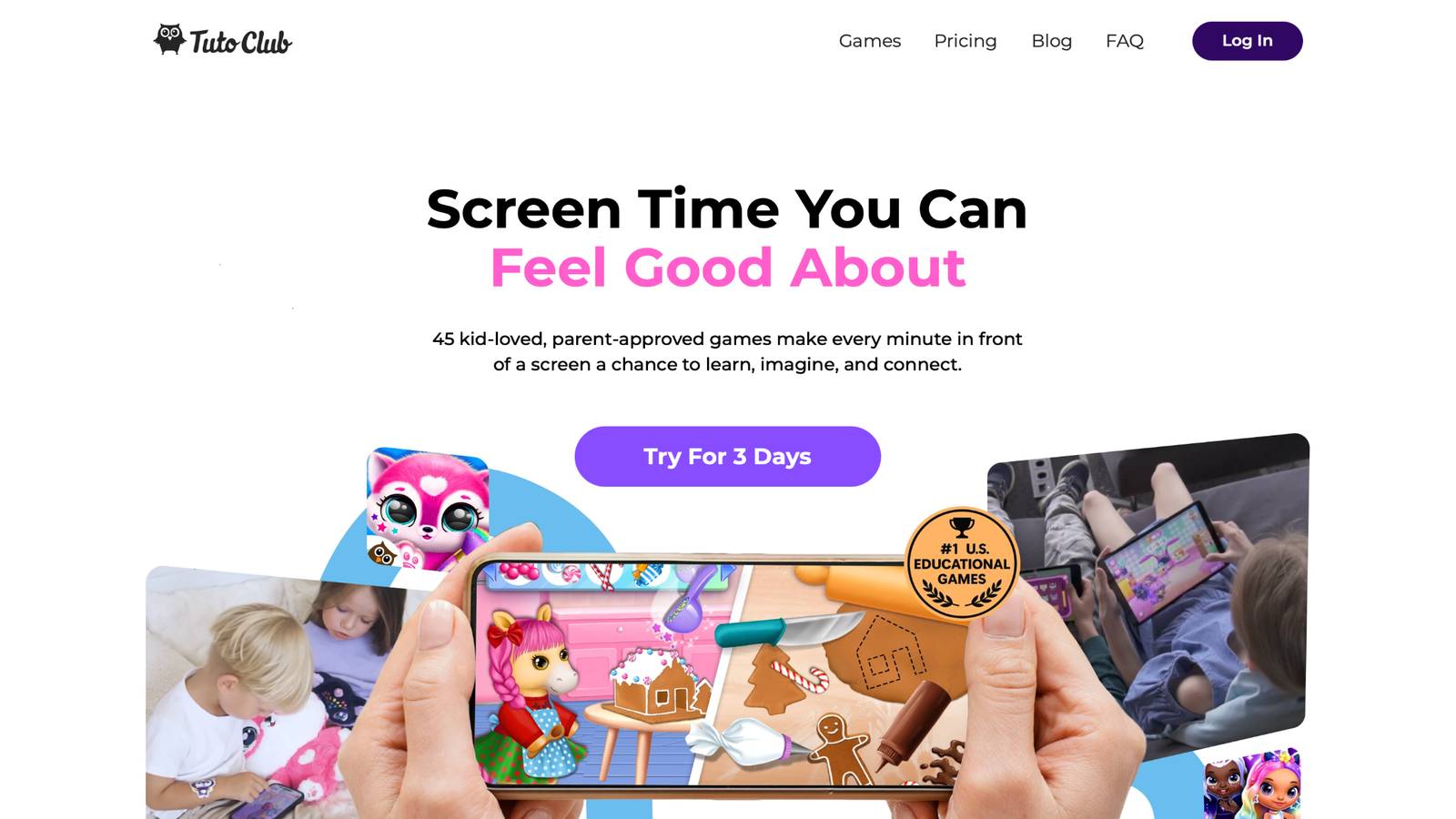
Educational games for kids from TutoClub offer a subscription-based platform with over 45 skill-building activities designed to make screen time positive and enriching. This site turns play into a tool for growth, helping children develop creativity, focus, and emotional skills in a safe, ad-free environment. Kids dive into puzzles, storytelling adventures, and character-care games that spark imagination and build real-life abilities like kindness and responsibility. Parents love how it reduces guilt over device use, creating calm moments for family bonding. With multi-device support and easy access, it's ideal for busy households seeking balanced, expert-crafted fun that feels like quality time. The platform stands out for its research-backed approach, where every game promotes curiosity and exploration without distractions.
Facts and information
- Builds creativity through design and art-inspired activities that let kids create and experiment.
- Improves focus with puzzles and routines that teach problem-solving in engaging ways.
- Supports emotional growth by including games on empathy, compassion, and confidence.
- Encourages responsibility via character-care elements that mirror real-world duties.
- Sparks curiosity with open-ended adventures that connect ideas and ask questions.
Join Tuto Club and unlock endless learning fun for your kids.
TutoClub Overview
TutoClub is your gateway to a magical world of educational games designed especially for children.
As part of TutoTOONS, a leading kids' games studio, we offer premium access to over 45 ad-free games.
Our mission is to blend learning and play, helping kids explore, create, and grow in a safe online space.
Thousands of parents trust us for family-friendly content that sparks imagination and builds essential skills.
Key Features
- Unlimited Access: Unlock full content in all games with no interruptions.
- Ad-Free Experience: Enjoy seamless play without any ads or distractions.
- Skill Development: Games foster creativity, social skills, communication, and more through fun activities like pet care and cleanup challenges.
- Regular Updates: Get new releases, exclusive content, and future updates automatically.
- Easy Subscription: Cancel anytime with no obligations, simple and flexible for families.
Explore Our World
TutoClub provides a rich ecosystem of educational games for kids, featuring ad-free experiences that promote creativity, focus, and emotional growth through play.
This platform turns screen time into valuable learning opportunities, with parent-approved content that builds essential skills and sparks curiosity in young minds.
- TutoClub Games: Over 45 educational games, including popular titles like Fluvsies, Smolsies, and the Sweet Baby Girl series
- Blog: Insights, tips, and stories for families on kids' learning and play
- FAQ: Comprehensive answers to frequently asked questions about subscriptions, features, and more
Get TutoClub on Your Device
TutoClub delivers premium kids educational games directly to your mobile devices, making learning accessible anytime, anywhere.
With apps available on major platforms, families can easily download and subscribe for ad-free play that turns screen time into skill-building adventures.
Perfect for parents seeking safe, engaging content on iOS, Android, or Amazon devices.
Why Choose TutoClub?
We're committed to 100% safe, enriching entertainment that kids love and parents approve.
Join the thousands who've seen their children thrive through playful learning.
Ready to start the adventure?
Subscribe to TutoClub today and unlock endless fun!
2. Fluvsies Academy
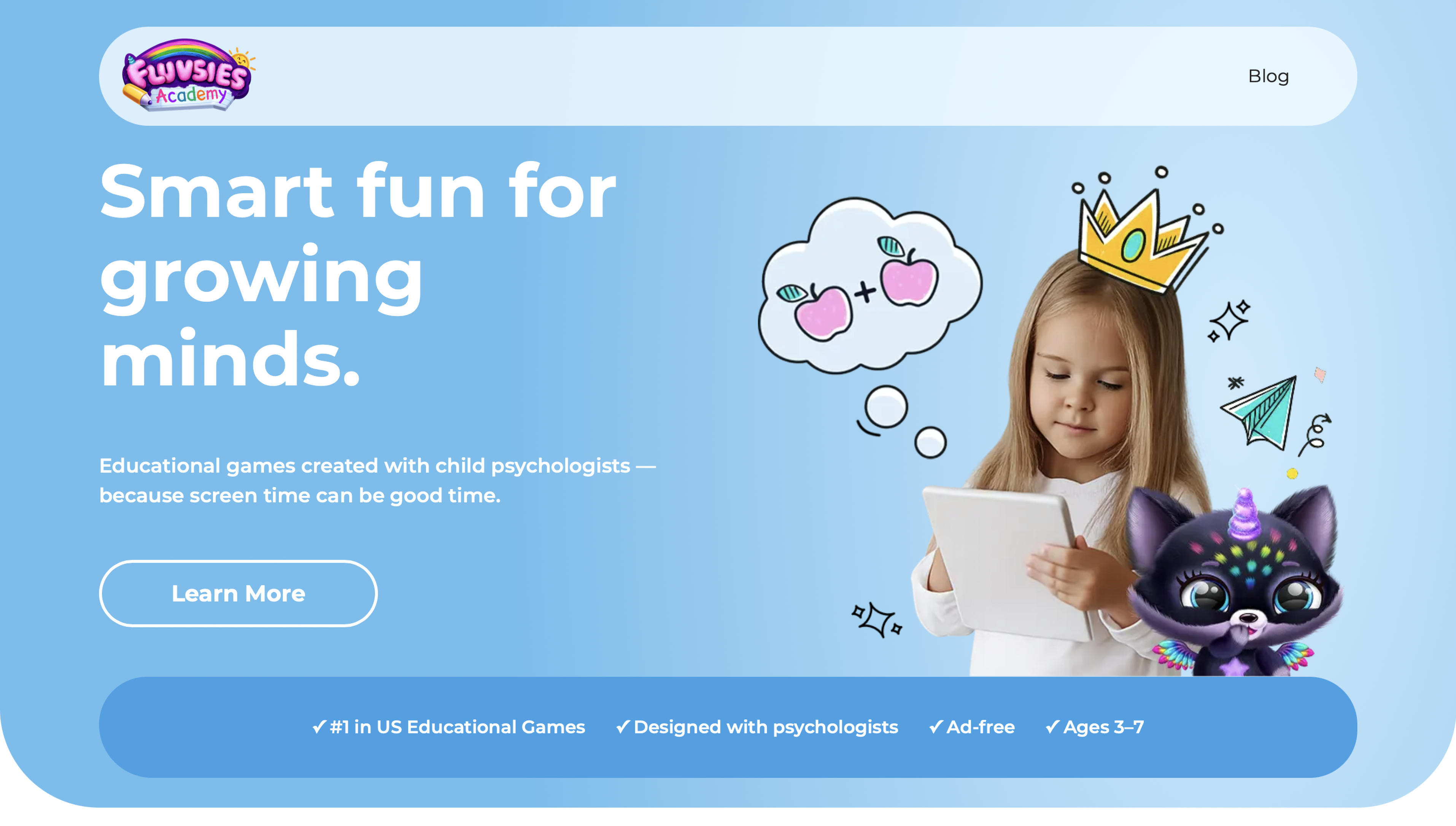
Fluvsies Academy brings to life a delightful educational experience where beloved fluffy virtual pets meet structured learning for kids ages 3 to 7. Young learners explore preschool topics like language and phonics through playful mini-games, strengthen math skills with number activities that build confidence, enhance logic and focus via attention-sharpening tasks, and master sorting for better comparison abilities, all while enjoying creative open-ended play.
Two distinct learning modes promote active problem-solving alongside real-world life skills and emotional growth. The integration of familiar cute characters fosters engagement and kindness, with regular updates ensuring ongoing freshness. Its preschool emphasis provides excellent foundational support, while older kids might find some activities serve as enjoyable review.
Key features:
- Mini-games focused on language, phonics, numbers, logic, and sorting
- Integration of adorable Fluvsies virtual pet characters
- Dual learning modes for academic and holistic development
- Expert-backed, research-informed content
- Safe, ad-free environment optimized for young children
Facts and information:
- Designed specifically for ages 3-7
Emphasizes play-based learning to develop focus, empathy, and curiosity
3. PBS Kids
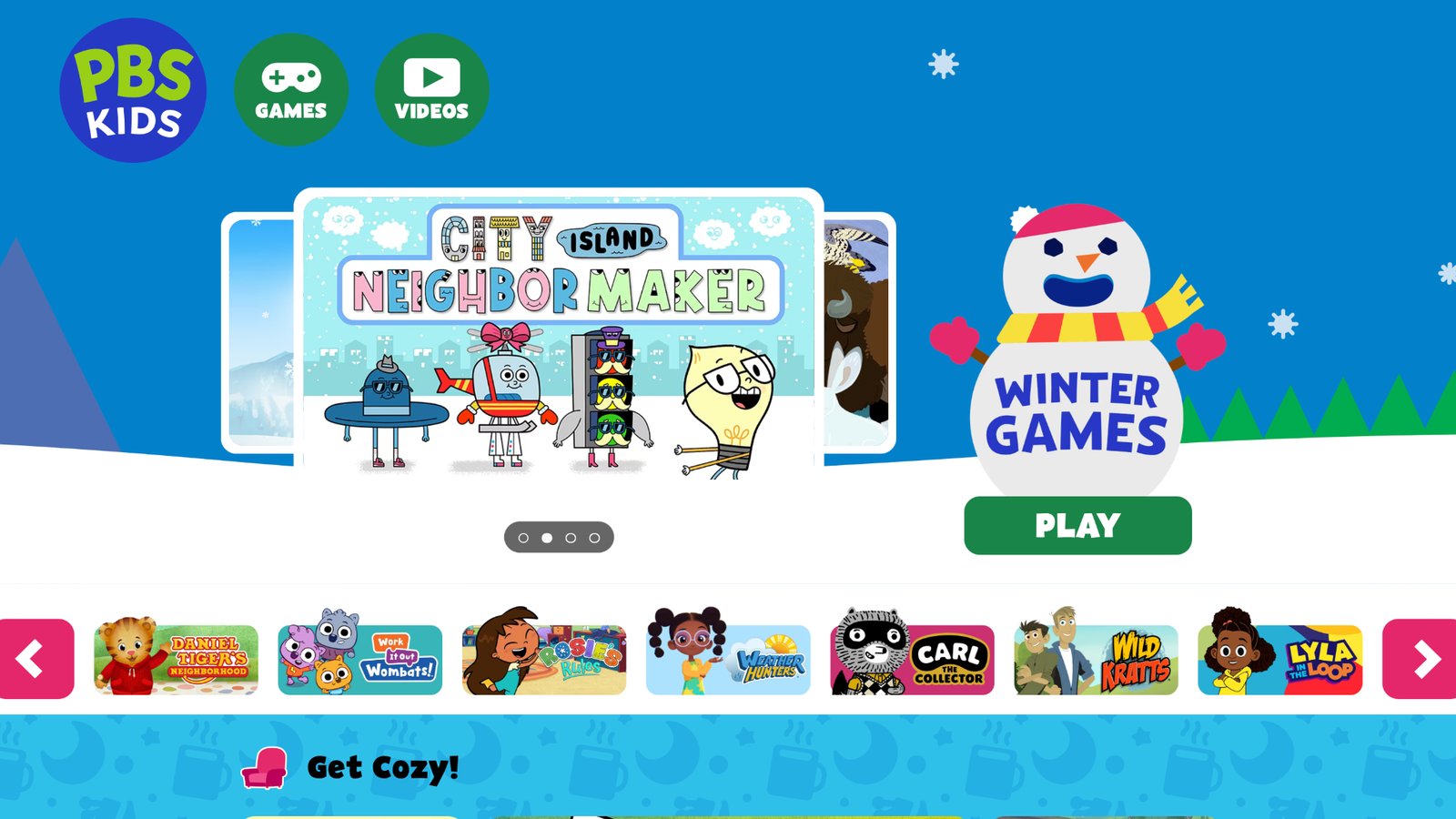
PBS Kids serves as a hub for children's programming with games, videos, and shows that cover science, math, and social studies in a kid-friendly format. It draws from popular series to make lessons relatable, though some content requires strong internet for smooth play. Strengths lie in its wealth of free resources that tie into real-world topics, like exploring nature or community helpers. Weaknesses include limited personalization, which might not adapt as well to individual paces. Overall, it fosters curiosity through familiar characters and simple interactions, making it a solid choice for young learners who enjoy stories mixed with facts.
Key features
- Interactive games based on shows like Curious George for hands-on learning.
- Videos and clips that explain concepts in short, digestible segments.
- Activities tied to themes like holidays or everyday life for variety.
Facts and information
- Targets preschool to early elementary ages with content on animals, geography, and emotions.
- Offers free access without ads in many sections, promoting safe exploration.
- Includes tools for parents to guide viewing and extend lessons offline.
4. National Geographic Kids
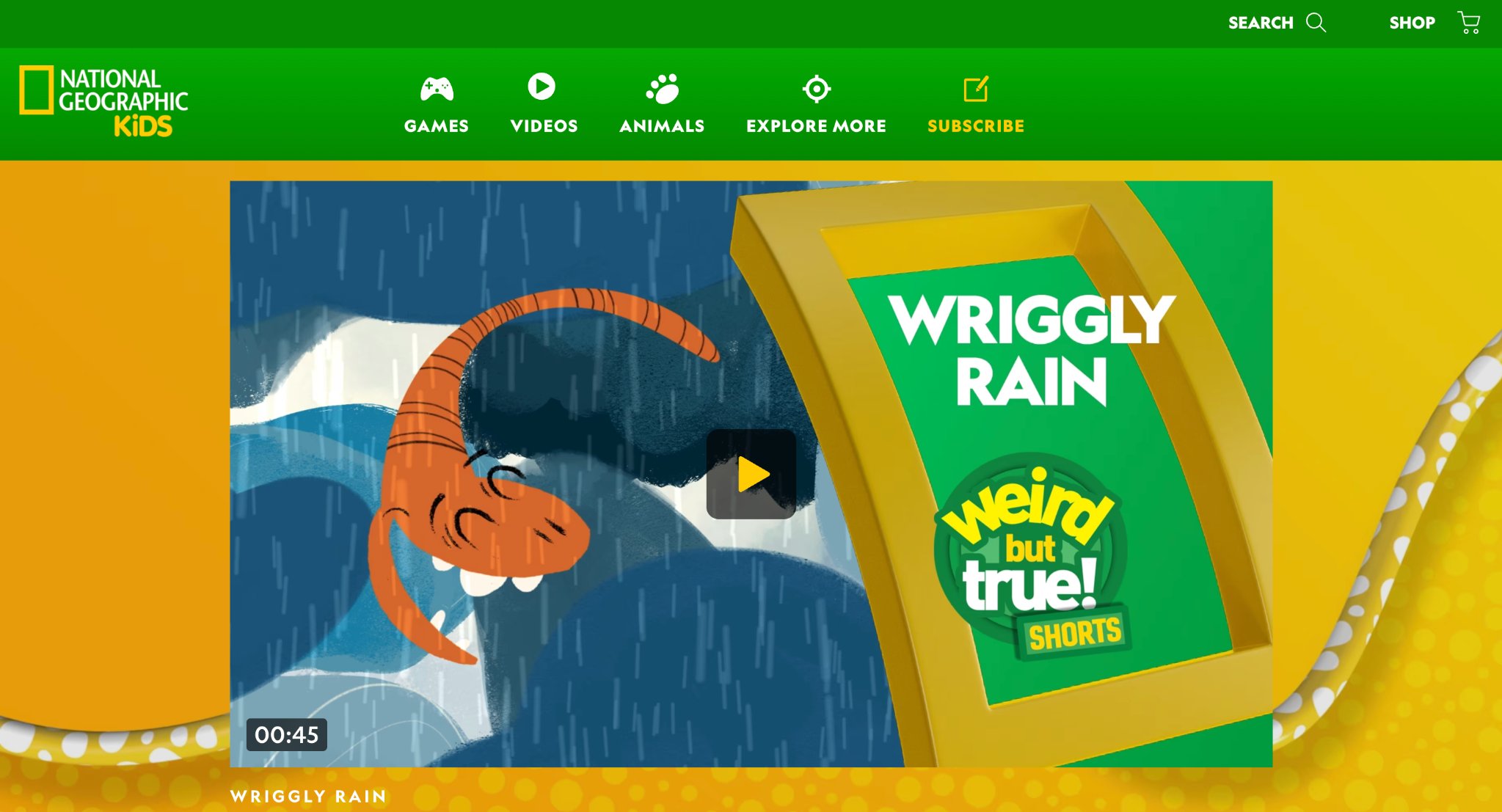
National Geographic Kids brings the wonders of the world to children through articles, videos, and quizzes on animals, history, and science. Based in the US, it excels at inspiring awe with stunning visuals and real facts about endangered species or ancient cultures. However, navigation can feel cluttered for very young users, requiring adult help at times. Its strength is in promoting global awareness and environmental care, like tips on reducing plastic use. This site suits curious minds eager to learn about far-off places, though it lacks heavy gamification compared to others.
Key features
- Quizzes and personality tests on topics like outdoor sports or brain boosters.
- Articles on history heroes and conservation efforts for in-depth reading.
- Games like matching puzzles on countries or gemstones.
Facts and information
- Covers science and nature with series like Weird But True for fun trivia.
- Encourages crafting and pet care sections for creative play.
- Provides homework help on animal reports and seasonal recipes.
5. Khan Academy Kids
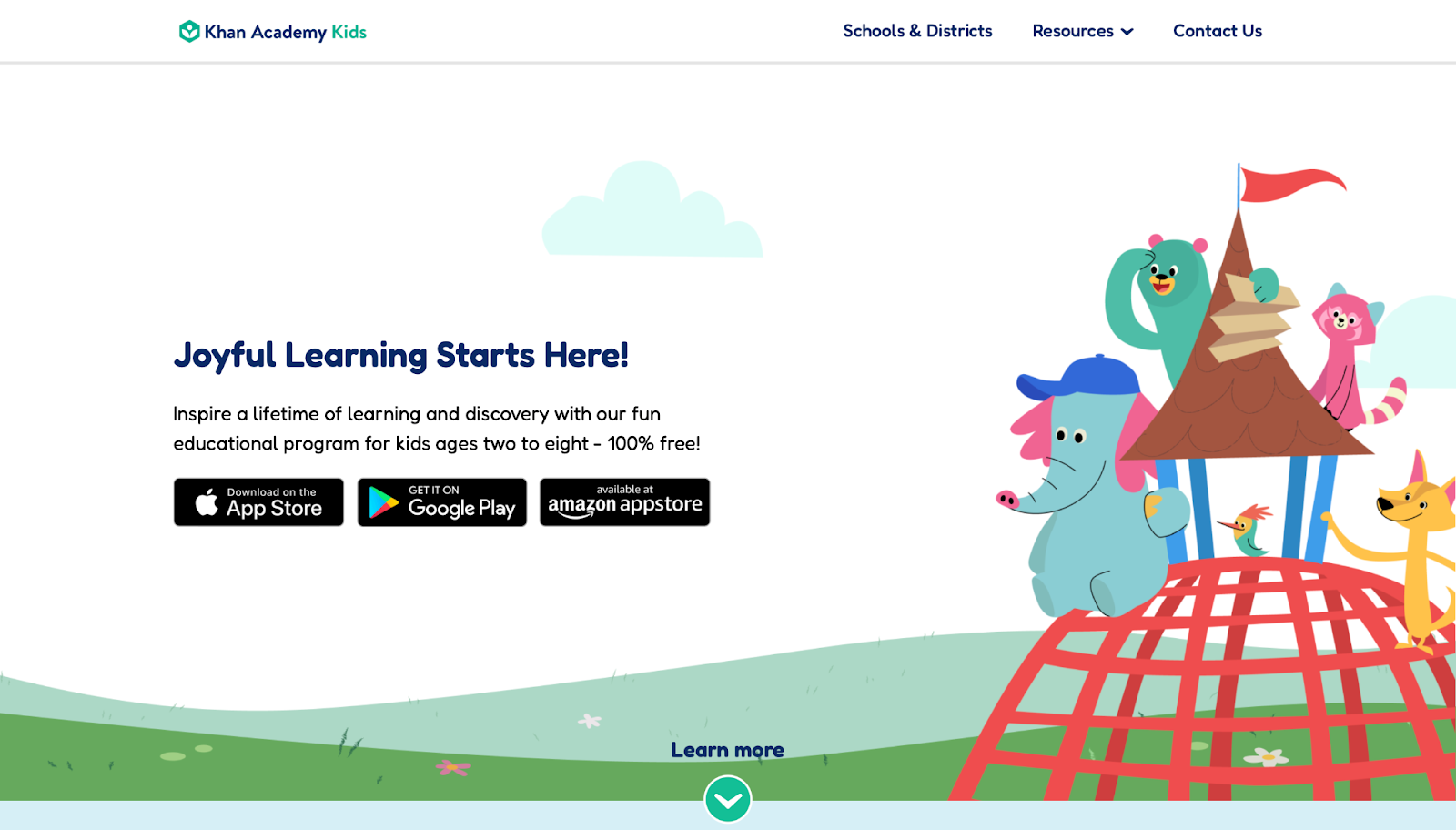
Khan Academy Kids, from the nonprofit Khan Academy in Mountain View, California, delivers free app-based lessons for early learners in reading, math, and social-emotional skills. It shines with personalized paths guided by characters, helping kids build basics through stories and games. A downside is its focus on younger ages, which might not hold interest for older children. The app adapts well, offering thousands of activities that grow with the user, making it great for building confidence in a playful setting without pressure.
Key features
- Interactive books and videos on naming feelings and phonics.
- Creative activities like tracing and drawing for fine motor skills.
- Lessons aligned with early learning standards for structured progress.
Facts and information
- Supports English language learners with visuals and read-alouds.
- Includes festive content like winter songs for seasonal engagement.
- Tracks progress for parents to see growth in core areas.
6. Starfall
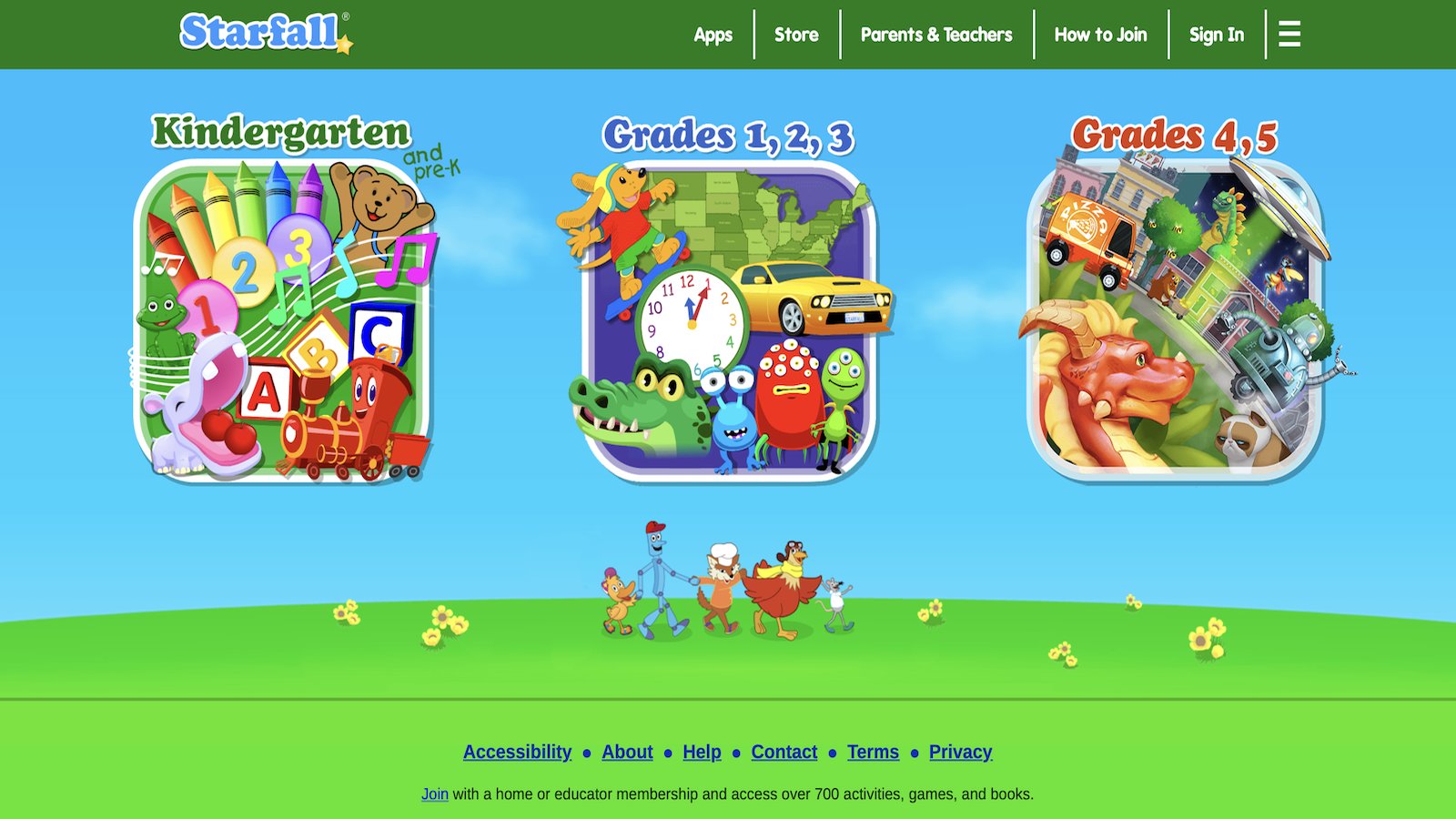
Starfall specializes in reading and math for young children, using multisensory games and songs to teach phonics and basic numbers. It performs well as a free public service with no ads, aiding emergent readers and those with learning challenges. One weakness is its limited scope beyond early grades, potentially needing supplements for advanced topics. The site builds motivation through positive feedback, making it effective for homeschool or classroom use with diverse learners.
Key features
- Animated songs and movies for phonemic awareness and sight words.
- Interactive games that combine touch, sound, and visuals.
- Books and activities aligned with state standards.
Facts and information
- Helps English language learners with sequential phonics.
- Founded to address dyslexia, focusing on confidence-building.
- Offers membership for expanded math and reading content.
7. ABCmouse
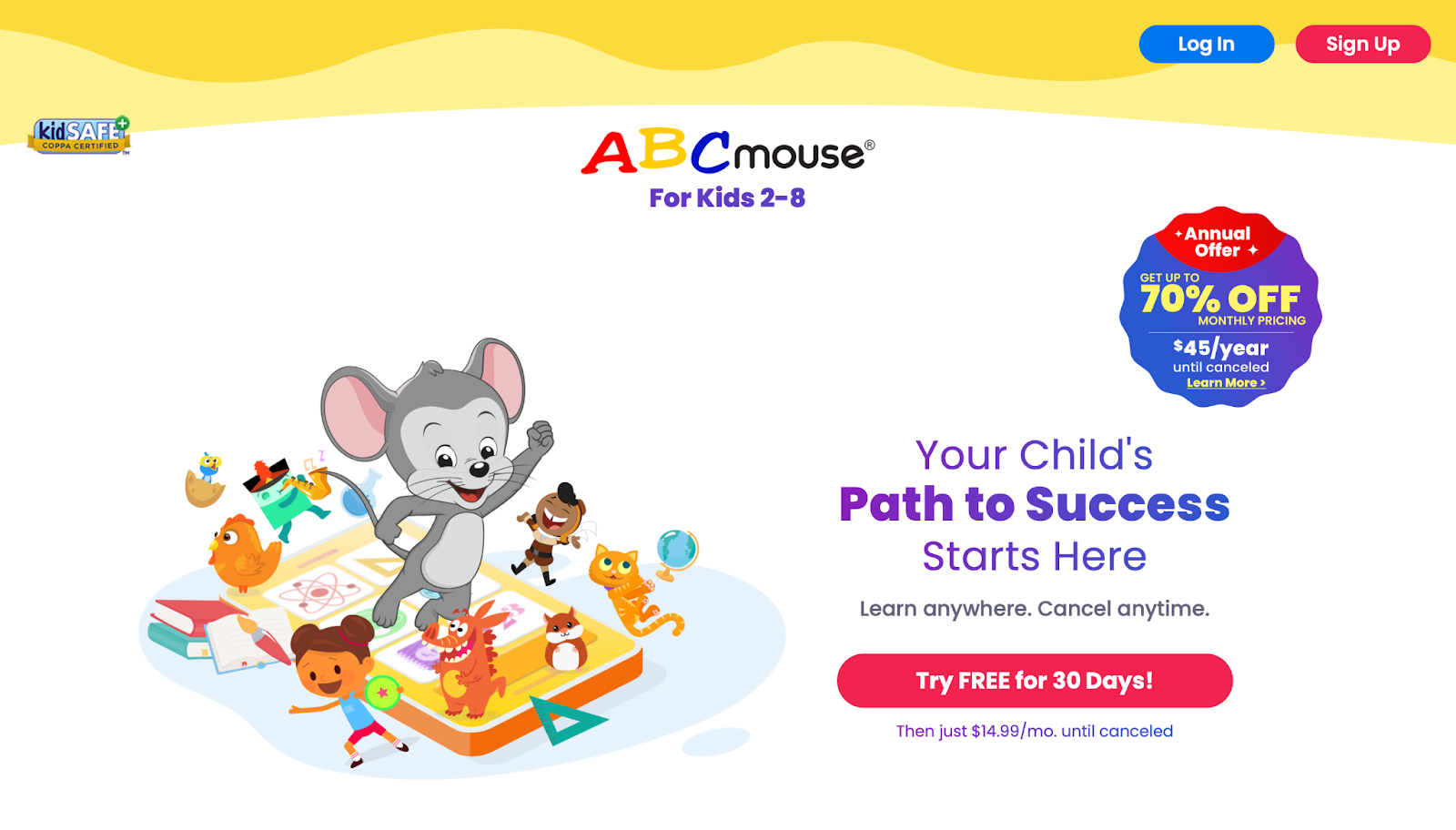
ABCmouse delivers a comprehensive curriculum for toddlers through early elementary ages, covering reading, math, science, and art via interactive games, books, songs, and puzzles. Its carefully structured step-by-step progression combined with a rewarding system keeps children motivated and eager to return. Young learners explore immersive virtual worlds like bustling zoos and peaceful farms, where voiced guidance makes navigation simple and concepts come alive through colorful animations.
Parents value the detailed progress tracking that shows growth across subjects, along with printable activities that extend learning offline. The platform works especially well for homeschooling families seeking expert-developed content that builds strong foundations. While the subscription model follows a trial period, the breadth of hundreds of activities and customizable avatars ensures children stay engaged while developing phonics, shapes, world knowledge, and overall curiosity in a safe, supportive environment.
Key features
- Over hundreds of books, songs, and puzzles for varied practice.
- Customizable avatars and virtual rewards for engagement.
- Progress tracking graphs by subject and level.
Facts and information
- Covers phonics, shapes, and world knowledge in fun animations.
- Includes printable activities for offline extension.
- Supports homeschool with expert-developed content.
8. Funbrain
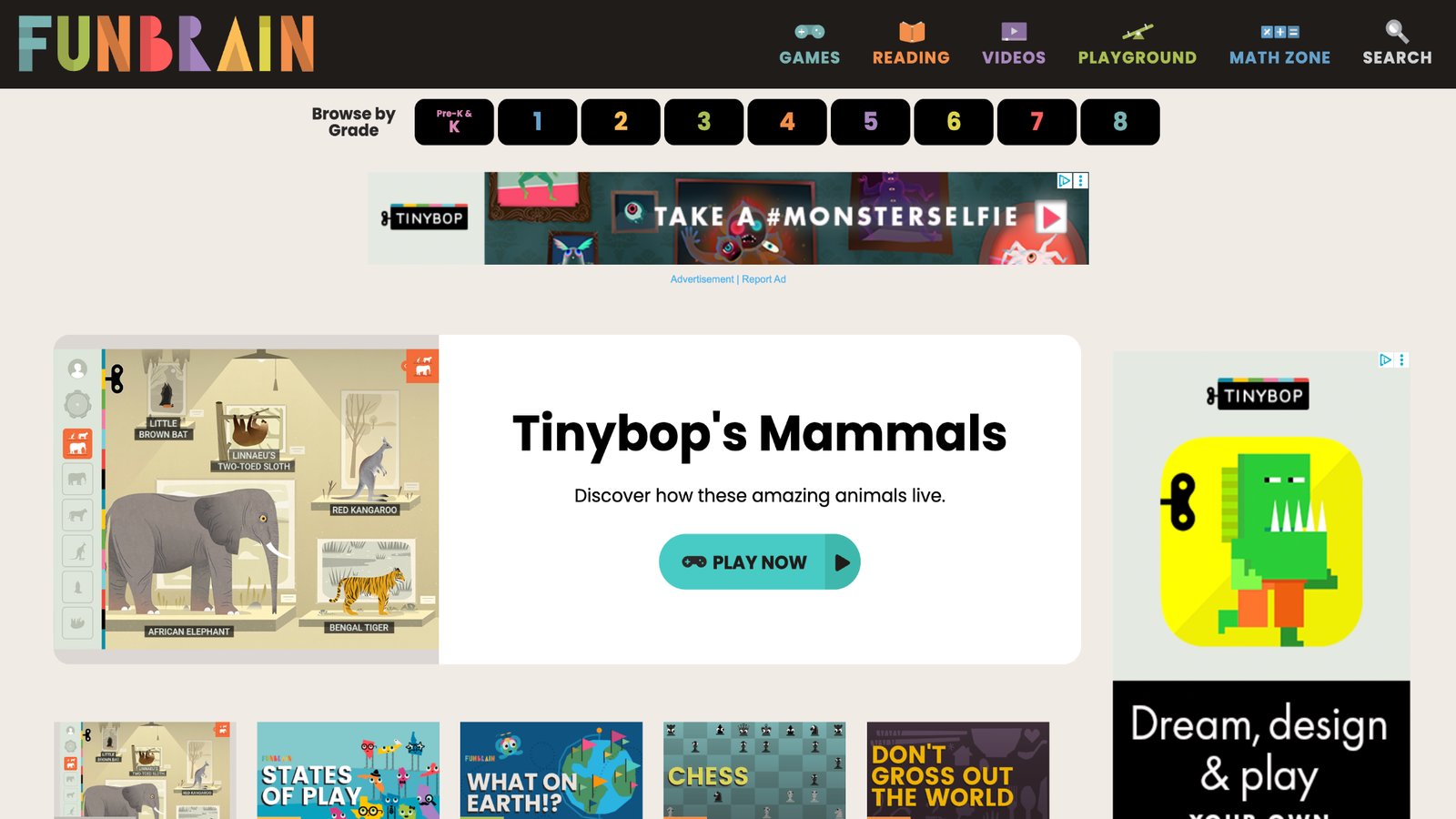
Funbrain offers a wide selection of free games, books, videos, and comics that make math, reading, and grammar practice feel like casual entertainment for elementary-aged children. Its arcade-style activities suit short attention spans perfectly, delivering quick wins through puzzles, adventures, and word challenges that reinforce key skills without pressure. The site covers diverse topics including history and science trivia, appealing to kids who prefer light-hearted play over rigid lessons.
Teachers appreciate the dedicated section for assigning activities, while the absence of personal data collection ensures a safe experience. Although the design may feel somewhat dated compared to modern platforms, Funbrain’s no-cost access and variety make it a reliable daily supplement that turns everyday screen time into meaningful skill reinforcement in a relaxed, engaging format.
Key features
- Games on math operations and word challenges.
- Digital books and comics for reading practice.
- Videos that explain concepts in simple terms.
Facts and information
- Targets elementary ages with puzzle and adventure themes.
- No personal data collection for safe use.
- Includes sections for teachers to assign activities.
9. Coolmath4kids
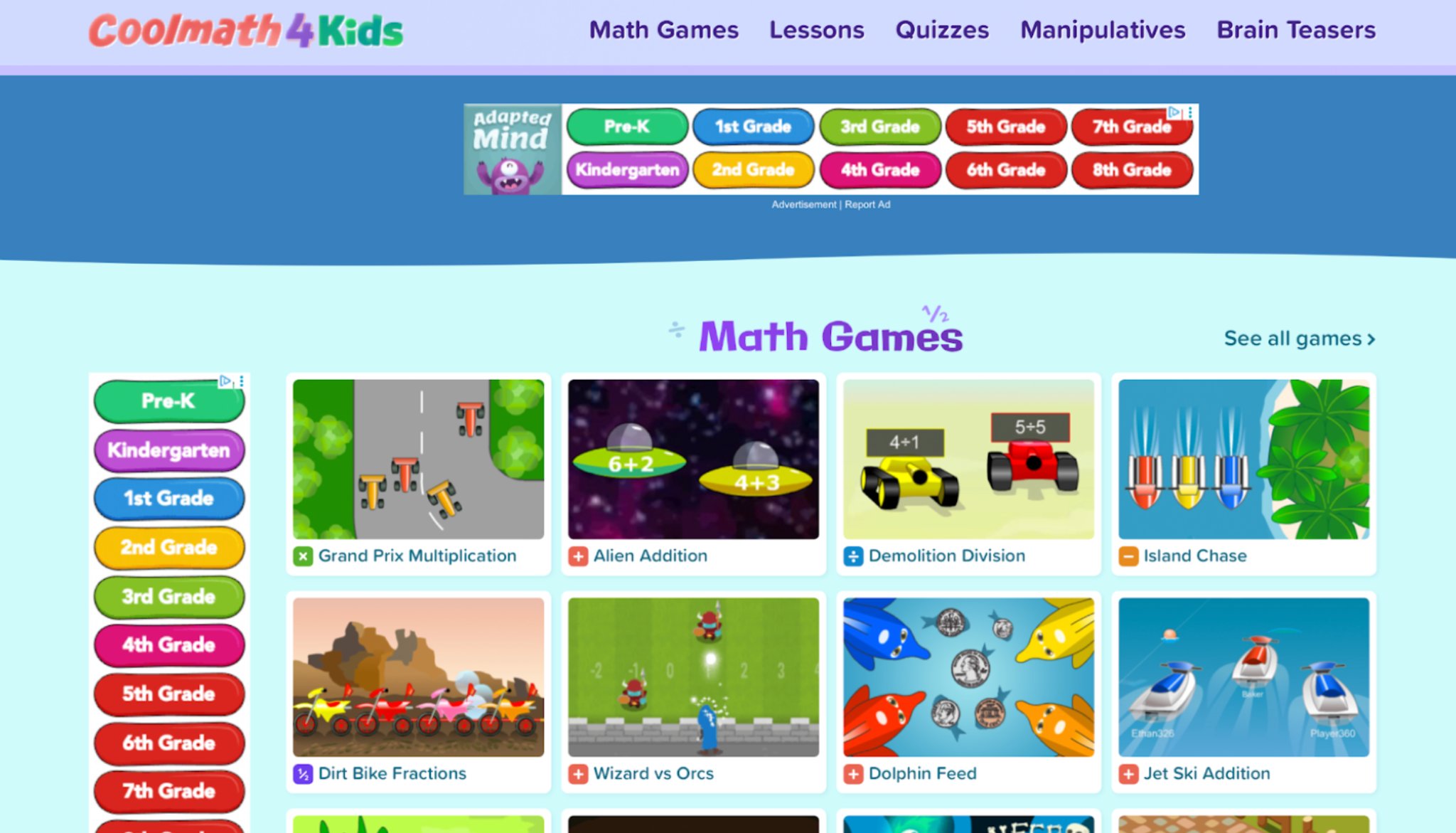
Coolmath4kids transforms math practice into exciting adventures with themed games featuring racing, alien encounters, and action-packed challenges that help elementary children master addition, subtraction, multiplication, fractions, and more. By removing timers and focusing on fun scenarios, it reduces anxiety and encourages repeated practice that builds speed and confidence.
The platform shines at turning traditional drills into enjoyable experiences without interrupting ads, though its simple interface may not impress tech-savvy older kids. With tracing activities for early number recognition and progressive difficulty, Coolmath4kids supports both basics and advanced operations in an accessible way. Its completely free model promotes consistent use, helping children develop quick thinking and number fluency through playful, low-stress engagement that many families rely on for regular math reinforcement.
Key features
- Games on multiplication, subtraction, and integers.
- Tracing activities for early number recognition.
- Themed challenges like dirt bike or canoe races.
Facts and information
- Encourages practice without timers for low stress.
- Covers basics to advanced operations in fun scenarios.
- Free access promotes repeated use for mastery.
10. Duolingo
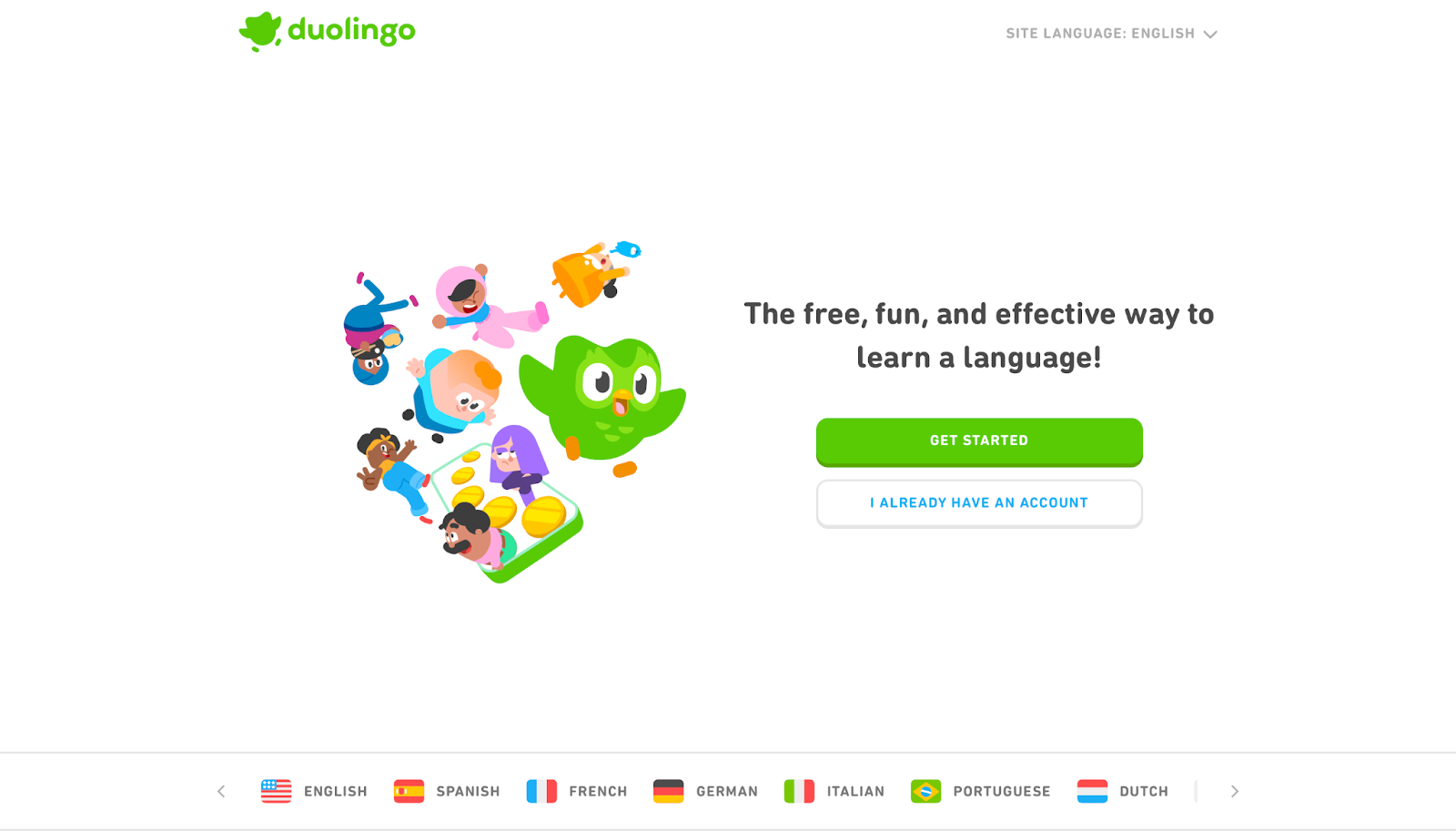
Duolingo brings language learning to life through bite-sized, game-like lessons that feel approachable for young users, including its dedicated Duolingo ABC path for early reading and phonics. The friendly owl mascot and point-based rewards system build daily habits while covering reading, speaking, listening, and vocabulary across dozens of languages. AI personalization adjusts to each child’s pace, making it ideal for beginners or families introducing foreign languages in a playful way.
Mobile apps allow learning anytime, and research-backed methods support effective retention without overwhelming pressure. While some users find the format repetitive after extended use, Duolingo excels at sparking interest in languages and literacy fundamentals through short, motivating sessions that fit busy schedules and deliver measurable progress for young learners.
Key features
- Lessons in reading, speaking, and listening skills.
- Challenges and points for motivation.
- Apps for mobile learning anytime.
Facts and information
- Offers over 50 languages with fun reminders.
- Includes math and ABC tools for young learners.
- Backed by research for effective habit formation.
11. Code.org
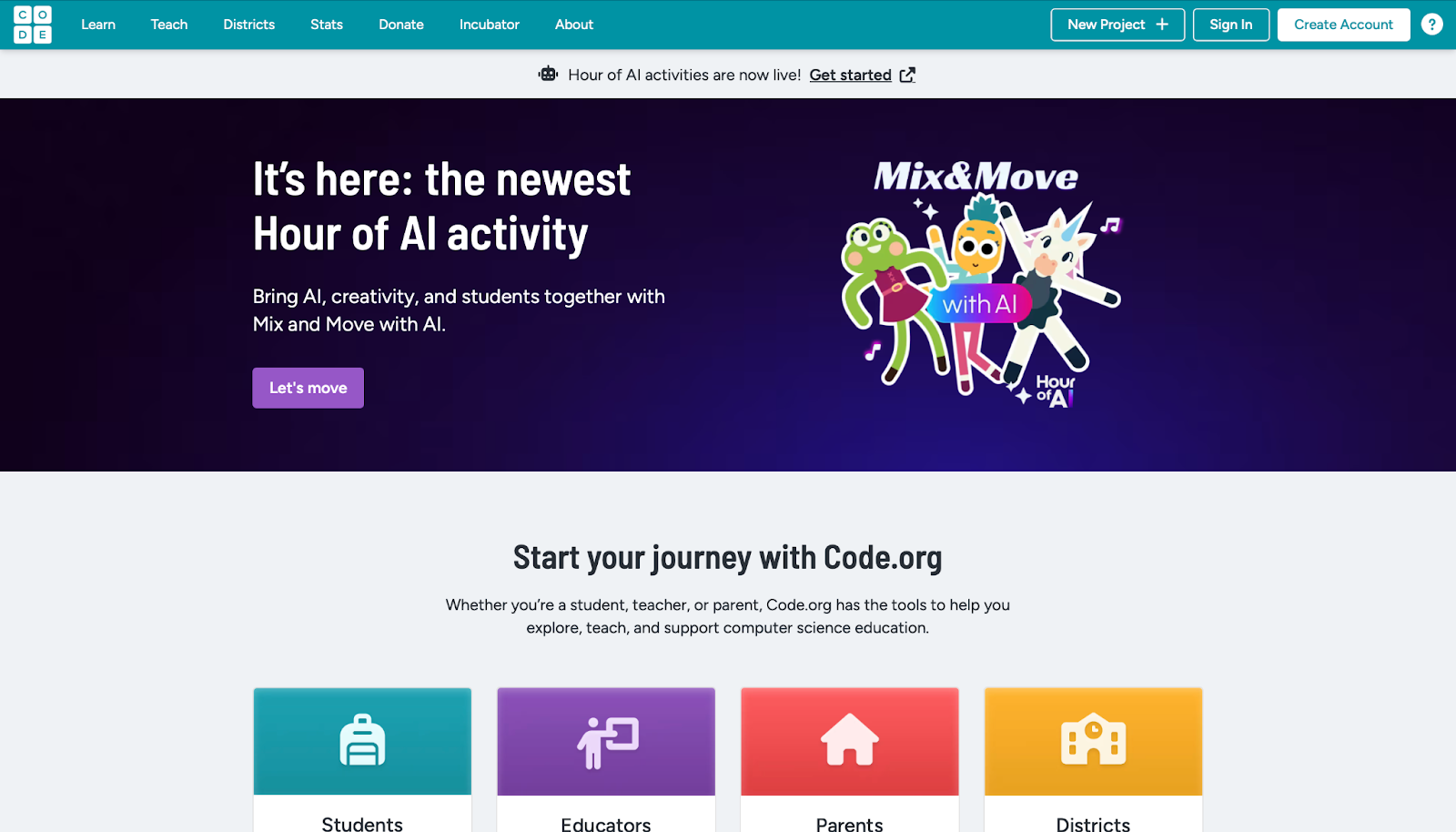
Code.org makes computer science accessible and exciting for K-12 students through free, interactive courses and activities that introduce programming, logic, and AI concepts. From simple block-based puzzles to more advanced projects, children create games, animations, and apps while exploring themes featuring popular characters. Its standards-aligned curriculum and comprehensive teacher resources have led to widespread classroom adoption, promoting equity and broad participation in tech education.
The nonprofit’s Hour of Code events inspire millions globally each year. While younger learners may need initial adult support for complex sections, Code.org effectively demystifies technology and builds problem-solving skills. Its flexible, no-cost resources help children understand coding’s real-world applications and open pathways to future opportunities in a creative, supportive environment.
Key features
- Courses on programming basics and AI exploration.
- Activities that inspire problem-solving.
- Tools for teachers to integrate lessons.
Facts and information
- Targets all school ages with flexible content.
- Supported by global partners for wide reach.
- Focuses on equity in tech education.
12. SplashLearn
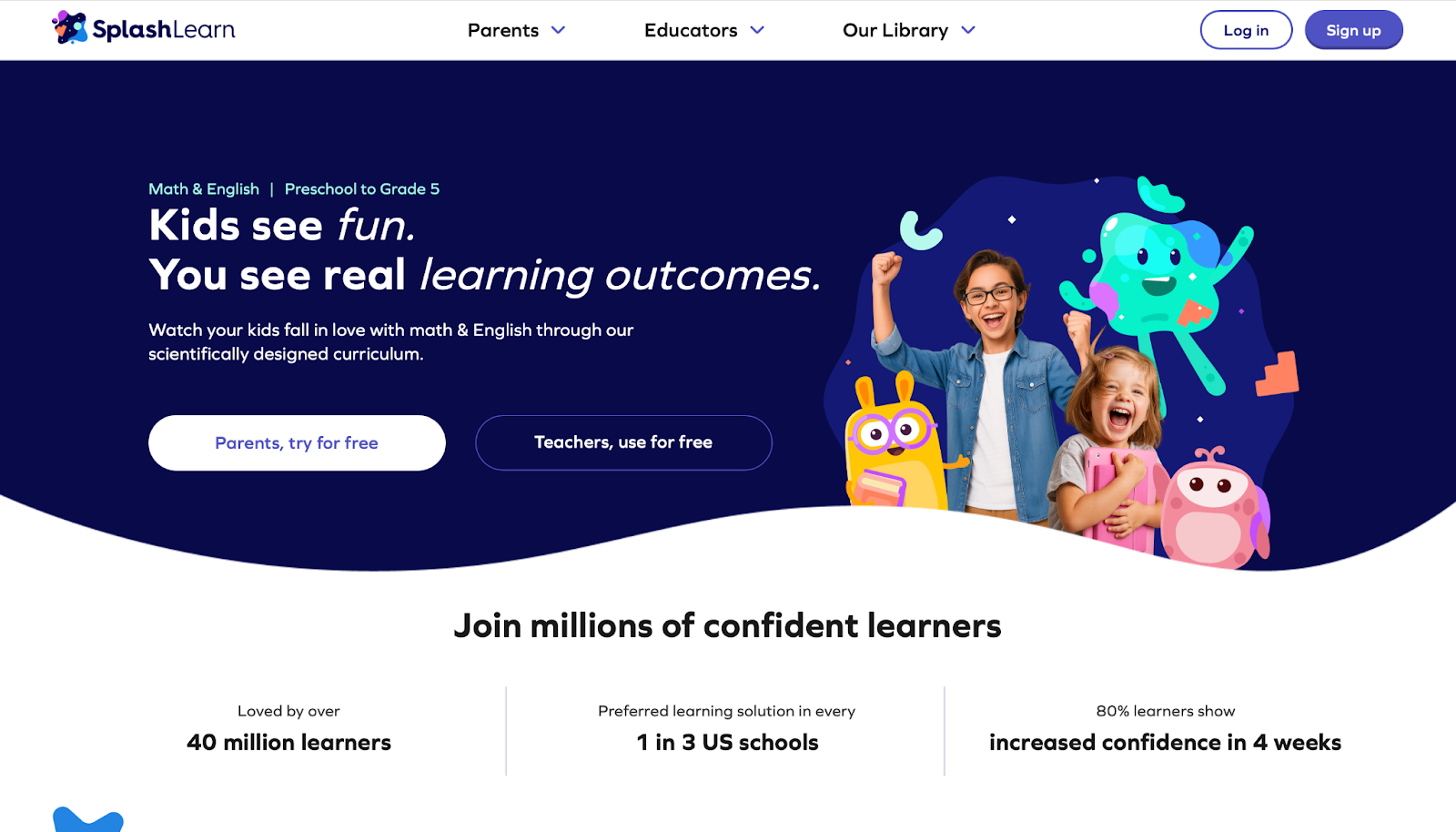
SplashLearn engages preschool through grade 5 children with colorful math and English language arts games set in a magical story world filled with friendly creatures. Adaptive learning paths adjust automatically to each child’s skill level, while detailed progress reports keep parents informed. Thousands of games and worksheets align with educational standards, covering operations, phonics, and even emotional learning in a low-pressure format that builds confidence through safe exploration.
Schools enjoy free access, making it a popular classroom supplement as well. Live classes offer additional guidance when needed. The vibrant, gamified approach turns daily practice into an enjoyable adventure, helping children master concepts while developing strong thinking skills and a positive attitude toward learning.
Key features
- Thousands of games and worksheets for variety.
- Personalized milestones and progress emails.
- Live classes for deeper guidance.
Facts and information
- Covers operations, phonics, and emotions.
- Free for schools to ensure access.
- Builds confidence through safe mistakes.
13. BBC Bitesize
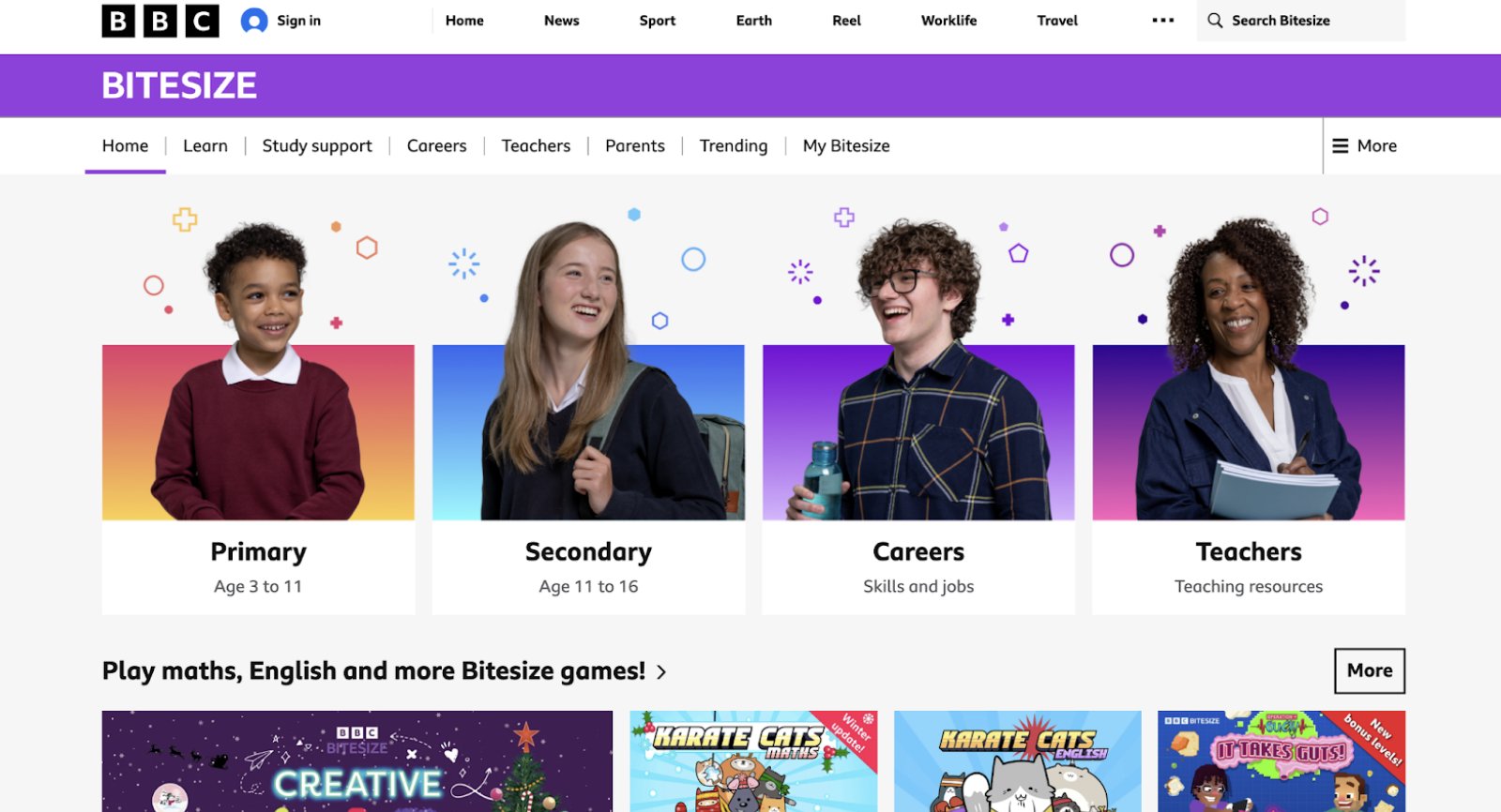
BBC Bitesize supports the UK curriculum with high-quality games, quizzes, videos, and podcasts for ages 3 to 16 across math, English, science, history, geography, and more. Based in London, it offers excellent regional alignment and engaging media literacy content that helps children spot fake news or dive into history detective challenges.
The platform includes wellbeing resources like mood boosters and a convenient free app with flashcards. While the exam-focused elements may feel intense for purely casual learners and US families may need to adapt some content, BBC Bitesize delivers fun, trustworthy educational experiences tied to familiar shows. Its broad coverage and interactive format make revision and skill-building effective and enjoyable for a wide range of ages.
Key features
- Quizzes on topics like times tables or emotions.
- Videos and podcasts for revision.
- Games tied to shows for engagement.
Facts and information
- Includes wellbeing resources like moodboosters.
- Free app with flashcards for on-the-go.
- Covers history, geography, and art.
14. Sesame Street
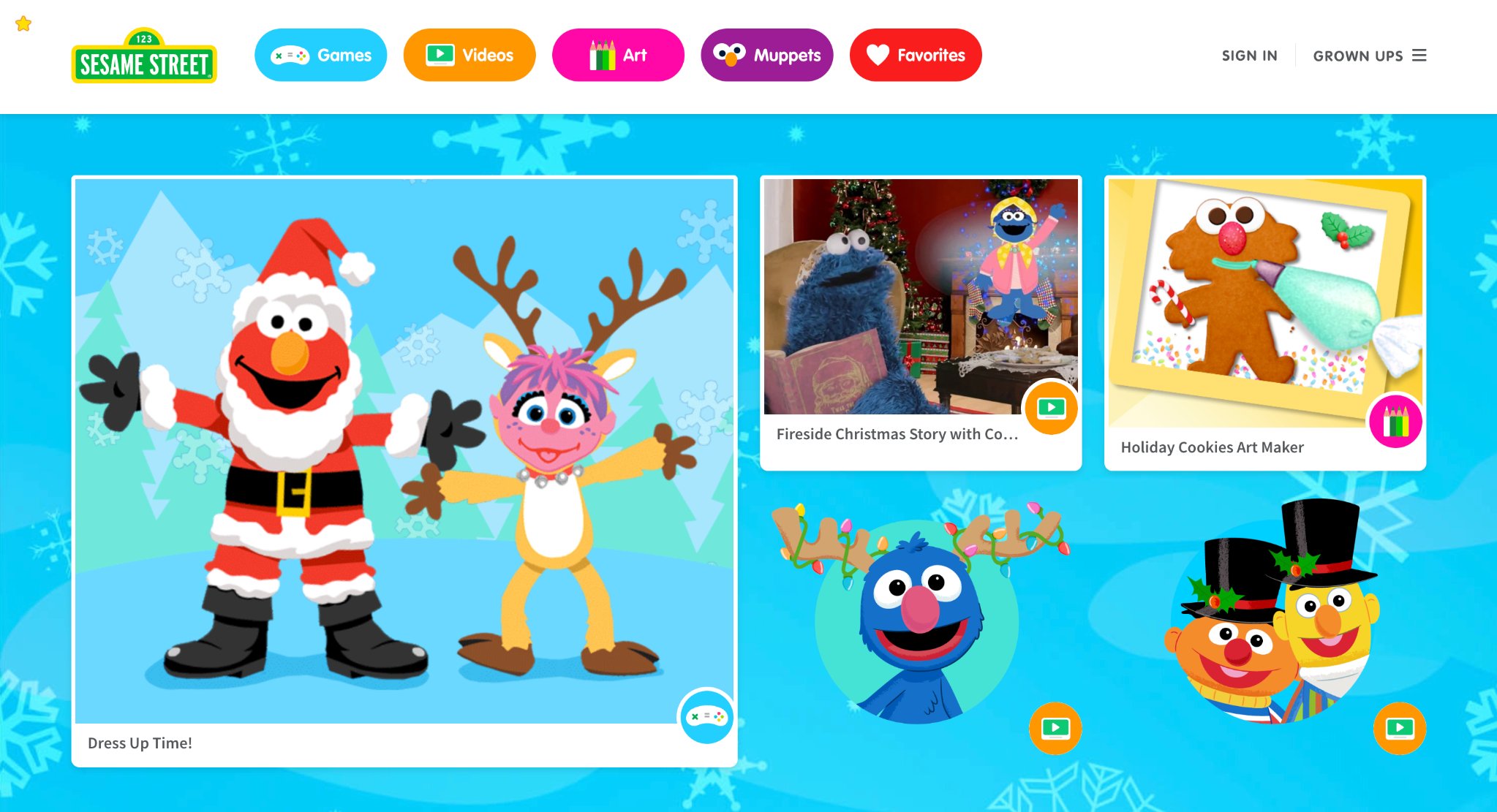
Sesame Street provides a gentle, character-driven space where preschoolers learn through beloved friends while exploring counting, emotions, kindness, seasons, and everyday skills. Free games, videos, and activities emphasize social-emotional growth alongside basic academics, helping young children understand feelings, develop empathy, and build early concepts in a safe, ad-free environment. Tools like potty training plans and holiday themes add practical value for families.
The platform’s focus on making children smarter, stronger, and kinder creates positive associations with learning from a very young age. While best suited for the youngest users, its wholesome content and familiar characters offer a comforting introduction to educational digital play that supports holistic early development.
Key features
- Games on seasons, bugs, and holidays.
- Videos on big emotions and green habits.
- Activities like dress-up or art makers.
Facts and information
- Promotes smarter, stronger, kinder growth.
- Includes holiday and kindness themes.
- Safe, ad-free for family use.
15. BrainPOP
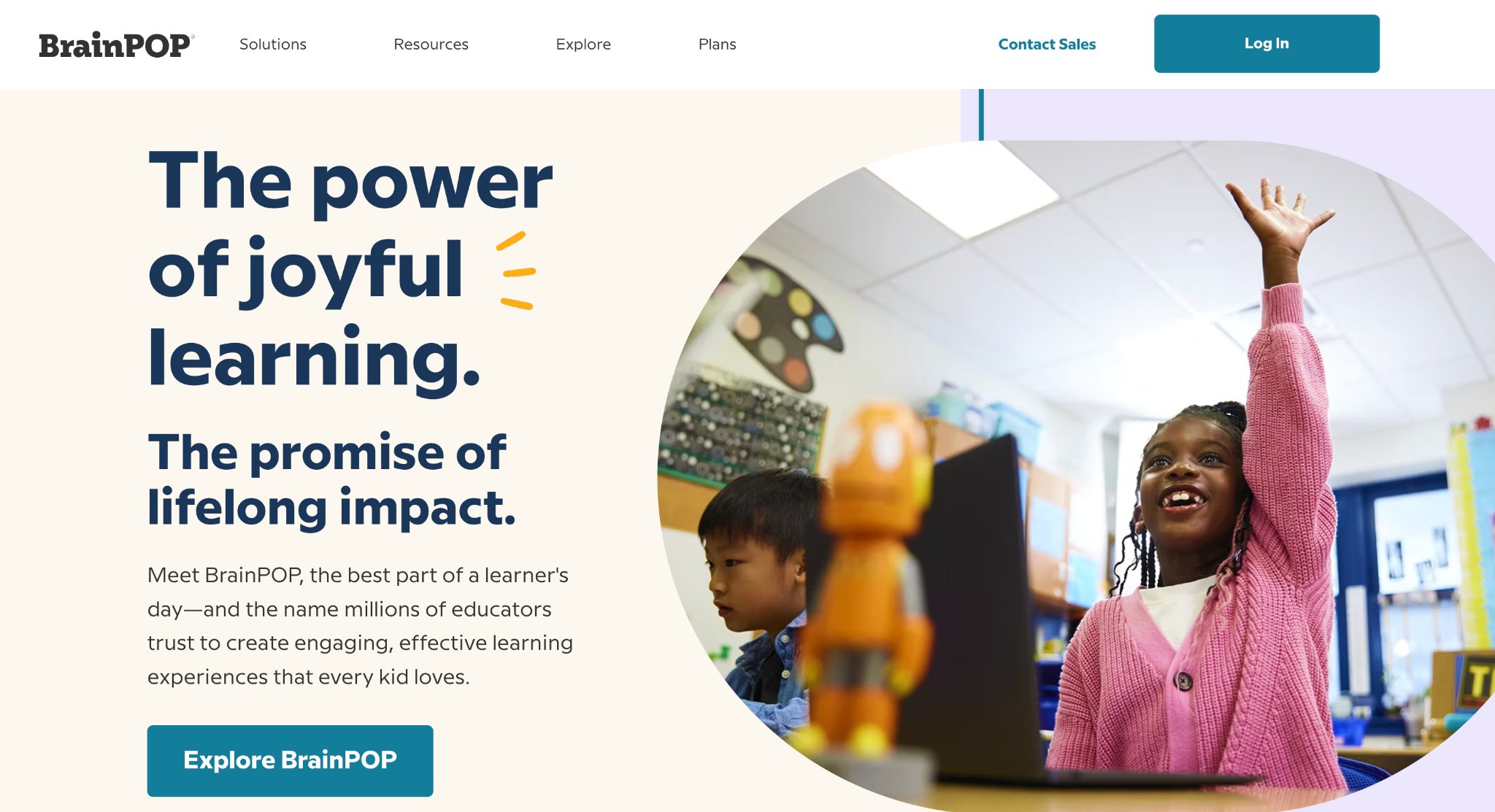
BrainPOP uses engaging animated movies and follow-up quizzes to teach science, vocabulary, grammar, and other subjects to K-8 students. Relatable stories help children connect new ideas across disciplines, encouraging self-directed exploration and deeper understanding. The research-rooted platform supports English language learners and provides valuable background knowledge that complements school curricula.
While full access requires a subscription and gamification is lighter than some competitors, BrainPOP inspires curiosity and critical thinking through clear, high-quality content. Homeschooling families particularly appreciate its flexible format, making it an effective tool for building knowledge and helping children see connections between different areas of learning.
Key features
- Movies on grammar and science concepts.
- Quizzes and games for reinforcement.
- Tools for English learners.
Facts and information
- Covers background knowledge for curricula.
- Supports homeschool with flexible use.
- Research-rooted for effective engagement.
16. Smithsonian Kids
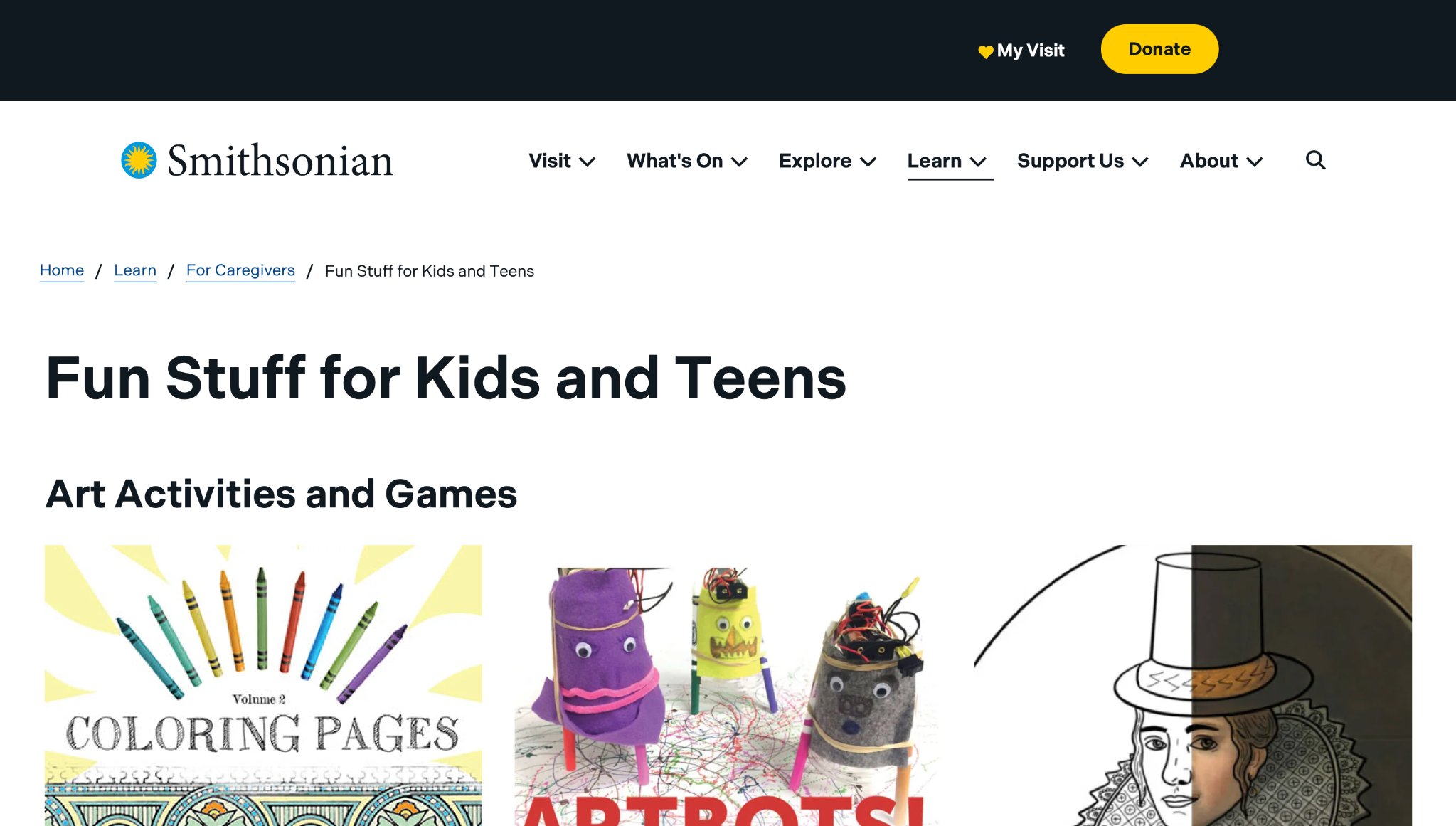
Smithsonian Kids gathers fun activities and resources from Smithsonian museums, helping children and teens explore art, history, science, nature, and space through games, videos, and crafts. Headquartered in Washington, D.C., it includes virtual zoo cams, AR apps on space heroes, and bilingual guides on inventors and sustainability. Strengths shine in its tie to real museum collections, offering authentic, engaging ways to learn about cultures and the environment. Weaknesses involve scattered navigation across sections, which might confuse young users without guidance. Overall, it sparks interest in global topics with free, downloadable content that blends play and discovery for family or school use.
Key features
- Art projects like coloring and robot creation from museum artifacts.
- History hunts and puzzles on American stories and cultures.
- Science games, simulations, and virtual explorations of nature.
Facts and information
- Covers space quizzes and telescope controls for astronomy fans.
- Includes activity books for young kids on diverse themes.
- Promotes hands-on learning with open access images and tools.
17. ABCya
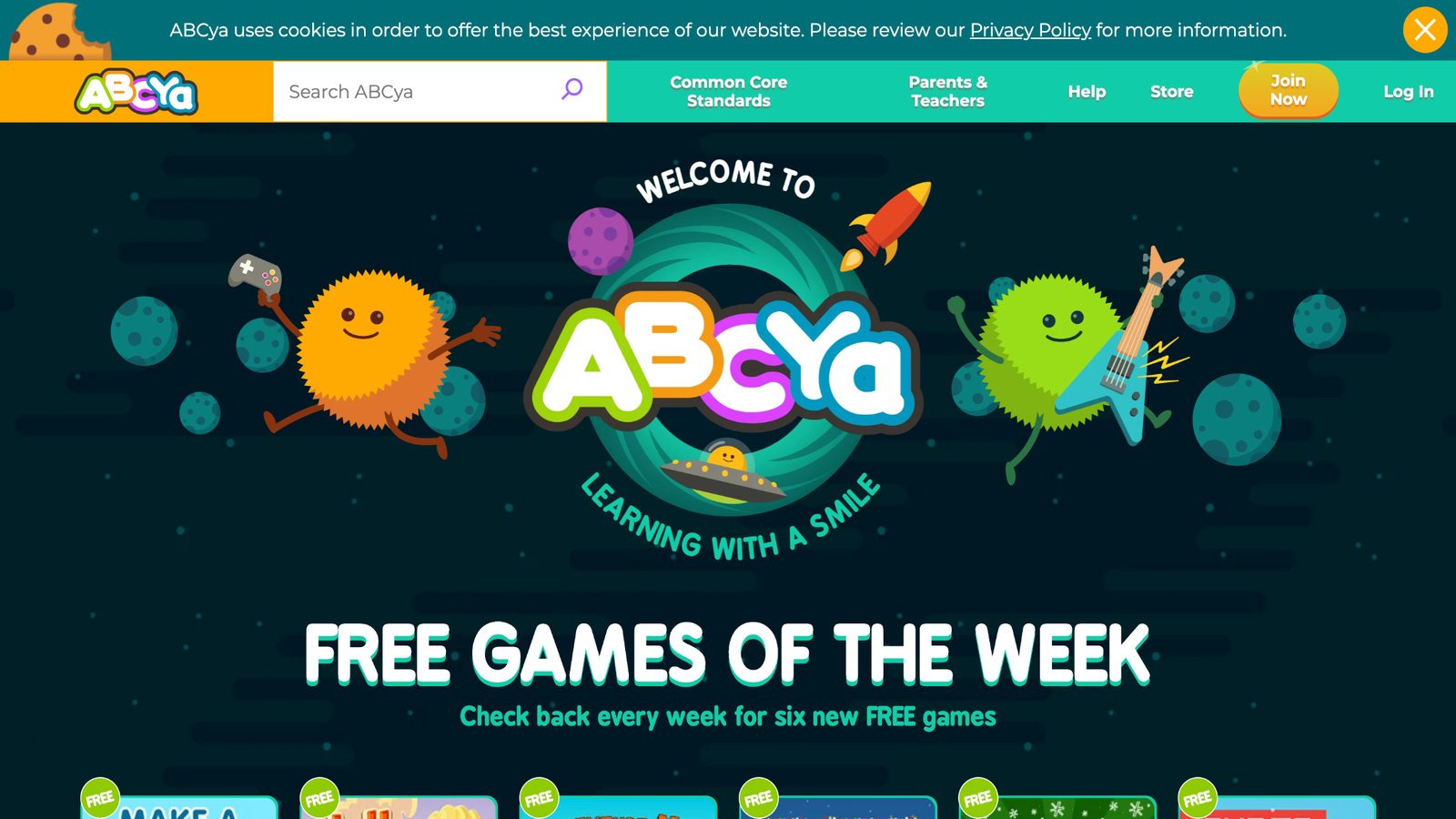
ABCya provides free learning games and apps for kids from Pre-K to grade 6+, covering subjects like math, language arts, science, art, and music through puzzles, word searches, and seasonal activities. It adds new games weekly, such as holiday-themed ones for Christmas and Hanukkah, and includes printables for offline fun. Strengths include diverse, curriculum-aligned content that's engaging for various ages, promoting skill-building in a fun way. Weaknesses involve an ad-supported interface that might distract young users during play. Based in the USA, it focuses on grade-specific experiences to support classroom or home learning without overwhelming complexity.
Key features
- Games organized by subject, theme, and genre for easy browsing.
- Weekly free additions like adventure or strategy games.
- Printables and seasonal content for holidays and themes.
Facts and information
- Targets Pre-K to 6+ with activities like counting or physics puzzles.
- Ad-free premium option available for smoother experience.
- Used by teachers for supplemental education in schools.
18. Turtle Diary
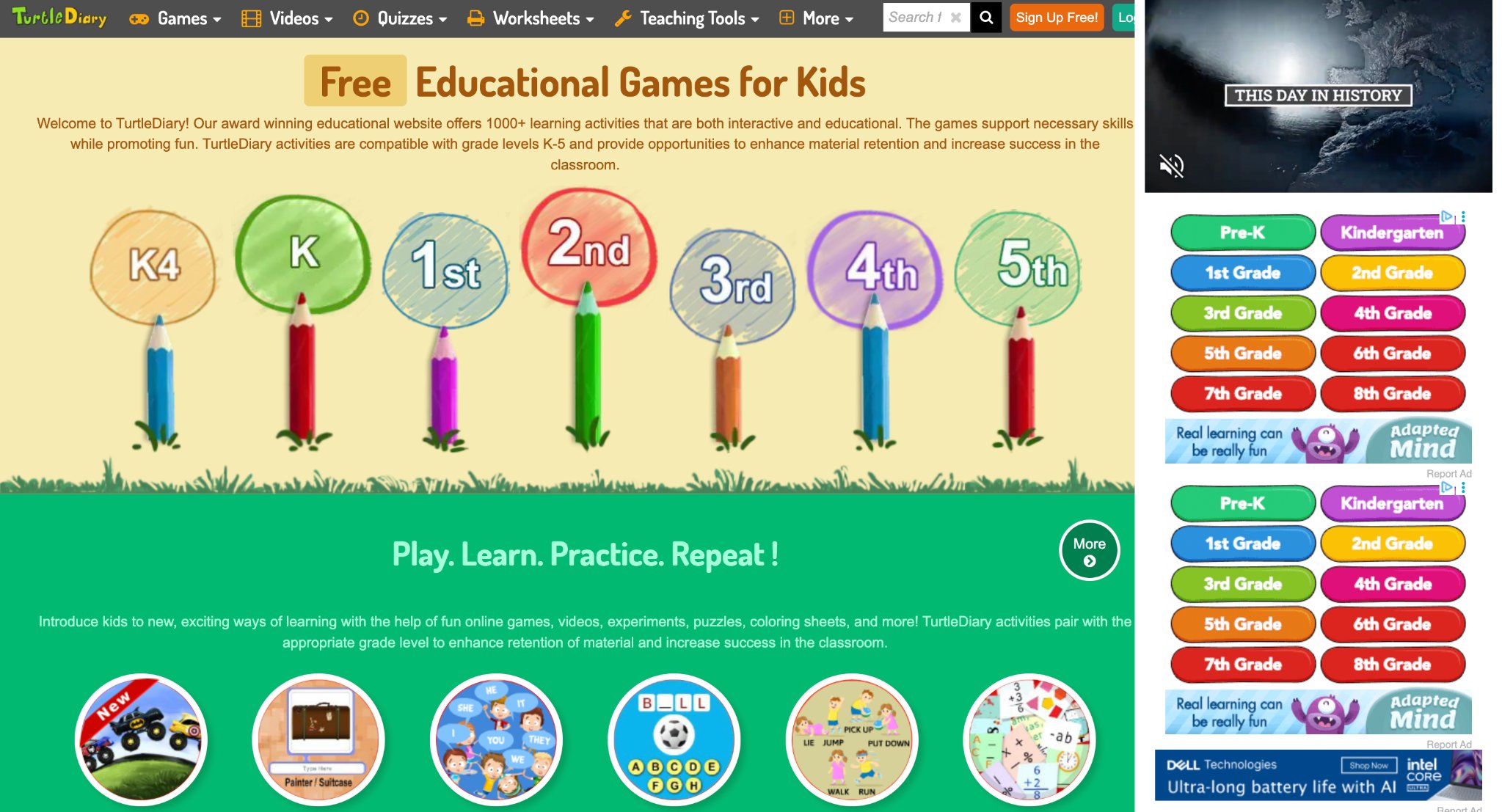
Turtle Diary offers over 1000 interactive games, quizzes, worksheets, videos, and typing lessons for K-5 kids, focusing on math, language arts, science, geography, and skills like typing. It includes multiplayer modes for safe competition and tools for teachers to track progress. Strengths lie in its gamified approach with instant feedback, aligning to Common Core for effective retention and confidence-building. Weaknesses may include potential content overload for beginners and need for stable internet. The site encourages curiosity through stories and assessments, making it a versatile resource for classrooms or home use.
Key features
- Multiplayer games and instant evaluations for engagement.
- Worksheet generator and progress reports for educators.
- Typing tutorials at basic to advanced levels.
Facts and information
- Top games have millions of plays, showing high popularity.
- Supports global multiplayer in a safe environment.
- Reinforces standards in core subjects for skill mastery.
19. Reading Eggs
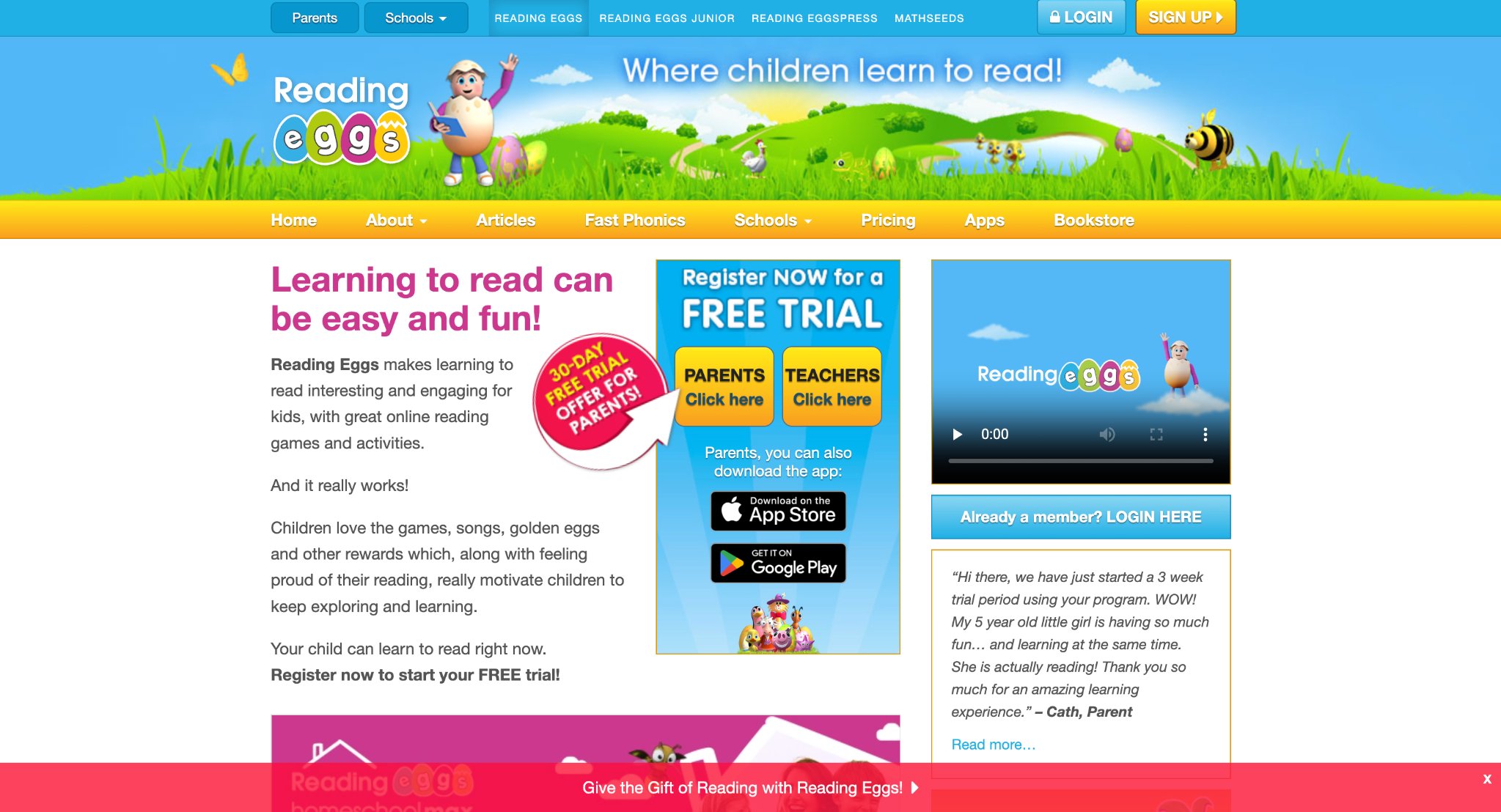
Reading Eggs makes learning to read fun for young kids with games, activities, songs, and rewards like golden eggs, helping build skills quickly as per parent testimonials. It motivates through pride and exploration, with progress seen in months. Strengths include engaging content that boosts motivation and effectiveness for beginners, especially in Kindergarten. Weaknesses involve limited details on age ranges or advanced curriculum. The program starts with a free trial, focusing on phonics and comprehension in an interactive format that keeps children eager to learn more.
Key features
- Interactive games and songs for phonics practice.
- Reward system with golden eggs for achievements.
- Parent tools to monitor reading progress.
Facts and information
- Millions of golden eggs banked by users worldwide.
- Testimonials show rapid skill gains in young learners.
- Designed for early readers to build confidence fast.
20. Prodigy
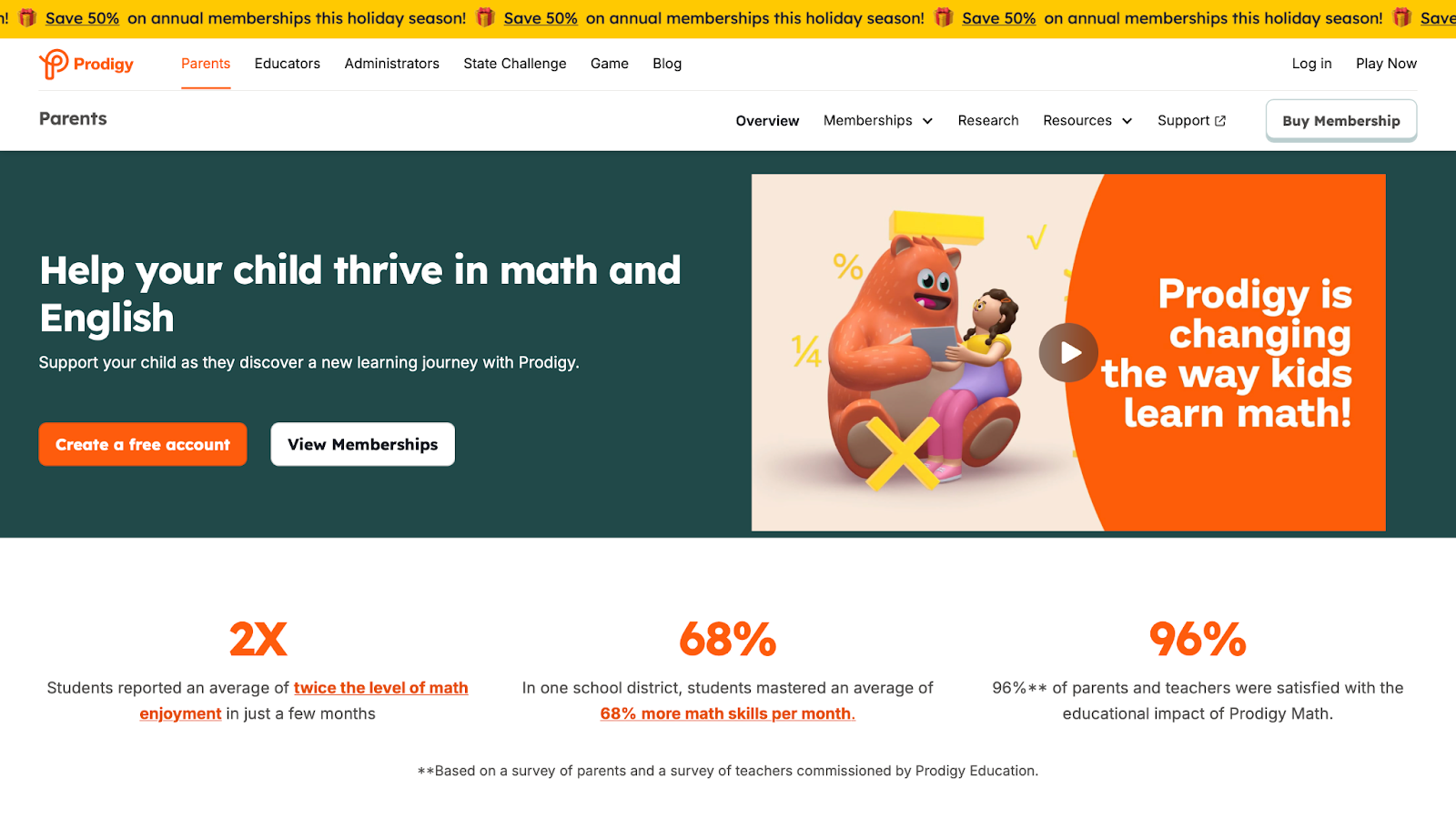
Prodigy turns math and English learning into adventures for kids with adaptive games, quests, battles, and rewards, aligned to standards like Common Core. It boosts enjoyment, with high parent and teacher satisfaction. Strengths include free access for core tools, personalized paths, and district-level impact on skill mastery. Weaknesses might be optional extras behind memberships, limiting some features. The platform creates habits through fun, secure play, helping students double math joy in short time while providing insights for adults.
Key features
- Adaptive questions in math and English subjects.
- Teacher dashboards for tracking and alignment.
- Safe quests with spells and rewards.
Facts and information
- High percentage of users enjoy and improve quickly.
- Used by millions of teachers at no base cost.
- Boosts skills in districts with measurable gains.
21. Epic!

Epic! is a digital library with over 40,000 books, audiobooks, and videos for kids, inspiring reading and discovery for all levels. It helps build skills in reading and thinking with diverse titles. Strengths feature a vast, award-winning collection that suits reluctant and avid readers, plus enrichment tools for growth. Weaknesses require sign-up for full access, potentially delaying start. The site promotes exploration of topics, boosting confidence for school success through safe, engaging content.
Key features
- Thousands of titles in books and audiobooks.
- Learning videos for added educational value.
- Tools to enhance critical thinking skills.
Facts and information
- Supports families and educators with instant access.
- Focuses on lifetime love for reading.
- Holiday promotions for new users.
22. Scholastic Kids
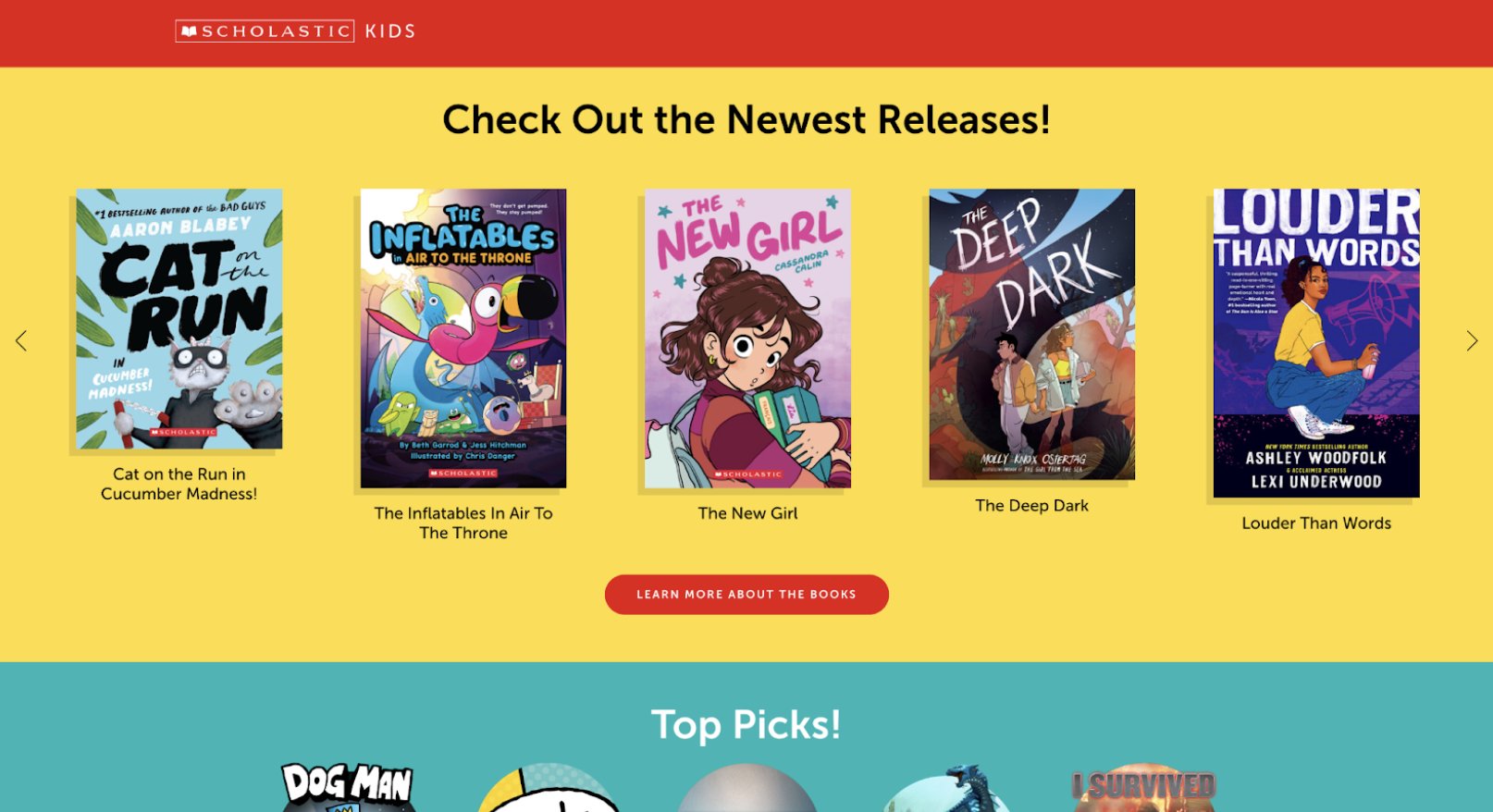
Scholastic Kids' Home Base provides interactive reading, gaming, and social features tied to popular series like Dog Man and Wings of Fire, with excerpts, minigames, author events, and moderated chats. It models positive engagement in a safe space. Strengths include book-integrated fun that encourages creativity and connections, with 24/7 moderation. Weaknesses: content limited to Scholastic titles and no offline play. Note: Service ended in late 2026. Based in the US, it fostered sharing of stories and comics among users.
Key features
- Book excerpts and audio from bestsellers.
- Multiplayer games in various genres.
- Live events and filtered newsfeeds.
Facts and information
- Hundreds of titles for exploration.
- Data privacy emphasized post-closure.
- Alternatives via libraries and fairs.
23. Time for Kids

Time for Kids delivers news articles, videos, quizzes, and digital magazines for grades K-6 on topics like science, history, sports, and current events, sorted by edition and theme. It builds media literacy with accessible writing. Strengths: combines education with real-world relevance, using vibrant visuals to engage young readers. Weaknesses: may need adult guidance for complex topics. HQ in New York, NY. The site helps kids navigate news, earning recognition for quality resources.
Key features
- Digital flips and web views of magazines.
- Stories across subjects and interests.
- Search and topic sorting tools.
Facts and information
- Editions for different grade levels.
- Common Sense award for learning.
- Covers timely, educational content.
24. NASA Kids' Club
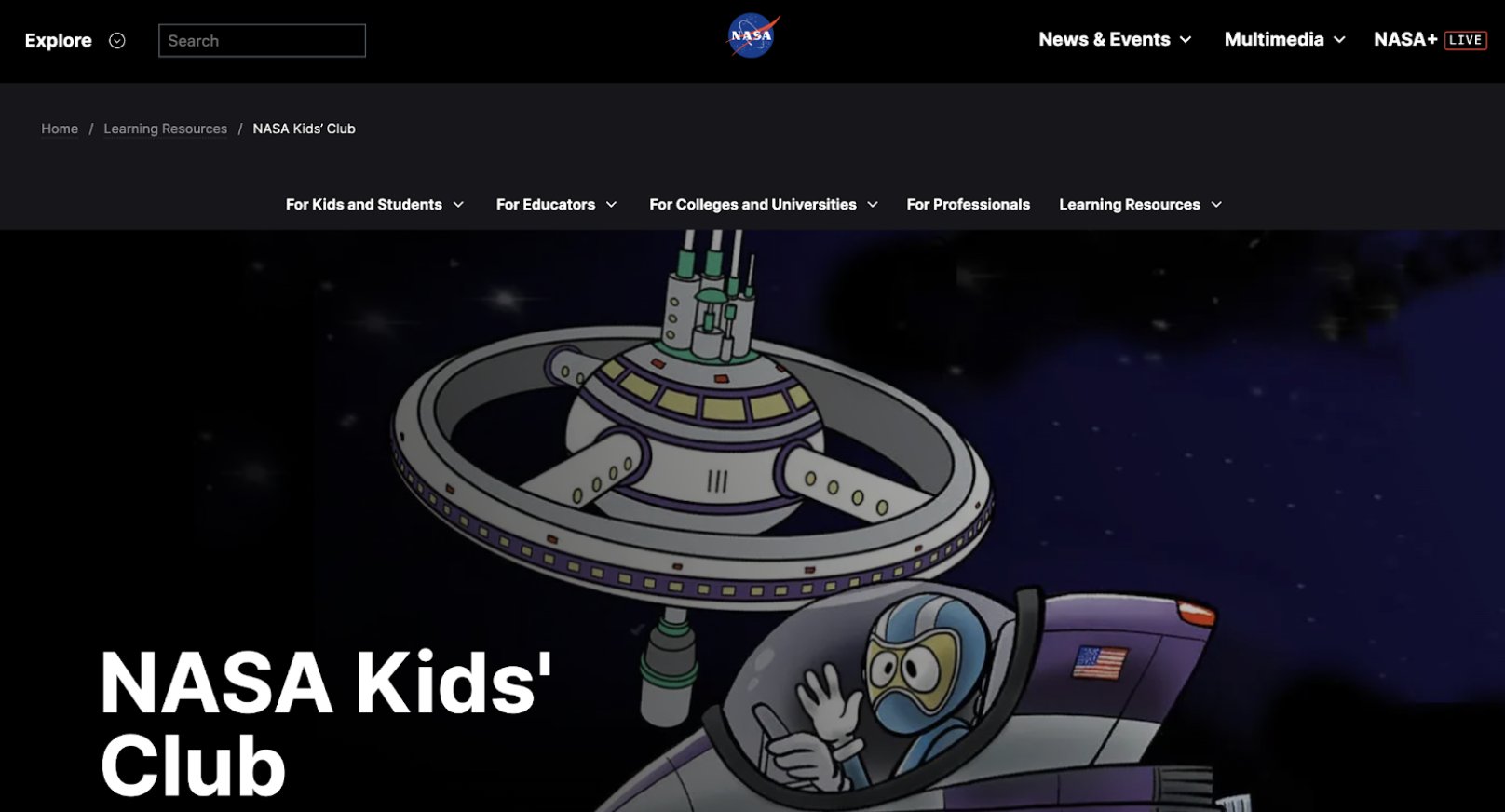
NASA Kids' Club inspires space exploration for K-12 students with games, astronaut profiles, and resources on topics like Mars, climate, and the universe. It targets ages with sections for play, stuff, and opportunities. Strengths: mission-aligned content that sparks discovery and ties to real NASA work. Weaknesses: less interactive depth for older users. HQ in Washington, D.C. The site encourages curiosity through suggested searches and updates on expeditions.
Key features
- Age-specific sections for K-4 to college.
- Games and activities on space themes.
- Crew updates from the Space Station.
Facts and information
- Updated regularly with current missions.
- Free resources for inspiration.
- Covers solar system and beyond.
25. Highlights Kids
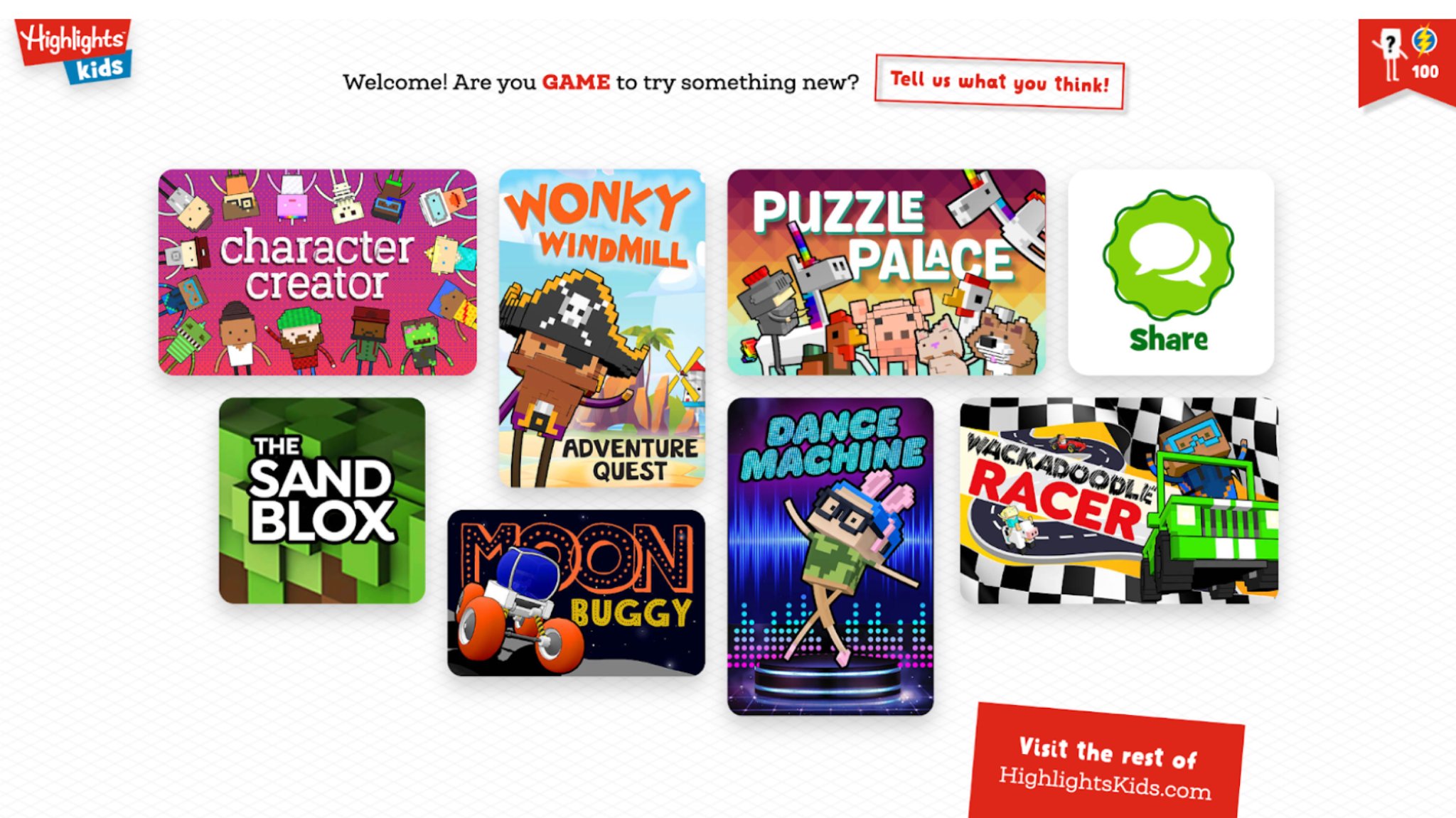
Highlights Kids engages children with crafts, science Q&A, recipes, polls, and activities like drawing or tongue twisters, blending fun with learning on topics from animals to rainy days. Strengths: diverse content that promotes creativity and curiosity through hands-on and interactive elements. Weaknesses: ads may distract, and depth is light for advanced learners. The site encourages user submissions for sharing ideas in a family-friendly space.
Key features
- Polls and challenges for engagement.
- Science questions and crafts.
- Videos and language play activities.
Facts and information
- High poll participation on kid topics.
- Variety in pets, weather, fun games.
- Safe for independent exploration.
26. Education
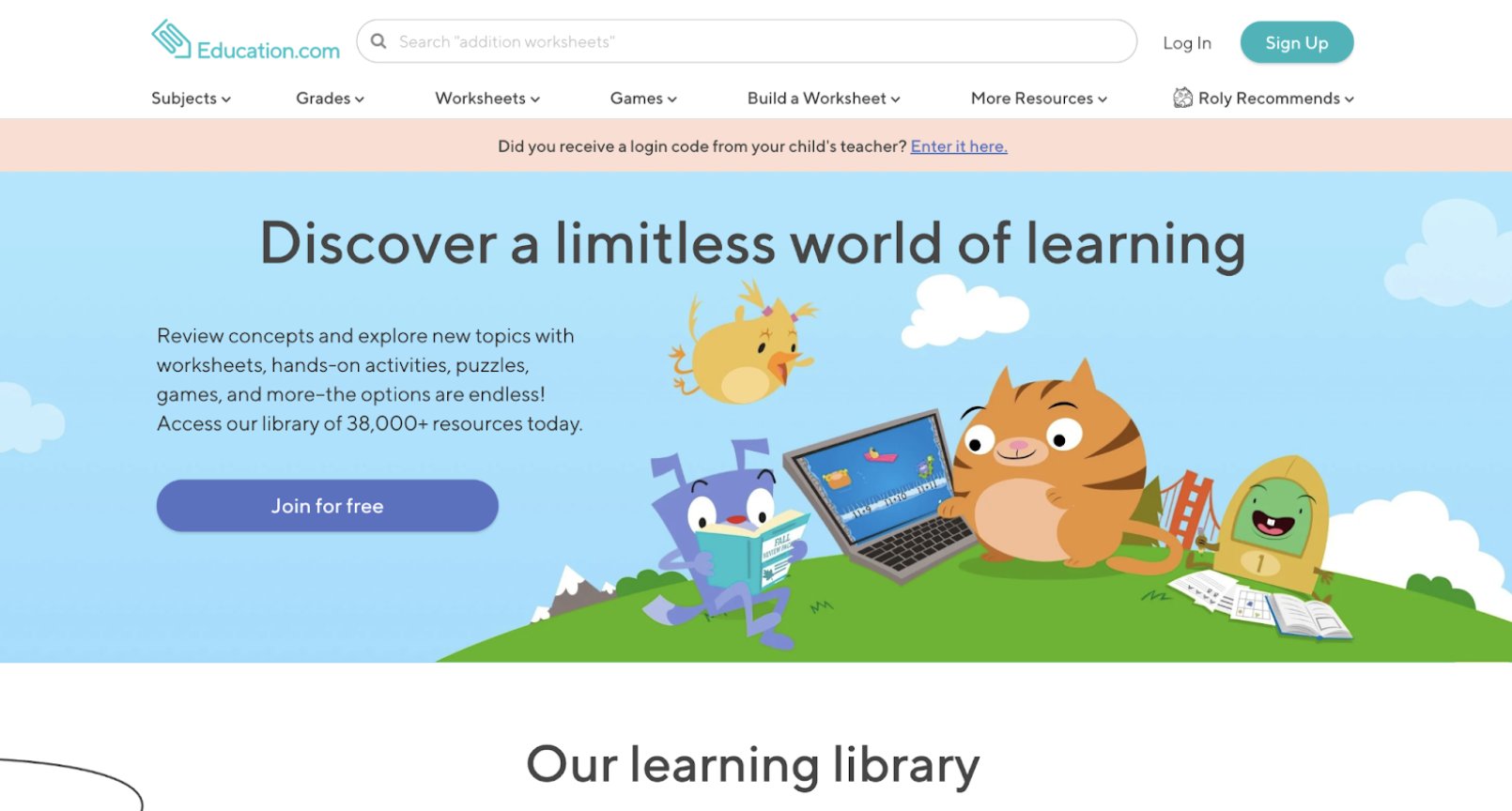
Education.com hosts over 38,000 resources like worksheets, games, and lessons for Pre-K to 8th grade in math, reading, science, and more, with printables and hands-on activities. Strengths: standards-aligned, user-friendly with progress insights and global reach. Weaknesses: some tools need login or premium for full use. It supports classrooms and homeschools with assignment features for tailored learning.
Key features
- Vast library of printables and games.
- Guided paths in core subjects.
- Assignment and milestone tracking.
Facts and information
- Millions of users across continents.
- Comprehensive for multiple grades.
- Positive for organized resources.
27. IXL
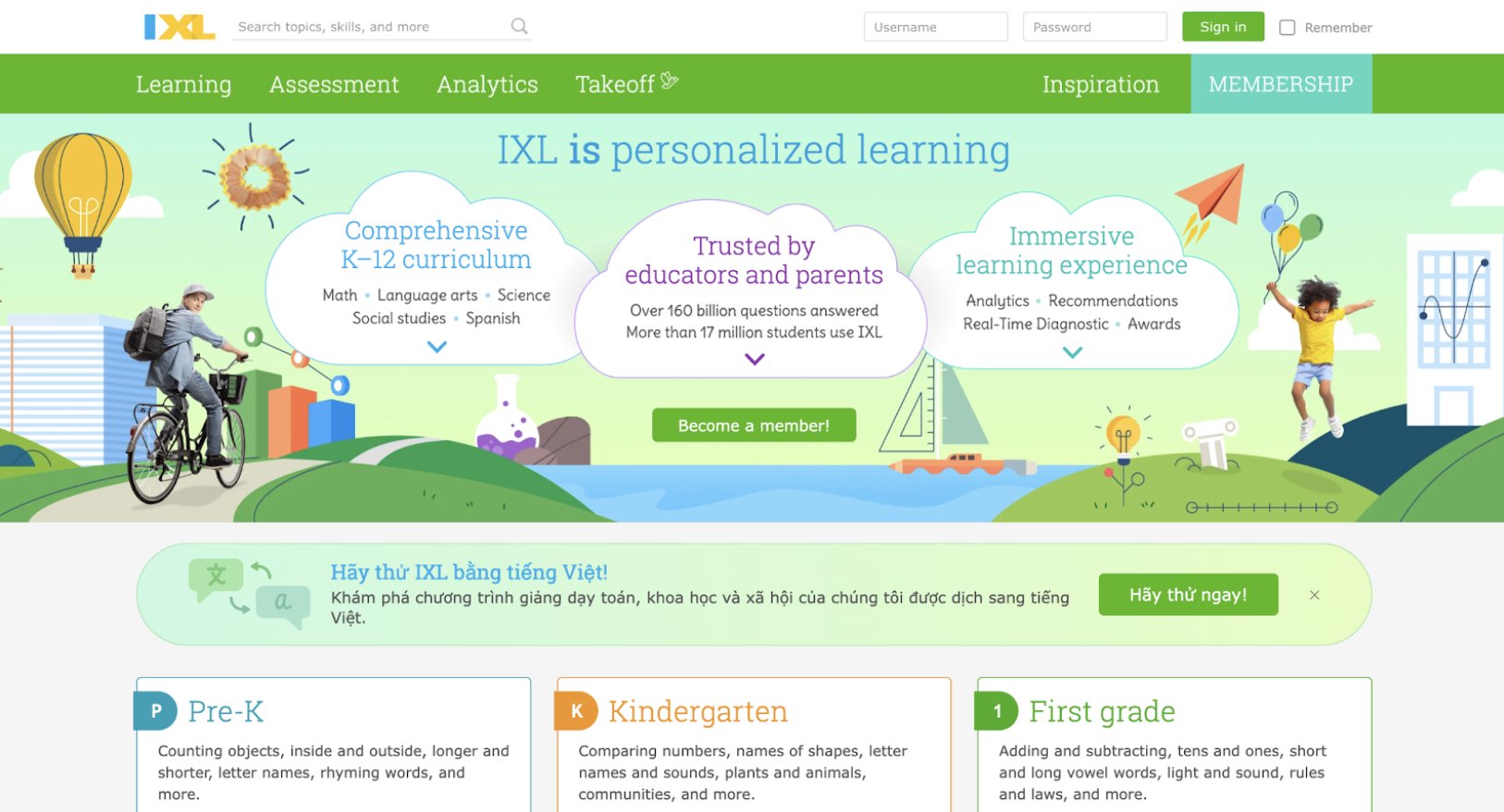
IXL offers extensive practice across math, English, and science with over 8,000 skills aligned to year groups from Reception to Year 13. Real-time diagnostics identify learning gaps and provide personalized recommendations, while detailed analytics help teachers and parents target support effectively. The platform’s comprehensive coverage and immediate feedback make it a trusted classroom resource used widely in schools. Its structured approach suits children who thrive with clear progression and measurable goals. Though fully digital, IXL delivers research-backed effectiveness and helps students master skills through consistent, targeted practice that builds confidence and academic strength across core subjects.
Key features
- Thousands of skills by year level.
- Diagnostic tests for gaps.
- Analytics for teachers.
Facts and information
- Detailed skill counts per grade.
- Research-backed effectiveness.
- Testimonials on fun use.
28. Adventure Academy
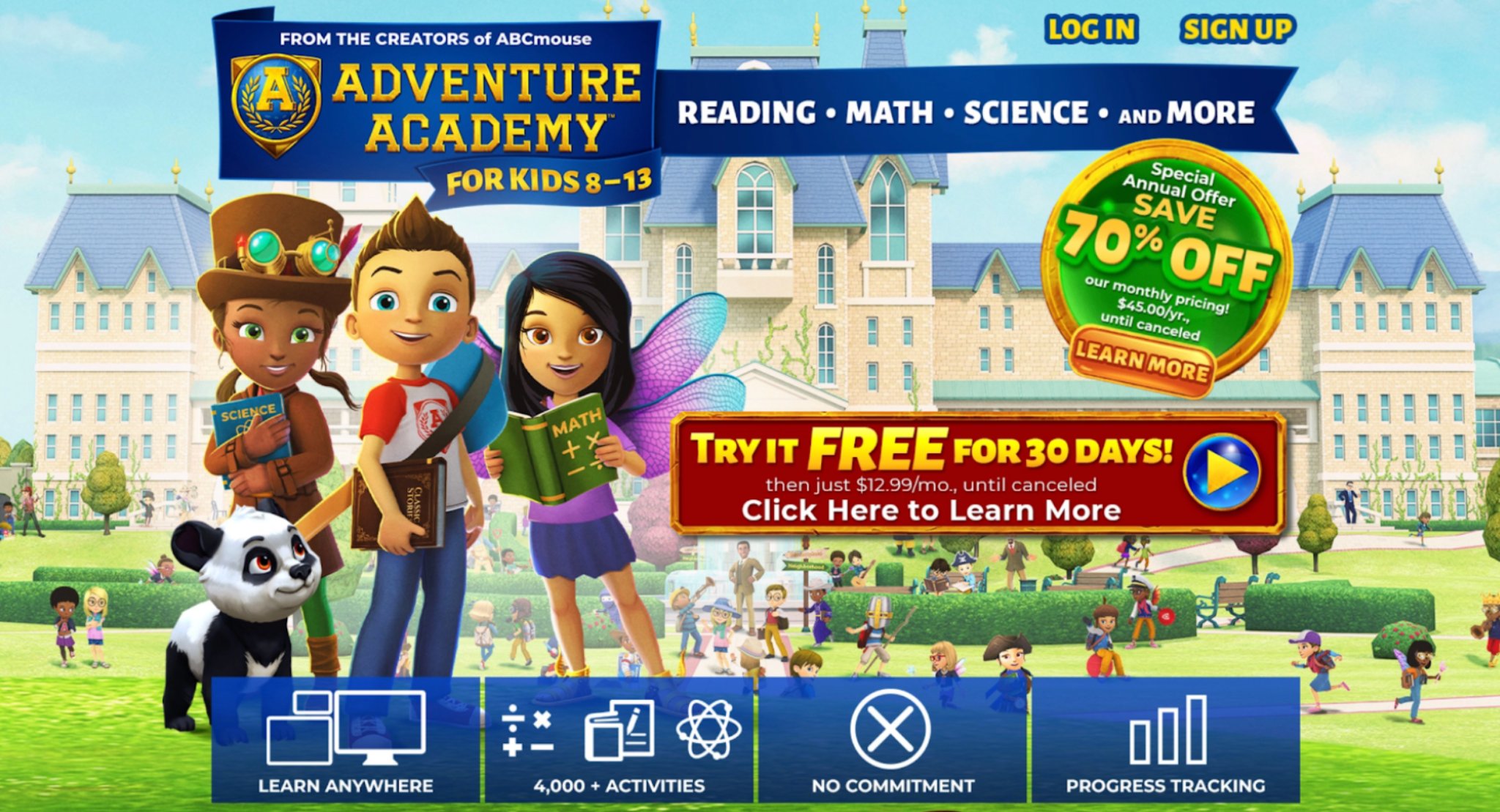
Adventure Academy immerses children aged 8-13 in a rich 3D multiplayer world where quests, games, and videos teach math, language arts, science, and social studies. Standards-aligned activities blend seamlessly with exploration and avatar customization on a virtual campus. The engaging format motivates reluctant learners while maintaining a safe, ad-free, COPPA-compliant environment with strong parent reports. Though some may find the gaming elements occasionally distracting and it requires a download, Adventure Academy excels at making learning feel like an exciting adventure. It builds critical thinking, collaboration, and academic skills in a vibrant online setting that many children genuinely enjoy returning to daily.
Key features
- Virtual campus with avatars.
- Thousands of interactive lessons.
- Parent progress reports.
Facts and information
- No ads or purchases.
- Enhances academic growth.
- COPPA compliant for safety.
29. Mystery Science
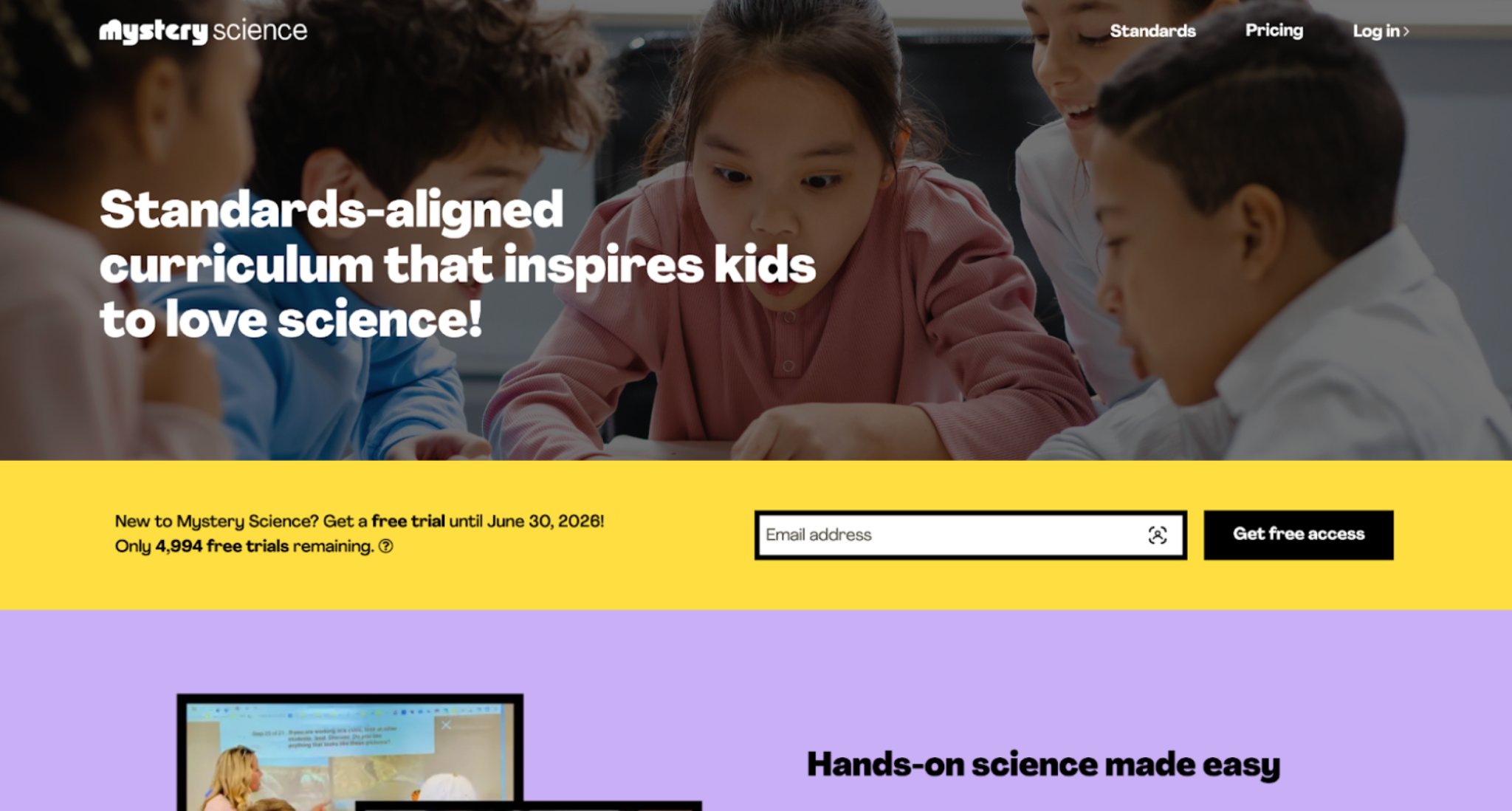
Mystery Science delivers hands-on, phenomena-driven science lessons for elementary students with easy-to-follow investigations, assessments, and Spanish language support. Its phenomenon-based approach sparks genuine curiosity and encourages discussion and writing for deeper comprehension. Teachers praise its classroom readiness and alignment to standards, while students love the engaging experiments and real-world connections. Though best experienced in a browser with good connectivity, the platform consistently receives strong feedback for inspiring a lasting love of science. Mystery Science transforms abstract concepts into memorable, interactive experiences that help children think like scientists and communicate their understanding effectively.
Key features
- State-aligned guides.
- 3D and written assessments.
- Bilingual content support.
Facts and information
- Praised by educators nationwide.
- Makes science interactive.
- Student-favorite program.
30. TypingClub
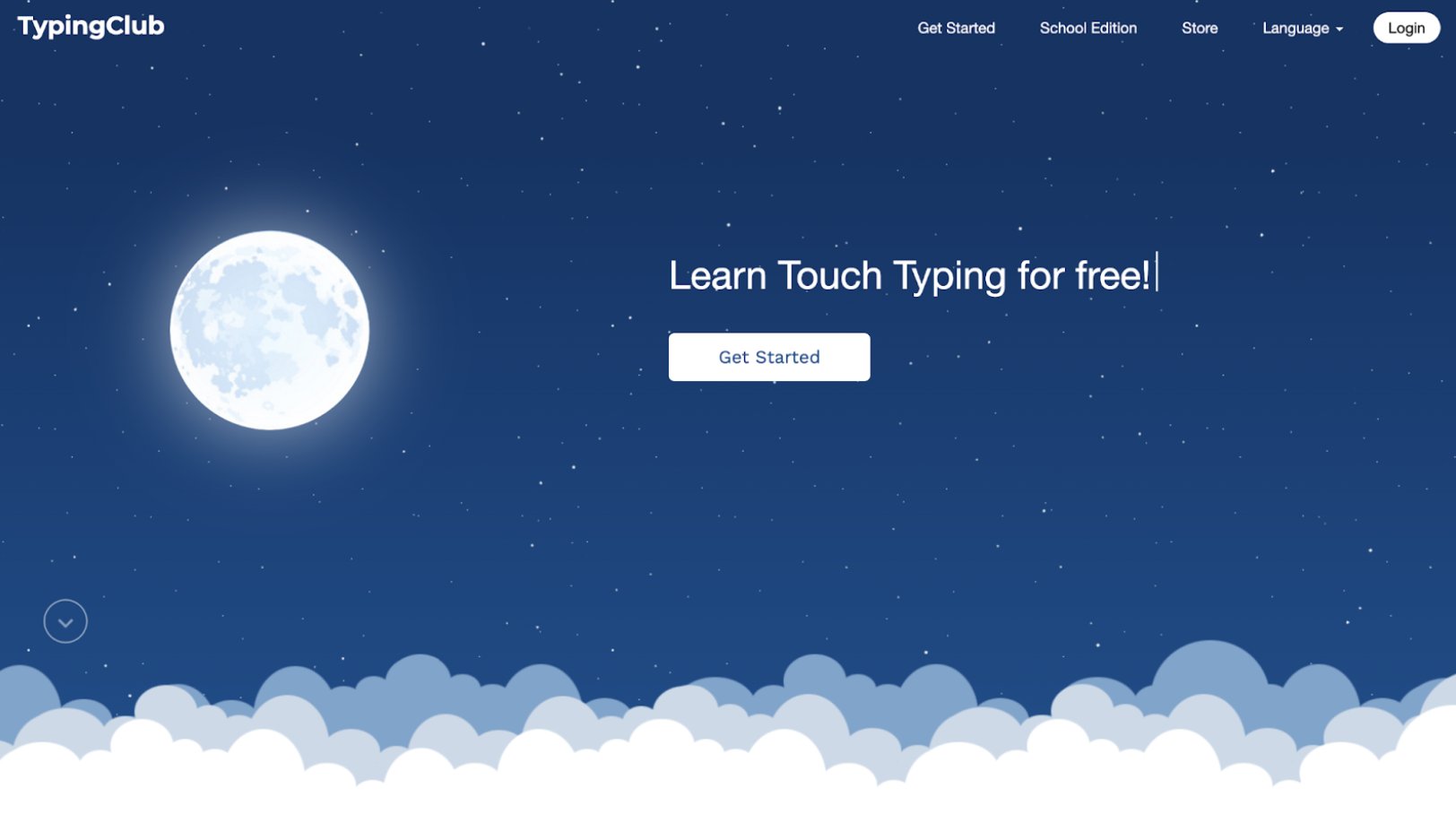
TypingClub teaches touch typing through structured lessons, interactive games, and challenges that help children build speed and accuracy in just weeks. Voice feedback, hand posture guides, and multilingual support make it accessible for diverse users, while badges and stars keep motivation high. The free platform includes vocabulary building alongside typing skills and offers plans suitable for both home and school environments. With millions of students already benefiting, TypingClub serves as a practical, engaging tool for developing an essential modern skill. Consistent practice leads to noticeable improvement, making it valuable for children preparing for more advanced computer-based learning.
Key features
- Interactive videos and playback.
- Levels with stars and badges.
- Hand posture guides.
Facts and information
- Millions of students and teachers.
- Multiple keyboard layouts.
- Google Education partner.
31. Scratch
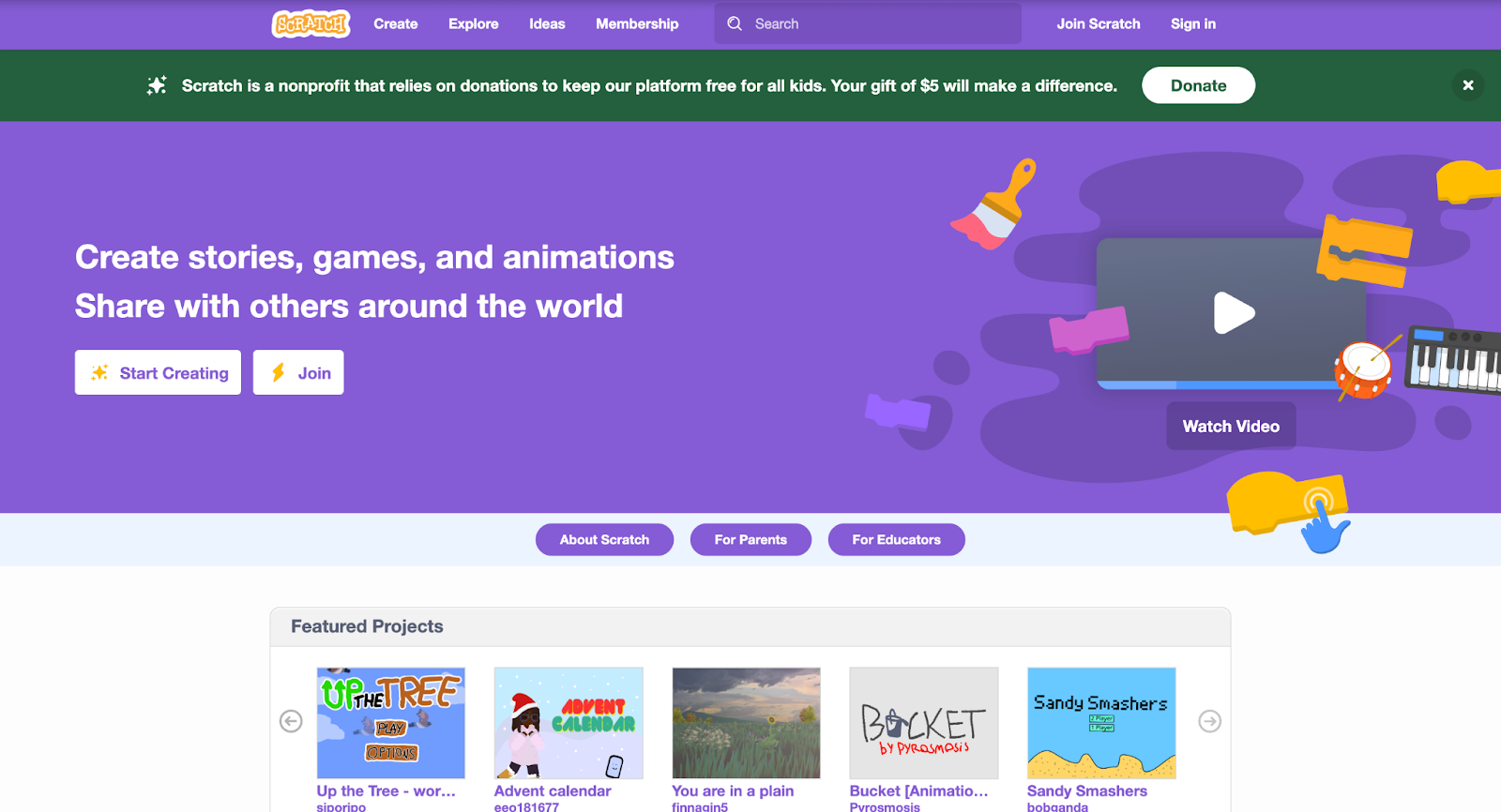
Scratch empowers children to create their own interactive stories, games, and animations using a visual block-based coding language. Developed by MIT, the free, multilingual platform fosters creativity, computational thinking, and collaboration through its vibrant global community where projects can be safely shared and remixed. Its moderated environment ensures a positive experience while promoting problem-solving and equity in technology education. Though the visual interface may limit highly advanced coding later on, Scratch remains the world’s largest coding platform for kids. It helps young creators build confidence, logical thinking, and digital literacy skills that transfer far beyond the screen.
Key features
- Block-based coding tools.
- Project sharing community.
- Moderated safe environment.
Facts and information
- Largest kids' coding site.
- Over 70 languages supported.
- Donation-funded for access.
32. Arcademics
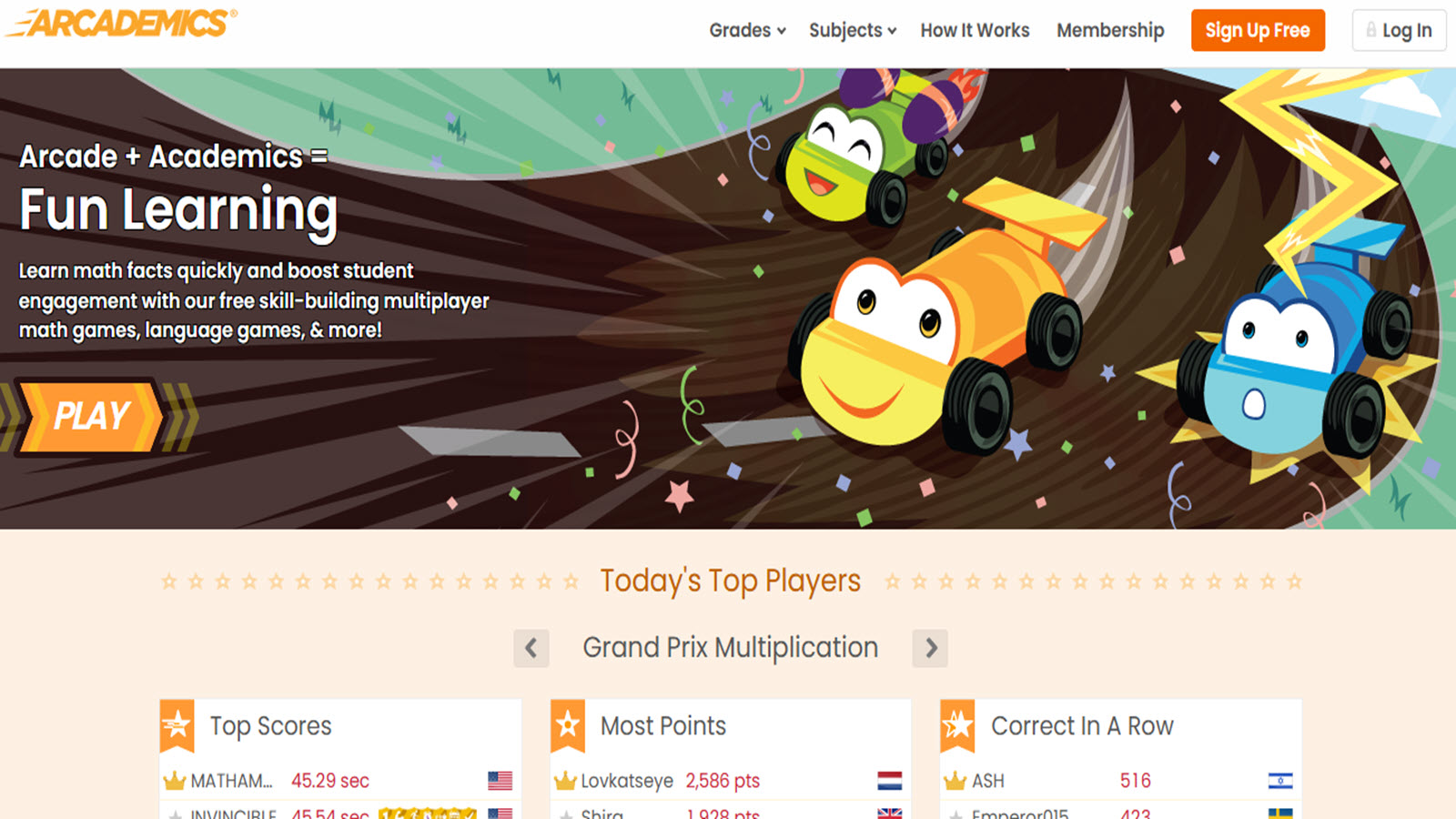
Arcademics provides a collection of multiplayer arcade-style educational games that combine fast-paced fun with skill practice in math, language arts, geography, and typing for elementary-aged children. Players compete or cooperate in vibrant, action-oriented environments where answering questions correctly powers vehicles, characters, or actions to advance through levels.
The platform emphasizes quick recall and strategic thinking while aligning with school standards, making it suitable for classroom tournaments or home practice sessions. Headquartered in the USA, it supports safe global multiplayer interactions with teacher tools for assigning specific skills and monitoring performance. Children build fluency through repeated engaging play, with immediate feedback helping reinforce concepts without frustration. The variety keeps sessions dynamic across subjects, supporting different learning paces in a competitive yet collaborative format popular among USA schools and families.
- Key features: Multiplayer arcade games, real-time competition, subject-specific skill practice, progress tracking for educators, customizable game selection.
- Facts and information: Features dozens of games with millions of plays, aligns with Common Core standards, used widely in elementary classrooms for gamified learning reinforcement.
33. Monster Math
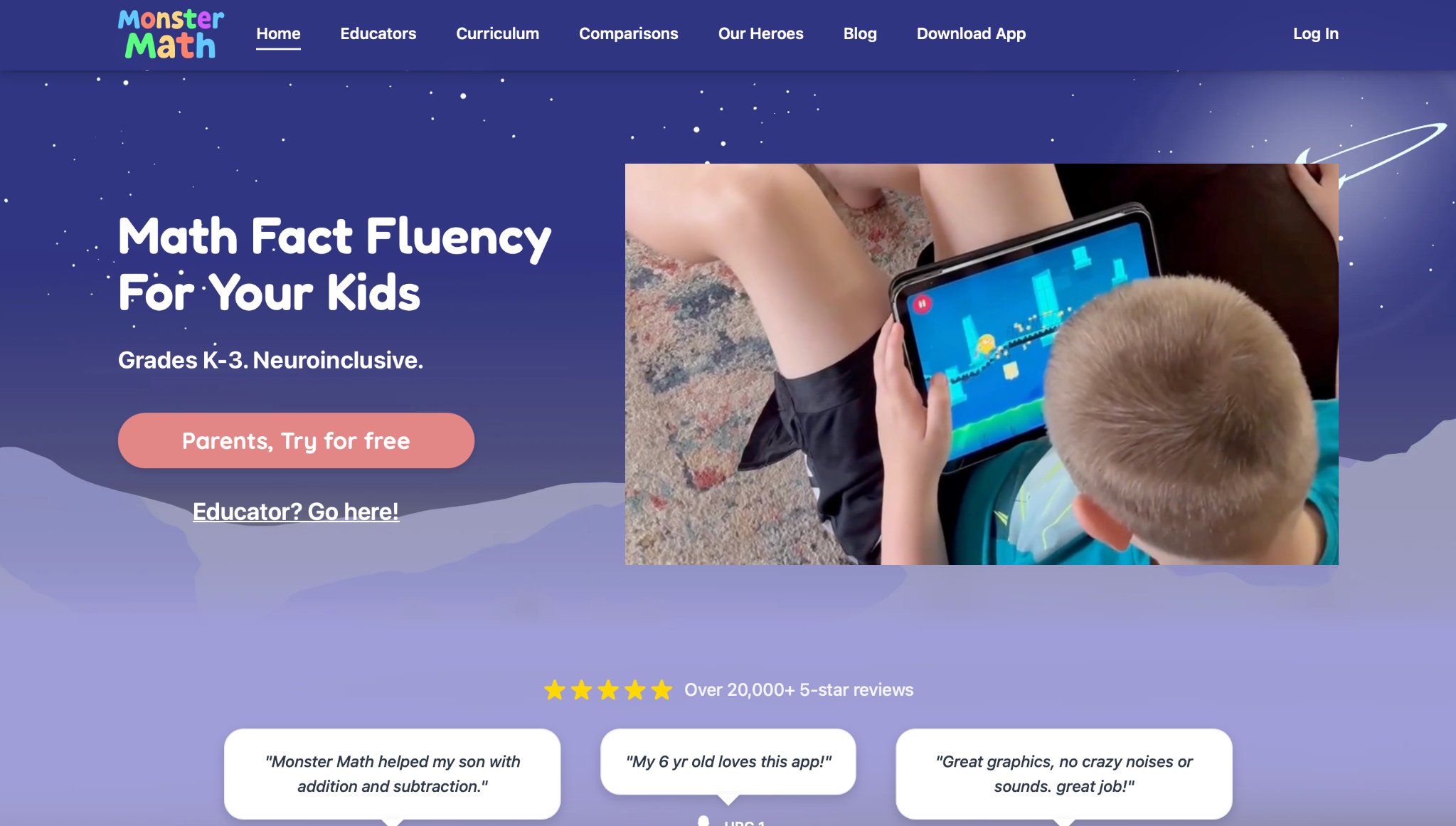
Monster Math delivers story-driven math adventures where kindergarten to grade 3 children help quirky monsters solve problems involving addition, subtraction, multiplication foundations, and number sense through visual puzzles and quests. The app embeds operations into narrative challenges set in colorful worlds, encouraging strategic thinking and conceptual understanding rather than rote memorization.
Adaptive difficulty adjusts to each child's performance, providing supportive scaffolding and rewards that maintain motivation. Developed with research-backed methods, it focuses on building strong number fluency and problem-solving confidence in short, engaging sessions ideal for young learners. Families in the USA appreciate its balance of entertainment and curriculum alignment for home supplementation or school readiness preparation.
- Key features: Narrative math quests, visual puzzle mechanics, adaptive difficulty levels, monster character interactions, foundational operations practice.
- Facts and information: Targets ages 5-9 with immersive gameplay, research-supported for improving math fact fluency and conceptual grasp, available across major mobile platforms.
34. Seek by iNaturalist
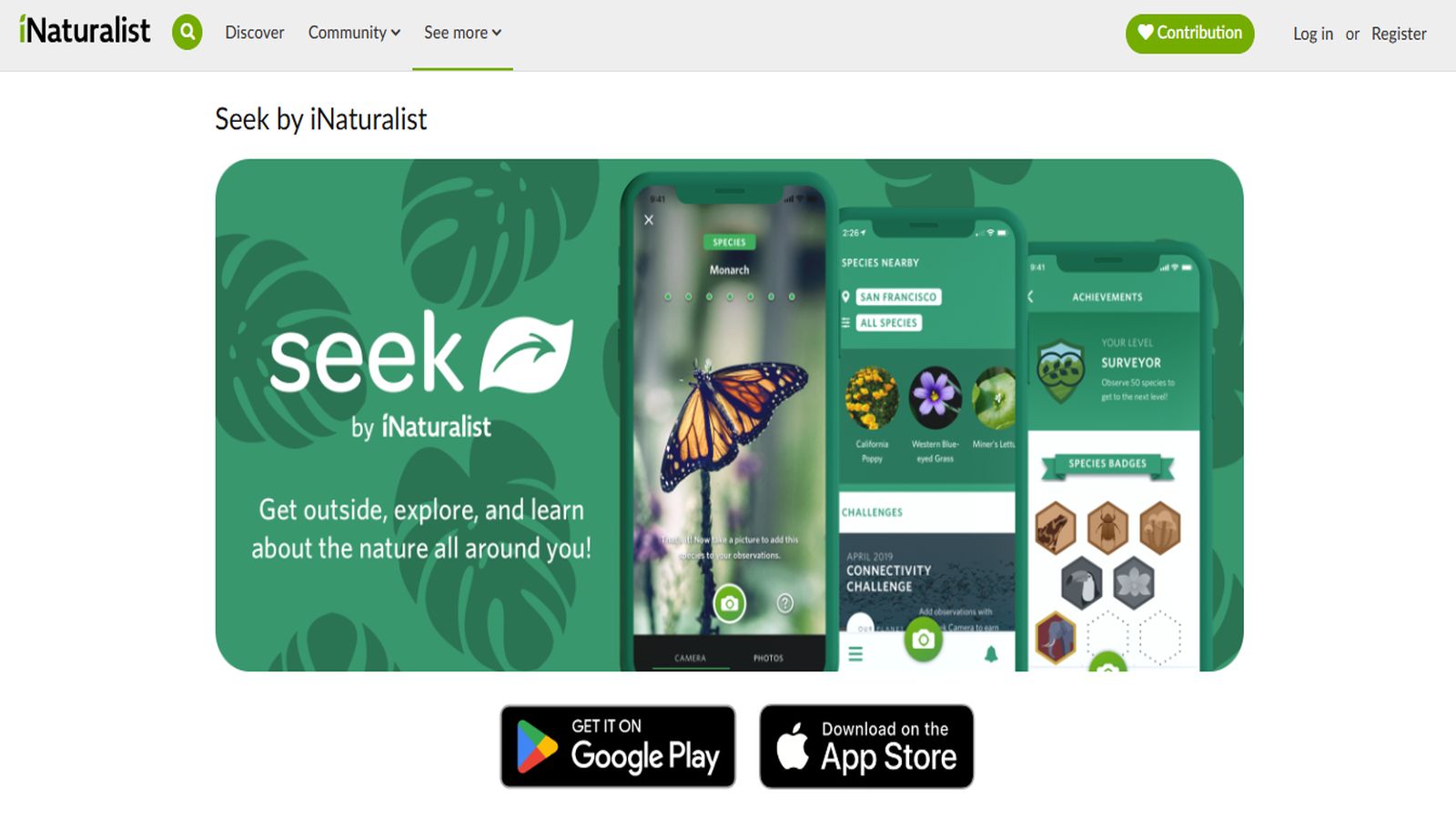
Seek by iNaturalist turns outdoor exploration into an interactive learning game using a phone's camera to identify plants, animals, fungi, and insects in real time, awarding badges and building a personal life list for children and families. The app promotes biodiversity awareness and scientific observation skills through citizen science participation, connecting users to a global database of observations.
It includes challenges tailored for different seasons and locations, encouraging safe outdoor activity while teaching classification, ecology, and environmental stewardship. Suitable for elementary ages, it bridges digital engagement with nature discovery, supporting school projects or weekend family adventures across the USA. The gamified elements make learning about the natural world exciting and accessible without requiring prior expertise.
- Key features: Camera-based species identification, badge and challenge system, personal observation log, seasonal missions, integration with global biodiversity database.
- Facts and information: Powered by iNaturalist community science network, used by millions for real-world learning, promotes STEM interest through hands-on environmental education.
35. Tynker
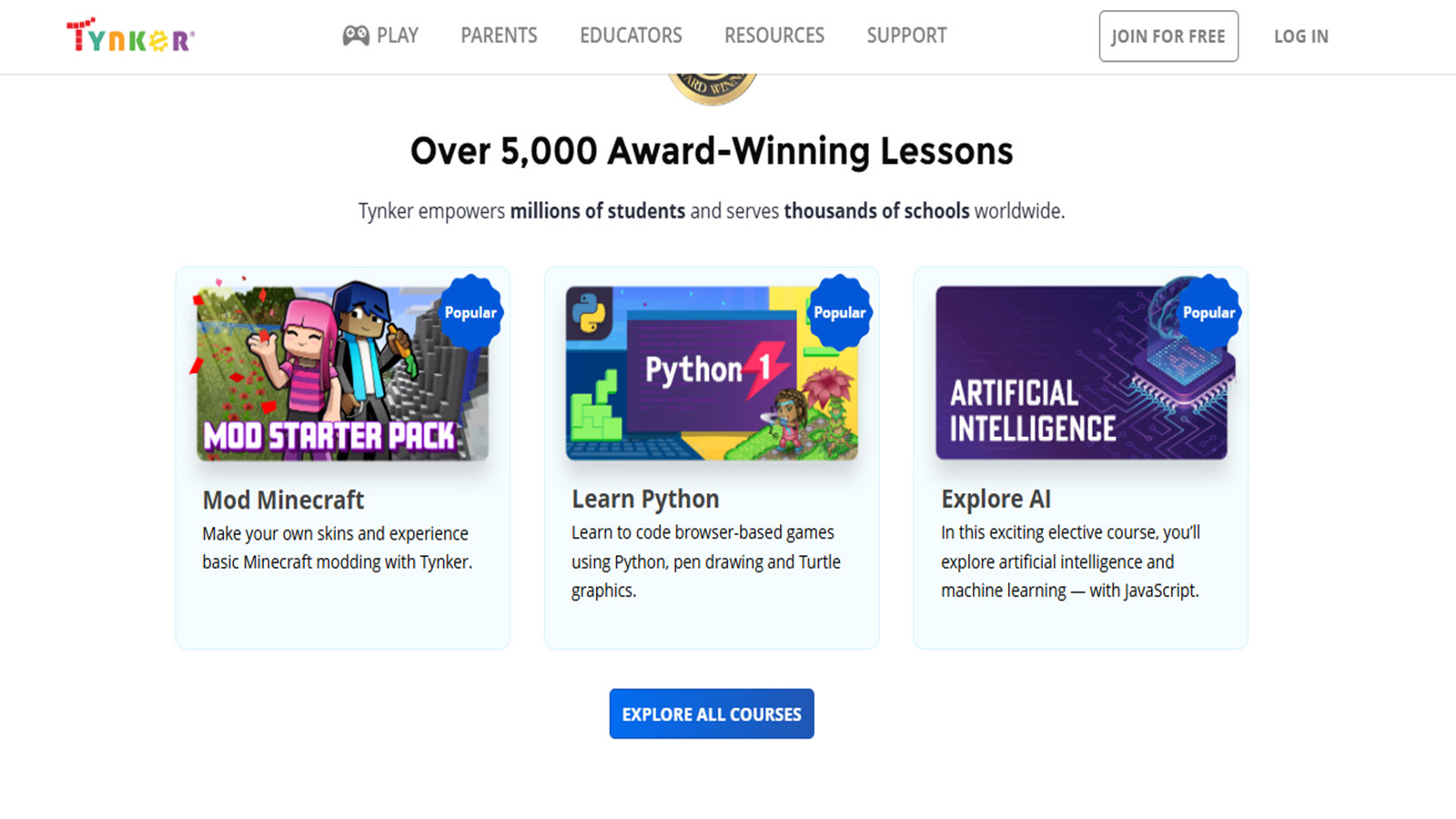
Tynker offers block-based coding courses and game creation tools designed for children ages 5 and up, enabling them to build interactive projects, animations, and apps while learning programming logic, sequencing, and creative problem-solving. The platform includes themed modules with popular characters and step-by-step tutorials that progress to more advanced concepts like JavaScript. Kids can share creations in a moderated community, fostering collaboration and digital citizenship. Widely adopted in USA schools, it integrates with curricula to support computational thinking alongside subjects like math and storytelling. The visual interface lowers barriers for young beginners while providing depth for continued growth.
- Key features: Drag-and-drop coding blocks, project-based courses, game and app creation tools, community sharing, curriculum integration options.
- Facts and information: Serves millions of students with hundreds of coding activities, aligned with educational standards for K-12, emphasizes creativity in STEM learning.
36. Primary Games
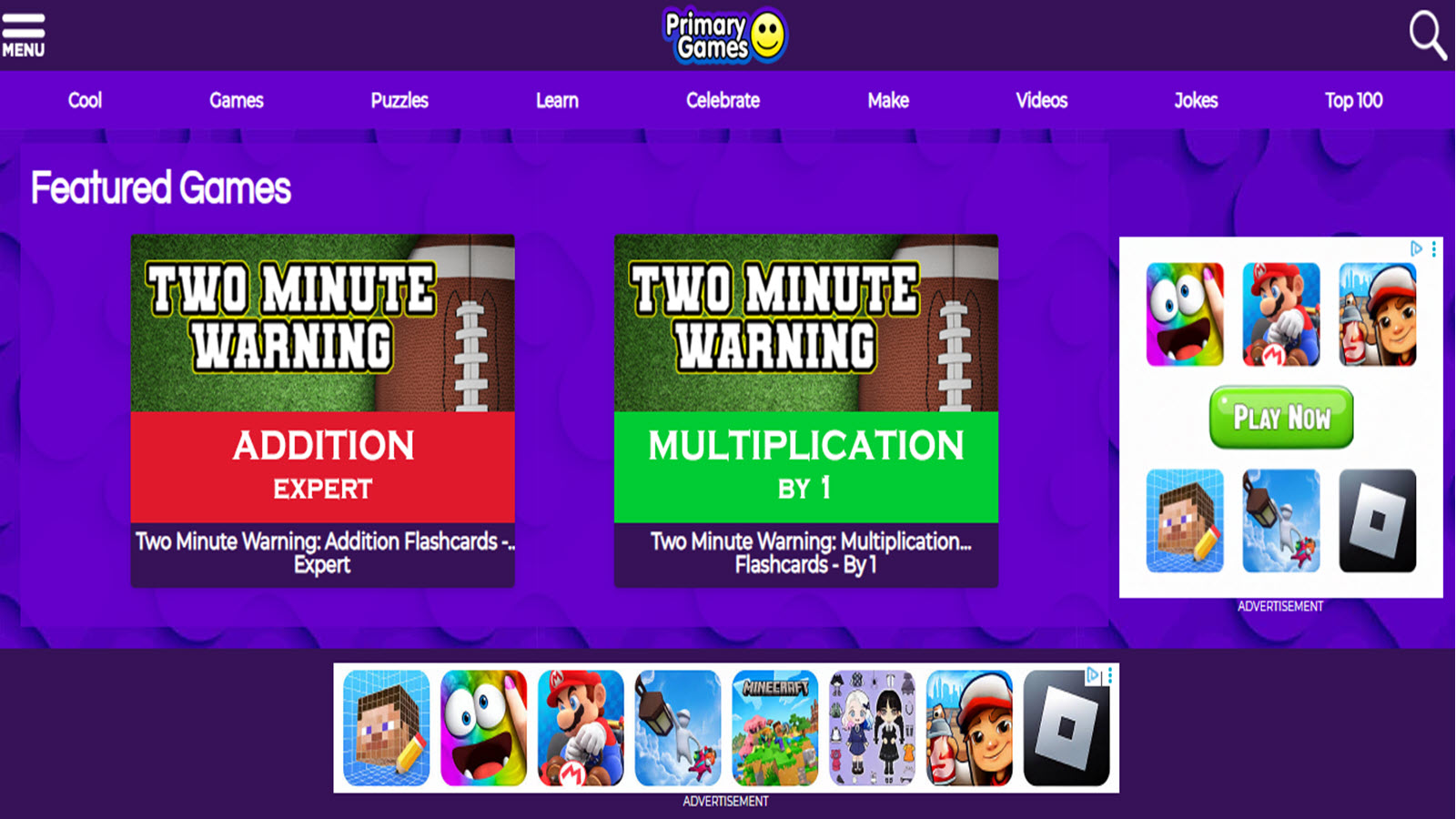
Primary Games delivers a vibrant collection of free online games focused on math, reading, and logic for elementary-aged children, featuring colorful animations and simple controls that make learning approachable. Headquartered in the USA, the platform emphasizes quick, engaging sessions that reinforce school skills through arcade-style play, helping kids practice concepts like counting, spelling, and pattern recognition while building hand-eye coordination and quick thinking. Its straightforward design suits young users who benefit from immediate feedback and variety, turning short playtimes into productive skill-building moments without complex navigation.
- Key features: Hundreds of subject-specific games including math drills, reading challenges, and holiday-themed activities; easy-to-use interface with no downloads required; progress through levels that increase in difficulty.
- Facts and information: Covers core elementary topics with frequent updates for seasonal relevance; popular in home and classroom settings for supplemental practice; supports multiple age-appropriate skill levels across Pre-K to grade 5.
37. Wonderopolis

Wonderopolis sparks daily curiosity with a new "Wonder of the Day" featuring engaging articles, videos, and activities on science, history, culture, and everyday phenomena designed for kids to explore independently or with family. Based in the USA, it excels at connecting real-world questions to factual explanations, encouraging critical thinking and research habits through short, digestible content that feels like discovery rather than homework. The site's question-driven format keeps children returning for fresh wonders, fostering a love of learning and broader world awareness in an ad-light, family-friendly environment.
- Key features: Daily updated wonders with related questions and activities; multimedia elements like videos and images; parent and teacher resources for extending discussions.
- Facts and information: Millions of monthly visitors exploring diverse topics; promotes inquiry-based learning aligned with educational standards; includes archives for searching past wonders by category or keyword.
38. Weather Wiz Kids
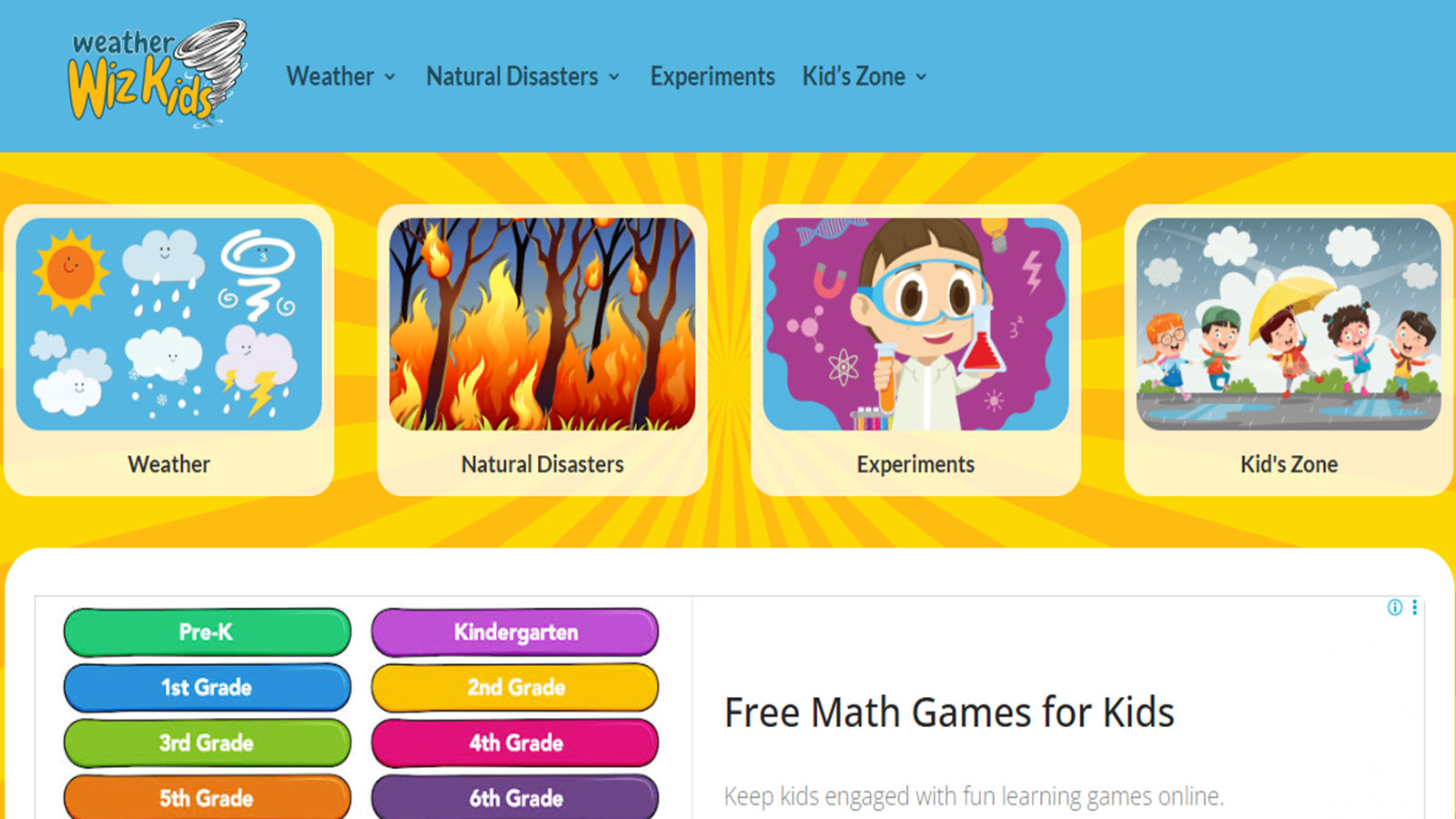
Weather Wiz Kids provides interactive tools, games, and lessons about meteorology, climate, and earth science tailored for children, with experiments, quizzes, and kid-friendly explanations of weather patterns and safety. It stands out for hands-on activities that connect classroom concepts to real-life observations, helping young learners understand storms, seasons, and environmental changes while developing scientific vocabulary and observation skills. The straightforward, educational focus makes it a valuable resource for curious kids interested in nature and science.
- Key features: Weather games, experiments, and forecasting tools; sections on careers in meteorology and safety tips; interactive maps and diagrams.
- Facts and information: Created by a professional meteorologist for educational outreach; covers topics from basic weather to advanced climate concepts; widely used for school projects and homeschool supplementation.
39. NGAkids (National Gallery of Art)
.jpg)
NGAkids offers creative art exploration tools, games, and activities inspired by the National Gallery of Art's collection, allowing children to experiment with digital painting, storytelling, and art history in an interactive museum-like setting. Headquartered in Washington, D.C., it promotes artistic expression and cultural appreciation through projects that blend technology with classic masterpieces, encouraging creativity, observation, and fine motor skills. Its free, high-quality resources provide a sophisticated yet accessible entry into visual arts education.
- Key features: Digital art creation tools and story-making activities; explorations of famous artworks and artists; printable resources and family guides.
- Facts and information: Draws from one of the world's premier art collections; supports multiple age groups with varying complexity; fosters creativity and art appreciation through museum-backed content.
40. Kids Think Design
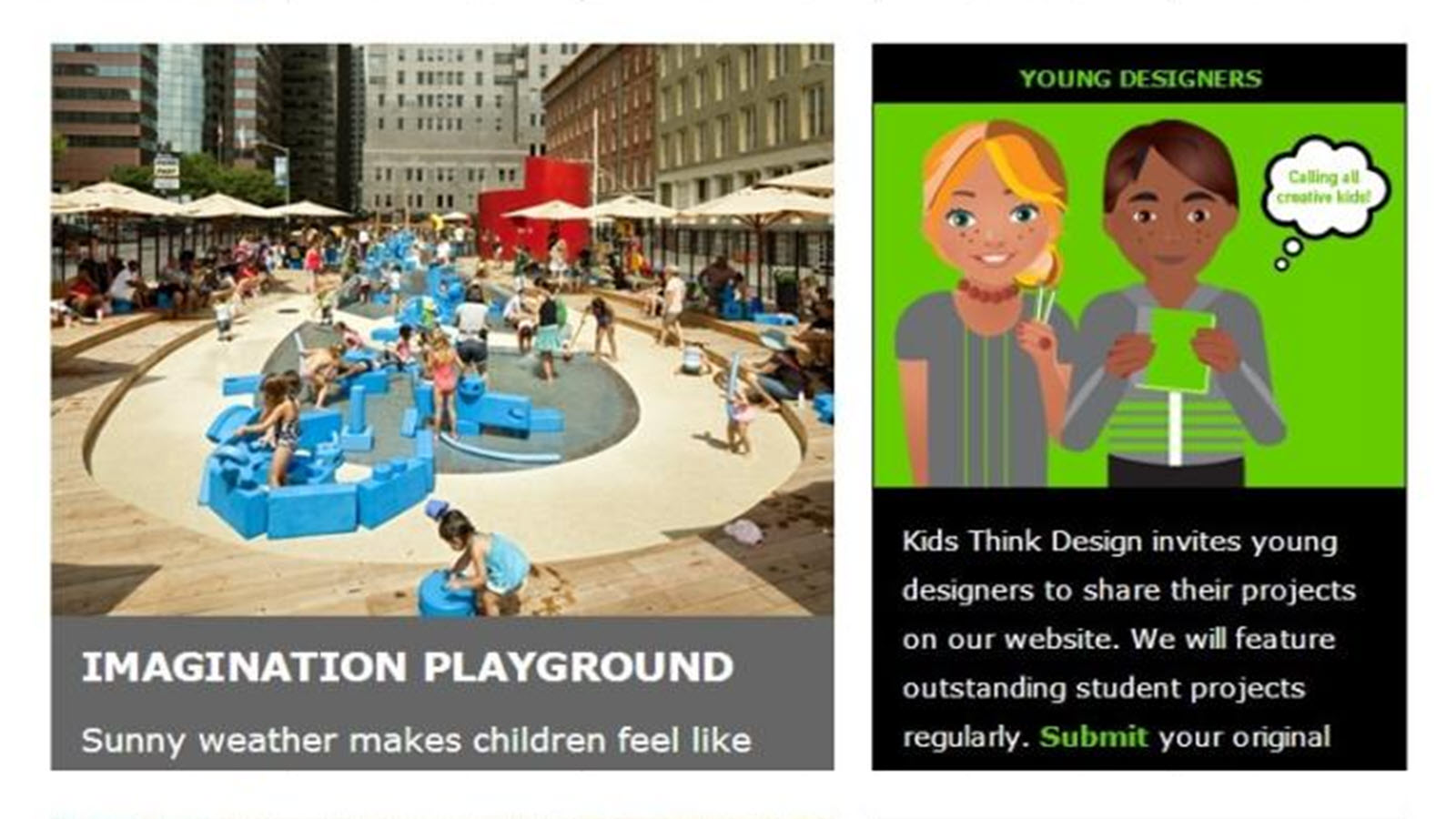
Kids Think Design introduces architecture, engineering, and design concepts through interactive challenges, games, and projects that teach spatial reasoning, problem-solving, and creative thinking. The USA-based platform uses real-world design examples to engage children in building virtual structures and exploring how things are made, building foundational STEM skills alongside artistic expression. It appeals to hands-on learners by making abstract ideas tangible and fun.
- Key features: Design challenges and virtual building tools; lessons on famous architects and structures; activities linking art, math, and science.
- Facts and information: Encourages innovation and critical thinking; suitable for elementary to middle school ages; supports project-based learning with educational depth.
41. Mr. Nussbaum
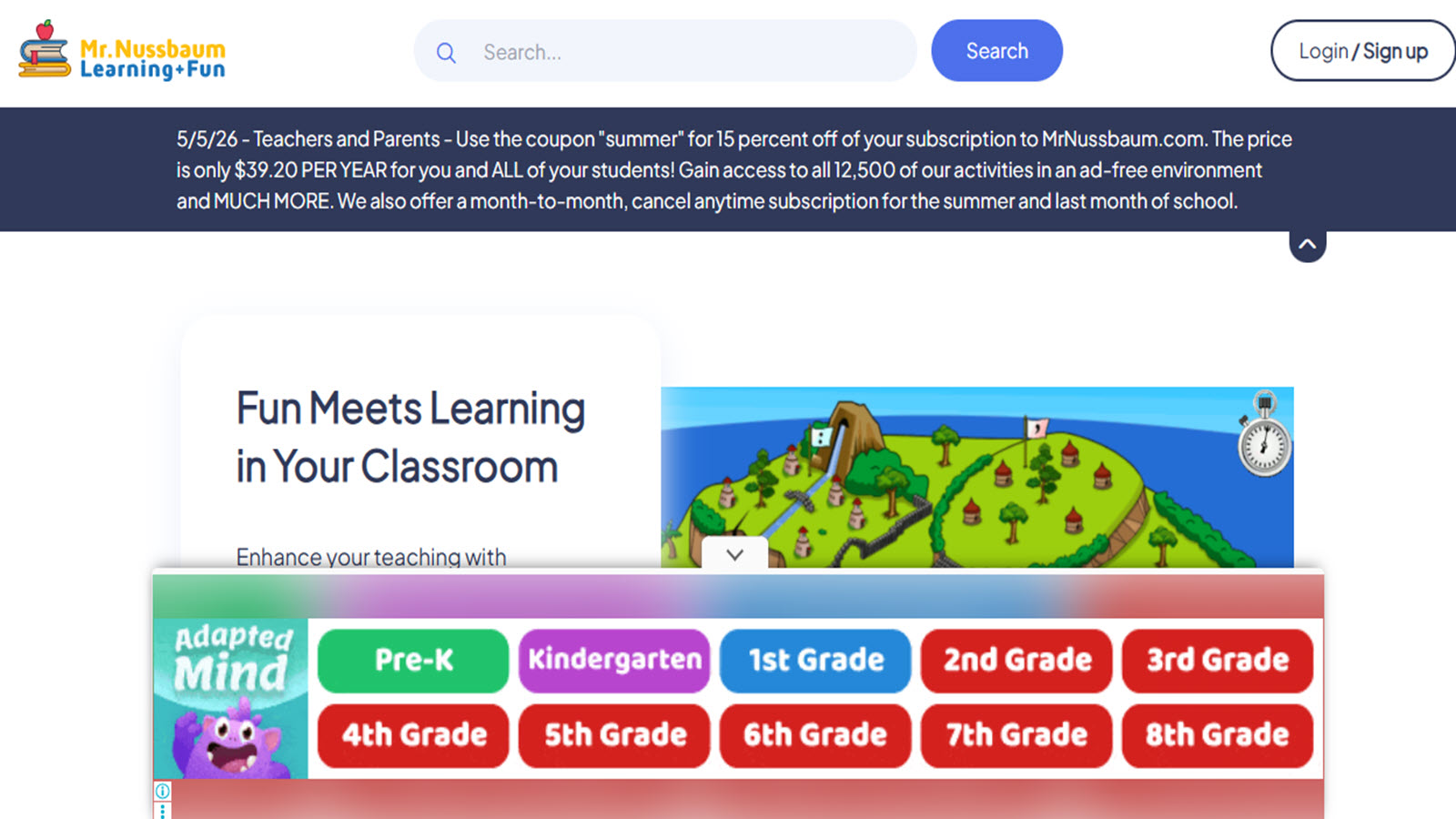
Mr. Nussbaum offers a comprehensive collection of thousands of original interactive games, activities, printables, workshops, and topic centers designed by an elementary school teacher in Virginia for students from kindergarten through eighth grade. The platform covers core subjects including math, language arts, science, history, geography, and social studies through carefully crafted simulations, scavenger hunts, role-playing adventures, and skill-specific drills that reinforce classroom concepts in engaging formats. Children practice everything from multi-digit operations and fractions to phonics, spelling, map skills, and historical events using colorful interfaces that provide immediate feedback. Teachers and parents appreciate the grade-level organization and tools that allow customization of problems, while the site’s focus on meaningful interactivity helps students build fluency and conceptual understanding through repeated, purposeful practice across a wide range of topics.
Key features
- Over 400 interactive games targeting specific skills in math, phonics, spelling, language arts, history, geography, and science
- Extensive topic centers with interactive exhibits, digital maps, scavenger hunts, and literacy activities on subjects such as dinosaurs, biomes, weather, and historical periods
- Drag-and-drop workshops, customizable problem generators, and printable resources for differentiated learning
- Grade-level filtering and alignment with educational standards for structured reinforcement
Facts and information
- Developed from real classroom experience and visited by millions of teachers and students each month across the United States
- Includes specialized tools such as stock market simulators, map-making programs, and interactive periodic tables
- Content spans early elementary foundations through middle school topics with frequent updates to maintain relevance
42. DOGOnews

DOGOnews functions as a leading platform for kid-friendly academic current events, delivering carefully written articles on science, social studies, environment, sports, world affairs, and civic topics tailored for elementary and middle school readers. Each story appears at multiple reading levels and includes supporting elements such as vocabulary support, comprehension quizzes, critical thinking challenges, and discussion prompts that help children develop literacy skills while staying informed about real-world issues. The content bridges classroom learning with everyday events, encouraging media literacy, informed citizenship, and deeper engagement with subjects like history and environmental science. Educators and families across the United States rely on the platform to supplement language arts and social studies instruction with timely, age-appropriate material that promotes both reading growth and global awareness.
Key features
- Daily and archived academic current events articles enhanced with photos, videos, and infographics
- Multiple reading levels, read-aloud audio, interactive dictionaries, and bilingual English-Spanish options
- Built-in quizzes covering reading comprehension, vocabulary in context, parts of speech, and critical thinking
- Subject categories and assignment tools suited for classroom, homeschool, and independent use
Facts and information
- Serves millions of students and educators monthly as a trusted source for curriculum-aligned nonfiction reading
- Articles structured specifically to improve reading, listening, vocabulary, and analytical skills
- Content regularly updated to reflect current events while remaining suitable for young audiences
43. Frontiers for Young Minds
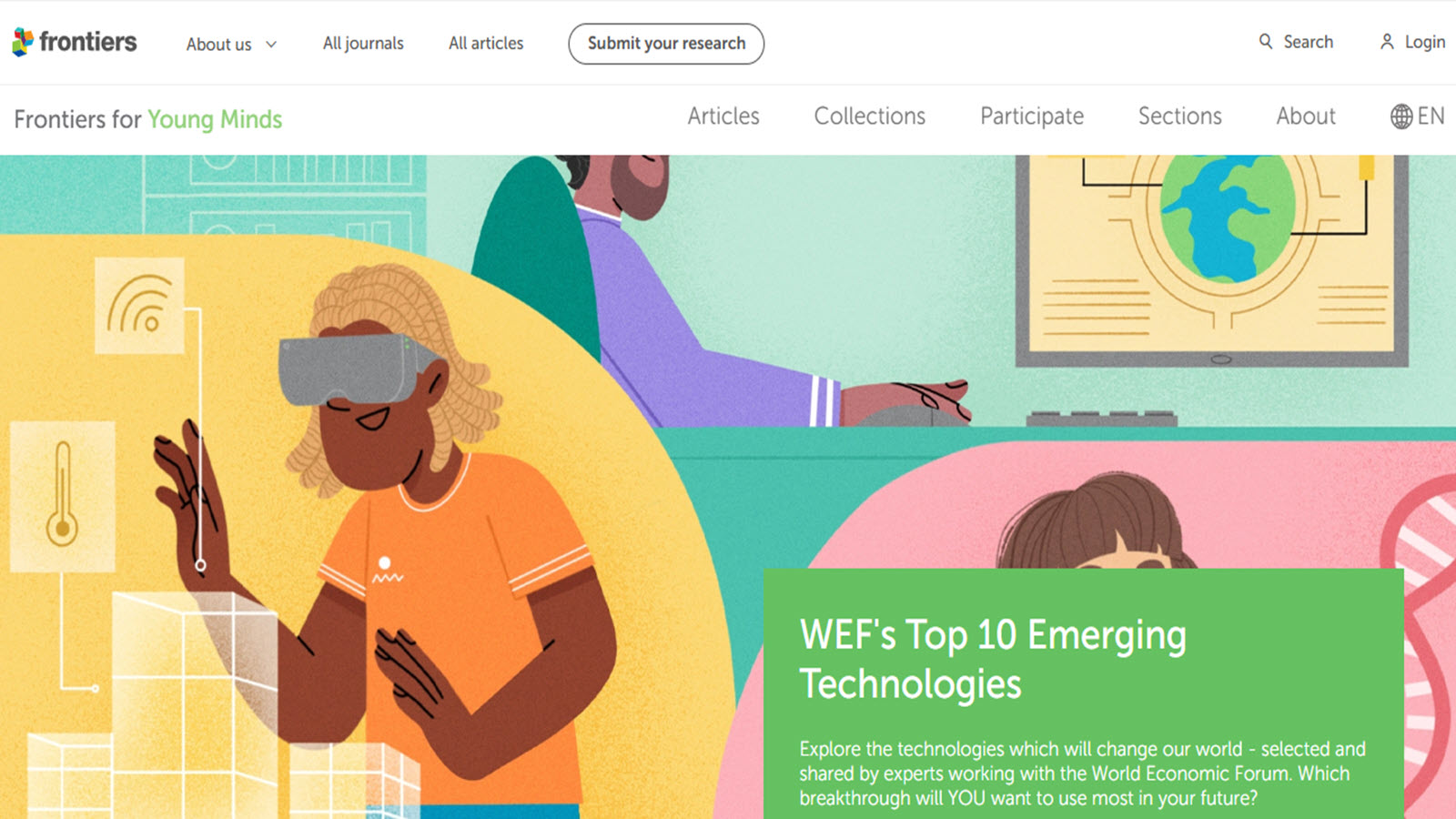
Frontiers for Young Minds operates as an open-access scientific journal that presents real research findings written by scientists and reviewed by a board of children and teenagers, making advanced science accessible and engaging for young readers. Articles explore topics ranging from neuroscience, biology, and environmental science to physics, health, and new discoveries, rewritten in clear language with illustrations that invite curiosity and critical thinking. The platform uniquely involves young people directly in the scientific process as reviewers, helping them understand how research is evaluated while building scientific literacy. Suitable for elementary through middle school ages, it encourages independent exploration of authentic science and fosters a sense of participation in the global research community.
Key features
- Peer-reviewed science articles adapted for approximately ages 8 to 15 with supporting illustrations
- Young reviewer program that involves kids and teens in evaluating and improving content
- Sections dedicated to new discoveries, core scientific concepts, and health-related topics
- Completely free open-access format focused exclusively on youth audiences
Facts and information
- Functions as a specialized scientific journal with content drawn from original research papers
- Emphasizes accurate communication of complex ideas in language suitable for developing readers
- Supports inquiry-based learning by connecting children with the work of practicing scientists
44. Ben’s Guide to the U.S. Government

Ben’s Guide to the U.S. Government, produced by the U.S. Government Publishing Office in Washington, D.C., provides interactive tutorials, games, activities, and explanatory resources that teach students how the American government functions. Content is organized by grade bands from kindergarten through high school and covers foundational topics such as the Constitution, the three branches of government, elections, citizenship responsibilities, and historical documents. Children explore civic concepts through age-appropriate explanations, quizzes, and interactive elements that build understanding of democratic processes. The site serves as an official, reliable source for civics education that supports both classroom instruction and independent learning at home.
Key features
- Grade-banded tutorials and interactive activities explaining government structure and civic processes
- Games and quizzes reinforcing knowledge of the Constitution, elections, and citizenship
- Clear explanations of historical documents and the roles of different government branches
- Navigation designed to match developmental stages from early elementary through high school
Facts and information
- Official educational resource created by the U.S. Government Publishing Office
- Content maintained for accuracy and relevance to American civic education standards
- Helps students develop foundational knowledge needed for informed participation in democratic society
45. Energy Kids
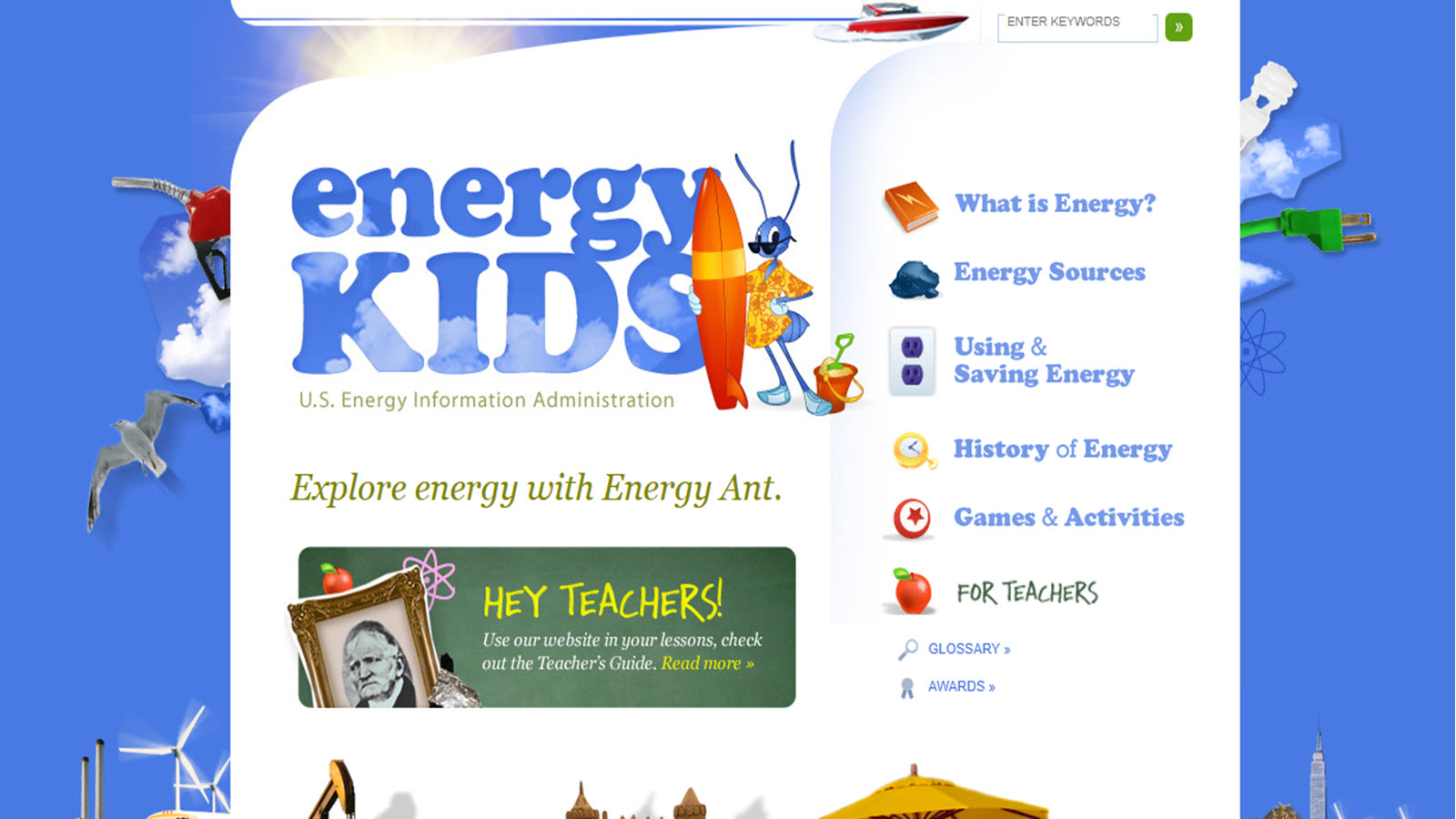
Energy Kids, developed by the U.S. Energy Information Administration in Washington, D.C., introduces children to the science and systems of energy through interactive games, data tools, calculators, diagrams, and educational articles. Topics include renewable and nonrenewable energy sources, electricity generation, energy consumption patterns, conservation practices, and the environmental impacts of different energy choices. The platform helps young learners understand the energy systems that power daily life while connecting science concepts to real-world data and historical developments. Suitable for elementary and middle school students, it supports both formal science instruction and independent exploration of energy-related subjects.
Key features
- Interactive games, quizzes, and calculators focused on energy types, usage, and conservation
- Visual diagrams and data tools that allow exploration of energy statistics and trends
- Dedicated sections for students, parents, and teachers with supporting educational materials
- Coverage of historical energy developments alongside current and emerging technologies
Facts and information
- Produced by the federal Energy Information Administration using official energy data
- Aligns with national science education goals related to energy systems and environmental awareness
- Provides factual, data-driven content that helps children connect classroom learning to everyday energy use
46. Math Playground
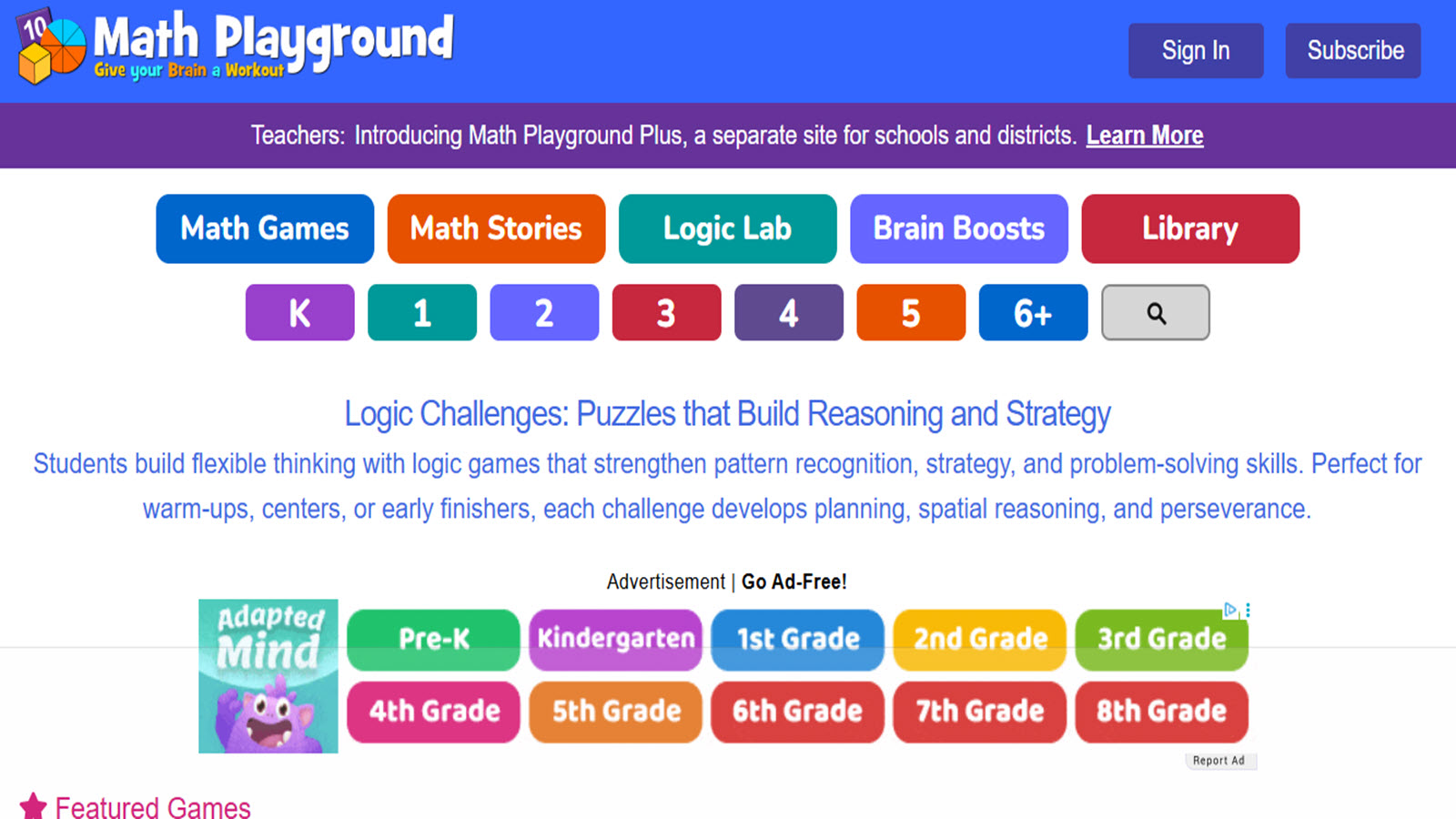
Math Playground is a long-running K–6 math site created by a former teacher to help children learn through games, puzzles, and visual models rather than drills alone. Launched in 2002, it now includes hundreds of original activities covering operations, fractions, geometry, word problems, logic, and spatial reasoning. Signature tools such as Thinking Blocks help students represent story problems step by step, while story-based games and logic challenges encourage pattern spotting and flexible strategies. Teachers in many U.S. classrooms use the site for practice, enrichment, and early-finisher work because the activities feel like play while targeting specific skills. Families use it at home for short, focused sessions that build number sense and persistence.
Key features
- Hundreds of math games, logic puzzles, and problem-solving challenges for grades K–6
- Visual modeling tools such as Thinking Blocks for word problems
- Story-based and adventure-style games that embed computation and reasoning
- Classroom-oriented organization by skill and grade band
Facts and information
- Founded in 2002 and trusted by teachers for more than two decades
- Content emphasizes conceptual understanding alongside fluency
- Used widely in U.S. elementary classrooms and homeschool settings
47. PhET Interactive Simulations
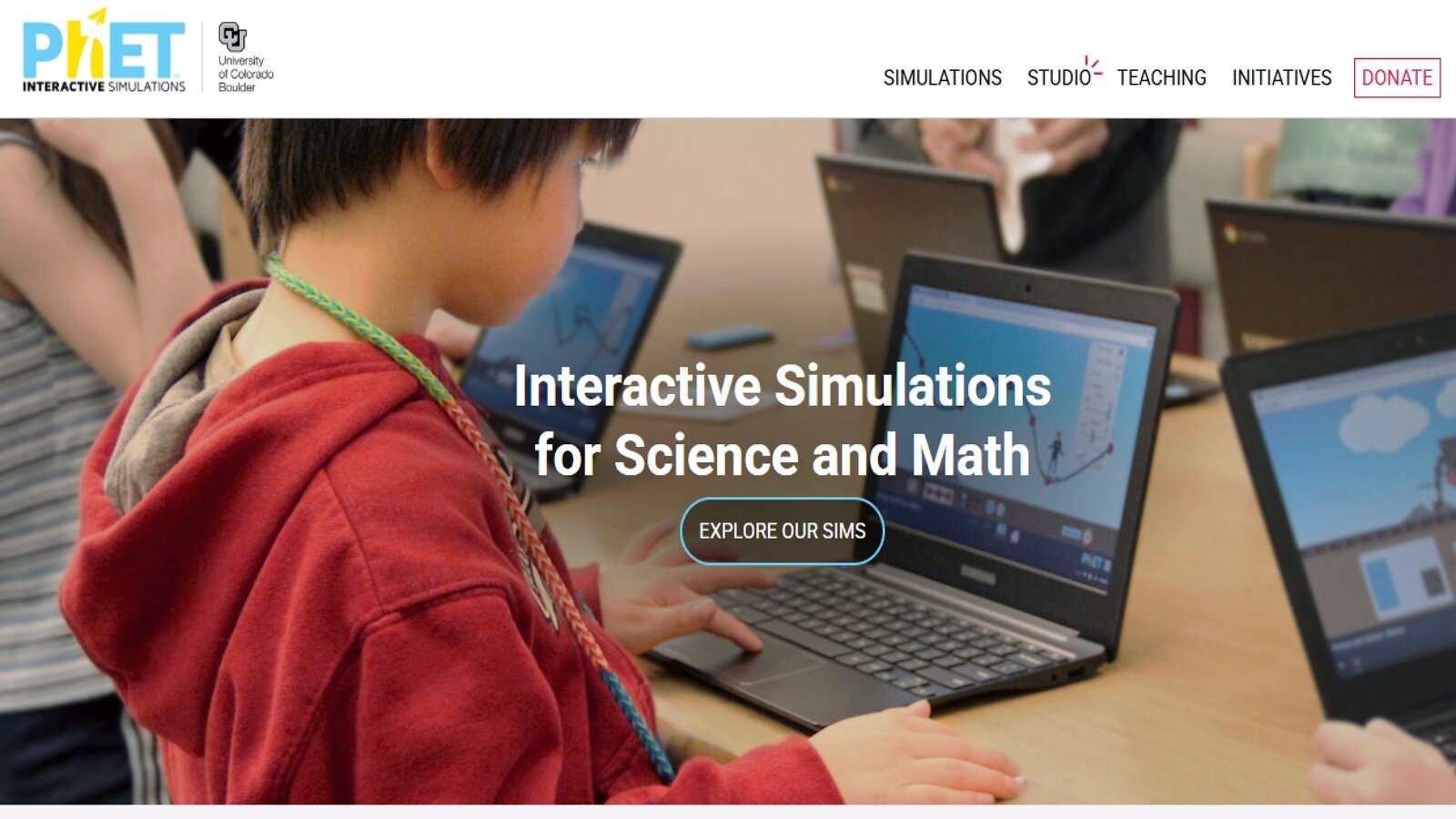
PhET Interactive Simulations, based at the University of Colorado Boulder, offers free research-based science and math simulations that let children experiment with ideas they cannot easily test in a typical home or classroom. Founded in 2002 by Nobel laureate Carl Wieman, the project now includes simulations in physics, chemistry, biology, earth science, and mathematics. Students click, drag, and adjust sliders to change variables and immediately see what happens, which helps make invisible processes visible. Teacher-submitted lessons and translations support classroom use across many languages. The platform is especially useful for elementary and middle school learners who benefit from hands-on exploration of circuits, atoms, forces, fractions, and more.
Key features
- Interactive HTML5 simulations covering science and math topics
- Inquiry-style controls such as sliders, measurement tools, and multiple representations
- Teacher-submitted lesson collections and classroom resources
- Offline and multi-device access options for many simulations
Facts and information
- Project based at the University of Colorado Boulder
- More than 1.8 billion simulation runs delivered since launch
- Hundreds of simulations with extensive classroom research behind their design
48. Storyline Online
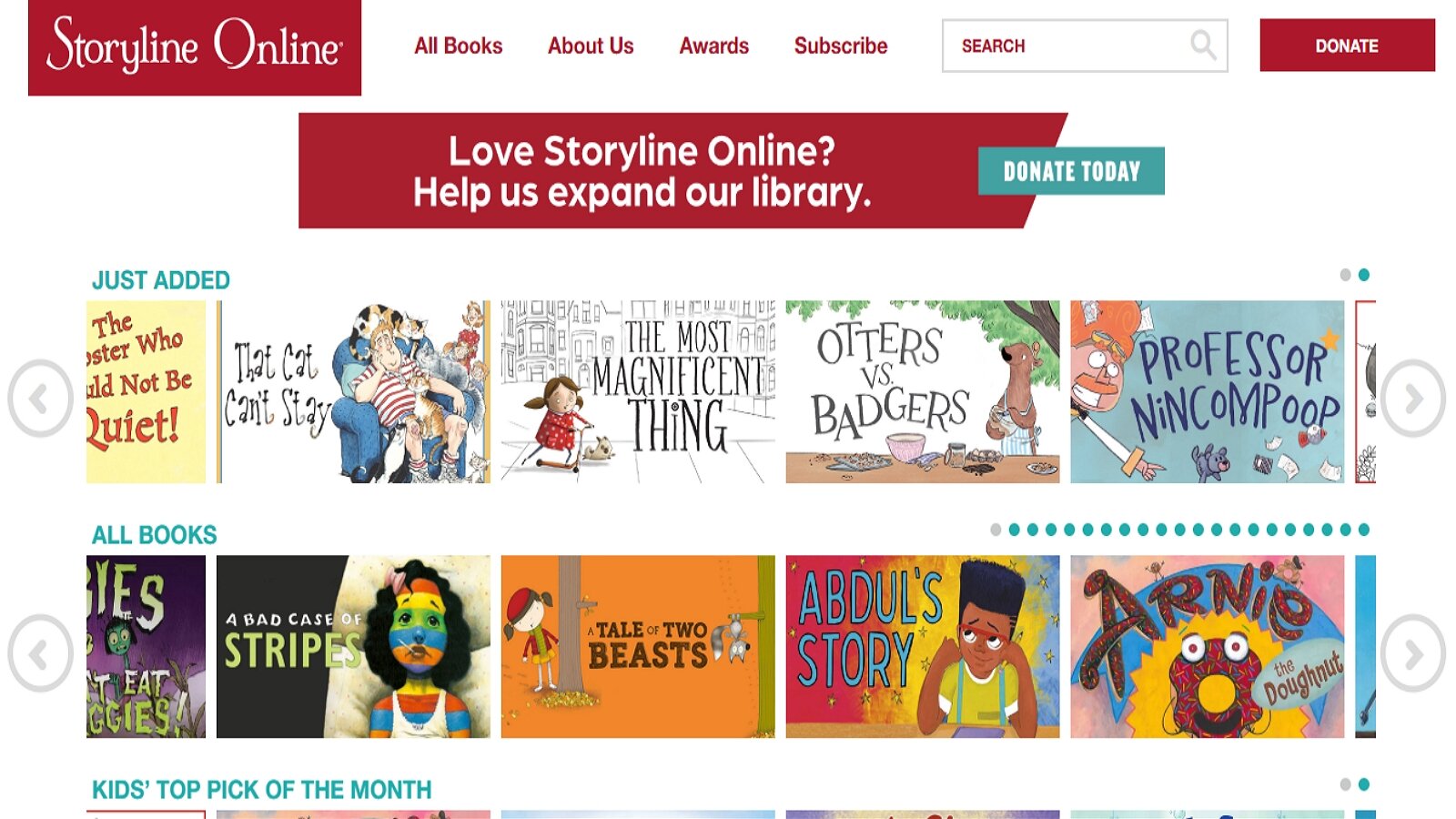
Storyline Online is the SAG-AFTRA Foundation’s children’s literacy program featuring well-known actors reading picture books with produced illustrations and sound. The library includes more than 100 read-aloud videos used by families, classrooms, libraries, and hospitals. Each title comes with a companion activity guide created by an elementary educator to support comprehension, discussion, vocabulary, and writing. The program is designed to model expressive reading and help children connect stories with language growth. Because the videos are short and visually rich, they work well for shared family reading time and for English language learners who benefit from hearing fluent narration.
Key features
- Actor-narrated picture-book videos with illustrated storytelling
- Educator-created activity guides for comprehension and language practice
- Library of more than 100 titles featuring a wide range of storytellers
- Classroom and home-friendly format for read-aloud routines
Facts and information
- Emmy Award–winning literacy program of the SAG-AFTRA Foundation
- Hundreds of millions of views across many countries
- Endorsed by major education and library organizations for classroom use
49. TED-Ed

TED-Ed creates and curates short animated lessons and discussion-ready videos that introduce science, history, literature, psychology, and civic ideas in a format older elementary and middle school students can follow. Lessons typically last a few minutes and are paired with questions, extra resources, and options for teachers or parents to customize a learning sequence. The platform also includes student-level filters so families can choose topics that match age and interest. Animations help explain abstract ideas such as how memory works, why weather differs from climate, or how languages share common features. It works best as a curiosity spark and discussion starter rather than a full curriculum.
Key features
- Short animated lessons across science, humanities, and thinking skills
- Built-in questions and follow-up resources for discussion
- Tools to customize lessons around videos
- Subject and student-level browsing for guided exploration
Facts and information
- Educational arm of TED focused on lessons worth sharing
- Widely used by teachers for warm-ups, enrichment, and inquiry
- Content spans arts, science, technology, and social studies
50. CK-12
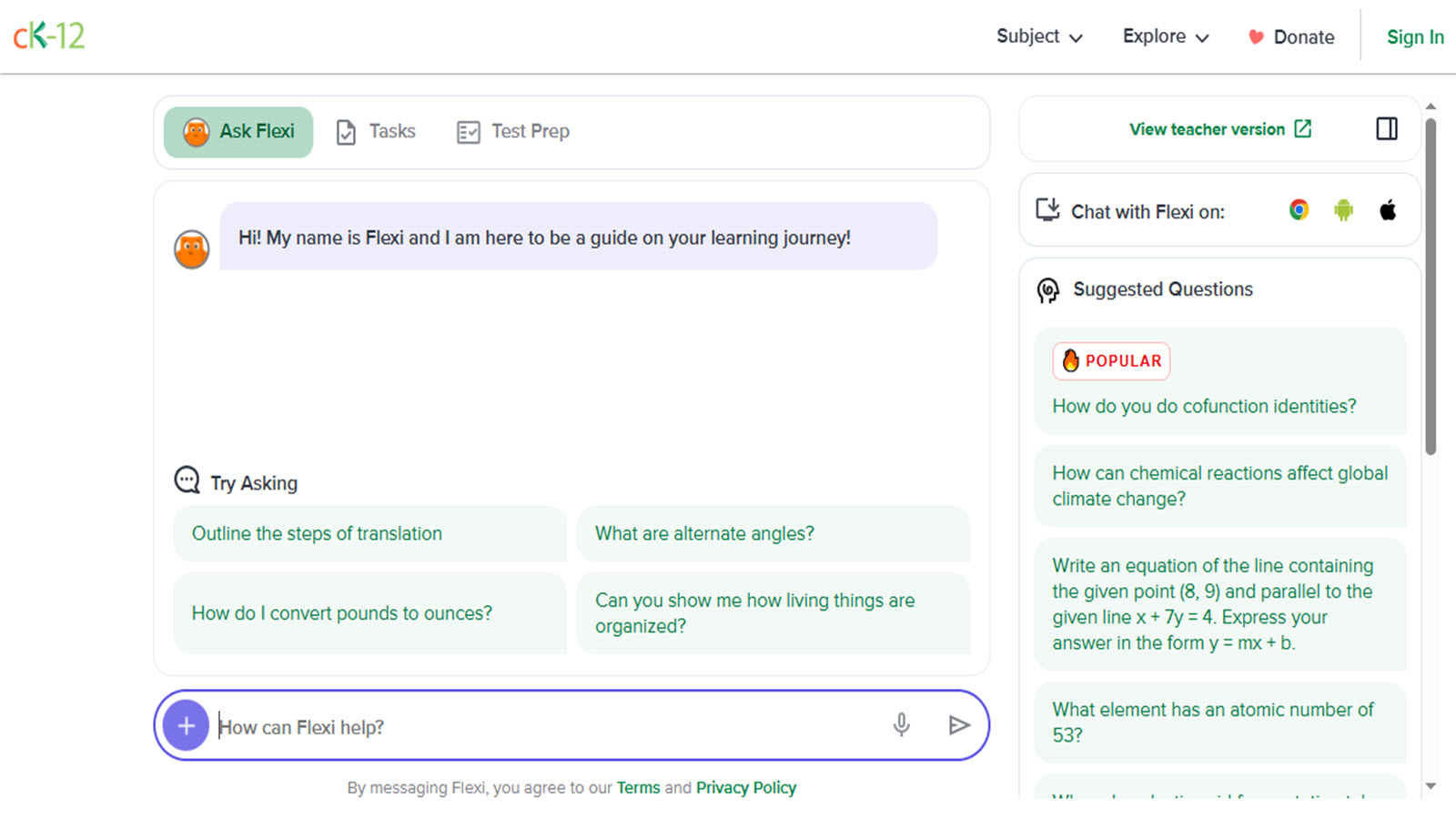
CK-12 is a Palo Alto, California nonprofit that publishes free, customizable K–12 resources with a strong focus on math and science. Its FlexBook platform combines readings, videos, simulations, practice questions, and adaptive review so students can work through a concept in more than one way. Concept pages and PLIX interactives let children play with an idea, then answer questions that check understanding. Teachers and homeschool families can assemble materials by topic or standard and track how students perform on practice sets. The site is especially useful for older elementary and middle school learners who need extra explanation, visual models, or extra practice without a rigid single-path lesson.
Key features
- FlexBook lessons with videos, interactives, and inline questions
- Adaptive practice drawn from a large question library
- PLIX activities that let students play, learn, interact, and explore a concept
- Customization tools for teachers, parents, and independent learners
Facts and information
- Nonprofit founded in 2007 and headquartered in Palo Alto, California
- Reports hundreds of millions of users and billions of practice questions answered
- STEM-focused open educational resources aligned to common school topics
51. HOMER
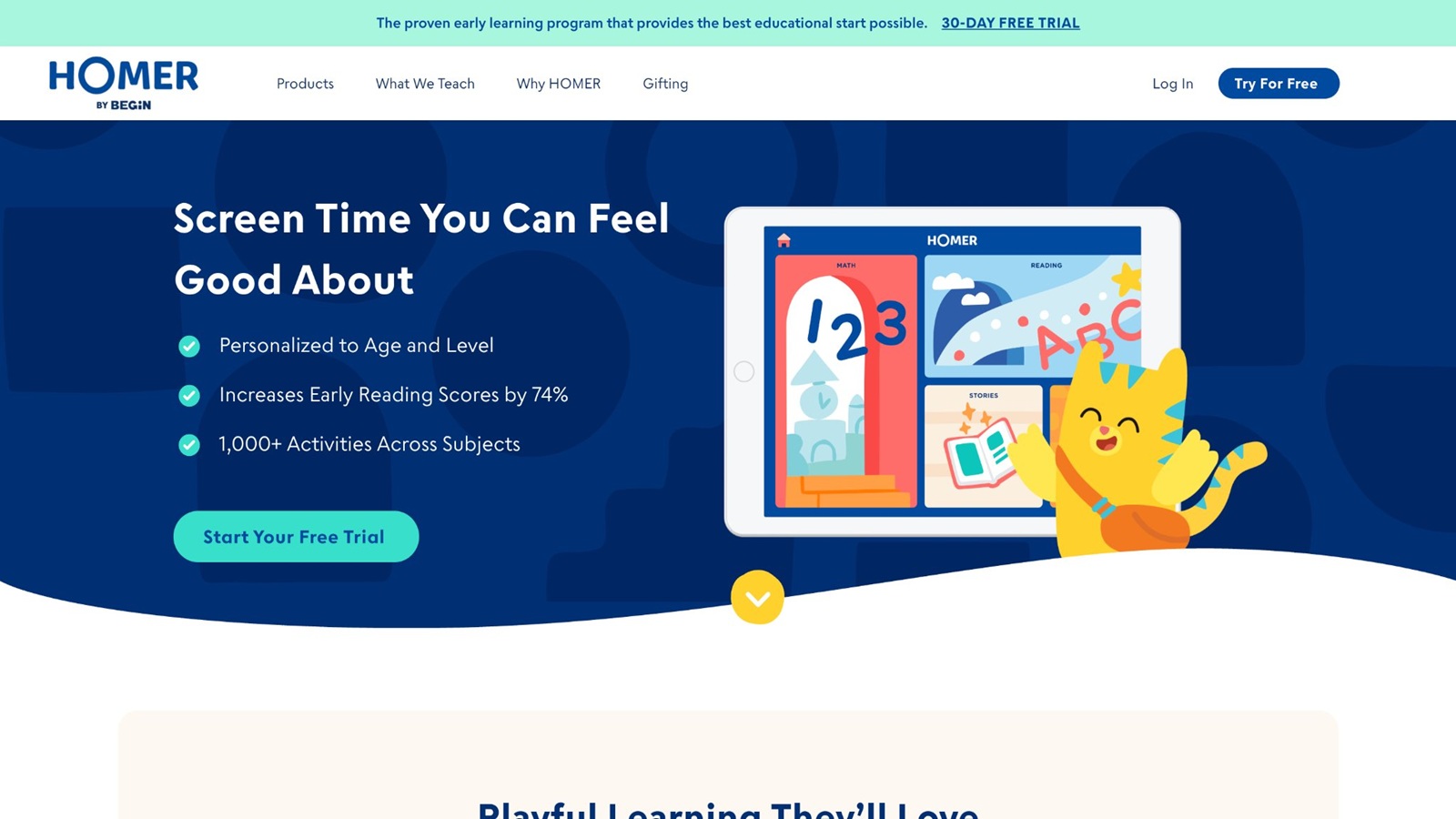
HOMER, created by Begin Learning, offers a comprehensive early learning experience designed for children between the ages of 2 and 8. The platform blends reading, math, social-emotional development, creativity, and critical thinking into one cohesive program that adapts to each child’s age, interests, and current skill level. Children follow personalized pathways that introduce new concepts through engaging activities, then reinforce them with targeted practice before encouraging application in familiar and new contexts. Reading remains a core focus, with a structured phonics sequence that moves from letter recognition and sounds through blending, sight words, and early fluency. Math activities build number sense, patterns, and problem-solving, while creativity tools and social-emotional scenarios help children practice kindness, confidence, and self-expression. Themed content around topics such as animals, space, vehicles, and dinosaurs keeps sessions relevant and motivating. Families can set up multiple child profiles, and the design supports independent play after a brief initial setup. Short daily sessions fit easily into busy routines, and parent resources help caregivers track progress and extend learning offline. Headquartered in the United States, HOMER emphasizes research-informed methods that turn screen time into purposeful skill-building for preschool and early elementary learners.
Key features
- Personalized pathways across reading, math, social-emotional learning, thinking skills, and creativity
- Adaptive phonics progression from letter sounds to early fluency
- Interest-based themes and interactive stories, games, and songs
- Support for up to four child profiles with parent progress tools
Facts and information
- Designed for ages 2–8 with more than 1,000 activities and lessons
- Research has linked consistent short daily use to measurable gains in early reading scores
- Available on major mobile platforms with offline access for core content
- Widely used by families seeking structured early literacy alongside broader developmental support
52. Teach Your Monster to Read
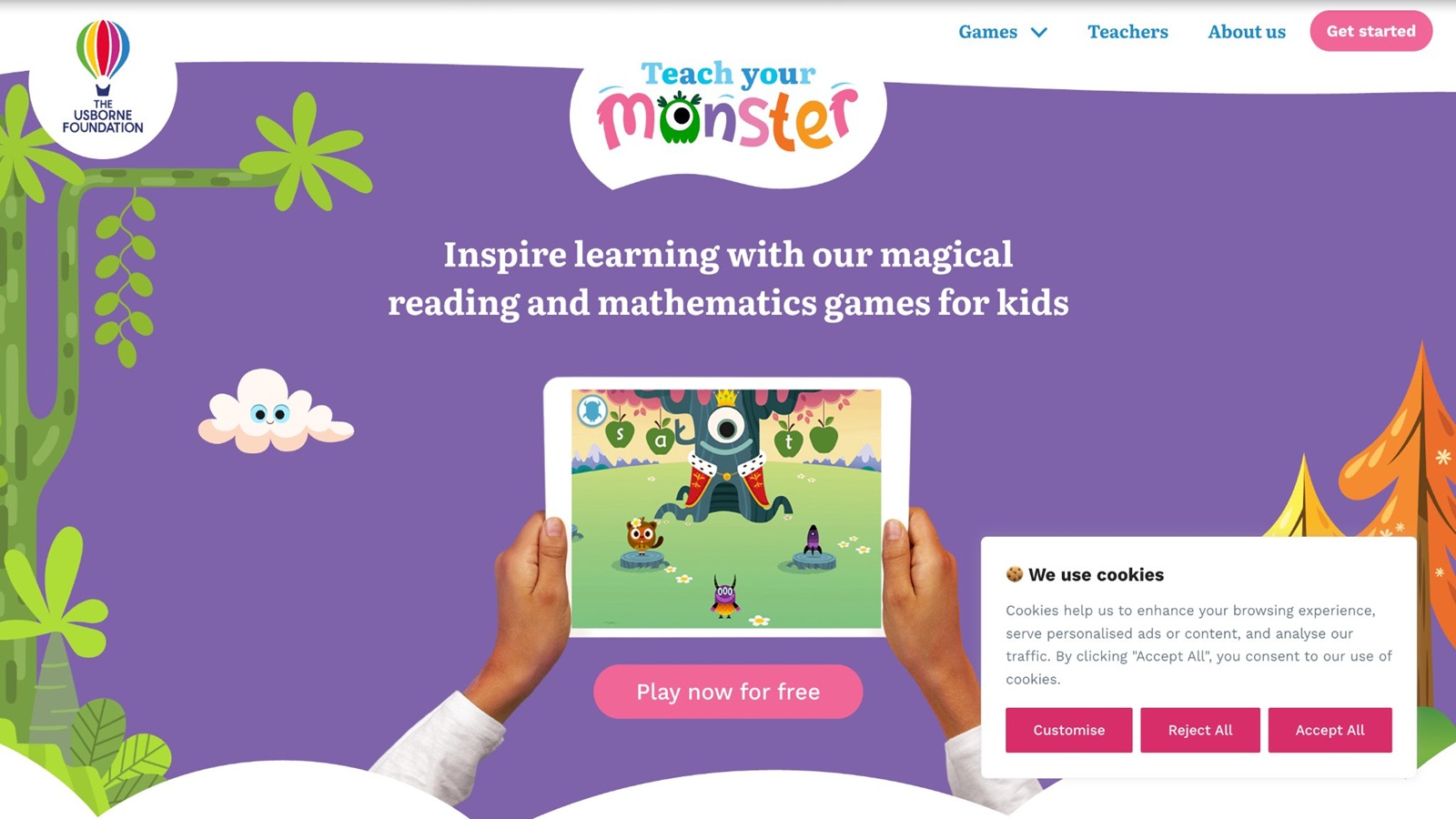
Teach Your Monster to Read turns early literacy into an adventure for children ages 3 to 6 by letting them create a unique monster character and guide it through three progressive games. The experience begins with foundational letter-sound matching and advances through blending, segmenting, and reading simple sentences, all within colorful island-based worlds filled with engaging characters and mini-games. Adaptive features increase practice on sounds or skills a child finds challenging, while a dedicated practice mode allows focused reinforcement. Developed in collaboration with literacy experts and aligned with systematic synthetic phonics approaches commonly used in schools, the program covers the essential building blocks of the first two years of reading instruction. Children practice speed and accuracy through short, playful activities that feel like games rather than drills. Progress tracking helps parents and educators see which skills are strengthening. The browser-based version is widely accessible, and a companion mobile app extends the same learning experience. By embedding phonics practice inside a story-driven journey, the platform supports confidence-building for beginning readers while reinforcing the letter-sound connections that form the foundation of independent reading.
Key features
- Three sequential games covering letter sounds through sentence-level reading
- Customizable monster avatar and island exploration with colorful characters
- Adaptive practice that revisits difficult sounds more frequently
- Mini-games focused on phonics accuracy, blending, and fluency
Facts and information
- Targets ages 3–6 and covers the first two years of reading development
- Created with input from University of Roehampton literacy researchers
- Has supported tens of millions of children worldwide in building early reading skills
- Includes tools for monitoring progress and targeted practice
53. iCivics
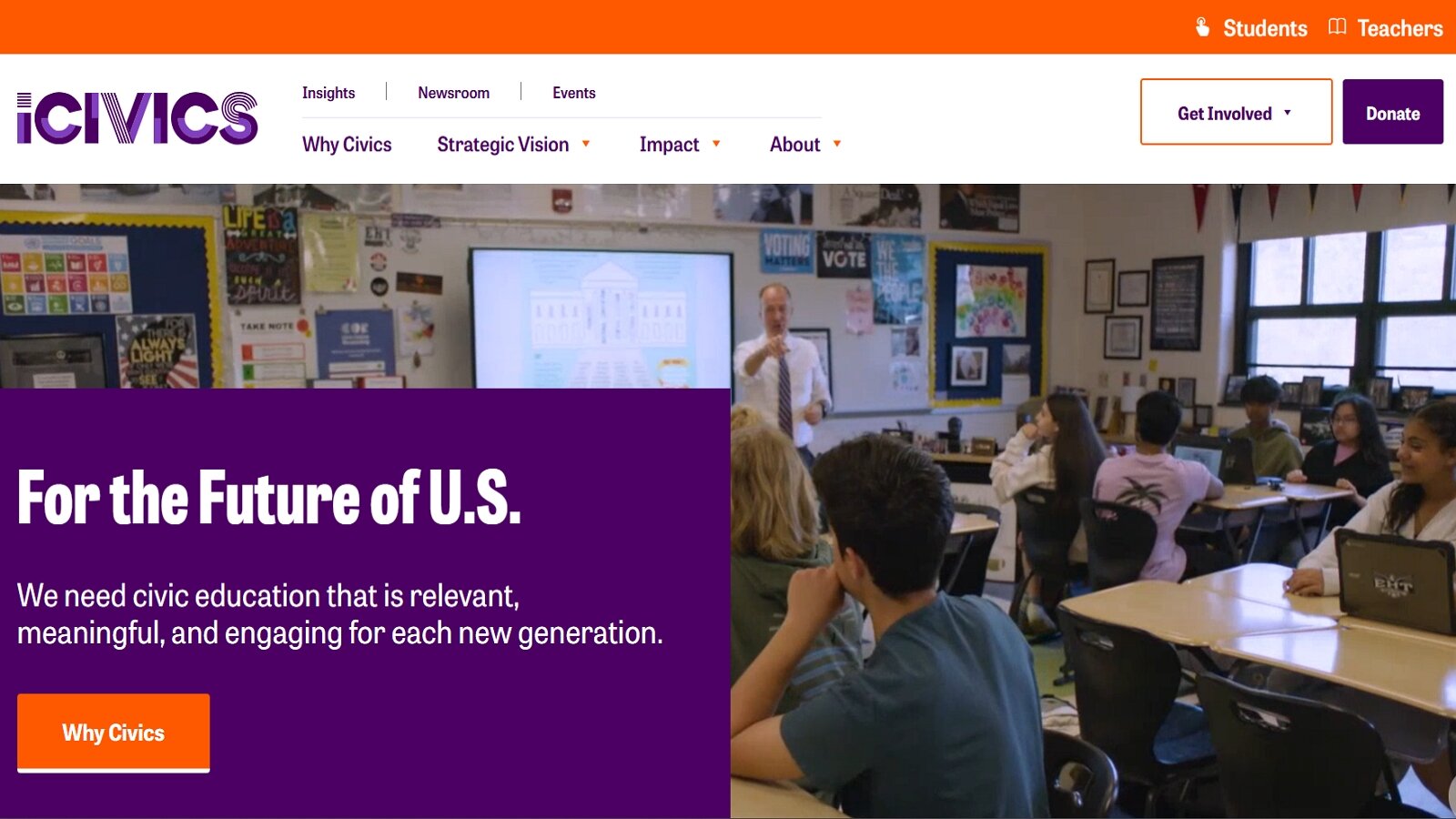
iCivics delivers free, nonpartisan educational resources that help elementary through high school students understand government, civics, and U.S. history through interactive games, videos, lesson plans, and simulations. Students can explore concepts such as constitutional rights by running a virtual law firm, manage the three branches of government, or investigate historical events through inquiry-based units. Elementary learners encounter mystery-themed history activities and animated music videos, while older students work with primary sources, WebQuests, and structured simulations. All materials are designed by educators and aligned with state standards, making them practical for classroom use or independent exploration at home. Teacher tools include assignment features, progress insights, and integration with learning management systems such as Google Classroom. Family-accessible games encourage discussion about democratic processes and civic participation. Headquartered in the United States, the platform emphasizes clear, engaging experiences that make complex ideas about rights, responsibilities, and government structure accessible without requiring prior knowledge. Resources support both short individual activities and multi-session units, helping students build critical thinking skills alongside content knowledge.
Key features
- Hundreds of free games, videos, lesson plans, simulations, and WebQuests
- Elementary resources including Private i History Detectives units and animated videos
- Primary source analysis tools and inquiry-based curriculum units
- Teacher dashboards, standards alignments, and LMS integration
Facts and information
- Nonpartisan nonprofit focused on civic education and democratic participation
- Resources used by millions of students and educators across the United States
- Includes award-winning content designed for multiple grade bands
- Supports both classroom instruction and independent or family learning
54. Britannica Kids
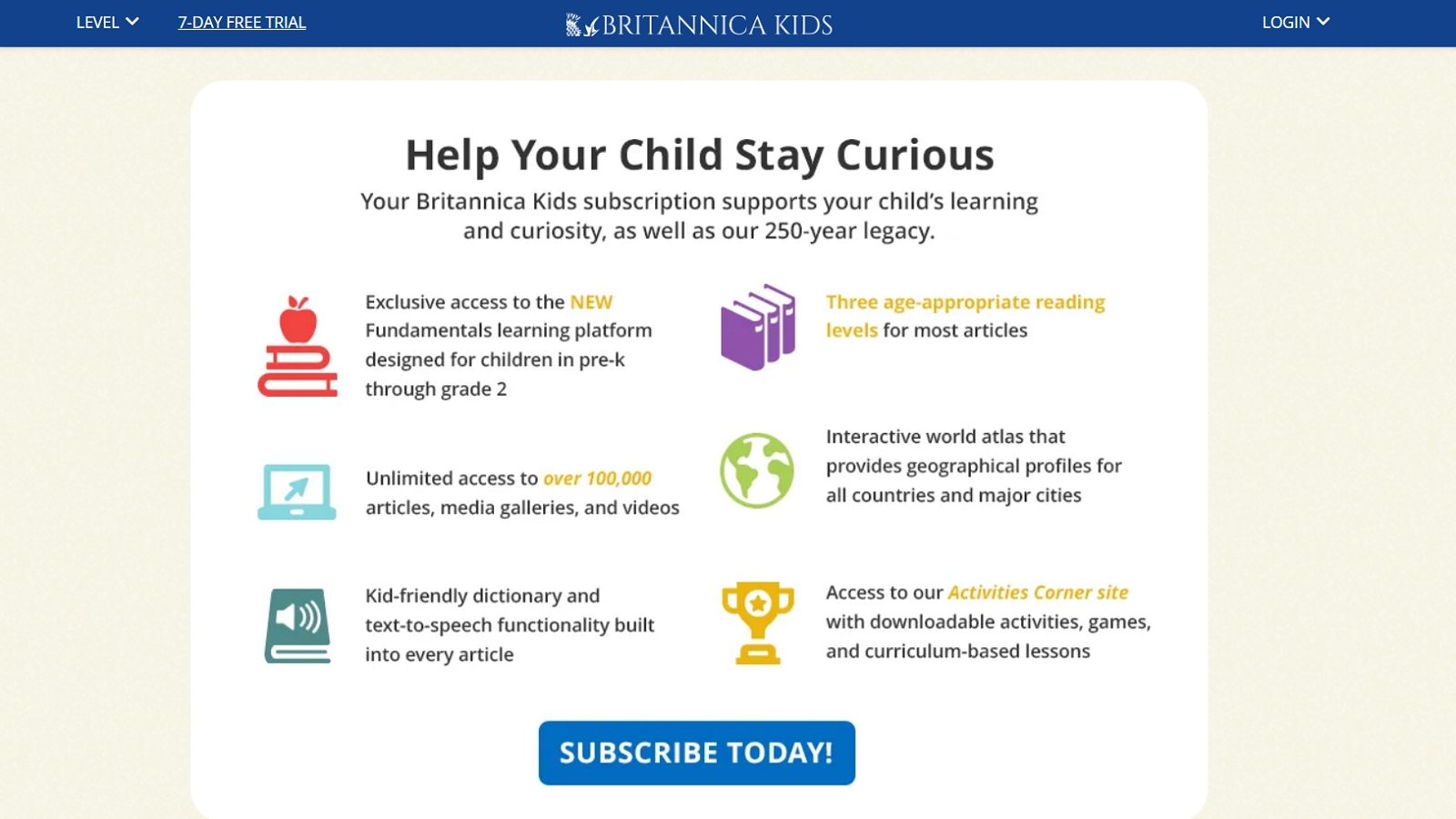
Britannica Kids provides a trusted, fact-checked digital encyclopedia environment where children from kindergarten through high school can explore articles, videos, images, and interactive tools across science, history, geography, culture, and more. Content is available at multiple reading levels, with read-aloud support, a built-in dictionary, and translation options that help readers of different abilities engage with the same topics. An Activities Corner extends learning offline through crafts, experiments, and games tied to encyclopedia subjects. The platform draws on nearly 250 years of reference publishing experience, with regular updates that keep information current and relevant for homework or open-ended curiosity. Family accounts allow consistent access across devices, and search tools are designed to keep exploration focused and safe. Students can move from quick fact-finding to deeper reading, while visual and multimedia elements support different learning preferences. By combining reliable reference material with age-appropriate presentation and supplementary activities, Britannica Kids serves as both a homework resource and a space for independent discovery of the wider world.
Key features
- More than 100,000 articles offered at multiple reading levels
- Interactive world atlas, extensive image and video galleries
- Read-aloud functionality and integrated dictionary support
- Activities Corner with hands-on projects, experiments, and games
Facts and information
- Built on Britannica’s longstanding editorial and expert review processes
- Supports learners from kindergarten through high school with leveled content
- Includes alignments relevant to STEM and common curriculum topics
- Provides family-wide access with regular content refreshes
55. Nemours KidsHealth
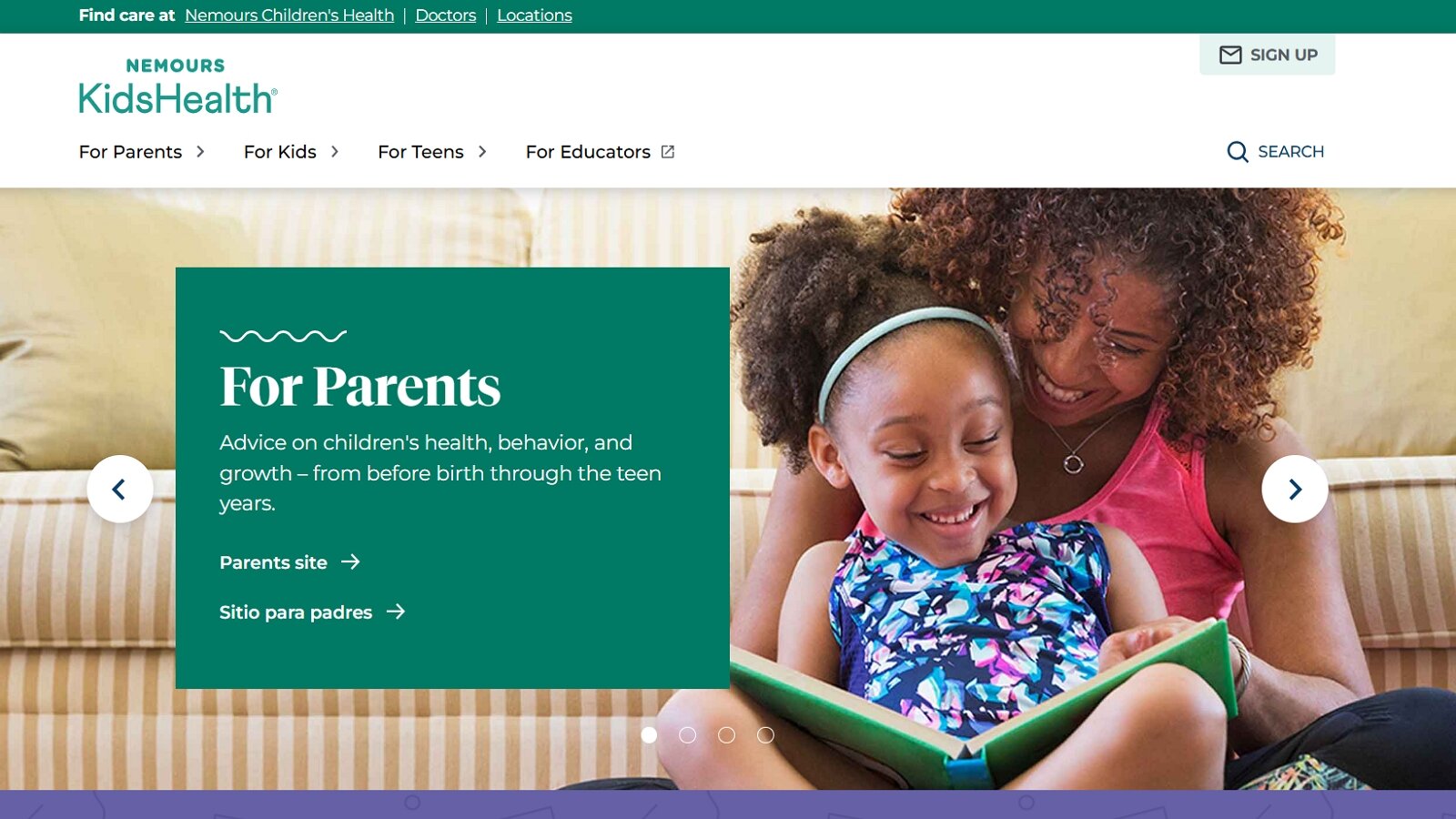
Nemours KidsHealth, created by Nemours Children’s Health, offers doctor-reviewed articles, videos, animations, and interactive tools that explain health, the human body, emotions, nutrition, and development in language written specifically for children, parents, and teens. The kids section covers topics such as how body systems work, healthy habits, common conditions, and emotional well-being through clear explanations and supporting visuals. Founded in 1995 and based in the United States, the platform has become one of the most visited sources for pediatric health information, with content licensed by hundreds of children’s hospitals and health organizations. Separate sections serve parents and educators, including free lesson plans that extend topics into classroom or home settings. Every piece of content undergoes expert medical review to ensure accuracy and accessibility. Children can learn about their bodies and make informed choices, while families find reliable guidance on growth, behavior, and everyday health questions. The resource emphasizes prevention, understanding, and positive habits without overwhelming young readers.
Key features
- Doctor-reviewed articles, slideshows, videos, and animations for kids
- Dedicated sections for parents, teens, and educators
- Coverage of body systems, nutrition, emotions, safety, and development
- Free lesson plans and classroom-ready resources
Facts and information
- Launched in 1995 by Nemours Children’s Health
- Billions of page views and tens of millions of annual sessions
- Content used by more than 250 hospitals and organizations worldwide
- Focuses on evidence-based, accessible pediatric health education
56. Toy Theater
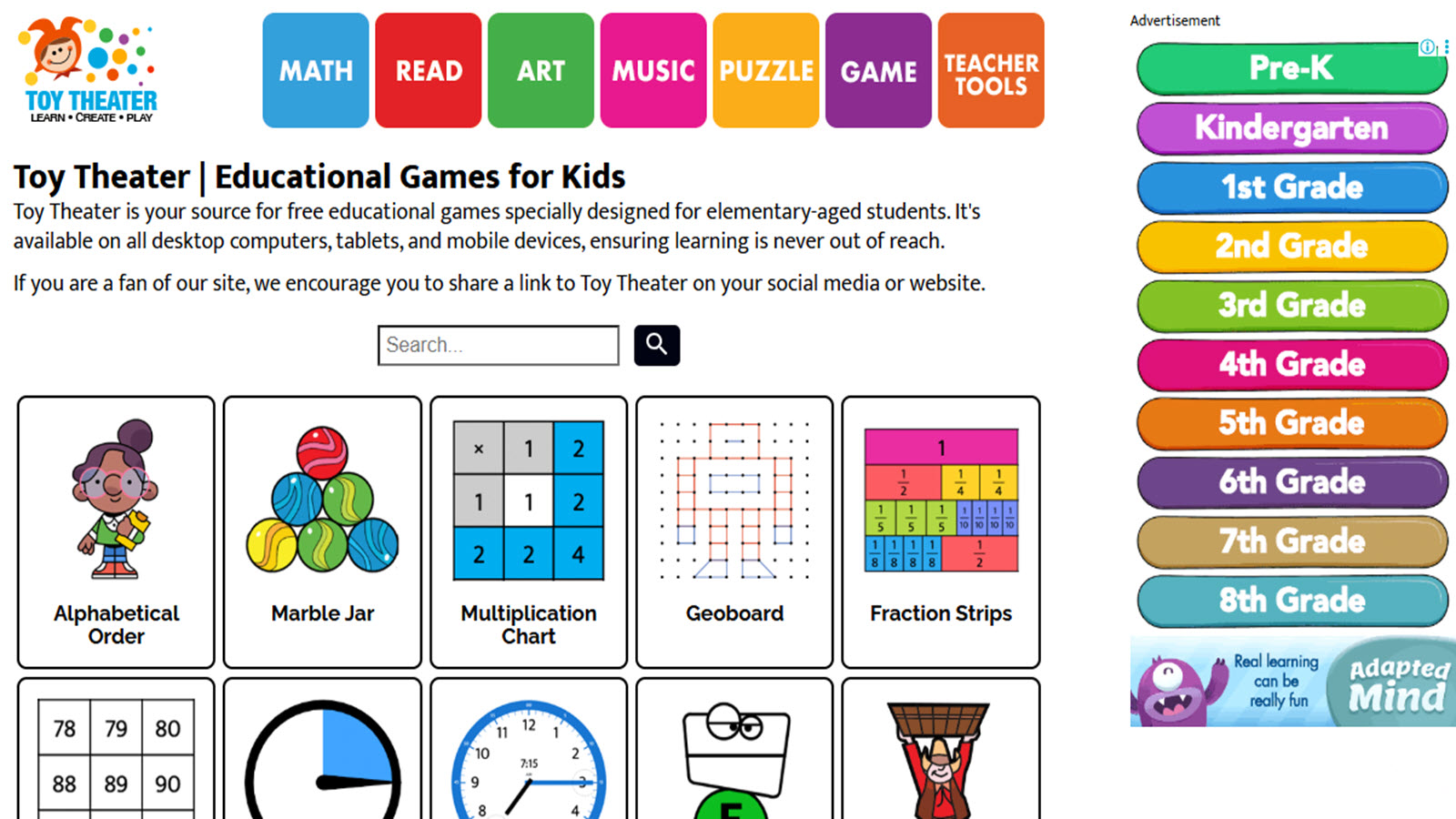
Toy Theater, created by former teacher and developer Joel Gaspard in St. Petersburg, Florida, offers a free browser-based collection of educational games and virtual tools designed for elementary students. The platform covers math, reading, art, music, puzzles, and classic games with a playful aesthetic that supports short practice sessions or classroom demonstrations. Its virtual manipulatives such as fraction strips, geoboards, number lines, and interactive clocks help make abstract concepts concrete for young learners, while themed building activities encourage spatial reasoning. Teachers use the resources for centers, warm-ups, and whole-group instruction because no accounts or downloads are required and content works across desktops, tablets, and mobile devices. The site receives more than one million visits annually and continues to add activities that align with early elementary skills in counting, operations, shapes, and basic literacy. Navigation relies on category browsing and search, which works well for directed use but can feel broad for independent exploration by the youngest users. Overall, the collection supplies accessible practice that reinforces foundational concepts through interactive play in a format suited to both home and school environments.
Key features
- Interactive math games covering counting, addition, subtraction, multiplication, fractions, time, and measurement
- Virtual manipulatives including fraction strips, place value charts, geoboards, and interactive clocks
- Reading, spelling, art, music, and puzzle activities alongside classic games
- Teacher tools such as timers, spinners, and customizable flashcards
- No account or download required for core games and tools
Facts and information
- Founded in 2001 by Joel Gaspard and used by more than one million visitors each year
- Strongest coverage for Pre-K through grade 4 with progressive skill practice
- Accessible on computers, tablets, and mobile devices without installation
- Supports classroom projection and independent practice sessions
57. ScratchJr
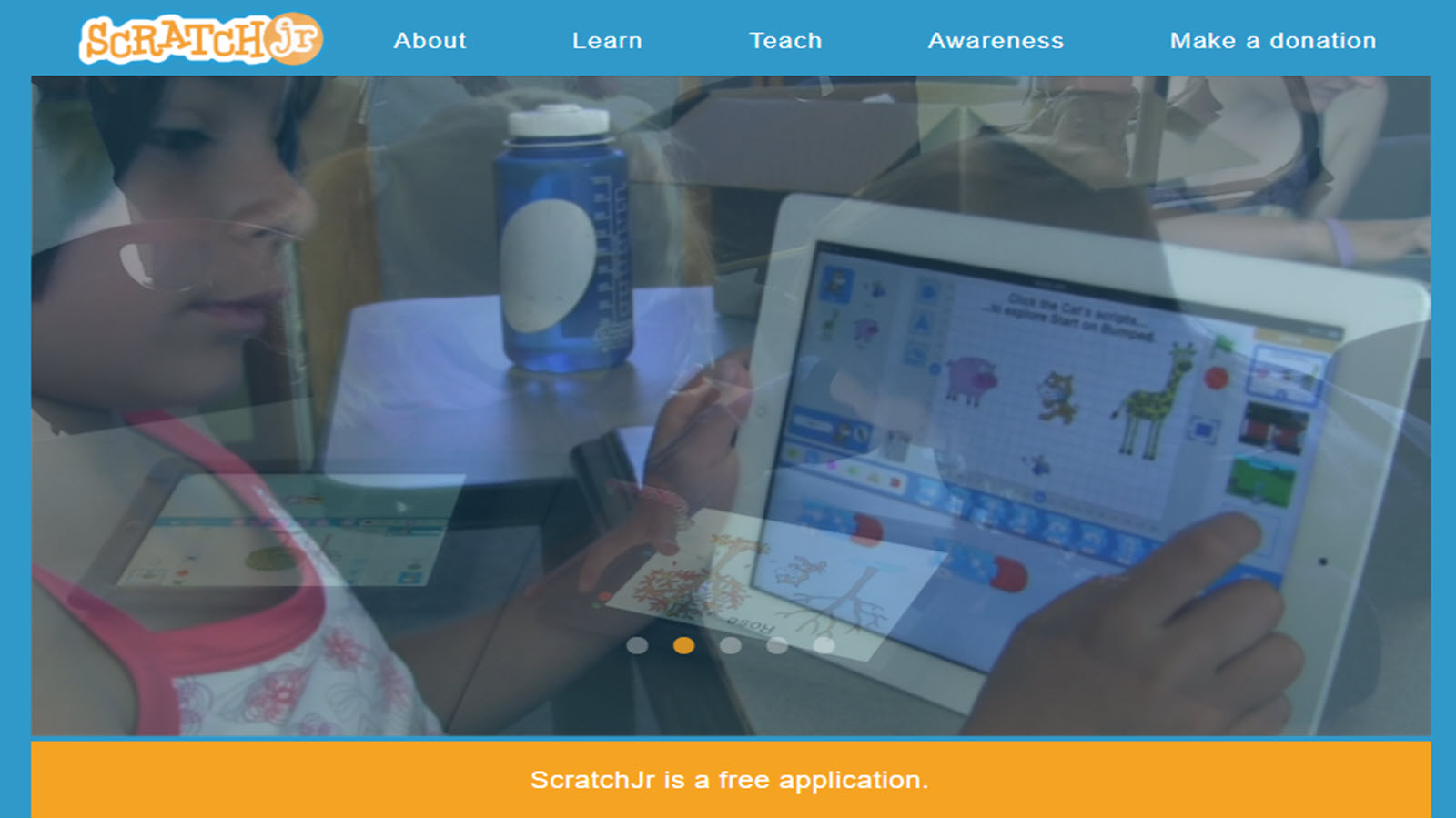
ScratchJr is a free visual programming app developed through collaboration between the MIT Media Lab, Tufts University, and the Playful Invention Company to introduce coding to children ages 5 to 7. Young users snap together graphical blocks to animate characters, create interactive stories, and design simple games without needing to read or type. The interface includes a paint editor for customizing characters, options to record voices or add sounds, and backgrounds that support storytelling projects. Research-informed design matches early childhood cognitive and social-emotional development, helping children practice sequencing, problem-solving, and creative expression while using math and language in meaningful contexts. Available on iOS, Android tablets, and Chromebooks, the app supports offline use and includes curriculum resources such as activity cards and classroom guides. Children can save projects locally and share them in controlled settings. The block-based approach lowers barriers for pre-readers and emerging readers, building foundational computational thinking that prepares them for more advanced coding tools later. Educators integrate it for short creative sessions that reinforce storytelling and logical thinking in preschool and early elementary settings.
Key features
- Drag-and-drop programming blocks for motion, looks, sound, and control
- Paint editor, voice recording, and photo insertion for character customization
- Story and game creation tools with multiple characters and backgrounds
- Offline functionality on tablets and Chromebooks
- Supporting curriculum materials including activity cards and guides
Facts and information
- Designed specifically for ages 5–7 and launched in 2014
- Developed with support from the National Science Foundation and now maintained by the Scratch Foundation
- Available free on major tablet platforms with millions of downloads
- Promotes computational thinking, sequencing, and creative expression for early learners
58. GoNoodle
GoNoodle, headquartered in Atlanta, Georgia, delivers interactive videos and activities that combine physical movement, mindfulness, and academic reinforcement for elementary-aged children. Content includes short dance routines, stretching sequences, brain breaks, and subject-tied challenges that cover math, science, social-emotional learning, and literacy. Teachers and families use the platform for indoor recess, transitions, focus resets, and wellness moments, with many videos under five minutes to fit classroom schedules. Partnerships with organizations expand offerings in areas such as sports, literacy, and confidence-building, while channels organize material by activity type and topic. The platform reaches a large share of U.S. elementary schools and supports both school and home use through web and app access. Movement-based design turns screen time into active engagement, helping children build coordination, self-regulation, and positive habits alongside content practice. Resources include printable extensions and tools for educators to select and sequence activities. The approach suits group settings where children follow along together, fostering participation and energy management during the school day or at home.
Key features
- Short interactive videos for movement, dance, mindfulness, and brain breaks
- Content organized by subject, skill, and activity type including math and social-emotional learning
- Classroom and home access with teacher tools for selection and assignment
- Partnership channels featuring sports, literacy, and wellness themes
- Printable activity packs to extend video experiences offline
Facts and information
- Used in the majority of U.S. public elementary schools with millions of student engagements
- Founded to convert screen time into active time through modeled movement
- Supports grades K–6 with curriculum-aligned and wellness-focused resources
- Available across web, apps, and connected TV platforms for flexible use
59. Bedtime Math
Bedtime Math, a nonprofit based in Summit, New Jersey, and founded by Laura Overdeck in 2012, provides a new daily math problem built around a short, engaging story for children ages 3 to 9. Each installment includes three levels of challenge so families can choose the right difficulty, covering topics from counting and shapes to multi-step operations and estimation. Problems draw on everyday interests such as animals, food, sports, and inventions to show math in real contexts. University research has linked regular use of the program to measurable gains in math skills that persist over time. The organization also offers school-based programs including after-school math clubs and classroom resources that extend the same playful approach. Parents and caregivers access the daily problem on the website or through a free app, with answers provided to support conversation rather than solitary practice. The format encourages family discussion and reduces math anxiety by framing problems as shared fun. Educators incorporate the materials for enrichment, summer programs, and family engagement nights that reinforce number sense and problem-solving confidence.
Key features
- Daily story-based math problems with three progressive challenge levels
- Topics spanning counting, operations, measurement, estimation, and real-world applications
- Free app and website access with searchable archive of past problems
- School and after-school program materials including club kits
- Parent and educator resources to support guided practice
Facts and information
- Nonprofit founded in 2012 and headquartered in Summit, New Jersey
- Research from the University of Chicago links consistent use to gains equivalent to several extra months of math skill
- Reaches hundreds of thousands of children through home, school, and library programs
- Designed for ages 3–9 with content that grows in complexity across levels
60. Fact Monster
Fact Monster, part of the Sandbox Learning family and rooted in the Infoplease reference tradition, serves as a comprehensive homework and exploration site for children roughly ages 8 to 14. The platform combines encyclopedia entries, a dictionary, thesaurus, atlas, almanac statistics, and educational games under one roof. Students find quick facts on science, history, geography, sports, health, and current topics alongside interactive quizzes, flashcards, and simple skill-building games. Content is created and updated by an editorial team to maintain accuracy and COPPA compliance, supporting safe independent research. The homework center and topic indexes help users locate information efficiently for reports or casual curiosity. Games and trivia add engagement without replacing the core reference function. The site has operated since the early 2000s and continues to provide free access to structured reference material that complements school curricula. Navigation organizes resources by subject and tool type, making it practical for both directed homework help and open-ended browsing. Families and educators value the consolidated reference tools for building research habits and verifying facts across multiple domains.
Key features
- Encyclopedia, dictionary, thesaurus, atlas, and almanac resources in one location
- Educational games, quizzes, flashcards, and trivia activities
- Homework center with topic indexes and search tools
- Videos and interactive features supporting core subjects
- COPPA-compliant environment designed for child users
Facts and information
- Launched in 2000 and part of the Sandbox Learning family of educational sites
- Targets ages 8–14 with content suitable for elementary and middle school research
- Combines trusted reference works with original educational games and features
- Provides free access to factual information across science, history, geography, and more
How To Pick The Right Site For Your Child
Parents often weigh age, interests, and safety when selecting sites. Focus on platforms with controls and no ads to keep experiences positive. Match content to school needs, like math boosts or reading help. Some kids thrive on games, while others prefer videos. Test free trials to see what clicks. Mix sites for balanced exposure, ensuring variety in skills.
Tips For Safe And Effective Online Learning
- Set time limits to pair digital tools with offline play.
- Monitor sessions and discuss what kids learn to reinforce ideas.
- Use built-in reports to spot strengths.
- Encourage sharing favorites with siblings for social ties.
- If issues arise, our FAQ covers common setup questions.
- Always choose vetted sites from trusted groups.
- This approach keeps learning fun and secure.
Recommended Subjects and Activities by Age Group:
- Preschool: Basics like colors and letters through tracing and simple puzzles.
- Early Elementary: Math and reading fundamentals with games on addition and phonics stories.
- Upper Elementary: Science and coding intros via quizzes on animals and basic programming.
Common Challenges When Using Educational Websites
Some children lose interest if activities feel too easy or too hard. Adaptive levels that shift with performance help keep the right balance. Distractions from other open tabs or notifications can break focus, so calm interfaces matter. Technical issues like slow loading or login problems interrupt flow. Clear offline modes reduce this risk. Parents sometimes struggle to see progress at a glance, which is why simple dashboards prove useful. Balancing screen sessions with other activities remains an ongoing task. Short, consistent use often works better than long stretches. Platforms that support social emotional growth for children and confidence building skills for kids help address some of these everyday hurdles.
STEM Educational Websites for Kids
Educational websites for STEM learning in kids deliver hands-on virtual experiments and logic puzzles that build foundational understanding of science, technology, engineering, and mathematics through guided discovery. Online educational games for kids allow children to test engineering designs and mathematical patterns in dynamic scenarios that mirror real-world problem solving.
Creative Educational Websites for Kids
Creative educational websites for kids supply digital canvases, music sequencers, and narrative builders that adapt to individual expression levels and encourage original idea formation. The TutoClub subscription maintains alignment with evolving creative curricula and holiday-themed projects. Families often incorporate the family weekly planner printables to schedule dedicated blocks for artistic exploration alongside website activities.
Math Educational Websites for Kids That Make Learning Fun
Math educational websites for kids transform numbers and concepts into exciting adventures rather than drills. These platforms use interactive fun educational games to teach counting, addition, subtraction, shapes, patterns, and fractions in ways that feel like play.
Strong math websites incorporate brain games and memory challenges that reinforce concepts through repetition and rewards. Children build confidence as they master levels and see visible progress. Many also teach responsibility skills by encouraging kids to set goals and track their improvement over time.
Educational websites for kids make math enjoyable with colorful visuals, instant feedback, and adaptive difficulty that keeps children motivated without frustration, helping them develop strong number sense naturally.
Device Setup For A Family Computer
A shared PC needs a kids profile and a short bookmark bar. How to protect kids online covers downloads that should stay off that profile. Safe apps for kids follow the same rule on a phone. Tablet games for kids can use a matching kids login. Privacy questions sit nearby when an account prompt appears.
A clean setup includes:
- A kids browser profile
- Low default volume
- A visible clock so the session ends on time
What Families Notice About Kids Learning Sites This Year
Families talk more about tools that pause cleanly and less about long lesson maps. An educational games for kids app can continue a website story on the same account. Educational but fun games for kids keep the task feeling like play. Educational videos and games for kids mix a short clip with a tap activity. Learning through play activities show how that screen time can end in a real-world follow-up.
What shows up in daily use this year:
- Calmer menus
- Shared family logins that remember the last activity
- Holiday skins on the same skill tasks
Pairing Online Sites with Paper Printables
Kid friendly educational platforms often connect screen tasks to simple paper follow ups. A child who finishes a story on the site can color or cut a matching paper version later.
- Printables extend the same characters or ideas.
- Short paper tasks keep hands busy after the screen closes.
- Shared paper time works for siblings or grandparents.
Families find matching paper options in items such as a Fluvsies paper doll printable. The online session ends and the paper activity continues the same theme without extra screen time. Similar extensions appear with Valentines printable for children and ideas in summer holiday educational games and offline ideas for kids. Paper follow ups also pair with the offline moments in chore games for real life skills through play.
Free Options and Subscription Learning Platforms
Some educational websites for kids stay free and cover basic letters, numbers, and facts. Others gather many titles under one family login so new activities appear over time.
- Free pages work for quick single subject practice.
- Subscription collections remove ads and group several game styles.
- Both styles support short daily sessions.
Families who want several ad-free titles in one place often use the TutoClub subscription approach. This sits next to lists of safe kids games that highlight calm, distraction free options. Free choices appear in free online games for kids. Subscription style access matches the multi title setup in educational games for kids and kids educational games. Details on accounts sit in the TutoClub FAQ.
Child-Led Choices On Educational Websites
Many learning sites let a child pick the next activity from a small set of clear options. The choice stays inside safe limits so the child feels in control without open-ended confusion. This setup supports decision making in short bursts. A child might choose between a sorting game and a simple story, then finish the selected one before the next pick. Sites designed this way keep the menu simple and the end of each activity visible.
Details on how profiles and choices work sit in the FAQ page. Child-led menus appear in learning apps for kids where picture options guide the next step. The same clear choice structure shows up in tablet games for kids that limit the number of icons on screen. Families who want ad-free choice menus often use free online games for kids that keep options short and visible.
Supporting Working Memory With Simple Digital Tasks
Working memory tasks on educational websites ask a child to hold a small amount of information and use it right away. Examples include remembering a short color sequence or recalling which item was shown first. These activities stay brief so the load matches a young child’s capacity. Success comes from repeating the same style of task with tiny increases.
Simple hold-and-use tasks also appear in brain games for kids that ask a child to repeat a short pattern. Families who pair digital tasks with talk often review a parent’s guide to healthy screen time with educational apps for session length ideas.
Latest News In 2026
In 2026 educational websites have integrated real-time AI coaching that adjusts challenge difficulty based on immediate performance patterns to sustain engagement across subjects. Collaborative features now enable secure peer feedback loops within structured environments that develop communication alongside core skills.
Privacy policies reflects the latest COPPA and GDPR enhancements for transparent data practices in interactive learning spaces. Emerging hybrid models blend website modules with printable extensions to support both digital and tactile learning preferences in home settings.
Platform creators focus more on building emotional resilience and global understanding in educational websites for kids during 2026. Fresh updates bring interactive stories that show characters resolving conflicts peacefully and appreciating cultural differences.
New tools let children connect online lessons with simple home experiments using everyday items. Privacy settings and family controls reach higher standards, creating calmer experiences for daily use. Enhanced tracking now shows patterns in curiosity, persistence, and creative thinking.
- Adaptive story paths change based on choices children make during play.
- More content highlights environmental themes and community cooperation.
- Shared family accounts allow parents and kids to join activities together.
FAQ
What makes a good educational website for kids?
Strong educational websites for kids prioritize interactive elements that blend play with core subjects like math and reading to hold attention spans. They include customizable settings for different learning styles, ensuring content aligns with developmental stages from preschool onward. Safety features, such as moderated communities and data privacy, create trustworthy spaces where children can explore without risks.
How do educational websites help with emotional skills?
Educational websites for kids often incorporate scenarios that guide children through recognizing and managing emotions in everyday contexts. By using stories or role-playing activities, these platforms build resilience and social awareness, helping young users relate better to others. This focus on emotional intelligence complements traditional academics, fostering well-rounded personal growth.
Are free educational websites as good as paid ones?
Free educational websites for kids deliver essential lessons in areas like science and language without extra costs, making them accessible for various families. Paid versions sometimes provide deeper customization or exclusive materials, but both types emphasize quality content that supports skill development. The choice depends on specific needs.
Can kids use educational websites without parent help?
Many educational websites for kids feature intuitive designs with voice instructions and simple menus, allowing independent navigation for older children. Younger users benefit from guided paths that minimize confusion, promoting self-directed learning over time. For setup or troubleshooting, resources like an FAQ page offer quick solutions to common queries.
How do educational websites adapt to different learning paces for children?
Educational websites adapt to different learning paces through built-in assessment tools that automatically scale content difficulty and repeat modules as needed for mastery. This personalization keeps frustration low while maintaining steady progress in areas like numerical reasoning or spatial awareness. Many platforms generate parent summaries that highlight growth areas without requiring manual oversight at every step.
What features make educational websites suitable for group or family use?
Features like shared progress dashboards and multiplayer challenge modes make educational websites suitable for group or family use by turning individual activities into collaborative experiences. Sibling accounts often sync achievements to foster healthy competition or teamwork in subjects ranging from basic logic to advanced pattern recognition. Family-oriented interfaces also include discussion prompts that extend screen time into meaningful conversations.
Can educational websites help bridge gaps during school breaks or transitions?
Educational websites help bridge gaps during school breaks or transitions by offering structured review sequences that align with standard grade-level benchmarks while introducing light previews of upcoming material. Short daily modules prevent skill regression in key areas and rebuild confidence through immediate success feedback. Seasonal content bundles keep the experience fresh without requiring new setups each period.
How do educational websites incorporate cultural diversity and global perspectives?
Educational websites incorporate cultural diversity and global perspectives through stories, characters, and scenarios drawn from varied traditions and geographies that appear naturally in lessons. Interactive maps and virtual exchanges expose children to international customs alongside language elements or historical contexts. This approach builds empathy and broader worldview without separating it from core academic content.
What role do progress reports play in maximizing the value of educational websites?
Progress reports play a central role in maximizing the value of educational websites by translating session data into clear visuals of strengths and focus areas across multiple subjects. Weekly or monthly summaries help caregivers identify patterns such as improved retention in one domain or consistent effort in another. These insights inform adjustments to daily routines without guesswork.
Are there educational websites designed with accessibility features for diverse abilities?
Educational websites designed with accessibility features for diverse abilities include options like text-to-speech narration, high-contrast modes, simplified navigation, and gesture-based controls. These accommodations ensure children with varying motor, visual, or auditory needs can participate fully in the same activities as peers. Regular updates refine these tools based on user feedback to maintain inclusivity.
How do educational websites stay current with changing educational standards?
Educational websites stay current with changing educational standards through partnerships with curriculum experts and automated content refresh cycles that incorporate new learning objectives. Annual reviews align modules with updated frameworks in mathematics, literacy, and sciences while preserving engaging formats. This alignment gives families confidence that online time supports rather than duplicates classroom goals.
What safety measures are standard across reputable educational websites?
Standard safety measures across reputable educational websites include age-gated content filters, encrypted data transmission, moderated community features where applicable, and regular third-party security audits. Parental dashboards allow oversight of activity logs and time limits without invading privacy. These protocols create protected spaces where learning occurs free from external risks.
How do educational websites help with early learning?
Educational websites for children help with early learning by presenting reading, math, and science concepts through interactive formats that feel like games. Children gain confidence as they master small challenges at their own speed. Many resources also weave in lessons about kindness and self-awareness that support school readiness.
What features make educational websites safe for children?
Safe educational websites feature strong privacy measures, no collection of personal information from children, and environments free from unwanted ads. Easy-to-use parental controls and age-appropriate content filters provide extra reassurance. The TutoClub subscription service maintains high safety standards while delivering varied learning experiences.
Can educational websites replace traditional schooling?
Educational game websites serve best as helpful additions that reinforce classroom lessons and spark extra interest in subjects. They offer repeated practice through engaging methods that many children enjoy. When combined with books, outdoor time, and family discussions, these sites contribute to well-rounded growth.
How do educational websites support creativity and problem-solving?
Educational apps for kids support creativity and problem-solving with open activities where children design projects, test ideas, and find multiple solutions. Puzzle challenges encourage logical steps while story elements let imagination lead the way. The TutoClub games collection includes many options that blend free creation with guided thinking tasks.
What should parents look for in educational websites in 2026?
Parents should look for personalized learning paths, frequent updates, and clear progress overviews in 2026 educational websites for kids. Strong emphasis on emotional skills and real-life connections adds depth to the experience. Balanced designs that mix digital play with suggestions for offline follow-up suit busy households well.
What age ranges do educational websites typically cover?
Educational websites typically cover preschool through early elementary ages with content tailored to match developmental stages. Younger learners engage with foundational concepts like shapes, colors, and basic logic through simple interactive play that builds early memory retention and confidence for kids. Older children move into structured activities focused on reading comprehension, math ideas, and introductory science that encourage responsibility and independent thinking.
How do educational websites differ from regular games?
Educational websites stand apart by embedding purposeful skill-building into activities that promote focus, creativity, and emotional awareness alongside enjoyment. They use structured tasks such as storytelling adventures and logic challenges in safe, ad-free settings that foster real abilities like kindness and problem-solving abilities in kids. This blend turns digital time into meaningful opportunities that complement broader development rather than serving only for entertainment. Platforms prioritize positive reinforcement to help children build confidence naturally through play.
Are there free options available on educational websites?
Many educational websites offer free access to core activities covering basics in reading, math, and creative exploration. These resources provide accessible entry points for families seeking quality content without commitments while allowing discovery of suitable options. Additional features on some platforms expand variety and updates for ongoing engagement. The range supports flexible routines that fit different household needs effectively.
What skills do children develop through these websites?
Children develop creativity via design and storytelling tasks paired with improved focus from puzzles and routines that strengthen problem-solving. Social emotional growth for kids occurs through scenarios teaching empathy, compassion, and better understanding of feelings in relatable contexts. Responsibility builds in activities mirroring daily duties within playful formats. Curiosity expands with open-ended exploration that connects ideas and sparks ongoing questions for sustained learning.
How can parents support healthy screen time with educational websites?
Parents support healthy screen time by selecting platforms with adaptive lessons and calm designs that maintain purpose without distractions. Integrating short sessions into family schedules creates balanced habits while pairing online moments with simple offline extensions like conversations or related activities. Monitoring engagement levels helps tailor use to individual needs and keeps experiences positive. Multi-device flexibility makes these tools practical additions for busy daily life.
How do educational websites support different subjects like reading and math?
Educational websites organize content into clear subject paths that match a child’s current level. Reading sections move from letter sounds and vocabulary matching into short interactive stories, while math areas use visual counters, shape tools, and step-by-step number challenges. Science, history, and art pages add facts, maps, and creative projects so learning feels connected across topics. This subject variety pairs naturally with the focused practice found in problem-solving games. Language-focused paths also connect with English learning apps for kids.
What role does creativity play in educational websites for kids?
Creativity appears through open-ended tools that let children design characters, invent short stories, or build simple scenes without a single correct answer. Drawing pads, story builders, and music makers turn screen time into personal expression while still reinforcing sequencing, planning, and problem-solving. These free-creation moments sit alongside guided lessons so imagination and skill growth happen together. The approach mirrors the open exploration style of fun and educational games.
How can educational websites fit into a homeschool routine?
Homeschool families use these platforms to fill subject gaps or add variety on mixed learning days. Self-paced modules allow a child to work through reading or math while a parent handles other tasks, and many sites supply printable follow-ups or discussion prompts that extend the online work. Subject libraries covering science, history, and language arts give flexible options for different ages in one household. Progress summaries help track coverage without constant supervision, supporting the balanced style of learning apps for kids.
What common challenges arise when children use educational websites?
Some children lose interest if activities feel too easy or too hard, which is why adaptive levels that shift with performance help keep the right balance. Technical issues such as slow loading or login problems can interrupt flow, so offline modes and simple interfaces prove useful. Distractions from other open tabs or notifications also reduce focus, making calm designs important. Short, consistent sessions paired with the skill focus of emotional games for kids, help address these everyday hurdles.
How do educational websites help maintain skills during long breaks from school?
Educational websites offer structured review sequences that keep core skills active without feeling like formal lessons. Short daily modules prevent regression in reading, math, and problem-solving while light previews of upcoming material rebuild confidence through immediate success. Seasonal or themed content keeps the experience fresh across weeks of break time. This steady reinforcement works alongside the consistent skill-building found in responsibility games for kids, and chore games for real life skills through play.
What if a child only wants the same three activities every day?
Repeating a favorite puzzle or care game still practices focus, order, and kindness. The same pet care games can look new when a season skin or a new chore appears inside the familiar world. A parent can keep those three titles pinned and add one extra task beside them, such as a short story or a memory game. TutoClub games stay useful here because many titles reuse characters while the task itself shifts. Comfort first, then a small stretch, keeps the habit from stalling.
How do educational websites work on a school tablet that blocks new downloads?
Many school devices allow a browser but block app stores. Sites that open in a tab fit that rule better than titles that need a fresh install. A bookmark to the games page or to online educational games for kids avoids extra files. Sound can stay muted in a quiet classroom, and a session can end when the period ends. Home accounts still work after school on a family phone when the school tablet stays locked down. A school tablet is often shared, filtered, and collected at the bell. Browser play leaves less leftover data on that device. A teacher or aftercare helper can keep one bookmark folder for the whole group. Kids can finish a short story or a single puzzle before the next rotation. After school, the same child can pick up a familiar character on the family device without waiting for a new download.
What should a babysitter know before opening a learning site?
A sitter needs the kids profile, the saved bookmarks, and the time limit. A character-care story or a simple fun educational game gives a clear start without a long menu tour. Login help lives on the FAQ section if a password prompt appears. The sitter can sit nearby, name what the child is doing, and close the tab when the timer rings. That keeps the session inside the same rules the family already uses. A written note on the fridge can list the profile name and the stop time. Sitters do well with games that have an obvious “done” moment, like feeding a pet or finishing a short scene. Extra tabs and search bars can stay closed. If the child asks for a different game, the sitter can stay inside the saved list. A quick retell after the screen goes off helps the child shift back to books, snacks, or bedtime.
How should families treat website time on sick days?
Sick days call for quieter play and shorter sits. Soft stories, slow care routines, and easy emotional games for kids ask less of a tired body than timed quizzes. A couch and a tablet beat a desk. The same educational games for kids can run at a lower volume while a child rests. When energy returns, the usual puzzle or reading path can come back. Fever, coughs, and low mood make hard levels feel bigger than they are. Gentle tasks let a child stay occupied without racing a clock. Dim light and fewer sound effects help if a head hurts. A parent can sit in the same room and pause the site when the child droops. The next day is a better time for new skills, longer reading, or a tougher puzzle set.
Do kids need a mouse, or is a touchscreen enough for educational websites?
Young children usually do better with a finger on a tablet because buttons stay large and mistakes undo fast. A mouse helps older kids with finer drag paths on online puzzle games for kids. Left-handed children can keep the mouse on the left side of a desk. Educational games for 2 year olds lean on big taps, while later titles in a TutoClub library add smaller sliders. Either input works when the site lets a child undo a miss and try again. A touchscreen fits small hands that still miss thin targets. A trackpad on a laptop can feel slippery for those same hands. Older children who draw or snap puzzle pieces may like a mouse for steady lines. Shared family computers can keep both options ready. The best test is whether the child can finish a task without getting stuck on the controls.
How do educational websites support multi-device family use?
Educational websites for kids often allow the same login to open on a tablet, phone, or computer so a child’s progress stays saved across devices without needing to restart a task. Offline modes let a child finish a short activity during travel, a short wait, or in a place with limited connection once the content has already been downloaded. Families switch between tablets and phones in the same flexible way that supports short sessions on different screens. A saved account keeps the last task ready after the first download. This setup supports the short, finished activities that work well for rainy days or car rides and makes it easier for siblings to take turns without losing their place. A login keeps the child’s last activity available on multiple devices after the initial download. Multi-device options also appear in collections of the best PC games for kids that run on computers alongside tablets and phones. Parents appreciate how one account reduces the need to set up separate logins for each screen in the home.
What offline options exist on educational websites for kids?
Many learning websites for children include offline modes once the content is downloaded so a child can complete one finished activity without a live internet connection. These options work well in a car seat, hotel room, or during rainy days when the signal is weak or unavailable and a laptop stays packed. Offline use supports the same short stretches that fit into daily waits or indoor time without open browsing. A login keeps the child’s last activity ready after the initial download on supported devices. Families often pair these offline sessions with a simple paper pad for a quick drawing once the screen closes, which keeps the learning theme going without extra device time. Offline modes match the flexible access found in educational computer games for kids that continue working after download. This feature helps maintain calm, purposeful screen time even when the internet is not available for the full session.
How can families extend educational website activities with paper tasks?
Kid friendly educational platforms often connect screen tasks to simple paper follow-ups so a child can color, cut, or draw a matching version after the online session ends. These paper activities continue the same characters, stories, or ideas without adding more screen time and give hands something to do once the device is closed. Shared paper time works well for siblings or grandparents and reinforces what the child just finished on the site. Turning the short online moment into a longer hands-on activity supports the same themes of care, creativity, and sequencing that appear on many sites. Paper extensions help keep the session balanced after the screen closes and give adults an easy way to continue the topic through conversation or drawing. Families can plan these follow-ups with a family weekly planner free download that holds turn order and offline ideas in one place. The paper task often mirrors a care routine or simple matching activity the child just completed online.
What new features have appeared on educational websites in 2026?
In 2026 educational websites for kids add clearer offline downloads and simpler parent views that list finished tasks without pressure or scores. Sites focus on activities that end in a few minutes so sessions stay short, calm, and easy to stop at a natural point. New content groups tasks by age so younger children stay with basic matching, letters, and shapes while older children move to longer sequences or simple problem-solving paths. Regular additions keep familiar characters while adding one new step at a time. Short finish times help families fit useful practice into daily schedules without open-ended browsing. Many platforms continue to expand care and create tasks that practice focus and kindness in the same steady style. These updates align with the activity style in the best learning through play activities that turn short tasks into skill practice. Parents notice how the clearer notes make it easier to see what a child finished during the day without interrupting the session.
How do educational websites practice responsibility skills?
Some online learning sites for kids include short care routines and choice moments that practice waiting, finishing a task, and noticing how actions affect others. These activities sit beside letter and number work so responsibility practice feels like a natural part of regular play rather than a separate lesson. A finished care sequence on a site can lead to a similar paper follow-up or real-life task later in the day. This reinforces the same skills in a calm, positive way that supports the overall growth families look for on these platforms. These routines help children build patience and follow-through while staying engaged with characters and simple stories they already enjoy. Responsibility practice also connects with the skill focus in problem solving games for kids that build step-by-step thinking through play. Completing a short care task online often leads to the child wanting to try a matching real-world step, such as putting away toys or helping with a simple household job.
How do educational websites help with pattern skills?
Pattern activities on educational websites show repeating shapes, colors, or sounds and ask the child to continue the sequence. Short matching or ordering tasks make the pattern visible so a child can see the rule and extend it without guessing. Regular practice with these simple rows helps children notice order in other activities later, such as lining up toys or following a short list of steps at home. The clear visual or audio cue lets a child check their own work and try again if the next item does not fit. A child might match three red circles in a row and then choose the next red circle from a small set of options. Similar pattern work sits in online educational games for kids where a child lines up objects to finish a small scene. Over time these short pattern tasks support the ability to hold a sequence in mind and complete it from start to finish. The same skill appears when a child sorts blocks by color before building or lines up shoes by size. Parents often notice that the child begins to look for the repeating part on their own after several sessions with these simple rows.
What kind of feedback supports persistence on learning sites?
Calm, clear feedback that shows the result without extra sound or points helps a child try again. Sites that keep the same activity style across levels let the child focus on the small change needed instead of a new rule each time. Parents often see the child stay longer with a task after several of these gentle loops because the next step feels familiar. The feedback stays limited to what happened so the child can decide the next try on their own. A quiet result screen or a simple animation that shows the correct placement gives the child enough information without extra noise. This style of feedback appears in emotional games for kids that reward finishing a short plan. Steady practice of this kind also builds the habit of returning to a task after a small miss rather than stopping. The child learns that a first try can be adjusted and that the activity will wait for the next attempt. Over many short sessions the same calm loop helps a child stay with a puzzle or a care story until the last step is done.
Can educational websites improve noticing skills?
Spot-the-difference and sorting tasks train a child to look for small details in a scene or set of objects. The activity ends when the differences are found, so the goal stays clear and the child knows when the task is done. These exercises support careful looking that children can use when sorting real objects at home, such as finding a missing piece or matching two similar items. A quiet design without extra movement helps the child stay with the search instead of chasing a moving reward. A child might scan a room picture and tap the one item that changed color or position. Related sorting practice shows up in fun educational games for kids that use quiet matching without extra noise. Over repeated short sessions the same noticing habit often appears in everyday play when a child scans a shelf or a table for a specific item. The clear end point also helps a child feel finished and ready for the next small search. Parents can pair a short digital noticing task with a simple paper matching activity later in the day to keep the same careful looking going.
How do choice menus on educational websites work for young children?
Most sites offer a small number of picture-based options so the child can pick the next activity from a limited set. The menu returns after each finished task, which keeps the decision short and visible without a long list. This structure gives the child a clear choice without too many options at once, so the child can finish one activity and then select the next. Picture icons replace written labels for children who are still building reading skills. A child might see three large pictures and tap the one that shows a sorting game or a short story. Picture menus of this type appear in apps for kids learning where icons guide the next step. The limited set also helps a child stay with the chosen task until it ends before a new choice appears. The return of the same small menu after each activity creates a predictable loop that many children use without extra help. Over time the child learns to finish one clear activity before looking for the next picture option.
What does a working memory task look like on a learning site?
A child sees a short sequence of colors or pictures, then recreates it or picks the matching order. The sequence stays short and grows by one step at a time so the load matches a young child’s capacity and does not become a long list. These brief holds help build the ability to keep a small amount of information in mind and use it right away without writing it down. A child might watch three shapes light up in order and then tap them in the same order. Short sequence tasks of this kind sit in easy educational games for kids. Repeating the same style of short hold with a tiny increase each time gives the child many chances to succeed and then stretch the sequence a little further. The task ends after the child completes the short order so the child knows the activity is finished. Parents often see the child remember a short list of steps in daily routines after regular practice with these brief sequences. The same hold-and-use skill supports other activities such as recalling which toy goes where or which picture came first in a story.
Read Also:
- Balancing Self-Care and Parenting: 7 Tips for Moms
- Key Advice for New Parents: What No One Tells You
- Best Apps For Kids Learning In 2026
- Best iPad Games For Kids In 2026
- Educational Games For Kids iPad In 2026



.jpg)

.jpg)