

Best Educational Games For Kids That Are Fun in 2026






Finding great educational games for kids keeps learning lively and helps young minds grow. These options mix play with key skills like problem-solving and empathy, fitting right into family routines. Discover the best educational games for kids that are fun in 2026, offering safe, ad-free play that builds skills through creativity and adventure.
As families look for smart ways to combine learning and play, choosing high-quality digital experiences is key. Well-designed educational games for kids on iPad offer interactive learning that feels intuitive and engaging, while carefully curated best mobile games for kids make on-the-go screen time both fun and educational. Many parents also turn to flexible tablet games for kids that encourage creativity, problem-solving, and early learning, helping families confidently choose the best educational kids’ games for safe, skill-focused play in 2026.
Discover the Best Educational Games For Kids That Are Fun in 2026 - TutoClub
Why Educational Games Matter for Child Development

Kids build vital skills when play feels like an adventure. These games sharpen focus and encourage teamwork, turning everyday moments into chances for growth. Research shows that blending fun with lessons helps children retain ideas better, as active involvement sticks more than passive study. Safe, ad-free options let parents relax while little ones explore worlds that foster kindness and confidence. Families notice quicker progress in areas like reading and math when games fit seamlessly into daily life.
Educational games stand out by adapting to each child's pace. For instance, some apps adjust challenges based on how a kid responds, keeping things just right. This approach supports diverse needs, from building basic concepts to tackling complex puzzles. Parents value tools that promote healthy habits, like limiting screen time while maximizing benefits. With options like these, children gain a strong foundation for school and beyond.
Trends Shaping Kids' Learning Games in 2026
Augmented reality brings lessons to life, letting kids interact with virtual elements in real spaces. This tech makes subjects like science feel hands-on and exciting. Voice commands and adaptive stories personalize play, responding to a child's choices for deeper engagement. Multi-player modes build social bonds, even from afar, as friends team up on quests.
Sustainability themes weave into many new releases, teaching about the environment through simple actions in-game. Offline access grows popular, ensuring fun without constant internet. Experts highlight how these shifts make learning inclusive, reaching kids in varied settings. Families appreciate updates that add fresh content, keeping interest high year-round.
How to Choose Fun Yet Educational Games for Your Child
Choosing the right fun educational games for kids can feel overwhelming with so many options available. Follow these practical tips to find games that are both highly engaging and genuinely educational.
- Match your child’s age and interests: Games that align with what your child already loves (animals, superheroes, cars, etc.) keep them playing longer.
- Look for hidden learning value: The best fun educational games for kids teach math, reading, problem-solving, or social skills without feeling like homework.
- Check engagement features: Prioritize games with colorful graphics, rewarding sounds, levels, and rewards that make learning addictive.
- Ensure safety and quality: Choose ad-free, age-appropriate titles with strong parental controls and offline play options.
- Test before committing: Try free versions or watch gameplay videos to confirm the game is truly fun for your child.
When you select fun yet educational games for your child, you create a perfect balance where learning feels like play. Always involve your child in the decision - they’re more likely to stick with games they helped choose.
New Fun Educational Games in 2026
Fun educational games for kids continue to evolve rapidly in 2026 with exciting new features that blend learning and entertainment like never before.
Top trending titles this year feature AI-powered personalization that automatically adjusts difficulty and content to match each child’s pace. Many new releases now include augmented reality (AR) experiences, turning real-world spaces into interactive learning adventures.
New and trending fun educational games in 2026 also emphasize storytelling, creative building, and collaborative play. Expect more games focused on sustainability, emotional intelligence, and real-world problem-solving wrapped in highly engaging gameplay. Regular content updates keep these games fresh and exciting throughout the year.
These innovations make educational games for children more immersive and effective than ever, helping children stay motivated while building essential skills.
Best Educational Games For Kids That Are Fun in 2026
1. TutoClub - Best Educational Games For Kids That Are Fun
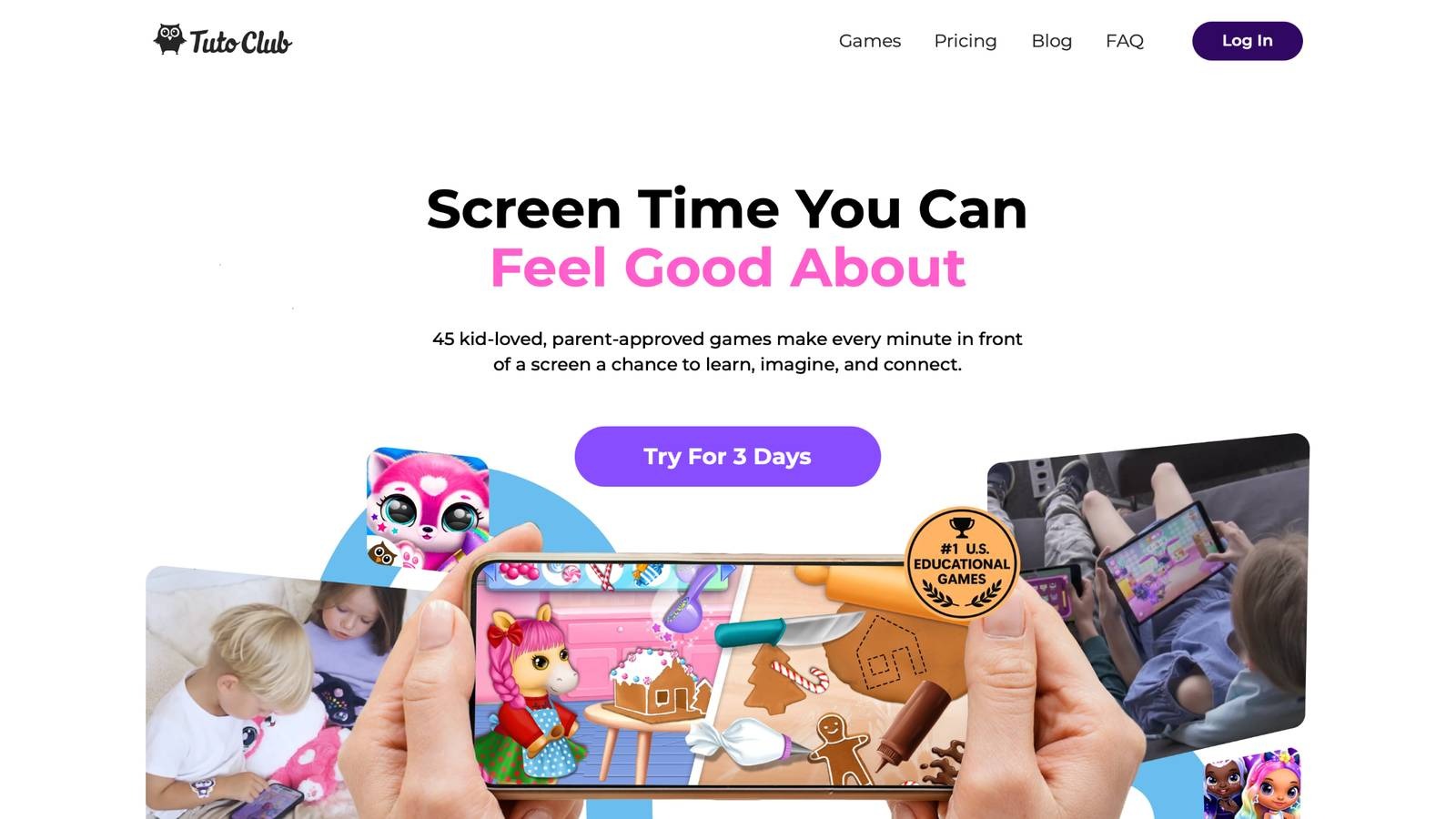
Unlock premium access at TutoClub. TutoClub delivers over 45 ad-free games crafted for young explorers, blending creativity with skill-building in a safe space. Kids dive into worlds where they design outfits, care for pets, or solve puzzles that spark imagination. Each game draws from expert insights to nurture empathy, responsibility, and self-expression. Offline play means adventures continue anywhere, on phones or tablets.
Regular updates introduce new challenges, keeping things fresh and aligned with developmental stages. Parents love the family-friendly setup that turns screen time into meaningful growth. Children build confidence through open-ended activities, like storytelling or art projects, that encourage unique ideas. The subscription opens exclusive content, free from interruptions, fostering focus and joy in learning.
Standout features include interactive routines that teach emotional awareness and problem-solving. Games promote compassion by letting kids help characters in need, building real-world kindness. Multi-device support fits busy families, with progress syncing across gadgets. Facts and information highlight how these activities boost fine motor skills through touch-based play and enhance curiosity via exploration themes. Many users report stronger bonds during shared sessions, as games invite group creativity.
TutoClub Overview
TutoClub is your gateway to a magical world of educational games designed especially for children.
As part of TutoTOONS, a leading kids' games studio, we offer premium access to over 45 ad-free games.
Our mission is to blend learning and play, helping kids explore, create, and grow in a safe online space.
Thousands of parents trust us for family-friendly content that sparks imagination and builds essential skills.
Key Features
- Unlimited Access: Unlock full content in all games with no interruptions.
- Ad-Free Experience: Enjoy seamless play without any ads or distractions.
- Skill Development: Games foster creativity, social skills, communication, and more through fun activities like pet care and cleanup challenges.
- Regular Updates: Get new releases, exclusive content, and future updates automatically.
- Easy Subscription: Cancel anytime with no obligations, simple and flexible for families.
Explore Our World
TutoClub provides a rich ecosystem of educational games for kids, featuring ad-free experiences that promote creativity, focus, and emotional growth through play.
This platform turns screen time into valuable learning opportunities, with parent-approved content that builds essential skills and sparks curiosity in young minds.
- TutoClub Games: Over 45 educational games, including popular titles like Fluvsies, Smolsies, and the Sweet Baby Girl series
- Blog: Insights, tips, and stories for families on kids' learning and play
- FAQ: Comprehensive answers to frequently asked questions about subscriptions, features, and more
Get TutoClub on Your Device
TutoClub delivers premium kids educational games directly to your mobile devices, making learning accessible anytime, anywhere.
With apps available on major platforms, families can easily download and subscribe for ad-free play that turns screen time into skill-building adventures.
Perfect for parents seeking safe, engaging content on iOS, Android, or Amazon devices.
Why Choose TutoClub?
We're committed to 100% safe, enriching entertainment that kids love and parents approve.
Join the thousands who've seen their children thrive through playful learning.
Ready to start the adventure?
Subscribe to TutoClub today and unlock endless fun!
2. Fluvsies Academy
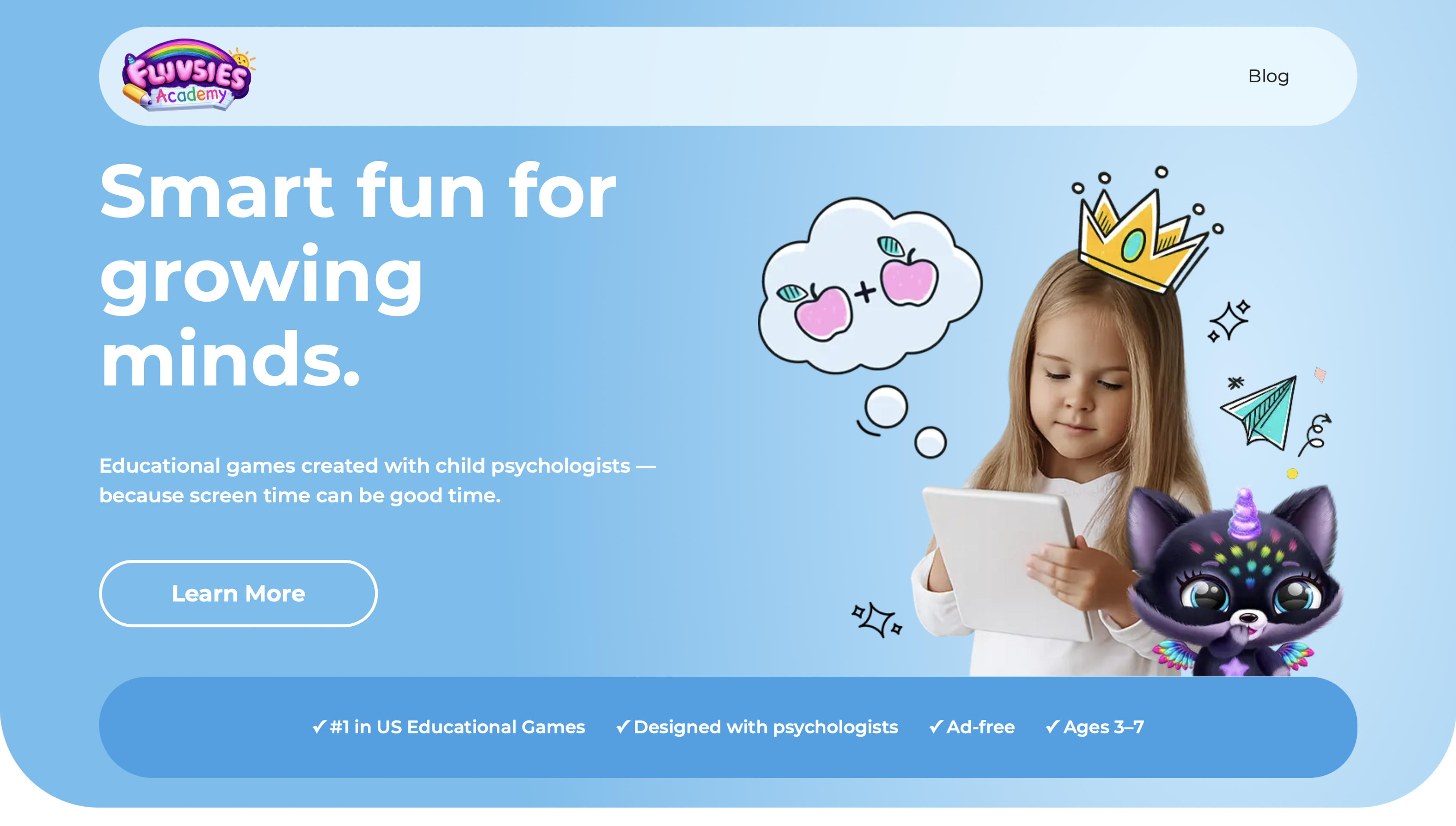
Fluvsies Academy delivers a colorful and effective learning experience tailored for kids age 5 through its charming characters and expert backed activities. Created with child psychologists, this app turns everyday screen time into meaningful play that builds early academics, practical abilities, and emotional growth in a safe and joyful setting.
With a broad curriculum spanning language, phonics, ABCs, math foundations, logic puzzles, and creative exploration plus dual modes that offer active sessions focused on problem solving and reasoning alongside relaxing stories introducing real world professions like baker or astronaut, Fluvsies Academy makes learning engaging. It features hands-on practice of daily routines such as brushing teeth, helping at the store, simple cooking steps, sorting items, and counting objects to foster independence and curiosity about future possibilities.
Targeted support helps improve focus, spark creativity, strengthen social skills, encourage independence, and teach self regulation via adaptive challenges that adjust to each child's pace and provide straightforward parent progress reports. This balanced approach ensures learning feels natural and exciting.
- Key features: broad curriculum in language phonics ABCs math logic and creativity, dual modes for active problem solving and relaxing career stories, hands on daily routine simulations, adaptive challenges for focus creativity social skills and self regulation
- Facts and information: designed for ages 3 to 7 with preschool and kindergarten preparation, fully ad free and age appropriate environment, iOS and Android device compatibility, adorable Fluvsies characters for repeated rewarding play.
3. Khan Academy Kids
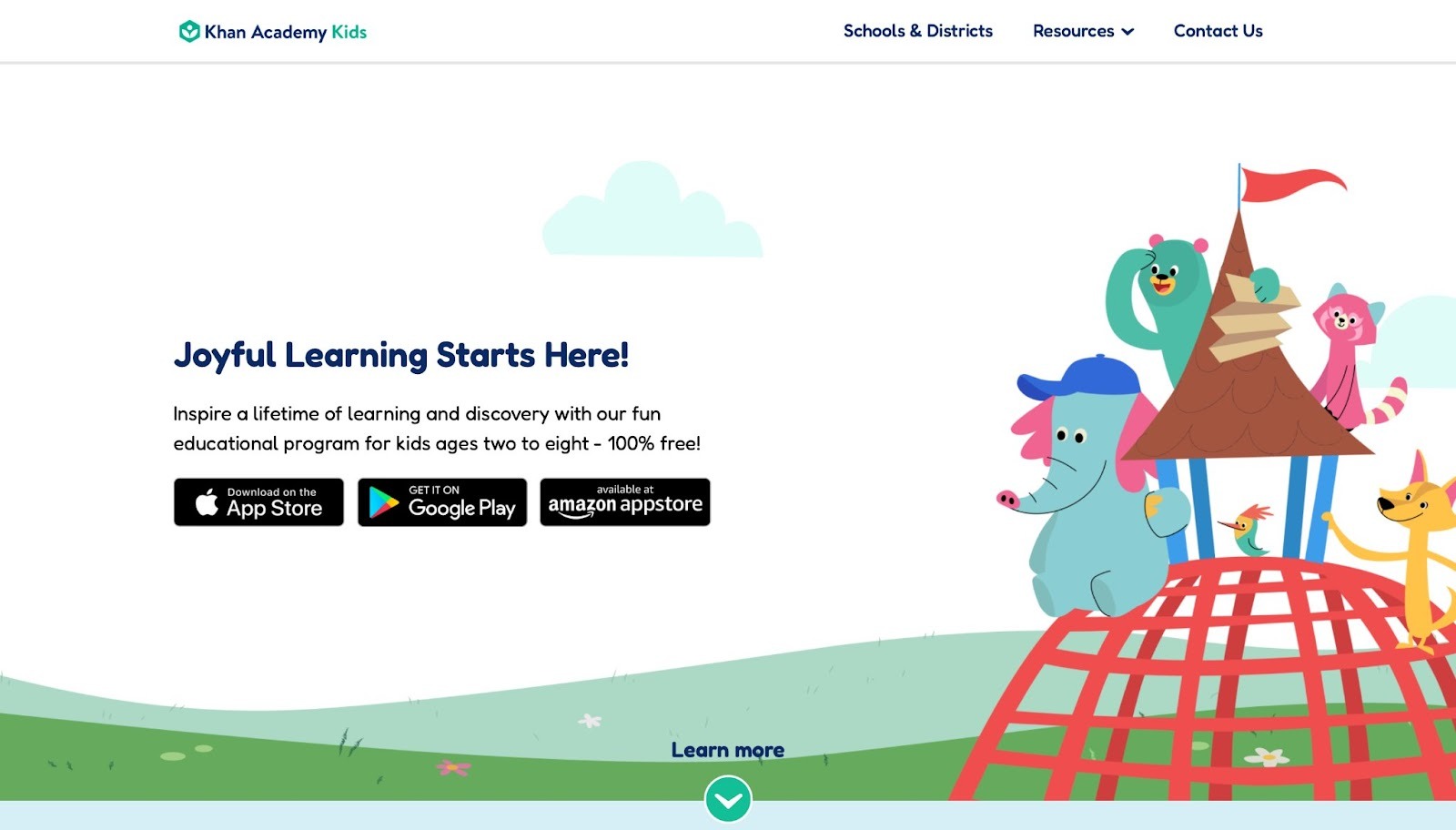
Khan Academy Kids delivers free entry to a vast array of tasks for young learners, emphasizing numbers, literacy, and interpersonal growth. Located in Mountain View, California, it showcases cheerful figures leading children through readings, clips, and play. The app stands out with customized routes that shift difficulty as needed, yet it misses deeper coverage for more advanced ideas in older groups, and certain tasks seem brief. Its advantages include zero advertisements and the ability to save content for use without internet, ideal for various settings, although it offers fewer artistic avenues than some alternatives.
Children interact with drawing tools and voice-led hints that make solo play easy. Families value the alignment with basic learning goals, promoting self-reliant exploration. The content sparks joy in everyday topics, from shapes to feelings, building a strong base. However, repetition in some sections might bore repeat users. This tool supports diverse paces, ensuring no one feels left behind. It integrates stories that teach kindness alongside academics, creating well-rounded sessions. Overall, it provides accessible education that fits into busy schedules, though expanding creative options could enhance appeal.
- Key features: Routine plans, artistic instruments, audio-assisted directions.
- Facts and information: Matches initial education criteria, aiding standalone activities.
4. Duolingo for Kids
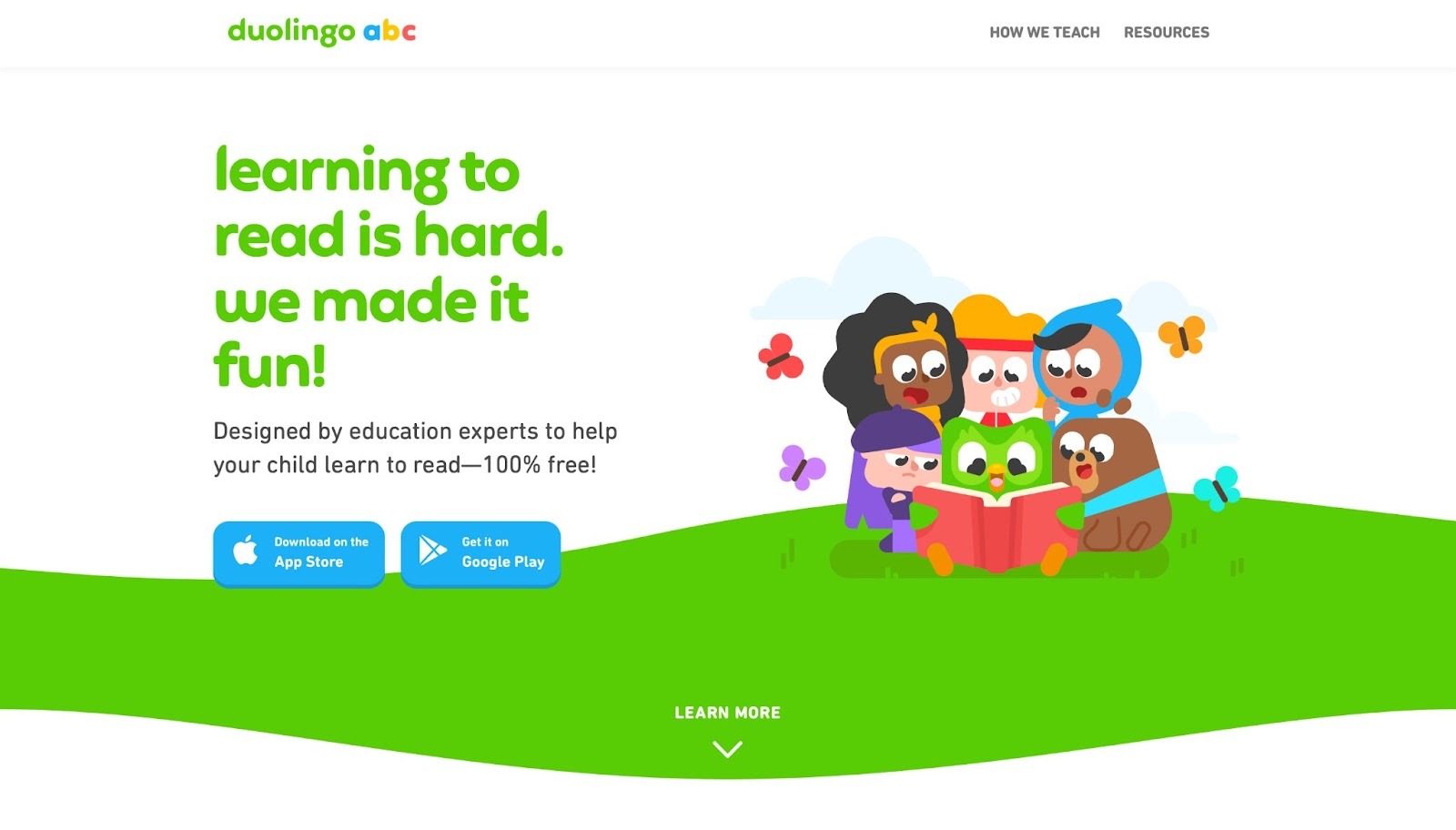
Duolingo for Kids brings language acquisition via short, digestible sessions for budding speakers, mixing word banks, sentence structure, and oral drills. From Pittsburgh, Pennsylvania, it employs game-like streaks and prizes to sustain drive. The app thrives with lively visuals and swift rounds, but rigid mistake fixes can discourage, and material often cycles back. Its positives shine in the no-cost structure and choices across many tongues, whereas drawbacks involve less attention to scripting abilities. Young users build fluency through character tales and hearing practices that make absorption natural.
Parents note quicker pickup in conversations, turning play into practical skills. The format suits quick daily dips, fitting around other activities. However, some wish for more varied challenges to avoid monotony. This method turns learning foreign words into an adventure, boosting confidence in communication. It covers basics like greetings to complex phrases, adapting as progress happens. Overall, it offers engaging entry to global cultures, though balancing correction with encouragement could improve experience.
- Key features: Everyday targets, narrative arcs, audio workouts.
- Facts and information: Introduces various dialects, including family progress updates.
5. Prodigy
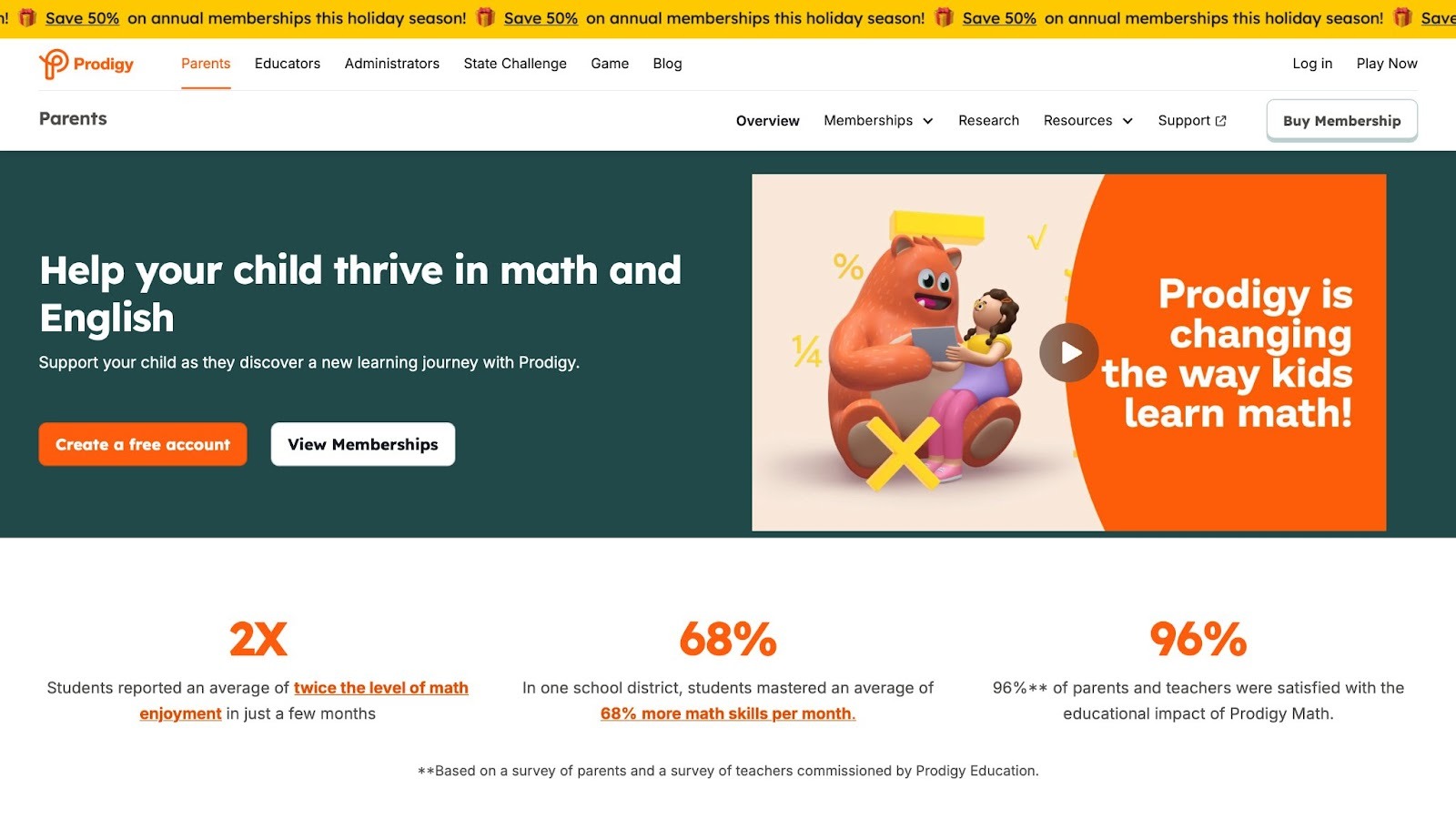
Prodigy transforms numerical challenges into magical duels for school-aged children, where solving equations powers spells and moves the story forward. Situated in Burlington, Ontario, Canada, it tailors queries to personal stages for focused drills. The game impresses with captivating plots and animal friends, but the emphasis on combats might tire some, and extra elements require upgrades. Benefits include syncing with classroom plans, while issues arise with occasional technical hitches.
Kids customize figures and join seasonal happenings that keep things lively. Educators use it for homework, seeing better grasp of shapes and equations. The setup encourages repeated practice without feeling like work. However, smoother performance would help during peaks. This platform makes abstract ideas concrete through fantasy, aiding retention. It spans topics from basics to higher levels, building logical thinking. Overall, it motivates through competition, though varying play styles could broaden reach.
- Key features: Personalized characters, educator resources, timely events.
- Facts and information: Addresses areas like forms and calculations, applied in learning spaces globally.
6. PBS Kids Games
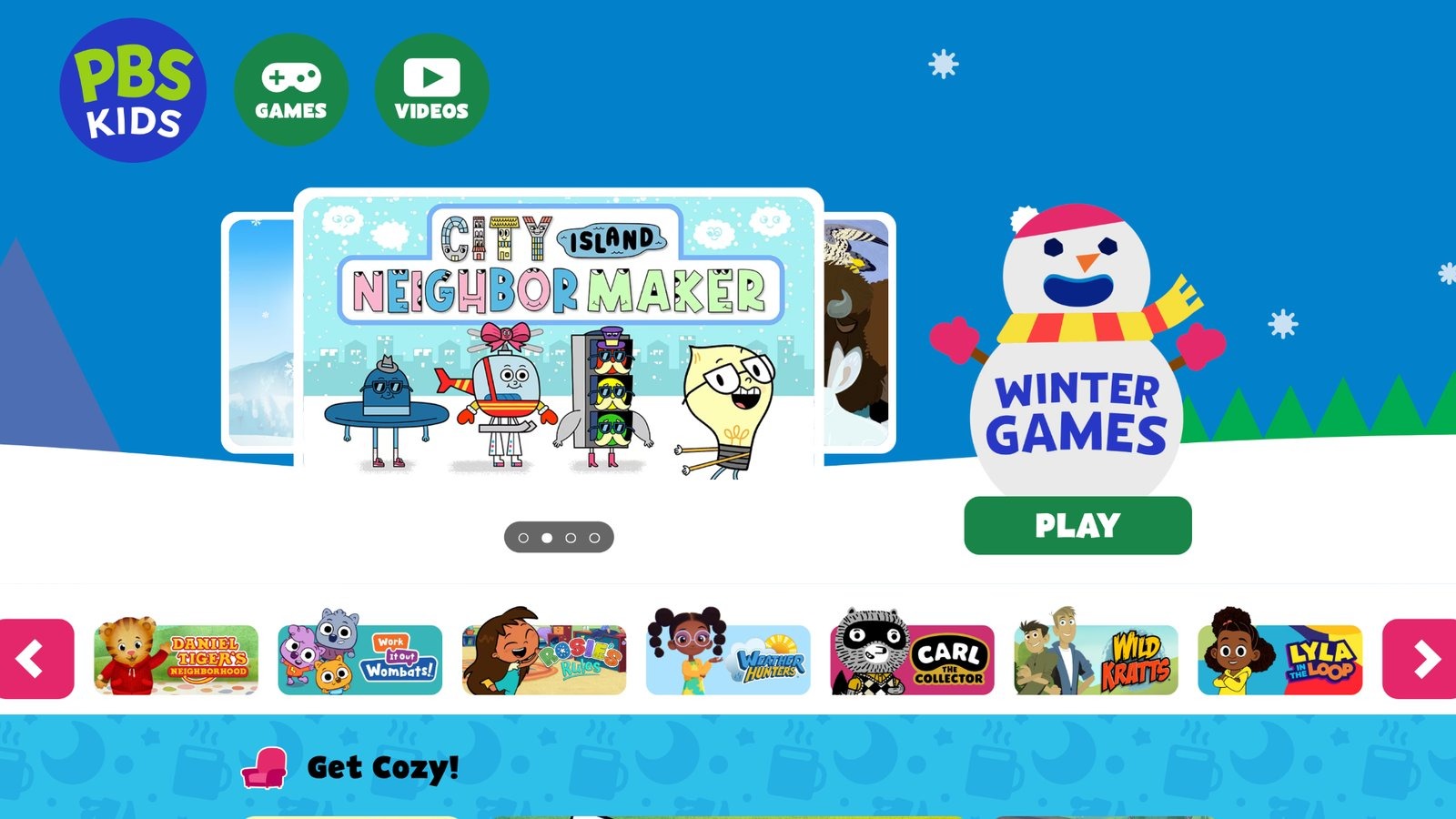
PBS Kids Games draws from popular programs to instruct on natural studies, word skills, and daily abilities via small challenges. Based in Arlington, Virginia, it supplies free, interruption-free amusement with icons like a curious monkey. The app succeeds in brief, topic-based pursuits that prompt discovery, but options dwindle without fresh additions, and some lack depth for advanced players. Positives rest in reliable material and ease of access, whereas negatives include no saving across gadgets.
Children dive into show-linked tests and inventive modes that spark ideas. Parents trust the public focus, promoting equal chances. The content weaves in values like sharing, making play meaningful. However, more updates could sustain excitement. This resource fits short bursts, reinforcing home lessons. It covers diverse themes, from animals to communities, fostering awareness. Overall, it delivers wholesome fun, though device syncing would enhance usability.
- Key features: Program-tied tasks, inventive settings, family guides.
- Facts and information: Centers on broadcast principles, advancing openness.
7. Starfall
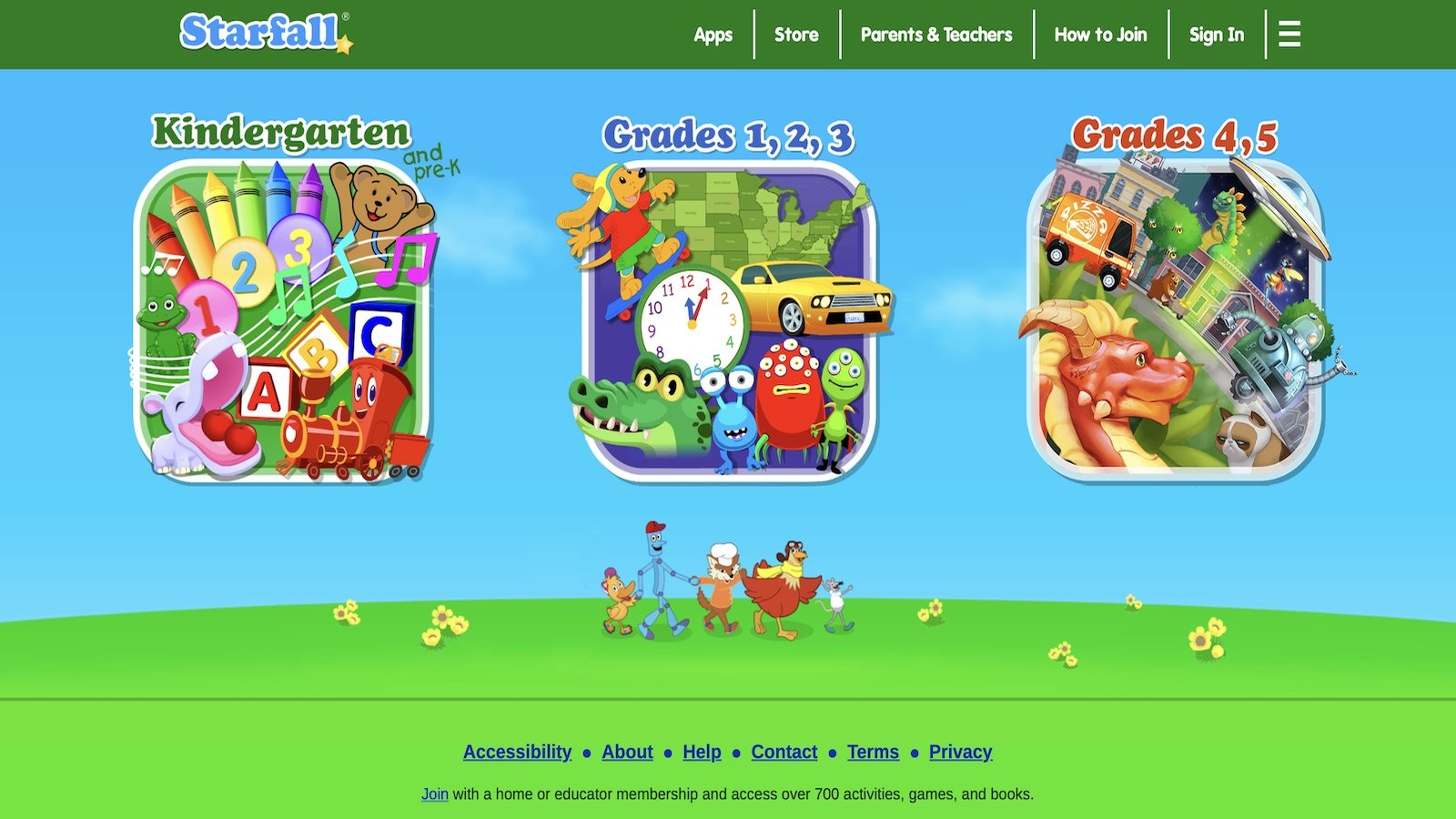
Starfall stresses sound blending and text comprehension for early schoolers, with engaging reads and melodies. Originating from Boulder, Colorado, it employs basic drawings to establish core abilities. The site performs well in ordered progressions, but added material needs payments, and visuals appear old-fashioned. Advantages encompass voice aids for starters, though less spotlight on numbers or exploration.
Kids hunt words and follow calendar routines that build routines. Families find it supportive for beginners, easing into school prep. The format allows gentle pacing, reducing pressure. However, broader subjects would round it out. This tool nurtures literacy through repetition and fun, aiding confidence. It begins with letters and advances to stories, strengthening basics. Overall, it serves as a solid start, though modern looks could attract more.
- Key features: Letter tunes, term searches, schedule tasks.
- Facts and information: Began as a community effort, helping initial word programs.
8. SplashLearn
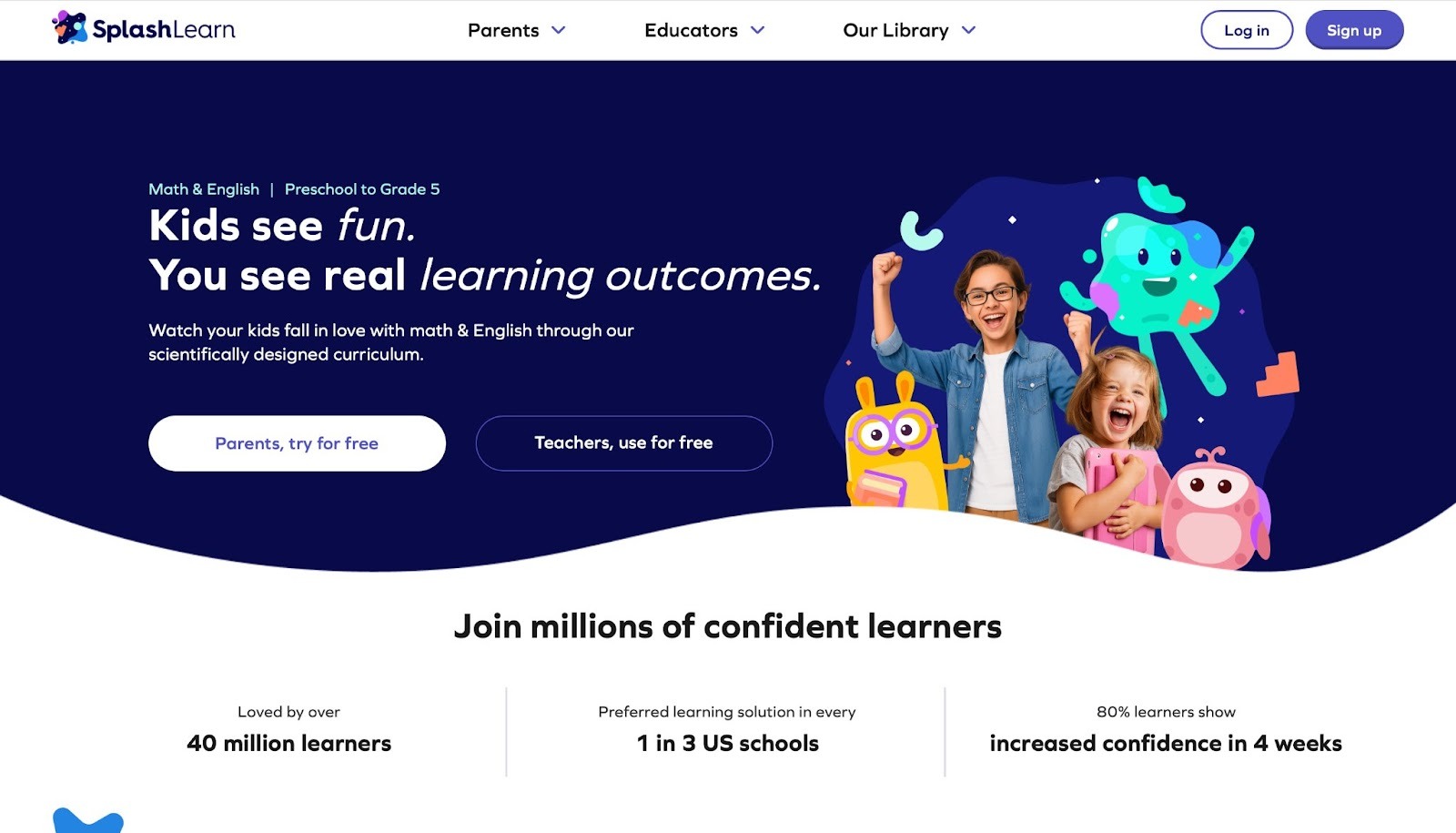
SplashLearn gamifies calculations and text for young grades, with shifting difficulties and incentives. Headquartered in Gurugram, India, it monitors advancement for custom growth. The app shines with bright images and instant responses, but some units cycle, and it demands online access. Strengths align with standard plans, while limitations show in few dialect choices.
Children navigate themed realms and earn tokens for treats, making drills enjoyable. Parents receive weekly summaries, noting improvements. The content covers core ideas, from counting to comprehension. However, offline modes would boost flexibility. This platform turns homework into play, enhancing focus. It adapts to needs, ensuring steady challenge. Overall, it supports classroom ties, though more languages could widen appeal.
- Key features: Periodic updates, reward setup, themed areas.
- Facts and information: Backs common guidelines, utilized by teachers.
9. ABCmouse
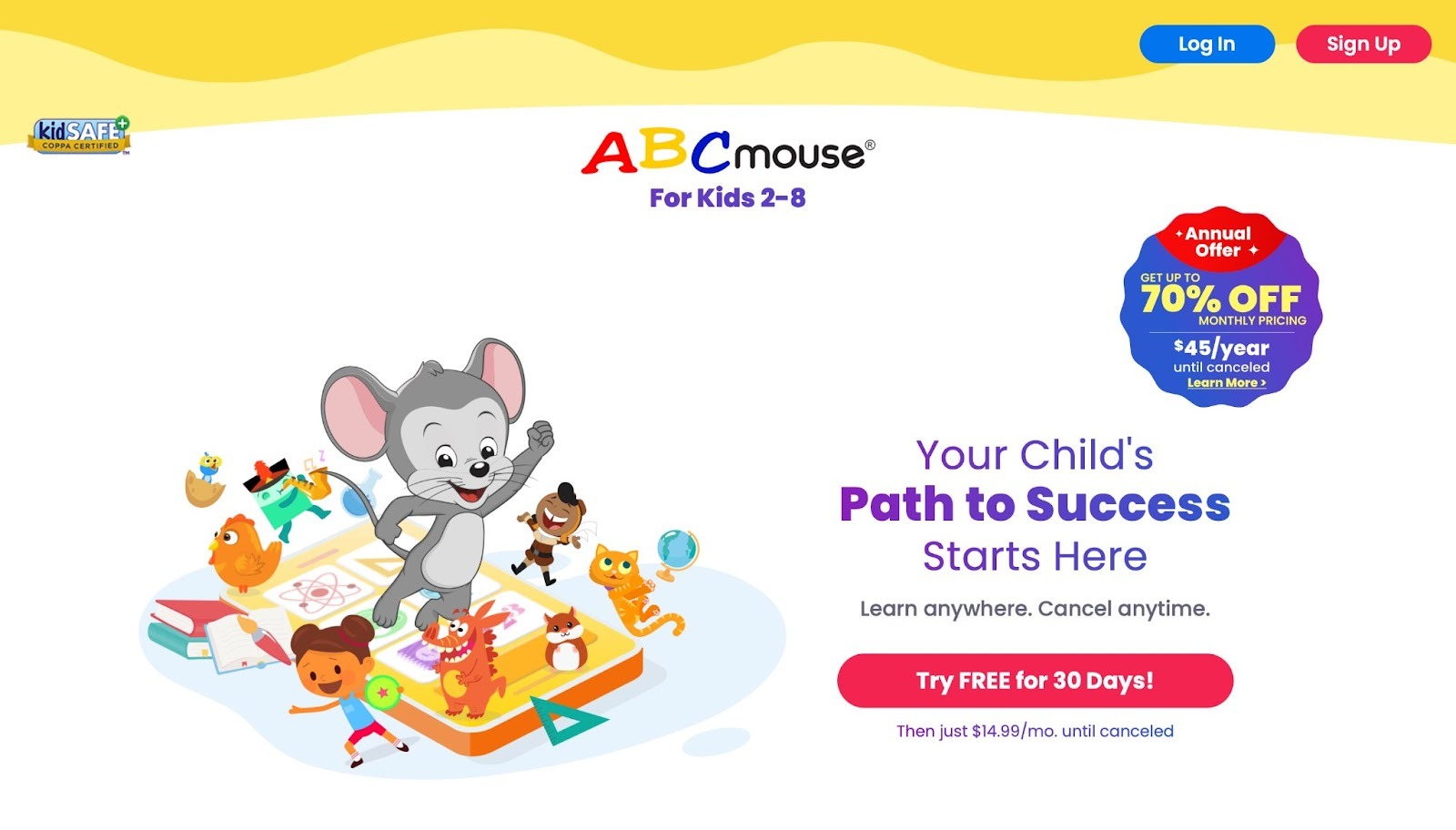
ABCmouse provides a complete learning program for young children, focusing on essential subjects like reading, math, science, and art with vibrant, interactive elements. Headquartered in Los Angeles, California, the app guides kids along structured paths, rewarding advancement with virtual tickets that open up new items. It features a rich assortment of books, tunes, and brain teasers that adjust to individual abilities, making sessions feel tailored. However, the interface might seem busy for the littlest users, and certain areas tend to loop similar material.
The platform excels in its wide-ranging resources that aid with sound recognition and simple calculations, yet it falls short with restricted access when offline, needing a reliable link for complete functionality. Kids engage through animated stories and hands-on tasks that build foundational knowledge in a playful way. Parents appreciate how it turns routine practice into exciting discoveries, supporting steady growth across multiple areas. The setup encourages independence, letting children explore at their own speed while tracking achievements. Overall, it blends entertainment with education effectively, though some find the reward system could vary more to hold interest longer. This approach helps foster curiosity and basic competencies that prepare for school.
- Key features: Lively lessons, achievement trackers, simulated learning environment.
- Facts and information: Encompasses early school levels, with tools for parents to follow development.
10. BrainPOP
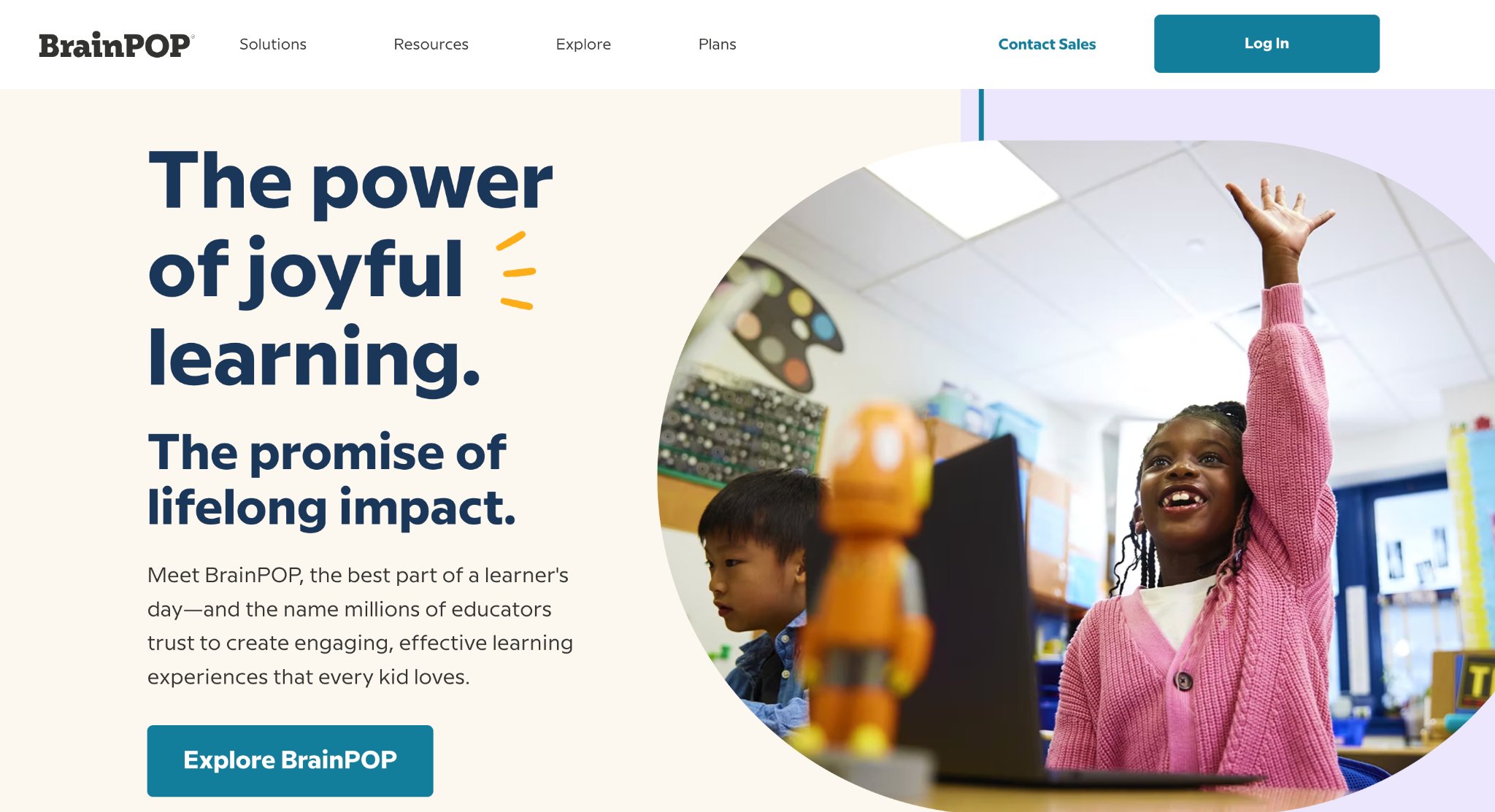
BrainPOP supplies animated clips and tests on exploration, past events, and beyond for mid-schoolers. Located in New York City, New York, it simplifies ideas with figures. The site succeeds in short films with follow-ups, but full entry requires fees, and coverage varies. Benefits include teacher aids, while less action in parts is a flaw.
Kids create strips and code projects, broadening skills. Educators flip classes with it, noting better grasp. The multilingual backing aids diverse groups. However, more hands-on could engage deeper. This resource aligns with goals, making complex simple. It spans sciences to arts, promoting thought. Overall, it enriches lessons, though uniform depth would improve.
- Key features: Story makers, programming tasks, language options.
- Facts and information: Matches criteria, applied in reversed teaching.
11. Epic!

Epic! acts as a digital bookshelf for children, granting entry to a huge collection of reads, sound stories, and educational clips to ignite reading passion. It aids from hesitant to eager readers by letting them delve into favored areas and find fresh ones, broadening views. The app grows with new additions and tools that sharpen thinking and text skills. Strengths include inspiring discovery and boosting classroom success through varied content, while weaknesses might involve needing guidance for navigation in younger users.
Kids explore topics from animals to space, building knowledge playfully. Parents see increased interest in books, turning downtime into growth. The setup adapts to preferences, suggesting fits based on past choices. However, some wish for more offline saves. This platform turns screens into gateways for adventure, fostering lifelong habits. It covers fiction to facts, supporting diverse interests. Overall, it blends fun with learning, though simpler searches could help beginners.
- Key features: Vast library, suggestion tools, growth trackers.
- Facts and information: Sparks curiosity across subjects, aiding skill boosts.
12. Lingokids
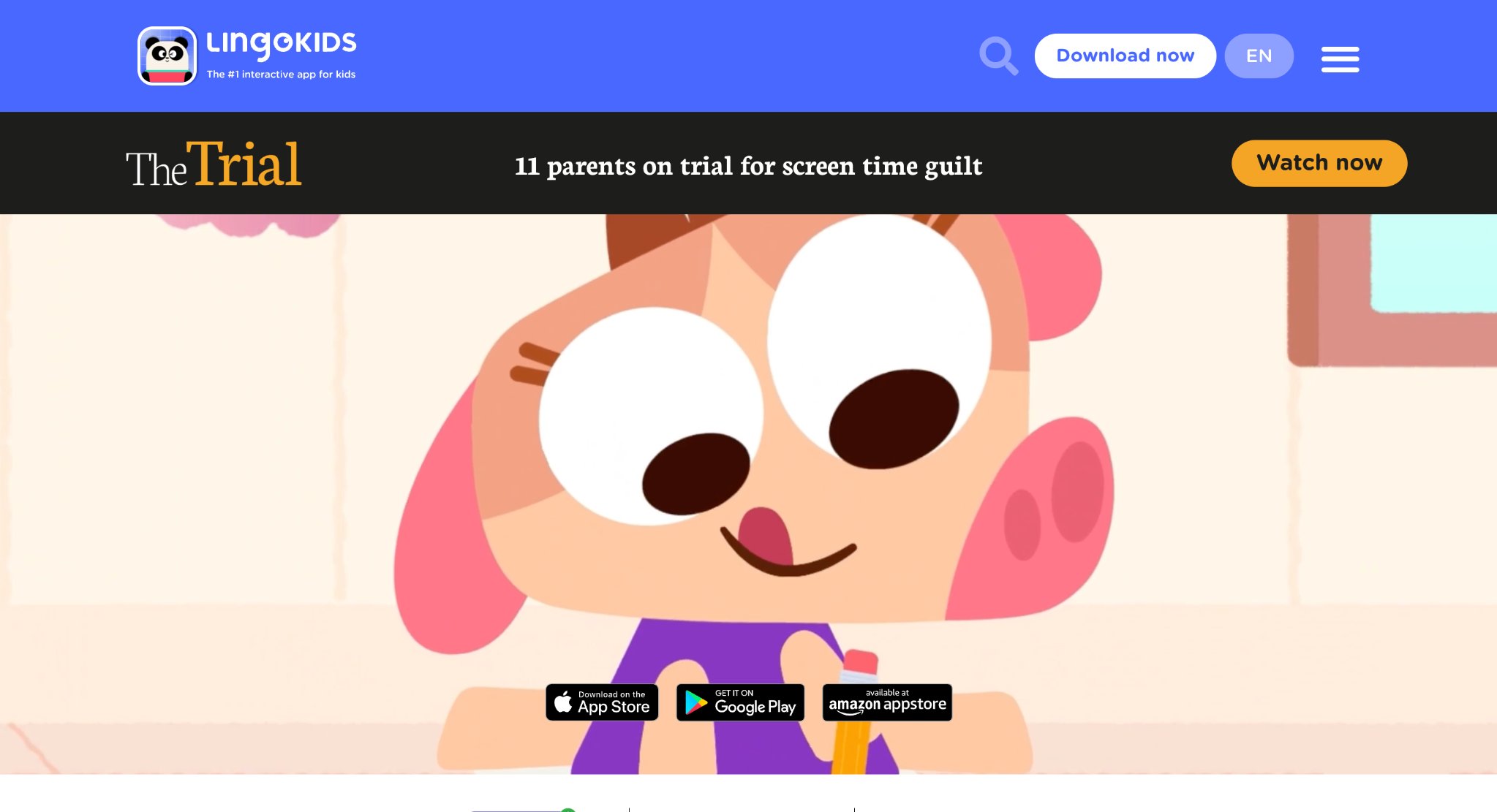
Lingokids delivers play-based education for little ones, merging enjoyment with knowledge in a secure setting. It features many activities like tunes, shows, riddles, and quests that teach school basics and life abilities. Strengths lie in building smarts and social traits through fun, trusted by families for better outcomes and engagement. Weaknesses are not noted, but it suits short attention spans well.
Kids join yoga or emotion classes, gaining balance alongside letters and sciences. Parents praise the shift from passive viewing to active growth. The content, crafted by experts, ensures safe, endless amusement. However, variety in languages could expand. This app reduces screen worries, offering meaningful play. It spans ABCs to wellness, promoting full development. Overall, it ignites imagination, though more custom paths might enhance.
- Key features: Diverse tasks, expert-made content, award-winning setup.
- Facts and information: Builds academics and skills, loved for family fit.
13. Tynker
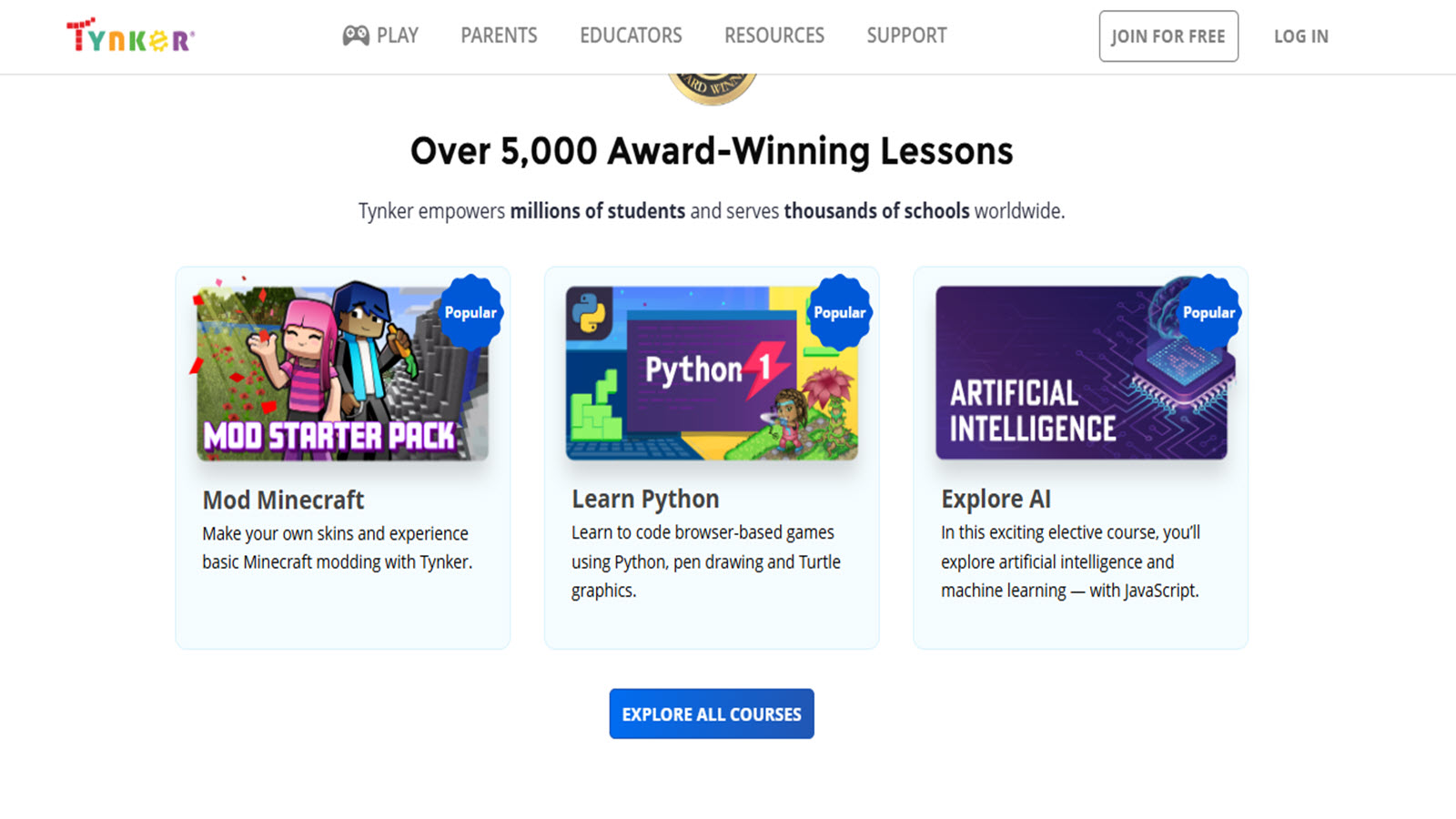
Tynker teaches coding to youth via game-like lessons, starting with blocks and advancing to scripts like JavaScript and Python. It includes many award-winning units on games, art, and AI. Strengths encompass fostering logic, creativity, and future readiness, accessible even for non-experts to guide. Weaknesses are absent in details, but progression suits beginners to pros.
Kids solve puzzles and build projects, gaining confidence independently. Parents report better focus and ties to subjects like drawing. The mobile-friendly design allows anytime access. However, initial setup needs adults. This platform prepares for tech worlds, blending fun with stems. It aligns with education standards across levels. Overall, it empowers creation, though more free trials could attract.
- Key features: Block-to-text shift, built guides, safe sharing.
- Facts and information: Covers coding basics to advanced, boosting thought.
14. Osmo
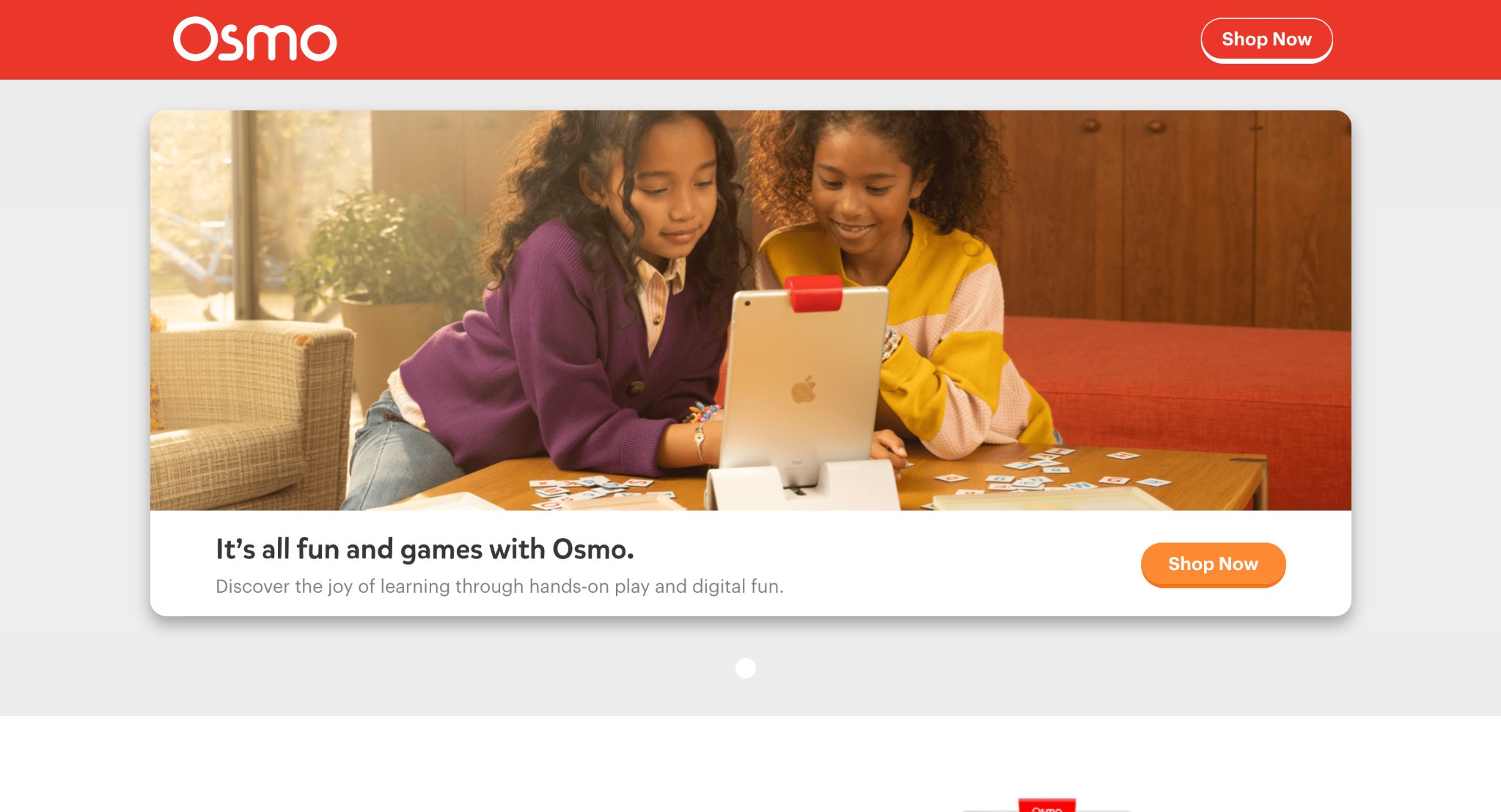
Osmo merges physical pieces with digital play on tablets, teaching math, coding, and sciences hands-on. Headquartered in Freehold, New Jersey, it uses bases for interactive kits that build core abilities. Strengths include making study joyful and versatile, blending tangible fun with screens. Weaknesses not specified, but requires compatible devices. Kids manipulate objects to solve problems, enhancing grasp.
Families describe it as enchanting, aiding school reinforcement. The awards highlight its innovation in learning. However, setup involves hardware. This tool discovers joy in education, suiting varied styles. It covers physics to creativity, promoting skills. Overall, it engages deeply, though broader device support could help.
- Key features: Award kits, hands-on games, subject builds.
- Facts and information: Supports holistic growth, fun for cores.
15. Minecraft Education Edition
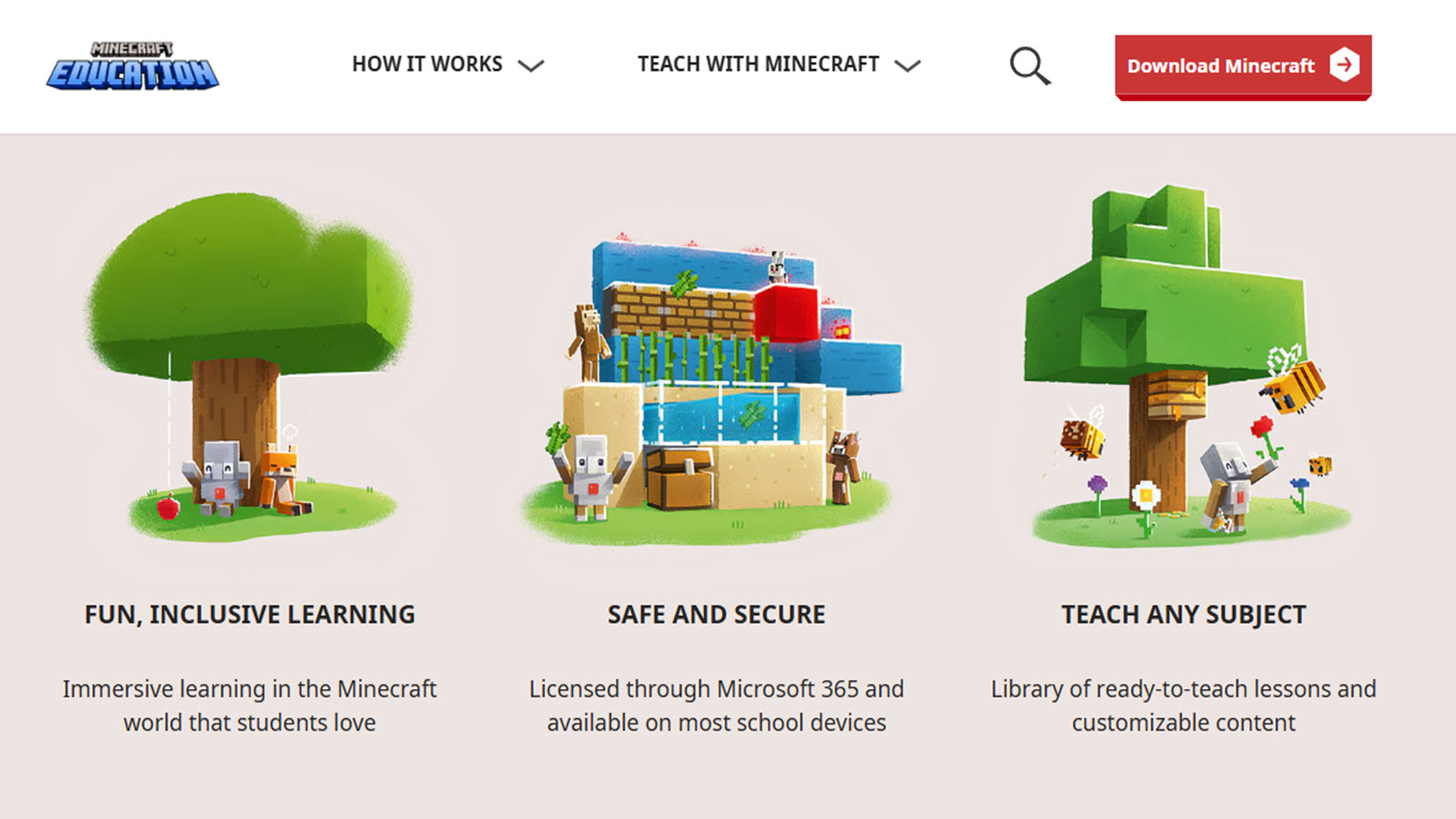
Minecraft Education Edition lets students learn in block worlds, with ready lessons and builds for any topic. It ensures safe play on school tools, motivating through group projects and challenges. Strengths include boosting thinking and teamwork, improving presence and drive. Weaknesses not detailed, but needs oversight for focus. Kids craft and explore, applying ideas creatively. Educators use it for esports and standards. The AI tools aid custom plans. However, device limits might apply. This game turns classes immersive, fostering agency. It spans subjects from history to tech. Overall, it engages widely, though more guides could assist new users.
- Key features: Lesson libraries, secure access, creative modes.
- Facts and information: Used in many systems, builds collaboration.
16. Reading Eggs
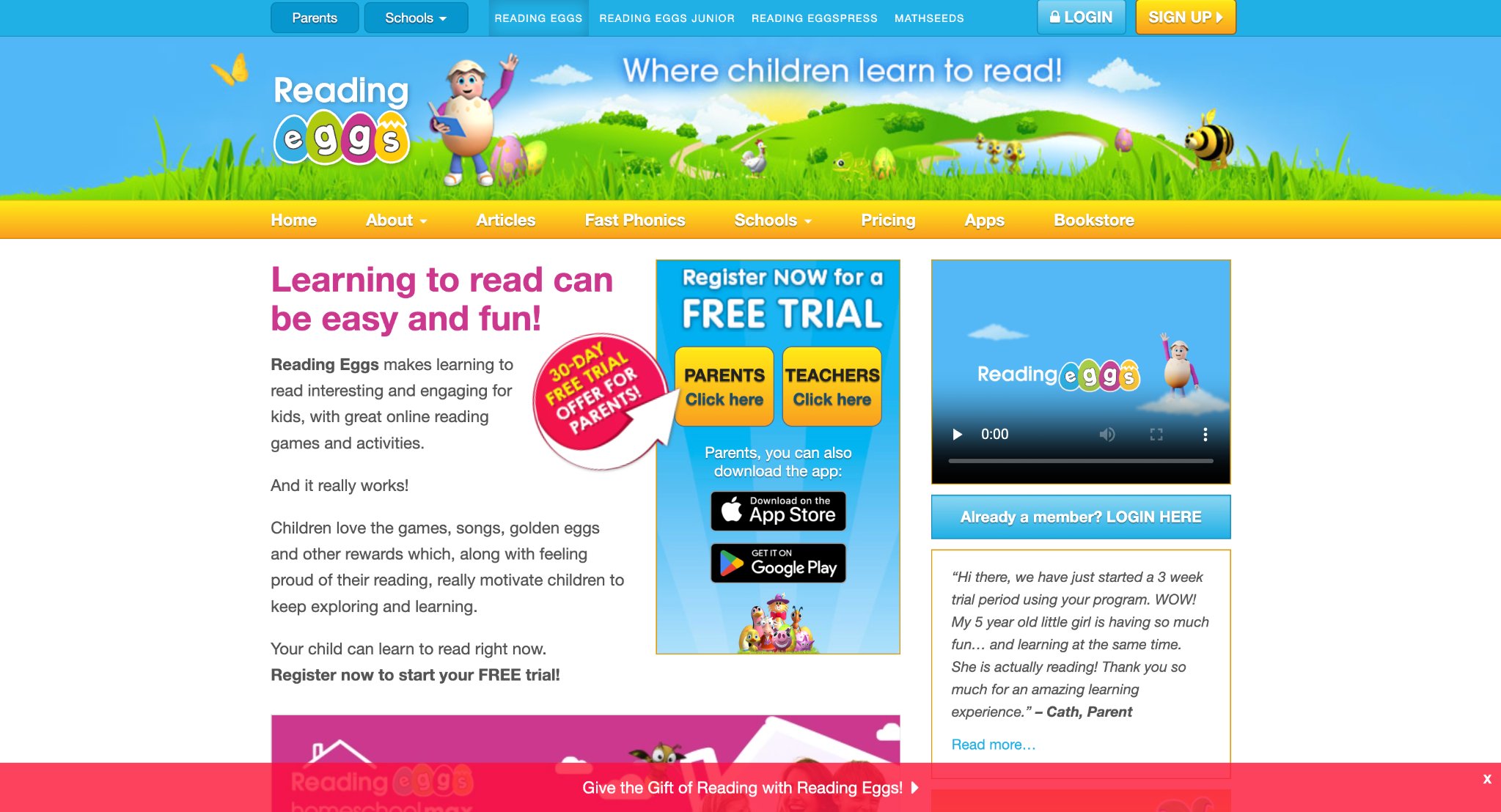
Reading Eggs helps children master literacy through structured lessons, games, and books that adapt to progress. It focuses on phonics, sight words, and comprehension for early readers. Strengths lie in motivating with rewards and tracks, building confidence in text. Weaknesses include potential repetition for quick learners. Kids earn golden eggs for tasks, unlocking fun elements. Parents see rapid improvements in reading fluency. The program includes math extensions for rounded practice. However, full features need subscriptions. This app makes decoding exciting, supporting school transitions. It covers from basics to advanced stories. Overall, it nurtures love for books, though more diverse activities could enrich.
- Key features: Adaptive paths, reward systems, book libraries.
- Facts and information: Aligns with literacy goals, aids early success.
17. Homer
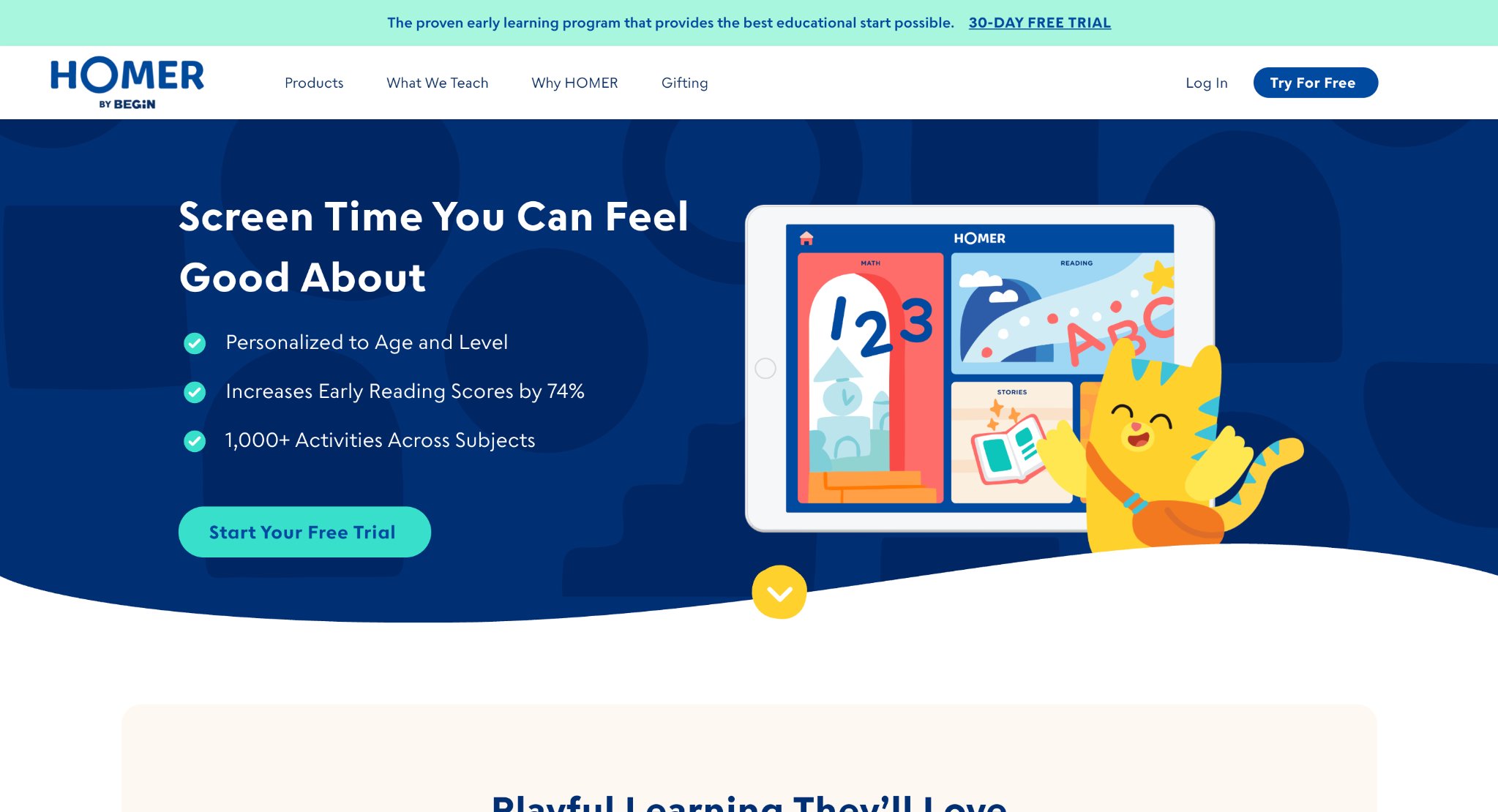
Homer offers personalized reading and math paths for young kids, with games, stories, and skills like emotions and thinking. It adapts to each child's level, providing tailored content. Strengths include boosting confidence and curiosity through interactive play. Weaknesses not explicit, but may require parent involvement.
Kids explore categories that build foundations. Families note engagement and growth in basics. The setup encourages daily habits with progress reports. However, broader subjects could expand. This tool sparks learning joy, blending academics with life lessons. It targets early ages for strong starts. Overall, it supports diverse needs, though more offline options might help.
- Key features: Custom lessons, interactive tools, report dashboards.
- Facts and information: Covers core areas, promotes rounded development.
18. CodeSpark Academy
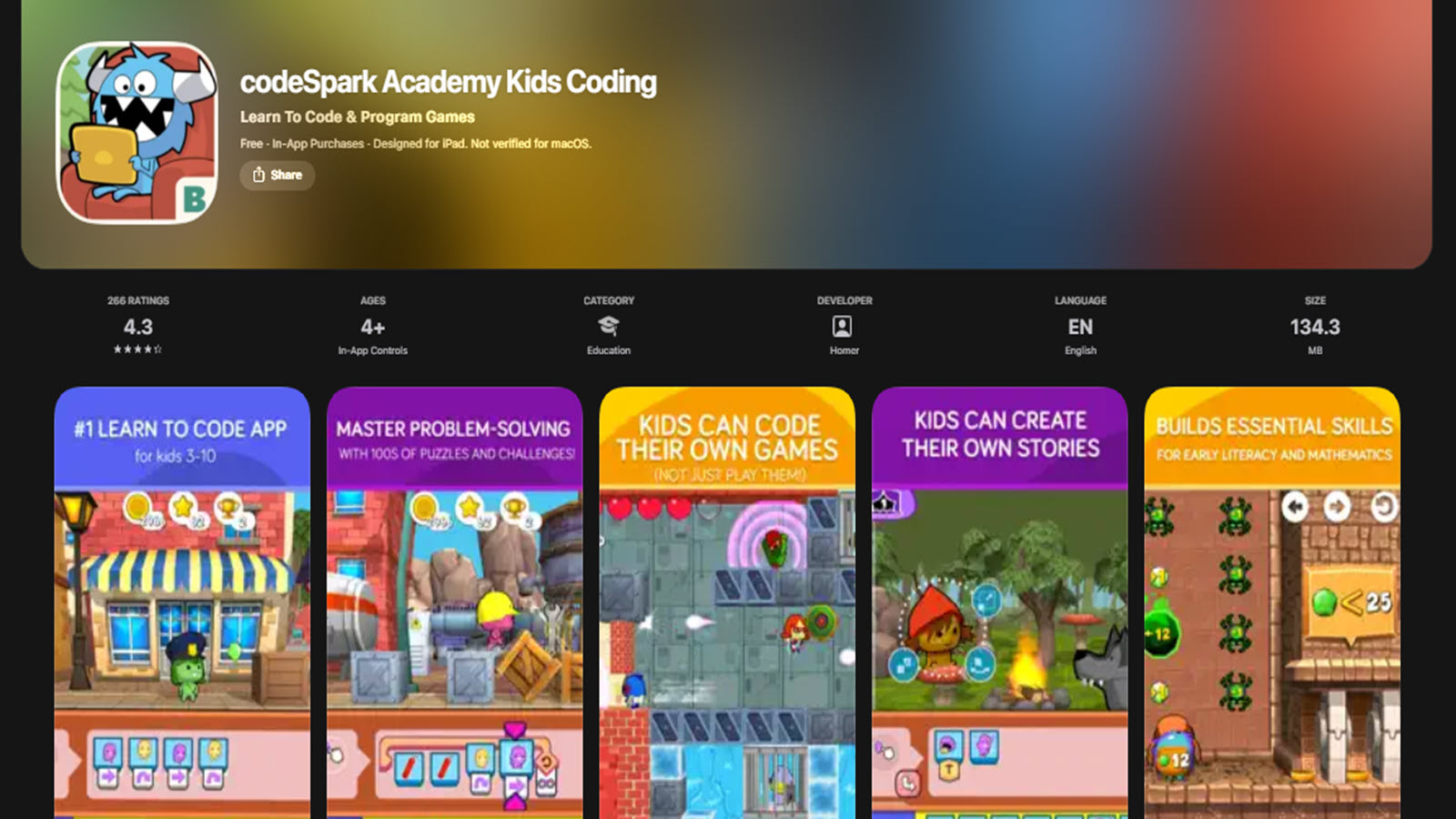
CodeSpark Academy introduces coding sans words for early learners, using drags to build games and stories. It teaches sequencing, logic, and problem-solving playfully. Strengths boost thinking and creativity, with kids creating and sharing. Weaknesses involve initial adult help. Children debug and use loops, gaining pride. Parents see intuitive learning for tech skills. The community adds contests for fun. However, advanced users might seek more. This app preps for digital futures, making concepts accessible. It suits pre-readers with visual cues. Overall, it engages independently, though deeper shares could enhance.
- Key features: Drag interfaces, creation modes, community remixes.
- Facts and information: Builds foundational coding, fosters confidence.
19. DragonBox
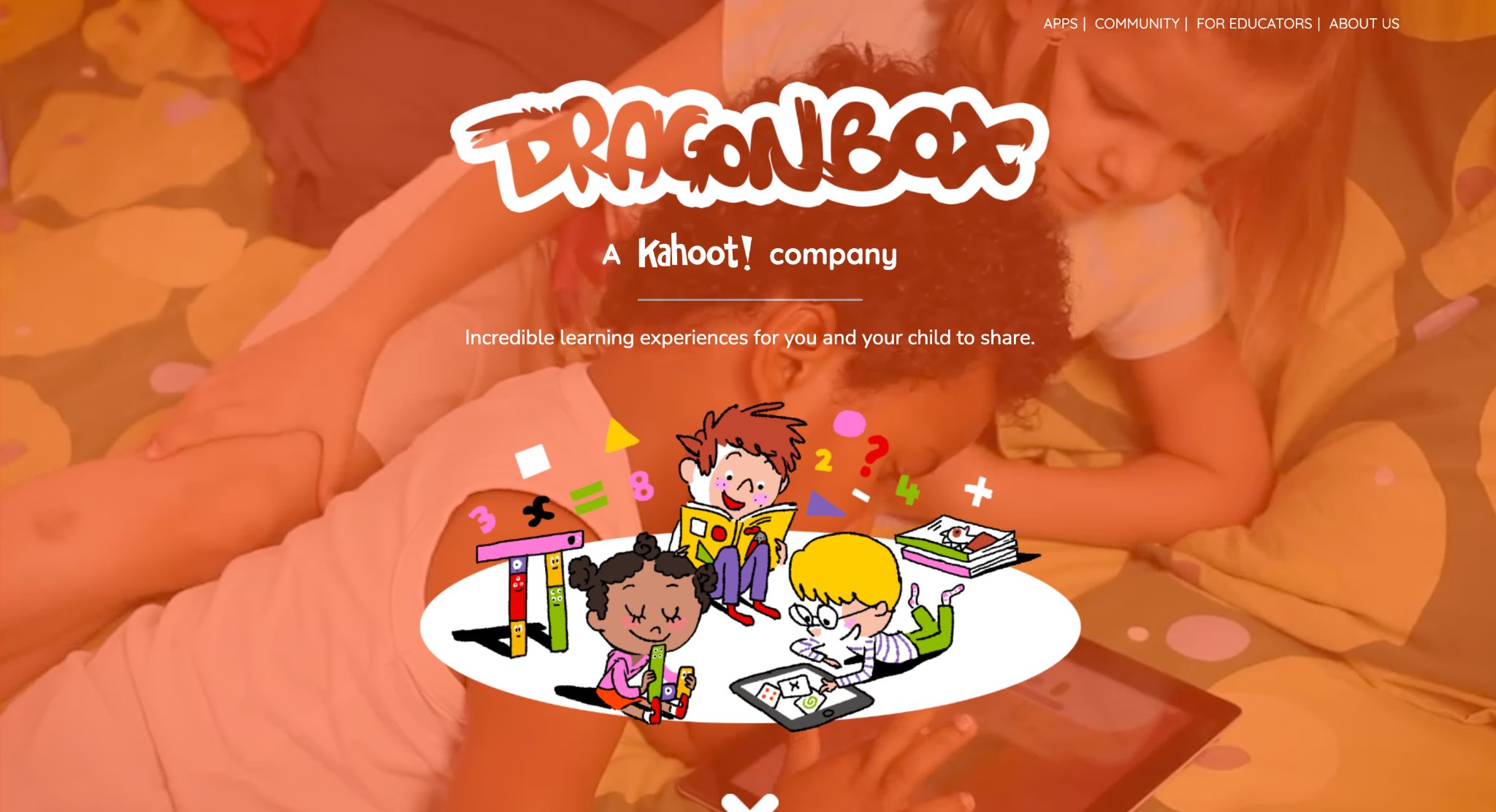
DragonBox transforms how children learn mathematics by turning abstract concepts into intuitive, puzzle-based adventures that progress naturally from basic numbers and operations to algebra and geometry. Using a no-words, visual approach, seven year olds solve increasingly sophisticated puzzles that build deep conceptual understanding through phases of engagement, exploration, reflection, and real application. The beautifully designed games make complex ideas feel accessible and rewarding, helping kids develop strong number sense, logical thinking, and problem-solving confidence without traditional drills.
Children unlock new worlds and challenges as they master operations, fostering a genuine sense of achievement and curiosity about math. Award-winning and highly regarded by educators, DragonBox turns what is often a challenging subject into self-driven, enjoyable exploration that improves long-term retention and positive attitudes toward mathematics.
- Key features: Puzzle-based progression, visual algebraic representation, multiple themed apps covering numbers to geometry, adaptive challenge levels.
- Facts and information: Award-winning series recognized for innovative math education, promotes deep conceptual understanding, suitable for guided and independent play.
20. Sago Mini World

Sago Mini World offers a delightful collection of open-ended digital play experiences where young children explore whimsical worlds filled with charming characters, gentle puzzles, and creative adventures. Seven year olds guide friendly animals and characters through silly scenarios that spark imagination, empathy, and creative thinking without timers or pressure to achieve specific goals. The apps encourage child-led discovery through activities like caring for pets, building structures, and interacting in peaceful environments, while printable crafts and physical toy extensions bring the fun offline.
Parents appreciate the safe, ad-free design and calming atmosphere that supports emotional development and independent play. Based in Toronto, Canada, Sago Mini World beautifully blends digital creativity with real-world imagination, helping children develop curiosity, fine motor skills, and storytelling abilities in a joyful, stress-free way.
- Key features: Open-ended exploration, character-driven stories, weekly new content and crafts, sharing and creation tools.
- Facts and information: Award-winning series focused on ages 2-5 with appeal to early elementary, promotes independent creativity and imaginative play.
22. Peekaboo Barn
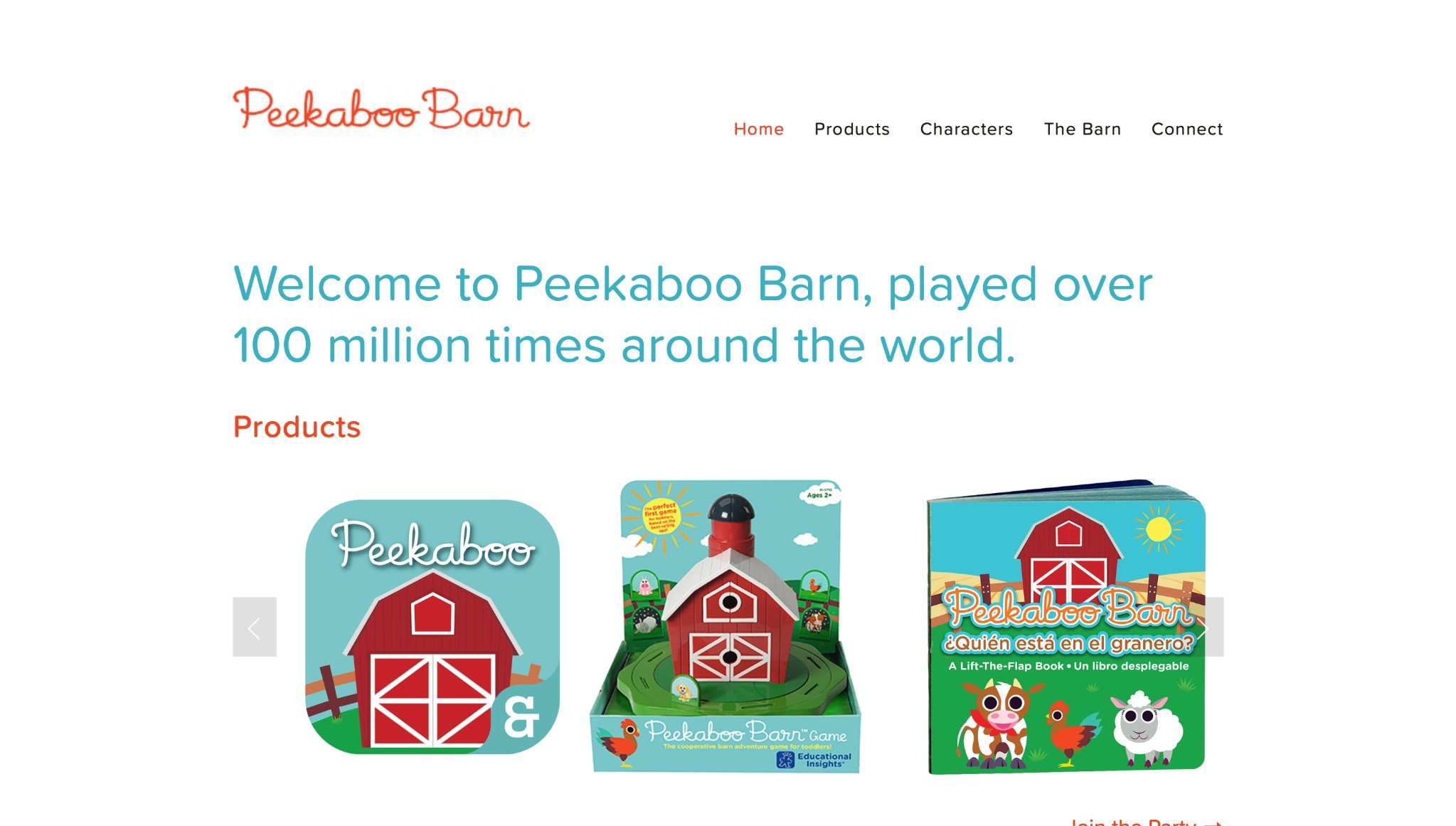
Peekaboo Barn, developed by Night & Day Studios in the USA, presents a simple yet captivating barn-themed discovery game for toddlers ages 1 to 4. Children tap on barn doors to reveal different farm animals, each accompanied by clear sounds, names, and animations that reinforce animal recognition and basic vocabulary. The app features a night mode with glowing stars and a day mode, along with a musical sing-along element that encourages participation through rhythm and repetition. Young users enjoy the surprise element as doors open to show familiar and new creatures in a peaceful, clutter-free setting.
The straightforward interaction supports early cause-and-effect understanding and listening skills while fitting short attention spans common at this age. Based in the United States, the developer focuses on calm, high-quality early learning experiences without distractions. Families integrate it into daily routines for gentle screen time that builds foundational knowledge through playful repetition and auditory cues. The app remains a favorite for its timeless appeal and ability to hold toddler interest through repeated discovery.
- Tap-to-reveal animal animations with spoken names and sounds.
- Day and night modes with musical sing-along features.
- Simple, distraction-free interface for independent toddler use.
- Focus on animal vocabulary and cause-and-effect learning.
- Regular updates maintaining classic charm for repeated engagement.
23. Keiki Kids Learning Games
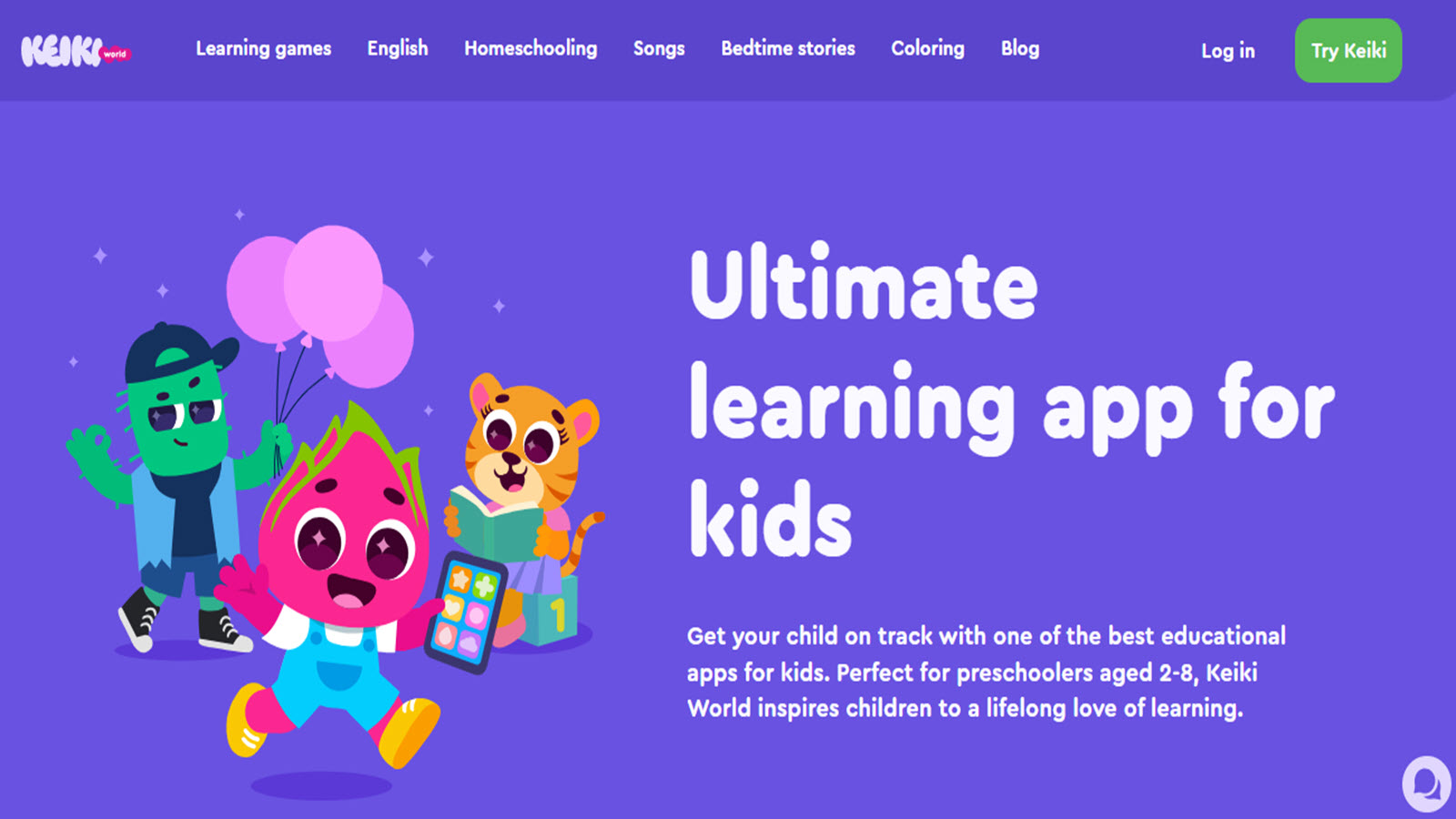
Keiki, created by a team specializing in toddler apps and available widely in the USA, delivers a collection of ad-free mini-games for ages 2 to 5 covering shapes, colors, numbers, letters, and sorting through colorful, food- and animal-themed activities. Toddlers match items, trace basics, and explore simple puzzles in short, rewarding sessions designed by child education experts. The platform includes cooking simulations and harvest games that subtly introduce everyday concepts while keeping interactions visual and intuitive.
It supports memory, coordination, and early categorization skills in a safe environment suitable for daily use. Parents appreciate the variety across categories that prevents boredom while maintaining age-appropriate pacing. The USA-accessible app emphasizes joyful, screen-time-positive experiences that complement real-world play and preparation for preschool routines. Its gentle progression helps build confidence through success-oriented activities.
- Themed mini-games for shapes, colors, counting, and matching.
- Tracing and sorting activities with visual feedback.
- Cooking and harvest simulations for real-life connections.
- Expert-designed content for ages 2-5 with memory challenges.
- Ad-free structure focused on foundational cognitive skills.
24. Math Tango
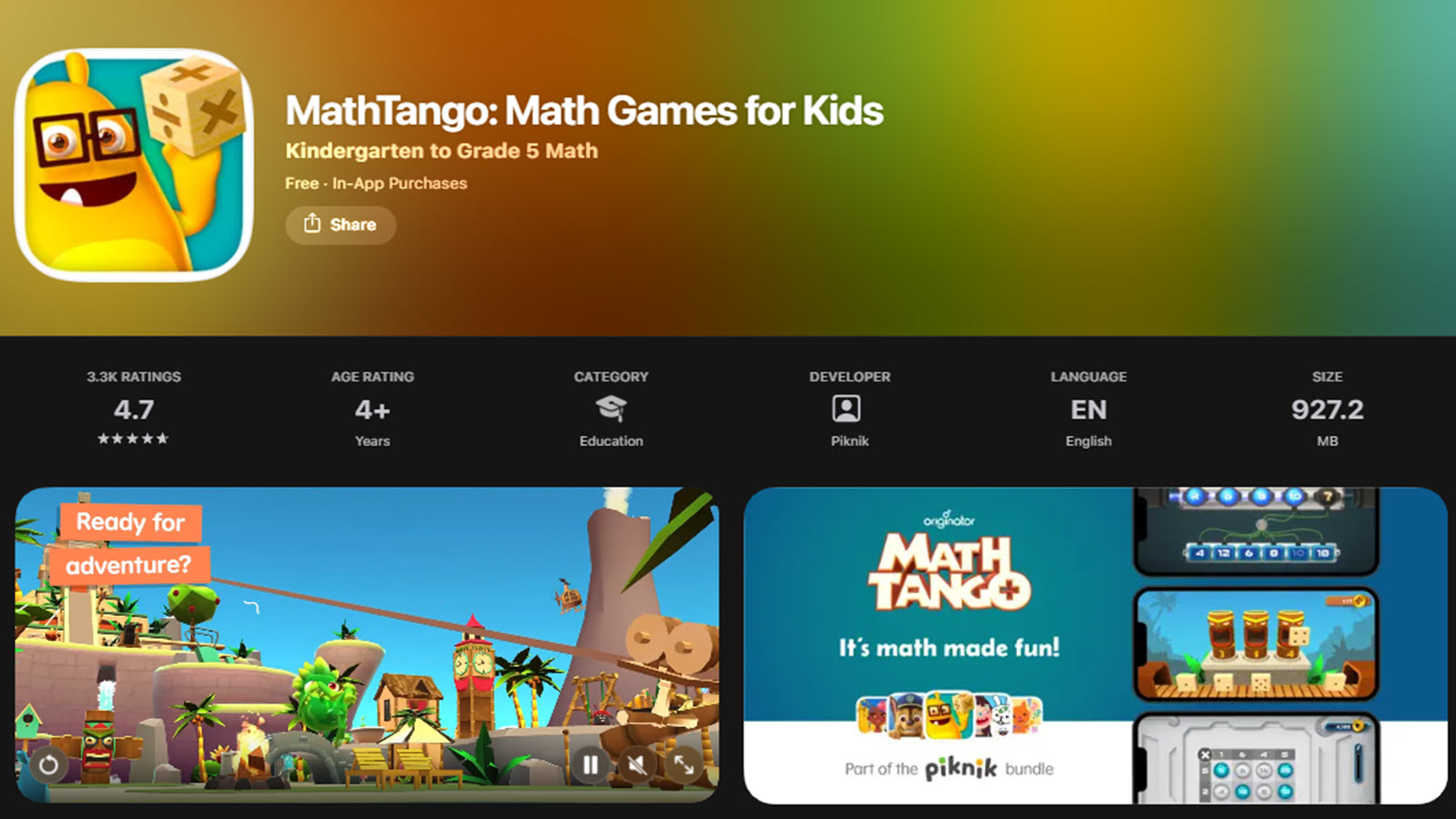
Math Tango, from One Billion Apps (accessible in the USA), teaches early math concepts to children ages 3 to 7 through a story-driven island adventure where kids help characters by solving visual puzzles involving numbers, patterns, and basic operations. The app uses colorful characters and progressive levels that build number sense, addition, and spatial reasoning without text-heavy instructions. Activities blend exploration with targeted practice in a narrative format that feels like a gentle journey.
It aligns with foundational math development by emphasizing visual and conceptual understanding suitable for preschoolers. Families value its structured yet engaging approach that encourages logical thinking through play. The platform provides a focused math experience that supports school readiness in a motivating, character-led world. Regular progression keeps children challenged at the right level while maintaining fun.
- Story-based puzzles covering numbers, patterns, and operations.
- Visual and spatial reasoning activities with character guides.
- Progressive levels building conceptual math understanding.
- Narrative adventure format for ages 3-7.
- Emphasis on visual learning without heavy reading requirements.
25. Slice Fractions
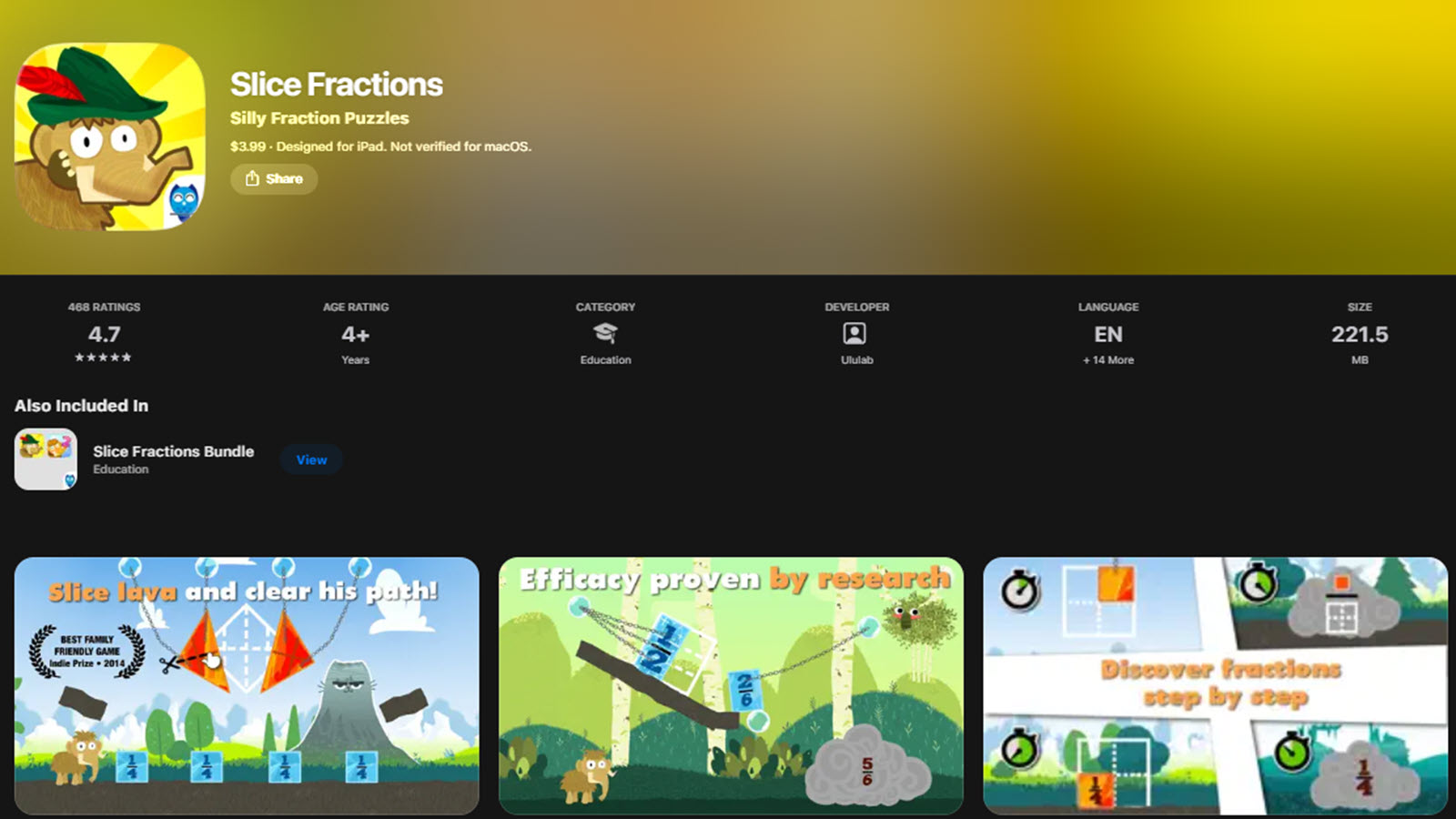
Slice Fractions, developed by Ululab in Canada and popular in the USA, introduces foundational math and problem-solving to ages 4 and up (accessible for advanced 3-year-olds) by having children slice through obstacles to help a character progress in a snowy, engaging world. The app teaches fractions, sequencing, and basic physics concepts through intuitive gestures and increasingly complex challenges that build spatial awareness and logical planning.
It transforms abstract ideas into hands-on digital manipulation suitable for young learners. The clean design supports independent exploration while reinforcing early mathematical thinking. Families use it as a bridge to more formal concepts in a playful, low-pressure format. Its innovative approach makes early math concepts tangible and enjoyable.
- Gesture-based slicing mechanics for fraction and sequencing concepts.
- Physics-inspired challenges promoting spatial reasoning.
- Progressive difficulty in a character-driven world.
- Intuitive controls focused on problem-solving for young users.
- Visual puzzles reinforcing early math foundations.
26. Baby Games: Piano, Baby Phone
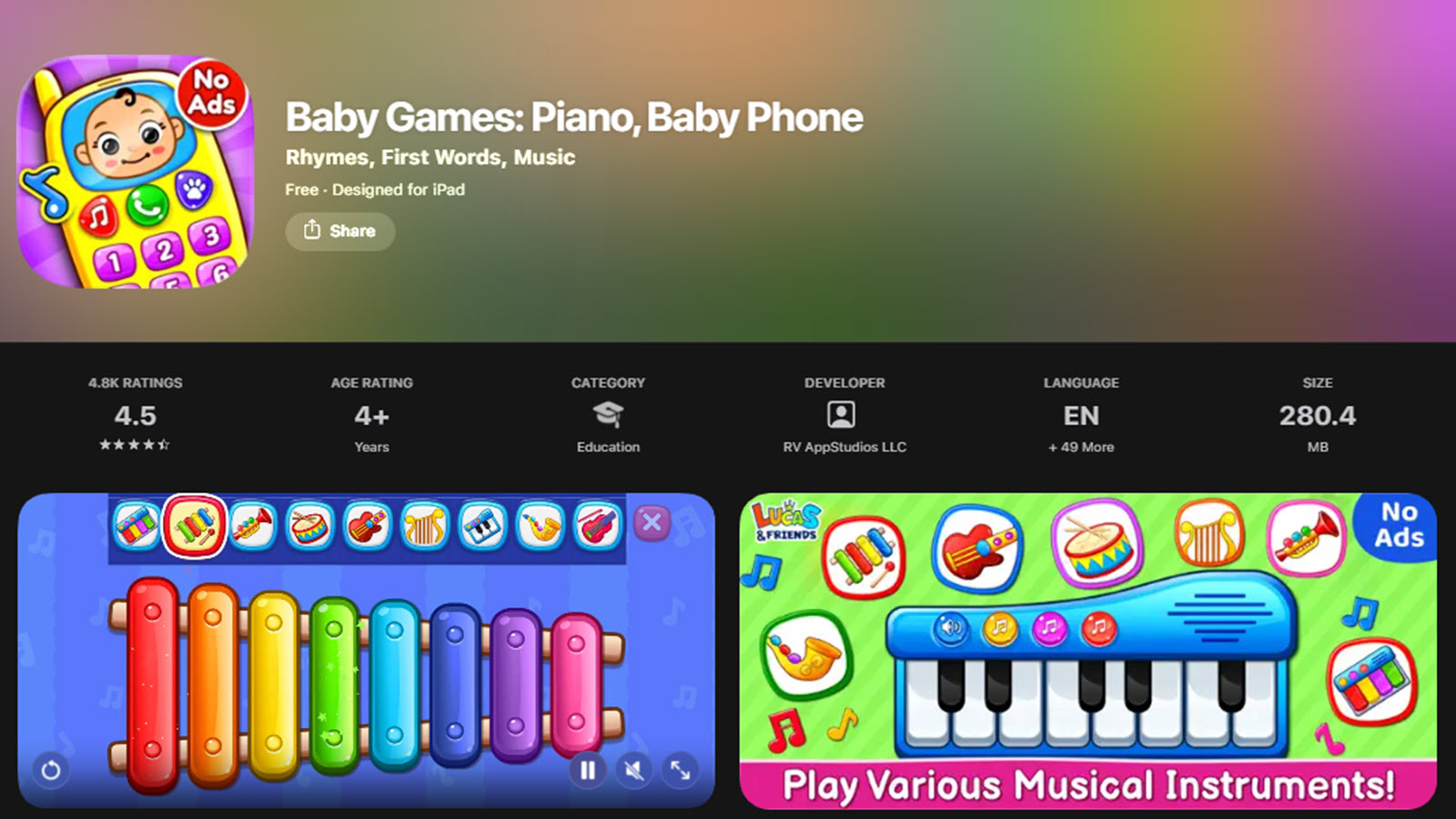
Baby Games: Piano, Baby Phone, from a developer creating toddler-focused tools available in the USA, offers a set of musical and interactive toys for ages 1 to 4 including piano playing, phone simulations, and sound exploration activities. Toddlers press colorful keys to create melodies, interact with ringing sounds, and discover cause-and-effect through simple animations and animal noises. The app provides open-ended musical play that encourages creativity and fine motor coordination in short, calming sessions.
It supports sensory development and early auditory discrimination without complex rules. Parents appreciate the mess-free musical outlet that fits into routines and sparks joy through sounds and lights. The straightforward design makes it ideal for very young users exploring technology gently while building confidence through immediate responses.
- Interactive piano and phone toy simulations with sounds.
- Animal noise and melody creation tools.
- Cause-and-effect activities for sensory exploration.
- Simple, colorful interface for ages 1-4.
- Focus on music, motor skills, and auditory learning.
27. Kahoot!
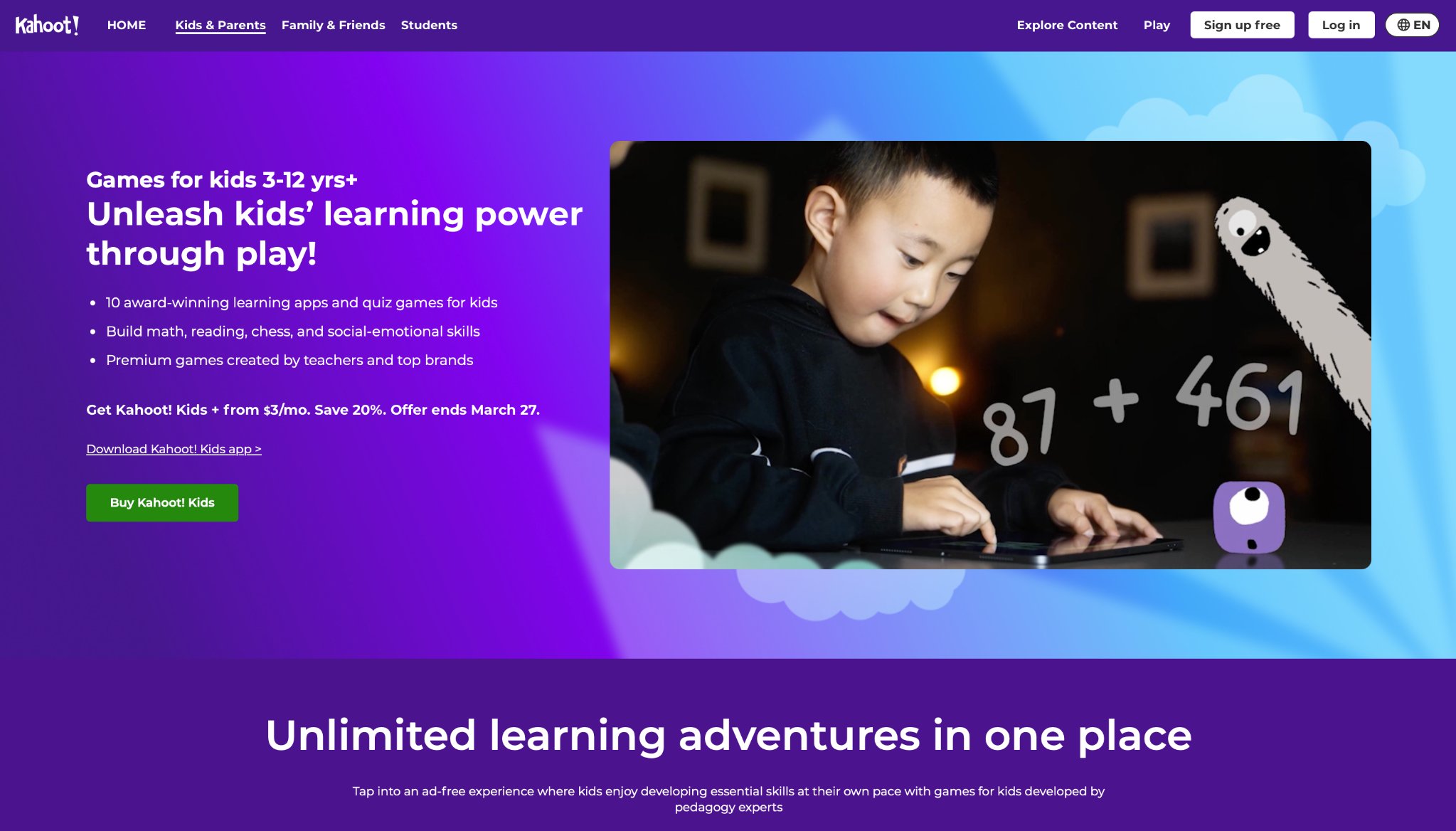
Kahoot! builds quiz-style contests for solo or team engagement, spanning subjects. From Oslo, Norway, it heightens involvement with real-time ranks and boards. The system excels in group environments for instant enjoyment, but basic access caps quizzes, and speed might hurry shy participants. Positives lie in adaptability for ages, though reliance on tech shows as a downside.
Users craft questions and join talks, fitting remote setups. Schools integrate it for reviews, seeing active participation. The format encourages teamwork, blending fun with facts. However, free limits could expand. This tool makes recall dynamic, aiding retention. It covers wide topics, from history to science. Overall, it fosters bonds, though pacing adjustments would help inclusivity.
- Key features: Tailored quizzes, chat options, video links.
- Facts and information: Favored for distant education, building teamwork.
28. Monkey Math School Sunshine
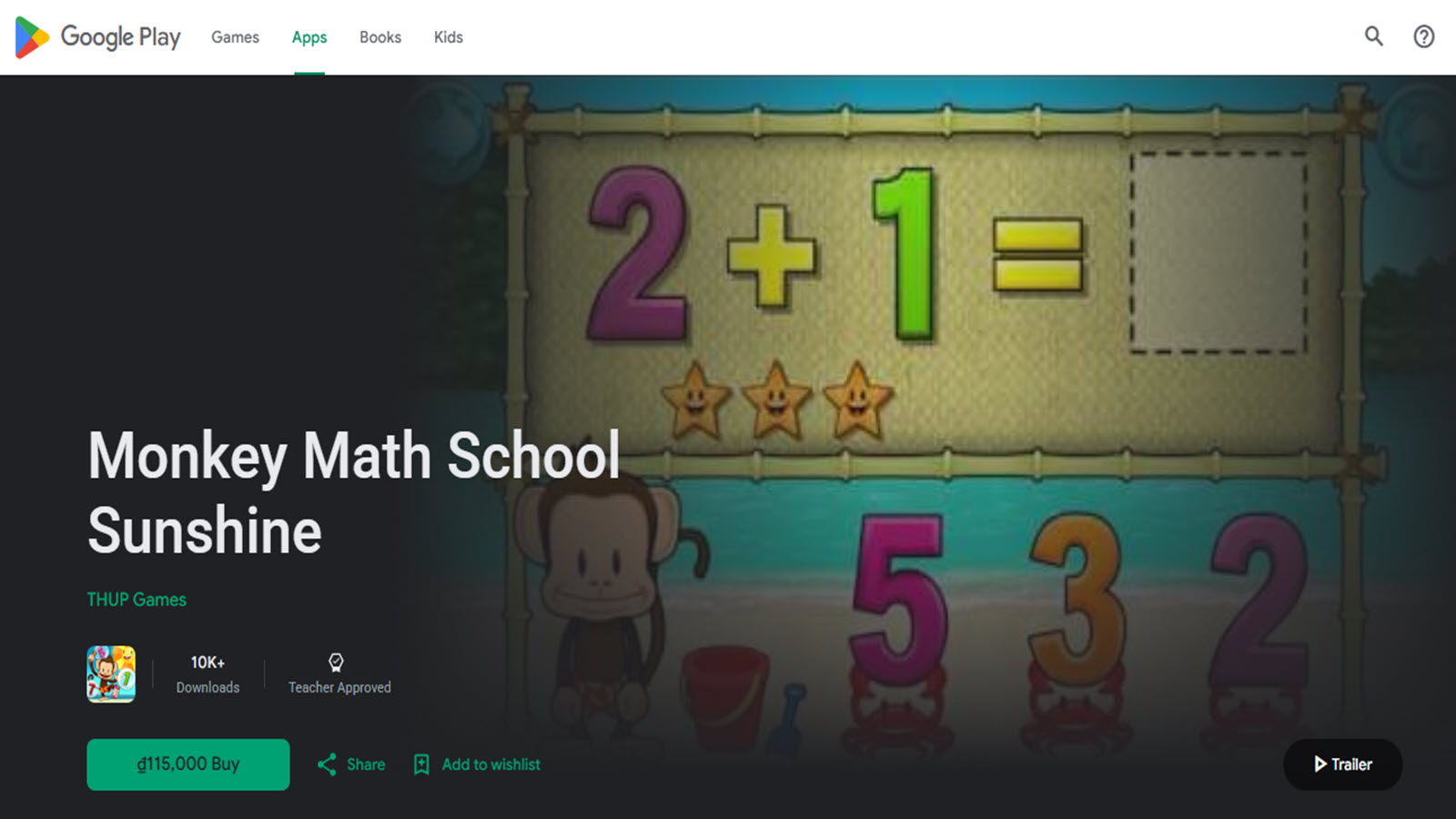
Monkey Math School Sunshine, from a dedicated early STEM team accessible in the USA, offers a complete math curriculum for ages 3 to 6 through engaging mini-games and story adventures featuring monkey characters. Children practice counting, addition, subtraction, patterns, and shapes by helping monkeys solve problems in sunny island settings with progressive levels and visual rewards. The app builds number sense through hands-on tapping, dragging, and matching activities that adapt gently to skill levels.
It turns abstract math into concrete, playful experiences with immediate feedback and encouraging animations. Parents appreciate the structured yet fun progression that supports school readiness without pressure. The platform covers key early math topics in short, focused sessions ideal for preschool attention spans while fostering logical thinking and confidence.
- Mini-games covering counting, addition, subtraction, and patterns.
- Story-driven island adventures with monkey guides.
- Visual and interactive tools for number sense and shapes.
- Progressive levels with adaptive challenges.
- Focus on foundational math concepts for ages 3-6.
29. The Very Hungry Caterpillar & Friends
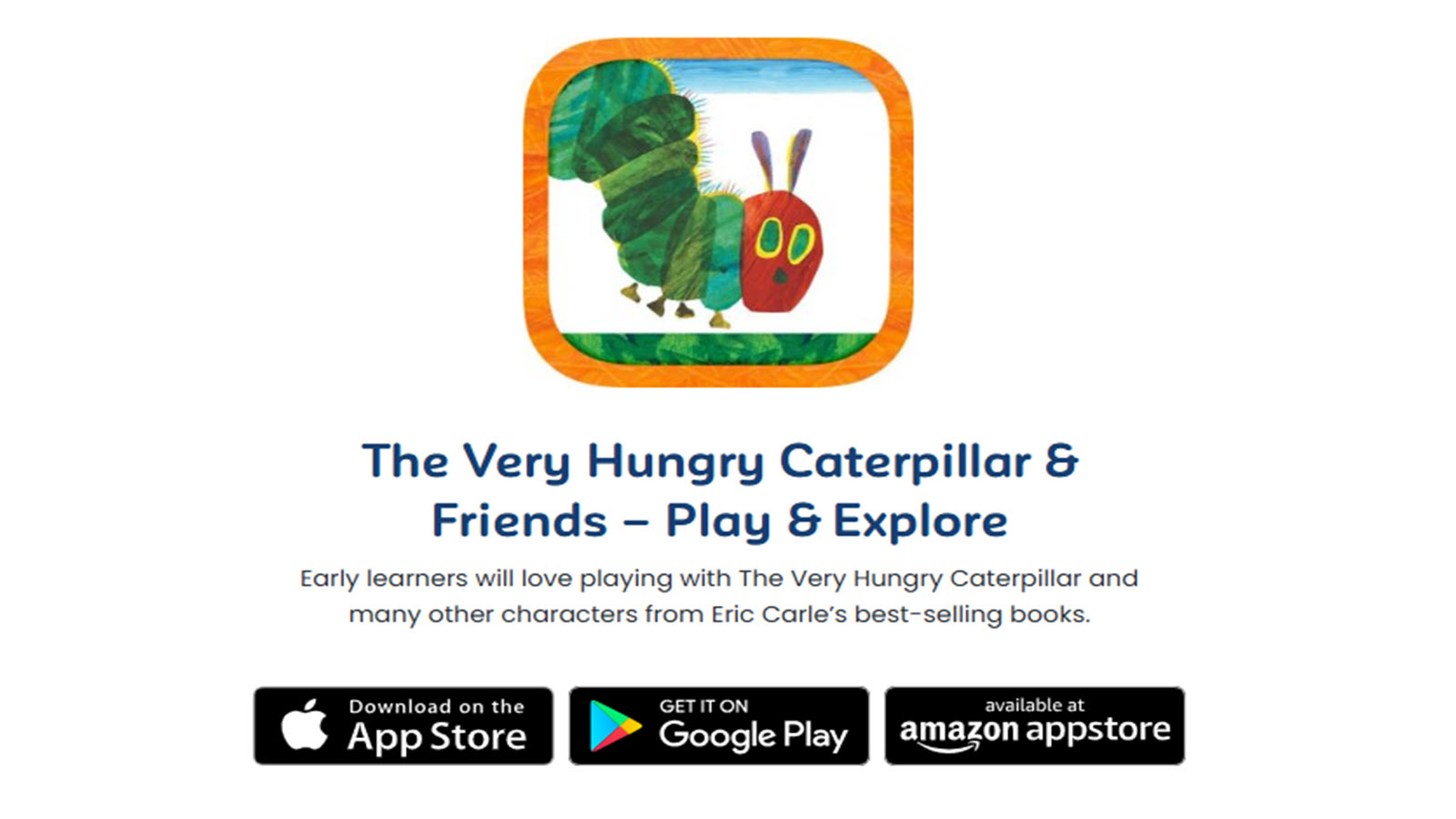
The Very Hungry Caterpillar & Friends, based on Eric Carle's beloved books and available in the USA, brings interactive stories and activities for ages 2 to 5 centered on the classic caterpillar character. Children feed the caterpillar different foods while learning counting and days of the week, complete matching puzzles, explore colors and shapes, and engage in creative play with butterfly transformations and garden scenes. The app combines gentle narration, animations, and touch interactions that stay true to the original illustrations.
It supports early literacy, math foundations, and nature awareness through familiar, comforting storytelling. Families enjoy how it encourages repeated reading-like experiences and simple problem-solving in a peaceful, book-inspired environment. The content promotes curiosity about growth and transformation while providing screen-friendly extensions of beloved picture book moments.
- Interactive story scenes from The Very Hungry Caterpillar book.
- Counting, days of the week, colors, and shapes activities.
- Matching puzzles and creative garden explorations.
- Narration and animations faithful to Eric Carle illustrations.
- Focus on early math, literacy, and nature concepts for ages 2-5.
30. Dr. Panda Town
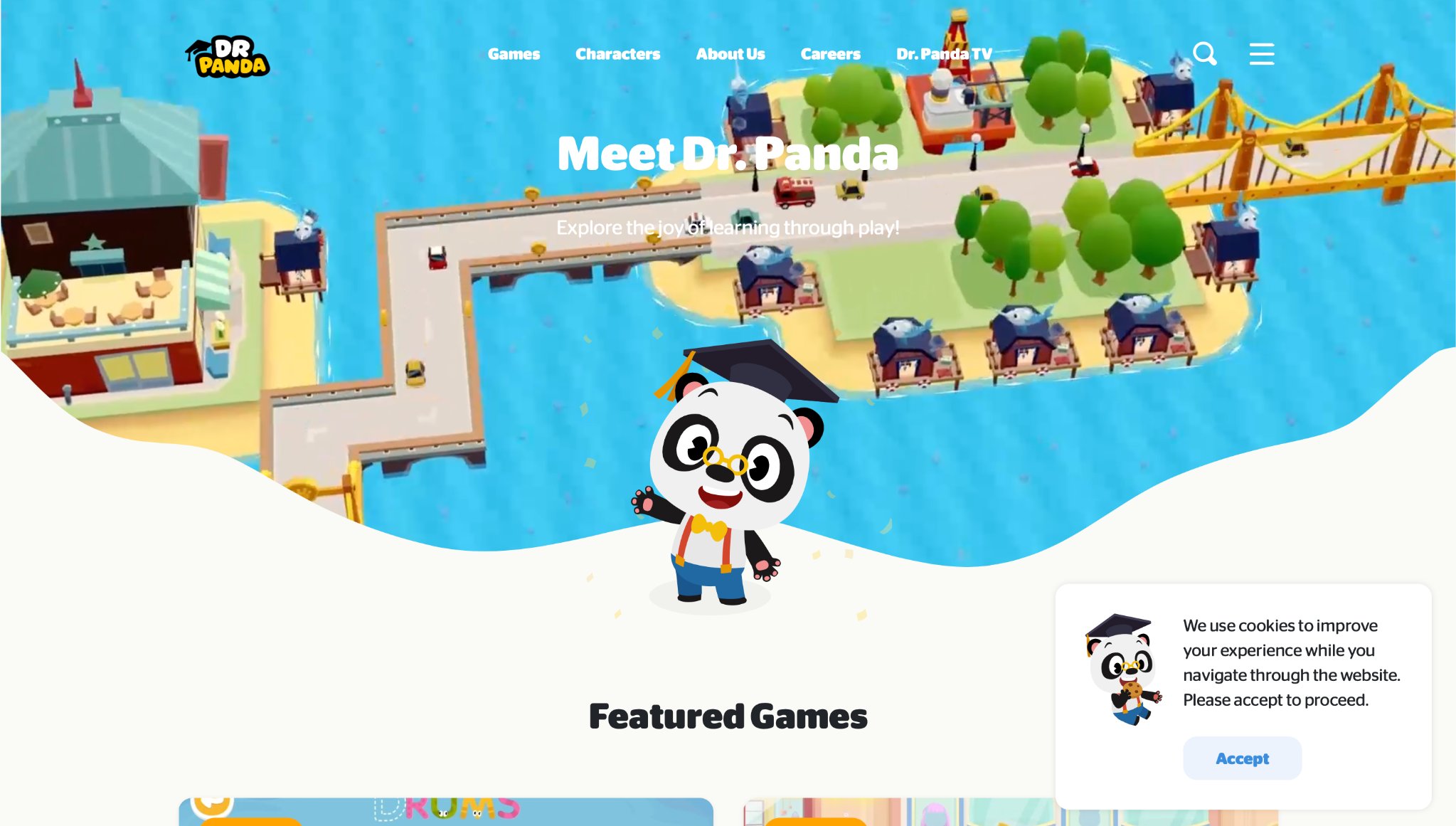
Dr. Panda Town, developed by Dr. Panda in Chengdu, China and widely used in the USA, lets 3-year-olds role-play in a lively animated village with animal characters. Children visit shops, cook simple meals, drive vehicles, care for pets, and interact in everyday scenarios that build social understanding and vocabulary. The open-ended design allows free exploration of locations like a supermarket, park, or home, with touch-based interactions that teach sequences, object use, and basic routines through gentle play.
The app emphasizes imagination and empathy by simulating real-life situations in a safe, colorful world. Families value how it encourages storytelling and decision-making without strict goals or timers. It supports fine motor skills and cause-and-effect learning while providing calm, repeatable activities suitable for short sessions. Dr. Panda focuses on wholesome, character-rich experiences that bridge digital play with real-world concepts for young children.
- Interactive village locations for role-playing and object manipulation.
- Animal characters teaching daily routines and social interactions.
- Open-ended activities like cooking, shopping, and pet care.
- Touch-friendly controls designed for toddler hands.
- Themed environments promoting vocabulary and sequencing skills.
Benefits of Fun Educational Games for Child Development
Fun educational games for kids offer powerful advantages that go far beyond traditional learning methods. When education feels enjoyable, children absorb knowledge faster and retain it longer.
Key benefits include:
- Stronger Motivation and Focus: Kids willingly spend more time on learning games, leading to better skill development.
- Improved Memory and Cognitive Skills:Engaging gameplay enhances memory, logic, attention span, and problem-solving abilities.
- Better Social Emotional Growth: Many games teach empathy, cooperation, sharing, and emotional regulation in a natural way.
- Increased Creativity and Confidence: Open-ended fun educational games encourage imagination and celebrate every success.
- Positive Learning Attitude: Children develop a love for learning that carries over into school and lifelong education.
The biggest advantage of educational games for kids is that they remove the stress from learning. Children build knowledge while laughing, exploring, and having fun - creating a healthy foundation for academic success and personal growth.
Why Mixing Tech and Hands-On Play Works So Well
Blending digital apps with physical activities creates balanced growth. Kids switch between screens and real-world tasks, strengthening different skills. For example, a puzzle app pairs well with building blocks, reinforcing spatial awareness. This mix keeps energy high and prevents fatigue from one format.
Hands-on elements add sensory depth that tech alone misses. Touching materials builds fine motor control, while apps offer instant feedback. Families find this approach flexible, fitting various moods and settings.
How to Choose the Right Game for Your Child's Age
Match games to a kid's stage for best results. Younger ones need simple interfaces with big buttons and voice cues. Look for options that grow with them, adding layers as skills advance. Test a few to see what holds attention without frustration. Consider interests like animals or space to boost engagement. Free trials help gauge fit before committing. This ensures play aligns with developmental goals, making selection straightforward.
Data on Game-Based Learning Impact
Aspect | Digital Games | Hands-On Activities | Combined Approach |
| Skill Focus | Quick feedback, adaptive levels | Sensory exploration, motor practice | Balanced growth, sustained interest |
| Engagement | High with rewards and stories | Tactile fun, group play | Versatile for moods, deeper retention |
| Accessibility | Device-based, portable | Low-cost materials, no tech needed | Flexible for home or travel |
| Examples | Apps with quizzes | Puzzles, art kits | App-guided crafts |
This table shows how mixing methods supports varied needs. Digital elements provide structure, while hands-on activities add creativity. Many families report smoother routines with this blend.
Latest News In 2026
As we move through mid-2026, educational games have reached an exciting new level where learning feels completely natural and deeply engaging. Developers are using advanced AI that adapts in real-time to each child’s pace, interests, and even mood, creating personalized experiences that keep kids coming back for more. These titles blend storytelling, creativity, and hands-on challenges with core subjects like math, science, reading, and emotional skills, turning screen time into meaningful brain-building adventures that parents actually feel good about.
One of the biggest breakthroughs this year is the seamless mix of digital play with real-world interaction. Many top games now support augmented reality and hybrid physical-digital play, allowing children to solve puzzles on the living room floor or build virtual worlds that connect to offline activities. Features like collaborative global servers, AI story companions, and gentle progress tracking make learning feel like an exciting journey rather than a chore. Kids aged 3 to 12 are showing remarkable improvements in focus, problem-solving, and confidence while having genuine fun.
FAQ
What Makes a Game Truly Educational?
Games become educational when they weave in real skills like critical thinking and emotional understanding during playtime. They often include elements that adjust to a child's abilities, providing just enough challenge to build confidence without causing stress. Features in educational games promote active participation, helping kids apply what they learn to everyday situations.
How Much Screen Time Is Healthy with These Games?
Finding the right amount depends on mixing play with other activities to keep things fresh. Short bursts allow kids to absorb lessons without feeling worn out, while pairing with outdoor time supports overall well-being. Parents can observe how their child responds to set a routine that fits family life.
Can These Games Help with School Subjects?
These options reinforce basics in areas like language and numbers through interactive stories and challenges. Kids practice concepts in a relaxed way, making connections that carry over to classroom work. Regular play builds familiarity with topics, easing transitions between home and school learning.
Where to Find More Resources on Kid-Friendly Games?
Reliable places include family-focused sites that review safe options for different ages. Many offer guides on selecting games that match developmental needs, with tips on integration. Community shares from parents provide insights into what works well for young players.
How Do Educational Games Support Emotional Growth?
Such games introduce scenarios where kids handle feelings like frustration or joy in a virtual setting. They encourage empathy by letting players care for characters or solve group problems, fostering social awareness. This type of play helps children express themselves better in real interactions.
How do educational games for kids that are fun develop skills?
Educational games for kids that are fun develop skills by turning practice into exciting challenges with instant laughs and rewards. They strengthen problem-solving skills, logical thinking, and early math and literacy concepts through play that feels rewarding. Many titles also support fine motor skills and hand eye coordination via touch controls. The TutoClub games collection often blends creativity and emotional awareness for well rounded growth.
How do fun online games support learning at home?
Fun online games support learning at home by providing flexible timing that fits busy family days with short bursts of joy. They deliver immediate responses that help ideas stick through playful repetition and silly feedback. This consistent exposure to letters, numbers, and social concepts fits around other activities while keeping kids smiling.
Are there ad free options for fun educational games?
Ad free options for fun educational games create distraction free zones where attention stays fully on the activity. Such platforms prioritize content quality, child safety, and smooth gameplay that supports better memory retention during play sessions. Without distractions, kids concentrate longer, which helps strengthen focus, recall, and overall cognitive development. The clean experience encourages repeated engagement that builds memory of shapes, colors, numbers, and patterns in a natural way.
What makes a game both educational and fun for kids?
Games that are both educational and fun feature clear visuals, large interactive areas, and balanced difficulty that matches growing abilities. Audio support and simple instructions help when reading skills are still developing. Predictable controls and adaptive features keep children in flow without frustration. Titles that mix learning with creativity and social elements work especially well at this stage.
Can fun educational games help with emotional development?
Fun educational games can help with emotional development by showing characters in situations that mirror real feelings and social challenges. Children practice empathy, sharing, and self regulation through low pressure choices that feel like play. These digital moments often spark conversations about emotions after play ends. Safe environments allow kids to explore kindness and problem solving in relationships.
How much variety exists in fun educational games for kids?
Variety in fun educational games for kids covers responsibility games, creative storytelling, math adventures, phonics journeys, and logic challenges. Some focus on science exploration or digital art while others blend movement with pattern recognition. Themed collections address interests like animals, building, or music. This range helps families find content that matches both current skills and specific curiosities.
Read Also:
- Best Educational Games For Kids iPad In 2026
- Best Kids Games Educational in 2026
- Educational Games For Kids iPad In 2026
- Tablet Games For Kids In 2026
- Best Mobile Games For Kids In 2026
Discover the Best Educational Games For Kids That Are Fun in 2026 - TutoClub