

Best Kids Games Educational in 2026






Finding top educational kids games keeps parents ahead in supporting child growth. These options turn play into skill-building moments, covering math, reading, and more. Discover the best kids games educational in 2026, blending fun and learning to boost skills like creativity and problem-solving for young minds.
Choosing the right digital activities can make learning both exciting and effective for children of all ages. Parents searching for the best learning games for kids can find interactive experiences that strengthen literacy, numeracy, and critical thinking, while curated guides to the best kids educational games and best educational kids games help match content to a child’s age and interests. For families who rely on screens for learning, exploring the best apps for kids learning and engaging best iPad games for kids ensures screen time supports real skill development rather than passive play.
Discover the Best Kids Games Educational in 2026 - TutoClub
Why Choose Educational Games for Kids

Kids thrive when learning feels like fun. Games build focus and creativity without pressure. They help with emotional skills too, like handling feelings during challenges. Many studies show play-based tools aid brain growth in early years. Pick games that match your child's interests for best results. This approach makes screen time useful, turning it into growth opportunities.
Key Features to Look for in Kids Educational Games
Good games offer adaptive levels that grow with the child. Look for ones with safe, ad-free spaces. Interactive stories keep kids hooked while teaching basics. Offline options add flexibility for travel. Feedback in games guides improvement gently. These traits ensure lasting value. After picking the right kids educational games, watch how your child engages to see fit.
Best Kids Games Educational in 2026
1. TutoClub - Best Educational Kids Game in 2026
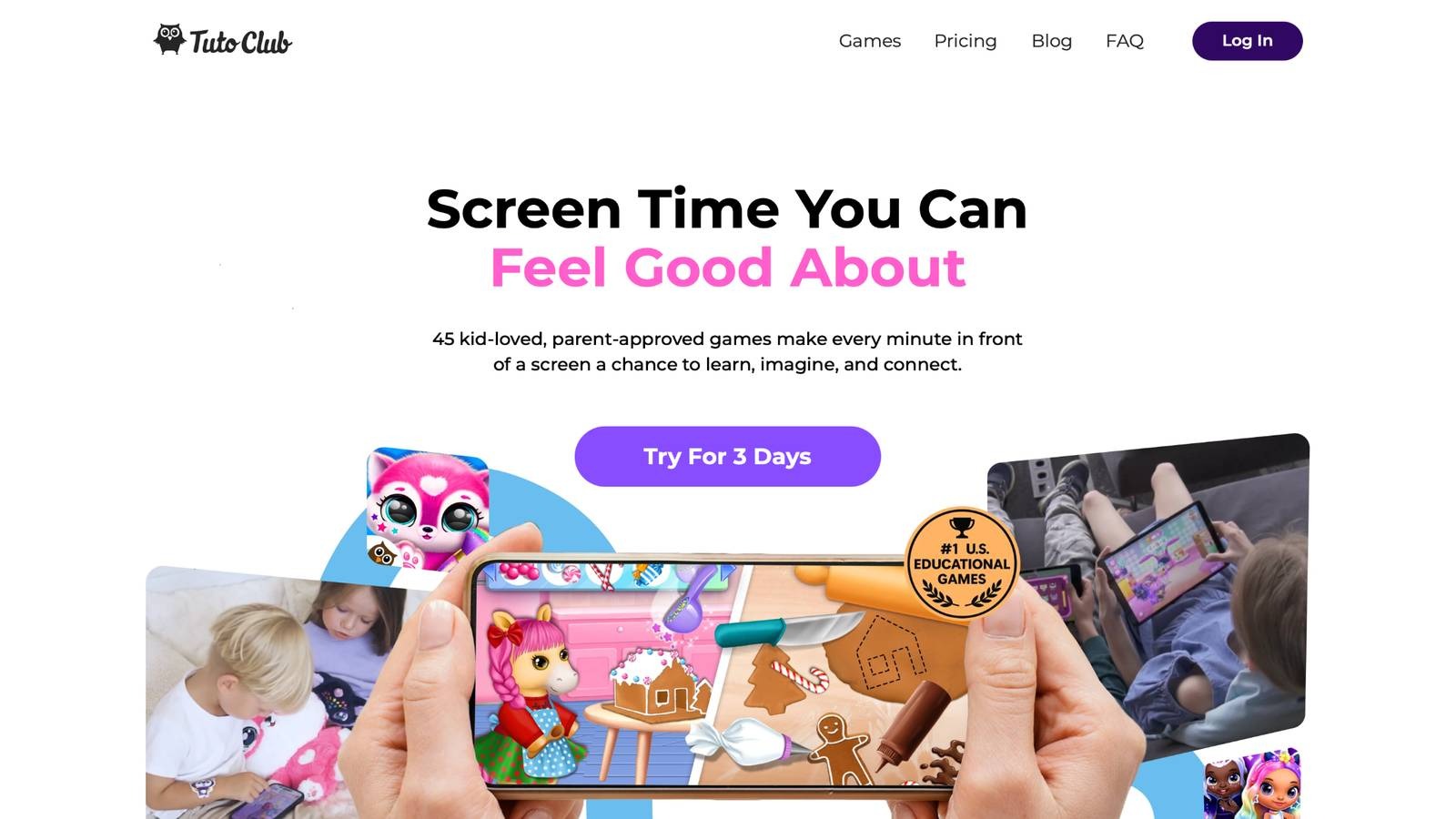
TutoClub educational games stand out as a subscription service unlocking over 45 ad-free titles from TutoTOONS. Based in Lithuania, this platform turns screen time into positive experiences. Kids dive into worlds that spark creativity through art and storytelling tasks. They tackle puzzles that sharpen focus and problem-solving. Emotional growth comes from games teaching empathy and compassion.
Confidence builds as children complete tasks and take on responsibilities in virtual settings. Curiosity flourishes with open-ended activities that encourage questioning and connecting ideas. Regular updates keep content fresh, while multi-device support lets play happen anywhere after download. Parents love the safe environment and research-backed design that makes learning joyful. Kids stay engaged with exclusive unlocks and no distractions, leading to hours of meaningful play that feels like adventure.
- Standout features: Adaptive challenges adjust to skill levels, interactive narratives boost imagination, offline mode for on-the-go fun.
- Facts and information: Many users note improved focus after regular play, some report better emotional awareness in daily life, supports multiple devices for family sharing.
TutoClub Overview
TutoClub is your gateway to a magical world of educational games designed especially for children.
As part of TutoTOONS, a leading kids' games studio, we offer premium access to over 45 ad-free games.
Our mission is to blend learning and play, helping kids explore, create, and grow in a safe online space.
Thousands of parents trust us for family-friendly content that sparks imagination and builds essential skills.
Key Features
- Unlimited Access: Unlock full content in all games with no interruptions.
- Ad-Free Experience: Enjoy seamless play without any ads or distractions.
- Skill Development: Games foster creativity, social skills, communication, and more through fun activities like pet care and cleanup challenges.
- Regular Updates: Get new releases, exclusive content, and future updates automatically.
- Easy Subscription: Cancel anytime with no obligations, simple and flexible for families.
Explore Our World
TutoClub provides a rich ecosystem of educational games for kids, featuring ad-free experiences that promote creativity, focus, and emotional growth through play.
This platform turns screen time into valuable learning opportunities, with parent-approved content that builds essential skills and sparks curiosity in young minds.
- TutoClub Games: Over 45 educational games, including popular titles like Fluvsies, Smolsies, and the Sweet Baby Girl series
- Blog: Insights, tips, and stories for families on kids' learning and play
- FAQ: Comprehensive answers to frequently asked questions about subscriptions, features, and more
Get TutoClub on Your Device
TutoClub delivers premium kids educational games directly to your mobile devices, making learning accessible anytime, anywhere.
With apps available on major platforms, families can easily download and subscribe for ad-free play that turns screen time into skill-building adventures.
Perfect for parents seeking safe, engaging content on iOS, Android, or Amazon devices.
Why Choose TutoClub?
We're committed to 100% safe, enriching entertainment that kids love and parents approve.
Join the thousands who've seen their children thrive through playful learning.
Ready to start the adventure?
Subscribe to TutoClub today and unlock endless fun!
2. ABCmouse
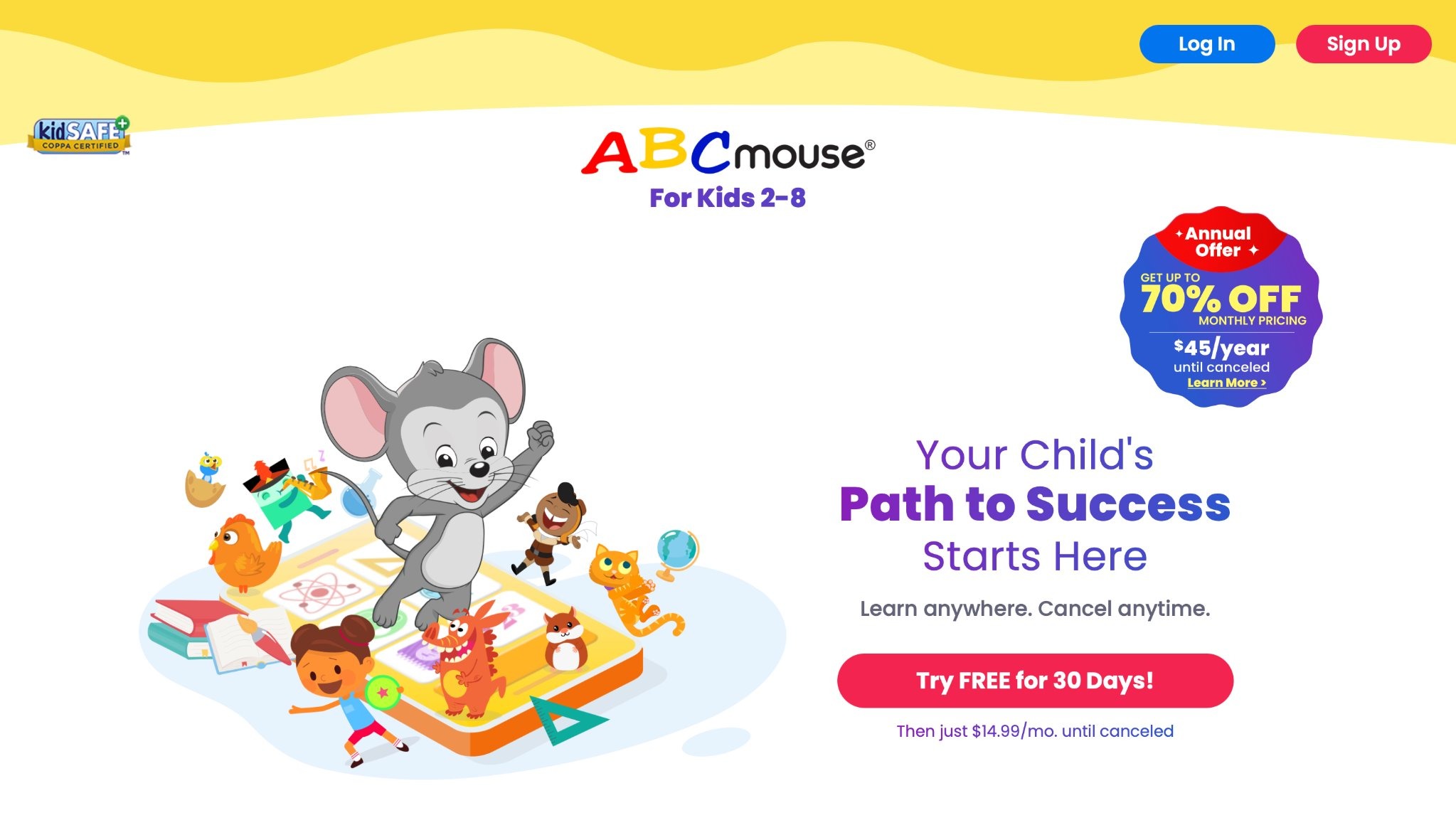
ABCmouse, created by Age of Learning in Glendale, California, delivers a full online academy for children ages two to eight. It features a structured curriculum in reading, math, science, art, and more, using animations, songs, and rewards to engage young learners. Kids progress through levels, earning tickets for virtual prizes that motivate continued play. The app tracks advancement with reports for parents, making it easy to see growth in skills like phonics and counting. Strengths include its comprehensive approach that aligns with educational standards, helping build foundational knowledge in a fun way.
Many activities encourage creativity, such as drawing and music-making tools. Weaknesses might include reliance on internet access, which could limit use in areas with poor connectivity, and some repetition in simpler levels that might not challenge advanced kids as much. Overall, it turns learning into an adventure, with colorful worlds to explore and characters that guide through lessons. Parents appreciate the safe, ad-free environment that supports homeschooling or supplemental education. The design adapts to each child's pace, ensuring personalized experiences that foster confidence and curiosity in early education.
- Key features: Step-by-step lessons, interactive books, virtual classroom, reward system with tickets.
- Facts and information: Many parents see improved reading skills, some use it for daily learning routines.
3. Khan Academy Kids
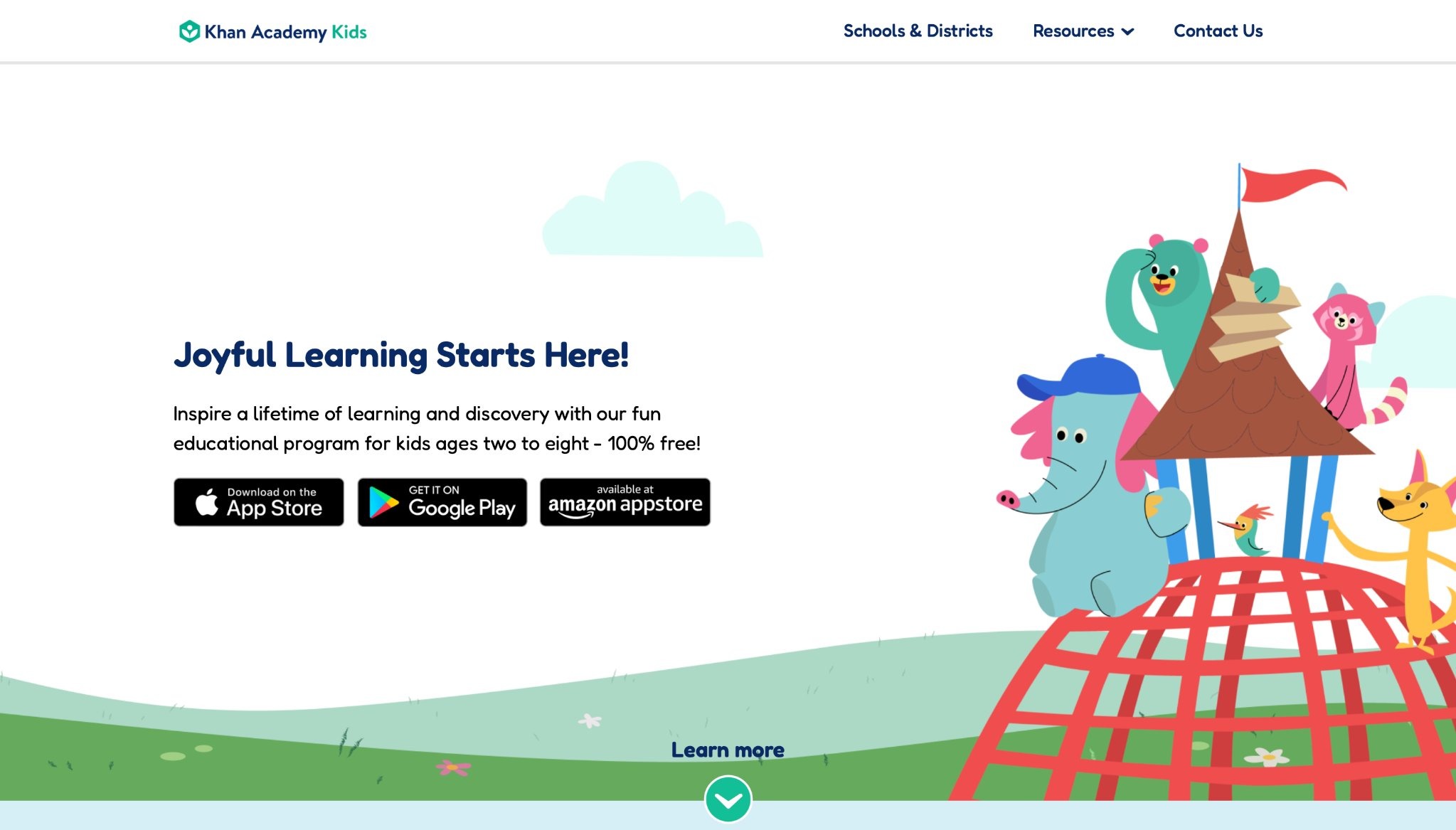
Khan Academy Kids, from Khan Academy in Mountain View, California, offers free activities for ages two to eight, focusing on math, reading, and social skills. Friendly characters lead through stories, drawing, and games that adapt to the child's responses. It promotes independence, with offline options for some content. Strengths are its no-cost access and alignment with early learning standards, making it inclusive for all families.
The app includes circle time for group feel and creative tools that spark imagination. Weaknesses could be shallower depth in higher topics, requiring supplements for older kids, and occasional need for parent guidance in setup. Kids enjoy the playful format, like collecting badges and exploring themes. It supports emotional growth through activities on feelings and empathy. Teachers integrate it into classrooms for its progress tracking. The content encourages curiosity, with videos and books that tie into real-world concepts.
- Key features: Adaptive paths, story-based learning, progress badges, offline downloads.
- Facts and information: Some educators use it in lessons, many families note better basic skills.
4. Duolingo for Kids
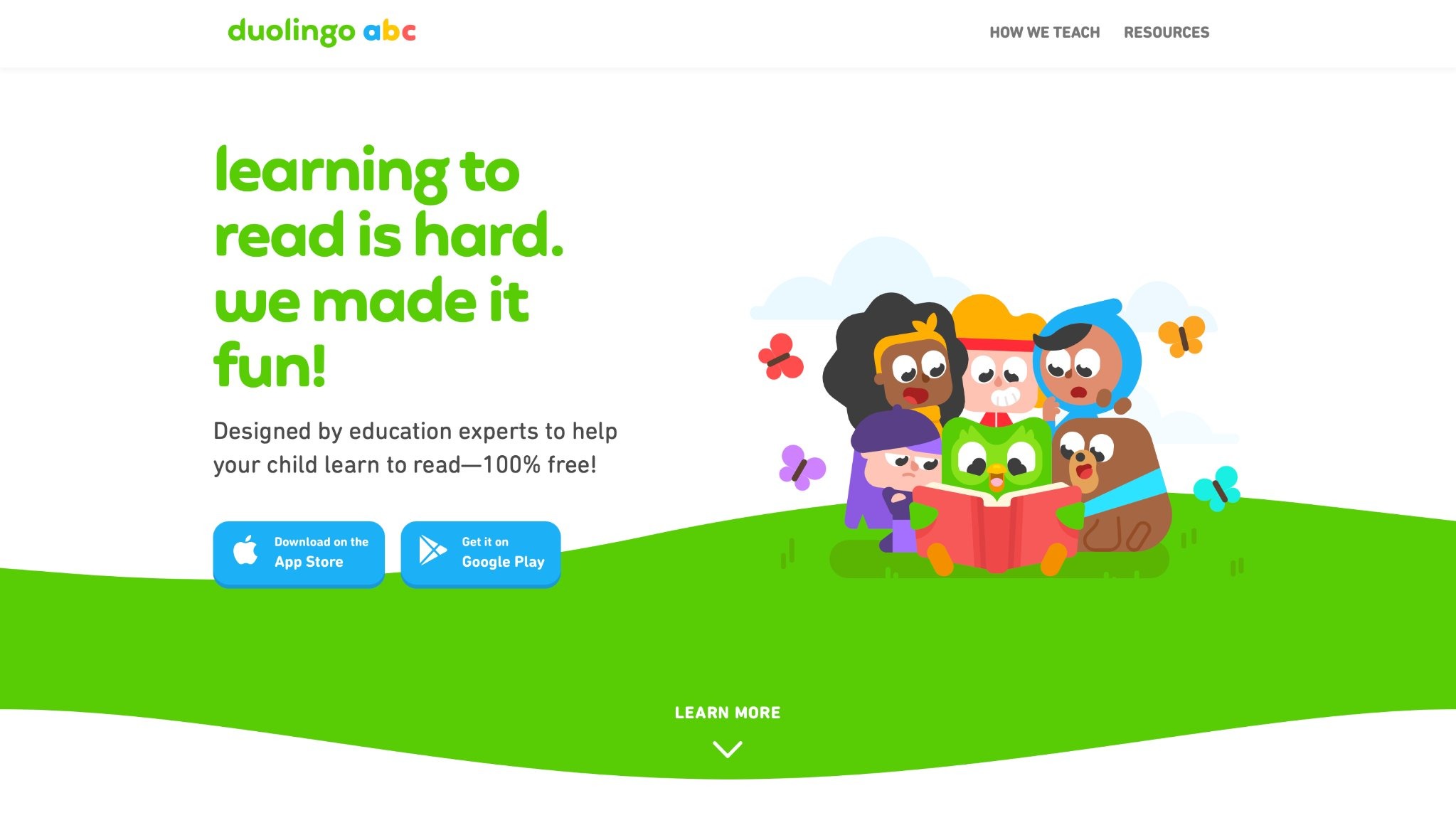
Duolingo for Kids, by Duolingo, introduces languages via short lessons for ages three to eight. It uses points, streaks, and characters to make practice addictive, focusing on vocabulary and grammar through matching and speaking. Strengths include bite-sized sessions that fit busy schedules and fun elements that keep kids coming back.
The app adjusts to errors for better learning. Weaknesses may involve limited emphasis on conversation skills and potential boredom from repeats. Children build basics in new languages, with themes like animals and food. It's great for bilingual homes or early exposure. The interface is simple, encouraging daily habits without pressure.
- Key features: Skill trees, daily goals, virtual rewards.
- Facts and information: Many kids learn phrases fast, some use it family-wide.
5. Prodigy
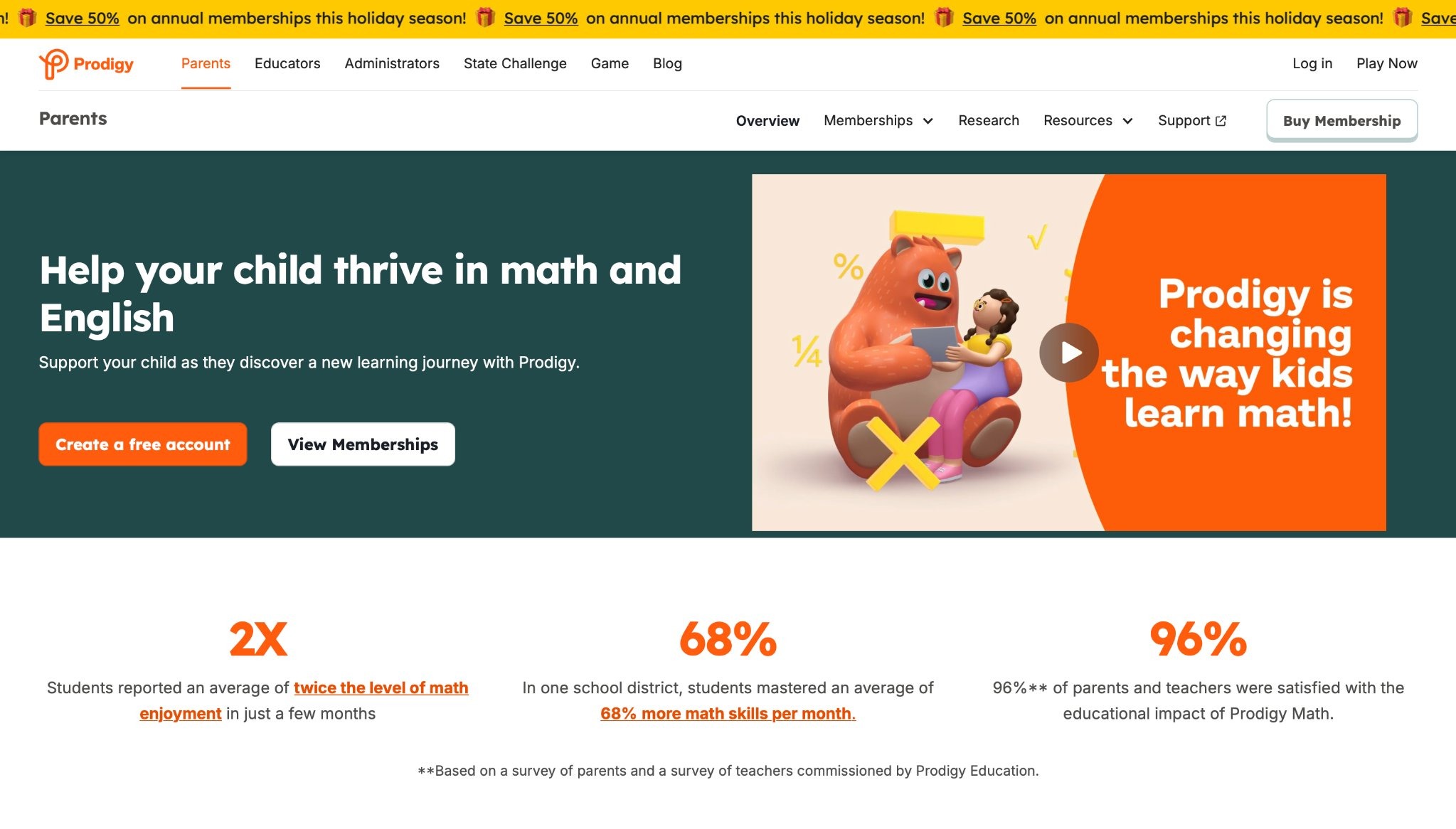
Prodigy, from Prodigy Education, turns math into RPG adventures for grades one to eight. Kids cast spells by solving problems, with adaptive difficulty. Strengths are school alignment and teacher tools for assignments. The game motivates through battles and pets. Weaknesses include extra features behind walls and combat focus that might not appeal to all. It tracks progress for parents, helping spot areas needing help. Avatars and events add fun, making math exciting.
- Key features: Real-time adjustments, custom characters, seasonal quests.
- Facts and information: Some schools assign it, many see attitude shifts toward math.
6. Kahoot!
Kahoot!, by Kahoot!, creates quizzes on subjects for group or solo play, suitable for elementary ages. It uses leaderboards for thrill in trivia or lessons. Strengths are social aspects and quick feedback. Weaknesses might need multiple devices for best use and less solo depth. Questions cover wide topics, customizable for home or class. It boosts recall through competition.
- Key features: Custom quizzes, live play, friend challenges.
- Facts and information: Many families play together, some improve fact retention.
7. BrainPOP
BrainPOP, by BrainPOP, uses animations and quizzes for science, history, and more, for grades K to eight. Characters explain topics, followed by activities. Strengths are clear breakdowns and related games. Weaknesses include shorter sessions and subscription for full access. It builds vocabulary and comprehension across subjects.
- Key features: Comic tools, simulations, word builders.
- Facts and information: Some teachers start units with it, many kids like the fun style.
8. PBS Kids Games
PBS Kids Games, headquartered in Arlington, Virginia, draws from beloved shows like Sesame Street and Daniel Tiger to offer free educational activities in math, literacy, and science for preschool to elementary ages. Kids explore themed worlds with puzzles, adventures, and creative tasks that build early skills like counting and letter recognition. Strengths include trusted, character-driven content that feels familiar and safe, with no ads in the app for focused play. It promotes social-emotional learning through stories on feelings and cooperation.
Weaknesses are its simpler graphics compared to modern apps, which might not hold older kids' interest, and limited depth in advanced topics, needing supplements for deeper study. Parents value the offline options after downloads, making it great for travel or low-connectivity areas. The app updates seasonally with holiday themes, keeping things fresh. Teachers often use it in classrooms for quick, engaging reviews that tie into PBS programming. Overall, it turns screen time into meaningful growth, blending fun with lessons in a child-friendly way.
- Key features: Show-based activities, printable resources, parent guides, offline play.
- Facts and information: Many families start with it for preschool basics, some see smooth skill gains in young users.
9. Lingokids
Lingokids, based in Madrid, Spain, teaches English to non-native speakers ages two to eight through songs, games, and videos focused on vocabulary and themes like animals or daily routines. It uses immersive audio and progress tracking to build words and phrases in a playful setting. Strengths are its bite-sized sessions that fit short attention spans and adaptive paths that personalize learning based on performance.
The app encourages daily habits with rewards like stickers, making practice fun for families in bilingual homes. Weaknesses include its single-language focus, limiting use for other tongues, and potential repetition that might bore quicker learners without variety. Interactive books and videos support listening skills, while parent reports show growth areas. It's designed for safe, ad-free play, with voice instructions guiding young users independently. Educators note its role in early ESL support, blending entertainment with education effectively.
- Key features: Theme-based lessons, reward system, parent dashboards, offline mode.
- Facts and information: Some see quick vocabulary pickup, many appreciate the play-based method for engagement.
10. SplashLearn
SplashLearn targets math and reading for pre-K to grade five with adaptive games that adjust to skill levels, covering topics like addition, phonics, and comprehension. Headquartered in Palo Alto, California, it uses rewards like coins for avatars to motivate practice. Strengths include curriculum alignment with standards and detailed reports for tracking progress, helping spot weak areas.
The app's gamified format makes concepts stick through challenges and themes. Weaknesses involve heavy reliance on internet, which can frustrate in spotty connections, and occasional pressure from timed elements that might stress sensitive kids. Kids earn weekly challenges to build mastery, with holiday updates adding fun. Parents use it for extra homework support, noting improved attitudes toward tough subjects.
- Key features: Adaptive difficulty, skill dashboards, printable worksheets, teacher tools.
- Facts and information: Many report concept retention, some integrate it for daily review.
11. ABCya
ABCya provides over 300 games for pre-K to grade six, updated weekly, covering math, language, and strategy with categories like holidays and animals. Strengths include diverse, curriculum-aligned activities that make review engaging without ads in paid versions. It boosts motivation through badges and easy tracking for parents. Weaknesses are varying difficulty that might need adult help and shallower depth for upper grades. Printables extend learning offline, great for home or class.
- Key features: Subject filters, reward systems, custom games, mobile access.
- Facts and information: Many use it for quick sessions, some note better strategy skills.
12. Tynker
Tynker, from Mountain View, California, teaches coding for ages five to eighteen with block-to-text transitions in languages like Python and JavaScript. Strengths are gamified projects that foster creativity and logic, with safe communities for sharing. Weaknesses include a learning curve for beginners and subscription needs for full access. Tutorials guide through AI and game design, building tech confidence.
- Key features: Project builders, quizzes, robot controls, multiplayer modes.
- Facts and information: Some create apps independently, many gain problem-solving abilities.
13. codeSpark Academy
codeSpark Academy introduces coding to ages three to ten with drag-and-drop puzzles, no reading required, focusing on sequences and loops. Strengths are accessibility for pre-readers and game creation that sparks independence. Weaknesses might need initial guidance and limit to basics. Stories and contests encourage exploration.
- Key features: Word-free interface, community shares, creative tools.
- Facts and information: Many develop early logic, some play without help.
14. DragonBox
DragonBox offers a series of math apps for children ages four and up, focusing on algebra, geometry, numbers, and multiplication through puzzle-based gameplay. Based in Norway, the apps encourage self-paced learning where kids manipulate elements to solve equations intuitively. Recent updates include new mini-games in multiplication, with over 20 activities that reveal multiverse secrets as players progress. The Numbers app features four activities building number sense, while Big Numbers involves thousands of operations for addition and subtraction in expansive worlds. Algebra 5+ simplifies concepts for young users by transforming cards into variables and symbols.
Geometry introduces shapes on adventures, with the latest Kahoot! integration adding exciting learning paths. Kids explore big ideas without realizing they're doing math, as games adapt to their level for deeper understanding. Regular maintenance ensures smooth performance across devices, with bug fixes enhancing stability. The series has won multiple awards for blending fun and education seamlessly. Parents and teachers use it to supplement curricula, noting how it turns abstract topics into engaging stories. With intuitive interfaces, children as young as five tackle linear equations, fostering confidence in STEM early on.
- Key features: Intuitive puzzles, adaptive levels, mini-games for times tables, number fluidity activities.
- Facts and information: Many kids master equations independently, some families use it for homeschool math.
15. Osmo
Osmo combines physical pieces with digital games on tablets for interactive learning in math, coding, and creativity, aimed at preschool to elementary ages. Headquartered in Freehold, New Jersey, it uses a reflector and camera to detect real-world actions, blending hands-on play with screen elements. Updates focus on maintaining compatibility with older iOS versions, as new feature development has paused, but core apps remain functional. Games like Numbers teach addition and subtraction through tactile tiles, while Coding introduces programming via blocks that control on-screen characters.
Pizza Co. simulates running a business with math skills, and Detective Agency explores geography by solving mysteries. The system encourages estimation in measurement adventures and story-based gameplay for confidence building. Kids interact with tangible items like drawing pads or letter tiles, making abstract concepts concrete. Parent resources include tips for integration, and printable extras extend play offline. Though no major new releases, the existing library supports diverse subjects, from art to science simulations. Families appreciate the magical feel, where physical actions trigger digital responses, promoting active engagement over passive screen time.
- Key features: Tangible play pieces, hands-on math and coding, starter kits with reflectors.
- Facts and information: Many use it for homeschooling, some integrate into daily routines for skill building.
16. Endless Alphabet
Endless Alphabet introduces letters and vocabulary to children ages two to six through animated puzzles and definitions. Developed by Originator Inc., the app features monsters that bring words to life, with interactive letters that kids drag into place. Recent updates include bug fixes and performance improvements, ensuring compatibility with latest devices like the iPad mini. It starts with seven free puzzles, unlocking more for full access to over 100 words. Each completed word triggers delightful animations explaining meanings in engaging ways, teaching without pressure.
The design is wordless, relying on visuals and sounds to build recognition. Themes cover everyday objects to advanced terms, sparking curiosity. Offline mode allows play anywhere, and regular tweaks maintain smooth operation. Parents value the fun approach that turns learning into play, with no ads or distractions. The app supports early reading by associating sounds with letters, fostering phonics skills naturally. It's praised for humor and replayability, as kids revisit favorites. Integration with other Originator apps expands the ecosystem for broader literacy development.
- Key features: Interactive puzzles, animated definitions, letter dragging mechanics.
- Facts and information: Many toddlers learn words quickly, some enjoy the monster characters repeatedly.
17. Minecraft Education Edition
Minecraft Education Edition transforms building worlds into lessons across subjects for school-aged children. By Microsoft, it features collaborative play where kids construct environments to explore history, science, and coding. Updates in 2026 include the Mounts of Mayhem expansion with new mobs and biomes, plus AI integration in Hour of AI activities. Worlds adapt for project-based learning, like surviving the first night with AI helpers for resource gathering.
Classroom tools allow teachers to manage sessions, track progress, and assign tasks. Mobile support on iOS and Android enables multiplayer on the go, with caves and cliffs biomes adding depth. Code Builder teaches programming through blocks, while chemistry mode simulates experiments. The library offers ready-to-teach lessons aligned to standards, covering math to environmental science. Bug fixes ensure stability, and dedicated servers support larger groups. Kids team up globally in safe spaces, fostering creativity and problem-solving. The version numbering now reflects the year, like 26 for 2026 releases, keeping content fresh.
- Key features: AI agents, collaborative worlds, code builder, lesson library.
- Facts and information: Many classrooms use it for projects, some students improve teamwork skills.
18. Starfall
Starfall provides interactive games, books, and songs for preschool through fifth grade, focusing on reading and math. The platform includes untimed activities where kids see, hear, and touch concepts. Recent expansions add fourth and fifth-grade content, with new English and math hubs featuring grammar, punctuation, and advanced operations. The calendar activity tracks days, while motion songs encourage physical engagement. I'm Reading section offers books and comics for practice, and word machines build vocabulary.
Accessibility updates include keyboard navigation and closed captions for all animations. Membership unlocks over 700 items, supporting production of fresh materials. No ads or data collection ensure safety. Kids collect rewards like critters after lessons, tying to phonics and sounds. The app aligns with standards, used in schools and homes for independent learning. Updates introduce spelling with musical instruments and creative corners for drawing. It grows with children, from ABCs to complex sentences.
- Key features: Multisensory games, critter collections, seasonal activities.
- Facts and information: Many use it for early literacy, some integrate into homeschool plans.
19. Reading Eggs
Reading Eggs teaches reading through games and lessons for ages two to thirteen, with self-paced phonics and sight words. The program includes Reading Eggs Junior for toddlers, building alphabet knowledge via matching and stories. Core lessons use animations and rewards, like golden eggs for arcade games after completing sets. Fast Phonics accelerates fluency with explicit videos aligned to science of reading.
Recent redesigns freshen visuals, adding read-aloud recording for parent review. Mathseeds covers numbers with placement tests and reports. Critter zoo grows with progress, each card reinforcing letter sounds. Offline printables extend learning. The change room lets kids customize avatars easily. Subscription bundles six programs, promoting daily 15-minute sessions for results. Teachers use it for classroom integration, tracking growth.
- Key features: Placement quizzes, reward systems, explicit instruction videos.
- Facts and information: Many children gain reading confidence, some families use for multiple ages.
20. Epic
Epic offers a digital library with books, videos, and quizzes for kids, inspiring reading across topics. It features thousands of titles from publishers, with personalized recommendations based on interests. Updates in 2026 emphasize high-quality content through media partnerships, enhancing discovery and engagement. Formats include audiobooks and read-to-me options, supporting diverse learners.
Gamified elements like badges motivate daily reading, while teacher tools assign collections and monitor progress. Safe environment with no ads fosters exploration. New esports integrations for older kids blend gaming with literacy, like Minecraft-themed challenges. Parents control access, and offline downloads allow anytime use. The focus on curiosity connects stories to real-world learning, expanding vocabulary and comprehension.
- Key features: Vast library, badges and quests, teacher dashboards.
- Facts and information: Many explore new genres, some build daily habits.
Benefits of Integrating Educational Games into Daily Routines
Adding games to routines helps balance screen time with growth. They reinforce school lessons in relaxed ways. Kids often show more interest in tough subjects through play. This method supports diverse learning styles, from visual to hands-on. Families bond over shared sessions, discussing what was learned.
Skill Area | Game Examples | Benefits |
| Math | Puzzles, counting challenges | Builds number sense |
| Reading | Story-based adventures | Improves vocabulary |
| Science | Exploration simulations | Sparks curiosity |
| Social | Empathy-focused narratives | Enhances emotional understanding |
FAQ
What makes educational games effective for kids learning?
Educational games work well because they blend play with core concepts, making absorption natural and enjoyable. They often use rewards and progression to keep motivation high, encouraging repeated practice. When games align with a child's interests, like animals or adventures, retention improves as connections form between fun and knowledge.
How do educational games support emotional development in children?
Through scenarios that involve choices and outcomes, kids learn to manage emotions like frustration or excitement. Games with character interactions teach empathy by showing different perspectives. This interactive approach helps build resilience, as children try again after setbacks in a low-stakes environment.
What age groups benefit most from kids educational games?
Preschoolers gain from simple games that introduce colors and shapes, setting early foundations. Elementary school kids find value in more complex puzzles that reinforce school subjects. Across these stages, adaptability ensures the content matches growing abilities without overwhelming.
Can educational games replace traditional teaching methods?
While they enhance understanding through hands-on engagement, educational games serve best as supplements to direct instruction. They provide variety in how concepts are presented, aiding different learning preferences. Combining them with discussions or real-world applications creates a balanced approach.
How can parents monitor progress in educational games for kids?
Many platforms offer dashboards that track completed levels and skill mastery over time. Regular check-ins during play sessions reveal areas of strength or need for support. Adjusting game settings based on observations keeps the experience aligned with individual growth paths.
Read Also
- Best Educational Games For Kindergarten in 2026
- Best Educational Games For Kids 4th Grade in 2026
- Best Educational Games For 10 Year Olds in 2026
- Best Educational Games For 7 Year Olds in 2026
- Best Educational Games For 6 Year Olds in 2026