

Educational Games For Kids App In 2026






In 2026, educational games for kids apps stand out as smart tools for young minds. Parents seek options that turn screen time into valuable moments, helping children build skills like problem-solving and creativity. These apps often use colorful stories and rewards to keep kids hooked, making learning feel like play. With many families balancing busy schedules, such apps fit right in, offering safe spaces without ads.
For parents researching quality options, guides to educational games for kids apps make it easier to find safe, skill-building experiences that fit a child’s age and interests. Whether families prefer engaging tablet games for kids or are comparing the best mobile games for kids, these resources help narrow down meaningful choices. Many parents also look specifically for the best educational games for kids on iPad, ensuring device-friendly learning, while choosing from the best kids educational games supports creativity, focus, and long-term cognitive growth.
Discover the Educational Games For Kids App In 2026 - TutoClub
Why Educational Games Matter for Child Development

Kids thrive when they engage actively. Games spark interest in subjects that might seem dull otherwise. Through simple puzzles or role-play scenarios, children practice focus and decision-making. Many experts note how these activities support emotional balance, helping kids handle feelings better. Games also encourage teamwork, even in solo play, by simulating social situations. In daily life, this translates to better interactions at school or home. Plus, they build resilience as kids try again after setbacks. Educational games for kids apps like these promote steady progress without pressure. Parents see real changes in how children approach tasks.
Key Features to Look for in Kids Apps
Good educational kids apps prioritize safety and ease. Look for ad-free designs that protect young users. Offline access helps during travel or quiet times. Regular updates keep content fresh, adding new challenges. Parental controls let you track progress and set limits. Some apps include diverse themes, from animals to space, to match interests. Voice guidance aids early readers, while touch interactions suit small hands. For family use, multi-device support shares the fun across phones or tablets. Check for expert input in game creation to ensure quality.
Educational Games For Kids App In 2026
1. Tuto Club - Best Educational Games App for Kids
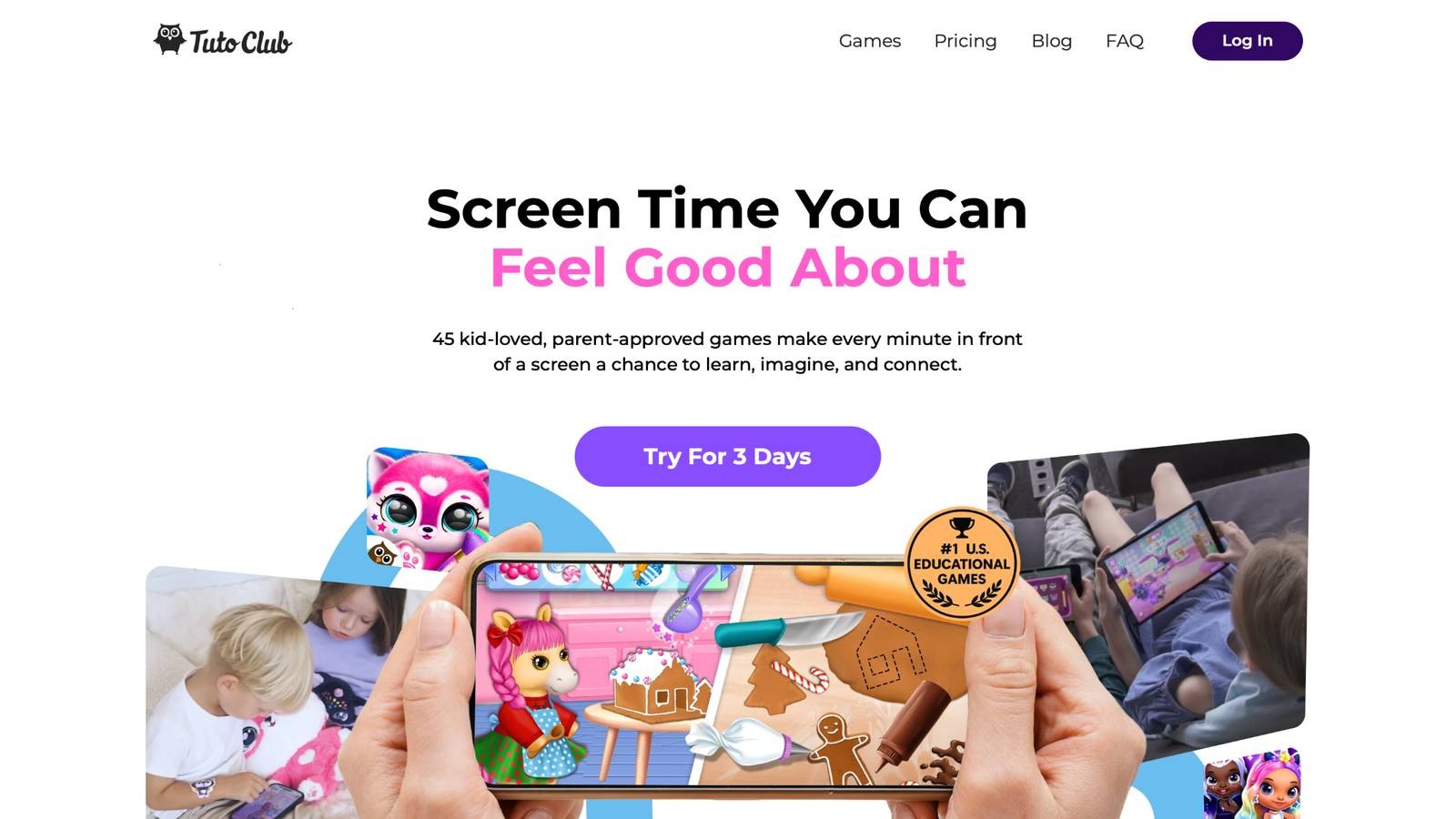
Tuto Club educational games deliver a subscription-based collection of over 45 ad-free titles designed for young learners. Based in Lithuania, this platform turns everyday screen time into purposeful play. Kids dive into vibrant worlds where they care for characters, solve creative puzzles, and explore open-ended adventures. Each game builds essential skills like empathy through role-play, confidence via task completion, and curiosity with storytelling elements.
The interface is simple, with colorful graphics that draw children in right away. Parents love the family-friendly setup, which encourages shared moments and healthy habits. Regular updates bring fresh content, keeping engagement high. Offline play after download means fun anywhere, while multi-device access fits busy homes. Expert-crafted activities focus on emotional awareness and problem-solving, making learning seamless and joyful. Tuto Club stands out for its balance of entertainment and growth, helping kids develop responsibility in a safe space.
- Standout features include unlocked in-app purchases and exclusive extras for subscribers.
- Games promote creativity with art-inspired mini-games and building tools.
- Facts and information: Many parents report improved focus in children after regular use, with games supporting emotional growth like compassion through character interactions.
TutoClub Overview
TutoClub is your gateway to a magical world of educational games designed especially for children.
As part of TutoTOONS, a leading kids' games studio, we offer premium access to over 45 ad-free games.
Our mission is to blend learning and play, helping kids explore, create, and grow in a safe online space.
Thousands of parents trust us for family-friendly content that sparks imagination and builds essential skills.
Key Features
- Unlimited Access: Unlock full content in all games with no interruptions.
- Ad-Free Experience: Enjoy seamless play without any ads or distractions.
- Skill Development: Games foster creativity, social skills, communication, and more through fun activities like pet care and cleanup challenges.
- Regular Updates: Get new releases, exclusive content, and future updates automatically.
- Easy Subscription: Cancel anytime with no obligations, simple and flexible for families.
Explore Our World
TutoClub provides a rich ecosystem of educational games for kids, featuring ad-free experiences that promote creativity, focus, and emotional growth through play.
This platform turns screen time into valuable learning opportunities, with parent-approved content that builds essential skills and sparks curiosity in young minds.
- TutoClub Games: Over 45 educational games, including popular titles like Fluvsies, Smolsies, and the Sweet Baby Girl series
- Blog: Insights, tips, and stories for families on kids' learning and play
- FAQ: Comprehensive answers to frequently asked questions about subscriptions, features, and more
Get TutoClub on Your Device
TutoClub delivers premium kids educational games directly to your mobile devices, making learning accessible anytime, anywhere.
With apps available on major platforms, families can easily download and subscribe for ad-free play that turns screen time into skill-building adventures.
Perfect for parents seeking safe, engaging content on iOS, Android, or Amazon devices.
Why Choose TutoClub?
We're committed to 100% safe, enriching entertainment that kids love and parents approve.
Join the thousands who've seen their children thrive through playful learning.
Ready to start the adventure?
Subscribe to TutoClub today and unlock endless fun!
2. ABCmouse
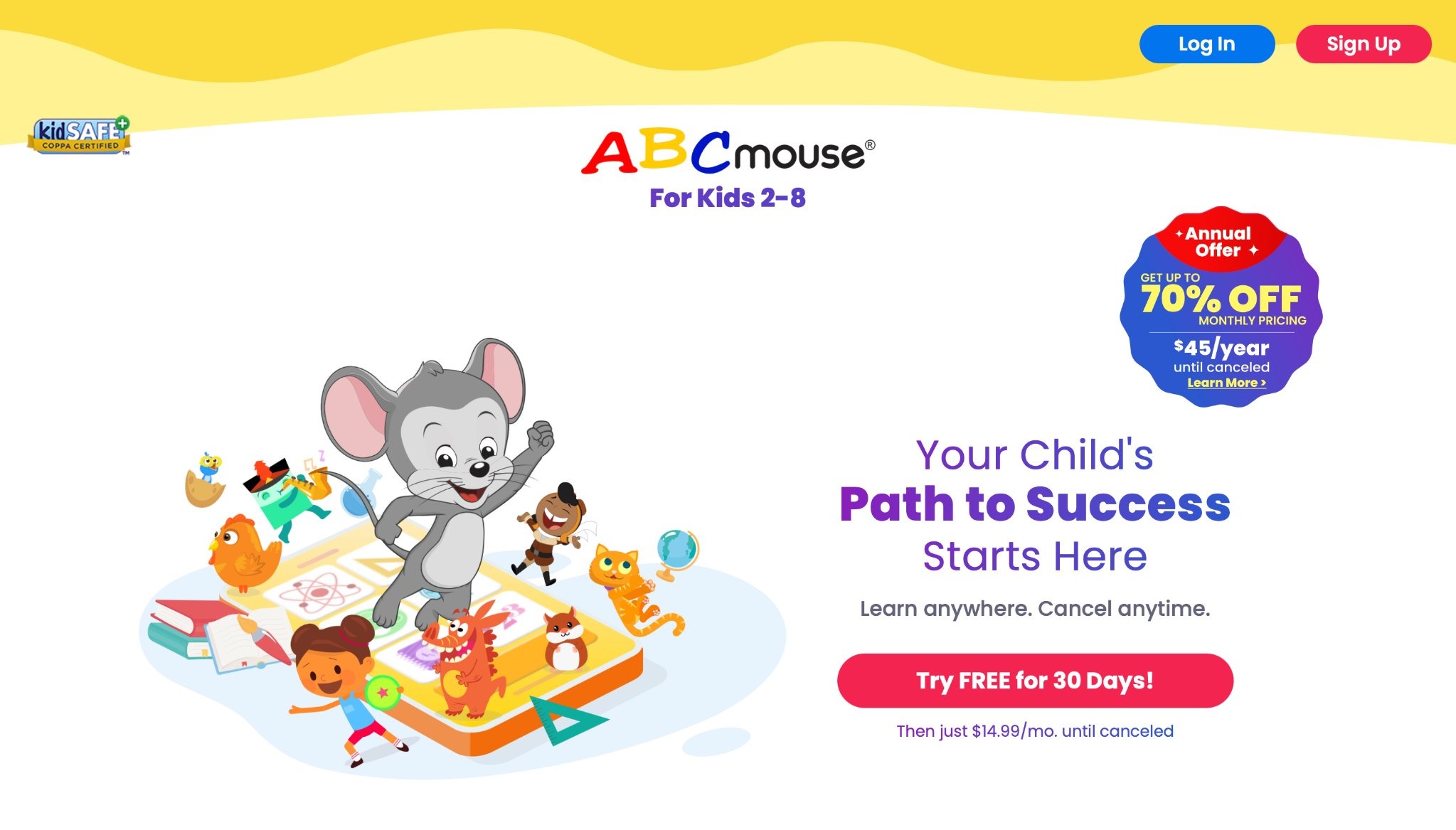
ABCmouse offers a broad curriculum for ages 2-8, covering reading, math, science, and art. Headquartered in Glendale, California, it uses a step-by-step path with interactive lessons and videos. Kids progress through levels, earning tickets for virtual rewards. The app's library includes songs, books, and puzzles that bring concepts to life. Strengths lie in its structured approach, which builds foundational skills steadily. However, the subscription model might feel limiting without full access, and some activities repeat if not advanced quickly.
Overall, it engages young users with themed worlds, like farms or zoos, fostering exploration. The content is research-backed, with custom learning paths that adapt to each child's needs. Parents often see improvements in early skills, making it a go-to for home learning. With vibrant graphics and no ads in paid mode, it keeps focus on education. The app supports multiple profiles, ideal for families. It also includes creative tools for art and music, rounding out the experience. Kids enjoy the rewards system, which motivates continued play and learning.
- Key features: Over 10,000 activities, adaptive learning paths, progress tracking for parents.
- Facts and information: Many users see gains in literacy and basic math understanding, with the app doubling early learning in reading and math for regular users.
3. Khan Academy Kids
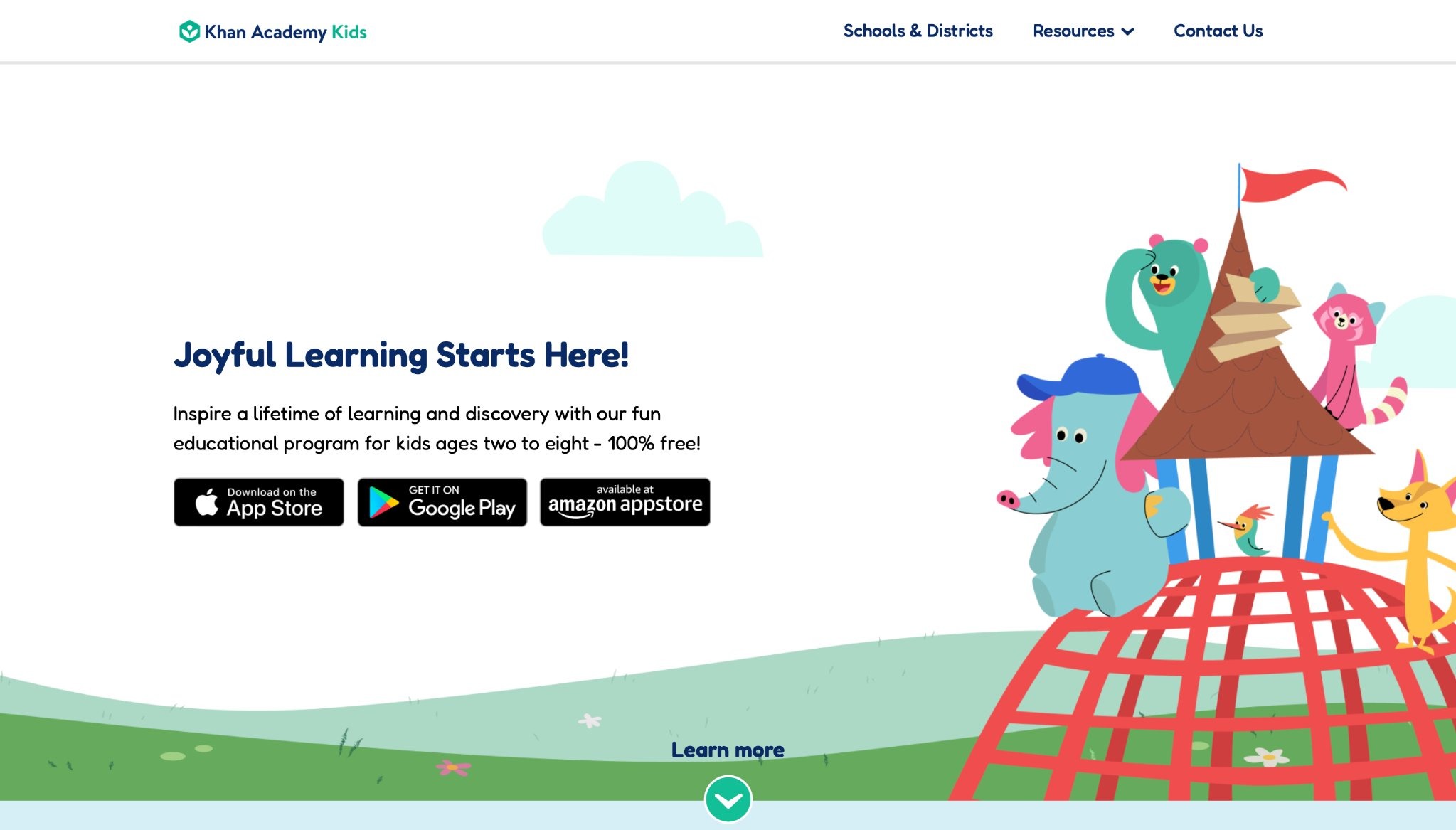
Khan Academy Kids provides free lessons for ages 2-8 in math, reading, and social-emotional learning. From Mountain View, California, it features colorful characters guiding activities. Kids enjoy stories, games, and drawing tasks that adjust to their pace. Strengths include no ads or costs, making it accessible. Weaknesses involve limited depth in advanced topics, requiring supplements for older children.
The app shines in building independence with self-paced modules. It aligns with early learning standards, offering a mix of fun and education. Parents note how it helps with focus and emotional skills. The content is expert-developed, ensuring quality. Offline options allow play anywhere. It promotes creativity through art and music integration. Many families use it daily for balanced screen time.
- Key features: Interactive books, creative tools, offline downloads.
- Facts and information: Many users see gains in problem-solving, with content covering empathy and logic through thousands of activities.
4. Duolingo ABC
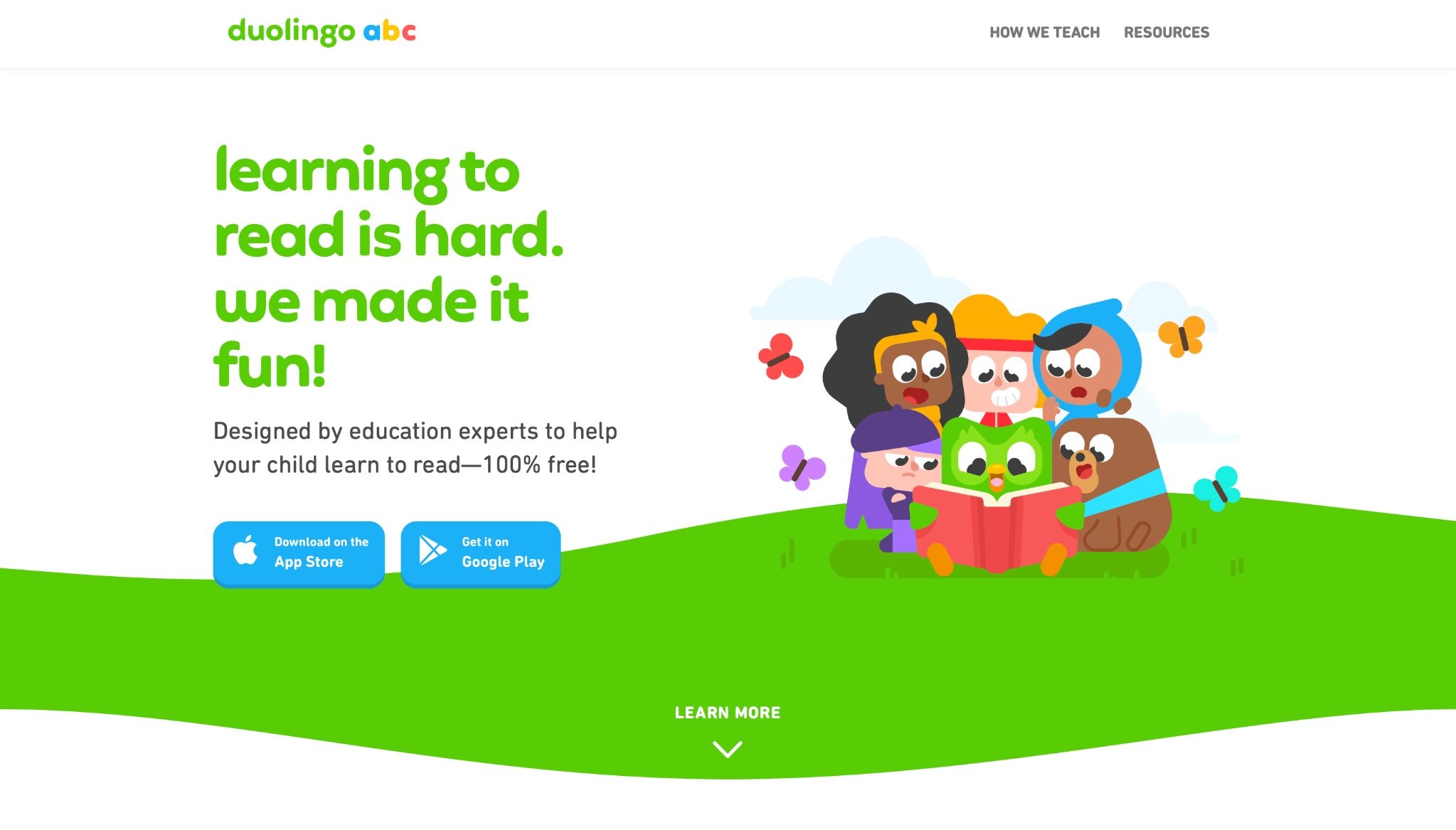
Duolingo ABC focuses on early literacy for ages 3-6, using short games to teach letters, sounds, and words. Based in Pittsburgh, Pennsylvania, it employs gamified bites with rewards. Kids trace letters, match sounds, and read simple stories. Strengths are its fun, bite-sized format that holds attention.
Drawbacks include less variety beyond basics, and some repetition. It effectively introduces reading in an engaging way. The curriculum follows expert recommendations, boosting literacy scores. Parents report better word recognition and confidence. The app is completely free, with no ads. It uses characters to make lessons lively. Many children build daily habits through streaks.
- Key features: Phonetics practice, storytelling, progress streaks.
- Facts and information: The app helps some children build word recognition through daily habits, with studies showing literacy improvements after weeks of use.
5. Prodigy Math
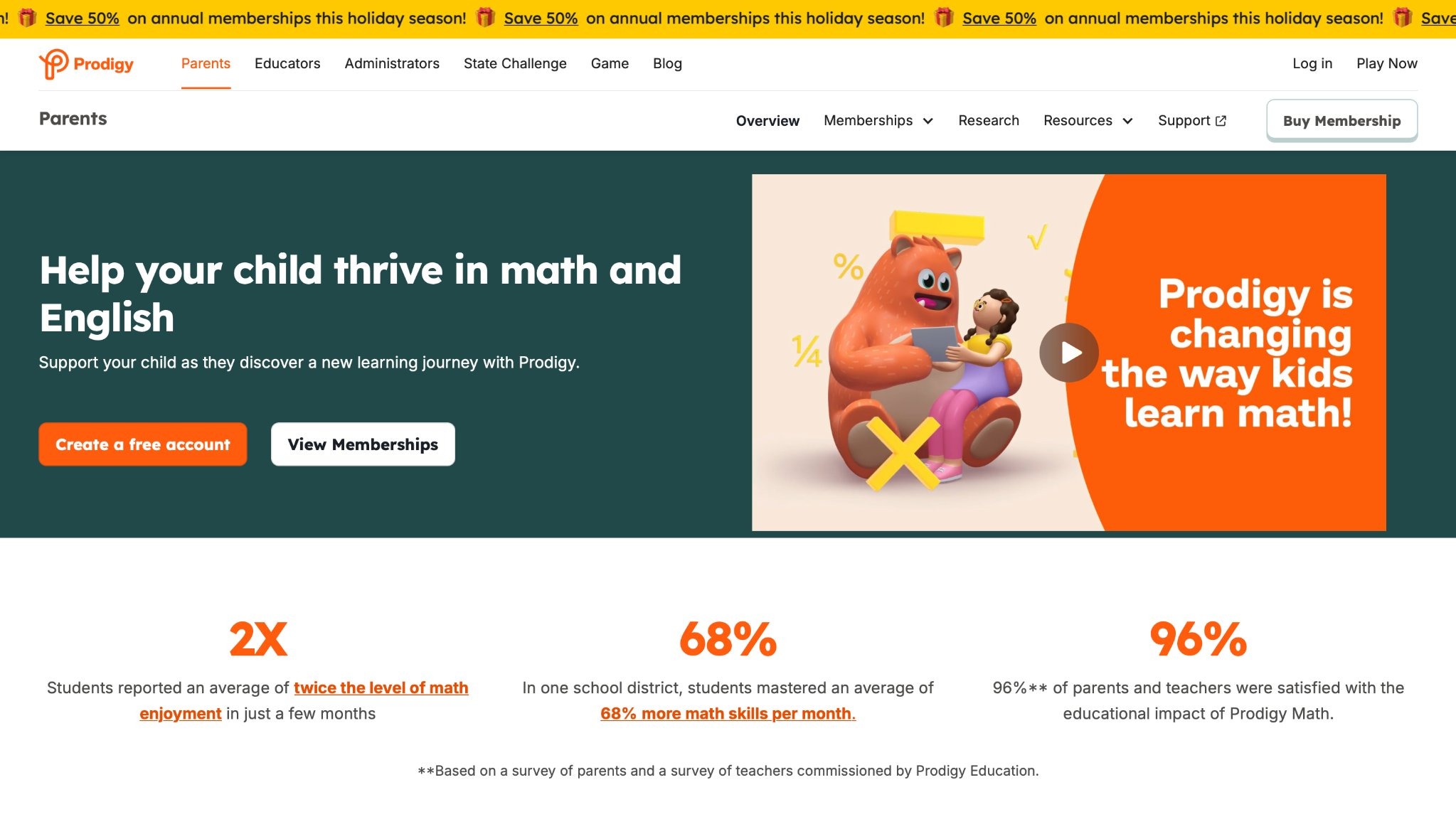
Prodigy Math turns math into a fantasy adventure for grades 1-8. From Burlington, Ontario, Canada, kids battle with spells tied to math problems. Strengths: High engagement from game elements. Weaknesses: Focuses mainly on math, with occasional pacing issues. It motivates practice through quests. The app adapts questions to skill levels. Teachers use it for classroom tracking. Parents see kids enjoying math more. It aligns with school standards. Rewards include virtual pets. Many districts report better skill mastery.
- Key features: Adaptive questions, virtual pets, teacher tools.
- Facts and information: Many kids improve calculation speed via repeated challenges, with high satisfaction among users.
6. Lingokids
Lingokids offers language and skill-building for ages 2-8 with games, songs, and videos. Headquartered in Madrid, Spain, it covers math, science, and English. Strengths: Diverse topics in playful format. Weaknesses: Some content feels scattered. It promotes multilingual fun. The app uses repetition for learning. Parents track progress easily. It builds cognitive skills through puzzles. Many families trust it for safe play.
- Key features: Interactive episodes, parental reports, themed units.
- Facts and information: The app aids some in vocabulary growth through songs, with thousands of activities available.
7. Sago Mini World

Sago Mini World provides open-ended play for ages 2-5 with mini-games and worlds. From Toronto, Canada, kids explore without goals. Strengths: Boosts creativity. Weaknesses: Lacks structure for directed learning. It encourages imagination. The app includes character customization. Parents love the calm design. It offers offline printables. Many use it for preschool fun.
- Key features: Character customization, discovery modes, no timers.
- Facts and information: Many children develop storytelling skills here, with award-winning content for young learners.
8. Endless Alphabet
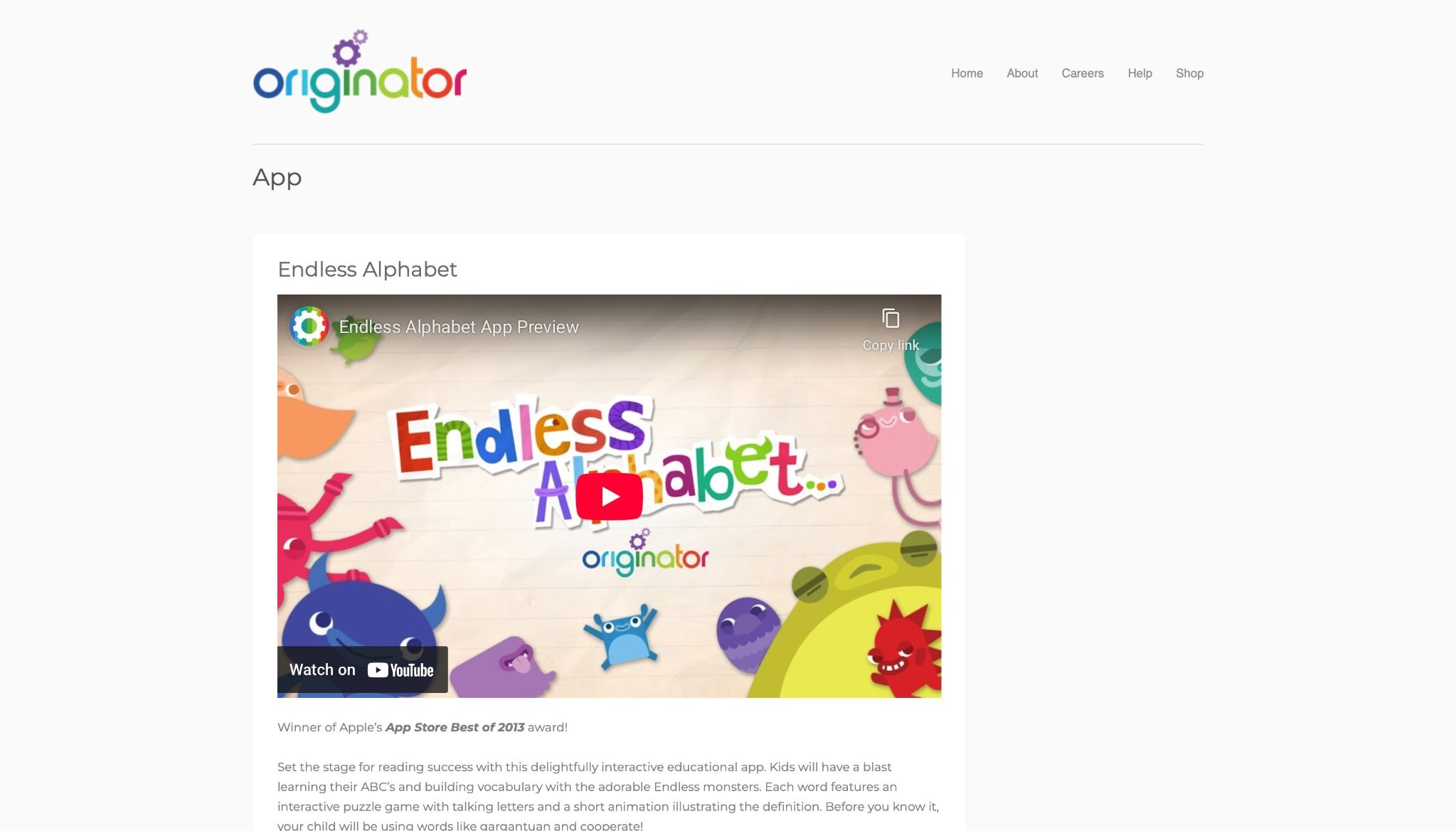
Endless Alphabet teaches words and letters for ages 2-6 with animated monsters. Based in San Francisco, California, it uses puzzles for vocabulary. Strengths: Humorous visuals. Weaknesses: Limited to alphabet basics. It makes words memorable. Kids drag letters to form terms. Definitions come alive. Parents see quick word gains.
- Key features: Drag-and-drop interactions, definitions, short animations.
- Facts and information: Some kids expand word knowledge playfully, setting the stage for reading.
9. Moose Math
Moose Math introduces early math concepts through playful activities for children aged 3 to 7. Originally developed by Duck Duck Moose in Palo Alto, California, it's now integrated with Khan Academy, offering free access to engaging games that teach counting, addition, subtraction, sorting, and geometry. Kids join animal friends in a town setting, making smoothies for number practice or painting pets by matching dots. The app aligns with Common Core standards for kindergarten and first grade, using colorful animations and rewards to keep young learners motivated.
Strengths include its intuitive interface that builds confidence and reinforces skills without pressure, making it ideal for home or classroom use. Weaknesses involve limited depth for advanced users, as it's primarily for foundational review rather than new introductions, and some activities may feel repetitive over time. Parents appreciate the progress tracking in a report card section, while offline play adds convenience. With regular updates, it remains a trusted tool for turning math into adventure, helping children develop number sense and problem-solving early on. The app's research-backed design ensures quality, supporting diverse learning styles through multi-level challenges.
- Key features: Five math activities like Moose Juice for addition, Pet Bingo for counting, and geometry sorting with shapes and colors.
- Facts and information: Many families note improved early math understanding, with the app boasting high ratings for engagement among preschoolers.
10. Starfall
Starfall supports early literacy and math for pre-K to grade 3 children, using songs, games, and animated stories to teach phonics, reading, and basic concepts. Headquartered in Boulder, Colorado, the app offers untimed, multisensory exploration with colorful characters guiding activities. It emphasizes phonemic awareness, sight words, and comprehension through interactive books and puzzles, progressing from letters to full sentences. Strengths lie in its accessible, child-friendly design that builds confidence without frustration, making it effective for diverse learners including ELL students.
Weaknesses include simpler graphics that may not captivate older kids and repetitive elements in some sections. The platform includes math songs and holiday themes for variety, with parental tools for tracking. In 2026, updates added grade 4-5 content like advanced math modules. Teachers integrate it into routines for its alignment with standards, fostering intrinsic motivation through play. Overall, it serves as a gentle introduction to academics, encouraging exploration in a safe, ad-free space that feels like fun rather than work.
- Key features: Animated books, phonics sequences, math games, progress badges, and multisensory tools for reading and counting.
- Facts and information: Many users report gains in literacy, with the app's sequential approach aiding vocabulary and emotional development.
11. Epic!
Epic! serves as a vast digital library for children aged 2 to 12, offering over 40,000 books, audiobooks, and videos across subjects like STEM and history. Based in Redwood City, California, it personalizes recommendations by reading level and interests, with formats including graphic novels and read-to-me options. Kids explore independently, earning badges for habits, while parents monitor via reports. Strengths encompass its extensive, high-quality collection that sparks reading love and supports comprehension with quizzes.
Weaknesses involve subscription requirements for full access and occasional variable content quality. The app aligns with ELA tools for vocabulary building and includes teacher features for classroom sharing. In 2026, enhancements focused on advancing literacy outcomes, making it a go-to for diverse needs. It promotes curiosity through themed collections, helping bridge gaps in traditional learning. Families value the safe, engaging environment that turns screen time into productive exploration.
- Key features: Searchable genres, quizzes, progress tracking, audiobooks, and customizable reading challenges.
- Facts and information: Many children build comprehension through daily use, with award-winning titles supporting skill growth.
12. PBS Kids Games
PBS Kids Games features educational activities with beloved characters from shows, targeting ages 2 to 8 in areas like literacy, science, and creativity. From Arlington, Virginia, it includes adventures from Daniel Tiger and Wild Kratts, teaching cooperation, nature facts, and problem-solving. The app is free with no ads, allowing offline play and parental resources like schedules.
Strengths highlight trusted, high-quality content tied to public broadcasting, making learning relatable and fun. Weaknesses note shorter activities that may lack depth for sustained engagement. Updates in 2026 added more STEM-focused games, enhancing accessibility. Parents trust it for balanced screen time, with games aligning to developmental goals. It fosters independence through self-paced modules, ideal for home or travel.
- Key features: Character-based games, interactive episodes, offline downloads, and progress tools.
- Facts and information: Many schools incorporate it, noting improvements in social skills and knowledge retention.
13. Reading Eggs
Reading Eggs delivers phonics-based lessons for ages 2 to 13, using games, songs, and rewards to build reading skills. It covers vocabulary, comprehension, and grammar through over 3,500 e-books and activities, with a placement test for personalized starts. Strengths include its motivational golden eggs system and evidence-based approach that accelerates progress. Weaknesses encompass heavy gamification that might overwhelm some, needing initial setup. The app tracks growth with reports, making it suitable for home or school. In 2026, it remains affordable and effective for literacy.
- Key features: Interactive lessons, e-books, progress reports, and printable certificates.
- Facts and information: Many children advance quickly, with research showing strong foundational gains.
14. Homer
Homer offers personalized lessons in reading, math, and social-emotional skills for ages 2 to 8, using a four-step method for retention. It adapts to pace with stories, games, and creative tools, focusing on phonics and empathy. Strengths feature its modern design and research-backed phonics emphasis, building confidence. Weaknesses include higher costs for full access and some setup needs. Updates in 2026 enhanced offline resources.
- Key features: Tailored paths, voice recording, progress tracking, and multi-subject integration.
- Facts and information: Many users see literacy boosts, with studies indicating score improvements.
15. Teach Your Monster to Read
Teach Your Monster to Read teaches phonics through quests for ages 3 to 6, covering sounds, blending, and fluency. From London, United Kingdom, kids customize monsters and collect books in aligned games. Strengths involve its engaging setup and curriculum ties, motivating practice. Weaknesses note limited scope to reading and accents that may vary appeal. Free on desktops with app payments, it's teacher-approved.
- Key features: Mini-games for letters, sight words, and sentences, with progress monitoring.
- Facts and information: Many gain early reading confidence, with millions of plays annually.
16. Toca Life World
Toca Life World enables open-ended storytelling for ages 6 to 12 in customizable worlds. From Stockholm, Sweden, kids design scenes across locations like cities and beaches. Strengths spark imagination and social skills through role-play. Weaknesses lack structure for directed learning. Safe and ad-free, it's COPPA compliant.
- Key features: Character creation, world-building, and multi-device support.
- Facts and information: Many develop narrative abilities, popular for creative expression.
17. Tynker
Tynker introduces coding for ages 5 to 18 with block-based to text languages like Python. It includes over 5,000 lessons in game design and robotics. Strengths engage through gamified stories, building logic. Weaknesses include app performance issues and less advanced content. Teacher tools aid classrooms.
- Key features: Interactive projects, Minecraft mods, and dashboards.
- Facts and information: Many students enhance problem-solving, with wide device compatibility.
18. BrainPOP
BrainPOP uses animations for K-8 subjects like science and math, with quizzes and activities. It builds comprehension through videos and tools. Strengths simplify complex topics engagingly. Weaknesses feature repetitive styles and need for more collaboration support. 2026 updates added scaffolds.
- Key features: Movies, vocab builders, connected texts, and quizzes.
- Facts and information: Many see assessment gains, trusted for rigorous joy.
19. ScratchJr
ScratchJr lets ages 5 to 7 create stories with blocks, teaching sequencing and logic. It includes paint editors and sounds. Strengths foster creativity simply. Weaknesses require adult guidance for depth. Free and tablet-friendly.
- Key features: Drag-and-drop coding, photo inserts, and voice recording.
- Facts and information: Many young kids grasp basics, inspiring problem-solving.
20. Pok Pok
Pok Pok offers Montessori-inspired toys for ages 2 to 7, like phonics and building, promoting calm play. From Toronto, Canada, it's low-stimulation with handcrafted elements. Strengths encourage intrinsic motivation and skills. Weaknesses may vary in direction. Award-winning for mindfulness.
- Key features: Open-ended activities, offline mode, and regular additions.
- Facts and information: Many families note cognitive growth without overstimulation.
Benefits of Game-Based Learning for Kids
Kids games help children process ideas in active ways. They often lead to better retention of concepts compared to rote methods. Play develops brain connections for lifelong skills. Kids gain from trial and error, learning to adapt quickly. This approach fits various ages, supporting growth in quiet or group settings.
Trends in Educational Apps for 2026
Apps now integrate more personalization, adjusting to user needs. AR elements bring lessons to life, like virtual explorations. Focus shifts to holistic skills, blending academics with well-being. Many developers prioritize inclusivity for diverse learners.
Trend | Description | Benefit |
| Personalization | Tailors content to pace | Improves engagement |
| AR Integration | Adds interactive layers | Enhances understanding |
| Holistic Focus | Includes emotional skills | Builds resilience |
How to Choose the Right App for Your Child
- Consider age-appropriate content first.
- Test for ease of use and fun factor.
- Read reviews from other parents.
- Ensure it aligns with school topics if needed.
- Balance free trials with paid options for value.
FAQ
What Age Is Best for Starting Educational Games Apps?
Simple touch-based educational games suit children as young as 2, building hand-eye coordination through basic interactions. Around age 4, apps with stories and puzzles help with early language and logic. Older kids, from 6 upward, benefit from complex challenges that tie into school subjects.
How Do Educational Games Help with Emotional Skills?
These games create situations where kids identify and manage emotions in characters, promoting self-awareness. Role-playing elements teach empathy by showing outcomes of choices. Over time, such activities build confidence in handling real feelings.
Are Free Apps as Good as Paid Ones?
Free apps offer solid introductions to concepts like shapes or colors, though they might include distractions. Paid versions provide deeper content and customization for individual needs. The choice depends on how much variety a family wants in daily play.
Can These Apps Replace School Learning?
Educational games reinforce classroom ideas through practice, like repeating math drills in fun ways. They work best as supplements, adding engagement to topics covered in school. Combining both ensures a rounded approach to knowledge.
How to Balance Screen Time with Educational Games?
Set daily limits based on age, pairing app sessions with physical activities for variety. Choose games that encourage breaks or real-world extensions, like drawing inspired by digital art. This keeps play healthy and tied to overall routines.
Read Also:
- Best Games For Young Kids in 2026
- Best Educational Games For Kids 4th Grade in 2026
- Best Educational Games For Kindergarten in 2026
- Best Educational Games For 10 Year Olds in 2026
- Best Educational Games For 7 Year Olds in 2026
Discover the Educational Games For Kids App In 2026 - TutoClub






-(1).png)