
Best Educational Games For Kids 4 Years Old Online






Finding the right online games for your 4-year-old can turn playtime into a chance for growth. With so many options out there, focus on games that match their age and spark joy. Discover the best educational games for kids 4 years old online in 2026, blending fun with learning to boost skills like creativity and problem-solving.
When choosing age-appropriate online activities, parents should focus on experiences that blend fun with early learning goals. Exploring the best learning games for kids can help strengthen essential skills such as counting, problem-solving, and creativity, while carefully selected kids educational games provide safe and engaging screen time tailored to preschoolers. For children who are still developing foundational abilities, educational games for toddlers offer simple gameplay, bright visuals, and gentle challenges that are ideal for 4-year-olds.
Discover the Best Educational Games For Kids 4 Years Old Online in 2026 - TutoClub
Why Educational Games Help 4-Year-Olds Grow

At age 4, kids are full of energy and ready to learn through play. Online games designed for this stage support brain growth by mixing fun with basic concepts. They encourage hand-eye coordination, simple math ideas, and letter sounds in short sessions. Many parents notice their children gain confidence as they complete tasks on their own. These games also build emotional skills, like sharing or feeling empathy for characters. To keep things balanced, pair screen time with real-world activities.
Looking for the perfect games for your 4 year old? You’ll love these engaging picks that support exactly the skills mentioned above. Families with children of different ages can also explore the best educational games for 5 year olds, best educational games for 6 year olds, best educational games for 7 year olds, and best educational games for 10 year olds.
How to Pick Safe and Fun Online Games for Preschoolers
Choose games with bright colors, easy controls, and no ads to avoid distractions. Look for ones backed by experts that focus on age-appropriate challenges. Short playtimes prevent overload, and parent controls add safety. Some games work offline after download, perfect for travel. Read reviews from other families to see what works. Always supervise to guide learning. This approach helps kids enjoy while picking up new ideas.
New and Trending Educational Games for Kids 4 in 2026
Educational games for 4 year olds are advancing quickly in 2026 with smarter features that make learning more engaging and personalized. Top new releases blend AI-powered adaptation with fun gameplay, automatically adjusting difficulty in real time to match each child’s pace and abilities.
Many of these new educational games for kids in 2026 now include augmented reality (AR) elements that turn your living room into an interactive learning space. They create immersive experiences where children can explore, build, and discover through a perfect mix of digital and physical play.
These fresh titles also place stronger focus on sustainability themes and emotional intelligence, helping preschoolers develop empathy while naturally learning colors, shapes, numbers, letters, and storytelling. Regular content updates ensure the games stay fresh and relevant throughout the year.
How Educational Games Boost Brain Development for 4 Year Olds
Four year olds grow quickly and love discovering new things through play. Games with colors, shapes, patterns, and simple stories help their brains build strong connections. Kids practice matching, sorting, and following steps, which improves memory retention for children over time. Many activities let children make creative choices, such as designing scenes or choosing paths in stories, giving them a sense of achievement when they succeed.
These experiences also support early language skills as kids hear words, repeat sounds, and describe what they see on screen. Parents notice their children gain confidence by completing tasks independently. Gentle challenges teach patience, while rewarding moments keep them interested. Bright visuals and easy controls match their energy levels perfectly for 4 year olds. Short sessions help develop attention without causing tiredness.
Fine Motor Practice in Touch-Based Games
Four-year-olds strengthen small-muscle control when they drag, tap, and match items on a screen. Games that ask children to sort shapes, place pieces in simple puzzles, or arrange items in a virtual room give repeated chances to refine finger movements. These actions support later skills such as holding a crayon or using scissors. Calm pacing lets kids try again without pressure, turning each session into quiet practice that feels like play. Many titles inside the TutoClub games collection feature pet-care or cleanup routines where precise touches matter, and similar experiences appear among the best learning games for kids and tablet games for kids.
Early Number Sense and Pattern Recognition
Preschoolers begin noticing patterns and quantities long before formal math. Games that show groups of objects, simple matching sets, or repeating color sequences help children form early number ideas. Short sorting tasks or counting along with a character introduce one-to-one matching in a natural way. Bright visuals and clear feedback keep the experience light and rewarding. Activities centered on collecting items or arranging rooms often weave these concepts into everyday themes, much like those found in the best online educational games and best memory games.
Supporting Emotional and Social Skills Through Play
At this stage, children start understanding feelings better when social emotional games show characters experiencing joy, frustration, or kindness. Caring for virtual pets or helping friends in simple scenarios builds empathy in a safe way. Kids learn about sharing and taking turns through interactive stories that feel natural and fun.
Family members often see more thoughtful behavior at home after regular play sessions. These emotional regulation games create opportunities for parents to talk about emotions together. Short, calm activities fit easily into daily life and help children manage their own feelings. Open-ended play encourages imagination and social awareness without pressure. Repeating favorite parts builds familiarity and comfort with new ideas.
Choosing Games That Match Your Child’s Interests and Needs
Every child has unique favorites like animals, vehicles, music, or buildings. Look for dress up games with colorful graphics, simple touches, and adjustable difficulty that grow with them. Some safe games offer open exploration where kids move freely, while others guide through short adventures that spark curiosity.
Themes tied to nature, seasons, or everyday routines feel relatable and keep engagement high. Frequent updates bring new levels or characters so play stays fresh throughout the year. Consider options that work well on tablets or computers for flexible use at home. Variety in activities prevents boredom and covers different skill areas.
Independent Exploration and Choice-Making
At this age, children enjoy deciding what happens next. Open activities that let them choose outfits, rearrange furniture, or pick a path in a short story support decision-making. Freedom to try different combinations builds confidence and personal preference. The absence of timers or strict rules allows kids to linger on favorite parts and return to them later. A single TutoClub subscription unlocks many such open-ended experiences, while related options appear in the best games for preschoolers and the best dress-up games for girls online.
Integrating Screen Time with Everyday Family Routines
Short play periods combine nicely with outdoor activities, reading books, or hands-on crafts. Many families create balanced days that include both digital fun and real-world movement. Responsibility games featuring routine tasks like organizing or caring mirror home life and make learning feel practical.
This approach helps children transition smoothly between activities. Parents appreciate tools that support multiple devices so play fits around busy schedules. Combining different types of experiences supports overall growth in a natural rhythm. Evening wind-down sessions or morning quiet time often work well for focused play.
Speech Practice While a Child Plays
Kids this age talk more when a grown-up names what is on the screen. A short line such as “the kitten is sleepy” or “you picked the red cup” gives words to copy. Many English learning apps for kids use the same clear phrases, so a child hears them again and again.
Care stories next to educational games for kids age 3 often name wash, feed, and hug during simple routines. That loop helps a child try full sentences without a worksheet. An educational games for kids app with spoken labels also helps kids who still point more than they read. Similar talk shows up in kids games educational titles that pair pictures with short audio.
Talk that fits this age:
- Naming colors, clothes, and rooms
- Repeating a two-word phrase from a character
- Saying what a pet needs next
- Asking “who” and “what” about a scene
- Retelling one small moment after the game ends
Drawing, Decorating, and Open Art Play
Many four-year-olds want to change a room, a face, or an outfit more than they want to “win.” Open art and decorate scenes let them pick stickers, paint walls, or style hair with no timer. That kind of choice shows up in dress up games for girls online and in castle or pet-house rooms among games for preschoolers.
Paper play can sit beside screen play. Fluvsies paper doll printables give the same dress-up idea in the child’s hands. Decorating also trains planning. A child decides what goes on the bed, what hangs on the wall, then looks at the whole room. Fun games that are educational for kids that mix stickers with simple drag-and-drop keep the task light.
Music, Movement, and Listening Games
Rhythm taps, dance loops, and copy-the-beat scenes help kids listen and move at the same time. Soft songs in educational videos and games for kids help children hear patterns and copy simple moves. Quiet listening games pair well with memory games for kids when a child is tired of fast tapping. Educational but fun games for kids that use music also give easy words to copy out loud. A short song often makes a clear stop point before a snack or outdoor play.
When Siblings of Different Ages Share One Device
A four-year-old and an older brother or sister often want the same tablet. Simple care games let the younger child tap while the older one picks a harder room later. Titles listed with educational games for 5 year olds and educational games for 6 year olds often live in the same family library.
Kids educational games for a 5 year old can follow a preschool scene on the same afternoon. Social emotional games give both ages a shared story about feelings. Confidence building games help the younger child stay proud of a short turn.
Ways mixed-age play stays fair:
- One short scene each, then a stretch
- Younger child taps, older child names the items
- Saving a harder title for the older sibling
- Using the same pet world at two speeds
- Stopping while both still want another turn
Best Educational Games For Kids 4 Years Old Online in 2026
1. TutoClub - Best Educational Games for 4 Year Olds Online
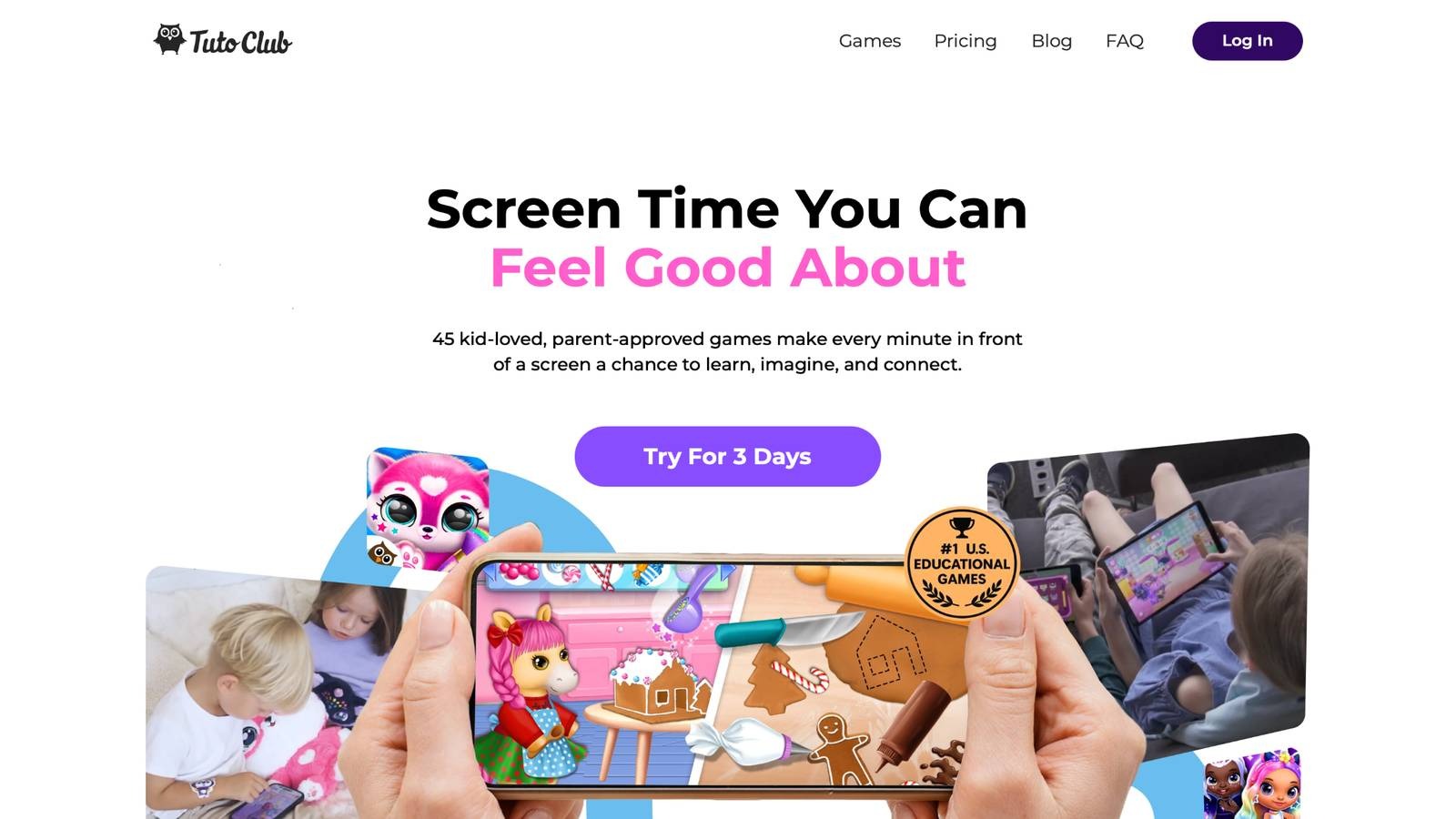
Educational games for kids from TutoClub stand out with their ad-free setup, making playtime pure and focused. This subscription unlocks a collection of games crafted by experts to blend fun with growth. Kids dive into worlds that build creativity through designing and storytelling, while boosting focus with calm challenges. Social skills shine as characters teach kindness and sharing. Emotional growth happens naturally, helping little ones understand feelings.
Problem-solving comes alive in open-ended adventures that spark curiosity. Parents love how these games turn screens into tools for building confidence and responsibility. Based in a spot that values family learning, TutoClub keeps content fresh and safe for young players. Many families report their 4-year-olds stay engaged longer with these thoughtful designs. Some games allow family play, creating shared moments that strengthen bonds. Offline options mean fun anywhere, without worries.
- Key standout features include interactive storytelling that lets kids create their own tales, fostering imagination.
- Facts and information show these games help develop empathy by caring for virtual friends, leading to better real-life interactions.
- Unique elements like routine-based challenges teach responsibility in a gentle way.
- Benefits extend to improved attention spans through rewarding, non-rushed tasks.
TutoClub Overview
TutoClub is your gateway to a magical world of educational games designed especially for children.
As part of TutoTOONS, a leading kids' games studio, we offer premium access to over 45 ad-free games.
Our mission is to blend learning and play, helping kids explore, create, and grow in a safe online space.
Thousands of parents trust us for family-friendly content that sparks imagination and builds essential skills.
Key Features
- Unlimited Access: Unlock full content in all games with no interruptions.
- Ad-Free Experience: Enjoy seamless play without any ads or distractions.
- Skill Development: Games foster creativity, social skills, communication, and more through fun activities like pet care and cleanup challenges.
- Regular Updates: Get new releases, exclusive content, and future updates automatically.
- Easy Subscription: Cancel anytime with no obligations, simple and flexible for families.
Explore Our World
TutoClub provides a rich ecosystem of educational games for kids, featuring ad-free experiences that promote creativity, focus, and emotional growth through play.
This platform turns screen time into valuable learning opportunities, with parent-approved content that builds essential skills and sparks curiosity in young minds.
- TutoClub Games: Over 45 educational games, including popular titles like Fluvsies, Smolsies, and the Sweet Baby Girl series
- Blog: Insights, tips, and stories for families on kids' learning and play
- FAQ: Comprehensive answers to frequently asked questions about subscriptions, features, and more
Get TutoClub on Your Device
TutoClub delivers premium kids educational games directly to your mobile devices, making learning accessible anytime, anywhere.
With apps available on major platforms, families can easily download and subscribe for ad-free play that turns screen time into skill-building adventures.
Perfect for parents seeking safe, engaging content on iOS, Android, or Amazon devices.
Why Choose TutoClub?
We're committed to 100% safe, enriching entertainment that kids love and parents approve.
Join the thousands who've seen their children thrive through playful learning.
Ready to start the adventure?
Subscribe to TutoClub today and unlock endless fun!
2. Fluvsies Academy
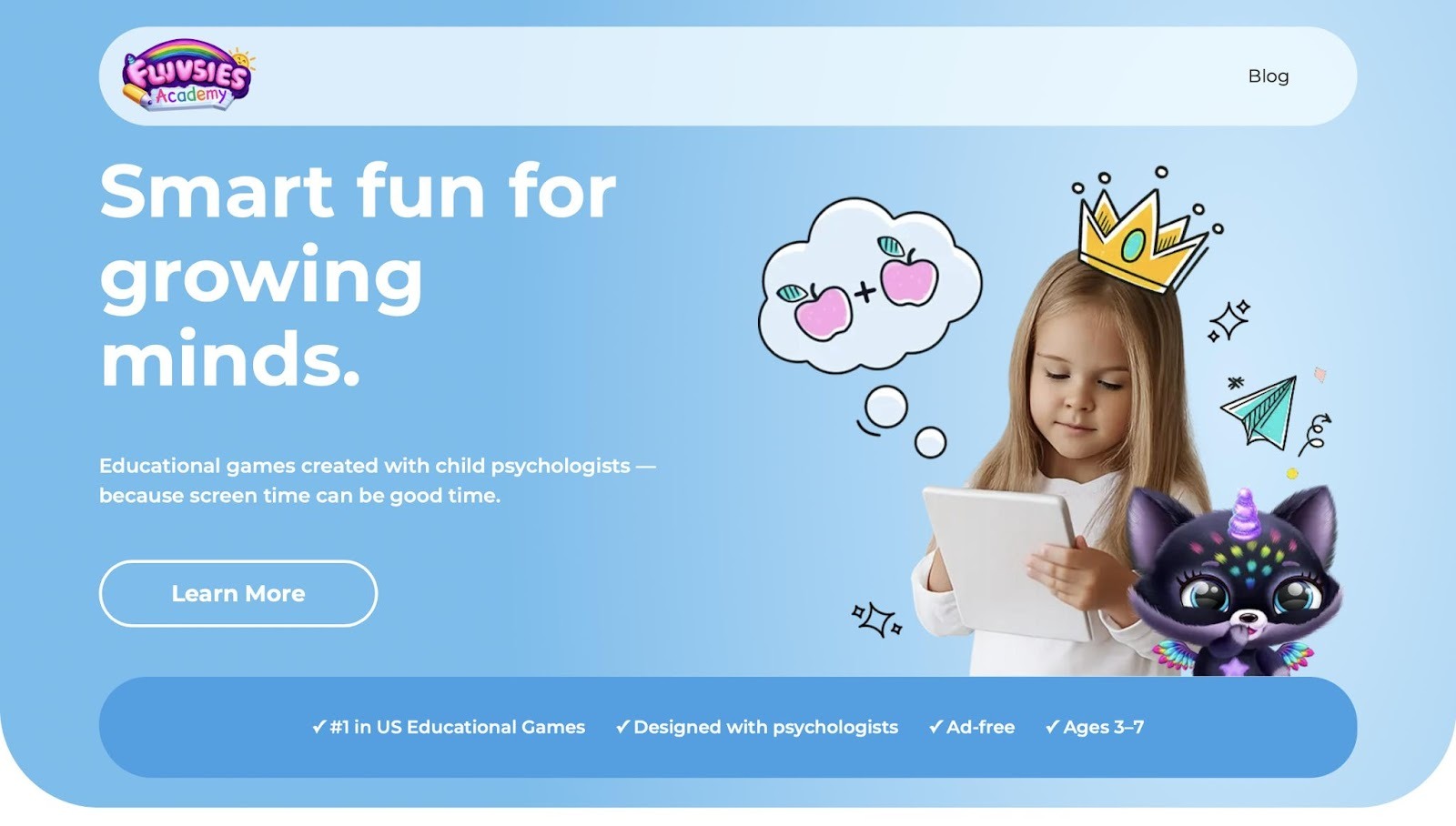
Fluvsies Academy offers a relaxing educational app built around the beloved Fluvsies characters that many young children already know and love from other gentle games. Children engage in thoughtful minigames that feel playful rather than forced as they care for cute pets, complete simple tasks, and explore colorful worlds filled with surprises. The design creates a gentle atmosphere where learning happens naturally through caring routines and light challenges that build confidence without pressure.
Kids hatch eggs, nurture creatures, and solve easy puzzles that spark curiosity while encouraging kindness and responsibility in everyday play. Parents notice how the app keeps little ones happily occupied for meaningful stretches of time while quietly supporting early skills in a way that feels like pure fun. The calm visuals and soothing sounds help maintain focus even on busy days, making it a favorite choice for families seeking screen time that nurtures rather than distracts. While some activities repeat familiar patterns, this consistency actually helps children master concepts at their own pace and return with excitement each time.
Key features include:
- Ad-free environment that keeps focus sharp and uninterrupted
- Minigames covering language, logic, math basics, and life skills
- Cute characters and relaxing vibe that appeal strongly to young learners
- Simple controls designed for independent play from an early age
Facts and information:
- Psychologist-informed design supports gentle skill-building in a safe, colorful world
- Combines pet care with educational moments that feel natural and rewarding
3. ABCya!
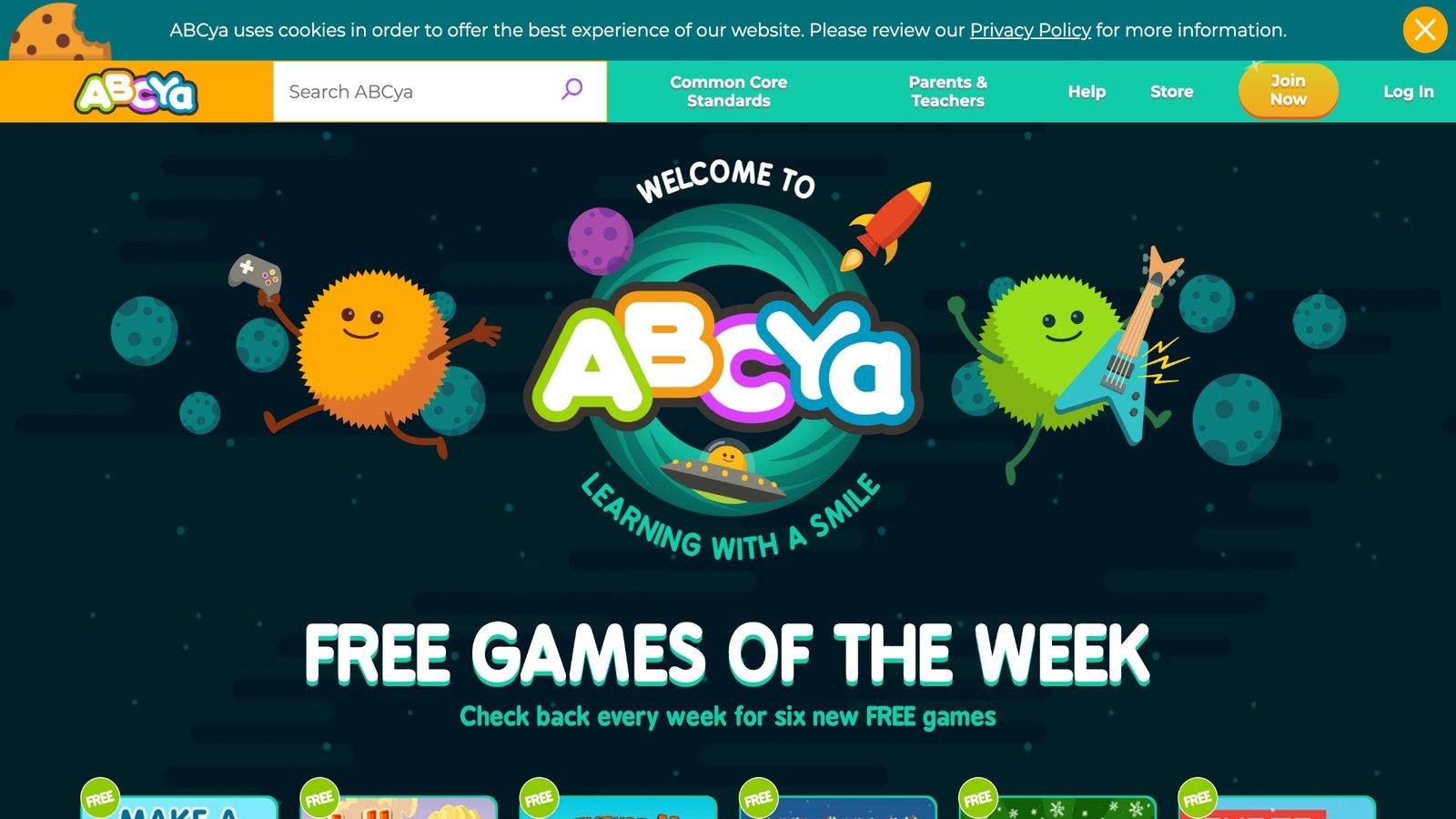
ABCya! brings a collection of browser-based games that cover essential preschool topics like alphabet, shapes, and simple patterns, all wrapped in fun themes that capture young attention. Its strength lies in the quick, bite-sized activities that fit into short play sessions, making it ideal for busy days. The platform aligns with educational standards, providing a safe space without overwhelming choices. On the downside, slower loading times on certain devices can interrupt the flow, and the free version includes ads that might distract sensitive kids.
Based in San Mateo, California, IXL Learning specializes in interactive content for early education. Parents appreciate how games evolve with holidays and seasons, adding variety to routine play. The easy-to-use menu lets children select games independently, building confidence. Visuals are bright and engaging, with sound effects that reinforce learning without being too noisy. This setup helps 4-year-olds practice fine motor skills through clicking and dragging, while subtly introducing concepts like sequencing and categorization.
- Key features: Holiday-themed puzzles and mazes, phonics and counting exercises, progress tracking for parents.
- Facts and information: Many educators suggest it as a supplement to classroom activities for reinforced learning at home.
4. Starfall
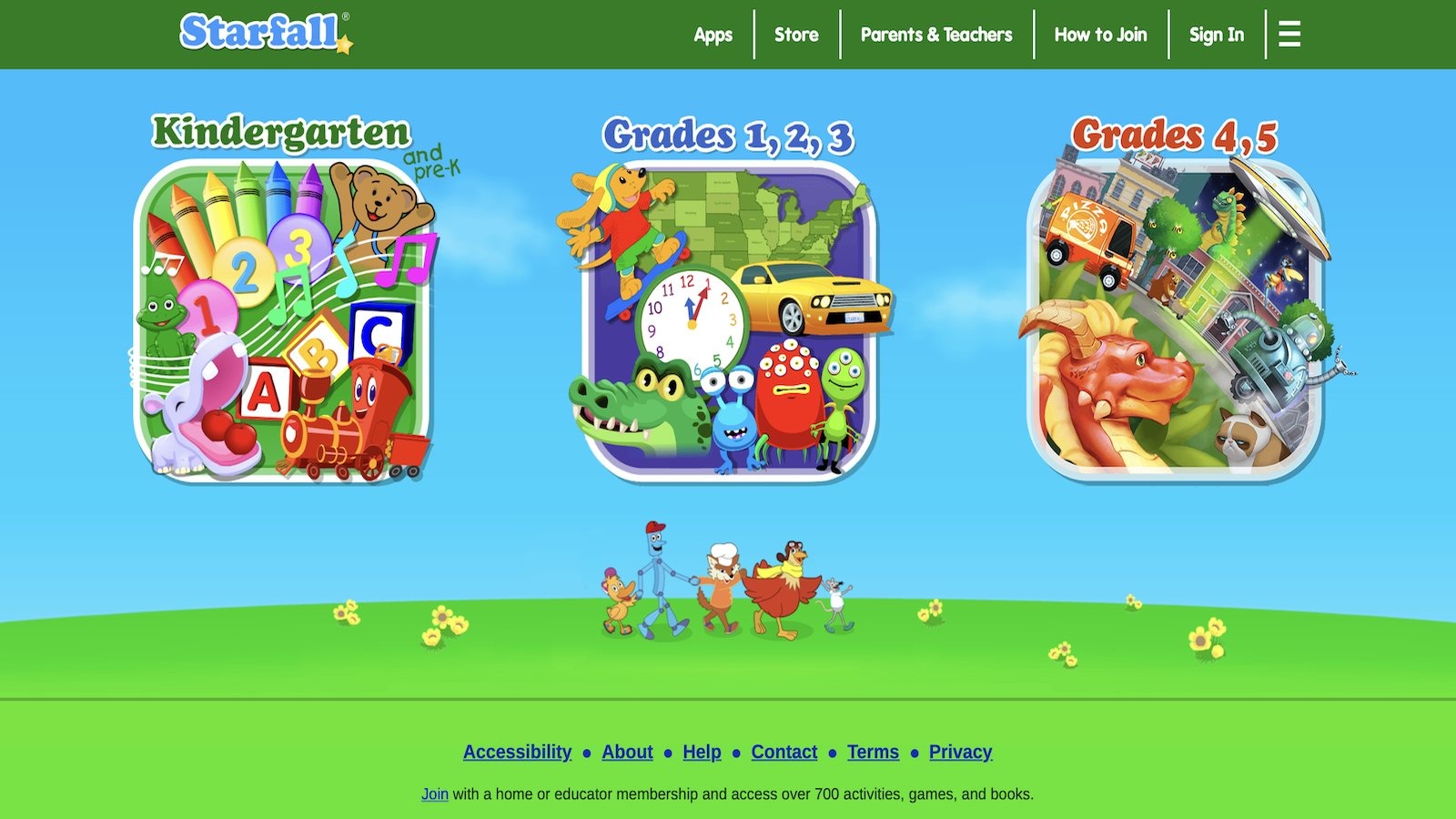
Starfall focuses on literacy and math fundamentals with animated stories, songs, and games that immerse preschoolers in a world of learning. Its gentle approach uses audio cues to support emerging readers, making it accessible for non-readers. Strengths include the untimed activities that reduce pressure, allowing kids to explore at their own pace and repeat as needed. A potential weakness is the somewhat limited variety in advanced topics for faster learners, keeping it best for basics.
Located in Boulder, Colorado, the foundation prioritizes early childhood education with ad-free experiences. Families enjoy the printable resources that extend play offline, like worksheets for hands-on practice. The site's design features soft colors and friendly characters that encourage emotional comfort during learning. It effectively builds phonics skills through rhyming games and introduces numbers via counting adventures, helping children associate sounds with letters naturally.
- Key features: Interactive books with narration, math songs for memorization, seasonal content updates.
- Facts and information: Some teachers use it in group settings to spark discussions on story elements.
5. PBS Kids Games
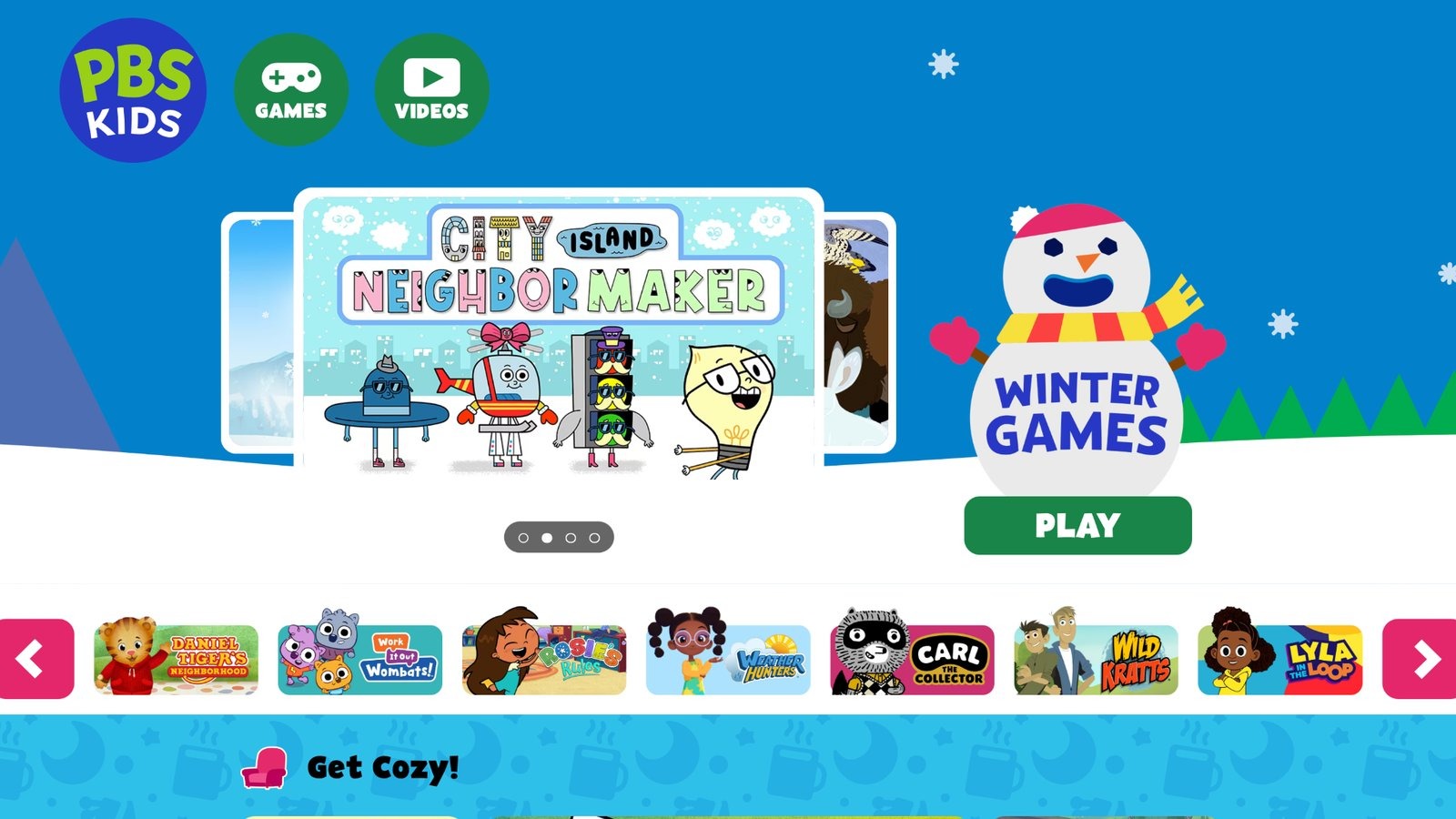
PBS Kids Games leverages beloved TV characters from shows like Sesame Street and Arthur to teach social-emotional skills, science, and basics in an interactive format. It excels in promoting values like friendship and curiosity through scenario-based play. Strengths are in the diverse range of games that tie into episodes, reinforcing lessons from screen to activity. However, some games demand quicker responses that might challenge younger coordination levels.
Headquartered in Arlington, Virginia, PBS commits to public broadcasting for educational growth. Parents value the free access and how it encourages family co-play, turning solo time into shared experiences. The platform's clean design avoids clutter, focusing on one task at a time to build attention. It helps 4-year-olds understand emotions by role-playing with characters, while simple experiments introduce cause and effect in science.
- Key features: Character-driven adventures in problem-solving, art creation stations, video clips for context.
- Facts and information: Many households combine it with TV viewing for deeper comprehension of themes.
6. Funbrain
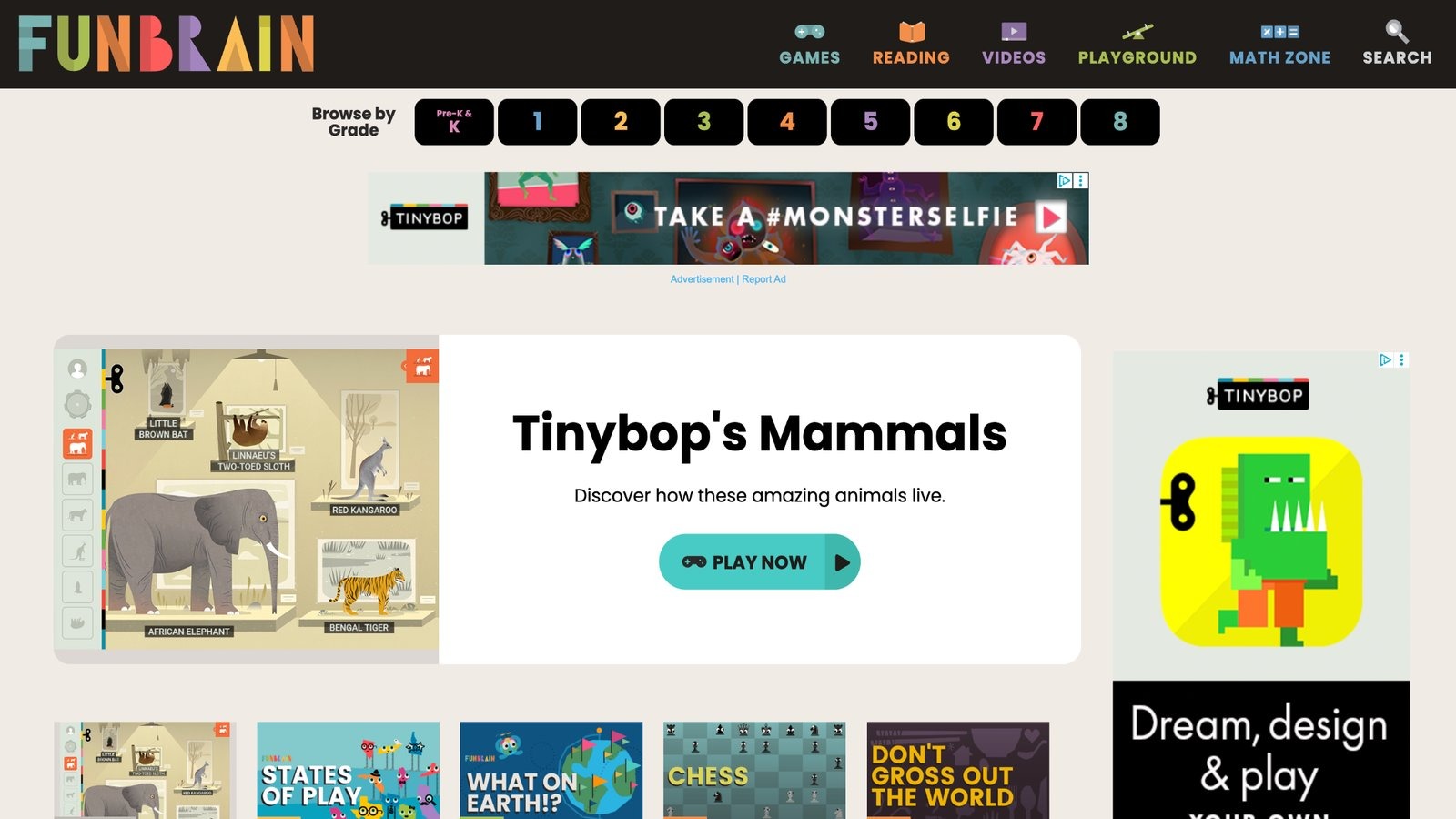
Funbrain combines games, comics, and videos into a hub for math and reading practice, with levels suited for preschool entry. It shines in its arcade-style format that disguises drills as exciting challenges, keeping engagement high. Strengths include the mix of media that caters to different interests, from action-packed math to story-driven reading.
Navigation might overwhelm very young users initially, posing a minor hurdle. Based in Boston, Massachusetts, it targets school-age kids but offers gentle intros for preschoolers. Families note the motivational badges that encourage repeated attempts, fostering perseverance. The content refreshes regularly, introducing new books and games to prevent staleness. It aids in developing comprehension through quizzes embedded in fun narratives.
- Key features: Math challenges with timers optional, comic strips for literacy, video explanations.
- Facts and information: Some parents use it for weekend enrichment to maintain school momentum.
7. SplashLearn
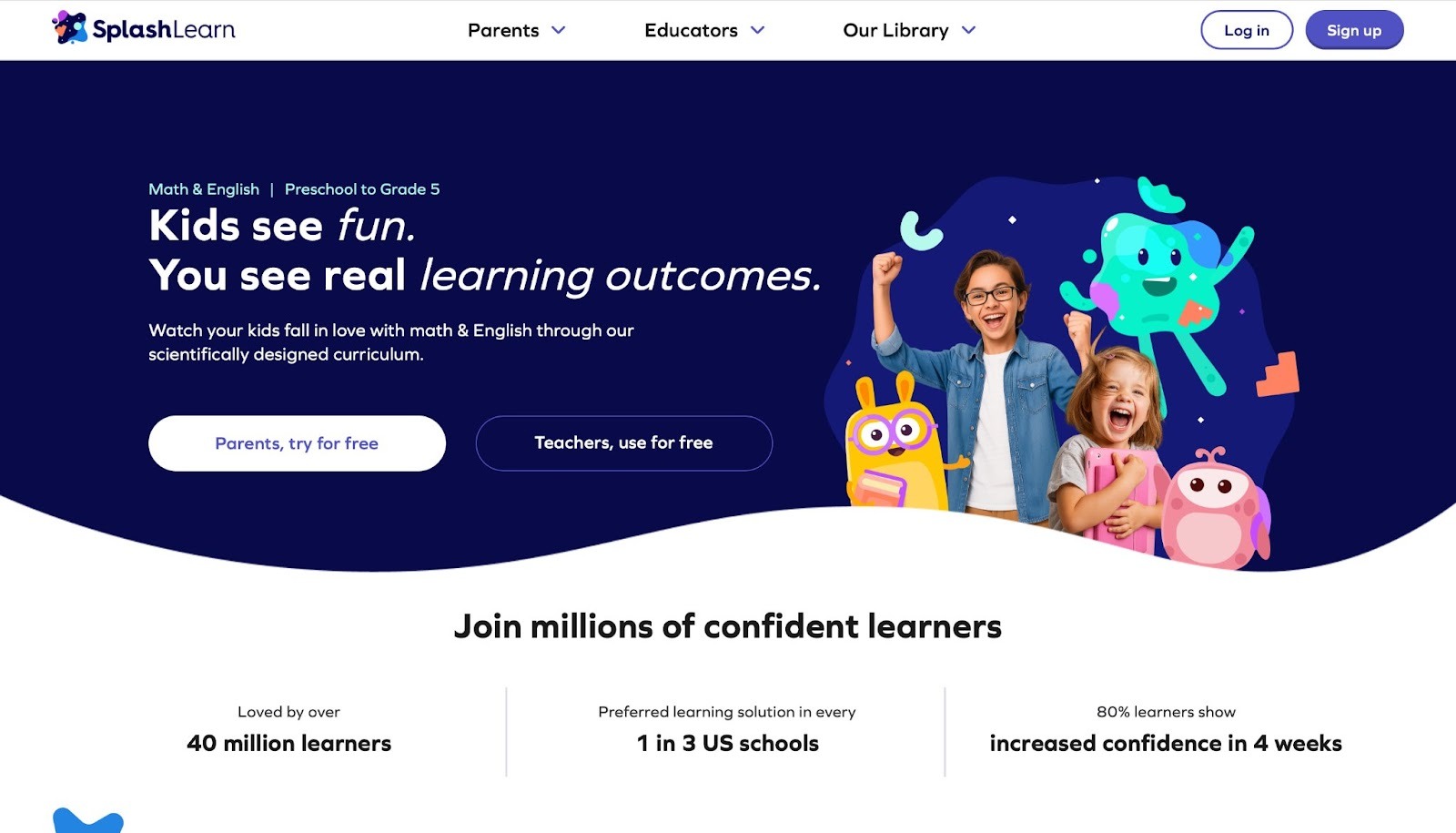
SplashLearn specializes in math and ELA with gamified lessons that feature water-themed animations and rewards. It effectively builds number sense and word skills through progressive levels. Strengths are in parent dashboards for monitoring growth, providing insights into areas needing support. It may emphasize streaks, which could add slight pressure for relaxed play.
Headquartered in Gurugram, India, StudyPad serves international audiences with localized content. Kids are drawn to the splashy effects and animal companions that celebrate successes. The app adapts difficulties automatically, ensuring steady advancement without boredom.
- Key features: Math missions with visuals, reading passages with questions, badge collection system.
- Facts and information: Many families appreciate its alignment with school curricula for seamless integration.
8. Khan Academy Kids
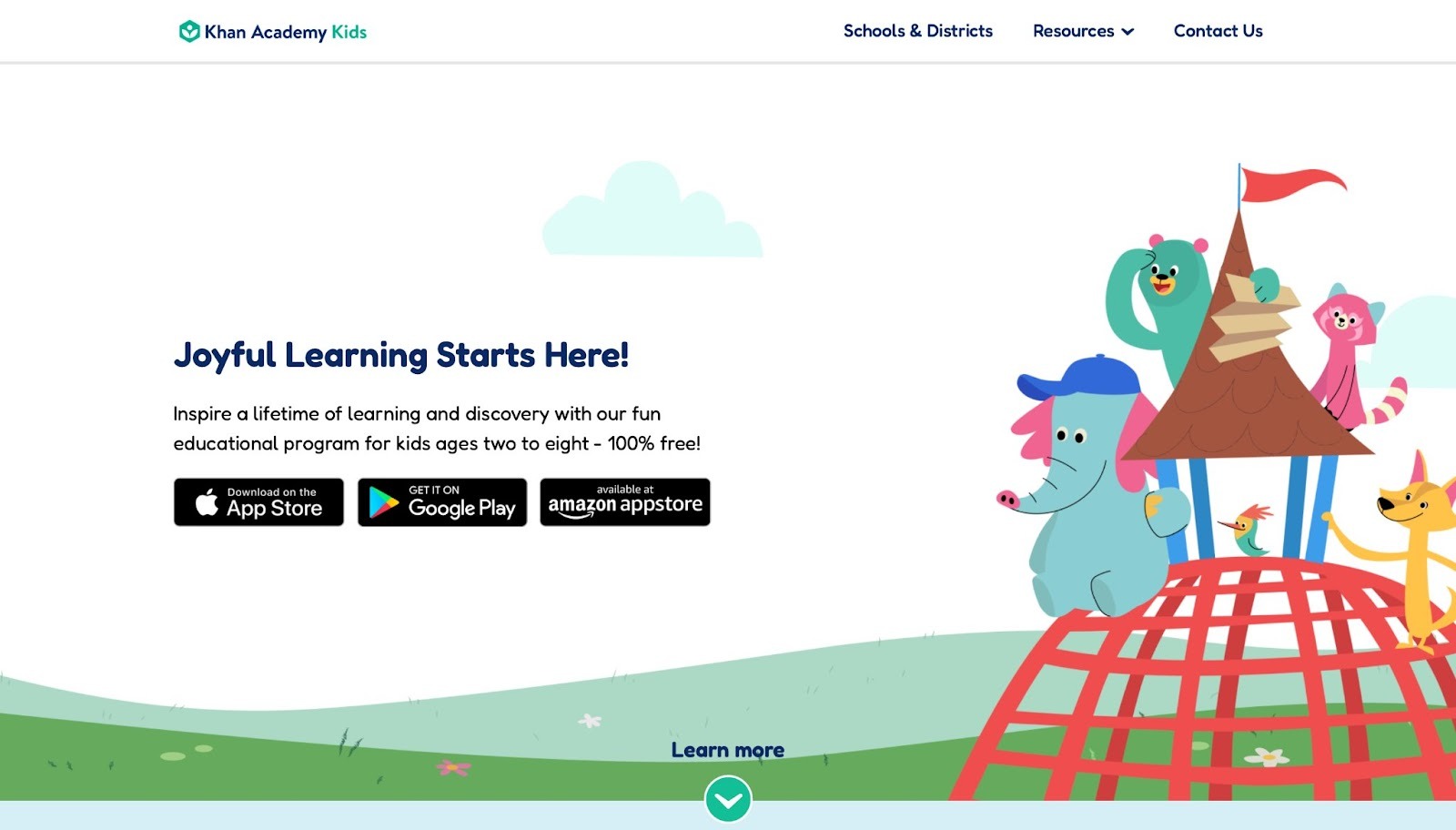
Khan Academy Kids delivers a comprehensive free app packed with activities tailored for young learners, emphasizing reading, math, and creative skills through vibrant characters that guide the experience. It stands out for its adaptive learning path that adjusts to a child's progress, ensuring challenges remain just right without overwhelming them. Strengths include a vast library of books, videos, and games that make concepts stick in an enjoyable way, fostering independence as kids navigate on their own.
However, it occasionally requires a stable internet connection for full features, which might limit use in some settings, and the content can feel a bit structured for free-spirited play. Headquartered in Mountain View, California, Khan Academy is a nonprofit dedicated to free education worldwide. Families find the app's offline capabilities handy for on-the-go learning, with seasonal updates keeping things fresh. The interface uses big, colorful buttons perfect for small fingers, reducing frustration. Overall, it balances education with entertainment, helping 4-year-olds build foundational skills like letter recognition and basic counting through songs and stories that encourage repetition and mastery.
- Key features: Personalized learning tracks in phonics and numbers, interactive ebooks with read-along options, drawing and creativity tools for expression.
- Facts and information: Some parents integrate it into daily routines for consistent skill building, noting improvements in focus over time.
9. Lightbot Jr
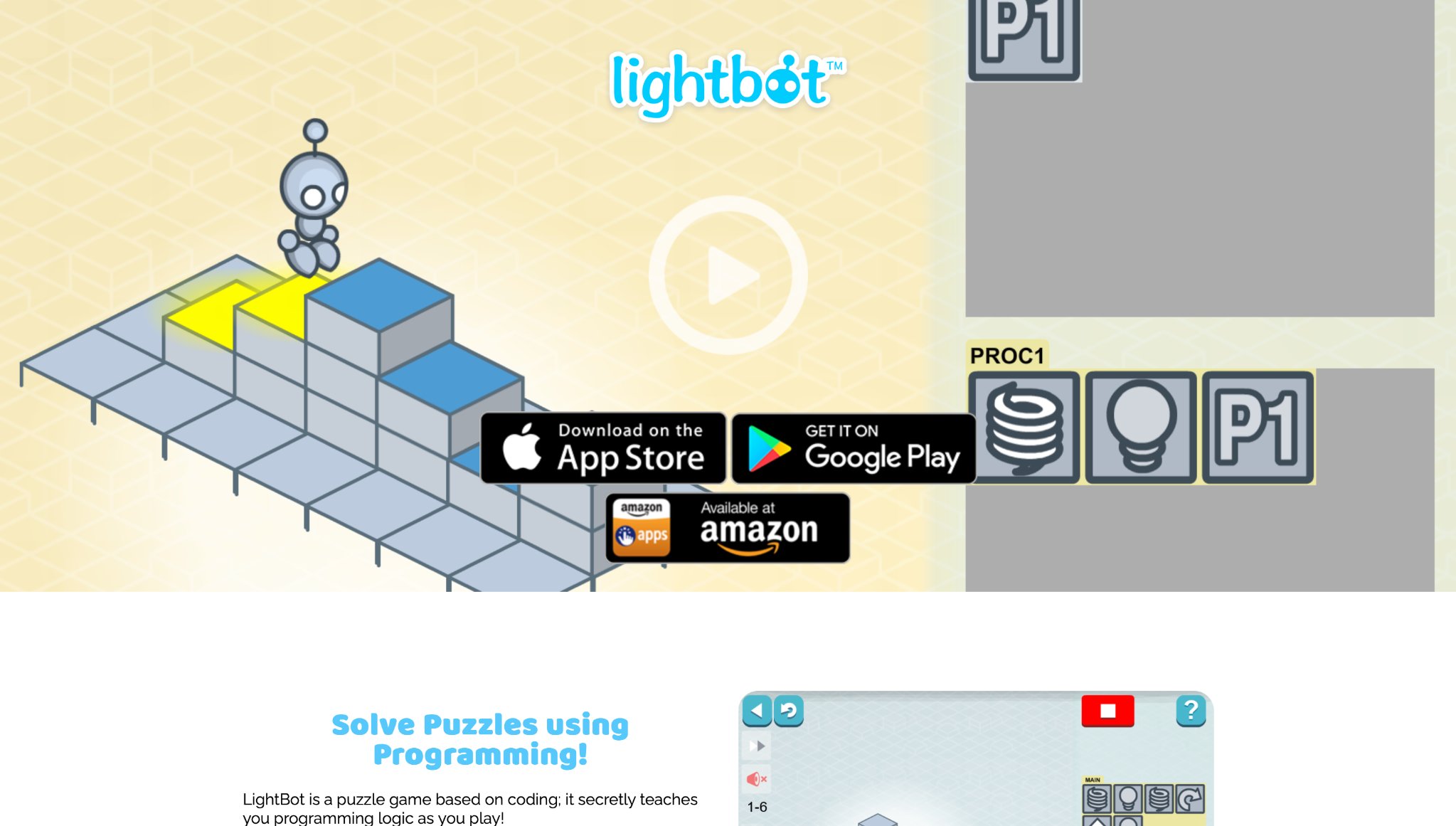
Lightbot Jr introduces young children to foundational coding concepts through simple puzzle-based challenges where kids guide a friendly robot using visual command blocks to light up tiles and solve mazes. The app builds essential skills like sequencing, loops, and logical thinking with colorful, word-free interfaces that make programming accessible even for non-readers. Its step-by-step progression provides satisfying visual feedback as the robot executes commands, helping seven year olds develop planning abilities, problem-solving confidence, and persistence through trial and error.
Based in Canada, Lightbot Jr serves as an excellent early introduction to STEM concepts, turning abstract ideas into engaging, hands-on activities. Families often notice improved focus and structured thinking after regular play sessions. The gentle difficulty curve and hint system keep frustration low while encouraging independent exploration and a sense of accomplishment when puzzles are solved.
- Key features: Command block interfaces, loop introductions, multiple levels.
- Facts and information: Many view it as a foundation for future tech interests.
10. Bimi Boo
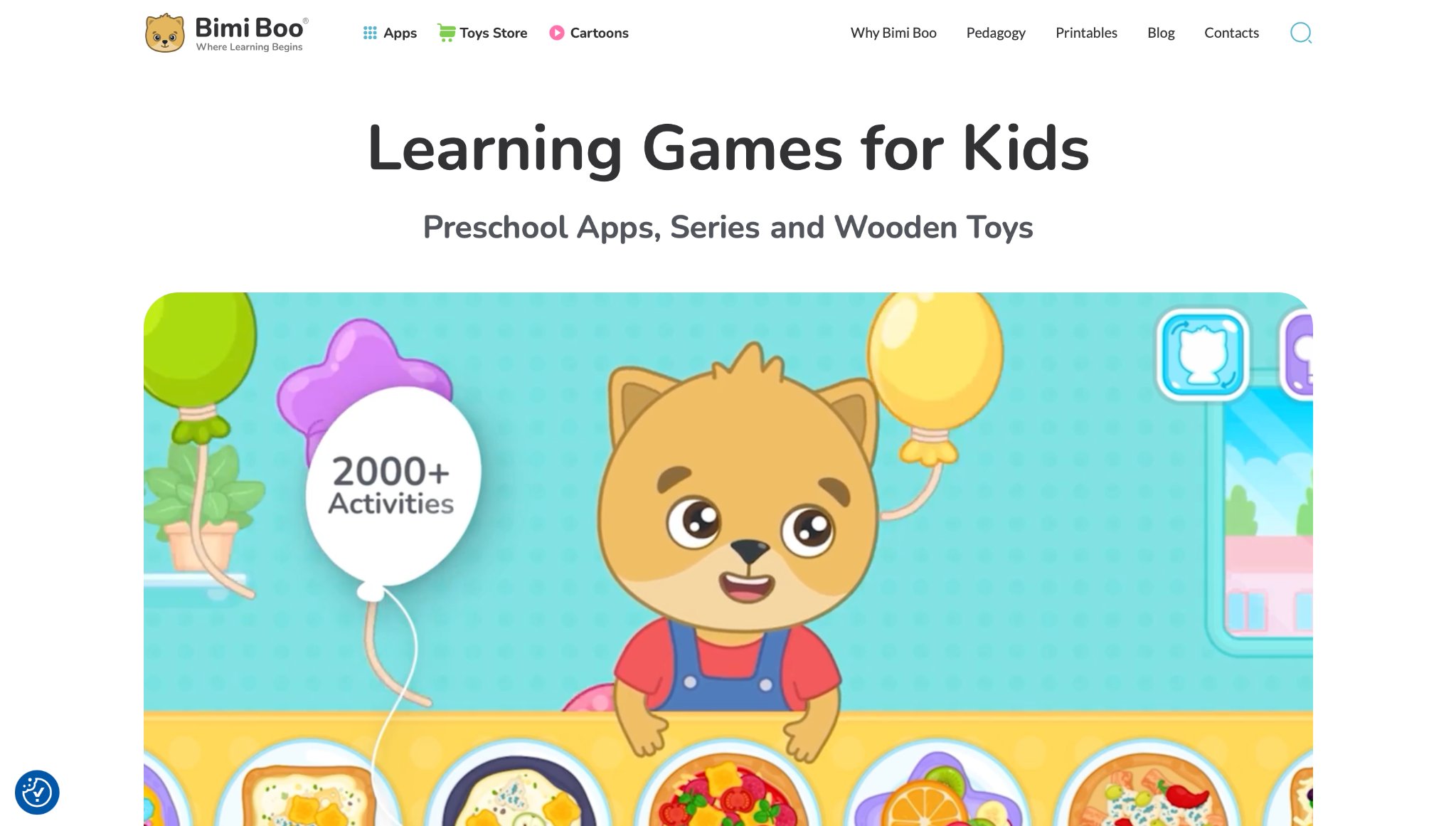
Bimi Boo offers a collection of gentle educational apps filled with matching, sorting, color recognition, shape puzzles, and animal-themed activities perfect for preschool and early elementary development. The simple mechanics and vibrant visuals make learning feel intuitive and fun, with strong offline accessibility that works well during travel or screen-free zones. Children enjoy interactive sound effects, animated characters, and rewarding feedback that builds basic cognitive skills like categorization, memory, and fine motor coordination.
Headquartered in Cyprus, Bimi Boo emphasizes calm, pressure-free play that supports early brain development while doubling as relaxing entertainment. Seven year olds benefit from the age-appropriate challenges that reinforce foundational concepts without overwhelming them. Many parents use the apps as quiet-time tools that promote focus and creativity through playful repetition and discovery.
- Key features: Shape recognition tasks, puzzle assemblies.
- Facts and information: Some apps serve as calm-down tools.
11. Sesame Street Games
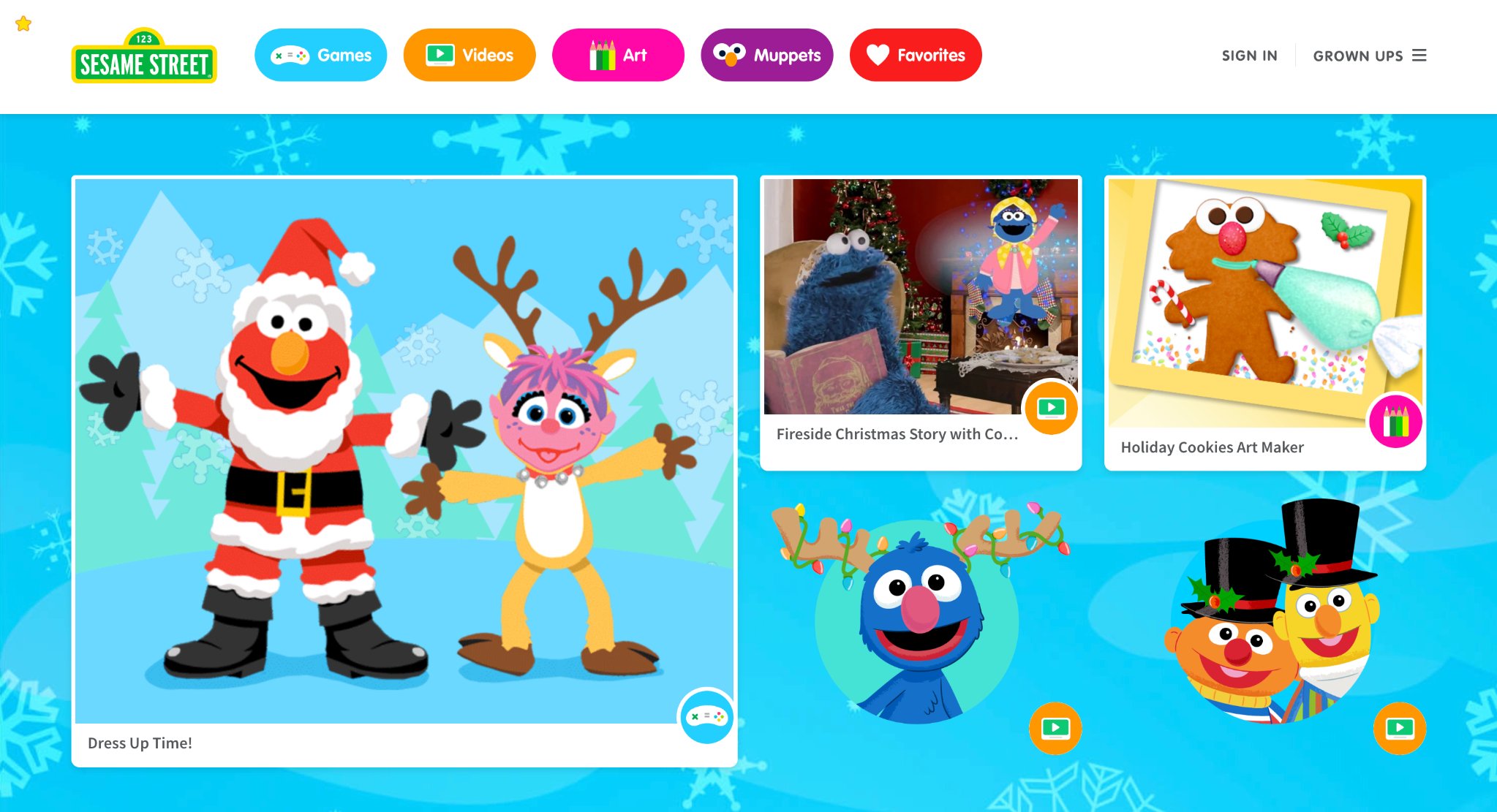
Sesame Street Games brings familiar Muppets into interactive play that teaches letters, numbers, and life skills like hygiene and friendship. Its strength is in the emotional learning woven into every activity, helping kids identify feelings and respond appropriately. The games use songs and stories to make concepts memorable, with voice acting that feels like watching the show. A weakness could be the repetitive nature of some mini-games, which might bore after multiple sessions.
Headquartered in New York, New York, Sesame Workshop has long championed inclusive education. Parents find the diversity in characters promotes empathy and cultural awareness naturally. The platform includes parental tips for extending lessons into daily life, like discussing emotions during play. Visuals are bold and cheerful, with easy taps that suit developing motor skills. Overall, it creates a nurturing space where 4-year-olds learn social norms alongside academics, encouraging positive interactions.
- Key features: Muppet-led alphabet hunts, number dances, emotion role-plays.
- Facts and information: Many caregivers use it to spark conversations about real-world behaviors.
12. Nick Jr. Games
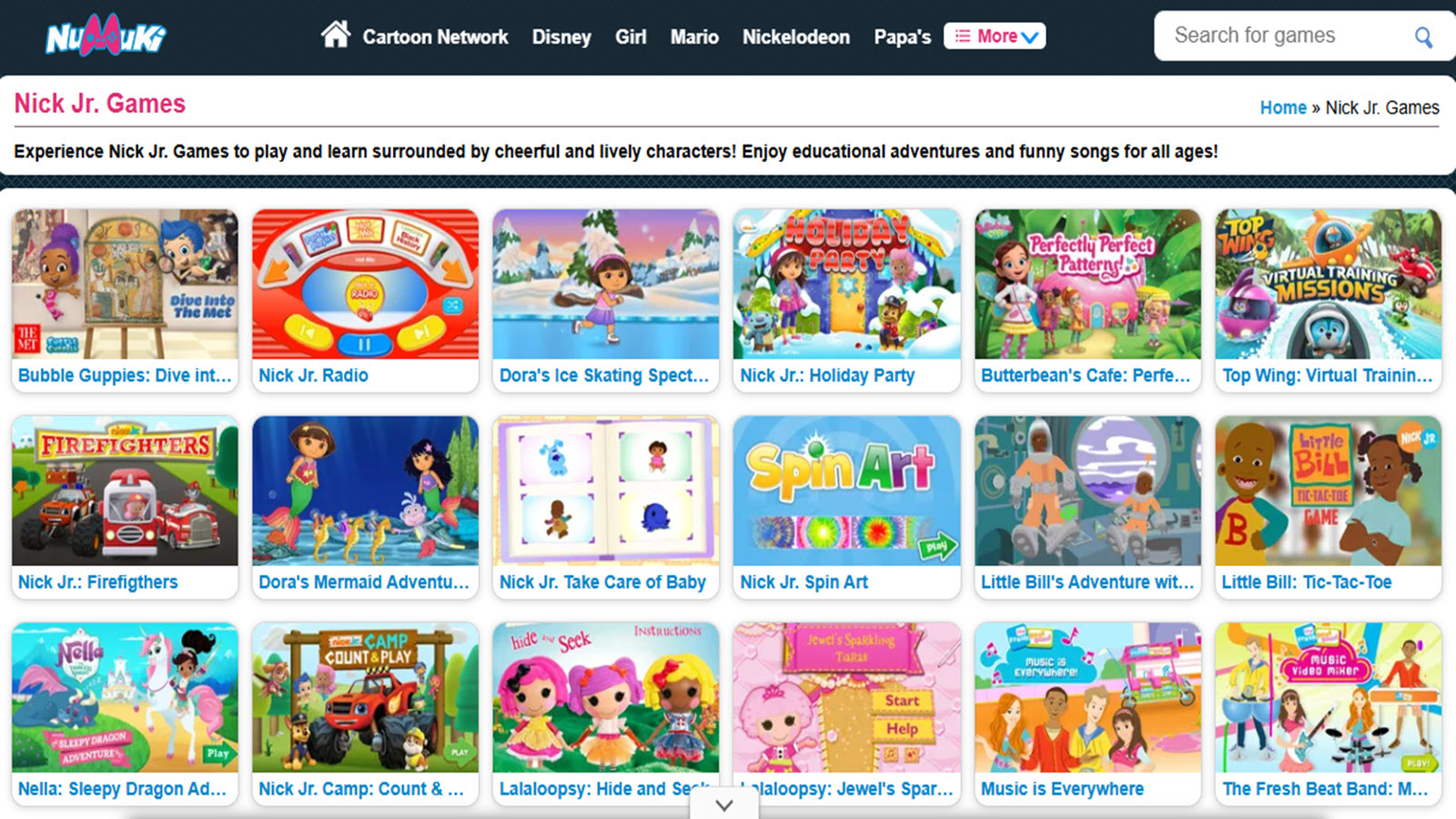
Nick Jr. Games features characters from shows like PAW Patrol and Bubble Guppies in activities that cover creativity, problem-solving, and basics. It excels in themed adventures that tie into episodes, making learning feel like part of the fun world kids already love. Strengths include craft sections where children design and build virtually, boosting imagination.
Some games might have ads in free modes, potentially disrupting focus. Based in New York, New York, Nickelodeon entertains while educating young audiences. Families enjoy the printable extras for offline crafts, blending digital and hands-on. The interface is kid-friendly with voice prompts, reducing need for adult help. It helps with shape and color recognition through rescue missions and underwater explorations.
- Key features: Show-based quests, art and music makers, simple math integrations.
- Facts and information: Some parents note increased enthusiasm for learning tied to favorite characters.
13. Adventure Academy
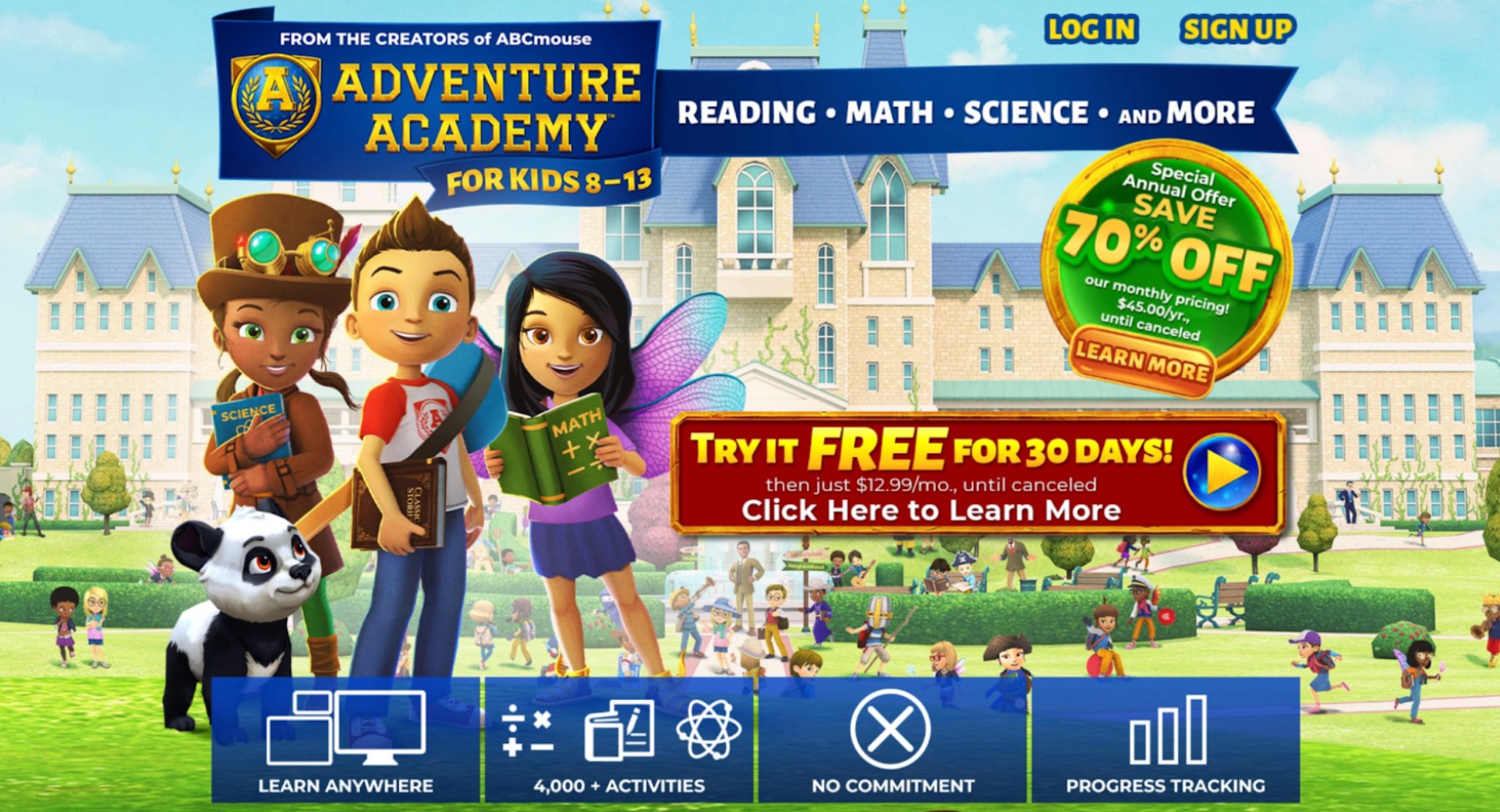
Adventure Academy immerses young learners in a vibrant virtual world where exploration drives discovery across science, language arts, and math through engaging quests and personalized adventures. For 4-year-olds, the platform offers gentle, guided paths that introduce foundational concepts without overwhelming pressure, allowing little ones to progress at their own pace while customizing avatars that reflect their personality. Its immersive environment stands out by turning learning into an exciting journey of discovery, complete with multiplayer elements that foster social interaction and collaboration among young players. Parents often praise the detailed progress reports that highlight strengths and areas for growth, providing valuable insights into their child’s development. Developed by Age of Learning in Glendale, California, this platform serves as an excellent homeschool supplement or enrichment tool, blending educational rigor with game-like fun that keeps children motivated. While the expansive world can sometimes feel vast for absolute beginners, thoughtful supervision helps maximize its benefits, resulting in noticeable gains in confidence, curiosity, and foundational skills.
- Key features: Quest-driven lessons, avatar customization, interactive maps.
- Facts and information: Many use it for homeschool supplements.
14. ScratchJr
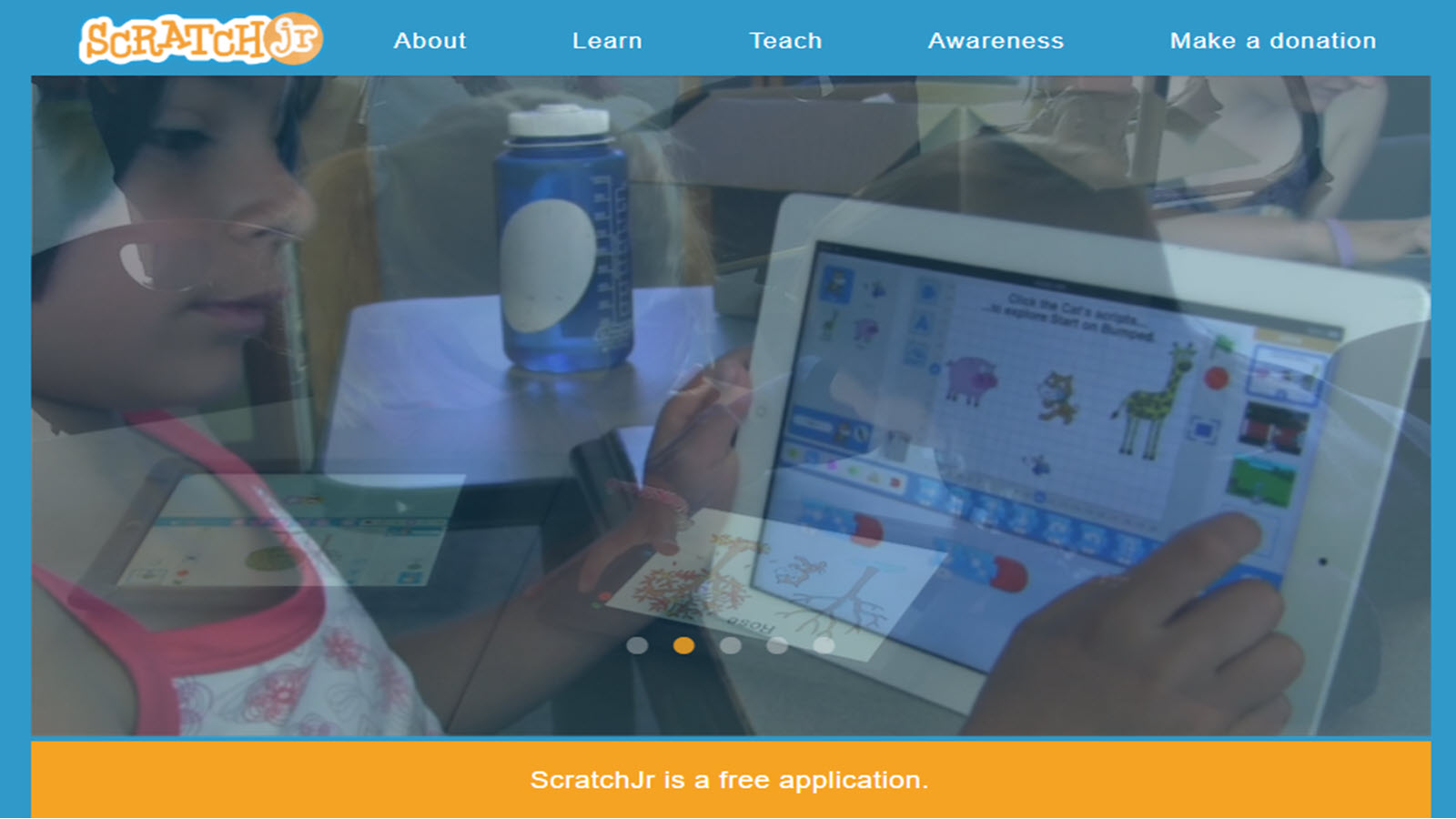
ScratchJr introduces young children to the fundamentals of coding through an intuitive drag-and-drop interface that lets them create interactive stories, animations, and games without needing to read or write text. Designed specifically with preschoolers in mind by the MIT Media Lab in Cambridge, Massachusetts, it empowers 4-year-olds to bring their ideas to life by programming characters to move, speak, and interact in creative ways. The open-ended sandbox format shines by prioritizing imagination and experimentation, encouraging kids to explore concepts like sequencing, loops, and cause-and-effect through playful trial and error. Collaboration features allow sharing projects with family or friends, building early social and communication skills alongside technical thinking. Families frequently notice improvements in storytelling abilities, problem-solving, and logical reasoning as children experiment freely. While more complex projects may benefit from adult guidance, the app’s visual simplicity and focus on creativity make it an outstanding tool for nurturing computational thinking in a fun, accessible manner that aligns perfectly with early childhood development.
- Key features: Block programming, character animations, sound additions.
- Facts and information: Some schools incorporate it for early computing.
15. The Human Body
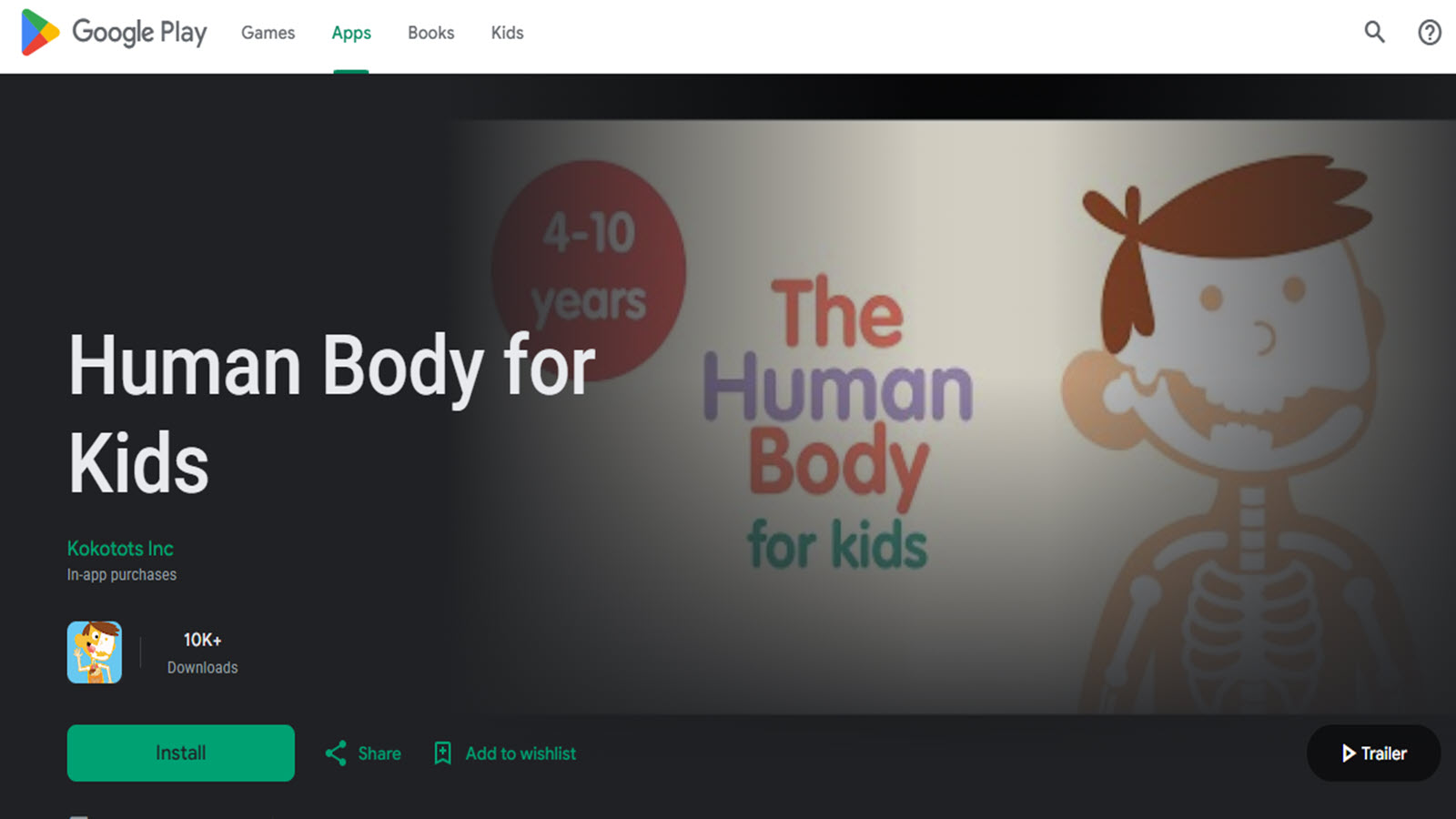
The Human Body by Tinybop transforms anatomy lessons into an interactive playground where 4-year-olds can tap, drag, and explore working models of skeletal, digestive, circulatory, respiratory, and other systems with delightful animations and sound effects. This Brooklyn-based creation from Tinybop excels in visual, hands-on learning that demystifies how the body functions, using minimal text and relying instead on intuitive interactions, humorous sounds, and engaging simulations to spark curiosity about health and biology. Its strength lies in fostering wonder through free exploration - kids can feed a virtual character to watch digestion or observe a beating heart - making complex topics approachable and memorable. Multilingual support broadens its appeal for diverse families, while the app pairs beautifully with other learning tools for broader science exposure. Parents appreciate how it turns everyday questions about the body into moments of joyful discovery, often leading to deeper conversations and a genuine interest in personal well-being. Though focused primarily on one subject, its high-quality design and educational depth make it a standout resource for building foundational science literacy.
- Key features: System simulations, cause-effect interactions, multilingual support.
- Facts and information: Many find it sparks interest in health.
16. Toca Nature
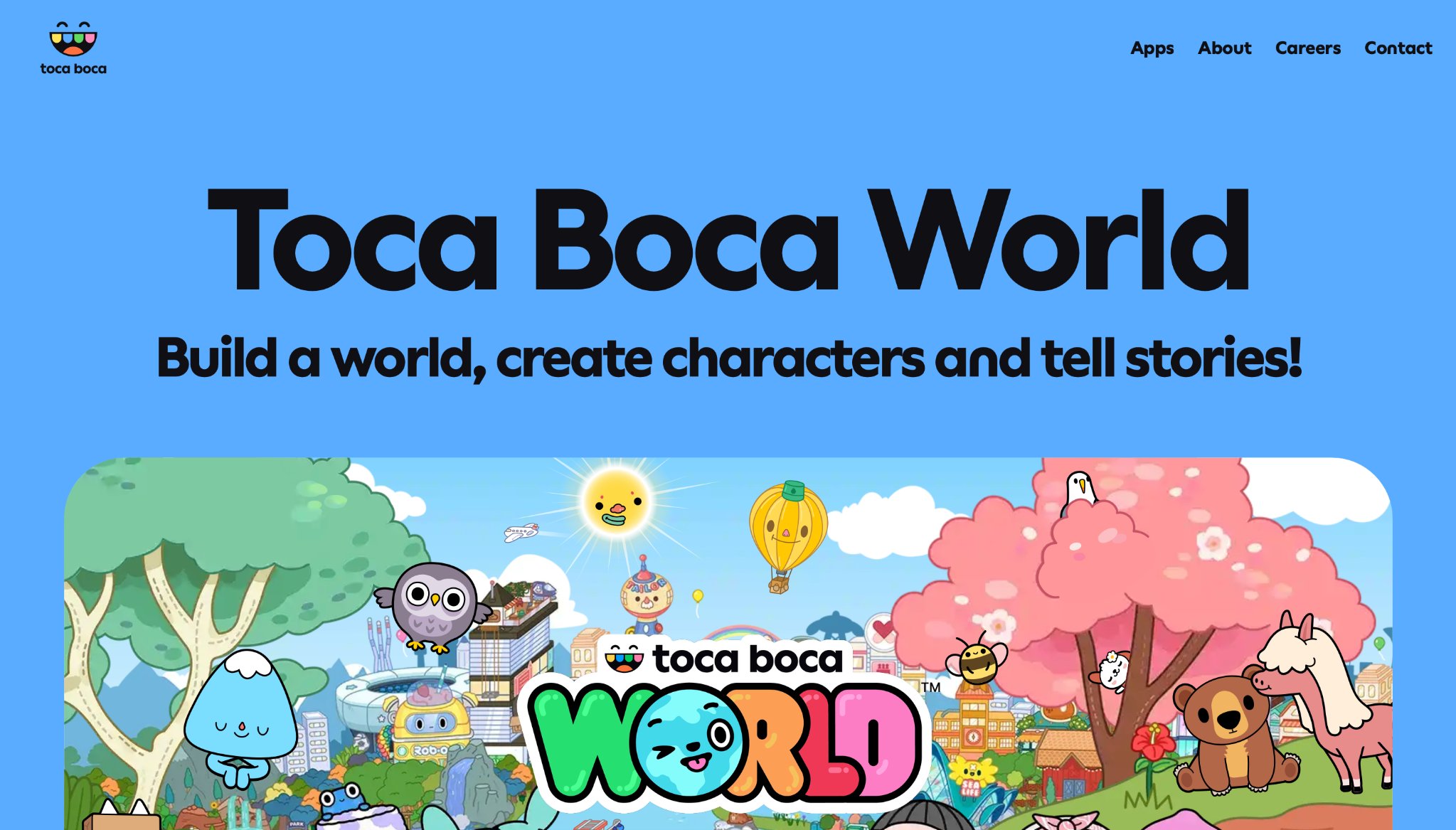
Toca Nature invites children into a serene digital ecosystem where they shape landscapes, plant trees, and observe wildlife in response to their actions, promoting open-ended creativity and subtle lessons in ecology and cause-and-effect. Created by Toca Boca in Stockholm, Sweden, this app encourages 4-year-olds to experiment freely - raising mountains, creating lakes, or feeding animals - watching realistic changes unfold in a calming, beautifully designed world that rewards exploration over rigid goals. Its strengths include teaching environmental awareness through play, with realistic animal behaviors and natural cycles that spark discussions about nature and responsibility. The lack of structured objectives suits imaginative play styles perfectly, though goal-oriented kids might occasionally need gentle prompts to stay engaged. Families love the peaceful pace that contrasts with more high-energy apps, often using it to foster calm screen time and outdoor-inspired conversations. Photo capture features let kids document their creations, extending the fun into real-world sharing and storytelling. Overall, it stands as a gentle yet powerful tool for nurturing creativity, observation skills, and appreciation for the natural world.
- Key features: Landscape shaping, animal feeding, photo captures.
- Facts and information: Some use it for nature discussions.
17. Bedtime Math
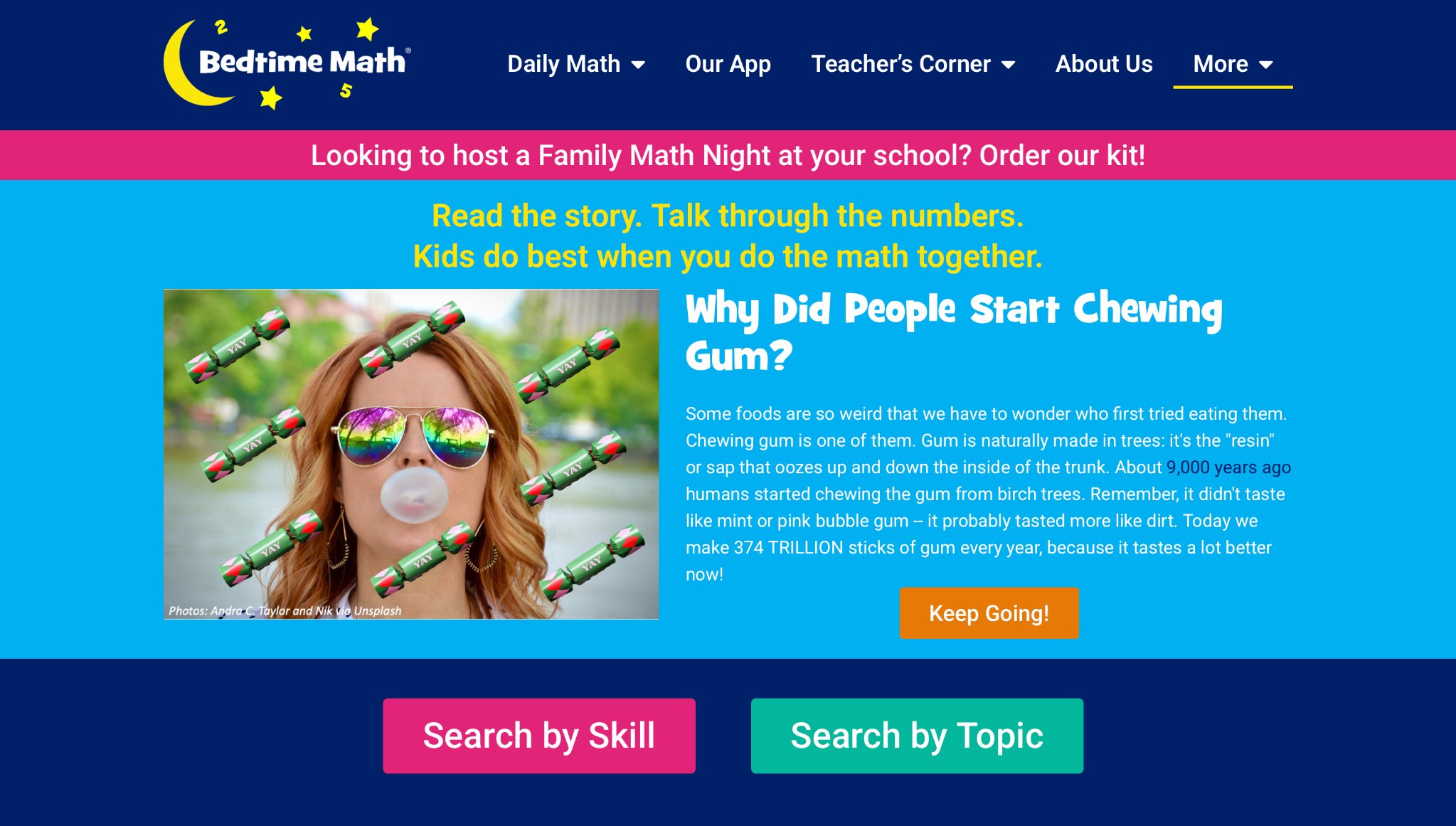
Bedtime Math turns ordinary evenings into opportunities for numerical discovery by presenting short, engaging stories followed by math problems tailored to different skill levels, making numbers feel relatable and fun rather than intimidating. Headquartered in Summit, New Jersey, this resource strengthens family bonds as parents and children solve problems together, combating early math anxiety through narrative-driven activities that connect math to everyday life. For 4-year-olds, the gentler problems focus on counting, comparing, and basic concepts woven seamlessly into whimsical tales, building confidence and positive attitudes toward learning. The app’s offline-friendly design and consistent daily content support routine-building, with leveled difficulties ensuring accessibility for young learners. Many families report noticeable improvements in math readiness and enthusiasm, as the shared solving experience creates cherished rituals that blend bonding with cognitive growth. Its narrative approach helps demystify numbers, turning potential frustration into excitement and laying a strong foundation for future academic success in a low-pressure, enjoyable format.
- Key features: Daily problems, leveled difficulties, offline reading.
- Facts and information: Many integrate it into bedtime for consistency.
18. The Cat in the Hat Builds That
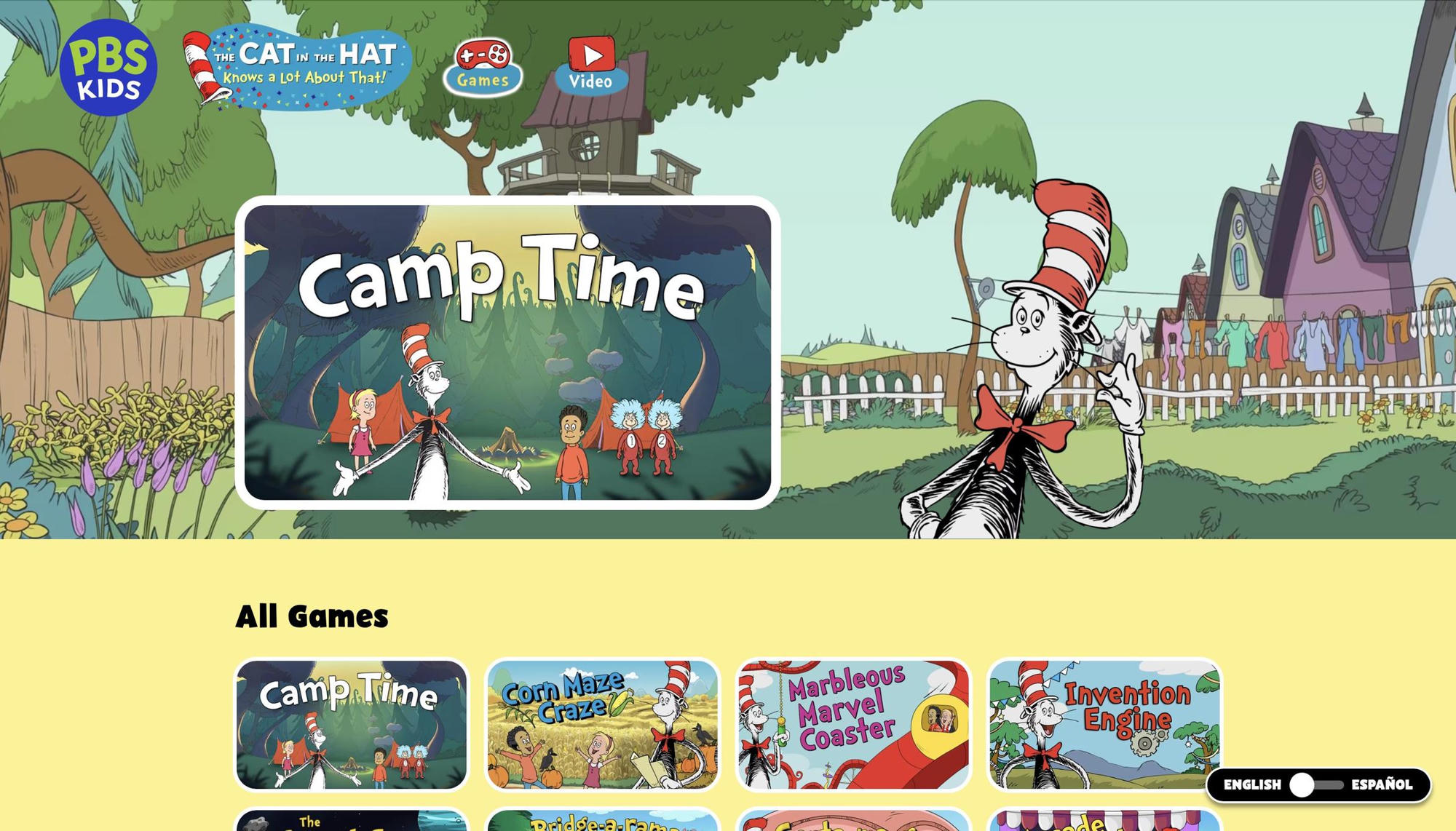
The Cat in the Hat Builds That brings beloved Dr. Seuss characters into STEM adventures where preschoolers tackle engineering challenges and inventive problem-solving in whimsical, story-rich environments. Part of PBS Kids offerings, this app shines by using familiar faces to guide children through building tasks, experiments, and science explorations that develop resilience, creativity, and critical thinking skills. For 4-year-olds, the playful puzzles emphasize trial-and-error learning with supportive character hints, keeping motivation high while introducing concepts like simple machines, structures, and basic physics in an approachable way. Its strength lies in connecting screen play to real-world invention and curiosity, often inspiring kids to recreate projects offline with household items. While some challenges may require occasional adult assistance, the engaging format and ties to the popular show make learning feel like an extension of favorite stories. Families particularly value how it nurtures a love for science and engineering through fun, character-driven experiences that build confidence and collaborative skills.
- Key features: Building challenges, tool experiments, science facts.
- Facts and information: Some pair it with books for literacy ties.
19. Daniel Tiger’s Grr-ific Feelings
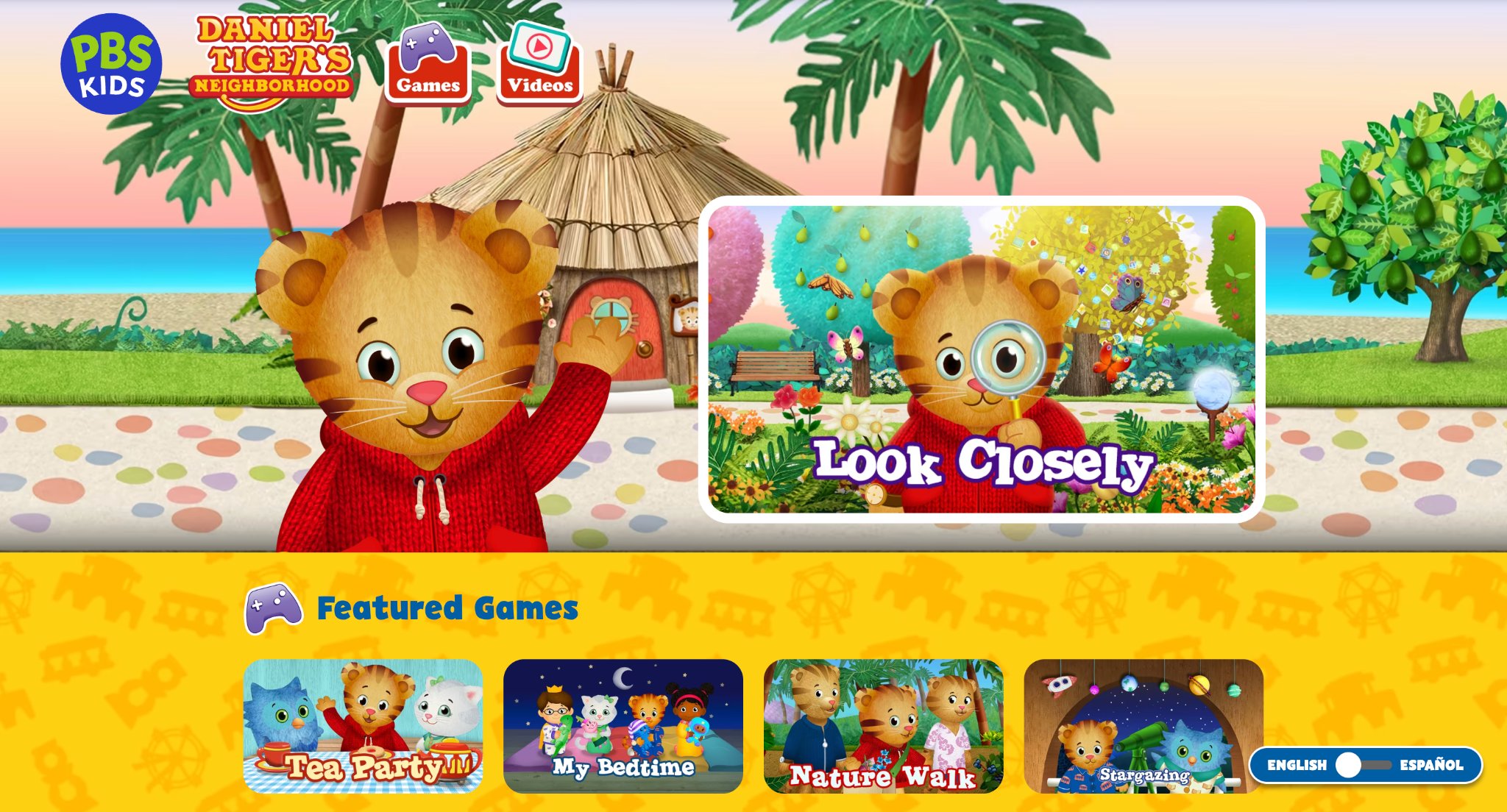
Daniel Tiger’s Grr-ific Feelings helps young children navigate emotions through interactive songs, drawings, role-play, and games featuring the relatable tiger character from the beloved PBS Kids series. This app excels at teaching 4-year-olds to identify, express, and manage feelings in everyday scenarios, using gentle guidance and repetitive, comforting elements that model healthy social-emotional behaviors. Its focused scope on emotional intelligence creates targeted opportunities for growth in empathy, self-regulation, and communication, with strengths in relatable situations that mirror real-life experiences like sharing or handling frustration. Families often notice enhanced emotional vocabulary and calmer responses in their children after regular play, making it an invaluable tool for social development during preschool years. Developed as part of PBS KIDS resources, it supports positive screen time that reinforces show lessons and encourages family discussions about feelings. The art and music features add creative expression layers, turning emotional learning into an engaging, supportive experience that builds lasting life skills.
- Key features: Feeling charts, art expressions, role-play scenes.
- Facts and information: Many notice improved emotional vocabulary.
20. Scratch
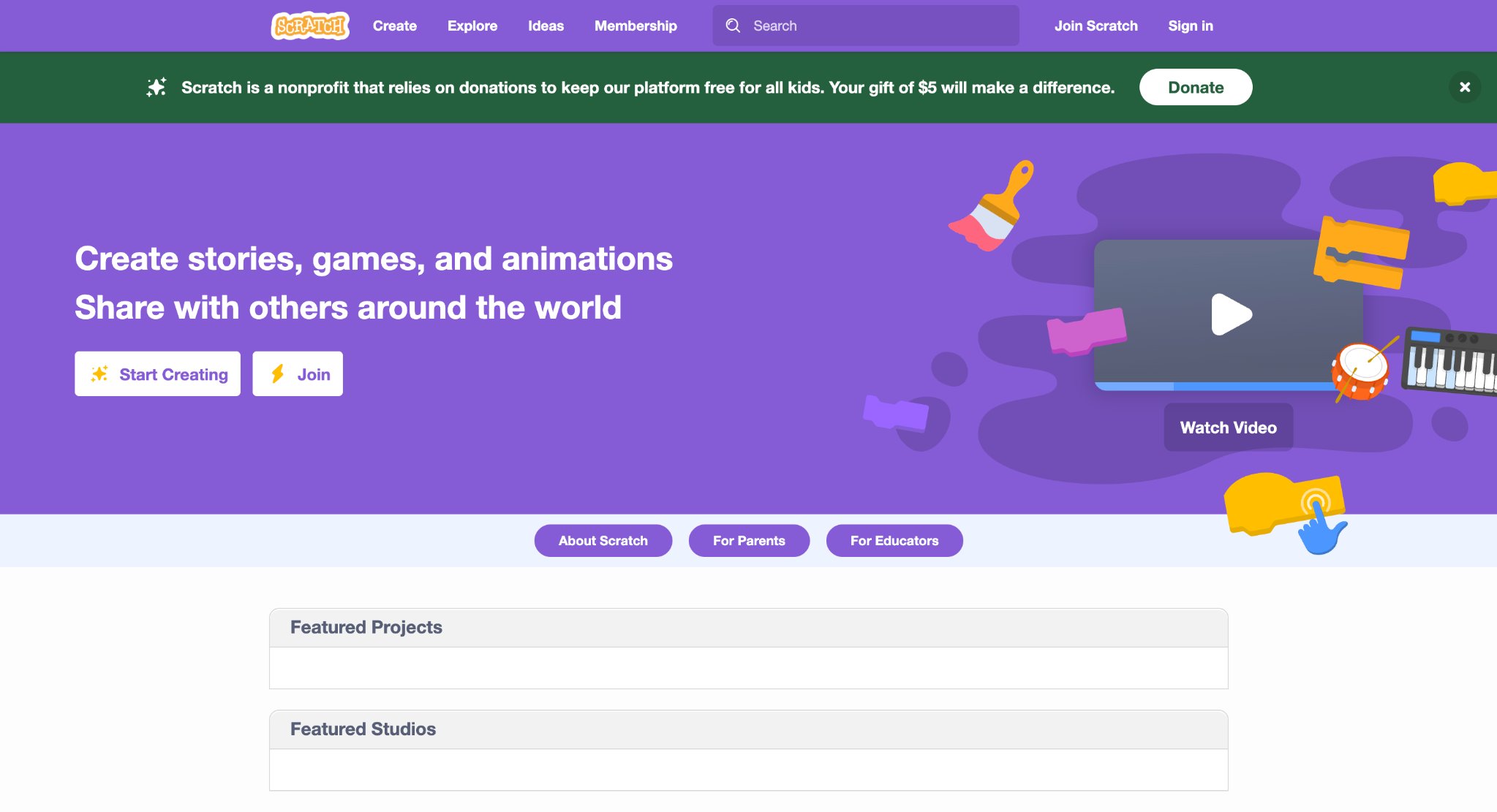
Scratch, developed by the MIT Media Lab, empowers seven year olds and older children to create their own interactive stories, games, and animations using an intuitive block-based coding interface. Building naturally upon ScratchJr, it introduces greater complexity with advanced features like variables, broadcasts, custom blocks, and multimedia integration while remaining fully visual and drag-and-drop. Kids explore endless creative possibilities by programming characters, adding sound effects, and designing game mechanics in a supportive community where they can share, remix, and collaborate on projects safely.
Headquartered in Cambridge, Massachusetts, Scratch fosters digital literacy, logical thinking, and creative problem-solving by turning coding into a playful form of self-expression. Families frequently observe significant growth in creativity, storytelling abilities, and computational thinking as children bring their ideas to life. The platform’s vast library of community projects inspires young creators while teaching debugging, sequencing, and algorithmic thinking through rewarding, hands-on experiences.
- Key features: Project galleries, animation tools, sound integrations.
- Facts and information: Some use it for family coding nights.
21. Lingokids
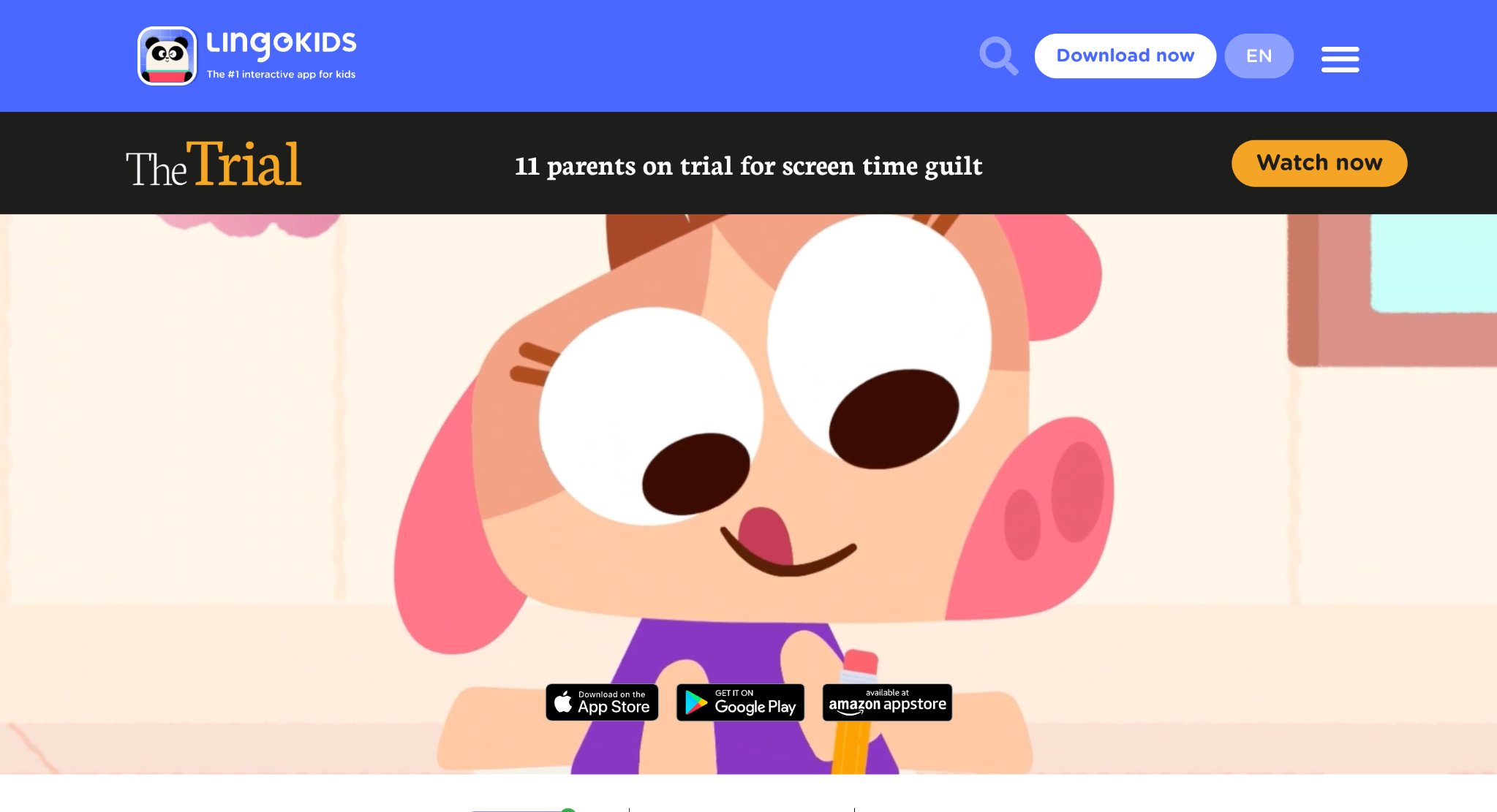
Lingokids, developed by Lingokids in the USA, offers a personalized early learning platform for children ages 2 to 8 that combines language development with core subjects through interactive songs, games, and videos. The app features a friendly penguin guide and daily learning paths tailored to each child’s age and progress, covering English language skills, math, science, and social-emotional topics in a colorful, story-driven format that feels like play. Children explore themed worlds where they practice vocabulary, phonics, counting, and basic problem-solving while interacting with animated characters.
The platform emphasizes bilingual exposure and real-world connections, helping young learners build confidence in communication and foundational concepts. Parents receive detailed activity reports and suggestions for extending lessons offline, supporting consistent use at home. Its adaptive algorithm adjusts difficulty to maintain engagement without frustration, making it suitable for diverse learning paces and family routines. Lingokids stands out for blending entertainment with structured skill-building in short, digestible sessions ideal for young attention spans.
- Personalized daily learning paths with adaptive difficulty.
- Hundreds of songs, videos, and games focused on language and STEM basics.
- Character-driven stories and interactive activities.
- Progress reports and offline extension ideas for parents.
- Multi-subject coverage including social-emotional learning.
22. Noggin

Noggin, from Paramount (headquartered in New York, New York), delivers a safe streaming and interactive learning experience for preschoolers ages 2 to 6 featuring characters from popular shows like PAW Patrol, Peppa Pig, and Blue’s Clues. The platform mixes short videos, games, and activities that reinforce early literacy, math, creativity, and social skills in familiar settings kids already enjoy. Young users navigate simple menus to choose episodes or play mini-games tied directly to show themes, promoting active participation rather than passive viewing.
It supports family co-viewing with parent controls and suggestions for real-world activities that extend screen time into hands-on learning. The content evolves with new episodes and seasonal specials, keeping the library fresh while maintaining a consistent educational tone focused on curiosity, friendship, and problem-solving. Noggin creates a bridge between entertainment and education, helping children associate learning with beloved characters and daily routines.
- Show-themed interactive games and activities.
- Curated video library with preschool-appropriate episodes.
- Simple navigation designed for young children.
- Parent tools for activity suggestions and controls.
- Focus on social-emotional and foundational academic skills.
23. Kids Academy
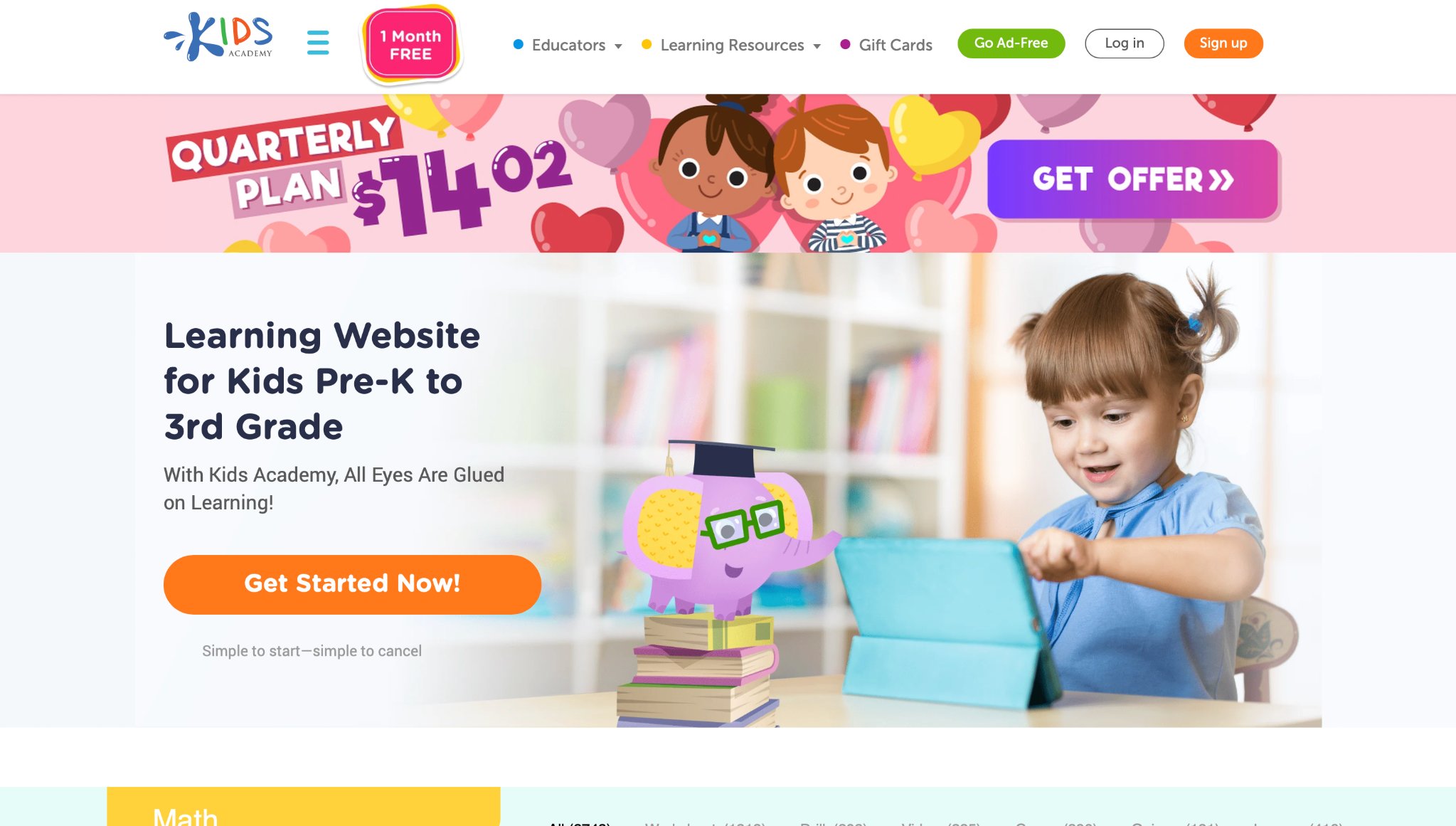
Kids Academy provides a comprehensive tablet-based learning program for ages 2 to 10 with thousands of interactive lessons, worksheets, and games across reading, math, logic, and creativity. Developed with input from educators, the platform features bright visuals, voice guidance, and progress tracking that adapts to a child’s performance, allowing independent exploration while building core competencies. Kids progress through leveled activities like phonics tracing, number puzzles, and pattern recognition in a structured yet playful environment.
The app supports multiple profiles for siblings and includes offline capabilities for flexible use. Detailed analytics help parents understand strengths and growth areas, while the variety of exercise types, from drag-and-drop to drawing, accommodates different learning styles. Kids Academy emphasizes mastery through repetition and positive reinforcement, making it a reliable supplement for home or travel learning.
- Thousands of leveled activities in core subjects.
- Adaptive progress tracking and multiple child profiles.
- Interactive worksheets and games with voice support.
- Offline mode for on-the-go learning.
- Broad coverage from early literacy to basic logic and creativity.
24. Homer
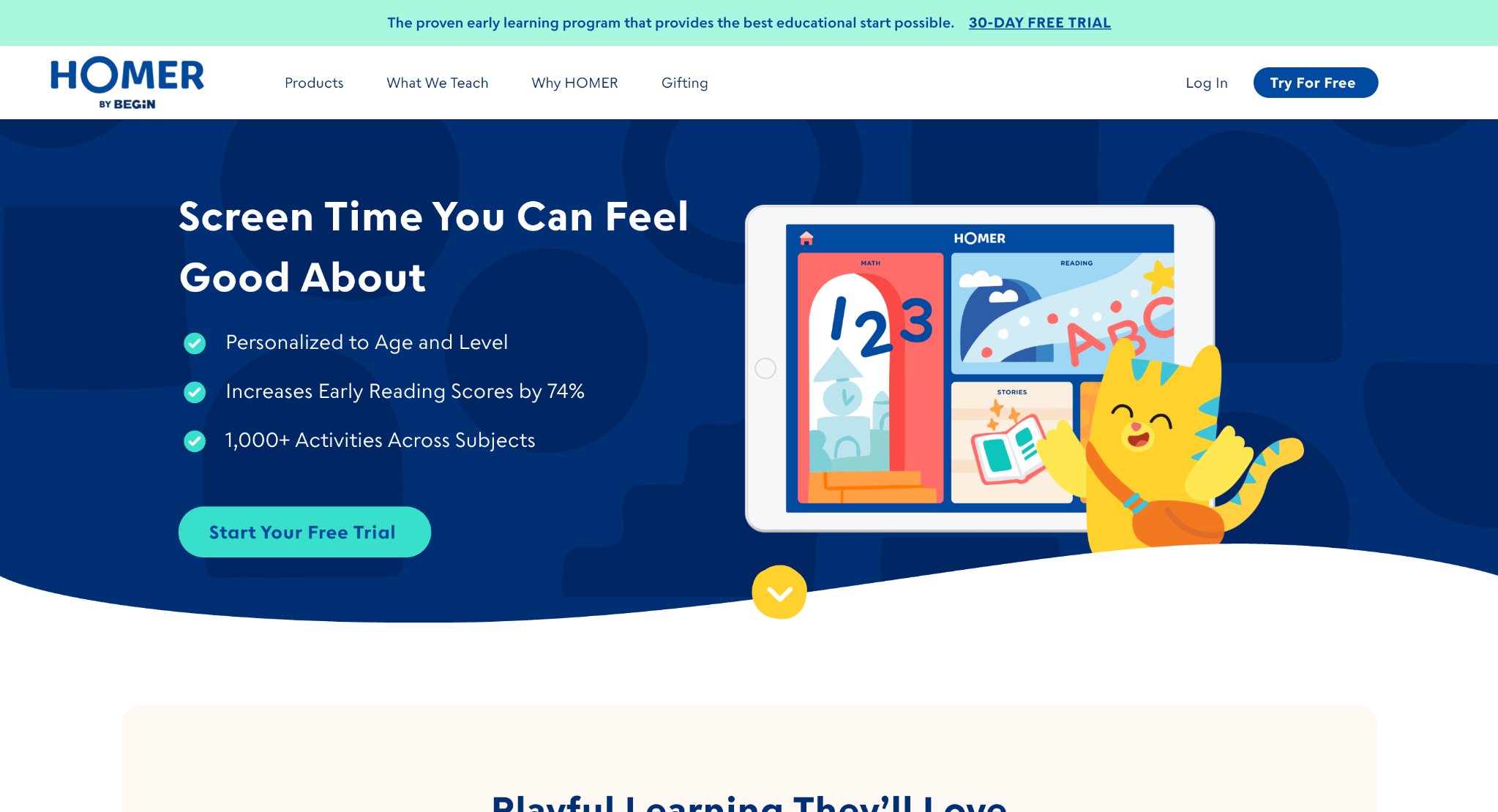
Homer, by Begin (headquartered in New York, New York), delivers personalized learning paths for children ages 2 to 8 across reading, math, and life skills using stories, games, and songs that adapt to each child’s progress. The platform combines digital activities with optional physical kits for hands-on extension, covering phonics, early math concepts, creativity through art, and social-emotional development. Kids engage with interactive stories and challenges guided by friendly characters in a colorful interface designed for young learners.
It focuses on holistic growth by integrating foundational academics with creativity and emotional awareness. Parents benefit from progress insights and recommendations for offline activities that reinforce screen-based learning. Homer’s adaptive technology ensures content stays appropriately challenging, supporting steady skill development in short, engaging sessions suitable for daily routines.
- Customized lesson plans based on ongoing assessment.
- Story-based reading and math activities with creative extensions.
- Integration of digital and optional hands-on learning kits.
- Progress tracking with parent insights.
- Coverage of academics, creativity, and life skills.
25. Monkey Math
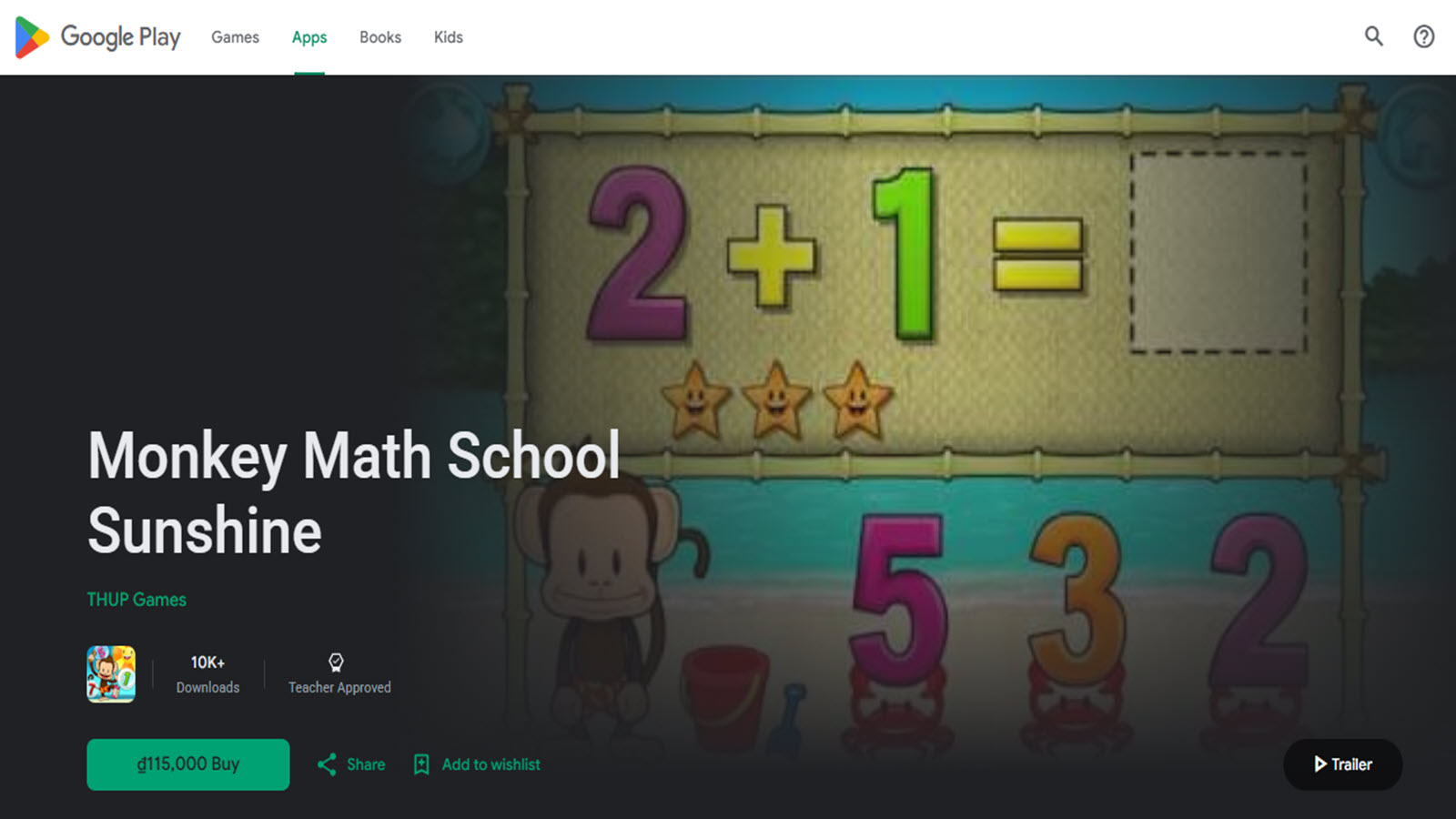
Monkey Math, developed by a team focused on early STEM education, offers a comprehensive math learning app for kids ages 3 to 8 with thousands of interactive games and activities covering numbers, shapes, patterns, addition, subtraction, and basic geometry. The platform uses engaging monkey characters and adventure-style levels that guide children through progressively challenging concepts in a fun, story-driven world. Adaptive algorithms adjust difficulty based on performance to keep learning personalized and frustration-free.
It emphasizes visual and hands-on style interactions that build strong number sense and logical thinking. Parents receive regular reports on skill mastery and time spent, helping track development. Monkey Math stands out for its focus exclusively on mathematics while maintaining high engagement through rewards, animations, and varied game formats that encourage repeated practice and confidence building.
- Thousands of leveled math games and puzzles.
- Adaptive difficulty with real-time performance adjustment.
- Adventure-themed progression with character guides.
- Visual and interactive tools for number sense and geometry.
- Detailed parent progress reports on skill areas.
26. ABCmouse
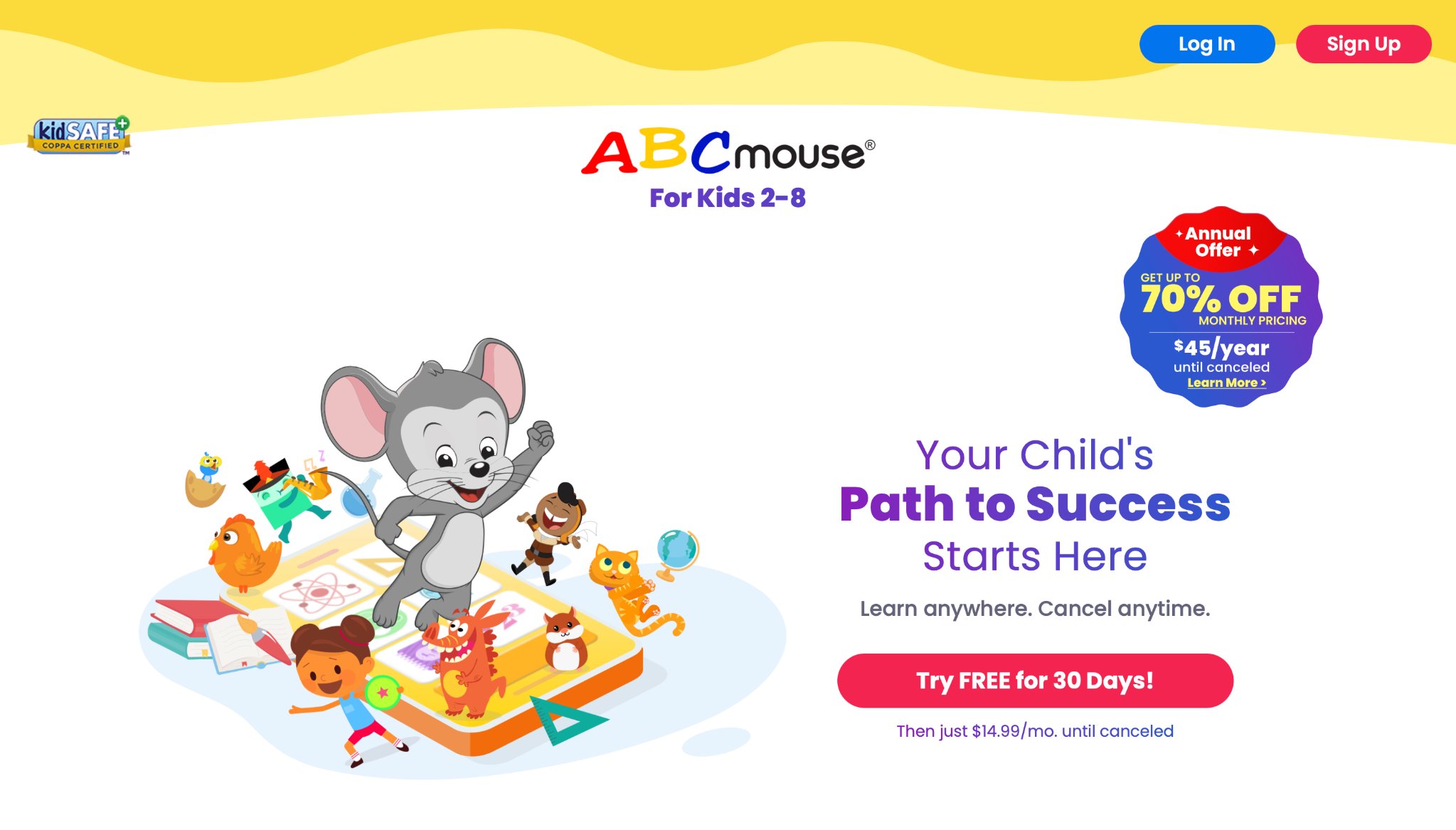
ABCmouse delivers a structured early learning curriculum through thousands of interactive activities, books, games, and songs designed specifically for children ages 2 to 8. The platform guides preschoolers through progressive levels covering letters, numbers, shapes, basic science, art, and social skills in a colorful, animated world that feels like an engaging adventure rather than schoolwork. Its strength lies in the comprehensive scope that builds foundational knowledge step by step, helping 4-year-olds develop readiness for kindergarten while maintaining high engagement through rewards and character companions. Families appreciate how the content adapts to a child's pace, with clear progression that supports consistent daily use and noticeable skill gains over time.
Headquartered in the USA, Age of Learning creates this all-in-one environment that turns screen time into systematic learning. The interface features big, intuitive elements perfect for small hands, with voice guidance and positive reinforcement that build confidence. Parents often note improved letter recognition, counting abilities, and attention spans as children explore themed worlds and complete missions. The variety keeps play fresh, blending literacy exercises, math challenges, and creative tasks into seamless sessions suitable for short or extended playtimes.
- Key features: Thousands of leveled activities across core subjects, progress tracking with detailed reports, animated books and songs, art and music integration.
- Facts and information: Research-backed curriculum aligned with early education standards, used by millions of families for home learning support.
27. Duolingo ABC
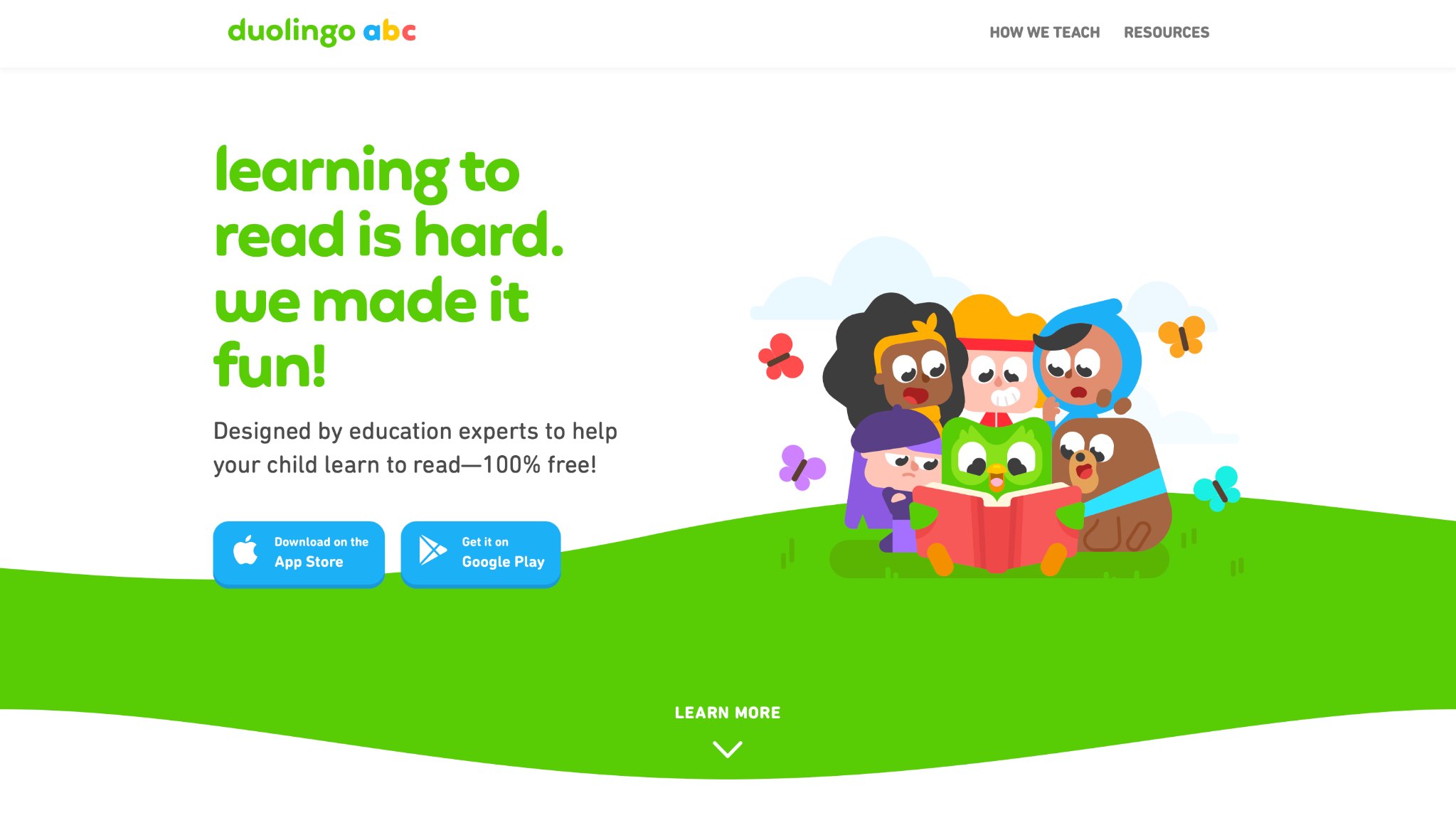
Duolingo ABC introduces young children to literacy fundamentals through a gamified approach focused on phonics, sight words, and early reading skills in short, bite-sized lessons that fit preschool attention spans. The app uses engaging stories, characters, and interactive exercises where kids practice letter sounds, blending, and simple vocabulary in a playful format that feels like exploration rather than drills. It stands out for making reading practice fun and accessible, supporting emerging learners as they build confidence with sounds and words through repetition and rewards.
Developed with a focus on early language development, the platform offers clear audio cues and visual supports ideal for 4-year-olds. Families report that children enjoy the daily quests and progress visibly in letter recognition and basic reading readiness. The structured yet light-hearted design encourages independent play while reinforcing skills that transfer to real-world books and conversations.
- Key features: Phonics-based lessons with interactive stories, sight word practice, gamified daily paths, audio pronunciation guides.
- Facts and information: Designed as a companion to broader Duolingo tools, helping preschoolers develop strong foundational literacy in engaging sessions.
28. Prodigy Math
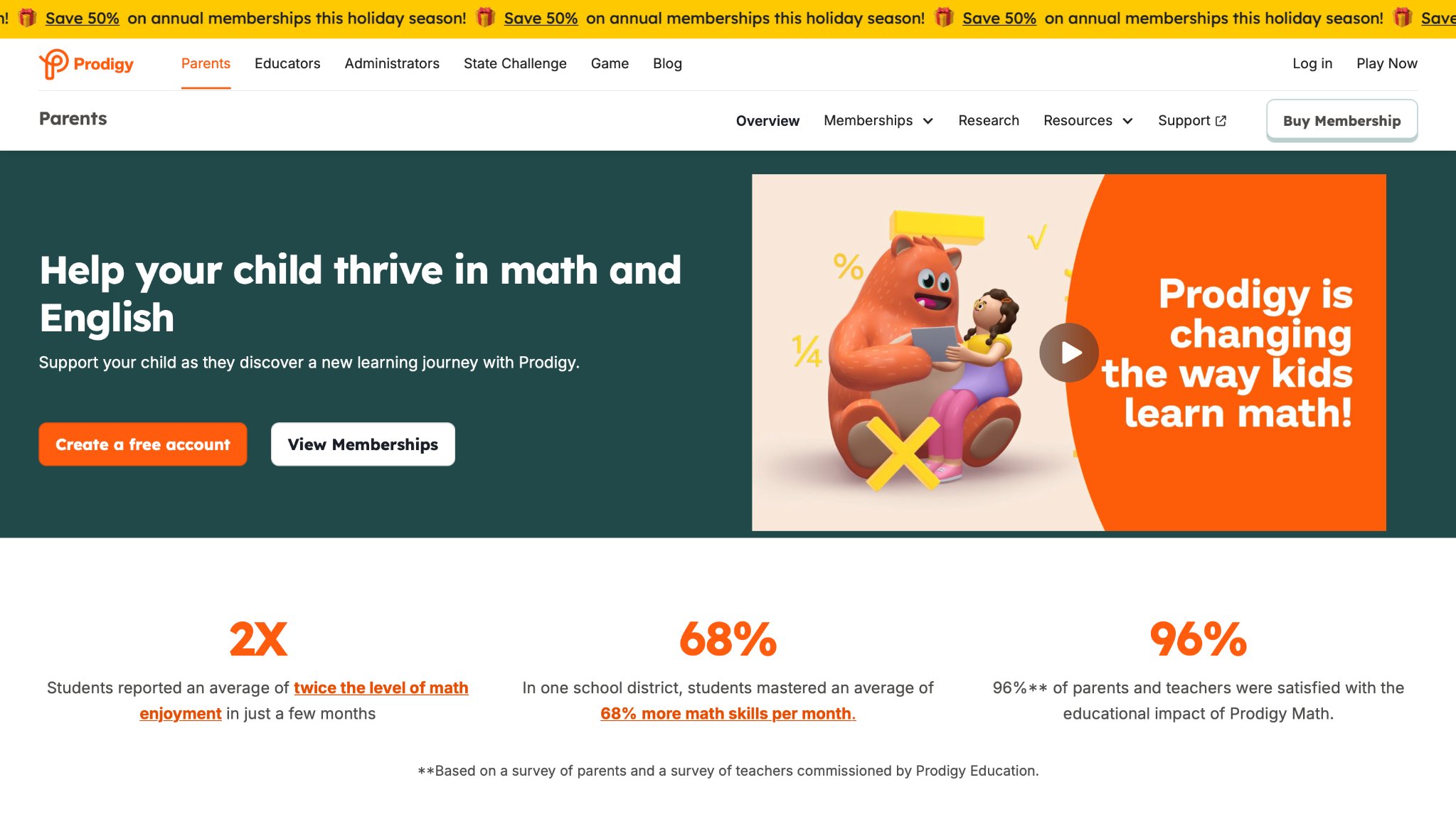
Prodigy Math wraps essential math concepts for young learners in an immersive fantasy world where children battle with spells and complete quests that reinforce numbers, shapes, addition, and basic problem-solving. The adaptive platform adjusts difficulty in real-time to match a 4-year-old's growing abilities, providing gentle challenges that build number sense and logical thinking without frustration. Its strength is the motivating gameplay that disguises learning as exciting adventures, keeping kids returning to practice skills playfully.
The colorful characters and story-driven elements create an enchanting environment that appeals strongly to preschoolers. Parents value the progress insights that highlight mastered concepts, supporting targeted reinforcement at home. The mix of exploration and math missions helps develop confidence in early numerical skills through repeated, rewarding practice.
- Key features: Quest-based math challenges, adaptive difficulty levels, spell-casting with numbers, character progression system.
- Facts and information: Widely used as a supplemental tool that aligns with school curricula, encouraging consistent math engagement through fun.
29. DragonBox
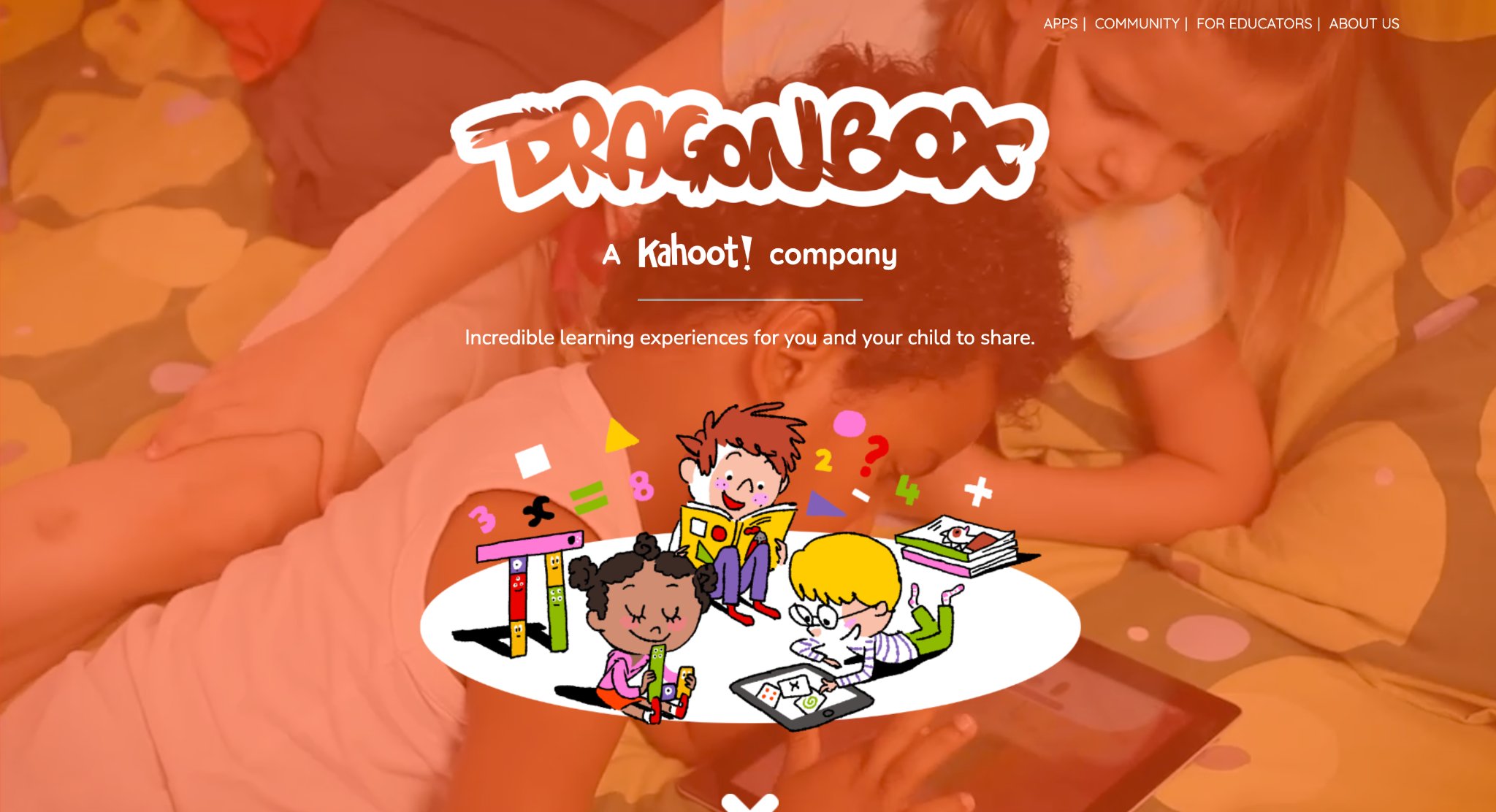
DragonBox offers intuitive puzzle games that introduce algebraic thinking and number concepts through visual, equation-free challenges suitable for young minds. Kids manipulate colorful elements to solve mysteries, naturally grasping ideas like balancing, patterns, and basic operations in a hands-on way that feels like creative play. The apps excel at building logical reasoning and problem-solving foundations without requiring prior reading skills, making them accessible for 4-year-olds.
The minimalist yet captivating design promotes deep focus and satisfaction upon completing levels. Families observe improved strategic thinking and persistence as children experiment with different approaches. Multiple titles in the series allow progression from simple matching to more complex concepts at the child's pace.
- Key features: Visual equation puzzles, progressive difficulty, multiple themed apps, drag-and-drop mechanics.
- Facts and information: Backed by educational research on early math intuition, popular for developing abstract thinking through concrete play.
30. Teach Your Monster to Read
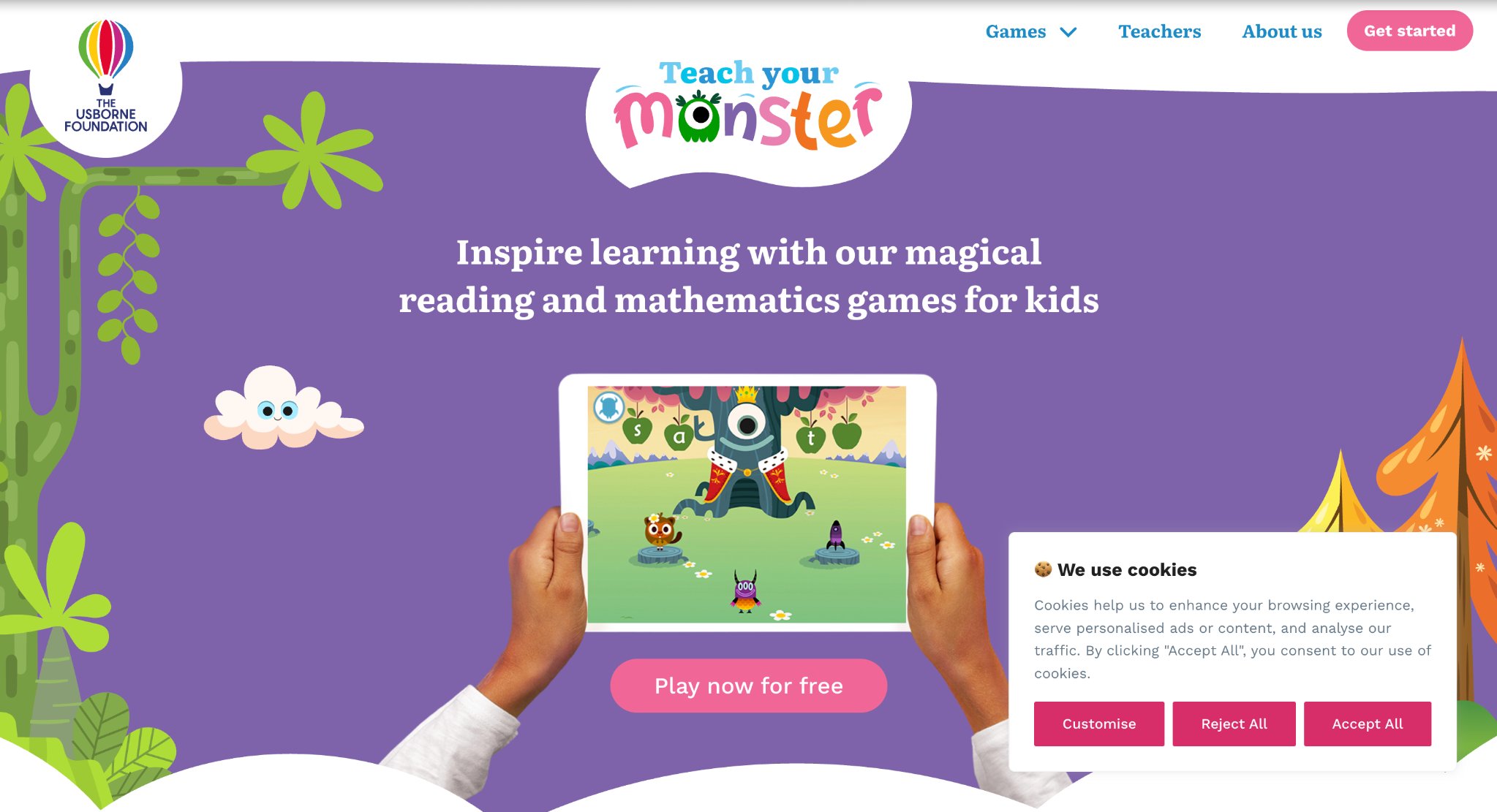
Teach Your Monster to Read combines phonics instruction with an engaging story where children help a friendly monster learn to read through games, activities, and character interactions. The structured program covers letter sounds, blending, and early reading skills in a narrative-driven format that motivates preschoolers to practice consistently. Its strength lies in the blend of systematic teaching with fun elements like customization and rewards that make literacy practice appealing.
The app's clear progression and supportive feedback help 4-year-olds build solid foundations in a low-pressure way. Parents appreciate the offline capabilities and how it bridges to real books, fostering a love for reading through positive experiences.
- Key features: Phonics games and stories, monster customization, blending and word-building activities, progress tracking.
- Facts and information: Developed in collaboration with education experts, effective for early literacy development in playful contexts.
31. Endless Alphabet
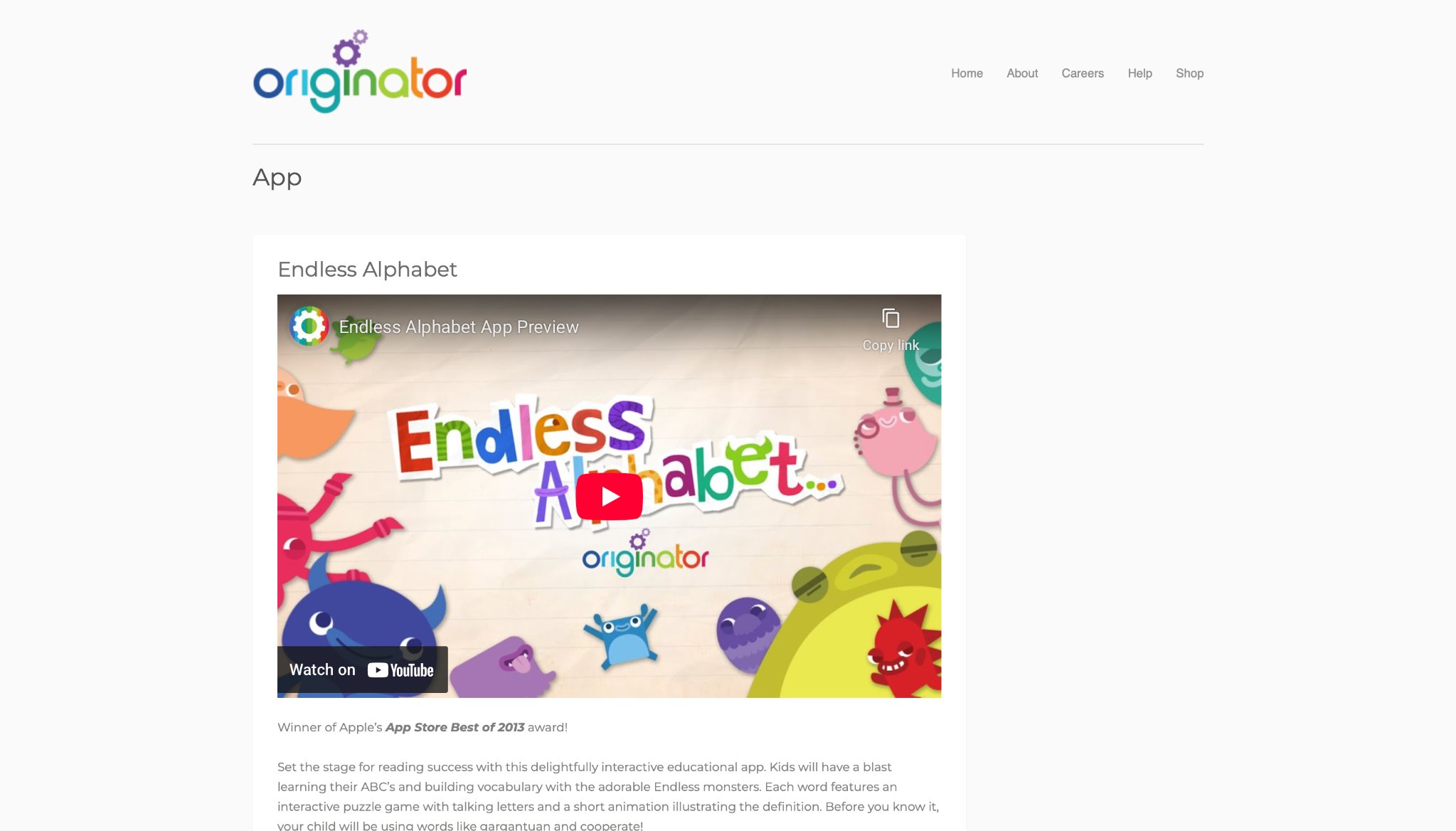
Endless Alphabet invites four-year-olds into a colorful world of interactive word puzzles guided by playful animated monsters that turn letter learning into pure discovery. Children choose a word from a growing collection, watch the letters scatter across the screen, then carefully drag each one back into its correct outline while the letter itself speaks its sound. Once the word is complete, a short, humorous animation plays that clearly shows what the word means in a memorable way. This process builds strong connections between letters, sounds, and meaning without any pressure of scores, timers, or wrong answers. The app focuses on phonemic awareness, vocabulary expansion, and fine-motor practice through simple touch-and-drag actions perfectly suited to small hands. Originator designed the experience so young learners can explore freely, returning to favorite words as often as they like while gradually encountering both everyday and more advanced vocabulary. Soft colors, clear audio, and charming characters create a calm yet engaging atmosphere that supports early literacy foundations in short or extended play sessions.
Key features include:
- Interactive letter-dragging puzzles with real-time phonetic sound feedback
- Animated definitions that bring word meanings to life
- Expanding library of words ranging from basic to sophisticated vocabulary
- Completely self-paced exploration with no scores or failure states
Facts and information:
- Created for ages 2–5 with a strong emphasis on phonics and vocabulary growth
- Frequently recommended by educators as an effective tool for building emergent reading skills through playful interaction
32. Osmo Little Genius
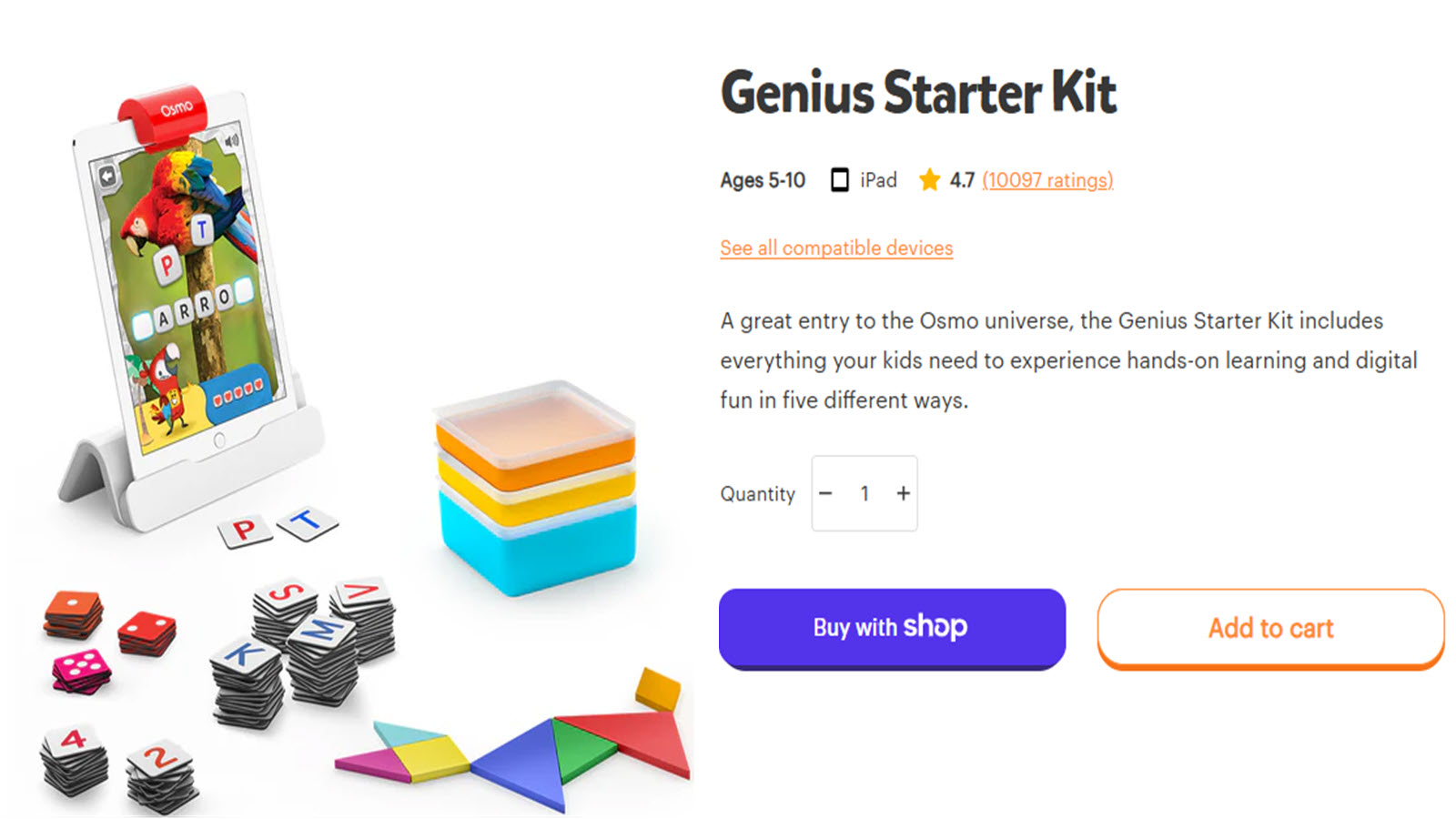
Osmo Little Genius blends physical play pieces with responsive tablet activities to give four-year-olds a hands-on learning experience that feels like real-world exploration. Children place colorful silicone sticks and rings in front of the tablet camera to construct letters, form shapes, or create free drawings that instantly come alive on screen. Costume pieces let them dress characters and watch those characters react, while simple story activities encourage imaginative problem-solving. The system supports letter recognition, early vocabulary, spatial reasoning, fine-motor coordination, and social-emotional awareness in a tactile way that connects digital play with physical manipulation. Designed specifically for ages 3–5, the kit invites independent experimentation while providing gentle visual and audio feedback that celebrates each attempt. Families and teachers appreciate how the multi-sensory approach turns abstract early-learning concepts into concrete, memorable actions that children can control themselves. Regular use helps build confidence as kids see their real-world creations transform into on-screen results.
Key features include:
- Physical sticks and rings for letter building and creative drawing
- Costume pieces that trigger character reactions and storytelling moments
- Camera-based interaction that responds instantly to real objects
- Activities focused on pre-reading, creativity, spatial skills, and emotional cues
Facts and information:
- Developed as an entry point into embodied learning for ages 3–5
- Widely used in homes and classrooms to strengthen foundational skills through physical-digital play
33. Sago Mini World

Sago Mini World opens a gentle collection of open-ended games where four-year-olds explore, create, and play with friendly characters in bright, welcoming scenes. Activities revolve around matching, sorting, simple role-play, and everyday routines that quietly support cognitive growth, social awareness, and fine-motor development. The interface uses large, easy-to-tap elements and soft animations so children can move freely between experiences without needing to read or follow complex instructions. Calm sound design and unhurried pacing create a peaceful atmosphere that feels more like imaginative free play than structured lessons. Based in Toronto, Canada, the studio designs each experience to nurture curiosity and independent decision-making while introducing basic concepts through natural discovery. New games and scenes appear regularly, keeping the environment fresh yet consistent in tone. Parents often notice children returning to favorite activities and inventing their own stories within the colorful worlds.
Key features include:
- Multiple mini-games focused on matching, sorting, and imaginative role-play
- Soft animations and sound design matched to young attention spans
- Simple navigation that supports fully independent play
- Themes drawn from everyday life and creative scenarios
Facts and information:
- Developed by an award-winning studio specializing in thoughtful preschool play
- Emphasizes open-ended exploration that aligns with early developmental milestones
34. Pok Pok
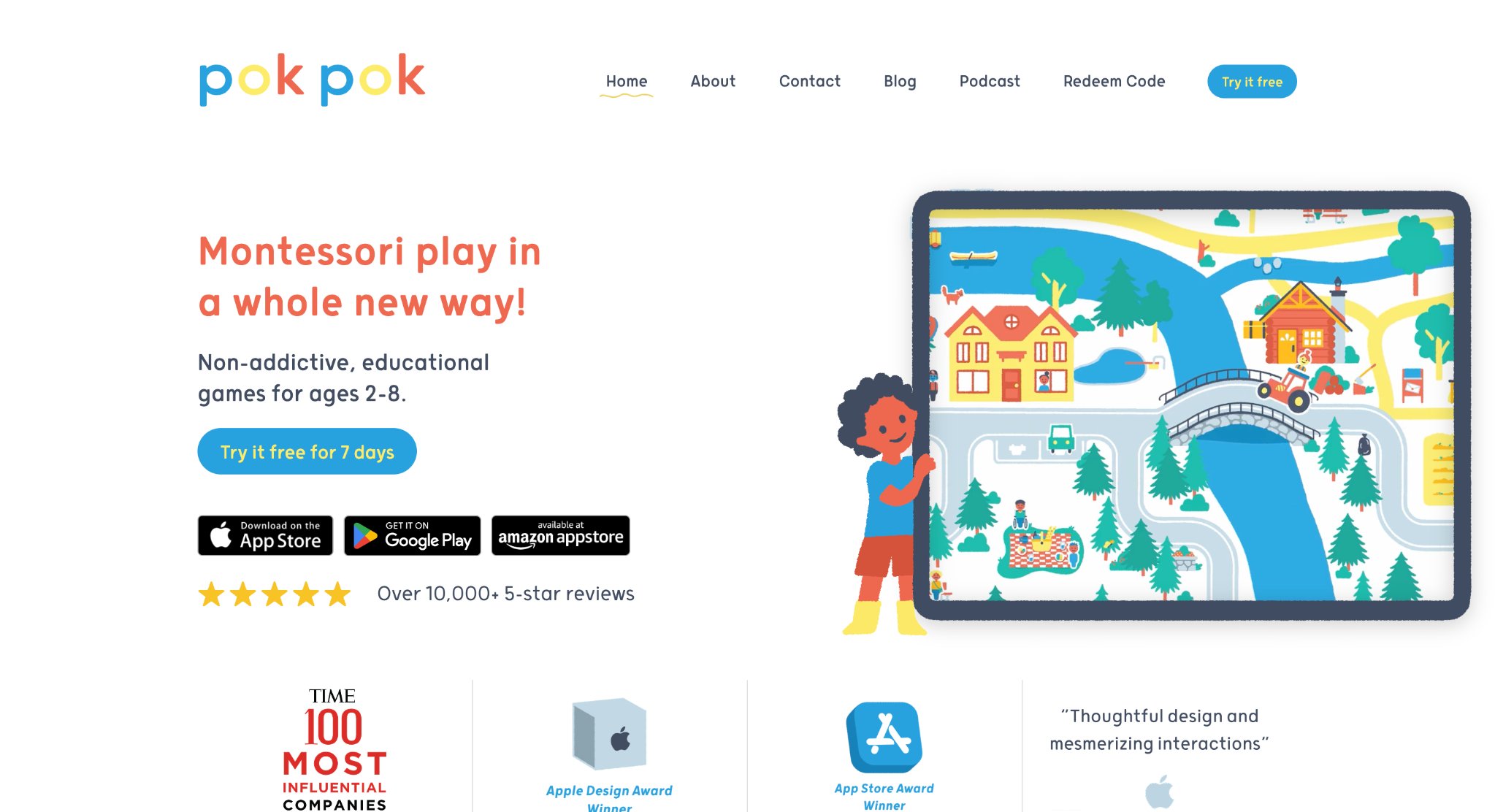
Pok Pok creates a digital Montessori-inspired playroom filled with open-ended interactive toys instead of levels, scores, or competitive goals. Four-year-olds freely explore activities involving building, counting, shapes, dress-up, music-making, and imaginative worlds, all presented with hand-drawn visuals and gentle, in-house sound effects. The design encourages self-directed discovery of early STEM ideas, language, spatial awareness, and creativity without timers or win-lose outcomes. Each toy invites experimentation, allowing children to follow their own curiosity and return to activities as often as they wish. Content expands regularly with new toys that grow alongside the child, maintaining a calm, low-stimulation environment. The approach supports independent exploration while quietly fostering problem-solving, emotional regulation, and sustained attention through unhurried play. Families value the peaceful atmosphere that stands apart from more high-energy apps.
Key features include:
- Growing collection of open-ended digital toys covering counting, shapes, building, and role-play
- Hand-crafted animations and calming audio designed specifically for young children
- Complete absence of levels, scores, or competitive elements
- Activities that naturally adapt to different ages and interests
Facts and information:
- Built on Montessori principles of independent, hands-on learning
- Recognized for offering non-addictive screen experiences centered on curiosity and calm exploration
35. Thinkrolls
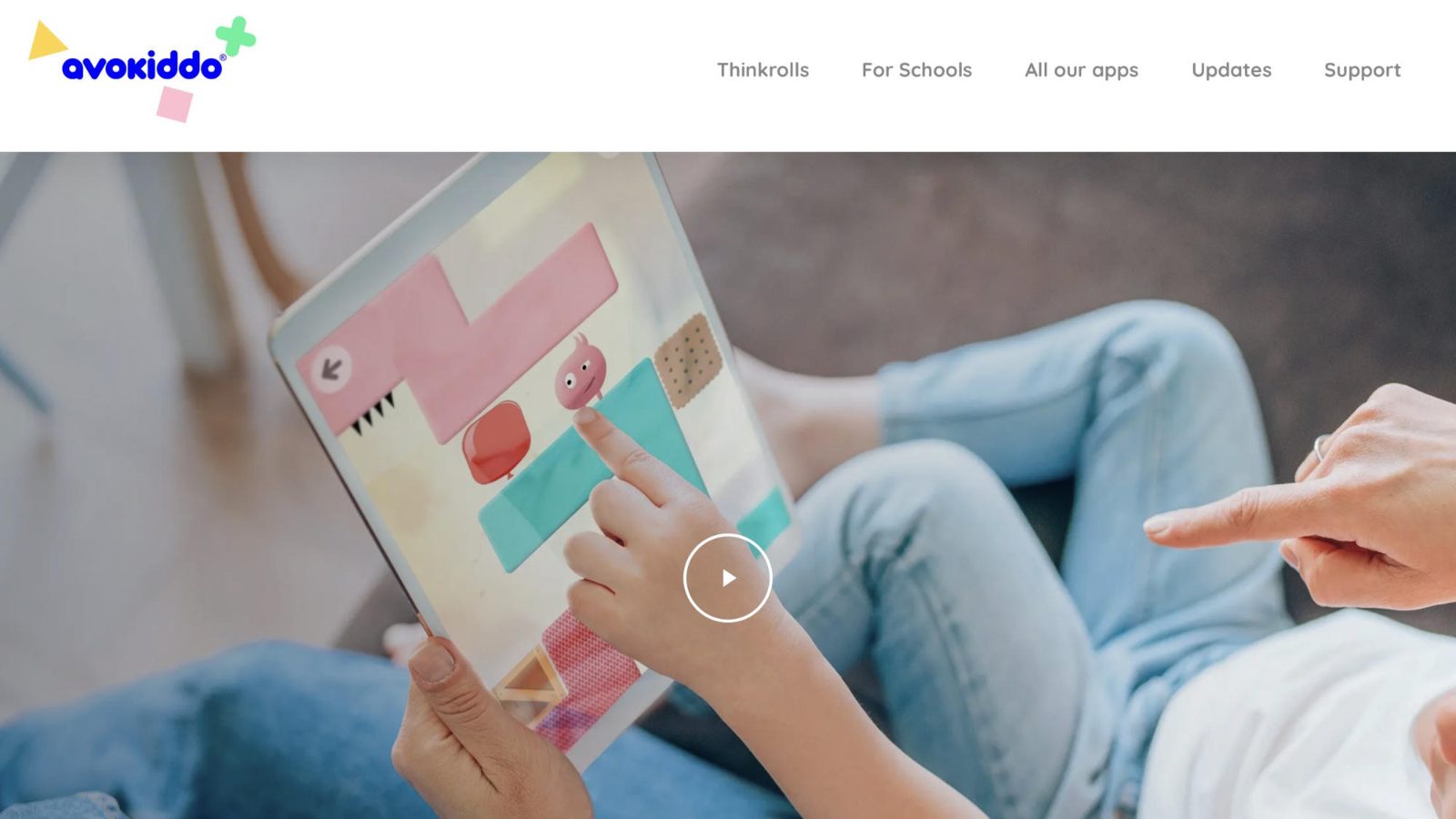
Thinkrolls turns physics and logic into playful adventure as children guide cheerful characters through colorful mazes by experimenting with gravity, buoyancy, elasticity, heat, and other natural forces. Hundreds of levels invite four-year-olds to plan sequences, test ideas, and adjust strategies through trial and error, building spatial reasoning, memory, and problem-solving confidence. An easy mode provides gentle challenges for younger players while harder modes grow with the child’s abilities. Avokiddo designed the series so abstract scientific concepts become visible and interactive without any need for reading. Clear visual feedback and satisfying animations celebrate each successful solution, encouraging persistence and logical thinking. The self-paced structure lets children repeat levels or move forward as they feel ready, creating a sense of mastery through playful experimentation.
Key features include:
- Physics-based puzzles exploring gravity, heat, friction, buoyancy, and elasticity
- Easy and advanced modes suitable for ages 3–8
- Hundreds of progressively complex levels
- Character-driven challenges that reward experimentation and planning
Facts and information:
- Award-winning series focused on logic and early STEM thinking
- Created for independent play with adaptive difficulty that supports steady skill growth
36. Moose Math
.jpg)
Moose Math invites four-year-olds into a cheerful city-building world where counting, shapes, addition, and early geometry appear as everyday missions rather than isolated drills. Children help friendly animal characters stock shops, sort items, fill orders, and complete simple construction tasks while numbers and patterns quietly take center stage. Large tap targets, clear audio prompts, and colorful animations let young players move through activities with little adult help. Each successful task adds a new piece to the growing town, giving kids a visible sense of progress that encourages them to return and try the next challenge. The design keeps sessions short and focused, which suits preschool attention spans while still supporting number sense, one-to-one correspondence, spatial thinking, and early problem solving. Visual models show quantities in concrete ways so children can see what a number means before they are asked to operate with it. Families often use it as a calm math companion that feels like play rather than a worksheet, especially during quiet indoor time or travel. Duck Duck Moose created the experience with early learners in mind, pairing playful storytelling with repeated practice so foundational math ideas stay memorable and approachable.
Key features include:
- City-building missions that reward counting, sorting, and early operations
- Visual models for number sense, shapes, and simple geometry
- Large, independent-friendly controls with spoken guidance
- Progressive challenges that grow with the child’s confidence
Facts and information:
- Developed by the Duck Duck Moose studio known for preschool-focused design
- Frequently used at home to reinforce early math through playful repetition
37. Endless Numbers
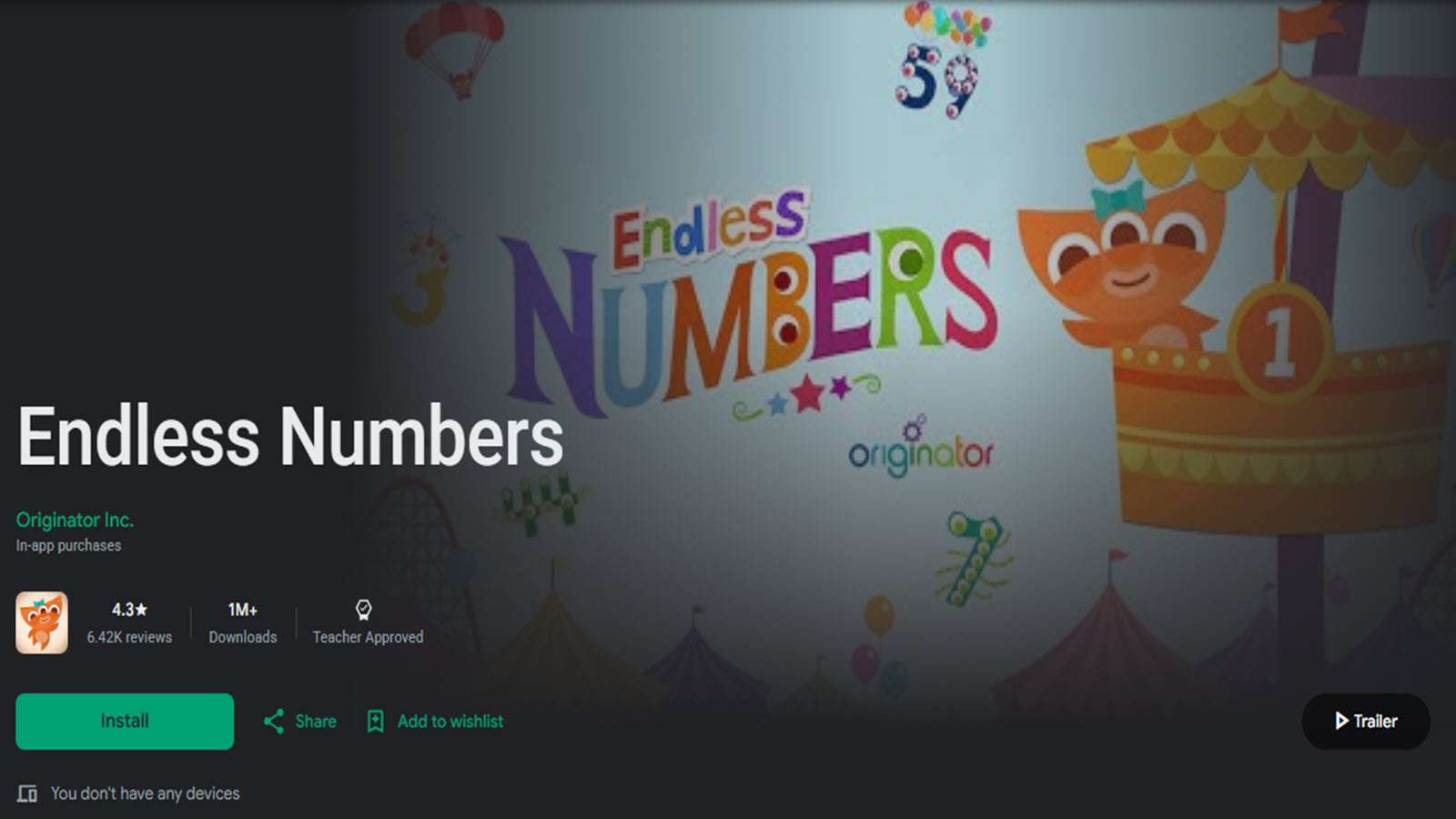
Endless Numbers surrounds four-year-olds with the same playful monster world found in related letter apps, this time focused on counting, number recognition, and simple quantities. Kids drag numerals into place, watch animated scenes that illustrate “how many,” and hear clear number names as they explore each idea. The experience stays untimed and pressure-free, so children can linger on favorite numbers, replay sequences, and build familiarity without scores or fail states. Bright characters and short, humorous animations turn abstract quantities into something kids can see, hear, and laugh about. Fine-motor practice comes from dragging and matching, while listening skills grow through consistent audio labels that connect spoken words to written numerals. The self-paced format lets preschoolers explore freely and return to the same numbers until the concepts feel comfortable. Originator designed the series so early math vocabulary and visual quantity sense develop side by side in short, repeatable sessions that fit naturally into daily routines. Many families use it as a gentle first step before more structured arithmetic, because the monsters keep attention while the underlying counting work stays clear and concrete.
Key features include:
- Interactive number puzzles with spoken labels and animations
- Quantity scenes that show what each number represents
- Self-paced exploration without timers or failure states
- Companion style to related literacy titles for familiar play patterns
Facts and information:
- Created for early learners building number recognition and counting fluency
- Often recommended as a gentle introduction to quantities before formal arithmetic
38. Montessori Preschool
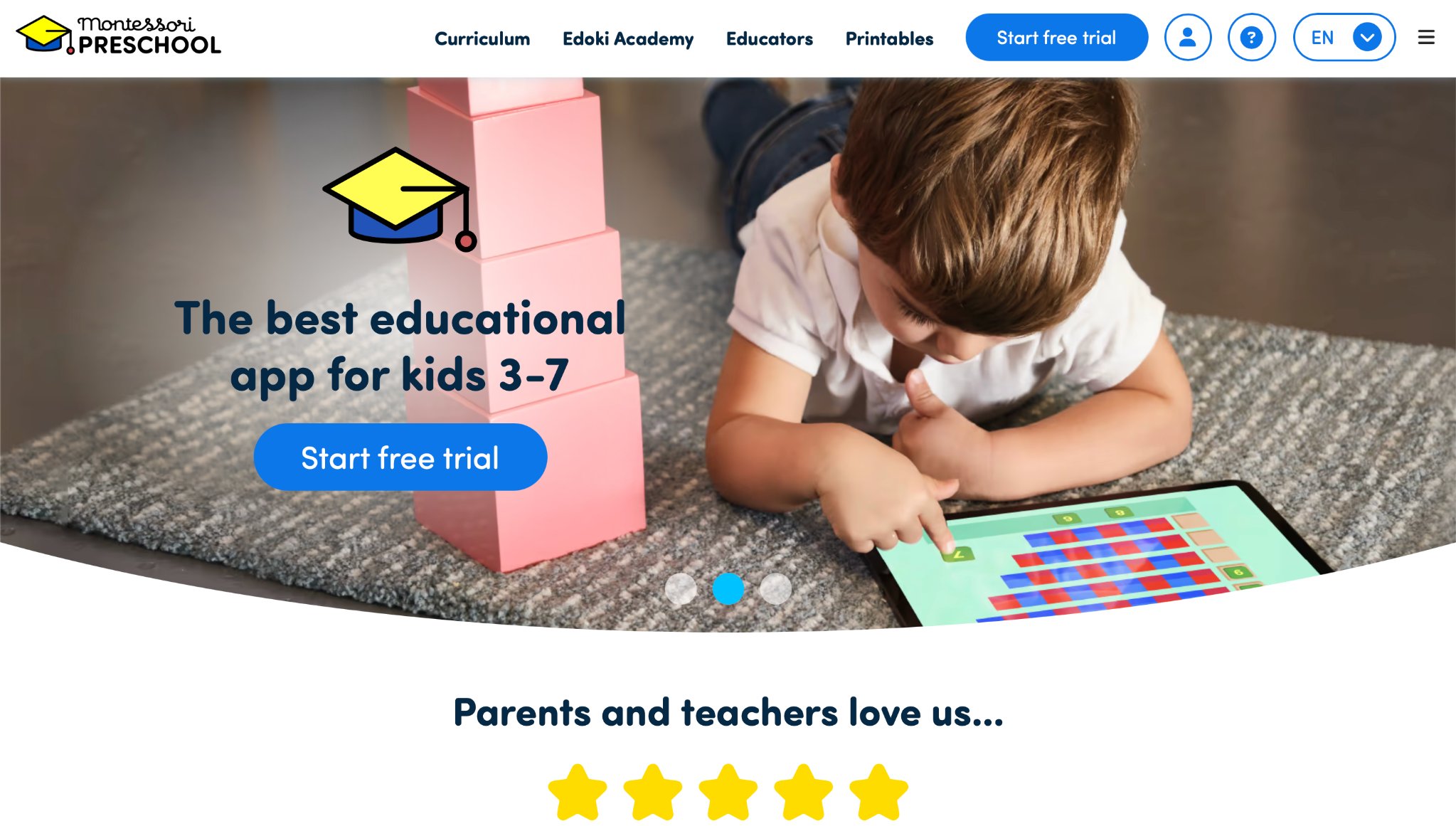
Montessori Preschool from Edoki Academy organizes letters, numbers, colors, shapes, phonics, and practical-life style activities into a calm, structured environment that mirrors classroom materials. Four-year-olds trace letters, sort objects, match quantities, complete sequenced lessons, and work through early writing and counting tasks with voice guidance and clean visuals. The layout emphasizes independence: children choose activities, repeat them as needed, and receive gentle feedback rather than loud rewards or competitive rankings. Fine-motor work, concentration, and early academic vocabulary grow through repeated, hands-on style digital tasks that invite careful looking and doing. The app covers a broad preschool range without crowding the screen, which helps young users stay oriented and move from one material to the next with confidence. Many families use it as a daily practice space that feels orderly rather than chaotic, especially when they want a predictable path through foundational skills. The approach reflects Montessori ideas of self-correction and mastery through repetition, giving preschoolers time to linger until a concept clicks. Adults often notice children returning to favorite trays of activities and working with increasing focus as the interface becomes familiar.
Key features include:
- Sequenced lessons in phonics, numbers, shapes, and colors
- Tracing, sorting, and matching activities with voice support
- Clean interface designed for independent preschool navigation
- Coverage spanning pre-reading through early kindergarten concepts
Facts and information:
- Built by Edoki Academy with a Montessori-inspired structure
- Used in homes seeking organized, repeatable early-learning practice
39. LEGO Duplo World
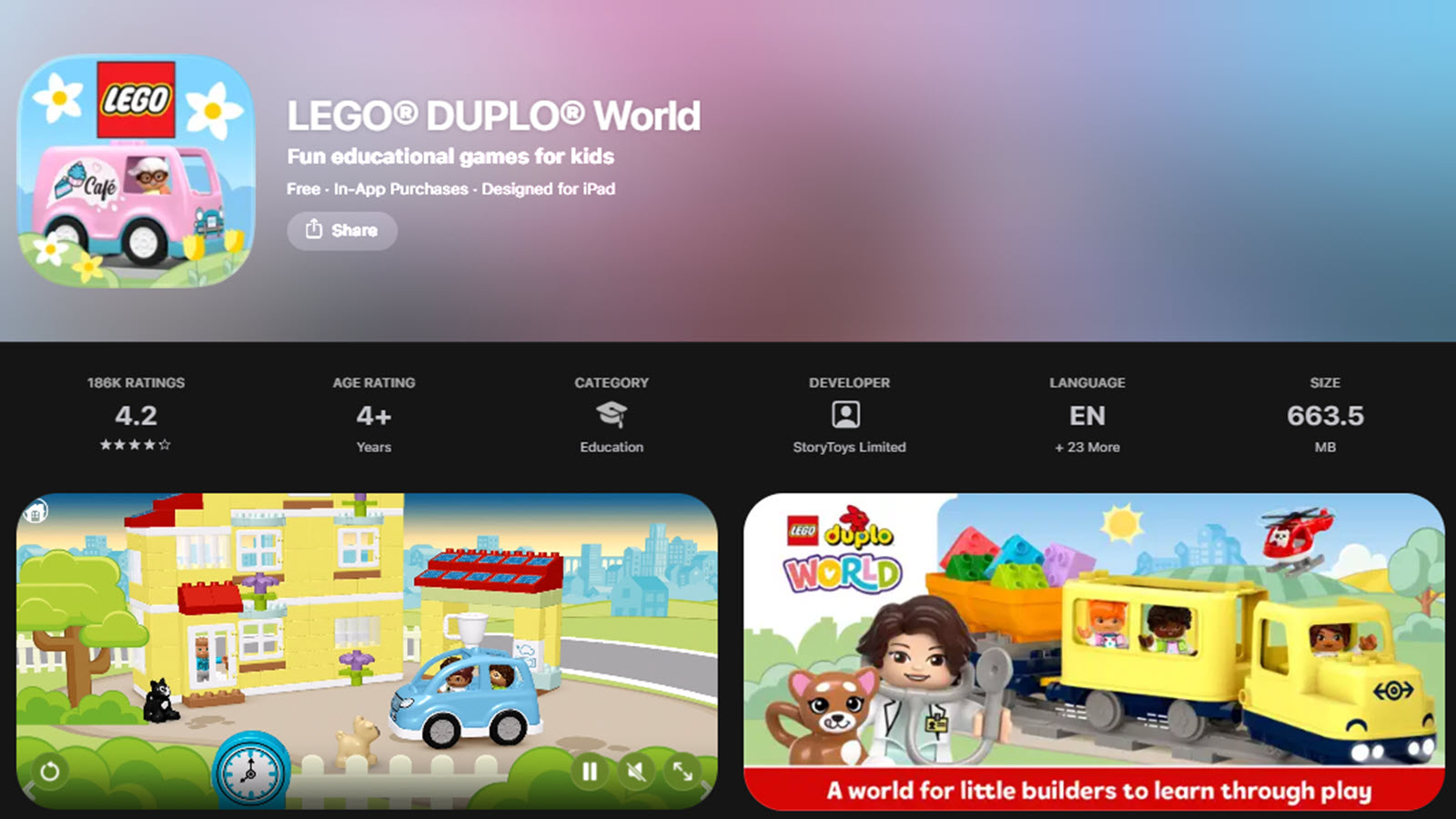
LEGO Duplo World turns familiar brick play into digital adventures where four-year-olds build, role-play, and solve simple challenges with oversized characters and scenes. Construction tasks, story moments, and light arcade-style activities sit side by side so kids can switch between creating, exploring, and pretending. The interface uses large pieces and straightforward taps that match preschool motor skills and reduce frustration during independent play. Cause-and-effect thinking grows as children stack, drive, rearrange scenes, and watch how one action changes the world on screen. Language develops through character interactions and everyday scenarios such as travel, home life, and rescue play. Offline-friendly design after download makes it useful for travel, waiting rooms, and other times when a calm, familiar activity is needed. The tone stays playful and low-pressure, closer to open play than to a scored lesson, which suits children who prefer inventing stories over finishing levels. Families often notice children narrating their own adventures as they rearrange the Duplo world, blending spatial skills with imaginative talk and early sequencing. The digital bricks echo physical construction play, helping kids transfer ideas between tablet and floor toys.
Key features include:
- Building and role-play scenes with Duplo-style characters
- Mix of construction, simple games, and story moments
- Large controls suited to small hands
- Offline play after initial download
Facts and information:
- Created to extend physical Duplo play into digital exploration
- Popular with preschoolers who already enjoy block-based construction
40. Elmo Loves 123s
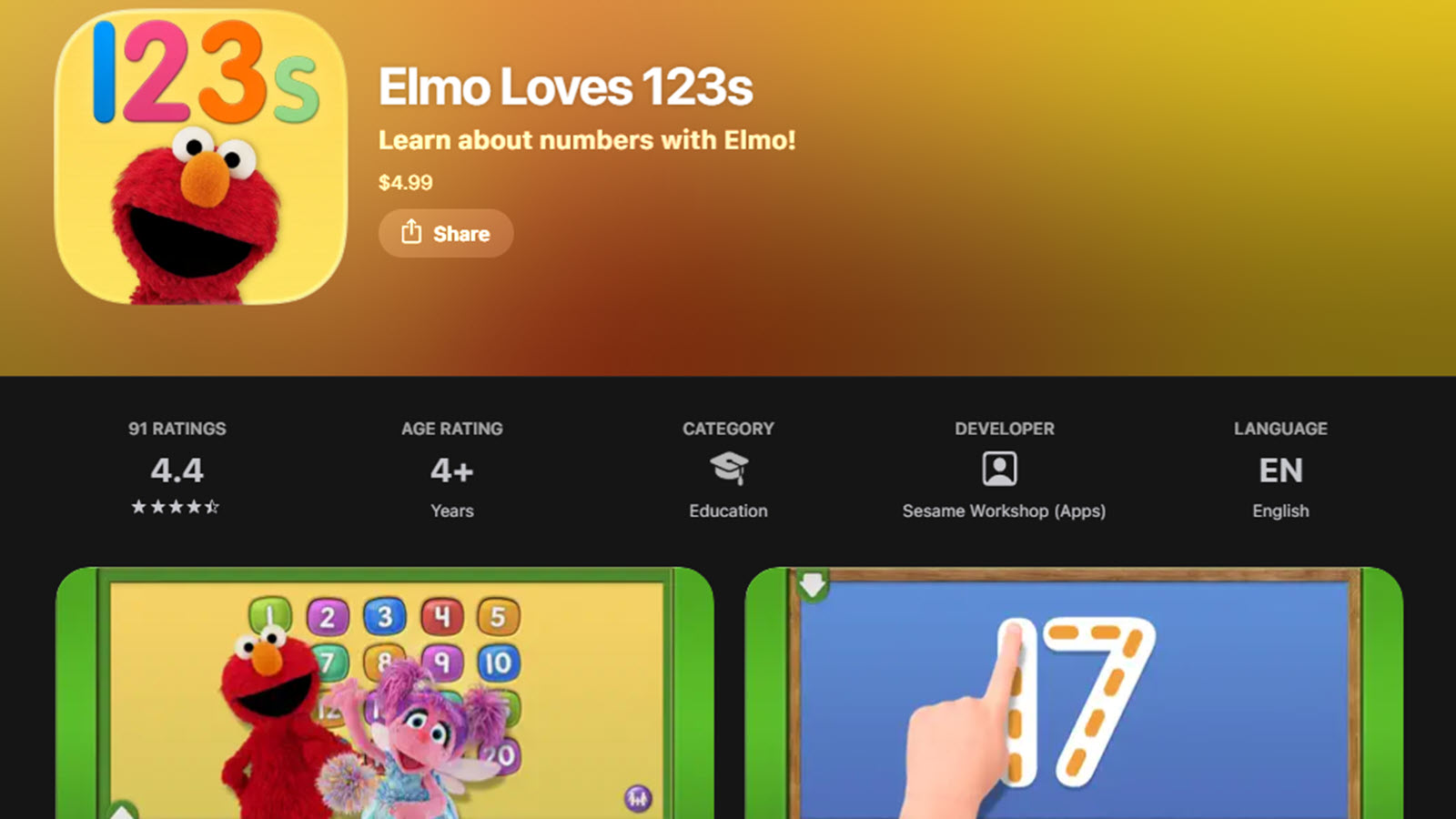
Elmo Loves 123s brings Sesame Street’s Elmo and friends into number play covering counting, tracing, quantity matching, and early operations through songs, games, and short videos. Four-year-olds practice numbers one through twenty in short bursts that feel like time with a familiar character rather than a formal lesson. Tracing activities support handwriting readiness and numeral formation, while sorting and counting games strengthen one-to-one correspondence and comparison. Cheerful music and clear spoken labels help children connect spoken number names with written numerals and groups of objects. The pace stays gentle, with plenty of repetition for mastery and little pressure to rush ahead. Sesame Workshop designed the experience so social warmth and academic practice happen together, using Elmo’s familiar voice and expressions to keep young learners comfortable. Parents often use it to extend show-based learning into interactive number time that children already recognize and enjoy. The mix of video, song, and tap-and-drag games gives preschoolers several ways to meet the same idea, which helps numbers stick through varied practice rather than a single format.
Key features include:
- Number tracing, counting games, and quantity matching
- Songs and short videos featuring Elmo and friends
- Practice from early counting through numbers to twenty
- Character-led guidance with clear audio labels
Facts and information:
- Developed by Sesame Workshop as part of its early numeracy resources
- Commonly used to reinforce number names and quantities with familiar Muppets
41. My Math Academy
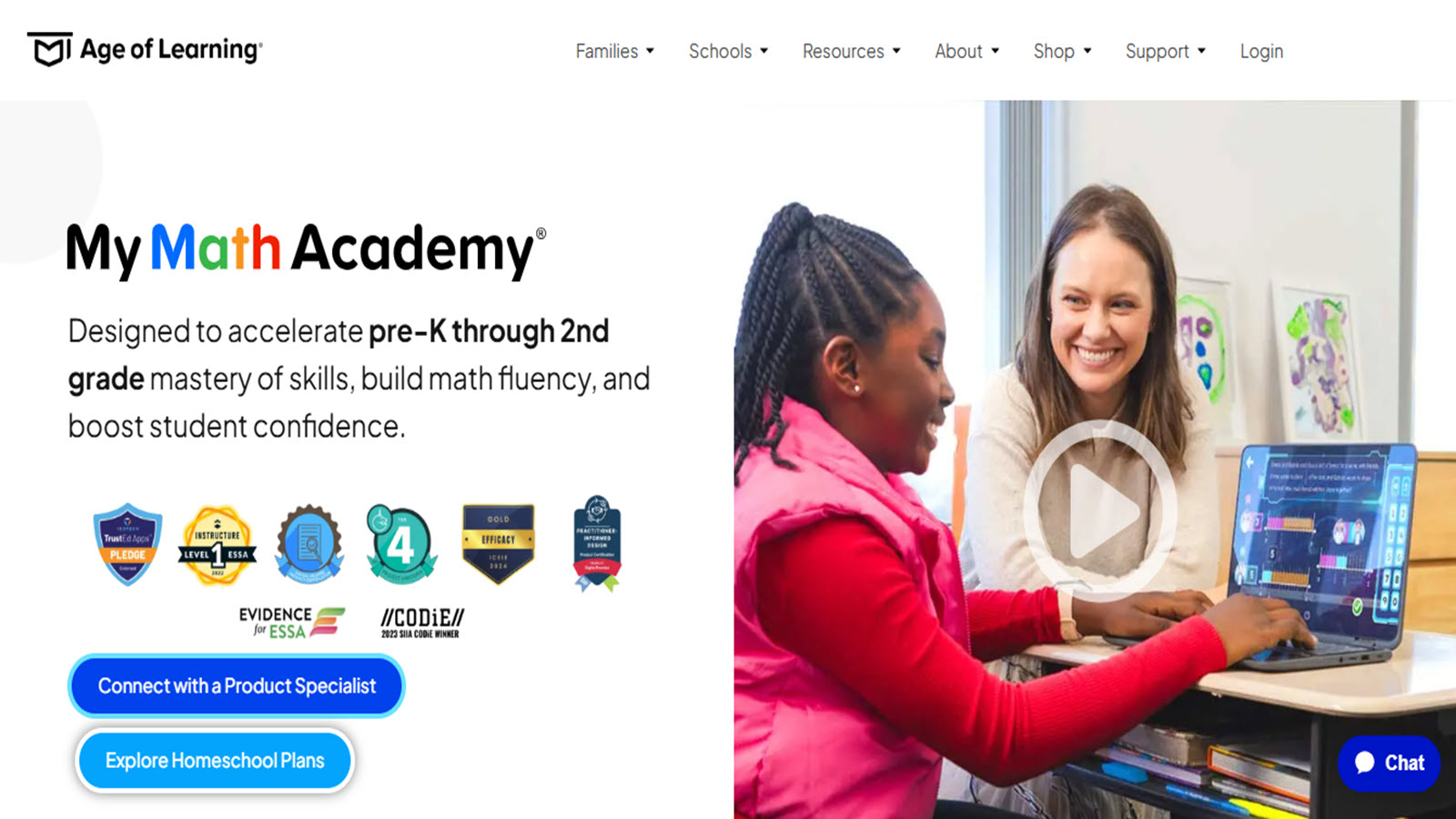
My Math Academy presents early number concepts through adaptive games that adjust as four-year-olds demonstrate what they know. Children work with quantities, comparing, counting, and beginning operations inside colorful scenarios that keep the focus on understanding rather than speed. The system identifies gaps and offers extra practice in those areas while moving ahead when a skill is secure, which helps each child work at a comfortable challenge level. Visual models and spoken guidance support learners who are not yet reading and need to see numbers as groups, lengths, or objects. Progress views help adults see which number ideas are taking hold and where more practice may help. Age of Learning developed the program with early-math research in mind, aiming for mastery of foundational ideas before later arithmetic. Short, focused activities fit preschool attention while still building a coherent path through number sense. Families and educators often use it when they want math practice that responds to the child rather than following a fixed sequence for every learner.
Key features include:
- Adaptive math games covering counting, comparing, and early operations
- Visual models and spoken instructions for pre-readers
- Skill-by-skill practice that responds to performance
- Adult-facing progress views of mastered concepts
Facts and information:
- Created by Age of Learning as a research-informed early math program
- Used in homes and classrooms to strengthen number sense before formal school math
42. Smart Tales
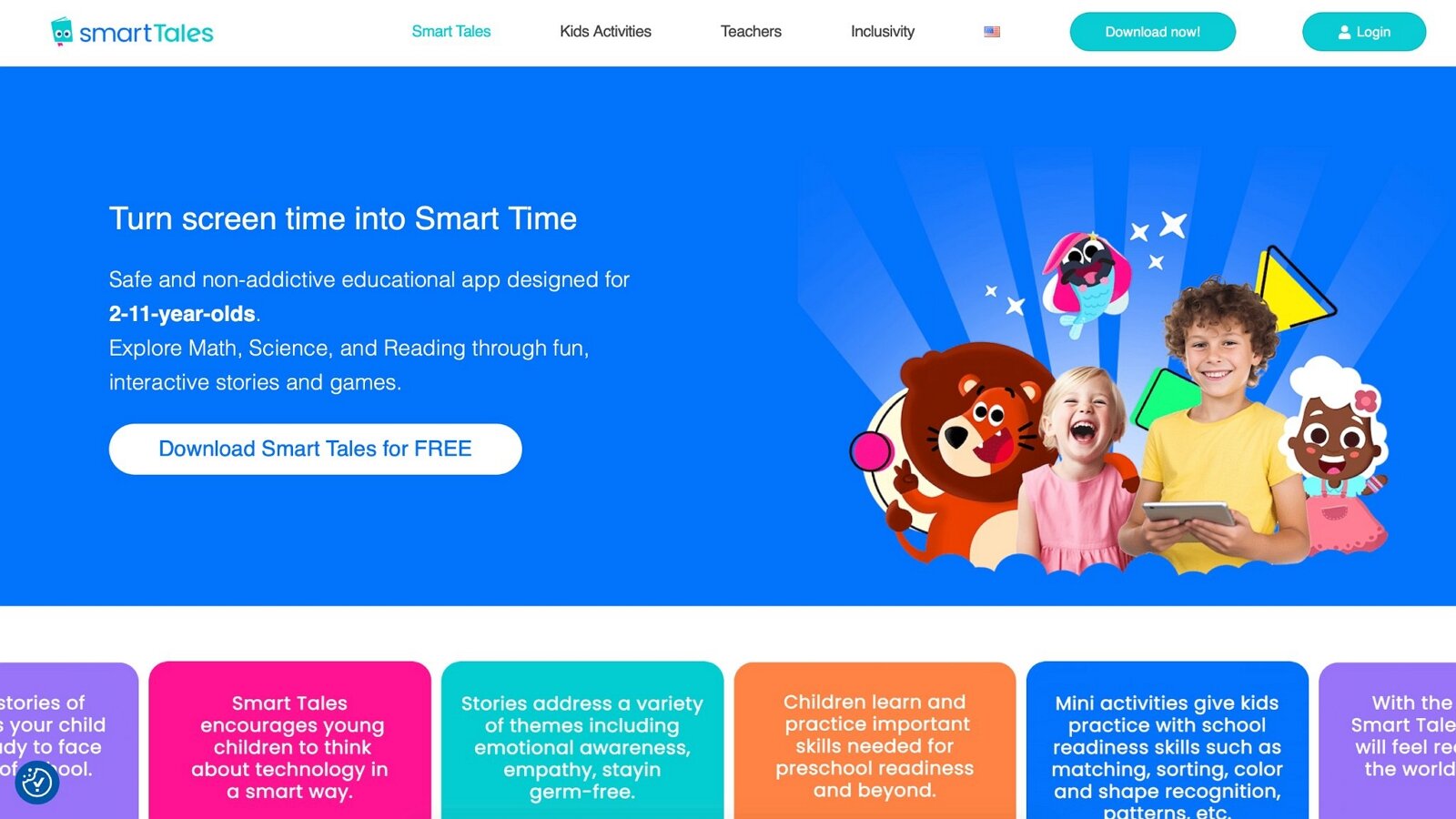
Smart Tales combines interactive stories with learning games so four-year-olds can follow characters through scenes that fold in letters, numbers, logic, and everyday problem-solving. Animated narratives keep attention while tap-and-drag moments ask children to sort, match, count, or complete a simple task tied to the story. The format supports listening comprehension, vocabulary, sequencing, and cause-and-effect thinking in one sitting instead of separating story time from skill practice. Visuals stay colorful and uncluttered, with audio that guides pre-readers and reduces the need to decode on-screen text. Repeating favorite tales helps children anticipate what comes next and practice the embedded skills again with growing confidence. The blend of story and game suits preschoolers who prefer narrative play over isolated drills and who stay engaged longer when a character’s adventure is unfolding. Families often use it for quiet time that still feels purposeful, especially when they want literacy and logic practice wrapped inside a beginning, middle, and end. The repeatable structure also makes it easy to return to the same world across several days.
Key features include:
- Interactive story worlds with embedded learning tasks
- Letter, number, and logic moments inside narratives
- Audio guidance for pre-readers
- Repeatable tales that support comprehension and vocabulary
Facts and information:
- Built as a story-plus-game format for preschool attention spans
- Used to pair early literacy and logic practice with character-driven play
43. Epic!

Epic! gives four-year-olds a large library of picture books, read-alouds, and early reader titles they can browse by theme, character, or reading level. Children tap covers, listen to narration, follow highlighted text, and revisit favorites as often as they like, which supports print awareness, vocabulary, and a growing identity as a reader even before independent decoding is solid. Short videos and learning videos sit alongside books for variety when a child wants something other than a full story. The interface uses large artwork and simple filters so preschoolers can choose dinosaurs, vehicles, animals, or bedtime stories with limited adult help. Daily reading time becomes easier when kids can pick what feels interesting in the moment and still stay inside a collection built for young listeners. Many families treat it as a digital bookshelf that keeps new titles arriving while familiar ones stay available for repeated readings. Repeated listen-and-look sessions help children connect spoken language with print and pictures, which is a core preschool literacy habit. Shared reading on a tablet also gives adults an easy way to talk about characters, feelings, and what might happen next.
Key features include:
- Extensive picture-book and early-reader library with read-aloud options
- Theme and interest browsing designed for young choosers
- Highlighted text and narration to support print awareness
- Mix of books and short learning videos
Facts and information:
- Widely used as a home digital library for emerging readers
- Supports shared and independent book time before formal reading fluency
Benefits of Mixing Play and Learning Online
Online games give 4-year-olds a head start on school skills without feeling like work. They often include voice guidance, helping those not yet reading. Parents can track growth through built-in reports in some apps. This method supports diverse learning styles, from visual to hands-on. To maximize gains, set time limits and discuss what kids learn.
- Cognitive activities boost problem-solving through puzzles and matching tasks.
- Social elements teach sharing via character interactions.
- Motor skills improve coordination with dragging and tapping motions.
- Emotional growth builds empathy during story-based choices.
Tips for Healthy Screen Time with Young Kids
Set routines around game time to avoid overuse. Choose quiet spots free from distractions. Talk about the games afterward to reinforce ideas. Some families alternate with books or outdoor play. Always update kid learning apps for new features.
How These Games Support Early Development Milestones at Age 4
At age 4, children hit important milestones in language, cognition, social skills, and motor development. High-quality educational games for 4 year olds support these naturally through playful interaction.
- Language and Literacy: Games with storytelling and phonics build vocabulary and pre-reading skills.
- Cognitive Growth: Puzzles, sorting, and simple math activities strengthen memory, attention, and problem-solving.
- Social-Emotional Skills: Role-playing and cooperative modes help children recognize emotions, share, and build empathy.
- Physical Development: Motion-based and AR games improve coordination and fine motor skills.
Educational games for 4 year olds that adapt to the child’s responses create positive reinforcement loops, boosting confidence and curiosity exactly when the brain forms key neural connections for future learning.
Fun Educational Games for 4 Year Olds to Play with Family
Family play turns screen time into precious bonding time. The best fun educational games for 4 year olds are designed to encourage everyone to join in and create joyful shared learning moments together.
Look for titles that support multiplayer modes or easy co-play features. These games allow parents and siblings to explore pretend play, build together, solve simple puzzles, or go on adventures as a team.
Playing fun educational games for 4 year olds with family strengthens communication, turn-taking, sharing, and emotional connections. Set aside dedicated family game time - even just 15–20 minutes daily - to play together and talk about what your child discovers. This approach makes learning exciting, reinforces new skills, and builds stronger family bonds through laughter and real conversations.
Shared Moments Between Parent and Child
Some of the most valuable screen time happens when an adult sits nearby. Talking about what a character feels, guessing what might happen next, or simply watching together turns a game into conversation. These joint sessions help children put feelings into words and practice turn-taking in a relaxed setting. Short, calm games work especially well because they leave room for real-life discussion. Games built around caregiving or storytelling invite natural questions, connecting to themes in the best social emotional games for kids and the best emotional regulation games for kids.
Phones, Tablets, and Simple Controls
Small hands miss tiny buttons. Tablets give more space to drag a toy or drop a shirt into a basket. Educational games for kids on iPad make those taps easier. Mobile games for kids still work on a phone when a grown-up holds the device steady. Apps for preschoolers with big icons reduce mis-taps and extra menus. Device questions for Apple and Android sit on the App Store FAQ and the Google Play FAQ.
Seasonal Themes That Keep Play Fresh
Four-year-olds notice coats, pumpkins, snow, and picnic food. New rooms and outfits across the year give the same skills a new wrapper: sorting, dressing, and telling a tiny story. Learning through play activities use those familiar seasons so the child can talk about what they see outside. A family weekly planner helps short play sit next to outdoor time and meals. Educational games for kids at home that change with weather keep the same pet or cleanup world feeling new. Games for young kids often add holiday rooms without changing the simple tap-and-drag controls.
Latest News In 2026
New developments in online learning for kids center on personalized paths that adapt to each child's pace. Games now blend storytelling with skill building in smoother ways than before. Emotional intelligence receives more attention with activities designed to help young children name and manage feelings during play.
Cross device play has improved so families switch between tablet and browser without losing progress. Many collections now include offline modes for travel or low connectivity days. TutoClub games continue to receive regular updates that introduce fresh characters and challenges aligned with early childhood growth areas.
Creative tools within games let kids design their own simple worlds. This hands on digital creation pairs well with real life art time. Newer releases focus on collaboration features where siblings share safe spaces for joint activities. Overall the field moves toward experiences that feel more like guided play than formal instruction.
FAQ
What Makes a Game Suitable for 4-Year-Olds?
Games tailored for 4-year-olds feature large, colorful icons that are easy to tap, along with gentle audio cues that guide without overwhelming. They emphasize foundational elements such as matching patterns or recognizing emotions to align with developing minds. Incorporating elements from educational games for kids ensures a secure environment that nurtures curiosity.
How Long Should 4-Year-Olds Play Online Games?
Brief play periods work best, fitting into daily schedules without causing fatigue. Parents can observe engagement levels to adjust as needed, ensuring time for other pursuits. This approach supports steady skill building through consistent, enjoyable sessions.
Can Online Games Replace Traditional Play?
Online games serve as a valuable addition by introducing interactive elements that complement hands-on experiences. They offer unique ways to practice concepts like sequencing or empathy in a digital format. Blending both types creates a well-rounded routine for young learners.
Are There Free Options for Educational Games?
Some platforms provide introductory access to basic features, allowing families to sample content before committing. Upgrading through subscriptions often expands choices for deeper engagement. This lets parents find what resonates with their child's interests.
How Do Educational Games Support Emotional Development in 4-Year-Olds?
These games introduce scenarios where kids interact with characters facing feelings like happiness or frustration, helping them identify and respond appropriately. Through simple stories, children learn about kindness and cooperation in a low-pressure setting.
How do educational games for four year olds develop skills?
Educational games for four year olds develop skills by encouraging active participation in tasks that require focus and quick thinking. They help children practice decision making in low pressure settings that build confidence over time. The interactive elements often promote hand eye coordination and the ability to follow visual instructions. Many options in the TutoClub games range introduce foundational concepts in ways that feel like play rather than work. This approach supports overall cognitive growth while keeping children engaged for appropriate lengths of time.
How do online games support preschool learning at home?
Online games support preschool learning at home by offering flexible timing that fits around family schedules and daily routines. They provide immediate responses to a child's actions which helps reinforce understanding through trial and error. The format allows for personalized pacing where kids can repeat favorite sections until mastery occurs naturally. Parents find these tools useful for maintaining consistency in skill building between other activities.
Are there ad free options for young children?
Ad free options for young children create focused environments where attention stays fully on the learning activity itself. Such platforms prioritize content quality, child safety, and smooth gameplay that supports better memory retention during play sessions. Without distractions, preschoolers can concentrate longer, which helps strengthen focus, recall, and overall cognitive development. The clean experience also encourages repeated engagement that builds memory recall of shapes, colors, numbers, and patterns in a natural way. This type of setup leads to more meaningful playtime and helps young minds absorb early skills effectively.
What makes a game suitable for four year olds online?
What makes an education game for four year olds online includes clear visual design with big interactive areas that small fingers can easily target. Audio support with simple language helps when reading skills are still developing. Consistent button placement and predictable responses help young users feel in control. Games that adjust difficulty automatically keep the challenge level appropriate as abilities grow.
Can educational games help with emotional development?
Educational games can help with emotional development by showing characters experiencing common feelings in everyday situations. Children observe and interact with responses that model positive ways to handle emotions. These experiences provide opportunities to discuss feelings after play sessions end. The safe digital setting allows practice of empathy and self awareness at an early age.
What age range benefits most from these types of educational games?
Educational games designed around preschool abilities work well for children who are building early foundations in thinking and movement. Four year olds particularly enjoy the mix of visual exploration and simple decision making that matches their growing independence. These activities support brain development for children through repeated practice with colors, patterns, and basic stories in short engaging bursts. The playful format helps maintain interest while strengthening focus and creativity during daily routines.
How do interactive elements in games aid hand-eye coordination?
Interactive elements like tapping, dragging, or choosing paths in games provide gentle practice for hand-eye coordination at this developmental stage. Children respond to on-screen cues that improve precision and timing through fun repetition. This type of play connects digital actions with visual feedback in ways that feel rewarding and natural. Over time such experiences contribute to better control during both screen activities and real-world tasks.
What role does creativity play in preschool online games?
Creativity plays a central role as children design scenes, choose story directions, or build with virtual tools in these fun educational games. Open activities encourage free expression and problem solving without strict rules. This approach nurtures imagination while linking new ideas to familiar concepts like shapes or everyday routines. Families often notice increased storytelling and artistic interest after consistent play sessions.
How can seasonal themes enhance learning experiences for young children?
Seasonal themes bring familiar holidays and weather changes into online educational games, making abstract ideas more relatable for preschool minds. They add fresh visuals and activities that keep content exciting across months. This variety supports ongoing engagement while reinforcing concepts like colors, counting, or social situations in context. The updates help maintain a sense of discovery in regular playtime.
Why is variety important across different game types for 4 year olds?
Variety across game types covers multiple skill areas such as problem solving, storytelling, confidence building, and movement-based challenges for balanced growth. Rotating experiences prevents boredom and allows children to strengthen different strengths at their own pace. This mix mirrors the diverse ways young minds learn best through play. It creates richer opportunities for cognitive and emotional development within comfortable home settings.
What skills do educational games help 4-year-olds develop?
Educational games for 4-year-olds build early counting, color and shape recognition, language through simple storytelling, and social awareness by letting children care for characters. Fine motor control improves as kids drag, tap, and match items on screen, while pattern recognition and basic problem-solving grow through short sorting or sequencing tasks. Creative activities such as arranging rooms or choosing paths encourage imagination and personal choice. These experiences appear throughout collections that focus on everyday themes like pet care and cleanup routines, including many kids educational games and fun educational games for kids.
How do educational games support early number sense?
Games that show groups of objects, simple matching sets, or repeating color sequences help children form early ideas about quantity and patterns. Short sorting tasks or counting along with a character introduce one-to-one matching in a natural way without pressure. Bright visuals and clear feedback keep the experience light and rewarding so preschoolers stay engaged while practicing. Many of these number-focused moments are woven into everyday themes found in the TutoClub games collection and the learning games for kids online.
How can shared play with a parent enhance the experience?
Sitting nearby while a child plays turns a digital session into conversation about what a character feels or what might happen next. These joint moments help children put feelings into words and practice turn-taking in a relaxed setting. Short, calm games leave room for real-life discussion and strengthen the connection between parent and child. Open activities that invite questions about choices or scenes make the shared time especially natural, linking to ideas in the best confidence building games and the best emotional games for kids.
What role do fine motor activities play in online games for this age?
Touch-based tasks such as dragging pieces into place, tapping matching items, or arranging objects on screen give repeated chances to refine finger control and hand-eye coordination. These gentle actions support later skills like holding a crayon or using scissors while feeling like pure play. Calm pacing lets children try again without frustration, turning each session into quiet practice. Games centered on pet care or room setup often include these precise movements, similar to those highlighted among the best apps for preschoolers and the best educational games for toddlers.
How do open-ended games encourage independent choice-making?
Activities that let children choose outfits, rearrange furniture, or pick a path in a short story support decision-making and personal preference. Freedom to try different combinations builds confidence as kids see how their choices shape the play. The absence of timers or strict rules allows them to linger on favorite parts and return later. Many such open experiences become available through a TutoClub subscription, with related options also found in the free online games and fun educational games.
Can a 4-year-old use the same games as a toddler or a 5-year-old?
Yes, when the buttons stay large and the scenes stay short. Families often start with educational games for toddlers and later open titles made for kids a year older. Pet care, dress-up, and cleanup scale well because a younger child can tap while an older sibling picks a harder room. Speech practice and decorating play still work for both ages inside the same story. Simple taps from earlier years can still feel right at age 4.
Do these games work on a tablet and a phone?
Most titles open on both, and the same login can follow the family from one screen to another. Larger screens help small hands drag a toy or drop a shirt into a basket, which is why tablet games for kids are a common pick at this age. After the first download, play can keep the same tap-and-drag feel. Big icons cut mis-taps on a phone when a grown-up holds the device steady. Account steps work the same across those screens.
What if a child only wants the same game every day?
Repeating a favorite scene is normal at this age. Familiar rooms, pets, and outfits help a child feel in control while still practicing words, sorting, and care. Kid educational games that add new rooms refresh the same world without changing the core tasks. A sibling nearby, or a switch to a music or decorate scene, can add variety when the child is ready. Cleanup and pet houses often hide many small jobs in one place.
Can play continue without the internet?
After a game downloads and the account is checked, many titles keep working offline. That helps on car rides, in waiting rooms, or at a relative’s house. Answers about downloads and devices sit in the FAQ section. Offline play keeps the child inside one app they already know. The controls stay the same once the game is on the phone or tablet.
How do music and movement games fit preschool screen time?
Rhythm taps, dance loops, and copy-the-beat scenes help kids listen and move at the same time. Soft songs in fun educational games for kids give easy words to copy out loud. These sessions pair well with a quieter scene when a child needs a slower pace next. A short music loop often makes a clear stop point before a snack or outdoor play. Big buttons keep the dancing easy for small hands.
Read Also:
- Best Online Educational Games for Kids
- Best Educational Games for Toddlers
- Best Learning Apps for Kids in 2026
- Fluvsies DIY Paper Dolls
- 6 Practical Tips for New Parents
Discover the Best Educational Games For Kids 4 Years Old Online in 2026 - TutoClub