

Best Learning Apps for Kids in 2026





.jpg)
Learning apps for kids stand out by offering engaging content that fits busy family routines. Some apps focus on early literacy, while others build problem-solving abilities. With so many choices available, it's key to pick ones that match your child's age and interests for the best results. Discover the best learning apps for kids in 2026 that make education fun and effective.
A wide range of age-specific digital options supports both engagement and skill development. The best educational games for kids 4 years old online strengthen early literacy and numeracy, while the best educational games for 10 year olds focus on logic and critical thinking. An interactive educational games for kids app enhances structured screen time, and creative tablet games for kids expand learning opportunities. Many of the best educational games for kids that are fun successfully combine entertainment with measurable academic benefits.
Discover the best learning apps for kids - TutoClub
Benefits of Using Learning Apps
.jpg)
Learning apps provide flexible ways for kids to practice new concepts at their own pace. They often include colorful graphics and rewards to keep children motivated. Research from organizations like the American Academy of Pediatrics highlights how balanced screen use can support cognitive growth when paired with real-world activities. Parents report that these tools help reinforce school lessons, especially in areas like basic math or language skills. By incorporating interactive elements, apps make abstract ideas more concrete and enjoyable.
How Learning Apps Support Development
These apps go beyond entertainment by targeting specific skills such as fine motor control or emotional understanding. For instance, games that involve puzzles can sharpen logical thinking, while story-based ones foster imagination. This approach helps kids build confidence as they progress through levels, making education feel like play.
Best Learning Apps for Kids in 2026
1. TutoClub - Best Learning App for Kids
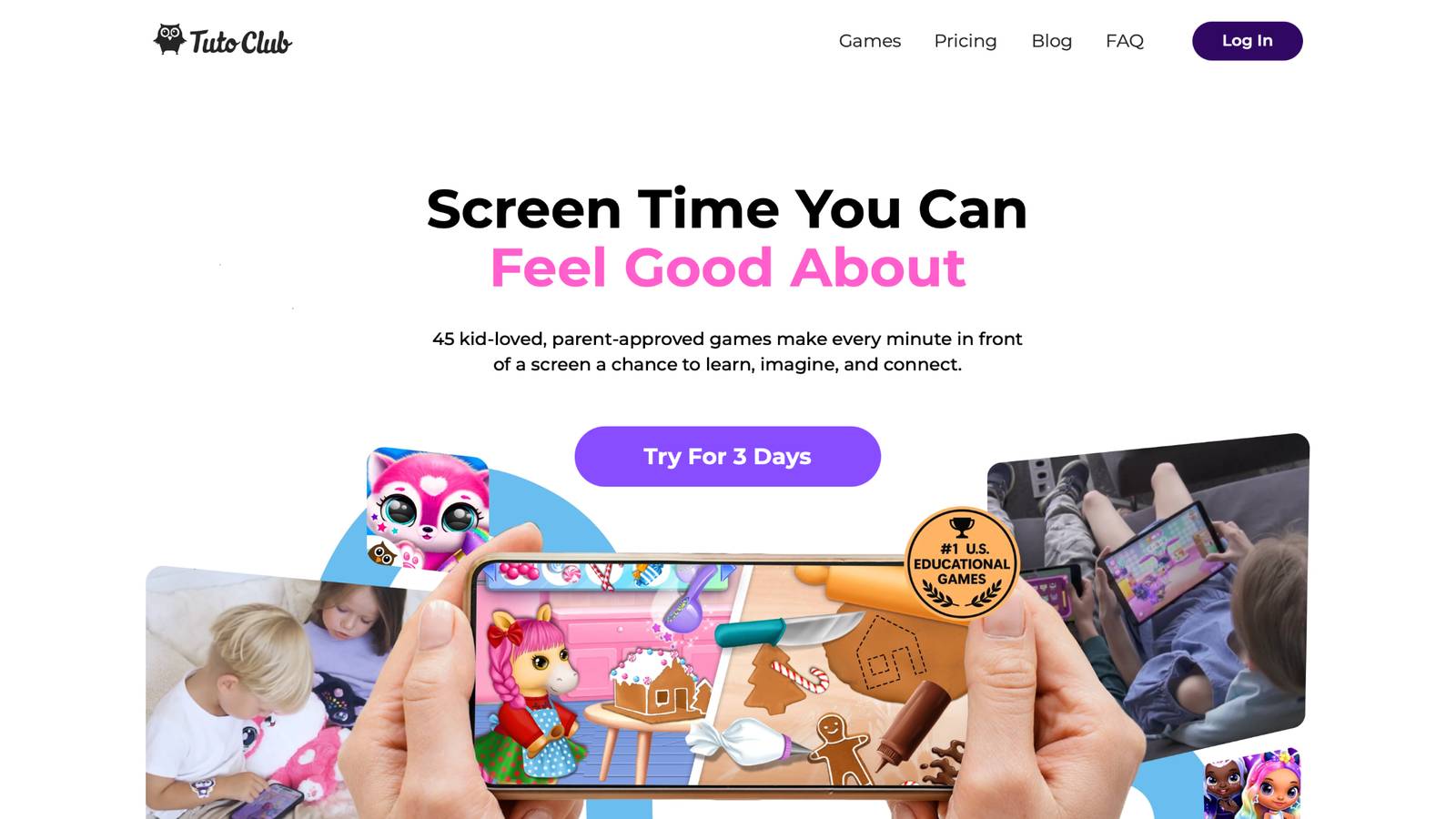
TutoClub offers a subscription platform with access to many educational games crafted for children. This service transforms screen time into meaningful play that sparks curiosity and builds essential skills. Kids dive into adventures that promote creativity, like designing worlds or solving puzzles, all in a safe, ad-free environment. Parents appreciate how it encourages family bonding through shared activities, turning devices into tools for connection.
The games draw from research to support emotional growth, such as learning empathy by caring for characters or boosting focus with challenging tasks. With options for offline play, it's perfect for travel or quiet moments at home. TutoClub stands out by blending fun with real benefits, helping children develop kindness, responsibility, and problem-solving in engaging ways. Based in Vilnius, Lithuania, the platform has earned praise from families worldwide for making learning feel natural and joyful.
- Standout features include colorful, interactive worlds that let kids express ideas through art and storytelling.
- Games build social skills by simulating real-life scenarios, like helping friends or completing group challenges.
- Facts and information show how these activities improve concentration, with many parents noting better attention spans in daily routines.
- Unique elements like open-ended exploration allow children to create without limits, fostering innovation and self-confidence.
TutoClub Overview
TutoClub is your gateway to a magical world of educational games designed especially for children.
As part of TutoTOONS, a leading kids' games studio, we offer premium access to over 45 ad-free games.
Our mission is to blend learning and play, helping kids explore, create, and grow in a safe online space.
Thousands of parents trust us for family-friendly content that sparks imagination and builds essential skills.
Key Features
- Unlimited Access: Unlock full content in all games with no interruptions.
- Ad-Free Experience: Enjoy seamless play without any ads or distractions.
- Skill Development: Games foster creativity, social skills, communication, and more through fun activities like pet care and cleanup challenges.
- Regular Updates: Get new releases, exclusive content, and future updates automatically.
- Easy Subscription: Cancel anytime with no obligations, simple and flexible for families.
Explore Our World
TutoClub provides a rich ecosystem of educational games for kids, featuring ad-free experiences that promote creativity, focus, and emotional growth through play.
This platform turns screen time into valuable learning opportunities, with parent-approved content that builds essential skills and sparks curiosity in young minds.
- TutoClub Games: Over 45 educational games, including popular titles like Fluvsies, Smolsies, and the Sweet Baby Girl series
- Blog: Insights, tips, and stories for families on kids' learning and play
- FAQ: Comprehensive answers to frequently asked questions about subscriptions, features, and more
Get TutoClub on Your Device
TutoClub delivers premium kids educational games directly to your mobile devices, making learning accessible anytime, anywhere.
With apps available on major platforms, families can easily download and subscribe for ad-free play that turns screen time into skill-building adventures.
Perfect for parents seeking safe, engaging content on iOS, Android, or Amazon devices.
Why Choose TutoClub?
We're committed to 100% safe, enriching entertainment that kids love and parents approve.
Join the thousands who've seen their children thrive through playful learning.
Ready to start the adventure?
Subscribe to TutoClub today and unlock endless fun!
2. Fluvsies Academy
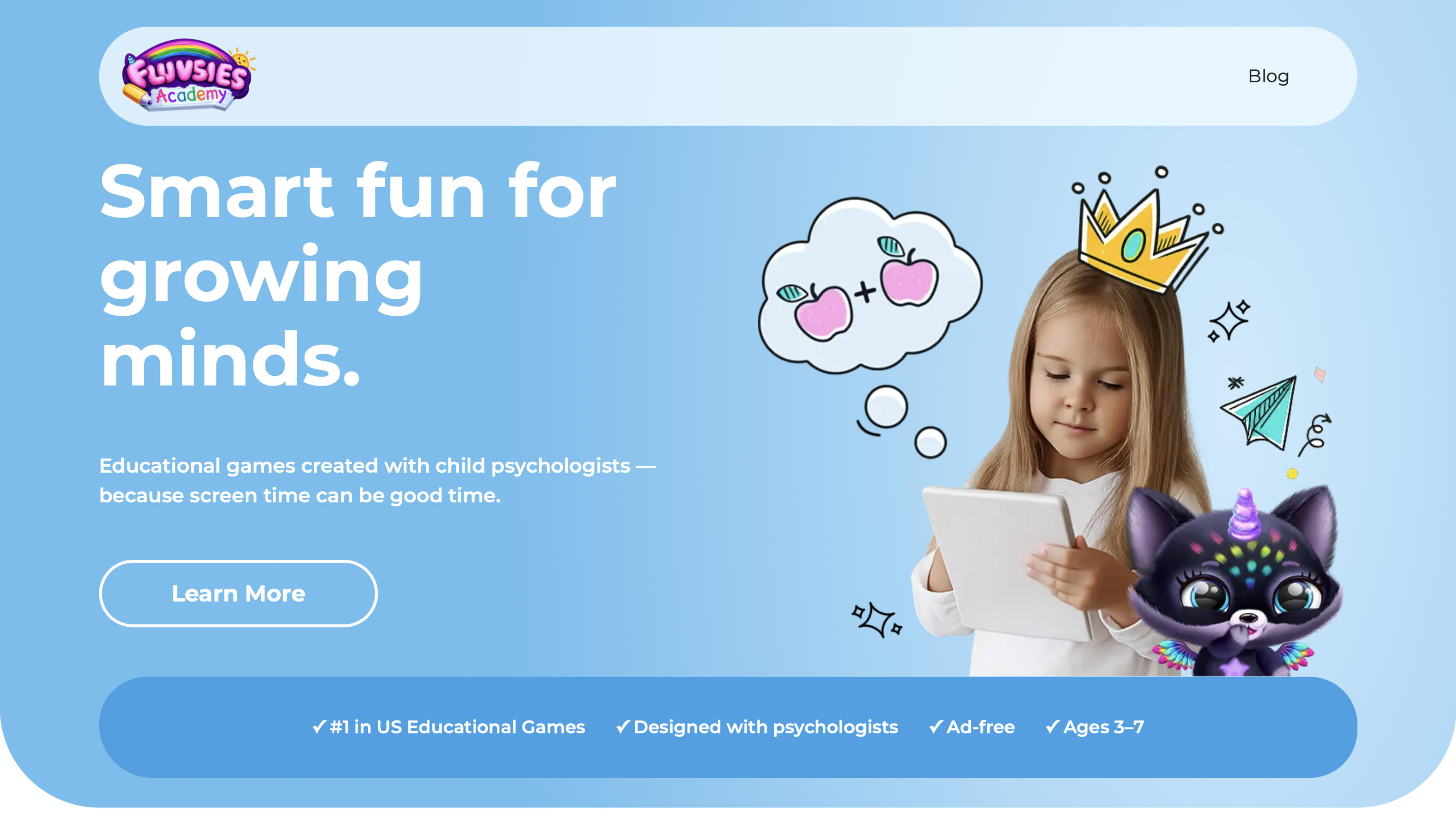
Fluvsies Academy delivers playful mini-games that blend learning with adorable fuzzy characters for children aged 3 to 7. Kids build essential skills in language and phonics, math and numbers, logic and focus, plus life skills like empathy, mindfulness, and exploring real professions such as baker or astronaut. Created with input from child psychologists, the app stays completely ad-free and provides clear progress reports so parents can track growth.
Its greatest strength is turning screen time into meaningful, heart-centered development without feeling like schoolwork. Some families note the subscription unlocks the best content after the trial, and the charming style connects most strongly with preschoolers. Overall, it offers a fresh, holistic option that makes parents feel good about device use. Headquartered in Kaunas, Lithuania.
- Key features: Interactive phonics stories, math sorting challenges, professions role-play games, mindfulness and kids yoga activities, plus parent-friendly progress reports.
- Facts and information: Families report kids picking up vocabulary, focus, and healthy habits naturally while having fun, with fresh activities added often to keep engagement high.
3. Khan Academy Kids
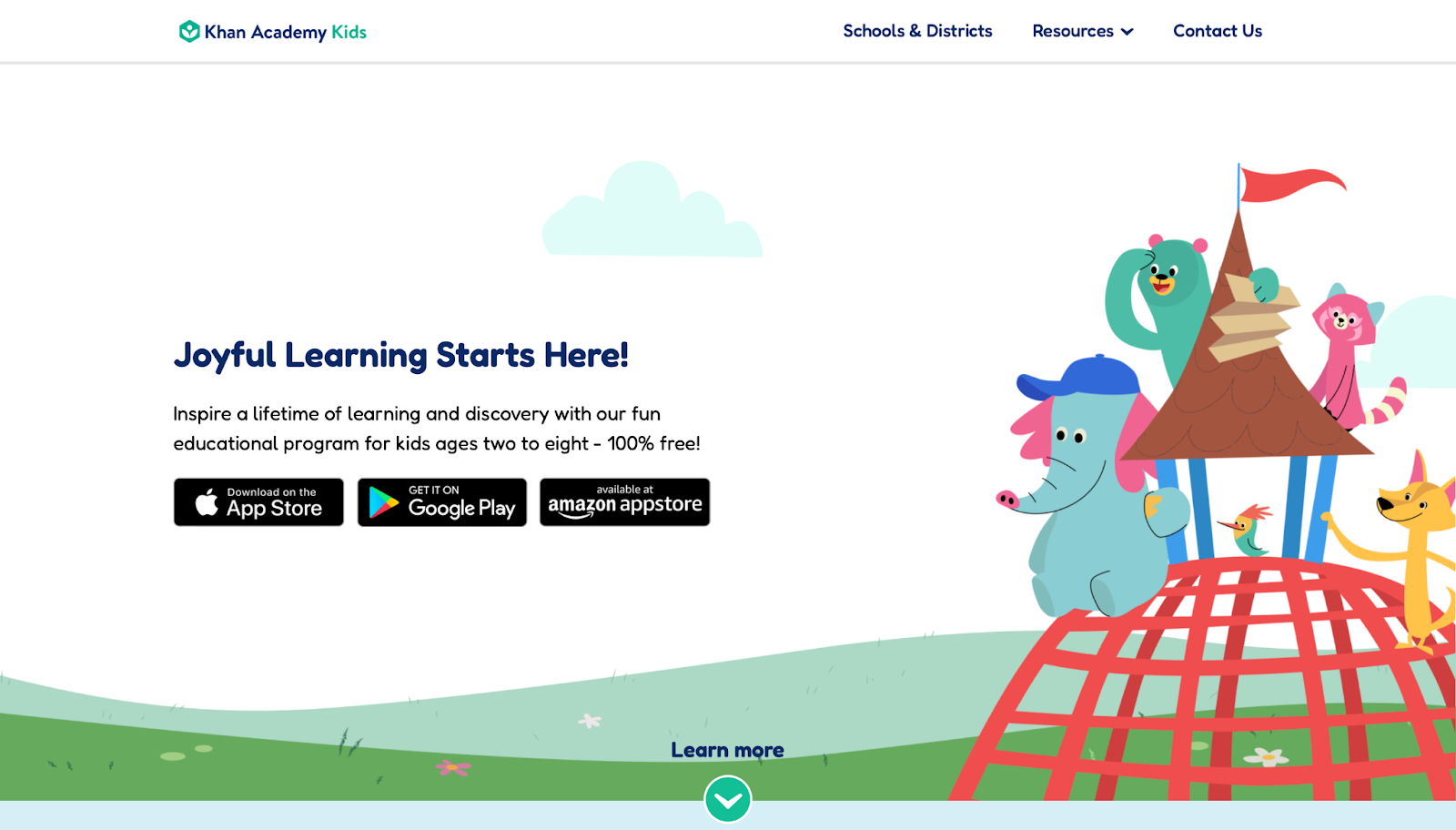
Khan Academy Kids provides a free library of activities for young learners, covering basics in reading, math, and more. It uses animated characters to guide children through lessons, making sessions feel like playtime. The app adapts to each child's progress, offering personalized paths that build on what they know. Strengths lie in its no-cost access and wide range of topics, from phonics to simple science. However, it may feel repetitive for some users after extended play, and navigation can be tricky for the youngest kids without adult help. Overall, it's a solid choice for families wanting structured yet flexible learning. Headquartered in Mountain View, California.
- Key features: Interactive books, drawing tools, and games that teach letters, numbers, and shapes.
- Facts and information: Many families use it daily to supplement preschool routines, with content aligned to early education standards.
4. ABCmouse
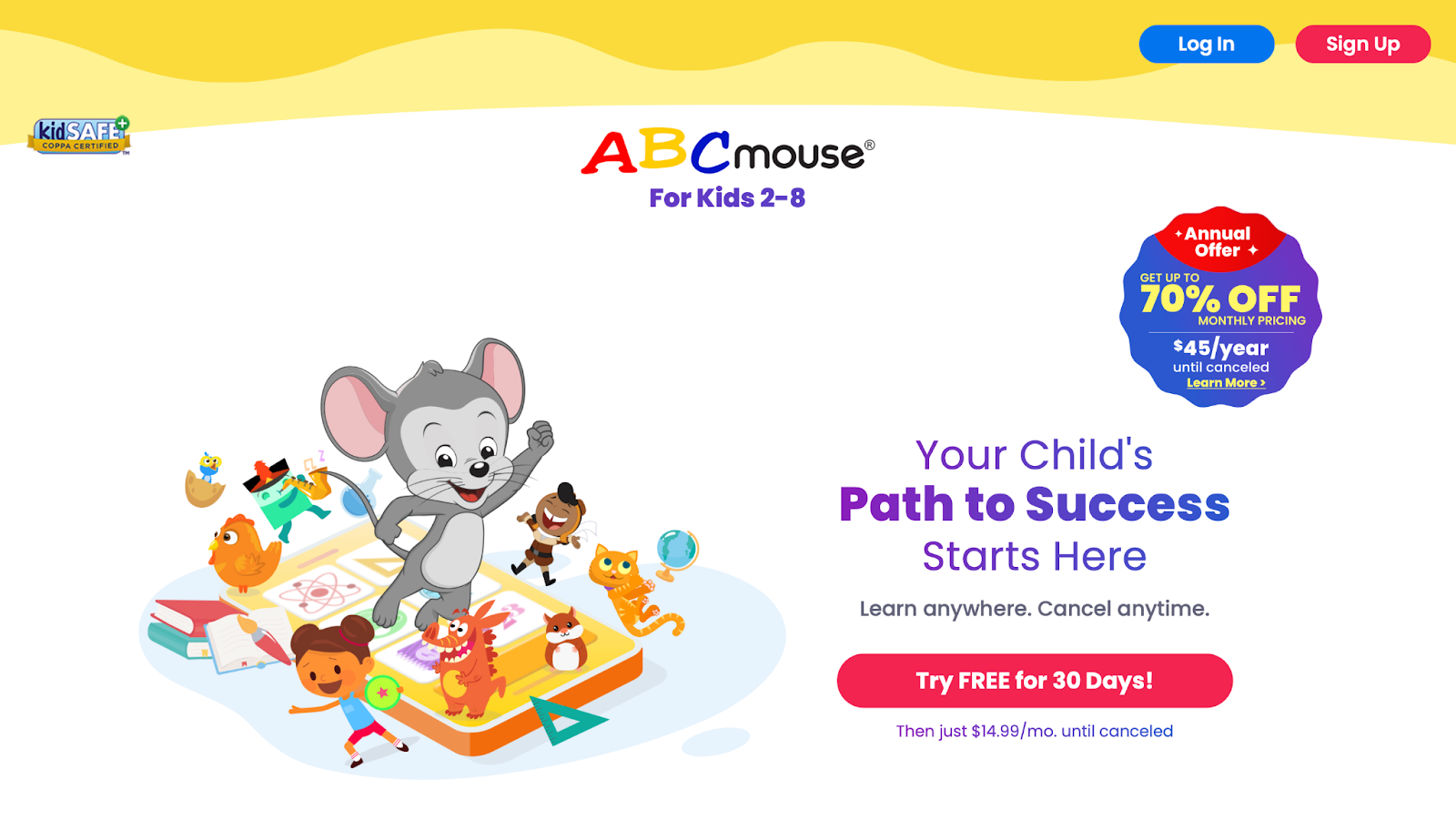
ABCmouse delivers a full curriculum for early education, with lessons in reading, math, art, and science. Kids follow a step-by-step path through virtual classrooms, earning tickets for rewards. Its strength is the comprehensive setup that mimics school, helping with foundational skills. Weaknesses include potential overload from too many options, which might confuse beginners, and it requires consistent use to see progress. It's well-suited for structured learners. Based in Glendale, California.
- Key features: Puzzles, songs, and printable worksheets that reinforce concepts like alphabet recognition and basic addition.
- Facts and information: Some parents integrate it into homeschooling, noting improvements in vocabulary and counting abilities.
5. Duolingo Kids
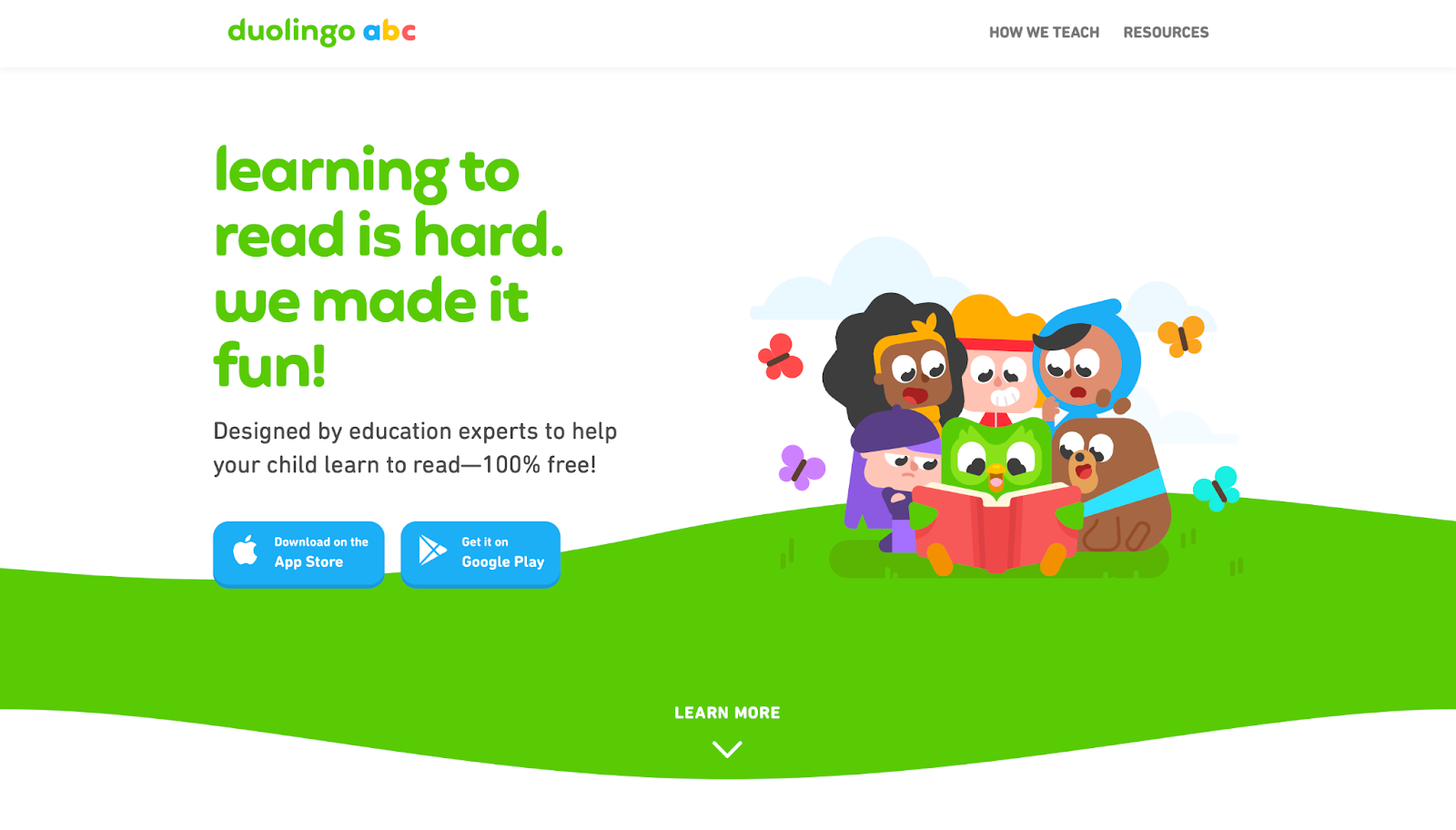
Duolingo Kids focuses on language learning through short, game-like lessons that introduce vocabulary and phrases. It uses streaks and points to motivate daily practice, covering languages like Spanish or French. Strengths are its bite-sized format and fun animations that keep kids coming back. Drawbacks involve limited depth for advanced topics and occasional frustration from strict error checking. It's great for introducing new languages early. Headquartered in Pittsburgh, Pennsylvania.
- Key features: Listening exercises, matching games, and speaking practice with character interactions.
- Facts and information: Many households use it for bilingual exposure, with content designed for short attention spans.
6. Lingokids
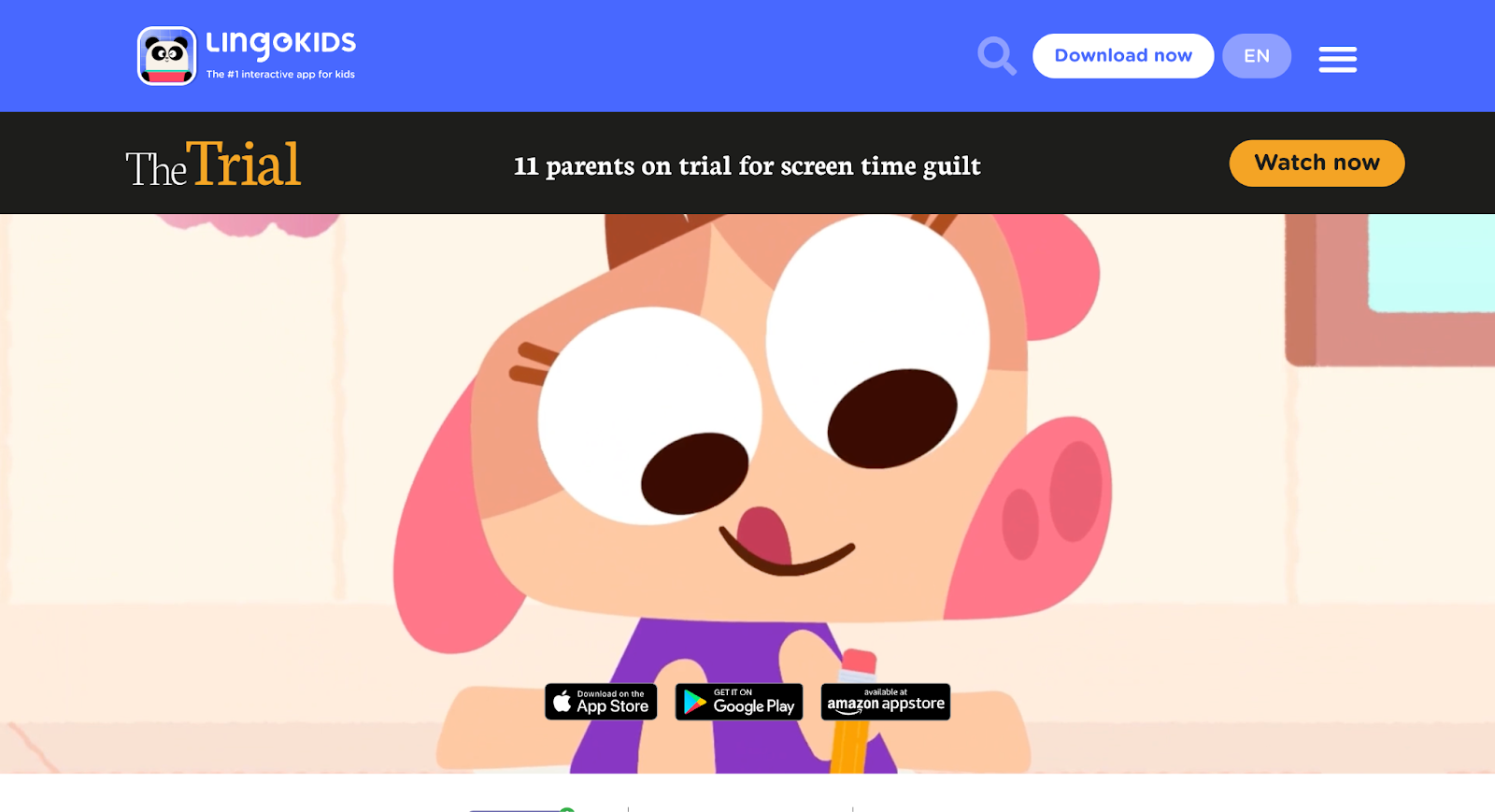
Lingokids combines songs, videos, and games to teach English skills, math, and life lessons. It emphasizes play-based learning with themes like animals or emotions. The app's strength is its energetic style that engages toddlers, plus parent controls for tracking. Weaknesses can be the need for subscriptions to unlock full content and some activities feeling similar. Ideal for preschoolers building basics. Based in Madrid, Spain.
- Key features: Themed units on topics like colors or feelings, with quizzes and creative play.
- Facts and information: Some educators recommend it for ESL support, highlighting its role in early language development.
7. PBS Kids Games
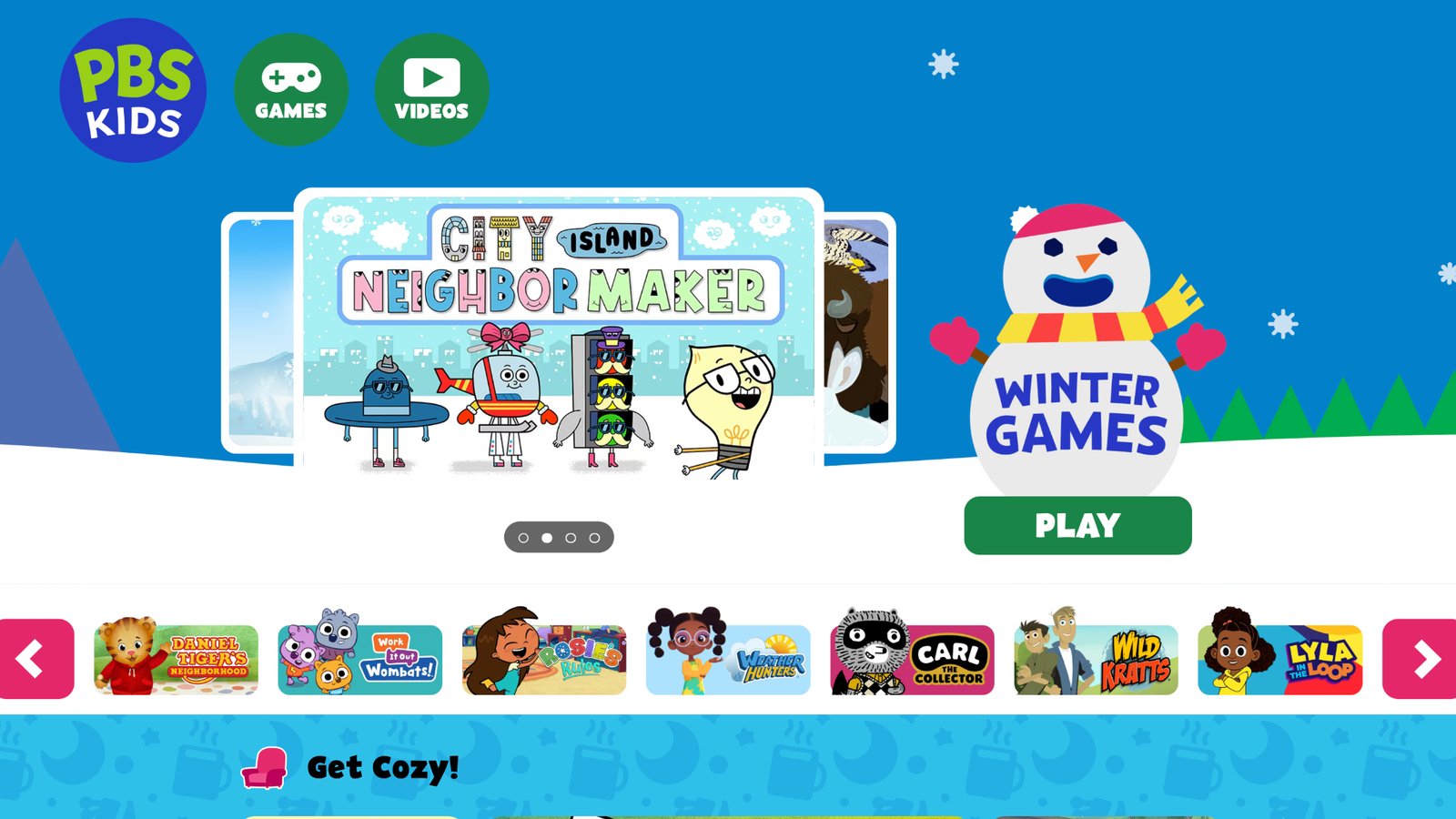
PBS Kids Games brings familiar characters from shows into educational activities, covering STEM, reading, and creativity. Kids explore worlds based on programs like Daniel Tiger or Wild Kratts. Strengths include trusted content and free access to many games. However, it might lack progression tracking, and some games require internet. Perfect for fans of PBS programming. Headquartered in Arlington, Virginia.
- Key features: Adventure-style games that teach cooperation, nature facts, and problem-solving.
- Facts and information: Many schools use it as a supplement, with ties to public broadcasting for quality assurance.
8. Prodigy Math
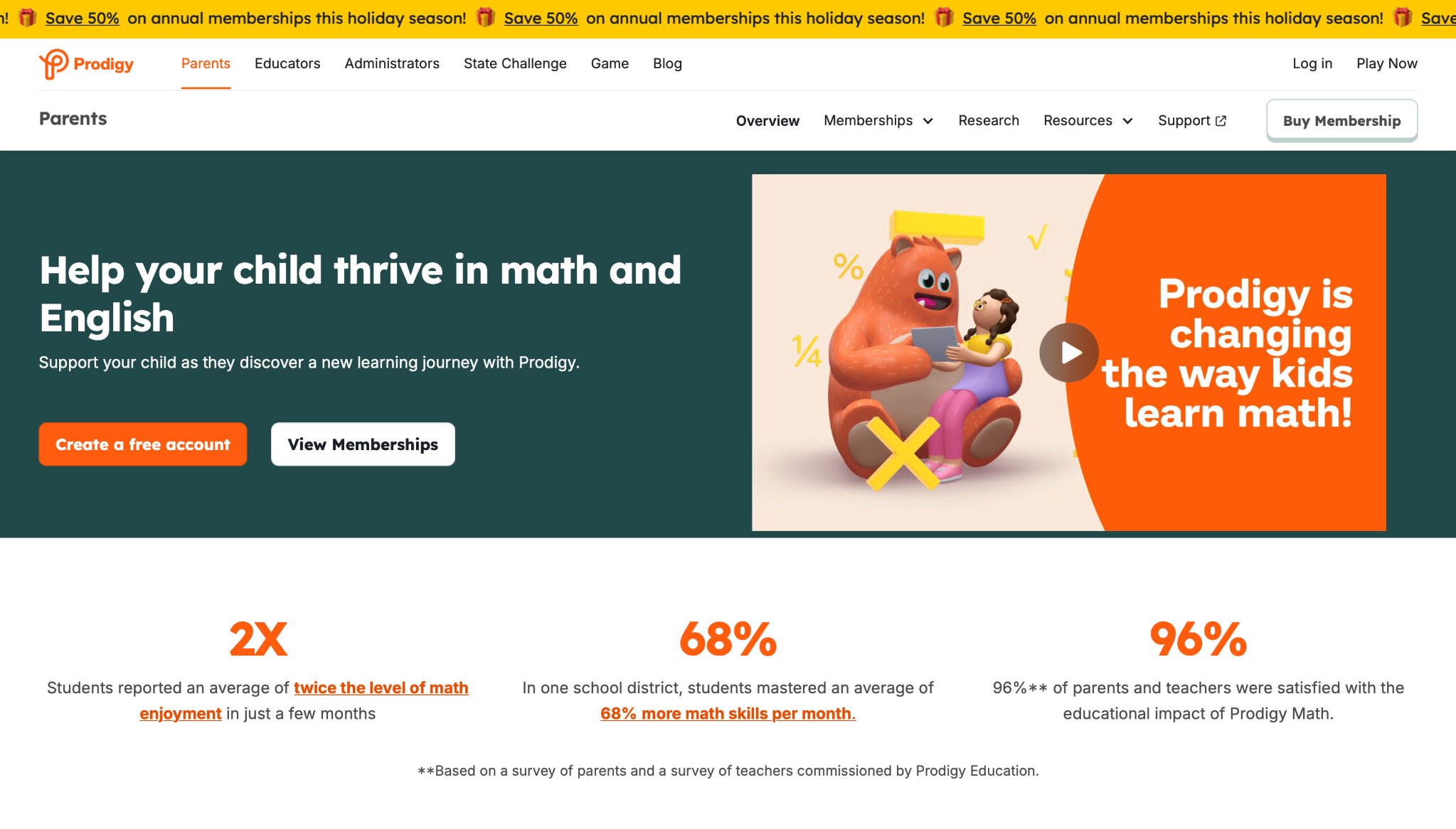
Prodigy Math turns math practice into a fantasy game where kids battle with spells earned by solving problems. It covers grades 1-8 with adaptive questions. The strength is its game elements that make drills exciting, encouraging repeated play. Weaknesses involve possible distraction from the story over learning and in-app prompts. Good for math-focused reinforcement. Based in Burlington, Ontario, Canada.
- Key features: Customizable avatars, quests, and real-time feedback on equations and geometry.
- Facts and information: Some teachers assign it for homework, noting engagement in core math concepts.
9. Epic!
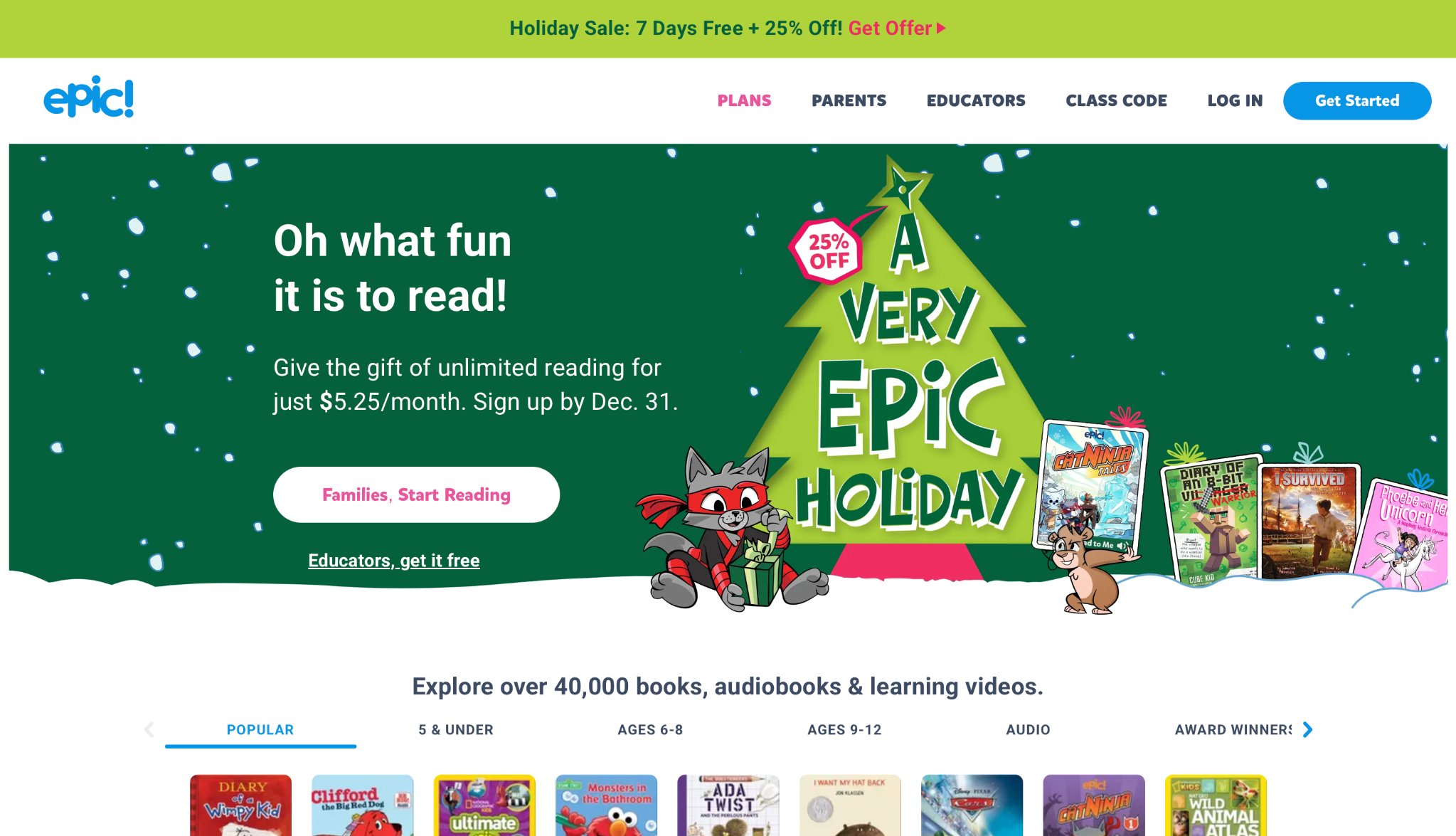
Epic! acts as a digital library with books, audiobooks, and videos for reading development. Kids browse by interest or level for independent exploration. Strengths are the vast selection and reading trackers for parents. Drawbacks include subscription needs for full access and variable book quality. Suited for avid young readers. Headquartered in Redwood City, California.
- Key features: Searchable collections by genre, quizzes after stories, and progress reports.
- Facts and information: Many libraries partner with it, providing access to diverse reading materials.
10. Homer Learn & Grow
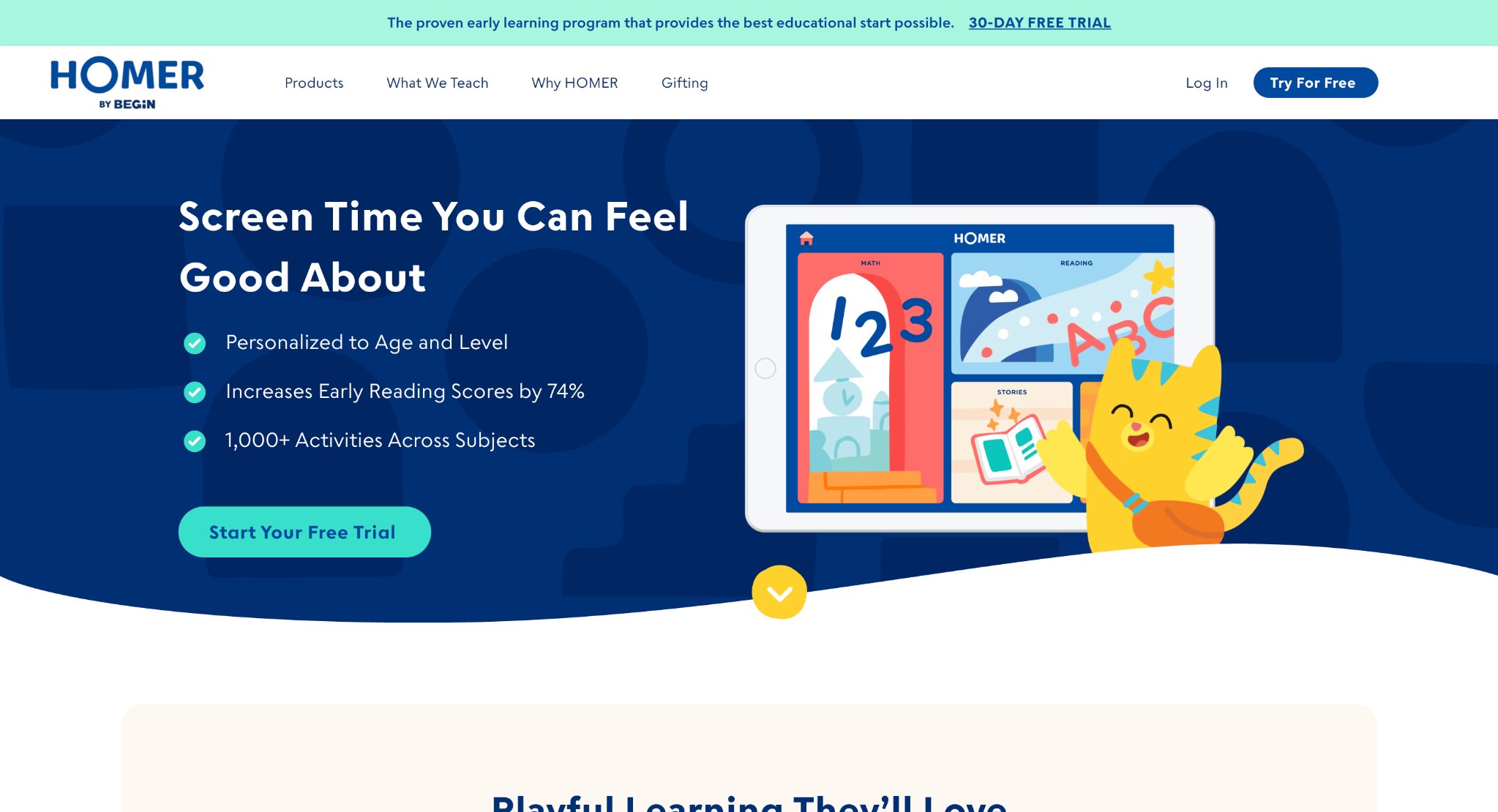
Homer Learn & Grow offers personalized reading paths with phonics, sight words, and comprehension activities. It uses assessments to tailor content. The app's strength is its focus on literacy milestones, with stories and songs. Weaknesses can be slower pacing for quick learners and reliance on subscriptions. Effective for early readers. Based in New York City, New York.
- Key features: Drawing integration, word games, and family sharing options.
- Facts and information: Some programs use it for intervention, emphasizing step-by-step skill building.
11. Teach Your Monster to Read
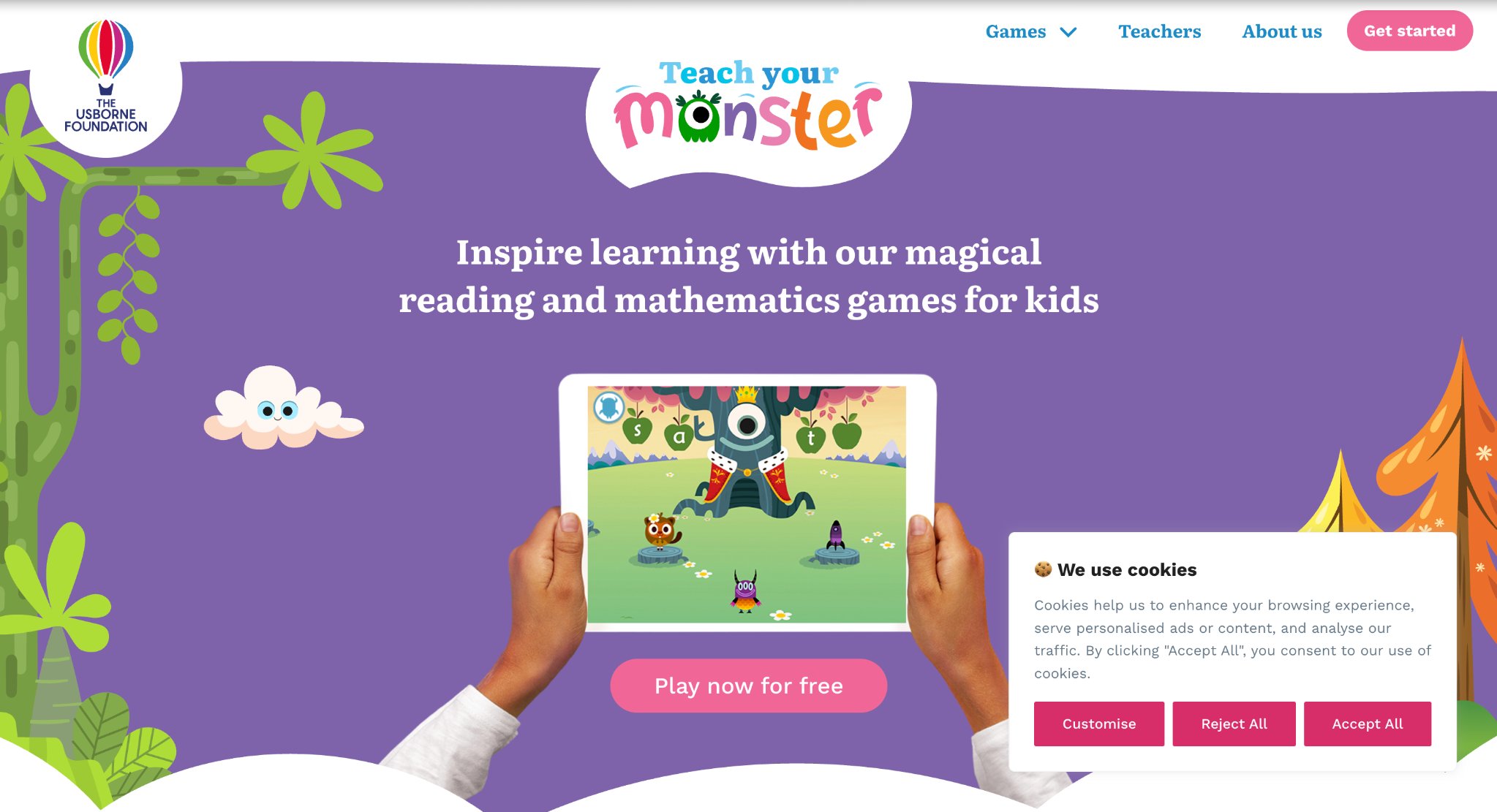
Teach Your Monster to Read guides kids through phonics with monster-customizing adventures. It covers sounds, blending, and reading fluency. Strengths include its motivational setup and alignment with UK curricula. However, it may not appeal to all due to specific accents, and advanced levels require payment. Great for phonics practice. Based in London, United Kingdom.
- Key features: Mini-games for letter sounds, sight words, and sentence construction.
- Facts and information: Many UK schools endorse it, aiding in foundational reading skills.
12. Starfall
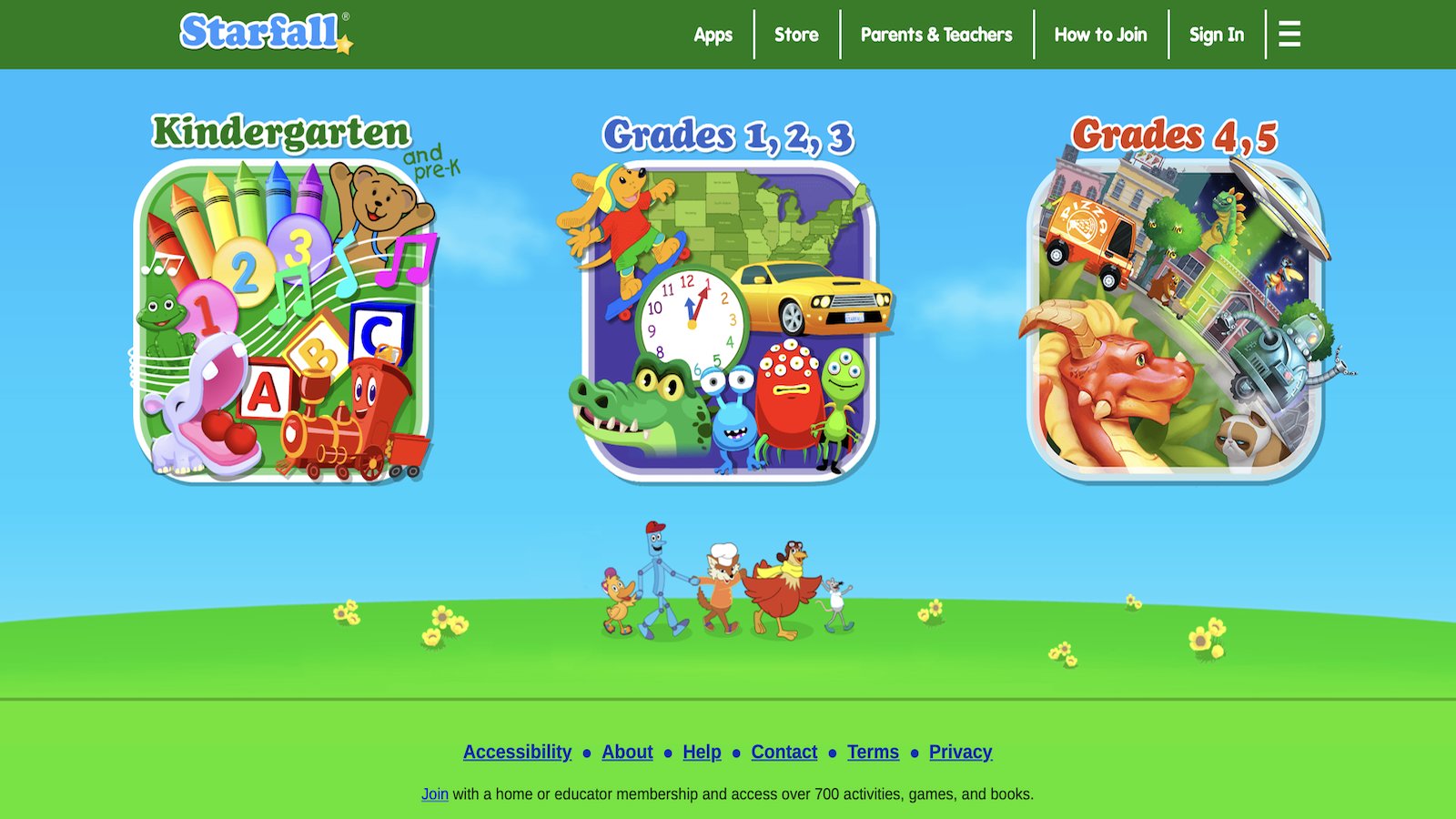
Starfall introduces young children to reading and math through interactive games, songs, and stories. It starts with basic phonics and progresses to simple sentences, using animations to make learning lively. The app's strength is its sequential approach that builds confidence in early learners. Weaknesses include an older interface that might not hold attention as well as newer apps, and it's best as a supplement rather than a standalone program. Kids enjoy the multi-sensory elements like hearing sounds and seeing visuals come alive. Based in Boulder, Colorado.
- Key features: Phonics sequences, interactive books, math games, and holiday-themed activities.
- Facts and information: Many preschools incorporate it into daily routines, supporting foundational skills in literacy and numeracy.
13. Hooked on Phonics
Hooked on Phonics delivers structured phonics lessons from pre-reading to early chapter books, with songs and games to reinforce letter sounds and blending. It aligns with standard curricula, helping kids master spelling and word families. Strengths are its quick progression and engaging music that makes practice memorable. However, it can move too fast for some beginners, and the focus on groups of words might skip deeper individual sound work. Ideal for families seeking a proven method to boost reading fluency.
- Key features: Step-by-step lessons, practice books, and multi-device syncing for family use.
- Facts and information: Some parents pair it with physical books, noting gains in independent reading abilities.
14. Reading Eggs
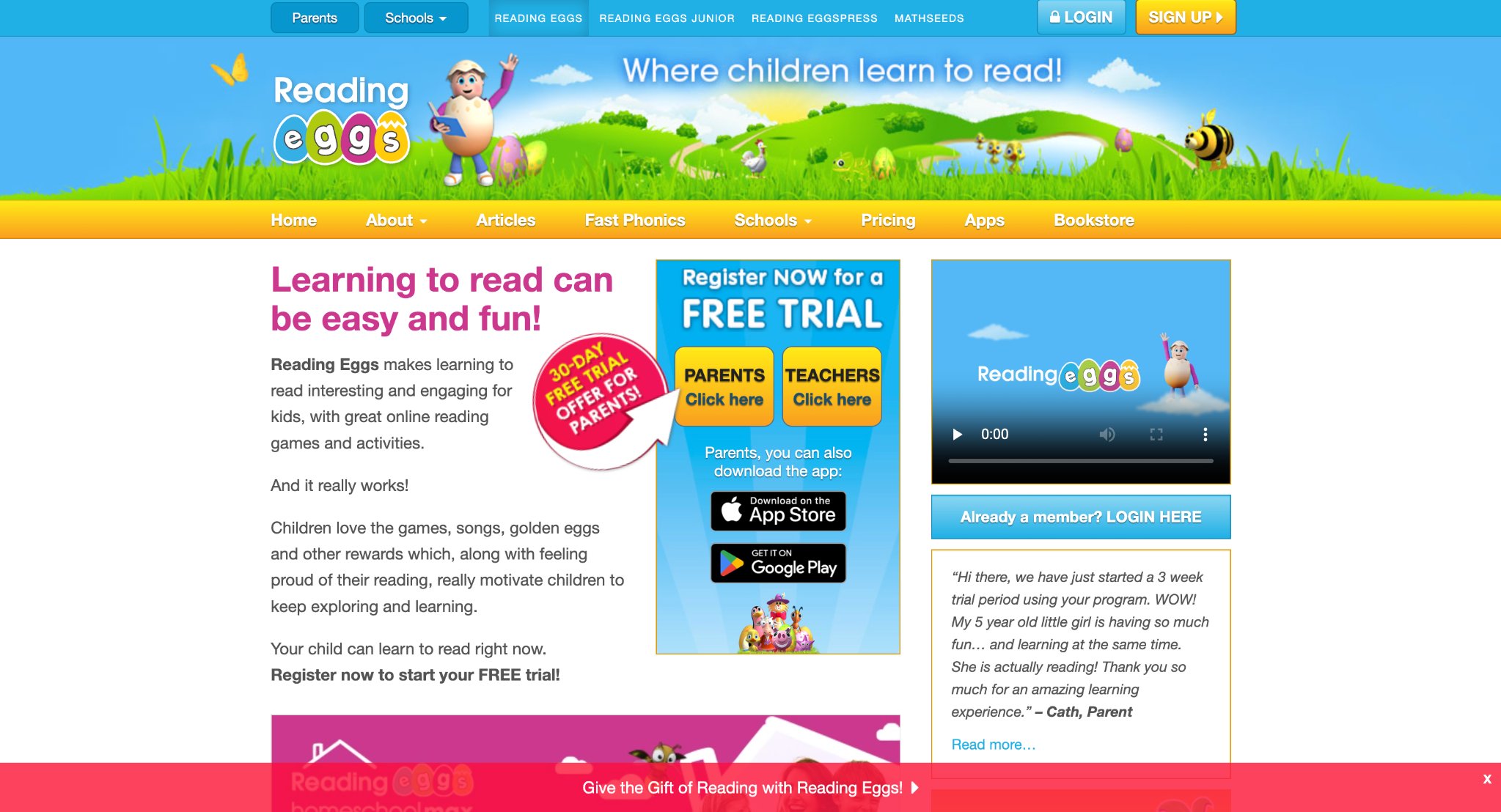
Reading Eggs offers interactive reading lessons with games, quizzes, and over 2,000 books to guide kids from basics to advanced comprehension. It motivates with rewards and adapts to skill levels. The app's strength lies in fostering a love for stories while covering phonics and sight words. Weaknesses might involve repetition in activities that could bore advanced users, and it works best with consistent sessions. Perfect for school prep or extra practice at home.
- Key features: Personalized maps, golden egg rewards, and printable resources.
- Facts and information: Many teachers recommend it for homeschooling, highlighting its role in building reading stamina.
15. Endless Alphabet
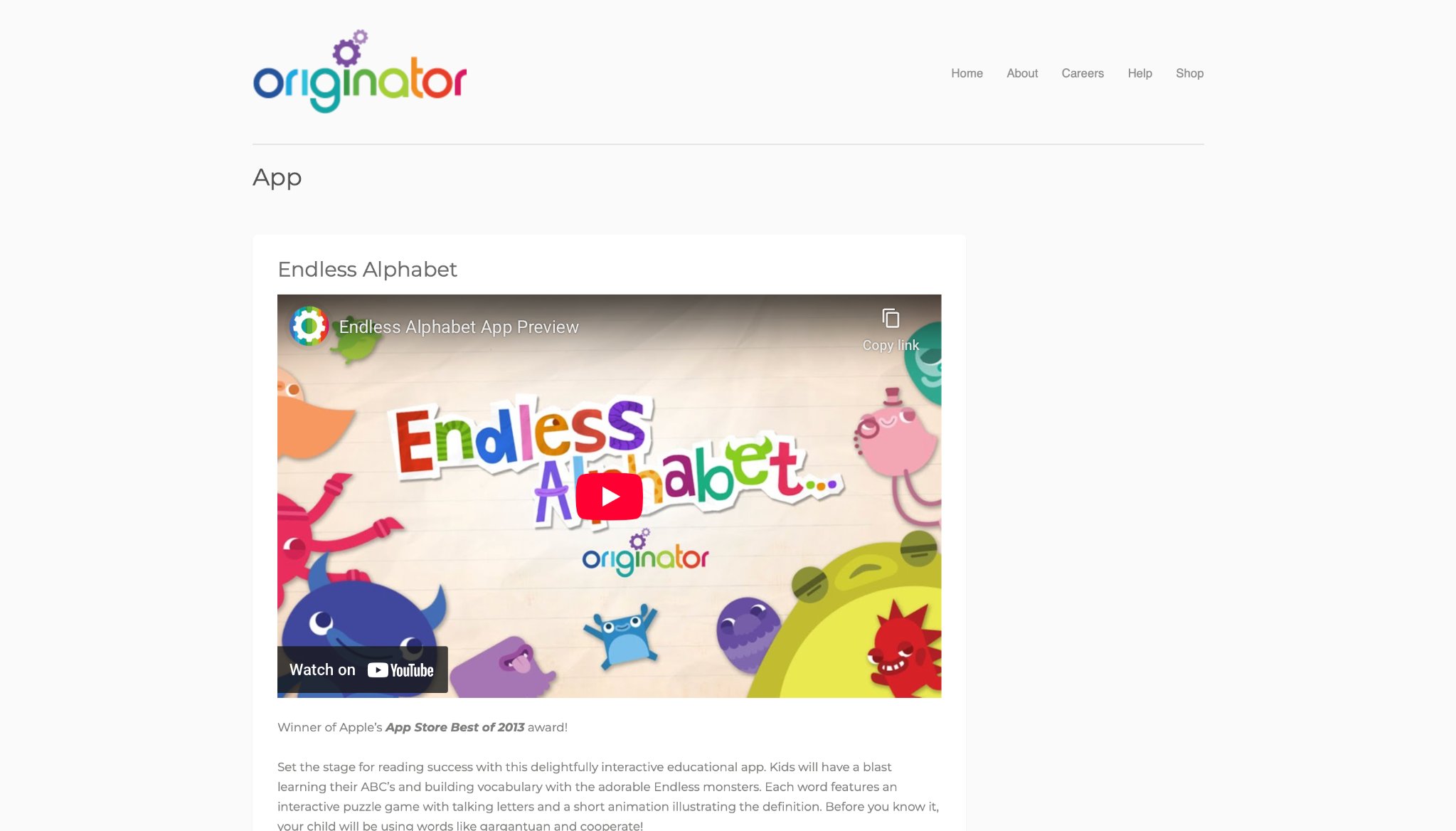
Endless Alphabet teaches vocabulary through puzzle games where kids drag letters to form words, triggering funny animations and definitions. It focuses on over 100 words with no scores or failures. Strengths include its humorous style that encourages exploration and word retention. Drawbacks are its limit to alphabet-level learning, which may not challenge older kids, and the need for guidance on pronunciation. Great for toddlers building language basics in a stress-free way.
- Key features: Interactive monsters, word puzzles, and short films explaining meanings.
- Facts and information: Some families use it daily for vocabulary expansion, with content sparking conversations about new terms.
16. CodeSpark Academy
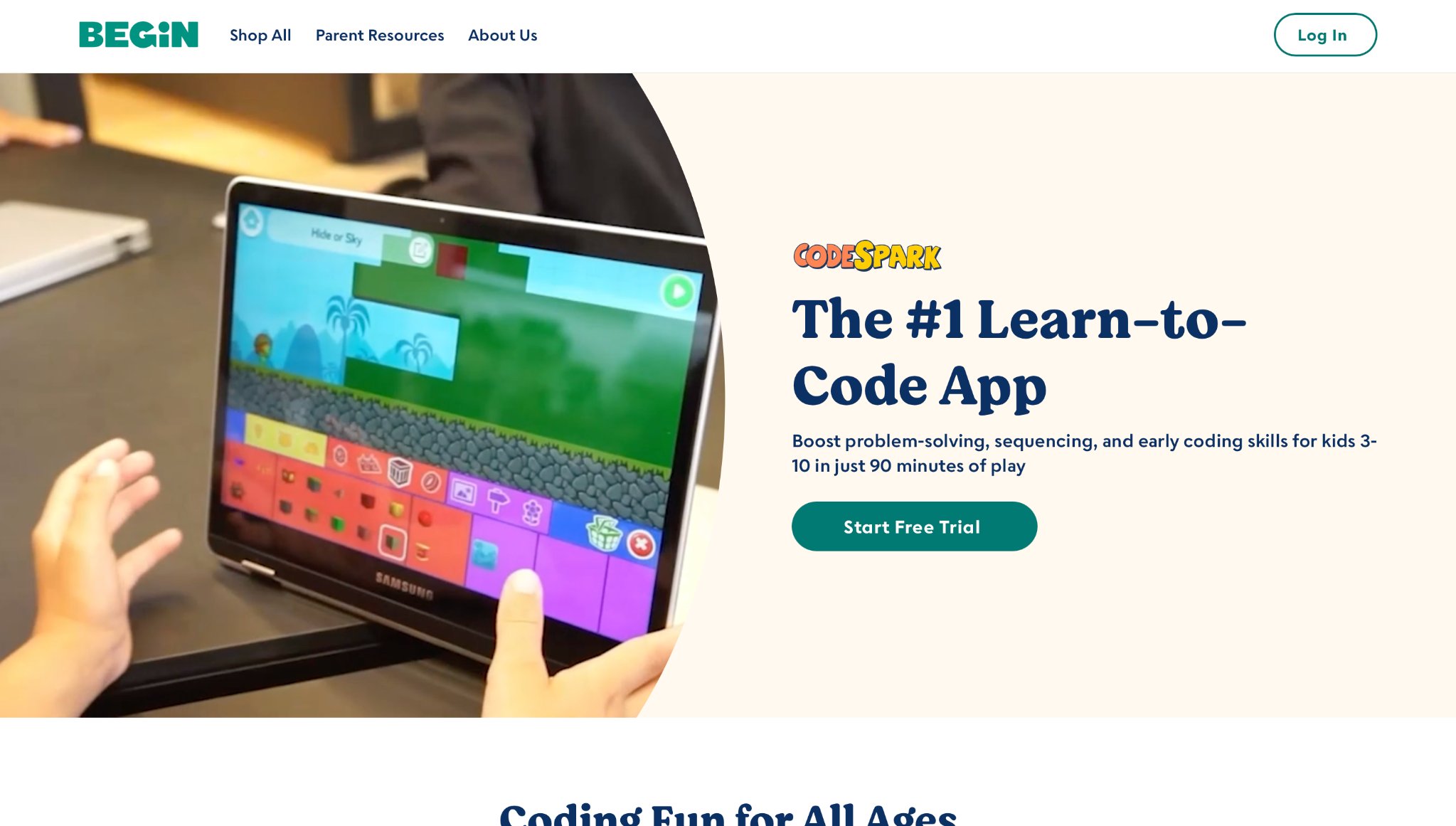
CodeSpark Academy introduces coding concepts via puzzle-solving adventures with cute characters called The Foos. Kids learn sequencing, loops, and algorithms without reading. Its strength is making STEM accessible and fun, promoting logical thinking early. Weaknesses can include puzzles that frustrate if not scaffolded well, and it's more game-oriented than in-depth coding. Suited for aspiring young programmers. Headquartered in Pasadena, California.
- Key features: Drag-and-drop coding, creation mode for custom games, and progress reports.
- Facts and information: Many educators integrate it into classrooms, fostering problem-solving in tech-savvy ways.
17. SplashLearn
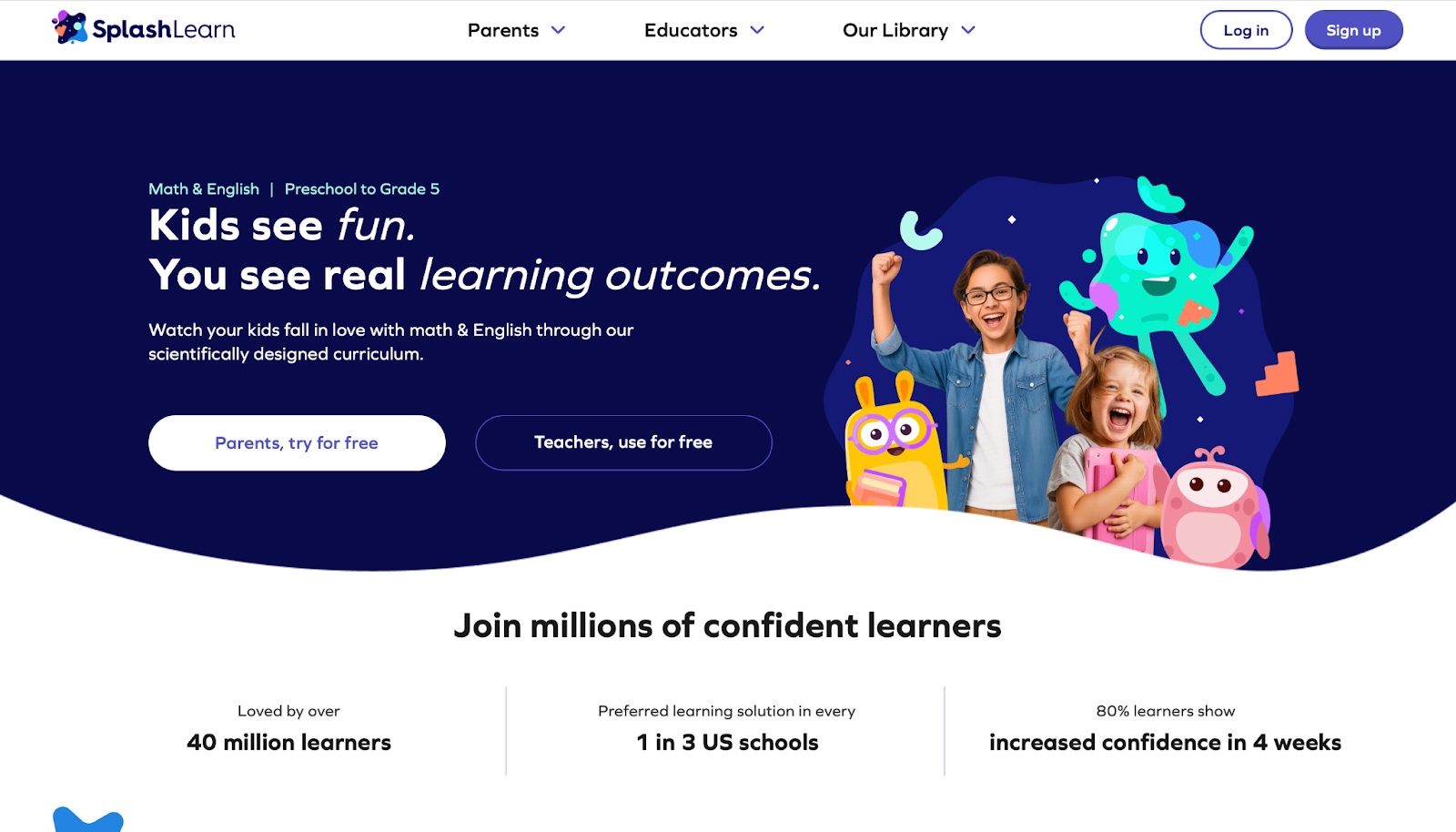
SplashLearn provides math and reading games aligned to school standards, with adaptive challenges that adjust to a child's performance. It covers topics like addition, geometry, and comprehension through splashy visuals. Strengths are its personalization and teacher-approved content that keeps kids motivated. However, some activities might feel similar over time, and full access needs commitment. Excellent for reinforcing classroom lessons.
- Key features: Daily challenges, virtual rewards, and parent dashboards for tracking.
- Facts and information: Some schools assign it for homework, with reports showing improvements in core subjects.
18. Adventure Academy
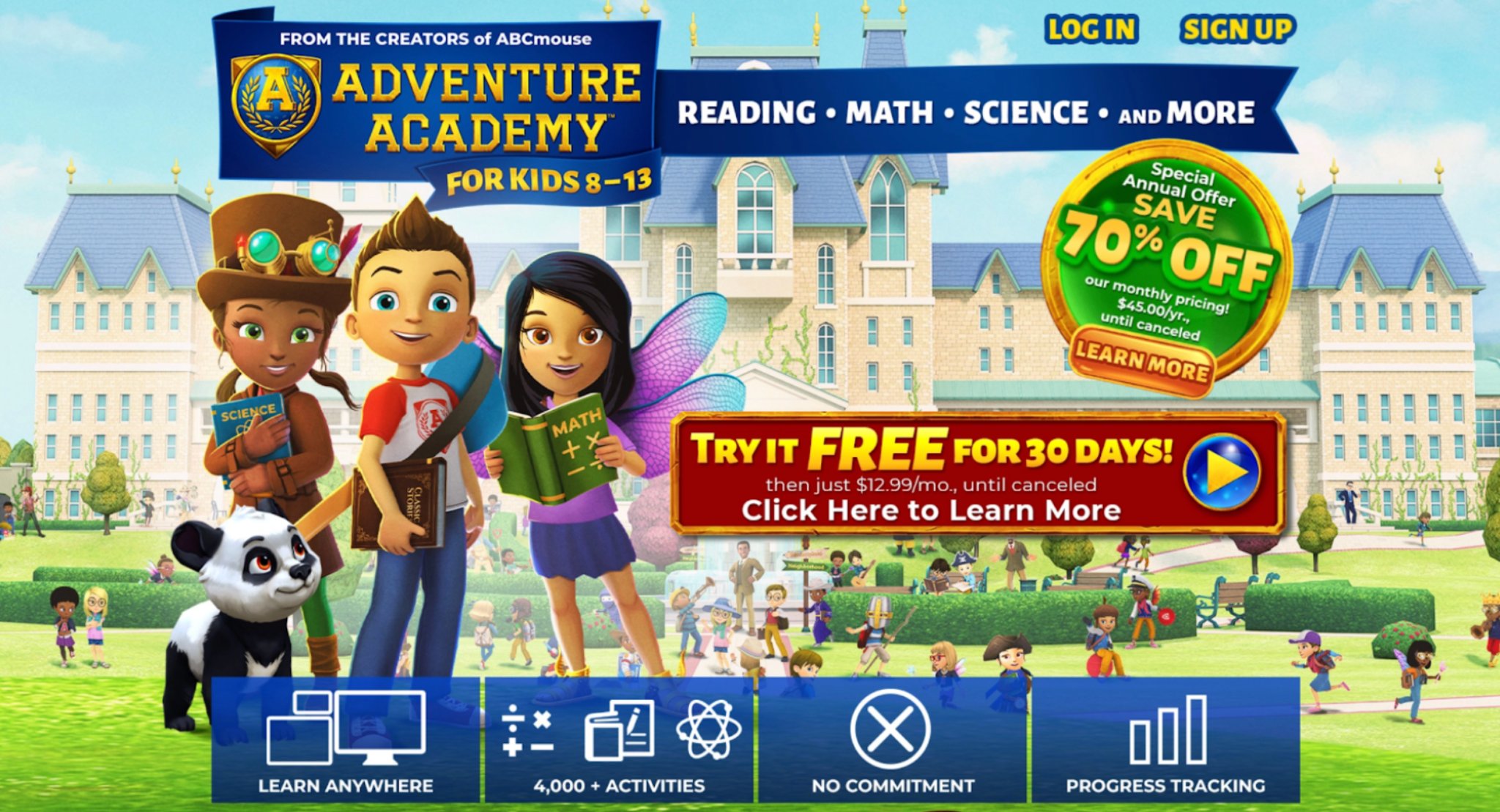
Adventure Academy creates a virtual world for learning math, science, reading, and social studies through quests and multiplayer interactions. Kids customize avatars and explore educational zones. The app's strength is its immersive environment that blends adventure with knowledge. Weaknesses include potential distractions from social features and a steeper learning curve for navigation. Ideal for middle elementary students seeking variety.
- Key features: Multi-subject quests, video lessons, and collaborative building activities.
- Facts and information: Many parents note it helps with homeschool transitions, covering broad curriculum areas.
19. Noggin

Noggin features games, videos, and books with Nickelodeon characters like PAW Patrol and Blue's Clues, teaching preschool skills in math, literacy, and emotions. It emphasizes play-based learning in a safe space. Strengths lie in familiar faces that draw kids in for educational content. Drawbacks might be the heavy reliance on shows, which could limit active engagement, and content rotation. Great for fans of the network.
- Key features: Interactive episodes, puzzles, and offline downloads.
- Facts and information: Some childcare centers use it for group activities, aiding social-emotional development.
20. LetterSchool
LetterSchool helps kids learn handwriting by tracing letters and numbers with animations, games, and sounds. It uses a three-step method to build motor skills. The app's strength is its fun, guided practice that improves formation and recognition. Weaknesses can involve repetition for mastery, which might tire young users, and it's focused solely on basics. Perfect for pre-writers.
- Key features: Tracing paths, shape-matching, and progress unlocking.
- Facts and information: Many therapists recommend it for fine motor practice, with noticeable handwriting gains.
21. Crayola Create and Play
Crayola Create and Play sparks creativity with digital art tools, pet care, and games inspired by real crayons. Kids color, draw, and nurture virtual creatures while learning colors and patterns. Strengths include encouraging self-expression in a colorful, open-ended format. However, it may lack structured lessons, leading to aimless play for some, and benefits from adult input. Fun for artistic young minds.
- Key features: Drawing stations, seasonal crafts, and mini-games.
- Facts and information: Some families blend it with physical art, enhancing overall creative skills.
Factors to Consider When Choosing a Learning App
Age appropriateness plays a big role in learning app selection, as content should match developmental stages to avoid frustration. Look for options with offline modes for flexibility during outings. Parental controls allow monitoring and limits, ensuring safe use. Apps that encourage real-life application, like discussing game lessons, extend benefits beyond the screen.
Tips for Maximizing Learning App Use
Set daily time limits to balance your kids learning app time with other activities. Combine apps with hands-on play, such as drawing what kids learn in a game. Discuss progress together to reinforce concepts. Vary apps to cover different subjects, keeping things fresh. This method helps maintain interest and supports overall growth.
App Type | Best For | Example Skills |
| Reading-focused | Building vocabulary | Phonics, comprehension |
| Math-oriented | Number sense | Addition, patterns |
| Creative | Imagination boost | Art, storytelling |
| Language | Bilingual basics | Words, phrases |
Potential Drawbacks and How to Address Them
While apps offer convenience, over-reliance might reduce social interactions. Counter this by scheduling group play or family game nights. Some apps have ads, so choose ad-free versions for focus. If tech issues arise, update devices regularly. Balancing apps with outdoor time keeps development well-rounded.
Integrating Learning Apps into Daily Routines
Parents often structure screen sessions around existing family schedules so that learning apps complement rather than disrupt daily flows. Educational kids apps fit naturally into morning or evening slots where children engage with interactive challenges that reinforce focus and curiosity. Many households pair app time with the family weekly planner to track activities and maintain consistency across the week.
Fostering Social and Emotional Growth Through Learning Apps
Interactive scenarios in learning apps encourage children to navigate character relationships and decision-making moments that mirror real-life social situations. The best iPad games for kids provide access to experiences where empathy and responsibility develop alongside problem-solving abilities. App-based play contributes to emotional awareness at home. These tools align with early developmental milestones, even as early as 2 years old, without replacing direct family interactions.
Frequently Asked Questions
What age are learning apps suitable for?
Educational apps suit a range of ages starting from around three years old, where basic interactions help build early skills like recognizing shapes and sounds. As children grow to six or eight, these apps introduce more involved tasks such as basic math problems or reading stories that adjust to their progress. For older kids up to twelve, content often includes logic puzzles and creative projects that support school subjects in a playful way. Parents find that matching app complexity to a child's developmental stage keeps sessions productive and enjoyable. When focusing on games for kids, options emphasize age-appropriate challenges to foster steady growth.
How do learning apps differ from regular games?
Learning apps stand out by integrating specific educational goals into play, such as teaching concepts through problem-solving that builds on what kids already know. Unlike standard games focused solely on entertainment, these apps adapt content to individual needs, offering feedback to guide improvement in areas like literacy or reasoning. They often combine multi-sensory elements, supporting various styles through visuals, sounds, and touch interactions for deeper understanding. This setup turns routine practice into engaging experiences that align with real-world applications. In platforms with educational games, the emphasis remains on skill development while maintaining fun elements.
Can learning apps replace school?
Learning apps for kids serve as valuable supplements to classroom education by reinforcing topics through interactive practice, but they fall short of fully replicating the social and structured aspects of school settings. They allow flexible exploration of subjects at home, helping kids review material in ways that suit their pace without the group dynamics of traditional lessons. While apps promote creative approaches to topics, they work best alongside teacher guidance and peer interactions for complete development.
Are there free learning apps available?
Free learning apps provide access to core educational content, including activities for reading, math, and exploration without initial costs. Some offer trial periods or basic versions that let families test features before deciding on expansions, covering essentials like phonics or simple science. These options make quality resources widely reachable, supporting daily routines with ad-limited or no-ad experiences in many cases.
How do learning apps accommodate different learning styles for children?
Visual, auditory, and kinesthetic preferences receive support through varied activity formats that let each child interact in ways that feel intuitive. The best educational kids games include options where tactile feedback and narrative elements adapt to these preferences during regular use.
What safety features matter most in learning apps for kids in 2026?
Ad-free environments, offline functionality after download, and robust privacy controls help maintain secure experiences. Some of the best safe apps for kids incorporate these elements to align with family priorities around data protection and distraction-free play.
Can learning apps assist children with special educational needs?
Many titles offer adjustable difficulty levels and sensory accommodations that support diverse requirements when used thoughtfully alongside professional guidance. Resources on the TutoClub blog discuss approaches that complement individualized education plans.
How much daily time with learning apps tends to benefit children?
Session lengths that fit naturally into routines without causing fatigue allow steady skill reinforcement. A family weekly planner helps families monitor and adjust these durations based on observed engagement.
What keeps learning apps engaging for kids throughout 2026?
Fresh challenges, character-driven stories, and creative freedom maintain interest by blending familiarity with novelty. Educational but fun games for kids from TutoClub evolve with input that keeps content relevant to growing interests and abilities.
Are learning apps suitable for shared or group activities?
Multi-player modes and turn-taking features in select titles promote collaboration when siblings or friends participate together. The TutoClub subscription enables shared device access that facilitates these joint sessions at home.
How do 2026 updates typically improve learning apps?
Enhanced personalization and cross-device synchronization create smoother experiences that reduce setup friction for families.
What part do parents play when children use learning apps?
Caregivers often participate by discussing app content afterward or selecting titles that align with current family goals. Parents stay involved without added pressure.
How do learning apps differ from traditional educational materials?
Digital formats deliver immediate feedback and adjustable pacing that traditional tools sometimes lack while still reinforcing core concepts. When compared, the two approaches in everyday contexts show complementary strengths.
Read Also:
- Balancing Self-Care and Parenting: 7 Tips for Moms
- Key Advice for New Parents: What No One Tells You
- Best Educational Games For Kids Age 5 in 2026
- Best Educational Games For 6 Year Olds in 2026
- Best Educational Games For 7 Year Olds in 2026
Discover the best learning apps for kids - TutoClub




.jpg)



.jpg)