

Best Safe Apps for Kids in 2026






Keeping kids safe online matters a lot in today's world. Parents want apps that protect children from harmful content while sparking curiosity and growth. Safe apps for kids often include features like ad-free environments, age-appropriate materials, and tools for family oversight. Discover the best safe apps for kids in 2026 that combine fun learning with strong protection.
Safe apps for kids work best alongside guidance on how to protect kids online and carefully selected fun educational games for kids. From engaging tablet games for kids to age-specific options like the best educational games for 7-year-olds and the best educational games for 2-year-olds, high-quality digital content blends safety, learning, and fun in one secure space.
Discover the best safe apps for kids - TutoClub
Why Safety Features Matter in Kids' Apps

Apps built with safety in mind block out ads, limit stranger interactions, and use simple designs that match young minds. Safe apps for kids offer ad-free zones that encourage creative play. Developers add filters to keep content clean and tools for parents to set limits on time or access. This setup lets kids learn freely while staying protected from online dangers.
Some apps go further by using research to shape their features, helping children develop focus and emotional skills. Parents can track progress without invading privacy, creating trust in the family. In the end, these elements make apps reliable for daily use.
How Parents Can Set Up Safe App Environments
To create safe app environments for kids, start by checking app ratings and reviews from trusted sites. Download from official stores and enable device settings for child accounts. Talk with your kids about online rules to build good habits early. Use built-in timers to balance screen time with other activities. Update apps regularly for the latest safety fixes. If issues arise, reach out to support teams for quick help.
Best Safe Apps for Kids in 2026
1. TutoClub - Best Safe App for Kids
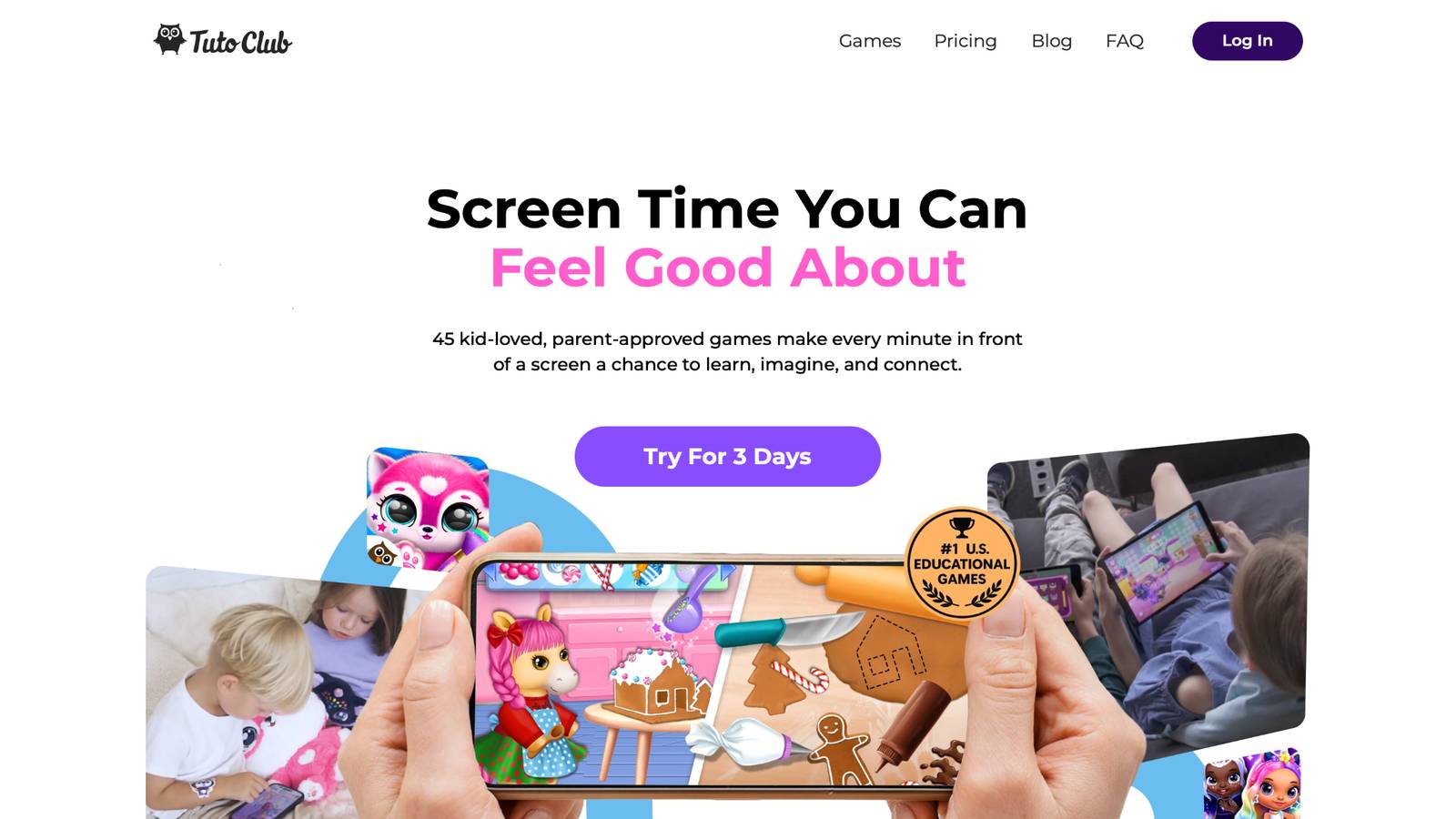
TutoClub delivers a world of fun through over 45 educational games crafted for young learners. Based in Kaunas, Lithuania, this subscription unlocks ad-free adventures that boost creativity, problem-solving, and emotional awareness. Kids dive into colorful stories where they care for characters, solve puzzles, and build worlds, all while learning key life skills. The app works across devices, supports offline play after downloads, and gets fresh updates to keep things exciting. Parents love how it turns typical screen sessions into meaningful growth moments, free from distractions or worries. With expert-designed content, children gain confidence and curiosity in a fully protected space. Families bond over shared play, making every session a positive step forward.
- Standout features include multi-device access for easy family sharing and regular content additions to maintain interest.
- Key benefits help kids develop focus through engaging challenges and empathy via character interactions.
- Facts and information show how the games support balanced screen habits, leading to better attention and social skills in daily life.
TutoClub Overview
TutoClub is your gateway to a magical world of educational games designed especially for children.
As part of TutoTOONS, a leading kids' games studio, we offer premium access to over 45 ad-free games.
Our mission is to blend learning and play, helping kids explore, create, and grow in a safe online space.
Thousands of parents trust us for family-friendly content that sparks imagination and builds essential skills.
Key Features
- Unlimited Access: Unlock full content in all games with no interruptions.
- Ad-Free Experience: Enjoy seamless play without any ads or distractions.
- Skill Development: Games foster creativity, social skills, communication, and more through fun activities like pet care and cleanup challenges.
- Regular Updates: Get new releases, exclusive content, and future updates automatically.
- Easy Subscription: Cancel anytime with no obligations, simple and flexible for families.
Explore Our World
TutoClub provides a rich ecosystem of educational games for kids, featuring ad-free experiences that promote creativity, focus, and emotional growth through play.
This platform turns screen time into valuable learning opportunities, with parent-approved content that builds essential skills and sparks curiosity in young minds.
- TutoClub Games: Over 45 educational games, including popular titles like Fluvsies, Smolsies, and the Sweet Baby Girl series
- Blog: Insights, tips, and stories for families on kids' learning and play
- FAQ: Comprehensive answers to frequently asked questions about subscriptions, features, and more
Get TutoClub on Your Device
TutoClub delivers premium kids educational games directly to your mobile devices, making learning accessible anytime, anywhere.
With apps available on major platforms, families can easily download and subscribe for ad-free play that turns screen time into skill-building adventures.
Perfect for parents seeking safe, engaging content on iOS, Android, or Amazon devices.
Why Choose TutoClub?
We're committed to 100% safe, enriching entertainment that kids love and parents approve.
Join the thousands who've seen their children thrive through playful learning.
Ready to start the adventure?
Subscribe to TutoClub today and unlock endless fun!
2. Khan Academy Kids
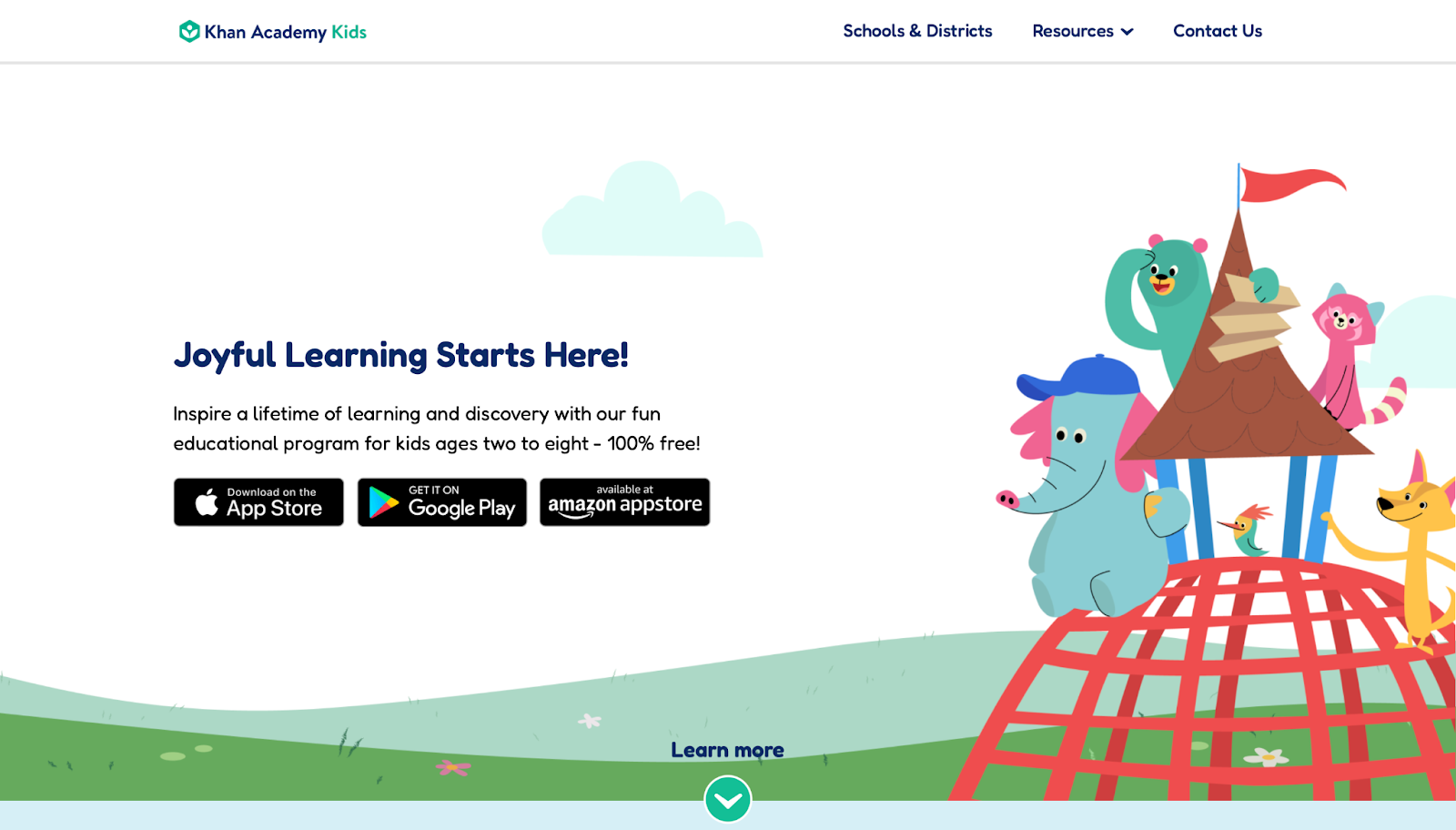
Khan Academy Kids offers a free library of activities for ages 2 to 8, covering reading, math, and social skills with cute characters guiding the way. It mixes games, books, and videos in a bright interface that draws children in. Strengths lie in its step-by-step lessons that adapt to each user's pace, building a strong base in early concepts. However, it needs internet for full access, which can limit use in some spots, and the content stays basic for older kids ready for more depth. Overall, it shines for beginners eager to learn through play.
- Key features: Adaptive learning paths, interactive stories, and drawing tools.
- Facts and information: The app draws from educational standards to aid school readiness, with many users noting improved letter and number recognition.
3. Fluvsies Academy
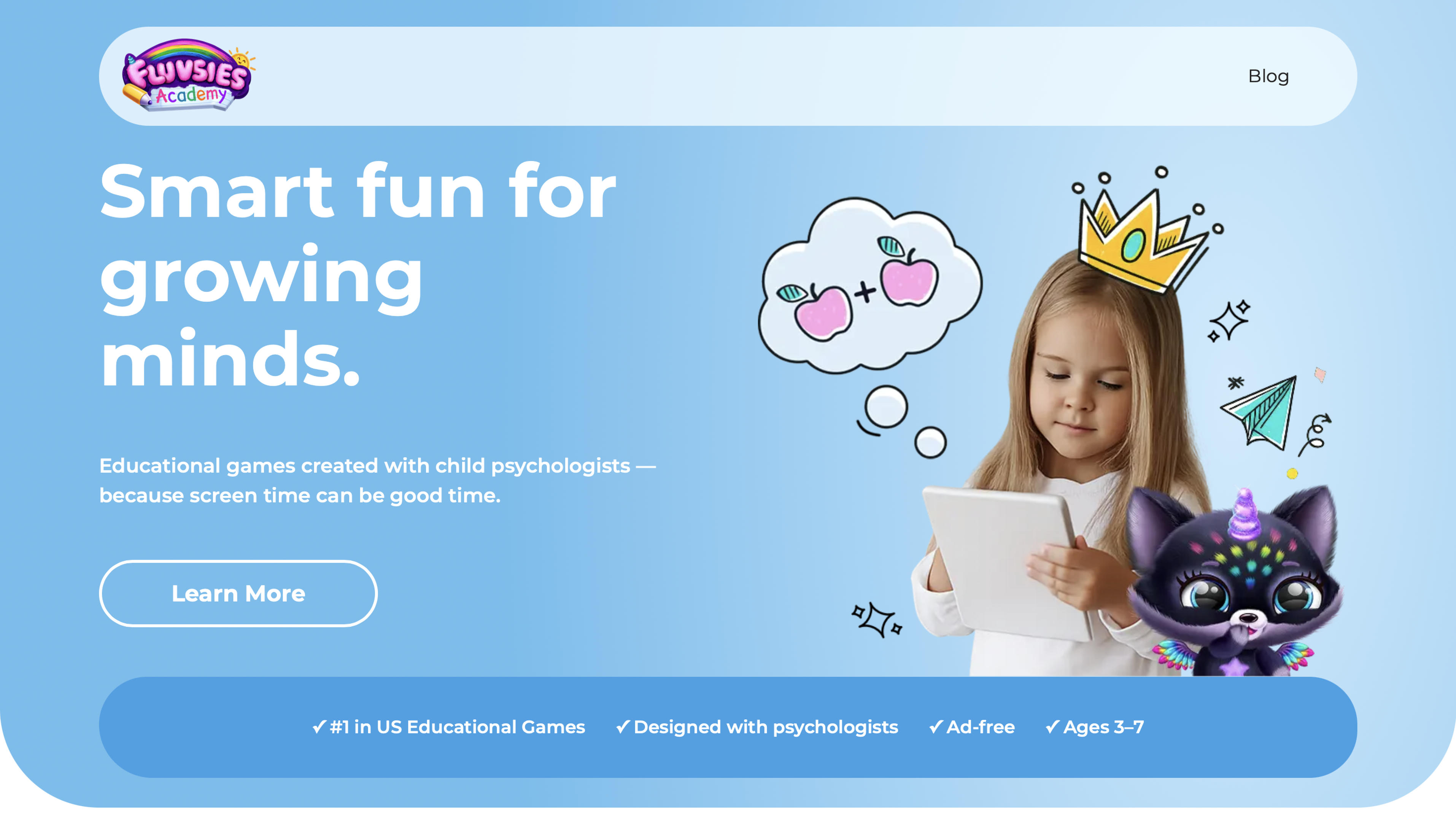
Fluvsies Academy delivers a complete preschool learning experience that merges playful mini-games with expert-designed lessons to support every aspect of early childhood growth. Children explore language and phonics through stories, build math confidence with counting and numbers, sharpen logic via sorting and puzzles, and practice real-life abilities like brushing teeth, helping at the store, or simple cooking, all while meeting adorable Fluvsies characters.
Strengths include its fully ad-free setup, parent-friendly progress reports, and thoughtful focus on emotional balance through mindfulness and yoga activities that keep kids calm and engaged. Overall it provides an excellent safe choice for parents who want screen time that genuinely builds skills, creativity, and independence without distractions or pressure. It maintains a fully ad-free environment with no external links or social elements and uses adaptive challenges that adjust to each child's pace in two learning modes of active hands-on play and passive story-based discovery.
- Key features: language and phonics stories, math counting games, logic puzzles and sorting, life skills routines, profession exploration, and mindfulness yoga.
- Facts and information: Designed for ages 3 to 7 by TutoTOONS with child psychologists, available on iOS and Android with free download and 7-day trial then subscription, COPPA and GDPR compliant with regular updates and positive early ratings.
4. Lingokids
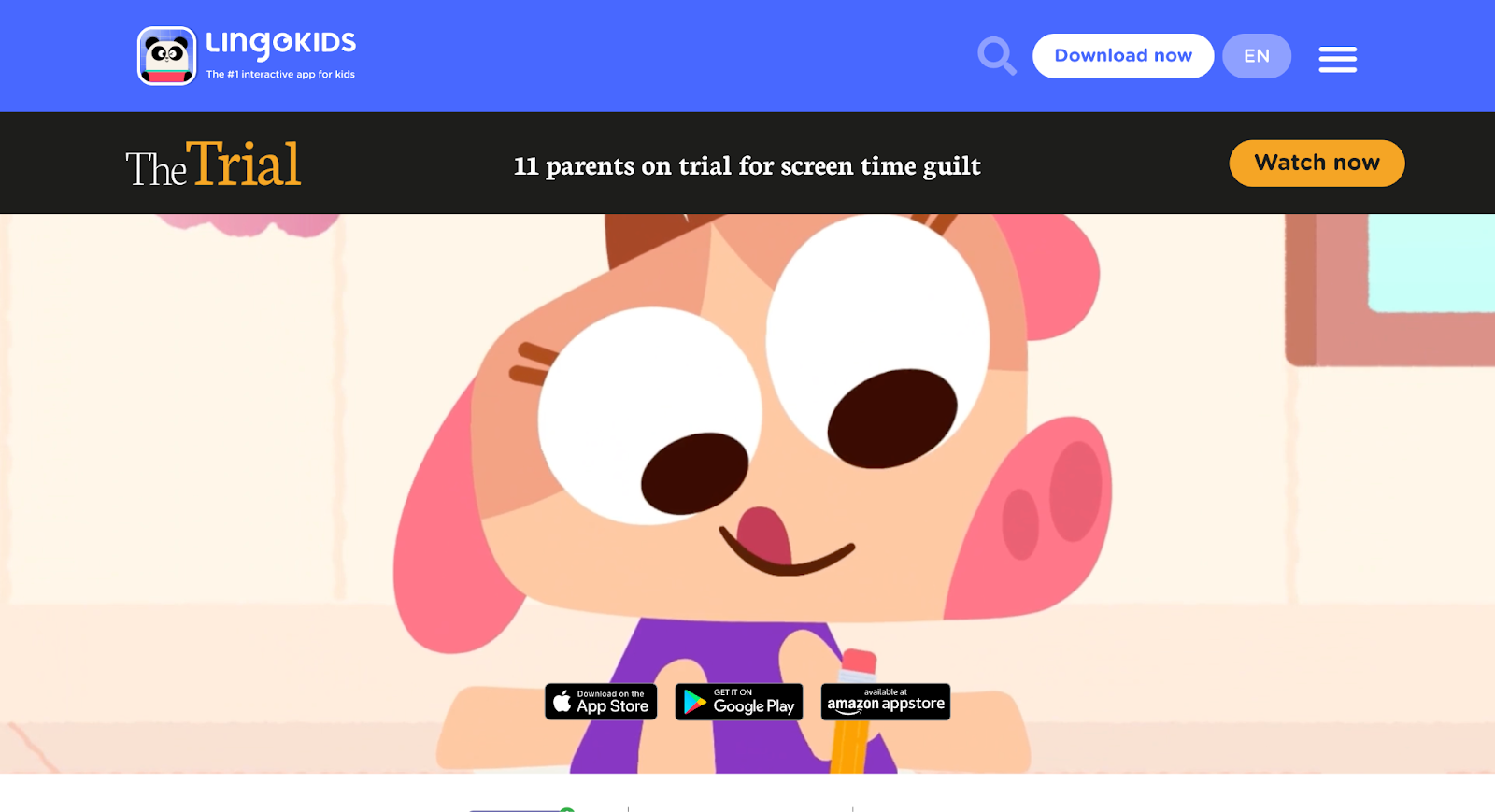
Lingokids targets preschoolers with English lessons wrapped in songs, games, and puzzles, making language fun from the start. Headquartered in Madrid, Spain, it uses lively animations to teach vocabulary and grammar. Its power comes from personalized tracks that match skill levels, helping kids speak with ease. On the downside, some activities repeat often, which might bore quick learners, and it focuses mainly on one language. Still, it works well for families building bilingual basics at home.
- Key features: Daily challenges, parent reports, and audio-based exercises.
- Facts and information: Content aligns with early childhood guidelines, supporting some growth in listening and speaking abilities.
5. ABCmouse
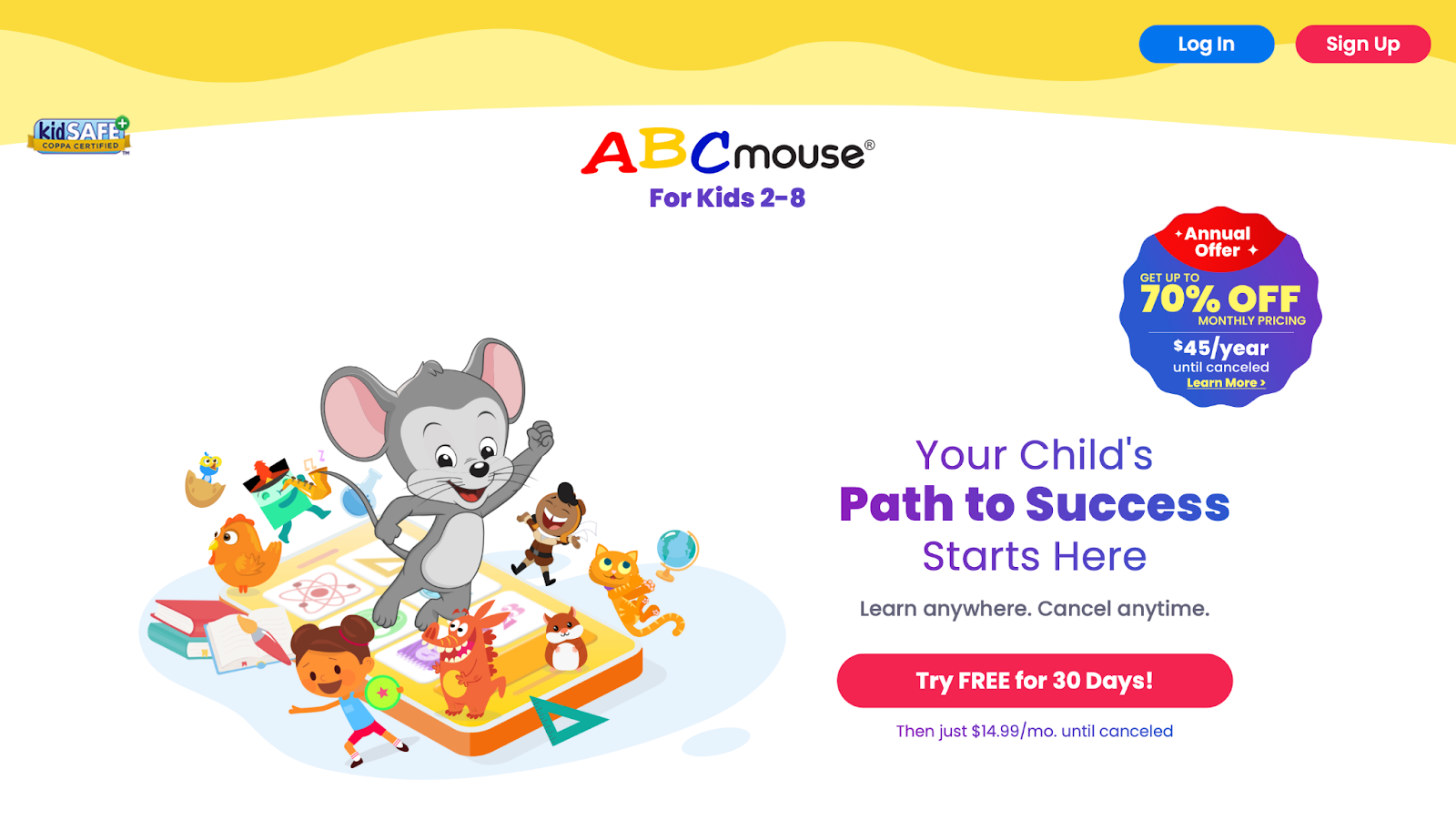
ABCmouse provides a full curriculum for ages 2 to 8, with thousands of lessons in reading, math, art, and science through games and books. It creates a virtual classroom feel that keeps kids motivated with rewards. The app excels in structured paths that track progress, ideal for homeschool setups. Weaknesses include a busy screen that can overwhelm young users and the need for steady connection. It remains a solid pick for comprehensive early education.
- Key features: Ticket system for rewards, printable worksheets, and subject-specific adventures.
- Facts and information: Many families see gains in phonics and basic math from regular use.
6. Duolingo ABC
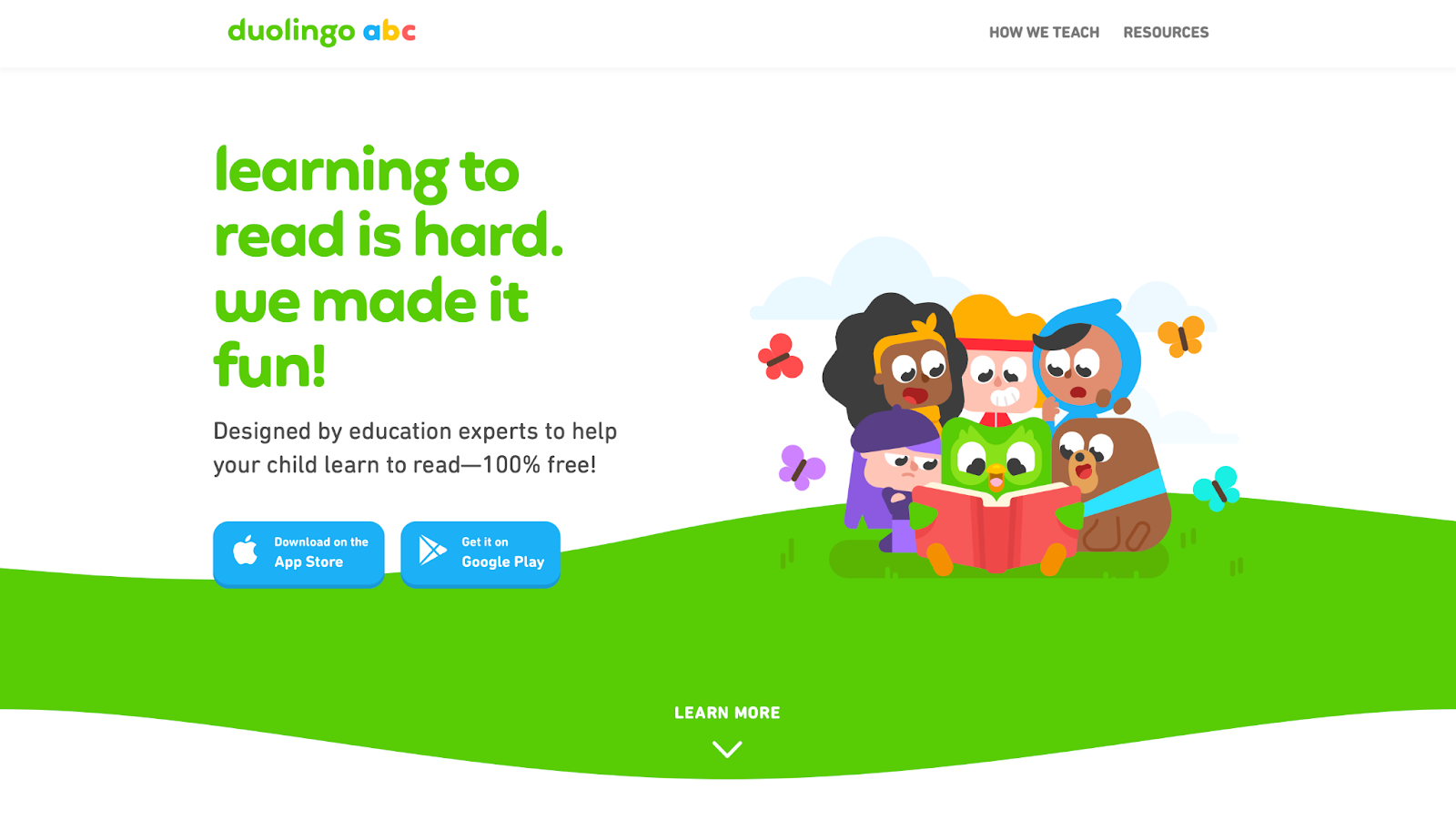
Duolingo ABC teaches reading basics to kids 3 to 6 with short, game-like lessons on letters, sounds, and words. It uses familiar owl characters to make sessions feel like playtime. Strengths include bite-sized formats that fit busy days and voice recognition for practice. But it lacks depth in other subjects, and some kids outgrow it fast. It's great for sparking interest in literacy without pressure.
- Key features: Phonics games, story readings, and progress badges.
- Facts and information: The approach builds on research for sound blending, aiding some early reading success.
7. PBS Kids Games
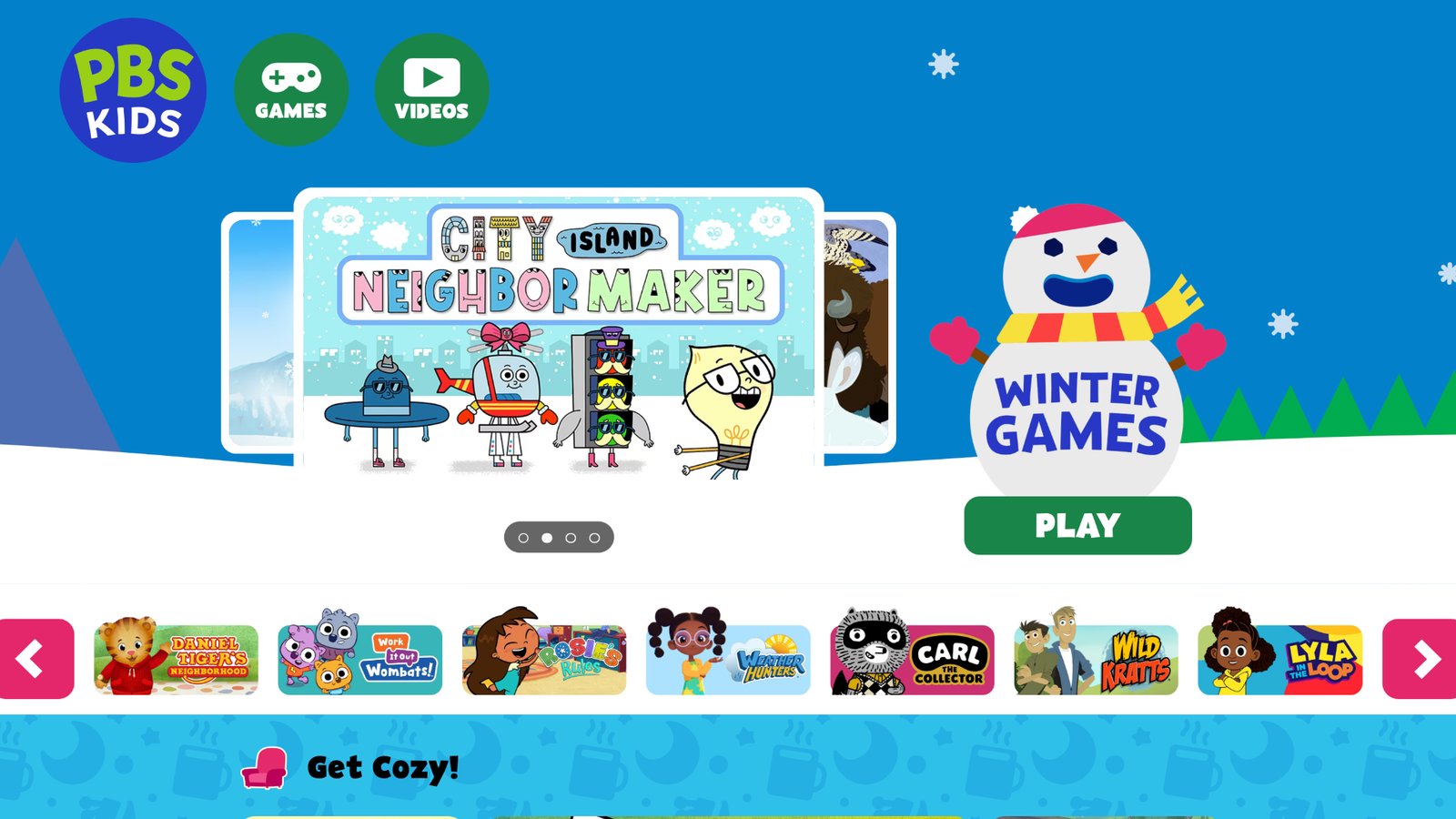
PBS Kids Games brings characters from shows like Daniel Tiger into free activities focused on learning and emotions for ages 2 to 8. It offers puzzles, races, and creative tools in a simple setup. The app's highlight is tying education to familiar TV content, boosting engagement. Drawbacks involve limited offline options and ads in some versions. It fits well for fans of public broadcasting style.
- Key features: Character-based challenges, seasonal updates, and family sharing modes.
- Facts and information: Content promotes social-emotional learning, with some users reporting better sharing behaviors.
8. Epic

Epic serves as a digital library for kids up to 12, with books, audiobooks, and videos on various topics. It personalizes recommendations to encourage reading habits. Strengths feature a vast selection that grows interests, perfect for avid readers. However, it requires internet, and navigation can confuse beginners. It's useful for expanding knowledge beyond games.
- Key features: Reading quizzes, progress tracking, and educator-approved picks.
- Facts and information: The library includes diverse titles that support some cultural awareness and comprehension skills.
9. Prodigy
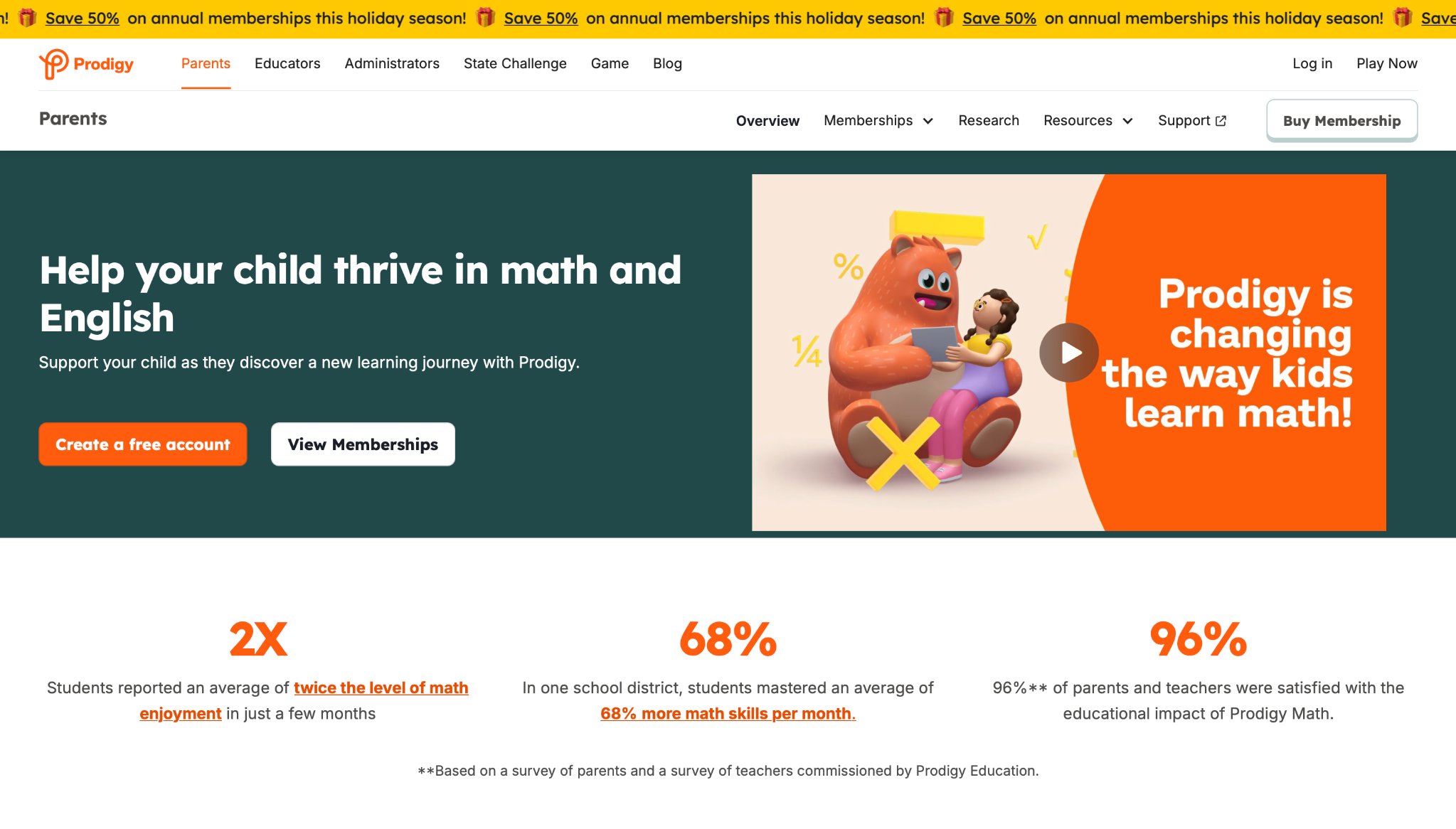
Prodigy turns math into a fantasy game for grades 1 to 8, where kids battle with spells earned from solving problems. It adjusts difficulty in real time for balanced challenge. The app stands out for making numbers exciting through story elements. Weak points include potential for too much game focus over learning and device-specific issues. It helps many who struggle with traditional math.
- Key features: Customizable avatars, teacher tools, and alignment with school standards.
- Facts and information: Battles reinforce concepts like addition and geometry, leading to some confidence boosts in class.
10. Starfall ABCs
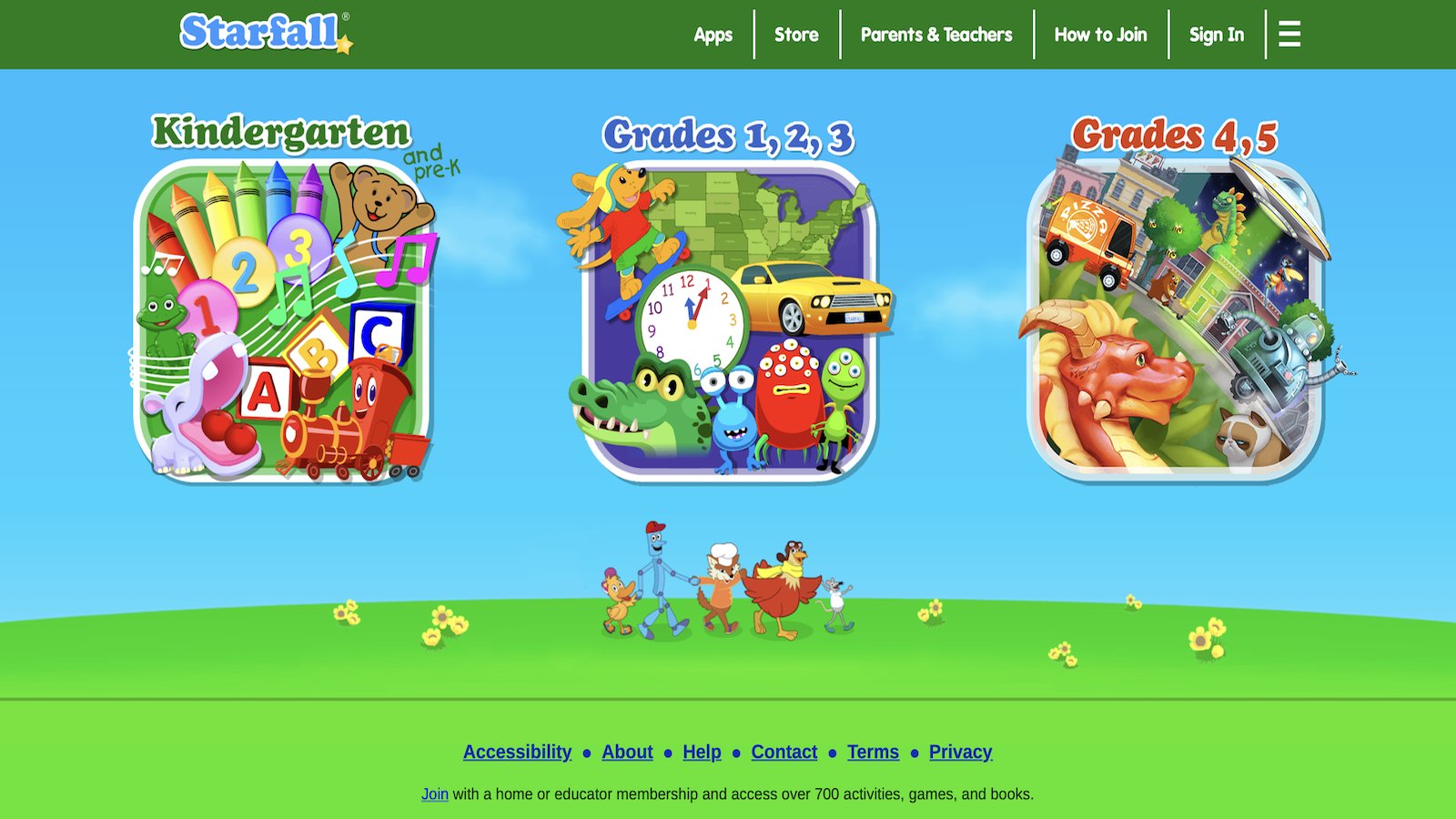
Starfall ABCs introduces letters and phonics to preschoolers via animations, songs, and simple games. It keeps things straightforward for first-time users. Its advantage is gentle pacing that builds from basics without rush. Limitations show in narrow scope and dated graphics for some tastes. It suits early learners needing a calm start.
- Key features: Interactive alphabet, word building, and sign language options.
- Facts and information: The method follows phonetic teaching, helping some with initial sound recognition.
11. Endless Alphabet
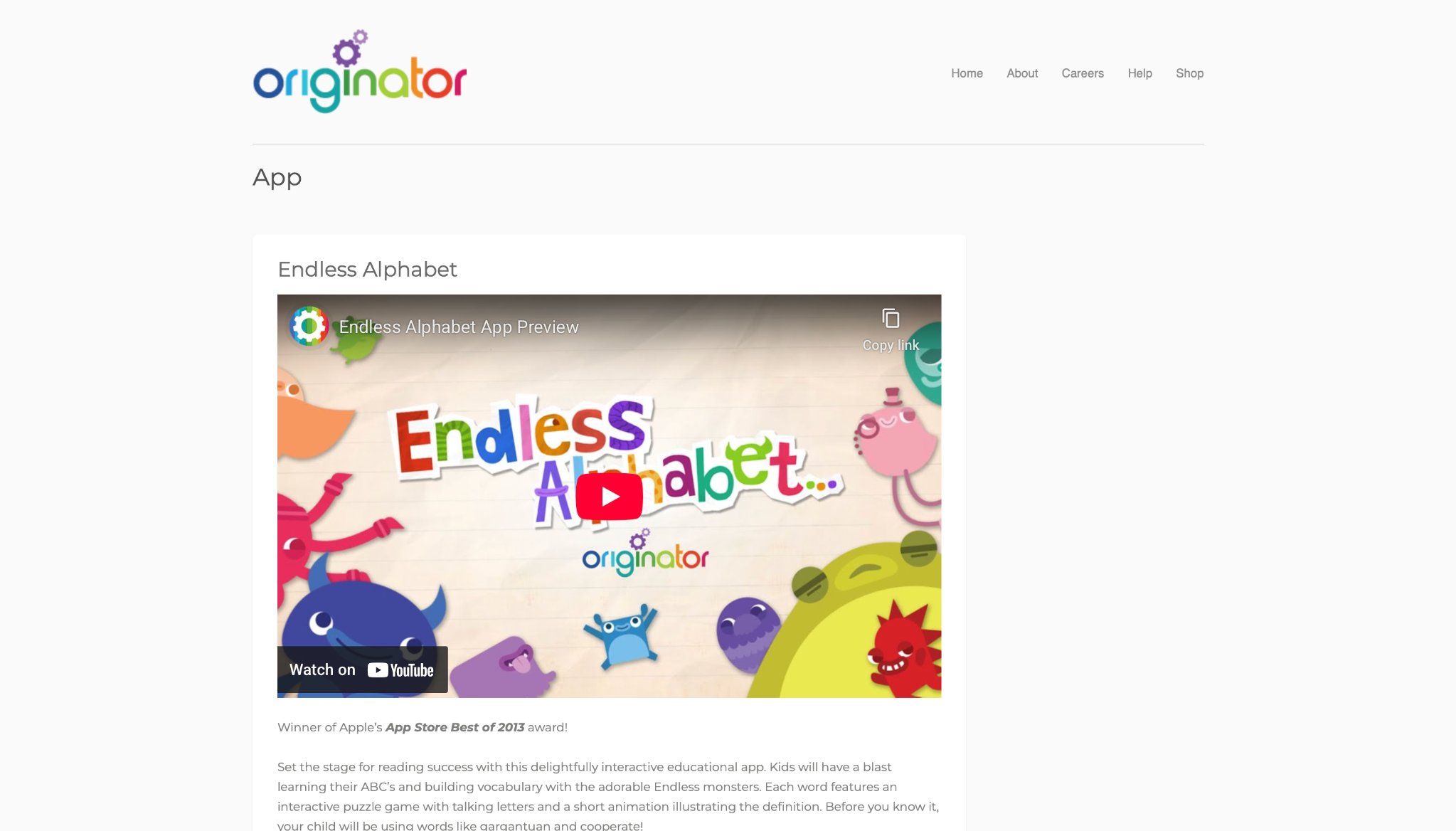
Endless Alphabet delights kids 3 and up with monster characters teaching words through puzzles and definitions. It sparks vocabulary with humor and touch interactions. Strengths involve creative wordplay that sticks in memory. On the flip side, it covers only language, and repeats can feel routine. It's charming for word lovers.
- Key features: Animated definitions, puzzle solving, and no time limits.
- Facts and information: Focus on origins and meanings enriches some language understanding.
12. codeSpark Academy
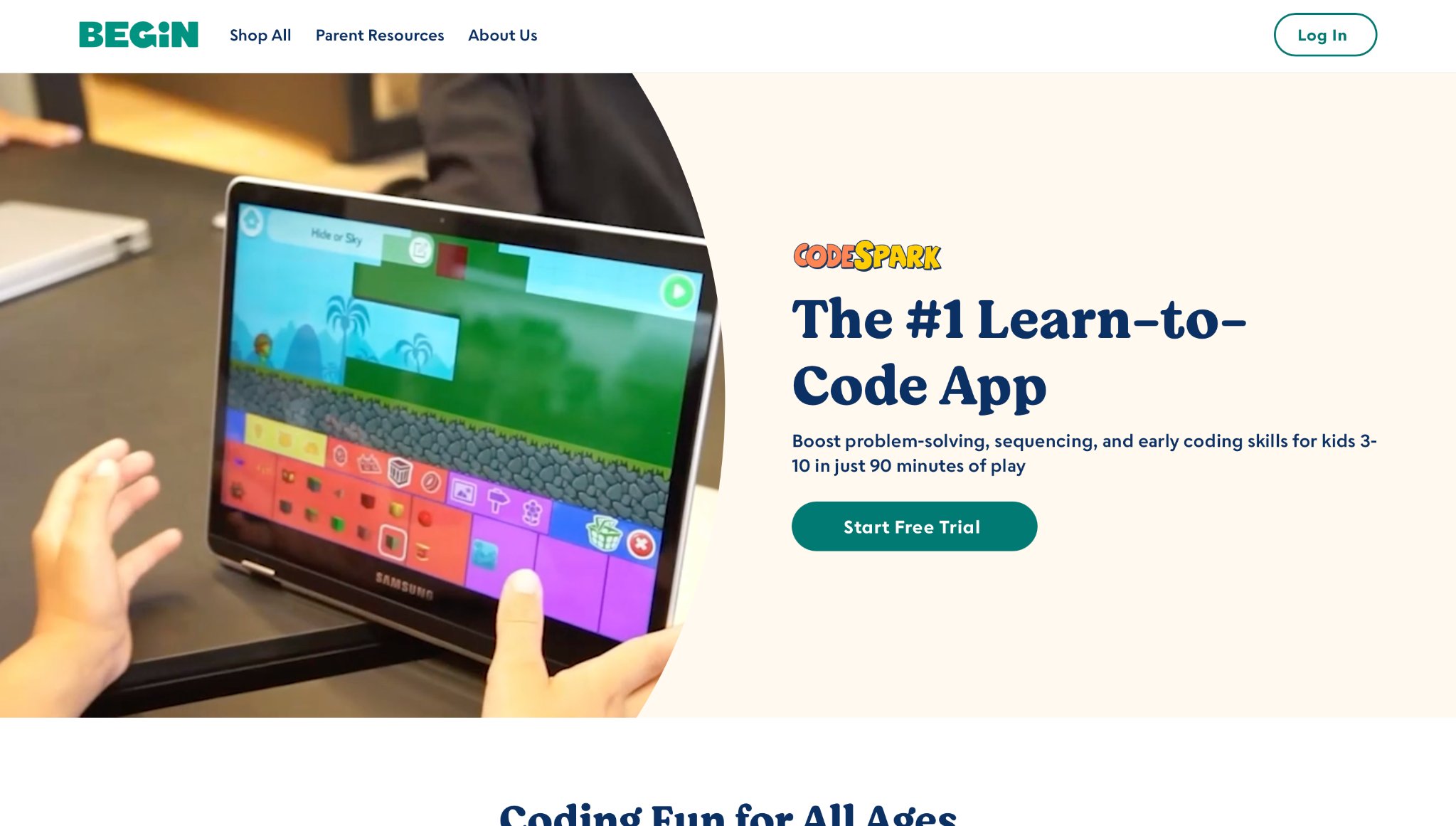
codeSpark Academy brings coding to life for kids ages 5 to 9 with puzzles and games starring cute characters known as The Foos. Based in Pasadena, California, the app uses a no-reading-required setup to cover basics like loops, conditionals, and algorithms through hands-on activities. Strengths shine in its playful approach that builds confidence in tech skills without overwhelming young users. However, it sticks to beginner levels, which might not challenge those ready for more complex coding, and some puzzles require trial and error to grasp fully. Overall, it fosters early interest in creating digital projects.
- Key features: Visual programming blocks, custom game builder, and character customization.
- Facts and information: The word-free design helps some young learners understand logic concepts, leading to creative storytelling in code.
13. Toca Nature
Toca Nature lets kids shape their own outdoor worlds for ages 6 and up, planting trees, digging lakes, and watching animals thrive in a peaceful simulation. Created by Toca Boca in Stockholm, Sweden, it promotes open-ended exploration without goals or scores. Its power comes from realistic ecosystems that teach about nature cycles in a calm, imaginative way. On the downside, the lack of structure can leave some children unsure where to start, and it offers limited animal varieties. It works best for those who enjoy free-form play.
- Key features: Terrain sculpting tools, wildlife observation, and day-night cycles.
- Facts and information: Interactions mirror real habitats, helping some kids appreciate environmental balance through hands-on discovery.
14. ScratchJr
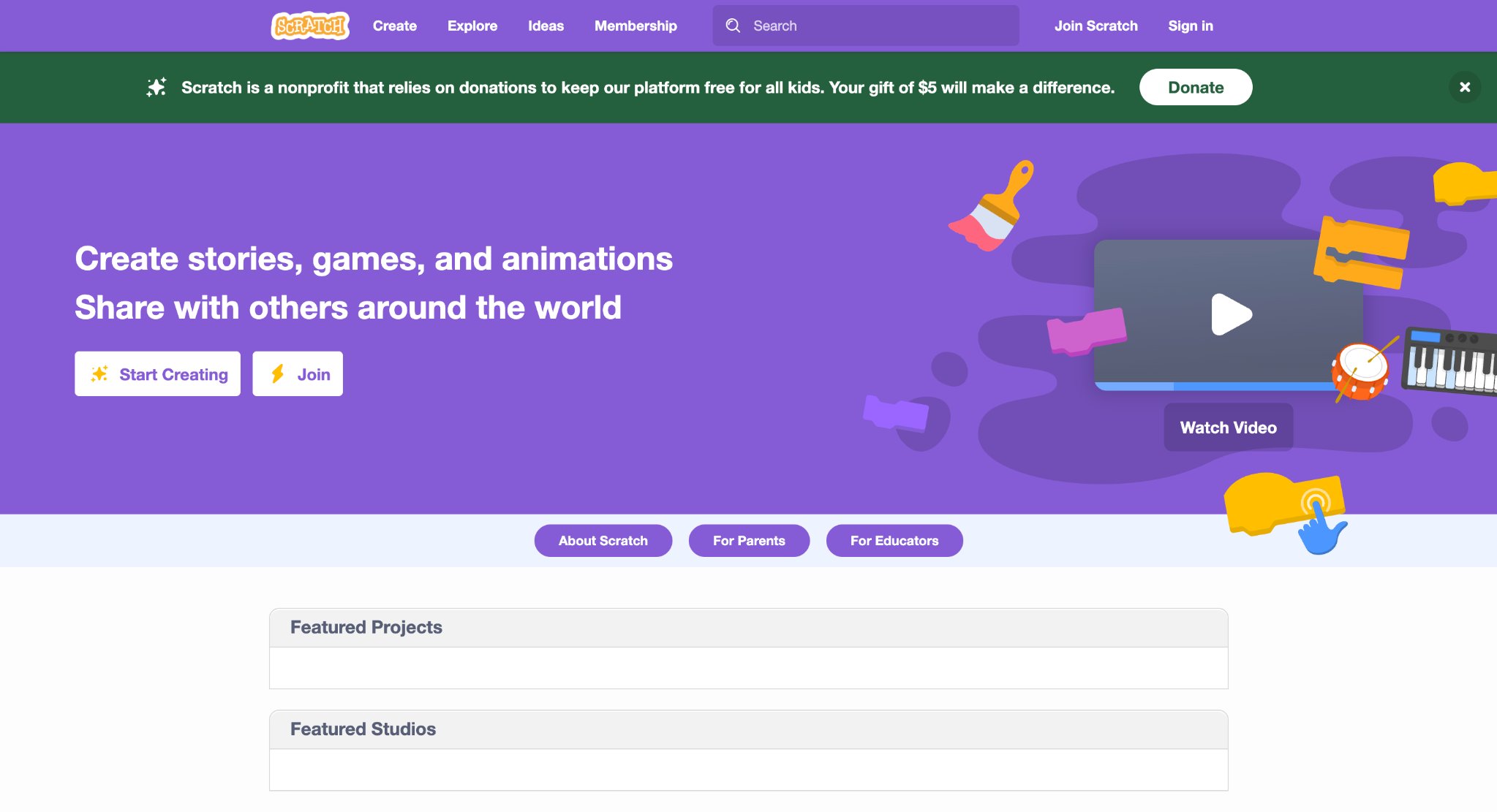
ScratchJr empowers kids ages 5 to 7 to code stories and games using colorful blocks, inspired by MIT's Scratch platform. Developed at the MIT Media Lab in Cambridge, Massachusetts, it sparks creativity with simple drag-and-drop commands for animations and interactions. Strengths include its intuitive interface that encourages experimentation and sharing projects. Weaknesses involve a smaller block set compared to full Scratch, which limits depth, and occasional glitches in saving work. It's ideal for introducing programming logic early.
- Key features: Block-based coding, character sprites, and project gallery for inspiration.
- Facts and information: Many beginners gain sequencing skills, applying them to narrative building in digital formats.
15. Duolingo
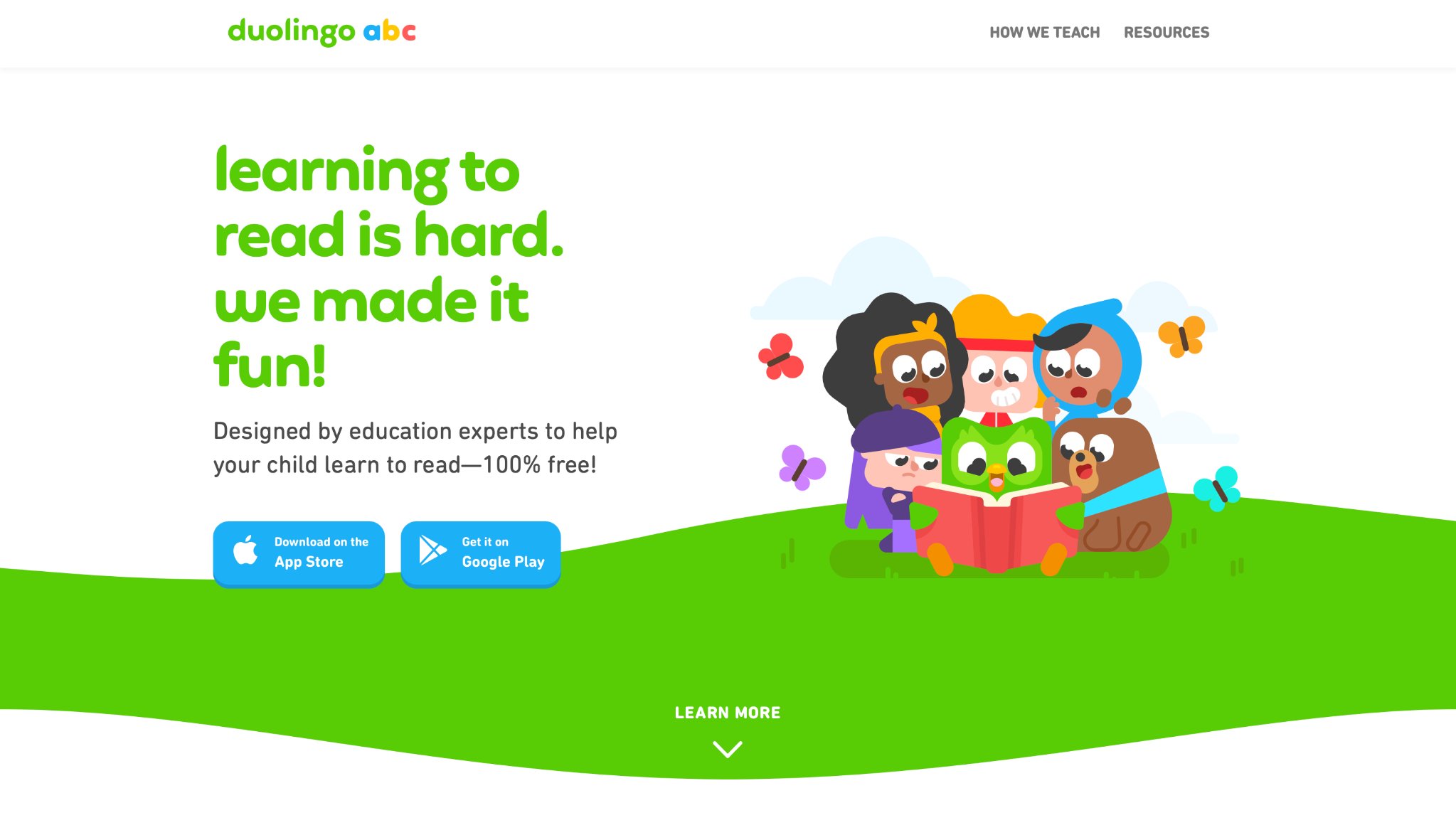
Duolingo makes language learning game-like for kids and families, covering over 30 languages with short lessons on vocabulary, grammar, and conversation. Headquartered in Pittsburgh, Pennsylvania, it uses streaks and rewards to keep users motivated. The app excels in bite-sized sessions that fit daily routines, adapting to individual progress. But it can feel repetitive for advanced learners, and speaking practice relies on device mics that vary in accuracy. It suits beginners building basic skills through fun challenges.
- Key features: Daily goals, interactive stories, and skill trees for progression.
- Facts and information: Adaptive exercises support some retention of phrases, useful for travel or school support.
16. YouTube Kids
YouTube Kids curates videos for children under 13, featuring educational channels on science, crafts, and stories in a controlled environment. From Google in Mountain View, California, it includes timer limits and content blocks for safety. Strengths lie in its vast library that entertains while teaching, with easy search for topics. Drawbacks include occasional off-topic suggestions slipping through and heavy reliance on internet. It helps families find reliable viewing options.
- Key features: Parent-approved channels, voice search, and profile setups for ages.
- Facts and information: Filtered content exposes some kids to diverse ideas, sparking curiosity in real-world subjects.
17. SplashLearn
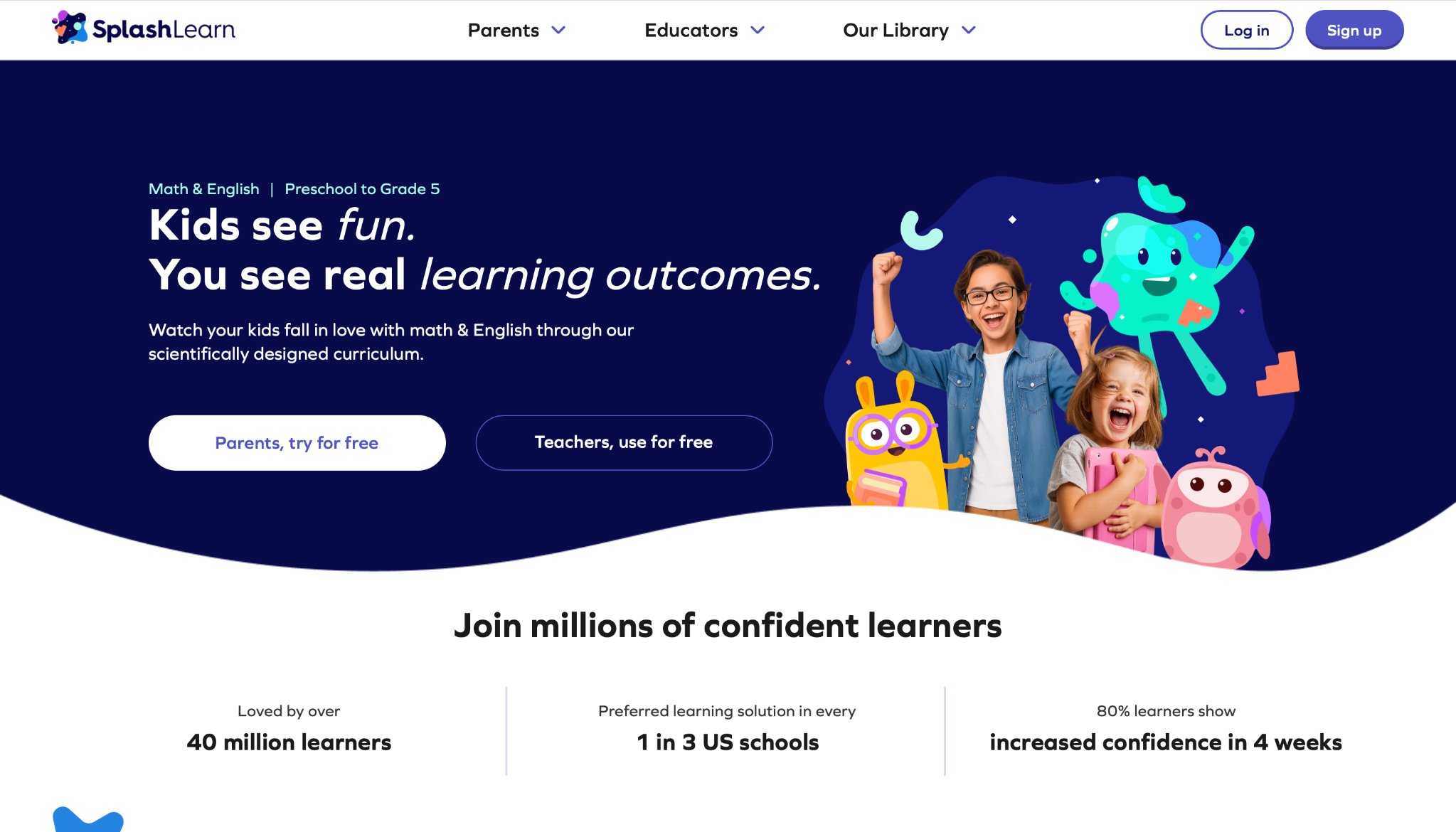
SplashLearn boosts math and reading for pre-K to grade 5 with adaptive games and lessons aligned to school standards. Based in Gurugram, India, it tracks growth and sends parent updates. The app's highlight is personalized paths that make practice engaging with rewards. However, it needs consistent connection for all features, and some games repeat concepts without much variety. It supports classroom extensions at home.
- Key features: Skill-based challenges, virtual coins, and weekly reports.
- Facts and information: Curriculum ties help some students reinforce classroom topics, improving confidence in core areas.
18. CodeMonkey
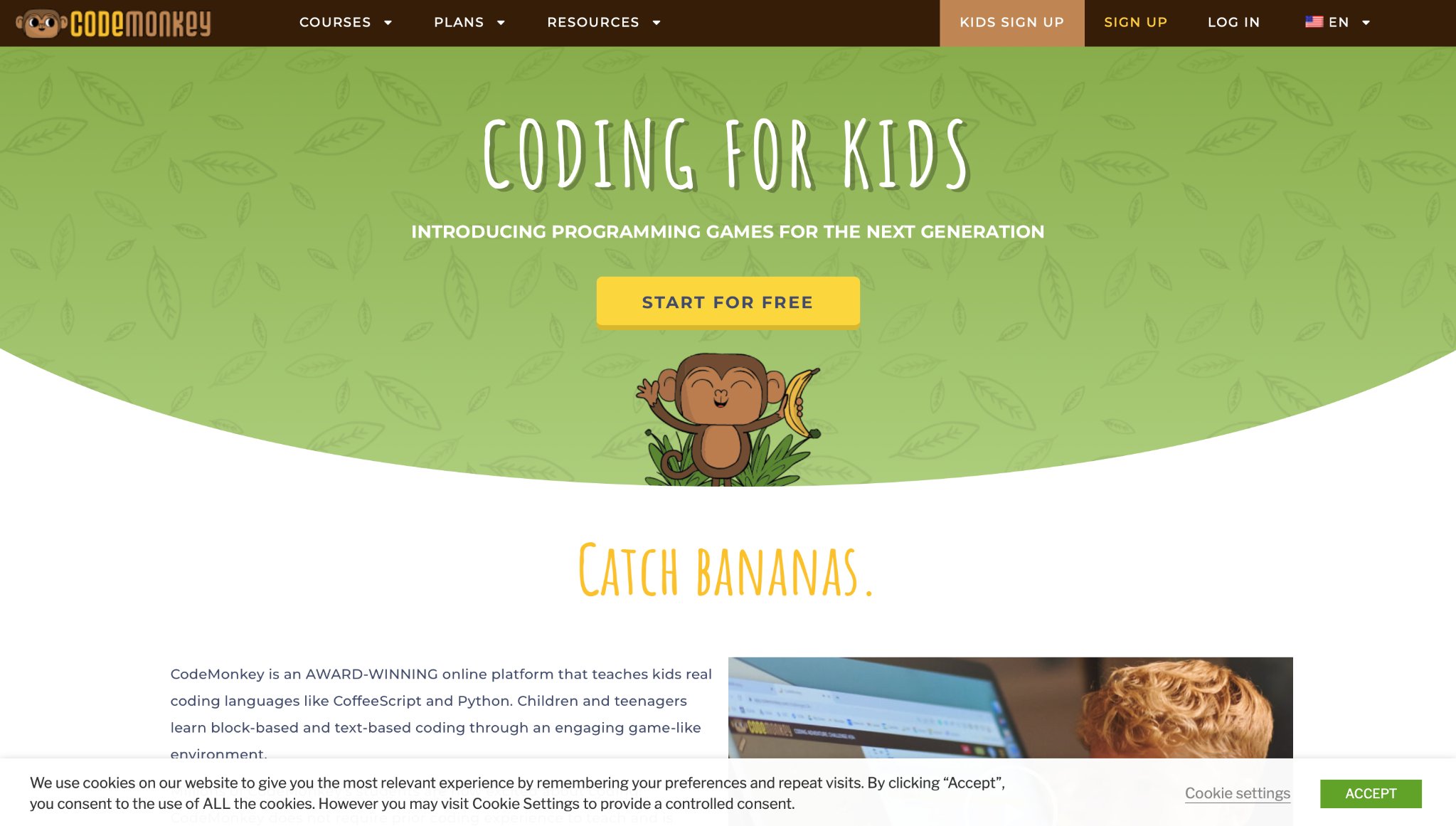
CodeMonkey teaches real coding languages like CoffeeScript and Python through monkey-themed adventures for ages 8 and up. Headquartered in Tel Aviv, Israel, it progresses from basics to game design. Strengths feature step-by-step tutorials that build practical skills in a story context. Weaknesses show in steeper learning for total beginners and limited free content. It prepares kids for future tech pursuits.
- Key features: Coding challenges, hint systems, and teacher dashboards.
- Facts and information: Game-building elements teach some problem-solving, applicable to app development basics.
19. Daniel Tiger's Grr-ific Feelings
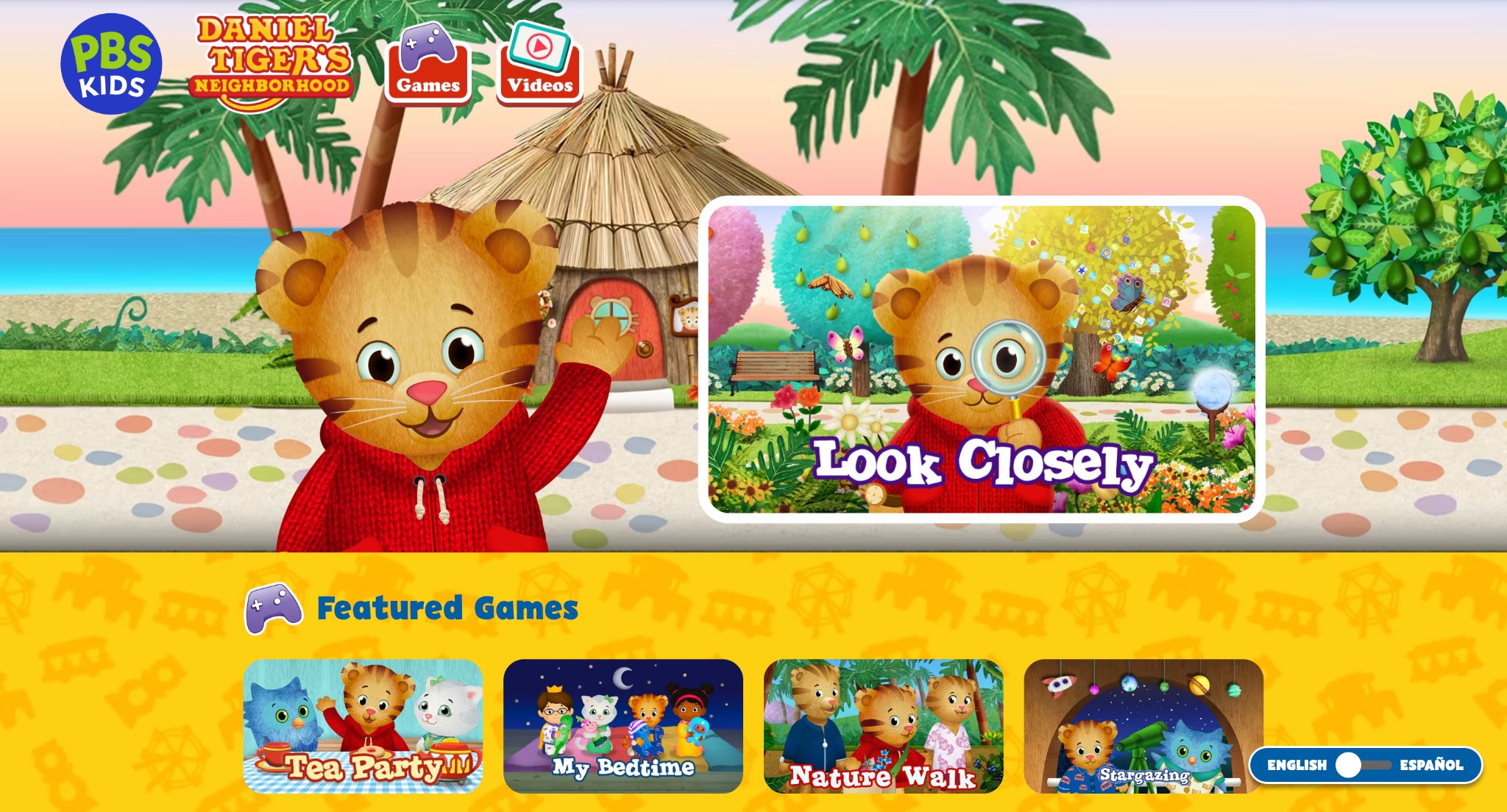
Daniel Tiger's Grr-ific Feelings helps preschoolers ages 2 to 5 identify emotions through songs, games, and drawing with beloved characters. Produced by PBS Kids in Arlington, Virginia, it draws from Mister Rogers' legacy. Its advantage is gentle guidance on feelings like anger or excitement in relatable scenarios. But the activities are brief, potentially needing repeats, and it focuses solely on social skills. It aids emotional growth in young ones.
- Key features: Feeling charts, photo booths, and calm-down strategies.
- Facts and information: Character-led lessons help some children express emotions, fostering better interactions with peers.
20. MarcoPolo Weather
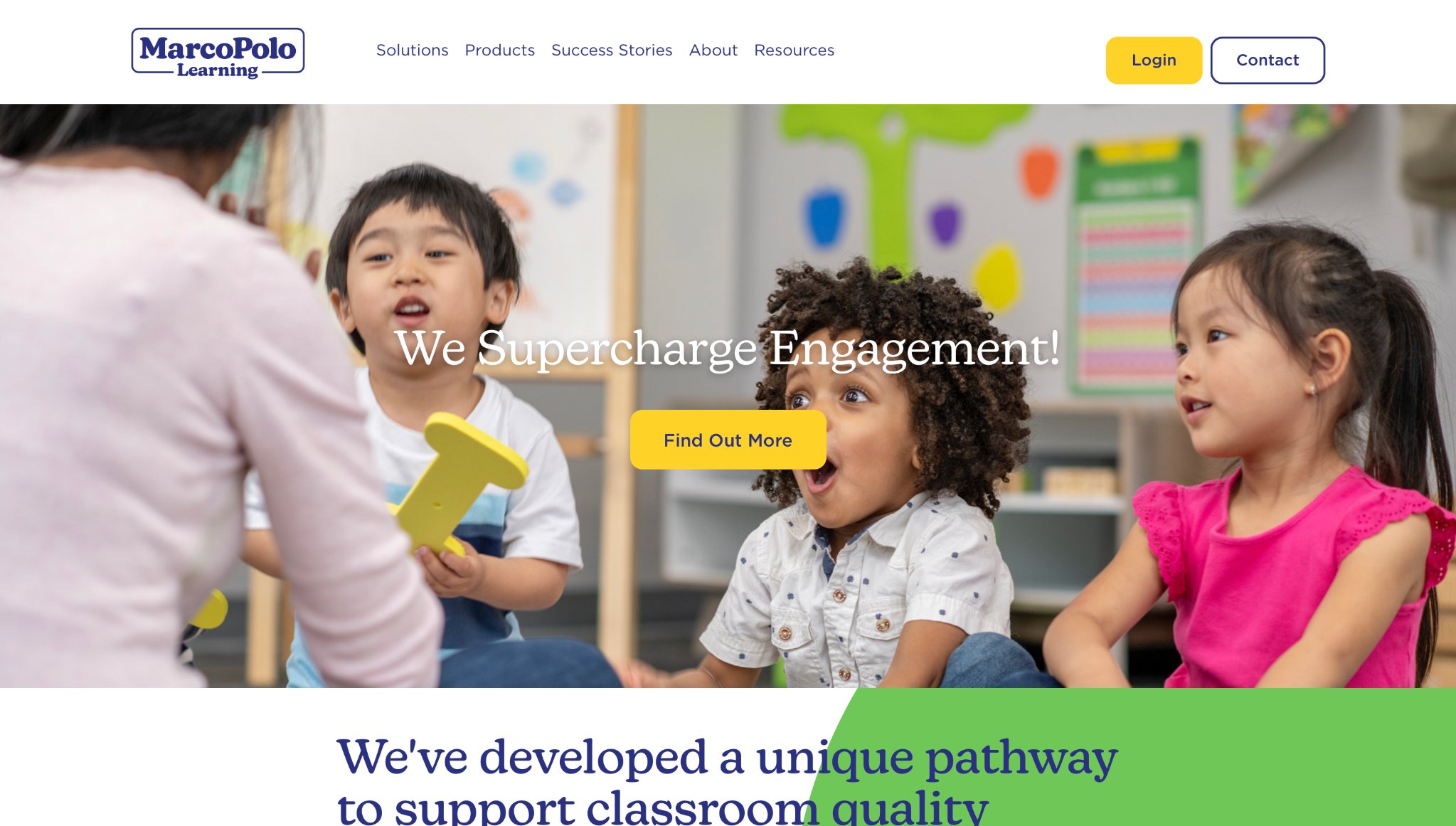
MarcoPolo Weather lets kids ages 3 to 6 experiment with climates, dressing characters and seeing effects like rain or snow. From MarcoPolo Learning in New York City, New York, it combines science facts with play. Strengths include interactive forecasts that teach cause and effect in weather patterns. Limitations involve simple mechanics that might not hold older kids' attention long, and no multiplayer options. It introduces earth science playfully.
- Key features: Weather controls, animal reactions, and outfit choices.
- Facts and information: Hands-on simulations build some understanding of seasons, useful for daily conversations about the outdoors.
21. Busy Shapes 2
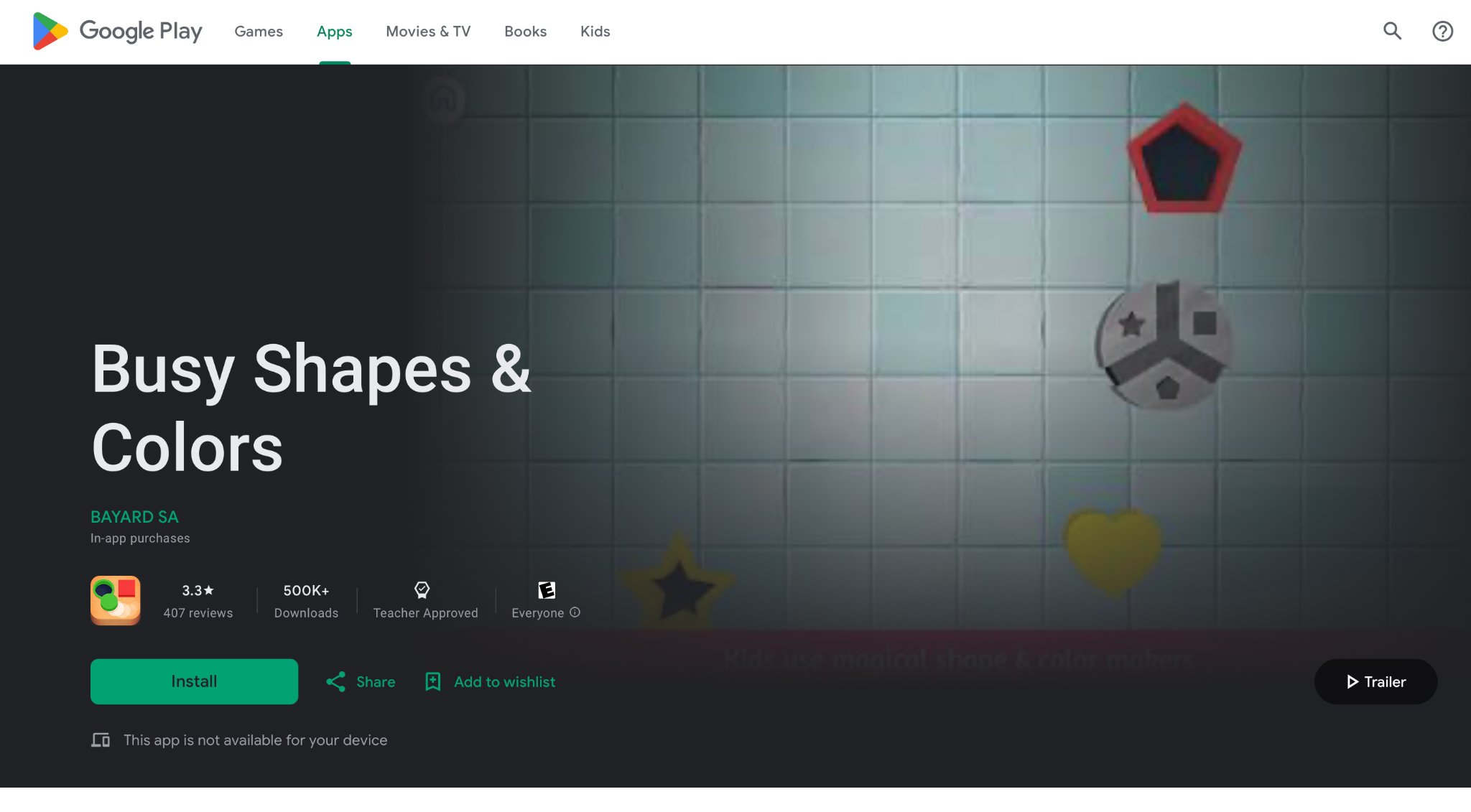
Busy Shapes 2 challenges toddlers ages 2 to 5 with shape-matching puzzles that develop logic and fine motor skills. Created by Edoki Academy in Paris, France, it uses vibrant objects and ramps for problem-solving. The app stands out for progressive difficulty that adapts to abilities, promoting independent thinking. On the flip side, it lacks variety in themes, and some levels frustrate without hints. It lays foundations for spatial awareness.
- Key features: Shape sorters, color matching, and obstacle navigation.
- Facts and information: Puzzle designs encourage some trial-based learning, enhancing coordination and pattern recognition.
Benefits of Safe Apps in Child Development
Safe apps give kids tools to grow skills like thinking and feeling in secure ways. They often use stories and challenges to teach responsibility and kindness. Parents find these apps cut down on random browsing, leading to focused play. Some research from sites like Common Sense Media points to better outcomes when apps match real-life lessons. This blend helps children handle emotions and solve problems daily.
Latest Trends in App Safety
This year, apps add more voice controls and AI filters to spot risks early. Developers work with experts to create calm designs that avoid overload. Families benefit from shared accounts that let everyone join safely. These changes make apps fit modern needs, keeping kids protected as tech evolves.
Feature | Common in Safe Apps | Why It Helps Kids |
| Ad-Free Zones | Yes | Reduces distractions and unwanted clicks |
| Parent Dashboards | Often | Allows oversight without constant watching |
| Age Filters | Standard | Matches content to development stages |
| Offline Modes | Some | Enables play anywhere without data worries |
| Update Alerts | Frequent | Keeps safety current against new threats |
Safe Apps by Age Group for Kids in 2026
Safe apps by age group for kids in 2026 align closely with developmental stages to deliver appropriate challenges and content. For the youngest users, the best apps for toddlers emphasize basic sensory interactions that support early motor skills and recognition without overwhelming interfaces. Progressing to the next stage, games for preschoolers introduce storytelling and simple decision-making elements that nurture imagination and basic social awareness in controlled settings.
School-age children benefit from more structured formats where the best educational games for kids present foundational concepts in math and science through guided progression. Families using tablets frequently select options optimized for larger screens, such as best iPad games for kids, to maintain consistent safety across devices. Many families find that pairing digital sessions with hands-on printables creates a well-rounded routine that blends screen-based and physical engagement for comprehensive growth.
Balancing Safe App Use with Traditional Educational Tools
Safe app use integrates smoothly with traditional educational tools when the goal is balanced child development across multiple modalities. Learning apps for kids function effectively as extensions of classroom or home-based lessons, reinforcing skills through interactive repetition. The best educational websites for kids often provide complementary structured pathways that mirror the progression found in app formats.
Latest News In 2026
The year 2026 marks continued evolution in safe apps for kids, with developers prioritizing adaptive content systems that respond to individual usage patterns for personalized safety layers. Enhanced family account structures now support multi-child profiles with unified oversight dashboards. Greater focus on emotional skill modules appears across platforms, encouraging empathy and self-regulation within protected digital spaces. Expanded multilingual support broadens accessibility for global households, while improved offline modes ensure learning continuity regardless of connectivity status. New collaborative features allow supervised joint play sessions that maintain strict content boundaries.
FAQ
What are key signs of a safe app for kids?
Safe apps for kids display clear age ratings on store pages to match content with development levels. They come from developers who involve educators in creation, ensuring quality and relevance. Privacy features follow rules like COPPA to handle data carefully, while user reviews from trusted sites highlight reliability.
How do safe apps for kids differ from regular ones?
The best safe apps for kids use content moderation to avoid harmful materials and limit user interactions. They often lack in-app purchases that tempt young users and focus on guided experiences. Regular apps may include open links or ads that lead to unsuitable areas without built-in protections.
Can safe apps for kids work on multiple devices?
Safe apps for kids sync settings and progress across phones, tablets, and computers for seamless access. This setup maintains consistent rules no matter the gadget used at home or away. Broad platform support, like for iOS and Android, lets families apply the same safeguards everywhere.
Why choose educational safe apps over games?
Educational safe apps blend play with lessons in subjects like math or language to build lasting skills. They promote problem-solving and curiosity through interactive challenges in secure spaces. Pure games focus mainly on entertainment without the added value of structured learning goals.
What age ranges do safe apps cover effectively in 2026?
Safe apps for kids in 2026 accommodate users across all early childhood phases beginning with infants who interact via basic cause-and-effect mechanics. The content scales in complexity to support preschoolers developing language and coordination before advancing further. Dedicated selections for best educational games for toddlers in 2026 prioritize gentle introductions to concepts while school-ready options build upon prior foundations. Advanced modules are in the educational games for 10 year olds with intricate challenges that match growing analytical abilities.
How do safe apps support skill development without replacing hands-on experiences?
Interactive elements in safe apps for kids strengthen attention spans and pattern recognition through progressively challenging tasks. Immediate visual rewards reinforce successful attempts and encourage persistence in learning activities. Supplementary tools such as the best educational games for kids age 3 in 2026 introduce thematic stories that deepen understanding of cause and effect. This digital reinforcement layer works parallel to physical play for multifaceted skill acquisition across cognitive and creative domains.
What device considerations arise when choosing safe apps?
Developers of safe apps account for hardware variations including resolution differences and processing capabilities across popular kid-friendly devices. Touch sensitivity calibrations adapt to younger users with less precise motor control on smartphones. Larger format preferences appear in mobile games for kids to ensure portability for on-the-go sessions. Such considerations maintain consistent safety and usability no matter the selected platform while preserving battery life during extended educational play.
Do safe apps include features for monitoring usage?
Parental features within safe apps allow setting daily limits through intuitive dashboard interfaces. Activity logs compile anonymized patterns of engagement to inform balanced schedules. Integration with the best apps for preschoolers includes gentle reminders that respect independent playtime. These monitoring capabilities promote mindful digital habits across family routines without disrupting the immersive experience.
How do safe apps align with broader learning goals?
Safe apps embed elements from standard educational frameworks to support subjects like mathematics and environmental awareness. Progression tracking helps identify strengths and areas needing additional focus over time. Alignment appears prominently in learning apps for kids through themed modules that connect to real-life applications. Overall coherence with learning objectives enhances the value of screen time in home education settings.
What privacy measures characterize safe apps in 2026?
Modern safe apps implement layered protections including consent-based data sharing limited to essential functions. All user-generated content remains encrypted and isolated from external access. Practices in platforms focused on educational kids games prioritize deletion options for historical data upon request. Continuous updates to privacy protocols reflect the latest regulatory expectations for youth-oriented digital products.
Can safe apps promote social and emotional growth?
Narrative-driven safe apps present situations requiring choices that affect character relationships and outcomes. Reflection prompts after activities help children articulate feelings experienced during play. Group-oriented content in the best educational and fun games for kids simulates collaborative scenarios safely. These features nurture emotional intelligence alongside traditional social skill building in controlled digital spaces.
How do families combine safe apps with other resources for optimal results?
Safe apps pair naturally with supplementary materials to address different learning styles effectively. Rotation between formats prevents monotony and sustains long-term interest in education. The TutoClub educational games collection demonstrates effective blending with offline resources for complete programs. Diverse resource combinations support well-rounded growth through varied daily exposures to both digital and tangible activities.
Read Also:
- Balancing Self-Care and Parenting: 7 Tips for Moms
- Key Advice for New Parents: What No One Tells You
- Best Educational Games For Kids Age 5 in 2026
- Best Learning Apps For Kids 8 Years Old In 2026
- Educational Games For Kids iPad In 2026
Discover the best safe apps for kids - TutoClub


.jpg)

.jpg)

.jpg)