

Best Games For Kids Educational in 2026






Educational games help kids build skills like reading, math, creativity, and problem-solving while enjoying screen time. Top educational games for kids keep things safe and ad-free. Kids gain confidence through interactive challenges that match their age. Discover the best games for kids educational in 2026 that blend play with skill-building to spark young curiosity and growth.
Choosing the right educational games for kids means finding content that works well across devices and learning needs. Parents can explore the best educational games for kids on iPad or discover safe and engaging tablet games for kids for everyday learning. For reading and language skills, the best English learning apps for kids offer interactive practice, while guides to the best kids educational games help parents choose high-quality, age-appropriate options.
Discover the Best Games For Kids Educational in 2026 - TutoClub
Why Choose Educational Games for Kids

Kids learn best when activities feel like play. Educational games for kids boost focus and teach real-world skills without pressure. They cover subjects from letters to science, helping children at different stages. Safe designs protect young users from ads or strangers. Parents can join in, strengthening bonds during sessions. Variety keeps things fresh, so boredom stays away. Games adapt to each child's pace, building success step by step.
How Educational Games Support Child Development
Educational games nurture minds beyond basics. They encourage teamwork in group modes and spark imagination through stories. Emotional skills grow as kids handle wins and setbacks. Fine motor control improves with touch-screen tasks. Language expands via new words in fun contexts. Overall, they prepare children for school and life by mixing joy with knowledge.
Best Games For Kids Educational in 2026
1. TutoClub - Best Educational Games for Kids
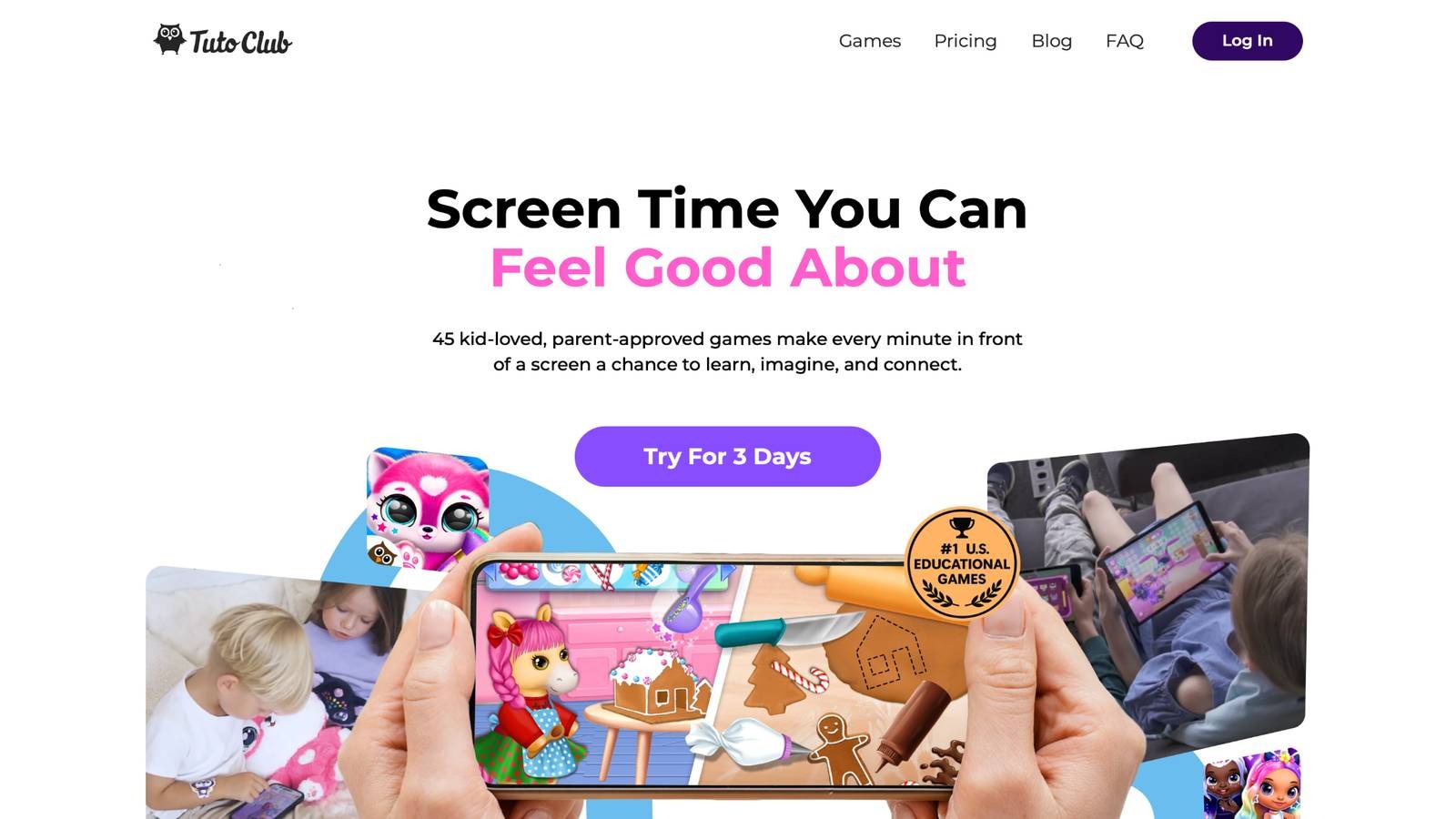
TutoClub educational games stand out as a top pick for families wanting safe, enriching play. This subscription unlocks over 45 games that mix fun with growth. Kids hatch cute pets in Fluvsies, learning curiosity and care. My Baby Unicorn teaches kindness through babysitting magical creatures. Sweet Baby Girl Clean Up turns chores into adventures, building routines. Floof - My Pet House offers puzzles and decorating to boost thinking. L.O.L. Surprise! O.M.G. Fashion Club lets children style outfits, fostering self-expression.
Smolsies adds letter and number lessons in pet homes. Princesses - Enchanted Castle sparks creativity with doll care. Kpopsies brings dancing unicorns for joy. Giggle Babies supports early skills with playful tasks. All games stay ad-free, letting kids focus on discovery. Parents love how sessions build empathy, focus, and confidence. Children collect surprises, feeling proud of their progress. The mix of themes keeps play exciting, from fashion to animal worlds. TutoClub fits preschool to early grade ages, adapting to each user. Families worldwide enjoy these tools for balanced screen time.
- Key features: Ad-free access to 45+ games, interactive pet care and puzzles, fashion and building modes, family play options, skill-building in empathy and creativity.
- Facts and information: Many families report improved focus in kids, some games teach letters and numbers through play, users gain confidence from completing quests, emotional growth comes from character interactions, worldwide appeal with simple controls for young hands.
TutoClub Overview
TutoClub is your gateway to a magical world of educational games designed especially for children.
As part of TutoTOONS, a leading kids' games studio, we offer premium access to over 45 ad-free games.
Our mission is to blend learning and play, helping kids explore, create, and grow in a safe online space.
Thousands of parents trust us for family-friendly content that sparks imagination and builds essential skills.
Key Features
- Unlimited Access: Unlock full content in all games with no interruptions.
- Ad-Free Experience: Enjoy seamless play without any ads or distractions.
- Skill Development: Games foster creativity, social skills, communication, and more through fun activities like pet care and cleanup challenges.
- Regular Updates: Get new releases, exclusive content, and future updates automatically.
- Easy Subscription: Cancel anytime with no obligations, simple and flexible for families.
Explore Our World
TutoClub provides a rich ecosystem of educational games for kids, featuring ad-free experiences that promote creativity, focus, and emotional growth through play.
This platform turns screen time into valuable learning opportunities, with parent-approved content that builds essential skills and sparks curiosity in young minds.
- TutoClub Games: Over 45 educational games, including popular titles like Fluvsies, Smolsies, and the Sweet Baby Girl series
- Blog: Insights, tips, and stories for families on kids' learning and play
- FAQ: Comprehensive answers to frequently asked questions about subscriptions, features, and more
Get TutoClub on Your Device
TutoClub delivers premium kids educational games directly to your mobile devices, making learning accessible anytime, anywhere.
With apps available on major platforms, families can easily download and subscribe for ad-free play that turns screen time into skill-building adventures.
Perfect for parents seeking safe, engaging content on iOS, Android, or Amazon devices.
Why Choose TutoClub?
We're committed to 100% safe, enriching entertainment that kids love and parents approve.
Join the thousands who've seen their children thrive through playful learning.
Ready to start the adventure?
Subscribe to TutoClub today and unlock endless fun!
2. ABCmouse
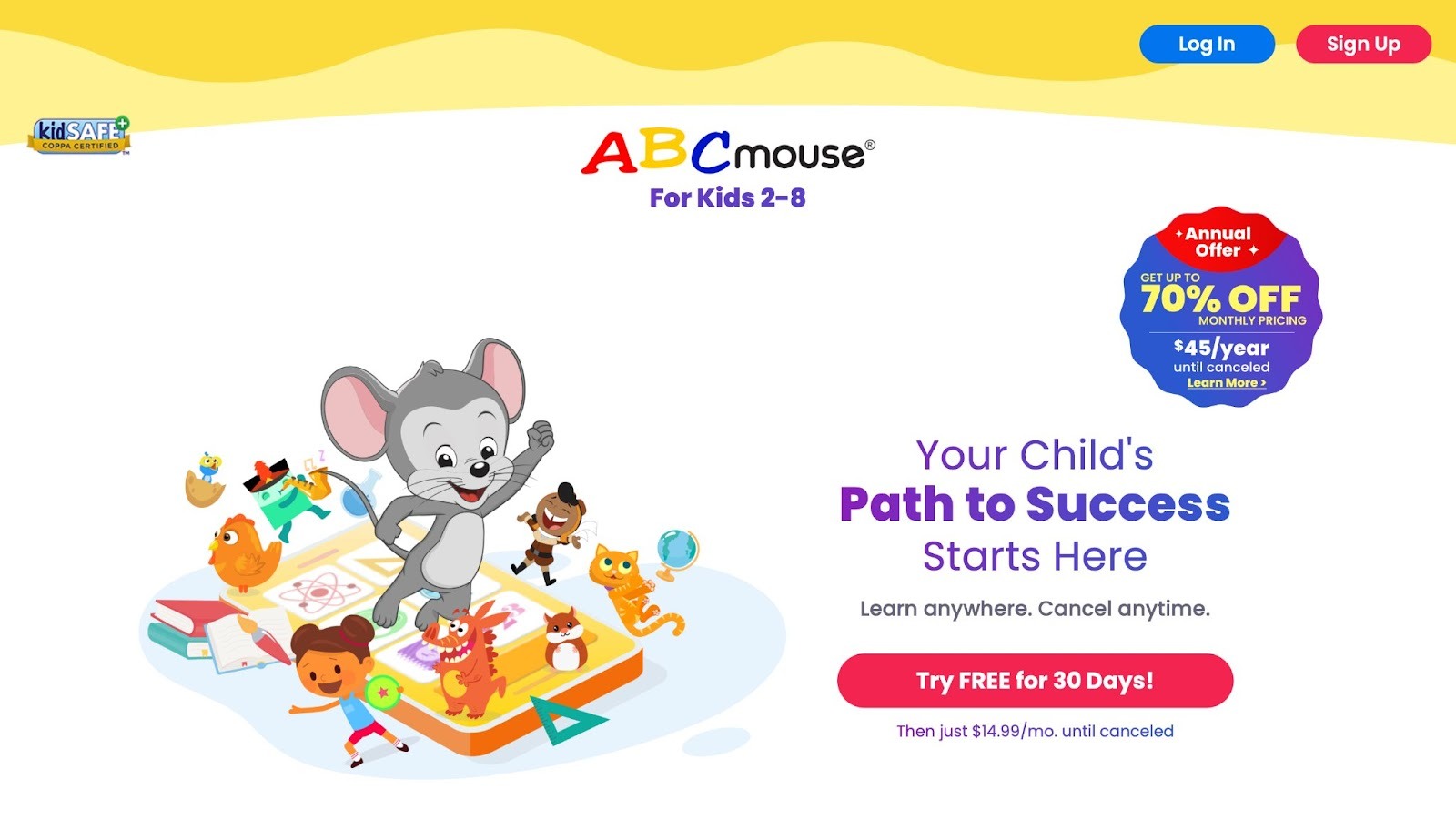
ABCmouse, created by Age of Learning, serves as a comprehensive online learning academy tailored for children aged 2 to 8. It delivers structured lessons across core subjects including math, reading, science, and art through an array of interactive activities, videos, puzzles, and digital books. Kids navigate a virtual classroom environment where they earn tickets as rewards for completing tasks, which they can use to customize avatars or purchase virtual items. This gamified approach keeps young learners motivated and engaged. The platform emphasizes foundational skills like phonics, basic arithmetic, and creative expression, with colorful animations and songs that make concepts accessible.
Parents appreciate the detailed progress reports that track their child's development and suggest areas for improvement. Based in Glendale, California, USA, ABCmouse integrates seamlessly into home or supplemental school routines. Strengths include its broad curriculum that aligns with educational standards, fostering independent learning while building confidence. However, some sections may feel repetitive without adult guidance, and the depth in certain topics could vary based on the child's pace. Overall, it provides a safe, ad-free space where children can explore at their own speed, blending education with entertainment to spark curiosity and support early academic growth. The setup encourages consistent practice, turning screen time into productive learning moments that prepare kids for formal schooling.
- Key features: Interactive videos and songs, math and reading puzzles, art creation tools, reward system with tickets, parent progress dashboard.
- Facts and information: Many children develop early reading abilities through phonics activities, some families incorporate it into daily schedules for structure, encompasses pre-K to second grade material, visual elements support different learning styles, analytics assist in identifying skill gaps.
3. Khan Academy Kids
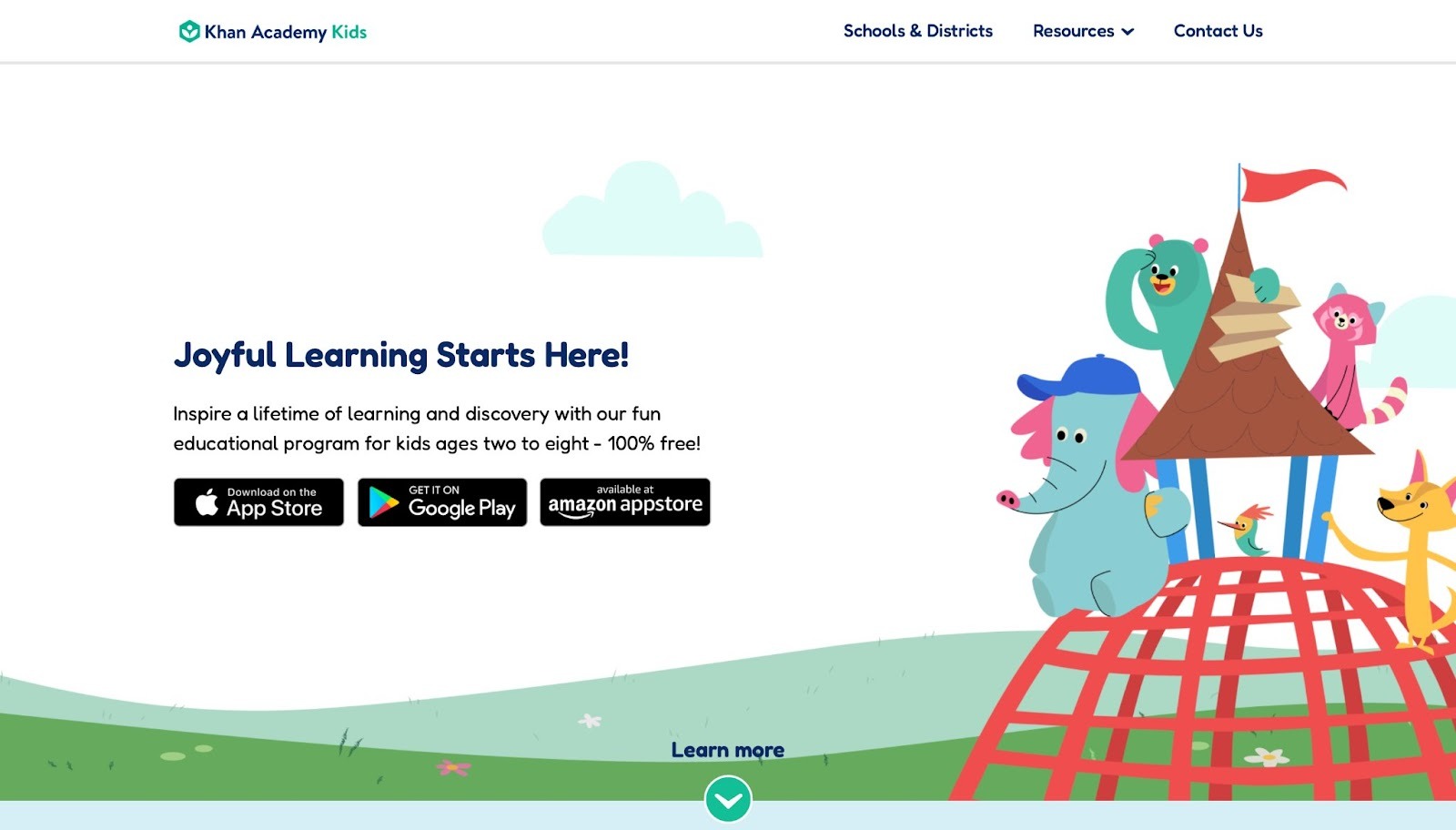
Khan Academy Kids delivers free, high-quality educational content for children aged 2 to 8, emphasizing math, reading, and social-emotional learning. The app features endearing animal characters, such as Kodi Bear, who guide kids through a variety of games, stories, and creative activities. It personalizes the experience by adapting difficulty levels to match each child's progress, ensuring challenges remain appropriate and encouraging. Topics range from basic counting and letter recognition to more advanced concepts like shapes and simple narratives. Offline functionality allows access without internet, making it ideal for on-the-go learning.
Headquartered in Mountain View, California, USA, the platform promotes self-directed exploration while aligning with early childhood education standards. Strengths encompass its accessibility and diverse content that nurtures creativity and emotional awareness, with drawing tools and interactive books keeping sessions dynamic. Weaknesses might include occasional navigation hurdles for the youngest users, requiring initial parental setup. Children enjoy collecting stickers and outfits for their characters, which reinforces positive habits. The app integrates songs and rhymes to enhance memory retention, helping kids build a strong foundation in core skills. Families value how it complements schoolwork, offering a balanced mix of fun and instruction that fosters independence and joy in discovery.
- Key features: Personalized learning paths, creative drawing and storytelling, interactive books and songs, offline mode, character customization.
- Facts and information: Some kids advance in math concepts rapidly, many find the friendly characters motivating, corresponds to classroom curricula, promotes self-reliance in tasks, incorporates activities for emotional development.
4. Prodigy
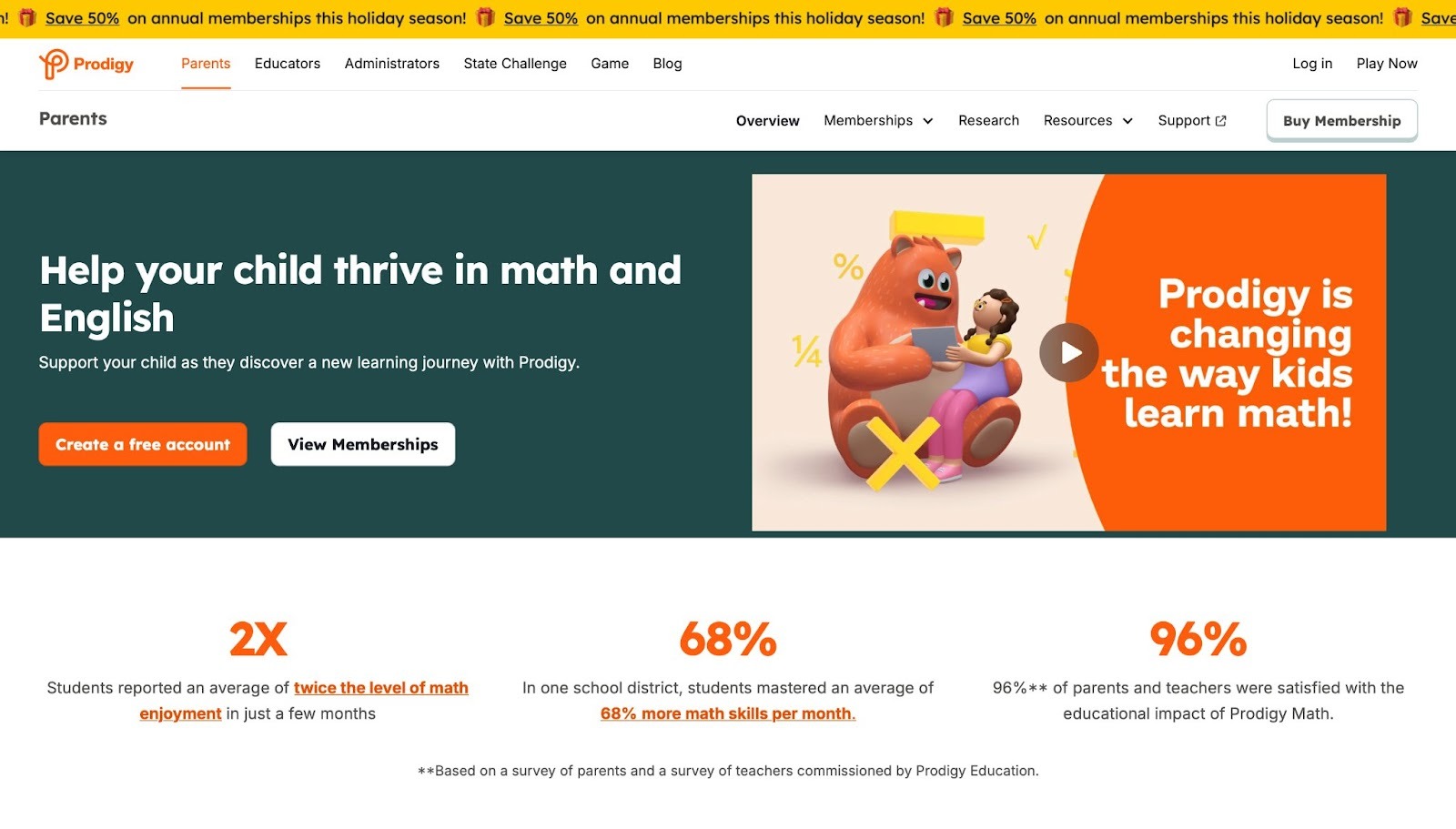
Prodigy transforms math practice into an immersive role-playing game for students in grades 1 to 8. Children create avatars and embark on quests in a fantasy world, where solving math problems casts spells and defeats opponents in battles. The platform covers a wide array of topics, from addition and subtraction to geometry and algebra, automatically adjusting question difficulty based on performance. This adaptive system ensures kids stay challenged without frustration. Teachers can assign specific content, making it versatile for classroom or home use. Based in Burlington, Ontario, Canada, Prodigy encourages daily engagement through pet collection and item rewards.
Strengths highlight its ability to make math exciting via game mechanics, boosting motivation and retention. Weaknesses could involve an overemphasis on battle elements, which might distract from pure learning for some users. Players explore villages, complete missions, and compete in arenas, all tied to curriculum standards. Parents receive reports on progress, allowing targeted support. The multiplayer aspects add social fun, while the free core access broadens reach. Overall, it helps demystify math, turning abstract concepts into tangible adventures that build problem-solving skills and confidence in young learners.
- Key features: Adaptive math questions, fantasy battles, avatar and pet customization, teacher assignment tools, progress rewards.
- Facts and information: Many students gain assurance in math through gameplay, some utilize it for reinforcing lessons, adheres to educational benchmarks, incentives promote regular sessions, group features enhance enjoyment.
5. Duolingo ABC
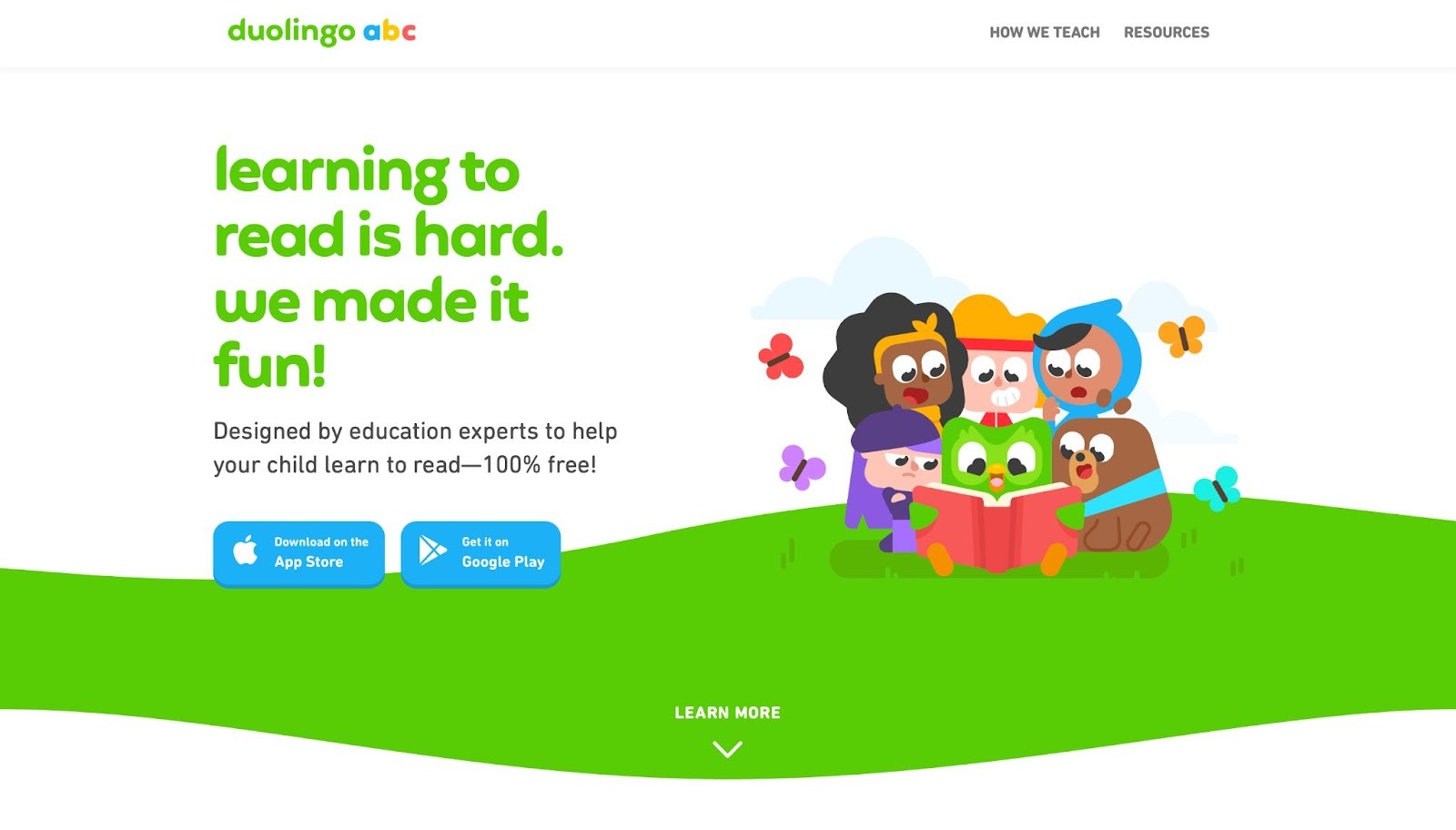
Duolingo ABC introduces foundational literacy skills to children aged 3 to 6 through short, engaging lessons focused on reading and writing. The friendly owl mascot, Duo, accompanies kids as they learn letters, sounds, and simple words via games like tracing, matching, and storytelling. The app breaks content into bite-sized modules, allowing quick sessions that fit into busy days. It builds phonics progressively, starting with alphabet basics and advancing to sight words and sentences. Streaks and rewards maintain motivation, with cheerful animations reinforcing success.
Headquartered in Pittsburgh, Pennsylvania, USA, it prioritizes fun over pressure. Strengths include its intuitive interface and rapid progress for beginners, making literacy approachable. Weaknesses may arise in limited advanced content, suited more for early stages. Kids interact with colorful scenes, practicing pronunciation and comprehension. Parent resources offer tips for extension activities. The ad-free environment ensures focused play. By incorporating repetition and variety, it helps children develop a love for reading, supporting school readiness. Families note improvements in vocabulary and confidence, as the gamified elements turn learning into an enjoyable routine.
- Key features: Letter tracing and sound games, word matching, short interactive stories, daily streak rewards, guided mascot support.
- Facts and information: Some young users recognize initial words promptly, many appreciate the vibrant visuals, targets foundational reading, uninterrupted by promotions, includes guidance for caregivers.
6. PBS Kids Games
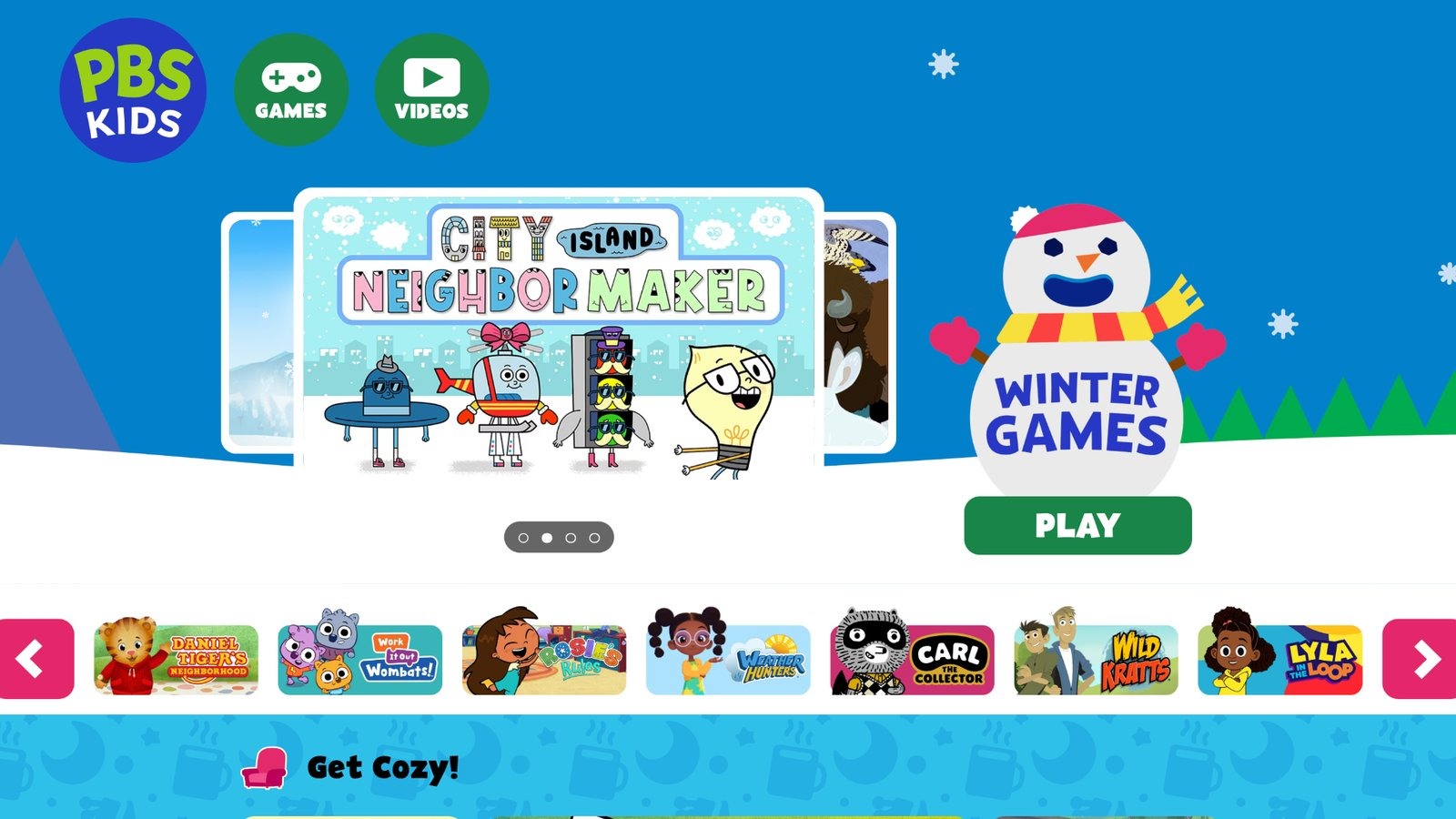
PBS Kids Games brings familiar characters from popular shows like Daniel Tiger and Wild Kratts to life in educational activities for ages 2 to 8. The collection spans science, social skills, creativity, and problem-solving through puzzles, explorations, and simulations. Kids might build cities in City Island or conduct experiments in Odd Squad, tying into TV episodes for reinforced learning. The free platform emphasizes positive messages and diversity. Based in Arlington, Virginia, USA, it draws from public broadcasting's educational mission.
Strengths feature its connection to trusted media, drawing children in with known favorites and promoting curiosity. Weaknesses include inconsistent quality across individual games, with some feeling simpler than others. Content updates regularly, keeping options fresh. Parents can select by skill or character, aiding targeted play. The ad-free setup prioritizes safety. By blending entertainment with instruction, it helps kids understand emotions, nature, and community. Many activities encourage offline extensions, like drawing or role-playing, enhancing overall development.
- Key features: Character-driven activities, science and emotion explorations, puzzle and building games, free access, regular content additions.
- Facts and information: Many households link it to television for continuity, some activities foster interpersonal abilities, sourced from reliable programs, sparks interest in topics, evolves with new material.
7. Starfall
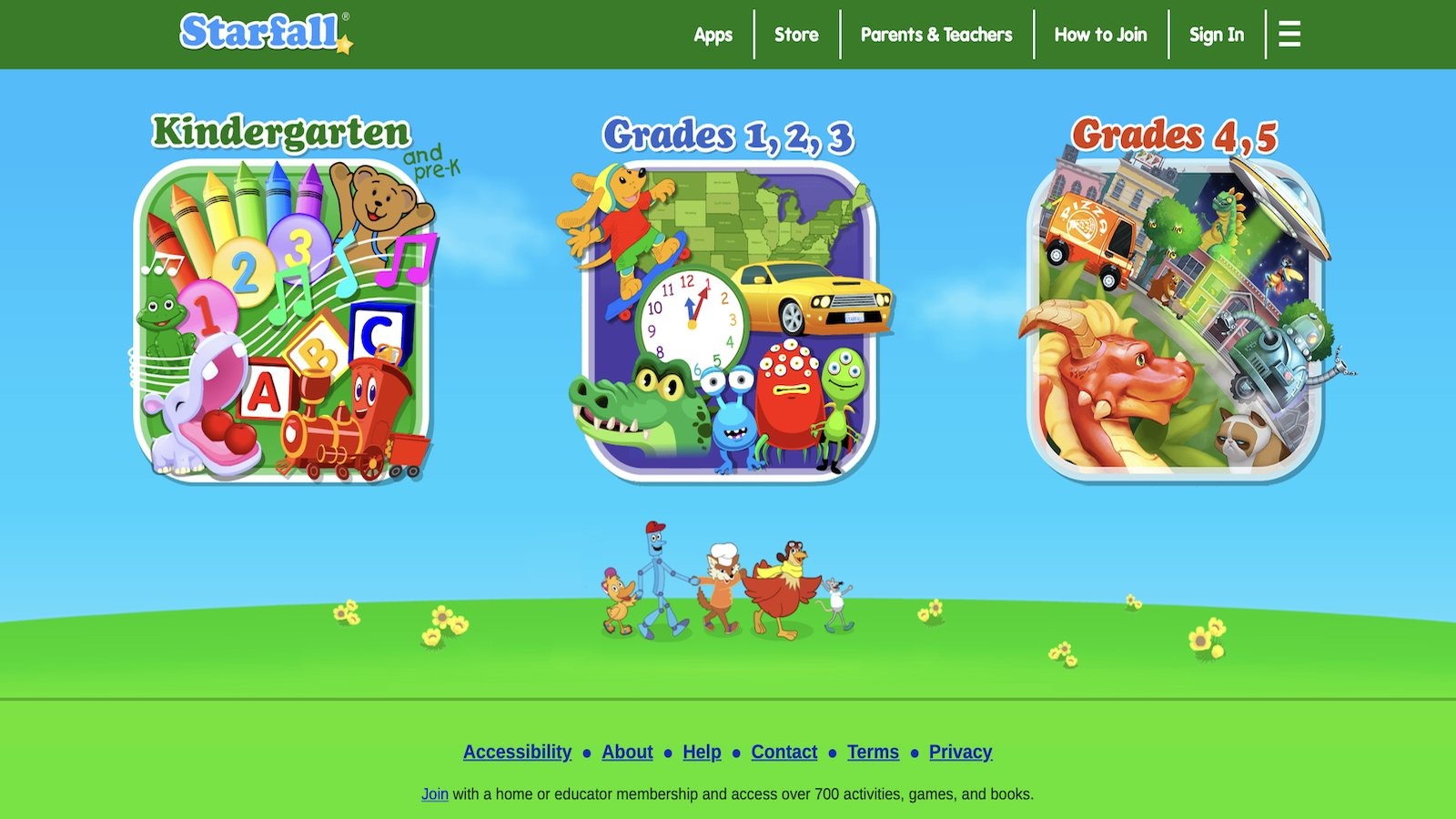
Starfall supports reading and math development for children aged 3 to 8 with a gentle, phonics-based approach. It includes animated stories, songs, and games that teach letter sounds, word families, and basic arithmetic. Kids explore themed worlds like farms or holidays, practicing skills through interactive elements. The platform adapts to user levels, providing audio cues for support. Membership expands access, but core features remain free.
Headquartered in Boulder, Colorado, USA, it focuses on emergent readers. Strengths lie in its calm, non-competitive pace and clear pronunciation, ideal for beginners. Weaknesses might involve older graphics that could seem outdated to tech-savvy kids. Activities build sight words and confidence gradually. Teachers use it in classrooms for supplemental practice. The method integrates music and visuals for better retention, helping children with special needs or English learners. Families enjoy the independence it fosters, as kids navigate easily.
- Key features: Phonics-focused songs and books, adaptive math games, interactive stories, audio guidance, themed explorations.
- Facts and information: Some learners grasp fundamentals swiftly, many value the relaxed atmosphere, matches literacy guidelines, seasonal variations included, encourages autonomy.
8. BrainPOP
BrainPOP educates students in grades K to 8 with animated videos featuring characters Tim and Moby explaining subjects like science, history, health, and English. Each topic includes quizzes, games, and experiments to reinforce concepts. Kids watch short films, then apply knowledge through interactive challenges. The platform suits individual or group learning, with tools for teachers to assign content.
Based in New York City, New York, USA, it uses humor to make facts stick. Strengths include straightforward explanations and engaging style that aids memory. Weaknesses may feature less depth for advanced topics, better as an introduction. Activities extend learning, like coding simulations or writing prompts. Updates ensure relevance. It covers broad areas, from ecosystems to grammar, promoting critical thinking.
- Key features: Informative videos, follow-up quizzes, hands-on experiments, educational games, searchable topics.
- Facts and information: Many recall details from animations, some apply to assignments, spans multiple disciplines, humor improves recall, refreshes content periodically.
9. Lingokids
Lingokids teaches English to young non-native speakers aged 2 to 8 via themed games, songs, and videos. It covers vocabulary, grammar, and conversation through units on animals, food, and daily life. The app monitors progress and adapts recommendations. Headquartered in Madrid, Spain, it appeals globally. Strengths are in lively music and cultural inclusions that make language fun. Weaknesses include its sole focus on English, limiting for other languages. Kids engage with friendly monsters in adventures. Parents receive insights. Content matures with the child, building fluency playfully.
- Key features: Themed vocabulary games, engaging songs and videos, progress tracking, unit-based learning, adaptive suggestions.
- Facts and information: Some acquire new terms quickly, many relish the personas, geared for language acquisition, embeds cultural elements, adjusts to individual rates.
10. SplashLearn
SplashLearn offers math and reading games for pre-K to grade 5, set in themed worlds like oceans or space. Kids earn rewards for solving problems, aligning with school curricula. It provides instant feedback. Based in Gurugram, India, it supports educators. Strengths include thematic engagement and quick corrections. Weaknesses might be repetition in extended use. Parents view charts. Variety spans addition to stories.
- Key features: Themed challenges in math and reading, reward mechanisms, curriculum matching, performance reports, instant responses.
- Facts and information: Many enhance academic results, some engage routinely, conforms to standards, motifs captivate, corrections aid improvement.
11. Kahoot!
Kahoot! creates interactive quizzes and games for subjects like math or trivia, playable solo or in groups on devices. Leaderboards add competition. Headquartered in Oslo, Norway, it energizes learning. Strengths are social interaction and customizability. Weaknesses require connectivity. Teachers host. Pace maintains focus.
- Key features: Quiz formats, competitive rankings, multiplayer options, user-generated content, device compatibility.
- Facts and information: Some review material effectively, many thrive on rivalry, adaptable for ages, prompts interaction, expands functionalities.
12. Epic!
Epic! functions as a digital library for kids up to age 12, offering thousands of books, audiobooks, videos, and quizzes across genres like fiction, non-fiction, and educational topics. Children personalize reading lists, track progress, and earn badges for milestones. The platform recommends titles based on interests and reading levels, covering subjects from history to science. It includes read-to-me options for younger users and comprehension checks. Headquartered in Redwood City, California, USA, Epic! promotes daily reading habits.
Strengths encompass its vast, diverse collection that encourages exploration and literacy growth. Weaknesses could involve reliance on screen time for reading, with less tactile feel than physical books. Teachers assign books for class, and parents monitor usage. The app updates libraries regularly, ensuring fresh content. By blending entertainment with learning, it helps build vocabulary and critical thinking. Families use it for bedtime stories or supplemental education, noting increased reading enthusiasm in children.
- Key features: Extensive book and audiobook selection, personalized recommendations, progress badges, quizzes for comprehension, teacher assignment tools.
- Facts and information: Many kids expand their reading interests, some families use it for routine stories, covers various educational themes, updates add new titles, supports literacy development.
13. Homer
Homer provides personalized reading programs for ages 2 to 8, combining phonics, sight words, and stories with games and activities. Kids follow a learning path that adapts to their skills, including drawing, songs, and interactive tales. It focuses on literacy while touching on math and science. Headquartered in New York, New York, USA, Homer uses research-based methods.
Strengths include tailored progression that builds confidence and foundational skills. Weaknesses may feature limited breadth beyond reading for older users. Parents get weekly updates. The colorful interface keeps engagement high. It integrates real-world connections, like field trips via video.
- Key features: Adaptive reading paths, phonics games, interactive stories and songs, drawing activities, parent progress emails.
- Facts and information: Some children advance in reading quickly, many enjoy the varied activities, emphasizes early literacy, includes cross-subject elements, provides caregiver insights.
14. Osmo
Osmo merges physical play with digital apps for kids, using reflective technology on iPads to interact with tangible pieces in games teaching math, coding, drawing, and physics. Kits include bases and items like numbers or letters for hands-on learning. Activities range from solving puzzles to creating art. Headquartered in Freehold, New Jersey, USA, Osmo bridges screen and real-world play. Strengths lie in its tactile engagement that enhances fine motor skills and creativity. Weaknesses include device dependency and kit costs. Kids collaborate or play solo. Updates add new games. It aligns with school subjects, promoting problem-solving.
- Key features: Hands-on kits for subjects, interactive digital feedback, coding and art games, collaborative modes, expanding content.
- Facts and information: Many develop spatial reasoning, some families appreciate the physical-digital blend, supports STEM learning, encourages group interaction, evolves with additions.
15. Tynker
Tynker introduces coding to ages 5 to 18 through block-based puzzles transitioning to languages like Python and JavaScript. It offers over 5,000 lessons with tutorials, quizzes, and projects like game creation or AI exploration. Mobile access allows flexibility. Headquartered in Mountain View, California, USA, Tynker fosters computational thinking. Strengths include gamified progression that builds logic and innovation. Weaknesses might require guidance for beginners. Community shares creations safely. It prepares for tech careers, aligning with standards.
- Key features: Block and text coding, interactive puzzles and quizzes, game and AI projects, mobile app, community platform.
- Facts and information: Some kids create their own games, many gain problem-solving skills, trusted in schools, safe sharing environment, standards-compliant.
16. Minecraft Education Edition
Minecraft Education Edition lets students build worlds while learning subjects like history, chemistry, and coding. Teachers facilitate lessons in collaborative environments, using tools for chemistry experiments or historical recreations. It encourages creativity and teamwork. Headquartered in Redmond, Washington, USA (Microsoft), it integrates into curricula. Strengths feature open-ended exploration that sparks innovation. Weaknesses could involve learning curve for controls. Updates include new worlds. It supports cross-platform play, enhancing engagement.
- Key features: Building and exploration modes, subject-specific tools, collaborative servers, lesson libraries, code builder.
- Facts and information: Many apply real-world concepts, some classrooms use for projects, promotes teamwork, vast resource library, regular enhancements.
17. Code.org
Code.org offers free coding curricula for K-12, with activities introducing programming through puzzles and AI explorations. Kids train models or code games, learning concepts like algorithms. It demystifies tech ethically. Headquartered in Seattle, Washington, USA, it reaches global audiences. Strengths are in accessible, standards-aligned lessons that build fluency. Weaknesses include curriculum focus over standalone games. Teachers integrate easily. It expands AI education.
- Key features: Puzzle-based coding, AI activities, ethical tech lessons, classroom tools, free access.
- Facts and information: Some grasp coding basics fast, many teachers adopt for classes, global reach, focuses on inclusion, ongoing AI additions.
18. Funbrain
Funbrain provides free games, books, and videos for pre-K to grade 8, covering math, reading, and grammar. Kids play arcade-style activities like Math Baseball or read comics. It emphasizes fun learning. Based in the USA, it suits quick sessions. Strengths include variety that holds attention. Weaknesses may be lighter educational depth. Content refreshes. Parents use for skill practice.
- Key features: Arcade games for subjects, digital books and comics, video clips, free platform, age-appropriate sections.
- Facts and information: Many reinforce school topics playfully, some enjoy the humor, broad subject coverage, no sign-up needed, periodic updates.
19. Quizlet
Quizlet aids studying for all ages with flashcards, games, and tests on subjects like vocabulary, science, and history. Kids create sets or use shared ones, playing modes like Match or Gravity. It tracks mastery. Headquartered in San Francisco, California, USA, it supports schoolwork. Strengths are in customizable tools that aid retention. Weaknesses could include user-generated content variability. Mobile app adds convenience. It integrates diagrams.
- Key features: Flashcard creation, game modes, practice tests, study diagrams, collaborative sets.
- Facts and information: Some improve recall through repetition, many students use for exams, versatile subjects, community contributions, app accessibility.
20. TypingClub
TypingClub teaches touch typing to kids via games, videos, and lessons, with Jungle Junior for young learners. It includes badges, levels, and playback for review. Voice-over assists. Headquartered in Washington, DC, USA, it's free online. Strengths feature engaging progression that builds speed. Weaknesses may need consistent practice. Supports languages. Schools adopt widely.
- Key features: Interactive lessons and games, badge system, typing playback, voice guidance, multilingual support.
- Facts and information: Some master typing in weeks, many schools integrate it, accessible without accounts, includes junior program, partner with education platforms.
Benefits of Mixing Games with Daily Routines
Adding games to routines helps balance screen time with other activities. Short sessions fit before bed or after school, reinforcing lessons without overload. Tablet games complement books and outdoor play, creating well-rounded days. Parents notice better moods when kids achieve in-game goals. Variety prevents burnout, keeping interest alive. Overall, this approach builds habits that last.
Tips for Parents on Game Selection
- Pick games that match your child's interests, like animals or puzzles.
- Check age ratings for fit. Set time limits to keep things healthy.
- Join play to guide and bond.
- Watch for signs of frustration and switch if needed.
- Update apps for new content.
- Talk about what they learn to connect to real life.
Age Group | Recommended Focus | Example Skills |
| 3-5 years | Basics like colors and shapes | Matching, sorting |
| 6-8 years | Reading and simple math | Phonics, addition |
| 9+ years | Advanced topics like science | Problem-solving, logic |
FAQ
What Makes Educational Games Effective for Learning?
Educational games blend interactive elements with core subjects to keep children engaged longer than traditional methods. They use stories and characters to explain ideas, which helps with retention and application in everyday situations. Adaptive features ensure content matches a child's current abilities, promoting steady improvement without overwhelming them.
How Can Parents Ensure Safe Game Play for Kids?
Parents can protect kids online by selecting platforms with strong privacy protections and no in-app purchases to avoid unexpected issues. Monitoring sessions through built-in tools allows oversight of progress and time spent. Encouraging discussions about game experiences builds awareness of online safety habits early on.
Are There Free Educational Games Worth Trying?
Free educational games often include foundational activities in areas like phonics and basic counting, giving a taste of structured play. These options come with simple interfaces that ease young users into digital learning. Upgrading later unlocks more variety if the basics prove engaging.
What Age Should Kids Start Educational Games?
Starting at preschool age introduces touch-based interactions that develop coordination alongside early concepts. As children grow, games evolve to include more layered challenges, supporting transitions to school-level topics. This progression aligns with natural curiosity phases, making introductions timely.
How Do Educational Games Build Confidence in Children?
Through achievable goals and positive feedback, these games create moments of success that encourage repeated tries. Kids learn to handle small setbacks in a low-stakes environment, fostering resilience. Over time, mastering tasks translates to greater self-assurance in other areas of life.
Read Also:
- Best Educational Games For Kindergarten in 2026
- Best Educational Games For Kids 4th Grade in 2026
- Best Educational Games For 10 Year Olds in 2026
- Best Educational Games For 7 Year Olds in 2026
- Best Educational Games For 6 Year Olds in 2026
Discover the Best Games For Kids Educational in 2026 - TutoClub