
Best Life Skills Activities for Kids





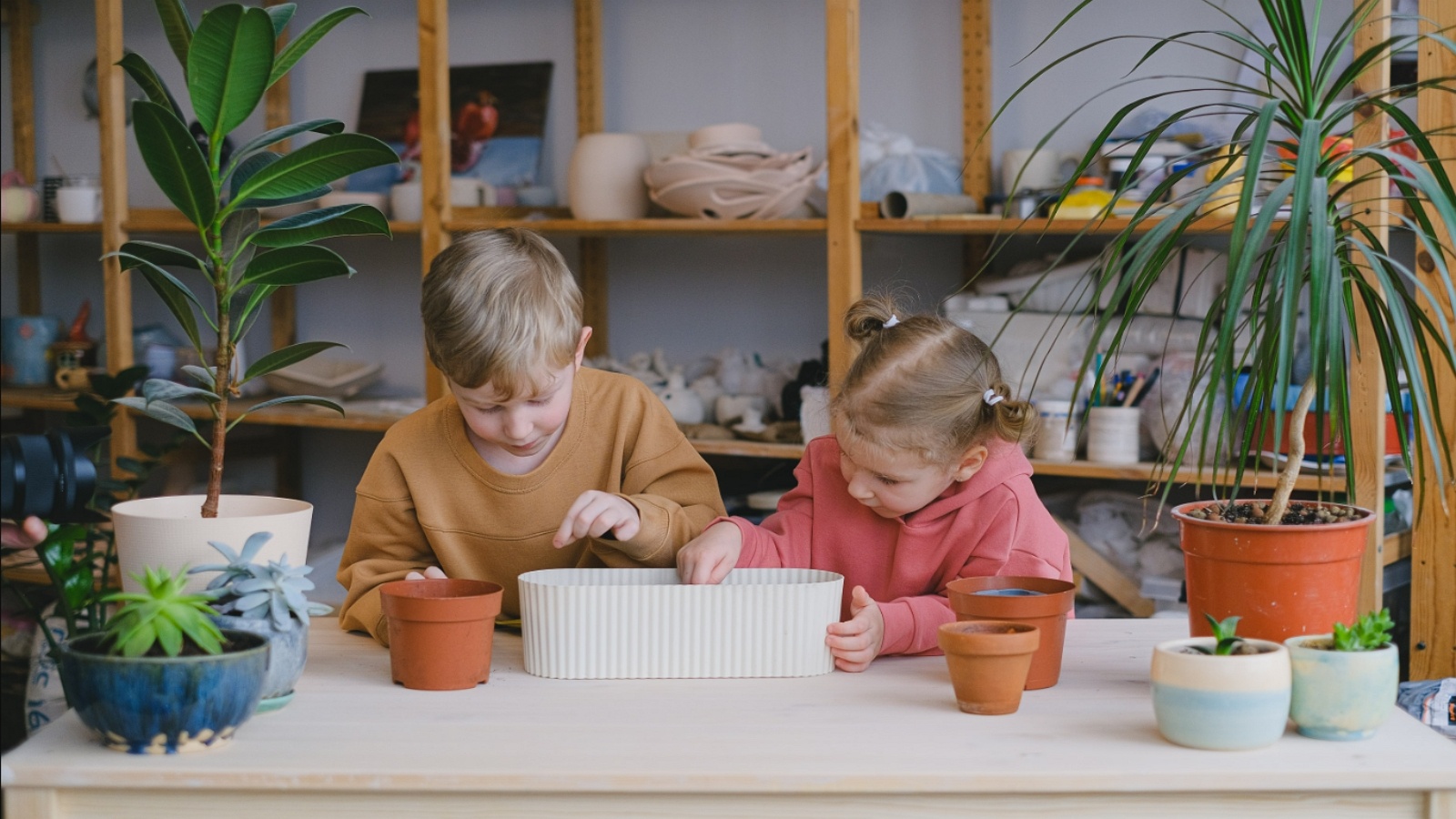
Parents want the best life skills activities for kids that fit a normal day. Cooking a snack, sorting laundry, or caring for a pet teaches follow-through. Short life skills activities stay hands-on and easy to repeat, so kids feel proud instead of rushed.
A normal day already holds follow-through practice, and play can make the same habits easier to repeat. Learning through play activities turn a snack, a sort, or pet care into a short try a child wants to finish. Chore games for real life skills through play keep that practice hands-on, so pride comes from doing the step, not from being rushed.
Turn everyday play into life skills practice with TutoClub!
What Kids Learn From Life Skills Activities
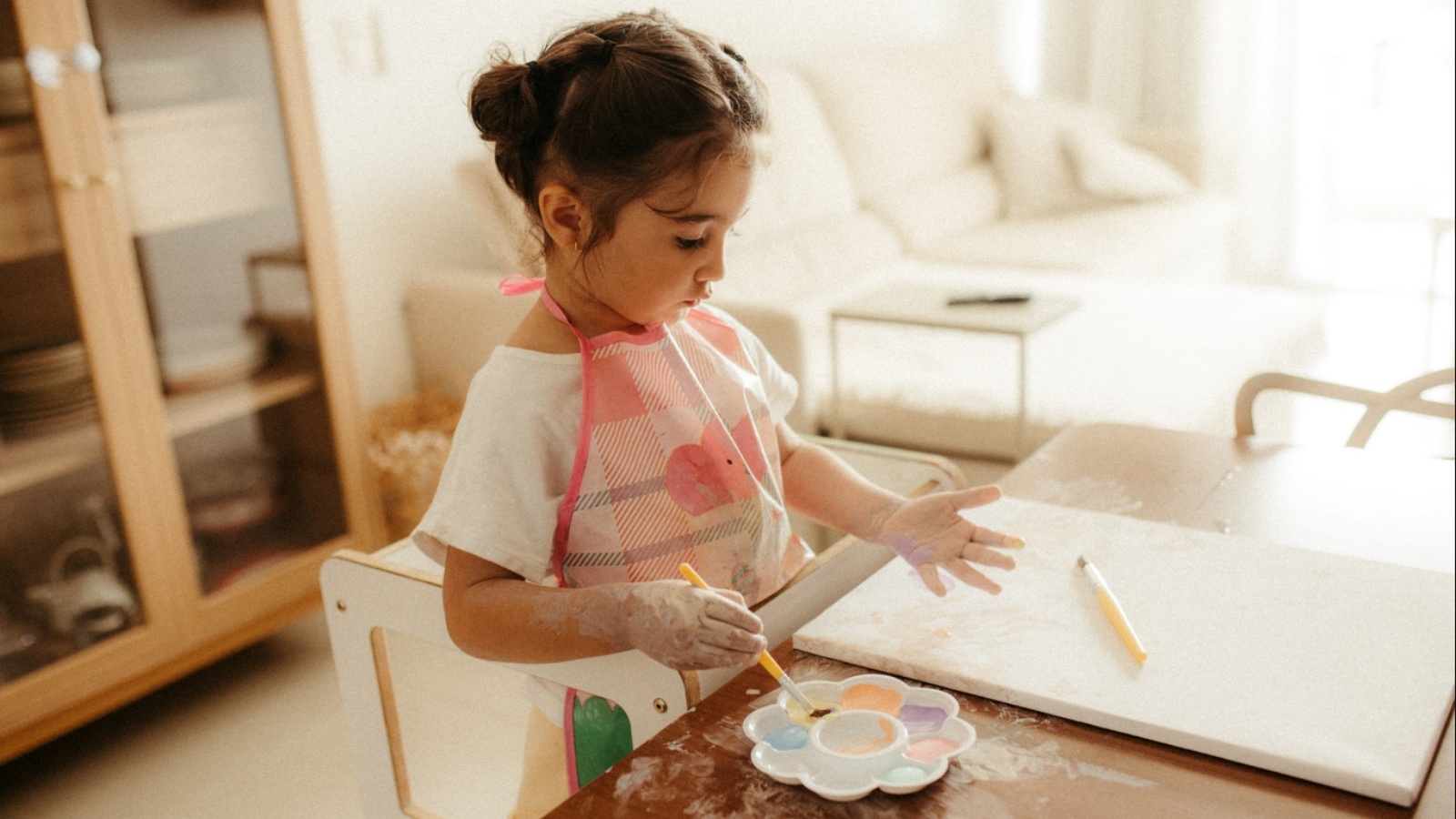
Life skills activities for kids work best when a child can see the result. A clean table, a packed bag, or a fed pet is proof they helped. Many families start with self-care, then add home jobs, money play, and kind choices. A responsibility game can sit beside those jobs, and pet care play gives kids a soft way to practice noticing needs.
Core skills show up in small tasks:
- Self-care: washing hands, brushing teeth, dressing, packing a bag
- Home skills: setting the table, sorting toys, wiping a spill, folding a shirt
- Kitchen skills: washing fruit, stirring, measuring, following a short recipe
- Money sense: playing store, sorting coins, saving for a small goal
- Social skills: taking turns, naming feelings, asking for help, saying thank you
Kids do not need a long lesson. They need a clear job, a little help, and a chance to try again. A chore game that mirrors real tasks can make cleanup feel familiar before the real basket comes out. Social emotional games help with the feeling side of the same work.
How to Match Activities to Age and Attention
Younger kids learn with their hands. Buttons, zippers, pouring, and sorting build control. School-age kids can follow more steps, use a timer, and finish a job with less help. Games for toddlers stay very short, while games for preschoolers can add a second step.
A simple match looks like this:
- Ages 3 to 5: wash hands, put toys in bins, help stir, feed a pet with you nearby. Kindergarten games fit this stage when print is just starting.
- Ages 6 to 8: make a simple snack, pack a school bag, sort laundry, play store. Games for 7 year olds can add a timer and a short plan.
- Ages 9 to 12: cook with supervision, plan a small list, manage a morning routine. Games for 10 year olds and learning apps for 8 year olds match this longer attention.
Keep the first try short. One job done well beats five jobs half done. Praise the effort, then add one harder step next time. Educational games at home can support the same habits when hands-on time is done.
Best Life Skills Activities for Kids
1. TutoClub - Best Life Skills Activities For Kids
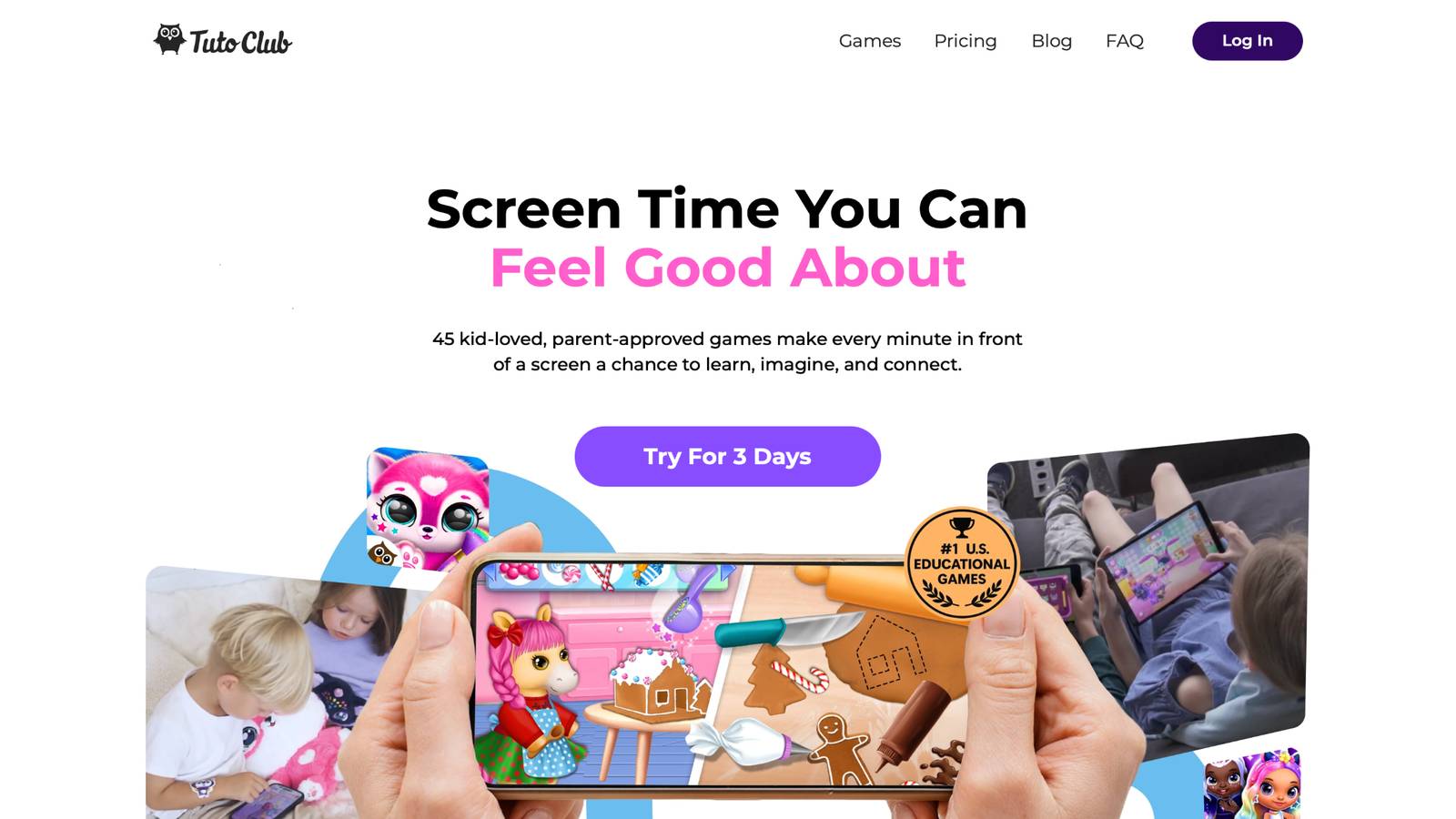
Games for kids sit at the center of TutoClub, a subscription from the TutoTOONS studio in Lithuania. One login opens more than 45 ad-free games built for creativity, focus, and care. Kids hatch and look after virtual pets, tidy rooms in cleanup stories, and try fashion play that supports self-expression. The tone stays calm. There are no ads pulling attention away from the task. Parents often use these games beside real jobs. A child feeds a character, then helps set the table. A cleanup level comes before the toy bin. Care play asks, “What does this friend need?” That question carries into kindness at home. The library also includes early learning play, so letters and numbers can sit next to responsibility. Families can play side by side, which keeps screen time shared instead of lonely. A free trial lets a household test the full set before staying on.
Facts and information
- More than 45 games in one subscription, focused on play with a purpose
- Ad-free design meant for balanced screen time
- Pet care, cleanup, and creative play that practice empathy and follow-through
- Built for family use, with games parents and kids can share
- Learning goals tied to curiosity, confidence, and everyday care
TutoClub Overview
TutoClub is your gateway to a magical world of educational games designed especially for children.
As part of TutoTOONS, a leading kids' games studio, we offer premium access to over 45 ad-free games.
Our mission is to blend learning and play, helping kids explore, create, and grow in a safe online space.
Thousands of parents trust us for family-friendly content that sparks imagination and builds essential skills.
Key Features
- Unlimited Access: Unlock full content in all games with no interruptions.
- Ad-Free Experience: Enjoy seamless play without any ads or distractions.
- Skill Development: Games foster creativity, social skills, communication, and more through fun activities like pet care and cleanup challenges.
- Regular Updates: Get new releases, exclusive content, and future updates automatically.
- Easy Subscription: Cancel anytime with no obligations, simple and flexible for families.
Explore Our World
TutoClub provides a rich ecosystem of educational games for kids, featuring ad-free experiences that promote creativity, focus, and emotional growth through play.
This platform turns screen time into valuable learning opportunities, with parent-approved content that builds essential skills and sparks curiosity in young minds.
- TutoClub Games: Over 45 educational games, including popular titles like Fluvsies, Smolsies, and the Sweet Baby Girl series
- Blog: Insights, tips, and stories for families on kids' learning and play
- FAQ: Comprehensive answers to frequently asked questions about subscriptions, features, and more
Get TutoClub on Your Device
TutoClub delivers premium kids educational games directly to your mobile devices, making learning accessible anytime, anywhere.
With apps available on major platforms, families can easily download and subscribe for ad-free play that turns screen time into skill-building adventures.
Perfect for parents seeking safe, engaging content on iOS, Android, or Amazon devices.
Why Choose TutoClub?
We're committed to 100% safe, enriching entertainment that kids love and parents approve.
Join the thousands who've seen their children thrive through playful learning.
Ready to start the adventure?
See how TutoClub turns play into life skills your child can use at home!
2. Fluvsies Academy
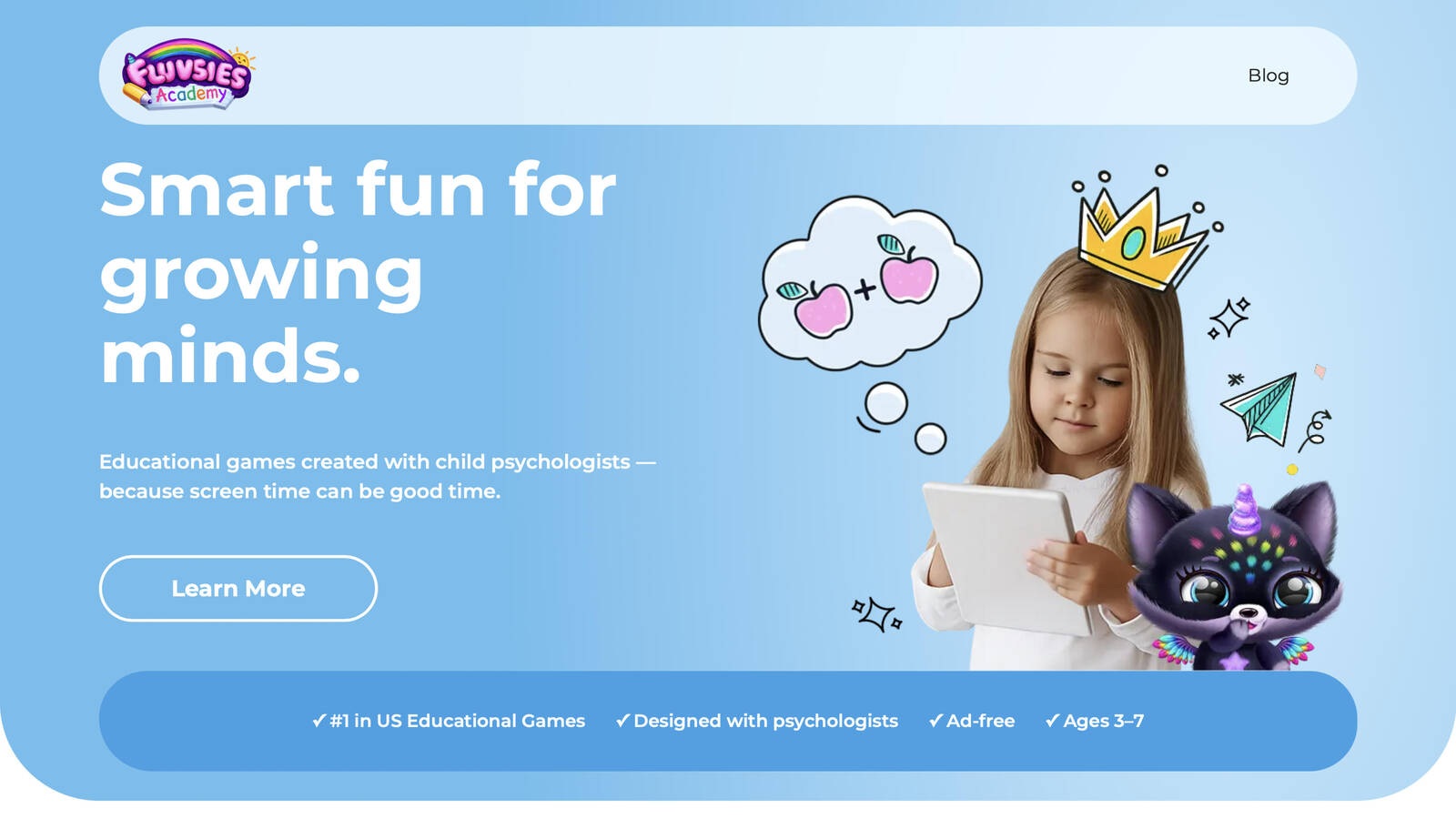
Fluvsies Academy offers gentle educational play for children about ages 3 to 7. The app was shaped with child development experts and keeps the experience ad-free. Kids move through language, numbers, logic, sorting, and a life skills and creativity track. Profession stories introduce simple jobs, such as baker, vet, or firefighter, in a playful way that still feels like a story. Everyday practice shows up in small scenes. Children may brush teeth, help at a store, cook, or sort items inside guided play. Those scenes give preschoolers a first look at routines they will meet at home, without asking them to manage a real kitchen alone. Two modes support different moods. Active play asks for focus and problem-solving. Calmer stories let kids watch and join at a slower pace. The mix suits preschoolers who need both structure and room to imagine. Some families like the clear categories, since a parent can pick life skills one day and letters the next.
A short session can start with sorting, then move into a care scene, then end with a talk about what the child noticed. Younger players may want an adult nearby for the first sessions, which also makes the play easier to talk about later. The tone stays warm. Characters invite care instead of speed, so a child can practice patience, turn-taking, and simple choices. Profession play adds vocabulary and a peek at how grown-up jobs work, still in an age-fit frame. Many parents use it beside real jobs, such as washing hands after a teeth-brushing scene or sorting toys after a sorting game. That pairing helps the idea leave the screen and land in the room.
Key features
- Learning paths for language, math, logic, sorting, and life skills
- Profession play that introduces real-world jobs in simple scenes
- Active and calmer modes for different attention levels
- Ad-free play shaped with child development experts
Facts and information
- Aimed at preschoolers, about ages 3 to 7
- Life skills scenes include care, cooking, sorting, and store help
- Challenges stay age-paced so play does not feel like a test
- Many parents use it for short, guided sessions
3. Khan Academy Kids
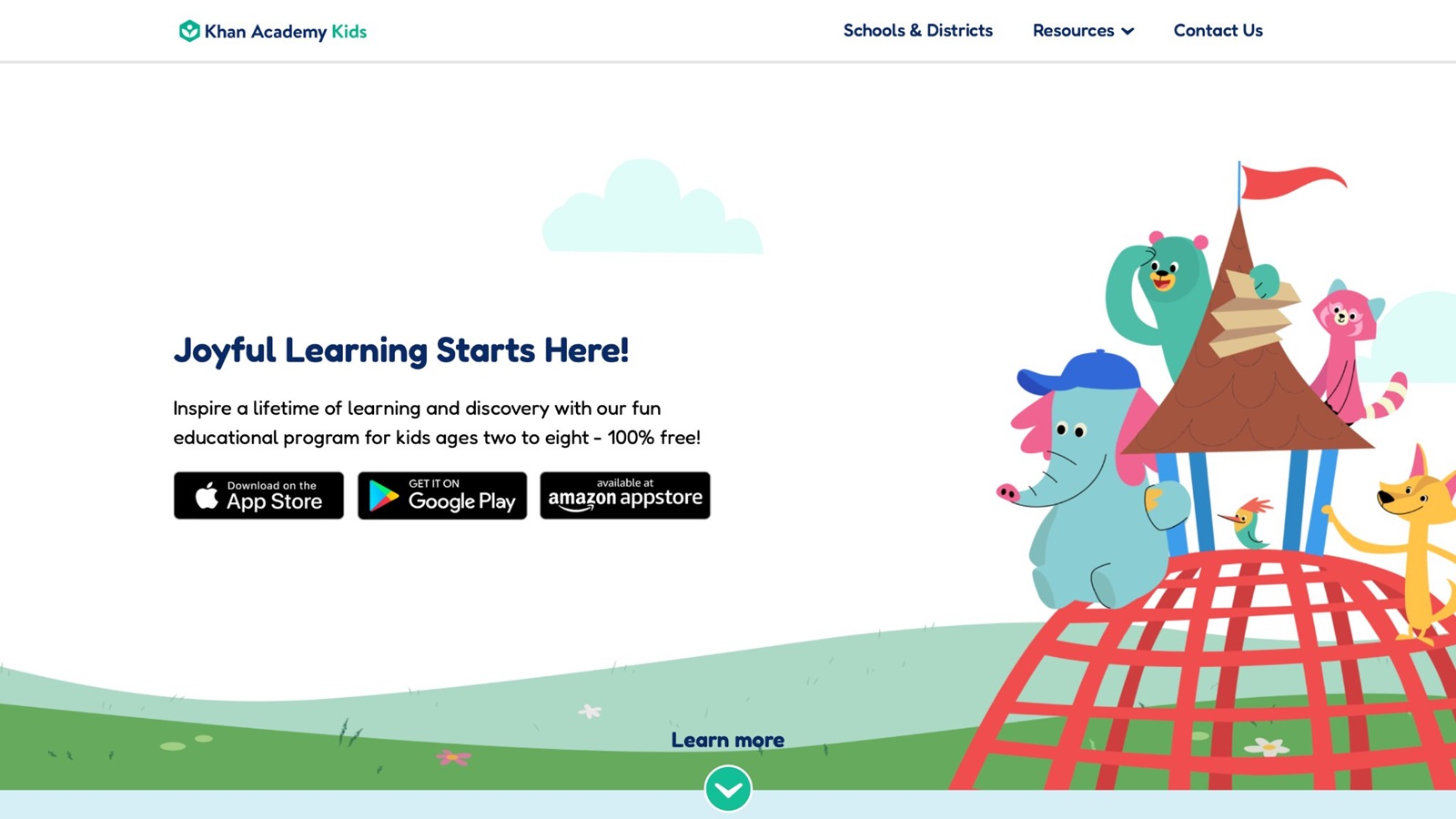
Khan Academy Kids is a free learning app for young children, often used from about age 2 through early grade school. It grew with input from education specialists and covers reading, math, logic, and social-emotional topics. The library is large, and kids can move through stories, songs, and short activities without ads. Families who want a wide set of lessons at no cost often start here. Life skills show up beside academic play. Children practice feelings, kindness, and simple routines inside character stories. A story about sharing can lead to a real turn with a toy. A counting activity can lead to setting cups at the table. The link is stronger when a parent names it out loud.
The app is strong for mixed ages in one house, because younger and older kids can find a level that fits. Some kids love the range. Others may hop between topics before a habit sticks, so a parent pick helps. Offline use is a plus for travel or a waiting room. The style is clean and school-like, which some children enjoy and some find less playful than a care game. Books and songs give a calm entry when a child is not ready for a quiz-style task. Social stories support naming feelings, which helps before a hard chore. It does not replace hands-on practice with soap, food, or a pet, but it can warm up the idea. Many families keep it as a free base, then add a more playful care app when the goal is responsibility. Short sessions work best. One story, one talk, one small job is a full win.
Key features
- Reading, math, logic, and social-emotional activities
- Books, songs, and short games in one library
- Free access with no ads
- Offline play on many devices
Facts and information
- Built for early childhood, commonly ages 2 to 8
- Developed with education specialists
- Social stories support naming feelings and kind choices
- Works well as a free add-on next to hands-on chores
4. PBS Kids
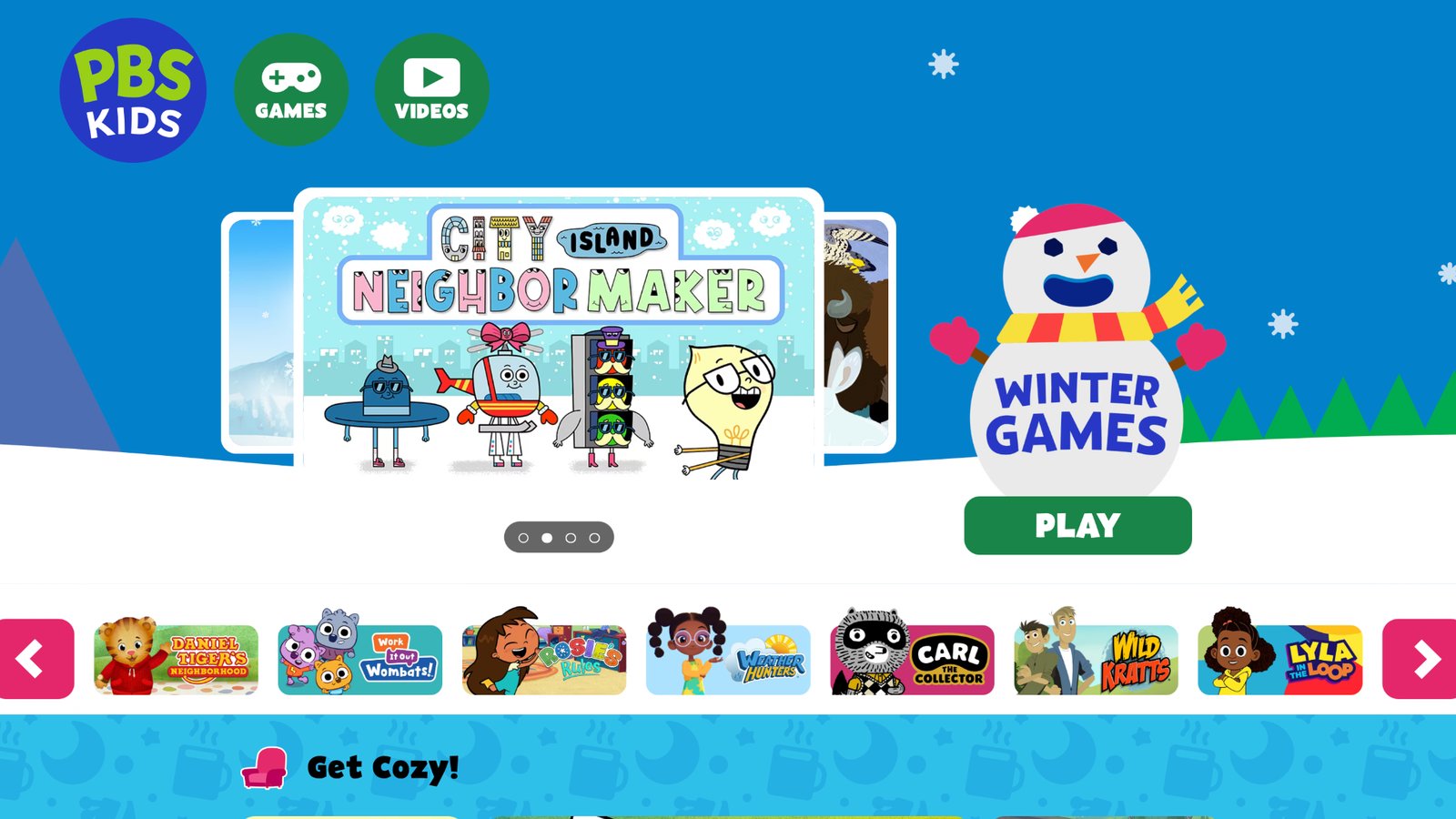
PBS Kids brings familiar public-media characters into games and short videos. Many titles focus on feelings, friendship, and trying again, along with letters and numbers. Daniel Tiger style stories are a common pick for naming emotions and simple home routines, such as waiting, cleaning up, or getting ready to leave. The apps are free and widely trusted by families. Life skills arrive through stories kids already know, which can make a talk about sharing or patience easier. A child who loves a character will often copy a song or a short phrase during a real task. That makes pickup time or bedtime less of a fight. The library is broad, so quality and focus vary by show. Some games are quick taps.
Others ask a child to solve a small problem. A parent can steer toward social stories when the goal is kindness or self-control, and toward science play on other days. Because the content is story-led, transfer depends on what happens after the screen turns off. Pause, name the skill, then try one real version. A tidy-up song can start the toy bin. A feelings episode can start a check-in at dinner. Some sessions stay light, which is fine for preschool attention. Older kids may want a harder task after the show. PBS Kids fits best as a familiar door into a habit, not as the only practice. Many public-media families already trust the characters, so the step into a home job feels smaller.
Key features
- Games and videos tied to known children’s shows
- Social-emotional stories about feelings and friendship
- Free access for many titles
- Mix of quick play and short problem-solving
Facts and information
- Often used by preschool and early elementary kids
- Character stories help some children talk about routines
- Content spans literacy, science, and social skills
- Best results come when a parent picks the show on purpose
5. ABCmouse
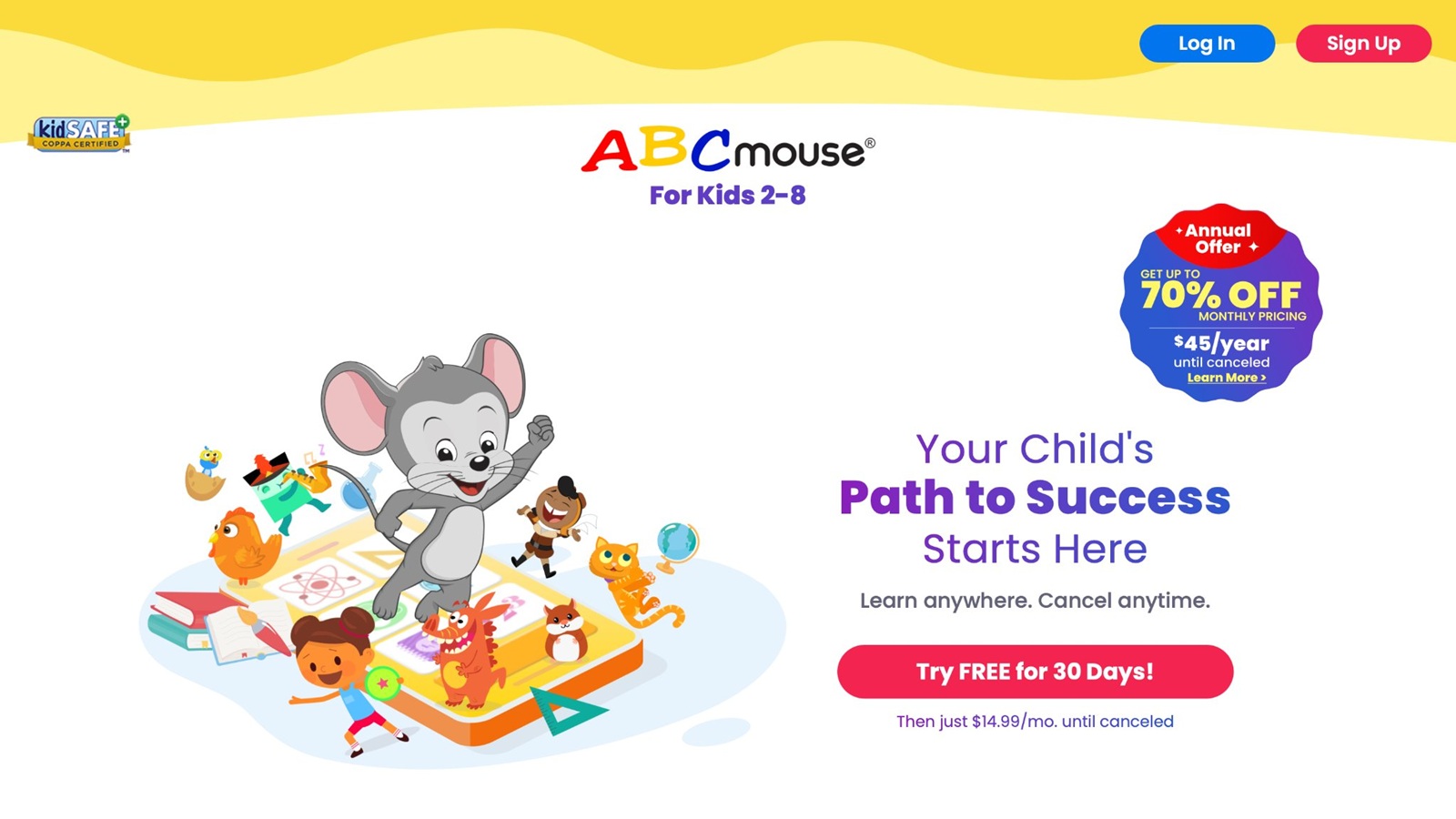
ABCmouse, from Age of Learning in Glendale, California, is a large early-learning library for preschool and early elementary kids. Paths cover reading, math, art, and basic world knowledge. Step-by-step trails let a child move through lessons in order, which helps families who like a clear next activity. Life skills are not the only focus, but routines, safety ideas, and social topics appear inside the wider set. A child might meet a simple health habit, a community helper, or a story about helping at home between reading lessons. The volume is a strength for families who want many subjects in one place. It can also feel busy. Reward tickets keep some kids engaged and distract others from the task.
Parents who want life skills first may need to choose those lessons by hand. The structured path helps when a child likes a clear next step. Art and story activities give a break from drills. Those breaks matter, because life skills grow from calm repetition, not from rushing a score. Progress views let a parent see what was finished, then pick a real job that matches. Reading practice inside the app supports later recipes and lists. It will not teach a child to stir a pot by itself. Pair a short lesson with a snack job and the print skill has a place to land. Some children stay for a long path. Others do better with a timer and one unit. Either way, the library is broad enough to return across a school year.
Key features
- Large library across reading, math, and general topics
- Learning paths that move in order
- Art and story activities beside core lessons
- Progress views for parents
Facts and information
- Aimed at early learners, often ages 2 to 8
- Many activities, so choice matters
- Reward systems motivate some children more than others
- Useful when a family wants school skills and life topics together
6. Homer
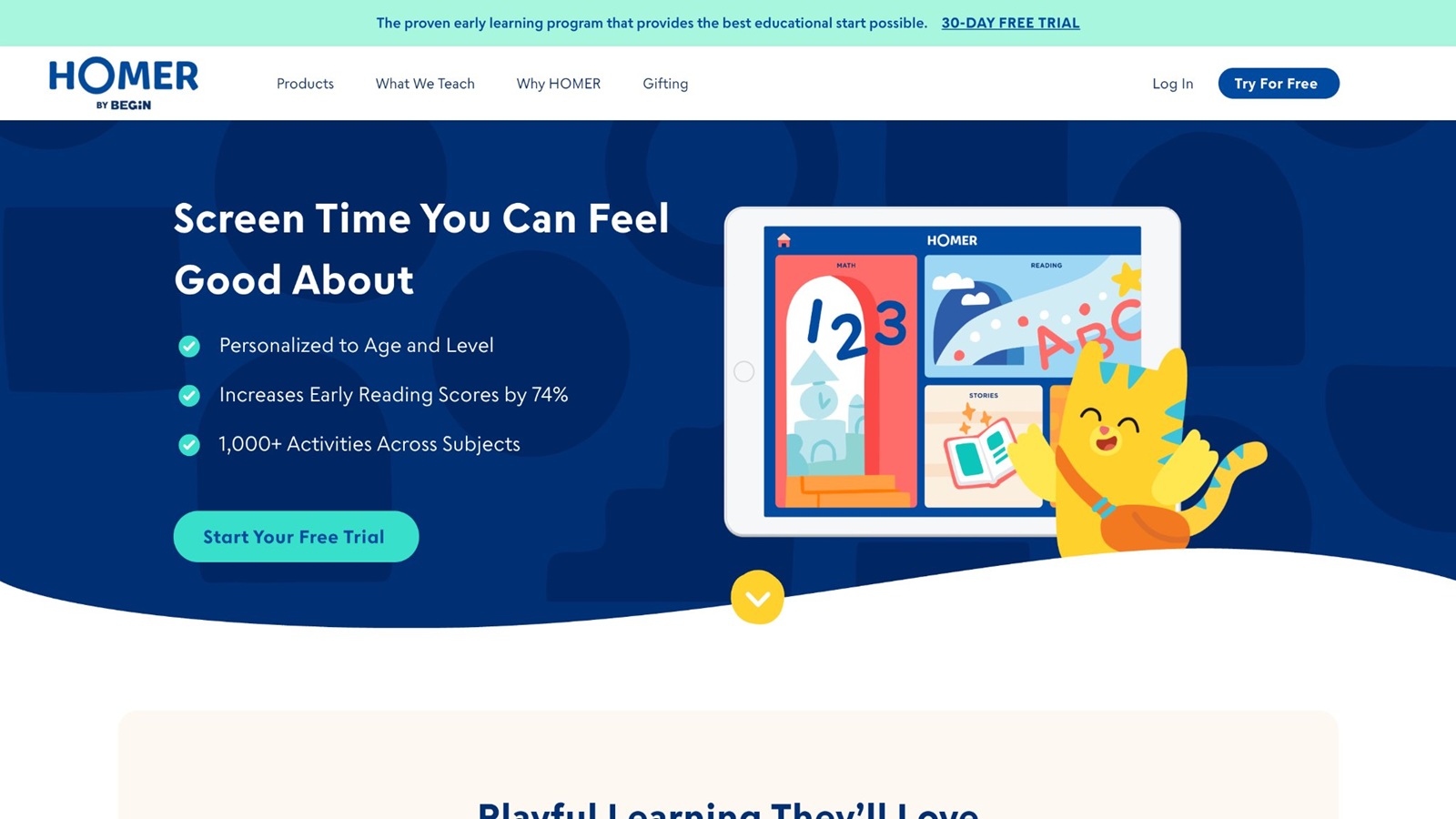
Homer focuses on early reading, with phonics, stories, and short practice for preschool and kindergarten ages. The app is known for a friendly path into letters and sounds. Some activities add creativity, such as drawing or simple story play. Sessions are usually short, which fits a busy afternoon between school and dinner. It is not a full life-skills studio. Reading still supports life skills, because recipes, lists, labels, and chore cards all need words. Children who are ready for print get a clear path from sounds to simple books. Kids who want open care play or chore practice may need another tool beside it. Parents who care most about literacy often keep Homer in the mix and use hands-on jobs for responsibility.
A three-word list on the fridge can be the bridge. The child reads “cup, napkin, spoon,” then sets the table. The tone stays warm and story-based, so reluctant readers often accept a short turn. Creative add-ons give a child a way to show understanding without a test. That confidence can spill into other jobs. A child who finished a story may be more willing to try a new snack step. Homer will not sort laundry or feed a pet. It makes the words around those jobs easier. Use it before a recipe card or a packing list, then close it and do the real task. Many early readers only need a few minutes. Longer sessions are rarely better than a clean handoff to a home job.
Key features
- Phonics and early reading paths
- Stories and sound practice
- Short creative activities
- Designed for preschool and early readers
Facts and information
- Strongest for letters, sounds, and story time
- Reading practice supports later recipes and lists
- Less focused on chores or pet care than play-care apps
- Pairs well with real kitchen or cleanup jobs
7. Sago Mini World
Sago Mini World, from Sago Mini in Toronto, is an open play app for young children. Kids care for characters, visit small places, and try everyday scenes without a strict score. The style is calm, with soft art and room to wander. Nothing flashes a fail screen if a child pauses. Life skills grow through pretend play. A child might help a character, explore a home, or repeat a simple routine. There is no heavy lesson track, which some parents love and others find loose. Younger kids often stay engaged because nothing rushes them.
Older kids may want more challenge. It works as a gentle bridge between free play and real jobs like feeding a pet or tidying a corner. A parent can sit nearby and name what the character needed, then ask the child to do a tiny version in the room. The low-pressure pace is the main gift. Preschoolers who freeze under points can still practice care, order, and choice. Scenes are short enough to stop without a fight. Some children repeat the same corner for days. That repetition is useful if you tie it to one home habit. It is less useful if the screen stays the only place the skill appears. There is little direct instruction, so transfer needs a human prompt. Treat it as pretend rehearsal. Then hand over a real cup, a real plant, or a real bin. Many families like it for quiet time after a hands-on chore, when the child has already done the job and wants a soft landing.
Key features
- Open-ended scenes for preschool play
- Character care and everyday pretend tasks
- Calm art and a low-pressure pace
- No strict scoring in many scenes
Facts and information
- Best fit for younger children who like free play
- Care scenes can lead into real pet or home help
- Less structured than a full learning path
- Useful for quiet time after a hands-on chore
8. Toca Boca World
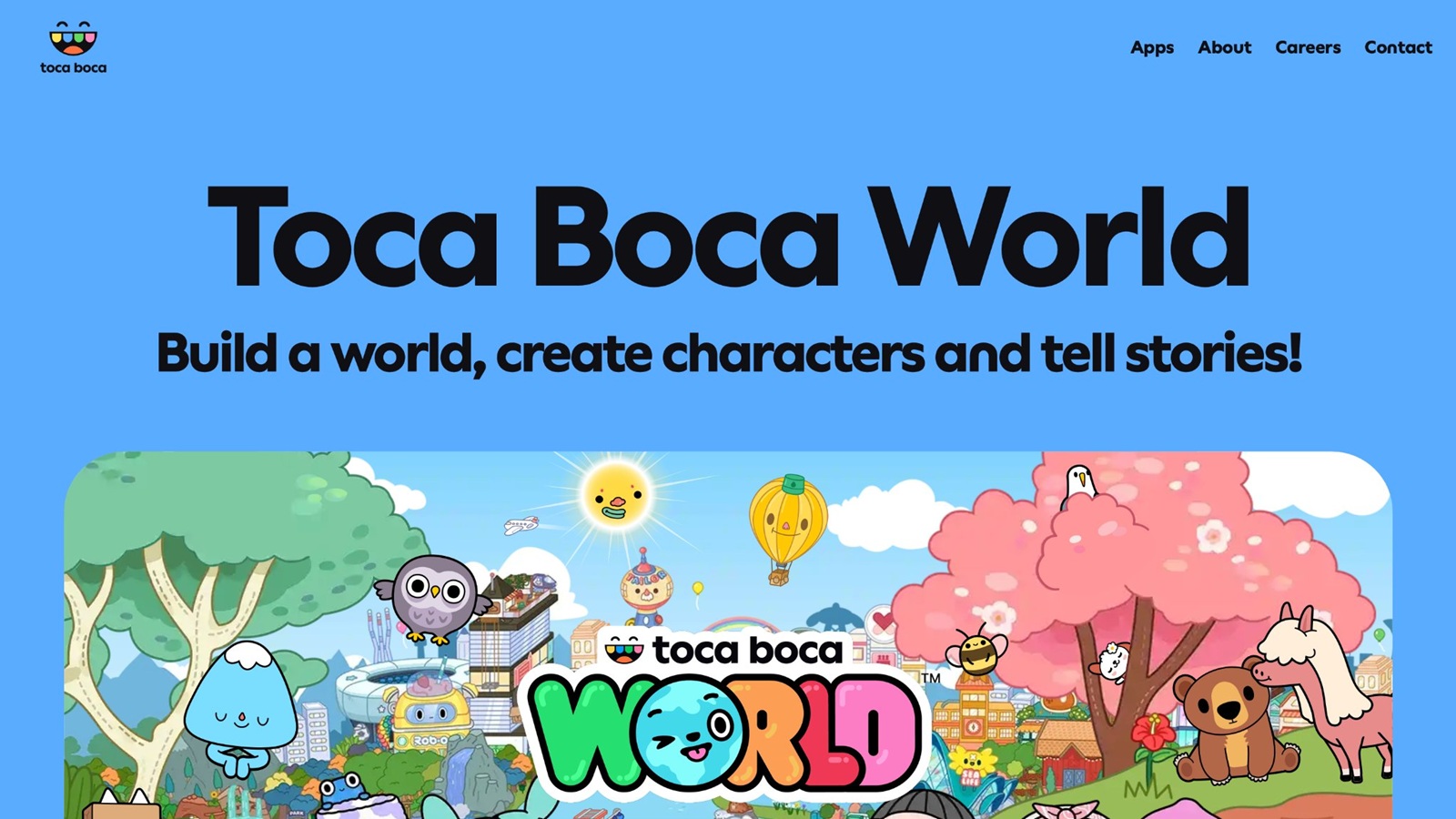
Toca Boca World, from Toca Boca in Stockholm, is a sandbox app where kids build scenes and role-play daily life. They can run a shop, care for characters, cook in a pretend kitchen, or design a room. The play is open, with few rules and no traditional levels. Children invent the story. This style supports life skills through imagination. A store scene can lead to talk about needs and wants. A home scene can mirror chores. Some children create rich stories about breakfast, a pet, or a shop visit.
Others tap without a plan, so a parent prompt helps. The app has a large set of places, which keeps play fresh across many afternoons. It is less guided than a lesson app, and that freedom is both the appeal and the limit. Role-play is where the life-skill value sits. A child who cooks in the app can then wash fruit for real. A child who runs a shop can sort coins on the table after. The screen does not score kindness, so the parent supplies the meaning. Ask one question, then stop. Too many questions turn play into a quiz. Some kids stay in decorating mode and never reach a routine. That is still creative play, just not chore practice. Steer toward the kitchen, the shop, or the pet corner when responsibility is the goal. The open world suits ages who like to direct the story. Younger players may need a grown-up to start the scene.
Key features
- Open world with homes, shops, and care scenes
- Role-play for cooking, shopping, and daily routines
- Character stories kids can invent
- Large set of places to visit
Facts and information
- Popular for creative, rule-light play
- Pretend shops support early money talk
- Works best with a light parent prompt
- Less direct instruction than path-based apps
9. Noggin

Noggin offers shows and games from preschool brands, with a mix of stories, music, and short activities. Content often covers feelings, friendship, letters, and simple science. Episodes can start a talk, then a game can practice the idea. The characters are familiar to many young children, which lowers the start-up effort. Life skills arrive mostly through story. A show about waiting, sharing, or bedtime can be easier to copy than a lecture. A song can carry a routine when words alone do not. The library is entertainment-first, so learning depth varies by episode. Some sessions stay passive if a child only watches. Parents get better transfer when they pause and try one real action, such as a kindness job or a tidy-up song. It suits families who already like these characters and want a soft lead-in. Games inside the app are usually short.
That matches preschool attention, and it also means a skill may need a repeat on another day. Use the same episode twice, then change the real job, not the story. Bedtime shows pair well with packing a bag. Friendship shows pair well with a turn-taking game on the floor. Watching alone teaches less than a follow-up job, so keep the screen as the opener. Older siblings may outgrow the stories while a younger child still needs them. That split is normal. Noggin fits the younger end of life-skill practice, where copy and song matter more than multi-step planning.
Key features
- Preschool shows plus short games
- Topics include feelings, friendship, and early learning
- Music and story formats
- Character-led routines
Facts and information
- Story-first, so talk after the show matters
- Useful for naming feelings in familiar scenes
- Watching alone teaches less than a follow-up job
- Fits preschool attention better than long lessons
10. Starfall
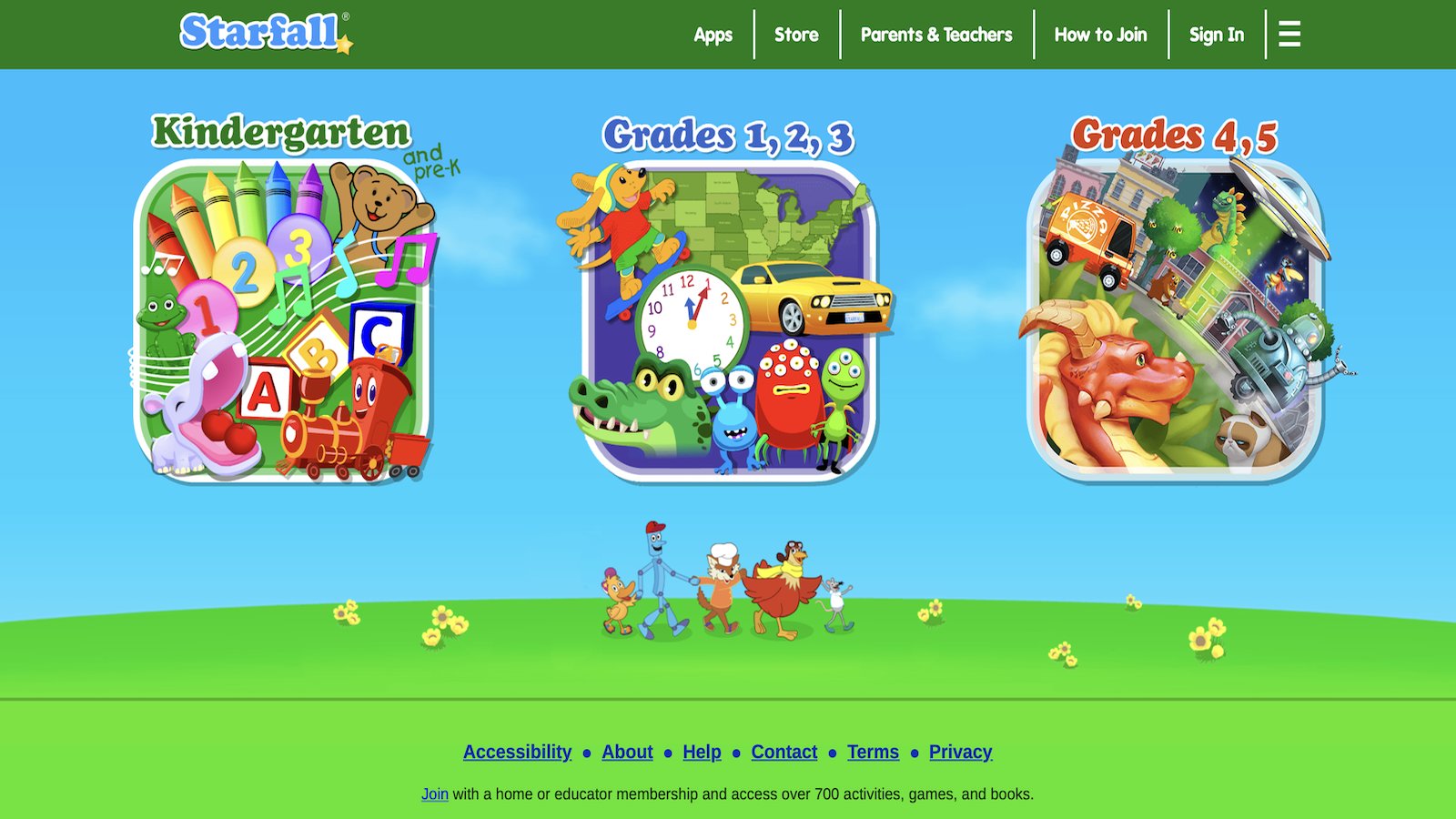
Starfall is a long-running early literacy site and app. Songs, letter games, and simple stories help children hear sounds and see print. Some activities are free, and a fuller set sits behind a membership. The design is plain and focused, which helps some learners and feels dated to others. Life skills are indirect. A child who can read a label or a three-step card can join more kitchen and home jobs. Letter play is the on-ramp. Once sounds stick, a parent can write a tiny chore card: “wash, dry, put away.” The child reads it and does it. That is the handoff. Starfall is not a care or chore simulator, and it does not try to be.
Families who want reading support often keep it, then practice responsibility with real tasks and calmer care games. Songs make repetition easier for kids who dislike drills. Short clicks suit a few minutes before dinner. The plain screens keep surprise rewards low, so attention stays on the letter. Some children want brighter art and will drift. A timer and a promised real job after the song can hold them. Reading skills support recipes and lists later, even if the app never shows a kitchen. Use it as a warm-up, not as the whole lesson. One song, one word family, then a label in the room. Many early readers only need that small loop a few days a week.
Key features
- Letter sounds, songs, and early stories
- Simple click activities for young readers
- Free activities plus a fuller library
- Clear focus on print
Facts and information
- Best known for early reading, not chore play
- Reading skills support recipes and lists later
- Plain design keeps distractions low
- Works as a short add-on before a hands-on job
11. Lingokids
Lingokids is an English-learning app for young children, with songs, play kits, and short activities. It is often used by families who want a second language in daily life, or extra English practice before school. The tone is bright and musical. Kids meet words through games rather than a formal class. Life skills enter through the words around routines. A child may learn “wash,” “eat,” “share,” or “help,” then hear those words again at the sink or the table. That repeat is the useful part. The app is stronger as a language tool than as a chore coach. It will not run a morning routine by itself. It can give the vocabulary a routine needs, especially in a bilingual home. Songs stick in memory, so a cleanup phrase from the app can become the home cue. Parents should pick a topic that matches the week. Food words before a snack job. Body and hygiene words before teeth and hands. Feelings words before a hard shift from play to bedtime. Some activities are lively, and a few kids get wound up. A short cap keeps the skill in reach. Offline downloads help in the car, then the real practice waits until you are home. Lingokids fits families who want language and life skills in the same afternoon, with the language on screen and the skill in the room. Many sessions work best at a few songs, then a stop.
Key features
- Songs, games, and play kits for early English
- Topics that can match food, body, and daily words
- Short activities for preschool attention
- Useful in bilingual homes
Facts and information
- Language-first, with routine words as the life-skill link
- Songs can become home cues for chores
- Less focused on pet care or multi-step cooking
- Pairs well with a real job that uses the same words
12. LeapFrog Academy
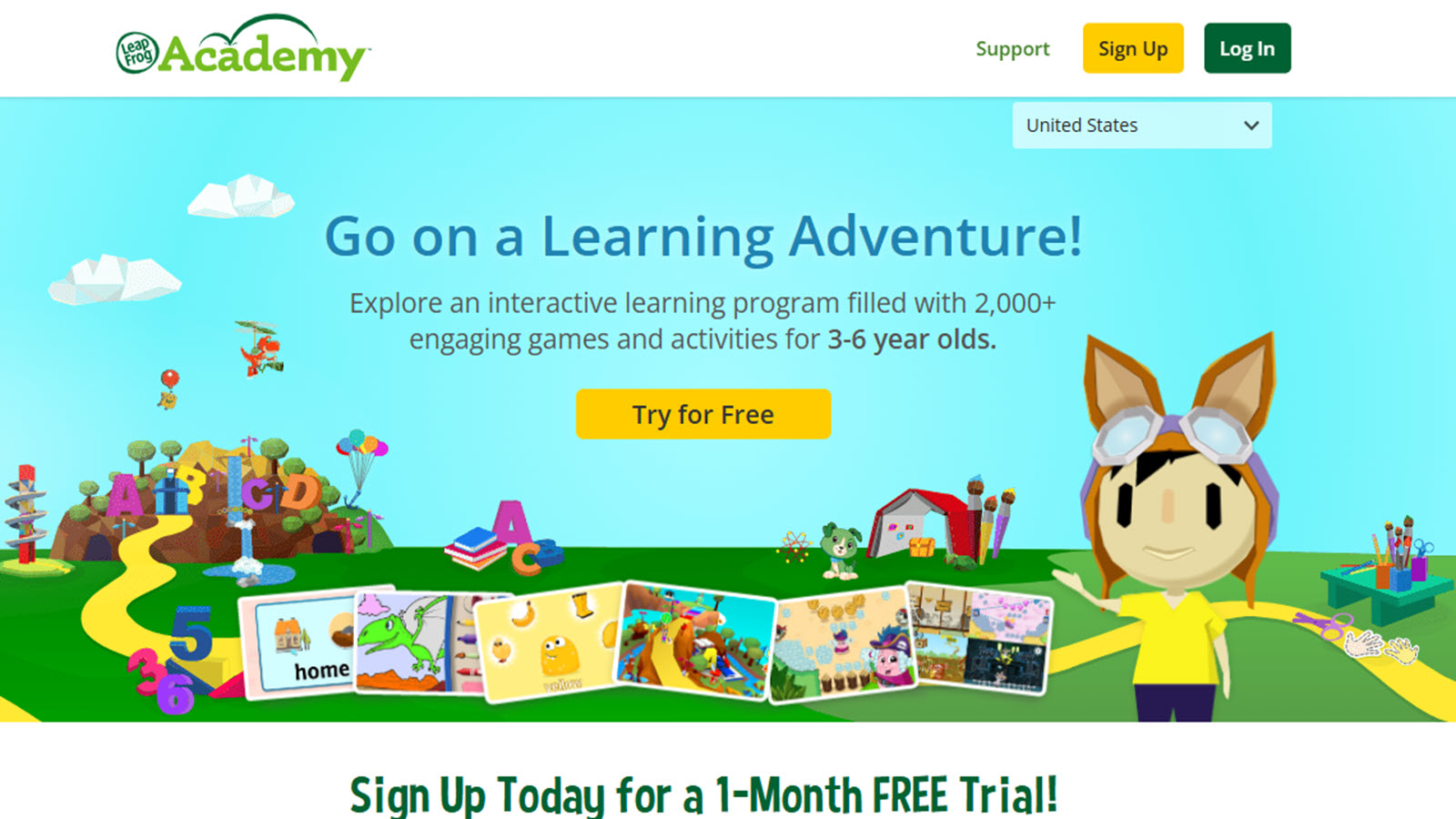
LeapFrog Academy is the app side of LeapFrog, a long-time kids learning brand based in Emeryville, California. It pairs with LeapFrog devices and also stands as a learning library of videos, games, and activities for preschool and early grade ages. Subjects include letters, numbers, and simple world topics. Life skills show up in routines and themed play more than in open chore practice. A video about getting ready, a game about sorting, or a story about helping can start the same habit at home. The brand is familiar to many parents who grew up with handheld learning toys, so the step into the app feels known. The structure is fairly guided. That helps a child who likes a path. It can feel narrow to a child who wants to invent a world. Use it the way you would use a short show. Watch or play one piece, name the skill, then do a small version with real objects. Sorting on screen, then sorting socks. Counting on screen, then counting cups. The device link is a plus in houses that already own a LeapFrog tablet, and a limit in houses that do not. The learning style is more of a lesson than a sandbox. For life skills, that is fine if the lesson is short and the hands-on job follows. Many families treat it as one seat in a wider mix, next to real kitchen time and calm care play.
Key features
- Videos, games, and activities for early learners
- Letters, numbers, and simple themed topics
- Guided paths rather than open worlds
- Ties to LeapFrog devices in many homes
Facts and information
- Brand long used for preschool learning toys and apps
- Routine and sorting themes can lead into home jobs
- More guided than pretend-play sandboxes
- Works best with a real task right after the session
13. Duolingo ABC
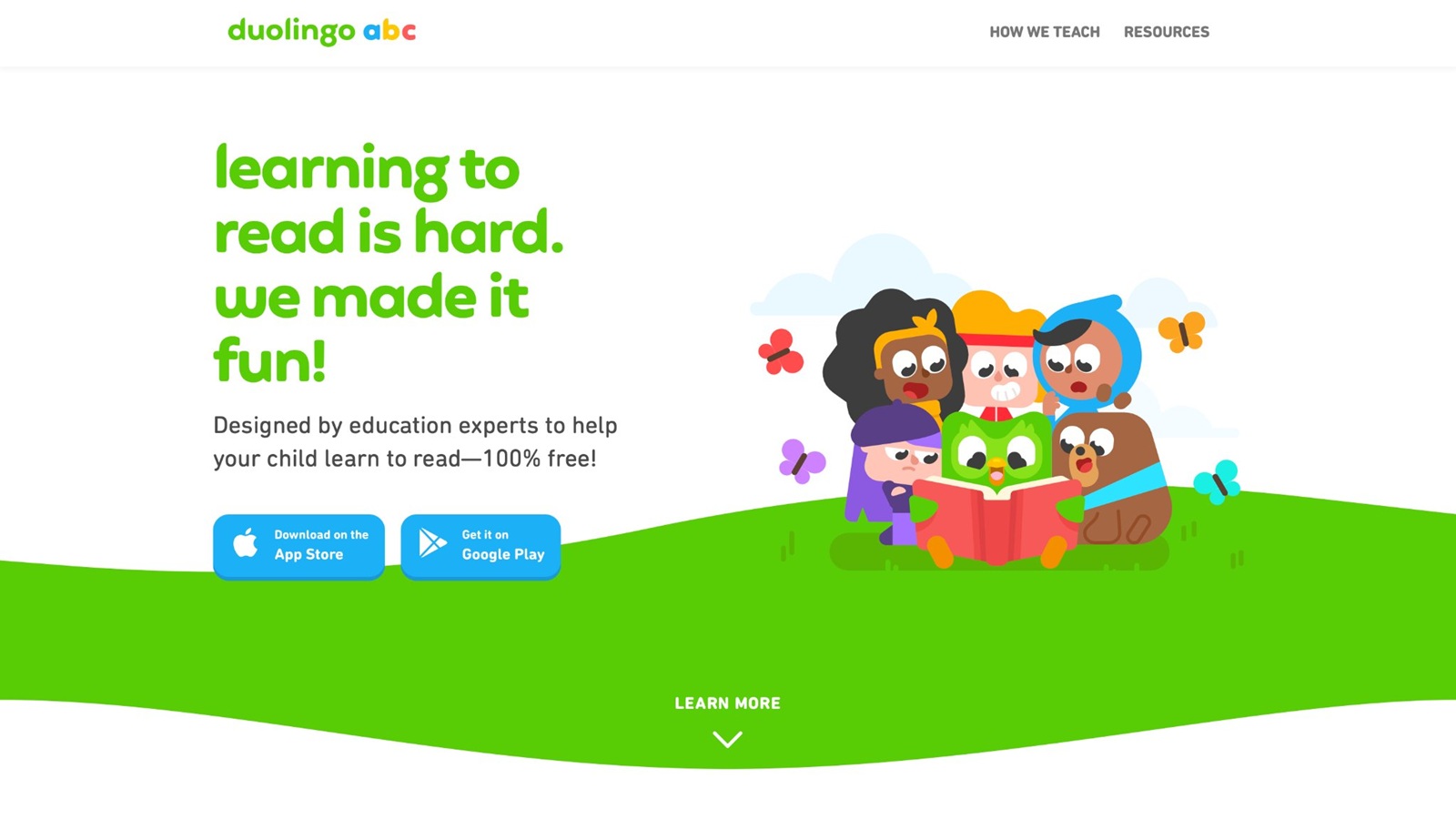
Duolingo ABC is the early-reading app from Duolingo, the language company in Pittsburgh. It teaches letters, sounds, and first words through short, game-like steps. There are no ads in the lessons, and the path is built for children who are just meeting print. The life-skill link is the same as with other reading tools, plus a very clear step order. A child finishes a tiny lesson, gets a simple win, and can carry that focus into a tiny home job. Recipes, labels, and lists become possible sooner when sounds are stable. The app does not simulate chores, shops, or pet care. It builds the reading piece those jobs need. Some children like the streak-style motivation. Others do better if a parent ignores the streak and stops after one lesson. Keep sessions shorter than the child will beg for. One lesson, then a real label in the kitchen, is a strong pair. The art is friendly and the taps are simple, so preschoolers can join with help. Early elementary kids can move faster. It will not teach kindness or cleanup by itself. Those still need people and rooms. Duolingo ABC earns a place when print is the missing piece in your life-skill plan. Many families already know the parent brand, which makes the kids app easy to trust for a first reading step.
Key features
- Short phonics steps for early readers
- Friendly art and simple taps
- Clear lesson order
- Ad-free lesson play
Facts and information
- Made for children learning letters and first words
- Reading gains support lists, labels, and recipes
- Motivation streaks help some kids and distract others
- Best as a short warm-up before a hands-on job
14. GoHenry
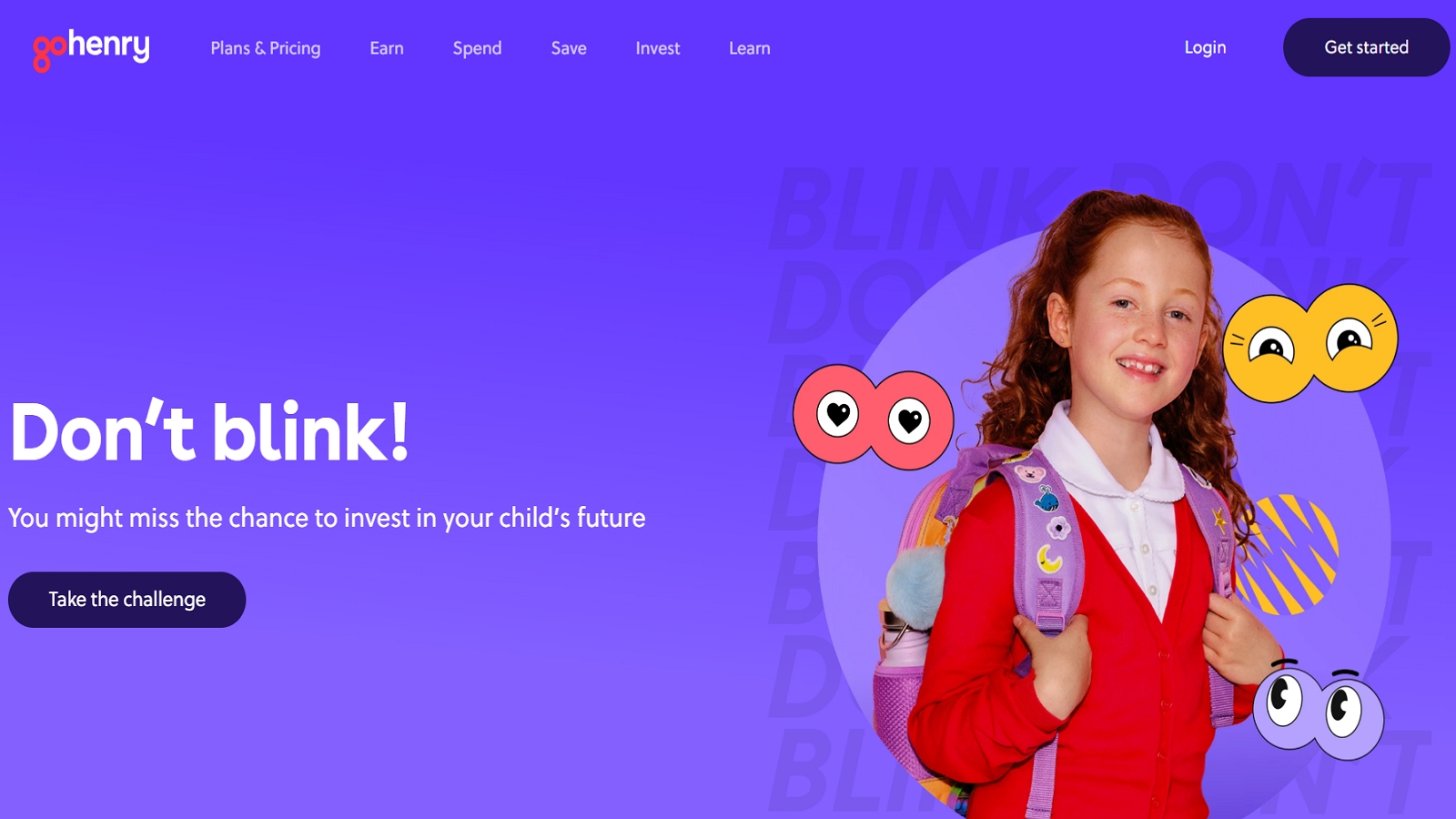
GoHenry is a kids money app and card service based in London. Parents set chores, allowance, and saving goals, and kids see their own balance. It is built for elementary ages who are ready to handle a little real money, not for preschool pretend play. This is direct life-skill practice. A child can link a job, such as setting the table, to a small amount, then choose to spend or save. Goals make waiting visible. Parents can approve tasks, so the habit stays supervised. The app will not teach cooking or feelings. It teaches money choices, which many families want before the teen years. Some kids focus on the card more than the job. Keep the talk on the task finished, not on the balance alone. Start with one repeating chore and one goal. Too many jobs at once get messy. Weekly check-ins work better than daily nagging. Younger siblings are usually not ready for a card, so keep coins and a play shop for them. GoHenry fits once a child can follow a job list and understand that money is limited. Many parents like the clear record of what was done. The record is only useful if the real work happened. Pair the app with the actual chore, then let the child see the result.
Key features
- Chore lists tied to allowance and goals
- A kids card with parent controls
- Saving goals a child can watch
- Task approval by a parent
Facts and information
- Built for money skills in school-age kids
- Chores can be logged and paid inside the app
- Stronger for money than for cooking or care play
- Works after a child can finish a simple job list
15. Osmo
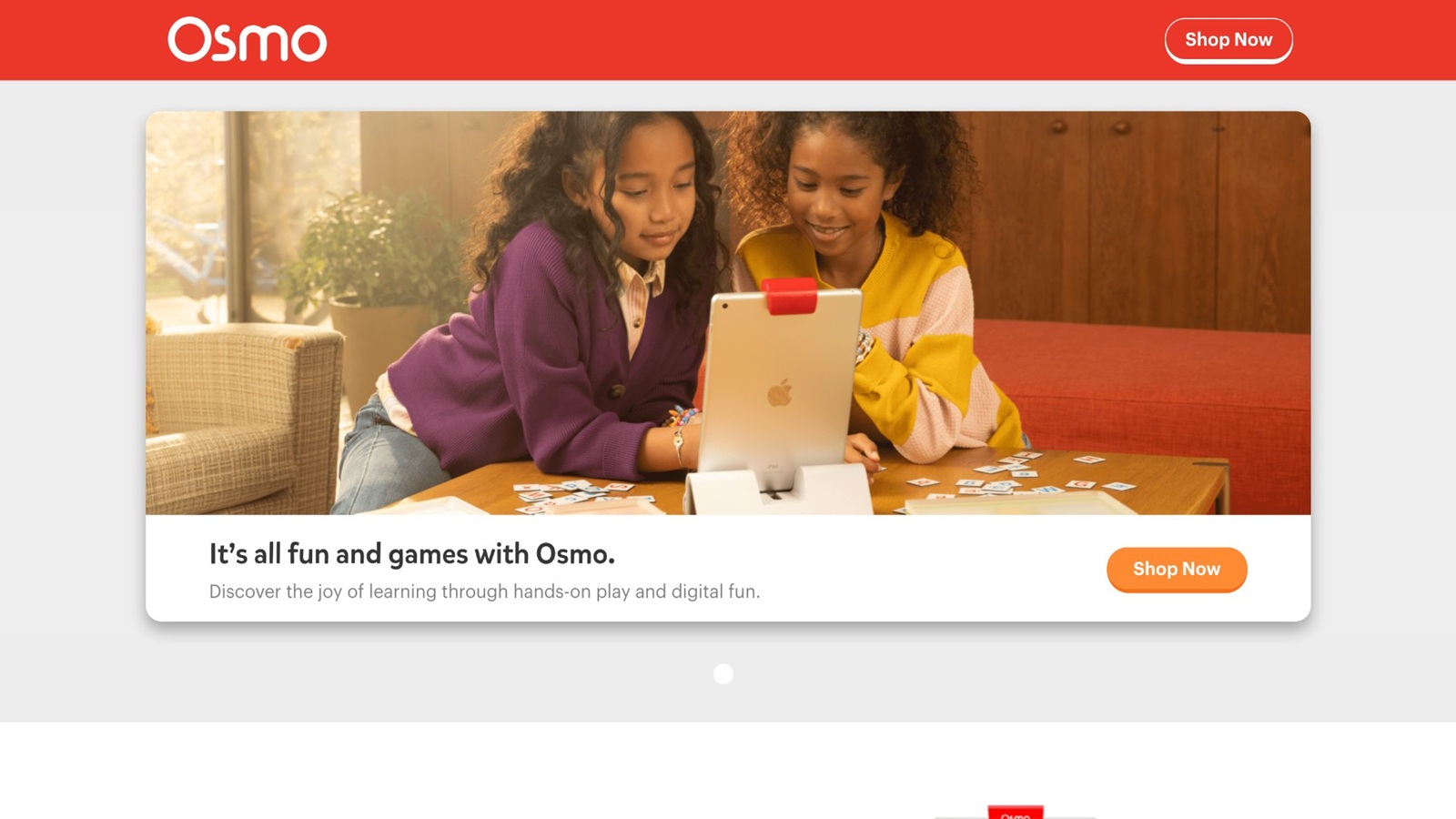
Osmo, based in Palo Alto, California, mixes a tablet with real pieces on the table. A small mirror or stand lets the device see blocks, letters, or drawings under the camera. Kids move physical objects, and the screen reacts. That hands-on loop is the reason it belongs in a life-skills list. The games cover words, numbers, drawing, and problem-solving more than chores. Still, the habit of handling real pieces, waiting for a result, and trying again is the same habit as measuring, sorting, or following a short build. A letter kit can lead to a handwritten chore card. A tangram-style puzzle can lead to packing a bag with care. The physical parts also slow the session down, which helps kids who tap too fast on a normal app. Setup takes a minute, and pieces can get lost, so it is a table activity, not a pocket one. Some games are brighter and faster than a calm care app. Pick the slower kits when the goal is focus. Osmo does not replace cooking or pet care. It trains the hand-and-eye part of life skills, then you move to the real tool. Many families use it as a shared game after school, with a parent nearby for the first tries. One puzzle, then one real sorting job, keeps the link clear.
Key features
- Tablet play that uses real pieces on the table
- Word, number, drawing, and puzzle kits
- Hands-on moves instead of only taps
- Shared play at a table
Facts and information
- Physical pieces support fine-motor practice
- Better for focus and building than for chores alone
- Setup and piece storage take a little care
- Pairs well with a real sorting or labeling job after play
Screen Time That Supports Real Habits
Screen play helps most when it looks like the job you want later. Pet care before real pet help. A cleanup story before the toy bin. A calm fashion or art game when the goal is confidence, not speed. Healthy screen habits and a parent guide to screen time keep those turns short.
Use a simple order:
- Do the real job first, even for two minutes.
- Play a matching game for a short turn.
- Name one thing that was the same.
Safe picks matter. Ads, surprise buys, and loud rewards pull kids off the skill. Safe apps for kids and tips on how to protect kids online help a parent check those basics before a new download. A guide to skill-building apps for toddlers fits the youngest players. Safe games for kids and emotional regulation games also help when a task feels hard and a child needs a calm reset.
Signs a Life Skill Is Sticking
Look for small changes, not a perfect week. Confidence building games often show the same signs on screen: a retry, a finished step, a calmer second try.
- The child starts the job with a reminder, then finishes more of it alone.
- Steps stay in order more often. Problem solving games practice that same order.
- Mistakes get a retry instead of a full stop.
- The child notices someone else’s need, like a cup or a pet bowl. Emotional games rehearse that notice-and-help loop.
- Talk shifts from “I can’t” to “I need help with this part.”
If progress stalls, shrink the job. One shirt folded is still folding. One coin sorted is still money practice. Skills grow by repetition, not by a single big win. Memory games can support the recall part, and brain games give a short focus warm-up before the real task. Common questions are available on the TutoClub FAQ.
FAQ
What are the best life skills activities for kids at home?
The best life skills activities for kids at home are short jobs with a clear end. Washing hands, stirring a snack, sorting toys, setting cups, and packing a bag all give a child something finished to see. Play store adds early money talk, and feeding a pet or watering a plant adds care and a reason to come back tomorrow. Kitchen heat and sharp tools still need an adult close by, even when the rest of the job looks simple. Learning through play can make those same steps feel familiar before the real basket or table comes out. One job done well beats a long list half finished. The first tries can stay tiny: one shirt, one cup, one piece of fruit. If the child stalls, reset only that step and let them finish. A named order, such as wash, then stir, then taste, is easier to copy than a vague request to help. The same job in the same spot, with the same tools, is easier to remember the next day. Pride comes from finishing, so the task should end while the child still feels successful, then return on another day in almost the same form.
How do life skills activities for preschoolers differ from older kids?
Preschool life skills stay big and simple. Buttons, pouring, wiping, and putting toys in a picture-labeled bin are enough for many young children. Games for 3 year olds match that short attention, with one action and a clear result. A grown-up often stays beside the child for the whole job, naming each step as it happens. Words stay short, and the tools stay easy to hold. Picture labels help when reading is not ready yet. A song or a two-word cue can carry the job better than a long explanation. Older kids can follow a short recipe, use a timer, pack a bag the night before, and keep a small list without losing the thread. Both ages learn faster when someone shows the job, helps once, then watches. The difference is mostly the number of steps, not the kind of skill. School-age kids can handle a little more independence when the risk stays low, while preschoolers still need the adult in the room for anything hot, sharp, or easy to spill.
Can educational games teach life skills?
Educational games can teach life skills when a child has to notice a need and finish a step. Pet care, cleanup stories, and simple shop play all do that, because the next action is easy to see. An educational games app makes kindness easier to spot when a character has a clear need and a clear result. The skill carries over better when a real job follows the same idea, such as setting cups after a shop scene or sorting toys after a cleanup story. Games do not replace practice with soap, food, or a real pet. They make the idea familiar so the real task feels less new. A parent can name the match in one line, then turn the screen off. Ads and loud rewards pull attention away from the skill, so calm play fits this job better. A shared turn, with a parent nearby, also makes the link easier to talk about. One matching job is enough. A second screen activity usually adds less than the real cup, bin, or pet bowl. Short sessions work better than long ones, especially when that real job happens in the same afternoon.
How often should families practice life skills?
A few minutes on most days beats one long session each week. The job sticks faster when it hangs on something that already happens, like snack time, pickup, or bedtime. One skill at a time is plenty, because a new list every morning is hard to remember. When that job feels easy, add a single extra step, not a whole new set of chores. Fun games that are educational can hold a short repeat so the same task shows up again without a fresh plan. Missed days are normal. Return to the same small job instead of starting over with something harder. Many children also like a weekend job they chose, because choice makes the work feel owned. The same task on the same days is easier to remember than a different task every night. A busy week can shrink the job rather than drop it. Two calm minutes still count. The rhythm matters more than a perfect week.
Which life skills should kids practice first?
Start with skills a child can see and finish: handwashing, toy pickup, setting cups, and simple care for a pet or plant. Those jobs teach follow-through before money talk or multi-step cooking. Games for young kids line up with that first layer, because the task has a start and an end. Feelings belong in the same mix, since a hard step often stops the job before the skill does. A spill, a stuck zipper, or a missed bin is easier to handle when the child already has a word for the feeling. A retry on one small part is more useful than restarting the whole job. Self-care and simple helping usually come before saving goals or a full meal. Sorting and following two steps come before a long morning plan. A child who can already do most of the job will accept help on the hard part more easily. Once the easy task is steady, reading labels, play-store choices, and a longer morning routine can come next. The first skill should be one the child can almost do already, with help on only one part.
Read Also:
- Chore Games for Real-Life Skills Through Play
- How Pet Care Games Teach Kids Empathy and Responsibility
- Best Responsibility Games for Kids
- Best Learning Through Play Activities
- Best Social Emotional Games for Kids