
Best Online Learning Games for 7 Year Olds 2026





Seven-year-olds like to play with a clear goal. The best online learning games for 7 year olds 2026 mix reading, math, logic, and kindness into short sessions kids can finish. Online learning games for such age gather pet care, puzzles, and story tasks in one calm, ad-free library families can share on a tablet.
Younger siblings do not need the same goal length. Families sharing one tablet often keep the best educational games for kids age 3 and the best educational games for kids 4 years old online nearby for shorter stories and lighter counting. Children just below this age usually settle into the best educational games for 5 year olds or the best educational games for 6 year olds before the reading and logic tasks here feel like a clear finish.
Give your seven-year-old calm learning games that feel like playing with TutoClub!
What Makes a Good Learning Game at Age 7

A seven-year-old can follow two or three steps, hold a simple plan, and talk about feelings with more words than a year ago. The best fit is a game that asks for a choice, then shows what that choice did. Reading games work well when letters turn into short words the child can say out loud. Math games work well when counting, adding, and shapes sit inside a task, not a bare drill.
The best online learning games for 7 year olds also leave room for kindness. Caring for a pet, helping a character, or finishing a tidy-up task builds patience. Loud pop-ups and surprise ads break that focus. A closed library, with a parent area for time limits, is easier to trust than a free browser page that changes every visit. Safe apps for kids keep that focus inside one login, and social emotional games for kids give the kindness practice a clear job.
Many families pair school skills with softer practice. Educational games for 7 year olds can sit next to kids learning games when one child wants stories and another wants number play. English learning apps for kids help when the reading piece needs more sound practice. Short rounds matter. A child this age often does better in ten calm minutes than in one long sitting. The same calm setup shows up in educational games for kids at home, where the screen stays in a known room instead of an open browser.
How to Match the Game to the Skill
Start with the skill you want to see, then pick the play style. A child who loves characters may practice letters inside a pet story. A child who likes building may stick with logic rooms and memory boards. If the game ends and your child can tell you what they made or who they helped, the session did real work. Games for young kids still fit a seven-year-old who wants cute characters, as long as the task has two steps.
Reading and phonics fit word hunts, story scenes, and letter sounds. A good round ends when the child says a word, then uses it in a short line. Math and number sense fit counting, patterns, early adding, and shapes. A good round ends when the child explains the next step without a timer rush. Logic and focus fit matching, memory, and simple puzzles. Memory games for kids give that second plan a place to land. A good round lets the child try a plan, then try a second plan. Kindness and life skills fit pet care, helping, tidy-up, and feelings. Emotional regulation games for kids match the feelings piece. A good round ends when the child names a feeling or a chore they finished.
Learning through play activities help when focus is the goal. Educational kids games help when the child wants to tap, drag, and see a result right away. Online educational games for kids keep both styles in a short list. Keep the first week small. Two or three games are enough while you watch what sticks. A sibling who is a year younger may still want educational games for 6 year olds on the same device.
Best Online Learning Games for 7 Year Olds 2026
1. TutoClub - Best Online Learning Games for 7 Year Olds 2026
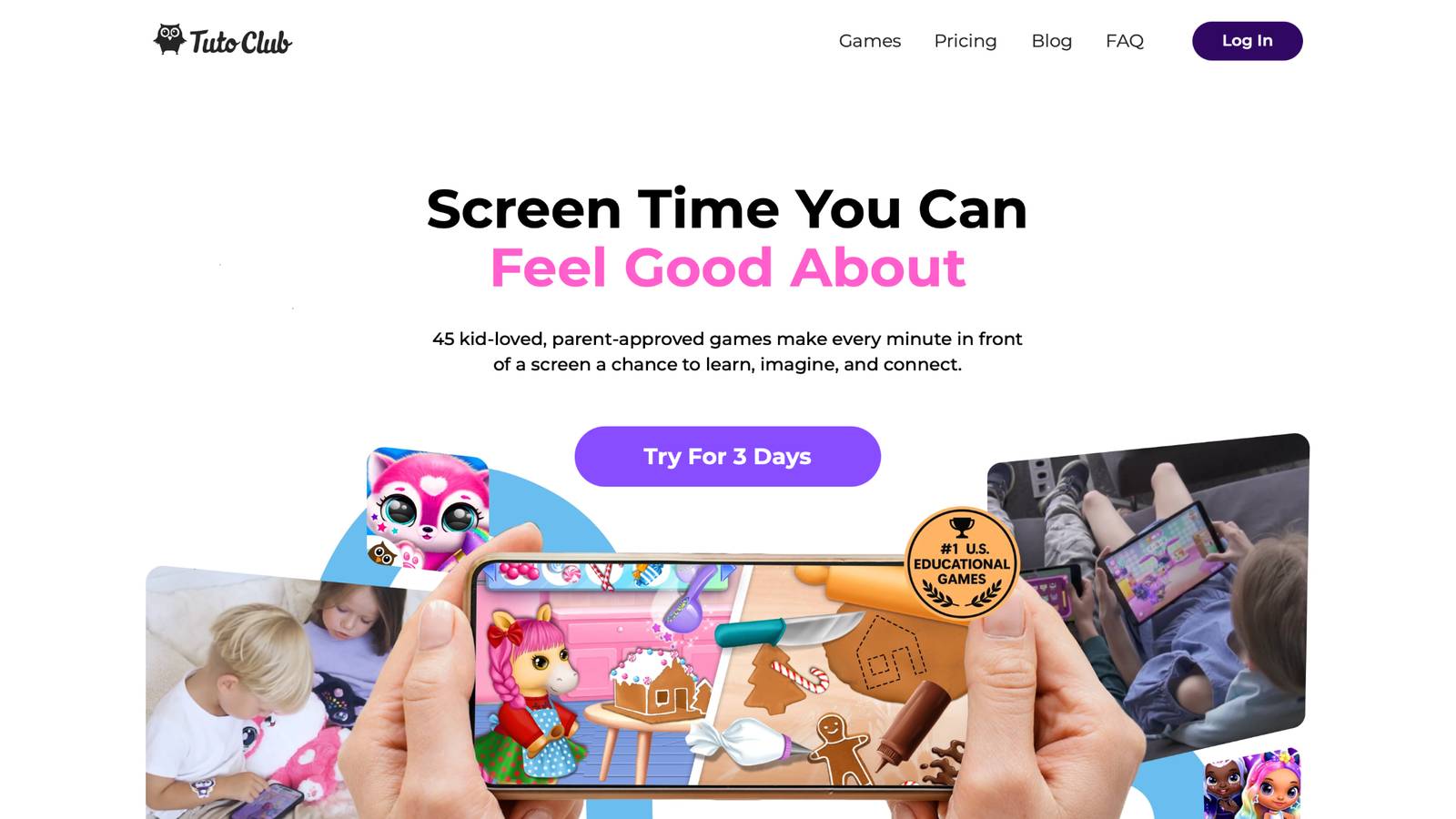
Online learning games for 7 year olds from TutoClub open a large set of TutoTOONS titles with one family login. The studio is based in Kaunas, Lithuania, and builds bright care-and-create games for young children. A seven-year-old can move from pet care to baby play, fashion quests, and tidy-up tasks without a new download each time. Smolsies, My Baby Unicorn, Sweet Baby Girl Clean Up, Floof - My Pet House, and Giggle Babies sit in that same collection, so the art stays friendly and the rules stay clear. Kids hatch pets, practice letters and spelling in cute house scenes, help unicorn babies, and turn daily chores into short wins. Play stays ad-free, which keeps the lesson in the room instead of a pop-up. Parents get one calm home for creativity, focus, and kindness, and many families use the same login across shared devices. The mix fits a child who still loves cute characters but can follow a two-step plan. After a round, kids often talk about who they helped or what they built, which is the sign the screen time did more than fill a gap.
Standout features
- One login for many educational TutoTOONS games
- Ad-free play built around pets, stories, and care tasks
- Letter, number, and spelling practice inside pet-house scenes
- Kindness play through baby care and helping routines
- Creative quests for fashion, music, and decorating
- Parent-friendly setup with a free trial window
Facts and Information
- Made by TutoTOONS in Kaunas, Lithuania
- Games aim at creativity, focus, and social-emotional skills
- Titles include Fluvsies, Smolsies, Giggle Babies, My Baby Unicorn, and Kpopsies
- Smolsies mixes pet care with letters, numbers, and spelling
- My Baby Unicorn centers on empathy and gentle care
- Families can share play on more than one device
TutoClub Overview
TutoClub is your gateway to a magical world of educational games designed especially for children.
As part of TutoTOONS, a leading kids' games studio, we offer premium access to over 45 ad-free games.
Our mission is to blend learning and play, helping kids explore, create, and grow in a safe online space.
Thousands of parents trust us for family-friendly content that sparks imagination and builds essential skills.
Key Features
- Unlimited Access: Unlock full content in all games with no interruptions.
- Ad-Free Experience: Enjoy seamless play without any ads or distractions.
- Skill Development: Games foster creativity, social skills, communication, and more through fun activities like pet care and cleanup challenges.
- Regular Updates: Get new releases, exclusive content, and future updates automatically.
- Easy Subscription: Cancel anytime with no obligations, simple and flexible for families.
Explore Our World
TutoClub provides a rich ecosystem of educational games for kids, featuring ad-free experiences that promote creativity, focus, and emotional growth through play.
This platform turns screen time into valuable learning opportunities, with parent-approved content that builds essential skills and sparks curiosity in young minds.
- TutoClub Games: Over 45 educational games, including popular titles like Fluvsies, Smolsies, and the Sweet Baby Girl series
- Blog: Insights, tips, and stories for families on kids' learning and play
- FAQ: Comprehensive answers to frequently asked questions about subscriptions, features, and more
Get TutoClub on Your Device
TutoClub delivers premium kids educational games directly to your mobile devices, making learning accessible anytime, anywhere.
With apps available on major platforms, families can easily download and subscribe for ad-free play that turns screen time into skill-building adventures.
Perfect for parents seeking safe, engaging content on iOS, Android, or Amazon devices.
Why Choose TutoClub?
We're committed to 100% safe, enriching entertainment that kids love and parents approve.
Join the thousands who've seen their children thrive through playful learning.
Ready to start the adventure?
See how TutoClub turns screen time into kind, focused play for seven-year-olds!
2. Fluvsies Academy
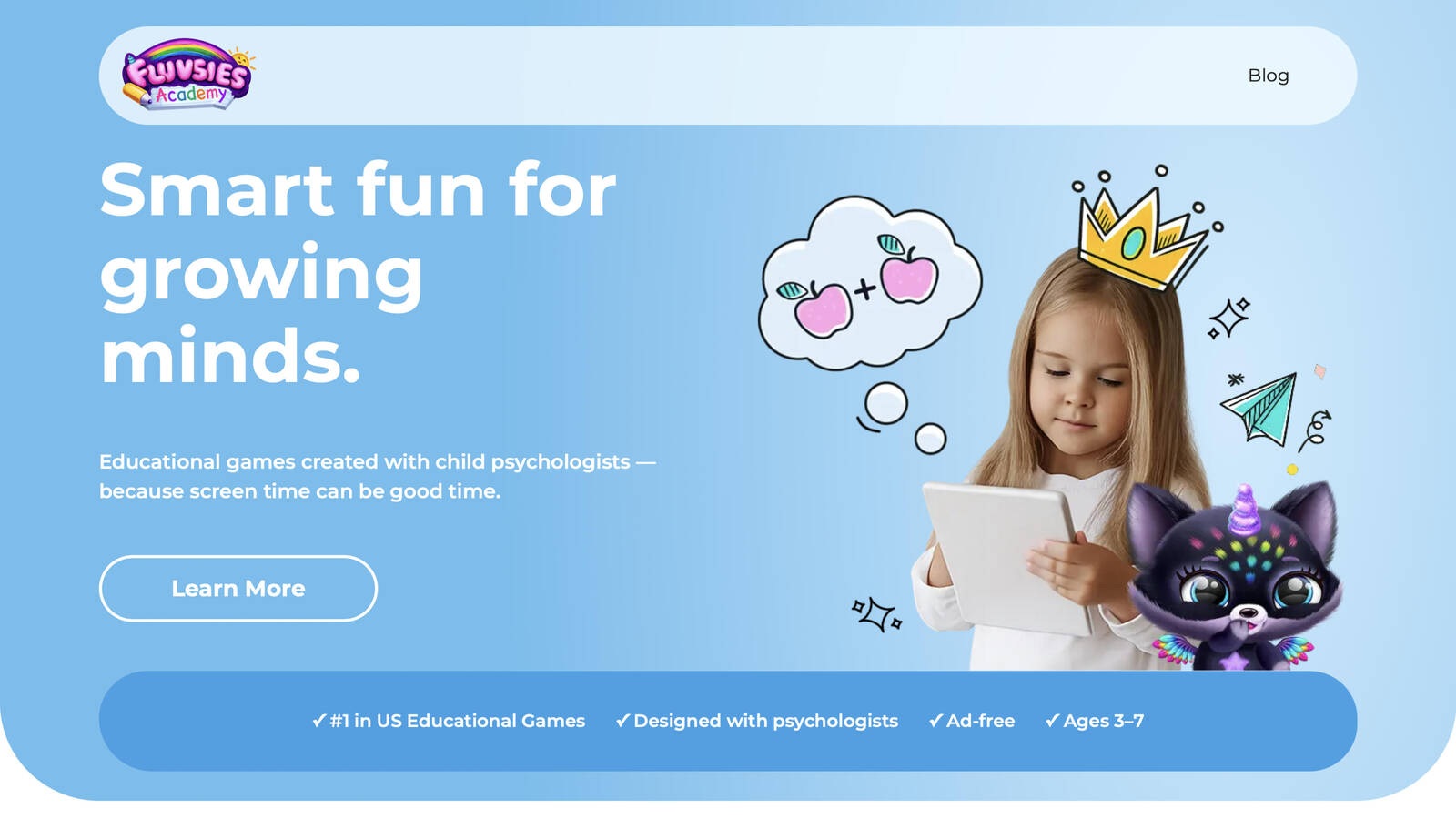
Fluvsies Academy is an early learning home for children ages 3 to 7, made by the same TutoTOONS family that parents already know from pet-care play. Every activity was shaped with child psychologists so the pace stays warm, the art stays friendly, and the tasks match how young minds work. A seven-year-old can practice language and phonics, number games, logic, sorting, and life skills with the Fluvsies characters they may already love. Profession stories, from bakers to firefighters to astronauts, grow vocabulary without feeling like a worksheet. Kids sort, compare, and follow short routines that look a lot like real life. Parent tools cover progress and time limits, so a busy afternoon still has a clear stop. Some families keep the fun going with printables after the screen goes off, which gives the lesson a second life at the table. The app is ad-free, and the rounds stay short enough for a child who still needs a gentle start. Puzzles, job stories, and everyday habits sit side by side, so one session can hold both school skills and care skills. It is a warm pick at the top of this age band, especially for kids who light up when a familiar character leads the task. The mix of language, numbers, focus, and life skills makes the play feel full without turning into a long lesson. Teeth-brushing scenes and other daily habits give the learning a path back into the real day. Parents often notice new words after a job story, then hear those words again at dinner. The characters stay soft, the steps stay short, and the child still feels like the play was theirs.
Key features
- Language, phonics, numbers, logic, sorting, and life skills
- Profession stories that grow everyday vocabulary
- Activities shaped with child psychologists
- Parent area for progress and time limits
- Ad-free design for ages 3 to 7
- Printables that extend play off the screen
Facts and Information
- Built for children ages 3 to 7
- Part of the TutoTOONS family behind Fluvsies pet games
- Learning paths include focus, comparison, and real-life routines
- Parents often mention puzzles and job stories as favorites
- Content stays age-fit and free of ads
- Works well for kids who already love Fluvsies characters
3. Khan Academy Kids
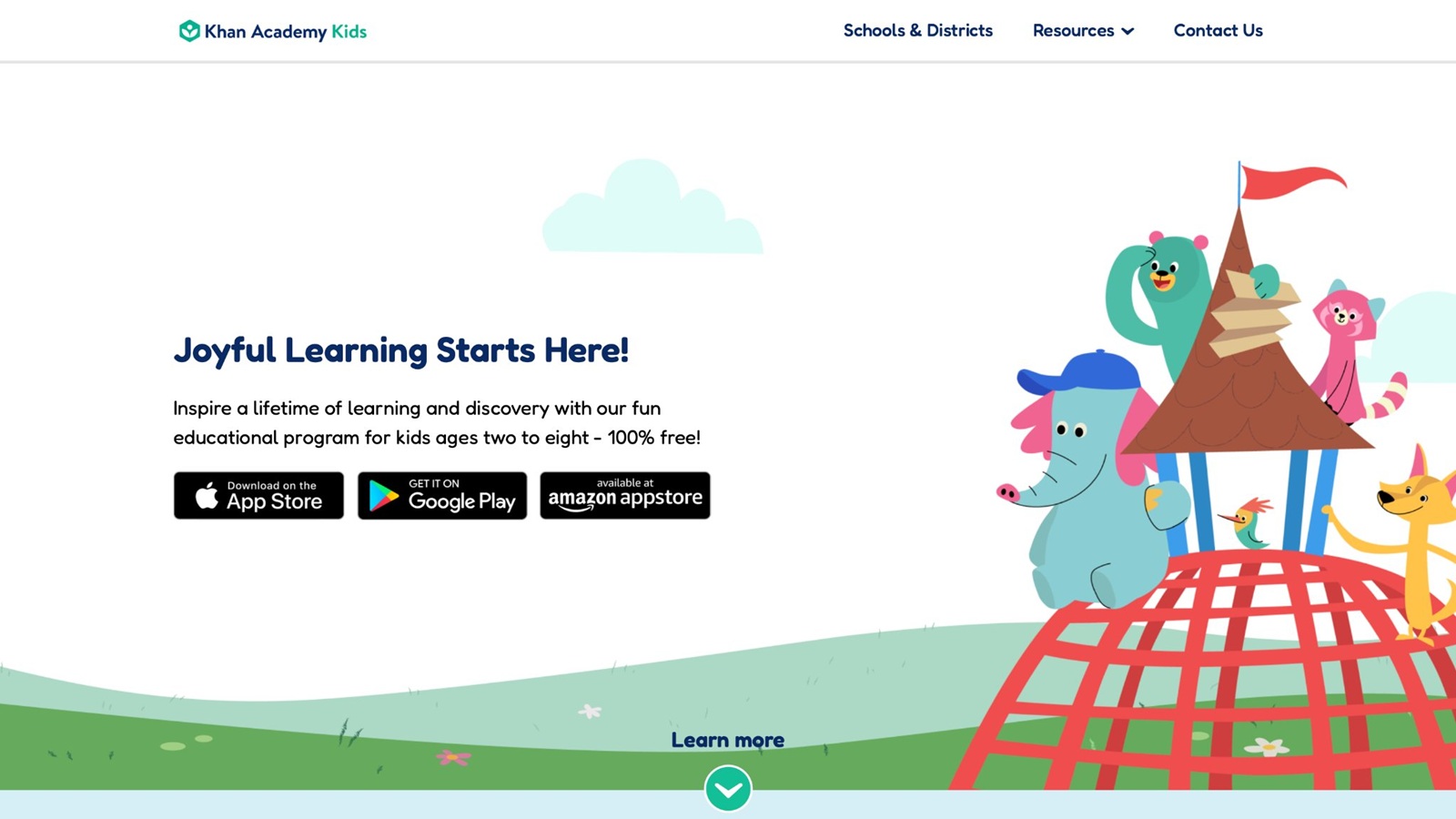
Khan Academy Kids is a free, ad-free learning app from Khan Academy for children about ages 2 to 8. Stories, tracing, songs, and short games sit on a path that can shift as a child grows. A seven-year-old can practice reading, math, writing, and social-emotional skills with friendly guides such as Kodi Bear. The library is large, and many families like that a younger sibling can use the same app on a different path. Books and drawing sit next to practice games, so a session does not have to be a quiz the whole time. Offline access, once content is saved, helps on trips when the signal drops. The tone stays calm, which matters for a child who gets jumpy with loud reward sounds. Some sevens who read well may find parts of the path young, so it works best as a steady base, not the only challenge in the week. A parent can still point a strong reader toward harder books inside the same app. Daily-style schedules give a simple shape to after-school play. The lack of ads keeps the child inside the story. It is a solid first stop for mixed-age homes that want one free library before they add a more playful game beside it. Tracing gives the hand a job while the ear hears a word. Songs break up the quieter tasks. A child can finish a book, then a short math game, without a new download. The wide age span is the real gift in a home with a preschooler and a seven-year-old sharing one tablet.
Key features
- Reading, math, writing, and social-emotional activities
- Story books, songs, and drawing mixed with games
- Paths that adjust as skills grow
- Offline access after content is saved
- No ads in the core experience
Facts and Information
- Made for about ages 2 to 8
- Often used at home and in early classrooms
- Daily-style schedules can guide a short session
- Strong fit for mixed-age homes
- Best paired with a slightly harder game for advanced readers
4. PBS Kids Games
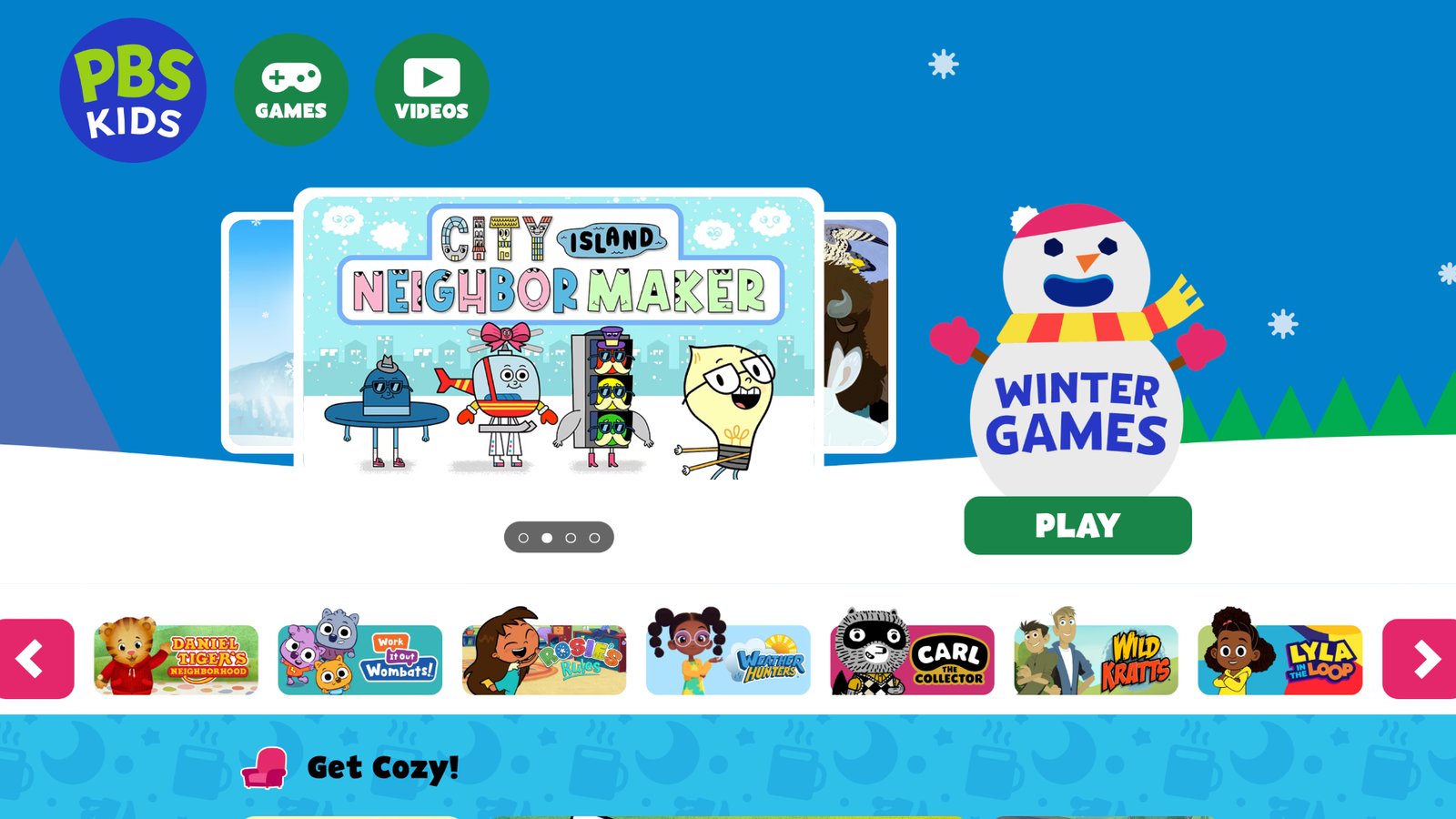
PBS Kids Games is a large free collection built around characters many children already know from public television. Daniel Tiger, Wild Kratts, Curious George, Odd Squad, and other faces show up in short activities about feelings, science, letters, teamwork, and everyday problems. A seven-year-old can open a browser game with little setup, which helps on a family computer after school. Sessions stay short, so they fit between meals or before a park trip. Science games with animal themes give curious kids a reason to talk about habitats later. Feeling games give simple words for mad, sad, and proud. Letter and counting games stay light, which is useful when homework already felt long. Some pages show sponsor marks, so it is better as a mix-in than the only library. The menu is wide, and a child can wander if no one picks the first game. A short parent list, such as one feelings game and one science game, keeps the visit on track. Familiar characters lower the fear of a new rule set. It will not replace a closed story world, but it is an easy add when you want a known face and a quick skill. Team games ask the child to help a character finish a job. That helper role fits a seven-year-old who likes being the one who knows the next step. Keep the visit to one or two games so the wide menu does not eat the afternoon.
Key features
- Short browser games tied to familiar shows
- Letter, counting, science, and feelings activities
- Easy start on a family computer
- Themes kids already recognize from TV
Facts and Information
- Strong for early literacy and simple science
- Quick rounds suit a busy afternoon
- Sponsor logos can appear on some pages
- Best before a child wants longer story play
- Works well beside a closed, ad-free app
5. ABCmouse
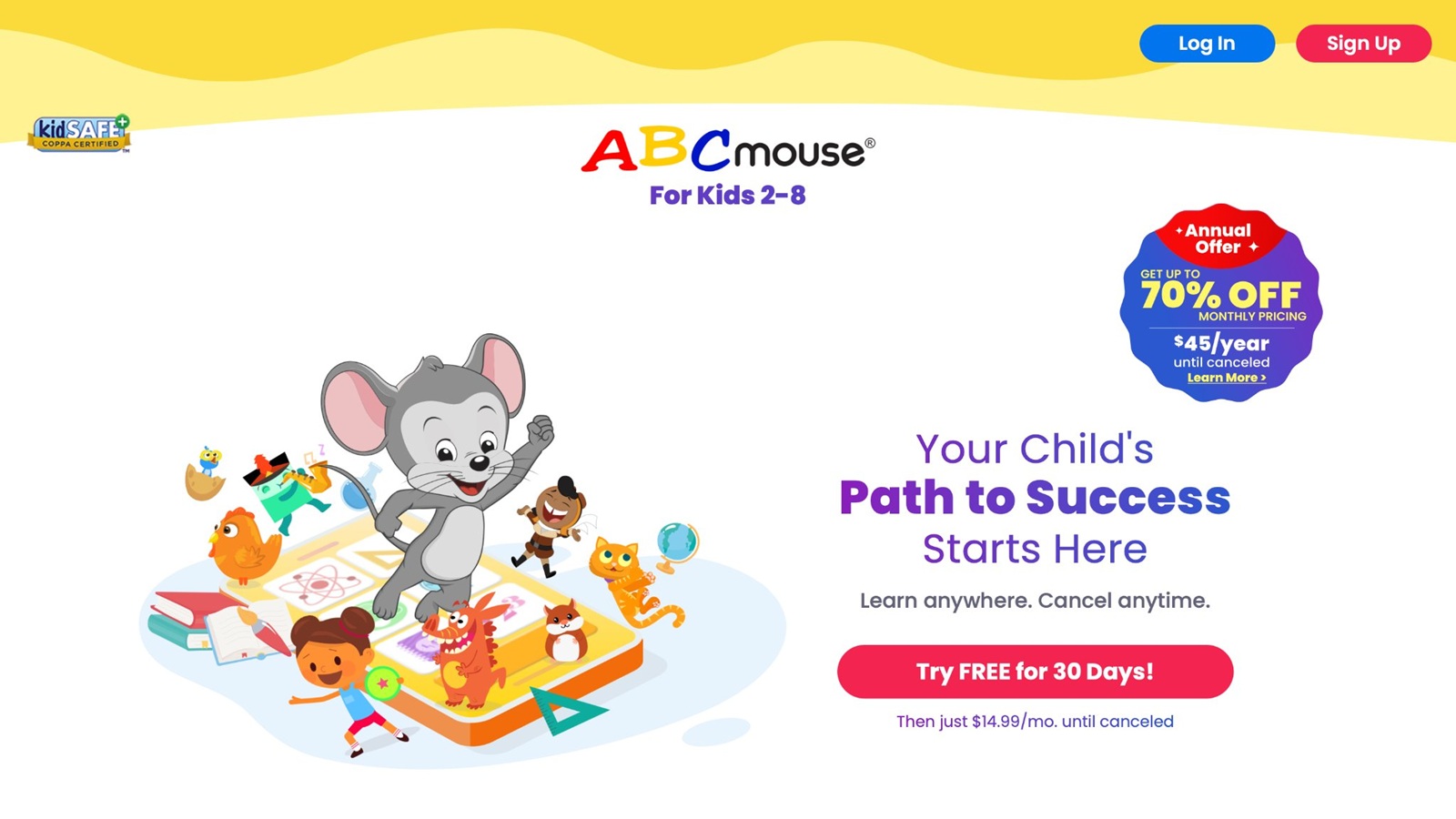
ABCmouse, from Age of Learning in Glendale, California, gives children about ages 2 to 8 a structured path through reading, math, science, and art. Lessons, songs, puzzles, and animated stories sit in a bright world, and tickets can open new areas. A seven-year-old gets a clear sense of progress, which helps kids who like to see a next step. The path covers more than one subject, so a week can hold phonics on Monday and a science puzzle on Wednesday. Art and story tasks give a break from pure practice. The map is long, so some kids need an adult to pick a short goal or the world can feel big. Reward tickets keep many children moving, though the prize can matter more than the skill if no one asks what was learned. Parent reports help you see which topics got attention. It feels closer to a home curriculum than to open pet play. That structure is a plus for families who want a set order. It is less open-ended than a creative studio, so it pairs well with a care or build game on another day. Songs make letter practice easier to repeat. Animated stories give a child a reason to hear a full line, not only a single sound. Pick one area for the day and leave the rest of the map for later. That small choice keeps the long path from swallowing the session.
Key features
- Reading, math, science, and art in one path
- Songs, puzzles, books, and animated lessons
- Level steps that show progress
- Art and story tasks beside core skills
Facts and Information
- Aimed at early childhood, about ages 2 to 8
- Used by many families as a home curriculum
- Rewards can keep a child moving to the next area
- Works best with a parent picking the day’s focus
- Less open-ended than pure creative play
6. ABCya
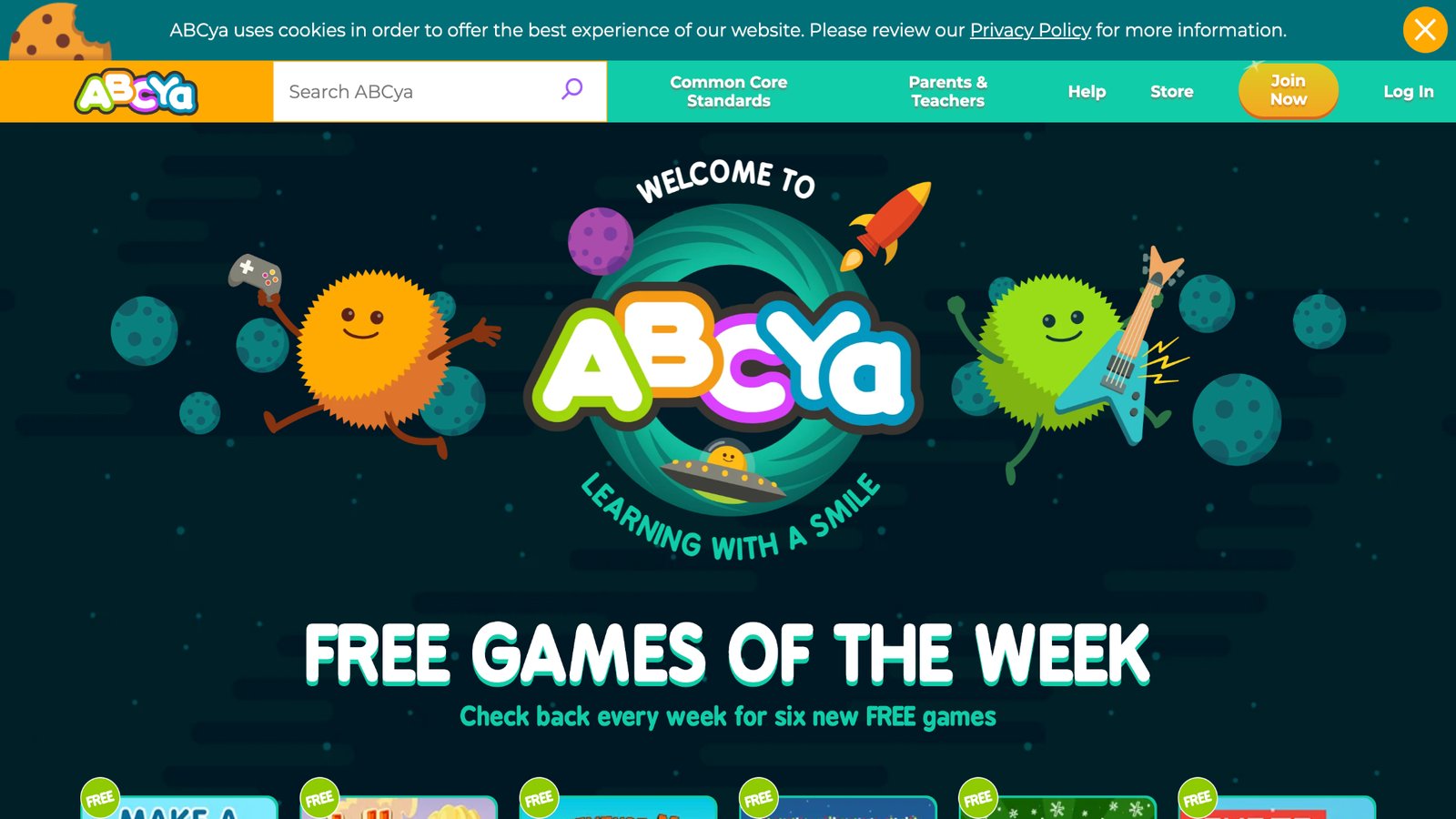
ABCya is a teacher-made menu of short games for pre-K through about grade 6. Math, reading, typing, and logic sit in colorful mini-games sorted by grade. A seven-year-old can jump into a shape game, a word game, or a typing warm-up without a long story to finish first. That quick start helps when you only have a few minutes. Hints on some activities keep a stuck child moving. Grade sorting makes it easier to avoid games that feel too young or too hard. The open menu is handy, though some pages are busier than a closed kids app, so a parent pick list helps. Typing practice is a quiet bonus at this age, when small hands are still learning the keyboard. Logic puzzles give a change from school worksheets. Because each game stands alone, there is less of a world to return to tomorrow. Some kids love that freedom. Others drift. It works best as skill practice beside a story-rich library, not as the only place a child plays. A shape game after school can reset a tired brain. A word game can reuse a spelling list without looking like homework. Keep the pick list to two titles so the busy menu does not become the activity. The strength is the short, clear goal. The limit is the lack of a story the child wants to continue the next day.
Key features
- Grade-sorted math, reading, typing, and logic games
- Short rounds with simple goals
- Hints on some activities
- Easy to sample one skill at a time
Facts and Information
- Built for school-age practice from pre-K upward
- Many teachers use single games as warm-ups
- Typing and shape games suit age 7
- Menu style needs a little guidance
- Better as skill practice than a full story world
7. Prodigy Math
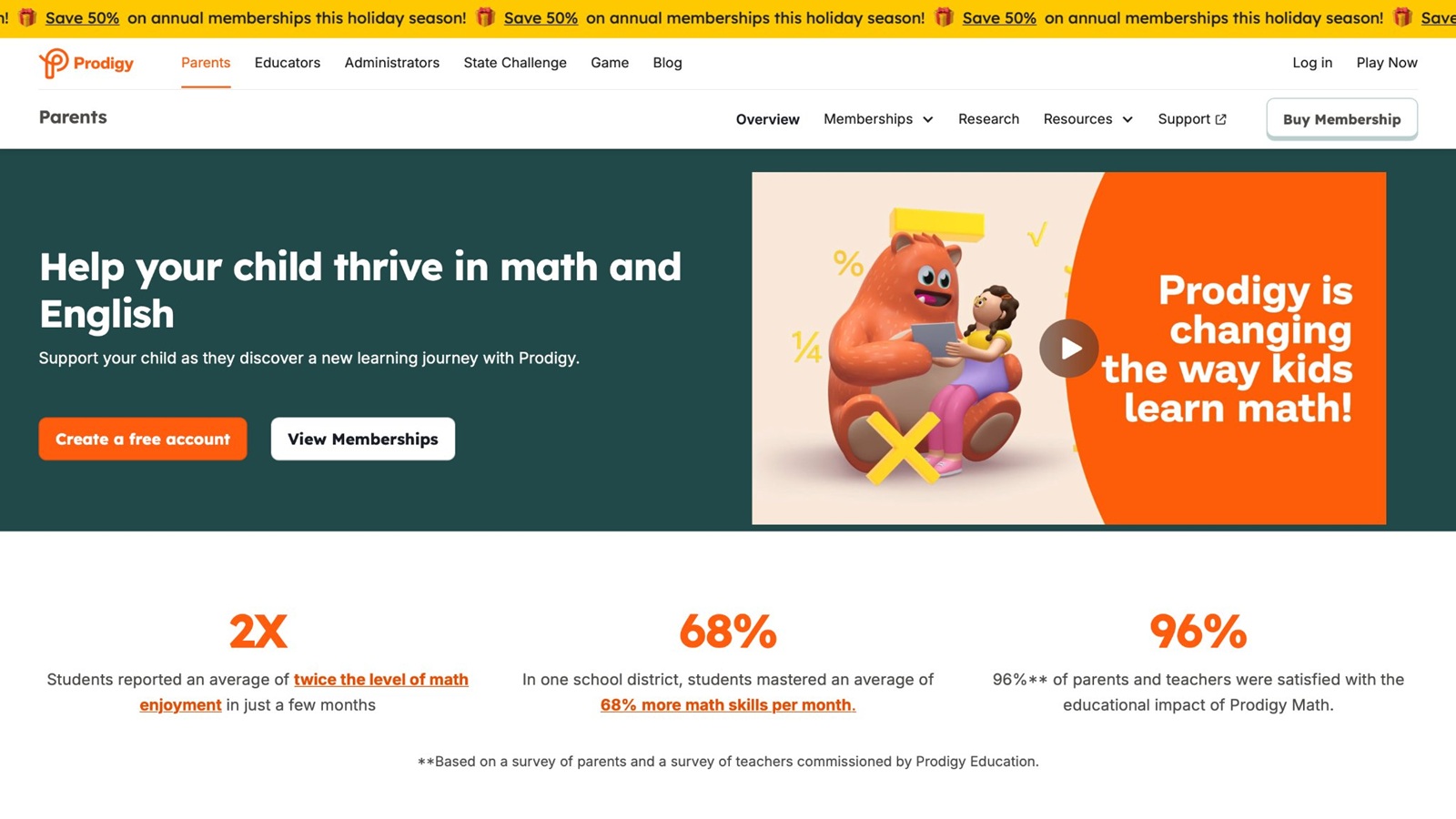
Prodigy Math, from Prodigy Education, wraps number practice in a fantasy quest. Kids make a wizard-style character, walk a map, and answer curriculum-style questions to keep moving. A seven-year-old who likes battles may practice adding, shapes, and early fractions this way. The questions can shift with the child’s answers, so a hard item does not stay stuck forever. Pets and rewards give a reason to come back. The story can outshine the math if a child rushes answers, so a parent check-in after a round keeps the skill in view. It is a math game first, not a full reading or kindness library. That narrow focus is useful when number sense is the goal for the week. Some kids treat the battles as the main event and skim the problems. Asking “what was the question?” fixes a lot of that. Web access is part of the setup. It will not cover feelings or phonics, so it belongs next to a broader game, not in place of one. A child who hates worksheets may stay longer because the map feels like a quest. The same child may also skip the thinking if the battle is the prize. One parent question at the end keeps the numbers in the room. Use it on math days, then switch to words or care play on the other days.
Key features
- Math questions inside a role-play map
- Adaptive difficulty that shifts with answers
- Covers early grade topics such as adding and geometry
- Character rewards that mark progress
Facts and Information
- Core math content is available without a paid layer
- Often used from about grade 1 upward
- Fantasy play motivates some kids who avoid worksheets
- Works best when an adult asks what problem was solved
- Narrower than a multi-skill library
8. Starfall
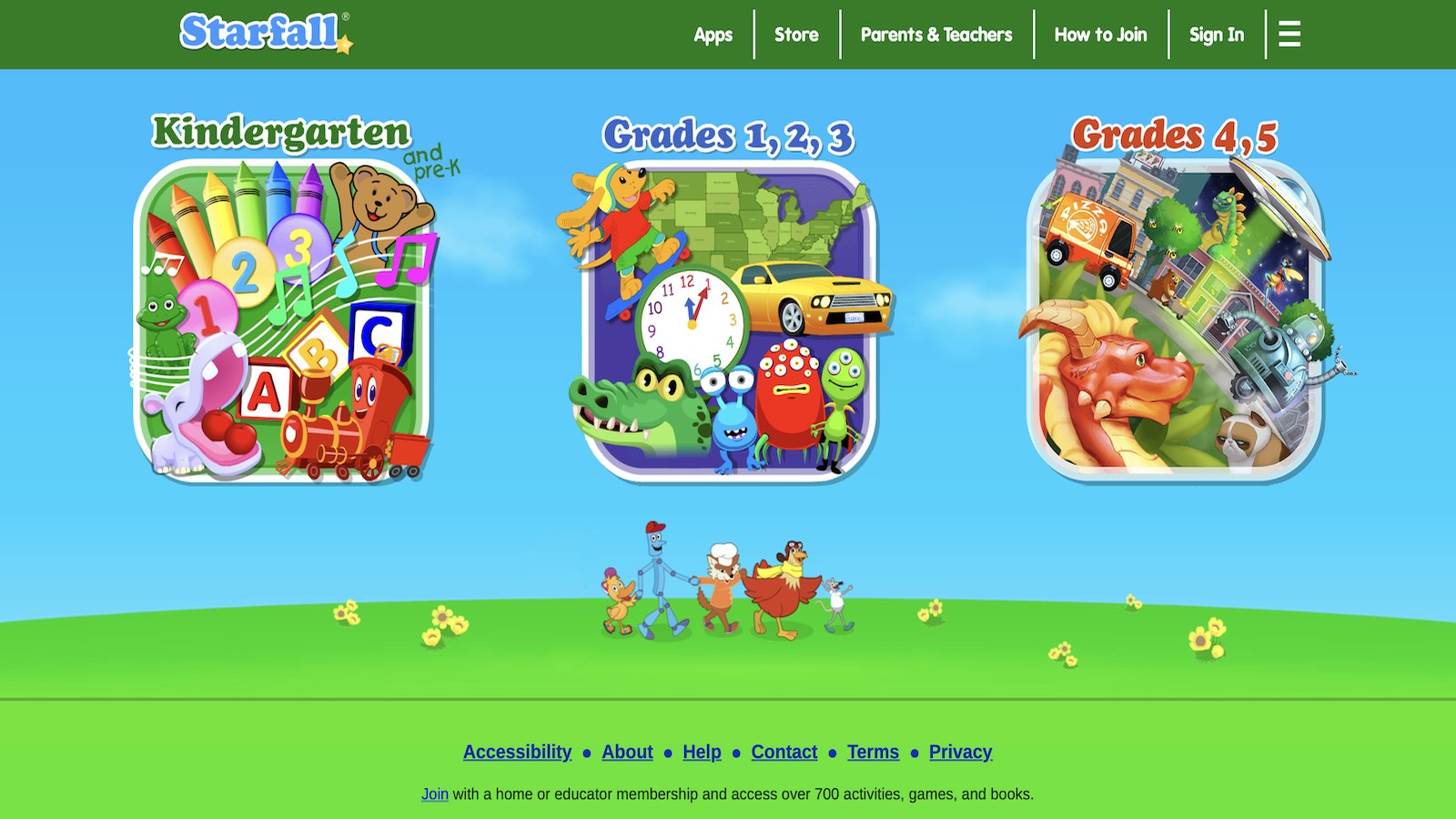
Starfall is a long-running reading and phonics site with songs, stories, and early math. Many families open it when a child is still linking letters to sounds, and a seven-year-old who needs extra phonics support can use the same calm style. Songs repeat sounds until they stick. Short stories let a child hear a word, then see it. Early math sits nearby for a second round. The look is simpler than newer apps. That plain style helps some kids focus and feels plain to others who want richer characters. Audio guidance supports independent tries, which matters when a parent is cooking nearby. Browser access means little setup on a family computer. It is not a deep world with pets to raise, so the pull is the skill, not the story. Pair it with a more playful title if your child needs a reward beyond the song. For phonics that still feels shaky at age 7, the clear sounds are the reason to keep it on the list. A child can replay one song until the sound sticks, then use that sound in a short line. The repeat is the lesson. Kids who want a busy world may leave quickly, so it works best as the reading block, not the whole afternoon. The plain page is a plus when focus is thin.
Key features
- Phonics songs, stories, and letter-sound play
- Early math beside reading
- Short activities with clear audio
- Browser access with little setup
Facts and Information
- Known for early reading support
- Useful when phonics still needs practice at age 7
- Audio guidance helps independent tries
- Visual style is simpler than character-heavy apps
- Pairs well with a more story-rich game
9. ScratchJr
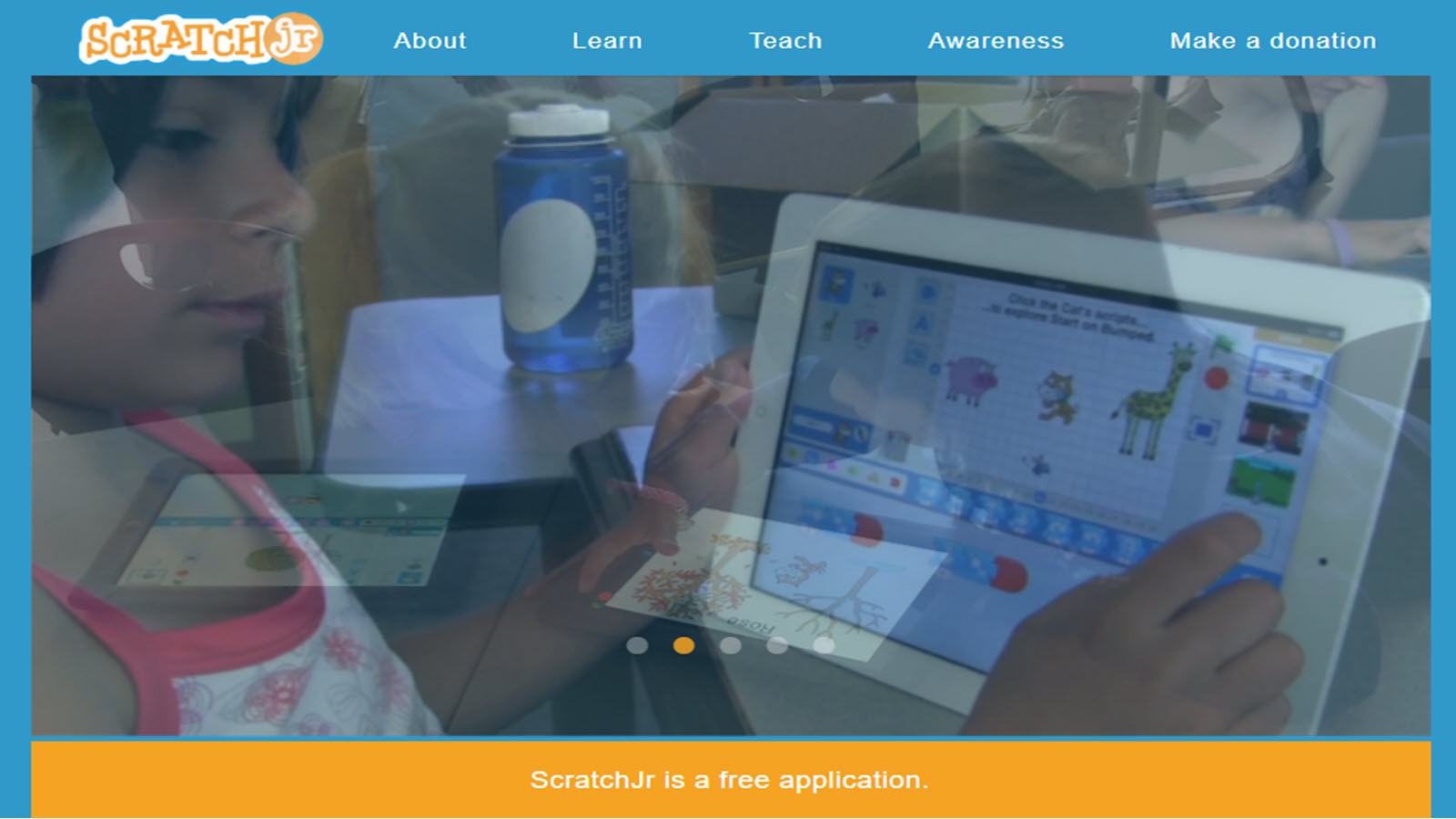
ScratchJr, from the Scratch team, lets young children build simple stories and games by snapping blocks. A seven-year-old can make a character move, talk, and react. That is early coding without a text language. Sequence, cause, and effect show up as the child tests a project and fixes what did not happen. The first project needs an adult nearby. After that, many kids repeat the pattern on their own. Saved projects give a reason to return and add one more page to the story. It will not drill sight words or addition facts. The lesson is planning. Some children love the open page. Others freeze if no one suggests a first idea, such as “make the cat jump.” A short starter scene solves that. It is a strong next step after basic puzzle play, and a good weekend project when school skills already had their turn. Creative kids often talk about their scene at dinner, which is a healthy sign the screen time had a product. The blocks make a plan visible. If the cat does not jump, the child can see which block was missing. That fix is the learning. It asks for more patience than a one-tap game, so it fits a calm weekend better than a rushed school night.
Key features
- Block coding for stories and simple games
- Characters that move, speak, and interact
- Projects a child can save and replay
- No typed code required
Facts and Information
- Made for early elementary creators
- Teaches sequence, cause, and effect
- Best with a short first lesson from an adult
- Creative rather than a full reading or math path
- Strong next step after basic puzzle play
10. Duolingo ABC
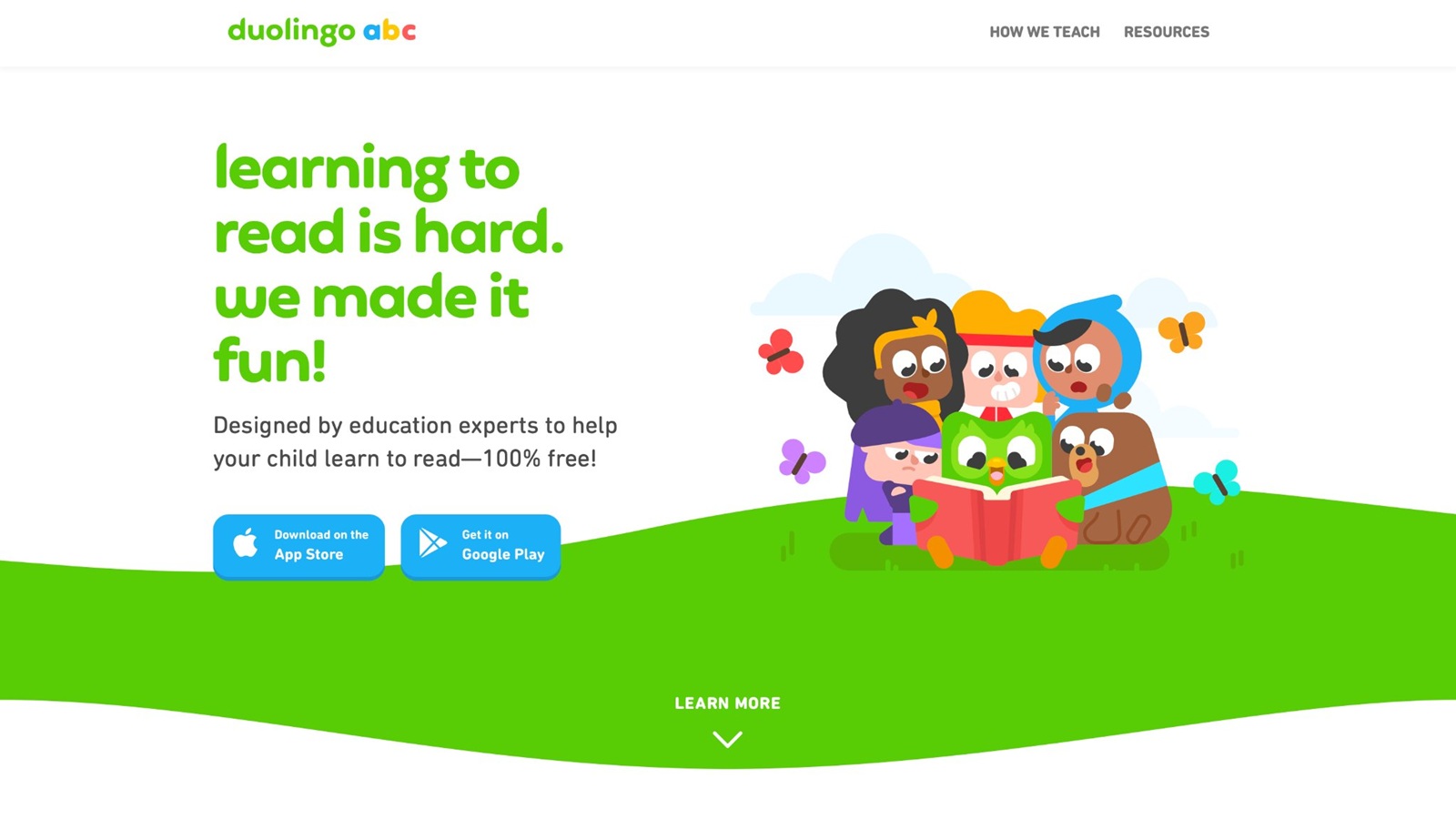
Duolingo ABC is a free reading app for early learners, with letter sounds, tracing, and short stories and no ads. A seven-year-old who is still building fluency can practice phonics in small steps. Audio is clear, and tracing gives the hand a job while the ear hears the sound. Lessons stay short, which fits a child who tires of long passages. Confident readers may finish levels quickly and want longer books. It is a clean reading add-on, not a full play library with pets, science, or math quests. There is no wide story world beyond the reading path. That limit is fine if words are the goal for the day. Families often open it for a ten-minute word session, then switch to a care game or a puzzle. The lack of ads keeps the focus on the letter. It will not replace a richer afternoon of play, but it is an easy, calm tool when reading still needs a daily rep. A child can trace a letter, hear it, then meet it in a short line. That loop is simple enough to repeat every day. Strong readers may move through it fast, so it belongs with kids who still mix sounds. The quiet design is the reason many parents keep it on the tablet even after flashier games arrive.
Key features
- Letter sounds, tracing, and early stories
- Short lessons with clear audio
- Ad-free reading practice
- Gentle pace for new readers
Facts and Information
- Aimed at early reading, about ages 3 to 8
- Useful beside math or logic games
- No story world beyond the reading path
- Some sevens outgrow it once reading is smooth
- Easy to open for a ten-minute word session
11. National Geographic Kids
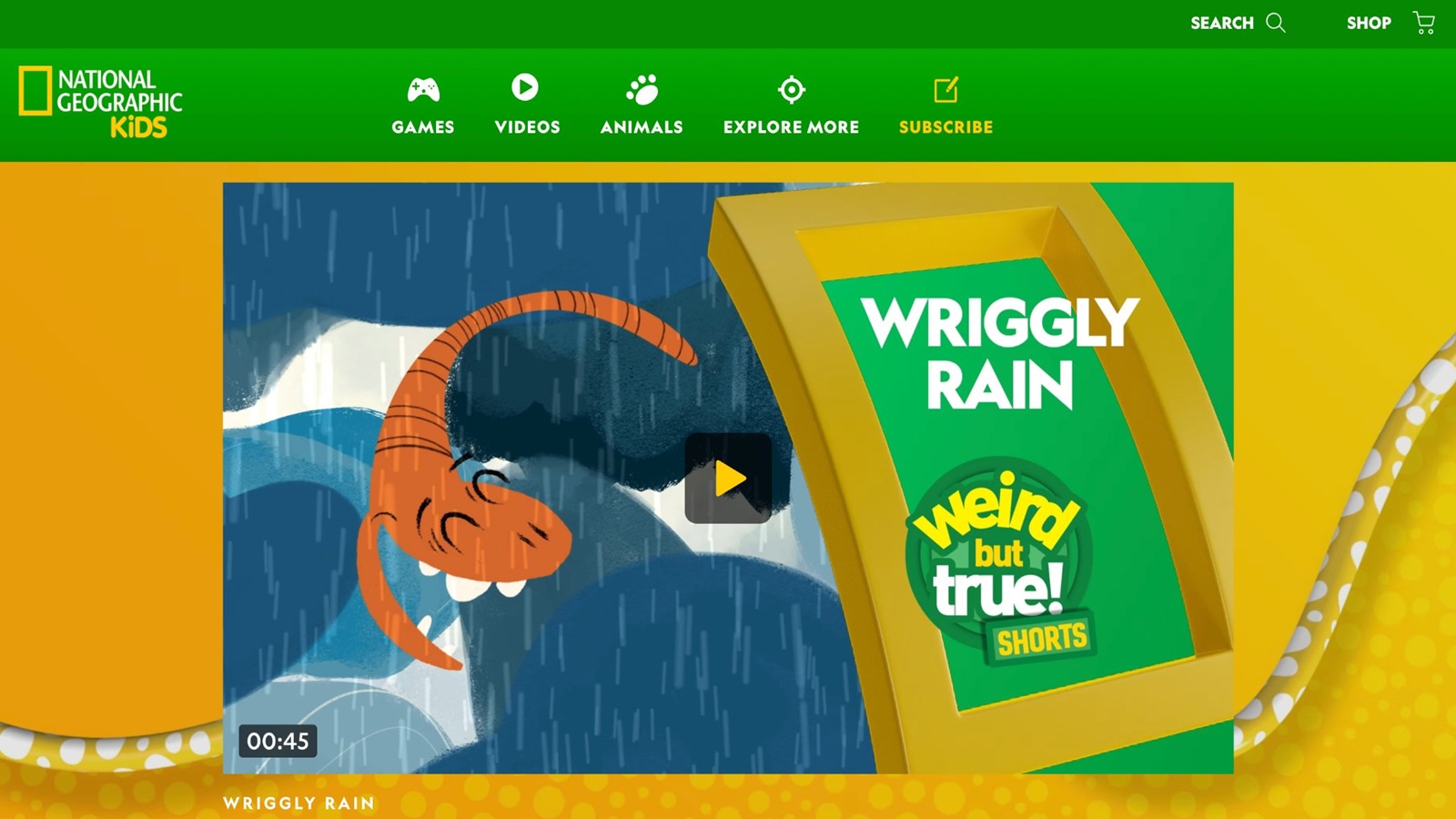
National Geographic Kids mixes animal facts, quizzes, and short games for curious readers. A seven-year-old who loves habitats can practice science words and simple comparisons. Videos and articles sit near the games, so a parent may want to pick the game page first. Quizzes give a light check without a full lesson plan. Photos are a big part of the pull, and many kids retell one animal fact later that day. It feeds wonder more than daily math or phonics. The site is broader than a closed kids app, so younger readers can wander into longer text. A guided visit works better than free browsing. It is a strong weekly session for science talk, not the everyday skills block. Pair it with a reading game and a number game if you want the week covered. Nature themes also give families an easy bridge to a zoo book or a backyard walk after the screen goes off. A child might sort animals by home, then say why a polar bear does not live in a desert. That comparison is real science talk for age 7. The page is busier than a single-purpose app, so a parent pick keeps the visit on the game. Use it when curiosity is the goal, not when the child still needs a daily word rep.
Key features
- Animal facts, quizzes, and science mini-games
- Habitat and nature themes
- Short activities for curious readers
- Facts a child can retell later
Facts and Information
- Strong science and nature flavor
- Better for kids who can handle a bigger page
- Works as a weekly wonder session
- Less structured than a skills path
- Pairs well with a daily reading or math game
12. Teach Your Monster to Read
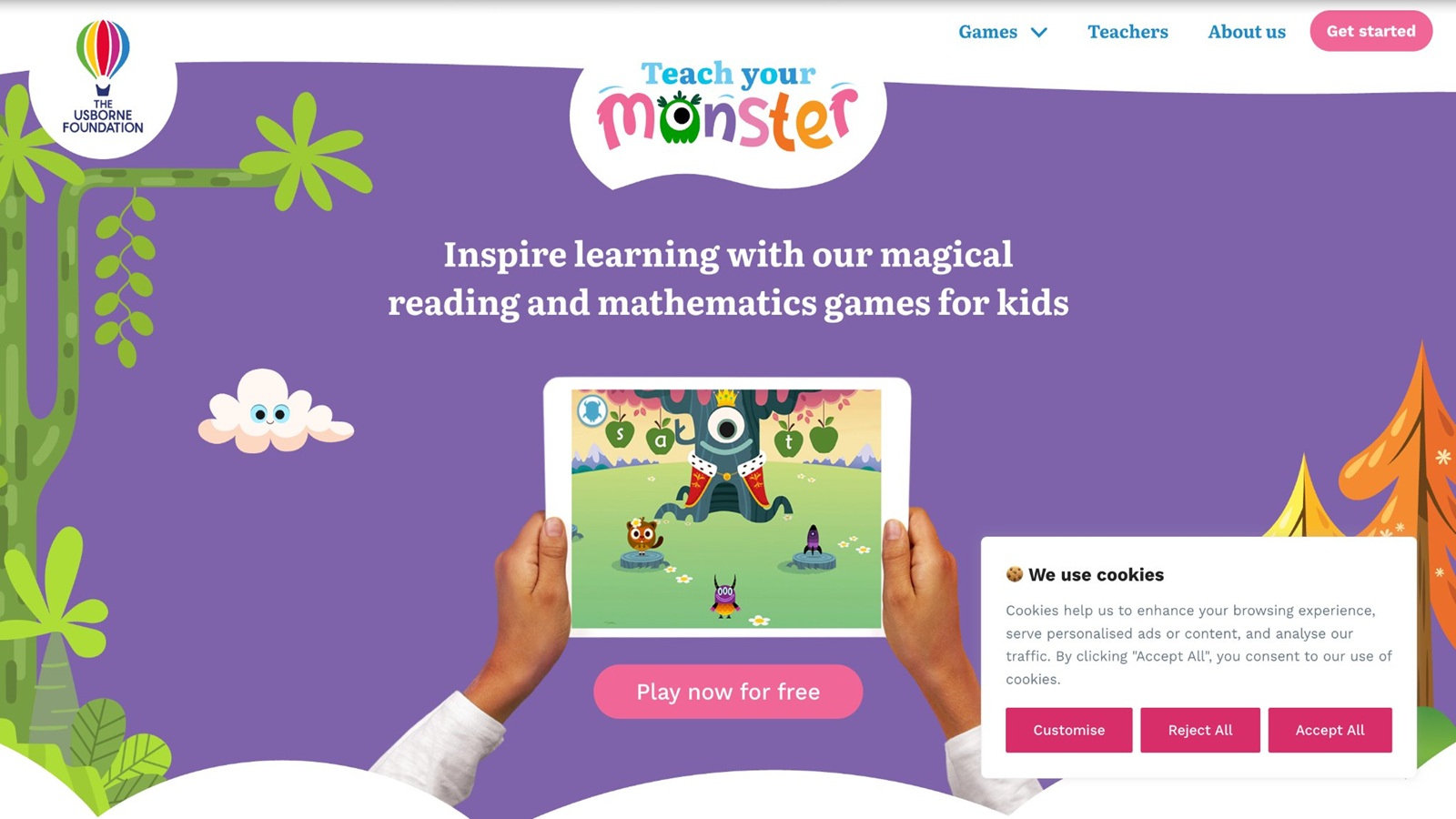
Teach Your Monster to Read turns phonics into a monster-taming game. Children build a monster, then move through letter sounds, blending, and short reading tasks. A seven-year-old who still mixes vowel sounds often stays longer because the character feels like theirs. The path follows a clear reading order, which helps if school phonics feels jumpy. Mini-games break up the drills. Audio support lets a child try alone after the first round. It is a reading game, not a math or life-skills world. Some kids rush the monster rewards and skim the sounds, so a parent listen-in still helps. The art is playful without being noisy. It fits the child who needs reading practice but rejects a plain worksheet. Once reading is smooth, the game has less to offer, and a wider library should take the extra days. Until then, it is one of the clearer phonics picks for this age. The monster gives the drill a face. A child who would refuse a letter sheet may still blend sounds to help that character. Listen for the sound, not only the cheer. If the child can say the blend after the round, the game did its job. If they only talk about the monster, replay the sound once before the screen goes off.
Key features
- Phonics path with letter sounds and blending
- Custom monster character
- Story-style mini-games around reading tasks
- Audio support for independent tries
Facts and Information
- Built around early reading rather than many subjects
- Useful when school phonics still needs backup
- Character care keeps some kids in the lesson
- Best with a short parent listen on new levels
- Narrower once reading is already strong
13. SplashLearn
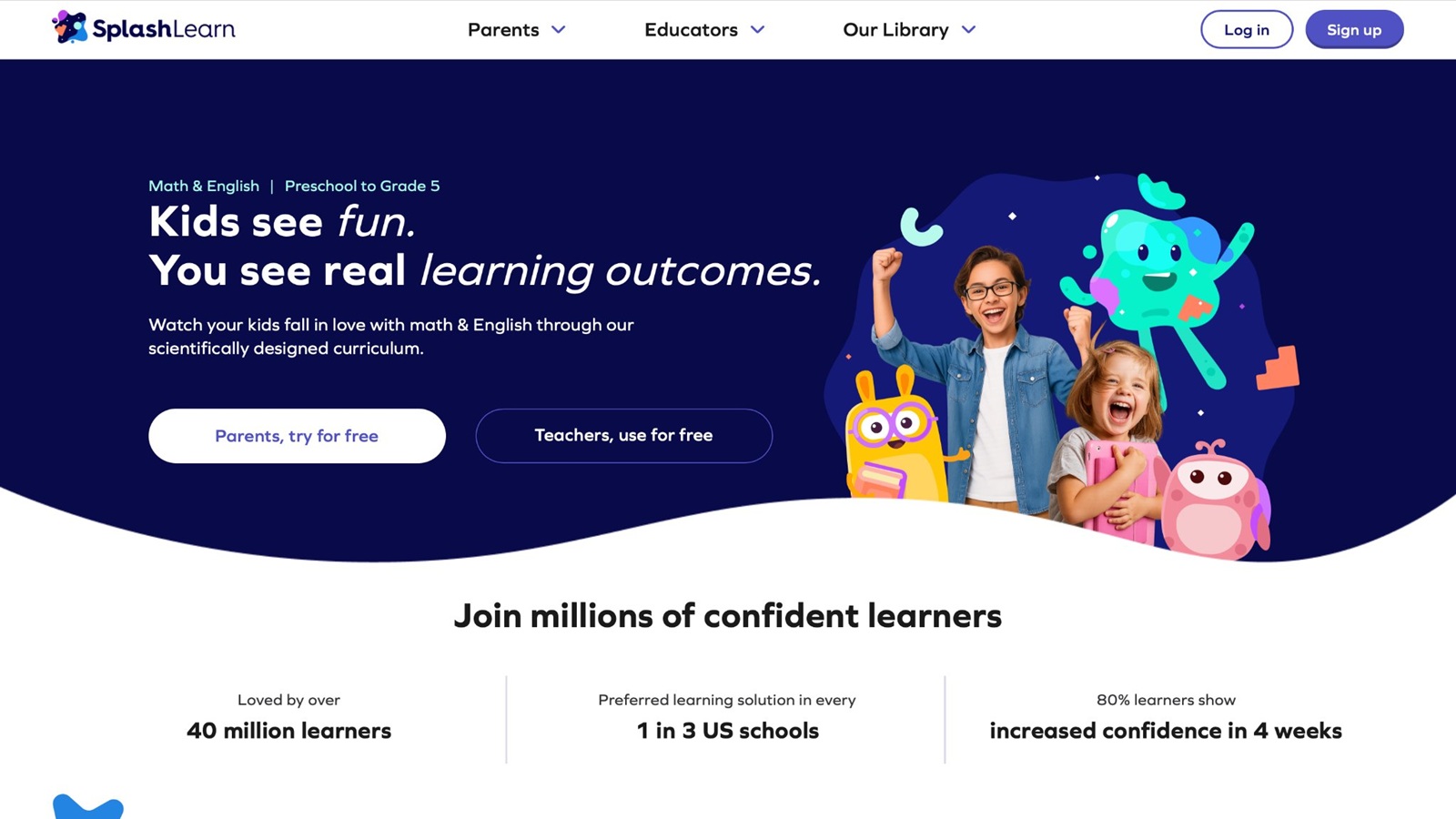
SplashLearn offers math and reading games aimed at early grades, with short activities a seven-year-old can finish in one sitting. Counting, adding, shapes, and word work show up as bright tasks instead of long tests. Reports can show a parent which skills got practice. The style is closer to school practice than to pet care, which some kids like and some resist. Adaptive steps try to meet the child where they are, though a too-hard item can still stall a session. It will not build kindness stories or open creative worlds. Use it when you want a clear skill block, then switch to a calmer story game for the rest of the screen time. Live classes exist on the wider platform, but the games alone are enough for home play. A set goal, such as one adding game, keeps the visit from turning into menu hopping. A child who likes a score may stay with the task. A child who wants a pet to feed may leave. That split is useful. Put SplashLearn on the skill day, not on the cuddly-play day. Parent reports help you see if adding got real time or if the child only opened the menu. One finished game is a better session than five half-starts.
Key features
- Math and reading games for early grades
- Short tasks on number sense and words
- Parent view of practiced skills
- Bright, simple game rounds
Facts and Information
- Often used as extra practice beside school
- Covers adding, shapes, and early reading skills
- Less story depth than character-care games
- Works best with one skill picked in advance
- Fits a short after-school practice block
14. Reading Eggs
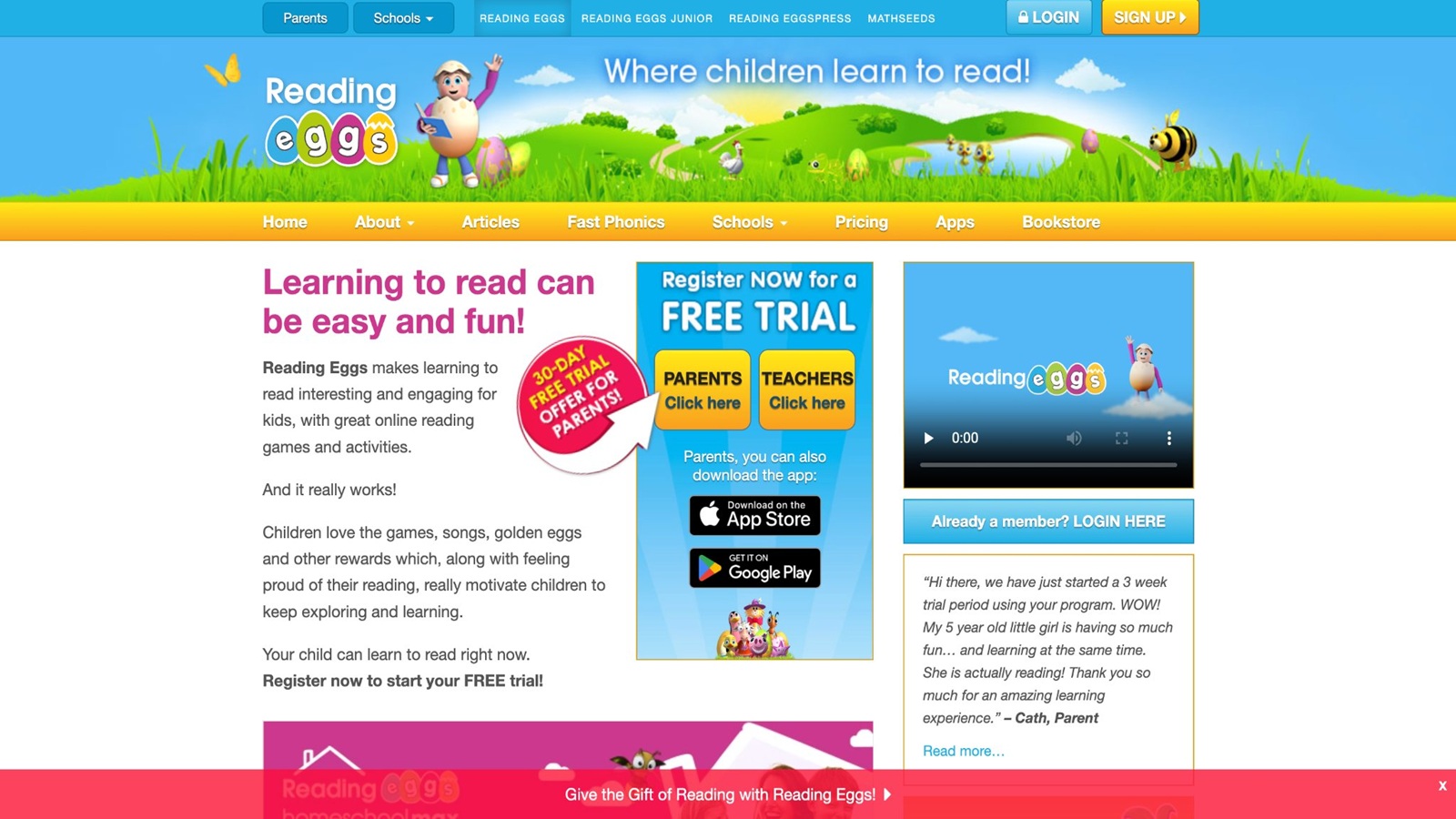
Reading Eggs, from 3P Learning, is a structured reading program with games, books, and lessons for early readers. A seven-year-old can move through sounds, sight words, and short books in a set order. Rewards and a map give a sense of progress. Lessons are clearer than a random browser game, which helps if reading is the main goal. The tone is more lesson than free play. Some children enjoy the map. Others want to skip to the games and miss the teaching clip. A parent can pick the lesson and leave the reward game as the finish. It does not cover math, science, or care play in a deep way. Spelling practice sits nearby for kids who are ready. It belongs in a reading week, next to a more playful library for the other days. The structured order is the real strength when phonics at school needs a matching path at home. A short book at the end of the lesson lets the child use the words they just met. That handoff from lesson to story is the part worth keeping. Kids who want open play may fidget through the clip, so sit in for the first lessons. After the path is known, many sevens can run one lesson alone. Keep it as the reading block, not the only game on the tablet.
Key features
- Phonics, sight words, and short books in order
- Lesson clips plus reward games
- Map-style progress
- Spelling practice for ready readers
Facts and Information
- Made as a reading path for early elementary kids
- Clearer order than an open game menu
- Lesson tone may feel school-like to some sevens
- Best when an adult sets the day’s lesson
- Pairs well with a creative or care game later
15. Homer
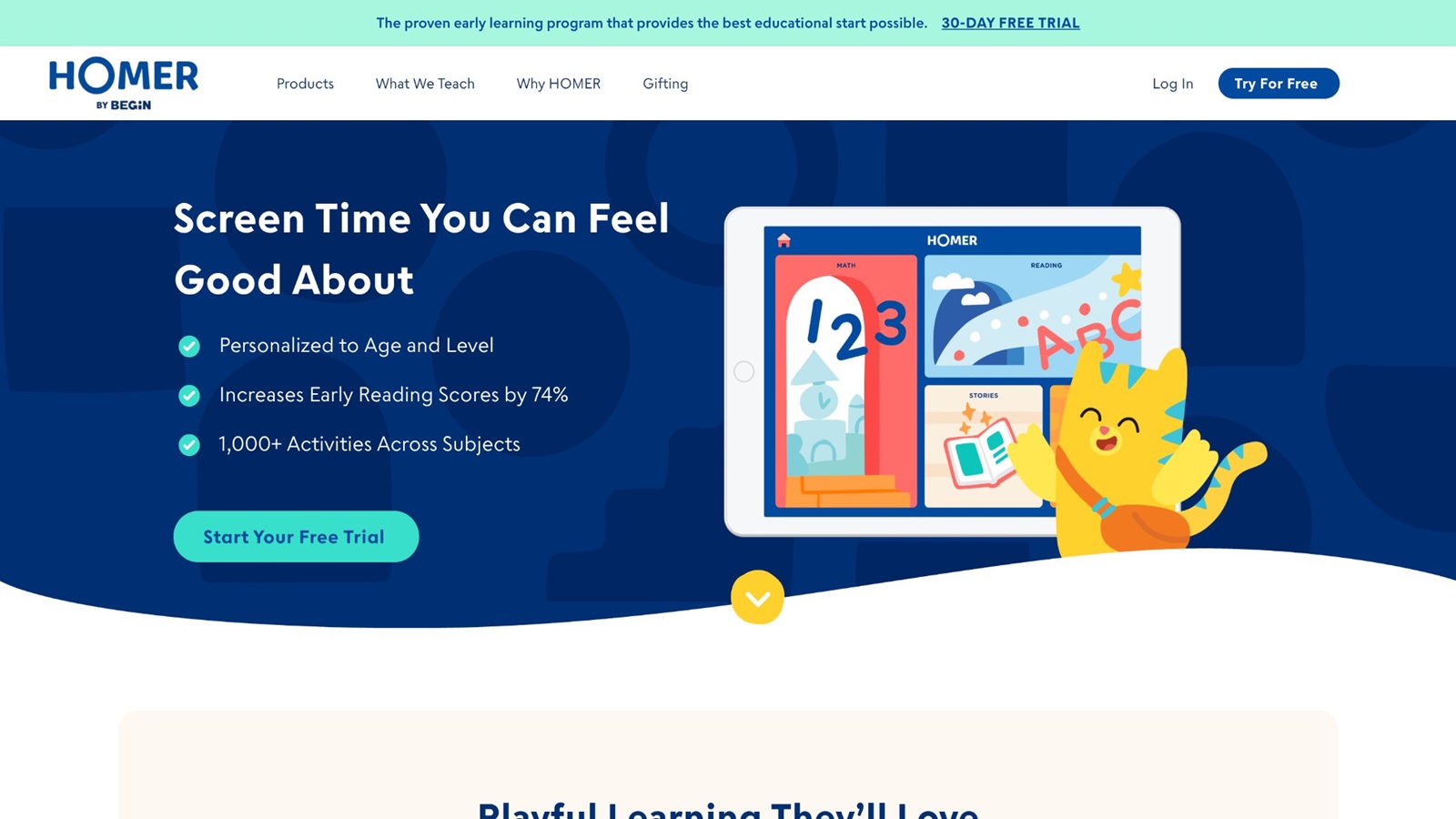
Homer, also called Learn with Homer, blends reading paths with stories, songs, and some math for younger children, and many sevens still fit the upper end. Kids pick an interest, then meet characters inside short lessons. The reading sequence is guided, which helps a child who gets lost on an open menu. Songs and stories soften the practice. Interest-based starts can raise buy-in, especially if the child cares about animals or vehicles. It is lighter on logic puzzles and life-skills play than a care game. Some sessions feel young if the reader is already chapter-book ready. Parent profiles keep siblings apart. Use it for reading confidence, then add a number game or a puzzle game if the week needs more. The character stories are the hook. The skill path is the reason it stays on a learning list. A child who picks animals may meet new words inside a scene they already like. That match keeps the lesson from feeling random. Strong readers may finish the path quickly, so watch the first week. If every task feels easy, move the extra days to a harder puzzle or a longer story. For a seven-year-old still building fluency, the songs and short scenes are a gentle daily rep.
Key features
- Guided reading with stories and songs
- Interest-based starts for young readers
- Some math beside the reading path
- Separate profiles for siblings
Facts and Information
- Aimed at early readers, with room for age 7
- Stories carry a lot of the practice
- Can feel young for strong readers
- Better for reading confidence than open creative play
- Works as one part of a wider game week
Skills That Grow When Play Has a Job
At seven, school asks for more independent work. Games help when they rehearse the same muscles without a worksheet look. Reading games should ask the child to hear a sound, match a letter, and use the word. Math games should ask for a pattern, a sum, or a shape reason. Logic games should allow a wrong try. That second try is where focus grows. Educational games for kids hold those school skills in short rounds a child can finish alone.
Kindness play matters just as much. A child who feeds a pet, helps a baby character, or finishes a clean-up scene practices care in a way a quiz cannot copy. Fun games that are educational for kids still teach when the child can name the task they finished. Creative rooms, such as decorating or dress-up quests, give a place for choice. Dress up games for girls online are one way that choice shows up, and confidence building games grow from finishing the look or the chore. Choice is what keeps a seven-year-old coming back tomorrow.
A simple week plan is enough. One reading round, one number round, and one care or puzzle round. Learning through play examples show how those three jobs can share a week. Stop while the child still wants another turn. That ending keeps the habit warm. Emotional games for kids fit the care slot when the child is ready to name a feeling out loud.
Screen Habits That Keep Learning Intact
The game is only half the session. The other half is how the family opens and closes it. A set spot, such as after snack and before free play outside, beats random tapping. Say the skill out loud before the screen goes on. "Today we practice adding," or "Today we help the pets." That one line gives the play a job. A family weekly planner can hold that spot so the tablet does not drift through the afternoon.
Sit nearby for the first minutes of a new title. Seven-year-olds can run a known game alone, but a new map still needs a guide. Ask one question at the end: what did you make, or who did you help? If the answer is only "I won," try a different title next time. Learning games for kids online earn their place when the child can retell the task. How to protect kids online covers the same idea from the safety side, with a known library instead of an open page.
Shared devices need a simple rule. One profile, one timer, then the tablet rests. The FAQ section covers how a family login works across devices, which helps when siblings share a tablet. Tablet games for kids stay calmer when that login is the only door in. Calm endings matter more than a perfect score. The web FAQ walks through play on a family computer when the tablet is already in use.
FAQ
What are the best online learning games for 7 year olds?
The best online learning games for 7 year olds give a child a clear job and a reason to finish it. At this age, a good round can hold reading, early math, logic, or kindness, but it should not try to teach all of those at once. Short tasks work better than a long map. A child who can follow two or three steps is ready for pet care, word play, number puzzles, and simple stories, as long as the rules stay easy to say out loud. A closed, ad-free library is easier to trust than a page that changes every visit. Online games for kids educational that mix care tasks, puzzles, and story scenes keep the play in one calm place a family can share on a tablet. The useful test comes at the end. The child can tell you what they made, which word they used, or who they helped. If the only answer is that they won, the round did less teaching than it looked like. Familiar characters help, but the task still has to be real. A cute pet that never asks for a choice is only a cartoon.
How long should a seven-year-old play learning games?
Many children this age do well with short rounds, then a break away from the screen. Ten calm minutes on one skill often beats a long sit with several games open. A timer the child can see helps the ending feel fair, and a set spot after snack works better than random tapping through the afternoon. Name the job before the screen goes on, such as words, adding, or helping. That one line gives the play a purpose and makes the stop easier to accept. Pair the screen with a real task after, such as reading a page aloud, setting the table, or telling you the puzzle plan. Shared devices need one profile and one stop time, then the tablet rests. Educational games for kids on iPad stay easier to close when that timer is part of the session. Stopping while the child still wants another turn keeps the habit warm. A long session that ends in fussing usually means the next day starts harder. Sit nearby for the first minutes of a new title. A known game can run alone. A new map still needs a guide, even when the child is seven and proud of doing things without help.
Can learning games help with reading and math at the same time?
Yes, if the jobs stay split across the week. One game can hold sounds, letters, and short words. Another can hold counting, patterns, shapes, or early adding. A pet-care story can carry spelling, while a puzzle room can carry numbers, so both skills show up without crowding one sitting. Trying to cover every subject in a single title often makes the session muddy, and the child remembers the prize more than the task. Two focused games are a clearer plan for most homes. Kids educational games can cover the school skills, while care play covers patience and kindness. Ask the child to say the word or explain the next number step before the screen goes off. If they can do that in their own words, both skills are getting real practice, not just taps. A wrong try belongs in the plan too. The second attempt is where number sense and reading both grow. One reading round and one number round on the same day is plenty. Saving a third skill for tomorrow keeps each session sharp.
Are ad-free games better for this age?
Ad-free games keep a child’s eyes on the task. Pop-ups and video ads pull attention away from the word, the sum, or the puzzle, and some kids struggle to come back to the lesson. A single login with many titles also means fewer surprise downloads and a calmer end to the session. Quiet reward sounds help too. Loud flashes can make a seven-year-old rush past the part they were meant to learn. You still want to sit nearby for the first minutes of a new game, even in a safe app, because a new map can confuse a child who is fine with a known one. Safety and focus both grow when play stays inside a known library with a parent area for time limits. Free online games for kids fit this age better when nothing on the screen is selling the next tap. A calm screen is easier to close, and an easy close makes the next session easier to start. Ads also teach a bad habit. The child learns to chase the bright box instead of the word or the sum. A quiet library keeps the lesson in the room.
What should parents look for in online learning games for seven-year-olds?
Look for a game the child can explain in one line, such as words, caring, or puzzles. Two or three steps, a chance to try again, and as a result the child can see all fit this age. A wrong try should be allowed. That second plan is where focus grows. Kindness tasks matter as much as letters and numbers. Feeding a pet, helping a character, or finishing a tidy-up scene builds patience in a way a bare quiz cannot copy. Creative rooms, such as decorating or a short story quest, give a place for choice, and choice is what brings a child back the next day. Educational games for kids that are fun earn a place when the child names what they made or who they helped. A simple week is enough: one reading round, one number round, and one care or puzzle round. If you cannot name the skill before play starts, the library is too wide for this week. Narrow it, then add a new title only after the first ones feel easy. Watch the ending, not only the start. A child who can retell the task, then put the tablet down, has had a learning session. A child who cannot say what happened has mostly had noise.
Read Also:
- Best Kids Learning Games Online in 2026
- Best Online Puzzle Games For Kids In 2026
- Best Interactive Online Games For Kids In 2026
- Best Fun Games For Kids Online In 2026
- Best Online Games For Children In 2026
Give your seven-year-old calm learning games that feel like playing with TutoClub!