


Best Online Games For Children In 2026






Parents searching for the best online games for children in 2026 want play that feels fun and still helps kids grow. A TutoClub subscription brings many ad-free learning games together, so children can practice kindness, focus, and creativity without noisy pop-ups.
Families who want that growth to stay playful can start with learning games for kids that mix stories, puzzles, and kindness practice in one calm place. Kids educational games keep focus and creativity moving without ads, while dress-up games for girls online let children try on roles and styles in short, finishable sessions. Parents who care about screen time can wrap it all in safe apps for kids that match the same ad-free TutoClub home.
Give your child screen time you can feel good about with TutoClub!
What Makes an Online Game Good for Kids

A strong kids game is easy to start, clear in its goals, and kind in its tone. Young players need short sessions, bright characters, and tasks they can finish. Parents need a calm space with no chat from strangers and no surprise store buttons. That mix is what many families look for when they read about kid games that are educational.
Look for play that builds more than one skill at a time. Caring for a pet can teach patience. Sorting toys can teach order. A simple story can grow words and feelings. Social emotional games for kids show how pretend care can grow kindness without a lecture. The same idea sits behind many safe apps for children that keep ads and stranger chat out of the session.
Age fit matters. Preschoolers do well with tap-and-care games. Early readers enjoy letters and sounds. Older kids may want building, coding, or math wrapped in a quest. The right pick matches the child you have today, not a child five years older. Safety is part of the design, not an extra setting. Ad-free play, COPPA-aware privacy, and content made for little hands help families stay at ease. Many families also like games that work on a phone, tablet, and a second device with one login.
When families compare options after reading about safe, age-fit play, it helps to start with the best free online games for kids that stay ad-light and session-short. From there, look at the best learning games for kids online that fold letters, numbers, or kindness into a simple quest. The strongest picks often sit among the best online educational games for kids: clear goals, one-login play across devices, and no stranger chat - so the game matches the child you have today, not a store button they did not ask for.
How Families Can Keep Screen Time Useful
Useful screen time has a start and a stop. Sit with your child for the first session. Name what they are practicing. “You fed the pet. That is care.” Short words like that turn play into a habit kids can carry off the screen. Learning through play activities work the same way at the kitchen table after the tablet is closed.
Pick a small set of titles and rotate them. A huge library can scatter attention. A focused set of educational games for kids at home keeps the mood calm and the skills clear. A family weekly planner can hold the play window next to meals and outdoor time so the day feels steady.
Play together when you can. Shared turns build talk and patience. After the device goes down, keep the idea going with a real chore, a drawing, or a story. That link between the game and daily life is what many parents want most. Learning through play examples help you spot that link in ordinary moments.
Devices work better with simple house rules. Charge in a shared room. Use a parent account. Download only what you chose. Most TutoTOONS titles need the web to install, then many can be enjoyed offline, which helps on trips.
Best Online Games For Children In 2026
1. TutoClub - Best Online Games For Children In 2026
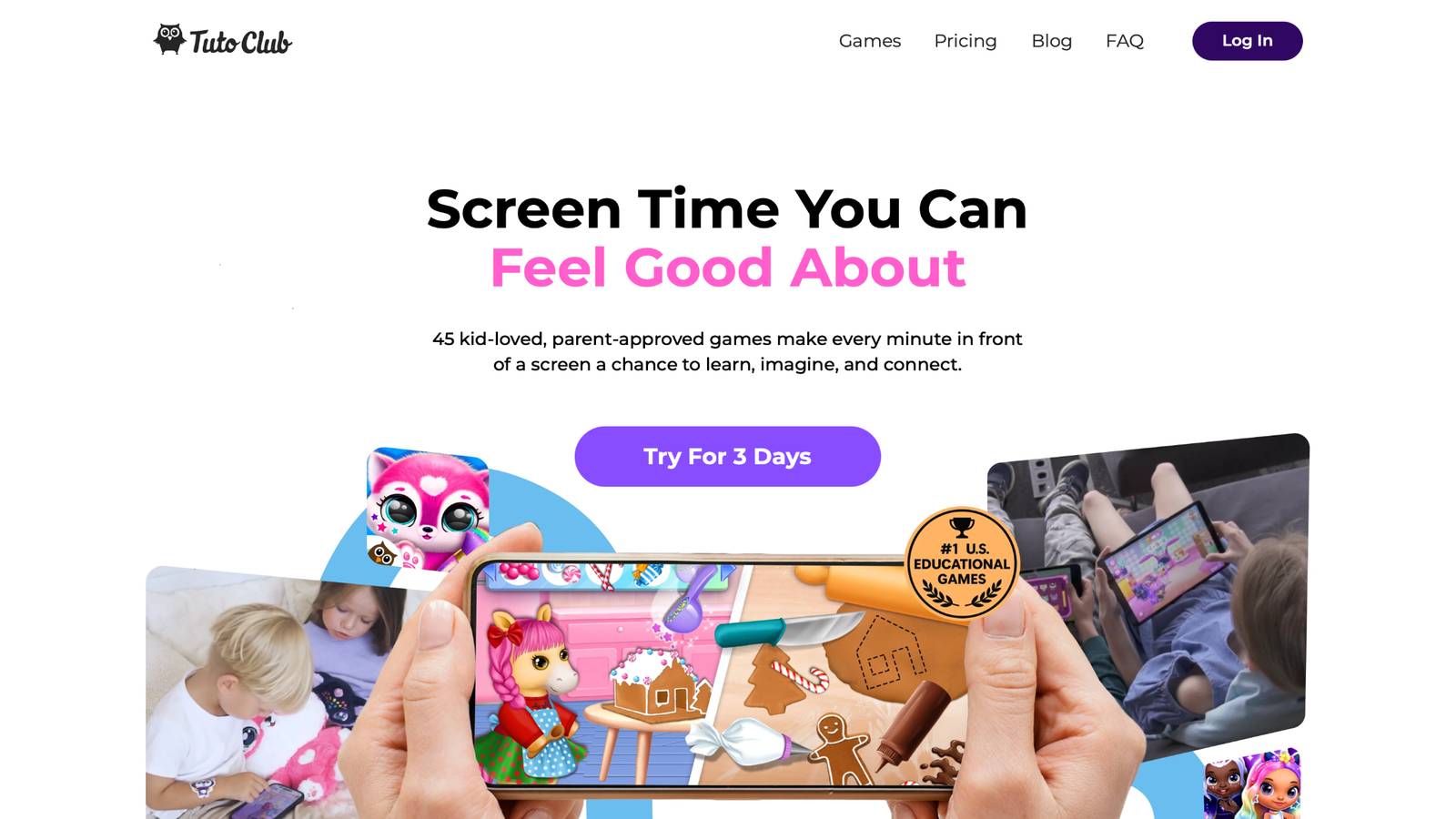
TutoClub educational games for kids open a large set of TutoTOONS titles with one family login. The studio is based in Lithuania and builds bright care-and-create games for young children. Hits such as Fluvsies, Smolsies, Giggle Babies, My Baby Unicorn, and Kpopsies sit in that same collection. Kids hatch pets, help baby characters, tidy rooms, dress dolls, and dance with unicorns while they practice empathy, focus, and simple life skills. Many of those titles also work as mobile games for kids on a phone or tablet the family already owns.
Play stays ad-free, with in-app extras unlocked for members and content made for ages that still love pretend care. Parents get a family-friendly space, updates, and use across devices. After the first download, many games work without a constant connection. The tone is gentle, colorful, and built so screen time can feel like quality time.
TutoClub Overview
TutoClub is your gateway to a magical world of educational games designed especially for children.
As part of TutoTOONS, a leading kids' games studio, we offer premium access to over 45 ad-free games.
Our mission is to blend learning and play, helping kids explore, create, and grow in a safe online space.
Thousands of parents trust us for family-friendly content that sparks imagination and builds essential skills.
Key Features
- Unlimited Access: Unlock full content in all games with no interruptions.
- Ad-Free Experience: Enjoy seamless play without any ads or distractions.
- Skill Development: Games foster creativity, social skills, communication, and more through fun activities like pet care and cleanup challenges.
- Regular Updates: Get new releases, exclusive content, and future updates automatically.
- Easy Subscription: Cancel anytime with no obligations, simple and flexible for families.
Explore Our World
TutoClub provides a rich ecosystem of educational games for kids, featuring ad-free experiences that promote creativity, focus, and emotional growth through play.
This platform turns screen time into valuable learning opportunities, with parent-approved content that builds essential skills and sparks curiosity in young minds.
- TutoClub Games: Over 45 educational games, including popular titles like Fluvsies, Smolsies, and the Sweet Baby Girl series
- Blog: Insights, tips, and stories for families on kids' learning and play
- FAQ: Comprehensive answers to frequently asked questions about subscriptions, features, and more
Get TutoClub on Your Device
TutoClub delivers premium kids educational games directly to your mobile devices, making learning accessible anytime, anywhere.
With apps available on major platforms, families can easily download and subscribe for ad-free play that turns screen time into skill-building adventures.
Perfect for parents seeking safe, engaging content on iOS, Android, or Amazon devices.
Why Choose TutoClub?
We're committed to 100% safe, enriching entertainment that kids love and parents approve.
Join the thousands who've seen their children thrive through playful learning.
Ready to start the adventure?
Try TutoClub and give your kids safe games they will ask to play again!
2. Fluvsies Academy
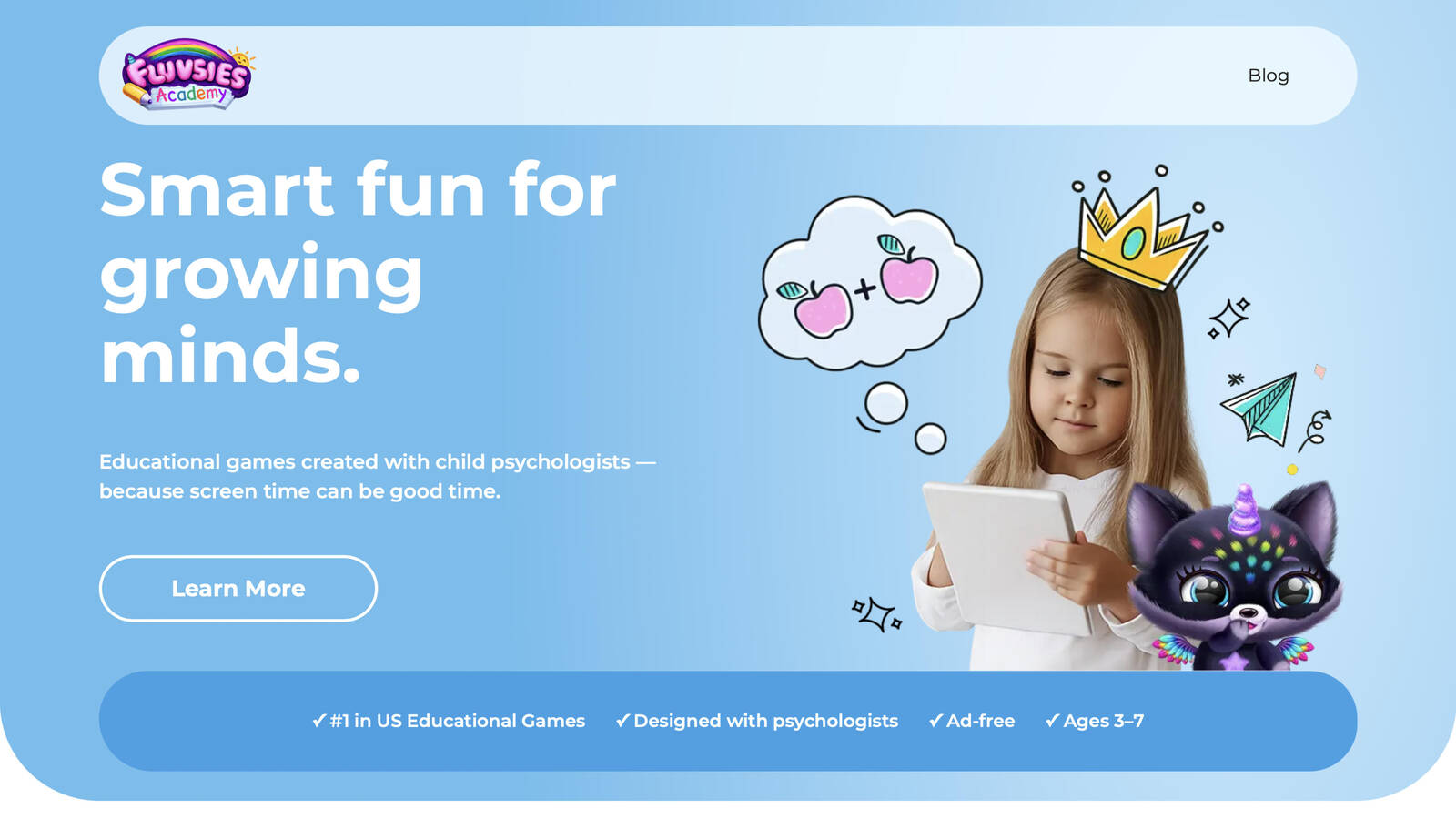
Fluvsies Academy is an early learning home for children ages 3 to 7, made by the same TutoTOONS family that parents already know from pet-care play. Every activity was shaped with child psychologists so the pace stays warm, the art stays friendly, and the tasks match how preschool minds actually work. Kids move through language and phonics, number games, logic and attention, sorting, and life skills. A second path introduces real jobs such as baker, vet, firefighter, and astronaut through simple stories kids can act out.
The app is fully ad-free. There is no outside chat and no random link that pulls a child off the lesson. Parents can follow progress and print extra pages so the idea of brushing teeth or helping at a shop can continue after the tablet is closed. Active games ask for focus and small decisions. Softer profession stories help a child wind down and pick up new words without feeling tested.
Fluvsies Academy works well beside a bigger play library because it is focused. It does not try to be every game at once. It tries to be a calm school-style companion with characters kids already love. Families who want screen time that looks like play and still builds early skills often keep this one in the daily rotation.
Facts and information
- Made for ages 3 to 7
- Five learning areas plus profession stories
- Designed with child development specialists
- Ad-free play with no outside chat
- Progress view for parents and extra printables
- Available on iOS and Android
3. PBS Kids Games
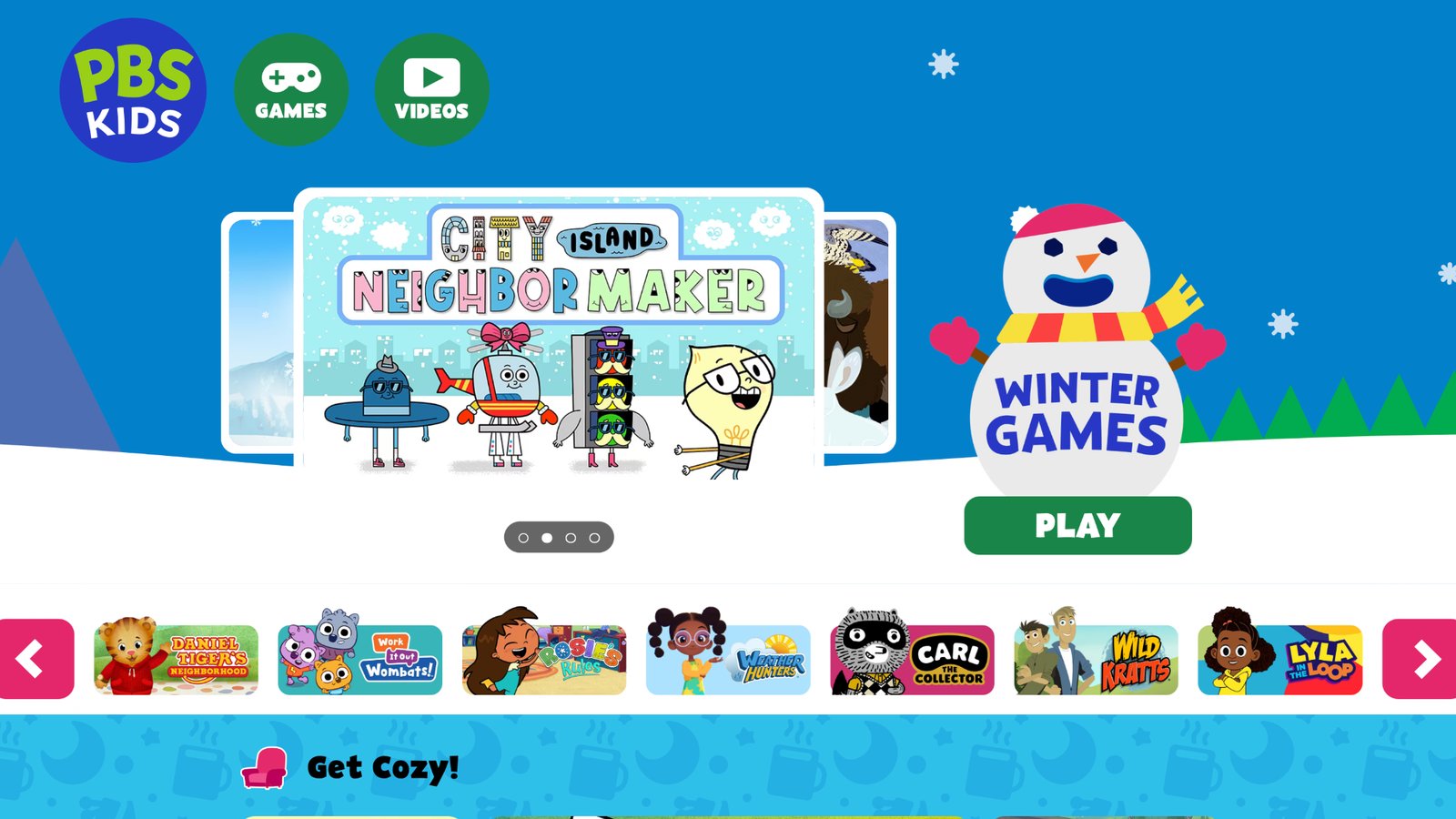
PBS Kids Games is a large free collection built around characters many children already know from television. Daniel Tiger, Wild Kratts, Curious George, Odd Squad, and other familiar faces show up in short activities about feelings, science, letters, teamwork, and everyday problems. The tone is gentle. The goals are clear. A child can finish a round in a few minutes and still feel they did something complete.
The site and the official app are a common first stop for families who want a quiet place to play without hunting through an app store full of look-alike titles. Because the library is wide, a parent may need a minute to match the game to the child’s age. Some activities are light and silly. Others follow a show’s theme more closely, such as kindness in the neighborhood or simple animal facts.
There is no single story world that holds every title together. That can be a plus if you want variety. It can also mean the child jumps from one style to another. PBS Kids works best when you pick two or three games and stay with them for a week. It is a trusted public-media style option, and it pairs well with a more cohesive care-and-create library at home.
Facts and information
- Games tied to trusted kids series
- Strong fit for preschool and early grades
- Covers feelings, science, literacy, and problem solving
- Free to play on the web and in the official app
- Calm style with familiar characters kids recognize
4. Khan Academy Kids
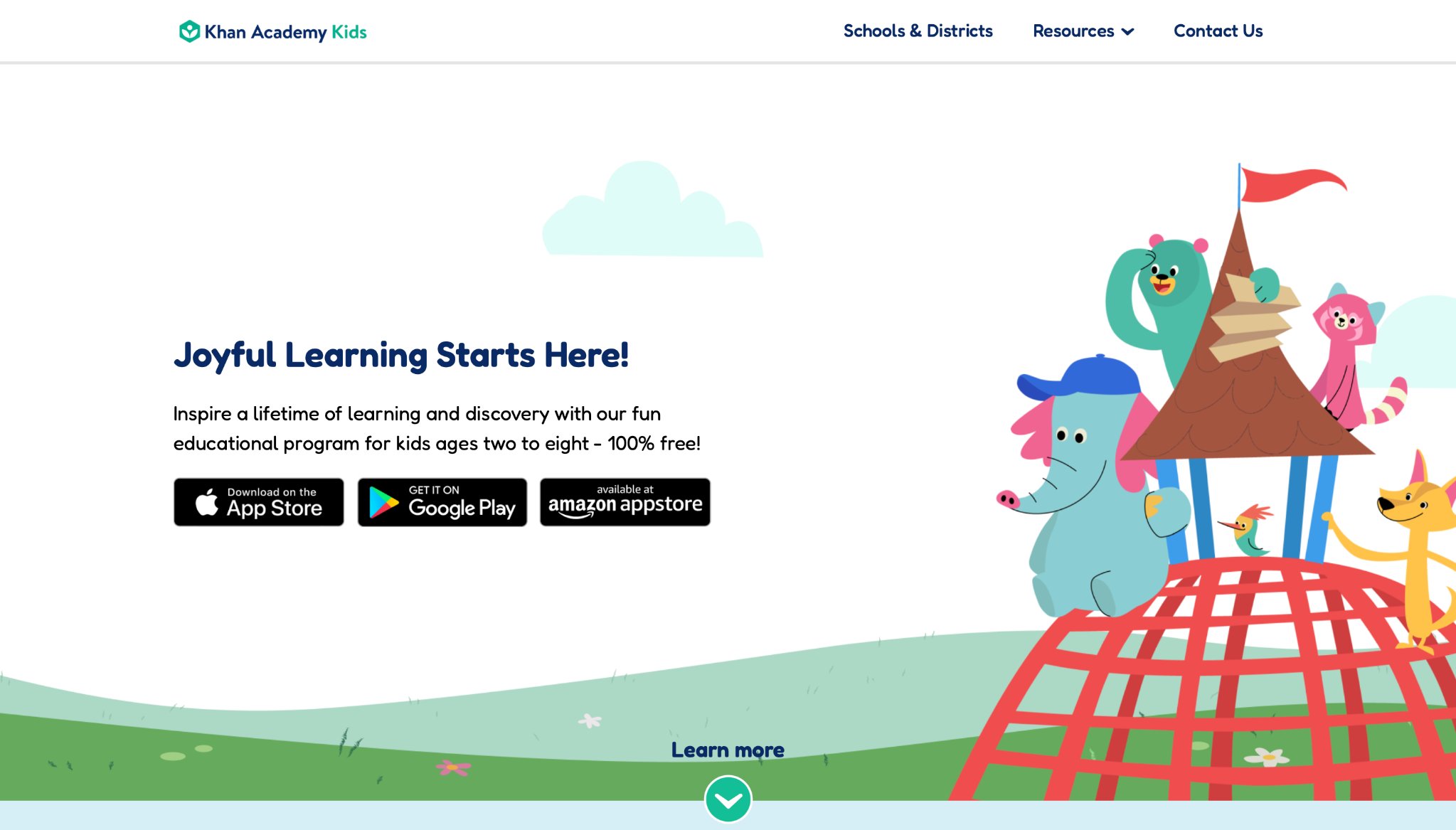
Khan Academy Kids is a free, ad-free learning app aimed at younger children who are still building letters, numbers, and social skills. Stories, tracing, songs, and short games sit on a path that can shift as a child grows. Mixed-age homes like that, because a four-year-old and a six-year-old can both find a next step without a parent rebuilding the whole plan. The look is friendly and school-like. Characters guide the child through a lesson rather than leaving them in an open toy box. That helps families who want daily practice. It is less of a match for a child who only wants to hatch pets, run a salon, or decorate a house. The strength is the learning path. The limit is that it feels more like a classroom helper than a pretend-play world.
Parents who use it well treat it as a morning or after-school block, then switch to a warmer care game for free play. Offline use is possible once content is saved, which helps on trips. For early literacy and math with a kind tone, it remains one of the most used options in homes and some classrooms.
Facts and information
- Early literacy, math, and feelings practice
- Ad-free learning app for younger kids
- Stories and guided activities in one place
- Useful offline once content is saved
- Strong choice for preschool through early elementary
5. ABCya
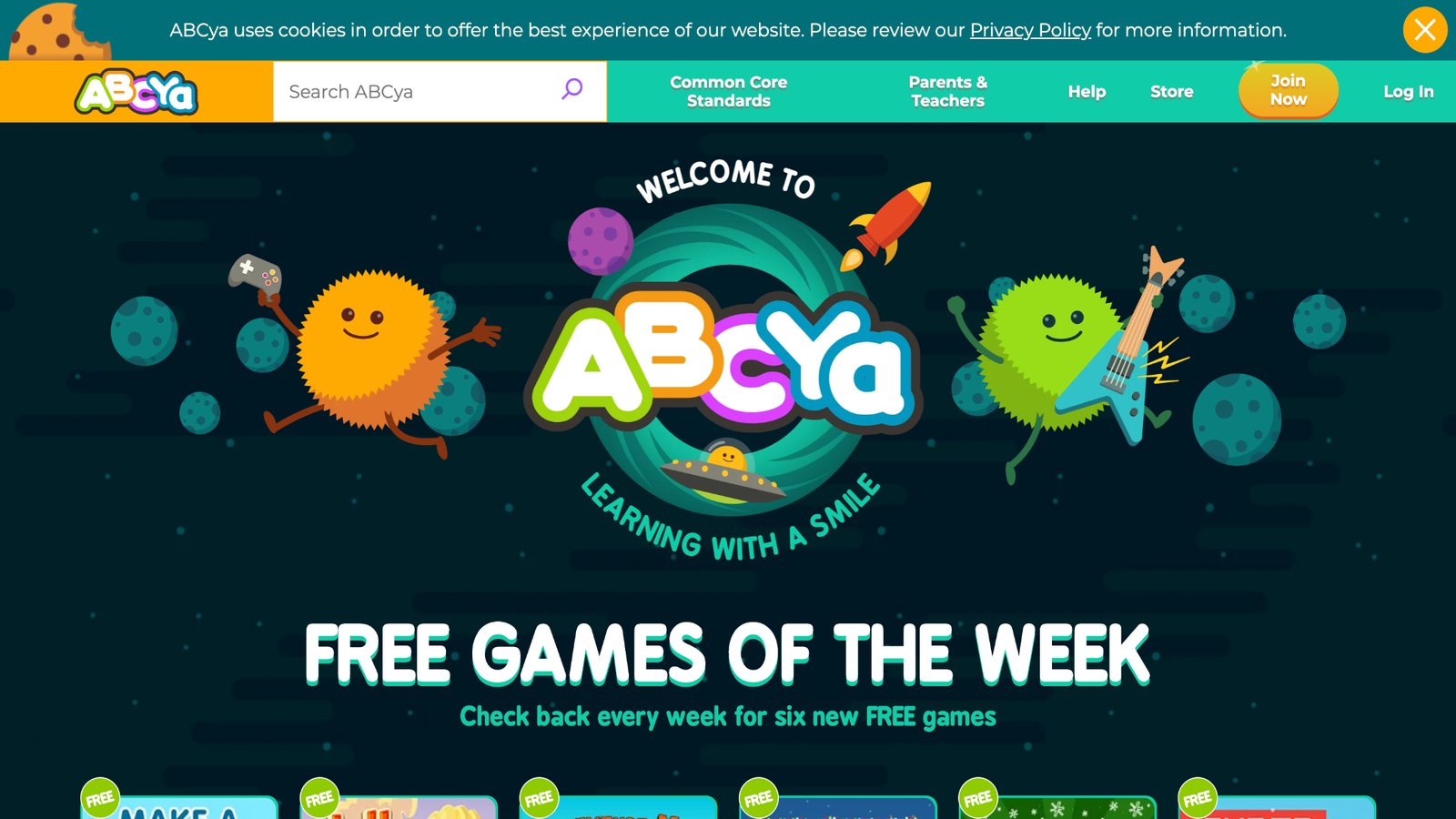
ABCya is a big menu of short games sorted by grade. Math, typing, reading, and logic puzzles make it a regular classroom helper and a quick after-school stop. A child can open one activity, finish it, and move on without learning a new set of rules each time. Teachers like that speed. Busy parents like it too when they only have a few minutes before dinner. The free layer can feel busy. Games sit side by side rather than inside one cozy story. Extra prompts can appear depending on how you access the site, so a parent should still sit with the child at first. Families who want a single world with the same characters every day may find ABCya more like a worksheet arcade than a home for pretend care.
Used with a plan, it is useful. Pick the exact game. Set a timer. Talk about the skill when the round ends. “You sorted those numbers. That is the same as lining up shoes.” That small talk is what turns a quick web game into practice that sticks. ABCya is best as a supplement beside a calmer, ad-free library.
Facts and information
- Games grouped from pre-K through later elementary
- Quick practice for math, words, and typing
- Easy for teachers and after-school use
- Mix of arcade-style play and skill drills
- Works best when a parent chooses the starting game
6. Scratch
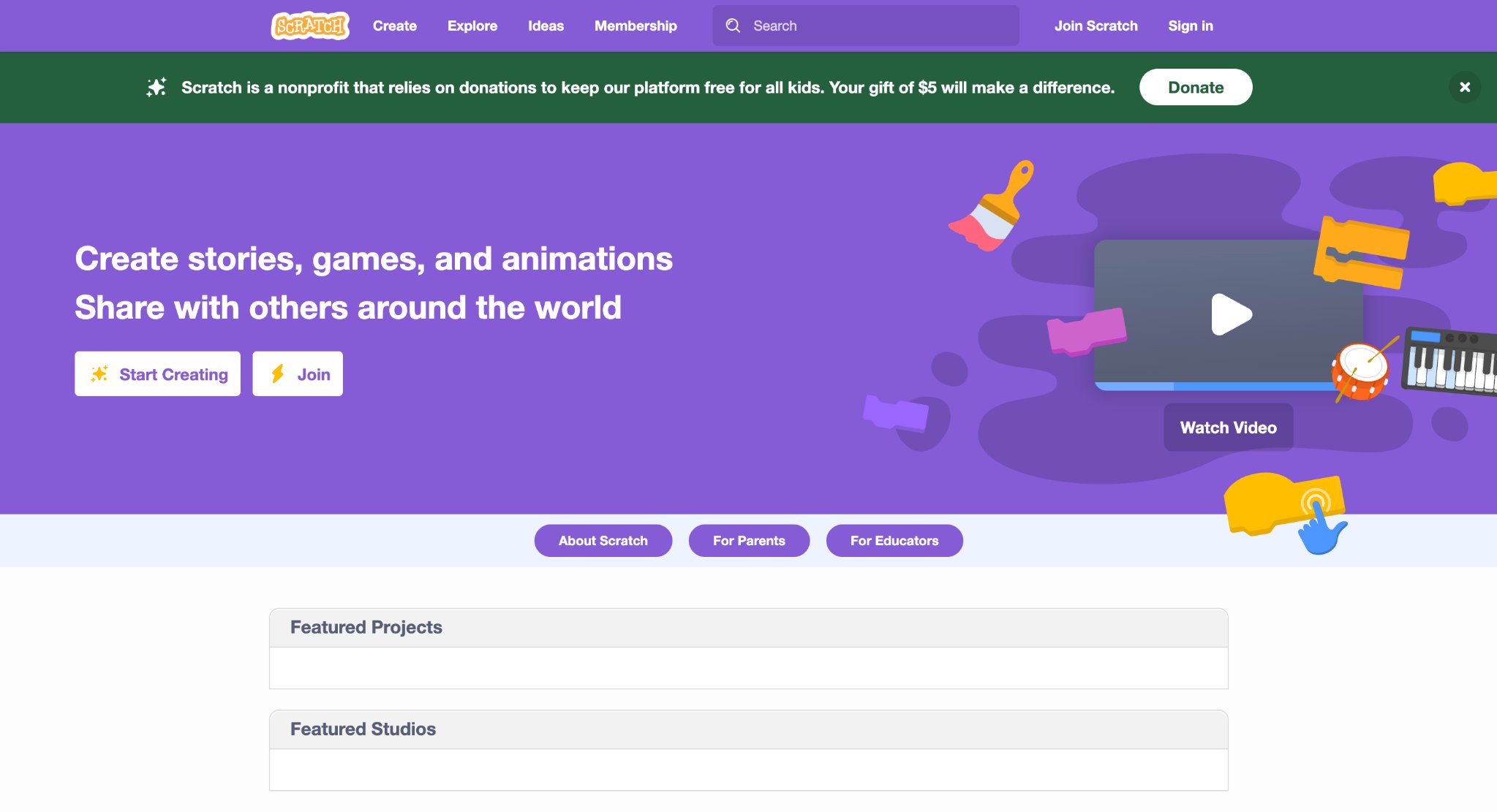
Scratch, from MIT, lets kids snap colorful blocks together to make stories, animations, and simple games of their own. ScratchJr brings the same idea to younger children who are still learning to read. Instead of only tapping through someone else’s world, the child becomes the maker. Sequence, loops, and cause and effect show up in a way that feels like building with digital bricks. These tools ask for more adult help at the start. A first project can stall if nobody is there to say, “Try the move block next.” They are creation studios, not care games. A preschooler who wants to feed a unicorn right now may feel lost. An early elementary child who likes to invent can stay for a long stretch once the first sprite walks across the screen. Homes that use Scratch well keep a simple prompt on a sticky note: make a pet, make a joke, make a race. Share the project with family rather than a wide public board if you want a quieter start. ScratchJr is the gentler door. Full Scratch is the bigger workshop. Neither replaces a warm play library, but both add a maker skill many schools value.
Facts and information
- Block coding for stories, animation, and games
- ScratchJr suits early elementary makers
- Builds planning and creative problem solving
- Strong for home projects and classroom hours
- Community sharing exists on the full Scratch site
7. Minecraft Education Edition
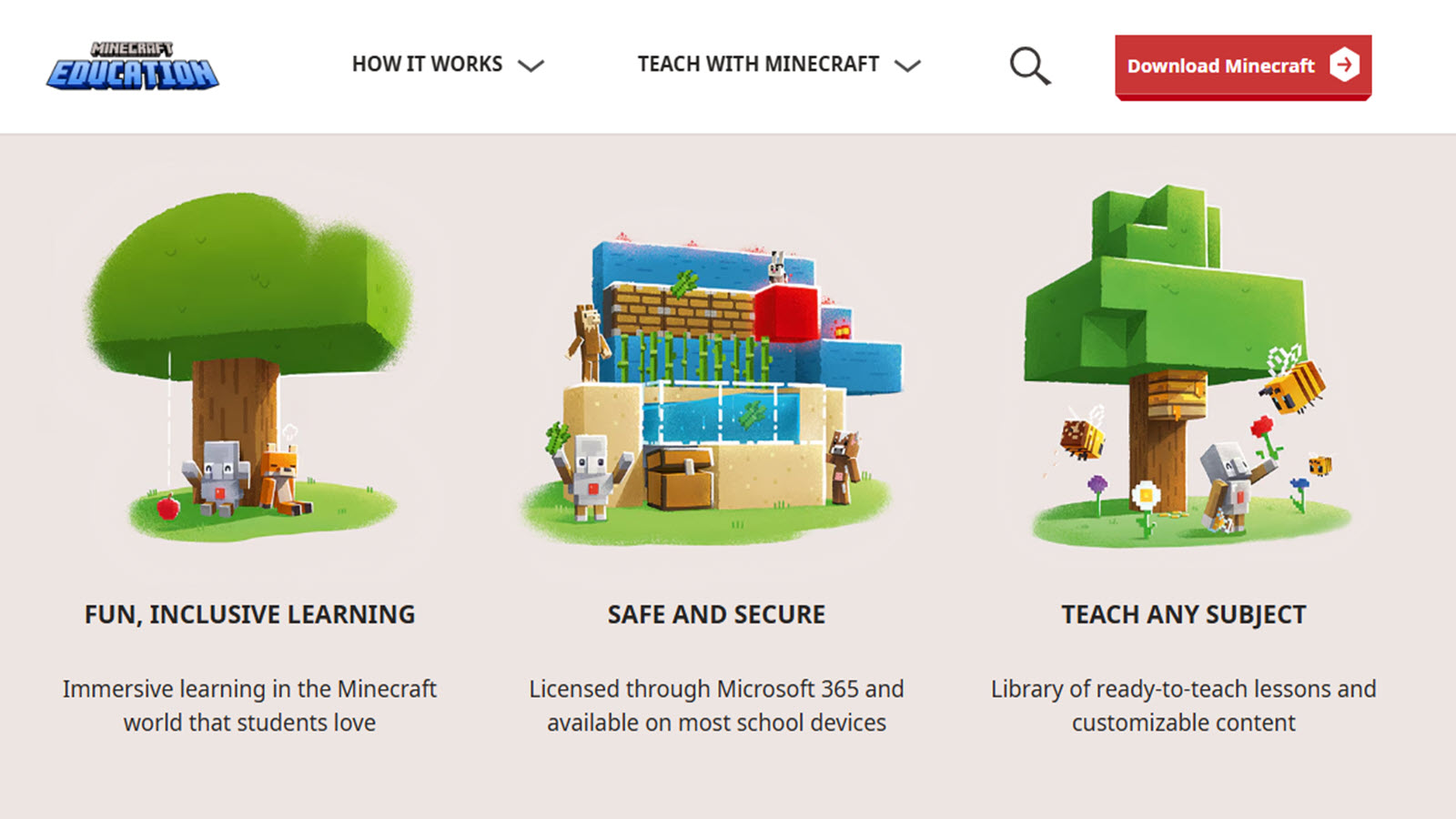
Minecraft Education Edition keeps the famous block world and adds lessons, classroom tools, and a safer school setup. Kids build houses, models, and whole towns. They can walk through history scenes or test simple science ideas inside a place many of them already love. Spatial thinking and teamwork show up without a lecture. This is a bigger sandbox than a preschool care game. A child can wander. A child can also get stuck in busywork if nobody sets a goal. Families do better when they choose a world type, name a job for the session, and set a clear stop time. “Build a bedroom for your character. Then we save and quit.” That kind of frame keeps the joy and cuts the drift.
Creative mode is the sweet spot for most younger players. Survival mode and open online servers are a different conversation. Education Edition is at its best with a parent or teacher nearby for the first few hours. After that, many kids can work on a shared project with a sibling. It is a builder’s tool, not a toddler tidy-up game.
Facts and information
- Open building with lesson support
- Helps spatial thinking and teamwork
- Used in many schools around the world
- Better for kids who can follow multi-step plans
- Works best with an adult nearby at first
8. Prodigy Math
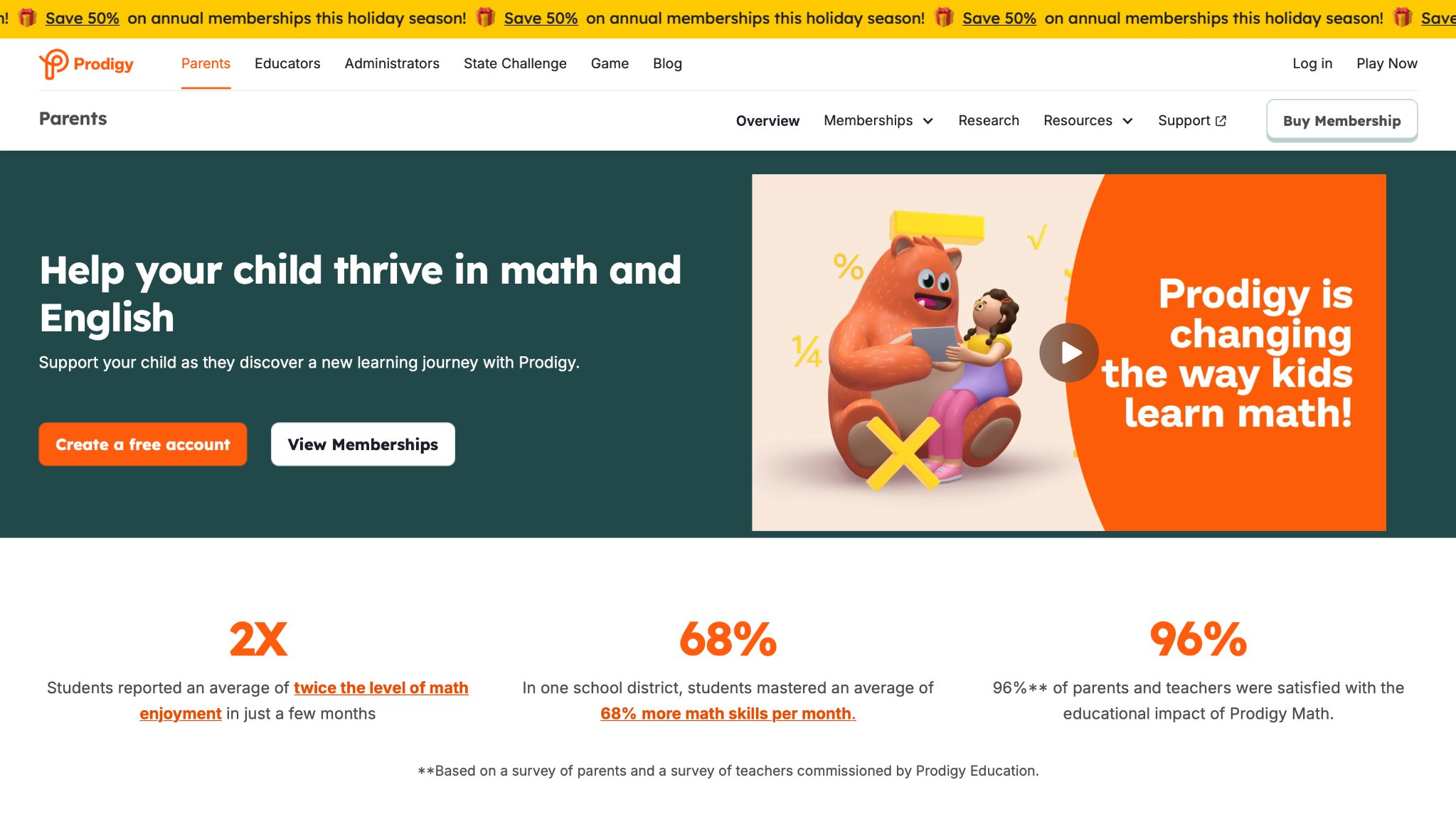
Prodigy Math wraps number practice in a fantasy quest. Children make a wizard-style character, walk through maps, and answer curriculum-style questions to keep the adventure moving. For kids who push back on worksheets, the costume of a game can be enough to start. Many will ask for one more round because the next chest or path is right there. The world is more game than gentle toddler play. Battles and spells sit on top of math. That fit is strong for early and middle grades. It is a weaker fit for a three-year-old who still needs feeding, hugging, and simple sorting. Parents who want empathy stories and life skills will still want a second app for those goals.
A useful habit is to glance at the topics after a session. If the child only tapped fast guesses, slow the pace or sit in for a few questions. If they can explain a problem in their own words, the quest is doing real work. Prodigy is a math practice engine in costume. Treat it that way and it earns a place in the week.
Facts and information
- Math practice inside an RPG-style world
- Questions can shift as kids improve
- Popular in classrooms and at home
- Best for early and middle grades
- Focus stays on numbers more than creative care
9. Toca Boca World
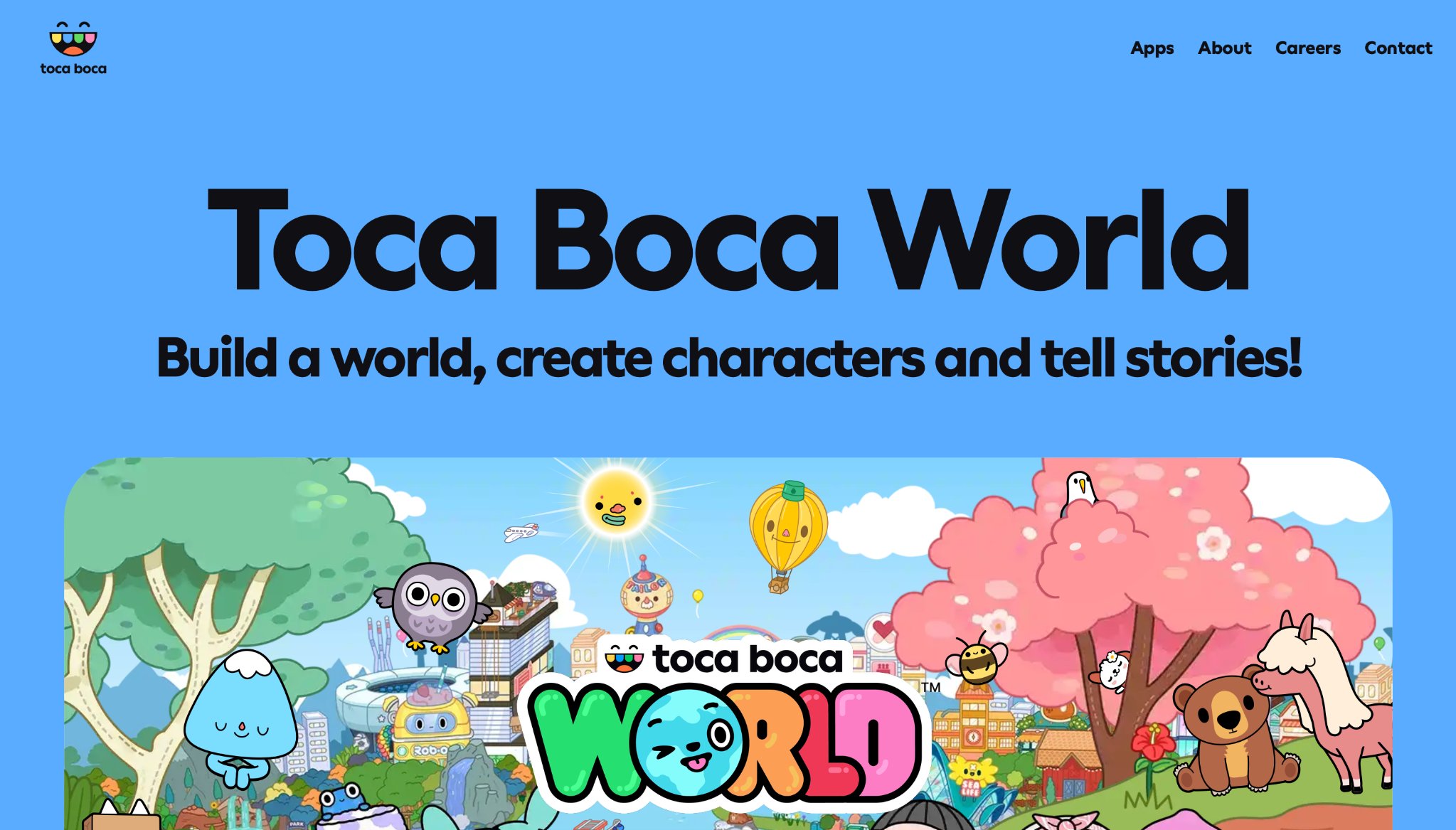
Toca Boca World is open pretend play. Kids design characters, homes, kitchens, and silly scenes with almost no wrong answer. The point is not a score. The point is “what if.” A child can give a character messy hair, a pizza shop, and a midnight snack, then start over. That freedom is why so many families keep it on a tablet. There is less guided skill practice than in a learning path. Letters and numbers are not the main event. Some families love that after a structured day. Others want clearer chores, sounds, and care routines. Toca Boca pairs well with a more guided library because it covers the imagination side while another app covers practice. Parents can still add a little frame. “Make a home for a tired friend.” “Cook something you would eat after school.” Those prompts turn open play into talk. Without a prompt, some children tap through rooms quickly and look up bored. With a prompt, they stay and tell a story. That is the difference between a toy box and a blank room.
Facts and information
- Open-ended creative play
- Strong for storytelling and self-expression
- Simple controls and playful art
- Light on formal lessons
- Good as a calm make-a-world break
10. Animal Jam
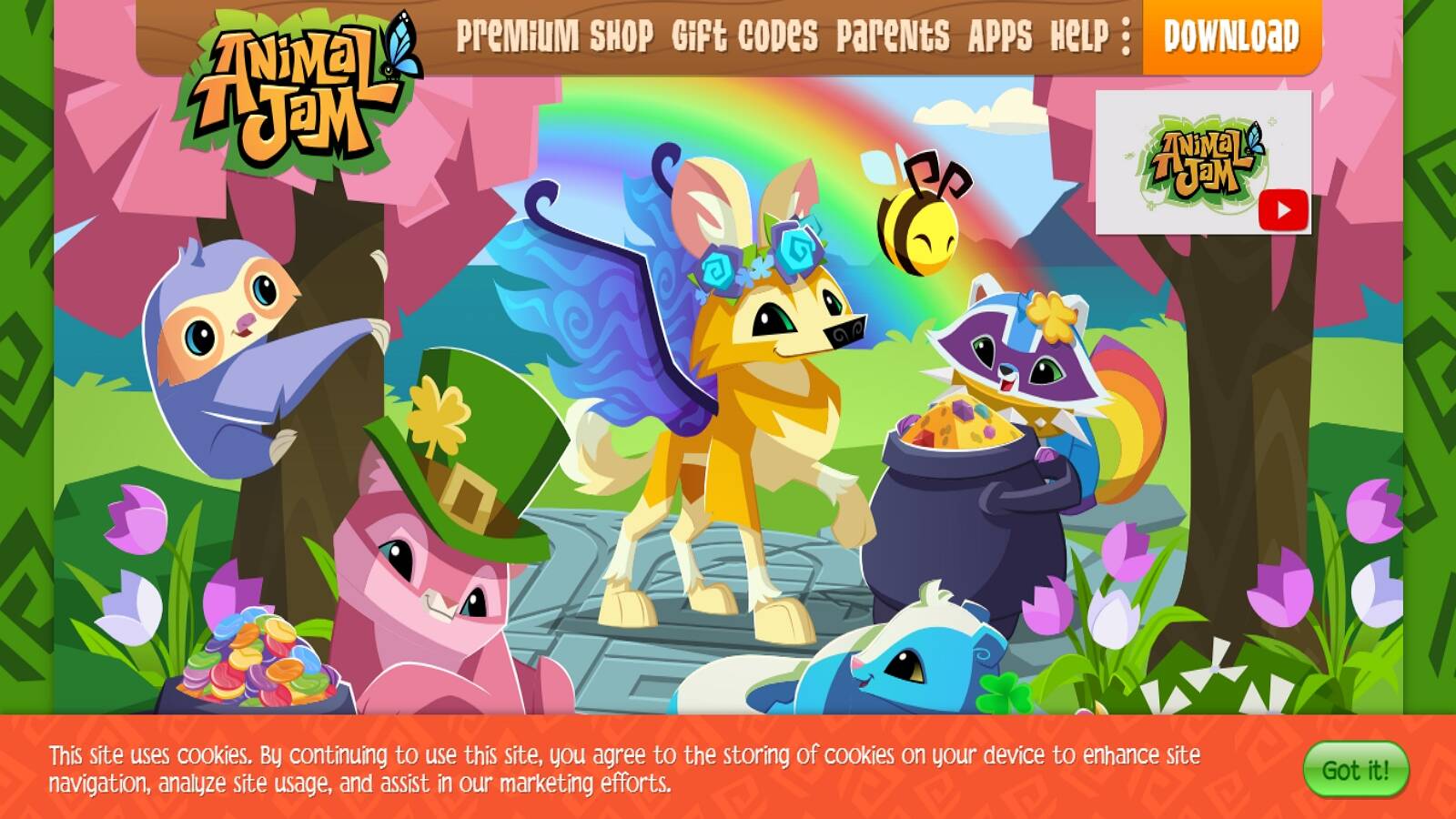
Animal Jam, made with National Geographic, is a virtual world where kids play as animals, visit habitats, and pick up nature facts while they decorate dens and try mini games. The science flavor is real. Biomes, animals, and simple ecology ideas show up inside parties and quests rather than inside a textbook page. Because it is a shared world, parents should review chat and friend settings before a child plays alone. A moderated kids space is still a space with other players. Sit in for the first sessions. Decide what your child may share. Keep the device in a shared room. Those habits matter more here than in a single-player care game. Animal Jam is richer in animals and habitats than in ABCs or toddler routines. Readers who can handle a bigger map get more from it. Younger children may enjoy the look and the mini games but miss the deeper nature bits. Used with care, it is a lively science-tinged world, not a full replacement for a closed preschool library.
Facts and information
- Nature and animal learning in a virtual world
- Mini games, decorating, and social play
- Built with kids’ safety tools in mind
- Better for readers who can handle a bigger map
- Strong science and habitat flavor
11. Starfall
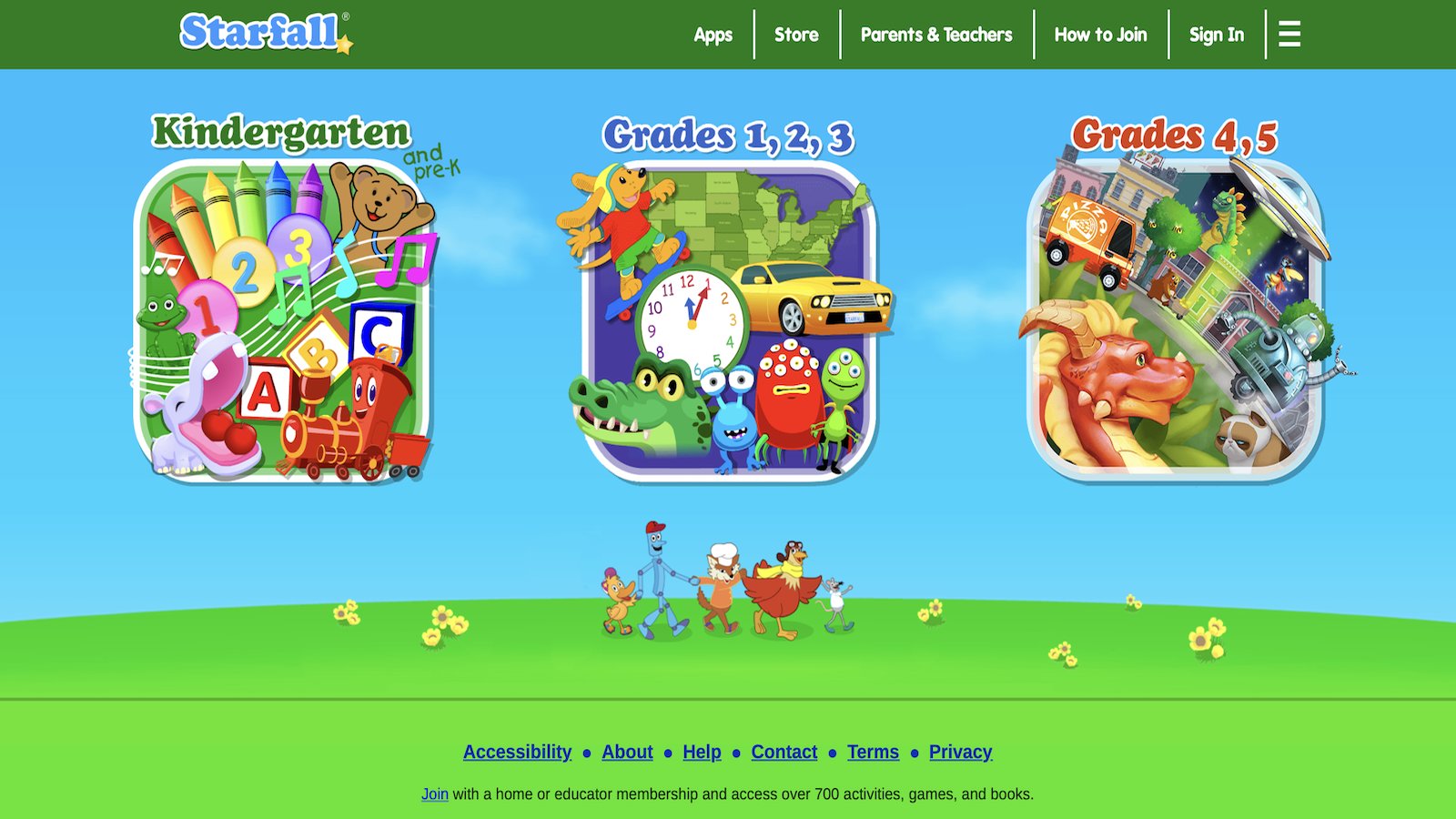
Starfall is a classic reading and phonics site with songs, stories, and early math. Many families open it when a child first connects letters to sounds. The pace is slow on purpose. A letter is spoken, shown, and used in a short tale. That repetition helps beginning readers who need another pass without feeling rushed. The look is simpler than modern 3D pet games. For some children that is a gift, because nothing sparkles so hard that the sound of the letter gets lost. For others it feels plain after a week of collecting creatures and dressing dolls. Those kids often finish a Starfall lesson and then ask for a warmer play app. Starfall works best as a short daily reading block, not an all-afternoon destination. Sit nearby. Ask the child to point to a word they know. Keep the session short enough that they leave proud. Then switch to a care game if they still have energy. The site has been trusted in homes and classrooms for a long time because it does one job clearly.
Facts and information
- Phonics, reading, and early math
- Interactive stories and songs
- Long trusted in homes and classrooms
- Best for beginning readers
- Straightforward, lesson-first design
12. Funbrain
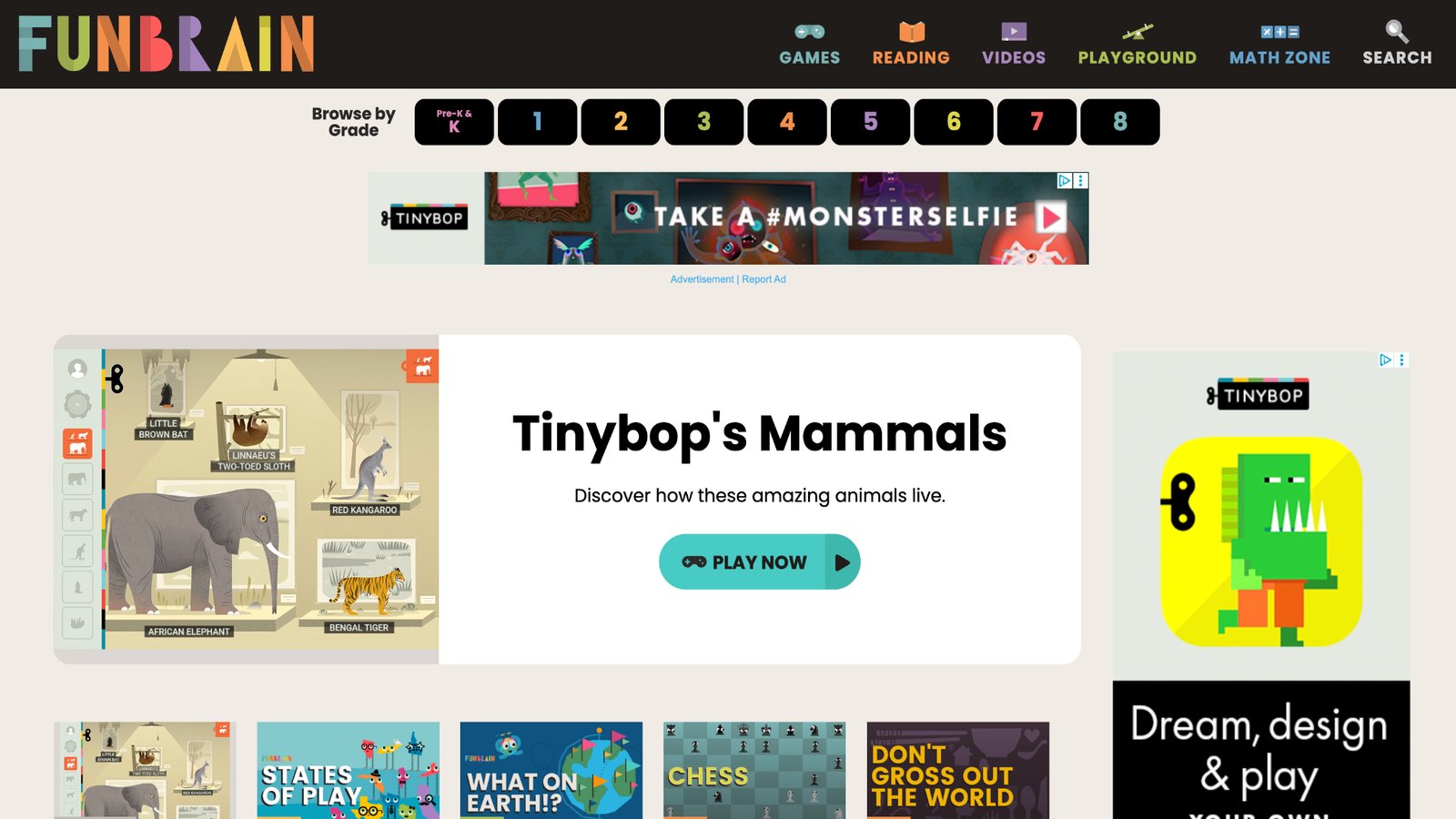
Funbrain offers arcade-style math and reading games plus stories for a wide age span. It feels like classic web play: pick a title, play a round, try another. That makes it an easy after-school stop when a child wants something quick rather than a long campaign with one character. The mix is wide, so quality and age fit vary by title. A parent should choose the game, not leave the whole site open. Some activities are clever practice. Some are just light arcade fun with a learning sticker on the box. Used without a guide, a child may bounce and remember little. Used with a guide, Funbrain can fill a short practice window. It works as a supplement, not a full learning home. Pair it with a calmer, ad-free world that uses the same characters every day. After Funbrain, ask one question. “What did your character have to count?” If the child can answer, the round was worth it. If not, pick a tighter game next time.
Facts and information
- Math and reading games plus stories
- Suits a broad grade range
- Fast sessions that feel like classic web play
- Good for short practice bursts
- Best with a parent-picked starting game
13. Code.org
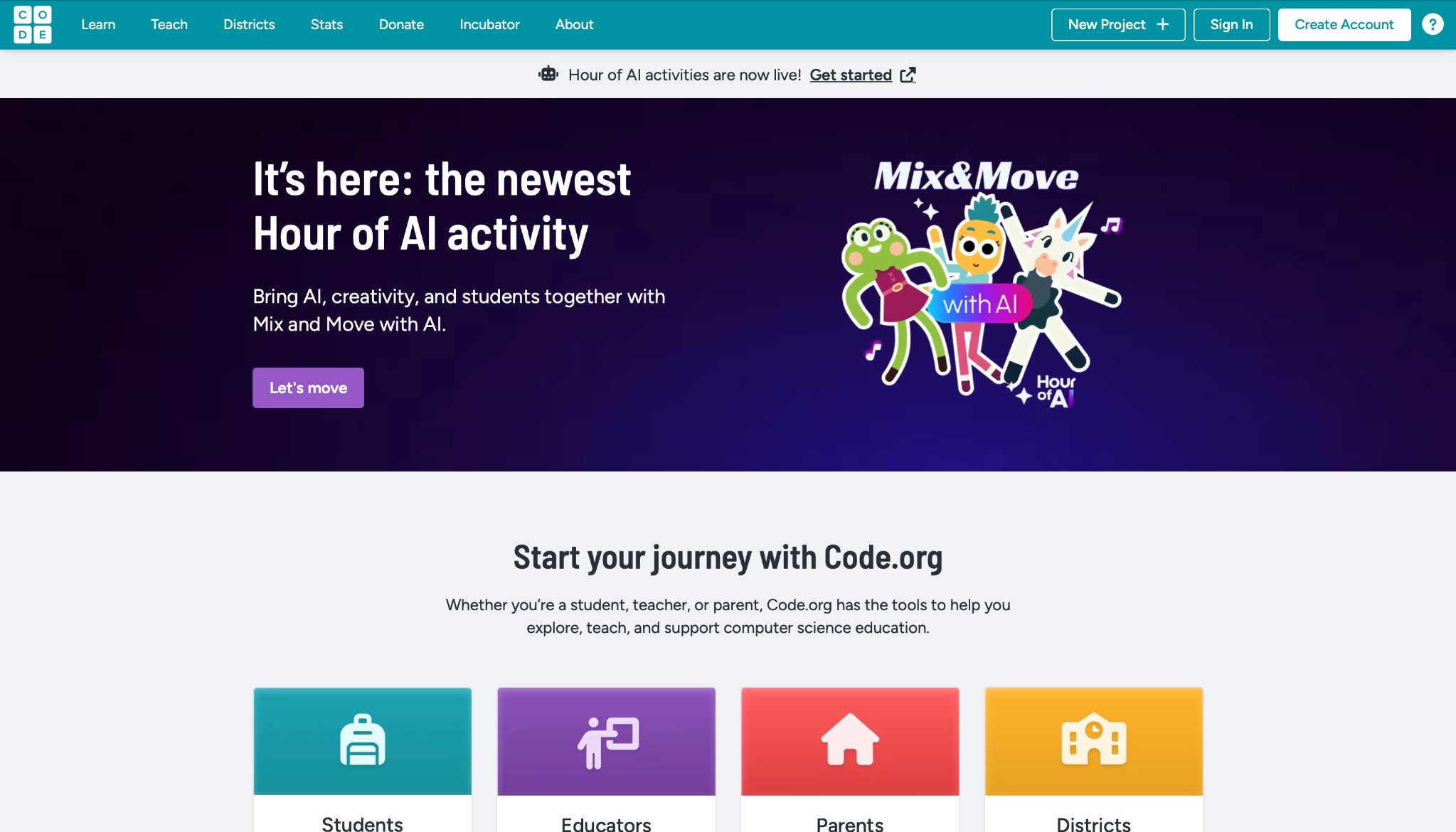
Code.org is a free hub of coding activities that range from a first Hour of Code to longer courses with familiar movie and game themes. Kids drag blocks to move a character, solve a maze, or tell a tiny story. The site is used in many schools, so some children already know the layout from class. The gift is access. A family does not need to buy a special robot to start computational thinking. The limit is that it still feels like a lesson. A preschooler who wants to rock a baby unicorn will not find that here. Early elementary makers and older siblings get more from it, especially when an adult sits through the first puzzle. Parents can keep it friendly by picking one short course and celebrating a finished project. Print the certificate if the child wants it. Then go back to play that feels like toys. Code.org is a door into logic. It is not a full kids game club. Used that way, it earns a weekend slot beside a warmer daily library.
Facts and information
- Block-based coding courses and one-hour projects
- Themes that many kids already recognize
- Used widely in schools
- Better for early elementary and up
- Strong on logic, lighter on pretend care
14. Lingokids
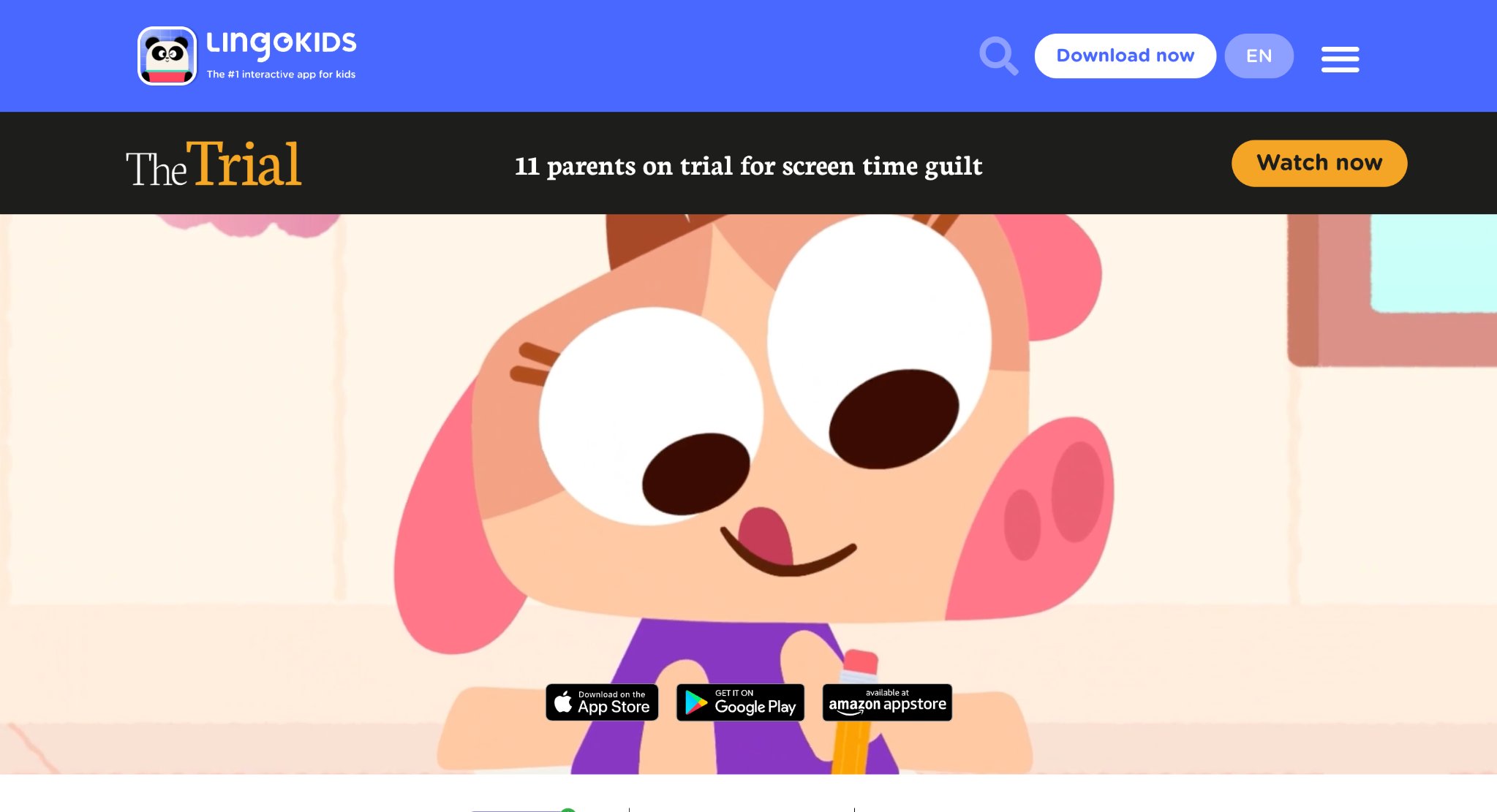
Lingokids is a play-learning app with games, songs, and short challenges for young children. The mix often includes English words, early math, and social ideas wrapped in bright characters. Families who want language practice without a stiff drill often look here because the sessions feel like cartoons you can tap. The catalog is large, which helps restless kids and can also scatter them. A parent still needs to pick a path for the week. Some activities are quick wins. Some are songs a child will repeat in the car. The style is livelier than a phonics desk and more lesson-shaped than a pure dress-up doll game. Lingokids is strongest as a language and early-skills layer. It is not a substitute for a closed, ad-free care world if that is what your child loves most. Use it for a song and a word game, then switch to feeding pets or cleaning a play house if you want the day to end on a calmer note. That handoff keeps energy from running too high.
Facts and information
- Games, songs, and challenges for young kids
- Language and early-skill practice in a playful pack
- Bright characters and short sessions
- Wide catalog that needs a parent-chosen path
- Pairs well with quieter pretend-play titles
15. ABCmouse
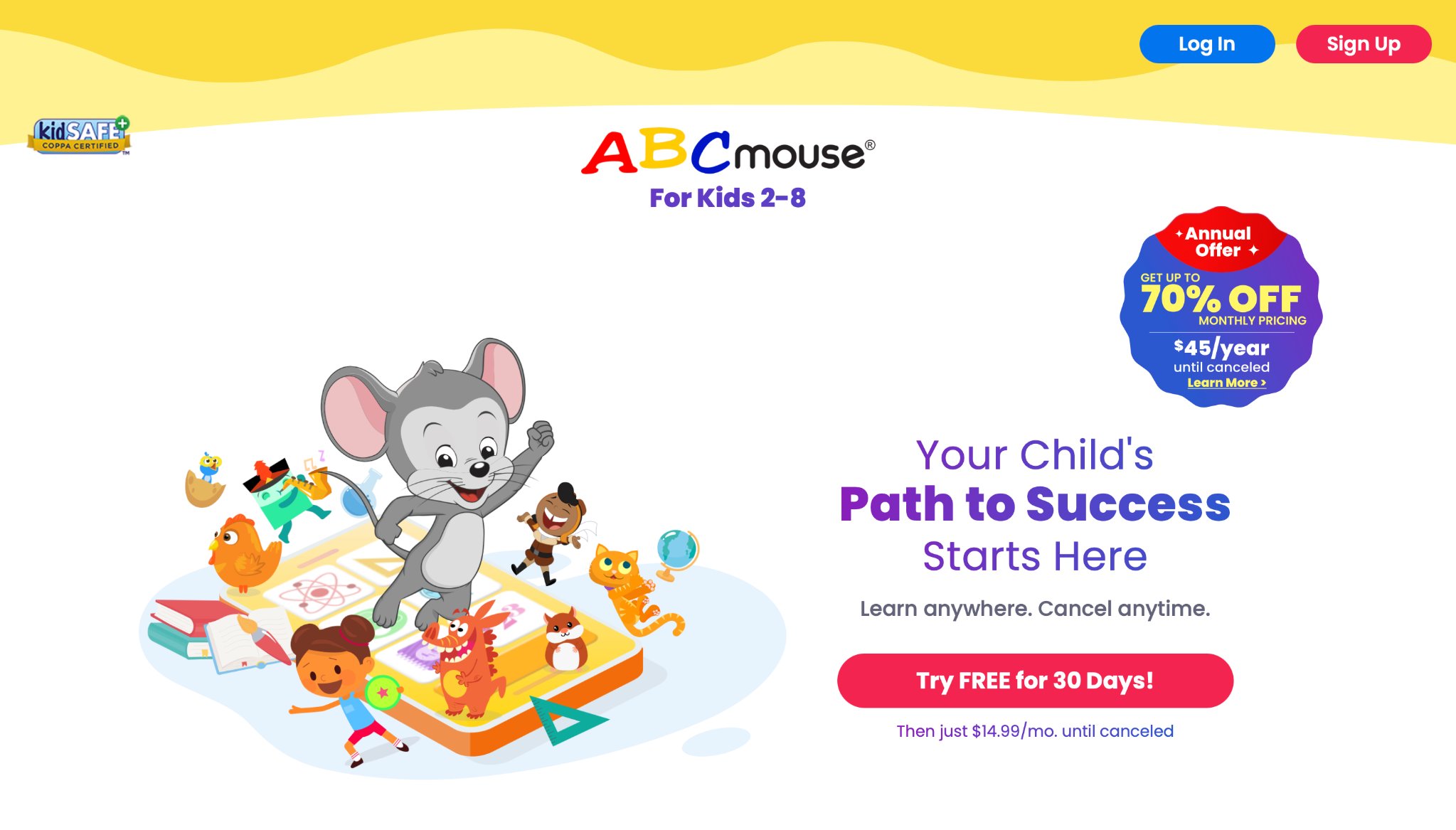
ABCmouse is a full early-learning path for young children, with lessons across reading, math, songs, and puzzles arranged in levels. The promise is a step-by-step map so a parent does not have to invent the order. Many families use it when they want school-style progress they can see. The experience is structured. That helps some children and feels long to others. Kids who crave open pretend play may finish a lesson and ask for a toy-like game next. Kids who like stickers, tickets, and “what is my next step” often stay. The art and activities are plentiful. The mood is more academy than babysitting a baby dragon. Treat ABCmouse as a study block. Keep it short. Praise the skill, not only the reward screen. Then offer a care-and-create game if the child still wants screen time that feels like make-believe. That mix gives you the map and the warmth.
Facts and information
- Step-by-step early learning path
- Reading, math, songs, and puzzles in one system
- Levels that show a sense of progress
- Best for families who want a school-style order
- Heavier on lessons than on open care play
How to Match a Game to Your Child’s Age
Ages 2 to 4 need big buttons, short scenes, and care play. Feeding, cleaning, and hugging a character feel natural. Educational games for toddlers and games for 2 year olds stay in that tap-and-care lane. Apps for toddlers work best when the art is large and the task is one step at a time.
Ages 3 to 5 can add sorting, simple stories, and first letters. Educational games for kids age 3 and games for preschoolers sit in this band, along with apps for preschoolers. Games for 4 year olds and educational games for 5 year olds add a little more choice without turning the session into homework.
Ages 6 to 7 can handle longer stories, number practice, and memory play. Educational games for 6 year olds and educational games for 7 year olds fit kids who still love cute characters but can follow two-step tasks. Kindergarten educational games help when school skills are new and pride still matters more than speed.
Ages 8 and up often want building, coding, or a longer quest. Learning apps for 8 year olds and educational games for 10 year olds speak to that stage. Even then, many older siblings still enjoy a gentle TutoTOONS game with a younger child, which turns screen time into shared time. A simple check helps. If your child can explain what they just did in one sentence, the game is doing its job. If they only tap as fast as they can, switch to a calmer title.
Safety Habits That Belong Next to Every Kids Game
A safe game still needs a safe setup. Use a parent email. Turn off open chat unless you are sitting nearby. Keep purchases behind a password. Guides on how to protect kids online walk through those habits in plain language. TutoClub privacy explains how a kids membership treats data with young players in mind.
Talk about strangers the same way you talk about parks. Kids should not share their real name, school, or photos. If a game has players from outside the family, play in a shared room. Memory games for kids and confidence building games can still be part of the day when the app itself stays closed to outside chat.
Time limits work better when they are part of the day, not a surprise. One game after homework. Then a book or a snack. FAQ pages cover how one account can follow the child across devices, which makes it easier to pause than an open website with endless related links. Subscription questions help parents see what stays unlocked while the plan is active.
Privacy rules such as COPPA exist because young children cannot read the fine print. Pick companies that say they collect only what they need and do not sell kids’ data. That is a basic filter, not an extra luxury. Emotional regulation games for kids also help after a session if feelings run high and you want a softer landing.
FAQ
What should parents look for in the best online games for children in 2026?
Look for a clear age fit, a kind tone, and a skill you can name after one short session. Ad-free play, no stranger chat, and tasks a child can finish matter more than a huge pile of random titles. A library that mixes care, creativity, and early learning in one place keeps the day simpler for both the child and the adult nearby. If you can sit for a few minutes and see kindness, focus, or a new word taking shape, the game is doing useful work. That same filter runs through online games for kids that are educational.
Are educational online games better than open play games?
Neither style wins on its own. Educational play guides letters, numbers, sorting, and focus. Open pretend play grows stories, dress-up, and “what if” thinking. Many children do well with a short practice game and a warmer care game in the same week, so the day has both structure and make-believe. The useful test is whether the child can say what they just did, not whether the title sounds like school. Fun educational games show how those two moods can sit side by side.
Can kids play online games without being on the internet the whole time?
Many kids games need a connection to download a title and check a membership, then they can run without staying online the whole time. That helps on trips, in waiting rooms, and at a relative’s house where the signal comes and goes. A phone or tablet with a few saved favorites is often enough for a short, calm session. Testing one loved game in airplane mode before you need it avoids a stuck loading screen later. Tablet games for kids are built around that kind of on-the-go play.
How do families start with TutoClub without filling the whole week with screens?
A TutoClub plan is a library, not a full-day schedule. Two or three games that match the child’s age are enough for the first week, with a shared first session so the skill inside the play is easy to name. A short daily window, then a book, a snack, or a real chore, keeps screen time from spilling into every gap. The same account can follow the child across devices, which makes a pause simpler than an open website with endless related links. Learning games for kids online describe that smaller, steadier setup.
How can families match an online game to a child’s age and still keep play safe?
Toddlers need big buttons, short scenes, and care play such as feeding or tidying. Preschoolers can add sorting, simple stories, and first letters. Older kids may want longer stories, building, or logic, and they can still share a gentle care game with a younger sibling. Safety sits next to that age fit: a parent email, play in a shared room, no stranger chat, and purchases behind a password. Educational games for kìds in iPad often sit on the family tablet where those habits are easiest to keep.
Read Also:
- Best educational games for kids
- Best learning apps for kids
- Best educational websites for kids
- Best free online games for kids
- Best games for kids online that are educational
Give your child screen time you can feel good about with TutoClub!