

Best Learning Games for Kids Online in 2026






Finding the right learning games for kids online can turn screen time into a positive adventure. These games help children build skills in math, reading, and problem-solving while keeping things exciting. Discover the best learning games for kids online in 2026 that blend fun with skill-building, perfect for young learners seeking engaging educational experiences.
For broader inspiration, explore collections of the best educational websites for kids and the best educational games for 5 year olds that support early skill development. Older children benefit from curated lists of the best learning apps for kids 8 years old, while families seeking flexible play options often look to the best mobile games for kids and the best educational and fun games for kids for a balanced mix of entertainment and learning.
Discover the best learning games for kids online - TutoClub
Why Choose Online Learning Games for Children

Online learning games spark curiosity and make education feel like play. Kids interact with challenges that build real-world skills, such as thinking through problems or working as a team. These activities often adjust to a child's level, so everyone progresses without frustration. Many platforms use stories and rewards to keep attention high, helping even reluctant learners get involved. Research shows games can boost focus and memory better than traditional methods in some cases. They also encourage social bonds when played with family or friends.
Parents seeking targeted skill development can discover the best problem-solving games for kids, the best memory games for kids, the best brain games for kids, and the best confidence-building games. These well-designed online learning games offer focused cognitive and emotional benefits, helping children strengthen key abilities through fun, interactive play. By incorporating them into daily routines, kids stay motivated while building lasting skills that support both academic success and personal growth.
Key Benefits of Educational Games in Child Development
Educational games support growth in ways that go beyond basic facts. They help kids practice decision-making and adapt to new situations quickly. Some games focus on emotional skills, like understanding feelings or showing kindness. Others build hand-eye coordination through active challenges. Overall, these tools make abstract ideas concrete, so children grasp concepts faster. Games also reduce stress around learning by turning mistakes into chances to try again.
Types of Learning Games That Support Different Skills
Learning games come in various forms to match how children learn best. Puzzle-based games sharpen logical thinking through pattern recognition and sequencing tasks. Story-driven adventures build language abilities as kids follow narratives and make choices that affect outcomes.
Action-oriented games improve coordination while introducing basic concepts like counting or directions. Confidence building games let young users design their own worlds, fostering imagination alongside planning skills. Many platforms mix these styles so children stay interested across subjects like numbers, letters, and social situations.
How Can Online Educational Games Support Kids?
Online educational games blend fun with skill-building in ways that feel natural for children. These digital activities cover subjects like math, reading, and science through interactive stories, puzzles, and creative challenges. Kids stay motivated as they solve problems, follow adventures, and receive gentle guidance that adapts to their pace.
Different game styles support various development areas. Problem-solving games sharpen logical thinking while story-driven options expand vocabulary and comprehension. Action elements improve coordination alongside basic concepts, and building tools encourage imagination with planning skills. Many platforms feature bright visuals, voice support, and short sessions perfect for younger users or school-age children.
How Virtual Pet Care Games Build Responsibility Skills
Virtual pet care games give kids hands-on practice with daily routines like feeding, grooming, and creating comfortable spaces for their digital friends. These activities turn simple tasks into engaging challenges that feel rewarding rather than obligatory. Children gradually learn to track needs and follow through on care routines, which strengthens their ability to manage responsibilities in other areas too.
The immediate responses from characters help young players see direct results from their choices. Many pet care games combine care elements with light puzzles or creative touches, keeping sessions lively. Parents often notice better organization habits at home after regular play, as kids transfer the sense of ownership they develop in the game world.
Brain Games That Support Focus and Memory Development
Brain games use matching, sequencing, and recall activities to sharpen attention and working memory in short, enjoyable bursts. These exercises fit naturally into daily routines because they feel more like play than drills. Different formats suit various ages and learning preferences, from visual patterns to story-based memory tasks.
Platforms offering brain games for kids often layer in creative or narrative elements so mental challenges stay motivating. Kids build concentration as they advance through levels that gently increase in difficulty. The variety prevents fatigue while supporting skills that help with schoolwork and everyday problem-solving. Families find these games blend well with other activities for memory development in children.
Healthy Guilt-Free Screen Time with Educational Apps
Educational apps transform screen sessions into opportunities for skill growth by focusing on interactive learning instead of passive viewing. Thoughtful designs emphasize purposeful play that aligns with child development stages. This approach reduces common worries about device time while keeping children engaged and progressing at their own pace.
Many collections feature healthy screen habits through ad-free experiences and varied content that covers creativity, logic, and emotional skills. Parents appreciate options that support family routines without creating dependency. Mixing these apps with offline extensions creates flexible play that adapts to different days and energy levels.
Educational Games Plus Offline Ideas for Kids
Fun educational games pair effectively with hands-on activities that extend learning beyond the screen. Simple extensions like drawing game-inspired scenes, role-playing characters, or building physical versions of in-game objects reinforce concepts through multiple senses. This combination keeps interest high across different environments.
Educational games plus offline ideas for kids work well during holidays or weekends when families have more flexible time. Themes around pet care or storytelling translate smoothly to real-world crafts or group play. The mix supports varied attention spans and helps children apply digital lessons in practical ways.
Ways to Protect Kids Online Through Thoughtful Game Choices
Careful selection of online games with built-in safety measures creates secure spaces for exploration and learning. Ad-free designs and age-appropriate content minimize distractions while focusing on positive experiences. Features that support parental oversight add reassurance without constant monitoring. Many platforms prioritize protecting kids online by offering curated environments that emphasize kindness and creativity. Regular updates maintain safety standards while introducing fresh content. Families build confidence knowing these choices support healthy digital habits alongside skill development.
How Learning Games Fit Into a School Week
A school week already holds lessons, homework, and rest. Games work best as short pauses, not extra classes. Ten quiet minutes after snack can reset a tired child. A travel tablet can hold the same pet or room until the next stop. The goal is a small, finished scene, then a shift back to real life.
Monday through Friday often feels packed. Kids move from classroom talk to after-school noise. A short game can sit between those blocks. One care scene or one matching round is enough. Longer design play can wait for Saturday. That rhythm keeps screen time from spilling into dinner or bedtime.
- Morning: a matching or letter game before leaving the house
- After school: one care or cleanup scene, then outdoor play
- Homework break: a two-minute puzzle, then back to the page
- Weekend: a longer story or design task with a parent nearby
Age changes the length. Younger kids tire fast. Educational games for 5 year olds stay short and visual. Games for preschoolers and educational games for kindergarten fit early school days. Educational games for 6 year olds add a little more independence. Older kids can handle a full room makeover or a multi-step story, which is why learning apps for kids 8 years old show up later in the week. Mobile games for kids and tablet games for kids travel well when the week includes car rides, waiting rooms, or a grandparent visit.
A week also needs days off. If Tuesday was loud at school, Wednesday can skip the tablet. The same titles will still be there on Thursday. Consistency matters more than daily use. A child who returns to the same pet or room remembers what they started. That memory is part of the learning.
Family calendars differ. Some homes use games only on rainy days. Some use them as a calm start before backpacks go on. Both work when the session has a clear end. A family weekly planner can mark those short slots. Educational games for kids at home stay useful after the school bag is down. A finished feeding, a finished outfit, or a tidy room gives that end. Then the device goes away without a fight.
Reading and Story Choices Inside Kids Games
Many titles hide language inside talk with characters. A child hears new words while feeding a pet or dressing a doll. Choice scenes ask kids to pick a path, then live with what happens next. That is reading practice without a worksheet. The words arrive attached to a face the child already likes. Early readers need sound support. A spoken line next to a short text box lets them match letters to speech. They tap a word, hear it, then use it in the next scene. Over time the same words show up in a different room or a new outfit list. Repetition feels like play, not drill.
Story play also builds sequence. First the character is hungry. Next the child finds food. Then the character smiles. That order is the same skill used in picture books. Kids who retell the scene later are practicing narrative talk. A parent can ask, “What did your pet do first?” and leave it at that.
Story-heavy play pairs well with educational websites for kids that add books or songs on the same theme. The best kids educational games often use voice support so early readers can follow along. An educational games for kids app can keep the same phrases handy on a phone. Learning apps for kids and learning games for kids fold letters into care play the same way. Educational videos and games for kids give another pass at the same vocabulary. Educational games for kids 4 years old online keep those lines short enough for early listeners. Titles such as Smolsies and Giggle Babies put simple phrases next to feeding and dressing.
Quiet Play for Overstimulated Afternoons
Some days the house is loud. A child who has had enough noise needs a soft screen, not a flashy one. Slow care games, room decorating, and gentle puzzles lower the pace. Bright ads and timers work against that goal. A calm game has few sudden sounds and a clear, gentle end. Overstimulation shows up in different ways. One child talks too fast. Another goes silent. Another melts down over a sock. A quiet game gives that child a small world they can control. Feed the pet. Fold the blanket. Place one pillow. Each tap is a choice that stays on the screen.
Safe apps for kids keep banners out of that quiet window. Emotional games for kids give language for big feelings without raising the volume. Fun games that are educational for kids that focus on pets or cleanup give a finish line without pressure. Learning through play activities can continue after the screen goes dark. A Fluvsies paper doll printable lets the same character move onto the table. Educational games for kids on iPad work when the child already sits with a larger screen and wants fewer taps.
Lighting and volume matter too. Lower the screen brightness. Mute extra music if the child covers their ears. Sit nearby without coaching every tap. Presence is enough. If the child wants to show a finished room, look once, smile, and let them close the app.
Best Learning Games for Kids Online in 2026
1. TutoClub - Best Learning Games for Kids Online
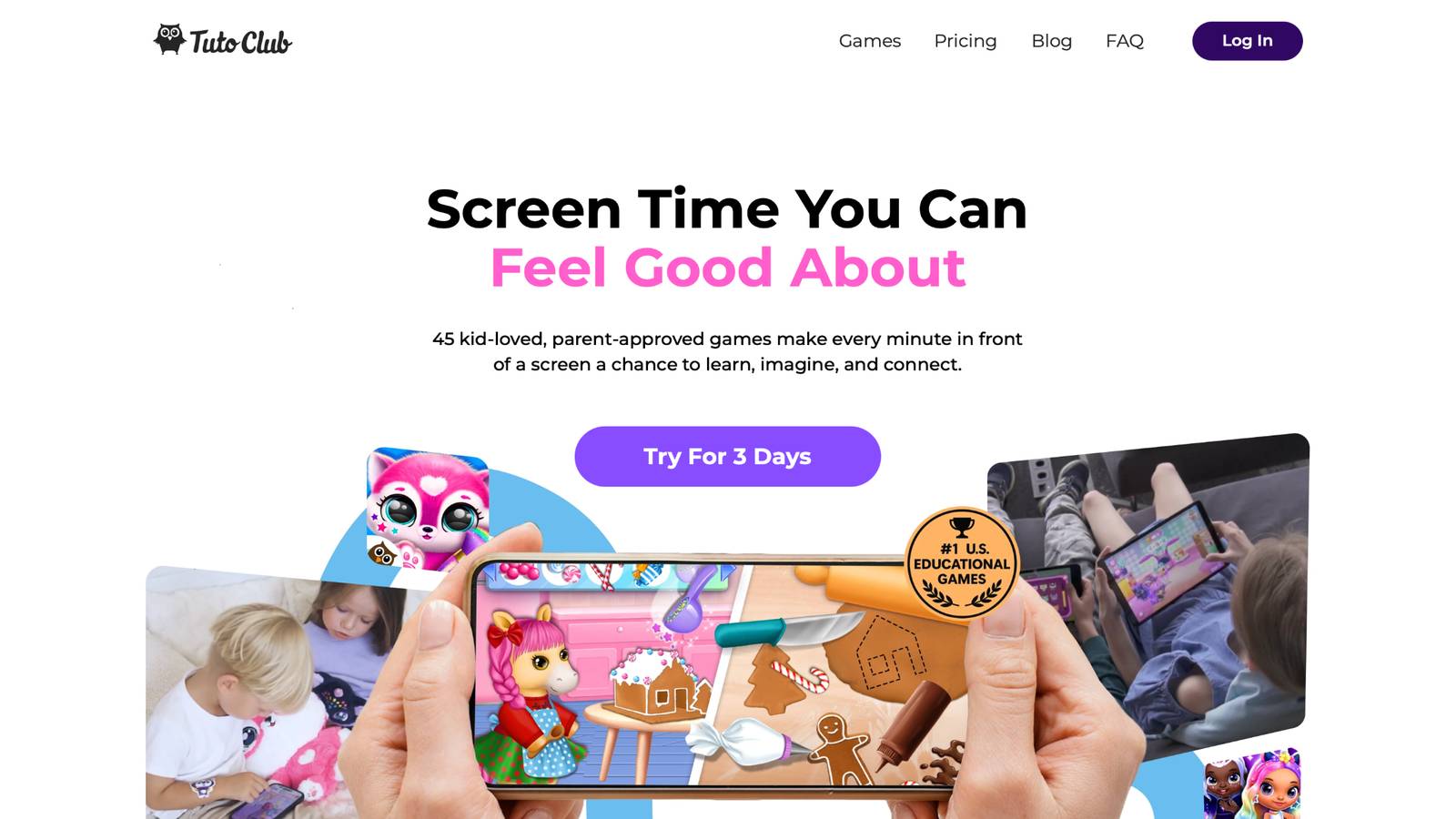
Educational games at TutoClub provide a safe space for kids to explore and grow. This platform unlocks a wide array of activities that blend fun with skill-building, all without ads to distract young minds. Children dive into worlds where they solve puzzles, create stories, and tackle challenges that sharpen focus and creativity. The games cover topics like math basics, reading adventures, and social lessons, making each session feel like an exciting quest. Parents appreciate how these experiences turn everyday screen time into moments of real progress. Kids build confidence as they master tasks, from simple matching to complex problem-solving.
The setup encourages family play, fostering bonds through shared victories and laughs. Based in a hub of innovative tech, TutoClub draws on expert insights to craft games that kids love and experts trust. Each game promotes curiosity, helping children ask questions and seek answers on their own. The variety keeps things fresh, with updates that add new twists to favorite themes. Young learners often return to games that teach kindness or exploration, reinforcing positive habits. This approach stands out for its balance, ensuring play feels purposeful yet lighthearted.
- Standout features include interactive stories that teach empathy and teamwork. Games adjust to skill levels for steady growth.
- Facts and information: The platform supports emotional development, like building compassion through character interactions. It also boosts creative thinking with open-ended challenges. Many users report kids showing more responsibility after regular play.
TutoClub Overview
TutoClub is your gateway to a magical world of educational games designed especially for children.
As part of TutoTOONS, a leading kids' games studio, we offer premium access to over 45 ad-free games.
Our mission is to blend learning and play, helping kids explore, create, and grow in a safe online space.
Thousands of parents trust us for family-friendly content that sparks imagination and builds essential skills.
Key Features
- Unlimited Access: Unlock full content in all games with no interruptions.
- Ad-Free Experience: Enjoy seamless play without any ads or distractions.
- Skill Development: Games foster creativity, social skills, communication, and more through fun activities like pet care and cleanup challenges.
- Regular Updates: Get new releases, exclusive content, and future updates automatically.
- Easy Subscription: Cancel anytime with no obligations, simple and flexible for families.
Explore Our World
TutoClub provides a rich ecosystem of educational games for kids, featuring ad-free experiences that promote creativity, focus, and emotional growth through play.
This platform turns screen time into valuable learning opportunities, with parent-approved content that builds essential skills and sparks curiosity in young minds.
- TutoClub Games: Over 45 educational games, including popular titles like Fluvsies, Smolsies, and the Sweet Baby Girl series
- Blog: Insights, tips, and stories for families on kids' learning and play
- FAQ: Comprehensive answers to frequently asked questions about subscriptions, features, and more
Get TutoClub on Your Device
TutoClub delivers premium kids educational games directly to your mobile devices, making learning accessible anytime, anywhere.
With apps available on major platforms, families can easily download and subscribe for ad-free play that turns screen time into skill-building adventures.
Perfect for parents seeking safe, engaging content on iOS, Android, or Amazon devices.
Why Choose TutoClub?
We're committed to 100% safe, enriching entertainment that kids love and parents approve.
Join the thousands who've seen their children thrive through playful learning.
Ready to start the adventure?
Subscribe to TutoClub today and unlock endless fun!
2. ABCya
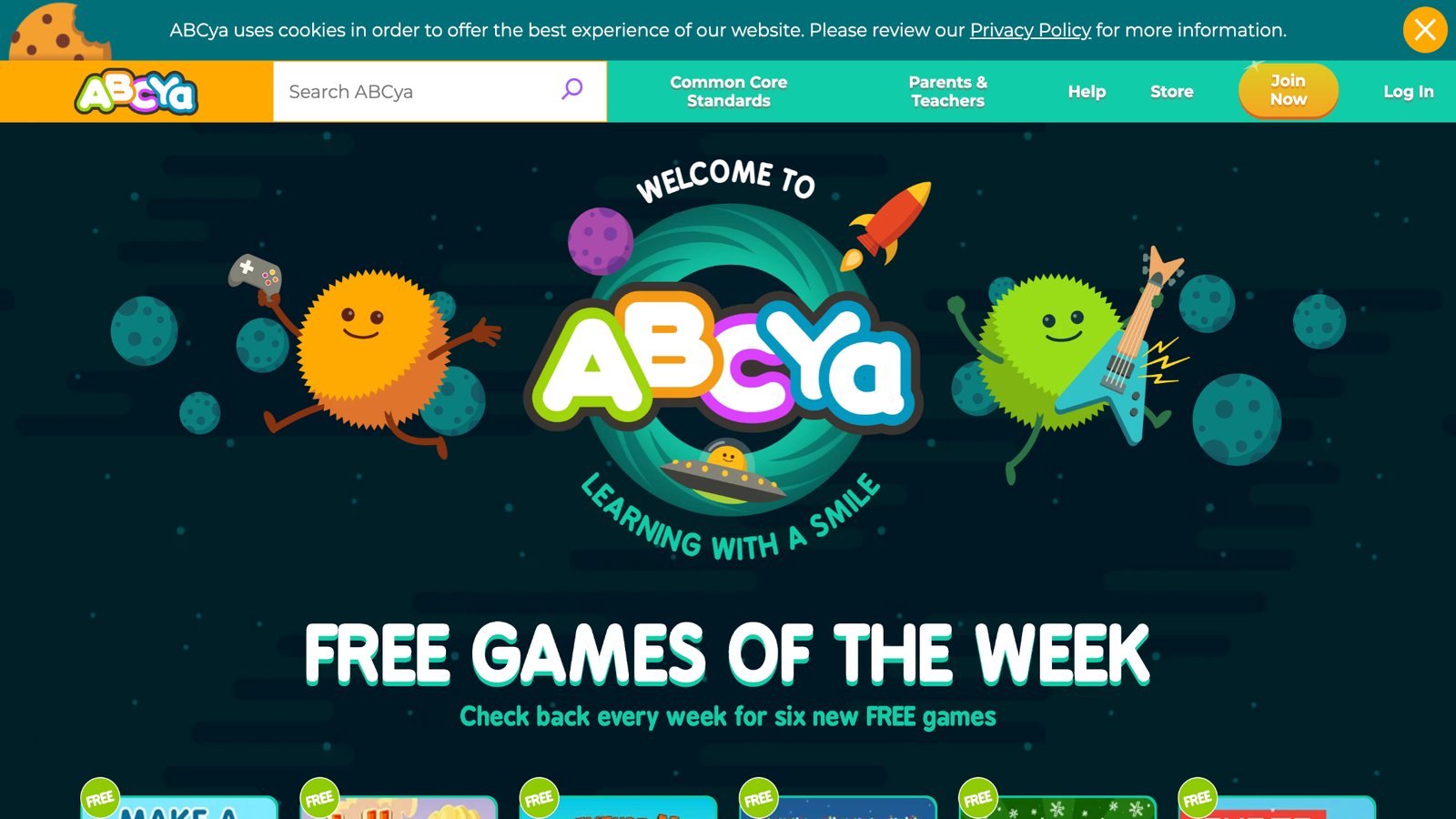
ABCya stands as a teacher-created powerhouse in educational gaming, captivating millions of young players from pre-K through sixth grade with its vibrant collection of activities spanning math, reading, typing, and logic puzzles. Children immerse themselves in colorful, interactive worlds where they tackle pattern recognition, multiplication challenges, and creative typing races, all while enjoying seasonal updates like festive word searches and holiday-themed adventures that keep engagement high throughout the year.
The platform's intuitive design empowers kids to explore independently, fostering confidence and self-directed learning without constant adult supervision. While it excels for younger users, some older children might find certain concepts repeating without enough progression into advanced topics. Drawing on educator insights and aligned with common school curricula, ABCya maintains a strong U.S. base and continues adding fresh content monthly, making it a reliable go-to for parents seeking screen time that genuinely supports academic growth. Its massive popularity, with billions of games played, underscores its ability to blend fun and fundamentals effectively.
- Key features: Includes typing practice, multiplication drills, and shape recognition activities.
- Facts and information: Many games adapt to user progress, offering hints for stuck players.
3. Fluvsies Academy
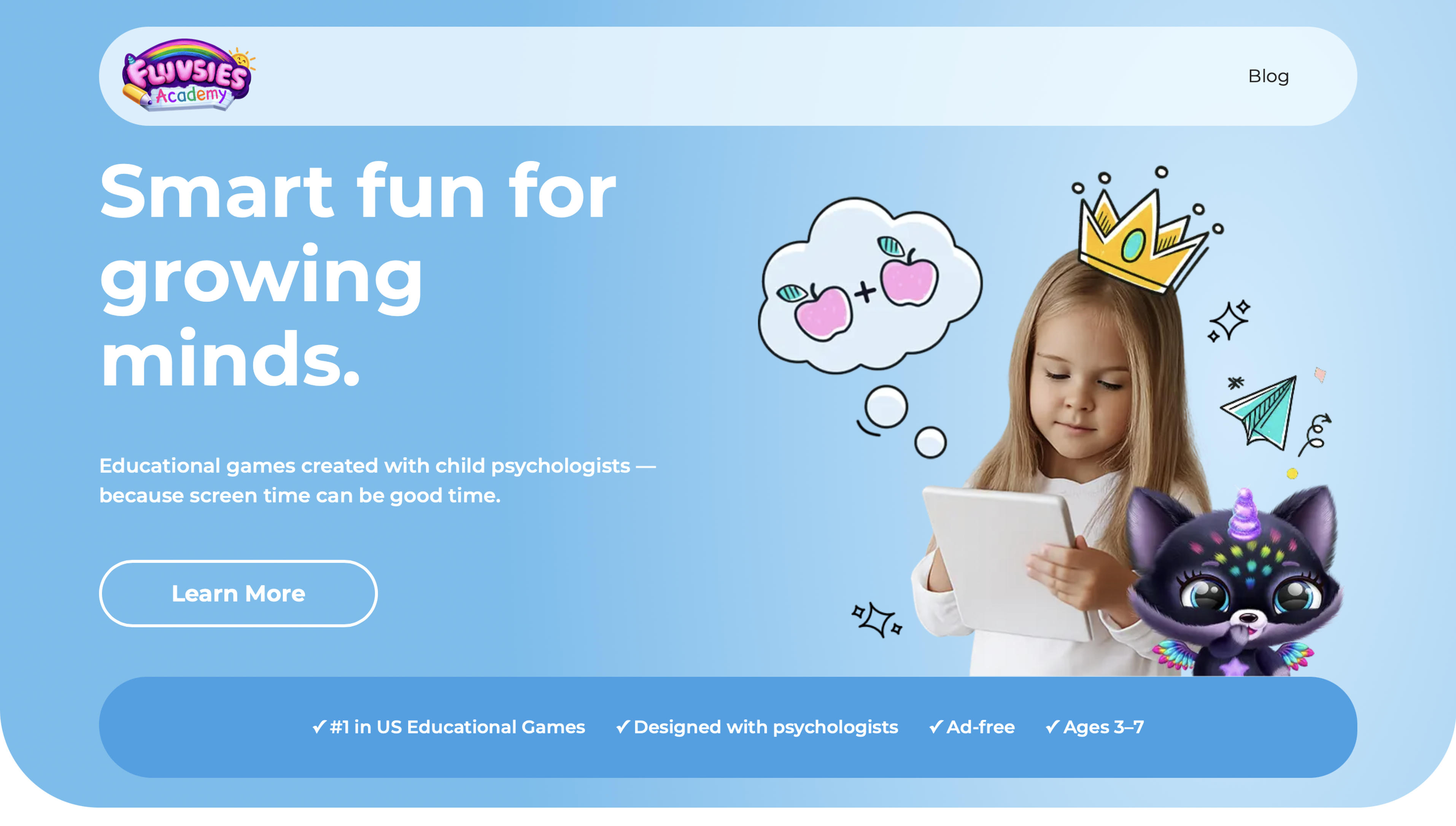
Fluvsies Academy offers a delightful blend of educational mini games and lovable characters for kids aged 3 to 7. Young learners engage with phonics exercises, math challenges, logic puzzles, and real life skill builders in a completely ad free environment crafted by child psychologists.
The app stands out for its holistic approach combining academics with mindfulness, yoga, and creativity while fostering focus, emotional growth, and daily habits. Parents appreciate the safe trusted space that turns screen time into meaningful play with visible progress.
- Key features: Interactive phonics stories and early reading activities plus counting games, sorting tasks, and logic puzzles that build foundations naturally. Life skills modules cover daily routines, professions like baker or astronaut, and mindfulness moments for calm focus.
- Facts and information: Ranked number one in US educational games for preschoolers and designed as the first holistic learning app with expert input from child development specialists. All content stays age appropriate with parent progress reports and a safe ad free experience.
4. Funbrain
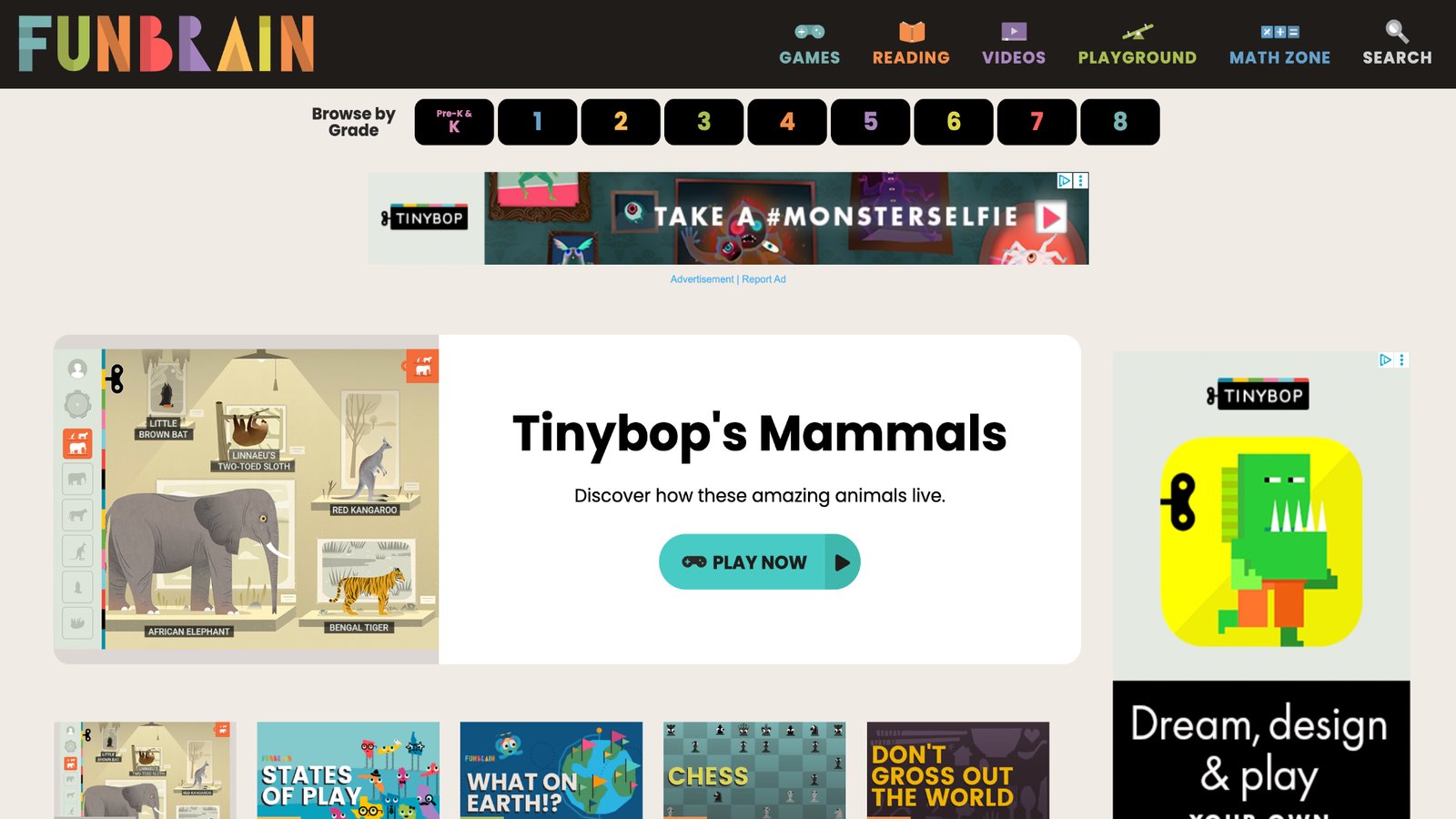
Funbrain creates an energetic hub where games, videos, books, and comics come together to make learning feel like pure entertainment for kids of various ages. Young explorers dive into spelling competitions, grammar quests, math challenges, and science explorations, often guided by humorous characters and engaging storylines that turn lessons into memorable experiences. The site's strength lies in its broad variety, incorporating everything from fraction adventures to history timelines and diary-style reading journeys that spark creativity and reinforce classroom concepts with a lighthearted touch.
Parents appreciate the free core access and how content ties directly to educational standards, helping bridge home and school learning. Some users note that the navigation can occasionally feel a bit overwhelming due to the wealth of options, but the overall playful setup and U.S.-based commitment to quality keep families returning. By mixing education with laughs and familiar formats like comics, Funbrain transforms potential study drudgery into exciting daily discoveries.
- Key features: Offers diary-style reading adventures and fraction challenges.
- Facts and information: Content ties to classroom topics, helping reinforce daily lessons.
5. PBS Kids
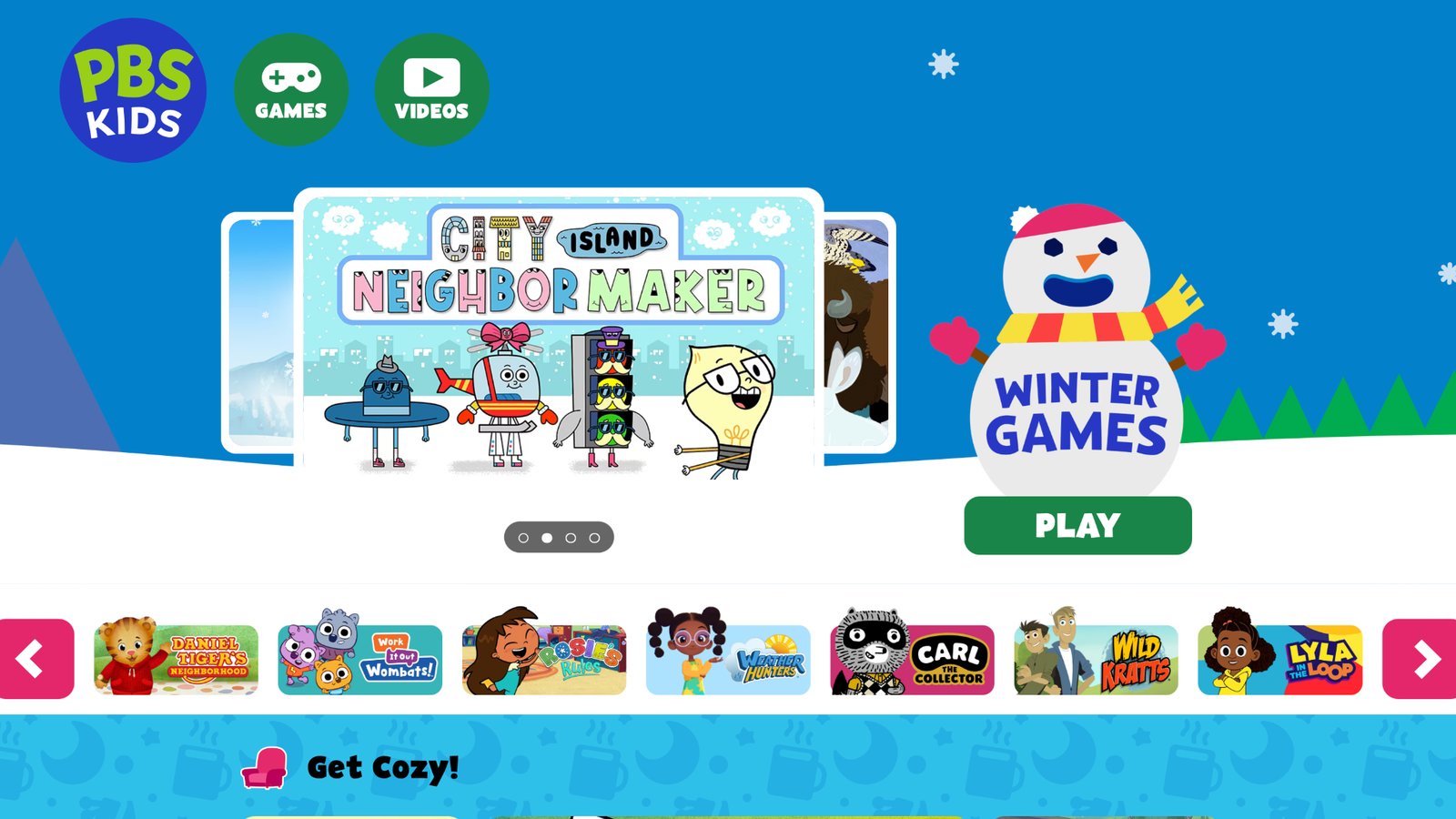
PBS Kids brings beloved television characters like Curious George and Daniel Tiger into interactive digital adventures that seamlessly blend education with heartfelt storytelling. Children participate in science experiments, emotional learning scenarios, neighborhood-building tasks, and animal rescue missions that nurture not just academic skills but also social awareness and empathy. The platform shines in its character-driven approach, helping kids develop emotional intelligence and community values through relatable narratives that highlight diversity and kindness.
Based in Arlington, Virginia, it upholds strong public education principles while delivering high-quality, ad-supported experiences. Although some games perform best with stable internet connections, the thoughtful design ensures meaningful play sessions that complement what children watch on TV. Families value how these activities promote holistic growth, turning screen time into opportunities for both learning and character development in a safe, trusted environment.
- Key features: Includes wild animal rescues and neighborhood building tasks.
- Facts and information: Games often highlight diversity and community themes.
6. Starfall
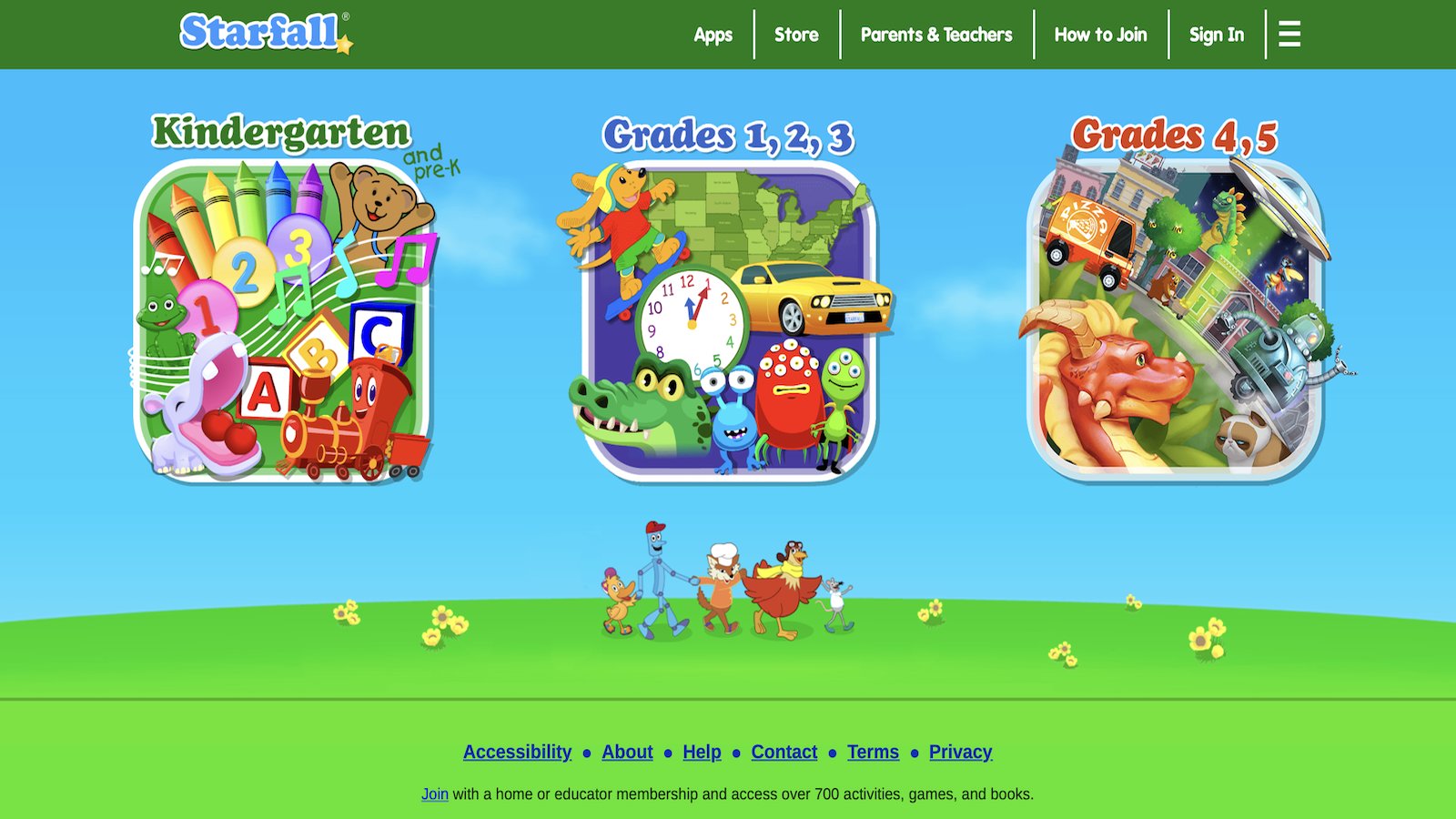
Starfall delivers a gentle, multisensory introduction to foundational learning through engaging games focused on reading and math for early learners. Young users practice letter recognition with catchy songs, build words using visual aids, and explore numbers alongside animated friends in a supportive atmosphere that encourages mastery at an individual pace. The platform particularly benefits beginners by combining sounds, visuals, and repetition to strengthen phonics and basic counting skills without pressure.
Its Boulder, Colorado roots reflect a dedication to solid early education principles, making it ideal for preschool and kindergarten stages. While it offers excellent support for building fluency in core areas, more advanced learners may eventually seek additional challenges beyond the foundational scope. Families often praise the repeat-play friendly activities that help cement concepts naturally, creating confident learners ready for the next educational steps.
- Key features: Features phonics songs and number matching.
- Facts and information: Many activities encourage repeat play to build fluency.
7. Turtle Diary
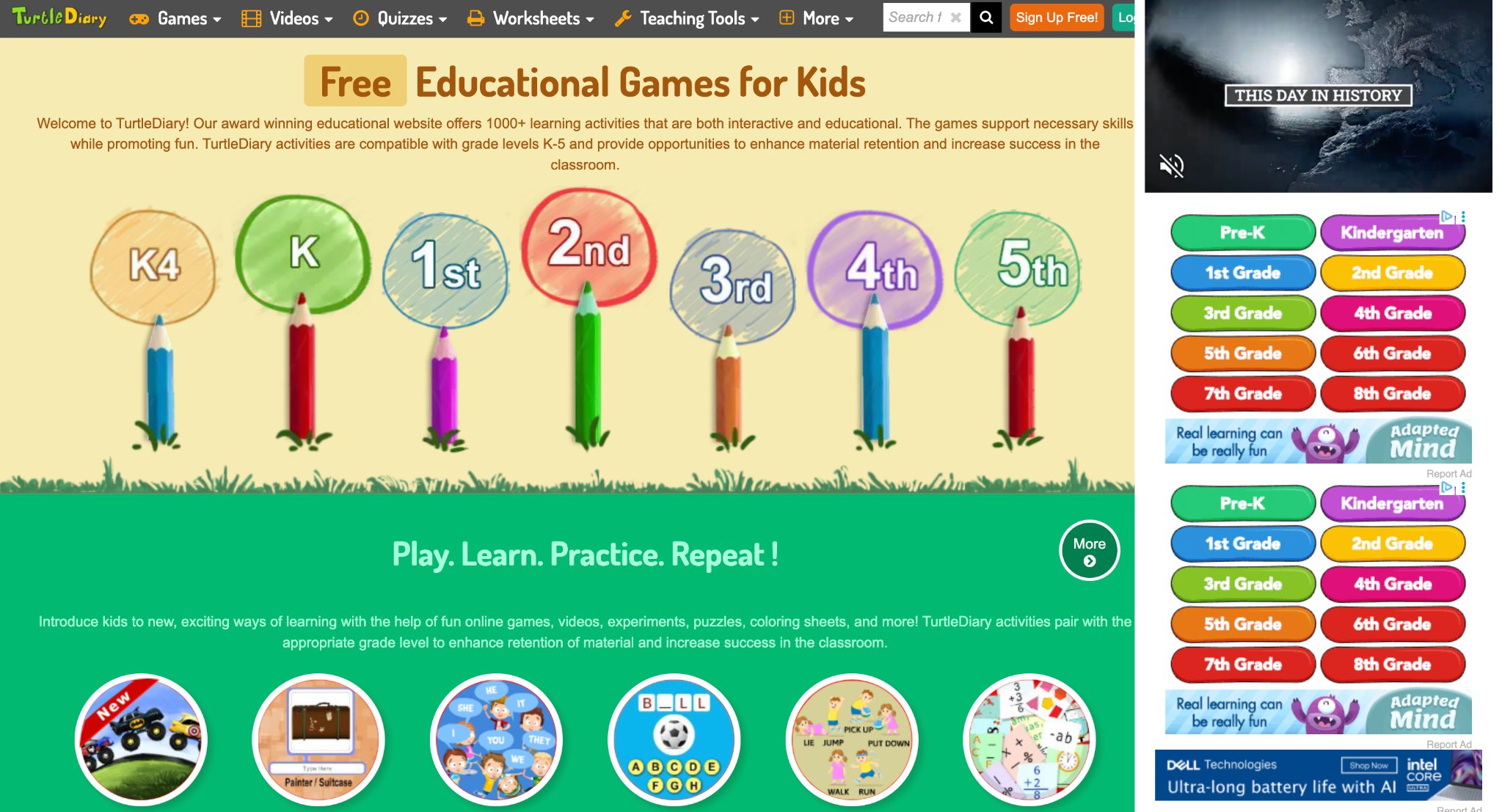
Turtle Diary presents a vast library of free interactive games tailored for kids in grades K-5, covering math fundamentals like addition and geometry, language arts including grammar and sight words, science topics such as life cycles, geography with map quizzes, and typing skills. Children dive into engaging activities like multiplayer car races, basketball shootouts, ninja battles, and puzzles that reinforce concepts through fun competition and instant feedback. The platform excels in progress tracking with detailed reports for parents and teachers, plus printable worksheets and Google Classroom integration for seamless classroom use.
It aligns with Common Core standards, promoting skill mastery via repetitive, gamified practice that builds confidence and retention. Kids enjoy story-based challenges and positive reinforcement, turning learning into an adventure. While the free access offers plenty, occasional ads in non-premium modes can briefly disrupt play, and navigation might overwhelm very young users. Operating on a global scale, Turtle Diary supports diverse learners with flexible, device-friendly content that encourages independent exploration and peer interaction.
- Key features: Multiplayer competitions, customizable worksheets, typing tutorials with themes like balloons and ninjas, instant quiz evaluations.
- Facts and information: Games scaffold concepts across levels for steady progression, enhancing classroom success through aligned standards.
8. Teach Your Monster
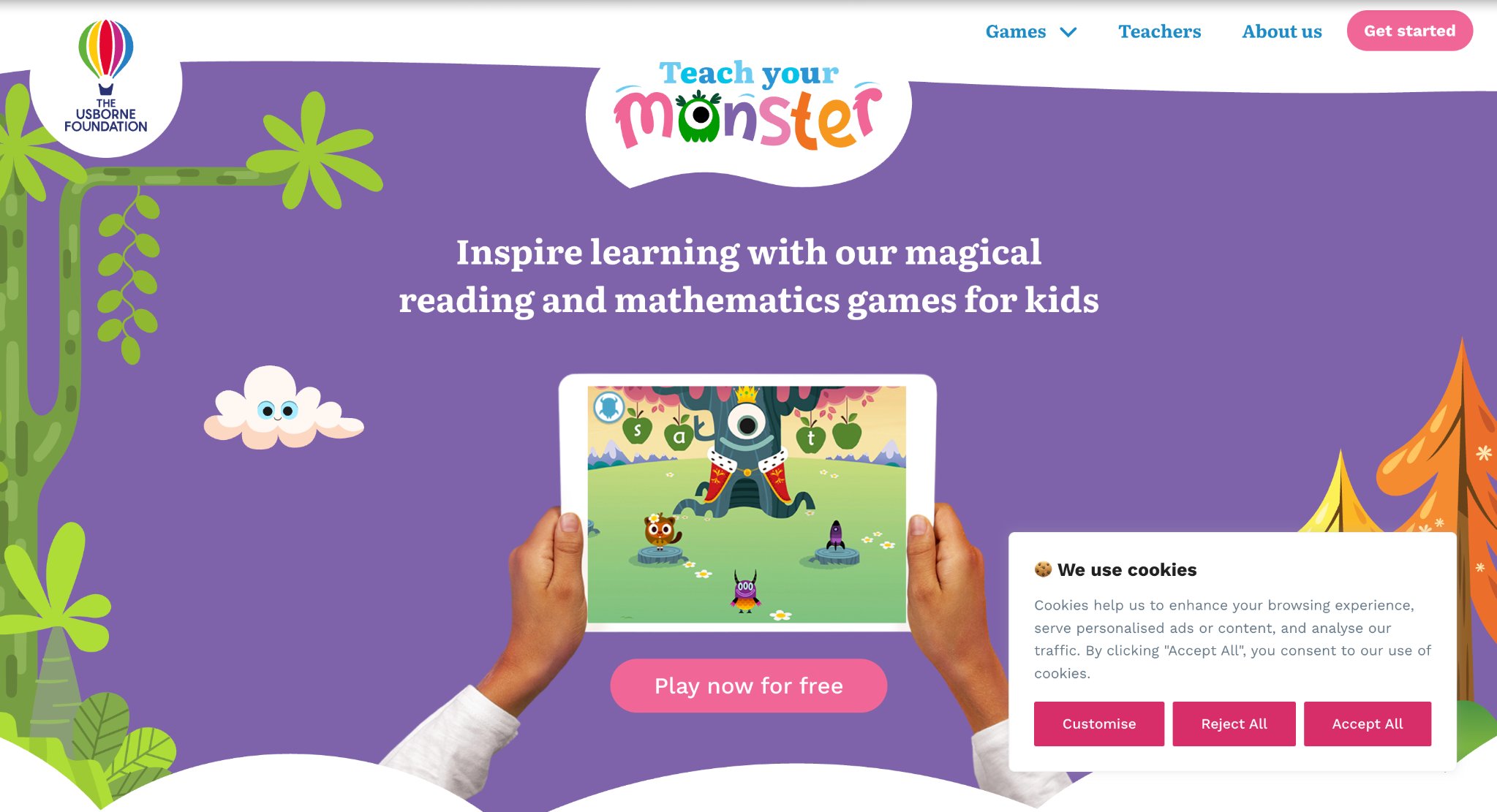
Teach Your Monster immerses kids in phonics and math adventures where they train quirky monsters in a vibrant magical world, primarily targeting ages 3-7 for early reading skills and basic numeracy. Players progress through quests involving letter sounds, blending words, and number hunts, customizing their monster along the way for personal attachment. The game's narrative-driven approach makes phonics feel like an epic journey, with smooth animations and rewarding milestones that keep young learners hooked.
It stands strong in building foundational literacy through playful repetition, often praised by educators for boosting reading confidence quickly. Math elements introduce counting and operations in a similar engaging style. However, content remains focused on early basics, limiting appeal for older elementary kids, and some sections lack deeper challenges. From the UK, it collaborates with reading experts to ensure effective, research-backed methods.
- Key features: Monster customization, phonics blending games, number recognition quests, progressive difficulty levels.
- Facts and information: Activities promote quick recall and fluency, supporting early literacy development effectively.
9. Prodigy
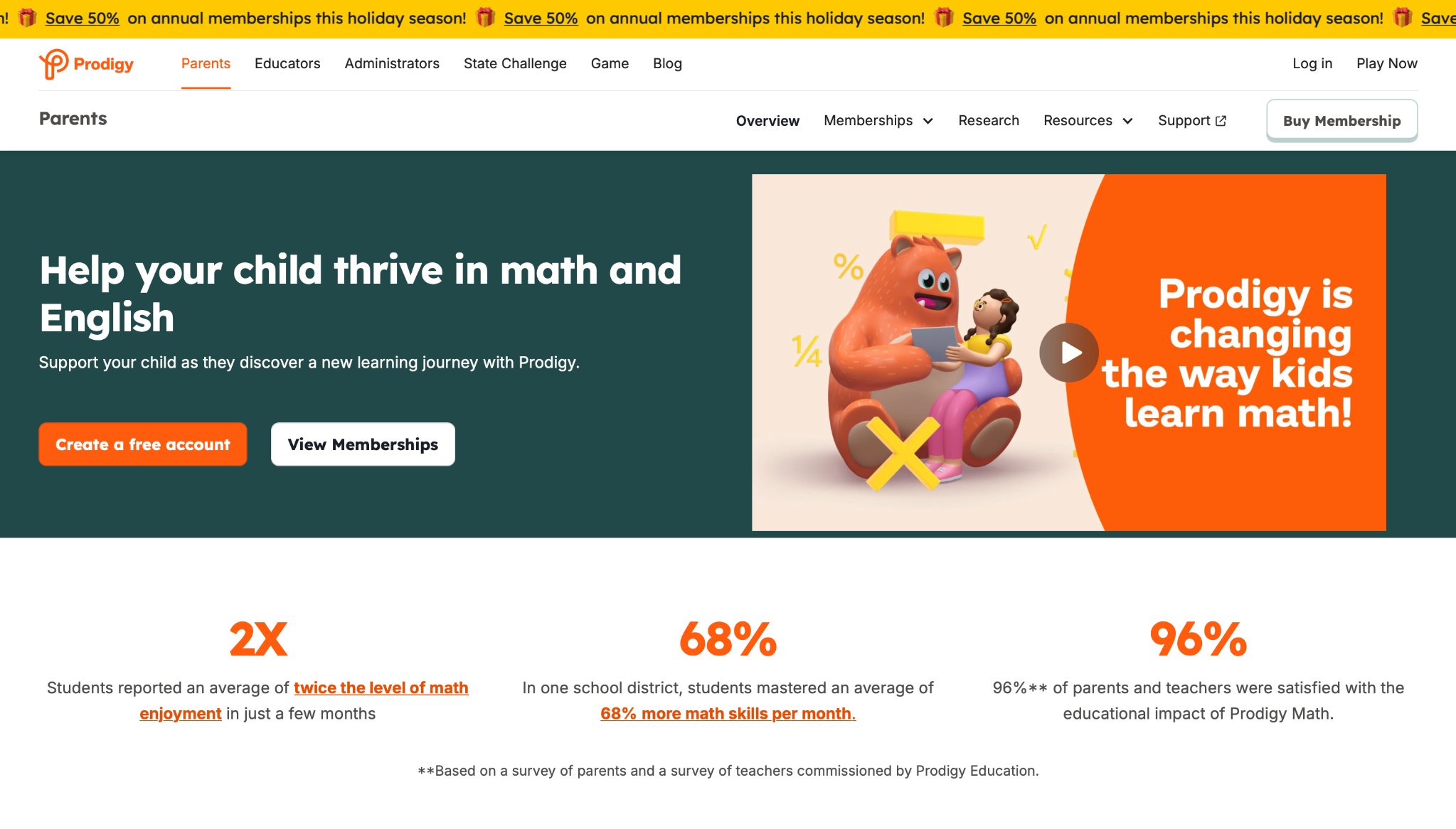
Prodigy transforms math practice into fantasy battles where kids cast spells by solving equations, suitable for grades 1-8 with adaptive content in math and English. Players embark on quests in a wizard-filled world, answering curriculum-aligned questions to advance, collect pets, and unlock rewards. The engine adjusts difficulty in real-time based on performance, ensuring steady growth without frustration.
Parents and teachers value the detailed progress reports and classroom integration tools. It shines in motivating reluctant learners through competition and personalization. Drawbacks include a heavy emphasis on combat mechanics that might distract from pure learning, and occasional loading issues on slower devices. Based in Canada, Prodigy emphasizes safe, standards-based education.
- Key features: Pet collection and battles, teacher dashboards for assignments, world exploration quests, English skill integration.
- Facts and information: System personalizes questions for optimal skill mastery, aligning with Common Core and state standards.
10. Khan Academy Kids
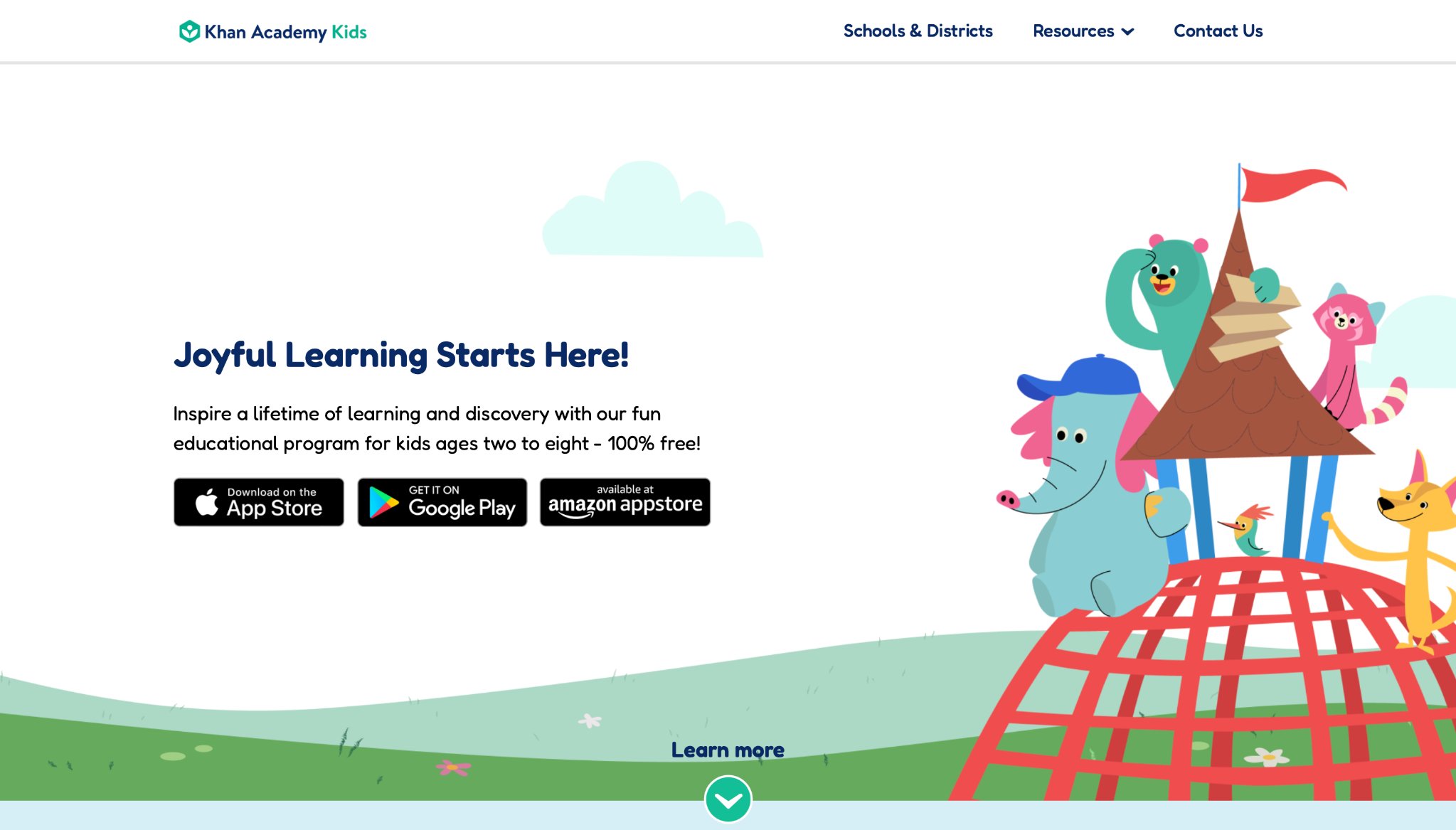
Khan Academy Kids delivers a free, ad-free library of games, books, videos, and lessons for ages 2-8, focusing on early math, reading, writing, and social-emotional skills. Whimsical characters guide personalized paths through interactive stories, drawing activities, and phonics puzzles, adapting to each child's pace.
It excels in comprehensive coverage with creative play areas like circle time and offline-capable content, fostering whole-child development. Expert-designed and aligned with early learning frameworks, it builds habits through short, engaging sessions. Some activities feel basic for older users in the range, and navigation requires initial adult help. From Mountain View, California, it prioritizes accessible, high-quality education.
- Key features: Personalized learning paths, offline activities, progress insights for parents, creative drawing and music tools.
- Facts and information: Supports foundational skills step-by-step, enhancing academic and emotional growth.
11. Duolingo for Kids
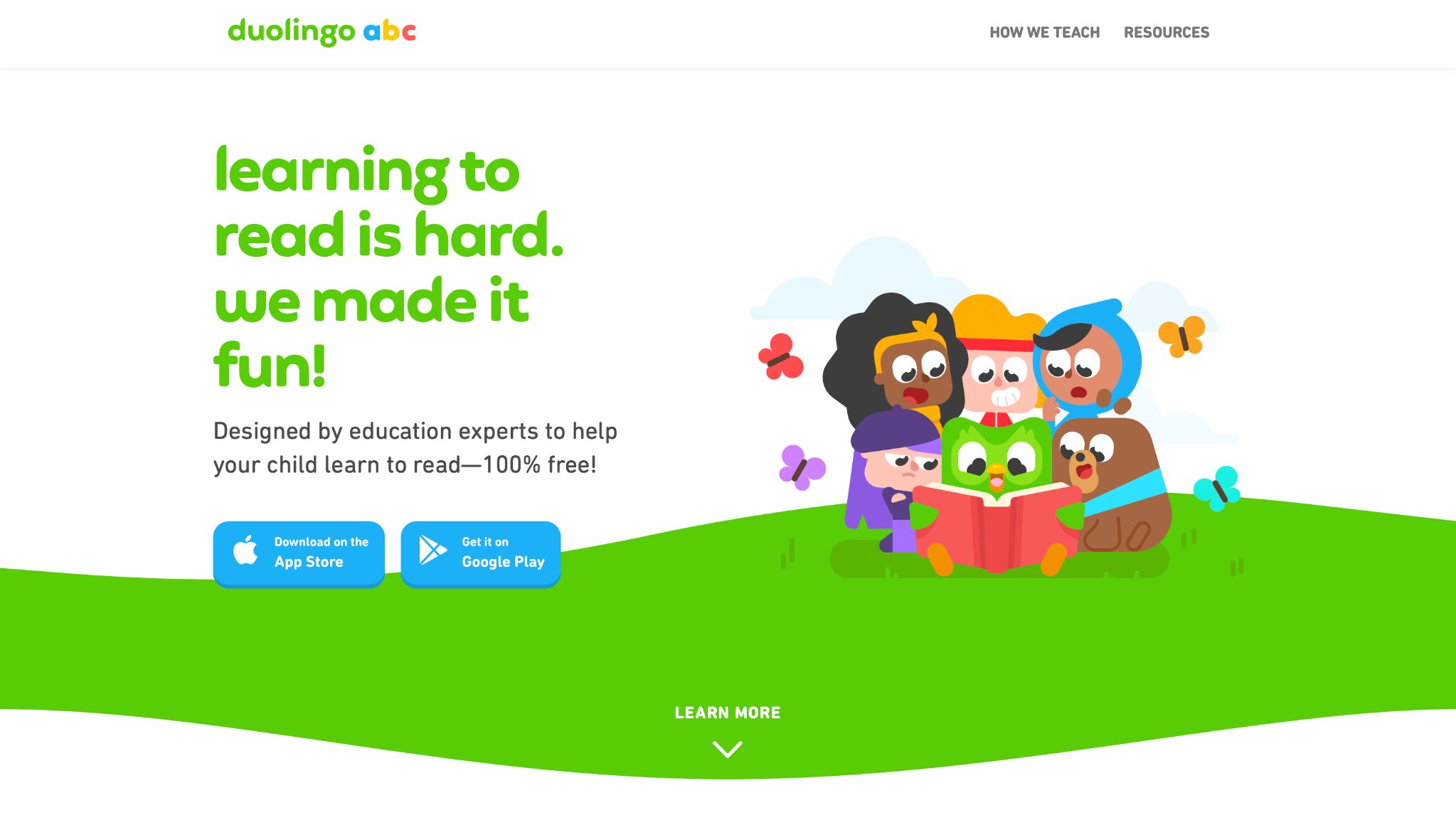
Duolingo ABC offers bite-sized phonics and literacy games for ages 3-8, turning reading basics into rewarding challenges with streaks, points, and delightful stories. Kids practice letter sounds, sight words, and simple sentences through interactive scenes featuring cute characters and animations. Its gamified structure builds daily habits effectively, with immediate feedback to correct mistakes gently.
Strengths include universal accessibility and proven repetition for retention, making early reading approachable. However, it stays narrow on literacy without broader subjects, and advanced phonics might need supplements. Headquartered in Pittsburgh, Pennsylvania, Duolingo emphasizes fun language foundations.
- Key features: Story-based lessons, streak rewards, phonics blending, printable practice sheets.
- Facts and information: Repetition reinforces memory, aiding smooth transition to fluent reading.
12. ABCmouse Early Learning Academy
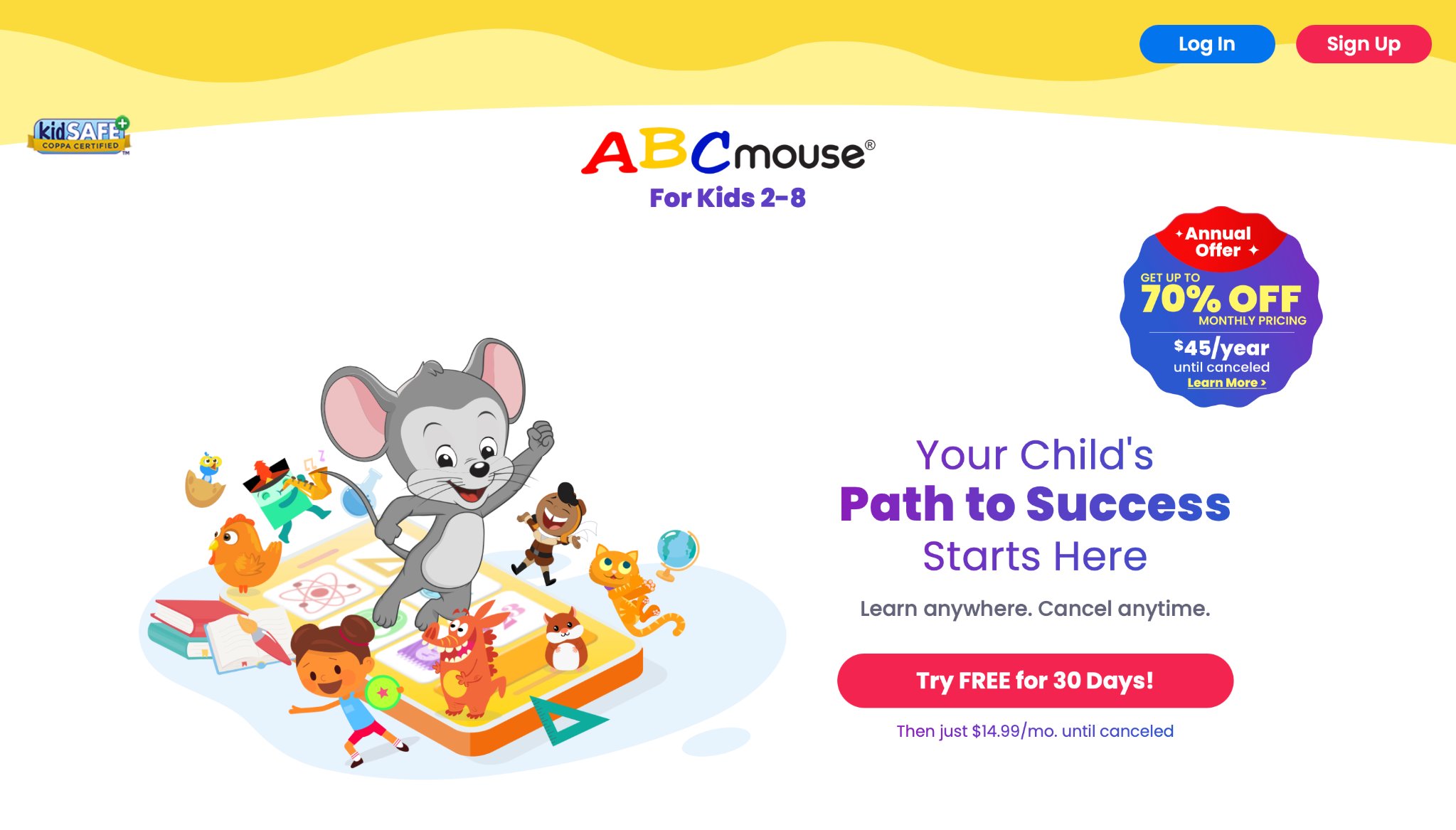
ABCmouse Early Learning Academy packs over ten thousand activities for ages 2-8, spanning reading, math, science, art, and social studies in structured learning paths. Kids earn tickets for virtual pets, rooms, and rewards while tackling puzzles, songs, and step-by-step lessons. The platform thrives in thorough preschool-to-kindergarten coverage, with parent dashboards for tracking and no kid-facing ads.
It accelerates early skills through immersive, multimedia content. Repetition in some paths can feel routine, and the busy interface may challenge tiniest users. Based in Pasadena, California, it serves millions in classrooms and homes.
- Key features: Avatar customization, 850+ lessons, printable books, art and music studios.
- Facts and information: Aligns with early standards, boosting literacy and math gains.
13. SplashLearn
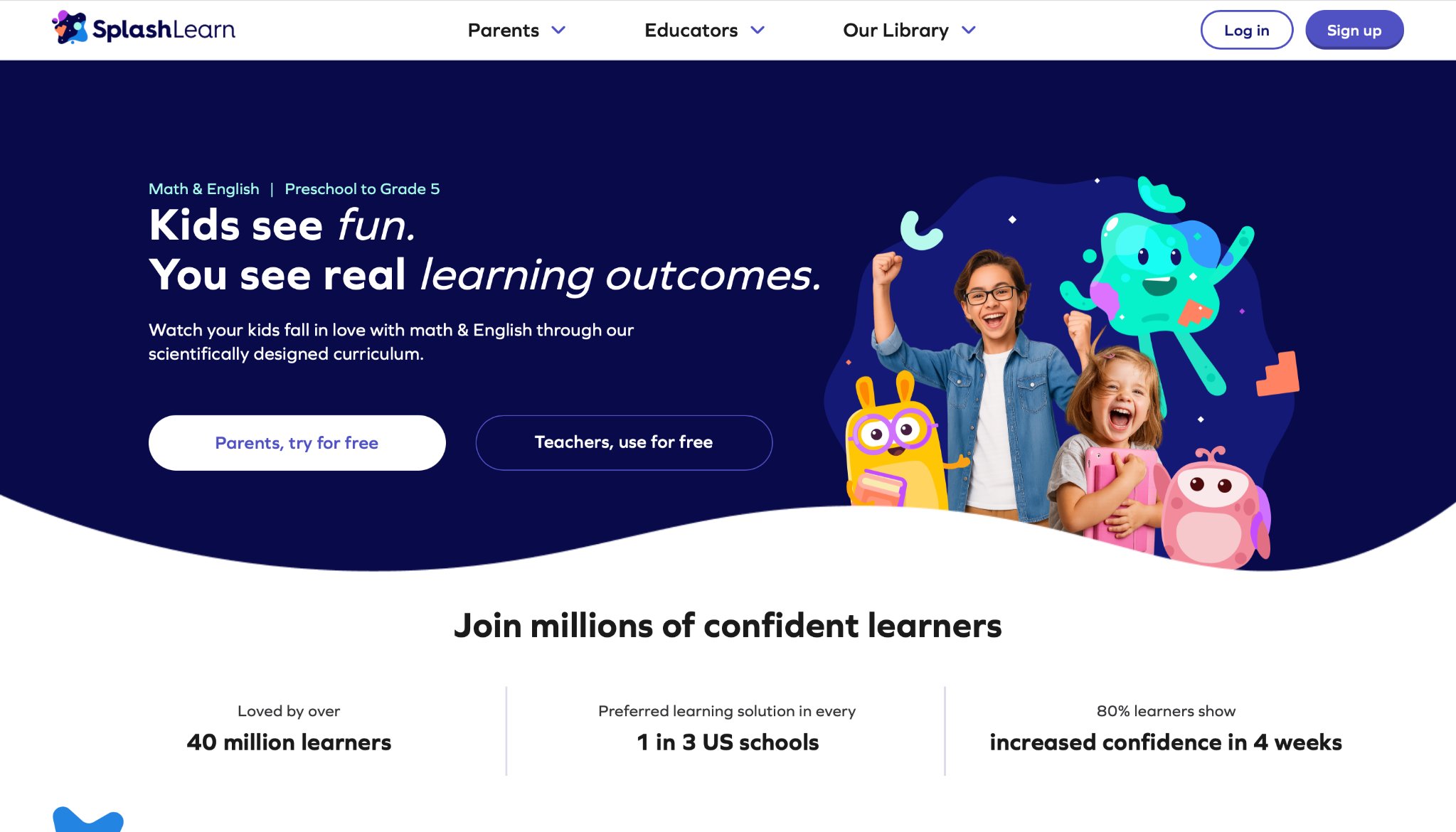
SplashLearn engages preschool to grade 5 kids with thousands of math and reading games, featuring colorful worlds, rewards, and personalized paths. Players conquer challenges in phonics, fractions, and grammar via multiplayer races and puzzles, with real-time reports for growth monitoring.
It excels in curriculum alignment and motivation through coins and characters, blending practice seamlessly. Teachers assign content easily. Questions sometimes repeat heavily, and free limits curb variety. It operates worldwide with strong parent tools.
- Key features: Live classes option, homework assignments, decodable books, skill-specific worlds.
- Facts and information: Tracks mastery areas, reinforcing school lessons effectively.
14. Coolmath4kids
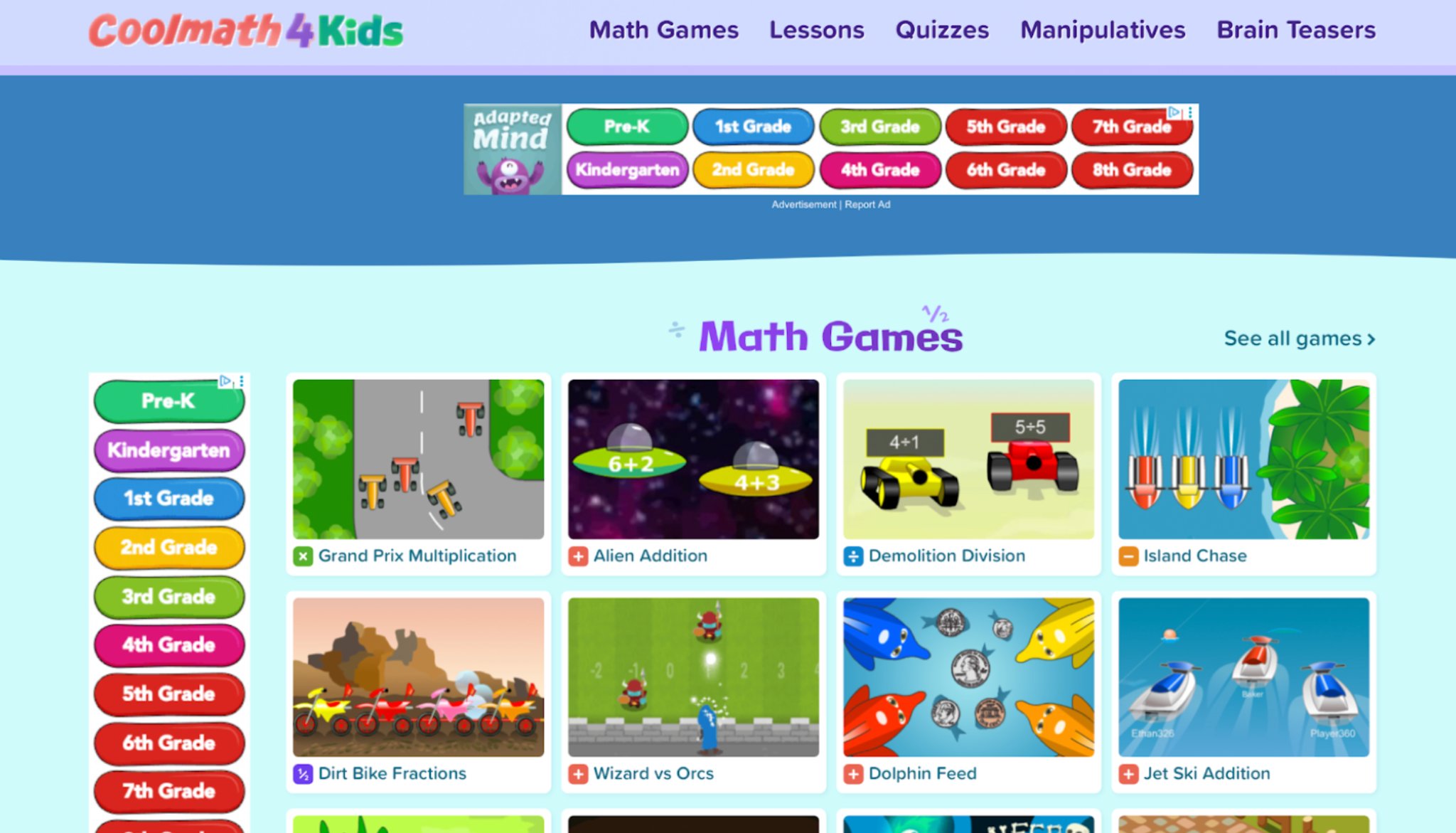
Coolmath4kids focuses sharply on making mathematics approachable and enjoyable for younger elementary students through brain teasers, logic puzzles, and interactive adventures covering addition, geometry, fractions, and strategy games. Kids navigate mazes, solve pattern challenges, and hunt for shapes in a clean, low-distraction interface that avoids heavy advertising or stressful timers. This thoughtful design prioritizes pure skill development and problem-solving abilities, allowing children to experiment freely and build logical thinking without unnecessary pressure.
Created by the team behind the popular Coolmath Games, it offers free access to core content that supports short, productive play sessions perfect for building daily math confidence. While its math-centric approach lacks broader narrative elements found elsewhere, it delivers targeted practice that strengthens foundational abilities in a fun, pressure-free way. U.S.-based and geared toward genuine understanding, it remains a favorite for parents seeking straightforward math reinforcement.
- Key features: Untimed puzzles, geometry explorers, fraction intros, strategy mini-games.
- Facts and information: Encourages logical thinking via varied challenges.
15. Code.org
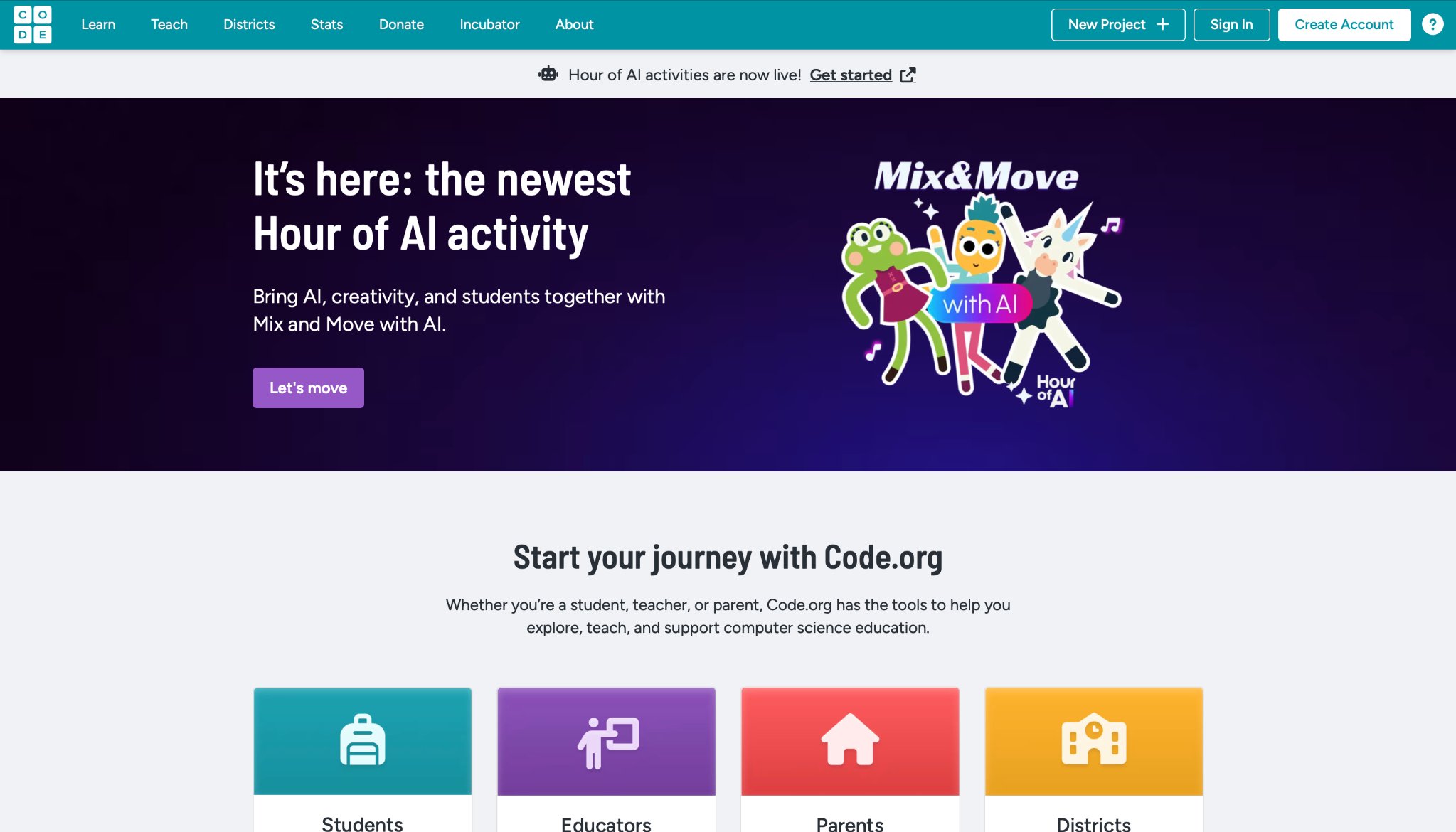
Code.org opens the world of programming to children ages 8 and up through accessible, hour-long tutorials and creative games that use block-based coding to tell stories and animate favorite characters from Minecraft, Frozen, and more. Young coders learn to sequence commands, debug issues, and build their own projects in guided environments that make complex concepts feel achievable and exciting. The platform excels at demystifying technology while aligning with school standards, encouraging computational thinking that benefits future learning across subjects.
Community features allow kids to share creations, fostering collaboration and inspiration on a global scale. As a U.S.-based nonprofit, it provides free resources including teacher tools and themed courses like dance parties or app-building labs. While ideal for beginners, those seeking deeper programming may move on to advanced languages later. Its empowering approach has introduced millions to the joy of creating with code.
- Key features: Themed courses, dance parties, app labs, teacher resources.
- Facts and information: Builds computational thinking foundational skills.
16. Reading Eggs
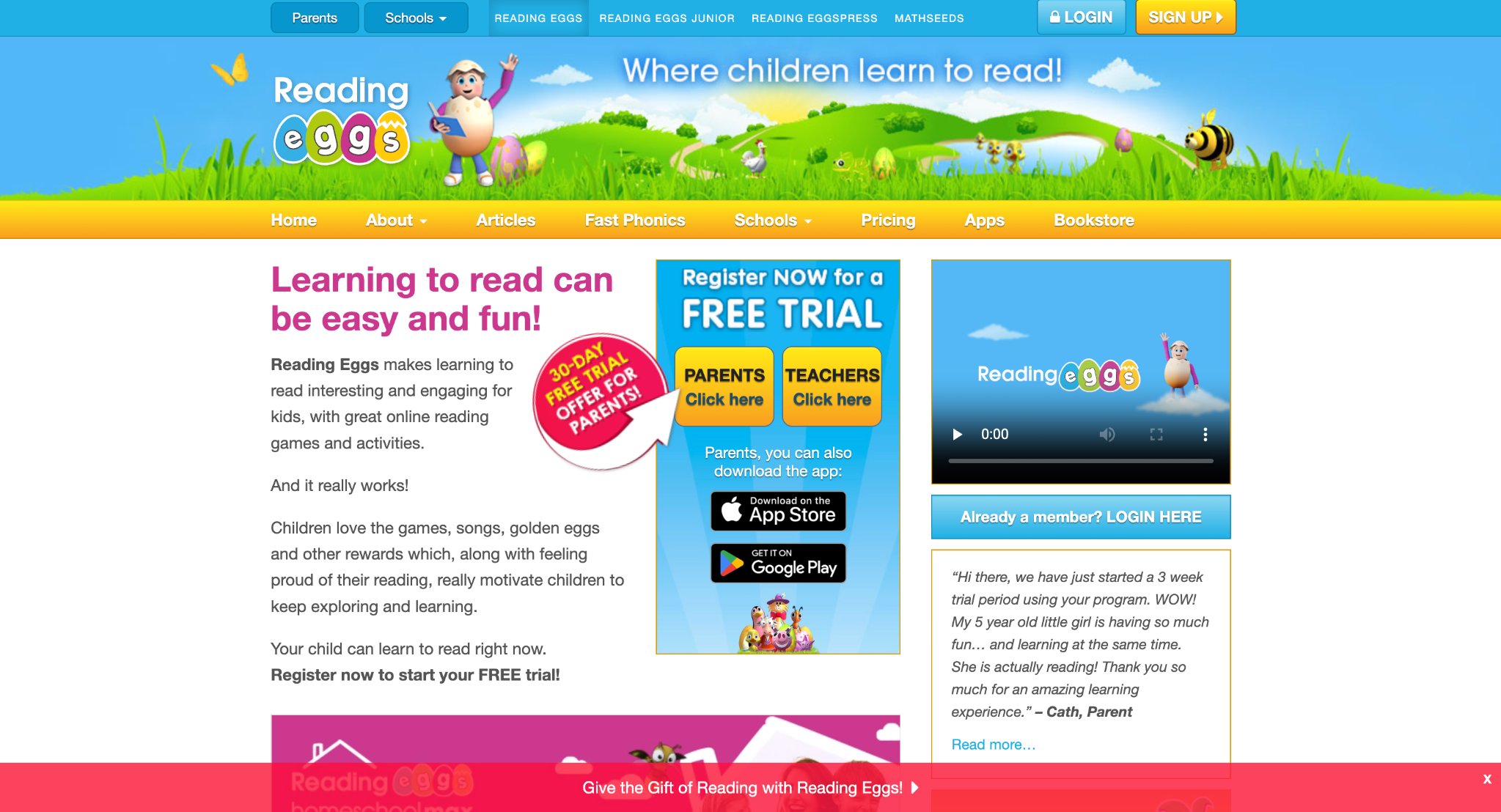
Reading Eggs transforms literacy development into an exciting egg-hatching adventure suitable for ages 2 through 13, featuring over 200 adaptive lessons that progress through phonics, comprehension, vocabulary, and spelling. Children read aloud, complete quizzes, explore interactive maps, and unlock rewards while receiving audio support that accommodates different learning styles.
The Australian-originated but globally available platform provides strong progression tracking, e-book libraries, and parent resources that help monitor growth and reinforce skills at home. Its sequential method particularly supports early readers in building solid foundations for fluency and confidence. With engaging quests and visual motivation, it maintains interest across a wide age range while emphasizing proven techniques for reading success. Families appreciate the structured yet playful format that turns potential struggles into achievements, making it a valuable tool for consistent literacy improvement.
- Key features: e-books library, spelling city, fast phonics videos, parent guides.
- Facts and information: Proven sequential approach for reading fluency.
17. DragonBox
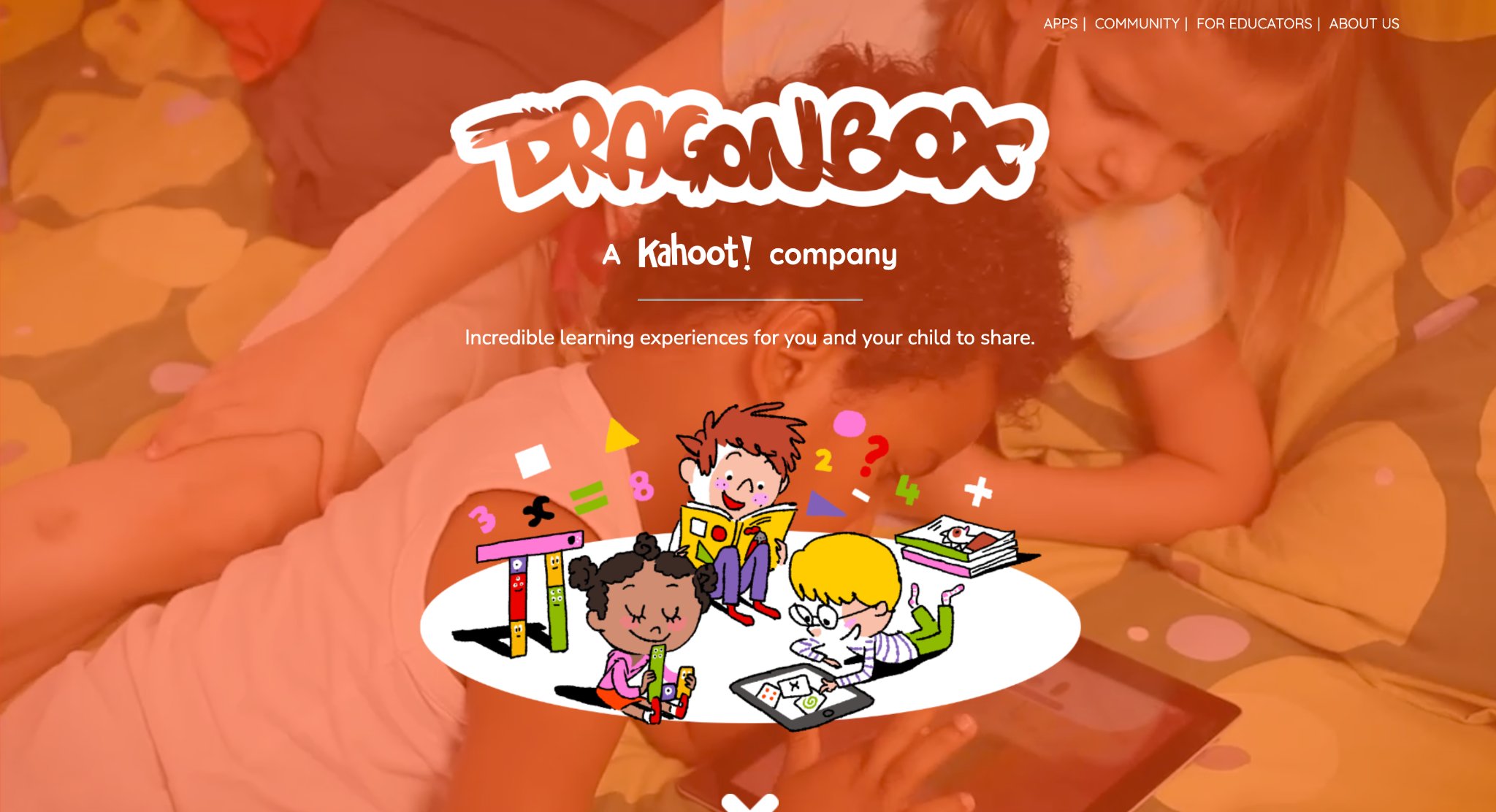
DragonBox, developed by WeWantToKnow in Norway but with strong presence and operations supporting users in the United States, offers innovative puzzle-based games that teach algebraic thinking and mathematical concepts through intuitive gameplay without traditional numbers or symbols at the start. Children aged 4 to 14 engage with colorful, story-driven challenges where they manipulate virtual cards and creatures to solve equations, gradually introducing formal algebra in later levels.
The platform emphasizes conceptual understanding over rote memorization, making abstract math feel accessible and fun as kids build dragons or navigate fantasy worlds by balancing equations visually. Its narrative elements and progressive difficulty help develop logical reasoning and problem-solving skills that transfer well to school subjects. The clean, distraction-free design supports focused play sessions ideal for building confidence in math.
- Key features: Visual equation manipulation, story-based levels, adaptive progression from basic operations to algebra, multiple apps in the series covering geometry and numbers.
- Facts and information: Used in classrooms worldwide with research showing improved algebraic understanding; millions of downloads and positive educator feedback for making math intuitive.
18. RoomRecess
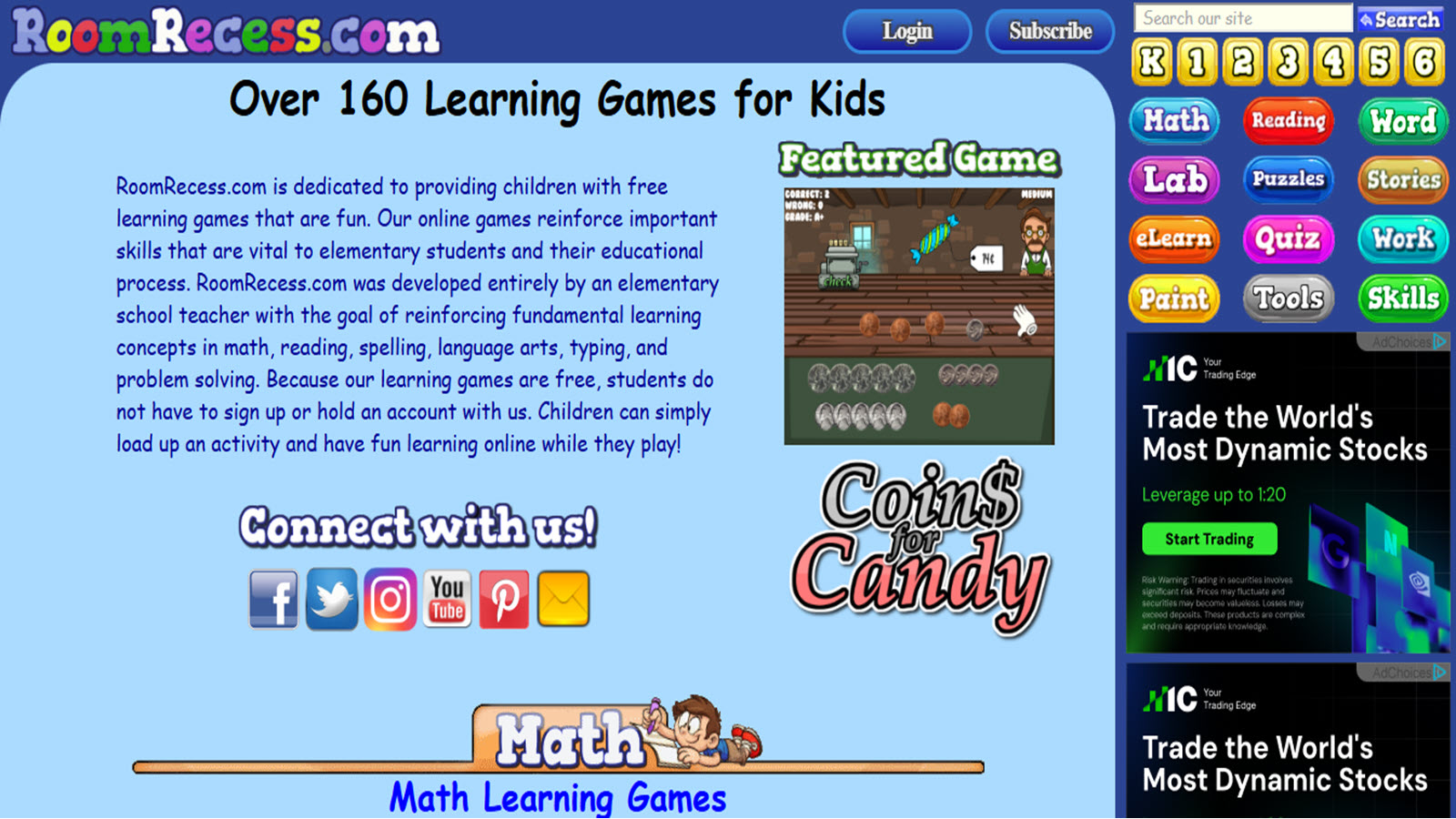
RoomRecess provides a comprehensive collection of free online learning games developed by an elementary school teacher, targeting kids in grades K-6 with activities across math, reading, spelling, language arts, typing, and problem-solving. Operating from the United States, the platform features over 160 interactive games where children can practice skills like fractions, geometry, comprehension, and vocabulary through engaging formats such as adventures, puzzles, and skill builders without requiring accounts or logins. The straightforward interface allows quick access, supporting independent learning at home or in class while reinforcing core elementary concepts with immediate feedback. Its teacher-created focus ensures alignment with typical curriculum needs.
- Key features: Math computation and geometry games, reading comprehension challenges, typing tutorials, language puzzles, no-signup access.
- Facts and information: Designed specifically for elementary reinforcement with a wide variety of untimed and skill-scaffolded activities popular among homeschoolers and classroom supplements.
19. Osmo
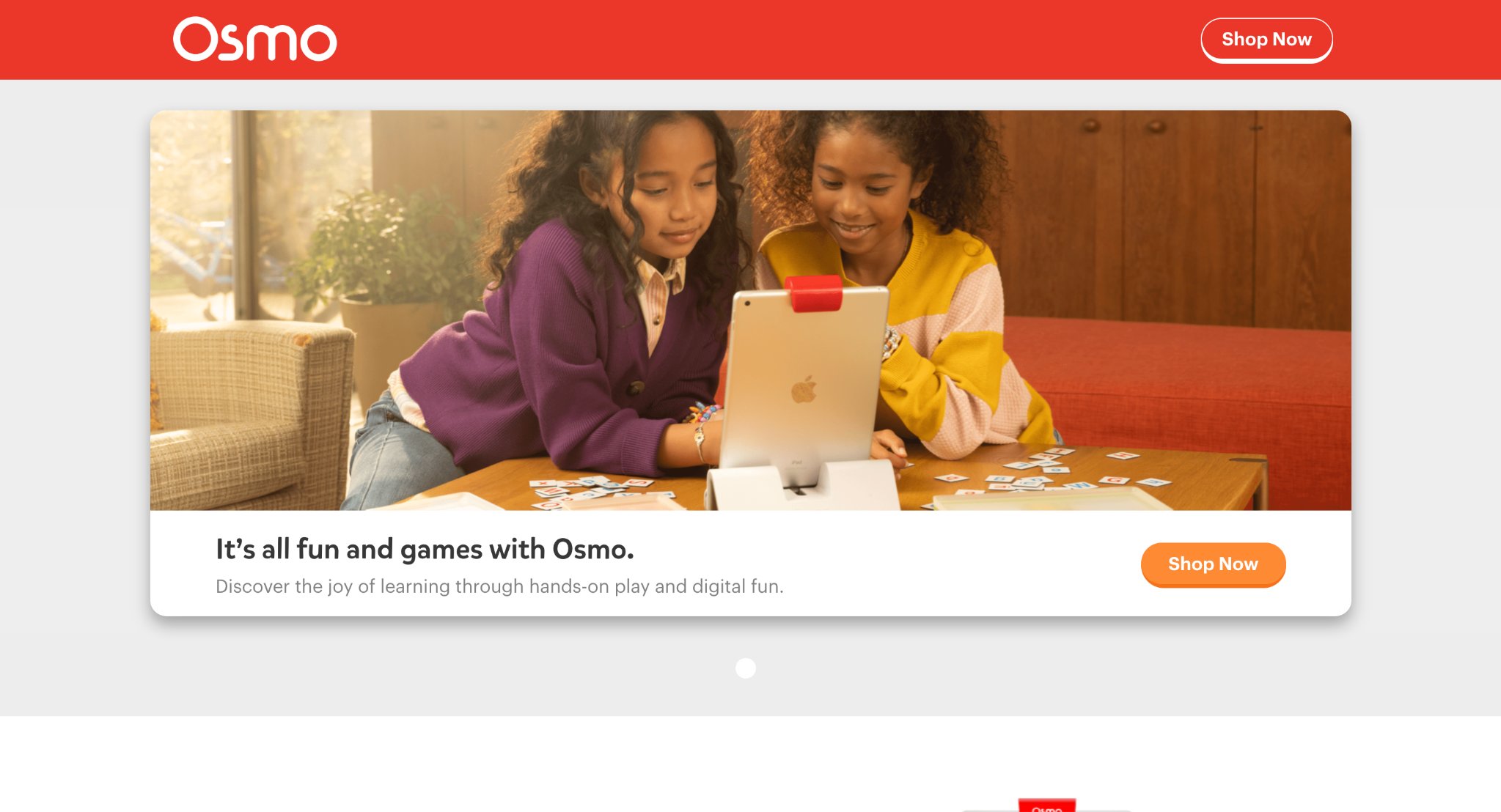
Osmo combines physical interactive pieces with digital gameplay on tablets, creating hands-on learning experiences for children aged 3 to 12, with strong availability and support in the USA. Kids use tangible tiles, letters, and numbers that the app's camera recognizes to solve puzzles, build words, or explore creativity in subjects like math, spelling, and problem-solving. Headquartered in the United States (Palo Alto area roots), it bridges physical play and screen time effectively. The system promotes fine motor skills alongside cognitive development through real-time feedback as children manipulate objects to complete challenges. Its hybrid approach stands out for engaging different learning styles.
- Key features: Tangible game pieces with mirror or camera integration, word building, math manipulation, creative drawing and storytelling modes, multiplayer family play options.
- Facts and information: Backed by educational research on multisensory learning; widely adopted in homes and schools for boosting engagement in foundational skills.
20. Buzzmath
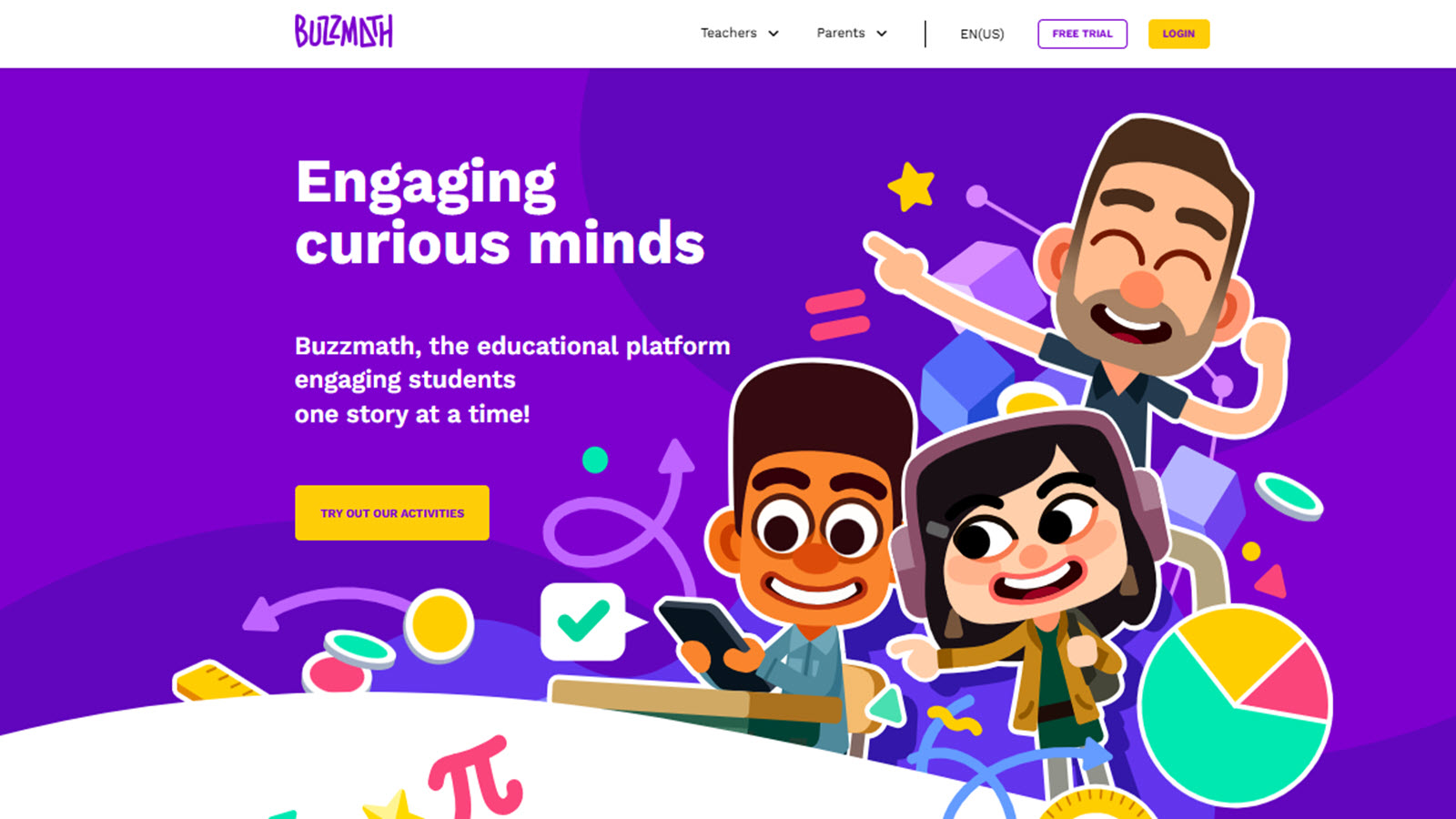
Buzzmath delivers standards-aligned math practice through interactive activities and challenges designed for students ages 8 to 14, focusing on middle school concepts like fractions, geometry, ratios, and algebra. Developed with input from educators, the platform features a virtual world where kids explore and solve problems via engaging exercises and real-world applications, providing detailed feedback to support mastery. It emphasizes conceptual depth with visual models and step-by-step guidance, helping students build confidence in tackling complex topics. The adaptive elements ensure appropriate challenge levels.
- Key features: Interactive math explorations, real-world problem scenarios, progress tracking, curriculum-aligned modules, visual modeling tools.
- Facts and information: Supports Common Core and state standards with thousands of activities proven to enhance math proficiency through consistent practice.
21. ScratchJr
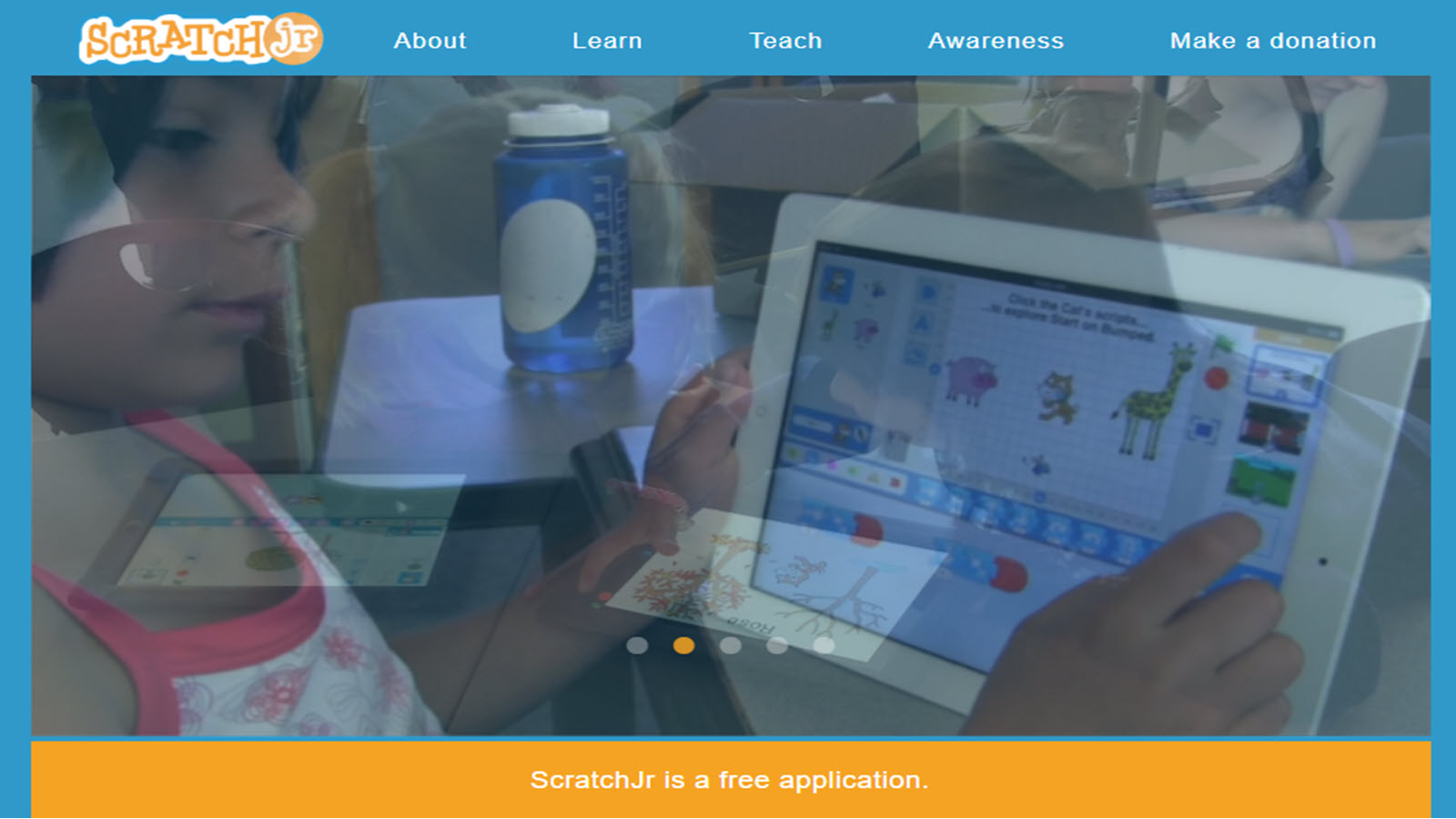
ScratchJr introduces young children ages 5 to 7 to foundational coding and computational thinking through a free, block-based programming app available on major platforms with significant US usage. Kids create interactive stories and animations by snapping together graphical blocks to control characters, fostering creativity, sequencing, and problem-solving without needing to read complex text. Developed through a collaboration involving MIT and other institutions, it makes programming approachable for early learners. The open-ended nature encourages experimentation and storytelling, helping develop logical thinking that supports broader STEM skills.
- Key features: Visual block coding, character animation, interactive story creation, sound and motion controls, sharing projects.
- Facts and information: Millions of young users worldwide; research highlights gains in sequencing ability and creative expression through playful coding.
22. Epic!

Epic! serves as a comprehensive digital library and reading platform with thousands of books, audiobooks, videos, and learning resources for kids ages 2 to 12, popular across the United States. Children explore fiction, nonfiction, and educational content with personalized recommendations and read-along features that build literacy, vocabulary, and knowledge across subjects. The interface includes engaging elements like quests and badges to motivate daily reading habits. It supports independent reading while offering tools for parents and educators to monitor progress and align with interests.
- Key features: Vast book library with searchable categories, read-to-me audiobooks, video integrations, personalized reading paths, comprehension tools.
- Facts and information: Used by millions of families and schools; promotes literacy growth through extensive, high-quality curated content.
23. BrainPOP
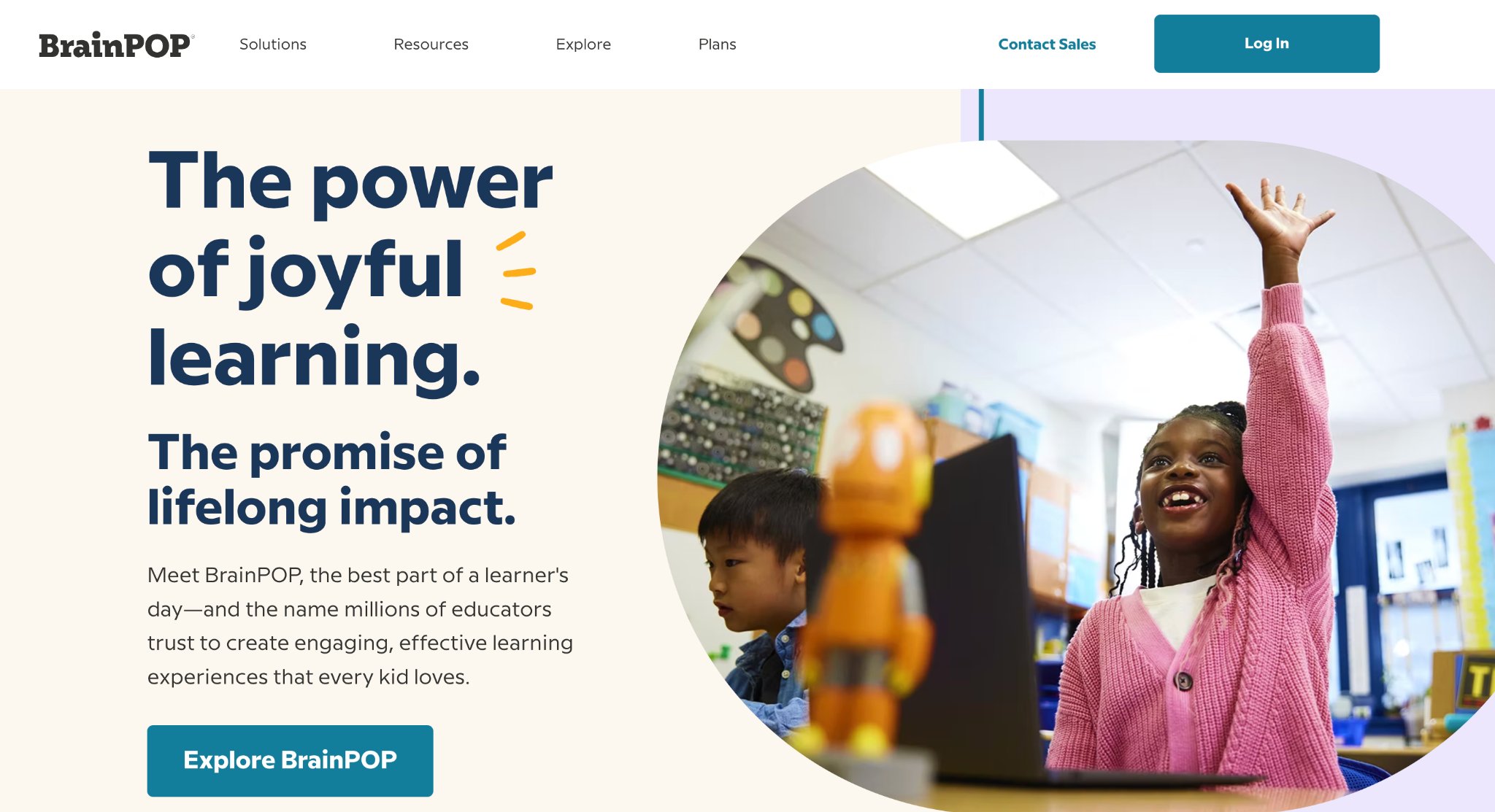
BrainPOP delivers animated educational videos, games, and quizzes across a wide range of subjects including science, social studies, math, English, and health for kids in grades K-8. Operating from the United States, the platform features beloved characters like Tim and Moby who guide learners through engaging, standards-aligned content. Children explore complex topics through short movies followed by interactive activities, concept maps, and game-based challenges that reinforce understanding in a fun, accessible way. Its strength lies in making difficult subjects approachable with humor and visuals, supporting both independent exploration and classroom integration. The variety keeps kids motivated while building critical thinking and knowledge retention.
- Key features: Animated movies with follow-up quizzes and activities, game shows, virtual labs, timeline creators, and personalized learning paths.
- Facts and information: Millions of users in schools and homes across the US; content aligns with state and national standards, with research demonstrating improved student engagement and comprehension in core subjects.
24. Tynker
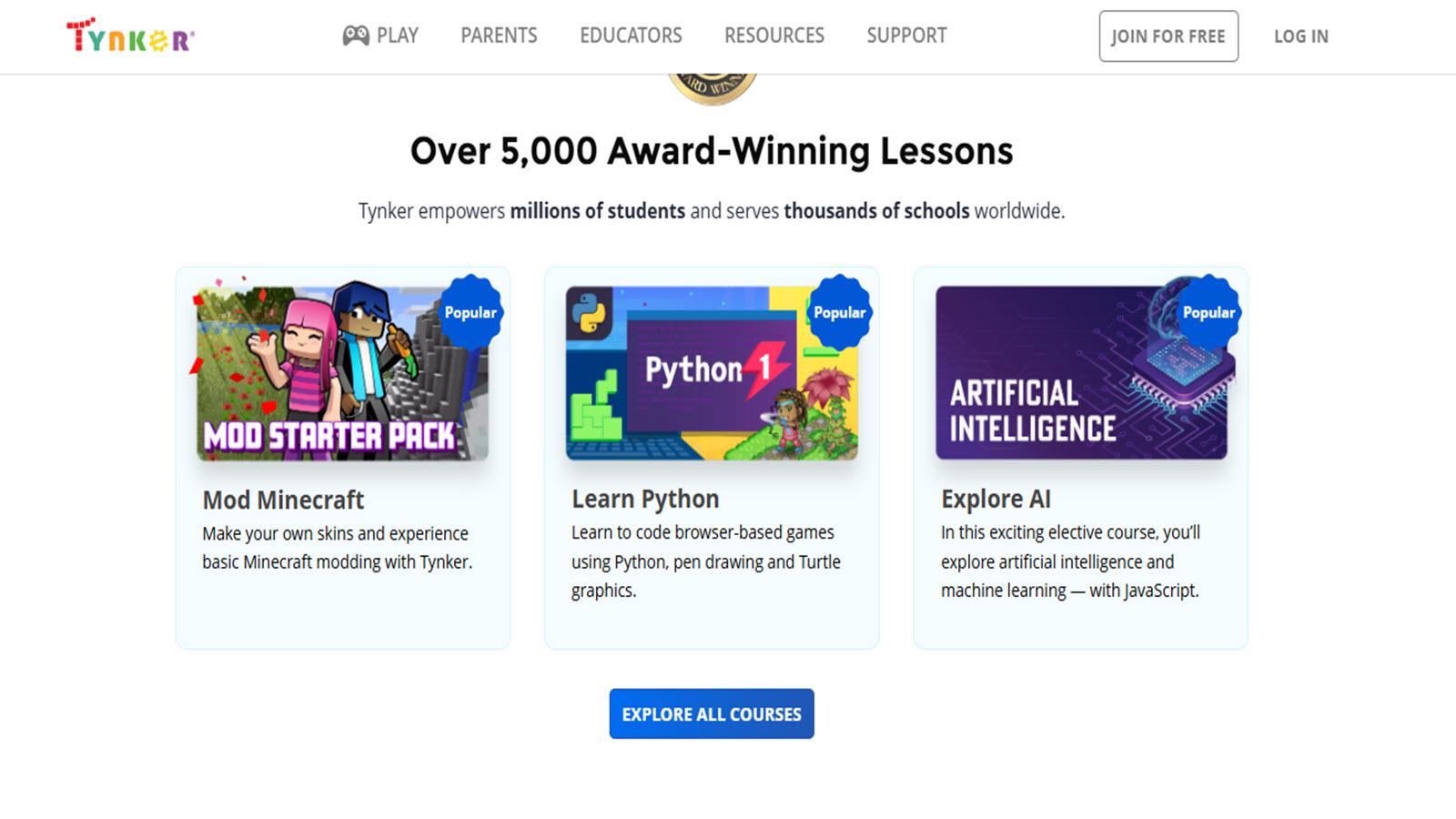
Tynker offers a comprehensive coding platform for children ages 5 to 18, teaching programming through block-based and text-based languages via interactive courses and projects. Kids build games, animations, apps, and stories while learning concepts like loops, conditionals, and algorithms. With strong US adoption, it provides a creative environment where learners progress from simple drag-and-drop interfaces to real JavaScript and Python coding. The platform encourages creativity and problem-solving by letting children create shareable projects, fostering computational thinking skills essential for future STEM success.
- Key features: Block-to-text coding transition, Minecraft modding, robotics integration, project-based courses, teacher dashboards.
- Facts and information: Used by over 60 million learners; partnerships with schools and proven to build confidence in coding through gamified progression and real-world applications.
25. Lightbot
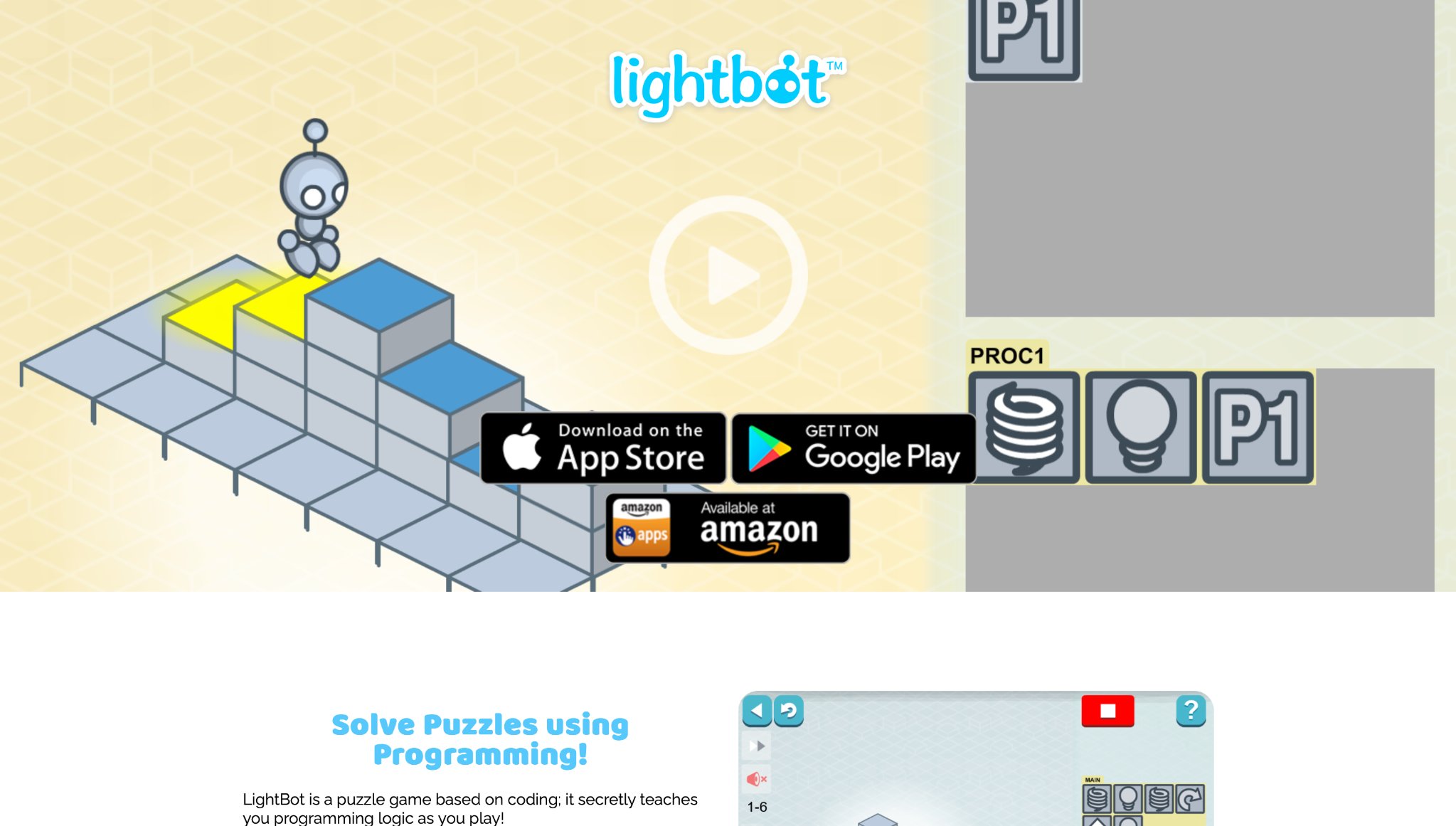
Lightbot presents puzzle-based programming challenges where kids guide a robot through grids by arranging visual commands, suitable for ages 4 to 13. The game introduces core coding concepts such as sequencing, loops, and conditionals without requiring reading or prior knowledge. Available on multiple platforms with significant US popularity, it offers progressively difficult levels that build logical thinking through hands-on problem solving in a colorful, minimalist environment. Its straightforward design helps develop algorithmic thinking while providing satisfying "aha" moments as puzzles are solved.
- Key features: Visual command blocks, multi-level progression, procedural puzzles, light-painting mechanics, multiple difficulty worlds.
- Facts and information: Millions of downloads worldwide; educational studies show improvements in sequencing abilities and logical reasoning for young learners.
26. IXL
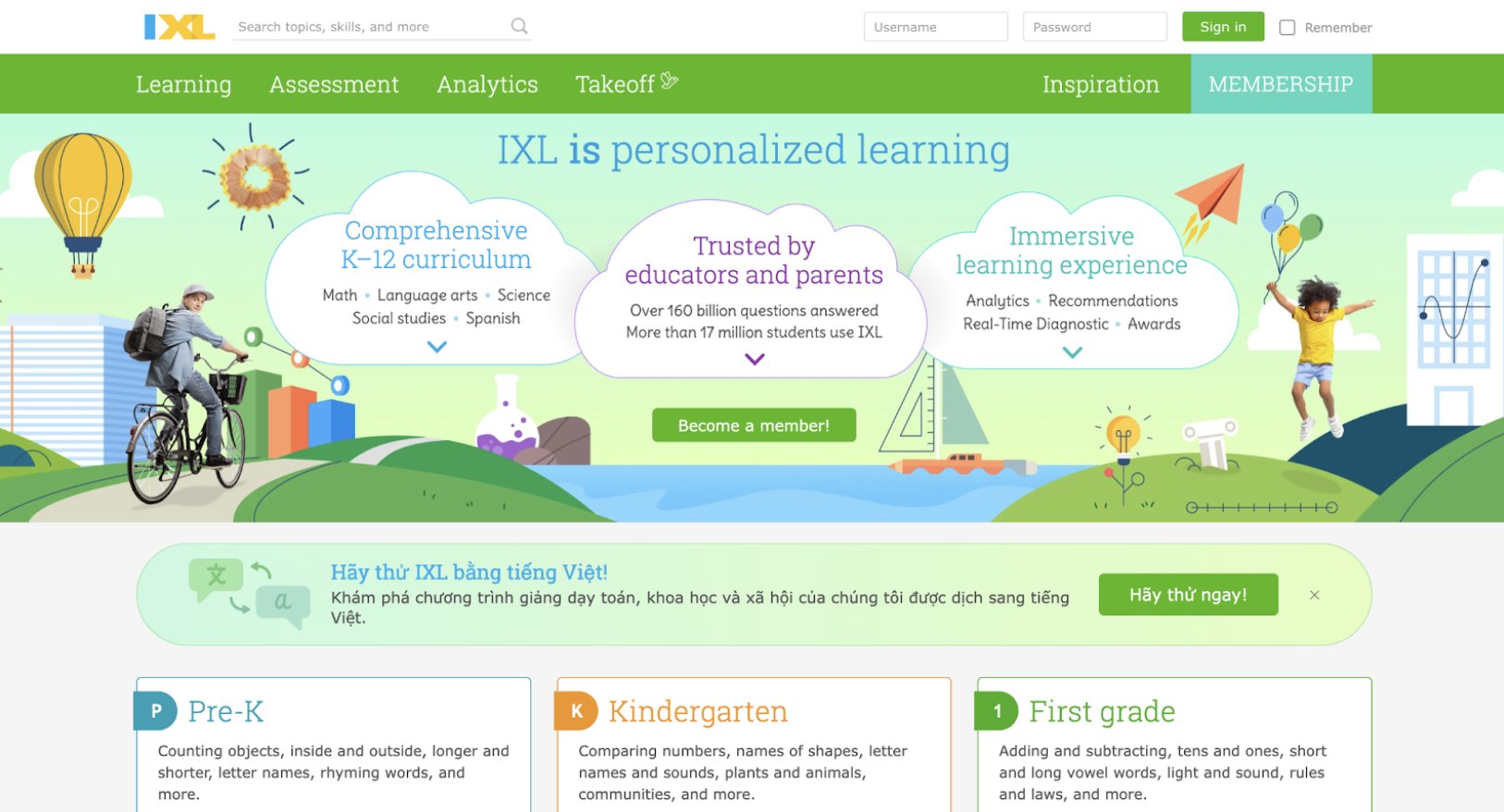
IXL delivers a comprehensive adaptive learning platform covering math, language arts, science, social studies, and Spanish for Pre-K through grade 12 students. Children engage with thousands of targeted skill-based questions that adjust in real-time to their performance, providing immediate feedback and step-by-step explanations to build mastery progressively. The interface uses engaging visuals and rewards like virtual prizes to maintain motivation while reinforcing classroom concepts through repetitive yet personalized practice. Parents and educators value the detailed analytics and diagnostic tools that highlight strengths and areas for improvement, supporting targeted intervention at home or school.
Based in the United States, IXL aligns closely with Common Core and state standards, making it a flexible supplement for diverse learning needs across elementary and beyond. Its vast question bank ensures fresh challenges without overwhelming young users, fostering confidence through consistent small wins in foundational skills like counting, reading comprehension, or basic geometry.
- Key features: Real-time SmartScore progress tracking, unlimited practice questions per skill, audio supports and Spanish translation options, parent/teacher dashboards with detailed reports.
- Facts and information: Offers over 7,000 skills aligned to major educational standards, with adaptive algorithms that personalize difficulty for steady advancement and measurable gains in proficiency.
27. Minecraft Education Edition
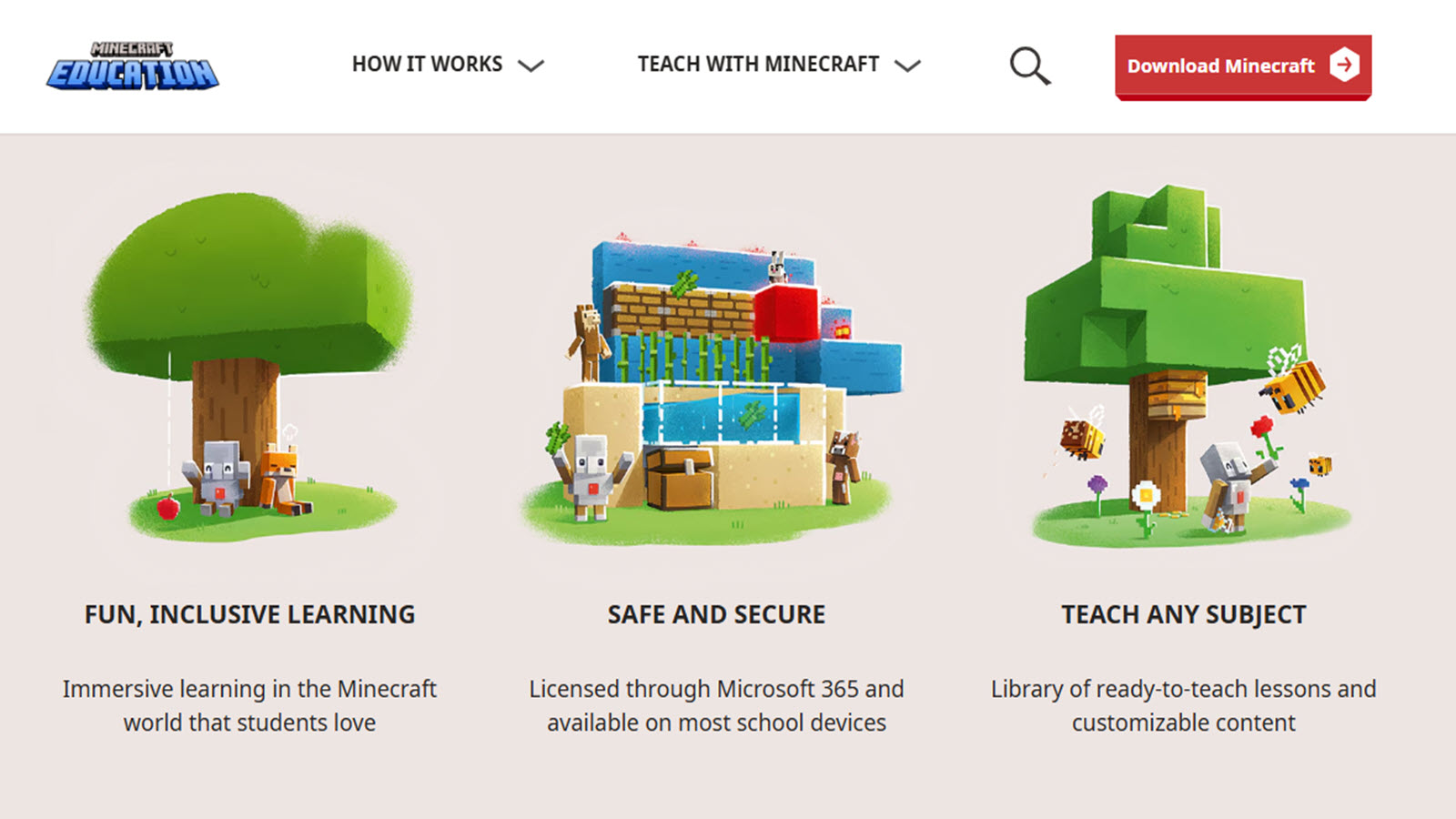
Minecraft Education Edition transforms the beloved block-building game into a powerful educational platform where kids explore immersive worlds to learn subjects like math, science, history, coding, and collaboration. Students build structures, conduct virtual experiments, and tackle curriculum-aligned challenges in creative or guided modes, using tools like Code Builder for programming projects or lesson libraries featuring partnerships with NASA and BBC Earth. The open-ended gameplay encourages creativity, problem-solving, and teamwork as children construct models of historical events, simulate ecosystems, or design engineering solutions.
Widely adopted in U.S. schools, it bridges play and learning by letting kids apply concepts in a familiar environment that sparks deep engagement. Its flexibility supports both structured lessons and free exploration, helping develop spatial reasoning, computational thinking, and social skills through shared building experiences.
- Key features: Ready-to-use lesson library with hundreds of standards-aligned activities, Code Builder for programming, collaborative multiplayer worlds, integration with classroom tools.
- Facts and information: Supports immersive STEM learning with real-world partners; used globally in classrooms to boost motivation, creativity, and subject mastery through hands-on virtual projects.
28. Sesame Street
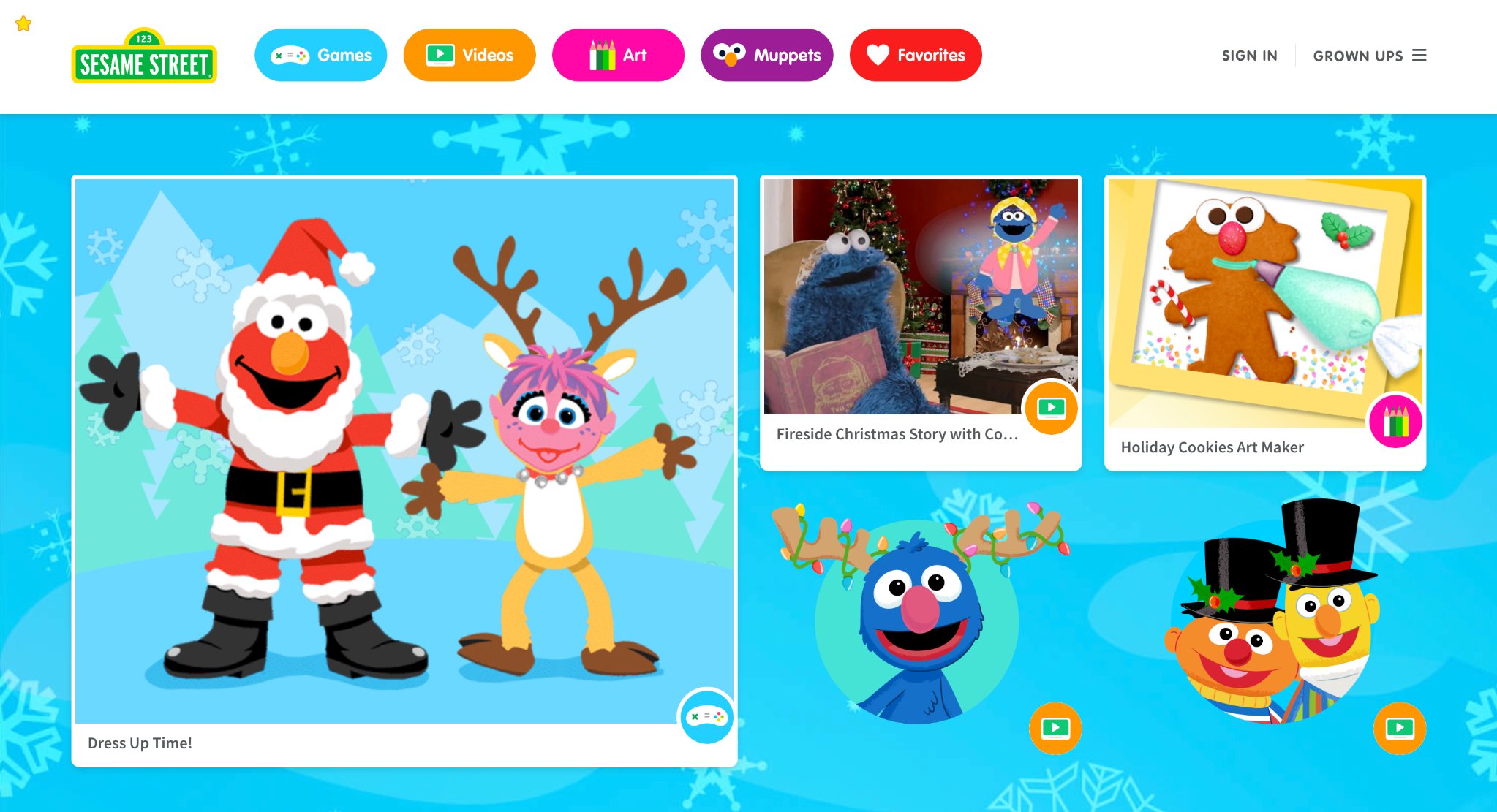
Sesame Street offers a beloved collection of free interactive games, videos, and activities featuring iconic characters like Elmo, Cookie Monster, and Abby Cadabby, designed specifically for preschoolers to build early cognitive, social, emotional, and physical skills. Children participate in playful challenges involving letter recognition, counting, colors, healthy habits, and problem-solving through simple, engaging formats like dress-up, matching, or adventure quests that feel like extensions of the TV show. The content emphasizes kindness, diversity, and everyday learning moments in a safe, ad-free environment that parents trust.
Rooted in decades of educational research from the U.S., it makes foundational skills approachable and fun, helping young kids develop empathy, vocabulary, and basic math concepts through relatable stories and repetition. Its character-driven approach turns screen time into meaningful social-emotional growth opportunities.
- Key features: Over 100 games focused on letters, numbers, emotions, and routines; read-along videos, coloring pages, and character-specific activities.
- Facts and information: Supports comprehensive preschool curriculum areas including literacy, math, and social skills; regularly updated with new content tied to child development principles.
29. Sheppard Software
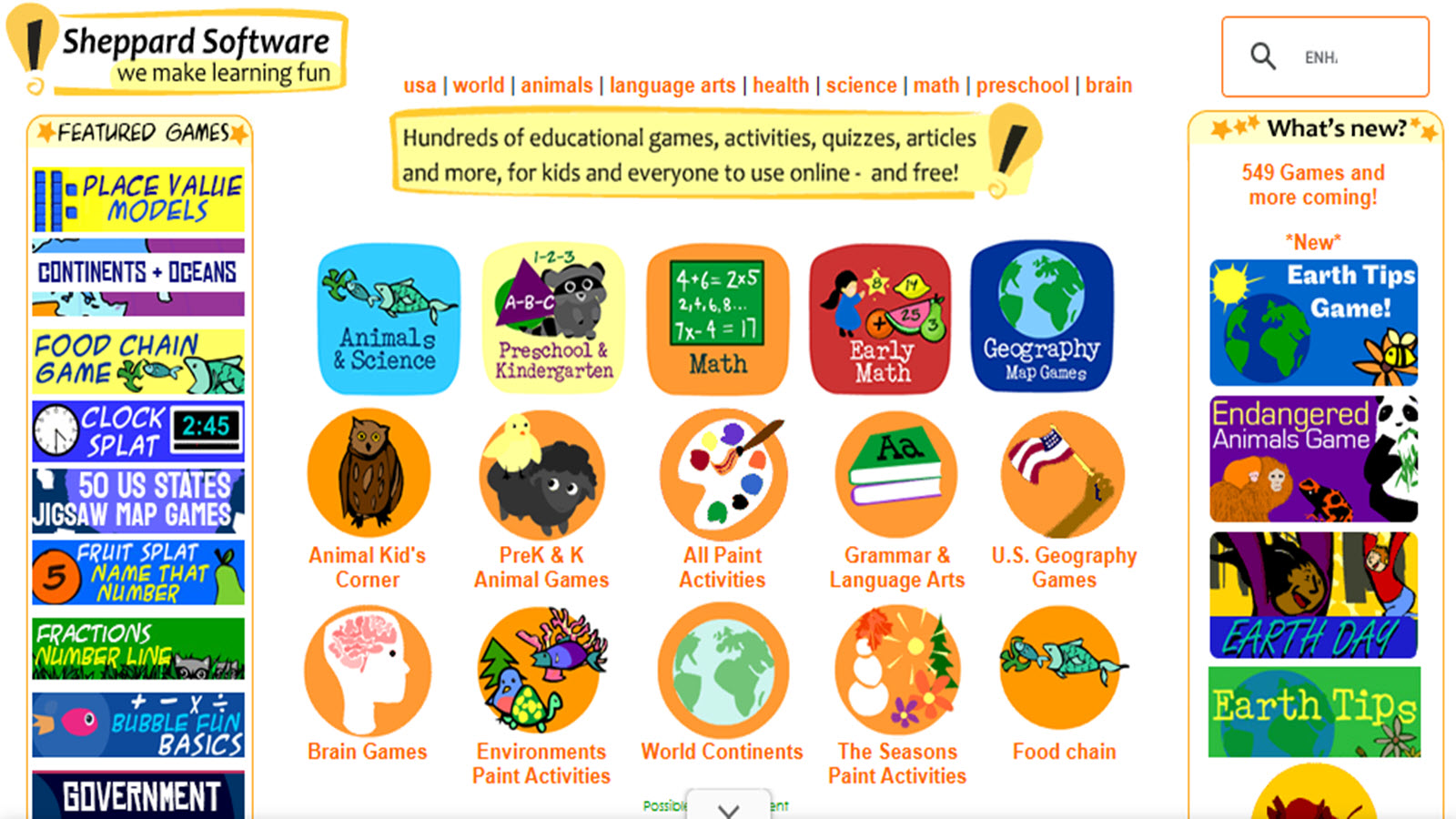
Sheppard Software provides hundreds of free, ad-light educational games and activities across math, geography, animals, science, language arts, and more, targeting a wide range of ages with multilevel challenges. Kids explore interactive maps for U.S. and world geography, practice math operations through arcade-style games, learn about animal habitats and life cycles, or tackle brain teasers that build logic and vocabulary. The straightforward design allows independent navigation with instant feedback, making it ideal for supplemental practice or homeschool reinforcement. U.S.-based and teacher-friendly, it emphasizes fun visuals and sound effects to make concepts memorable without pressure. Its broad topical coverage supports cross-curricular learning, helping children connect ideas across subjects through engaging, repeatable play.
- Key features: Multilevel geography and math games, animal classification activities, science simulations, vocabulary builders, and preschool-friendly options.
- Facts and information: Covers core elementary topics with progressive difficulty; popular for building foundational knowledge through interactive, self-paced exploration.
30. Kahoot! Kids
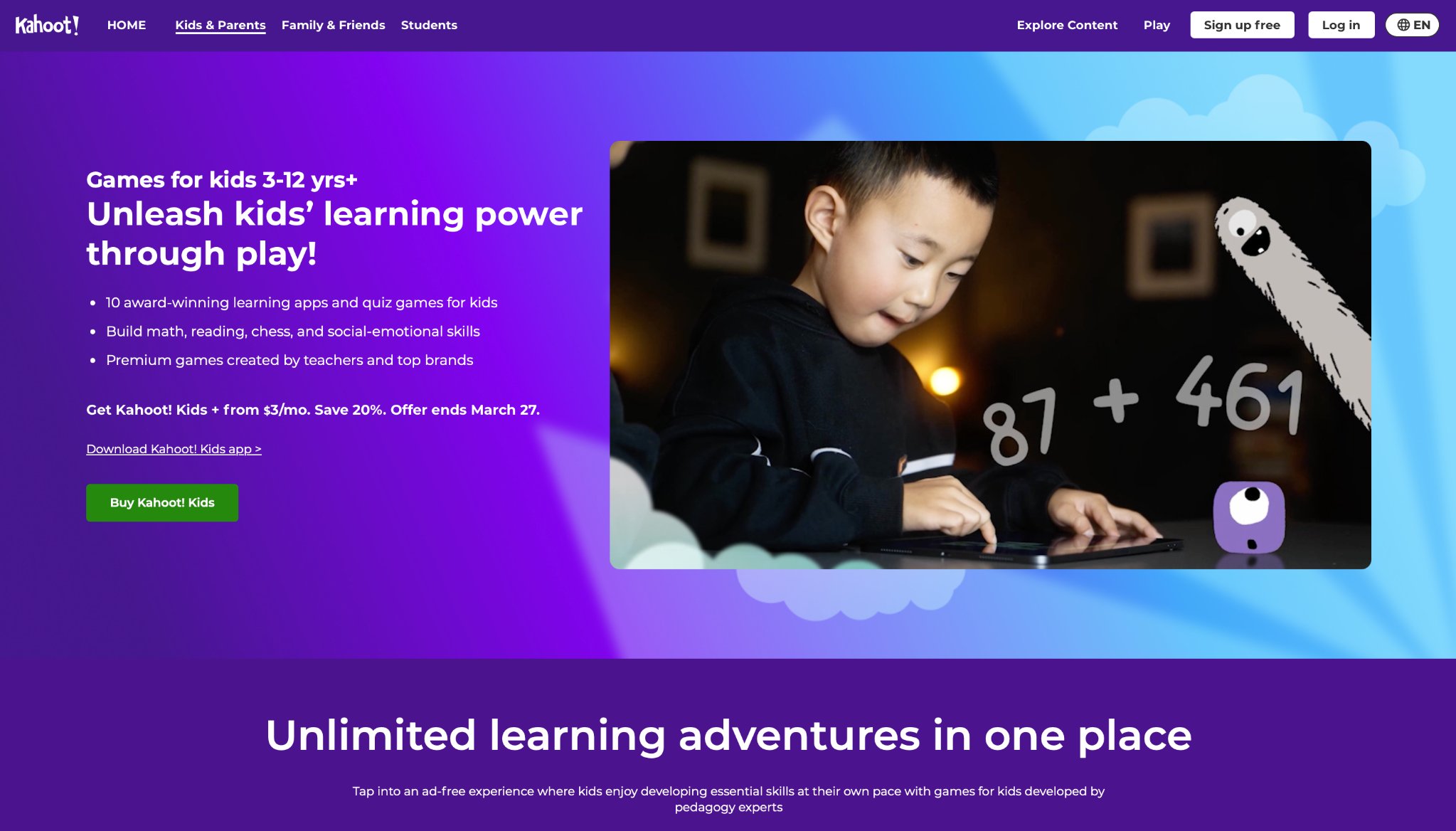
Kahoot! Kids bundles award-winning learning games into a playful platform for ages 3-12, covering math, reading, logic, chess, and social-emotional skills through quizzes, challenges, and interactive experiences. Children solve problems, answer questions, and build competencies in a game-show style format that adapts to their age and progress, with colorful characters and rewards keeping sessions exciting and confidence-boosting. It turns individual or family play into opportunities for skill-building in a safe, curated environment. With strong U.S. presence, it leverages gamification to foster focus, reasoning, and healthy competition while supporting foundational academics and life skills like strategic thinking through chess elements.
- Key features: Math and literacy games, chess for cognitive development, personalized learning paths, multiplayer quiz modes, progress insights.
- Facts and information: Includes multiple integrated apps with expert-curated content; promotes engagement and skill retention through short, rewarding play sessions aligned with early learning goals.
31. HOMER
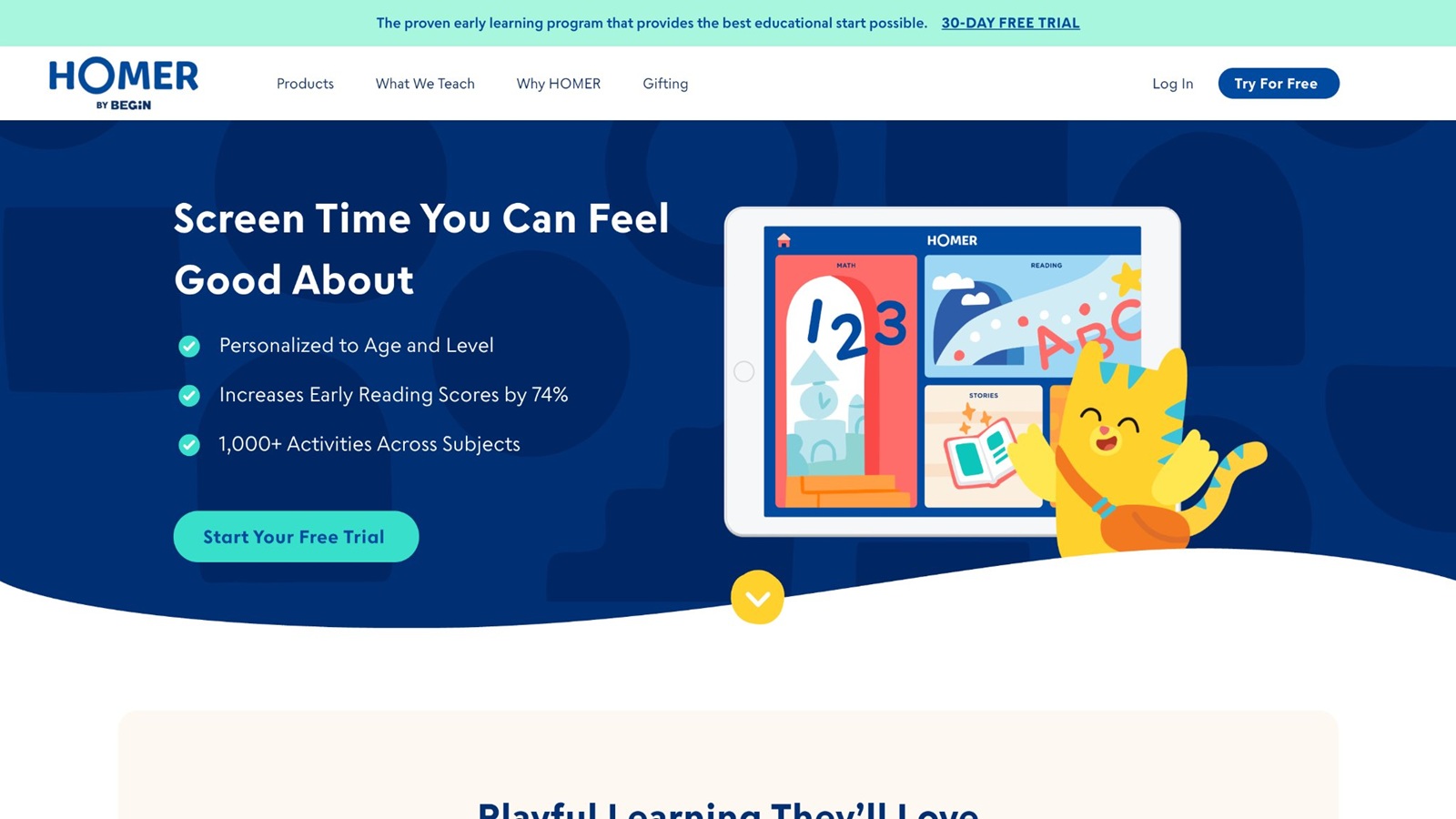
HOMER is an early learning program for children ages 2 to 8 that treats reading, math, creativity, and social-emotional growth as connected parts of the same daily play. Built around a research-informed method, each skill is introduced with inviting language, practiced through games and songs, applied in familiar story or drawing contexts, and then celebrated so children feel the “I did it” moment. Kids move through a colorful world of reading paths, math islands, story libraries, music corners, and creativity studios, with themes that can follow a child’s interests - dinosaurs, vehicles, princesses, space, or everyday routines. Interactive read-alouds highlight words as they are spoken, voice recording lets children practice sounds and sentences, and drawing tools turn letters and numbers into something they can make with their own hands. Headquartered in New York, New York, HOMER personalizes pathways so a child who is just noticing letter sounds is not pushed into the same tasks as a sibling already blending words.
- Key features: Personalized literacy pathways from letters and sounds to early reading, math games for counting and operations, SEL activities, creativity and music studios, interactive stories, and multi-profile family use.
- Facts and information: Developed with literacy specialists using a structured phonics approach; associated research has reported substantial early reading gains; content spans reading, math, social-emotional learning, creativity, and thinking skills for ages 2–8.
32. Lingokids
Lingokids is a play-first learning app for ages 2 to 8 that packs literacy, math, science, art, music, movement, and life skills into thousands of short games, songs, shows, and coloring activities. Its Playlearning approach assumes children learn more when they want to keep going, so lessons arrive as adventures with familiar characters rather than as isolated drills. Kids practice phonics, sight words, counting, addition, sequencing, empathy, mindfulness, and even simple engineering or coding ideas through taps, songs, and story scenes that change with age bands from toddlers to early elementary. The library includes original activities plus collaborations that bring well-known characters and science partners into the same safe space, including space-themed explorations that introduce curiosity about the real world. Sessions can be brief, which helps families fit learning into busy days, and offline play keeps the experience available when Wi-Fi is unreliable. Parents see recent activity and skill progress, with room for several child profiles so siblings are not forced onto the same path. Physical activity songs, yoga moments, and social-emotional scenes sit beside academic games, giving the app a whole-child feel instead of a single-subject focus.
- Key features: Thousands of games, songs, and shows; 650-plus learning objectives; literacy, math, STEM, arts, and SEL content; offline play; multiple profiles; parent progress views.
- Facts and information: Used by tens of millions of families; curriculum shaped with educators and major educational publishers; KidSAFE-certified, ad-free design covering ages 2–8 across academic and life skills.
33. Adventure Academy
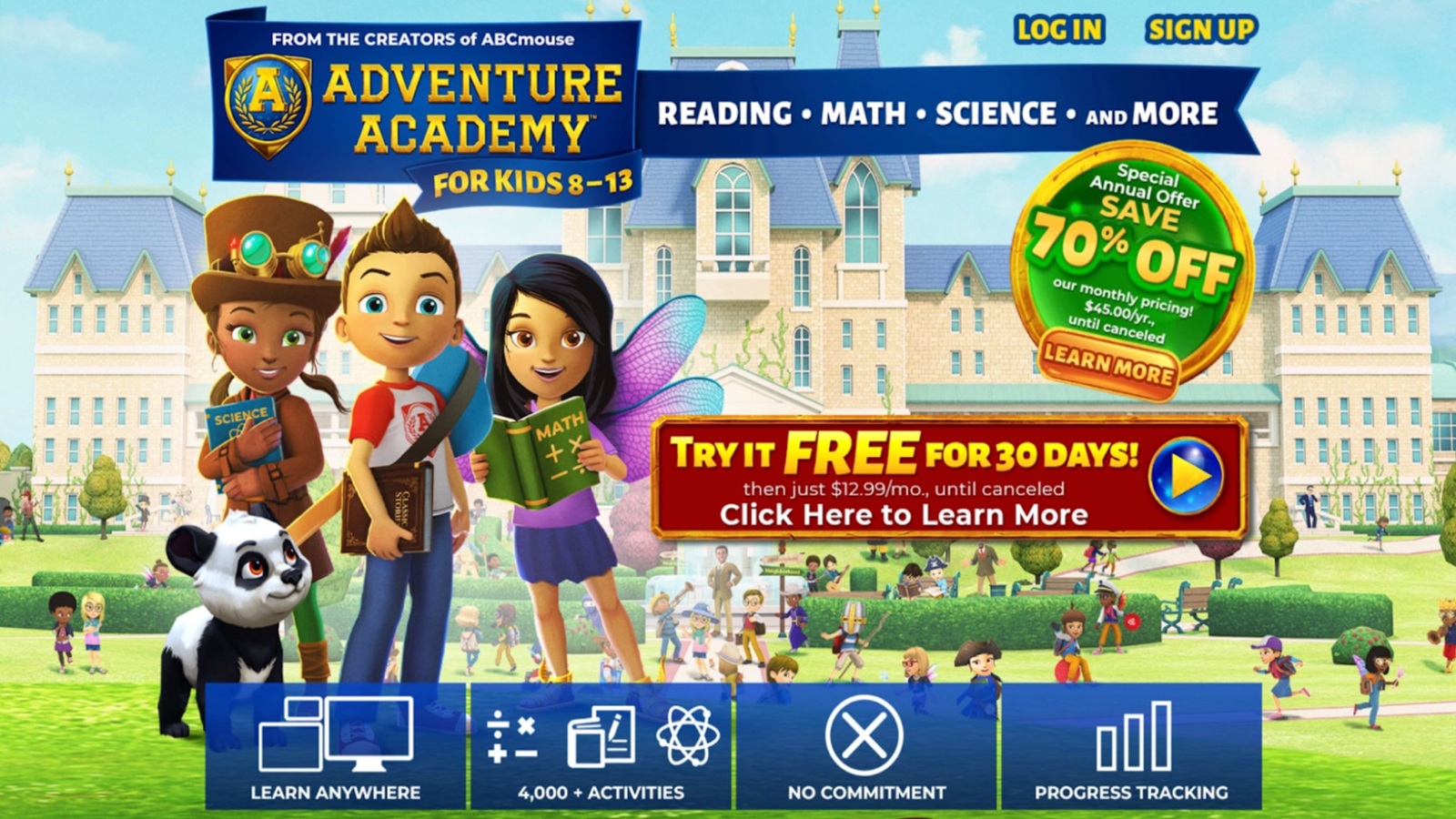
Adventure Academy is an educational multiplayer world for kids ages 8 to 13 created by Age of Learning in the United States as a next step after early-learning programs. Players design avatars, wander a persistent campus of classrooms, libraries, observatories, and outdoor zones, then accept quests that mix videos, digital books, quizzes, and arcade-style mini-games. The academic core covers language arts, math, science, and social studies, with activities written by a large curriculum team so a single quest might ask a child to read for key details, solve a fraction problem, or explore a science exhibit. Kids level up, unlock new areas, decorate homes, collect items, join clubs, and talk through filtered chat that parents can tighten or turn off. Difficulty can be set by grade band, which lets younger elementary players and older middle-grade students share the same world without sharing the same questions. Because the loop looks like an adventure game - explore, help a character, earn rewards - children often stay with academic tasks longer than they would with a worksheet. The platform is built for computers and mobile devices, so a child can continue a quest at home after starting it elsewhere.
- Key features: Avatar-based exploration, quests tied to core subjects, books and videos inside gameplay, safe social tools, multi-platform access, and parent views of standards encountered.
- Facts and information: Thousands of activities across hundreds of topics; curriculum developed by dozens of education specialists; designed as a COPPA-compliant MMO-style environment for upper elementary and early middle school.
34. Math Playground
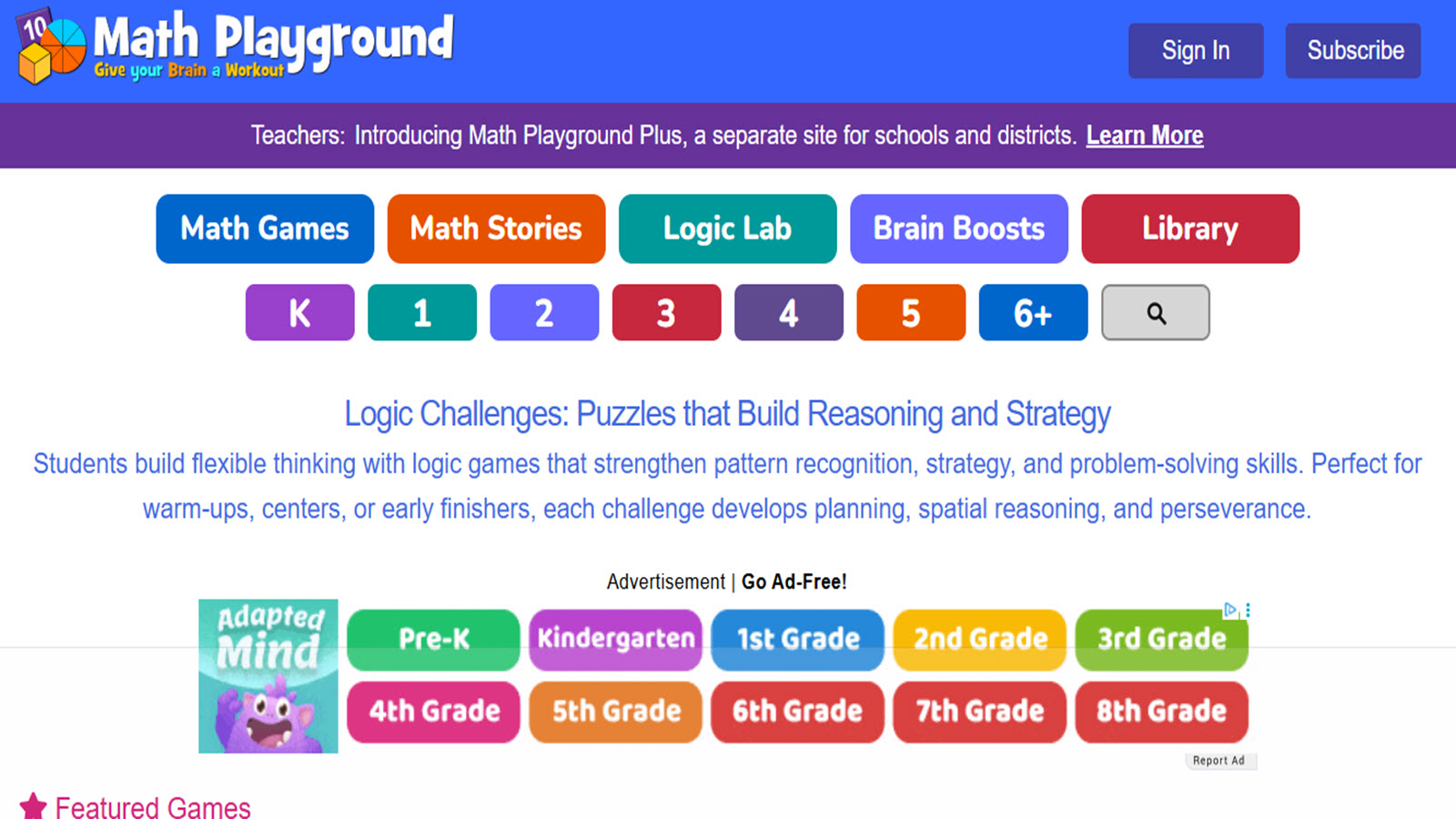
Math Playground is a teacher-created collection of free math games, logic puzzles, and visual problem-solving tools for grades K–6. Children practice addition, subtraction, multiplication, division, fractions, decimals, geometry, money, time, and early algebraic thinking through races, puzzle pictures, monster challenges, and building games that reward accurate reasoning rather than guesswork. Many activities include several difficulty levels, so a student who has just learned a fact can stay in a gentler setting while another child in the same grade tackles multi-step versions. Thinking Blocks is a standout tool: kids model word problems with labeled bars before they compute, which helps them see relationships instead of hunting for keywords. Logic and spatial games sit beside skill practice, giving students a place to stretch planning and visualization. Teachers across the United States use the site for centers, early finishers, and homework because games load quickly in a browser and map to Common Core topics. The tone stays mathematical and playful without wrapping every problem in a long story, which makes short, focused sessions easy to schedule.
- Key features: Hundreds of standards-aligned math games, Thinking Blocks word-problem models, logic and spatial puzzles, multiplayer practice options, and grade-leveled challenges.
- Facts and information: Created by an educator and used in thousands of classrooms; covers fact fluency through pre-algebra reasoning; designed as a kid-safe practice space with instant feedback and curriculum tagging.
35. National Geographic Kids

National Geographic Kids turns animals, habitats, space, weather, geography, and world cultures into games, quizzes, videos, photos, and articles that invite elementary children to explore rather than memorize in isolation. A child might identify species, test map knowledge, watch a short field video, then read a caption-rich story that builds vocabulary and comprehension at the same time. The brand’s visual style - close-up photography, maps, and real-world wonder - helps science and social studies feel concrete. Quizzes and games give quick checks for understanding, while longer pieces support reading stamina and curiosity about how the planet works. U.S. families and classrooms use it when they want content that connects to nature documentaries and school units on ecosystems, continents, or exploration. Seasonal features and creature spotlights keep the library feeling alive, and topic browsing lets kids follow an interest from sharks to volcanoes to ancient cultures. The experience supports literacy as much as science: captions, labels, and articles ask children to notice details, compare ideas, and remember facts in context.
- Key features: Animal and science quizzes, videos, articles, photo galleries, interactive maps, and topic games spanning geography and the natural world.
- Facts and information: Extends National Geographic’s educational mission to younger audiences; widely used for science and reading enrichment in U.S. homes and schools; emphasizes real-world knowledge and visual literacy.
36. Arcademics
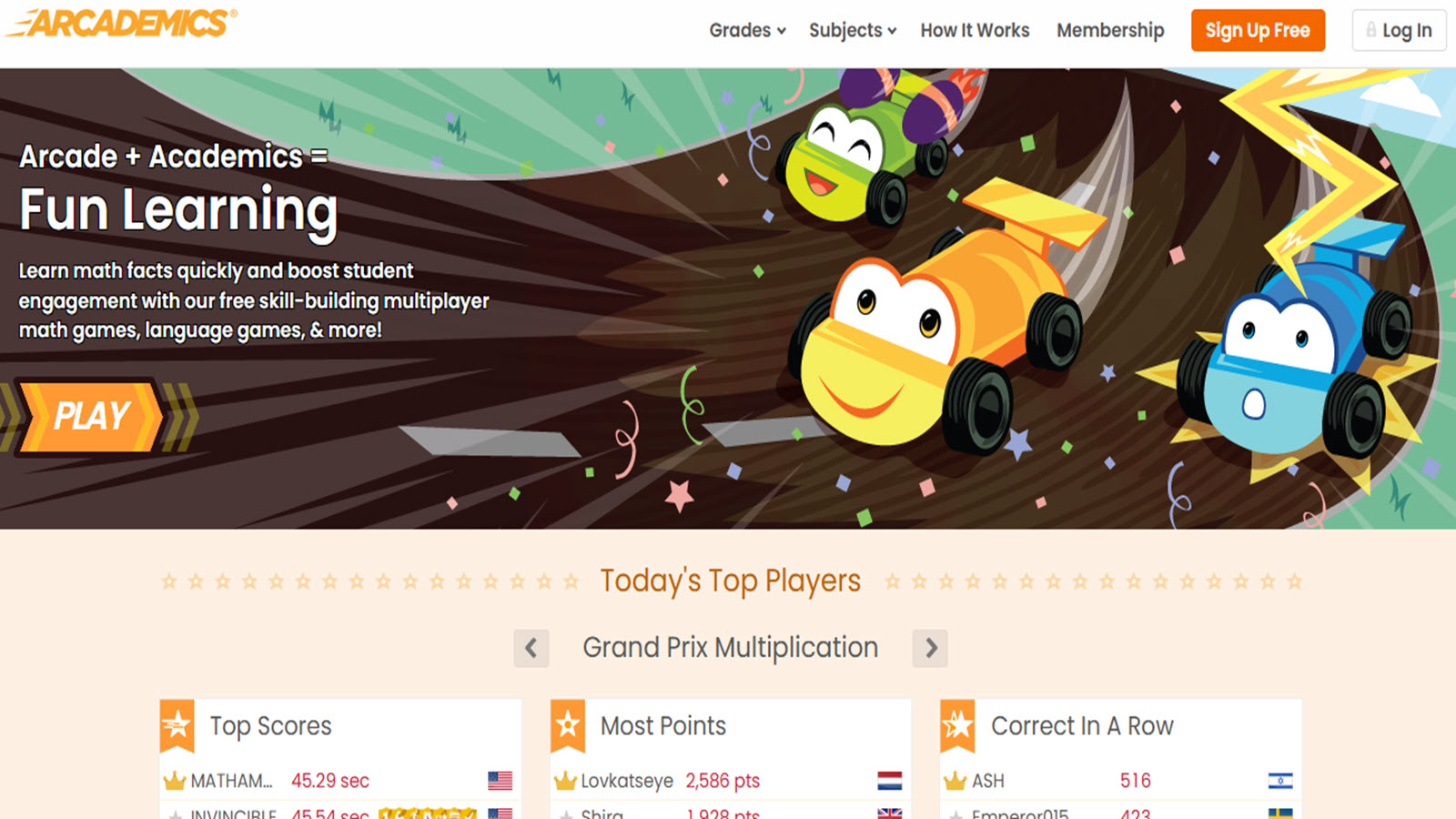
Arcademics turns elementary math, language arts, and related skills into fast multiplayer arcade games. Students race cars, swim, collect items, or compete in live matches by answering curriculum-aligned questions, which adds pace and social energy to fluency practice. Games cover operations, fractions, grammar, vocabulary, geography, and more, with grade filters that help teachers assign the right level. Class and school leaderboards can spark friendly competition, while single-player modes still give quiet practice when a group game is not the goal. Because each round is short, children can repeat a skill many times without feeling as if they are doing the same worksheet again. U.S. teachers often drop Arcademics into warm-ups, stations, and remote days because the games run in a browser and score instantly. The design is unapologetically game-like - bright, quick, and competitive - yet the questions stay tied to classroom standards. That combination makes it useful for students who already know a concept but need speed and confidence, and for groups that stay more focused when practice feels like a match.
- Key features: Live multiplayer academic races, subject and grade filters, instant scoring, single-player modes, and teacher assignment tools.
- Facts and information: Longstanding U.S. classroom resource for skill fluency; emphasizes speed and accuracy on standards-aligned items; popular for motivating practice through short competitive rounds.
37. Mr. Nussbaum
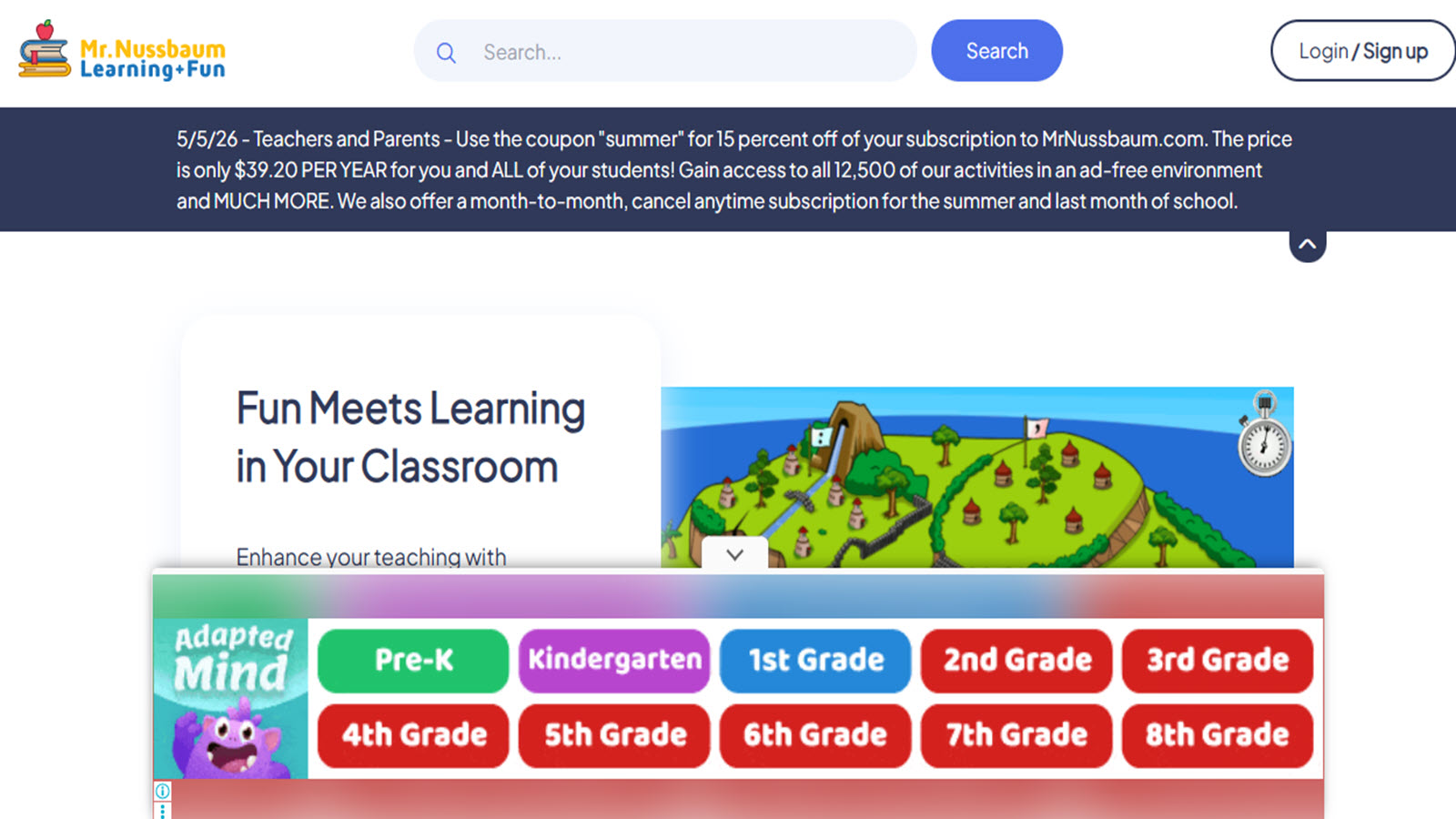
Mr. Nussbaum is a wide U.S. library of teacher-built games, videos, and activities covering math, reading, social studies, science, and art for elementary students. Children can jump from a fractions arcade to a U.S. regions quiz, a grammar challenge, a history exploration, or a science interactive, then follow up with printables or short instructional videos. Many activities are organized by grade and topic, so a parent or teacher can match practice to what is happening in class that week. The site’s strength is range: it does not lock a child into one fantasy world or one subject, which makes it handy for homework help, centers, and homeschool days that cover several areas. Games tend to be straightforward and skill-focused, with immediate feedback and enough variety that students can switch formats when attention fades. Educators like the mix of play and explanation, while families use it as a no-fuss place to look up an extra activity on a specific skill. The overall feel is classroom-practical rather than cinematic, which keeps the emphasis on learning tasks kids can finish in a short sitting.
- Key features: Hundreds of subject games, grade and topic organization, videos, printables, social studies and science interactives, and classroom-ready navigation.
- Facts and information: Developed with classroom use in mind; covers multiple elementary subjects in one place; frequently used as a flexible supplement for U.S. students and teachers.
How to Pick the Right Game for Your Child's Age
Matching games to kids age ensures kids stay challenged without overwhelm. For toddlers, look for simple touch-based activities that teach colors or sounds. School-age children benefit from games with levels that build on basics, like adding numbers or forming words. Older kids thrive on strategy elements, such as planning moves in puzzles. Consider interests, too, whether animals or space, to keep motivation up. Always check for parental controls to monitor time and content.
Tips for Safe and Balanced Screen Time with Games
Set clear rules, like game time after homework, to keep balance. Choose platforms with no ads or in-app buys to avoid surprises. Join in play to discuss what kids learn, turning it social. Rotate games to cover skills evenly, from logic to creativity. Watch for signs of too much screen, like tired eyes, and encourage breaks.
Best Educational Games for Kids Age 5 in 2026
Children at age five show remarkable progress when engaging with the best educational games for kids age 5 that align with developmental milestones through online formats. These experiences build on emerging independence by blending interactive challenges with familiar routines that support early literacy and numeracy foundations.
Pairing targeted online play with complementary tools helps maintain engagement across varied daily schedules. The structured progression in such games mirrors school readiness activities while allowing flexible pacing suited to individual energy levels.
Best Games For Preschoolers in 2026
Preschool-aged children gain foundational abilities from games for preschoolers designed for online access, promoting creativity and early problem-solving without overwhelming complexity. Simple navigation and visual feedback encourage repeated attempts that strengthen coordination and basic decision-making in a low-pressure environment.
Online versions of preschool games frequently incorporate color recognition, shape matching, and introductory sequencing that prepare young learners for group settings. The digital format supports short attention spans common at this stage while delivering consistent positive reinforcement.
How Technology Features Enhance Learning Experiences
Modern platforms use adaptive systems that adjust challenge levels based on performance. This keeps activities just right so children feel successful without getting stuck. Voice guidance and visual hints support different learning styles, making concepts clearer for visual or auditory learners.
Progress tracking helps families see improvements over time in areas like focus or problem-solving. The best learning games for kids online provide an ad-free space where kids engage without distractions. Regular updates bring fresh content that maintains interest while reinforcing key skills through new themes and characters.
How Educational Games Foster Confidence Building in Young Learners
Confidence building in kids occurs when games present achievable challenges paired with encouraging feedback and creative freedom. Kids experiment safely in digital worlds, trying new ideas without fear of mistakes in front of others. Small successes accumulate, encouraging them to tackle bigger tasks over time.
Activities like customization, storytelling, or problem-solving let children express themselves uniquely. Confidence building grows naturally as they see their choices shape outcomes. The private nature of play supports shy learners especially well, often leading to greater willingness to try new things in real life too.
Shared Family Play Without Turning It Into a Lesson
Kids like company. A parent can sit and hatch a fluff, pick an outfit, or finish a messy room together. Talk stays light: “Your pet looks sleepy.” That is enough. The game already holds the skill work. A lecture about learning goals drains the fun. Shared play works in small roles. One person holds the tablet. The other points. Then they switch. A sibling can pick the color while the younger child taps. Nobody needs a score. The point is the same story on the same screen.
Fun educational games for kids support this style. Educational games for kids that are fun keep the mood light. Confidence building games let a child show a finished room or outfit. Social emotional games for kids add talk about feelings without a lecture. Learning through play examples show how a shared scene can stay play first. The child owns the result. The adult is the audience, not the teacher.
A parent phone and a child tablet can share the same world when the family uses one login. A parent can open the same pet house later and leave a new toy for the child to find. That tiny surprise keeps the game feeling like a family space. Practical tips for new parents and notes on balance for new moms treat these short sits as rest, not extra work.
Evenings are a natural time. After dishes, five minutes of play can replace a scroll through unrelated videos. Keep the lights on. Keep bodies on the couch, not isolated in a bedroom. When the scene ends, close the app together. The ritual matters as much as the content. Shared play also helps shy kids. A child who will not explain a school day may talk about a digital puppy. That talk is still language. It is still connected. Leave it there. Tomorrow the same pet will need breakfast again, and the conversation can start over.
Latest News In 2026
Developments in augmented reality continue to transform how children interact with digital environments, with best mobile games for kids now featuring overlays that bring virtual objects into real-world play spaces for enhanced spatial awareness. Voice-activated controls and adaptive storylines adjust difficulty in real time, creating personalized pathways that respond directly to each child's responses during sessions.
Sustainability themes appear more prominently across new releases, where players manage virtual ecosystems or complete recycling challenges that connect gameplay to broader environmental concepts. Offline modes have become standard, enabling uninterrupted access during travel or limited connectivity periods.
The integration of social-emotional elements grows stronger, with cooperative features in multiplayer setups that foster empathy through shared objectives. Families often combine these digital experiences with hands-on printables to reinforce concepts through physical activities that extend screen-based learning into tangible projects.
FAQ
How Do Online Games Support Different Learning Styles?
Online games cater to various preferences by blending animation for those who learn through visuals, audio elements for sound-based absorption, and interactive controls for hands-on engagement. They provide adaptive features that adjust in real time to individual paces, ensuring everyone finds a suitable path. Multisensory aspects, like combining movement with storytelling, allow kids to explore content in ways that match their natural inclinations.
Can Educational Games Help with Social Skills?
Educational games promote cooperation by involving shared goals and team-based challenges that encourage communication. They build empathy through scenarios where players help characters or work together, fostering positive behaviors. Collaborative elements in gameplay extend to real interactions, helping kids navigate relationships with greater ease.
What Should Parents Watch for in Kid-Friendly Games?
Parents can look for in-game controls that manage interactions, such as filtered or closed chat and connections limited to known friends. Privacy settings that limit collection of personal data matter as much as content previews that show whether themes, language, and imagery fit the child’s age. Trusted review sources such as Common Sense Media game reviews and guidance from eSafety on choosing games help identify platforms that explain their safety features clearly. Designs that avoid pressure to keep playing or to spend extra money keep the session focused on play rather than on commercial loops.
What age groups benefit most from online learning games in 2026?
Online formats work across a wide range, from toddlers through early elementary years, when activities are scaled to motor skills and cognitive stages. Younger children usually do best with exploratory play, large tap targets, and short loops that reward curiosity. Older children can handle strategy, multi-step puzzles, and light collaboration when those features stay age-appropriate. Matching the interface and pacing to the child’s current stage keeps learning games useful instead of frustrating. The best kids educational games focus on exploratory play while options for older children emphasize strategy and collaboration.
How do learning apps enhance traditional online games?
Learning apps for kids extend play by carrying progress across devices and by adding focused modules for skills such as phonics or early coding. The combination creates layered experiences in which one activity builds on another without repeating the same drill. A child might practice a concept in a short game, then apply it in a related story or puzzle on another screen. Continuity of this kind supports skill-building without turning every session into a new start from scratch.
Are there safe ways to incorporate mobile devices into learning routines?
Tablet and phone interfaces continue to add child-friendly controls, content filters, and time or purchase limits. Resources on how to protect kids online outline monitoring practices for age-appropriate usage. Device settings, together with games that work offline or with limited chat, reduce exposure to unexpected ads or strangers. Short, planned sessions fit more easily into existing routines than open-ended scrolling.
What trends define free options available this year?
Many of the best free online games for kids now use ad-light layouts and educational loops that emphasize skill practice over interruptions. Progress saving across sessions supports consistent daily play without forcing a new account or a paid upgrade to resume. Simple interfaces and clear goals help children return to the same activity and see their own improvement. Free titles that stay focused on play rather than on upsells remain the most usable starting point for families.
How do iPad-specific games differ from general online titles?
iPad games for kids can take advantage of touch precision and a larger screen for drawing, dragging, and assembling puzzles. Smoother animation and room for detailed manipulation help hold attention during focused learning blocks. The same activity on a small phone screen often needs simpler gestures and fewer on-screen elements. Hardware differences like these shape how well a game supports fine-motor practice and independent play.
Can online games support hands-on learning at home?
Digital activities pair well with physical extensions such as printables, worksheets, or craft templates that echo in-game themes. Matching a counting game with real objects, or a letter activity with paper tracing, gives children a second way to rehearse the same idea. That mix balances screen time with tactile work that can aid memory. The theme stays consistent while the format changes, so practice does not feel like a separate lesson.
What features make educational games suitable for kindergarten preparation?
Educational games for kindergarten in 2026 often center on letter-sound recognition, counting sequences, and simple logic puzzles in short independent sessions. Online delivery lets a parent see which patterns a child repeats and which ones still need support. Clear visual feedback and limited text help children work with less adult prompting. Pacing that fits a brief window of attention keeps the activity usable before school or between other tasks.
Do tablet games offer advantages for travel or shared device households?
Tablet games for kids that download fully for offline use stay available on planes, in waiting rooms, or anywhere the connection drops. Multiple profiles can keep each child’s progress separate on a shared device. Portability makes the same quality of activity available across different family schedules. Offline access and profiles together reduce the need to reset settings every time someone else picks up the tablet.
Are there differences between free and subscription options?
Free online games usually offer solid starting points with basic activities across subjects. Subscription libraries tend to remove ads and add a broader, regularly refreshed set of activities so sessions stay varied. Both models can support skill practice when the content itself is age-appropriate and the controls are clear. The main distinction is how much uninterrupted time and how many new activities sit behind the access model.
What skills develop through learning through play games?
Learning through play games strengthen problem-solving as children navigate levels and see how choices change outcomes. Language grows through stories, labels, and spoken instructions, while focus builds in tasks that ask for sustained attention. Creative thinking shows up in building tools and customization options. Character interactions can also introduce emotional awareness, such as taking turns or noticing how another figure reacts.
How can parents integrate games into daily routines?
Short sessions sit naturally between other parts of the day and keep a mix of enjoyment and skill practice. Many titles work on both tablets and computers, so the same activity can move from kitchen table to couch. Family-friendly games turn device time into a shared activity rather than a solo screen. Consistency of length and place matters more than long blocks of play.. Browse our best kids educational games for more ideas.
How do I choose the right learning game for my child?
Age, interests, and learning style are the main filters. Younger children usually need simple interfaces and immediate feedback, while older children can enjoy more complex learning games with strategy or longer narratives. Ad-light or ad-free options with visible progression make it easier to see whether the child is actually practicing a skill. The guides to the best educational games for toddlers and the best games for preschoolers can help you find the perfect match.
Are online learning games safe for kids?
They can be, when the title uses age-appropriate content, limited or closed communication, and clear privacy practices. Quality learning games keep ads out of the child’s view and explain what data, if any, is collected. Ratings from systems such as the ESRB and parent-facing reviews help confirm that themes match the intended age. A curated, closed environment is easier to supervise than an open multiplayer space.
What makes online learning games effective for child development?
Online learning games blend interactive challenges with skill practice in areas like logic, language, creativity, and social understanding. They adapt naturally to different abilities, allowing children to experience steady progress through engaging stories and character interactions that build emotional awareness alongside other abilities. Many titles incorporate memory games, problem-solving elements, and open-ended activities that make learning feel seamless and enjoyable while supporting overall growth in focus and imagination.
How do virtual pet care games teach responsibility?
Virtual pet care games involve managing routines such as feeding, grooming, and maintaining comfortable spaces, which help children practice consistency and follow-through in a playful setting. Immediate feedback from characters shows clear results from thoughtful choices, reinforcing the value of reliable care and building a sense of ownership. These experiences connect well with responsibility skills that transfer to home routines, often leading to noticeable improvements in daily organization habits.
Are brain games suitable for different age groups?
Brain games offer formats that scale with age, ranging from simple matching and visual patterns for younger children to more complex sequencing and recall tasks for older ones. The variety in styles, including story-based memory activities, keeps engagement high while matching different learning preferences and developmental stages. Platforms with brain games for kids layer in creative or narrative touches so mental challenges remain motivating and supportive of concentration without causing fatigue.
What role does healthy screen time play with educational apps?
Healthy screen time through educational apps turns device sessions into purposeful opportunities for skill growth by emphasizing interactive learning over passive viewing. Thoughtful designs focus on creativity, logic, and emotional skills in ad-free environments that align with child development needs and support family routines. Mixing these with offline ideas creates flexible play that adapts to different days while reducing common concerns about device use.
How can parents support confidence building through games?
Educational games foster confidence building for kids by presenting achievable challenges paired with encouraging feedback and plenty of creative freedom. Children experiment safely in digital worlds, expressing ideas through customization, storytelling, and problem-solving where their choices visibly shape positive outcomes. The private nature of play particularly benefits shy learners, often encouraging greater willingness to try new things across various real-life situations.
Do story games help with reading?
Yes, when characters talk and kids choose what happens next. Spoken lines next to short text help early readers match sound to words. The same phrases often return in a new room, a new outfit list, or a later bedtime scene, so the child hears them again without a worksheet. Retelling the scene later, such as what the pet did first and what happened after dinner, is narrative practice in plain talk. A parent can listen to that retelling and leave it there. Quiet scenes still count. Three kind lines and a hug teach who spoke and what they wanted. English learning apps for kids add extra word practice beside those stories, using the same everyday labels for colors, food, clothes, and feelings.
What helps on a loud, tired afternoon?
Slow care games, room decorating, and gentle puzzles lower the pace when the house already feels noisy. A child who has had enough school talk may need a world with few sudden sounds and no flashing banners. Feeding a pet, folding a blanket, or placing one pillow gives a small choice the child can finish. That finished action is the point, not a long streak of levels. Emotional regulation games for kids give language for big feelings without raising the volume. Lower brightness and mute extra music if the child covers their ears. Sit nearby without coaching every tap. After the device goes off, paper play or pretend care can continue the same theme so the body can reset.
Why do kids return to the same pet or room?
Familiar worlds lower stress. The child already knows where the food is, which pillow belongs on the bed, and how the character reacts when they are tired or hungry. That memory lets them finish a scene instead of hunting through new menus. New outfits or furniture can appear later, but the house still feels like home. TutoClub games that keep the same pet or room across updates support this habit. A known world also makes shared play easier. A parent can sit down, recognize the story, and say the pet looks sleepy without a long explanation. Tomorrow the same friend will need breakfast again, and the child already knows the first step.
What should a finished game session look like?
A finished session has one complete action: the pet is fed, the outfit is saved, or the room is tidy. That ending matters more than how many minutes passed. Kids leave calmer when the story has a close they can see. Educational but fun games for kids are built around those small closings, so the child can put the tablet down without feeling cut off. After the scene ends, the next step is ordinary life, such as snacks, shoes, or a paper version of the same room. Closing the app together turns the stop into a shared habit. The game stays a pause in the day, not the whole afternoon. Five finished taps often feel better than twenty half-done ones.
How does play work when the family is traveling?
Many titles can run after they are downloaded and the account is checked, so a plane, train, or long car ride does not need a strong signal. The same pet house or cleanup scene can follow a phone or tablet when the family uses one login. The FAQ section explains how that account works across devices. A short, known scene travels better than a new download that needs extra setup in a noisy airport. Waiting rooms and hotel evenings work the same way: one feeding, one outfit, then the device goes away. When the trip ends, that same world is still waiting at home, with the same bed and the same hungry friend.
Read Also:
- Balancing Self-Care and Parenting: 7 Tips for Moms
- Key Advice for New Parents: What No One Tells You
- Best Educational Games For Kids 4 Years Old Online in 2026
- Best Educational Games For 10 Year Olds in 2026
- Best Educational Kids Games
Discover the best learning games for kids online - TutoClub

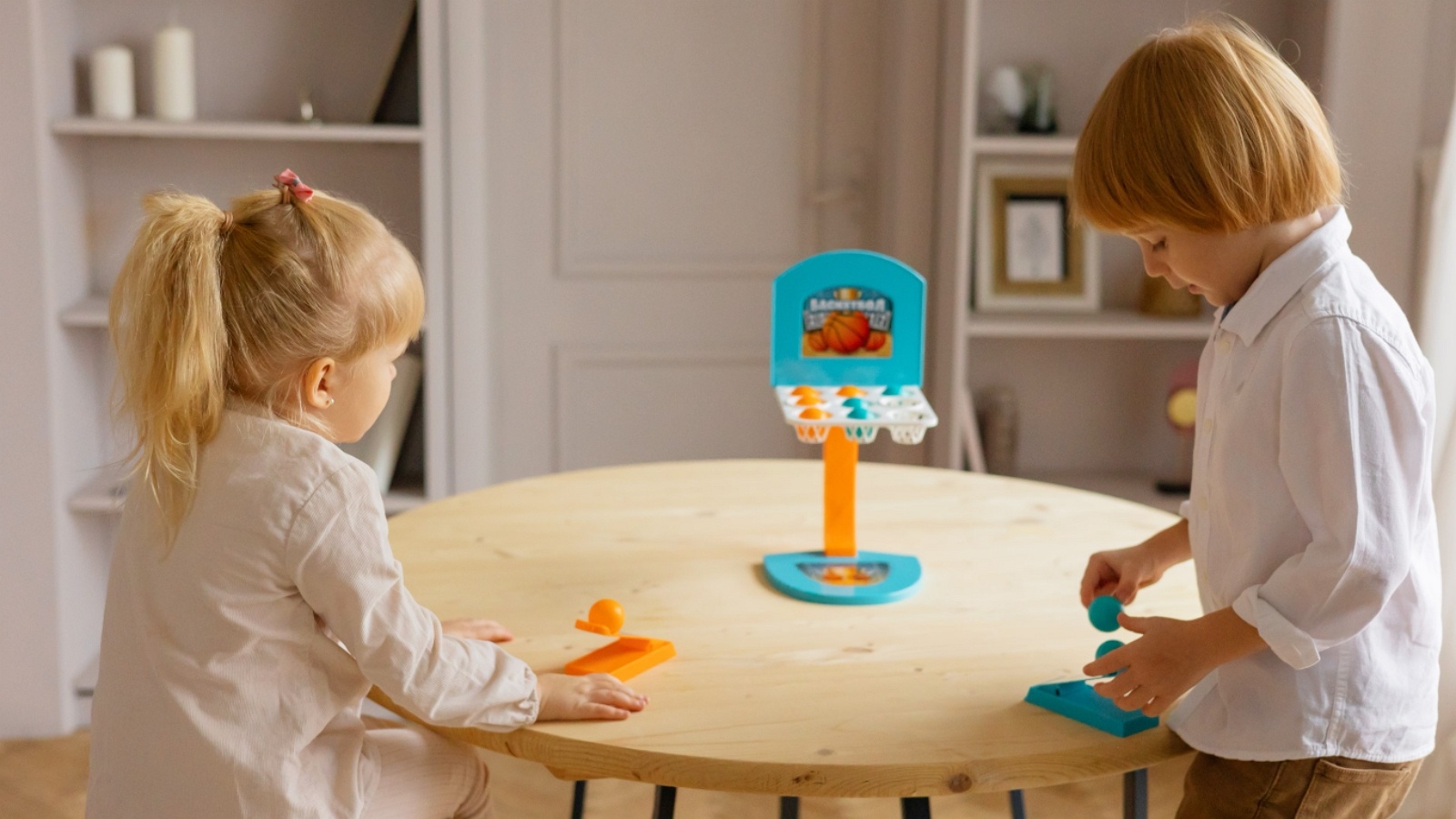





.jpg)