


Best Fun Games For Kids Online In 2026






Looking for the best fun games for kids online in 2026? Families want play that is safe, calm, and useful for growing minds. TutoClub gathers 45+ ad-free educational games in one plan, so kids can create, care for pets, and practice real life skills every time they play.
That mix of create-and-care play works best when families also pick fun educational games for kids that stay short, calm, and finishable. Confidence-building games help children try new roles without pressure, while responsibility games for kids turn pet care and daily habits into practice they can repeat. Together they support learning through play inside the same 45+ ad-free TutoClub plan.
Start a TutoClub trial and give kids the best fun games online they will ask to play again!
What Makes Online Games Fun and Safe for Kids

Kids want bright worlds, cute characters, and short tasks they can finish. Parents want the same games to stay kind, private, and free of random pop-ups. The best picks in 2026 mix pretend play with small skills: feeding a pet, matching shapes, dressing a doll, or solving a puzzle. That mix shows up in many kid educational games made for small hands.
The best fun games for kids online share a calm setup. A curated collection of kids games works well when every title is built for young hands. Simple taps beat crowded menus. Soft stories beat loud timers. Offline play after download also helps on trips when Wi-Fi drops. Mobile games for kids and educational games for kids on iPad stay useful when the same design follows a child from phone to tablet.
Younger players often start with apps for toddlers that use big buttons and short care tasks. Dress up games give girls language practice while they name colors, clothes, and feelings. Educational kids games stay safer when chat is closed and the room stays quiet.
Look for games that:
- Keep chat closed or tightly limited
- Skip surprise ads and extra store pops
- Teach care, sharing, letters, or numbers through play
- Work on a phone, tablet, or extra family device
- Let a parent pause play without a fight
How Parents Can Pick the Best Fun Games for Kids Online
The best fun games for kids online share a few habits. They feel like a toy, not a slot machine. They repeat a skill without sounding like homework. They let a child win often enough to stay proud. Guides to learning games for kids and educational games for kids help you spot that pattern fast.
TutoClub games lean into care play, dress-up, cleaning, and pet houses. That style fits many preschool and early elementary kids who love stories more than scores. Apps for preschoolers and educational games for kids age 3 stay in that story-first range. Educational games for 5 year olds can add slightly longer puzzles once tapping feels easy.
Other sites focus on math quests, coding blocks, or animal facts. Mix both if your child likes variety. An educational games for kids app is easier to manage than a pile of random tabs. Educational websites for kids can fill a short laptop sitting when an adult opens the exact page first.
Ask these questions before you download:
- Is the age range a real match, not a guess?
- Can the child play without an open chat room?
- Does the game still work after the first five minutes?
- Can you play together on the couch?
- Is there a parent area or a simple way to stop play?
Common parent questions about plans, devices, and accounts also help before you add another app to the home screen. Details on the subscription and website account tools explain how one login can follow the family from device to device.
Best Fun Games For Kids Online In 2026
1. TutoClub - Best Fun Games For Kids Online In 2026
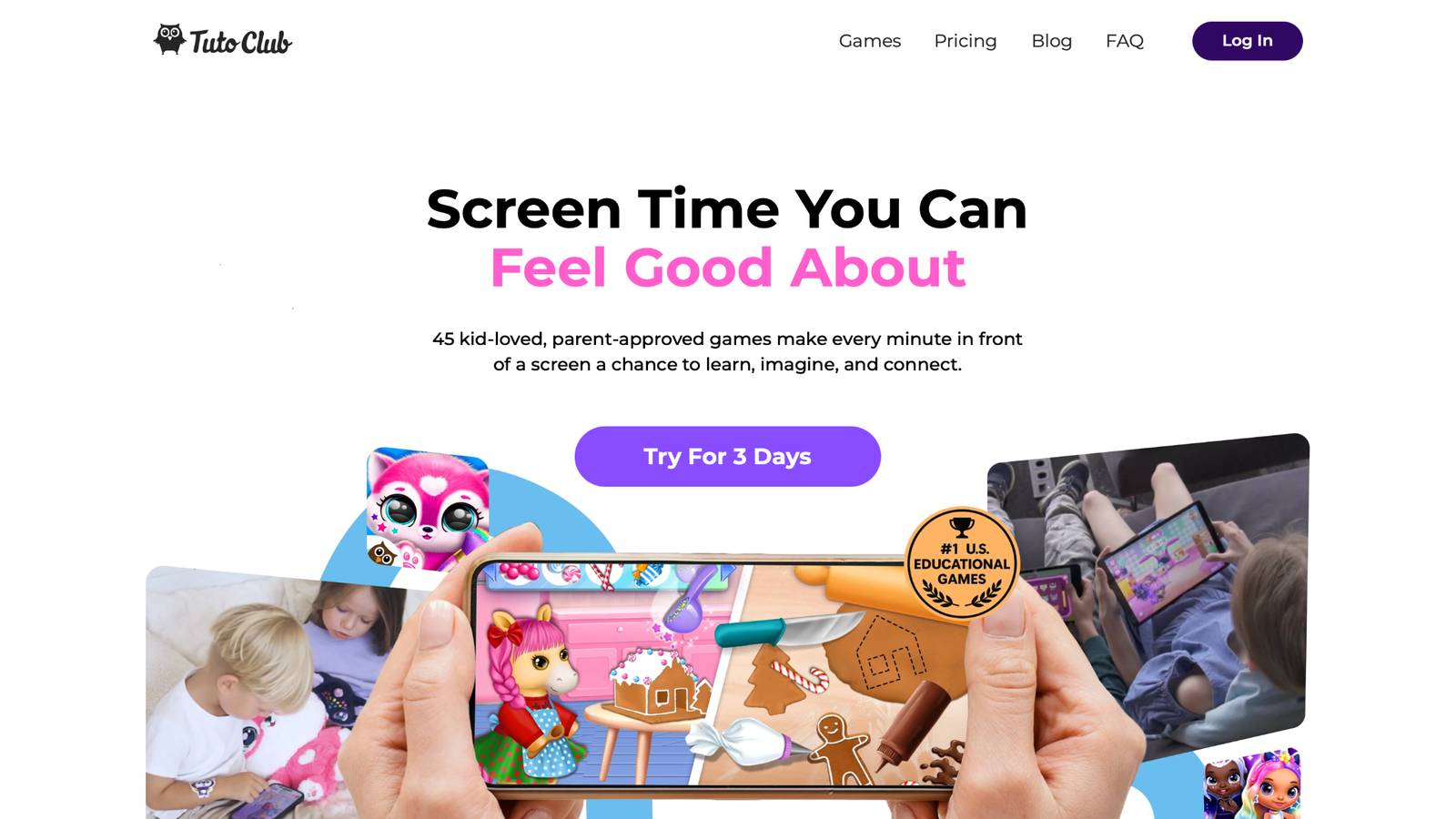
TutoClub is a family subscription from TutoTOONS in Kaunas, Lithuania. One login unlocks a big set of TutoTOONS titles made for young kids. Play happens in bright rooms with unicorns, fluffy pets, baby care, fashion quests, and tidy-up tasks. Hits many families already know include Fluvsies, Smolsies, Giggle Babies, My Baby Unicorn, and Kpopsies.
The pitch is simple. Kids get full games without ads or extra shop walls. Parents get one account across devices and a calmer screen. Games focus on kindness, focus, and everyday jobs like feeding, bathing, sorting, and decorating. Many titles keep working after the first download, which is handy in the car. The studio builds for ages that still love pretend play, not teen battle games.
TutoClub Overview
TutoClub is your gateway to a magical world of educational games designed especially for children.
As part of TutoTOONS, a leading kids' games studio, we offer premium access to over 45 ad-free games.
Our mission is to blend learning and play, helping kids explore, create, and grow in a safe online space.
Thousands of parents trust us for family-friendly content that sparks imagination and builds essential skills.
Key Features
- Unlimited Access: Unlock full content in all games with no interruptions.
- Ad-Free Experience: Enjoy seamless play without any ads or distractions.
- Skill Development: Games foster creativity, social skills, communication, and more through fun activities like pet care and cleanup challenges.
- Regular Updates: Get new releases, exclusive content, and future updates automatically.
- Easy Subscription: Cancel anytime with no obligations, simple and flexible for families.
Explore Our World
TutoClub provides a rich ecosystem of educational games for kids, featuring ad-free experiences that promote creativity, focus, and emotional growth through play.
This platform turns screen time into valuable learning opportunities, with parent-approved content that builds essential skills and sparks curiosity in young minds.
- TutoClub Games: Over 45 educational games, including popular titles like Fluvsies, Smolsies, and the Sweet Baby Girl series
- Blog: Insights, tips, and stories for families on kids' learning and play
- FAQ: Comprehensive answers to frequently asked questions about subscriptions, features, and more
Get TutoClub on Your Device
TutoClub delivers premium kids educational games directly to your mobile devices, making learning accessible anytime, anywhere.
With apps available on major platforms, families can easily download and subscribe for ad-free play that turns screen time into skill-building adventures.
Perfect for parents seeking safe, engaging content on iOS, Android, or Amazon devices.
Why Choose TutoClub?
We're committed to 100% safe, enriching entertainment that kids love and parents approve.
Join the thousands who've seen their children thrive through playful learning.
Ready to start the adventure?
Give kids 45+ ad-free TutoClub games in one safe family plan.
2. Fluvsies Academy
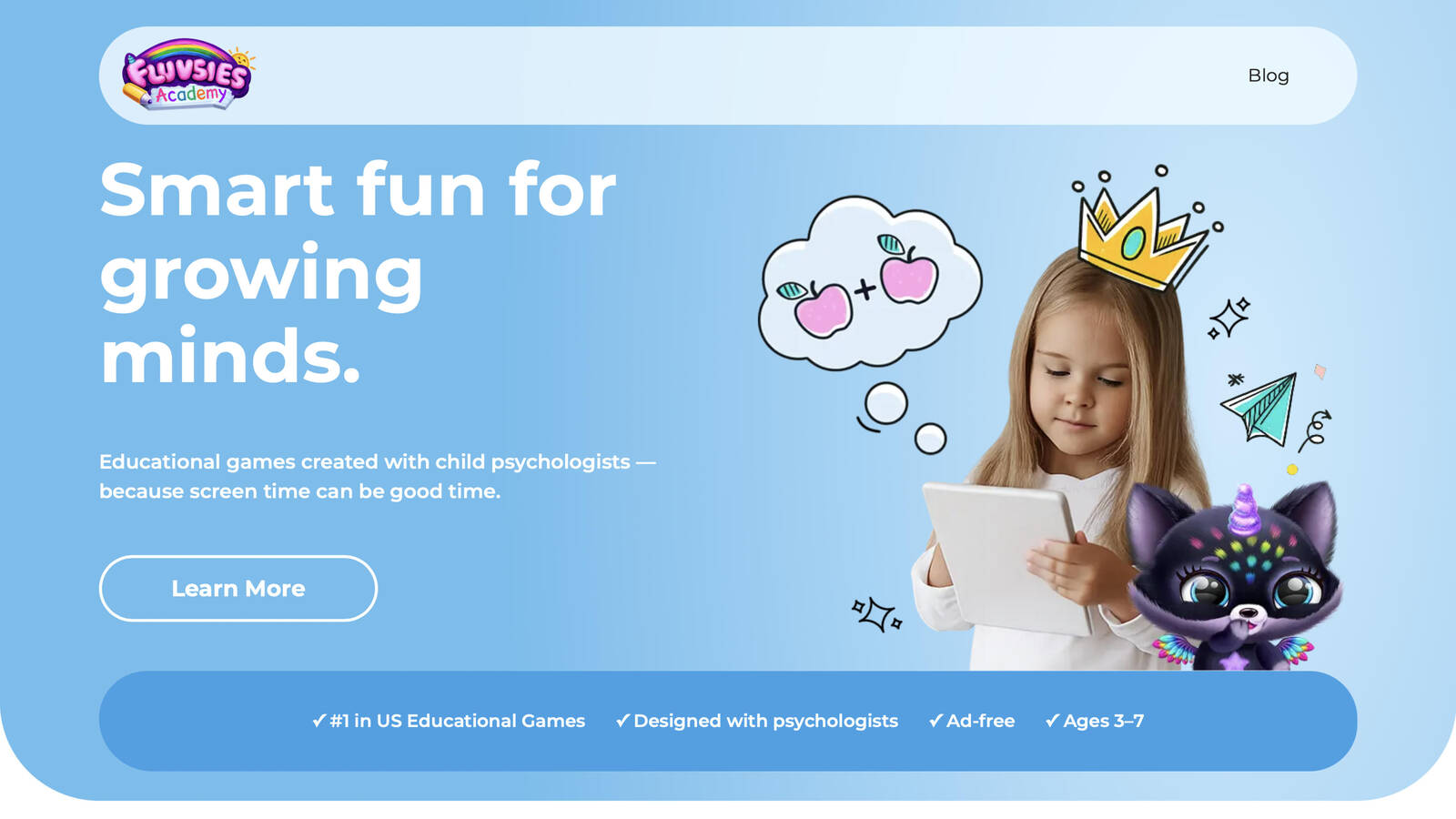
Fluvsies Academy is a warm early-learning world built around the Fluvsies characters many kids already hug on screen. It is made with child psychologists for ages 3 to 7, so the pace stays gentle and the tasks stay short. Kids move through language and phonics, number games, logic and attention, sorting, life skills, and creativity. A second path introduces jobs such as vet, baker, firefighter, and astronaut through soft stories instead of tests.
The app uses two modes of play. Active games ask a child to look closely, match, count, or finish a small challenge. Slower profession stories let them try on a grown-up role and wind down after a busy stretch. Everyday habits show up too, like tidy rooms, shopping help, cooking play, and getting ready in the morning. A parent area helps adults see what a child practiced and set a stop time without a long talk. New mini games keep the rooms feeling fresh, from pattern matching to laundry day and salon play. Families who want school-style skills inside a cute, familiar world often keep this one beside open pretend play.
Facts and Information
- Made for preschool and early elementary ages
- Subjects include ABCs, math, logic, sorting, and life skills
- Profession stories introduce real jobs in a kid-safe way
- Ad-free design with age-fit challenges
- Parent area for progress and time limits
- Created with child development specialists
3. PBS Kids Games
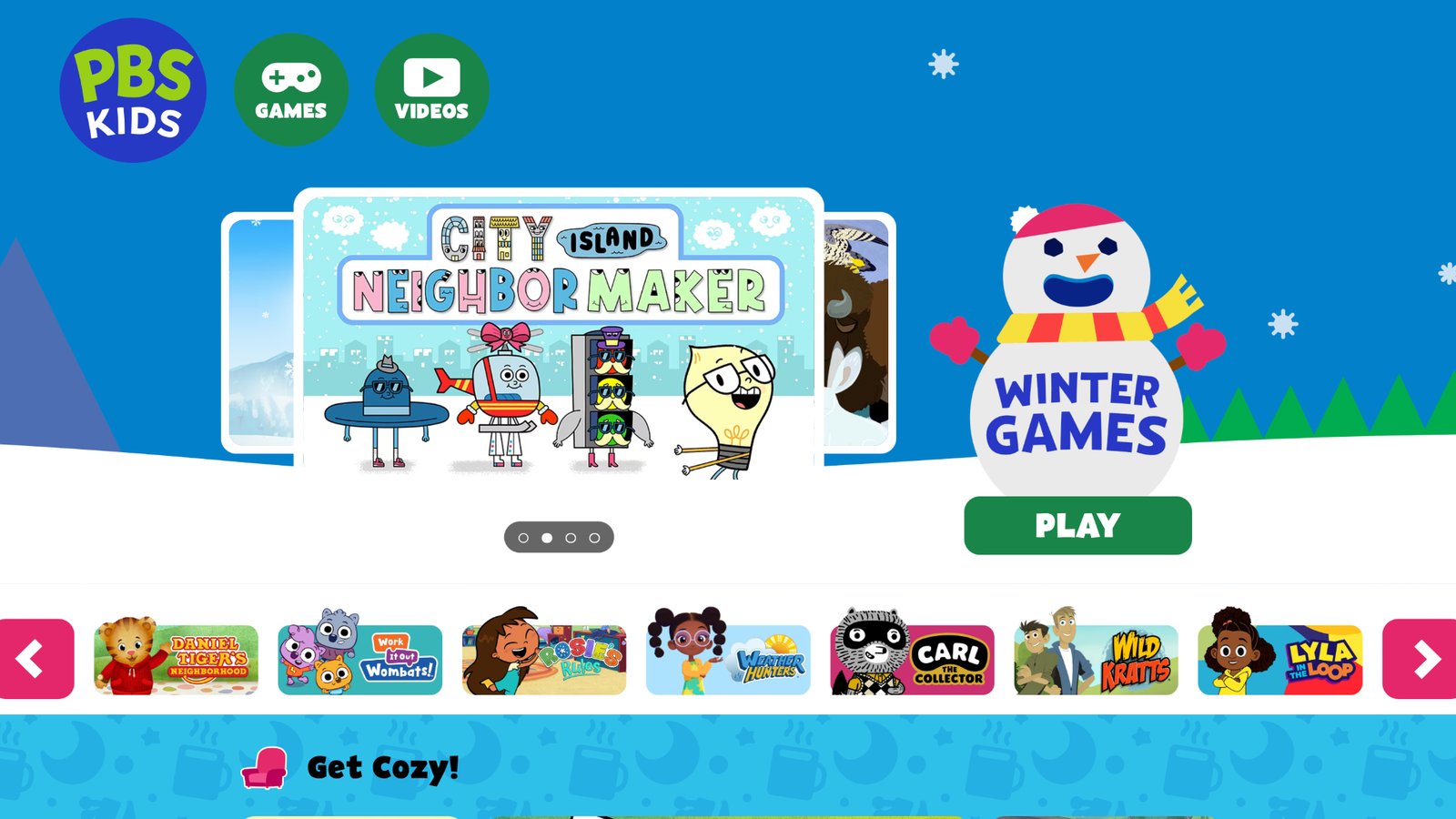
PBS Kids Games puts friends from well known kids shows into short browser games that load with little setup. A child can tap letters, sort objects, count snacks, or follow a tiny story, then close the tab when dinner starts. That light start is the main draw for families who do not want another full app install on a shared laptop. The library covers early literacy, simple science, kindness themes, and playful problem solving. Sessions are brief on purpose, which helps restless kids and younger siblings. Some games feel thin after a few rounds, and the art can look older than newer mobile titles. A parent still needs to stay nearby, because a browser is easier to wander away from than a closed kids app. Used as a mix-in, the site stays useful. Used as the only play plan, kids may ask for a richer world with pets, rooms, and longer care stories. It works best when you pick one game, play it together, then switch to blocks or outside time.
Facts and Information
- Browser games tied to well known kids shows
- Strong fit for early literacy and simple science
- Quick sessions that work well between meals
- Easy to open on a family computer
- Best as a mix-in, not the only play option
4. Khan Academy Kids
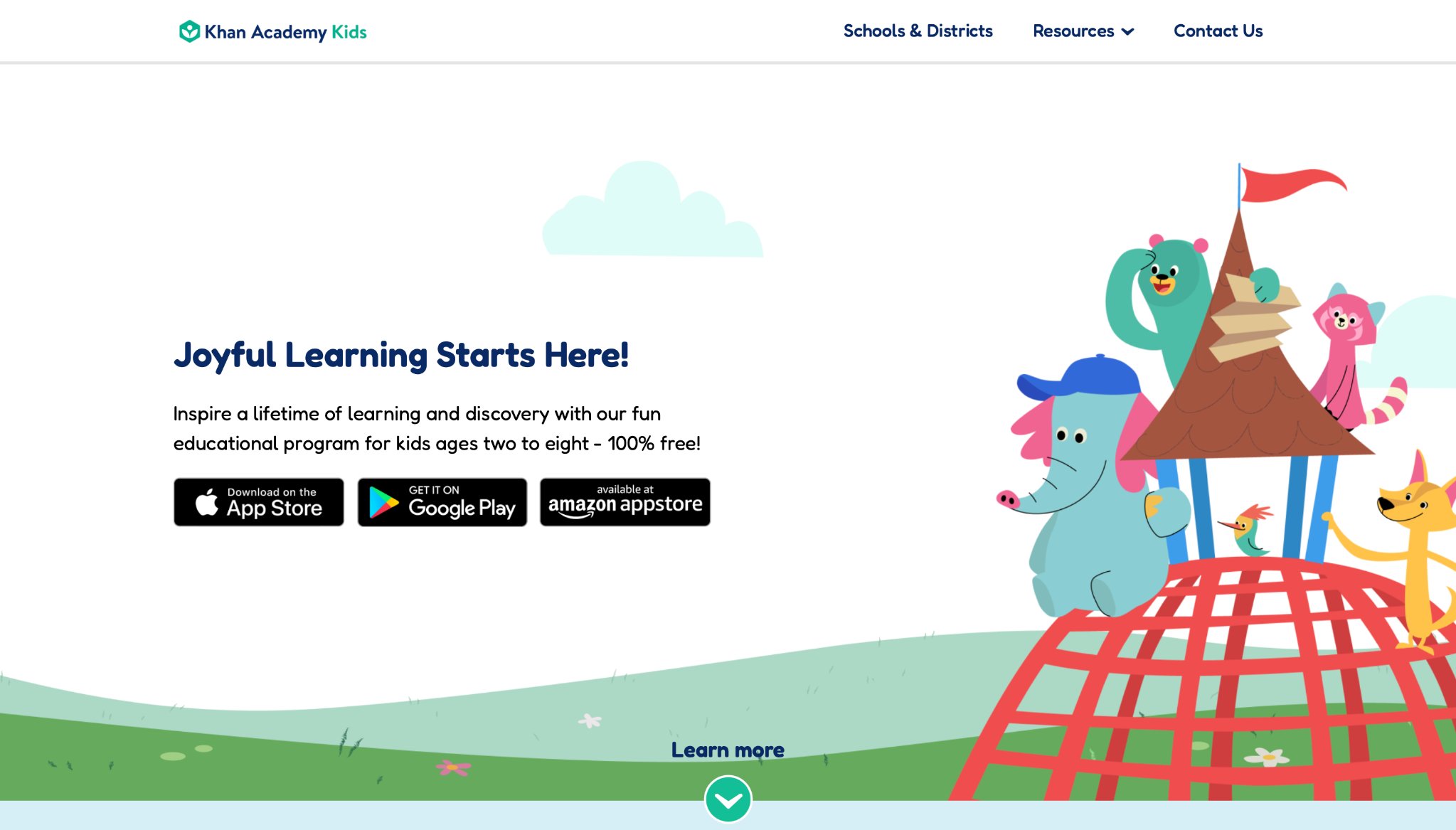
Khan Academy Kids is a full early learning app with picture books, videos, and practice games in one place. It covers reading, math, feelings, listening, and everyday language. The screens stay calm and clear, which many families like for quiet time before bed or after school. The library is large, so a parent may need to choose a starting path instead of handing over the whole map. Some kids love the stories and stickers. Other kids want more dress-up, baby care, or pet houses than lesson-style play. Offline use after a download helps on trips. The tone is kind, and the tasks grow in small steps, which suits children who get upset by loud timers. It is less of a toy box and more of a gentle classroom in an app. Pair it with open pretend games if your child still wants to hatch eggs, decorate rooms, and act out care routines after the learning games are done.
Facts and Information
- Broad early curriculum in one app
- Stories plus practice games
- Works well for ages that are just learning to read
- Offline use after download on many devices
- Strong choice when school skills are the main goal
5. Scratch
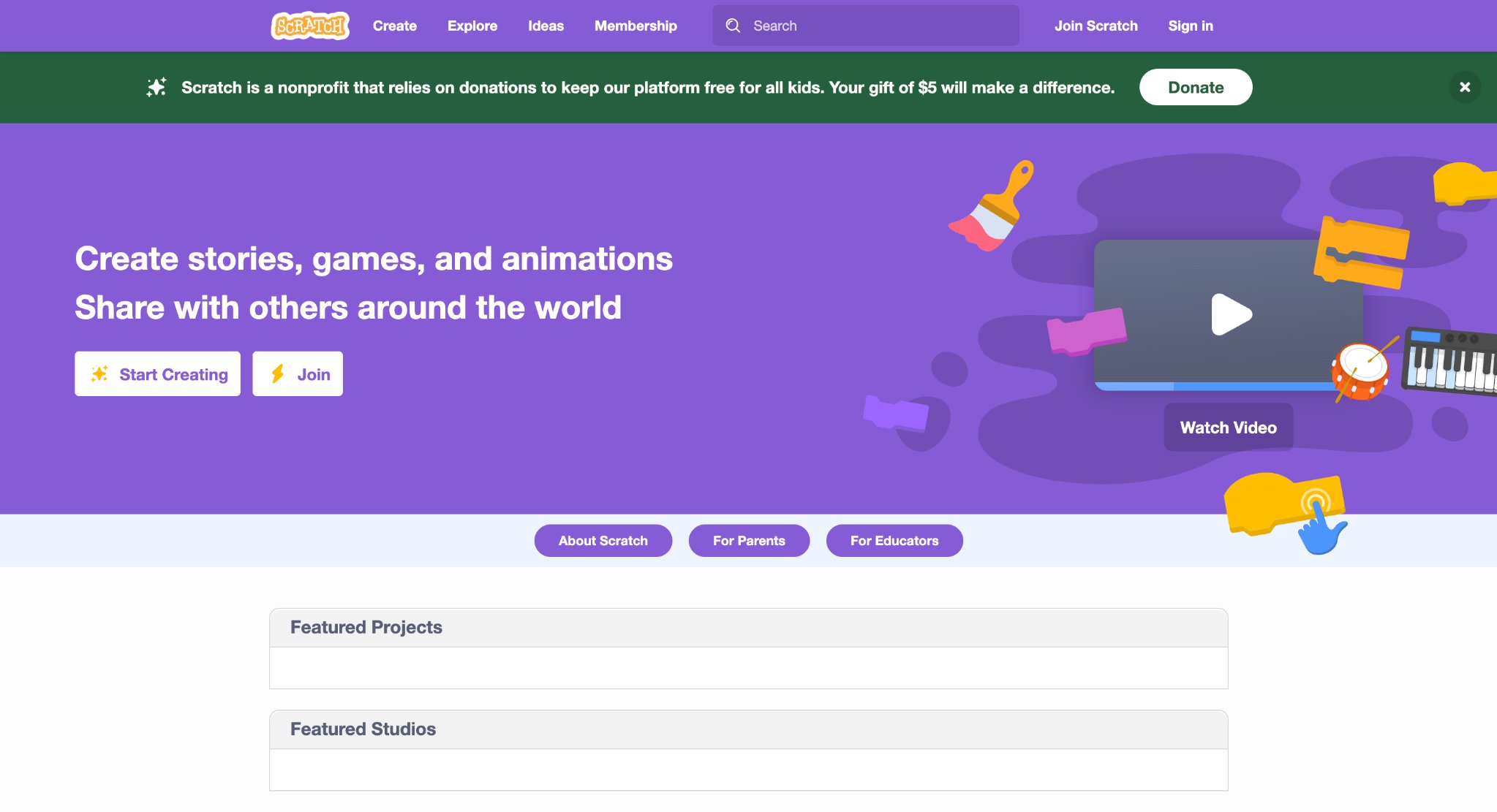
Scratch lets kids snap colorful blocks to make stories, cartoons, music, and simple games. It is a favorite for creative older kids who want to build, not only tap through someone else’s world. A child can move a cat across the stage, add speech bubbles, change backdrops, and share a project with family. The first session often needs a grown-up. The editor looks busy next to a preschool care game, and younger kids can get lost in the menus. Public projects and comments need family rules, because the community is wide. When a child is ready, Scratch teaches sequence, events, loops, and cause and effect in a way that feels like making a cartoon. It does not replace cozy pet play for ages 3 to 6. It shines later, when a child asks how games work. Many families keep it for weekend maker time and use shorter, closed kids games for daily play.
Facts and Information
- Block coding in a web editor
- Great for stories, animation, and simple games
- Strong school and after-school use
- Remix culture that sparks new ideas
- Better for elementary ages than toddlers
6. Code.org
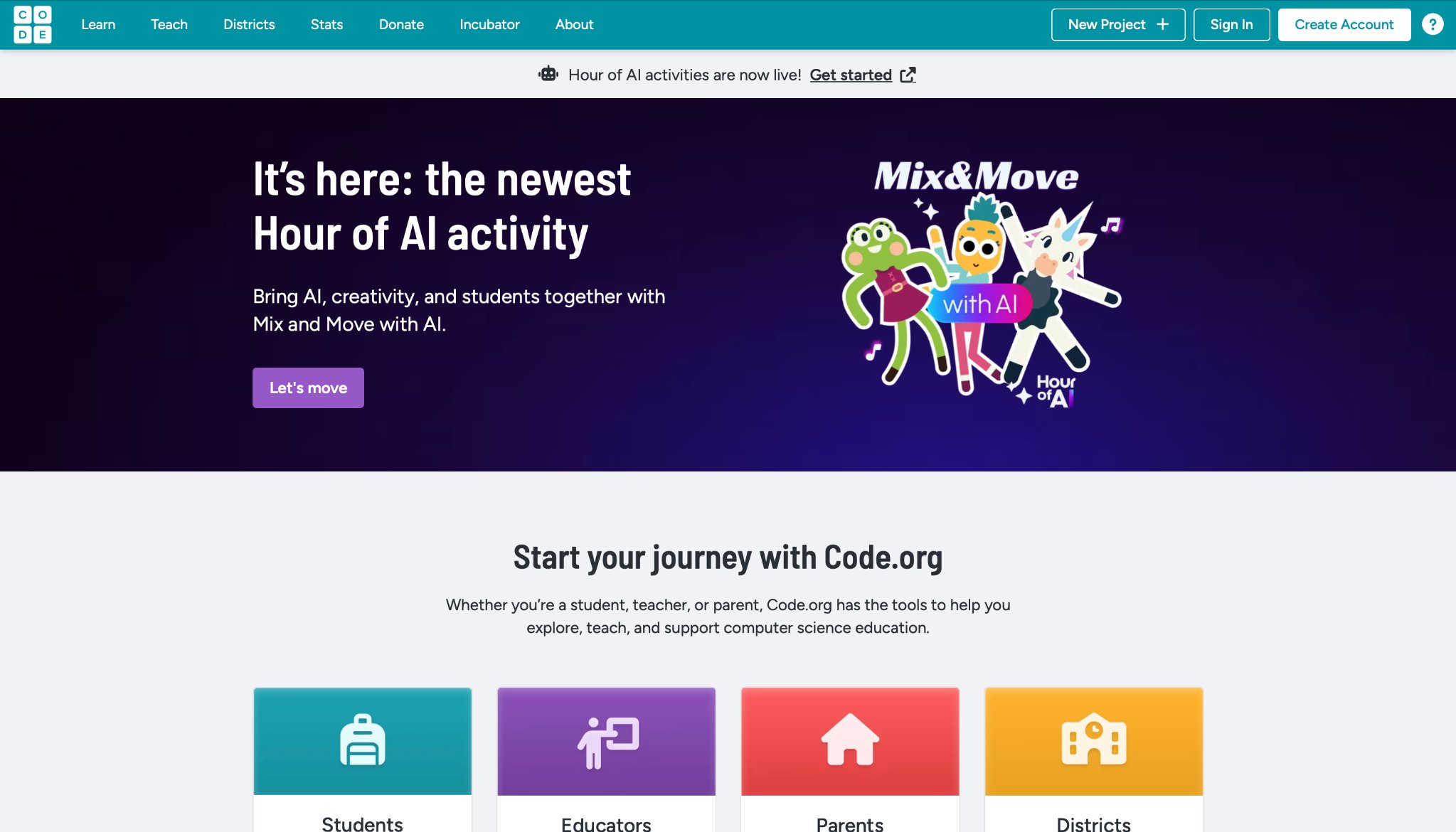
Code.org wraps coding puzzles around known characters and short courses. Kids drag blocks to move a hero, repeat a step, or react to an event. Hour of Code style lessons make a first sitting easy, even for a parent who does not write code. The path can feel like school. Kids who want open pretend play, fashion rooms, or baby care may bounce after a few puzzles. The strength is clarity. Each puzzle has a goal, a hint path, and a clean finish. That helps classrooms and homes that want a skill, not a toy chest. It pairs well with Scratch when a child is ready to make a project from scratch instead of only solving set levels. For preschoolers, it is usually too dry. For elementary kids who like patterns, it is a steady, well paced start into computer thinking without a messy download pile.
Facts and Information
- Guided computer science courses
- Character-themed puzzles many kids recognize
- Classroom and home use
- Clear lesson paths for first-time coders
- Pairs well with creative tools like Scratch
7. ABCmouse
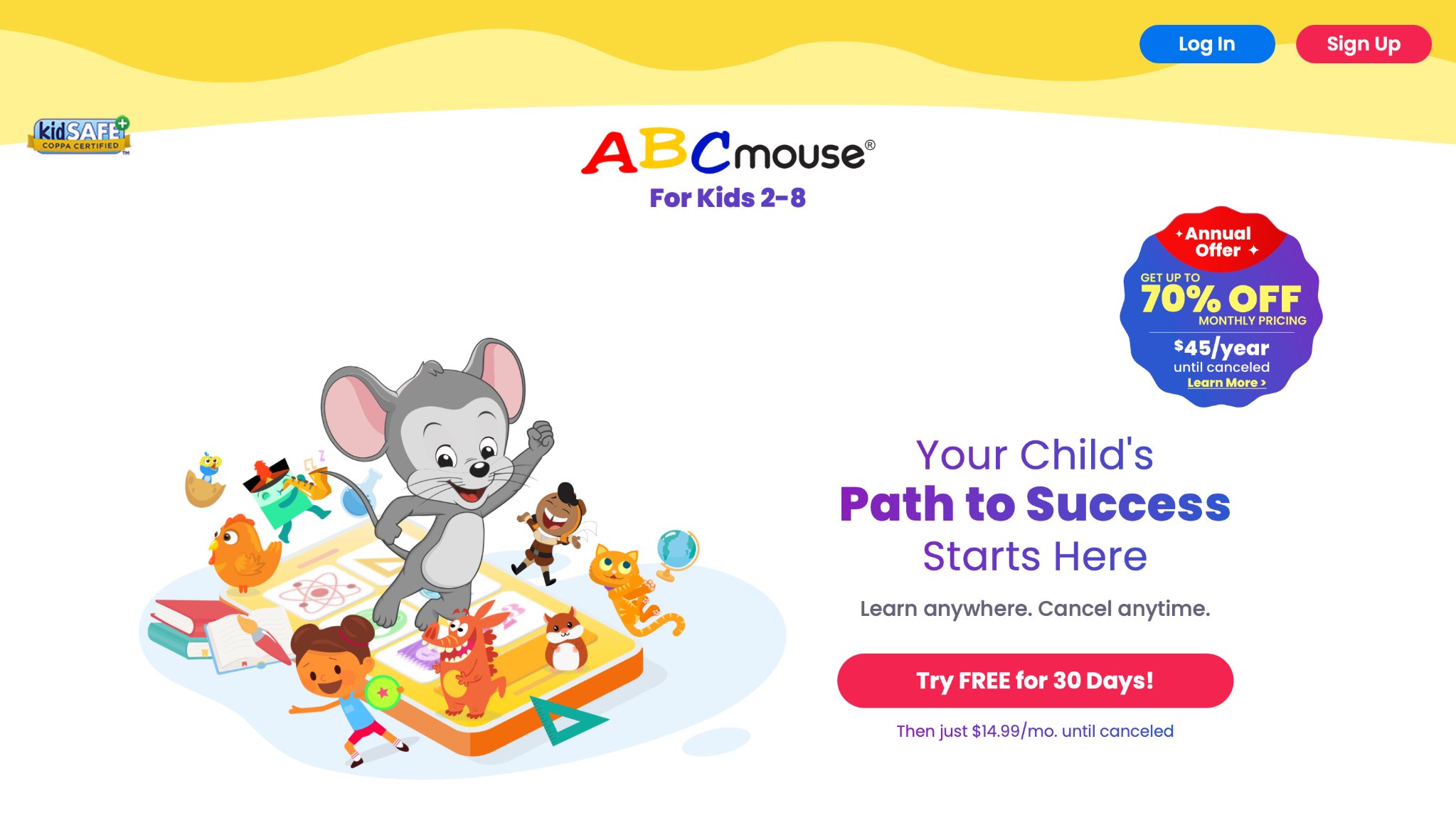
ABCmouse is a long-running early learning world with reading, math, art, music, and science activities. Kids move through a map, finish lessons, and earn tickets for virtual rewards. The world is bright and busy, which some children treat like a theme park. The size is both the gift and the snag. A curious child can stay engaged for a long stretch. A sensitive child can feel pulled from activity to activity. Ticket rewards keep some kids going and distract others from the skill itself. Parents who like a set path often appreciate the order. Parents who want calm care play may find it louder than a single pet house game. It covers a wide age band from toddler letters to early grade practice. Used with a timer and a chosen subject, it can support school readiness. Used with no limit, it can turn into a long tap loop.
Facts and Information
- Wide subject mix for young learners
- Lesson path with virtual rewards
- Strong phonics and early math practice
- Virtual world style many kids enjoy
- Best when a parent helps set a daily stop time
8. Coolmath Games
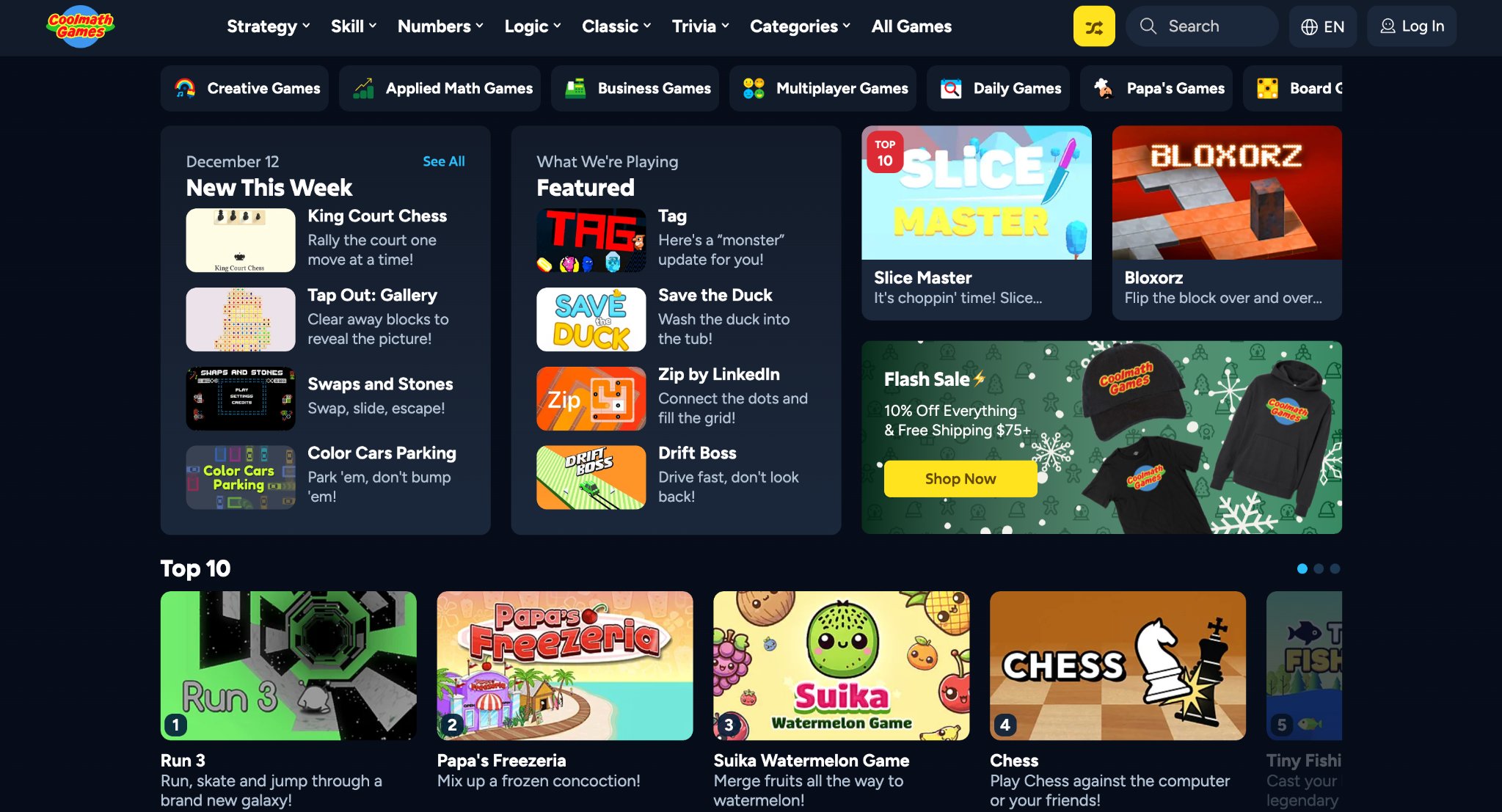
Coolmath Games is a browser hub of logic, strategy, and casual puzzles. Many titles load fast and work on school devices, which is why older kids know the name. Thinking games, run-style challenges, and simple strategy titles sit side by side. Not every title is built for preschoolers. Difficulty can jump, and some pages feel more like a teen time-killer than a kids room. A parent should preview the exact game, not only the site name. The upside is speed. No big install, no long tutorial, just a puzzle you can finish in a short break. Spatial games and planning games can quietly train focus. Loud or endless runner picks need a closer look. Treat it as a shelf of single games, not a closed preschool world. Then it stays useful for elementary kids who want a brain teaser after homework.
Facts and Information
- Fast browser puzzles and logic games
- Good for older elementary focus practice
- No download needed for most titles
- Wide mix of difficulty
- Parent preview is wise before play
9. National Geographic Kids
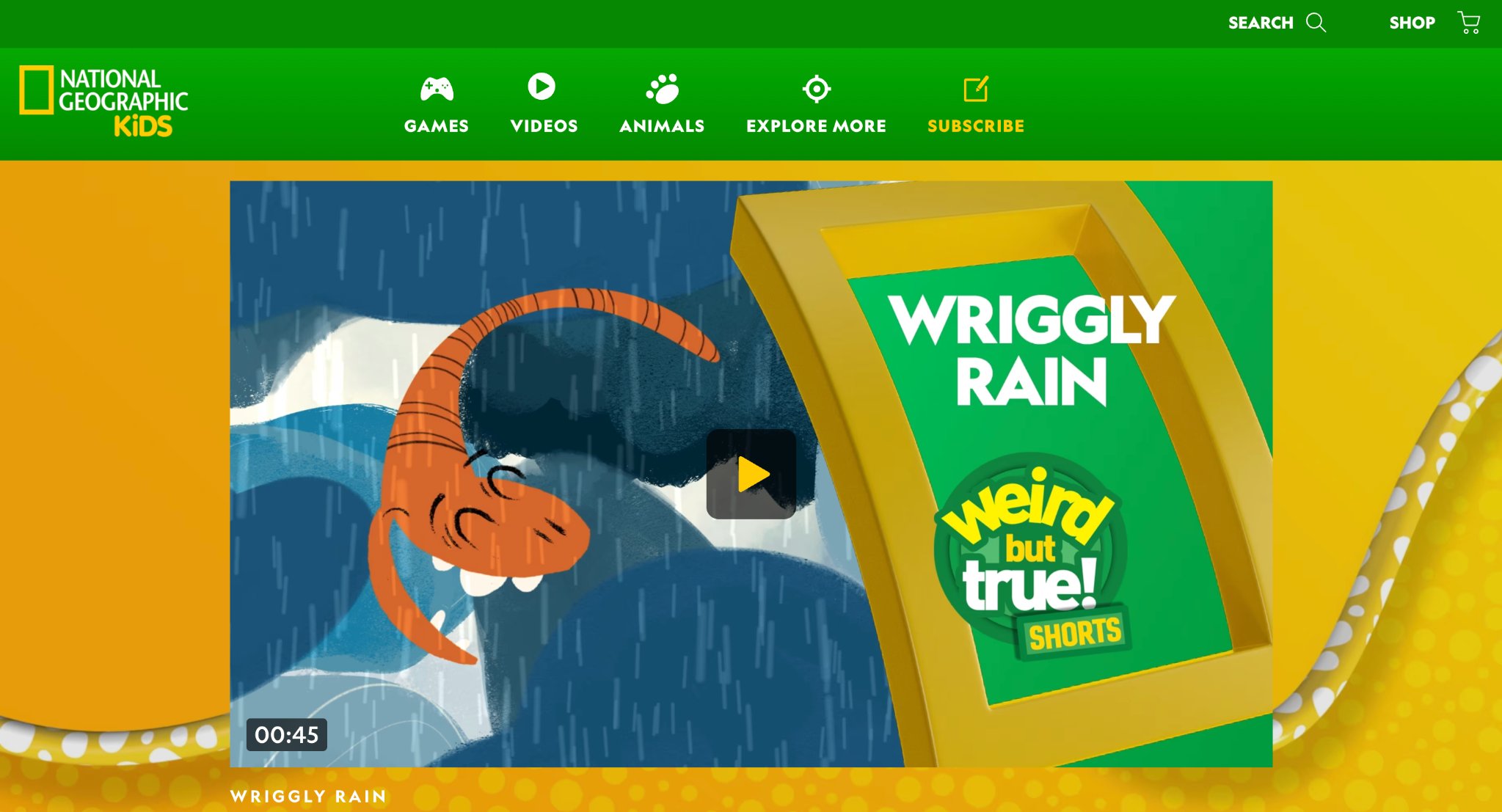
National Geographic Kids mixes animal facts, quizzes, videos, and light games. Curious kids who love sharks, maps, bugs, and wild places often stick with it. The tone is bright and fact-led, closer to a kids magazine than a dress-up house. Play sessions are usually short. A child reads a creature profile, tries a quiz, then wants another animal. That is great for “why” questions and science talk at the table. It is less great if your child came looking for a pet to feed all afternoon. Some games are simple wrappers around facts. The brand trust is the reason many parents say yes. Use it as a companion to pretend care play. First hatch and hug a fluffy pet, then look up a real fox or penguin. That mix keeps wonder attached to something living, not only to a score.
Facts and Information
- Animal, science, and geography focus
- Quizzes and simple games
- Trusted brand for nature facts
- Good companion to pet-care pretend play
- Best for kids who ask “why” a lot
10. Funbrain
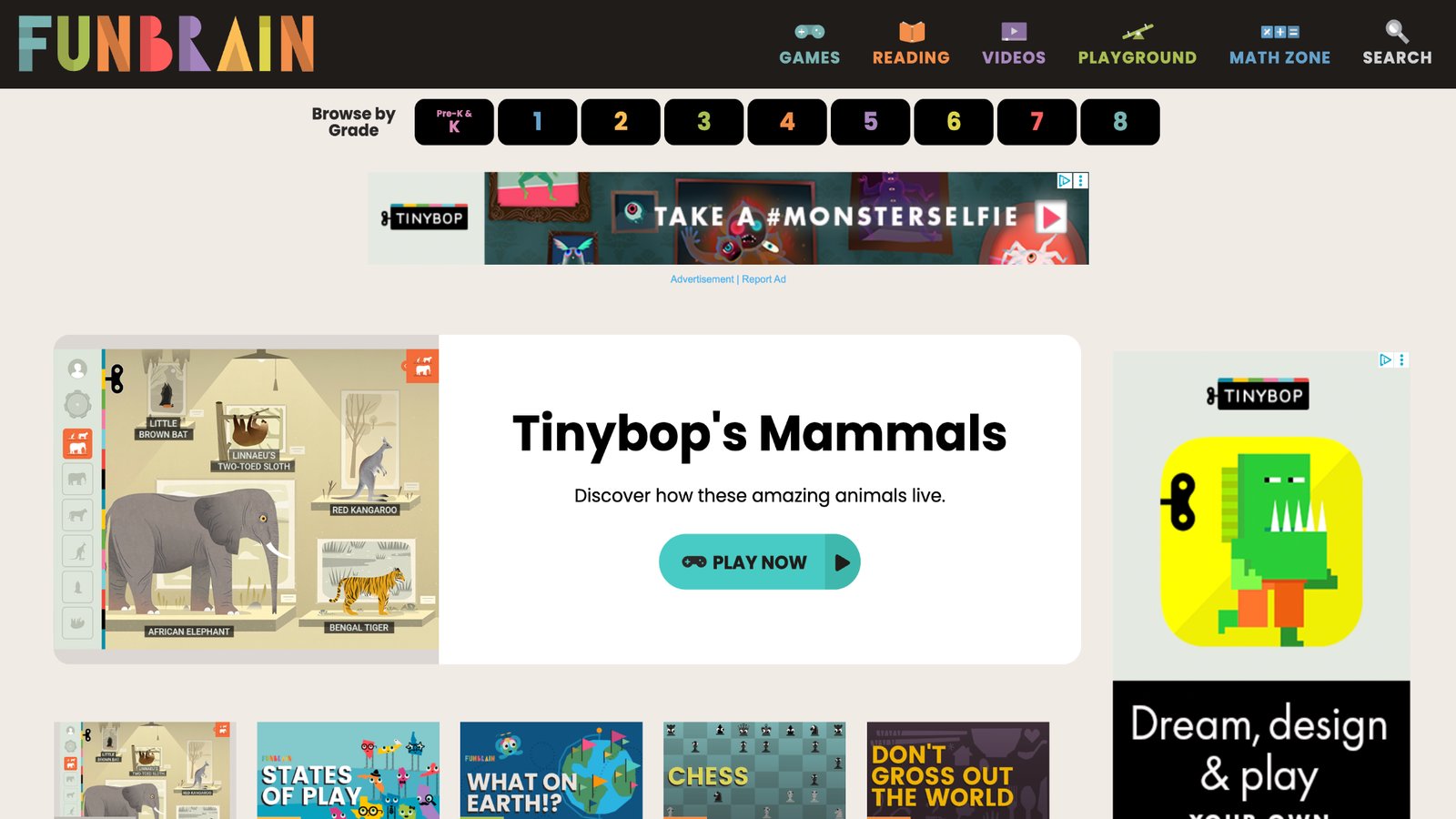
Funbrain is a classic site with reading games, math practice, and stories. Many families used it years ago and still find familiar titles on a school laptop. It is easy to open in a browser and easy to explain to a grandparent who is helping with homework. The look is older. Some games feel simple next to modern mobile worlds with deep rooms and collectible pets. That can be a plus for kids who get overstimulated. It can also feel plain after a child has seen richer care games. Extra links on web pages still call for a parent nearby. For quick addition practice or a short story game, it does the job. For daily pretend play, most kids will want a fuller home base. Keep it as a supplement, not the whole plan.
Facts and Information
- Math and reading games in a browser
- Story content mixed with play
- Long history with schools and homes
- Simple start with no heavy setup
- Better as a supplement than a full library
11. Starfall
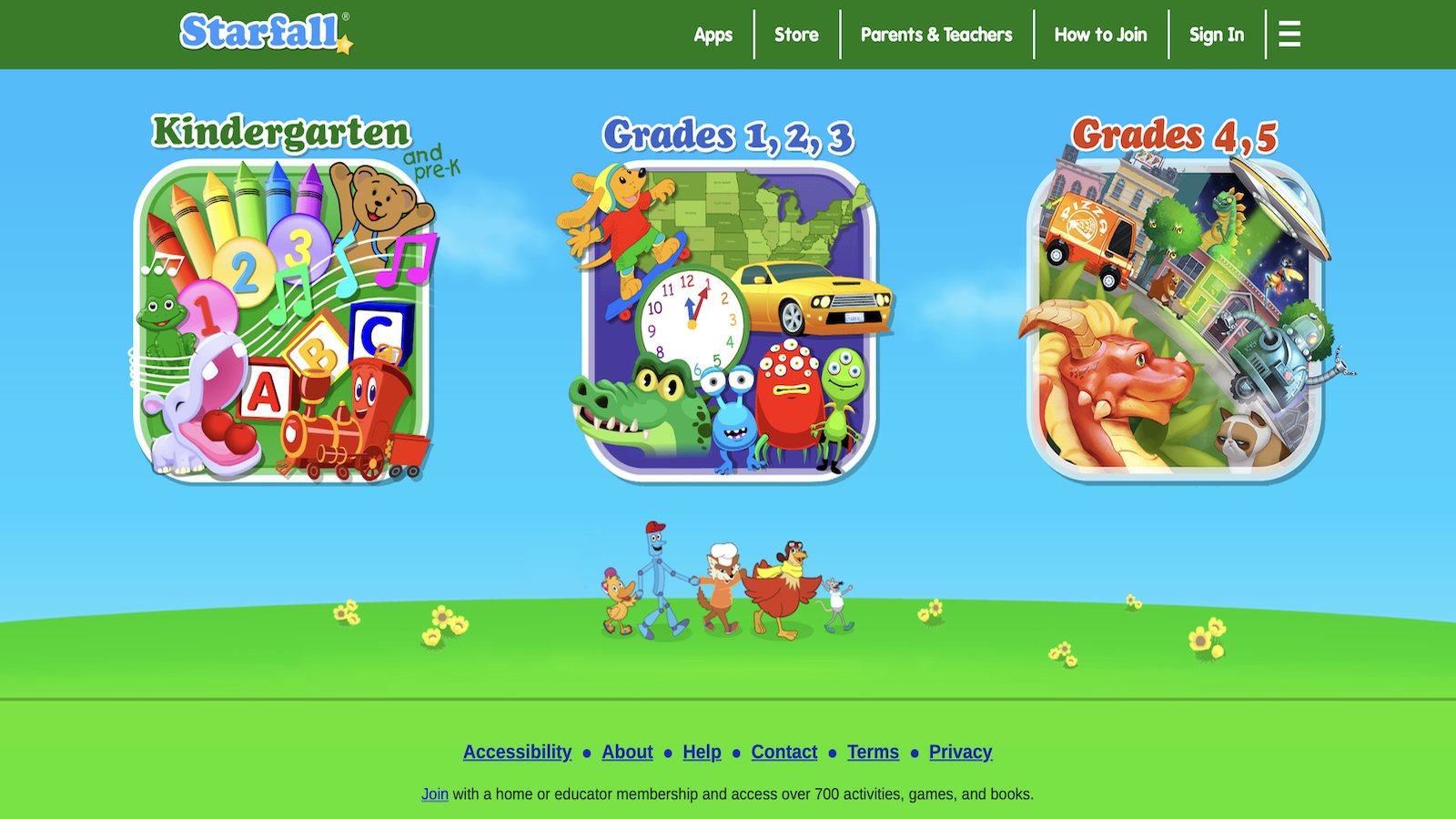
Starfall is known for phonics songs, letter play, and gentle math. Young readers tap sounds, hear clear audio, and follow short stories at a slow, kind pace. That makes it a regular pick for kids who are just mapping letters to sounds. Older kids may outgrow it once reading clicks. The library is focused, not huge, so it will not fill a whole afternoon of mixed play. There is little of the pet collecting and room decorating that many preschoolers ask for by name. Where it shines is confidence. A shy reader can repeat a song without a crowd and without a harsh fail screen. Families often use it in small doses, then switch to open play. If your main goal is first reading, it remains a steady, quiet tool. If your main goal is fun online play with characters to care for, you will still want a separate kids game set.
Facts and Information
- Phonics and early reading strength
- Calm audio and simple screens
- Pre-K to early grade fit
- Helpful for kids who need extra letter practice
- Limited appeal once reading is fluent
12. Prodigy Math
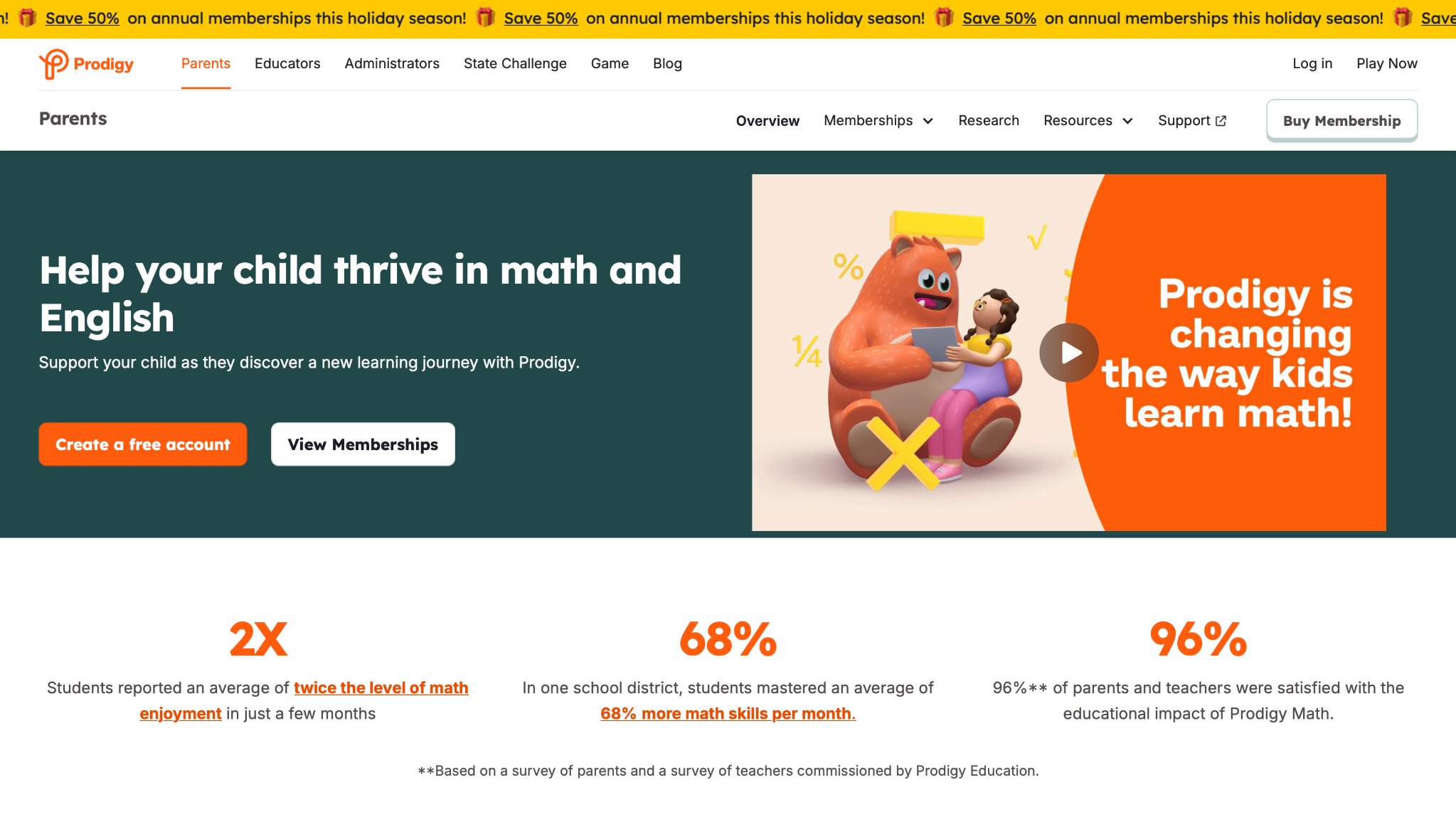
Prodigy Math wraps grade-level math in an adventure. Kids answer questions to battle, explore, and gear up. Many children who push away worksheets will try one more quest because the world feels like a game first. The story layer can overshadow the math if play runs long. A parent view helps keep skills on target and shows which topics a child missed. It fits elementary kids who already like game worlds and characters with outfits and pets of a different kind. Preschoolers who still need tapping, dragging, and care routines will find it too wordy and too fight-like. Used with a time cap, it can turn practice into a habit. Used with no cap, the adventure can eat the evening. It is a math tool in costume, not a full pretend-play house.
Facts and Information
- Math practice inside an adventure
- Grade-aligned question paths
- Strong hook for kids who resist worksheets
- Parent view of skills
- Better for elementary than preschool
13. Toca Life World
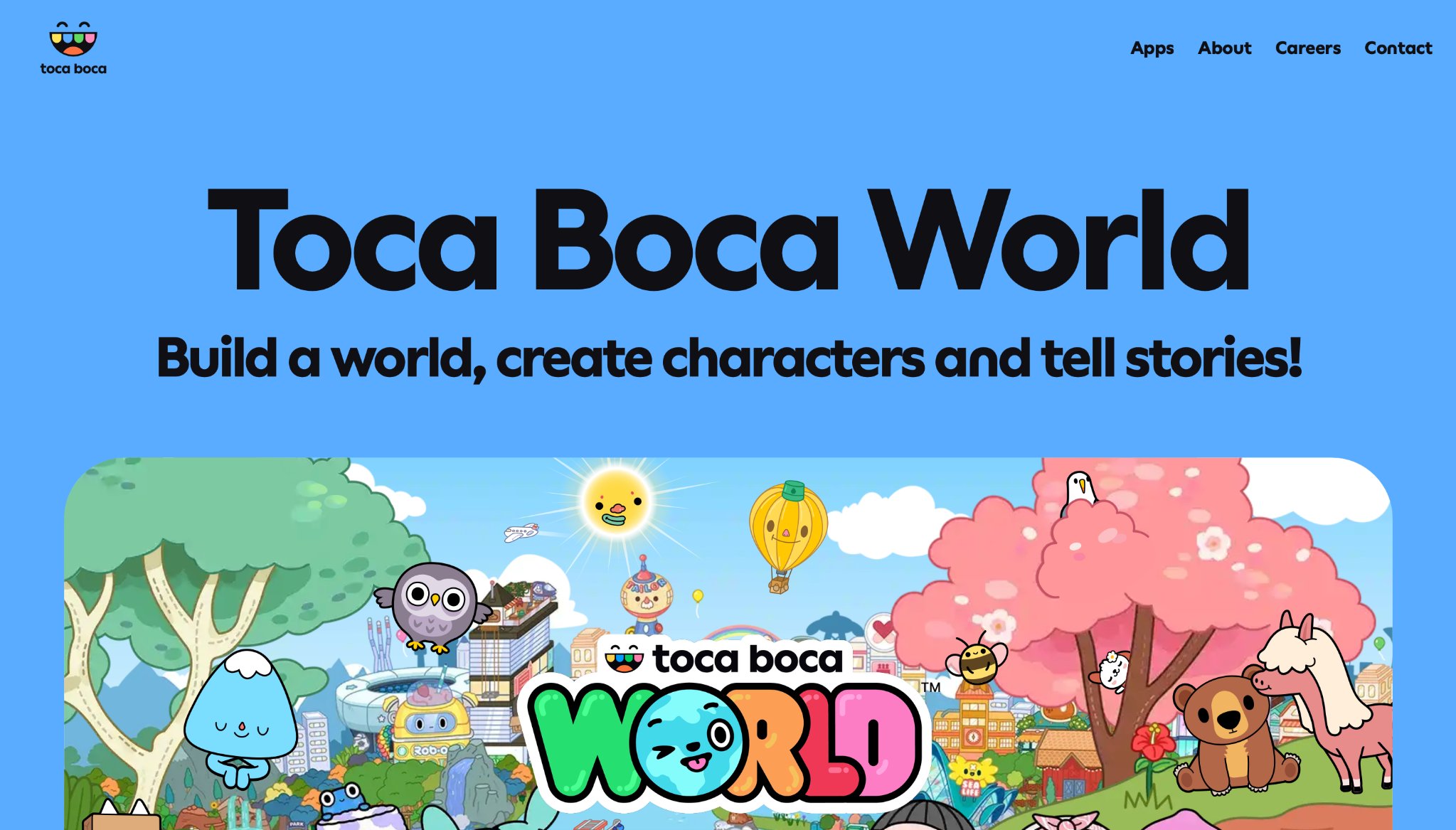
Toca Life World is a digital dollhouse where kids move characters through homes, shops, schools, and silly scenes. There is no score and no “game over.” Kids make up the story, dump spaghetti on the floor, then clean it up, or not. That open play is the joy. It is also the reason some parents want a second option with clearer learning goals. New locations and characters can tempt extra packs, so families should decide the rules before play starts. The humor is weird in a kid way, which many children love. Younger kids may need help moving between scenes. It builds language and social stories when a grown-up plays too and asks, “What happens next?” It does not teach letters in a structured path. Pair it with a calmer care game if you want both free pretend play and simple skill practice in the same week.
Facts and Information
- Open-ended dollhouse play with no winners
- Strong for storytelling and social pretend
- Humor and messy scenes kids often retell
- Works well when a parent plays along
- Less structured than early-learning lesson apps
14. Lingokids
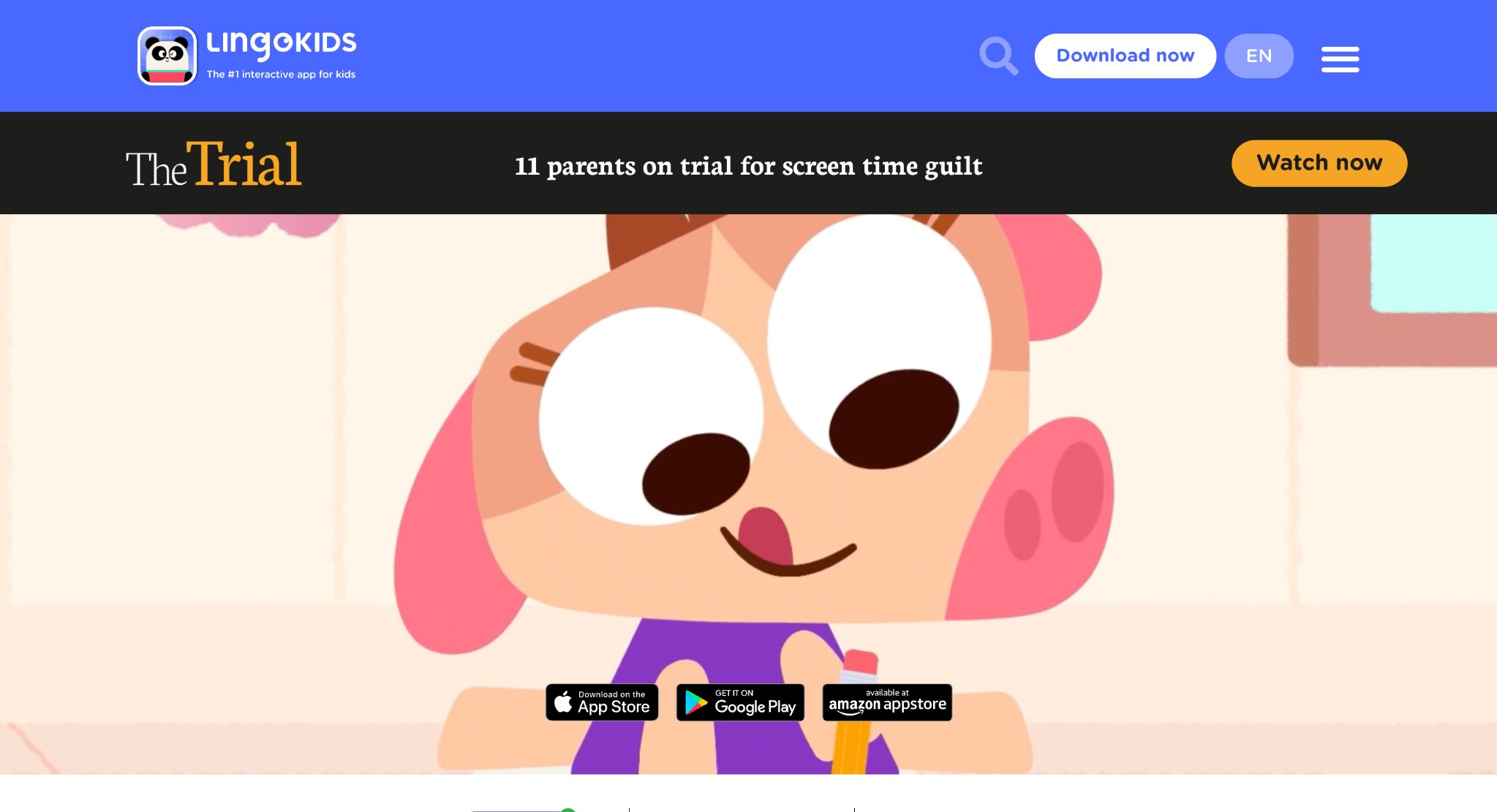
Lingokids is an early learning playset with games, songs, and short shows for young kids. It covers literacy, math, science, art, and music in bite-size activities. Licensed characters show up in some content, which can make a hesitant child tap faster. The feel is entertainment-led. That helps kids who refuse anything that looks like school. It can also make the line between show time and practice time fuzzy. A parent still chooses the day’s activity instead of leaving autoplay running. Life skills and language play are the usual strengths. Deep pet-care worlds and long decorate-the-house loops are not the main event. Families who want English practice mixed with songs often keep it. Families who want one quiet house of fluffy pets may still prefer a care-first game library as the daily base.
Facts and Information
- Games, songs, and short shows for young kids
- Mix of literacy, math, science, art, and music
- Entertainment-led tone many kids accept quickly
- Better with a parent picking the activity
- Useful as language and song practice beside open play
15. ABCya
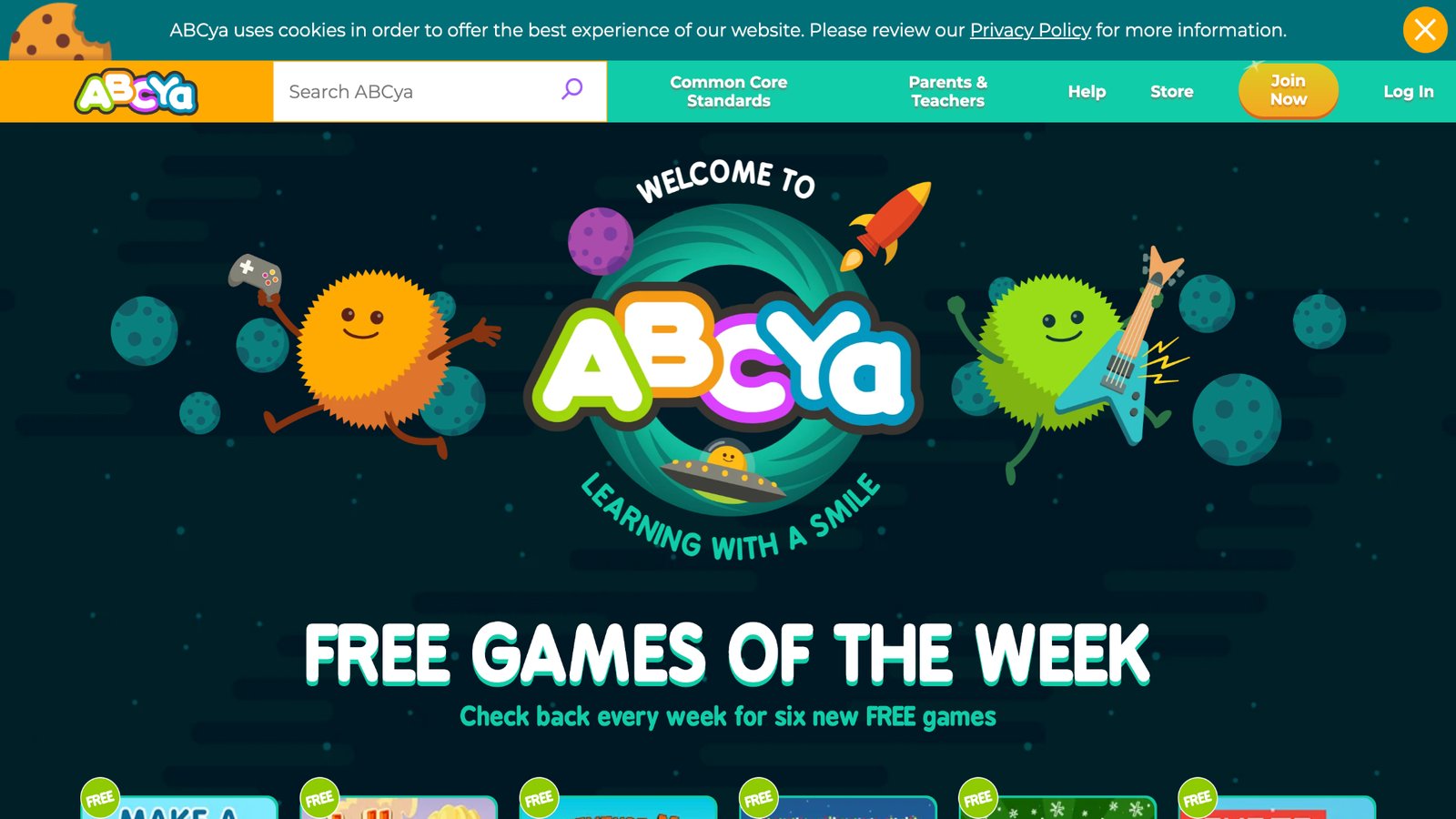
ABCya is a big grid of grade-labeled games for letters, math, typing, holidays, and logic. Teachers have sent kids here for years because the labels match classroom language. A second grader can find “addition” without a long hunt. The site is a menu, not a single story world. Quality varies from game to game. Some activities are clever. Some feel like worksheets with clip art. Browser play means a parent should sit close and pick the exact title. It is handy for homework minutes. It is weaker as a cozy daily playground. Kids who want to hatch a pet, run a tiny daycare, or dress a unicorn will finish an ABCya game and still ask for that other kind of play. Use it for a skill burst, then return to a closed, character-rich kids library for the fun they will repeat tomorrow.
Facts and Information
- Grade-labeled games for school skills
- Strong teacher and homework familiarity
- Wide mix of math, literacy, and logic titles
- Best when an adult chooses the exact game
- Supplement to story and care games, not a full replacement
Skills Kids Build When Play Is Designed Well
Good kids games do more than fill a rainy afternoon. Care games teach empathy when a child feeds a hungry pet or tucks a baby in, the same kind of practice found in social emotional games for kids. Sorting games train the eye. Dress-up and room design feed language, because kids name colors, clothes, and feelings out loud.
Short matching tasks also support recall, which is why many families mix care play with memory games for kids. Learning through play activities work when the child finishes a small job and feels proud. Soft stories and kind characters can double as emotional games for kids when a pet needs comfort or a baby needs a nap. Learning through play examples stay useful when play has a clear job. Finishing a room, a puzzle, or a care routine is one path to confidence building games, because the child can see the result.
- Pet and baby care. Kids practice empathy, routines, and patience. This style often fits preschool and early grades.
- Dress-up and rooms. Kids practice language, choice, and self-expression. This style often fits kids who love stories.
- Puzzles and sorting. Kids practice focus, comparison, and planning. This style often fits quiet independent play.
- Letters and numbers. Kids practice early school skills. This style often fits kids getting ready for class.
- Block coding. Kids practice sequence and cause and effect. This style often fits curious builders.
Short sessions work better than long ones. Many families set a timer, then switch to drawing, blocks, or outside play. The game becomes a chapter, not the whole day.
How to Keep Online Play Calm at Home
Safe play is a setup, not a speech. Put devices in a shared room. Turn off extra app stores where you can. Use one family login so a new game does not sneak in overnight. Tablet games for kids work well on the couch, where a grown-up can see the screen.
A family weekly planner can hold play time next to snacks, baths, and outside time so the day has a shape. New caregivers often want a short list, not a lecture. Practical tips for new parents pair well with clear privacy rules: who can create the account, which device is allowed, and where play happens. Tips for new moms can sit beside the same quiet play rules. Educational games for kindergarten fit once a child can follow a two-step task.
Simple house rules that work:
- Play in the living room, not under a blanket
- One game stretch, then a snack or stretch break
- Grown-ups can join for a round of dress-up or pet care
- No new downloads without a yes
- Offline games for car rides after the first download
If a game uses open chat, skip it for younger kids. If a site is packed with flashing ads, close it. Fun should feel light, not loud.
When a Whole Game Library Beats One App
One hit game is fun for a week. A library lasts. Kids change moods fast. Monday is unicorns. Tuesday is babies. Wednesday is a puzzle. A single set of fun educational games for kids that holds many styles saves the hunt. Families comparing online educational games for kids often want both skill practice and pretend play. Learning games for kids online can sit beside short browser play. Some homes also keep a few free online games for kids for a quick sitting on a shared computer, then return to a closed library for daily care play.
Games for young kids and educational but fun games for kids work when the same login follows a child from the kitchen tablet to a weekend phone. Keep the home list short. Three trusted places beat twenty random tabs. Update the list when a child outgrows baby care and wants builders or number play.
FAQ
What are the best fun games for kids online in 2026?
The best fun games for kids online in 2026 are safe, calm, and easy to start. They use simple taps, kind stories, and short tasks a child can finish with pride. Care play, dress-up, cleanup, puzzles, and letter or number games all fit when the world stays closed to random chat and surprise pop-ups. A set of online educational games for kids works well when many play styles live in one trusted place. Pick titles that still feel good after the first five minutes, then keep the home list short so kids return to the same rooms.
Are online games for kids safe without downloads?
Some browser games work for a short sitting on a shared computer, as long as an adult opens the exact title first. A web page can sit beside extra links, so nearby supervision still matters. Downloaded games are often easier to keep inside one account after the first install. Many titles need the internet only to download and check the account, then keep working on a trip. Safety still follows the habits in how to protect kids online, plus the game design and the room rules.
What age is best for pet care and baby games?
Pet care and baby games often fit ages that still love pretend play, from toddlers through early elementary. Younger kids like feeding, baths, and bright rooms. A little older child may enjoy collecting pets, decorating houses, and finishing small quests. If a game feels too babyish, puzzles or builder play can take a turn. Many educational games for toddlers use that care-and-create style. Watch how long the child stays kind and focused. That is a better guide than the box age alone.
How can parents make screen time feel useful?
Useful screen time has a clear job: care, sort, read, count, create, or tell a story. Sit nearby for the first session and talk about what the character needs. Short play, then blocks, drawing, or outside time, keeps the game as one chapter of the day. Shared-room play and one family login cut surprise downloads. Educational games for kids at home fit that rhythm when play has a start, a small goal, and a stop. End the session while the child still wants one more round, so tomorrow starts with a yes.
How do you choose safe online games for preschool and early grade kids?
Start with closed worlds, no open chat, and tasks a small hand can finish. Soft stories beat loud fail screens. Offline play after download helps in the car. Safe apps for kids keep ads and extra shops out of the story. Preview the first minutes yourself, then play a round together on the couch. Keep three trusted places, not twenty tabs. When a child outgrows baby care, add puzzles or maker play, and keep the same house rules: shared room, a timer, and a grown-up who knows which game is open.
Read Also:
- Best kids games that are educational
- Best games for preschoolers
- Best learning apps for kids
- Best English learning apps for kids
- Best educational games for 7 year olds
Start a TutoClub trial and give kids the best fun games online they will ask to play again!