


Best Online Puzzle Games For Kids In 2026






Looking for the best online puzzle games for kids in 2026? Young players do well with short logic tasks, matching play, and picture puzzles that feel like stories. An online puzzle game keeps that play gentle, ad-free, and easy to share on more than one device.
If puzzle time is already a hit, many families also look at the best educational computer games for kids and the best kids learning games online that use the same short, story-like challenges. Creative play can sit beside those sessions too, with the best makeup games online and the best games online for girls offering light, shareable variety that still feels gentle and device-friendly.
Turn puzzle time into calm learning play with TutoClub!
Why Puzzle Play Helps Kids Think Clearly

Puzzle games ask kids to look, plan, and try again. That loop builds focus, spatial skills, and patience. Picture jigsaws train the eye. Memory games for kids train recall. Sorting and path puzzles train cause and effect.
Young kids need puzzles that stay kind. Loud timers, surprise ads, and sudden shops pull attention away from the task. Safe kids puzzle games keep the next step clear: tap a piece, match a pair, finish a room, care for a pet. That same habit shows up in learning through play activities, where a short challenge still feels like a game.
Many families also want play that works after a download. That matters on car rides and in rooms with weak wifi. A mix of puzzles, care routines, and confidence building games gives kids more than one way to practice the same thinking skills. Educational games for kids that hide logic inside a story help a child stay with the problem long enough to finish it. Parents who want more of that focus-and-finish loop can also browse the brain games for kids.
What Makes a Kids Puzzle Game Worth Opening Again
A good kids puzzle app is easy to start and hard to abandon in a helpful way. The first levels should be obvious. Later levels should add one new idea at a time, not ten.
Look for:
- Clear pictures and large tap targets
- Short sessions that still feel finished
- Logic, memory, matching, or path-finding
- No ads interrupting a thought
- Play that works for siblings of mixed ages
Parents often ask if puzzle play “counts” as learning. It does when the game asks a child to hold a plan in mind. Putting shapes in order, remembering where a card sat, or finishing a room in a pet house all train working memory. That is why many families keep tablet games for kids and educational games for kids on iPad in the same rotation as phone play.
Creative puzzles inside a closed educational games for kids app fold that practice into care routines kids already like. Mobile games for kids work best when the puzzle sits inside one world, not across random pop-ups. Educational but fun games for kids last longer when the child can finish a room and still want one more.
Best Online Puzzle Games For Kids In 2026
1. TutoClub - Best Online Puzzle Games for Kids in 2026
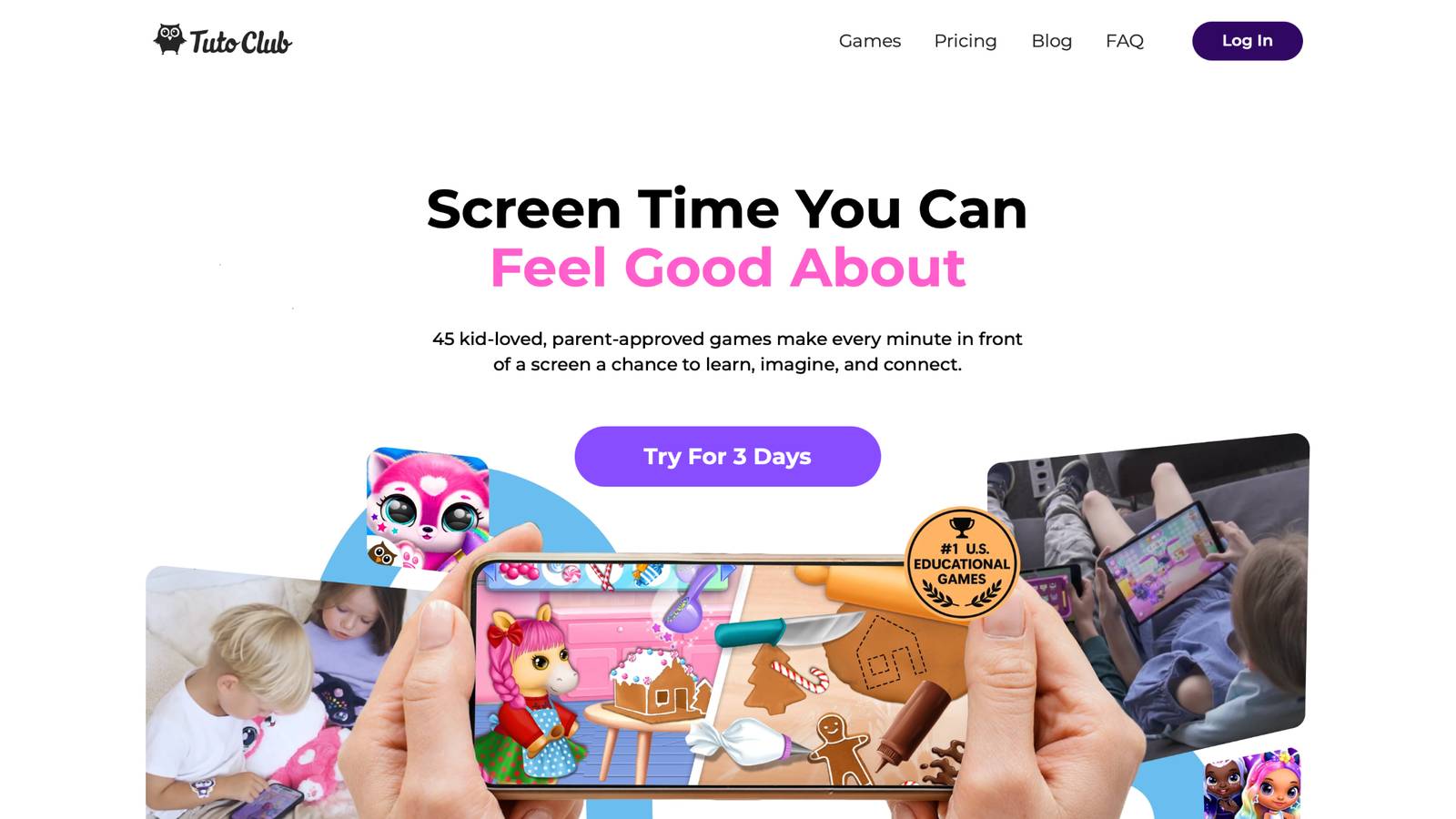
TutoClub puzzle play gives families one login for more than 45 TutoTOONS games, including titles packed with puzzles, memory tasks, matching, decorating challenges, and problem-solving routines. TutoClub is the kids subscription from TutoTOONS, a studio known for bright, story-led games for young children. Play is ad-free. In-app shops stay unlocked for members. Kids can move between pet houses, babysitting stories, fashion quests, and early-learning worlds without a new checkout every time they want a fresh puzzle.
Titles such as Floof - My Pet House mix puzzles and memory games with decorating. Other games hide logic inside daily care: clean a room, find missing items, match colors, or finish a simple sequence. That style keeps puzzle practice feeling like play, not a worksheet. Families can use the same account on multiple devices after they sign up for TutoClub. Most games need the internet only to download and check the membership, then many can be played offline.
TutoClub Overview
TutoClub is your gateway to a magical world of educational games designed especially for children.
As part of TutoTOONS, a leading kids' games studio, we offer premium access to over 45 ad-free games.
Our mission is to blend learning and play, helping kids explore, create, and grow in a safe online space.
Thousands of parents trust us for family-friendly content that sparks imagination and builds essential skills.
Key Features
- Unlimited Access: Unlock full content in all games with no interruptions.
- Ad-Free Experience: Enjoy seamless play without any ads or distractions.
- Skill Development: Games foster creativity, social skills, communication, and more through fun activities like pet care and cleanup challenges.
- Regular Updates: Get new releases, exclusive content, and future updates automatically.
- Easy Subscription: Cancel anytime with no obligations, simple and flexible for families.
Explore Our World
TutoClub provides a rich ecosystem of educational games for kids, featuring ad-free experiences that promote creativity, focus, and emotional growth through play.
This platform turns screen time into valuable learning opportunities, with parent-approved content that builds essential skills and sparks curiosity in young minds.
- TutoClub Games: Over 45 educational games, including popular titles like Fluvsies, Smolsies, and the Sweet Baby Girl series
- Blog: Insights, tips, and stories for families on kids' learning and play
- FAQ: Comprehensive answers to frequently asked questions about subscriptions, features, and more
Get TutoClub on Your Device
TutoClub delivers premium kids educational games directly to your mobile devices, making learning accessible anytime, anywhere.
With apps available on major platforms, families can easily download and subscribe for ad-free play that turns screen time into skill-building adventures.
Perfect for parents seeking safe, engaging content on iOS, Android, or Amazon devices.
Why Choose TutoClub?
We're committed to 100% safe, enriching entertainment that kids love and parents approve.
Join the thousands who've seen their children thrive through playful learning.
Ready to start the adventure?
Start puzzle-rich, ad-free kids games with TutoClub today!
2. Fluvsies Academy
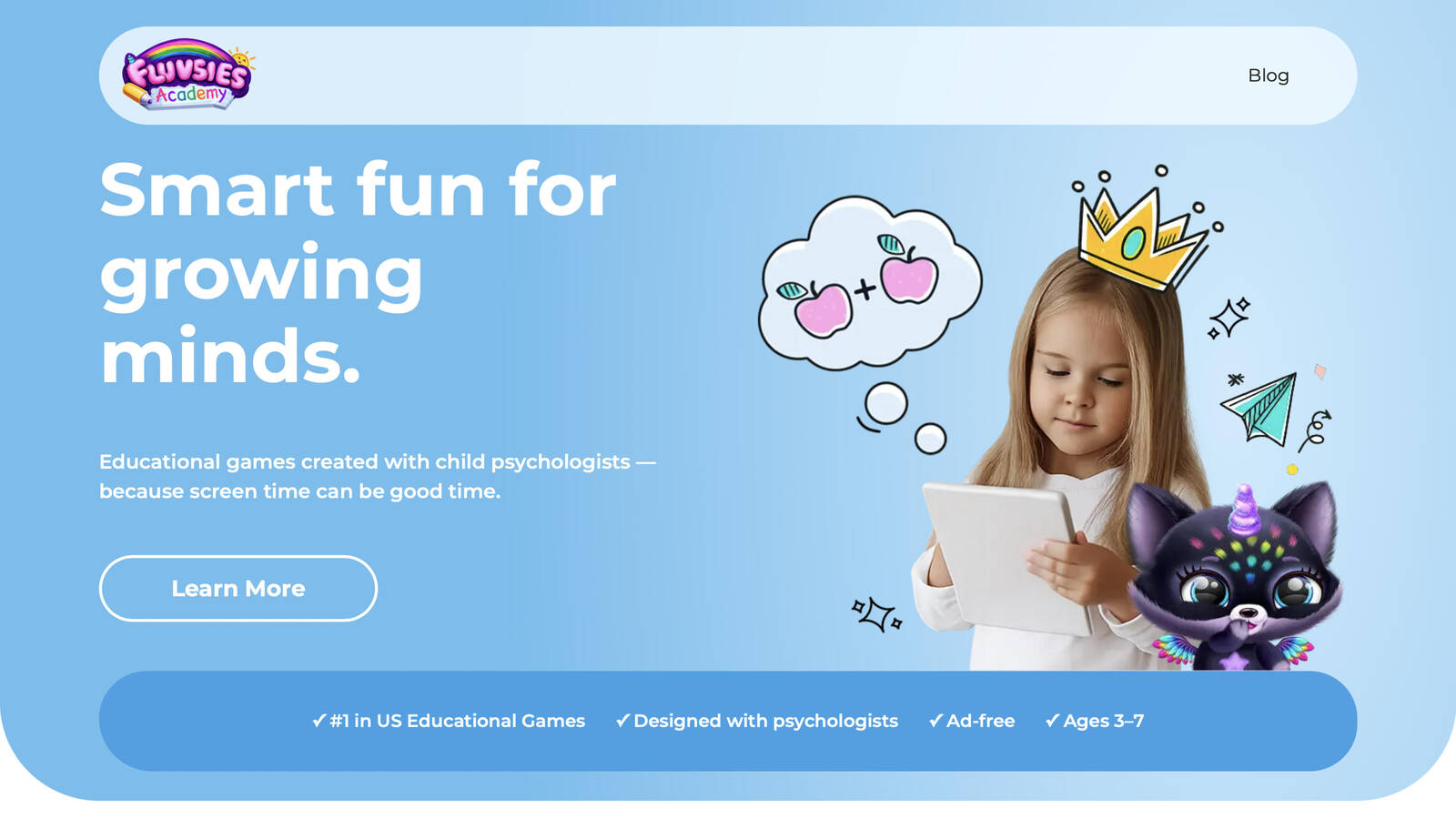
Fluvsies Academy is an early-learning game world for ages 3 to 7, built around the familiar Fluvsies characters many kids already know from other TutoTOONS titles. The app mixes language, phonics, number play, logic, sorting, and life-skill scenes so puzzle practice feels like a story, not a drill. Child development experts helped shape the pace, which keeps the art bright and the tasks short enough for preschool attention. Kids sort, match, follow a simple plan, and step into everyday jobs, from baker to firefighter to astronaut, while growing words they can use at home.
Parents often like the calm tone. There are no ads interrupting a thought. Progress notes show what a child practiced. Printable extras can carry a theme off the screen after play ends. Puzzle work shows up as attention games, comparison tasks, and story rooms rather than cold grids. The world is focused on this age band, so older siblings who want harder rule-bending puzzles may finish the main loop sooner. For preschool and kindergarten families who want logic wrapped in characters they already love, Fluvsies Academy is a warm, guided option that treats screen time as practice for language, focus, and everyday skills.
Facts and information
- Made for ages 3 to 7
- Language, math, logic, sorting, and life-skill play
- Ad-free design shaped with child psychologists
- Progress notes and printable extras for home
- Familiar Fluvsies characters and profession stories
3. Thinkrolls
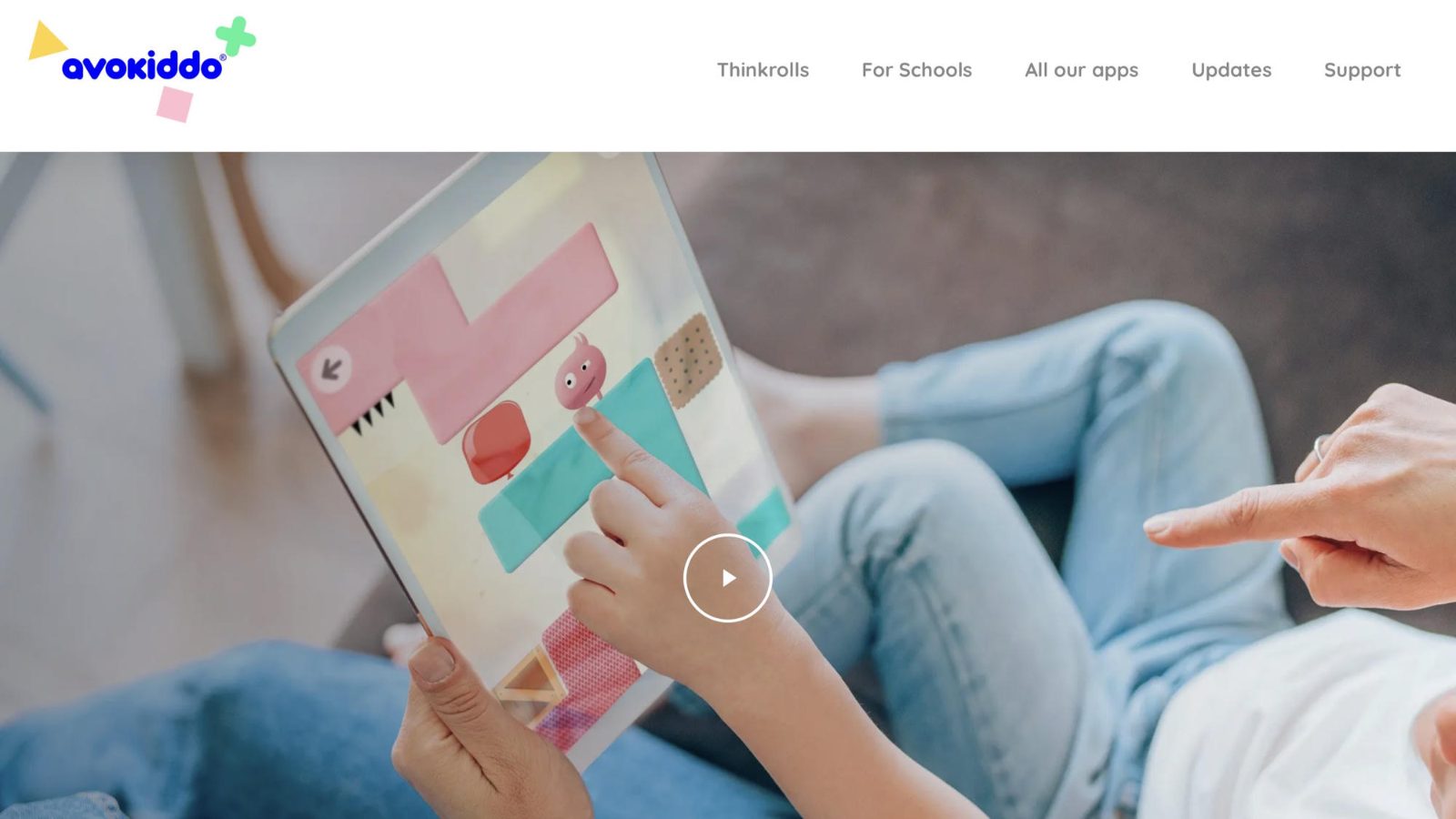
Thinkrolls, from Avokiddo, is a physics and logic series built for young kids who like to see a plan work in motion. Players roll round characters through rooms filled with switches, fans, pools, and gravity tricks. Each world teaches one idea, then later rooms stack those ideas. The art is friendly. Goals are visual. Reading is light, which helps preschool and early elementary players stay in the puzzle instead of hunting for instructions. Families often pick Thinkrolls as a first “real” logic game because success looks clear: the character reaches the door, the path opens, the room is solved. Kids who enjoy cause and effect stay with it. Kids who want pets to feed or rooms to decorate may miss a warmer story layer. Some later rooms ask for careful timing, so a nearby adult helps when a roll goes wrong. The series is a set of puzzle apps rather than a big multi-game club, which means variety comes from new Thinkrolls titles, not from dozens of different worlds under one login. For spatial thinking and simple machines, it remains a steady, well-loved pick.
Facts and information
- Strong fit for about ages 3 to 8
- Physics rooms with switches, gravity, and path planning
- Visual goals and little required reading
- Available on common mobile platforms
- Best when an adult can sit in for trickier timing rooms
4. Monument Valley
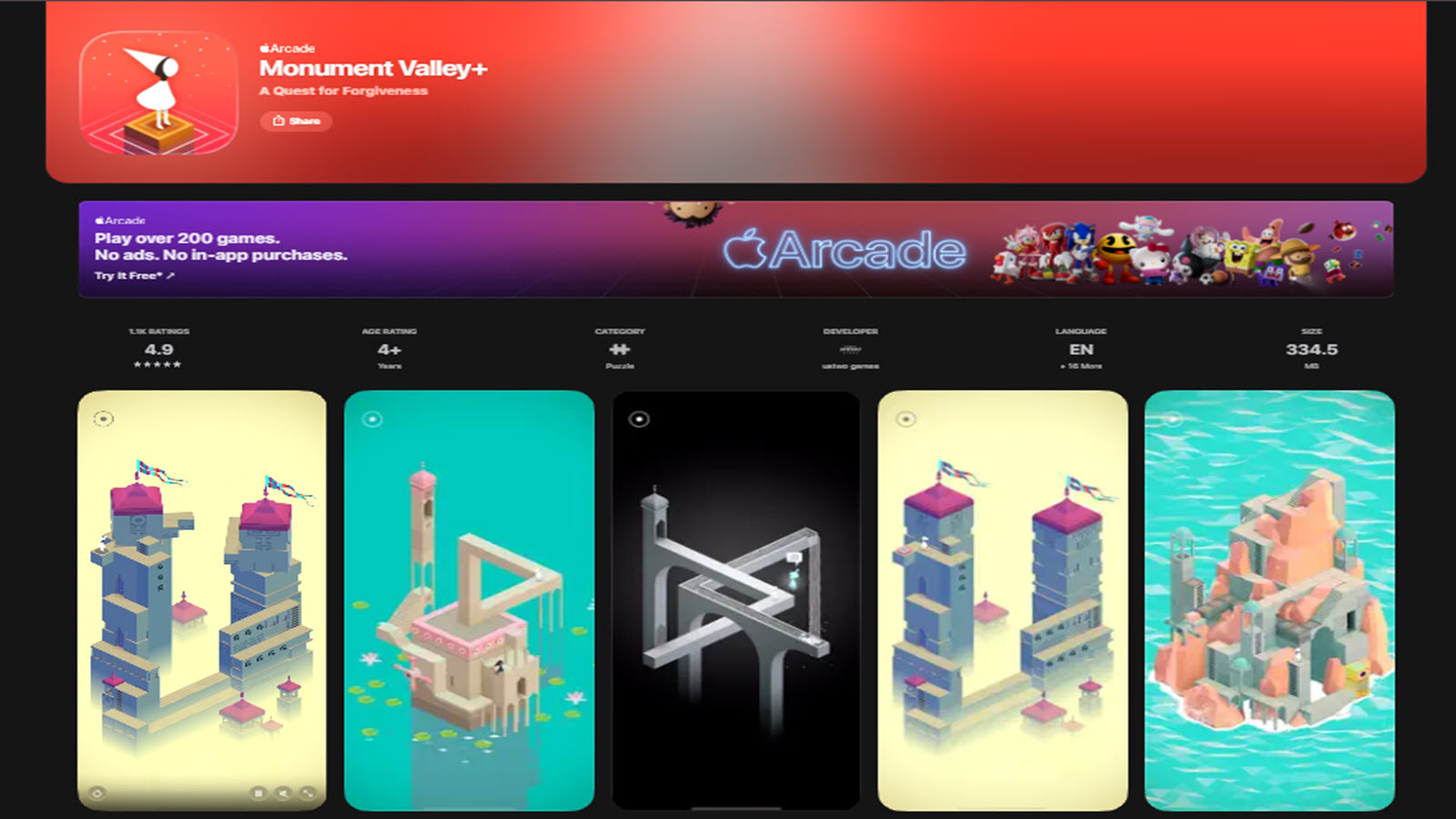
Monument Valley, from ustwo games, is a quiet visual puzzle series about walking through architecture that should not exist. Players twist stairways, flip platforms, and change a path by changing the player’s point of view. The skill at the center is spatial reasoning. The mood is calm. Sound and color do as much work as the rules. There is little text, so kids who do not read yet can still follow the figure through each monument. This is a beautiful single-world puzzle, not a busy kids club. Children who like design, silence, and “the path was there the whole time” moments tend to light up. Younger kids may need a parent to rotate a structure or notice a hidden walkway. There are no care routines, matching cards, or pet houses. Some families treat it as a shared quiet session rather than daily play. Later chapters and the sequel keep the same elegant language. For families who want many characters and many game types in one membership, Monument Valley is a complement, not a full library. For visual thinking, it is one of the most polished puzzle games a child can play.
Facts and information
- Perspective and spatial puzzles
- Soft art and sound, light on text
- Best with a parent for younger players
- A focused series rather than a large kids catalog
- Strong “aha” moments when a path clicks into place
5. Lightbot
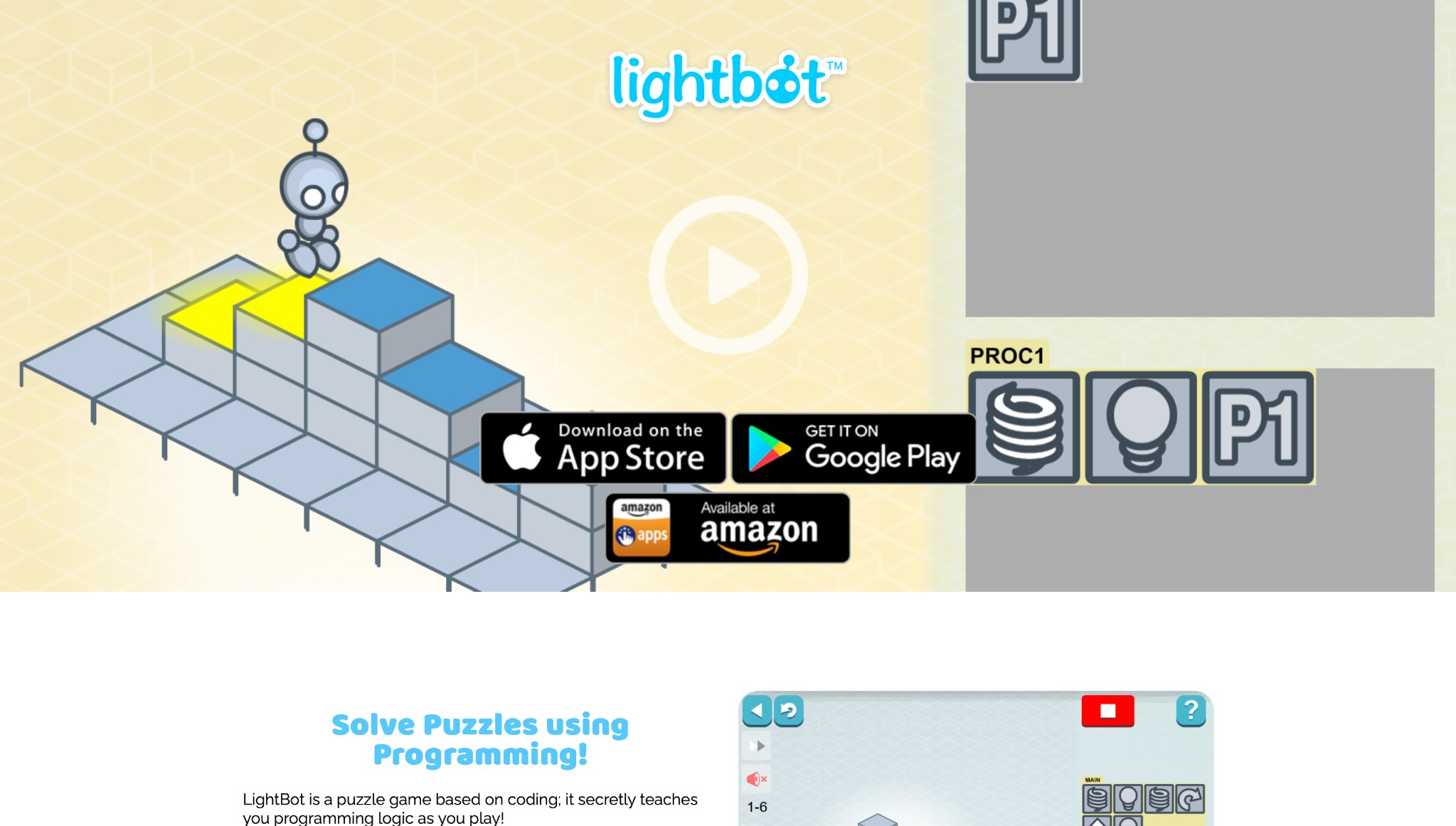
Lightbot turns coding ideas into floor puzzles. Kids line up commands, walk, turn, jump, light a tile, so a little robot can finish a grid. Later stages introduce loops and procedures in a kid-sized way. The board is clean. The feedback is instant. When the program is wrong, the robot walks off the path, and the child can edit the steps. That loop is the lesson: plan, test, fix. It is a smart pick when a family wants puzzle play that points toward sequencing and early computer thinking. It is less of a fit for toddlers who still need animals, homes, and spoken praise after every tap. Some kids love the tidy logic. Others miss stories and characters. An adult nearby helps when a procedure fails and the board looks blank. Lightbot is a focused tool, not a 45-game world, so it shines as a short skill session. Used that way, it gives children a clear picture of what a program is: a list of actions the robot will trust, even if the list is not ready yet.
Facts and information
- Sequencing and early coding logic
- Grid puzzles with commands, loops, and procedures
- Little story dressing, high clarity
- Good for early elementary thinkers
- Works best in short, guided sessions
6. Cut the Rope
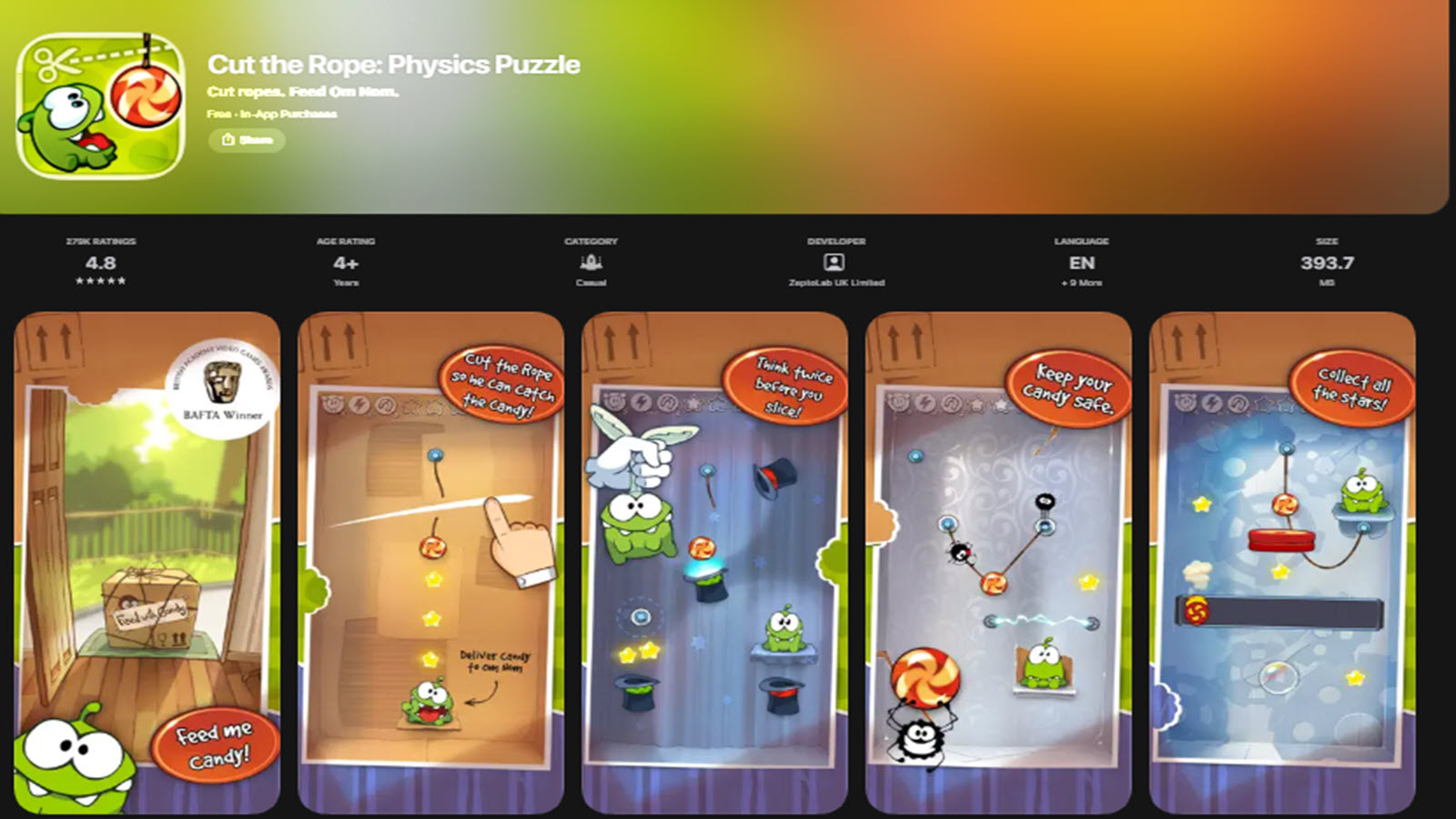
Cut the Rope, from ZeptoLab, is a physics puzzle series where kids slice ropes, bounce candy, and time a fall so Om Nom can eat. The first rooms are easy to show. A parent can mime the swipe. Later rooms add bubbles, hooks, and moving parts that ask for a plan, not only a quick cut. Humor is light. The goal is always visible: get the candy to the character. Families keep this one on tablets because the rule set is small and the play is easy to restart. Kids who like gadgets and “what if I cut this first?” stay longer. Kids who prefer matching, dressing up, or caring for a pet may finish a few boxes and wander. Some editions live inside larger game subscriptions on phones and tablets. Hint systems help when a room stalls. The series is one mechanic done well, not a full early-learning catalog. As a physics playground, it still teaches prediction: if the rope is cut now, the candy will swing there. That simple forecast is useful thinking for young players.
Facts and information
- Physics puzzles with ropes, timing, and simple machines
- Easy first rooms and a clear visual goal
- Light humor around Om Nom
- Widely available on mobile devices
- Stronger as a single-style puzzle than as a full kids library
7. PBS Kids Games
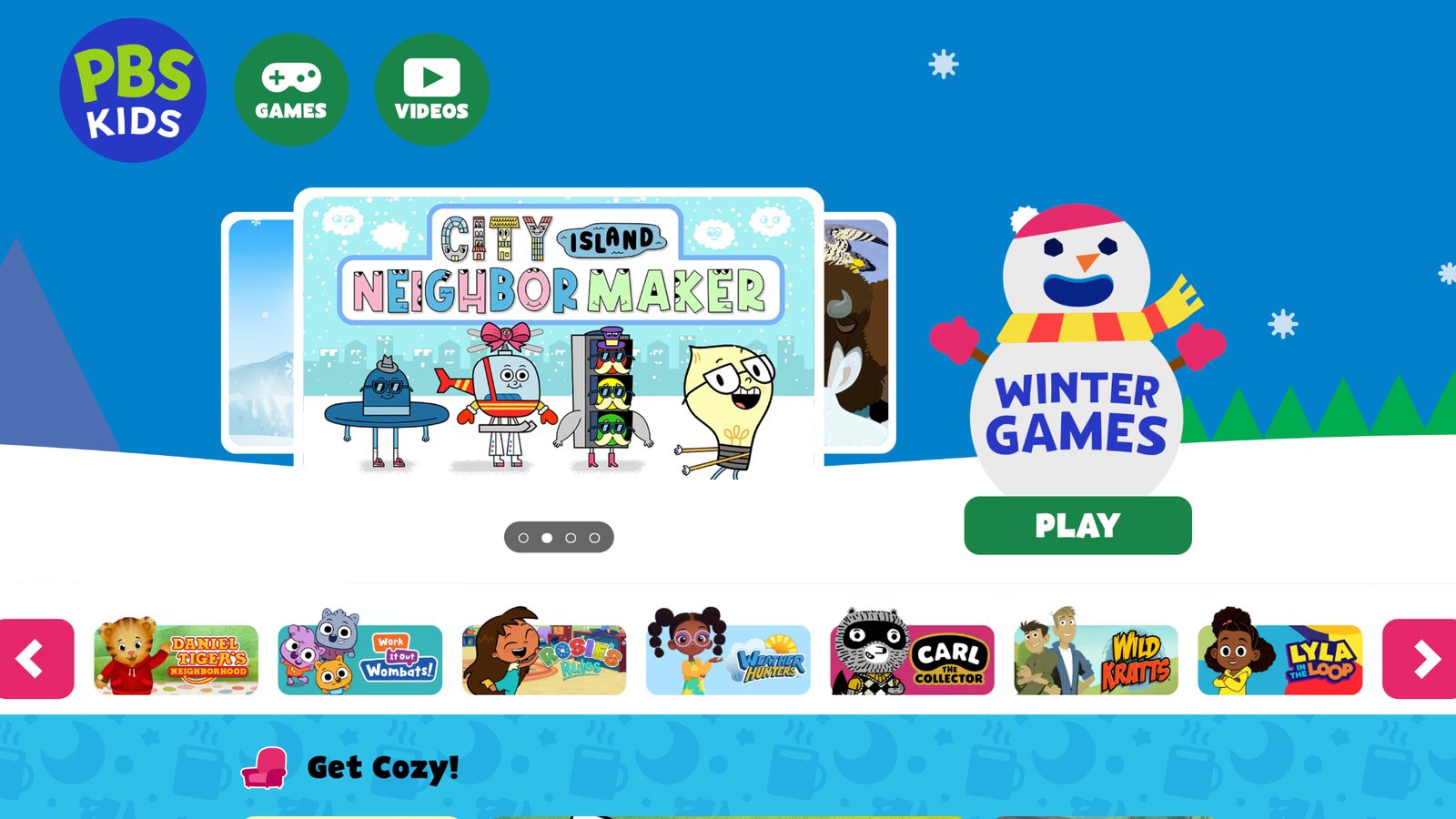
PBS Kids Games gathers puzzle-style play around characters many children already know from public media shows. Matching, sorting, sequencing, and simple problem scenes sit next to other early-learning activities. The comfort is the point. A child who loves a show character will tap a puzzle that uses that face. Classrooms and home devices both use the collection because the tone stays school-adjacent and familiar. The mix is broader than pure puzzles, so a child may leave a matching game for a different activity. Art styles change by show, which keeps things fresh and can also feel less like one world. Some games are browser-based. Some are apps. Quality is generally gentle rather than hard. Families who want one consistent art style, ad-free full games, and a single membership across dozens of titles may still want a dedicated club. For a known, character-led start on matching and simple logic, PBS Kids Games remains a trusted public-media option many parents recognize on sight.
Facts and information
- Character-led early learning from PBS Kids
- Matching, sorting, and simple logic tasks
- Familiar in homes and classrooms
- Broad activity mix, not only puzzles
- Best as a comfortable free or low-friction starting point
8. Coolmath Games Puzzle Collection
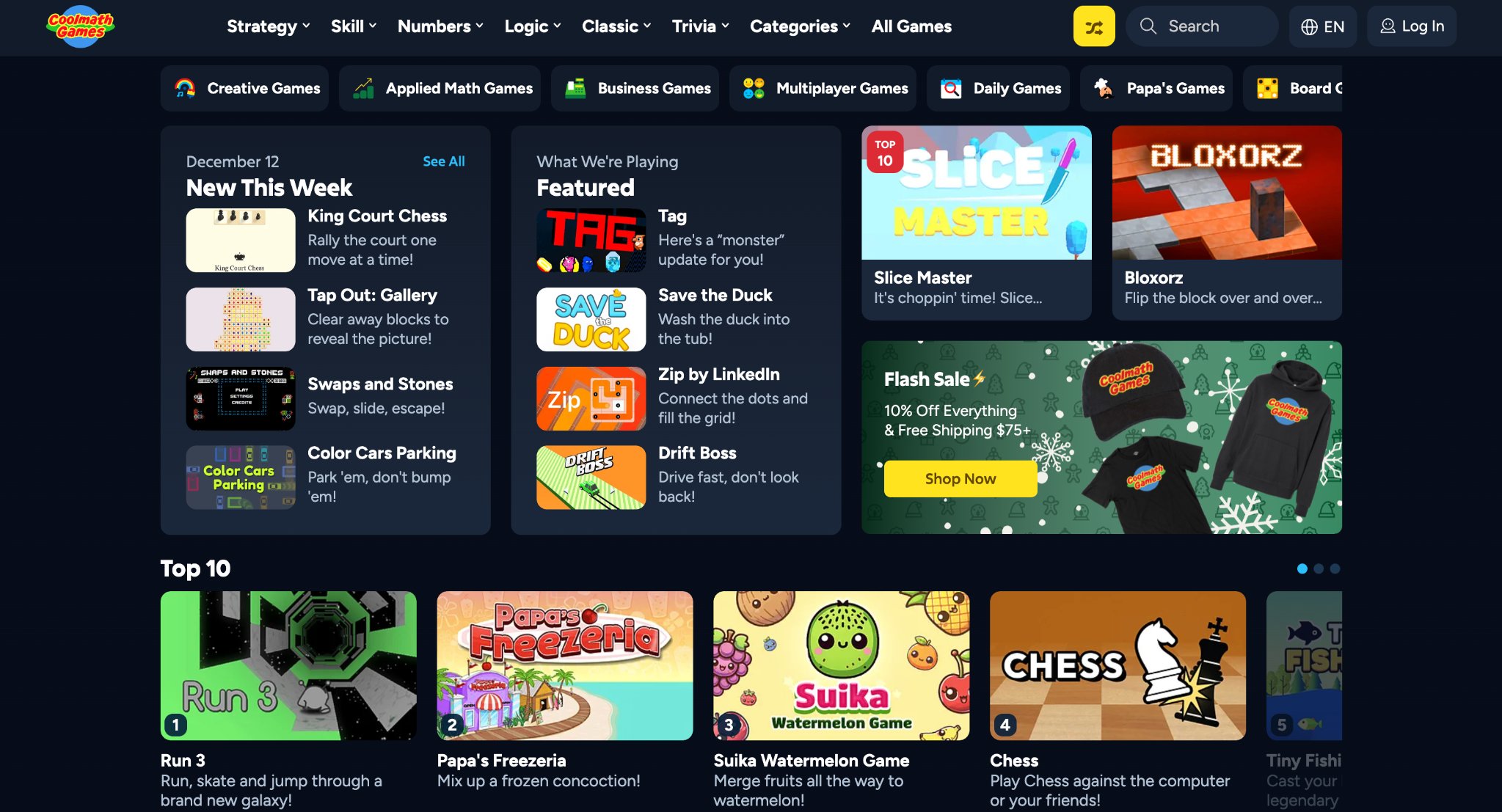
Coolmath Games hosts a large set of browser puzzles, from block traps and mazes to pour-and-path challenges. Kids can open a title in a browser with no app store trip, which helps on a shared laptop or a school Chromebook. The library is wide. Some games are gentle. Others assume older logic and longer attention. That range is useful for mixed-age homes if an adult picks the title first. Because games come from many makers, the look, difficulty, and surrounding page can change from one click to the next. Parents should preview a game before handing over the keyboard, especially for younger kids. This is a puzzle cabinet, not a guided preschool world with pets and care routines. Older elementary players who already handle a browser well often find a favorite mechanic and replay it. Younger kids may do better in a closed app with large buttons and a single art style. Used with a little adult filtering, Coolmath remains a handy free stop for logic, mazes, and physics-style thinking.
Facts and information
- Instant browser play
- Logic, maze, block, and physics puzzles
- Wide difficulty range across many makers
- Best when an adult chooses the title
- Stronger for older kids than for toddlers
9. Khan Academy Kids
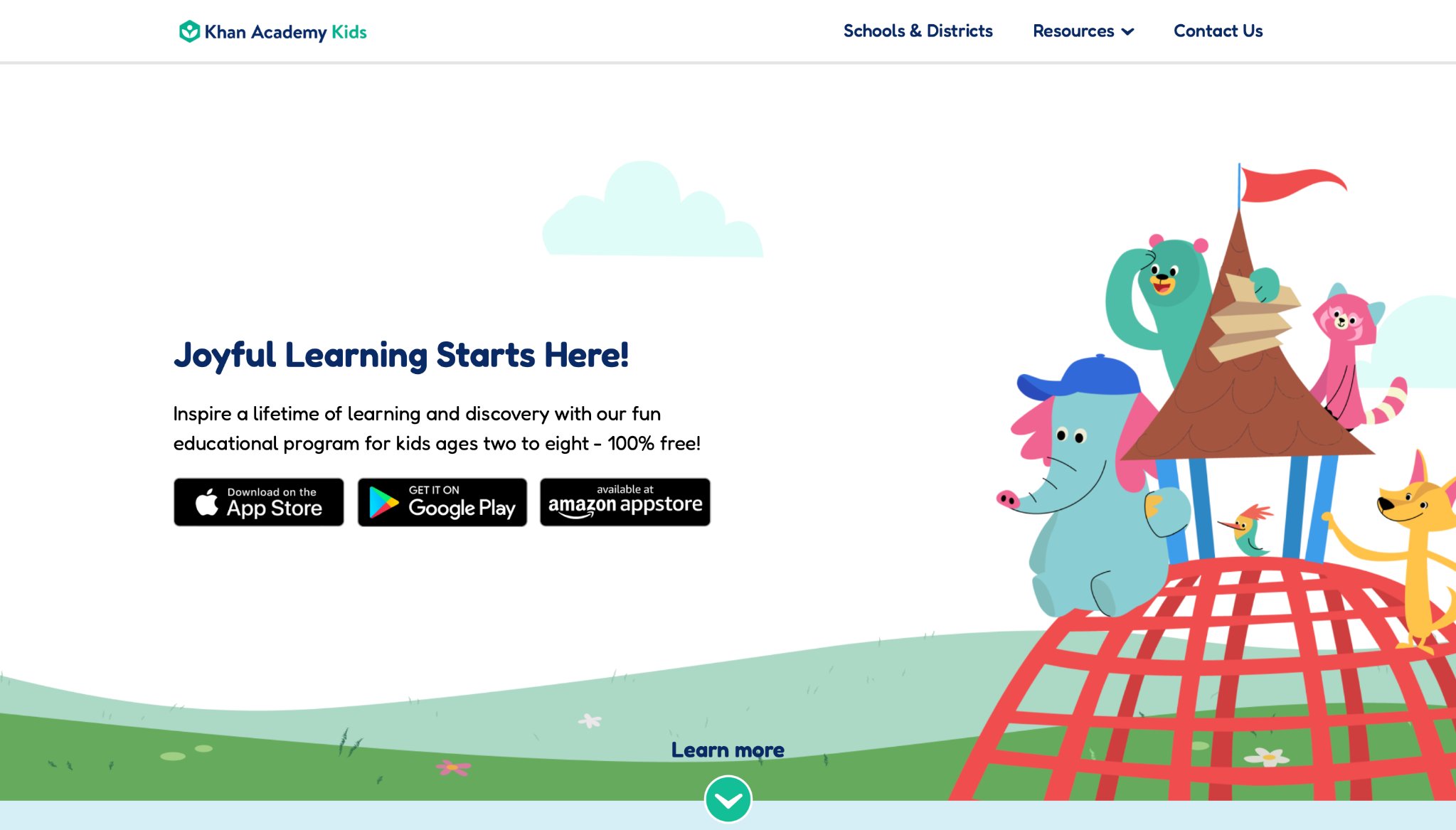
Khan Academy Kids is a free early-learning app with books, games, and puzzle-like tasks across letters, numbers, feelings, and logic. The design is warm. Characters guide kids through short activities. Many tasks ask a child to sort, match, complete a pattern, or finish a scene, which is puzzle thinking inside a broader learning path. Families like that the app covers more than one subject without feeling like a test. Puzzle play is one thread among stories and drawing, so a child who wants only hard logic rooms may skip around. The experience is generous and classroom-friendly. It is a single learning app rather than a club of 45 story games with decorating and pet care. Offline options and kid profiles help at home. For preschool and kindergarten families who want pattern work and matching besides reading and math, Khan Academy Kids is a solid, widely used pick. It pairs well with a more character-rich game library when kids want play that feels like a world, not a lesson path.
Facts and information
- Early learning across literacy, math, and logic
- Matching, patterns, and scene-style problem tasks
- Warm characters and short activities
- Kid profiles for home use
- Broader learning app, not a pure puzzle series
10. Lingokids
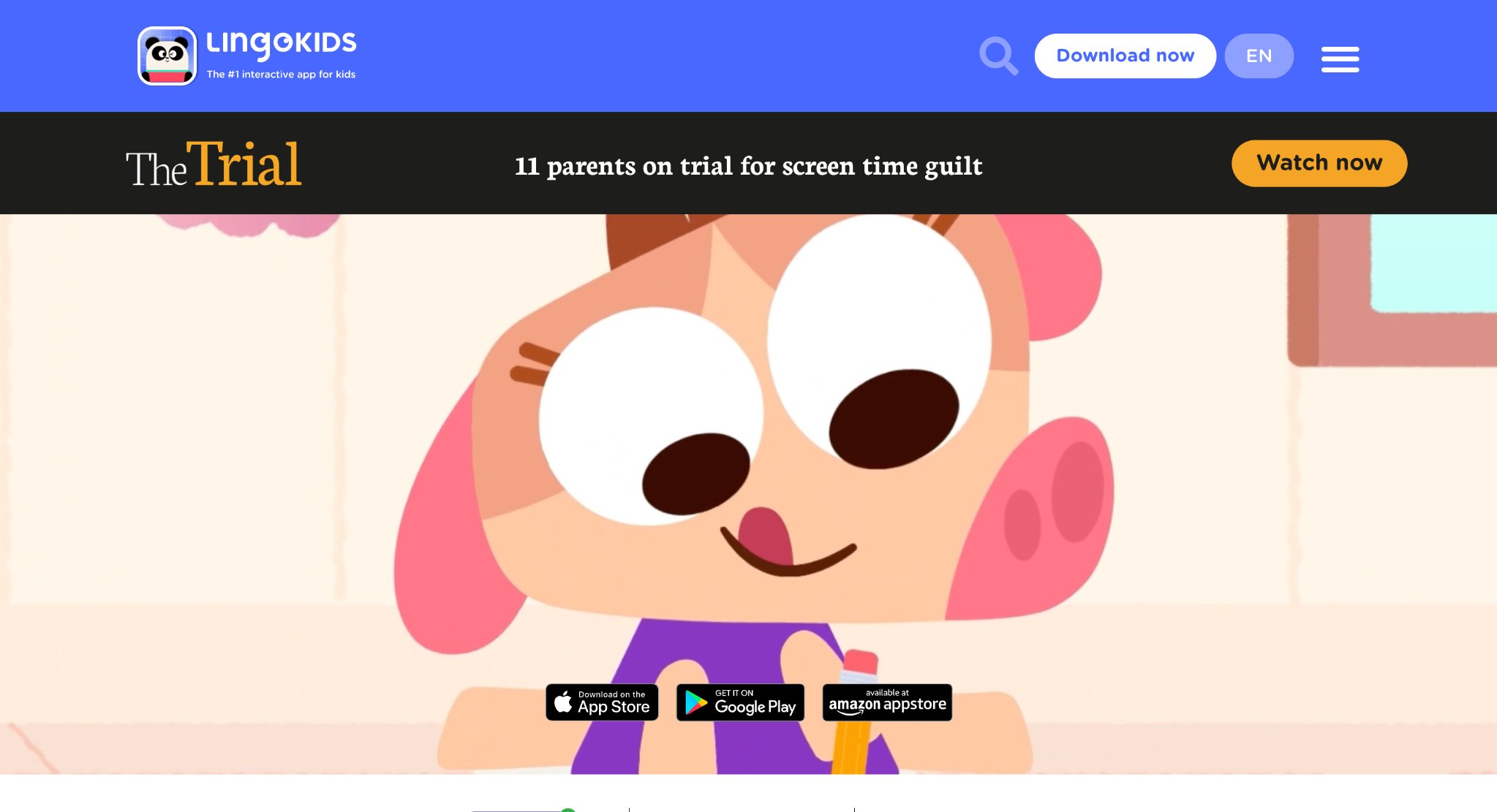
Lingokids is a play-learning app for young kids that packs songs, stories, and games, including puzzles, into themed activities. Language growth sits at the center, but logic and early math show up as sorts, matches, and short problem scenes. The energy is high. Visuals are colorful. Kids who like movement and sound often stay engaged. Puzzle tasks here live inside a larger playlearning loop, so a child may bounce from a puzzle to a song. That variety helps some attention spans and distracts others who wanted one quiet logic room. The app is built for preschool and early elementary English learning as much as for puzzles. Families looking for silent architecture puzzles or coding grids will not find that tone. Families looking for vocabulary plus simple problem solving will. As a competitor in the kids puzzle space, Lingokids matters because many matching and sorting games travel with language practice. It is a busy, friendly world rather than a spare puzzle box.
Facts and information
- Preschool and early elementary playlearning
- Puzzles mixed with songs, stories, and language games
- Sorting, matching, and short problem scenes
- High-energy presentation
- Stronger for language-plus-logic than for hard puzzle-only play
11. Osmo
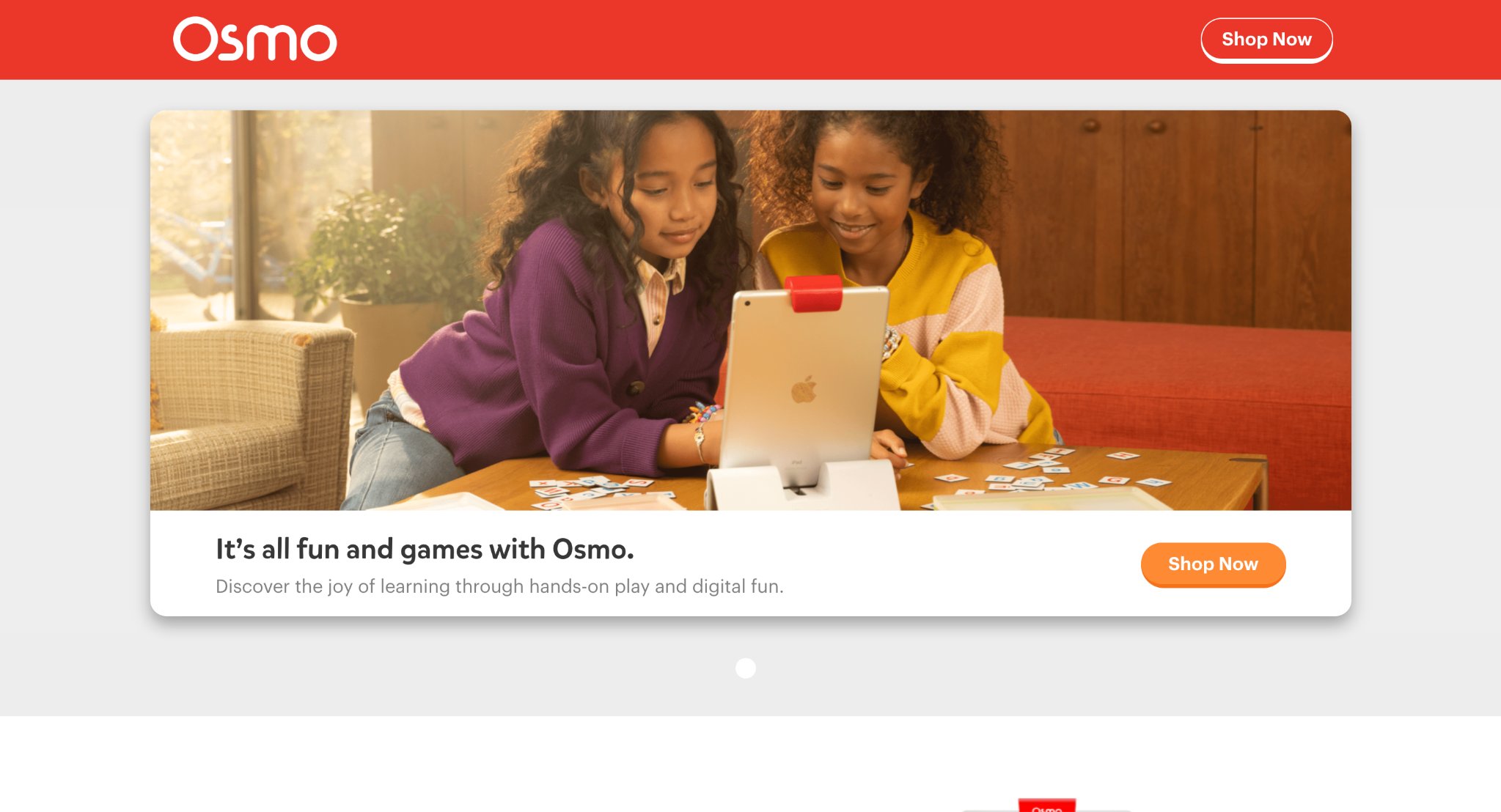
Osmo, from Tangible Play, blends on-screen puzzles with real pieces on the table. A stand and camera let the app see blocks, numbers, or picture tiles a child moves by hand. That mix is the product. Kids solve visual puzzles, word setups, and number challenges while their fingers still handle objects. Spatial skill and fine motor skill grow together. This is a different shape than a phone-only game. Families need the physical kit plus a compatible tablet. The payoff is play that does not live only behind glass. Puzzle apps in the Osmo family change by kit, from picture work to numbers to coding-style setups. Younger kids often last longer because the pieces feel like toys. Setup takes a minute. Travel is less simple than opening one subscription and downloading a game. For homes that want puzzle thinking with real objects, Osmo is a standout. For homes that want dozens of story games on any logged-in device, it is a companion system, not a full digital club.
Facts and information
- On-screen puzzles plus physical pieces
- Builds spatial skill and fine motor control
- Multiple kits for pictures, numbers, and logic
- Needs a compatible tablet and stand
- Strong hands-on option for home tables
12. Sago Mini

Sago Mini makes small, open worlds for toddlers and preschoolers. Puzzle moments appear as simple machines, hidden objects, and cause-and-effect scenes inside playful locations. The art is round and kind. Mistakes are soft. Kids tap, drag, and see the world's answer. There is little pressure to “win” a level in the way older puzzle games keep score. That gentle design is the strength and the limit. Families who want scored logic rooms or coding grids may find Sago Mini too open. Families with very young kids often find it just right. Puzzle skill here is early: make a path, find an item, see what a lever does. The catalog is a set of mini worlds rather than one giant membership of 45 story titles with unlocked extras. Play stays age-bounded and friendly. For toddlers building the first habits of trial and error, Sago Mini is a real, widely used choice. As kids grow into longer plans and harder spatial tricks, they usually add a second, more structured puzzle app beside it.
Facts and information
- Toddler and preschool worlds
- Hidden object, simple machine, and cause-and-effect play
- Soft failure and kind art
- Short, open sessions
- Early puzzle habits more than advanced logic
13. ABCya
ABCya is a long-running kids games site used in many classrooms. Puzzle and logic titles sit beside typing, math, and holiday activities. Teachers like that a browser tab can become a center. Kids like that games are short and easy to restart. Jigsaws, strategy boards, and skill games all appear in the mix. The library is broad, so puzzle quality depends on the title a child clicks. Some games feel like practice. Some feel like recess. Ads and surrounding links can appear depending on how the site is used, which is why adults should pick the game and the setting. ABCya is not a single story world with pets and decorating. It is a school-friendly cabinet of digital activities. For elementary kids who already navigate a classroom laptop, it is a familiar place to practice logic in short bursts. For toddlers who need large characters and no extra page chrome, a closed kids app is usually kinder.
Facts and information
- Classroom-popular browser games
- Jigsaws, logic, and skill practice in one site
- Short, easy-to-restart sessions
- Best with an adult choosing the title
- Broad activity mix rather than one puzzle story world
14. SplashLearn
SplashLearn is an adaptive practice app for math and reading that uses game scenes, including puzzle-like problems, to walk kids through school skills. Items appear as challenges inside a path. Visual models help children see a quantity, a word, or a pattern before they answer. The product is closer to a learning path than to a toy box, but many tasks still ask kids to sort, complete, or place pieces. Families who want homework-style skills in a game wrapper often land here. Families who want only cozy pet-care puzzles may find the school spine too visible. Difficulty can shift with how a child answers, which helps some learners and feels busy to others. Puzzle thinking shows up as number arrangements, pattern work, and problem scenes. It is a strong academic companion, not a replacement for open creative play. Used after school, it can sharpen the same focus a good puzzle game trains. Used as the only play option, some kids will ask for more story and more characters.
Facts and information
- Math and reading practice with game-like tasks
- Pattern, sort, and problem-scene puzzles
- Adaptive path through school skills
- Visual models for young learners
- More academic than open-ended story play
15. Puzzingo
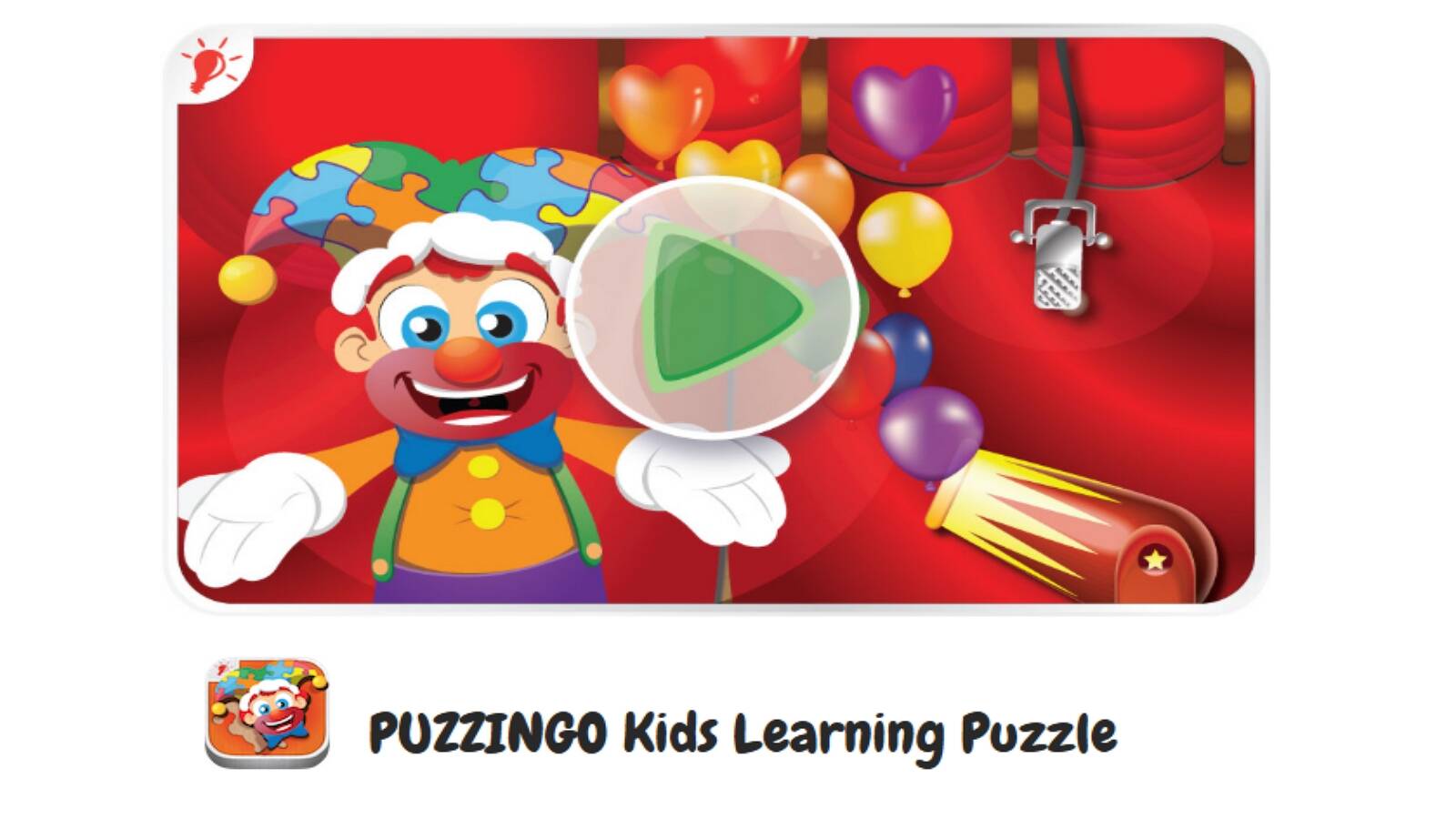
Puzzingo is a puzzle app aimed at toddlers and preschoolers. Kids solve colorful jigsaws and watch pieces celebrate when they snap into place. Animations and sounds mark progress. Scenes stay simple: animals, vehicles, and everyday pictures. Controls are drag-and-drop, which matches small hands. There is little reading. This is classic picture-puzzle play in app form. The joy is completion. Spatial skill and shape recognition get the workout. There is not a deep logic layer of switches, code, or physics. Older kids may finish boards quickly and want a new challenge. Younger kids often replay their favorite pictures. The app is a focused puzzle toy rather than a multi-game membership with care stories, fashion quests, and memory rooms. For families starting jigsaw habits on a tablet, Puzzingo is a real, well-known option. For families who want puzzle practice inside a larger ad-free catalog of kids' worlds, it works as one style among many, not as the whole plan.
Facts and information
- Toddler and preschool jigsaw play
- Drag-and-drop pieces with clear success moments
- Picture themes such as animals and everyday scenes
- Little to no reading required
- Focused puzzle toy rather than a full game club
How to Match Puzzle Games to a Child’s Age
Age is a better guide than a star rating.
Ages 2 to 4. Start with chunky matching, color sorts, and 4 to 12 piece picture puzzles. Games should celebrate every finish. Reading should not be required. Care games with hidden objects and room-clean tasks work well. Educational games for 2 year olds, educational games for kids age 3, and apps for toddlers stay in this lane. Puzzle style that fits: matching, sorting, and picture pieces. Session feel: short, cheered, and little text.
Ages 5 to 7. Add memory grids, simple mazes, and physics rooms with one new rule at a time. Kids this age can hold a short plan. They still like characters they can name. Games for preschoolers, educational games for kindergarten, educational games for 5 year olds, and educational games for 6 year olds match this stage. Puzzle style that fits: memory, simple physics, and hidden objects. Session feel: one clear goal per room.
Ages 8 and up. Rule-bending puzzles, coding grids, and co-op path games start to shine. These players can stand a tougher fail and try a new idea. Educational games for 7 year olds and learning apps for kids 8 years old help families step up the challenge without leaving kid-safe play. Puzzle style that fits: coding grids, co-op paths, and rule puzzles. Session feel: longer “try again” loops.
A mixed-age home does best with a library, not a single title. Apps for preschoolers and educational games for toddlers can live beside harder boards so each child picks a puzzle that fits.
Safety Checks Before Kids Hit Play
Puzzle skill means little if the screen is noisy. Before a child plays, scan for ads, chat, and surprise shops. Prefer games that stay in one world. Prefer accounts adults control.
Helpful habits:
- Sit through the first two levels together
- Turn off extra notifications on the device
- Pick games that work after download when you travel
- Keep a simple checklist for who manages the account, how many devices, and how play is paused
Safe apps for kids keep a matching task from turning into a shop tap. Families who want online educational games for kids usually look for ad-free worlds and parent-managed logins. COPPA-aware and GDPR-aware products matter for young players. The TutoClub privacy FAQ explains how family accounts are meant to stay with adults. Educational websites for kids and learning games for kids online are easier to trust when the puzzle stays inside a closed, kid-safe catalog such as the TutoClub games collection.
FAQ
What age is best for online puzzle games for kids?
Most children can start online puzzle games for kids around age 2 or 3 when pieces are large and goals are visual. Matching, color sorts, and short picture puzzles fit that stage because they ask for looking and placing, not reading. Ages 5 to 7 are ready for memory grids, simple mazes, and rooms with one new rule at a time. Older kids can handle longer plans, coding-style grids, and co-op path puzzles. The better test is whether a child can finish a short task and still feel proud, which is the same idea behind games for young kids.
Are educational puzzle games better than random mobile puzzles?
Educational puzzle games wrap memory, sorting, sequencing, and spatial play inside stories kids want to repeat. That matters because the same tap can teach focus and still feel like play. Random mobile puzzles can train the brain too, but many break a thought with ads or shops. Families who want puzzle practice without extra noise usually do better with ad-free, age-bounded play. That is the difference many parents look for in fun educational games for kids.
Can kids play puzzle games offline?
Many kids puzzle apps need the internet only to download a title and check an account. After that, a large share of games can run without wifi, which helps on trips and in rooms with a weak signal. Browser puzzle sites usually need a live connection the whole time. Testing one title at home before travel shows whether offline play works on your device. The TutoClub FAQ explains how downloads and membership checks work for TutoTOONS games.
How much puzzle time should kids have each day?
Short, finished sessions beat long, restless ones. A few matching boards, one memory grid, or a care routine with hidden-object puzzles is enough for younger kids. Stop while the child still wants one more piece. Pair screen puzzles with real blocks or paper pieces so the same skill shows up off the device. Mixed-age homes often share one library so each child can pick a puzzle that matches their stage, the same way families use educational games for kids at home.
What should parents check before kids play online puzzle games?
Look for large buttons, clear goals, and play that stays in one world. Ads, chat, and surprise shops pull attention away from the puzzle. Games that work after download are easier to manage. An adult account that covers more than one device helps siblings share the same library. How to protect kids online starts with those same checks before a child opens a new puzzle app.
Read Also:
- Best memory games for kids
- Best online educational games for kids
- Best learning games for kids online
- Best educational games for kids app
- Tablet games for kids