
Best Educational Computer Games For Kids in 2026






Parents want screen time that builds real skills. The best educational computer games for kids in 2026 mix fun with growth in creativity, focus, and problem-solving. TutoClub offers research-backed games that make every minute count.
Parents seeking meaningful digital play can explore our guide to tablet games for kids that deliver the same skill-building benefits on the go. Pair those with the best problem-solving games for kids to strengthen critical thinking, the best social-emotional games for kids that nurture empathy and self-regulation, and the best responsibility games for kids that turn everyday habits into engaging challenges.
Discover TutoClub for smarter screen time that kids love and parents trust.
Why Educational Games Matter for Kids Today
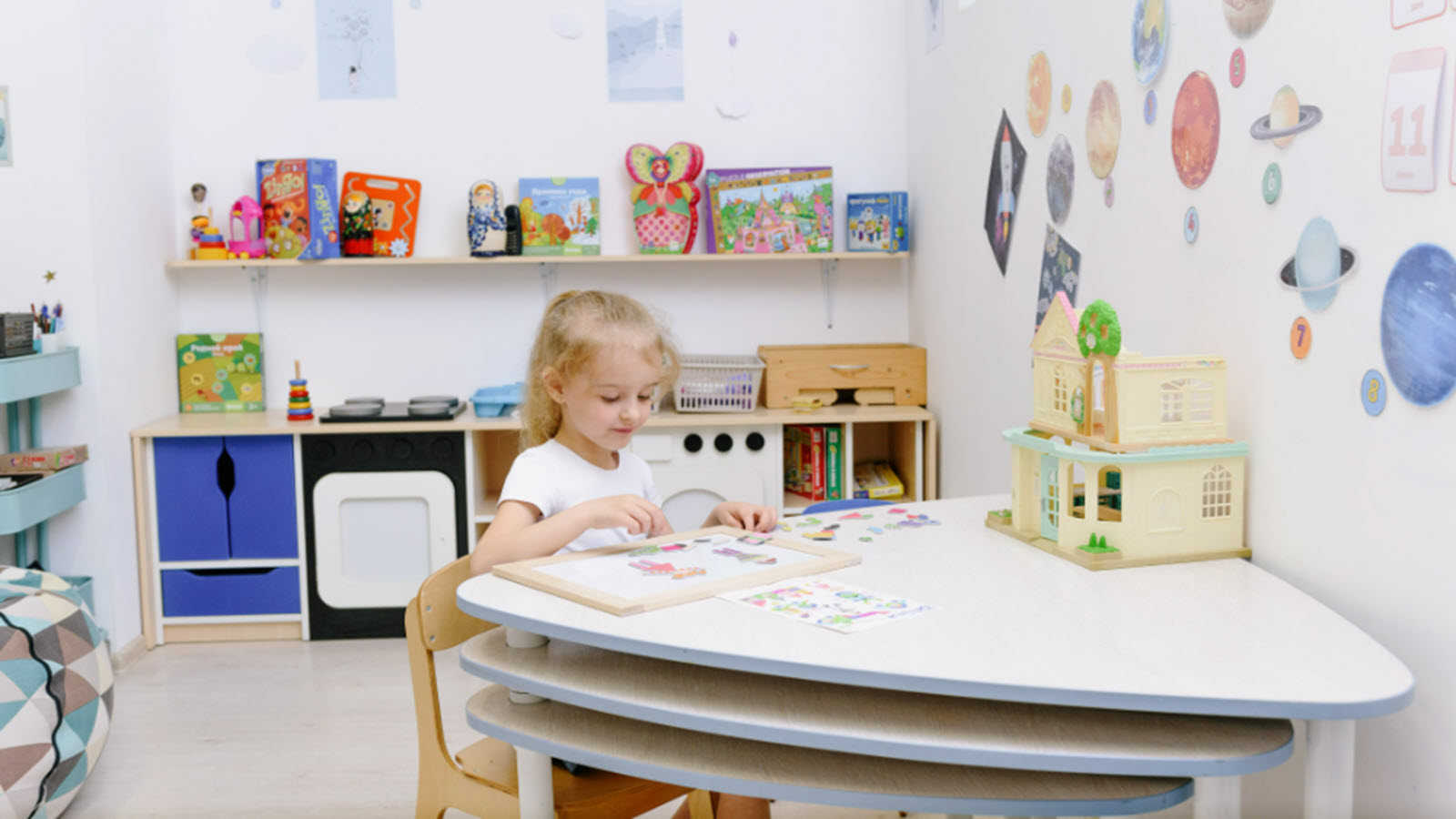
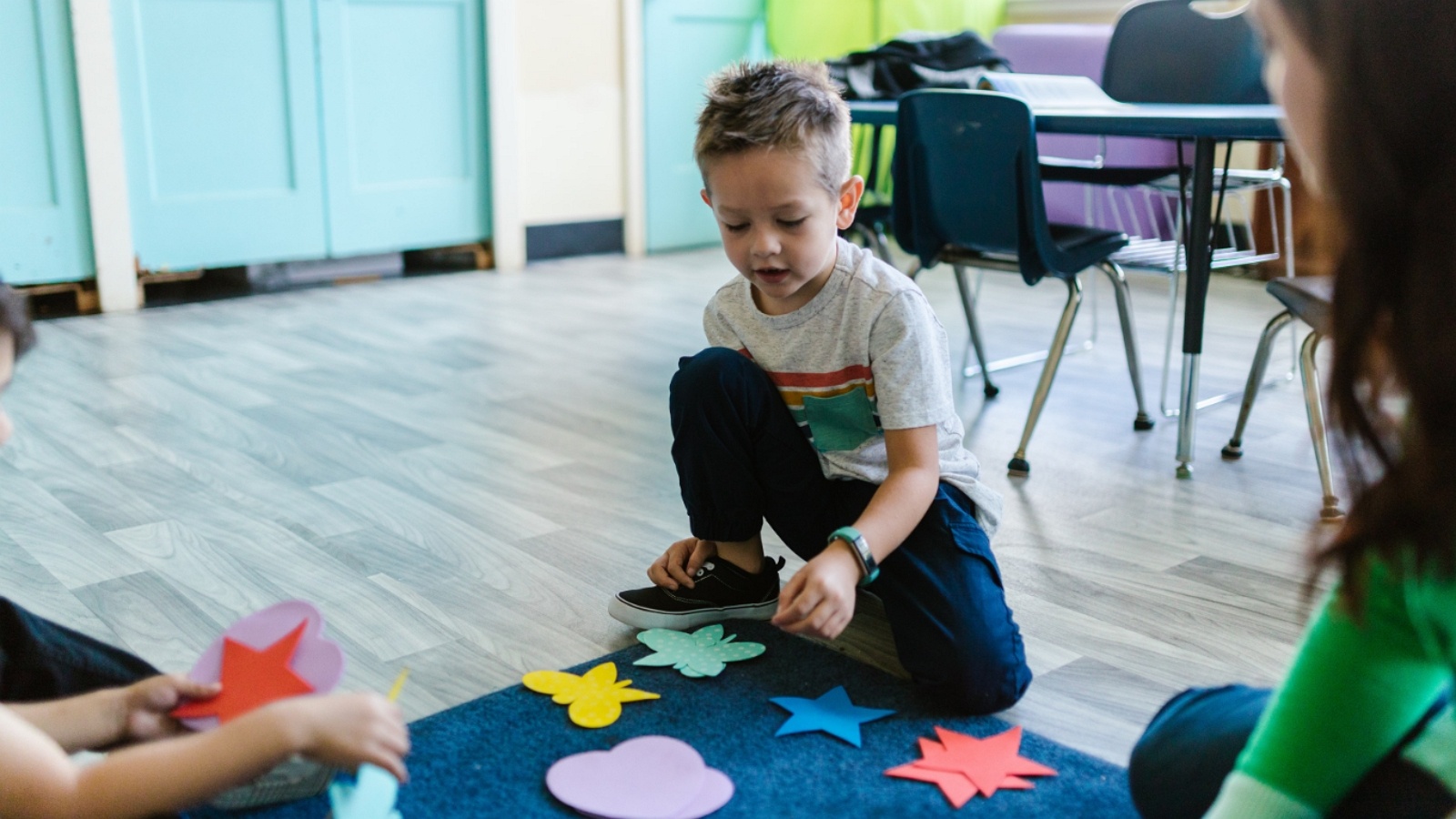
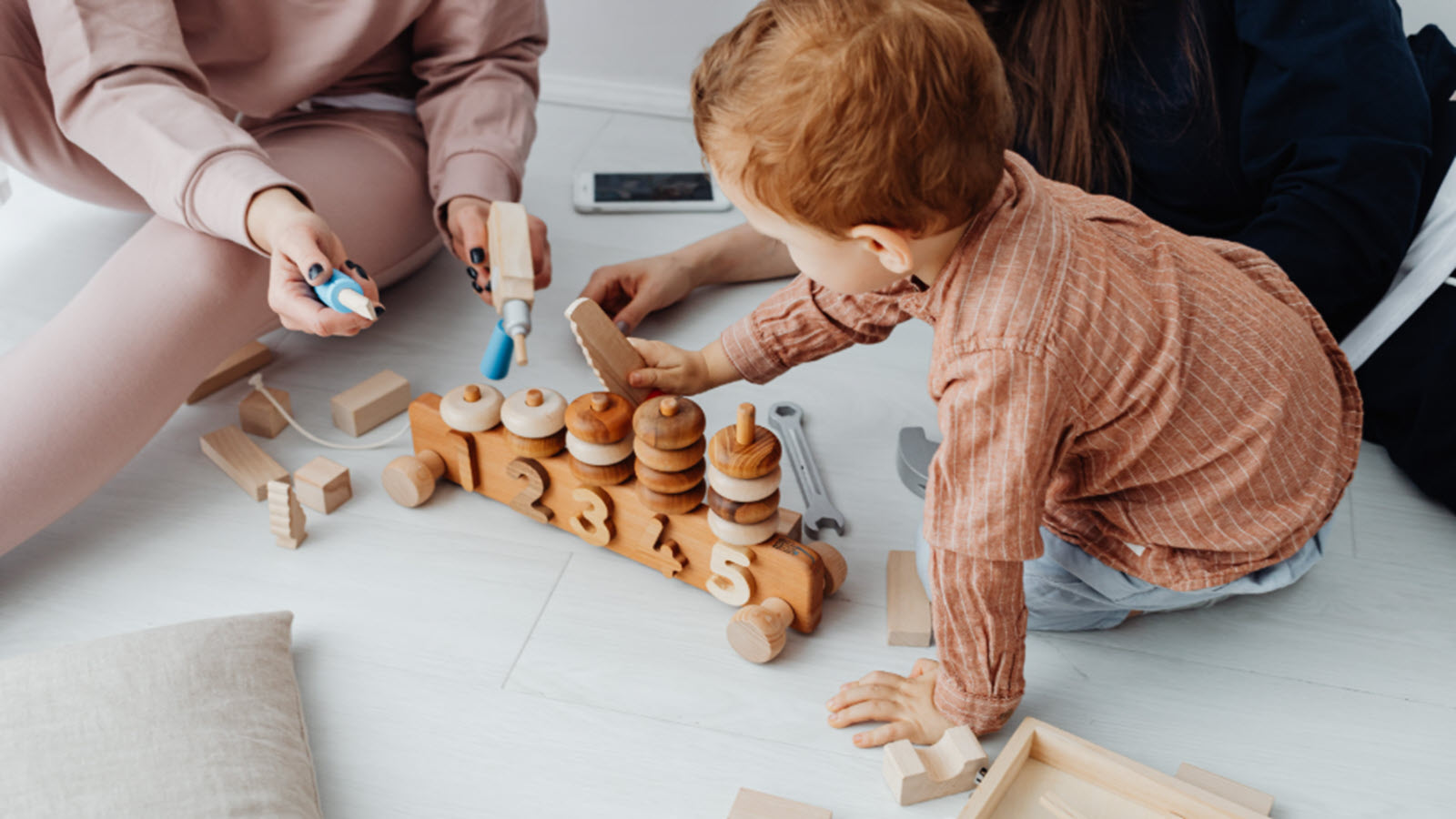
Good educational games do more than teach facts. They help children practice focus, try new ideas, and handle everyday challenges through play. Many families notice kids stay engaged longer when learning feels like an adventure rather than a lesson. These games support emotional growth too, as caring for characters or solving group puzzles builds empathy and confidence. Platforms that stay ad-free and age-appropriate give parents peace of mind while kids develop useful habits that carry into school and daily life. Options such as those found among the best learning games for kids, the best brain games for kids, and the best responsibility games for kids show how purposeful play can turn screen time into something genuinely helpful.
Key Features That Make a Game Truly Educational
Look for games that encourage open-ended play alongside guided activities. Strong options include clear learning goals mixed with creativity, like building, caring for virtual pets, or solving simple puzzles. Multi-device access and offline play after download make them practical for busy homes. Safety features such as no ads and privacy protections matter most for younger players. Games that grow with the child, offering new challenges as skills improve, keep interest high over time and support lasting progress in areas like logic and early literacy. Parents searching for safe apps for kids or learning apps for kids often prioritize these same qualities.
Best Educational Computer Games For Kids in 2026
1. TutoClub - Best Educational Computer Games For Kids in 2026
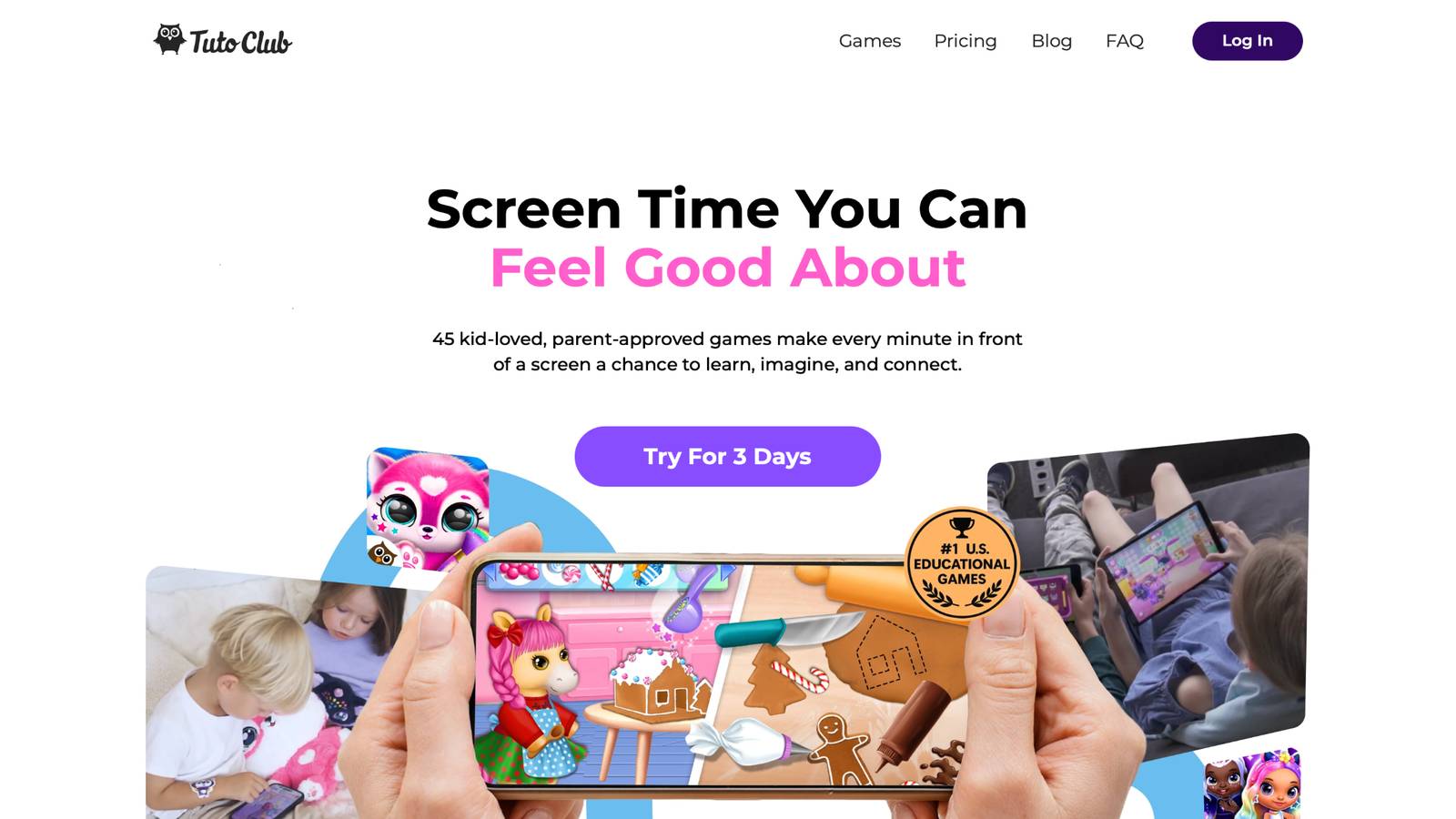
TutoClub unlocks more than 45 fun, research-backed games in one simple subscription. Kids hatch and care for cute virtual pets, practice daily routines through playful cleanup adventures, design fashion looks, and build stories with magical characters. Every game focuses on sparking creativity, improving focus, and growing social-emotional skills like kindness and responsibility. Families use it across multiple devices with an ad-free experience that feels calm and purposeful.
Games support early learning through activities that mix imagination with practical tasks such as sorting, counting, and caring. Parents appreciate the balanced approach that turns potential screen guilt into quality time filled with laughter and growth. Headquarters support is based in Lithuania. The collection includes favorites that help kids develop empathy by looking after characters and confidence by completing creative challenges.
TutoClub Overview
TutoClub is your gateway to a magical world of educational games designed especially for children.
As part of TutoTOONS, a leading kids' games studio, we offer premium access to over 45 ad-free games.
Our mission is to blend learning and play, helping kids explore, create, and grow in a safe online space.
Thousands of parents trust us for family-friendly content that sparks imagination and builds essential skills.
Key Features
- Unlimited Access: Unlock full content in all games with no interruptions.
- Ad-Free Experience: Enjoy seamless play without any ads or distractions.
- Skill Development: Games foster creativity, social skills, communication, and more through fun activities like pet care and cleanup challenges.
- Regular Updates: Get new releases, exclusive content, and future updates automatically.
- Easy Subscription: Cancel anytime with no obligations, simple and flexible for families.
Explore Our World
TutoClub provides a rich ecosystem of educational games for kids, featuring ad-free experiences that promote creativity, focus, and emotional growth through play.
This platform turns screen time into valuable learning opportunities, with parent-approved content that builds essential skills and sparks curiosity in young minds.
- TutoClub Games: Over 45 educational games, including popular titles like Fluvsies, Smolsies, and the Sweet Baby Girl series
- Blog: Insights, tips, and stories for families on kids' learning and play
- FAQ: Comprehensive answers to frequently asked questions about subscriptions, features, and more
Get TutoClub on Your Device
TutoClub delivers premium kids educational games directly to your mobile devices, making learning accessible anytime, anywhere.
With apps available on major platforms, families can easily download and subscribe for ad-free play that turns screen time into skill-building adventures.
Perfect for parents seeking safe, engaging content on iOS, Android, or Amazon devices.
Why Choose TutoClub?
We're committed to 100% safe, enriching entertainment that kids love and parents approve. Join the thousands who've seen their children thrive through playful learning.
Ready to start the adventure?
Discover how TutoClub turns everyday play into meaningful skill-building for the whole family!
2. Fluvsies Academy
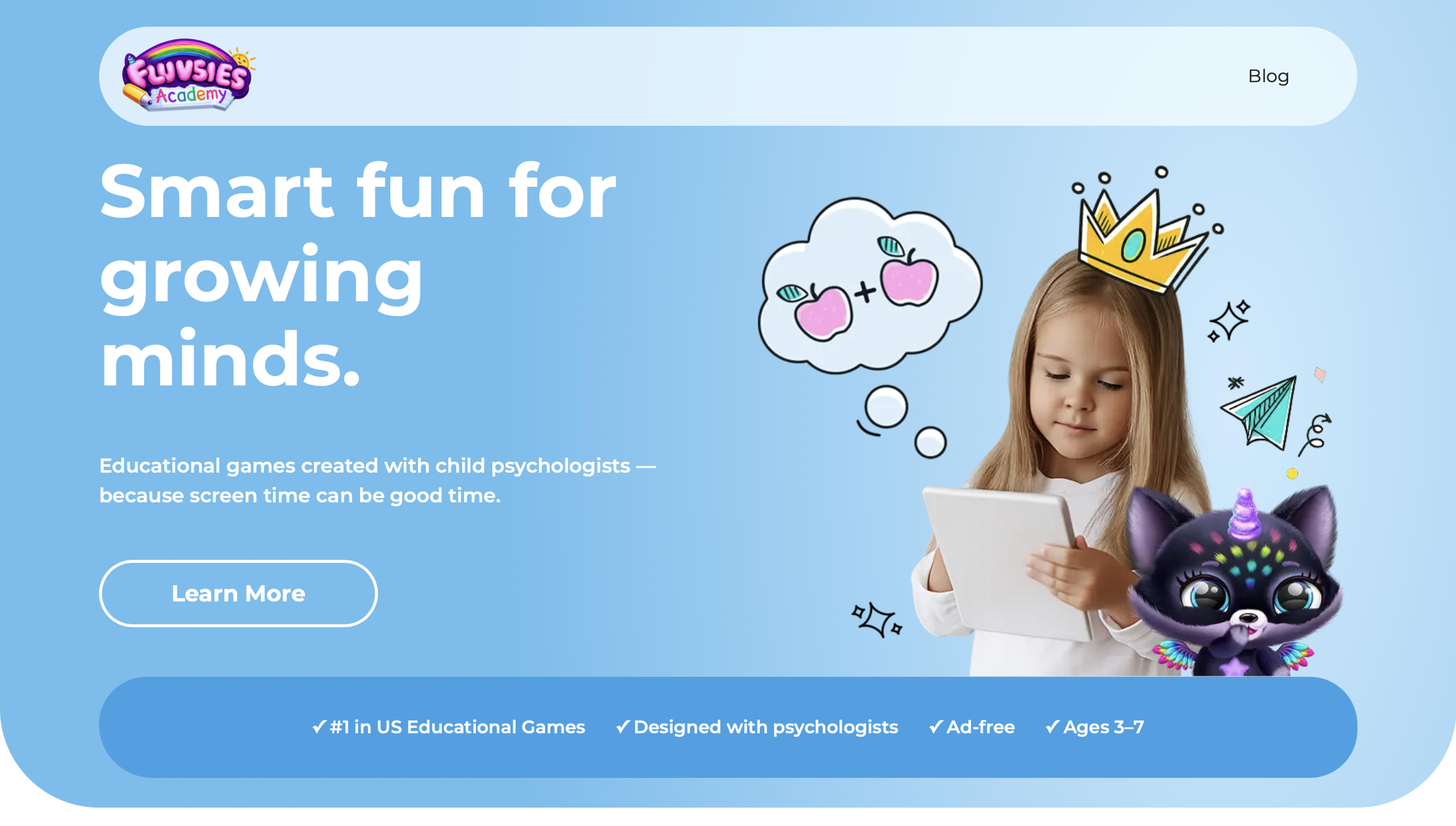
Fluvsies Academy creates a safe, colorful world of educational mini-games for children ages 3 to 7. Developed with guidance from child psychologists, the app mixes language, math, logic, sorting, and life skills into short, playful activities led by cute characters. Kids move between active challenges that build focus and problem-solving and gentler profession stories that introduce everyday jobs like baker, firefighter, or astronaut. Everyday habits such as organizing, counting, and caring appear naturally inside the games. The parent area lets adults track progress and set gentle limits while the experience stays fully ad-free and age-appropriate. Many families enjoy the way learning feels joyful and unforced, helping preschoolers grow confidence and curiosity through repeated, engaging play sessions that fit easily into daily routines.
- Key features: Language and phonics games, number confidence builders, logic and attention activities, sorting and comparison tasks, life skills modules, profession exploration stories, parent progress tools.
- Facts and Information: Created specifically for early learners with expert input, supports both academic foundations and emotional habits, available on major mobile platforms with ongoing new game additions that keep content fresh.
3. Minecraft Education Edition
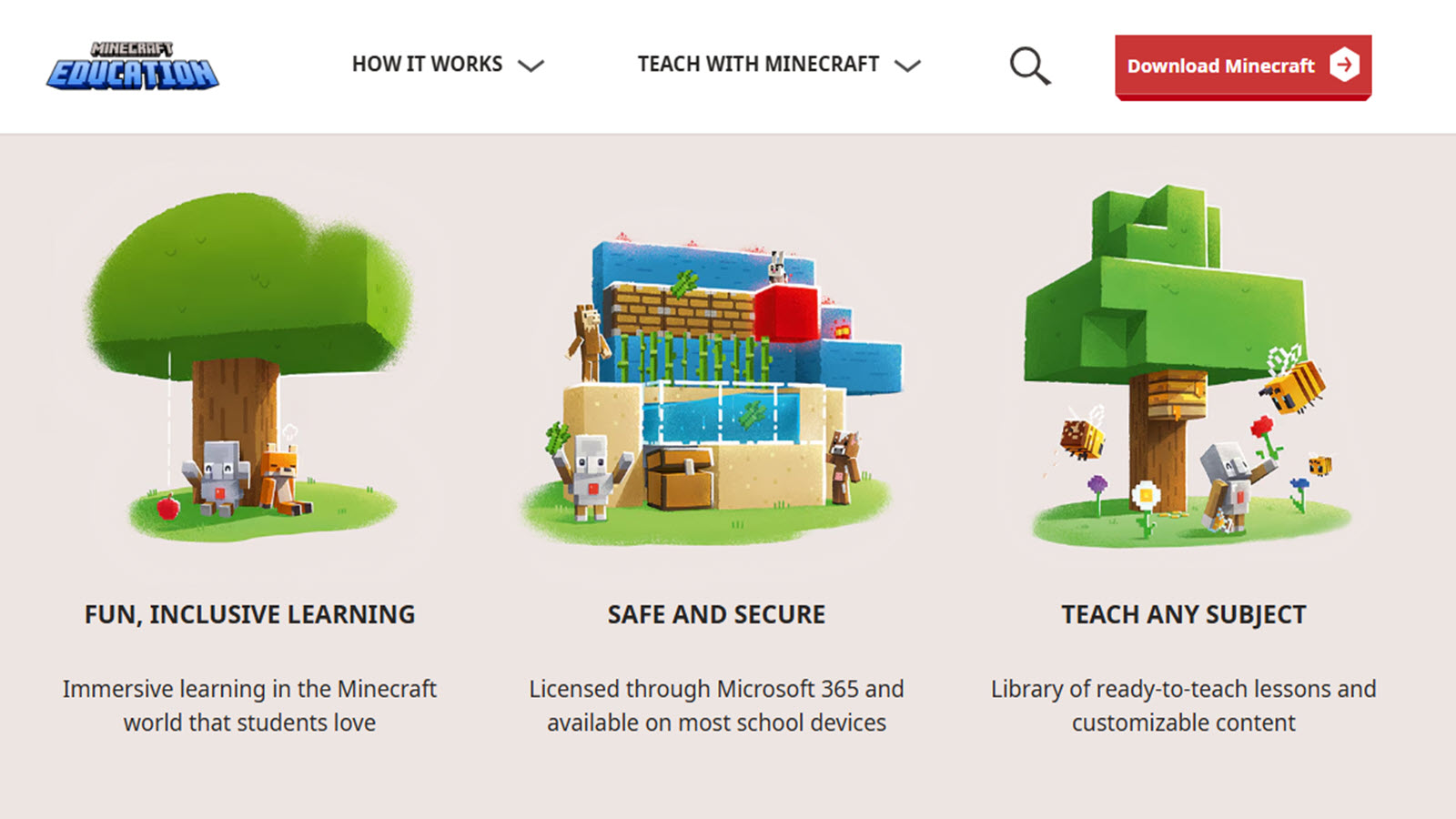
Minecraft Education Edition transforms the classic block-building experience into a rich learning environment where children freely design structures, manage limited resources, and experiment with simple logic systems. Players collect materials, carefully plan their builds, and use Redstone components to create working circuits that introduce foundational engineering concepts in an intuitive way. Collaborative multiplayer modes allow kids to work on shared projects with friends or classmates, while the independent creative mode supports pure free exploration and experimentation. Teachers and parents frequently guide sessions using ready-made lesson plans that connect building activities to science, math, and problem-solving ideas. The open world rewards curiosity and persistence as children test designs, adjust approaches, and immediately see the results of their choices. It serves a wide age range and naturally grows with the player as skills in spatial reasoning, planning, and iterative thinking develop through repeated construction challenges.
- Key features: Creative and survival modes, Redstone logic tools, collaborative multiplayer building, classroom lesson plans, resource management systems.
- Facts and Information: Encourages spatial reasoning and iterative design, widely adopted in both home and school settings, receives regular updates that expand educational content and tools.
4. Khan Academy Kids
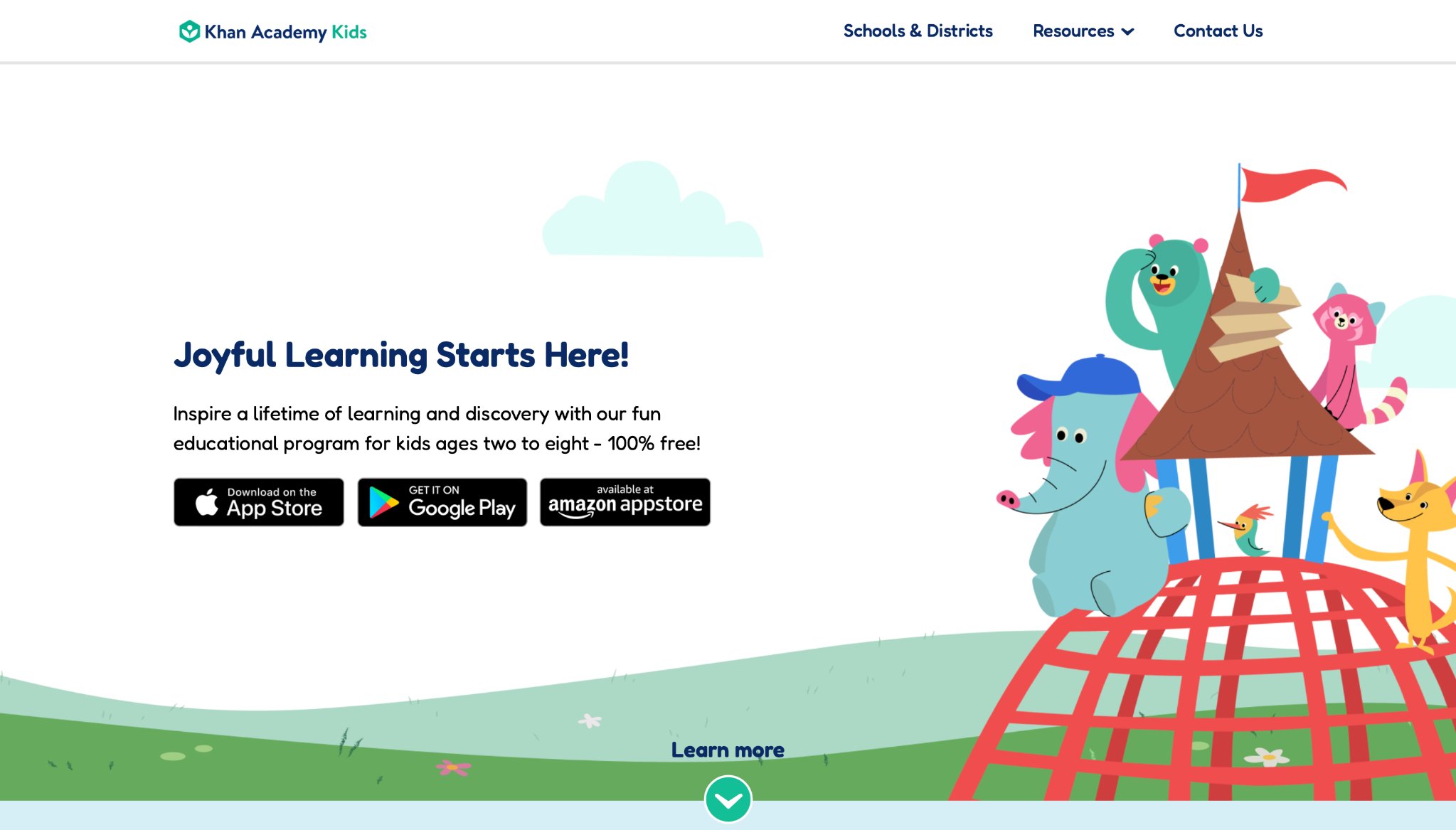
Khan Academy Kids provides a free, completely ad-free collection of interactive lessons, digital stories, and engaging games focused on early literacy, math, and social-emotional skills for children ages 2 to 8. Friendly characters gently guide kids through adaptive activities that adjust automatically to each child’s current skill level, ensuring challenges remain appropriate and motivating. Digital books, creative drawing tools, and open play options sit comfortably alongside more structured skill practice sessions. Parents and teachers can easily follow progress and assign specific activities when desired. The overall experience feels calm and supportive rather than competitive, helping young learners build genuine confidence through joyful discovery and exploration. Many families treat it as a reliable daily companion that successfully mixes foundational academic practice with opportunities for imagination and emotional awareness.
- Key features: Adaptive reading and math games, digital storybooks, social-emotional activities, creative drawing tools, progress tracking and assignment options.
- Facts and Information: Developed with input from learning experts, aligns with early childhood frameworks, remains completely free with no ads or subscriptions for core content.
5. Prodigy Math
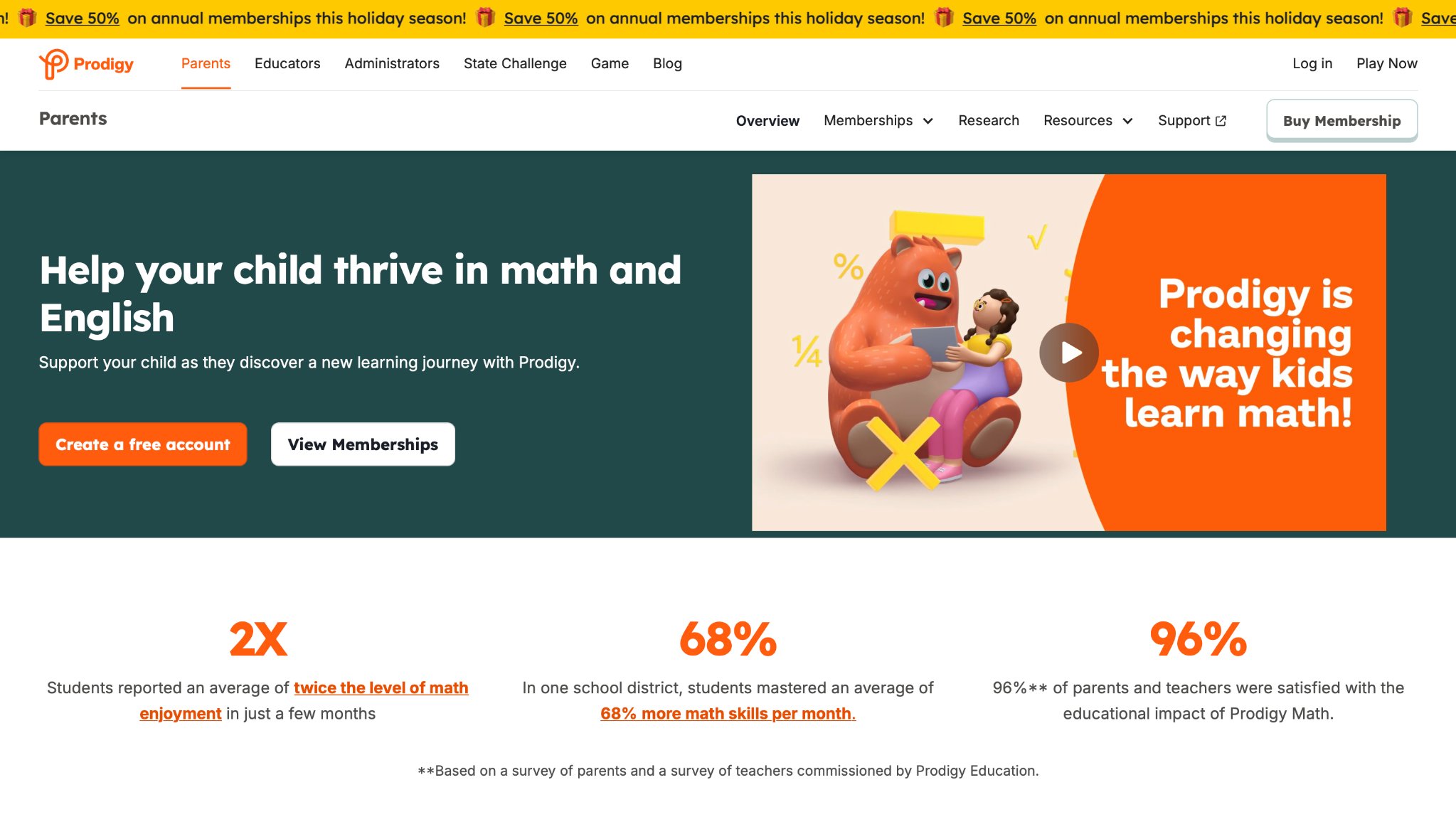
Prodigy Math embeds curriculum-aligned math practice inside an immersive fantasy RPG world where solving problems directly powers battles, quests, and character progression. Questions adapt in real time to each child’s skill level so the challenge stays appropriately matched while the ongoing story keeps motivation high. Kids collect pets, explore detailed maps, and level up their characters as they master topics ranging from basic operations to more advanced concepts. A clear parent dashboard displays progress and highlights areas that may need extra attention. The seamless blend of adventure storytelling and steady skill practice helps many children stay engaged with math longer than traditional worksheets allow. It works effectively for both independent home play and classroom support across a broad range of elementary grades.
- Key features: Adaptive math questions, monster battles and quests, character progression, parent progress dashboard, multiplayer elements.
- Facts and Information: Matches common curriculum standards, focuses on building math confidence through game progression, used by many families and schools for engaging practice.
6. Scratch
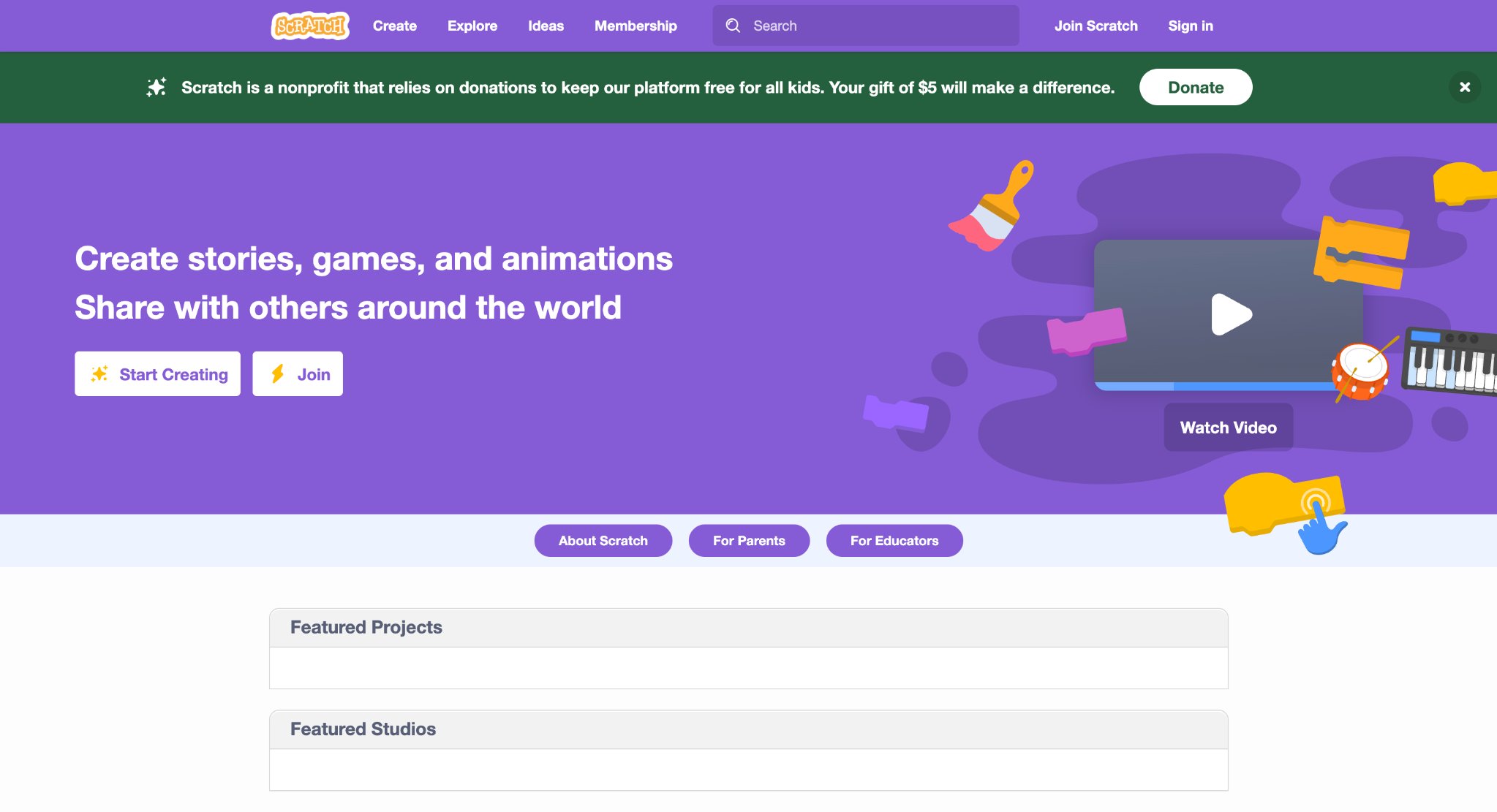
Scratch, created by the MIT Media Lab, offers children a visual coding environment where they build interactive stories, games, and animations by simply snapping colorful blocks together. Kids control characters, add sounds and effects, and design logical sequences without needing to type complex text-based code. Finished projects can be shared with a large online community, giving young creators an audience and plenty of inspiration from others’ work. The platform supports both completely free exploration and guided tutorials that introduce core concepts such as sequencing, loops, and events. Many beginners start here and later transition toward text-based languages once the fundamental ideas feel familiar and comfortable. It steadily builds logical thinking and creative confidence through open-ended digital making and experimentation.
- Key features: Drag-and-drop block coding, project sharing community, animation and game design tools, extensive free tutorials, offline and online use.
- Facts and Information: Created by a leading research group focused on lifelong learning, promotes computational thinking, used widely in schools and homes for introductory programming.
7. Scribblenauts Unlimited
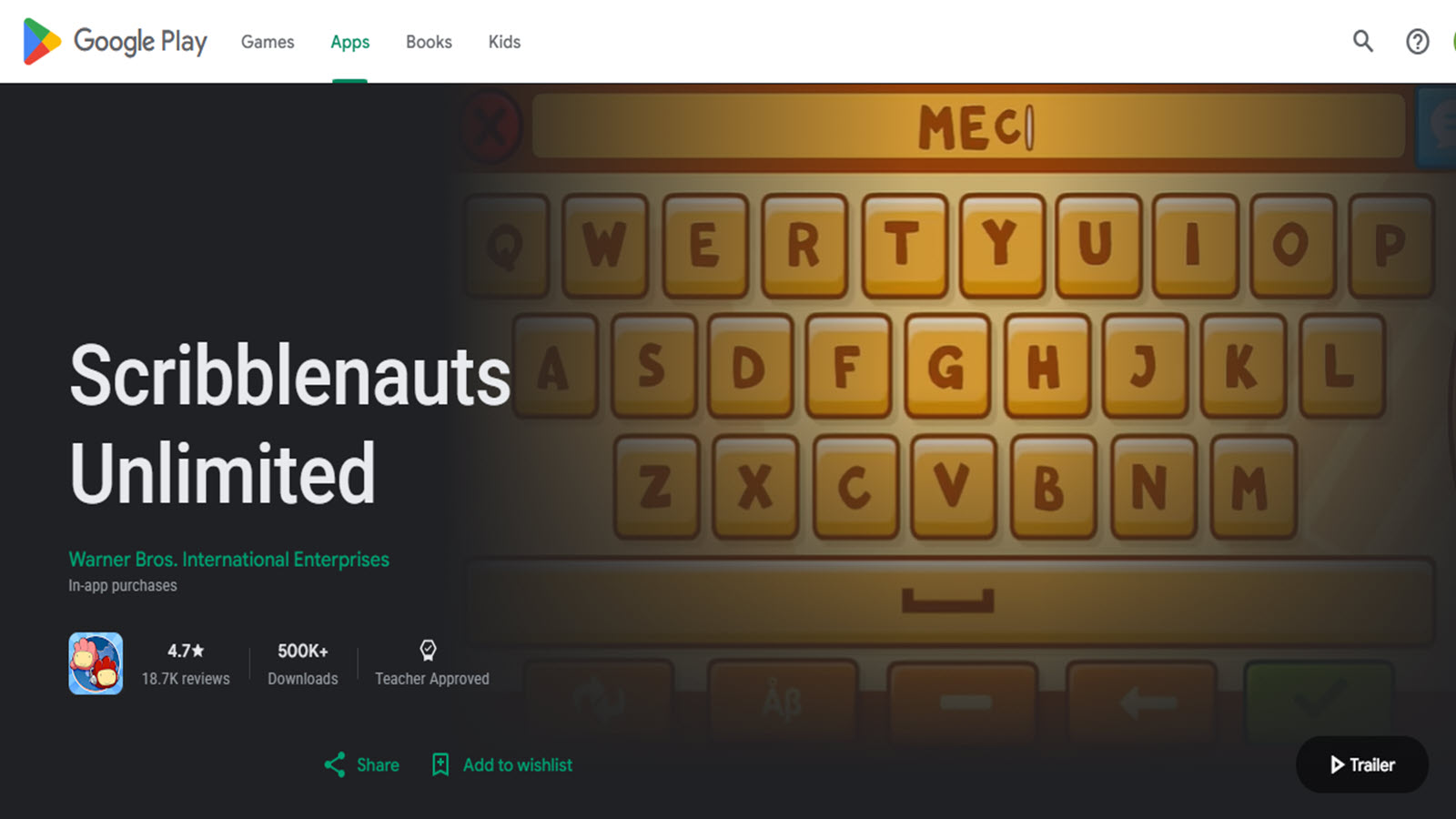
Scribblenauts Unlimited challenges players to solve creative puzzles by typing almost any word they can imagine and watching that exact object appear in the game world. Children naturally expand their vocabulary and practice flexible problem-solving as they invent unexpected solutions on the fly. The open style rewards experimentation and word play rather than demanding single fixed answers. Sandbox areas let kids build and explore freely once the main puzzle levels are complete. Colorful characters and lighthearted challenges keep the overall tone playful while the core typing mechanic steadily strengthens language skills and creative thinking. It works well for solo sessions or shared family play where adults and children brainstorm solutions together in a collaborative spirit.
- Key features: Object creation through typing, puzzle levels with multiple solutions, sandbox free-play mode, vocabulary expansion focus, colorful adventure worlds.
- Facts and Information: Encourages lateral thinking and spelling practice, appeals strongly to creative children who enjoy inventing and word-based play.
8. ABCmouse
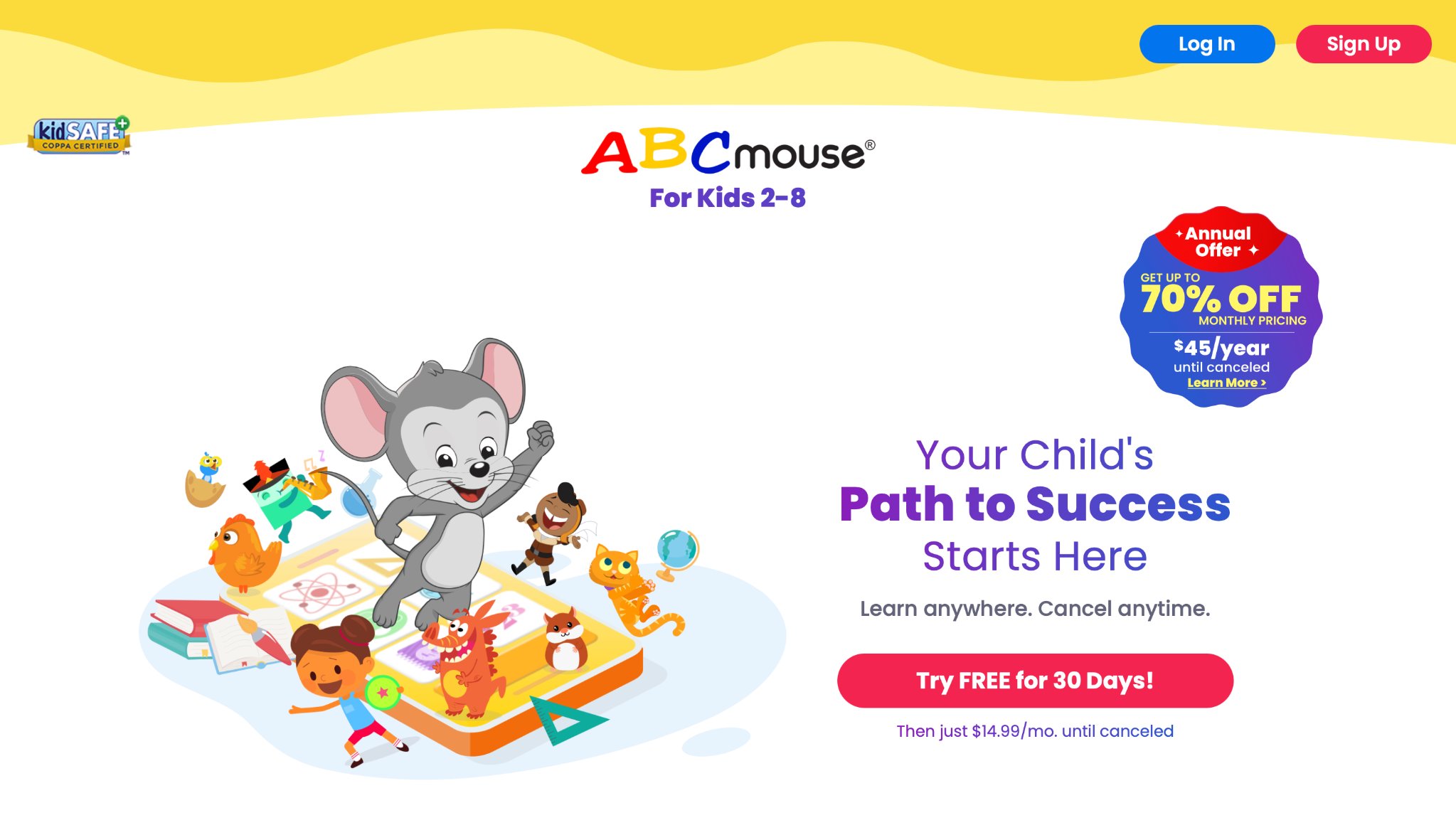
ABCmouse delivers a carefully structured, step-by-step learning path packed with thousands of interactive activities covering reading, math, science, art, and more for young children. Kids travel through a vibrant virtual world, completing lessons and earning rewards that help maintain steady motivation. Printable materials allow learning to continue beyond the screen in offline settings. Detailed progress tracking helps parents clearly see which skills are developing over time. The comprehensive curriculum is designed to feel like engaging play while steadily building solid foundational knowledge across multiple subjects. Many families rely on it as a consistent early-learning companion that covers a broad range of topics within a single, cohesive platform.
- Key features: Guided learning paths across multiple subjects, interactive lessons and games, virtual reward system, printable activity sheets, detailed progress tracking.
- Facts and Information: Aimed at ages 2 to 8, emphasizes foundational skill development through both digital and offline content, offers a wide library that grows with the child.
9. PBS Kids Games
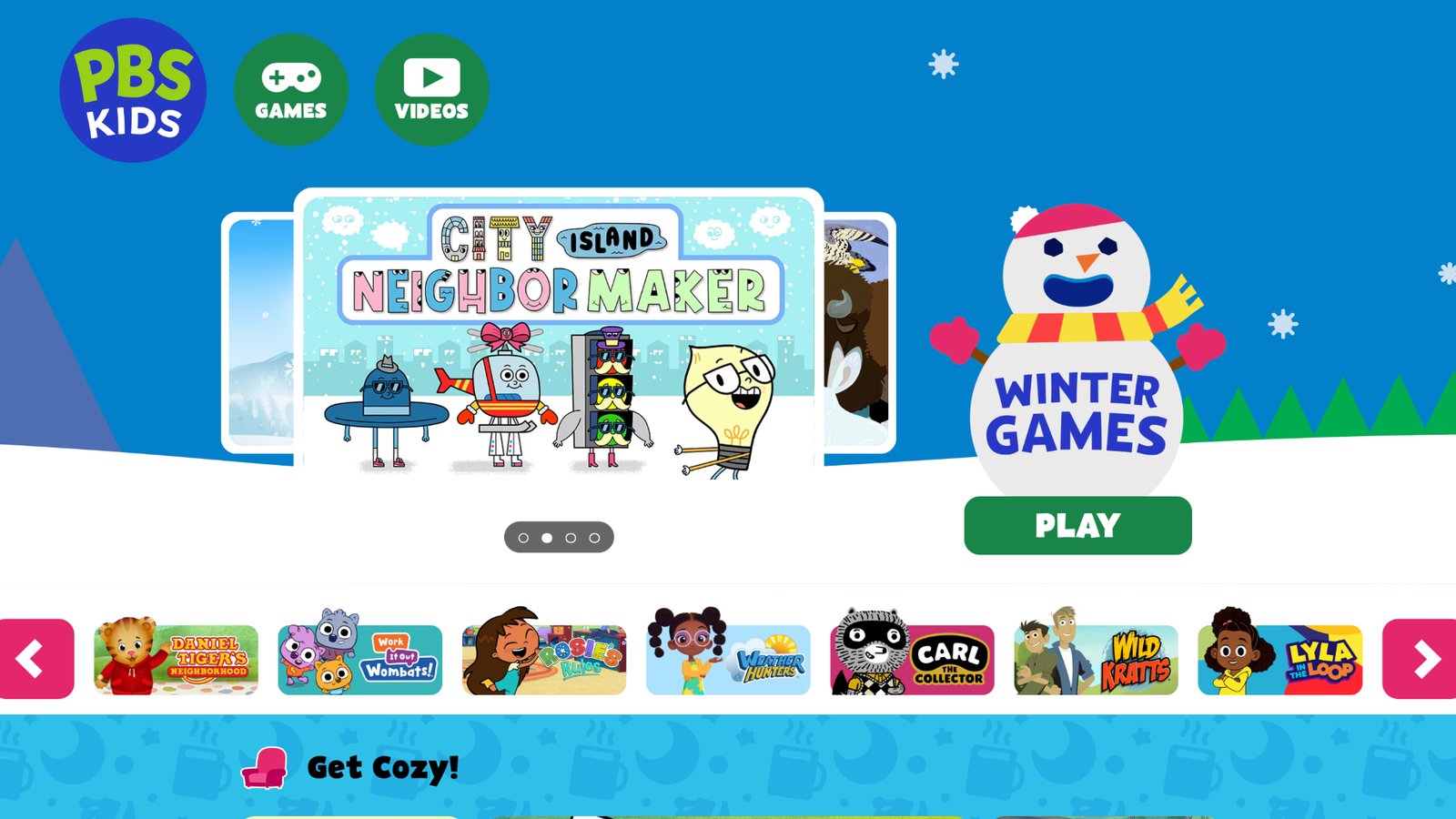
PBS Kids Games offers free browser and app-based activities featuring familiar characters that teach science, literacy, math, and social skills in short, focused sessions. Each game centers on a clear educational concept such as measurement, storytelling, or cooperation while maintaining a light and friendly tone. The content remains completely ad-free and grounded in solid educational goals. Quick play sessions fit easily into busy daily schedules, and the well-known characters help children feel comfortable diving in right away. Many parents turn to these games for reliable, high-quality practice that reinforces classroom learning without adding extra cost or complexity to family routines.
- Key features: Character-driven mini-games, subject-specific challenges, browser and app access, social-emotional content, regular new game additions.
- Facts and Information: Produced by trusted public media, supports cross-curricular early learning, widely used for short, effective practice sessions at home and school.
10. Toca Life World
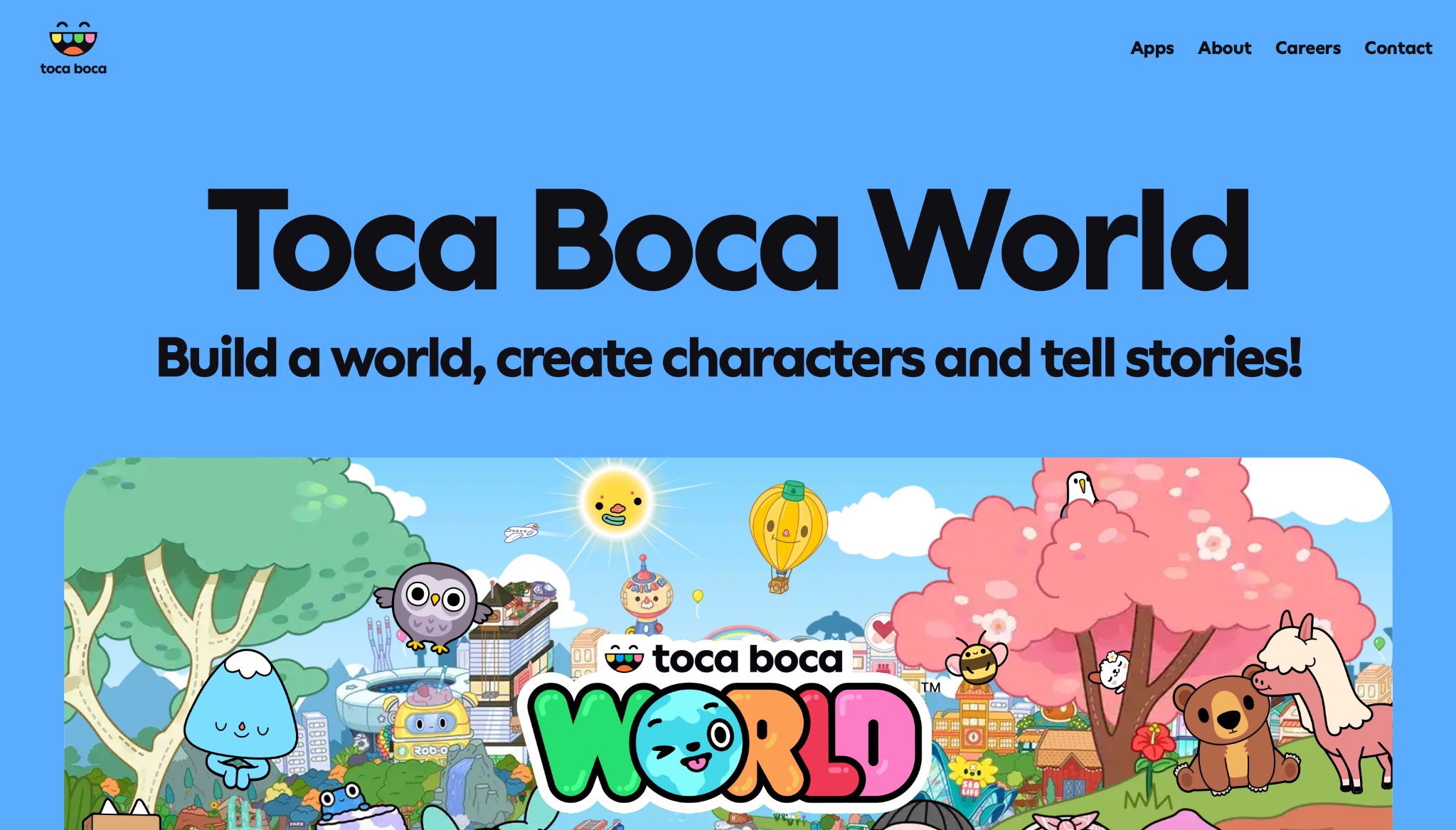
Toca Life World creates an open digital dollhouse environment where children freely create characters, design detailed scenes, and invent everyday stories without any scores or levels. Kids mix environments, objects, and people to explore rich role-play scenarios that range from ordinary home life to imaginative adventures. The complete absence of winning or losing encourages pure creative expression and natural narrative thinking. Regular content packs continue to add new locations and items, keeping the world fresh and expandable. It supports both independent play and shared storytelling sessions that help children practice social ideas and language skills in a relaxed, low-pressure setting.
- Key features: Open-ended sandbox creation, character and scene design tools, everyday and fantasy scenario exploration, no competitive structure, expandable content packs.
- Facts and Information: Focuses on storytelling and imaginative role-play, popular among preschool and early elementary children for free-form creative sessions.
11. Code.org
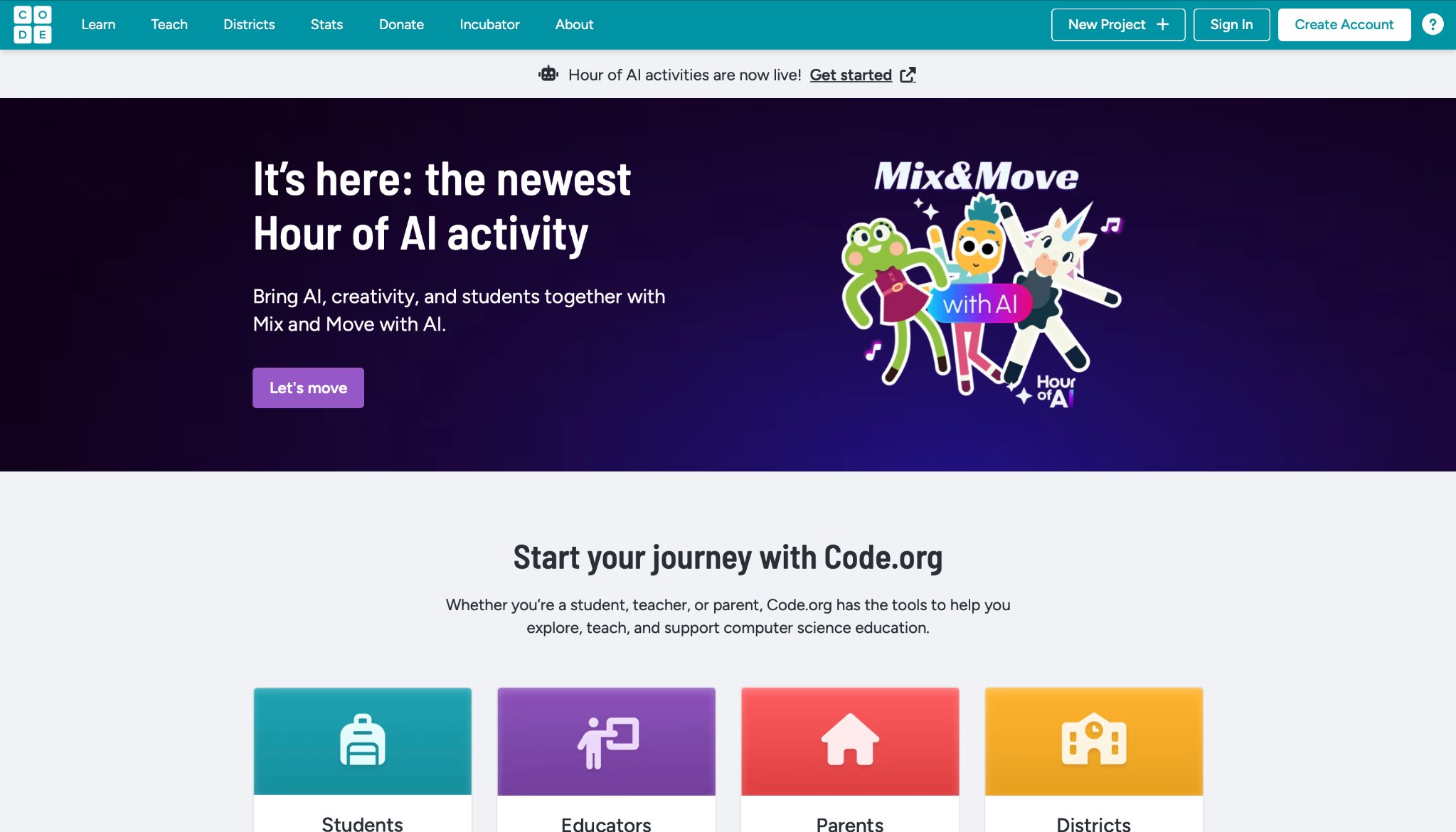
Code.org provides free coding courses and short Hour of Code activities that introduce core programming concepts through familiar characters and game-like puzzles. Children progress smoothly from simple sequences to more complex projects using visual blocks before optionally advancing toward text-based code. Helpful teacher and parent resources make it easier for adults to support the learning process. The platform reaches a wide age range and places strong emphasis on accessibility so every child can try computer science. Many schools integrate the full courses into regular lessons while families use the shorter activities for home-based exploration of logic, sequencing, and problem-solving ideas.
- Key features: Guided visual coding lessons, popular character themes, project-based challenges, educator resources, progression options from blocks to text.
- Facts and Information: Designed for broad accessibility, introduces core computer science ideas through play, used by large numbers of students in both formal and informal settings.
12. Zoombinis Logical Journey
Zoombinis Logical Journey challenges players to guide groups of quirky, colorful characters through puzzle-filled paths by carefully recognizing patterns and applying logical rules. Each stage introduces new conditions that children must figure out through close observation and systematic testing. The humorous characters and light tone keep the experience engaging while the underlying puzzles steadily strengthen mathematical reasoning and problem-solving skills. Multiple difficulty levels allow the game to grow alongside the player’s abilities. It rewards patience and careful thinking without requiring advanced reading skills or prior math knowledge, making it accessible and satisfying for elementary-aged children.
- Key features: Pattern recognition puzzles, logic and sequencing challenges, multiple difficulty tiers, character-driven adventure, progressive rule complexity.
- Facts and Information: Focuses on foundational logic and math thinking, designed for elementary ages, encourages iterative problem-solving through playful scenarios.
13. The Oregon Trail
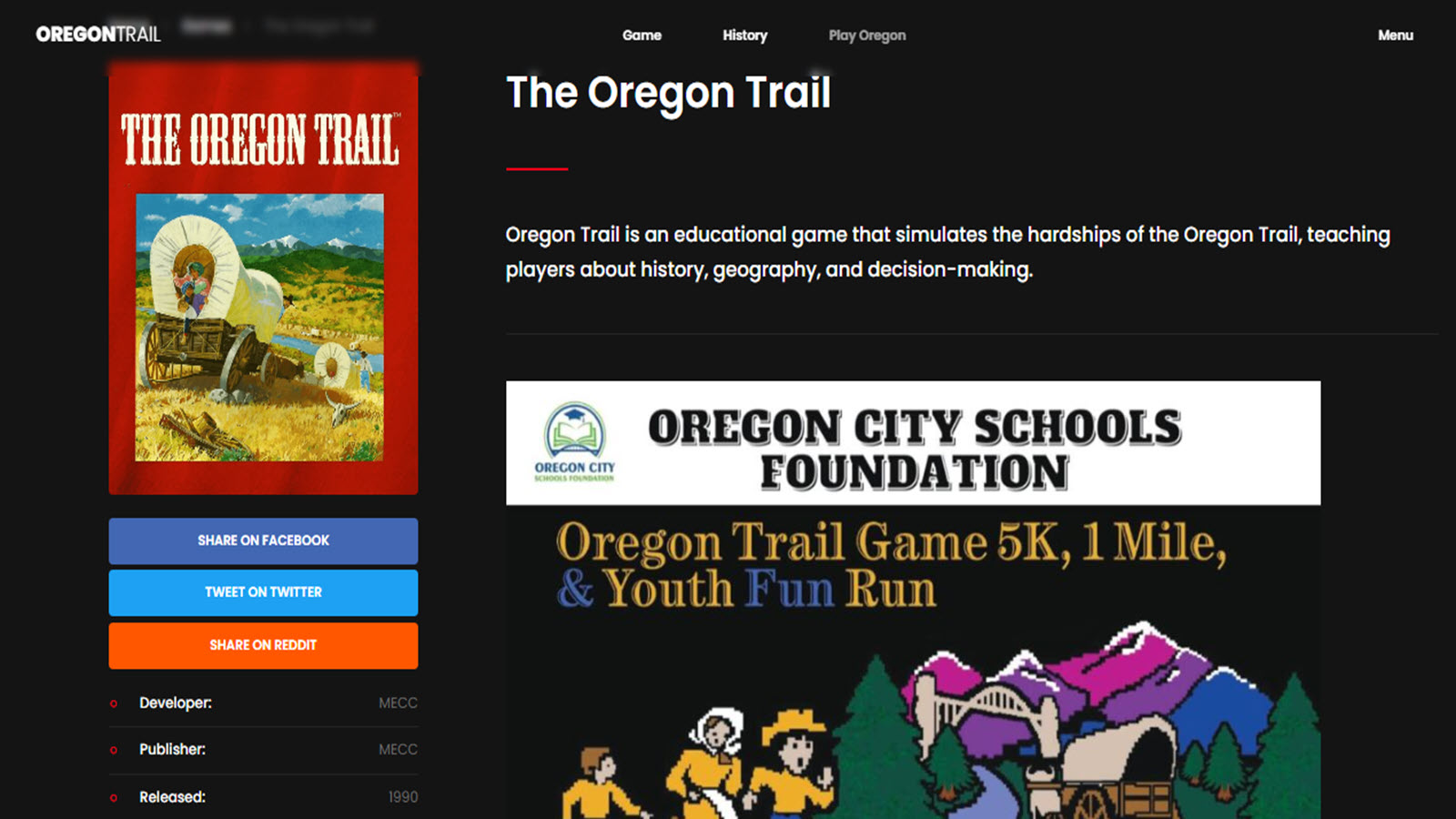
The Oregon Trail places children in the role of pioneers who must manage limited resources, make careful decisions, and face unexpected challenges during a long journey west. Players balance food supplies, health, and equipment while learning about historical conditions and the real consequences of their choices. Random events ensure each playthrough feels different and encourage flexible planning and adaptation. The classic structure combines light strategy elements with engaging storytelling that many families enjoy returning to over time. It introduces basic decision-making skills and historical context in an accessible adventure format that continues to resonate across generations of players.
- Key features: Resource management, decision-based storytelling, historical journey simulation, random event system, light strategy elements.
- Facts and Information: Teaches planning and consequences through historical narrative, suitable for elementary ages, remains a familiar entry point for educational adventure gaming.
14. Starfall
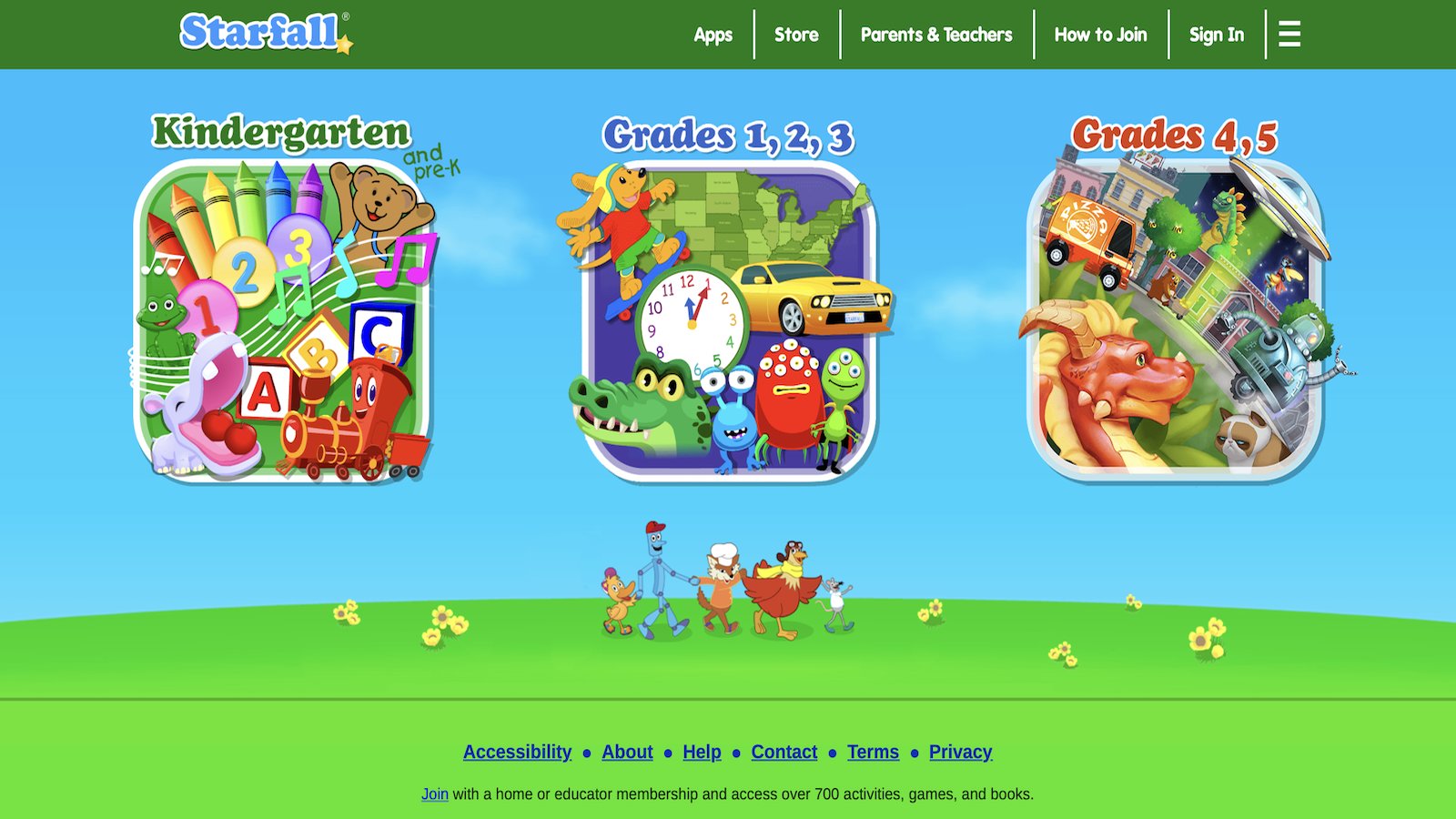
Starfall focuses on early reading and phonics through a collection of interactive games, songs, and stories that help children connect letters to sounds and words in a gentle way. Colorful animations and clear guidance support beginning readers as they practice essential foundational literacy skills at their own pace. Early math concepts and other simple activities appear alongside the strong reading focus. The free core content and straightforward interface make it easy for young children to navigate with very little adult assistance. Many families use it as a calm, consistent tool for building early reading confidence and positive associations with learning at home.
- Key features: Phonics and letter-sound games, interactive stories and songs, early math activities, simple navigation, free core content.
- Facts and Information: Designed for pre-K through early elementary literacy support, emphasizes playful phonics practice, widely used for beginning reading skill building.
15. National Geographic Kids
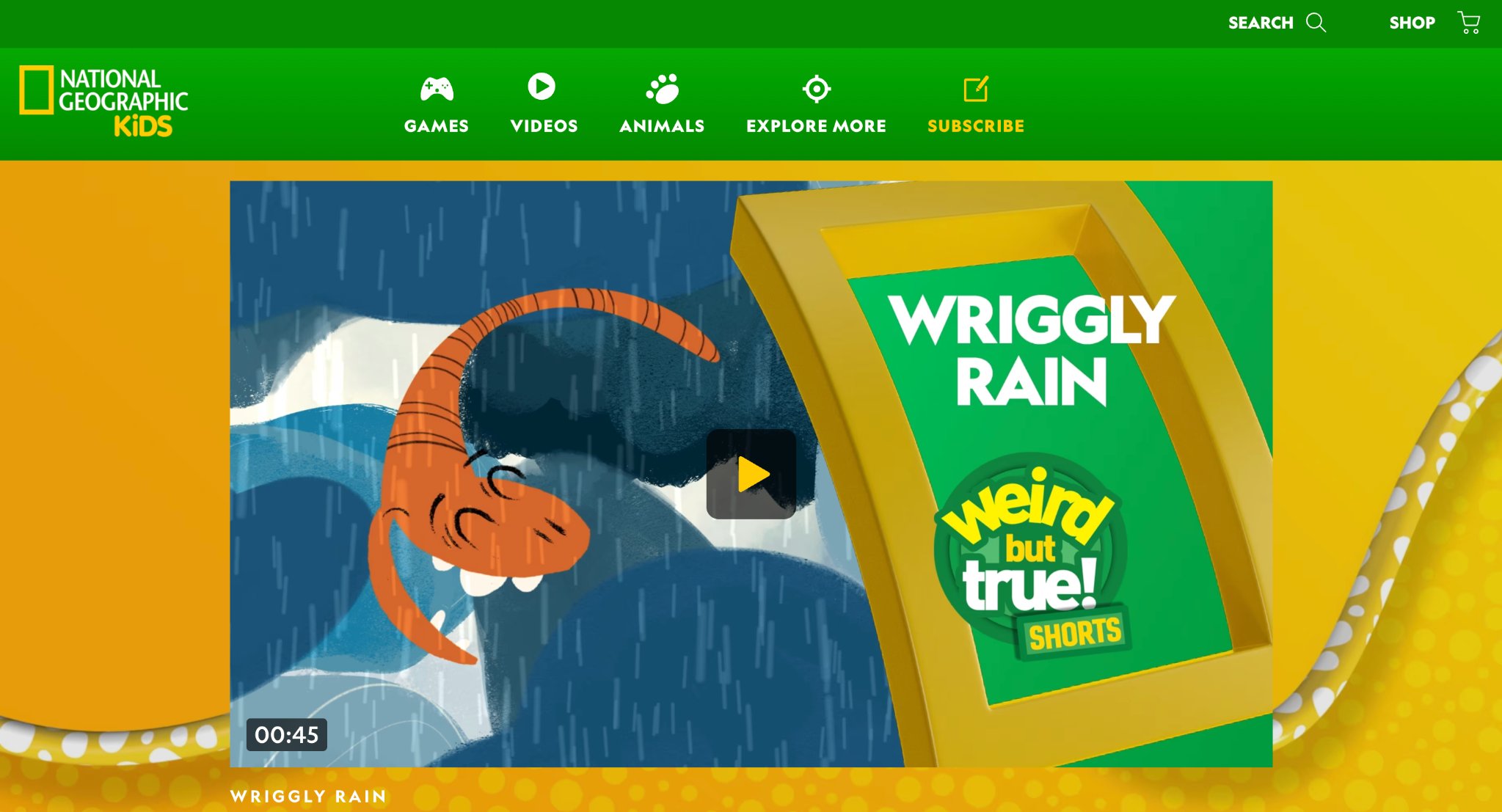
National Geographic Kids combines interactive games, short videos, and engaging activities that introduce children to science, animals, geography, and the natural world. Kids explore real-world topics through quizzes, puzzles, and brief adventures that spark genuine curiosity about the planet and its creatures. All content remains carefully age-appropriate while still delivering accurate and interesting information in an accessible format. The mix of playful discovery and factual learning helps children connect classroom concepts to the wider world around them. Many parents appreciate the trusted source behind the material and the variety of short, flexible activities that suit different interests and attention spans.
- Key features: Animal and science exploration games, geography puzzles, short educational videos, interactive quizzes, real-world topic focus.
- Facts and Information: Draws on trusted natural science content, encourages curiosity about the environment and animals, suitable for elementary-aged children seeking discovery-based play.
How to Choose the Right Educational Games for Your Child
Match fun educational games to your child’s age and interests first. Younger kids often thrive with caring and creative activities, while older ones may enjoy building or coding challenges. Check for ad-free experiences and clear privacy practices. Look at whether the game supports offline play or multi-device use to fit family routines. Watch how your child responds during a trial period. Games that invite joint play can strengthen family connections while reinforcing skills. Prioritize options that balance structured learning with open creativity so kids stay motivated without feeling pressured.
Benefits of Combining Play and Learning on Screens
When games blend fun with purpose, children practice focus and persistence in low-stakes settings. Many develop stronger problem-solving habits because they can try ideas, see results, and adjust quickly. Emotional skills grow as kids care for characters or work through challenges. Creative expression through building or storytelling supports confidence. Consistent use of well-designed games can help form positive screen habits that parents feel good about. The key is choosing titles that deliver real developmental value alongside enjoyment. Resources covering the best social emotional games for kids illustrate these advantages clearly.
Tips for Making the Most of Educational Screen Time
Set clear time limits and stick to them so play stays balanced with other activities. Join in occasionally to talk about what your child discovers. Rotate games to keep interest fresh and cover different skills. Use parent dashboards when available to see progress without hovering. Pair digital play with related offline activities, such as drawing after a creative game or sorting toys after a matching activity. Celebrate effort and curiosity more than perfect scores. These simple habits help online educational games become a positive part of daily life. Helpful related reading includes ideas from the best healthy screen habits.
FAQ
What age group benefits most from educational computer games?
Educational computer games work especially well for children from toddler years through early elementary school, when play naturally supports growing minds. Younger kids gain from simple activities that build early skills like sorting, counting, and caring for characters. Older children often enjoy more open creative challenges that stretch problem-solving and focus. Matching the game style to a child’s current interests and developmental stage helps the experience feel rewarding rather than forced.
How do educational games support emotional growth?
Educational kids games support emotional growth by giving children safe spaces to practice caring, patience, and understanding feelings through interactive characters and gentle challenges. Kids learn empathy as they look after virtual pets or complete shared tasks that involve kindness and responsibility. Completing creative puzzles or routines also builds confidence and a sense of pride in their efforts. When parents join in, these moments create natural opportunities to talk about emotions and celebrate small successes together. This kind of purposeful play helps children develop social awareness while still enjoying screen time that feels positive and connected.
Are free educational games as effective as paid ones?
Both free and paid educational games can deliver strong learning value when they match a child’s interests and keep the experience engaging. Free options often provide solid foundational practice in reading, math, or logic through short interactive activities. Paid or subscription platforms typically offer larger collections, ad-free play, and features that support longer-term skill building across creativity and emotional areas. The most useful approach focuses on consistency and how well the games encourage curiosity rather than on cost alone. Many families find that a balanced mix keeps screen time varied and meaningful over time, including ideas from the best free online games for kids.
Can educational games replace traditional learning activities?
Educational games for kids work best as a helpful addition to traditional learning rather than a full replacement. They reinforce skills through practice and make abstract ideas feel concrete and fun during short sessions. Pairing digital play with books, outdoor exploration, or hands-on projects creates a richer overall experience for children. Games that encourage creativity, focus, and problem-solving complement classroom or home learning without taking the place of real-world interactions. This balanced mix helps kids develop a wider range of abilities while keeping play joyful and purposeful, as illustrated in learning through play examples.
What should parents look for when choosing educational computer games for kids?
Parents should look for safe kid games that blend clear learning goals with open creative play so children stay motivated without feeling pressured. Strong choices include ad-free experiences, age-appropriate content, and activities that build focus, problem-solving, and social-emotional skills through caring or building tasks. Multi-device support and the ability to play offline after download make them practical for daily routines. Games designed with developmental value in mind help turn screen time into opportunities for growth in creativity and confidence. Watching how a child responds during initial sessions remains one of the most reliable ways to find the right fit.
Read Also:
- Best Benefits Of Learning Through Play in 2026
- Chore Games for Real-Life Skills Through Play
- Parents Guide to Safe Skill-Building Apps for Toddlers
- Best Games For Autistic Kids In 2026
- Best Healthy Screen Habits In 2026
Discover TutoClub for smarter screen time that kids love and parents trust.