



Best Unicorn Games Online In 2026






Kids who love rainbows and magic often want the best unicorn games online in 2026. Safe play matters as much as sparkle. Families find ad-free unicorn care and band games inside TutoClub, plus many other skill-building titles.
Rainbow-and-magic play often spills into quiet creative time as well. Kids can color unicorns, rainbows, and enchanted scenes in the best online coloring games, then style sparkly looks with the best dress-up games for girls online and the best makeup games online that stay ad-free, skill-building, and easy to share.
Start a calm, ad-free unicorn playtime with TutoClub today!
Why Unicorn Games Still Charm Kids in 2026

Unicorn games work because they mix beauty with simple jobs. A child hatches an egg, feeds a pony, picks a dress, then sings a lullaby. Those small steps build patience, kindness, and focus. Many parents like this style more than loud click games. Rainbow worlds feel gentle. Care loops feel clear. Young players know what to do next without a long tutorial.
The best unicorn games online also fit short sessions. A bath, a snack, a dance, then a nap. That rhythm matches preschool attention and shows up often in the best games for preschoolers. It also gives families a shared language. Kids talk about their pony’s hair. Parents see practice with routines. Learning through play activities that use unicorns this way keep screen time warm instead of frantic. The same gentle pace appears in the best educational games for kids age 3 and other fun educational games for kids.
What Makes a Unicorn Game Good for Families
A strong unicorn title is easy to start and kind to watch. Bright art helps. Soft sound helps. Clear buttons help even more. The story should stay age-right. No scare jumps. No chat with strangers. No random pop-ups that pull a child out of play. That is why families often look first at the best safe apps for kids and guides on how to protect kids online.
Look for care play, dress-up, music, and light puzzles. Those pieces teach empathy and planning. A subscription that unlocks many games in one place also helps. Parents manage one account. Kids move from a babysitting unicorn to a dancing band without hunting new apps. TutoClub is built around that idea: one login, many full games, no ads, and content made for young players. The same calm home setup is useful in the best educational games for kids at home and any educational games for kids app.
Best Unicorn Games Online in 2026
1. TutoClub - Best Unicorn Games Online in 2026
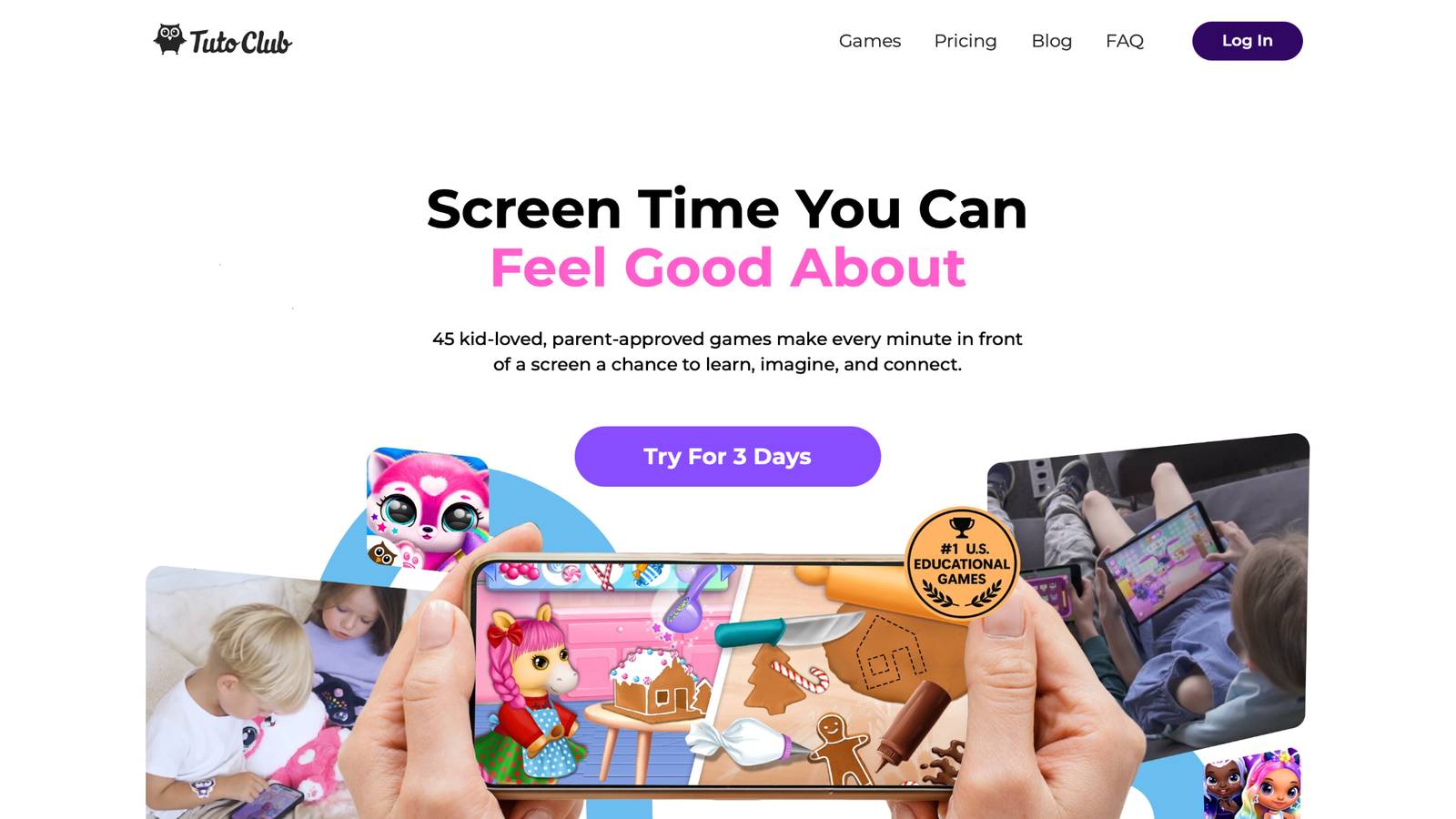
My Baby Unicorn is the standout pick for families who want the best unicorn games online. It is a TutoTOONS title from Kaunas, Lithuania, and it sits inside the TutoClub collection of 45+ educational games. You hatch a magic egg, meet a rainbow baby pony, then take care of it all day. Feed fruit and cake. Give a bath. Help with potty time. Dress the pony. Decorate a bright room. Sing it to sleep. Mini games open as you care well, so memory play, coloring, cloud jumps, and rainbow slides feel earned.
The tone is warm and simple. Kids practice kindness while they play nanny. Parents get a calm, ad-free session when the game is unlocked with TutoClub. The same subscription also opens related magic titles such as Kpopsies, My Unicorn Band, so a child can hatch pop-star ponies, style them, and dance after babysitting time. Exclusive content, full access, and multi-device play keep the world growing without extra shops inside the game.
TutoClub Overview
TutoClub is your gateway to a magical world of educational games designed especially for children.
As part of TutoTOONS, a leading kids' games studio, we offer premium access to over 45 ad-free games.
Our mission is to blend learning and play, helping kids explore, create, and grow in a safe online space.
Thousands of parents trust us for family-friendly content that sparks imagination and builds essential skills.
Key Features
- Unlimited Access: Unlock full content in all games with no interruptions.
- Ad-Free Experience: Enjoy seamless play without any ads or distractions.
- Skill Development: Games foster creativity, social skills, communication, and more through fun activities like pet care and cleanup challenges.
- Regular Updates: Get new releases, exclusive content, and future updates automatically.
- Easy Subscription: Cancel anytime with no obligations, simple and flexible for families.
Explore Our World
TutoClub provides a rich ecosystem of educational games for kids, featuring ad-free experiences that promote creativity, focus, and emotional growth through play.
This platform turns screen time into valuable learning opportunities, with parent-approved content that builds essential skills and sparks curiosity in young minds.
- TutoClub Games: Over 45 educational games, including popular titles like Fluvsies, Smolsies, and the Sweet Baby Girl series
- Blog: Insights, tips, and stories for families on kids' learning and play
- FAQ: Comprehensive answers to frequently asked questions about subscriptions, features, and more
Get TutoClub on Your Device
TutoClub delivers premium kids educational games directly to your mobile devices, making learning accessible anytime, anywhere.
With apps available on major platforms, families can easily download and subscribe for ad-free play that turns screen time into skill-building adventures.
Perfect for parents seeking safe, engaging content on iOS, Android, or Amazon devices.
Why Choose TutoClub?
We're committed to 100% safe, enriching entertainment that kids love and parents approve.
Join the thousands who've seen their children thrive through playful learning.
Ready to start the adventure?
Give your child safe unicorn babysitting and band play with TutoClub!
2. Fluvsies Academy
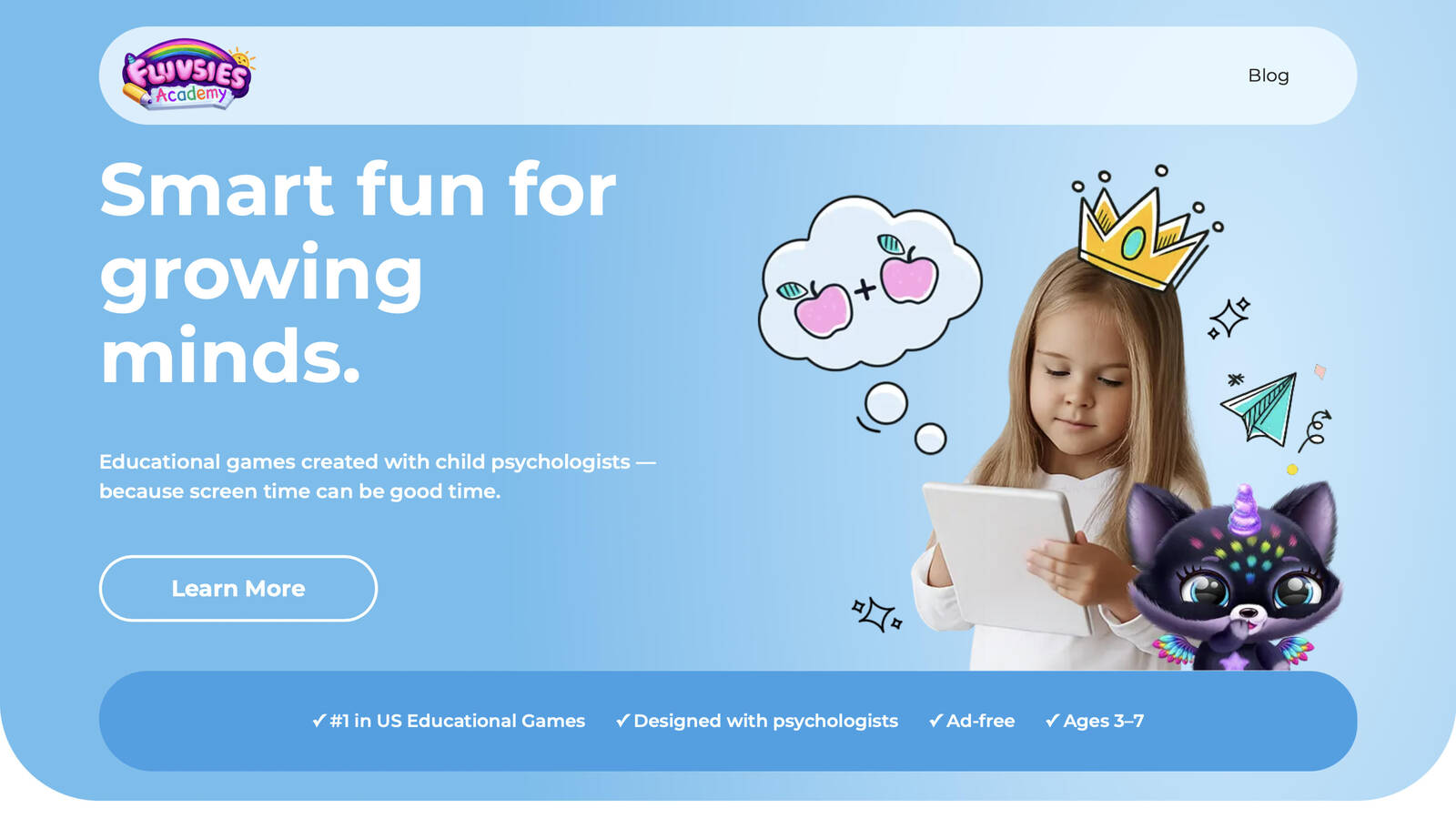
Fluvsies Academy is a learning app for ages 3 to 7 with bright characters many kids already know from Fluvsies pet games. It is built with child psychologists and keeps play ad-free. Kids move through language, numbers, logic, sorting, life skills, and job stories. A baker, a firefighter, or an astronaut can sit next to puzzles and phonics. The feel is gentle and guided, so screen time can support focus and vocabulary.
Parents like progress views and age-right content. The world feels familiar if a child already loves hatching fluffy pets. Profession stories grow everyday words. Sorting and attention games sharpen focus without turning play into a test. Later paths point toward healthy habits and calm movement. It is less a single unicorn babysitter and more a school-like playground with trusted fluff friends, which makes it a strong companion for families who want learning that still looks like play.
Key features
- Language, math, logic, sorting, creativity, and life-skill games
- Profession stories that grow everyday words
- Ad-free play designed with child development experts
Facts and information
- Aimed at preschool and early elementary ages
- Includes mindfulness-style next steps such as healthy habits
- Familiar Fluvsies world that many families already trust
3. Horse Riding Tales, Pixel Federation

Horse Riding Tales is a story riding game from Slovak studio Pixel Federation. You care for horses, ride trails, decorate a ranch, and follow a light adventure plot. Magic and fantasy horses appear in events, and unicorn-style mounts show up for players who like a horn with their saddle. Daily care, grooming, and quests give the loop a “look after your animal” heart, even when the star is a horse more often than a classic rainbow foal. The world is prettier and more systems-heavy than a toddler nanny app. Energy, collections, and story chapters ask for a bit more patience. That can be a plus for early readers. It can feel like a lot for a three-year-old. As a cousin to unicorn care play, it shows how riding games and pet games share the same kindness muscle: feed, brush, ride, repeat.
Key features
- Trail riding, grooming, and ranch decorating
- Story quests and event horses
- Collection play with fantasy mounts
Facts and information
- Casual riding adventure from Pixel Federation
- Stronger story and ranch systems than a baby-unicorn nursery
- Good bridge for kids growing out of simple care apps
4. My Little Pony: Magic Princess, Gameloft
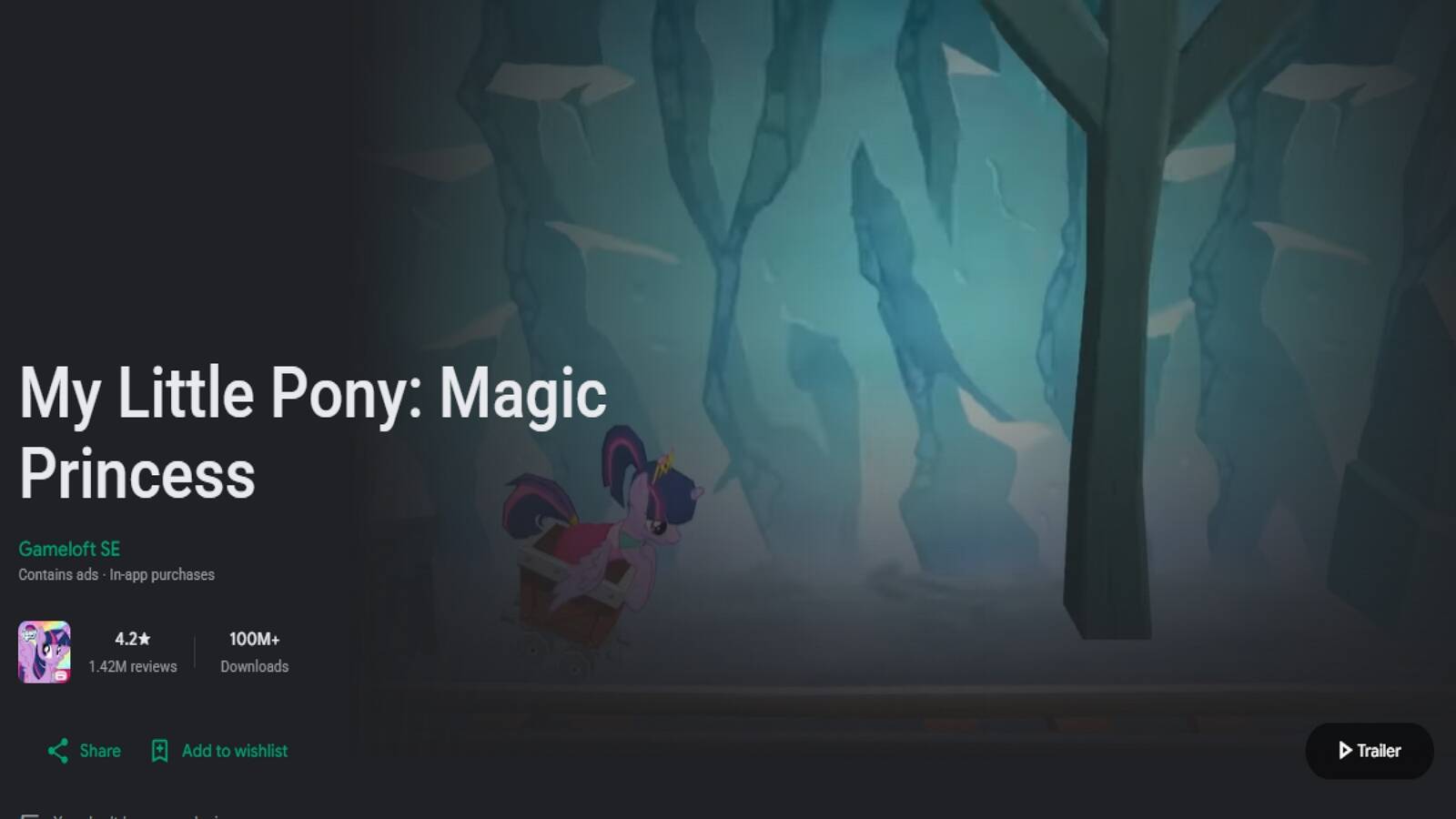
My Little Pony: Magic Princess is the long-running official mobile game from Gameloft in Paris. You rebuild Ponyville after Nightmare Moon spreads night across the land. Twilight Sparkle, Rainbow Dash, Fluttershy, Pinkie Pie, Applejack, and Rarity show up with quests, houses, and mini games. Over time the map grows into Canterlot, Sweet Apple Acres, the Crystal Empire, and more. Play mixes town building, resource gathering, story quests, and short activities such as ball bounce, apple picking, and dance. The roster is huge, so fans of the show feel at home. Menus and timers can feel busy for a first-time preschooler. An adult nearby helps with goals and shops. The unicorn theme is part of a bigger friendship world, not a single baby-pony nursery. Families who already love the series often stay for years because new events keep Equestria moving.
Key features
- Town building across famous Equestria locations
- Large pony roster and show-based quests
- Mini games tied to familiar characters
Facts and information
- Official Hasbro licensed game from Gameloft
- Available on phones, tablets, and Microsoft Store
- Best with parent help for menus and longer quests
5. Star Stable Online, Star Stable Entertainment
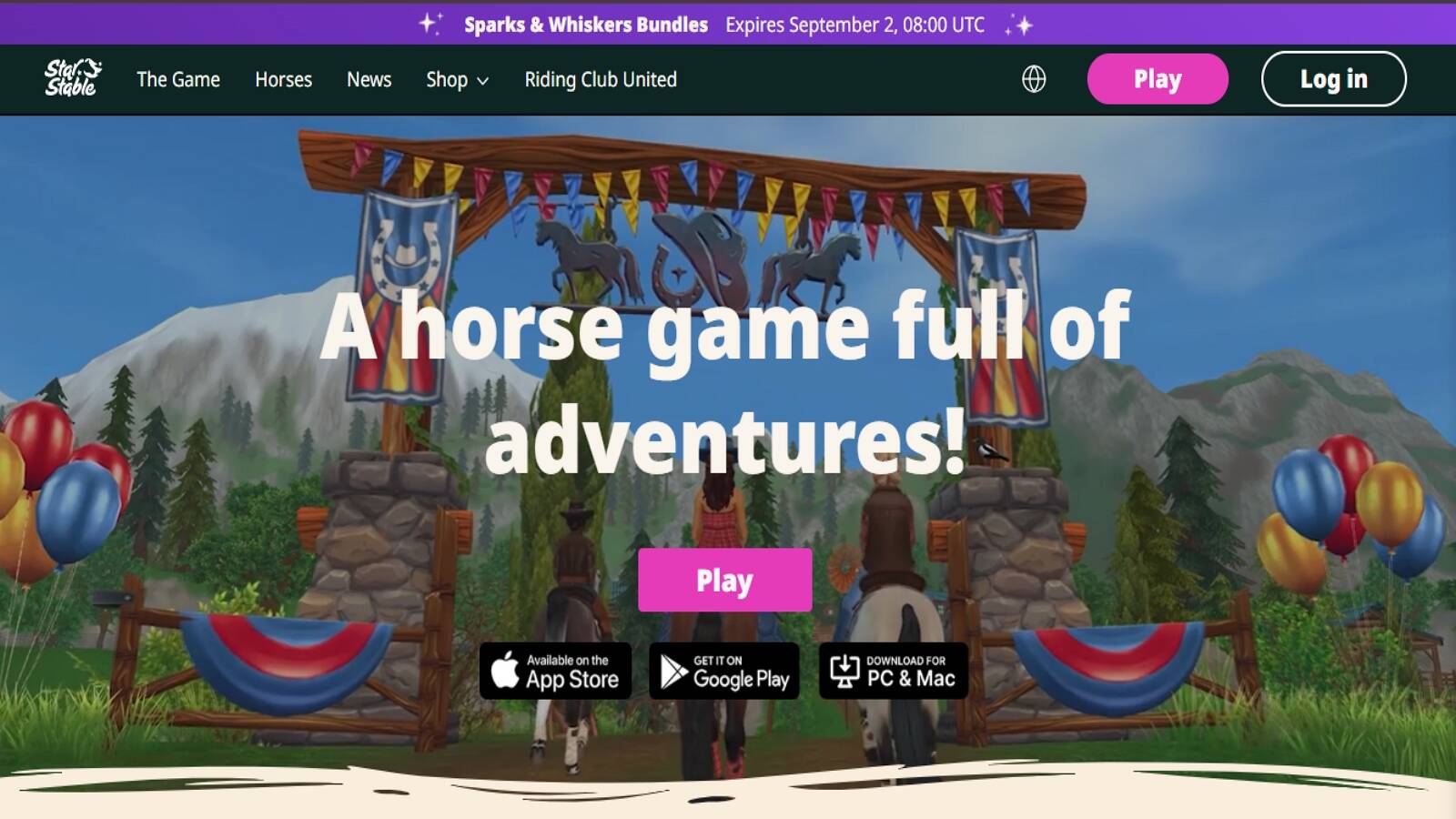
Star Stable Online is a horse adventure set on the island of Jorvik. You create a rider, pick a mount, and ride through forests, towns, and festival grounds. Magic horses sit beside real breeds. Unicorns such as the Hollow Woods pair and sylvan festival horses appear in limited seasons, then return in later events. Quests, clubs, and story lines give the world a soap-opera feel that older kids enjoy. The studio is based in Sweden and has kept the game growing for many years. Play works on computer and mobile with shared progress. Early areas are open. Later maps and story chapters sit behind a Star Rider membership. The unicorn moments are special drops inside a wider riding life, not a standalone babysitting loop. It fits kids who want open land, friends, and a horse that can glow, fly, or hide a horn under a normal coat.
Key features
- Open riding world with quests and clubs
- Seasonal magic horses and unicorns
- Cross-device play for computer and mobile
Facts and information
- Long-running Swedish online riding game
- Unicorns often arrive with festivals and story events
- Stronger fit for readers and independent riders than toddlers
6. Pony Town
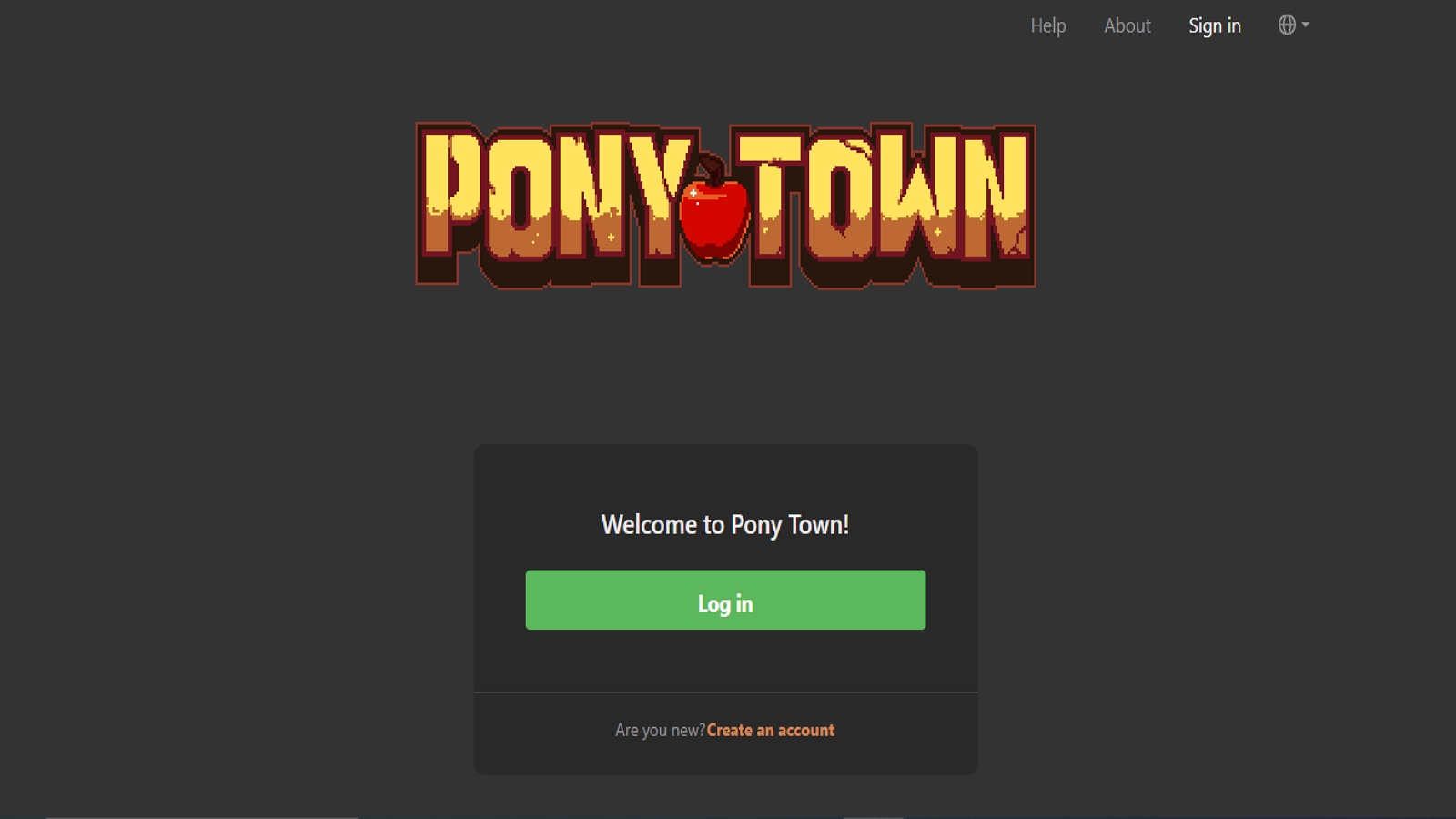
Pony Town is a free browser social world where you design a pony, then hang out. Unicorn horns, pegasus wings, manes, tails, clothes, and wild extra parts are all on the table. You can stay a classic pony or build something stranger. Players walk towns, visit islands, pose, chat, and roleplay. Houses and personal islands give families a quiet corner if they want one. The official site is pony.town, with help pages, events, and supporter perks. There is also a mobile app. Safe servers exist for younger play, and other servers are for older users, so parents should pick the right room. The game is social first. There is no baby-care meter and no rainbow dash score. The joy is making a look and meeting friends. Sit nearby, turn on the right server, and treat it like a dress-up park rather than a lesson.
Key features
- Deep pony and unicorn avatar creator
- Browser play plus mobile access
- Town hangouts, islands, and roleplay tools
Facts and information
- Community-supported social world with frequent updates
- Separate safe and mature servers
- Needs adult guidance around chat and public rooms
7. Peggle Blast, Electronic Arts and PopCap

Peggle Blast is the mobile peg-pop puzzle from PopCap, the Seattle studio behind Bejeweled and Plants vs. Zombies, published by Electronic Arts. You aim a ball, bounce it off walls, and clear orange pegs. Style shots light up the board. Extreme Fever brings rainbows. Bjorn the unicorn is a Peggle Master whose Super Guide draws an aim line, which is why many families file this under unicorn games even though the hero is a helper, not a pet. Levels add goop, gnomes, bombs, and boosts. Controls are simple. The skill is reading angles. It works in short bursts in a waiting room. The unicorn does not need dinner or a lullaby. The magic is in the shot. Parents who want care play will feel the difference. Parents who want a cheerful puzzle with a horned coach will feel at home.
Key features
- Aim, bounce, and clear orange pegs
- Unicorn master with an aim guide
- Mobile-first boards with boosts and style shots
Facts and information
- Built by PopCap and published by EA
- Classic Peggle feel adapted for phones
- Puzzle skill set, not virtual pet care
8. Robot Unicorn Attack, Adult Swim Games
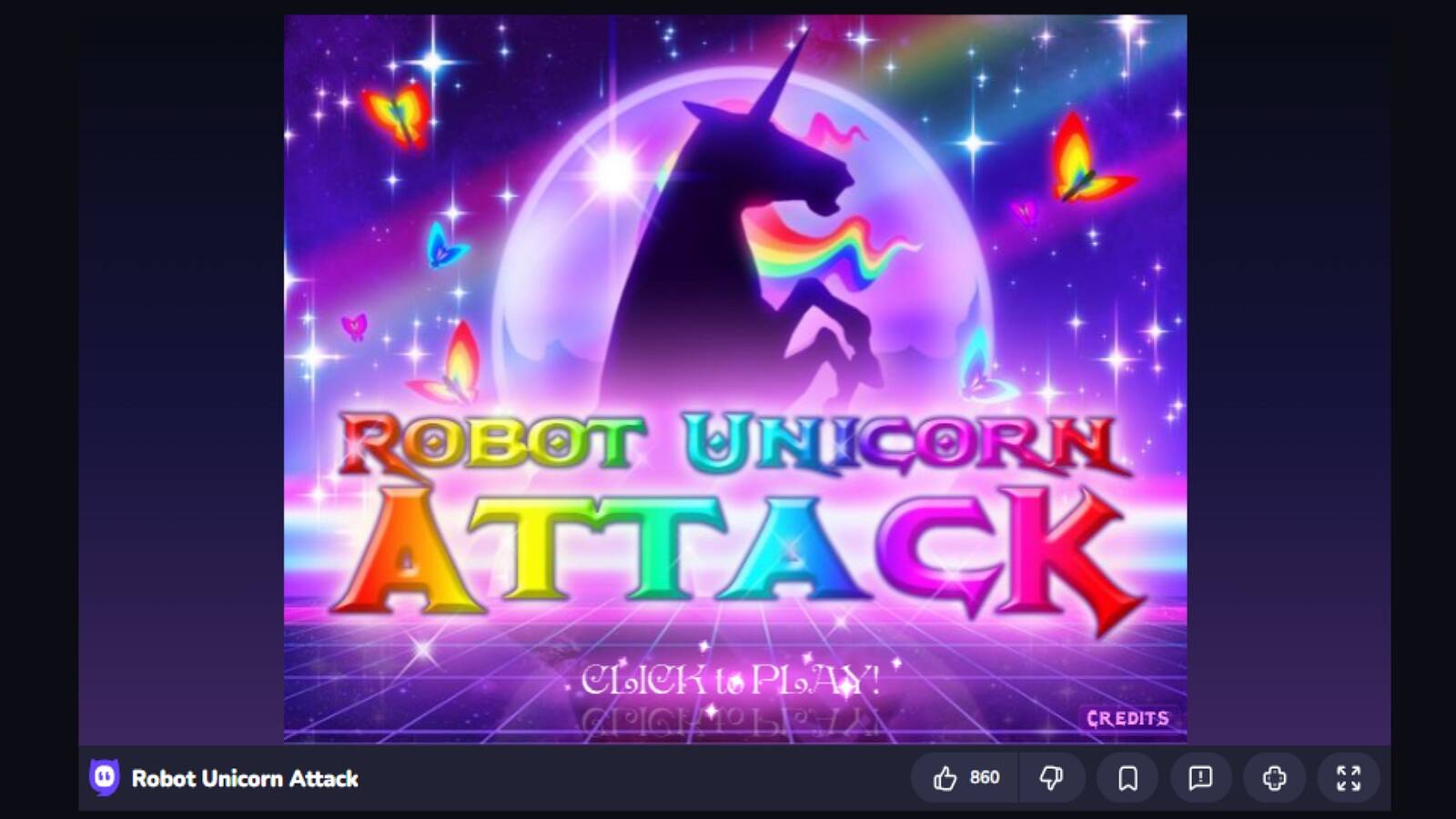
Robot Unicorn Attack is the neon endless runner that made rainbow dashes a meme. Spiritonin built the original Flash hit. Adult Swim Games published it. The unicorn runs on its own. You jump gaps and dash through giant stars while a synth-pop loop plays. Distance and smashed stars raise the score. Later editions added Heavy Metal and Christmas skins, and Robot Unicorn Attack 2 from PikPok added custom bodies, wings, and daily challenges. Official app store pages have come and gone over the years. Browser portals still host the classic run. The mood is loud, shiny, and fast. Timing matters more than kindness practice. Younger kids may need a parent thumb on the jump button. It is a burst of sparkle, not a nursery. Families who want five minutes of rainbow speed still come back to it.
Key features
- Auto-run with jump and rainbow dash
- Neon worlds, stars, and rising speed
- Classic browser play and later mobile sequels
Facts and information
- Early Flash hit later ported to phones
- Famous for its music-led, two-button design
- Best for kids who already like runners
9. Unicorn Kingdom, Wopa Interactive
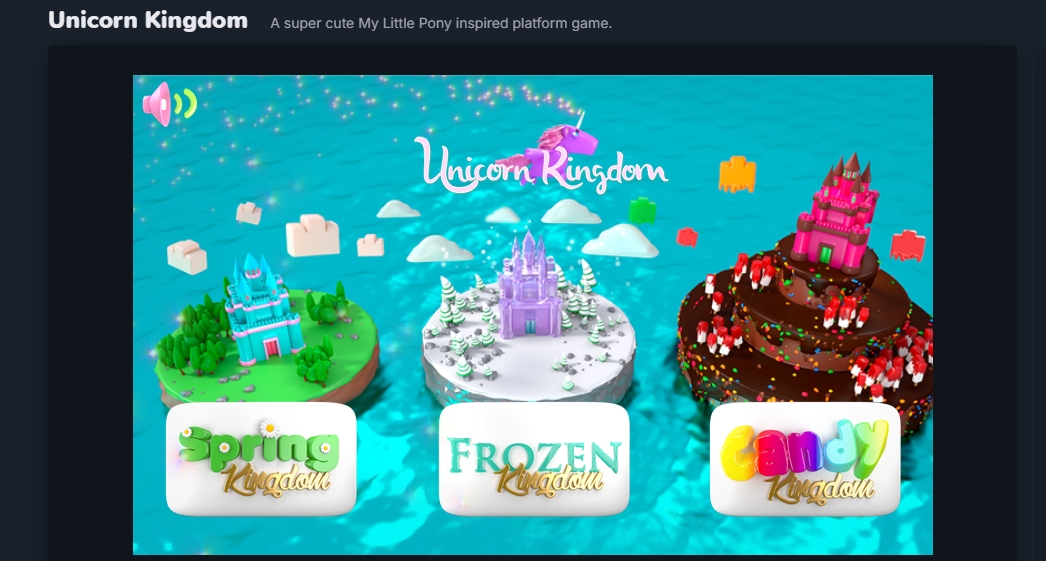
Unicorn Kingdom is a cute platform game from Wopa Interactive, often played in the browser on family game sites such as Bubblebox. You guide a little unicorn through Spring Kingdom, Frozen Kingdom, and Candy Kingdom. Run, jump, and fly. Levels are short. Colors are loud in a friendly way. The look nods at pony cartoons without being an official show game. Controls stay simple: move, jump, take to the air. There is no deep inventory and no multi-day growth meter. It is a movement snack. That helps on a shared computer when you only have a few minutes. Ads on free portals can interrupt the mood, so an adult should pick a clean site or sit close. Compared with a full care world, this is a hop-and-fly postcard of unicorn play.
Key features
- Side-scroll run, jump, and fly
- Three themed magical lands
- Easy browser controls
Facts and information
- HTML5 platformer updated on family game portals
- Short sessions and light story
- Arcade feel rather than pet-nanny play
10. Unicorn Pony, KidloLand
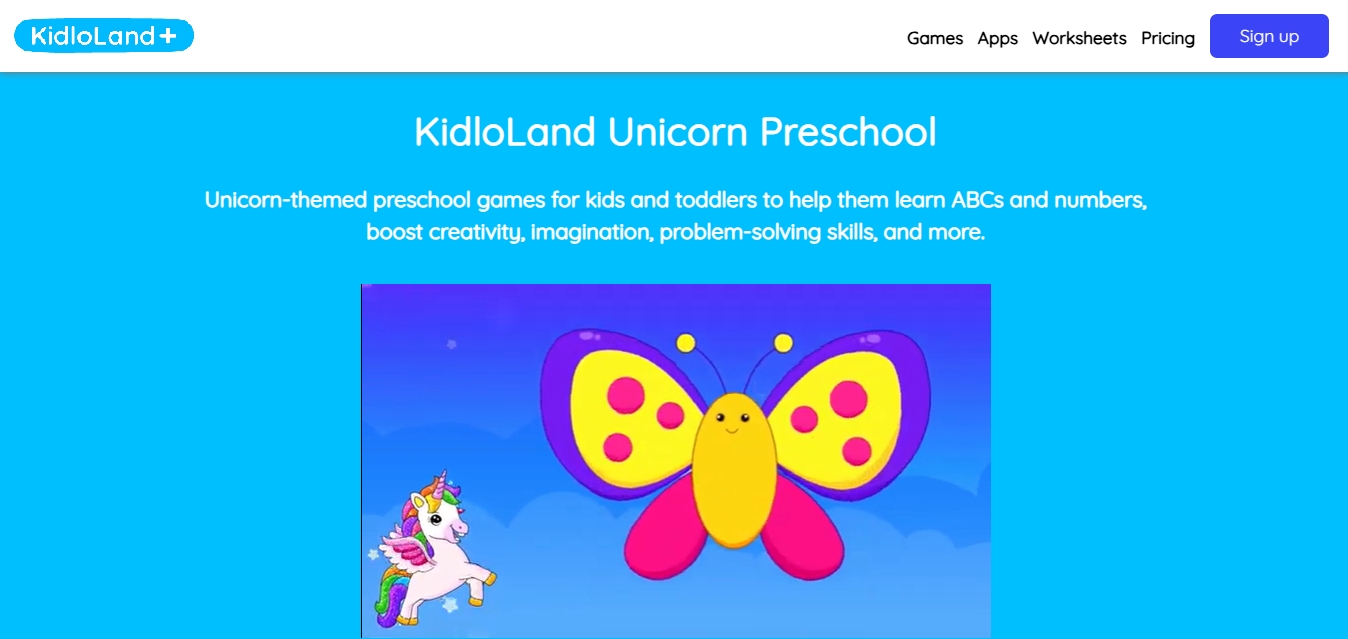
KidloLand’s Unicorn Pony pack is a preschool activity box wrapped in rainbow art. Kids tap through matching, coloring, dot-to-dot, jigsaws, memory, and letter play inside a unicorn world. Buttons are large. Scenes stay sweet. The goal is early learning dressed as magic, not a living pet that grows overnight. KidloLand publishes many toddler apps from its kids-learning catalog. Parents who already use the brand for ABCs often add the unicorn set because the theme keeps a child at the table. The tradeoff is breadth over story. You jump from puzzle to puzzle instead of raising one foal. For a three-year-old who wants both sparkle and skills, it is a useful extra beside a deeper care game.
Key features
- Coloring, puzzles, memory, and letter games
- Large, toddler-friendly buttons
- Unicorn-themed early learning scenes
Facts and information
- Made by KidloLand for preschool ages
- Activity mix rather than one long pet story
- Helpful as a skill snack next to care play
11. Flying Unicorn Simulator, Extreme Soft
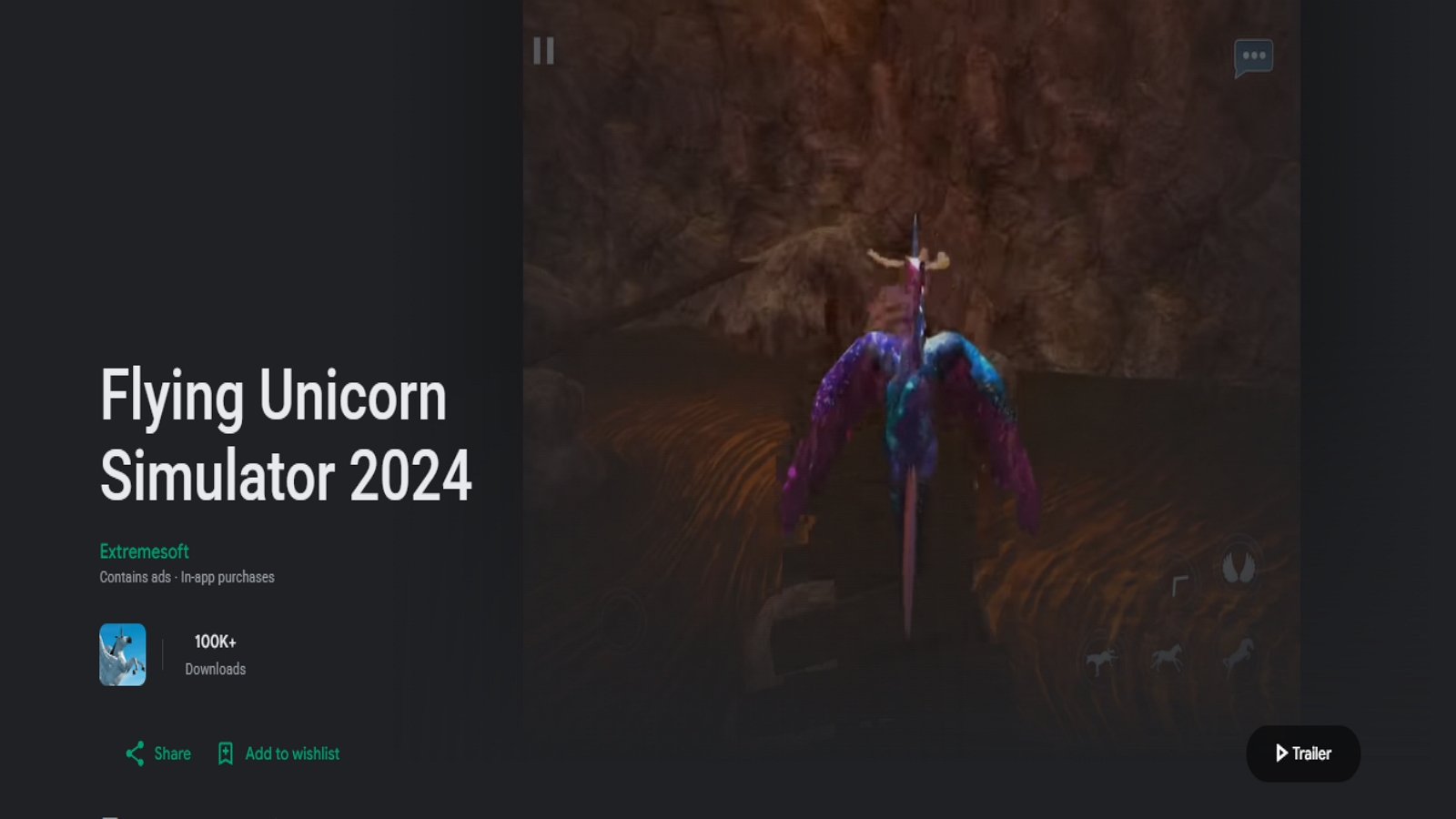
Flying Unicorn Simulator is an open flight toy. You lift off, glide over mountains and islands, and try time challenges. Later updates add friends such as a mermaid unicorn and a stardust unicorn, plus snowy trail maps. The pitch is simple: be a unicorn in the sky and look around. The control scheme is closer to a light simulator than a nanny game. Kids who love “I can fly” pretend will stay longer than kids who love feeding bottles. Landscapes try to look wide and pretty. There is less structured learning and less of a bedtime routine. An adult should check settings and shops before a first flight. As a contrast to grounded care play, it shows another way unicorn games work: motion and view, not chores and kindness.
Key features
- Free-flight over islands and mountains
- Extra unicorn friends and themed maps
- Time challenges and exploration
Facts and information
- Mobile flight sandbox with unicorn models
- Focus on riding and sightseeing
- Different loop from hatch, feed, and nap
12. Unicorn Games for Kids, Abuzz
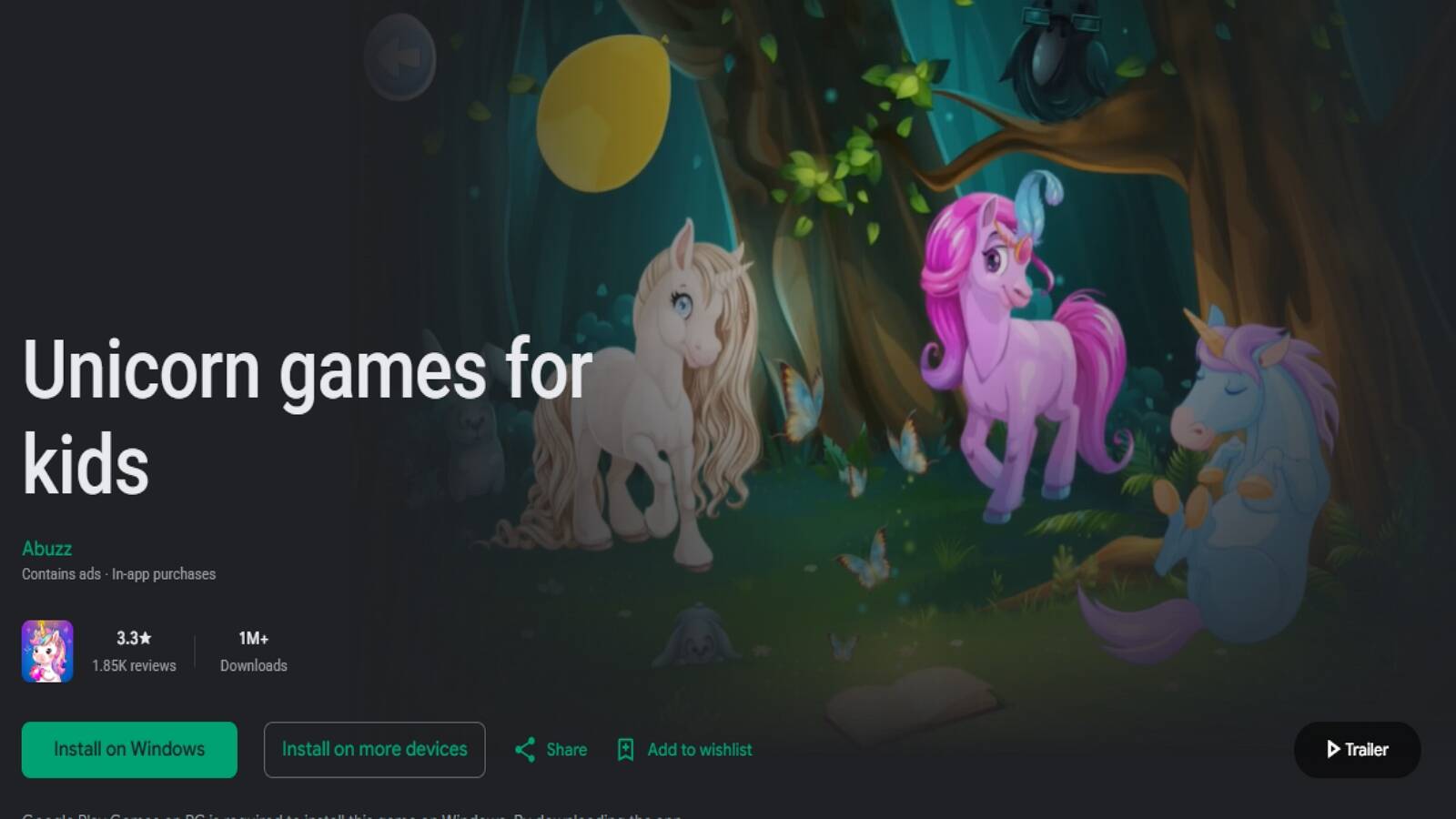
Abuzz makes a unicorn puzzle bundle aimed at very young children. Drag pieces onto cartoon scenes. Match shadows to pony shapes. Build jigsaws of rainbow kingdoms. The copy promises baby unicorns, pink clouds, and sparkles, and the play matches that promise. It is four logic toys under one horned roof. The design is preschool-first. Tasks are short. Art is flat and friendly. There is no open world and no dancing band. Parents use it when they want a quiet matching session. Kids who finish one board can start the next without a long story. Pair it with a richer care title if you want both puzzles and pretend parenting. Alone, it is a tidy unicorn workbook on a screen.
Key features
- Jigsaw, shadow match, and scene puzzles
- Preschool-friendly drag-and-drop
- Unicorn and pony picture themes
Facts and information
- Published by Abuzz as an early-learning puzzle set
- Built for short, guided sessions
- Skill practice with light story
How Kids Learn From Unicorn Care Play
Care games teach without a worksheet. Feed on time. Notice a sad face. Pick a coat. Clean up. Those acts map to real kindness and sit close to the social emotional games for kids. Many families use the same language at home: “Your pony is tired. What should we do?” That talk builds feeling words and pairs well with emotional regulation games for kids.
Music and dance titles add rhythm. Kpopsies style band play asks kids to copy moves and style a look. Coloring and memory games for kids add patience and focus. Confidence building games grow when a child finishes a care task and feels proud. A mix across one kids educational games collection keeps the theme fresh while skills stack. Empathy for one hour. Pattern play the next. Parents stay in one safe space, with more learning through play examples when they want extra ideas.
A Simple Way to Pick the Right Unicorn Game
Use this quick check before you download.
- If your child needs practice with kindness, a baby unicorn care game is a better fit. Feeding and bedtime feel like real help. That is especially true for the best educational games for toddlers and the best educational games for 5-year-olds.
- If they want a short energy burst, a rainbow runner works well. Jump, fly, and the session is done.
- If you want quiet time, coloring or memory play is kinder. The pace is soft and the end is clear.
- If friends are nearby, a hunt, a social pony town, or a card game can work. Shared turns or a search keep everyone in the same room.
- If you want one parent login, a curated club of games is simpler. The same account opens many worlds without extra shops. A family weekly planner can hold those short play windows beside meals and rest.
Ask what your child already loves. If they play house, start with a nanny unicorn. If they love K-pop sparkle, open a band of baby ponies. If they only want speed, try a dash. Keep sessions short. Sit nearby for the first time. Turn off extra chats on big platforms. Older kids who still like magic may prefer the best educational games for 6-year-olds or other mobile games for kids. On a shared tablet, tablet games for kids that stay calm and ad-free are easier to supervise.
Safe design still matters in 2026. Ad-free play, no surprise shops, and COPPA-minded studios give parents rest. That is why a single family plan with full games unlocked feels simpler than a pile of free apps.
FAQ
What age is best for online unicorn games?
Most unicorn care and coloring games fit young children who already enjoy pretend play, usually preschool through early elementary years. Runners, riding worlds, and card games tend to suit kids who can wait a turn, read a little, or time a jump. Watch how long your child stays calm and curious. If they get stuck or overstimulated, a shorter care loop or a quiet coloring page is often the better next step, the same pace many families look for in the best games for young kids. Sitting nearby the first times also helps them learn the buttons without frustration.
Are unicorn games only for girls?
No. Rainbows and ponies are a theme, not a rule. Many boys like hatching an egg, racing across clouds, dressing a silly pony, or playing music with a unicorn band. What matters more is the play style: care, dress-up, puzzles, music, or a short dash. Kpopsies - My Unicorn Band style play uses that same magical look while teaching rhythm and make-believe. Pick the activity your child already loves, then let the sparkle be the wrapper.
Can kids play unicorn games without ads?
Yes. Some titles stay free with ads, which can break the mood mid-bath or mid-dance. A family TutoClub subscription removes ads and opens full content across many games, including unicorn babysitting and band play. That keeps the story steady. Kids stay with the pony instead of tapping a banner. Parents also get one account to manage play across devices, which makes ad-free unicorn time easier to keep consistent.
Do unicorn games work offline?
Many pet care games need a first download and a login check, then work offline for everyday play. That is how a child can still feed, bathe, and sing a lullaby on a plane or in a waiting room. Browser worlds and big online islands need a live connection. The TutoClub website helps to note that the Internet is used to download games and verify a subscription, after which most TutoTOONS games can be played without a signal. Download on Wi-Fi first, confirm the account once, then enjoy the nursery games later.
What do kids learn from unicorn care games?
Unicorn care play teaches without a worksheet. Feeding on time, noticing a tired face, picking clothes, and cleaning up map onto real kindness and routine. Music and dance titles add rhythm and copy-me movement. Coloring and memory mini games add patience and focus. That mix sits close to how learning games build school skills, because children practice feelings, focus, and care through pretend play. Families often reuse the same language at home, such as asking what a sleepy pony needs.
Read Also:
- Best Safe Kids Games
- Best Learning Games for Kids Online
- Best Online Educational Games for Kids
- Best Educational Games for Kids
- Best Kids Games Educational
Start a calm, ad-free unicorn playtime with TutoClub today!