

Best Online Coloring Games In 2026






Looking for the best online coloring games in 2026? Kids enjoy filling pages with bright colors, glitter, and glow effects while building creativity and focus. TutoClub offers ad-free educational games that turn coloring into meaningful play.
Beyond coloring pages, families often look for more ways to support early skills. Explore the best apps for kids learning that build foundational abilities, the best educational games for kids iPad designed for larger screens, plus the best mobile games for kids and tablet games for kids that keep play both fun and purposeful across devices.
Unlock TutoClub and try many fun online coloring games today.
Why Online Coloring Games Help Kids Grow

Online coloring games give children a simple way to express themselves. They practice color recognition, hand-eye coordination, and focus as they choose shades and fill shapes. Many parents notice that short sessions of guided coloring calm restless energy and open the door to storytelling. Kids often talk about their finished pictures, which builds language skills too. Platforms that mix free drawing with structured color-by-number keep sessions balanced and purposeful.
When games stay ad-free and age-appropriate, the experience feels safe and positive for both kids and adults. These activities also support emotional growth. Choosing colors for a favorite character or scene lets children show how they feel without words. Regular play with creative tools can boost confidence as kids see their own artwork come to life. Families looking for the best online educational games for kids or the best dress up games for girls online often find that creative play like this pairs well with broader skill-building activities. Many also enjoy exploring learning through play activities that keep the focus on growth.
Key Features That Make a Coloring Game Stand Out in 2026
The strongest online coloring games offer more than basic fill tools. Look for neon brushes, glitter, glow effects, and stickers that keep young artists excited. Color-by-number modes help beginners while free-draw options give room for imagination. Themes featuring cute pets, princesses, or everyday scenes make the activity feel personal. Offline access or simple browser play removes friction. Most important, an ad-free design protects focus and keeps the session calm.
Games that connect coloring to other skills, such as caring for characters or learning shapes, deliver extra value for families who want screen time that supports development. Parents seeking fun educational games for kids often prioritize these exact qualities. Options that fit into a larger library of learning games for kids tend to hold attention longer. Safe design remains key, which is why many turn to the best safe apps for kids when choosing digital play.
Best Online Coloring Games In 2026
1. TutoClub - Best Online Coloring Games In 2026
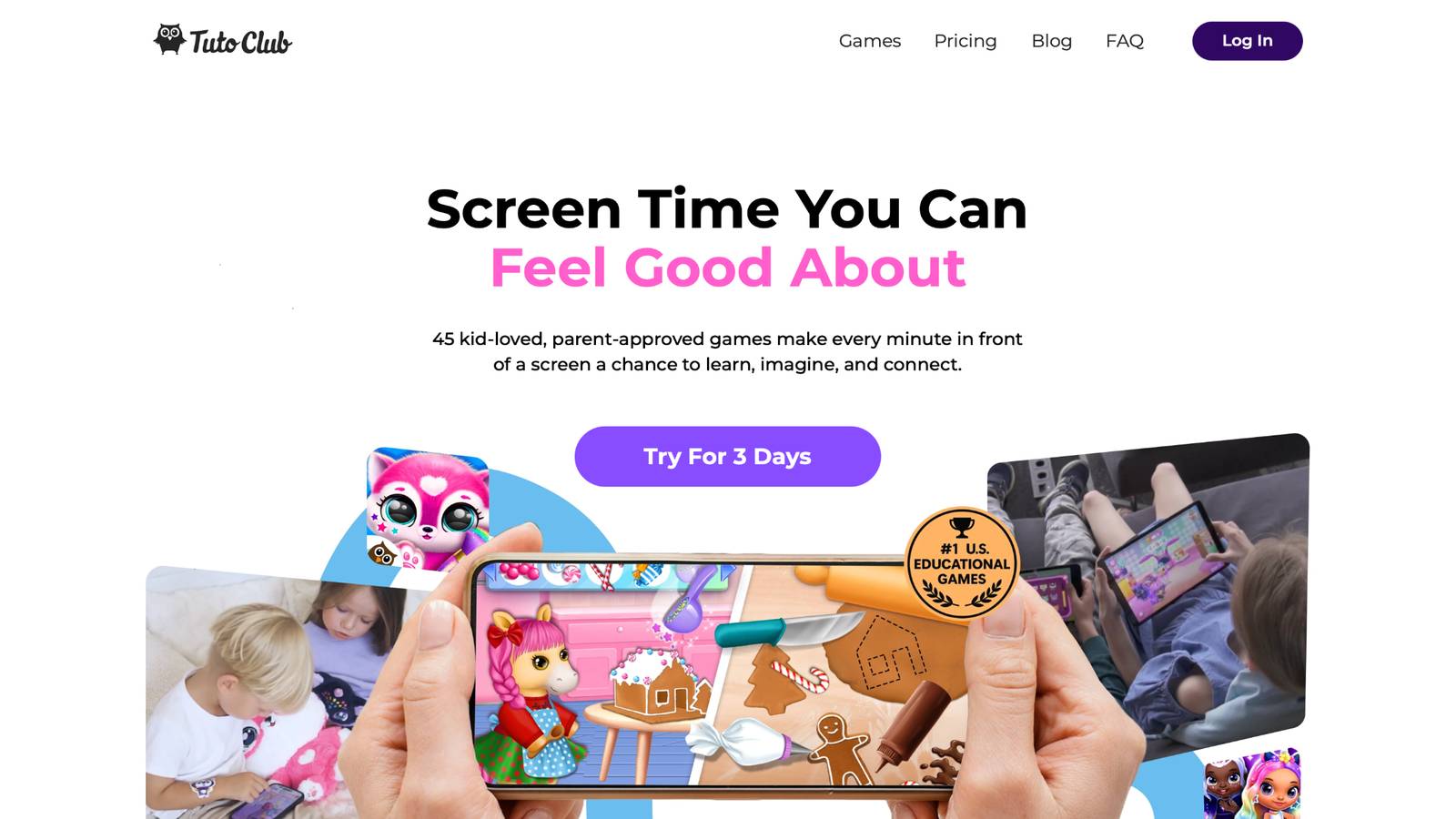
Tuto Coloring Club brings neon brushes, color spray, glow effects, and glitter glue to a collection of adorable pages filled with Fluvsies, Smolsies, Princesses, and Floof pets. Kids visit themed coloring islands, pick a character, and turn simple outlines into glowing masterpieces. Color-by-number modes guide beginners while free drawing lets older children experiment. Every tool feels fun and responsive on phones, tablets, and computers. The experience stays completely ad-free and unlocks as part of the full TutoClub subscription, which opens more than 45 educational games designed to build creativity, focus, and kindness. Parents appreciate the research-backed approach that turns coloring into real skill practice.
Children love the bright results and the chance to revisit favorite characters again and again. Facts and information: the game features multiple drawing modes, unlimited pages with a subscription, and seamless access across devices. It sits inside a larger library that also includes pet care, fashion, and everyday skill games so coloring never feels isolated. Families who want screen time that feels good choose this option first because the characters, tools, and learning goals work together so naturally.
- Highlights: Neon brushes, color spray, glow effects, glitter glue, color-by-number modes, free drawing, themed coloring islands with favorite characters
- Facts and Information: Part of a larger library of more than 45 educational games, fully ad-free, works across phones, tablets, and computers, supports creativity and focus through play
TutoClub Overview
TutoClub is your gateway to a magical world of educational games designed especially for children.
As part of TutoTOONS, a leading kids' games studio, we offer premium access to over 45 ad-free games.
Our mission is to blend learning and play, helping kids explore, create, and grow in a safe online space.
Thousands of parents trust us for family-friendly content that sparks imagination and builds essential skills.
Key Features
- Unlimited Access: Unlock full content in all games with no interruptions.
- Ad-Free Experience: Enjoy seamless play without any ads or distractions.
- Skill Development: Games foster creativity, social skills, communication, and more through fun activities like pet care and cleanup challenges.
- Regular Updates: Get new releases, exclusive content, and future updates automatically.
- Easy Subscription: Cancel anytime with no obligations, simple and flexible for families.
Explore Our World
TutoClub provides a rich ecosystem of educational games for kids, featuring ad-free experiences that promote creativity, focus, and emotional growth through play.
This platform turns screen time into valuable learning opportunities, with parent-approved content that builds essential skills and sparks curiosity in young minds.
- TutoClub Games: Over 45 educational games, including popular titles like Fluvsies, Smolsies, and the Sweet Baby Girl series
- Blog: Insights, tips, and stories for families on kids' learning and play
- FAQ: Comprehensive answers to frequently asked questions about subscriptions, features, and more
Get TutoClub on Your Device
TutoClub delivers premium kids educational games directly to your mobile devices, making learning accessible anytime, anywhere.
With apps available on major platforms, families can easily download and subscribe for ad-free play that turns screen time into skill-building adventures.
Perfect for parents seeking safe, engaging content on iOS, Android, or Amazon devices.
Why Choose TutoClub?
We're committed to 100% safe, enriching entertainment that kids love and parents approve.
Join the thousands who've seen their children thrive through playful learning.
Ready to start the adventure?
See why families choose TutoClub for meaningful screen time!
2. Fluvsies Academy
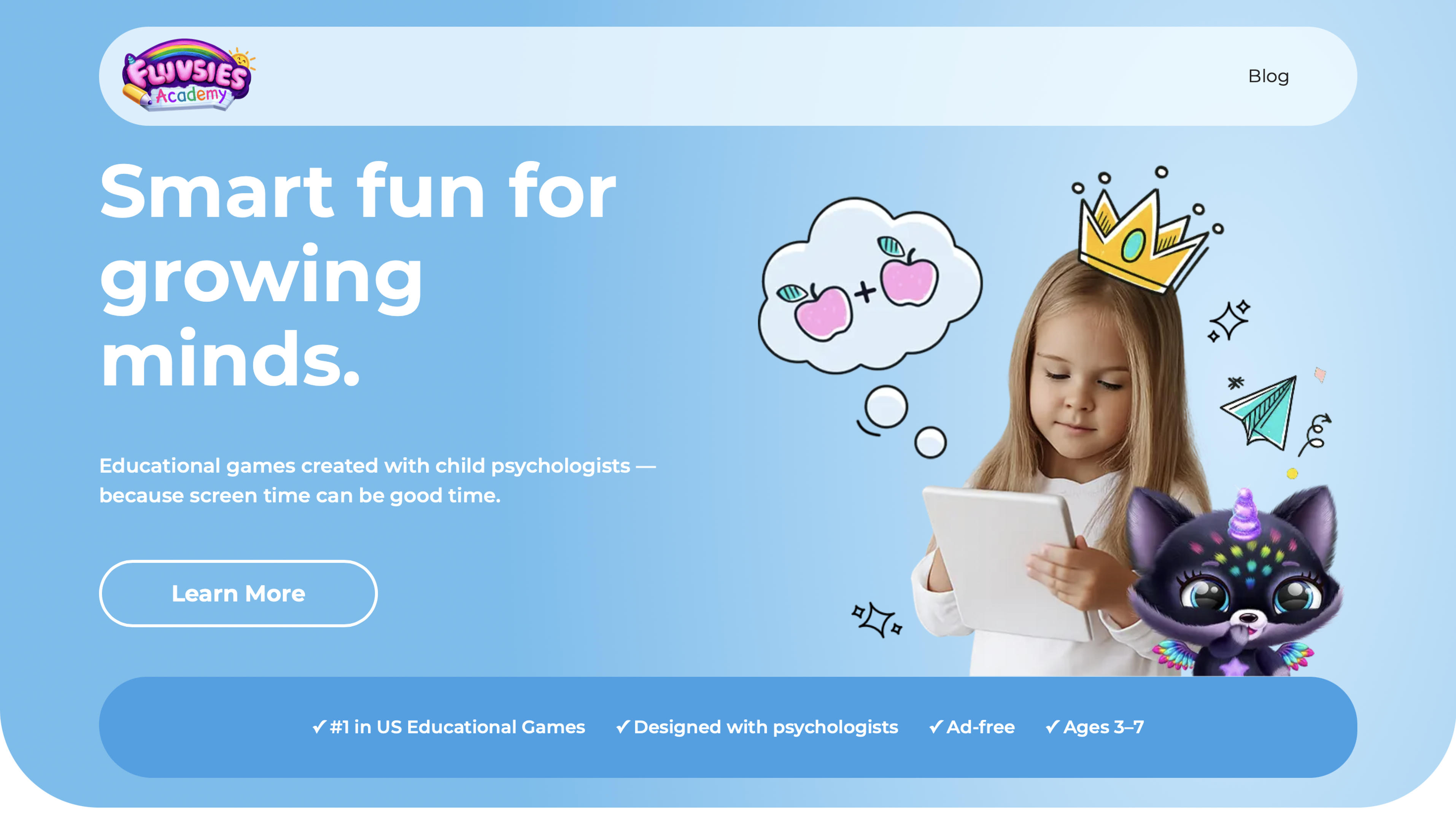
Fluvsies Academy delivers a bright collection of educational games made for children ages 3 to 7. Kids meet familiar Fluvsies characters and move through short activities that cover language, phonics, numbers, logic, sorting, and everyday life skills. Creative moments appear throughout the experience, giving children chances to express ideas while they learn. The platform was shaped with input from child psychologists so every activity feels gentle, focused, and age-right. Parents can view simple progress notes and print supporting materials that extend the play offline. Two styles of play sit side by side: active challenges that build attention and problem-solving, and calmer profession stories that introduce real-world jobs through imagination. The interface stays clean and free of distractions, which helps young users stay engaged without overwhelm. Many families appreciate how the same cute characters appear across different skill areas, creating a sense of continuity. Facts and information: the app centers on preschool foundations, includes both structured and open-ended moments, and keeps the entire library ad-free. It offers a balanced mix of learning and creative expression that feels natural for early childhood.
- Key features: language and phonics games, number activities, logic and attention challenges, sorting tasks, life skills and creativity sections, profession stories, progress tracking for parents
- Facts and Information: designed with child psychologists, fully ad-free, aimed at ages 3 to 7, includes both active learning and calmer play modes, supports printable materials
3. Color Pop
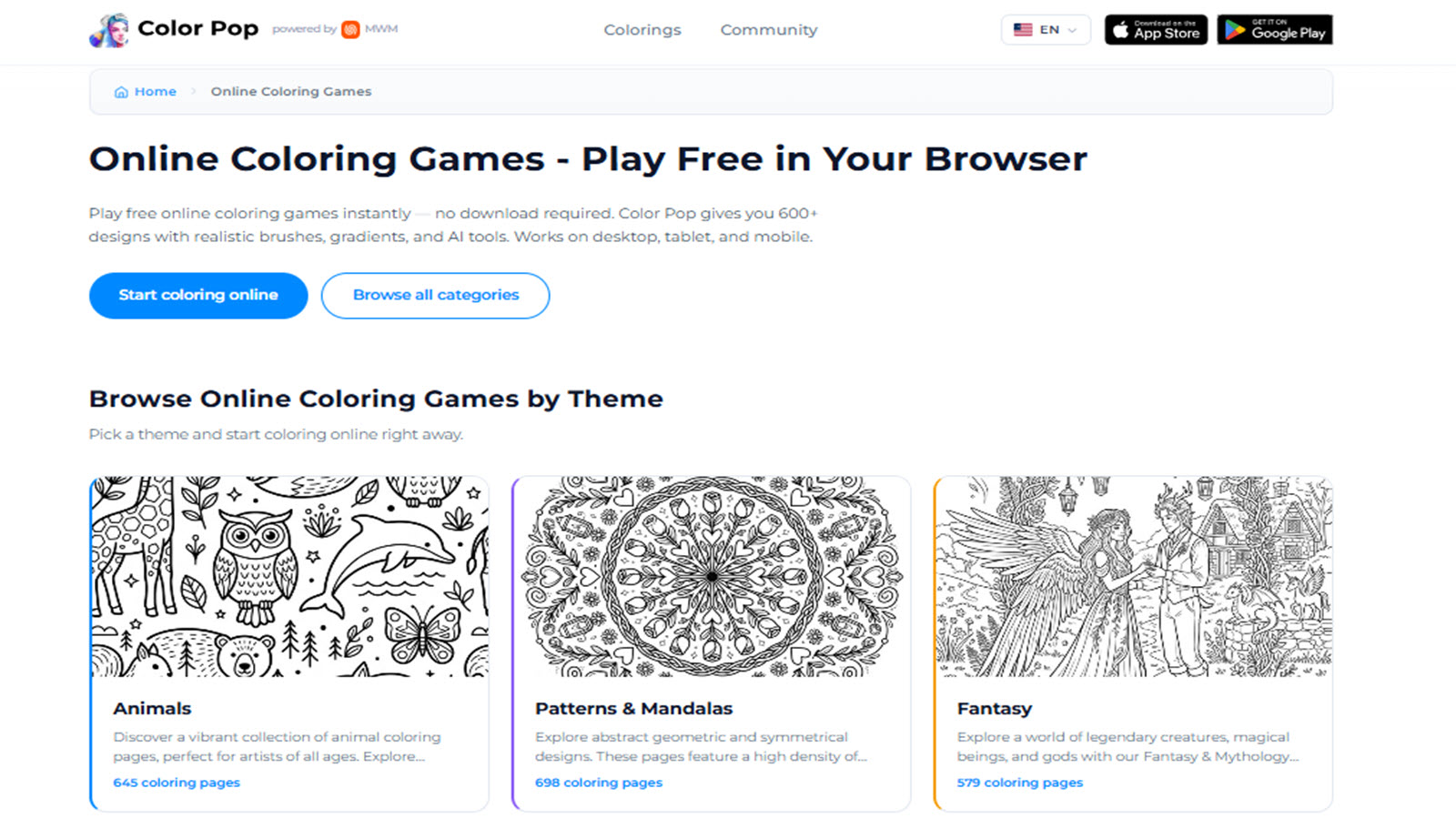
Color Pop lets children and families color hundreds of designs straight in a web browser. Themes range from animals and plants to mandalas, fantasy scenes, and seasonal pages. Users can pick realistic brushes, add gradients, and even generate custom pages with simple tools. The site works on phones, tablets, and computers without any download. Pages load quickly, and finished art can be saved or printed. The library keeps growing, so new designs appear regularly. Younger kids enjoy the larger, simpler shapes while older children can try more detailed line work. The interface stays straightforward, with clear color choices and easy undo options. Because everything runs in the browser, a child can start coloring within seconds of opening the page. Many families use it for short creative breaks during the day or as a quiet activity before bedtime. Facts and information: the platform hosts a wide variety of themes, supports both guided and open coloring styles, and runs fully online across common devices. It gives a flexible, no-install option for families who want instant creative play.
- Key features: browser-based play, realistic brushes and gradients, custom page generation, animal, mandala, fantasy, and flower themes, save and print options
- Facts and Information: large and growing library of designs, works on desktop, tablet, and mobile, no download required, supports both simple and detailed coloring
4. Coloring Games: Painting, Glow
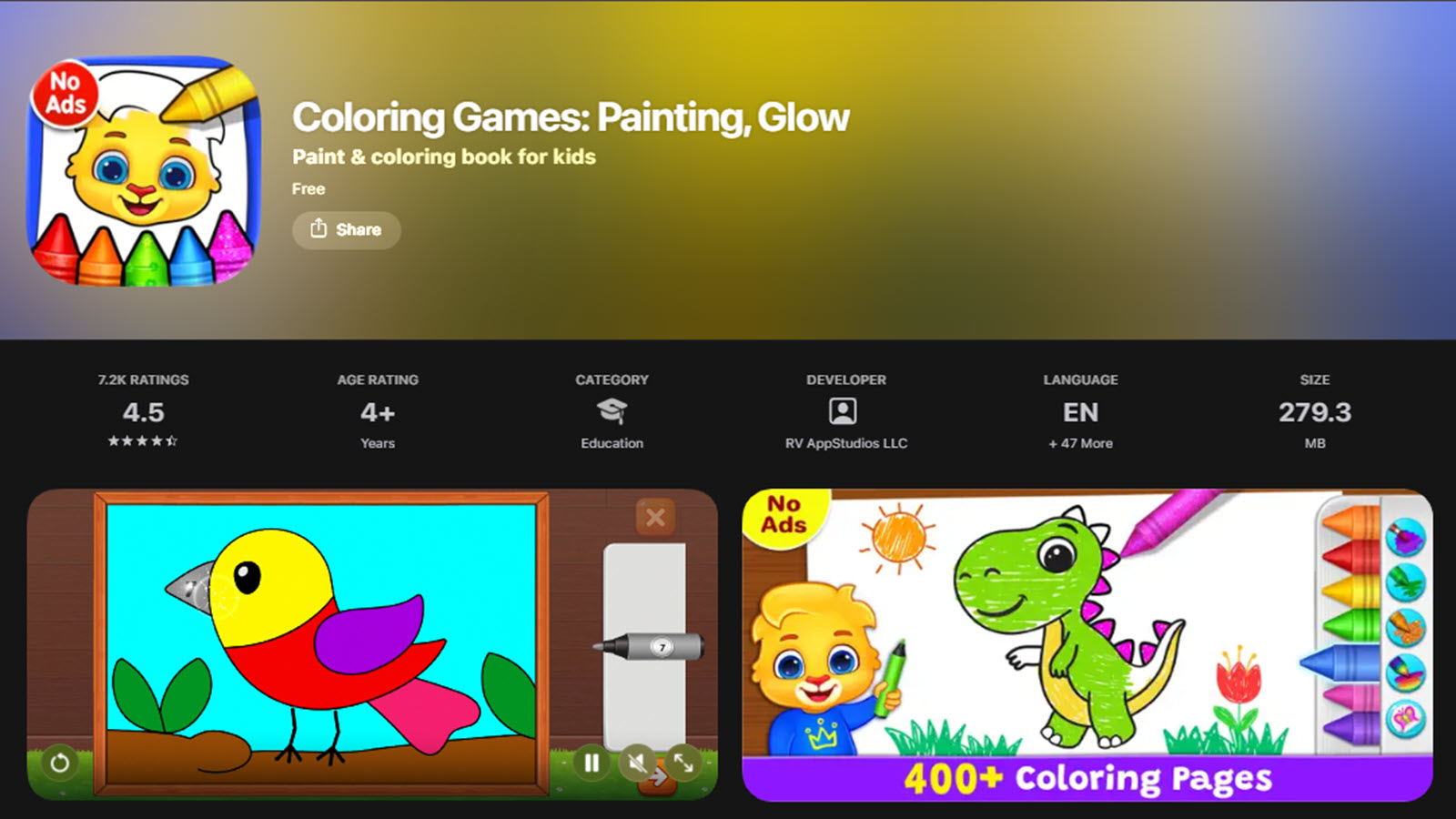
Coloring Games: Painting, Glow offers a free digital coloring book filled with bright pages and special effects. Kids can tap to fill sections, use glitter, add stickers, draw freehand, or try color-by-number modes. Glow and neon tools make finished pictures shine in a fun way. The app includes multiple mini-games that keep sessions varied. Profiles let parents set up different difficulty levels for each child. Everything stays free of ads and works offline after the first setup. The controls are large and simple, so even toddlers can join in. Themes cover everyday scenes, animals, and playful characters that appeal to a wide age range. Many children return to the same pages just to try new color combinations. The overall feel is calm and colorful, which helps kids settle into focused play. Facts and information: the app provides several drawing modes, supports offline use, and focuses on safe creative activities for young artists. It remains a popular choice for families looking for straightforward coloring fun without extra distractions.
- Key features: tap-to-fill, color-by-number, free drawing, glitter and stickers, glow and neon effects, parent profiles with adjustable difficulty, offline play
- Facts and Information: completely ad-free, multiple mini-game modes, suitable for toddlers through early elementary, works on phones and tablets
5. Happy Color
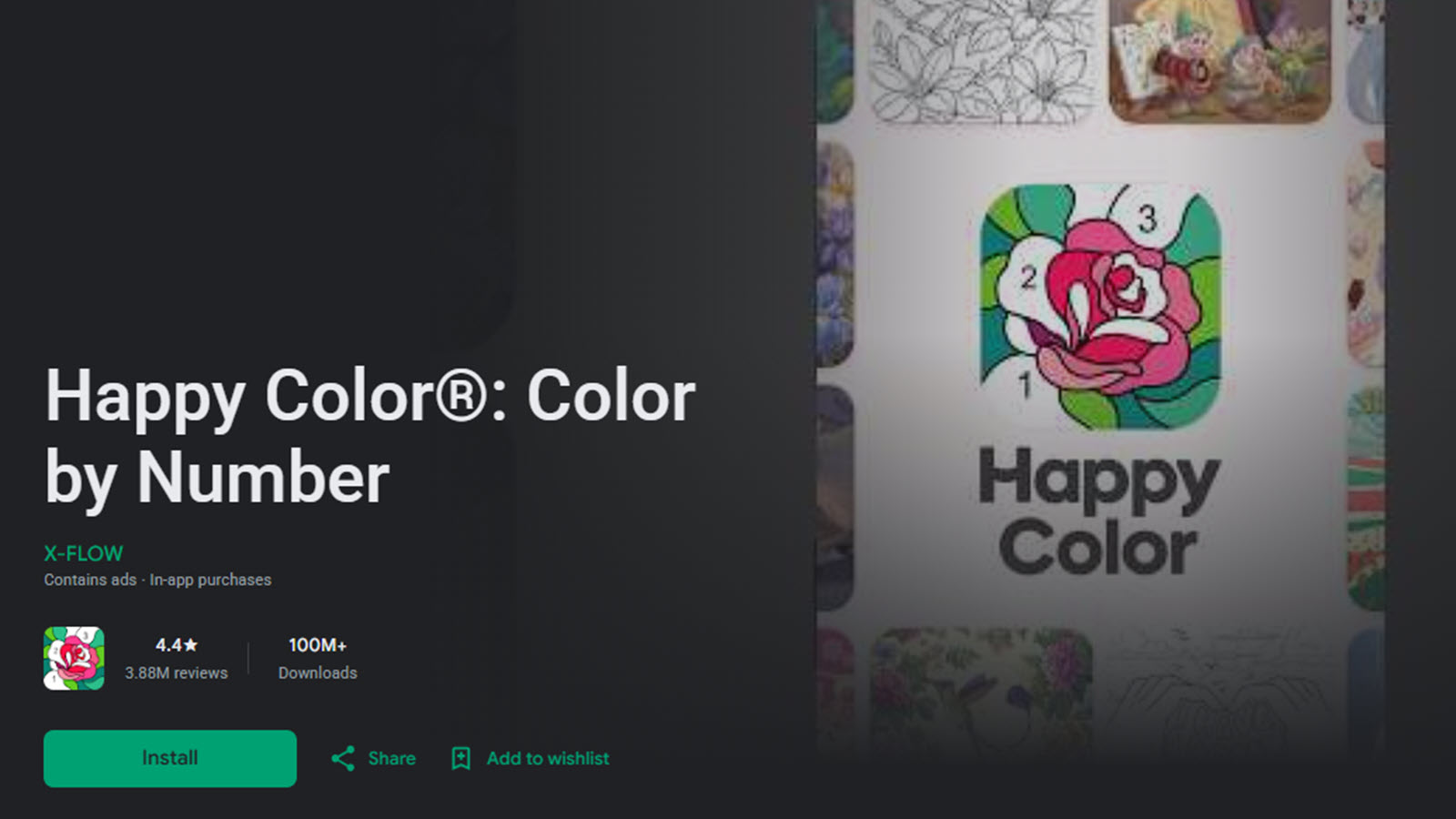
Happy Color centers on color-by-number pages that turn simple taps into complete pictures. The library includes a large mix of themes, from animals and landscapes to licensed characters and seasonal designs. New pages appear regularly so the experience stays fresh. Users can color offline once pages are downloaded, which makes the app handy for travel or quiet moments without Wi-Fi. The interface is clean and the color palette is easy to navigate. Younger children enjoy the guided approach while older users appreciate the growing variety. Finished pictures can be saved and shared if desired. The pace feels relaxed, with no timers or pressure, so kids can take their time. Many families use it as a calm screen activity that still feels creative. Facts and information: the app offers an extensive page collection, offline access for many designs, and a steady stream of new content. It suits users who prefer structured coloring that still produces satisfying results.
- Key features: color-by-number filling, large theme variety including licensed art, daily new pages, offline mode after download, save and share options
- Facts and Information: extensive library, works well on phones and tablets, relaxed pace with no timers, regular content updates
6. Pigment
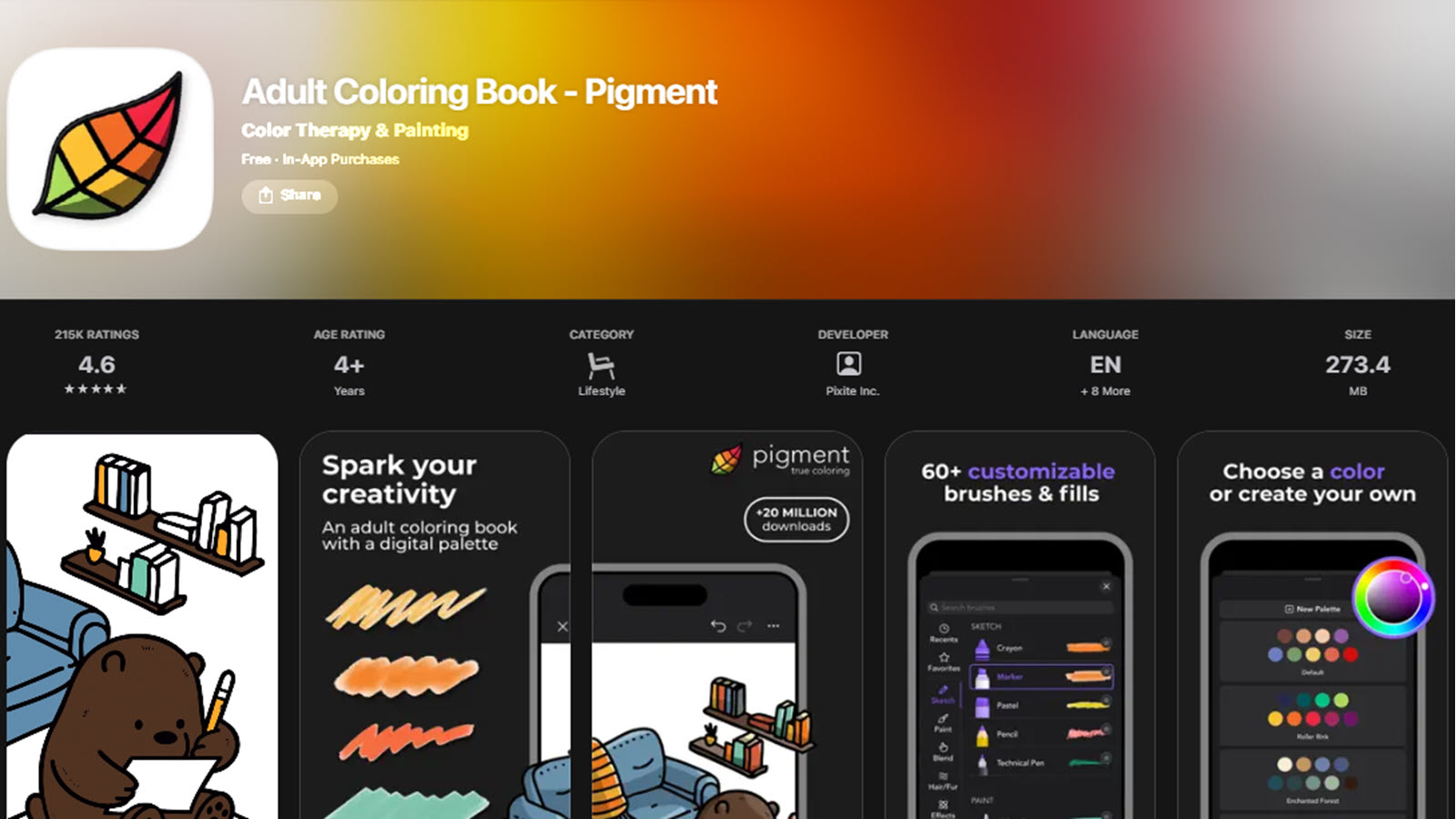
Pigment gives users realistic digital brushes and blending tools that feel closer to traditional paper coloring. Children and older artists can build up color layer by layer, mix shades, and add texture. The app supports stylus input on compatible tablets for more precise strokes. A wide library of pages covers everything from simple shapes to detailed illustrations. Users can zoom in for careful work or use larger tools for broader areas. The experience encourages slower, more thoughtful coloring sessions. Many people enjoy the sense of control over tone and shading. Regular updates bring new artwork, keeping the collection interesting over time. The interface stays uncluttered so the focus remains on the page itself. Facts and information: Pigment emphasizes realistic tools and blending, works well with stylus devices, and maintains a varied library of designs. It appeals to families who want a more art-like digital coloring experience.
- Key features: realistic brushes and blending tools, stylus support, zoom for detail work, varied page library from simple to complex, layer and texture options
- Facts and Information: strong focus on realistic coloring feel, regular new artwork, clean interface, suitable for both kids and older users who want more control
7. Kidmons Coloring Book and Paint Online
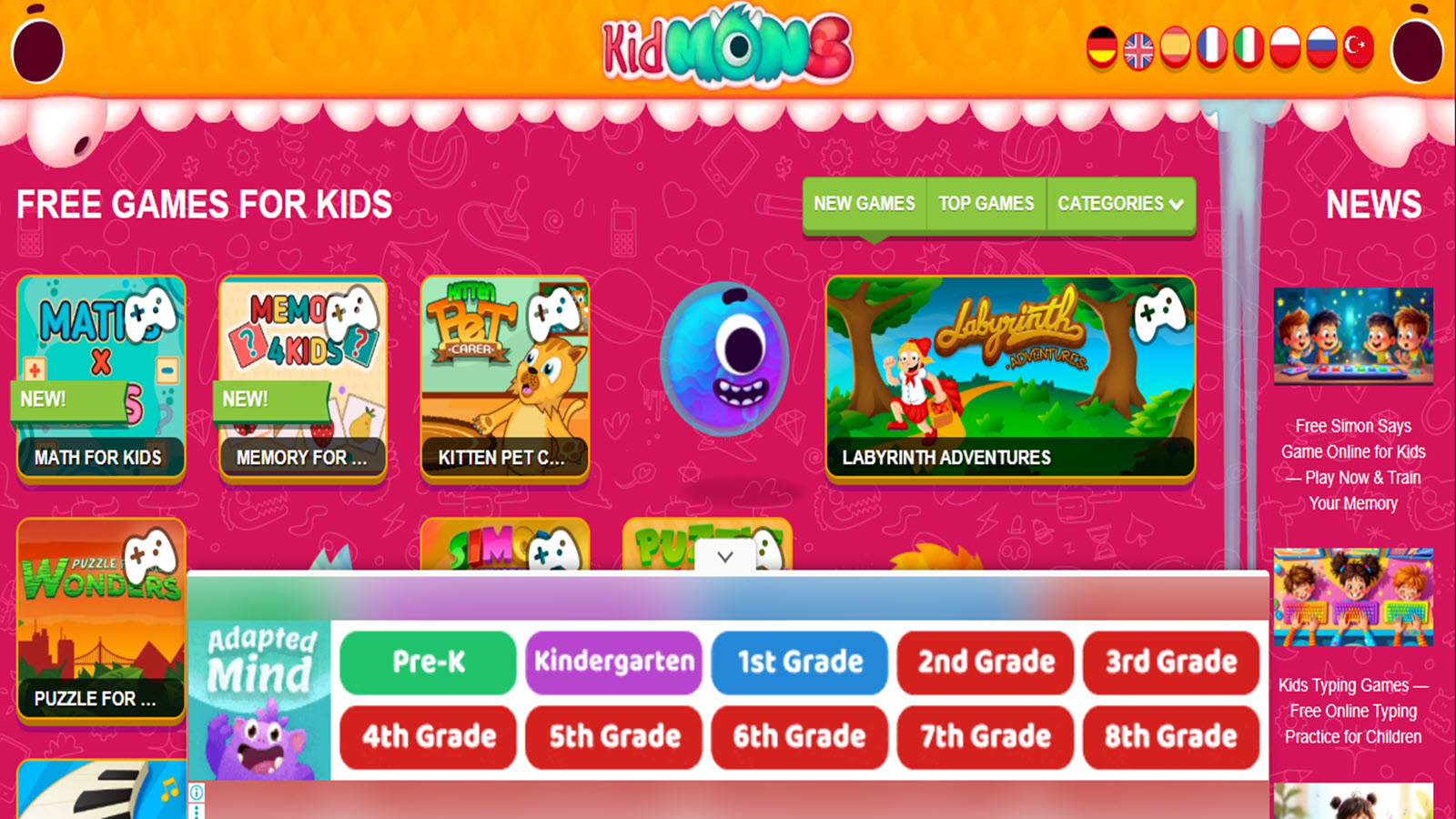
Kidmons provides free browser-based coloring pages and an open paint studio. Children can choose outlined scenes featuring animals, characters, or everyday objects, then fill them with simple tools. A blank canvas mode lets kids draw freely with brushes, stamps, and colors. Finished work can be saved or printed for display. No account or download is needed, so play starts right away on almost any device. The tools stay basic and child-friendly, which helps younger users feel successful quickly. Themes rotate and expand, giving fresh options over time. Many parents like the lack of registration and the ability to switch between guided pages and free drawing. The site works well for short sessions at home or in waiting rooms. Facts and information: Kidmons runs entirely in the browser, offers both structured and open creative modes, and requires no sign-up. It serves as an accessible option for families seeking instant, no-install coloring play.
- Key features: browser-based coloring pages, free paint studio with brushes and stamps, save and print options, no account required, guided and free-draw modes
- Facts and Information: works on any device with a browser, no download needed, child-friendly tools, rotating themes for variety
8. Crayola Create & Play
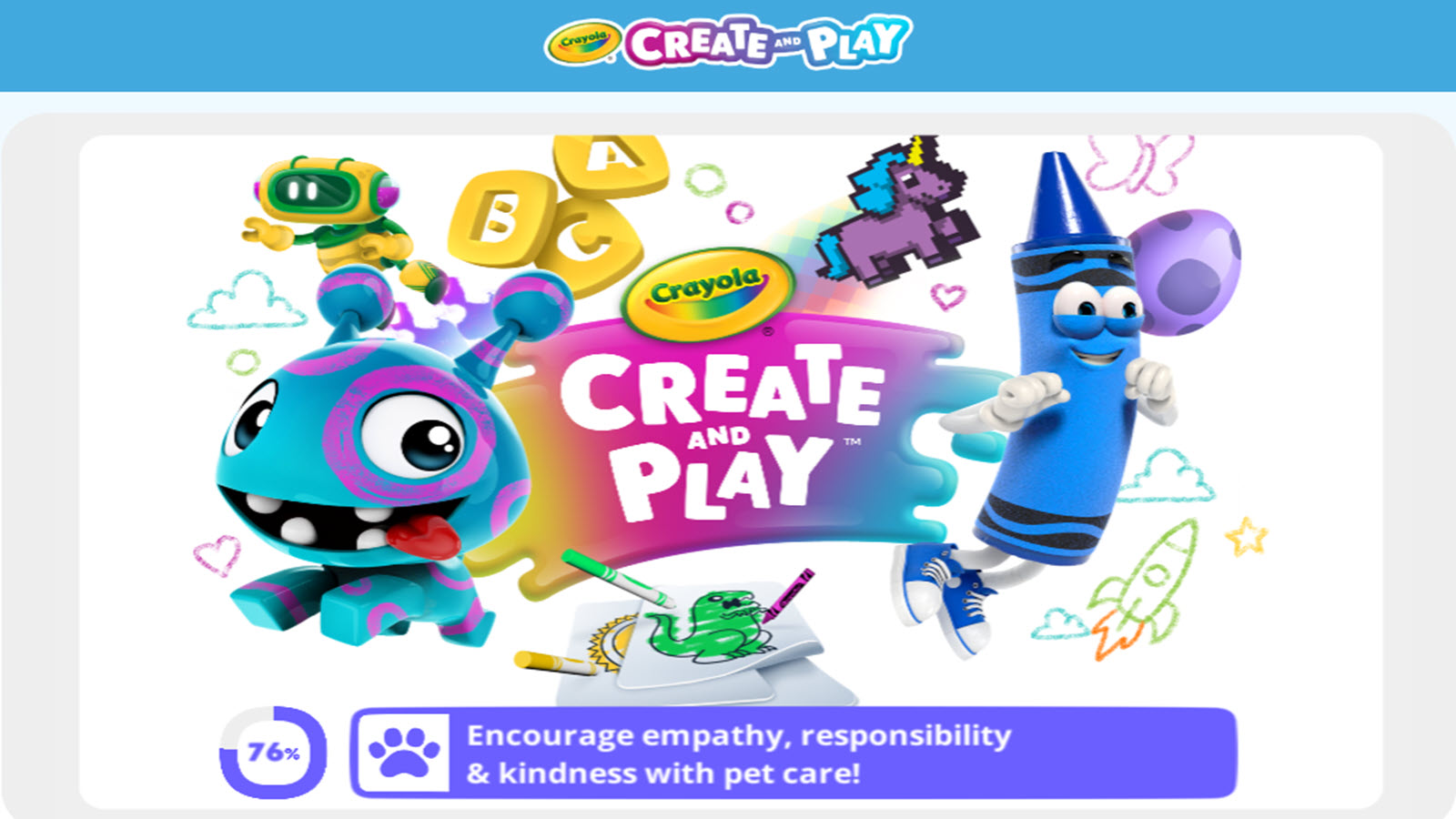
Crayola Create & Play brings the familiar Crayola brand into a digital creative space. Kids can color pages, mix virtual crayons, try free drawing, and explore related activities such as tracing or simple games. The color selection feels generous, and special tools like glitter effects add extra fun. The app is designed for children roughly ages 3 to 8 and includes parental controls for safer use. Themes stay bright and friendly, matching the classic Crayola look. Many children enjoy switching between coloring and other creative modes within the same app. The overall experience encourages experimentation without pressure. Regular content updates help keep interest high. Facts and information: the platform combines coloring with additional art activities, draws on a well-known brand, and targets early childhood creativity. It offers a colorful, multi-activity environment that many families recognize and trust.
- Key features: digital coloring pages, virtual crayon mixing, free drawing, tracing activities, glitter effects, parental controls, multiple creative modes
- Facts and Information: aimed at ages 3 to 8, draws on the classic Crayola brand, includes a mix of coloring and related games, regular content updates
9. Disney Coloring World
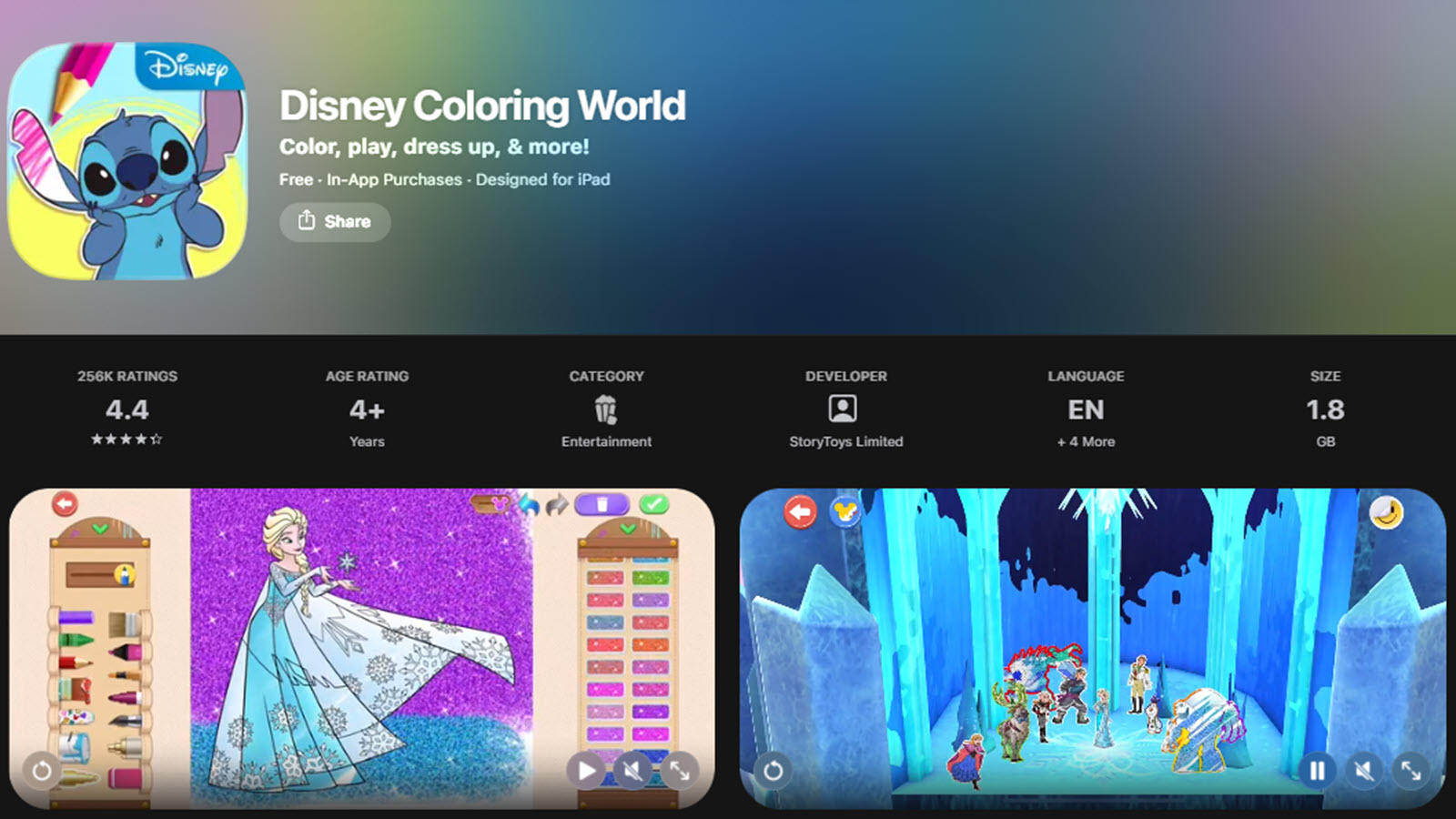
Disney Coloring World fills pages with beloved characters from Frozen, Mickey Mouse, Toy Story, and many other stories. Children color with brushes, crayons, glitter, and special fill tools, then place their finished characters into interactive 3D playsets. The Magic Color option helps younger users complete pages cleanly. Dress-up and decoration features extend the creative play beyond the initial coloring. The library includes a large number of pages that continue to grow. The experience feels immersive because coloring leads directly into storytelling and pretend play. Many kids enjoy revisiting favorite characters in new scenes. The tools stay simple enough for small hands while still offering variety. Facts and information: the app features extensive Disney and Pixar content, combines coloring with 3D play, and supports both guided and free creative modes. It appeals strongly to families who already love the characters.
- Key features: large library of Disney and Pixar characters, brushes, crayons, glitter and fill tools, Magic Color option, interactive 3D playsets, dress-up features
- Facts and Information: extensive character collection that continues to grow, combines coloring with pretend play, simple tools suitable for young hands
10. Colorfy
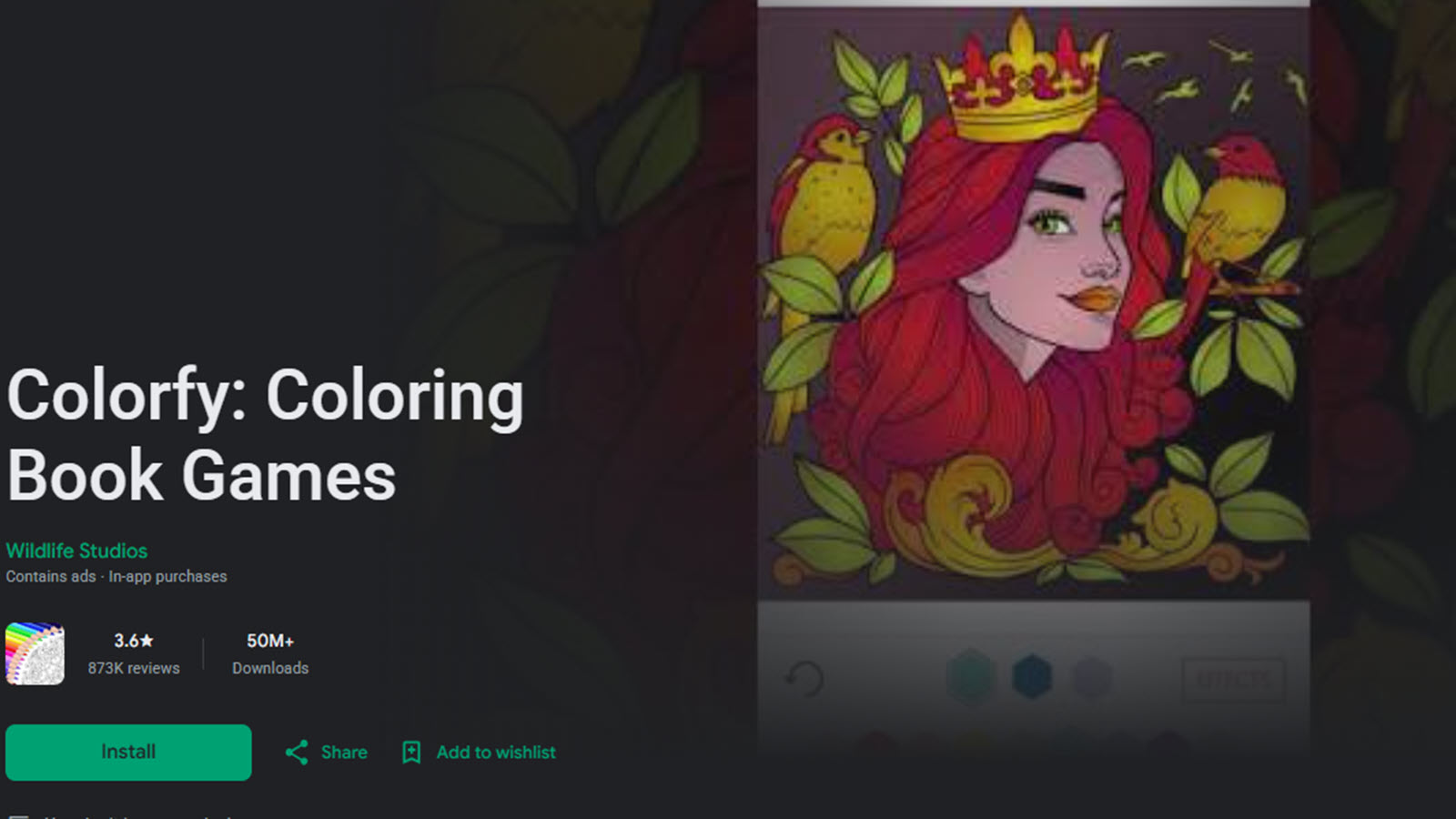
Colorfy presents a large selection of coloring pages that include mandalas, animals, florals, patterns, and more. Users tap or brush to fill areas and can recolor pages as often as they like. The app works offline, making it useful for travel or quiet moments away from Wi-Fi. Sharing options let families save or show finished work. The interface is straightforward, with clear palettes and easy navigation. Both simple and more detailed designs appear in the library so different ages can find suitable pages. Many people use it as a relaxed creative break. New content arrives over time, keeping the collection active. Facts and information: Colorfy offers a broad range of themes, offline capability, and simple fill tools. It serves as a flexible coloring option for casual creative play across age groups.
- Key features: tap and brush filling, mandalas, animals, florals and patterns, offline mode, recolor options, share finished work
- Facts and Information: large theme variety, works offline, simple interface for easy navigation, regular new content
11. Lake
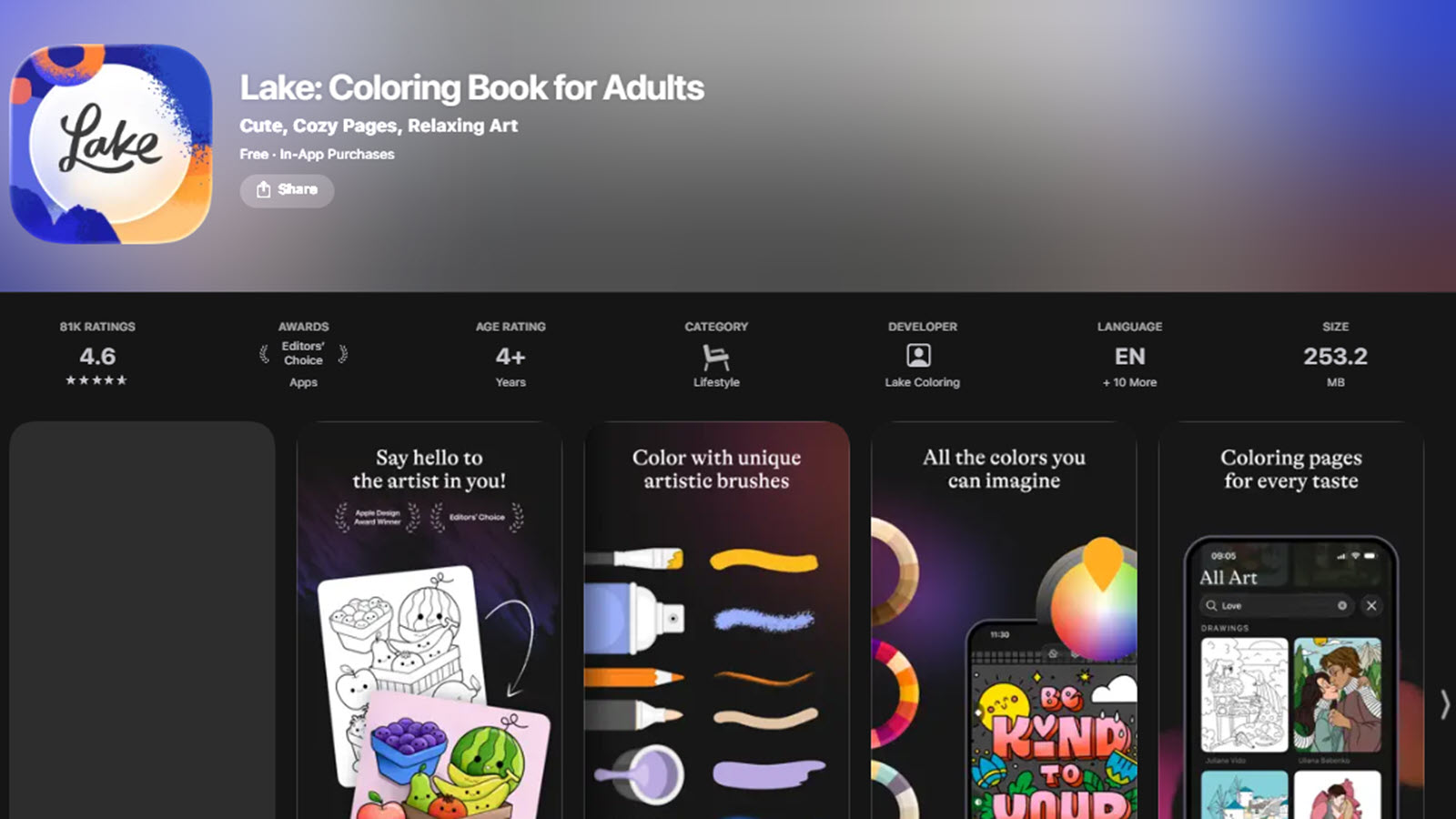
Lake focuses on high-quality, hand-drawn illustrations created by independent artists. Users color with a rich palette of shades and realistic tools that support careful blending. New pages arrive regularly, and the selection includes both calm and more detailed designs. The experience feels intentional and artistic, which can encourage longer, more focused sessions. Stylus support on tablets adds precision for older children or parents who color alongside kids. The overall mood stays peaceful and creative. Many users appreciate the curated feel of the artwork. The app works well for families who want something a step beyond basic fill-in pages. Facts and information: Lake features artist-created illustrations, offers advanced color tools, and receives regular new content. It suits users looking for a more refined digital coloring experience.
- Key features: hand-drawn artist illustrations, rich color palette, realistic blending tools, stylus support, regular new page releases
- Facts and Information: curated high-quality artwork, peaceful creative focus, works well on tablets with stylus, ongoing content additions
12. Little Kids Games Coloring
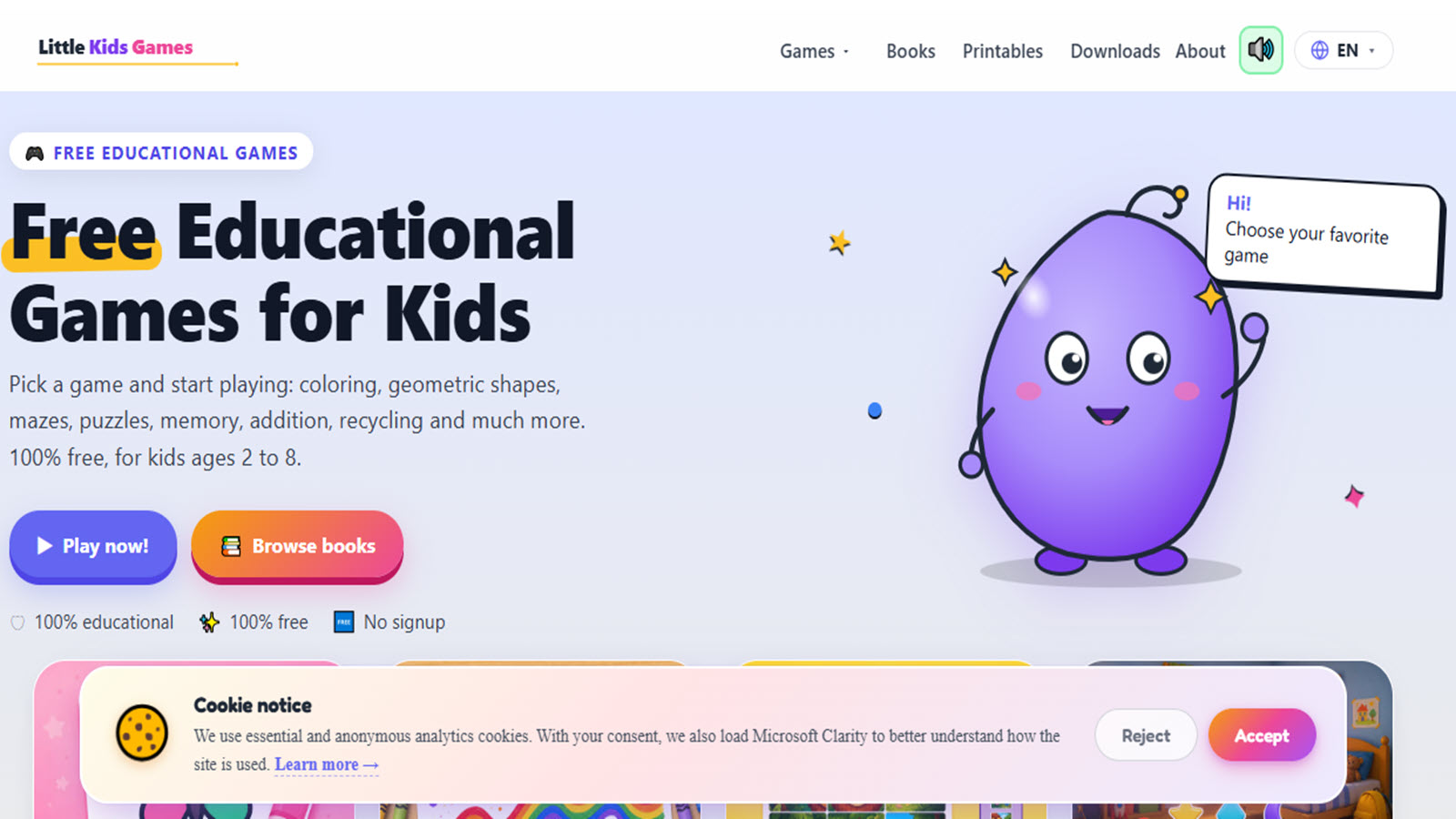
Little Kids Games offers free browser coloring pages along with drawing, shape, and simple puzzle activities for ages 2 to 8. Children can pick from hundreds of outlines covering animals, vehicles, nature, and everyday objects. Tools include fill, brush, and eraser options, plus a print feature for finished work. Everything stays open with no sign-up required. The site also includes related educational games so coloring can lead into other skill practice. Multilingual support helps more families use the content. The design stays clean and easy for young users. Many parents like the combination of creative and basic learning activities in one place. Facts and information: the platform provides free browser access, a large page library, and related educational mini-games. It works well for short, varied play sessions without downloads.
- Key features: hundreds of free coloring pages, fill, brush and eraser tools, print option, related drawing and puzzle games, no sign-up required
- Facts and Information: aimed at ages 2 to 8, browser-based with no download, multilingual support, mixes coloring with basic educational activities
13. Coloring Bunny Online Tool
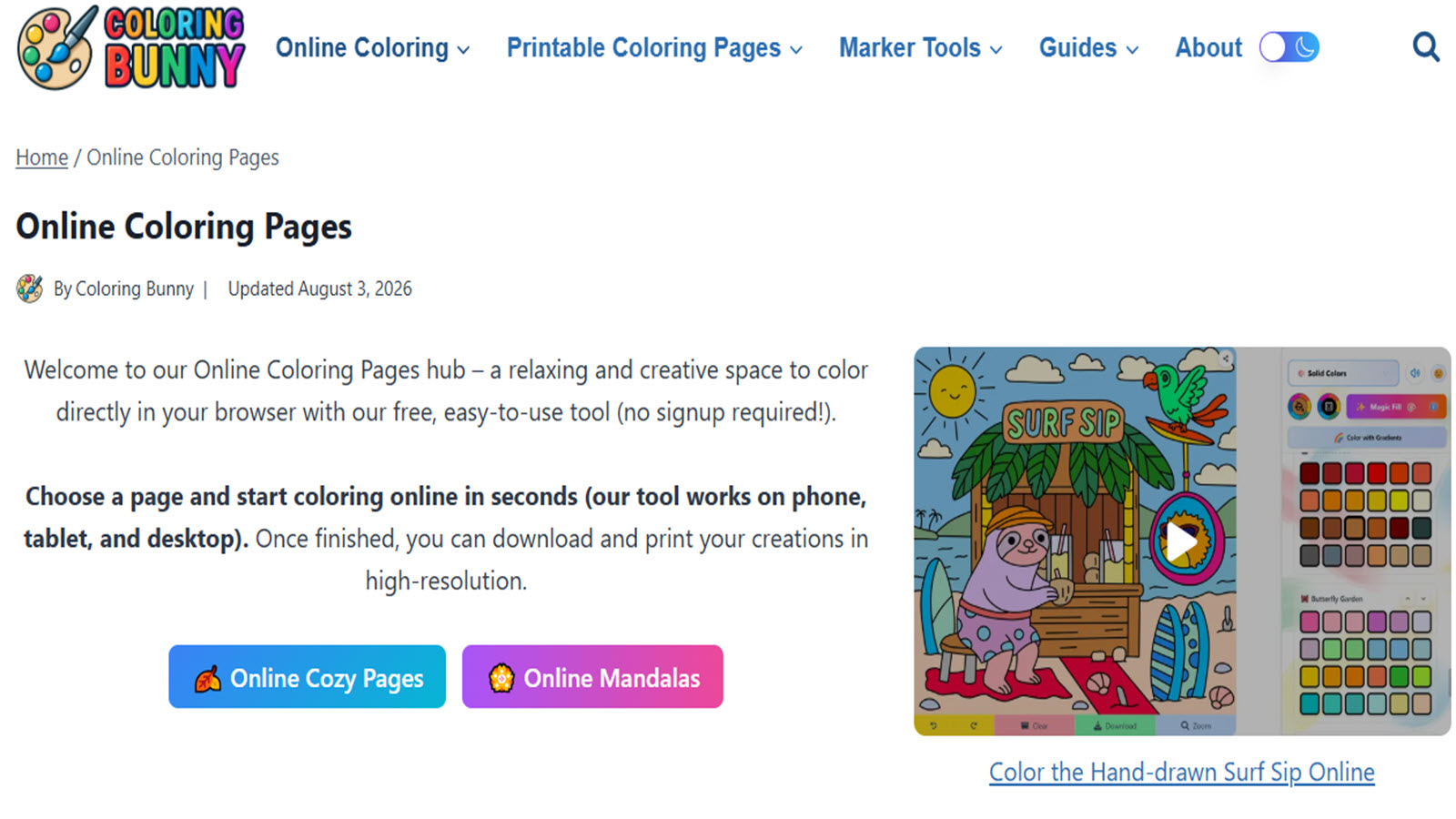
Coloring Bunny lets users color hand-drawn cozy pages directly in a web browser. Themes include seasonal scenes, characters, and calm everyday moments. The tool requires no account and saves progress automatically in the browser. Finished art can be exported in high resolution for printing or sharing. The pages feel carefully illustrated, which makes coloring satisfying. Controls stay simple so children can start quickly. New designs appear over time, giving fresh options. The overall atmosphere is gentle and inviting. Many families use it for relaxed creative moments at home. Facts and information: the site runs fully in the browser, features hand-drawn pages, and supports easy export of finished work. It offers a calm, no-registration coloring experience.
- Key features: hand-drawn cozy pages, browser-based coloring, automatic progress save, high-resolution export for print or share, seasonal and character themes
- Facts and Information: no account needed, simple controls for quick start, regular new designs, calm and inviting style
14. Kid Doodle
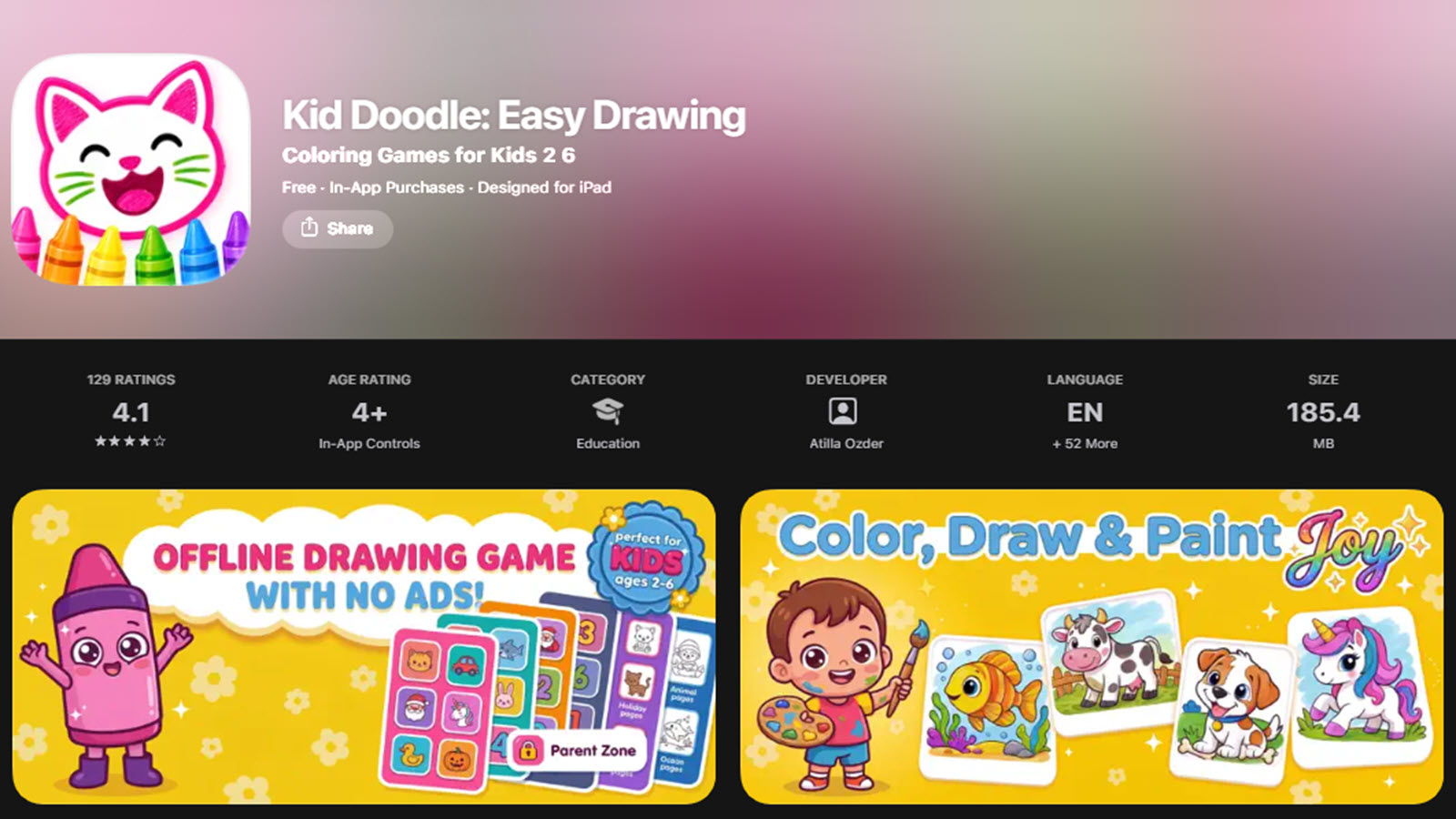
Kid Doodle is a free coloring and drawing app aimed at toddlers and preschoolers ages 2 to 6. Children can color themed pages featuring animals, vehicles, space, seasons, and more, or open a blank canvas for free doodling. Tools include simple brushes and fill options designed for small hands. The app works fully offline and stays free of ads. Parental controls help keep the experience safe. New pages are added regularly so the library stays interesting. The focus remains on easy, joyful creative play without complicated menus. Many young children enjoy the large buttons and clear visuals. Facts and information: Kid Doodle emphasizes offline play, age-appropriate themes, and a safe environment for early artists. It serves as a straightforward first coloring and drawing app for the youngest users.
- Key features: themed coloring pages, free doodle canvas, simple brushes and fill tools, large buttons for small hands, offline mode, parental controls
- Facts and Information: designed for ages 2 to 6, fully ad-free, works offline, regular new pages, focuses on easy creative play
15. Supercoloring and Free Browser Collections
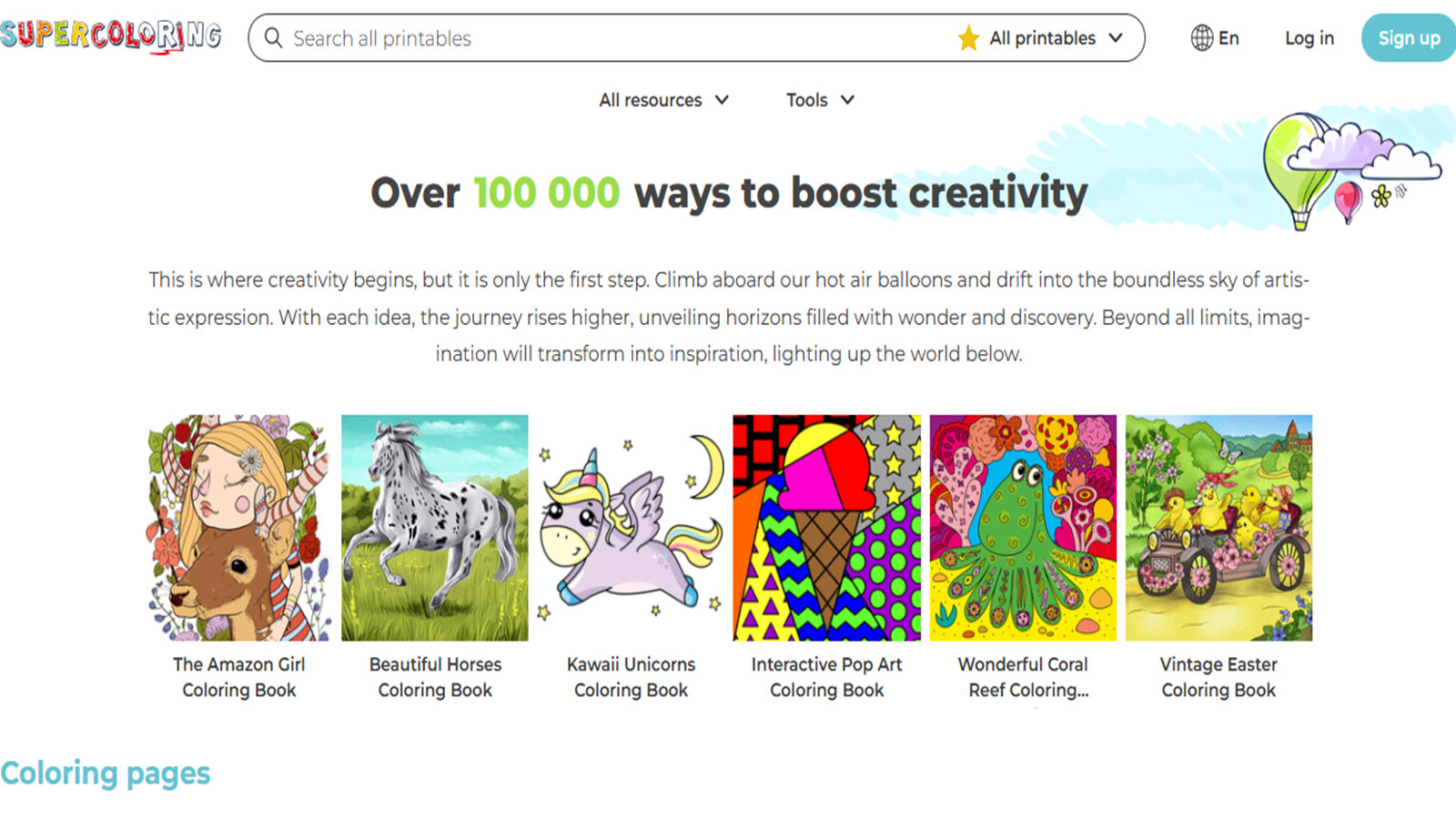
Sites such as Supercoloring and similar free browser collections host large libraries of online coloring pages. Kids select a picture from categories like animals, holidays, vehicles, or characters and fill it with basic tools. Many pages can also be printed for offline coloring with crayons or markers. No download or registration is required, so play begins immediately on almost any device. The variety is wide, which helps different ages and interests find something appealing. Simple interfaces make the experience accessible even for first-time users. Families often use these sites for quick creative sessions or as a supplement to other activities. Facts and information: these platforms offer extensive free page libraries, browser-based access, and print options. They provide an easy, no-install way for children to enjoy coloring anytime.
- Key features: large free page libraries, basic fill tools, print-ready options, categories including animals, holidays and vehicles, no registration or download
- Facts and Information: browser-based access on any device, wide theme variety, suitable for quick sessions, simple interfaces for easy use
How Online Coloring Supports Learning Beyond the Screen
Coloring online helps children notice patterns, plan their next move, and stick with a task until it is finished. These habits transfer to schoolwork and everyday routines. When a game links coloring to caring for a character or completing a small story, kids practice empathy and sequencing at the same time. Many families use finished pictures as conversation starters or print them for display, which adds a real-world reward. Short daily sessions of 10 to 15 minutes often feel more productive than longer passive screen time.
Platforms that stay calm and free of interruptions make it easier for children to settle into the activity and leave feeling proud of what they made. This kind of focused creative play fits well with the best kids games educational approaches that value both fun and skill growth. Families interested in tablet games often look for the same balance of engagement and purpose. Exploring brain games for kids can also show how early creative activities build lasting foundations.
Choosing the Right Coloring Game for Your Child
Match the game to age and interest. Younger kids often prefer big shapes, bright colors, and simple tap-to-fill tools. Older children enjoy more detailed pages, free drawing, and special effects like neon or glitter. Safety remains the top priority: choose options without ads, in-app purchases that interrupt play, or external links. Look for games that work across the devices your family already owns. A subscription that opens many related activities can keep interest high longer than a single coloring app. Test a free trial when available so you can watch how your child responds before committing. Parents comparing options often review the best apps for preschoolers and the best games for young kids for similar guidance. Many also find value in resources about educational games for kids at home when building a balanced play routine.
FAQ
What age group works best with online coloring games?
Most online coloring games suit children ages 3 to 8 especially well. Younger kids often enjoy larger shapes, bright colors, and simple tap-to-fill tools that feel easy to control. Older children usually prefer more detailed pages, free drawing options, and special effects like neon or glitter that let them experiment further. Matching the activity to a child’s attention span and skill level helps keep the experience positive and engaging. Platforms that support creativity while staying age-appropriate make screen time feel purposeful for many families interested.
Do online coloring games need an internet connection?
Many browser-based coloring games need a connection to load pages at first. Some apps allow offline play after the initial download, which works well for travel or quiet moments without Wi-Fi. Subscription platforms often include options to download content ahead of time for low-signal situations. Checking the specific game’s features shows whether offline access is available. This flexibility helps families enjoy creative play through mobile games for kids in different settings without interruption.
Can coloring games help with fine motor skills?
Yes, online coloring games support fine motor development in useful ways. Using a finger or stylus to fill small areas and stay inside lines strengthens hand control and coordination. Regular practice with these tools builds skills that later help with writing and drawing. Games that offer adjustable difficulty let children improve at their own pace while still having fun. Many parents notice that short sessions of focused coloring also encourage patience and attention to detail as part of learning through play activities.
Are there completely free options without ads?
Several browser tools and dedicated apps offer free coloring experiences that stay free of ads. These options usually provide a solid selection of pages and basic tools without interruptions. Other platforms unlock fuller libraries and extra features through a subscription model. Reading the description and trying a short session quickly shows how the experience feels. Safety and calm play remain the main priorities when choosing any educational games for children.
How do online coloring games support creativity and learning overall?
Online coloring games for kids give children a simple way to express ideas through color choices and design. They practice color recognition, planning, and focus while turning blank outlines into finished pictures. Linking coloring to themes like favorite characters or everyday scenes can spark storytelling and emotional expression. Short, balanced sessions often feel more productive than passive screen time because kids leave with something they created. When the experience stays ad-free and purposeful, families find it easier to feel good about the activity as part of healthy screen habits.
Read Also:
- Best Educational Games for Kids
- Best Online Educational Games for Kids
- Best Learning Games for Kids
- Best Kids Games Educational
- Tablet Games for Kids
Unlock TutoClub and try many fun online coloring games today.