


Best Games for 4 Year Olds Online in the US 2026






Parents in the US want the best games for 4 year olds online that keep little ones busy while building real skills. Many options mix fun characters with simple tasks like sorting colors or caring for pets. These online games for preschoolers help with focus and kindness without ads getting in the way.
As children move past preschool, many families look for the next level of calm screen time. Guides covering the best educational games for kids age 5 help with that transition, while options for the best educational games for 6 year olds, the best educational games for 7 year olds, and the best learning apps for kids 8 years old keep building focus, kindness, and early skills without ads.
Discover safe, skill-building play for your 4-year-old with TutoClub today!
Why Age-Appropriate Online Games Matter for Preschoolers

Four-year-olds learn best through hands-on play that feels like a game. Online choices work well when they use big buttons, clear voices, and short activities, as seen in many games for preschoolers. Many parents notice better hand-eye coordination after regular sessions with matching or sorting games. These tools also support early language as kids hear new words in stories.
Safe platforms remove pop-ups and links that could distract, which aligns with advice on how to protect kids online. COPPA rules help keep data private for kids under 13. Some families use these games as a calm break after outdoor play. The right picks turn screen time into practice for routines like cleaning up toys.
Short digital sessions can support the same skills practiced offline. The best educational games for toddlers share similar design ideas that carry forward into the preschool years. Ideas from learning through play activities show how brief online moments reinforce real-world practice. Safe apps for kids frequently highlight privacy and calm interfaces as key reasons parents choose them for this age group.
Key Features That Make Games Work for This Age
Look for options with spoken directions so kids can start without reading. Visual rewards like stars or new pets keep interest high. Many strong picks include categories for logic, memory, and empathy, similar to those covered in the best memory games for kids. Progress reports let parents see which skills grow over time.
Offline play after download helps during travel. Family sharing on a few devices means siblings can join in. Calm designs avoid loud sounds or quick timers that frustrate young players. These elements help 4-year-olds stay focused longer on tasks like counting objects or matching shapes.
Social emotional games for kids often include empathy-building activities that fit this age. Routine practice such as cleaning or caring tasks appears in responsibility games for kids. Also, apps for preschoolers typically use large targets and clear audio so independent play feels possible. Offline use after an initial download is common in tablet games for kids.
Best Games for 4 Year Olds Online in the US 2026
1. TutoClub - Best Games for 4 Year Olds Online in the US 2026
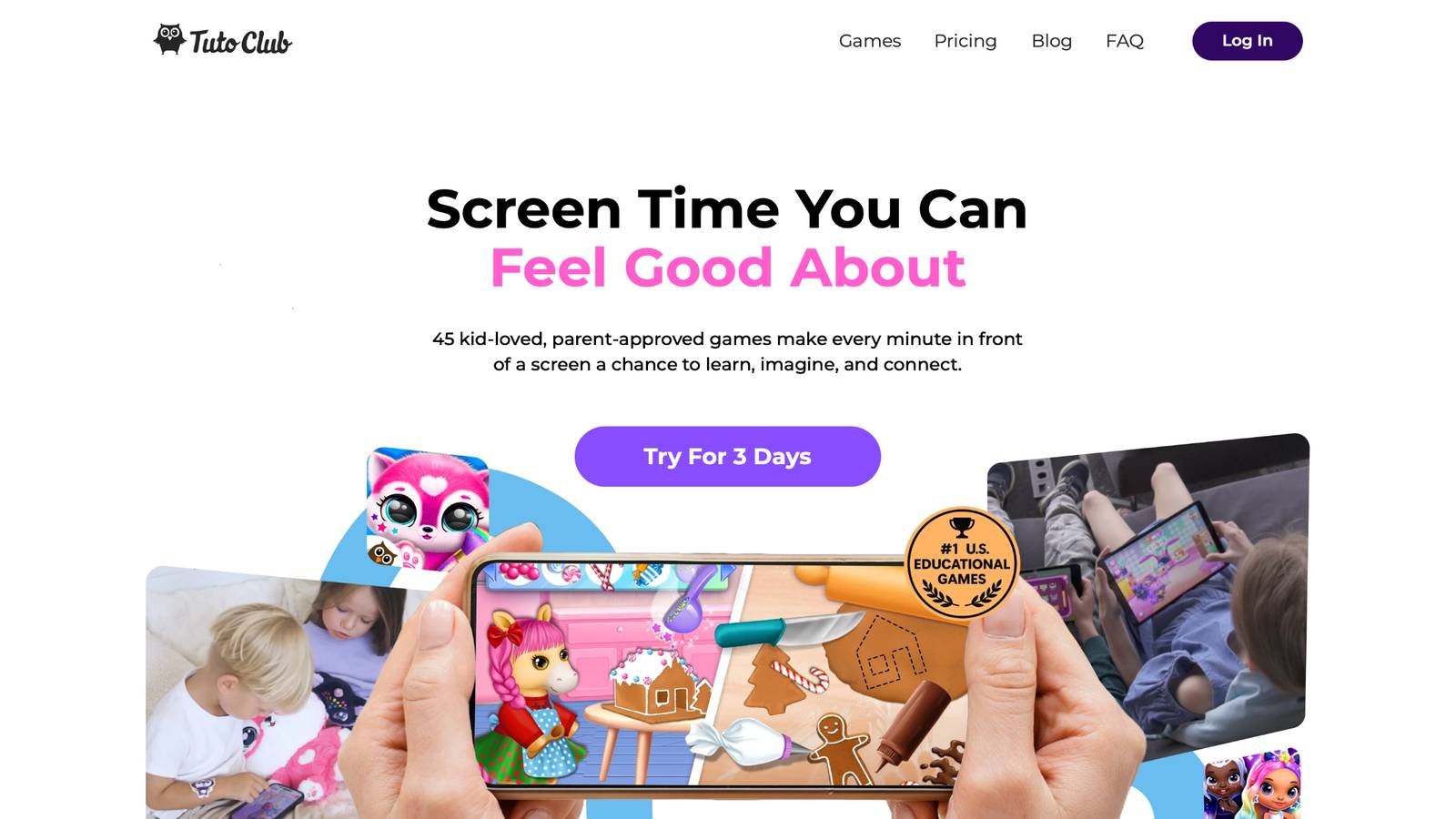
Best games for 4 year olds online from TutoClub give families one simple way to access many skill-building titles. Created by the TutoTOONS studio in Lithuania, this collection focuses on ages 2 to 7 with open-ended play that mixes creativity and real-life tasks. Kids hatch and care for cute virtual pets, complete cleaning quests that teach organization, or join fashion adventures that boost self-expression. Each session feels calm and inviting with smooth steps that avoid frustration. Parents appreciate the fully ad-free space where children practice empathy by helping characters or build logic through puzzles. Regular updates add fresh activities that keep things interesting. The setup works across devices after a quick login, so play continues from tablet to phone. Many families notice stronger focus and kinder interactions during everyday moments.
Facts and Information
- Over 50 curated titles cover routines, creativity, logic, memory, care, and empathy.
- 100% ad-free playground with no in-app purchases or external links.
- Family sharing supports up to three devices for shared play.
- COPPA-compliant design protects privacy for young users.
- Activities encourage independence like sorting toys or caring for pets.
TutoClub Overview
TutoClub is your gateway to a magical world of educational games designed especially for children.
As part of TutoTOONS, a leading kids' games studio, we offer premium access to over 45 ad-free games.
Our mission is to blend learning and play, helping kids explore, create, and grow in a safe online space.
Thousands of parents trust us for family-friendly content that sparks imagination and builds essential skills.
Key Features
- Unlimited Access: Unlock full content in all games with no interruptions.
- Ad-Free Experience: Enjoy seamless play without any ads or distractions.
- Skill Development: Games foster creativity, social skills, communication, and more through fun activities like pet care and cleanup challenges.
- Regular Updates: Get new releases, exclusive content, and future updates automatically.
- Easy Subscription: Cancel anytime with no obligations, simple and flexible for families.
Explore Our World
TutoClub provides a rich ecosystem of educational games for kids, featuring ad-free experiences that promote creativity, focus, and emotional growth through play.
This platform turns screen time into valuable learning opportunities, with parent-approved content that builds essential skills and sparks curiosity in young minds.
- TutoClub Games: Over 45 educational games, including popular titles like Fluvsies, Smolsies, and the Sweet Baby Girl series
- Blog: Insights, tips, and stories for families on kids' learning and play
- FAQ: Comprehensive answers to frequently asked questions about subscriptions, features, and more
Get TutoClub on Your Device
TutoClub delivers premium kids educational games directly to your mobile devices, making learning accessible anytime, anywhere.
With apps available on major platforms, families can easily download and subscribe for ad-free play that turns screen time into skill-building adventures.
Perfect for parents seeking safe, engaging content on iOS, Android, or Amazon devices.
Why Choose TutoClub?
We're committed to 100% safe, enriching entertainment that kids love and parents approve.
Join the thousands who've seen their children thrive through playful learning.
Ready to start the adventure?
Start your child's next play session with purpose-built games from TutoClub!
2. Fluvsies Academy
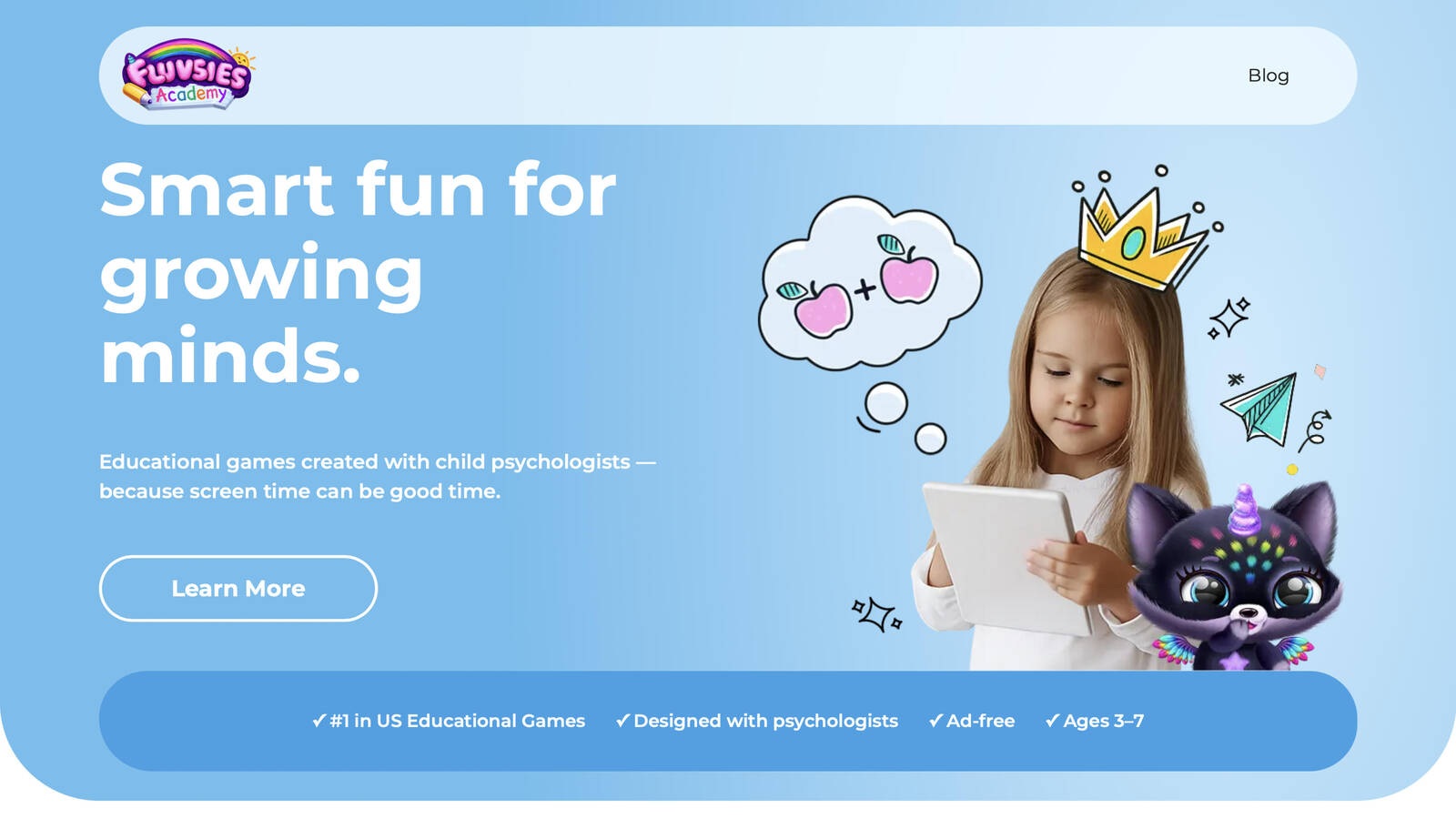
Fluvsies Academy offers playful mini-games designed with child psychologists for ages 3 to 7. The app blends language practice, number activities, logic challenges, sorting tasks, and life skills into short sessions that feel like fun. Kids explore real-world professions such as firefighter or baker through simple stories and actions. Bright characters keep attention high while adaptive steps match each child's pace. Parents receive progress reports that highlight growing vocabulary and independence with habits like brushing teeth. The design stays fully ad-free with no chats or interruptions. Mindfulness moments and healthy habit tips appear between activities. Many users find the mix of active problem-solving and calmer storytelling supports balanced growth. The interface uses large visuals and clear audio so preschoolers can start without reading. Short activities fit typical attention spans while still building focus over time. Real-world tasks like sorting items or helping in a store connect digital play to everyday routines. The professions branch introduces simple job ideas through gentle stories that expand vocabulary. Parent tools allow time limits and progress checks without constant supervision. Offline access after download supports travel or limited internet days. The overall tone stays warm and encouraging, which helps children feel confident as they try new skills. Many families notice improved independence in small daily habits after regular use. The combination of structured practice and open creative moments gives a well-rounded experience for early learners.
Key Features
- Five main areas: language and ABCs, math, logic and attention, sorting, life skills and creativity.
- Professions games introduce jobs with vocabulary and simple tasks.
- Parent area tracks progress and manages time.
- Available on iOS and Android with offline options after download.
Facts and Information
- Built alongside educators for emotional safety and focus.
- Ad-free experience with COPPA and GDPR compliance.
- Two modes support active reasoning and passive story exploration.
- Activities practice everyday skills like sorting or cooking.
3. PBS Kids Games
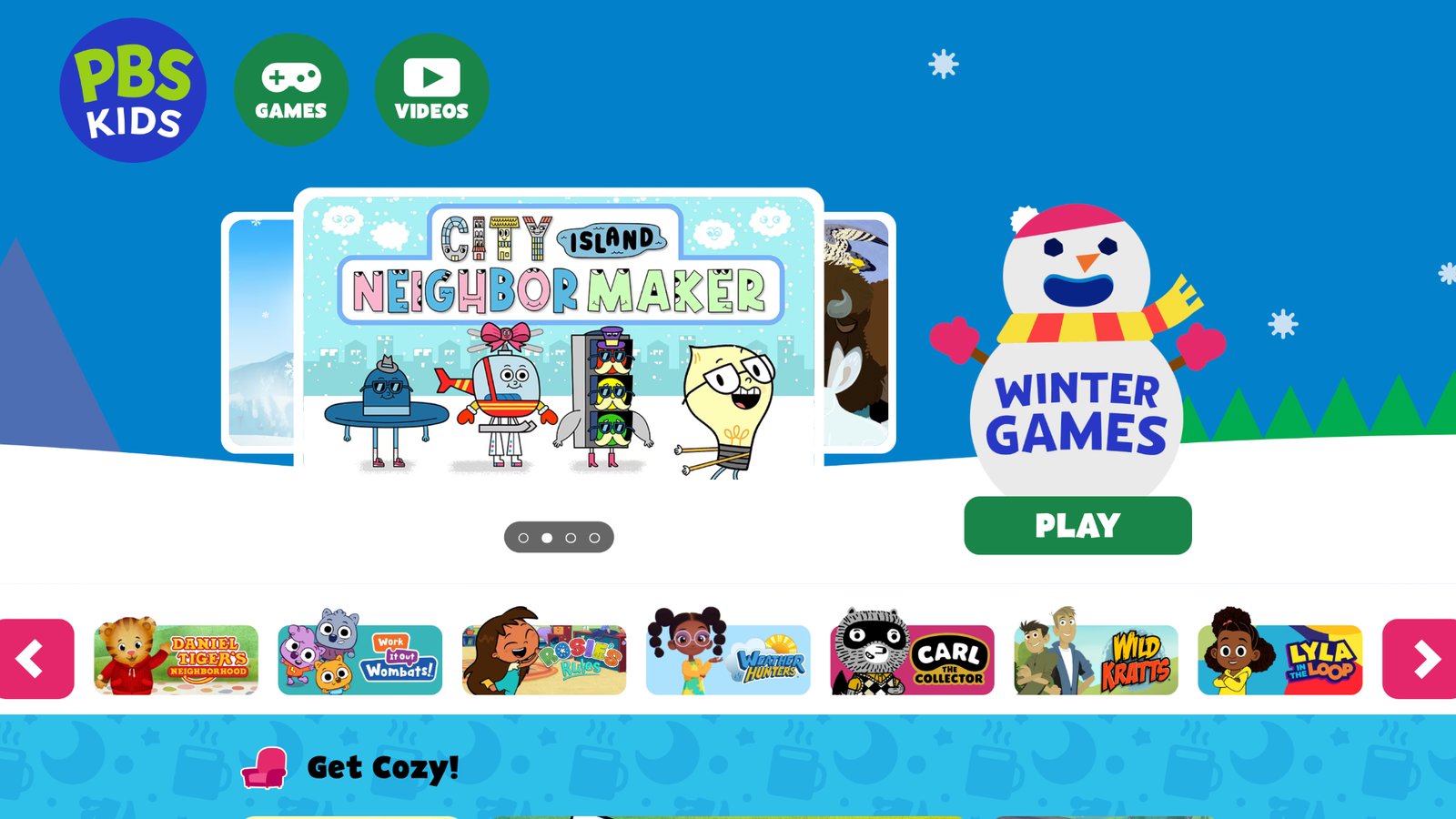
PBS Kids Games brings familiar characters from popular shows into browser and app play for ages 2 to 8. Titles cover early math, reading basics, science ideas, and creative tasks. Kids tap through adventures that match their favorite stories. Spoken guidance helps non-readers start right away. The free collection includes hundreds of activities available in English and Spanish. Many parents use it as a supplement because the interface stays simple. Some sessions focus on feelings or teamwork through character choices. The nonprofit background means no third-party ads interrupt play. Content updates add seasonal themes that feel fresh. Big buttons and clear audio make navigation easy for four-year-olds who cannot yet read. Games often reuse characters children already know from television, which lowers the barrier to starting. Math activities include counting and simple patterns while literacy pieces introduce letter sounds through stories. Science titles explore animals or basic cause-and-effect ideas in short formats. The site and apps support independent starts after a parent opens the page. Many families appreciate the lack of accounts for basic play. Seasonal updates keep the library from feeling static. The overall design prioritizes safety and simplicity over flashy rewards. Some activities encourage social-emotional practice through character decisions. The collection works well as a free companion to more structured programs.
Key Features
- Games tied to shows with big buttons and clear audio.
- Categories for math, literacy, science, and art.
- No account needed for basic browser play.
- Mobile apps support on-the-go sessions.
Facts and Information
- Hundreds of free curriculum-based activities.
- Available in English and Spanish.
- Focus on early skills through character-driven stories.
- Safe design without external links in core games.
4. Khan Academy Kids
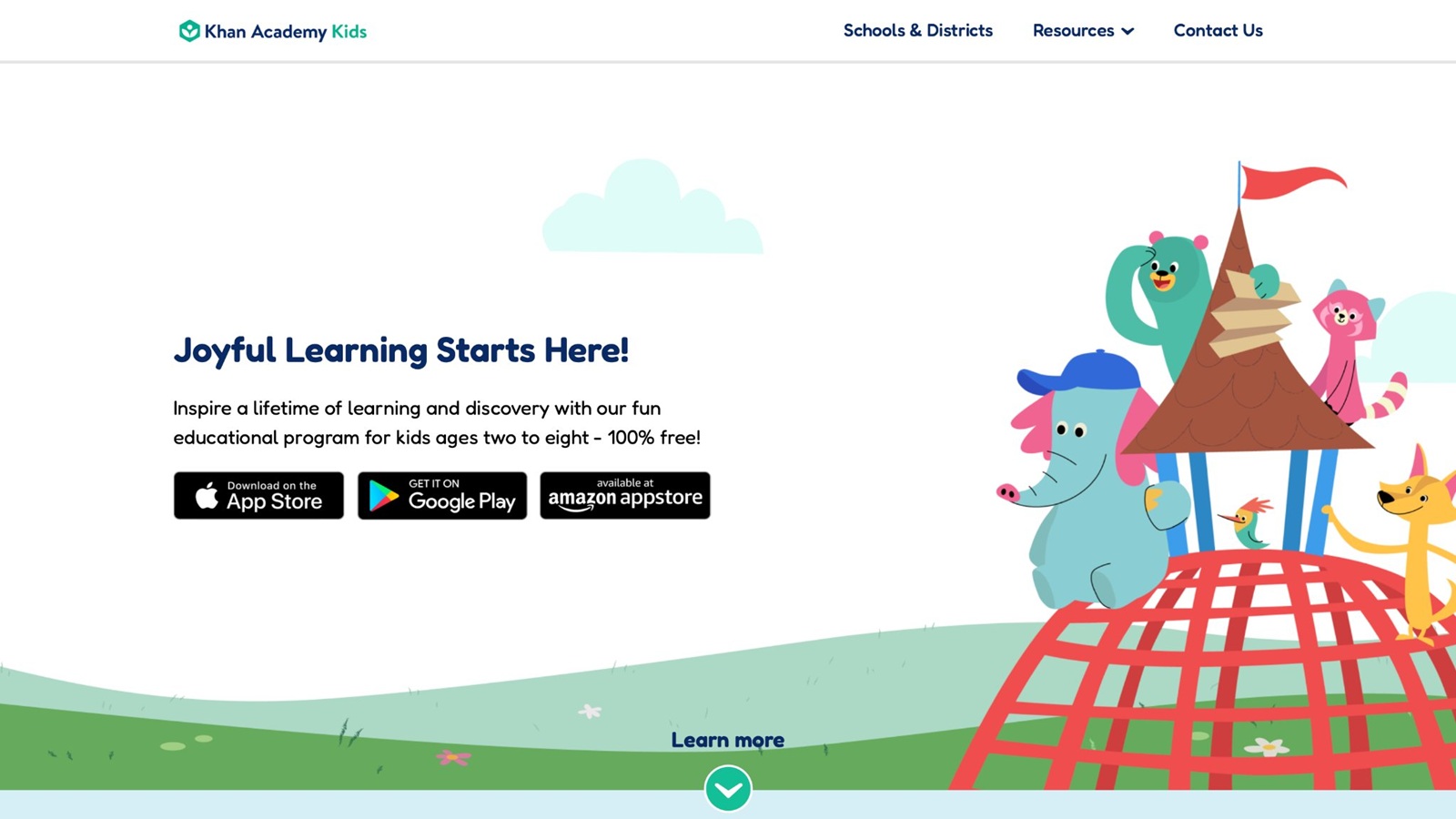
Khan Academy Kids provides free games and story lessons for ages 2 to 8 that build reading, writing, math, and social skills. Animal characters guide children through short activities that adapt to progress. Kids practice letters, numbers, and feelings in one app. Offline access after download works well for travel. The nonprofit approach keeps everything free with no ads or purchases. Parents set up an account once and track growth through simple reports. Many sessions mix active play with calm storytelling. The design encourages independent starts for 4-year-olds who cannot yet read directions. Activities cover letter recognition, basic counting, and emotional vocabulary in short bursts. Story-based lessons introduce concepts without feeling like formal lessons. The adaptive system adjusts difficulty so children stay challenged but not overwhelmed. Parent reports show which areas receive the most practice. Offline mode after the initial download supports use during car rides or quiet time. The animal cast stays consistent across activities, which helps young children feel comfortable. Many families use it as a core free option because it covers multiple subjects in one place. The interface uses clear spoken prompts and large targets. Social-emotional pieces help children name feelings and practice kind responses. The overall experience remains calm and focused on skill building rather than endless rewards.
Key Features
- Story-based lessons across literacy, math, and social-emotional topics.
- Adaptive paths that grow with the child.
- Offline play supported on tablets and phones.
- Parent dashboard for progress views.
Facts and Information
- Completely free with no subscriptions.
- Covers foundational skills for preschool and early elementary.
- Cast of characters keeps engagement high.
- Designed for independent or shared use.
5. ABCmouse
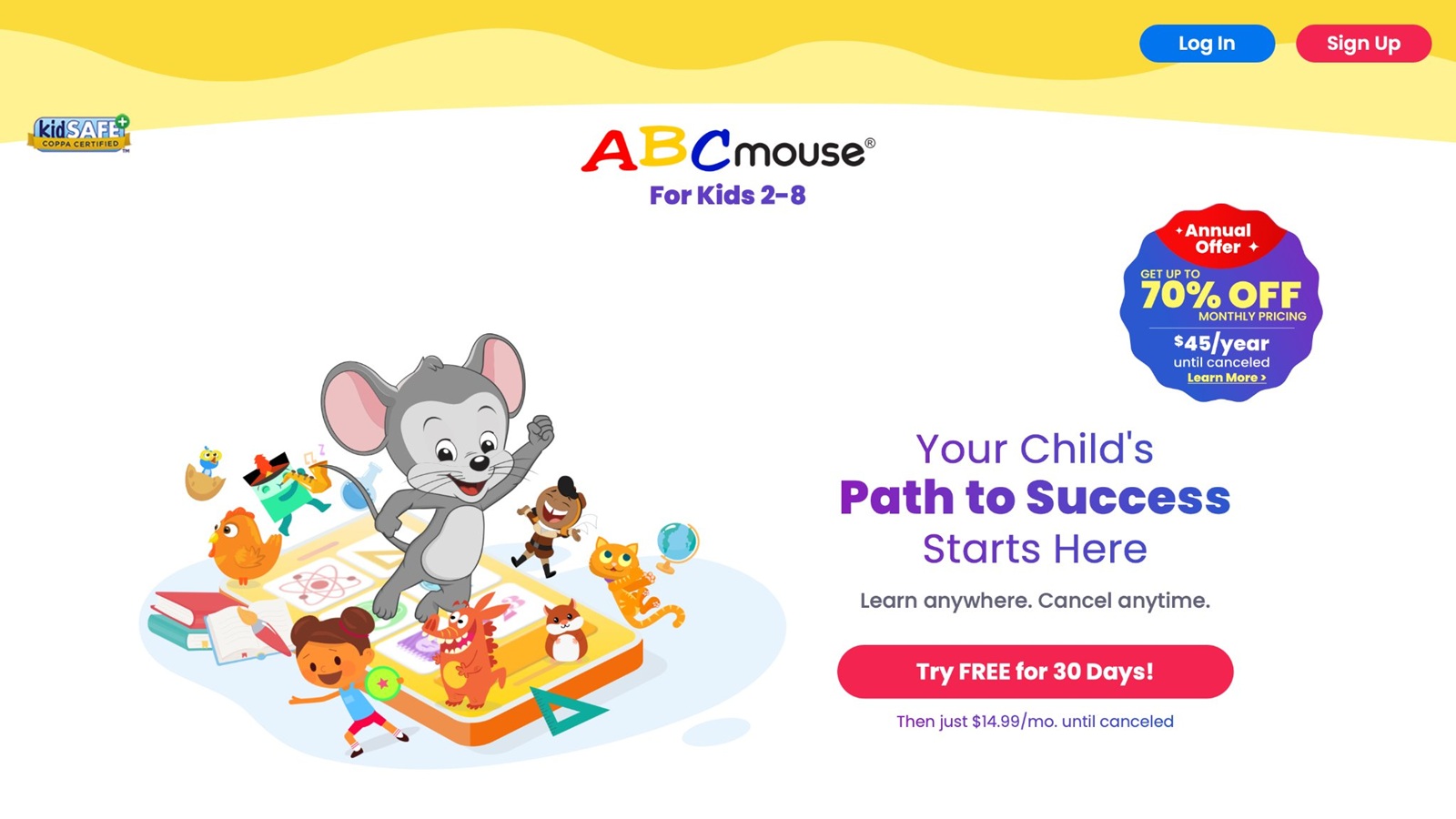
ABCmouse delivers a structured path of activities for ages 2 to 8 that covers reading, math, science, art, and music. Children move through levels with videos, games, and rewards. Personalized paths adjust based on what kids complete. Avatars and virtual worlds add a sense of progress. The platform includes thousands of pieces of content. Many families appreciate the step-by-step approach for school readiness. Offline materials complement the digital side. The interface uses clear visuals that suit preschool attention spans. Reading activities introduce phonics and early sight words through interactive stories. Math pieces practice counting, shapes, and simple addition with visual supports. Science and art sections add variety so children do not stay on one subject too long. Reward systems and customizable avatars keep motivation high across sessions. Parent tools allow monitoring of completed activities and suggested next steps. The structured path helps parents see clear progress over weeks. Many sessions last just long enough for a focused preschool attention span. The mix of video and interactive games supports different learning preferences. Offline printables extend practice beyond the screen. The overall design aims for comprehensive early learning coverage.
Key Features
- Progressive curriculum with multiple subjects.
- Customizable avatars and reward systems.
- Parent tools for monitoring.
- Mix of interactive games and videos.
Facts and Information
- Broad coverage from early literacy to basic STEM.
- Activities designed for self-paced learning.
- Supports multiple child profiles on paid plans.
- Combines digital and offline elements.
6. Starfall
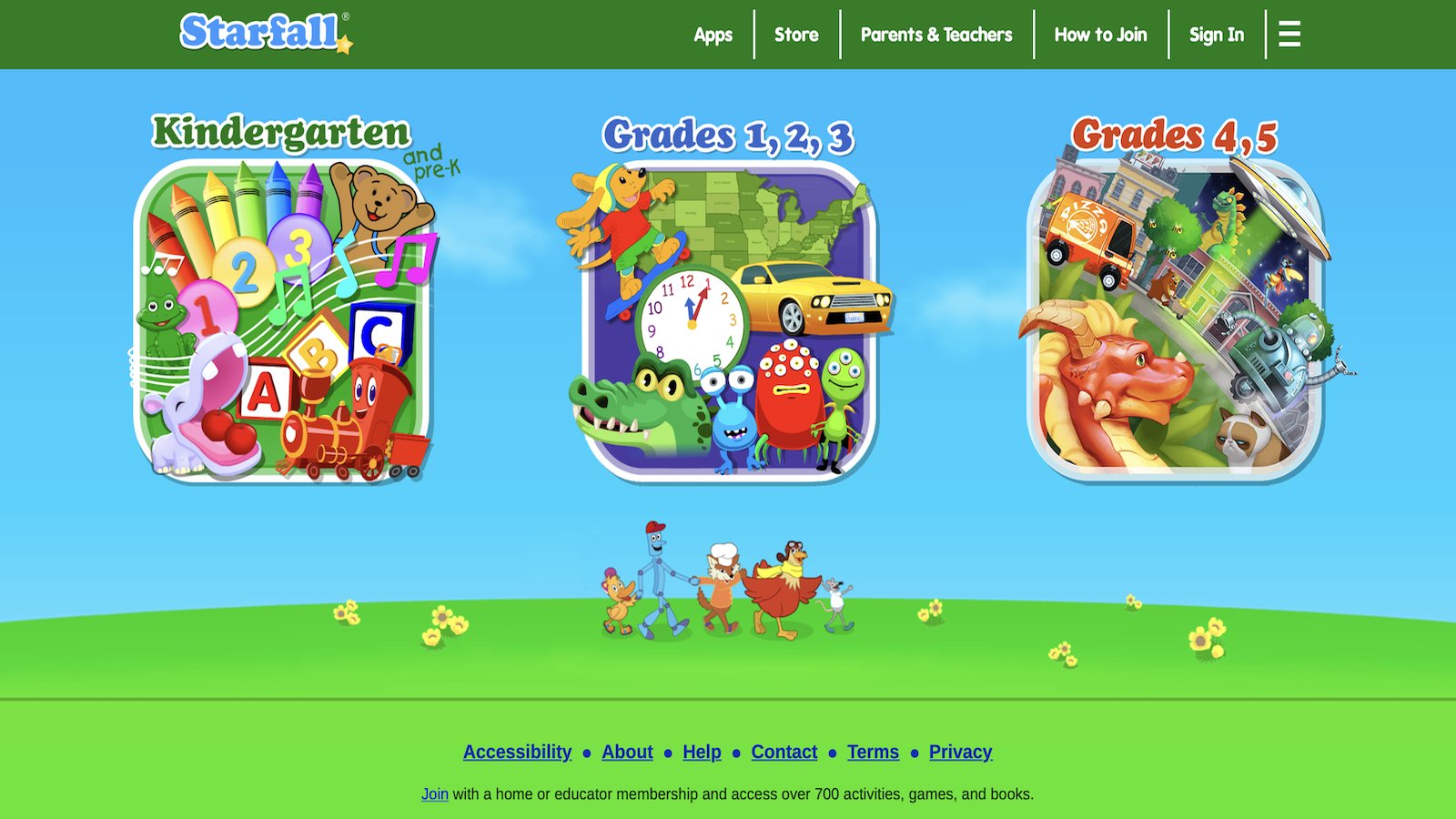
Starfall focuses on phonics and early reading for ages 3 to 9 with simple, colorful activities. Kids practice letter sounds through songs and games. A free core section covers basic reading skills. Additional content expands into math. The visual style stays clean without clutter. Many parents start here for letter recognition. Spoken support helps beginners. The site works in browsers with no download required for core parts. Letter activities use songs and animations that repeat sounds clearly. Simple games reinforce matching letters to objects or words. The free section gives a solid start for phonics without requiring a membership. Expanded areas add math concepts once reading foundations feel solid. The clean layout avoids distractions so children can focus on the learning goal. Spoken directions guide each step for non-readers. Many four-year-olds return to favorite letter songs multiple times. Browser access means no app install for basic use. The design prioritizes clarity and repetition over complex stories. Some activities include printable companions for offline practice. The overall approach builds early reading confidence through short, repeatable sessions.
Key Features
- Phonics-focused activities with audio support.
- Free learn-to-read section available.
- Clean interface suited to young users.
- Expansion into other early skills.
Facts and Information
- Strong emphasis on reading foundations.
- Activities build from letters to simple words.
- Browser-based access for easy start.
- Designed for independent practice.
7. Endless Alphabet
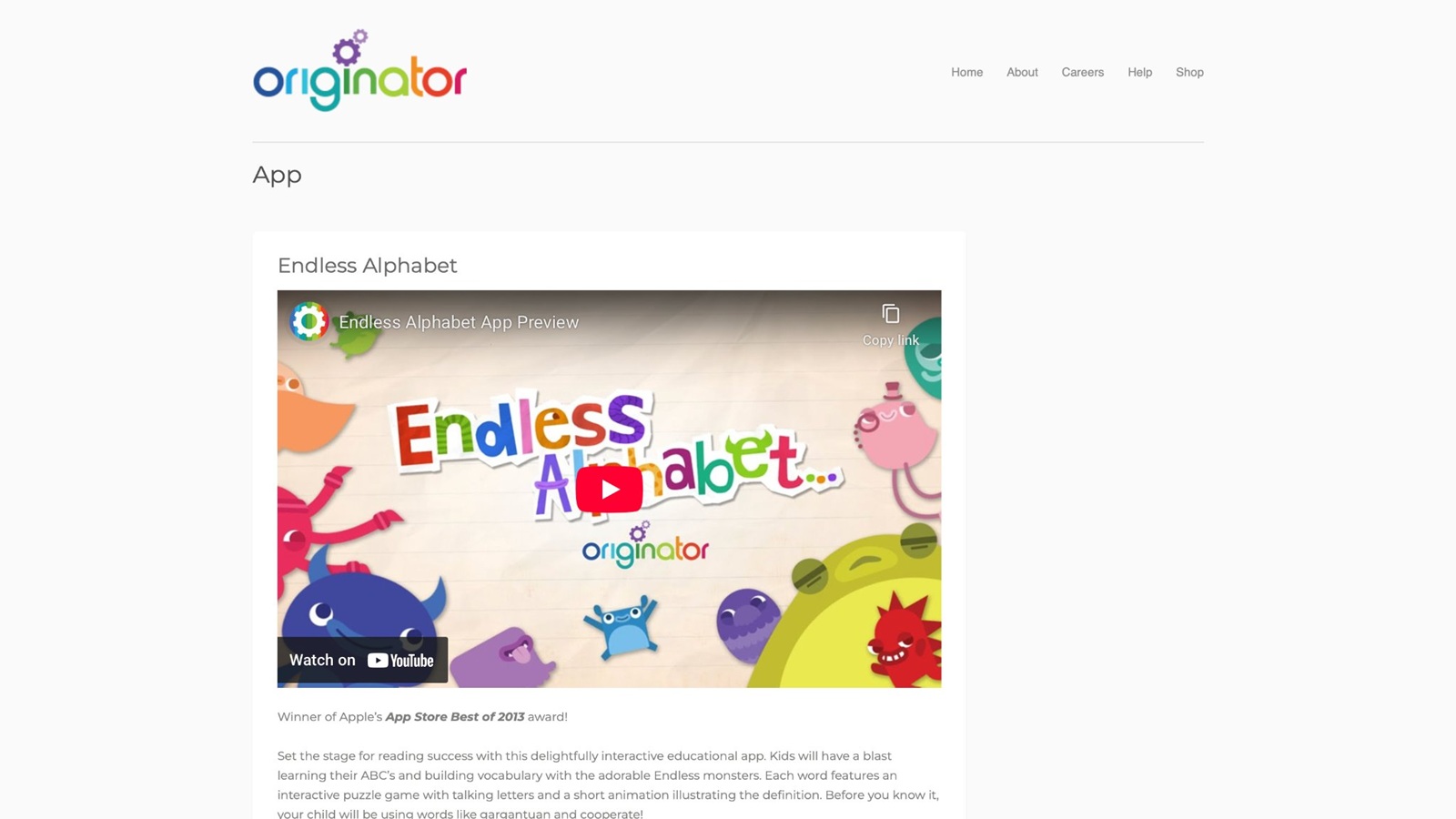
Endless Alphabet uses animated monsters to teach letters and vocabulary through puzzles. Kids drag letters into place while hearing words and seeing fun scenes. The approach turns phonics into a game. Short sessions suit 4-year-old attention. Many children return because of the silly characters. The app focuses tightly on language skills. No reading is required to start. Visual feedback rewards each correct match. Monster animations react with sounds and movements that celebrate success. Each word puzzle includes a short scene that shows the meaning. The drag-and-drop mechanic builds fine motor skills alongside letter knowledge. Vocabulary grows as children hear words in context. Sessions stay short so attention does not fade. The playful style reduces pressure around early reading practice. Many parents notice improved letter recognition after regular use. The focused design keeps the experience simple and repeatable. Audio support means children can play without reading instructions. The overall tone stays light and encouraging.
Key Features
- Interactive letter puzzles with monster animations.
- Vocabulary building through spoken words.
- Short, repeatable activities.
- Focus on early phonics.
Facts and Information
- Designed specifically for letter and word practice.
- Engaging animations maintain interest.
- Suitable for preschool language growth.
- Simple drag-and-drop mechanics.
8. Duolingo ABC
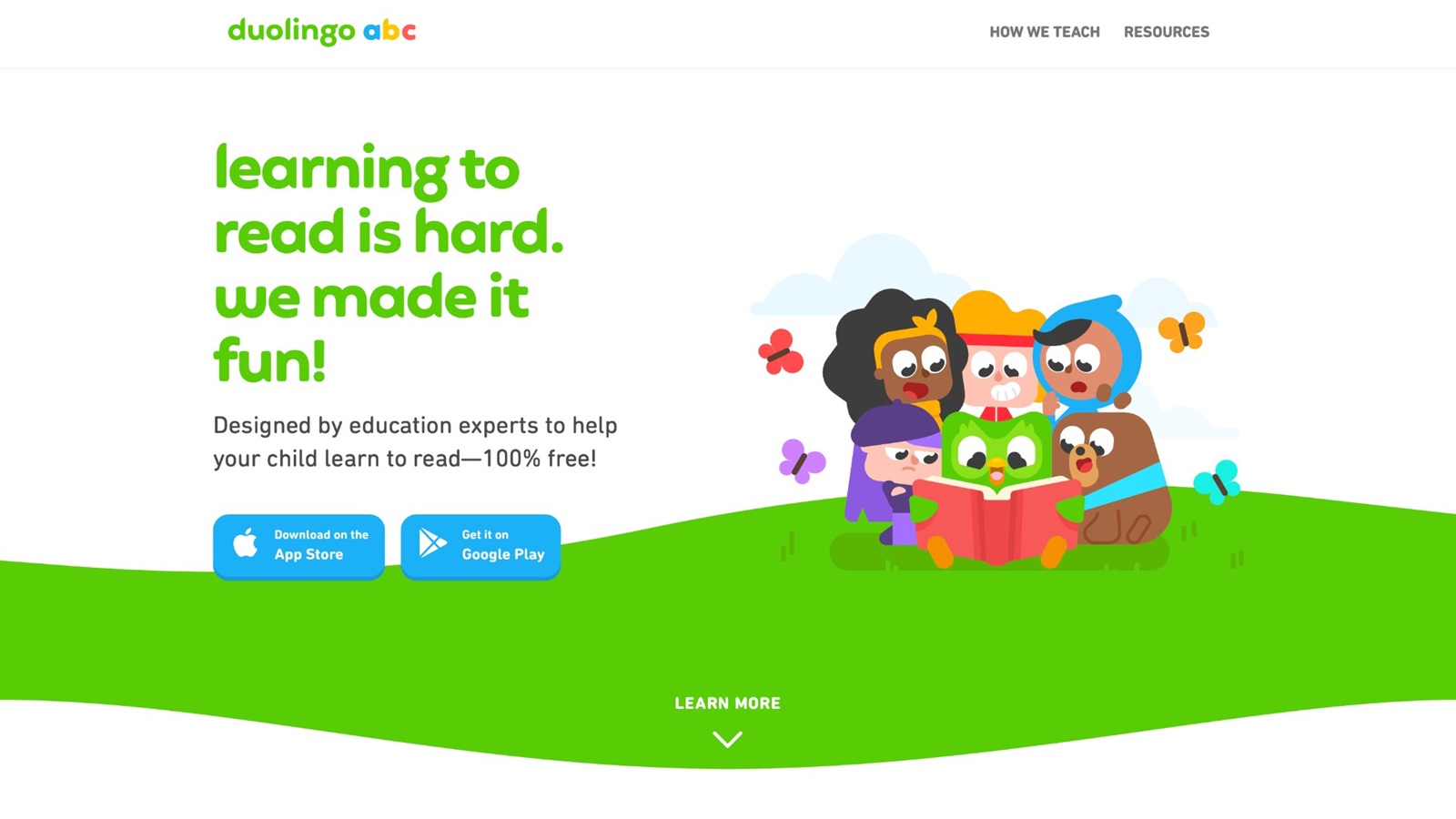
Duolingo ABC helps early readers practice letters, phonics, and sight words through short games. Activities use familiar lesson styles adapted for young kids. Progress tracks letter recognition and basic reading. The free app works offline after download. Many parents pair it with other play for balanced time. Clear audio guides each step. Sessions stay brief to match energy levels. The design encourages daily practice without pressure. Letter activities introduce sounds through simple matching and tracing. Phonics pieces build toward recognizing common words. Sight word practice uses repetition in short bursts. The free model removes cost barriers for families. Offline access after download supports use anywhere. Spoken prompts help non-readers start independently. Many sessions last only a few minutes, which fits preschool routines. The interface stays clean with large targets. Progress tracking shows parents which letters receive the most practice. The overall approach adapts language-learning methods for early reading.
Key Features
- Phonics and letter games with audio.
- Progress tracking for parents.
- Offline availability.
- Short lesson format.
Facts and Information
- Builds foundational reading skills.
- Free access with no ads in core content.
- Adapted from language-learning methods.
- Supports independent starts.
9. Toy Theater
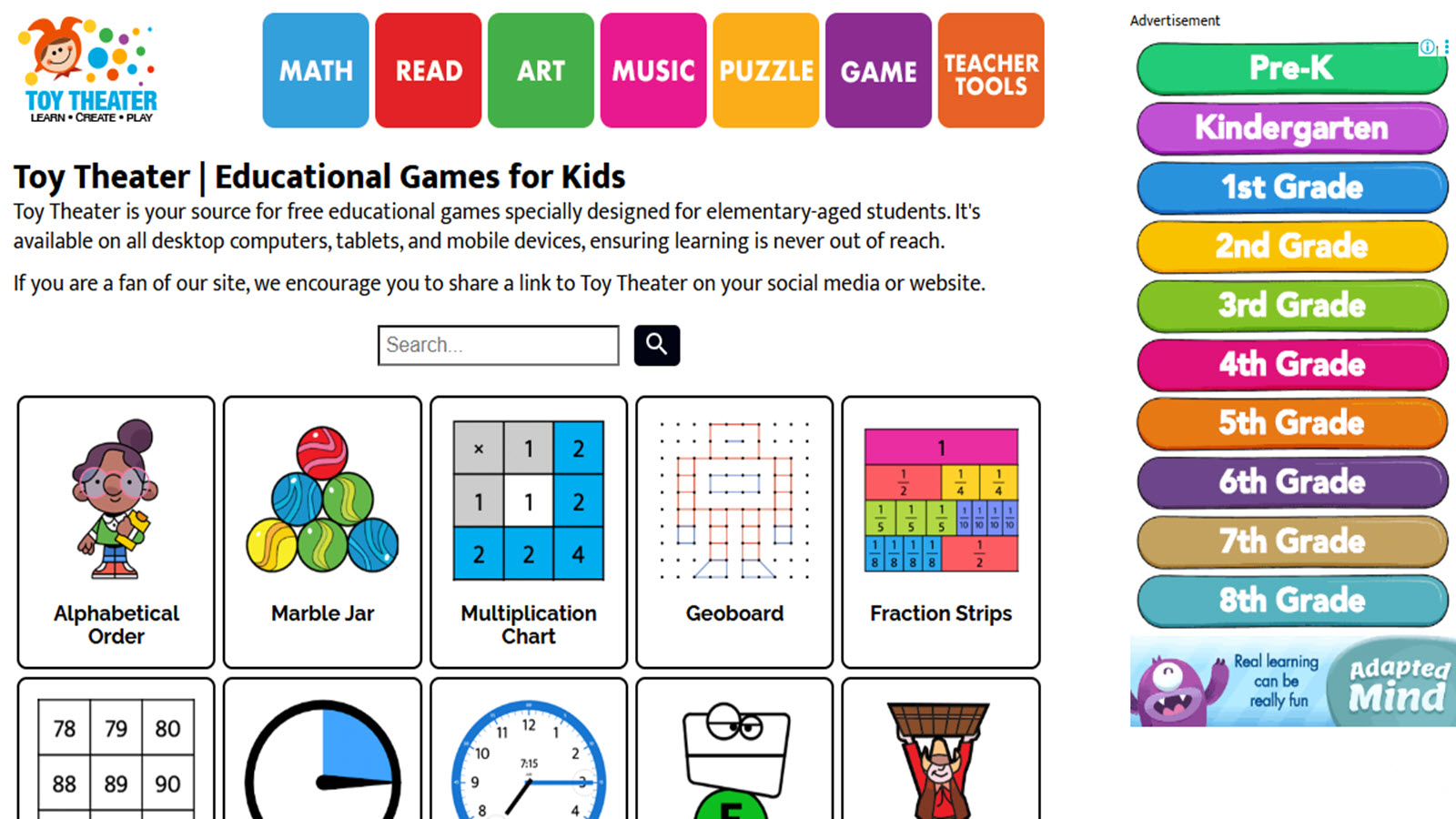
Toy Theater offers virtual math tools and simple games for ages 4 to 9. Kids use digital counters, shapes, and puzzles that feel hands-on. Activities cover counting, patterns, and basic operations. The browser version starts quickly. Some free options include ads, while a paid level removes them. Many sessions support early number sense. Visual tools help concrete thinkers. The collection includes art and music pieces as well. Digital counters and ten frames let children practice one-to-one correspondence. Shape sorters and pattern activities build visual discrimination. The virtual manipulatives mimic physical objects, which helps some children transfer skills. Browser access means no download for basic use. Free content provides a starting point, though ads appear on some pages. Expanded membership removes ads and adds more tools. Art and music sections give creative breaks between math tasks. Many four-year-olds enjoy the hands-on feel of dragging objects. The design supports short focused sessions on specific skills. Parent guidance helps when ads appear in the free version.
Key Features
- Virtual manipulatives for math practice.
- Games for shapes, counting, and patterns.
- Browser access with no install for basics.
- Mix of free and expanded content.
Facts and Information
- Focus on concrete math skills.
- Tools mimic physical objects.
- Suitable for short focused sessions.
- Includes creative add-ons.
10. Funbrain Jr.
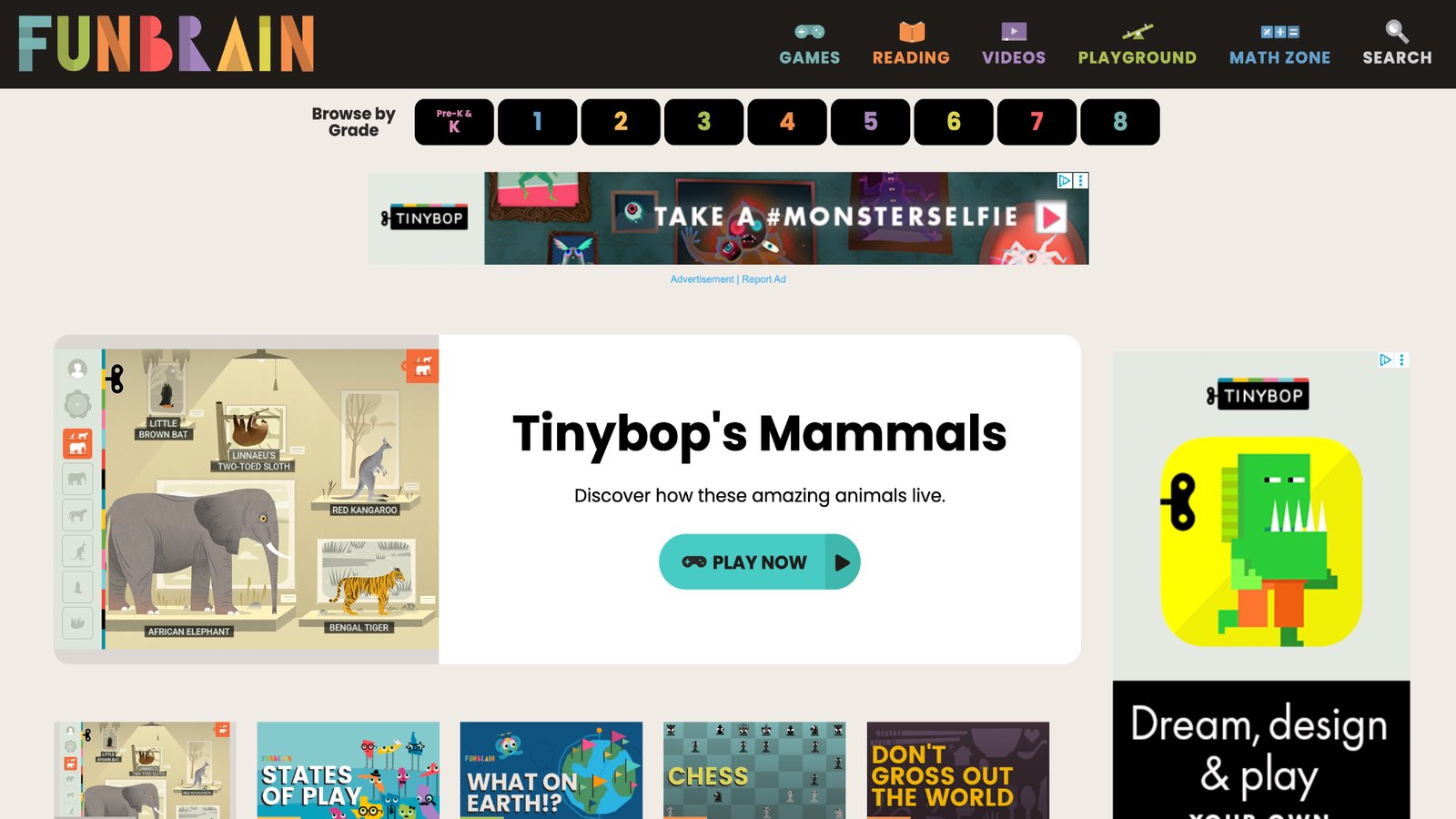
Funbrain Jr. provides point-and-click mini-games for pre-K math and literacy. Simple interfaces let 4-year-olds play without help. Titles cover counting, matching, and early reading. The collection stays free with some ads. Many parents use it for quick practice. Visual feedback keeps kids engaged. Sessions last just a few minutes. The design prioritizes easy starts over complex stories. Matching games reinforce colors, shapes, and basic numbers. Counting activities use clear visuals and audio cues. Early literacy pieces introduce letter sounds in short formats. The point-and-click controls suit developing fine motor skills. Free access removes cost concerns for occasional use. Ads appear in some areas, so adult supervision helps. Visual rewards such as stars or sounds mark success. Many sessions fit into short breaks between other activities. The simple design reduces frustration for beginners. The overall collection focuses on foundational pre-K skills without long narratives.
Key Features
- Mini-games for math and literacy basics.
- Point-and-click controls.
- Free browser access.
- Short activity length.
Facts and Information
- Targeted at pre-K skill practice.
- Simple mechanics reduce frustration.
- Covers matching and counting tasks.
- Available without account setup.
11. National Geographic Kids
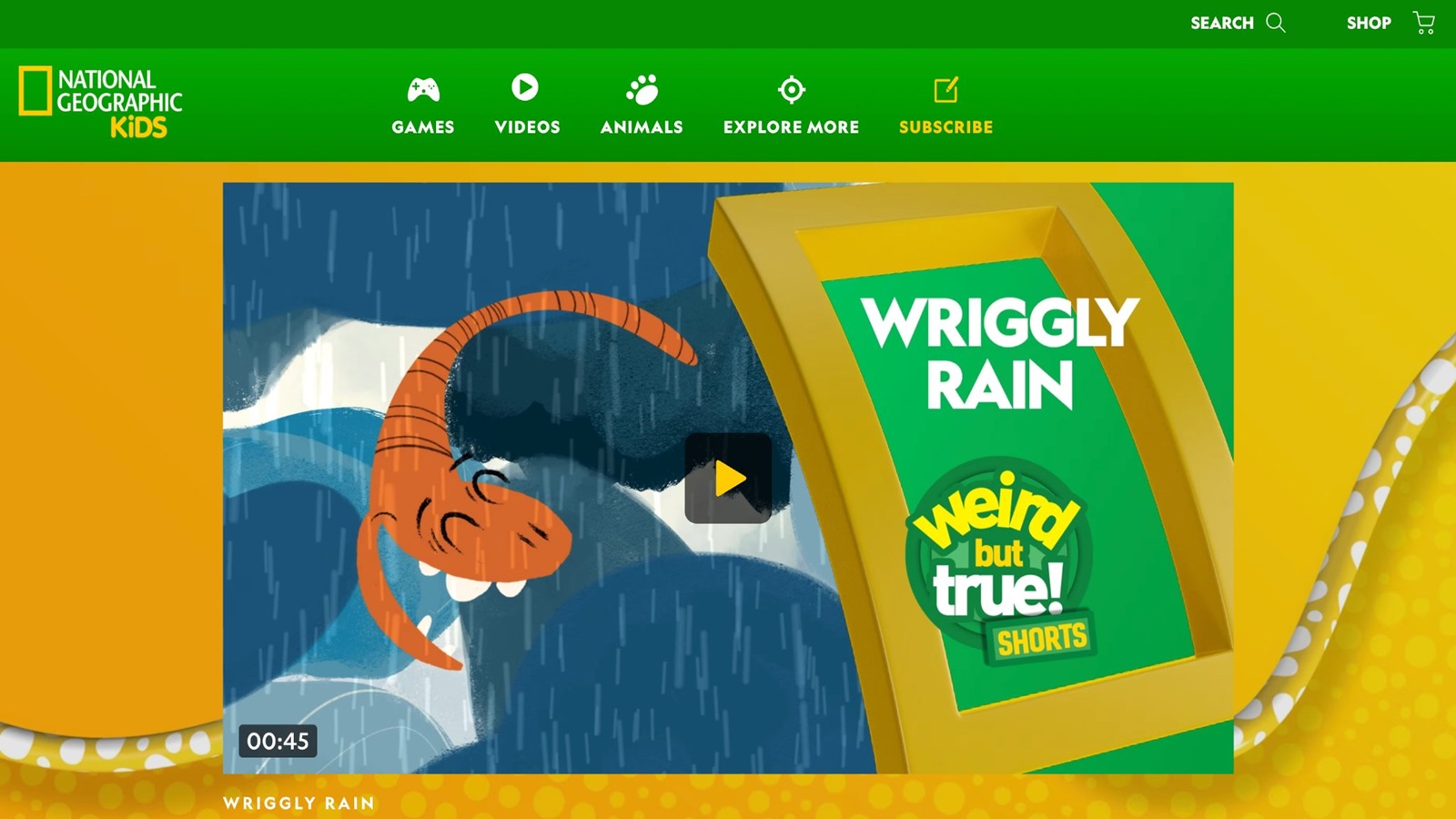
National Geographic Kids offers games, videos, and activities focused on animals, science, and the natural world for ages roughly 6 to 12, though some simpler pieces suit younger children. Interactive maps and animal quizzes introduce basic facts through play. Videos show real wildlife with clear narration. The site includes games that test knowledge of habitats or simple science ideas. Many activities use colorful visuals that hold attention. Free content covers a wide range of topics without requiring an account for basic use. Some sections include quizzes that reinforce what children see in videos. The nonprofit connection supports educational goals. Parent resources suggest related offline activities. The design balances entertainment with learning about the world. Many families use it to spark curiosity about animals and places. Short games fit preschool attention when chosen carefully. The overall tone stays informative and engaging.
Key Features
- Animal and science games with real-world content.
- Videos and interactive maps.
- Free access to many activities.
- Quizzes that reinforce learning.
Facts and Information
- Focus on nature, animals, and basic science.
- Suitable for building curiosity about the world.
- Mix of games, videos, and facts.
- Supports both independent and guided use.
12. ScratchJr
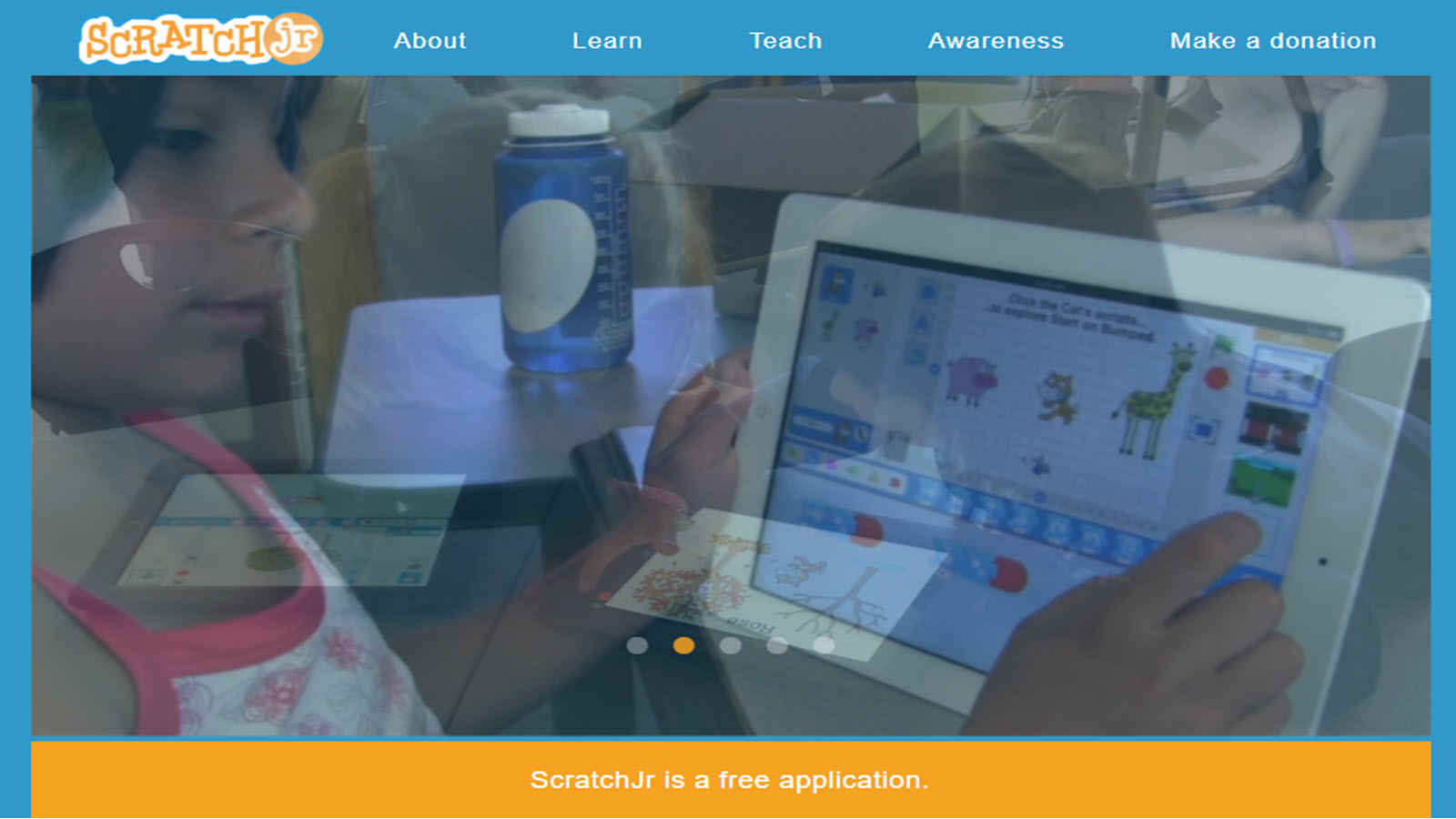
ScratchJr is a free coding app for ages 5 to 7 that lets children create simple stories and games by snapping together blocks. The visual interface uses large icons and no text reading. Kids program characters to move, jump, or speak. Projects can be saved and shared with family. The design introduces sequencing and cause-and-effect through play. Many children enjoy making their own animations. The app works on tablets and some computers. Tutorials guide first projects with clear steps. Parent resources explain the learning goals. The open-ended nature supports creativity alongside logic. Short sessions still produce visible results. The overall approach makes early coding feel like storytelling.
Key Features
- Block-based coding for stories and games.
- Large visual interface for young users.
- Save and share projects.
- Free on multiple devices.
Facts and Information
- Introduces sequencing and logic through creation.
- Designed for ages 5 to 7 with simple controls.
- Supports creativity and problem-solving.
- Available without cost or ads.
13. Teach Your Monster to Read
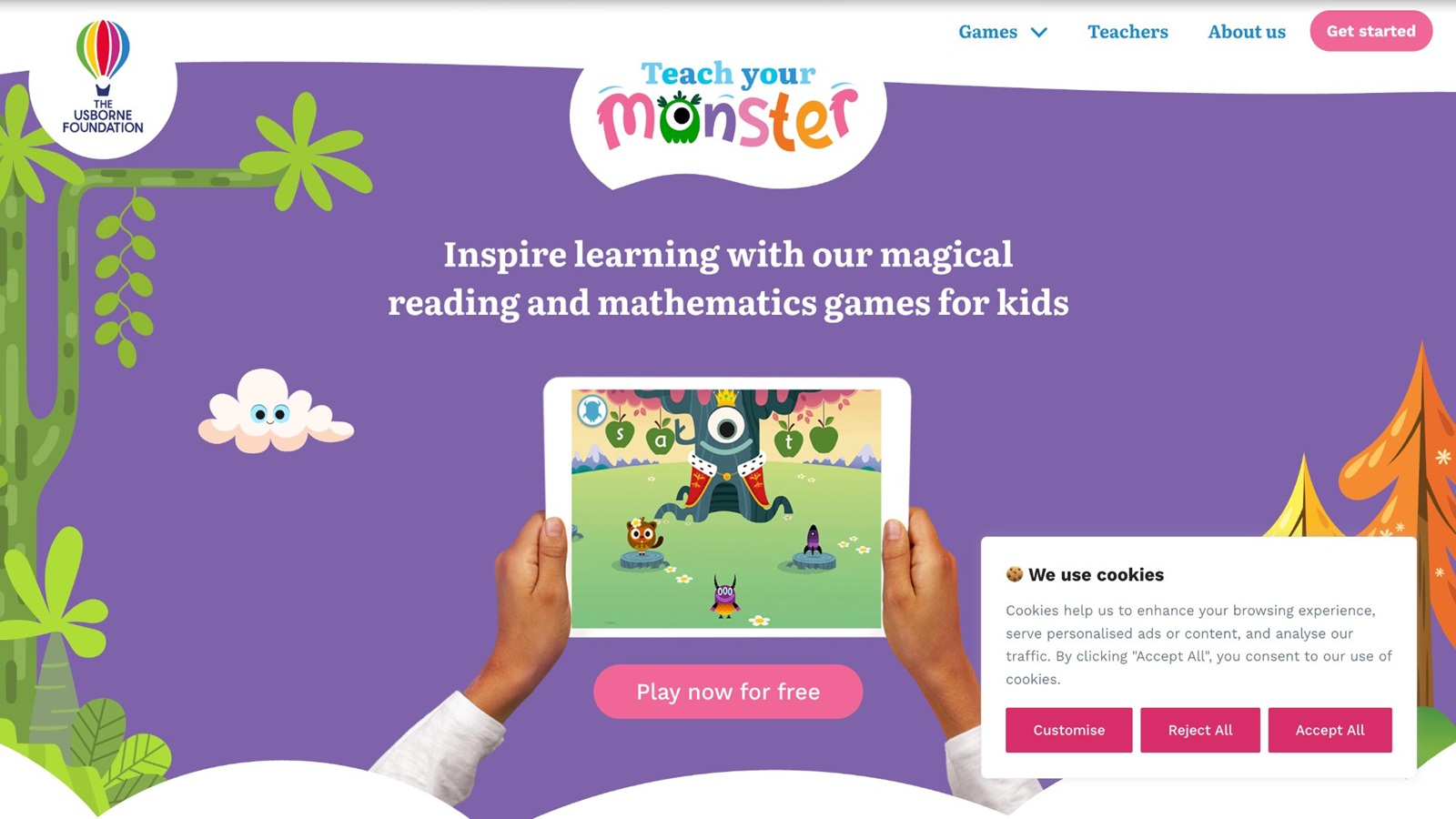
Teach Your Monster to Read is a free phonics program for ages 3 to 6 that uses monster characters and game-like levels. Children practice letter sounds, blending, and early reading through playful challenges. The web version is free while apps require a one-time purchase. Progress saves so children can continue later. Spoken instructions guide each step. Many levels use matching and simple games. The monster theme keeps the tone light. Parent accounts track which sounds receive practice. The design builds from individual letters toward simple words. Short sessions fit preschool routines. The overall experience turns phonics practice into an adventure.
Key Features
- Phonics games with monster characters.
- Free web version available.
- Progress tracking for parents.
- Levels that build reading skills.
Facts and Information
- Focuses on letter sounds and early blending.
- Game-like format maintains engagement.
- Suitable for ages 3 to 6.
- Supports independent practice with guidance.
14. SplashLearn
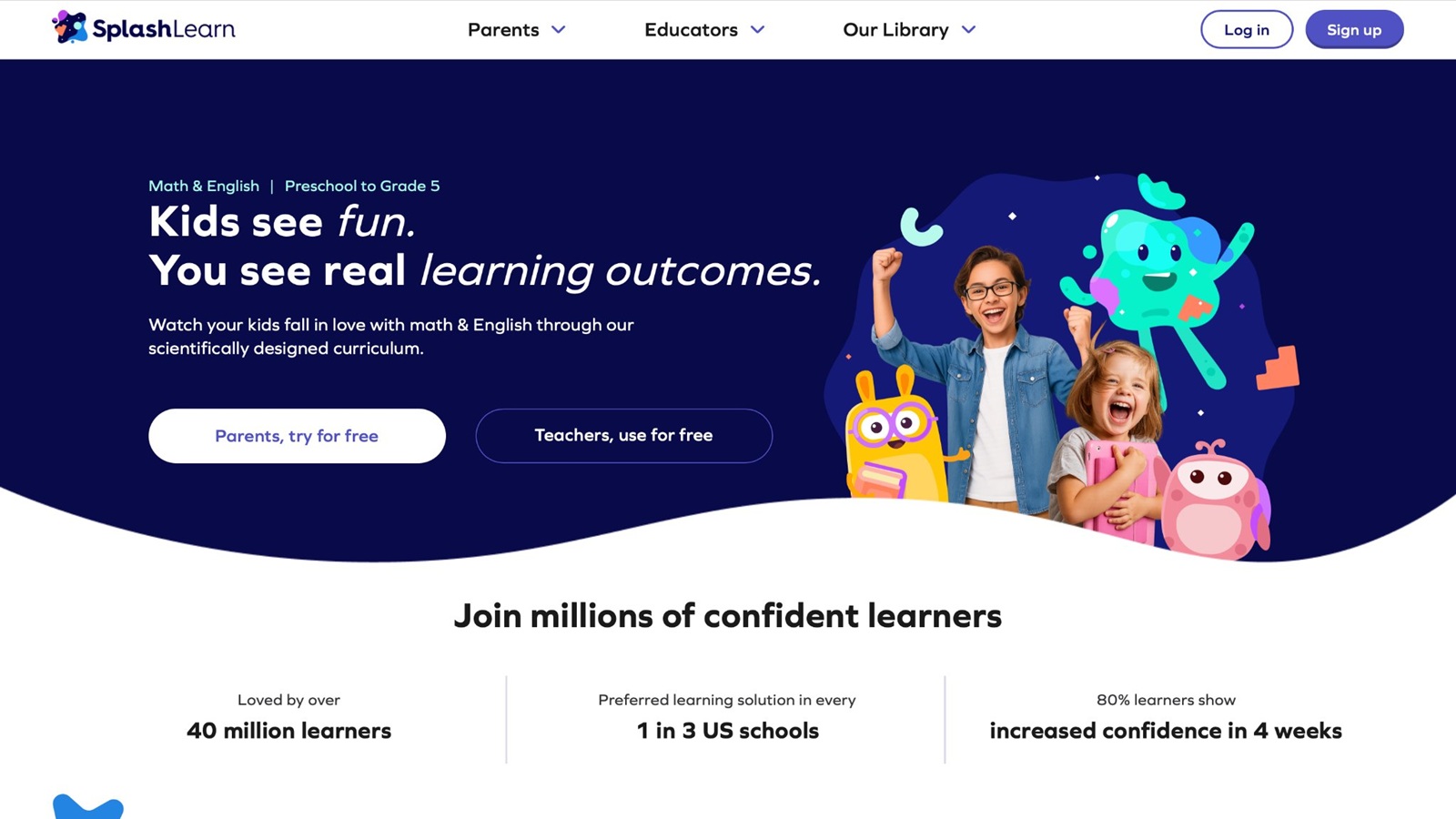
SplashLearn offers game-based math and English activities for preschool through grade 5. Adaptive paths adjust to each child's performance. Activities cover counting, shapes, phonics, and basic reading. The platform includes thousands of games and worksheets. Parent reports show skill progress over time. Many sessions use colorful visuals and rewards. The design supports both practice and skill building. Free content provides a starting point while expanded access unlocks more. Short games fit typical attention spans. The overall approach combines curriculum alignment with playful delivery. Many families use it to reinforce school topics at home.
Key Features
- Adaptive math and English games.
- Parent progress reports.
- Thousands of activities across grades.
- Mix of free and expanded content.
Facts and Information
- Covers early math and literacy skills.
- Adaptive system personalizes practice.
- Suitable from preschool upward.
- Combines games with curriculum goals.
15. Epic!
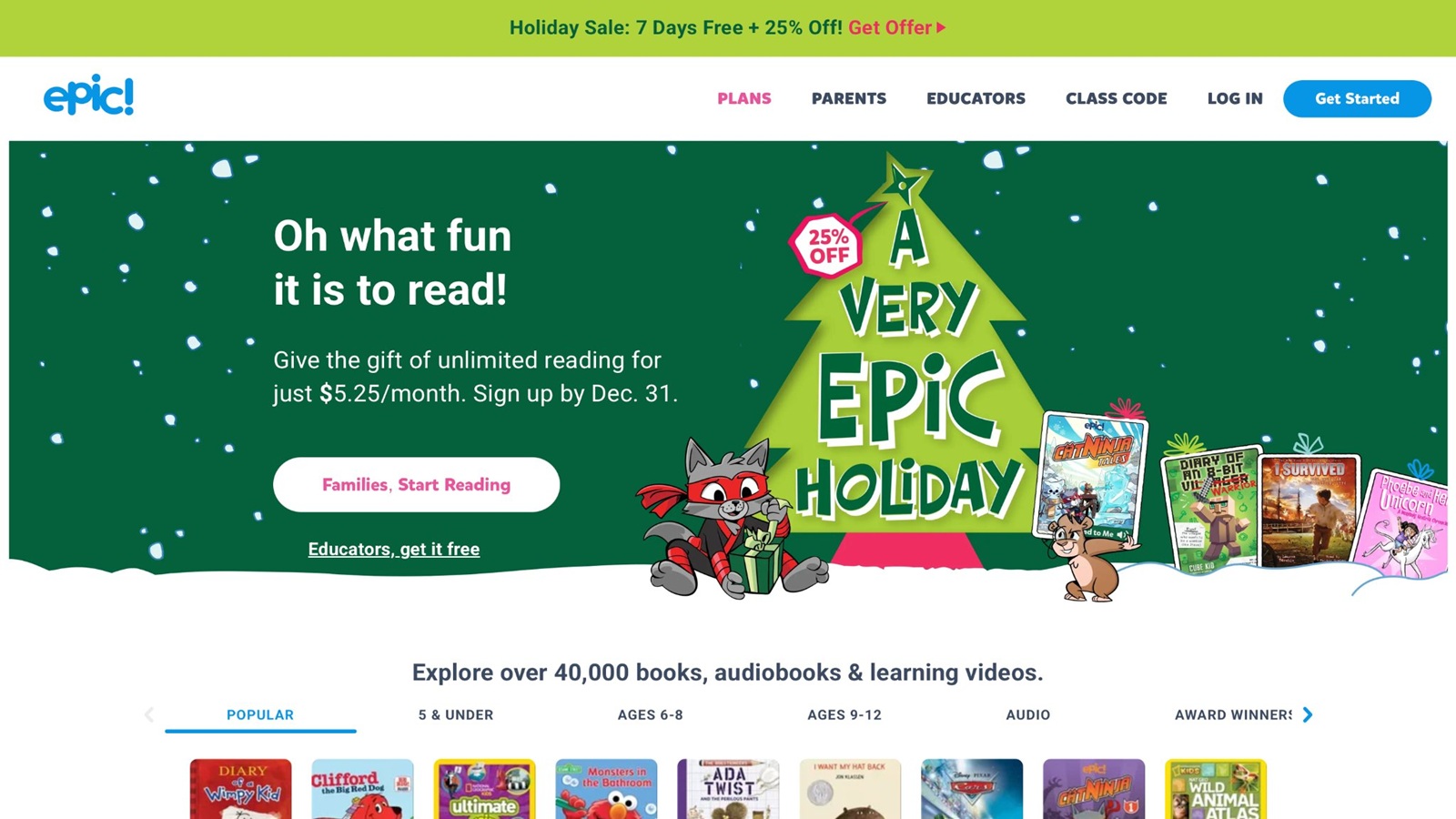
Epic! provides a large digital library of books, audiobooks, and videos for ages 2 to 12. Children can listen to stories read aloud or follow along with highlighted text. The collection includes many titles suitable for preschoolers. Parent accounts manage profiles and time. Offline downloads support travel. The platform focuses on reading volume and exposure. Many titles feature familiar characters or simple narratives. Audio support helps non-readers enjoy stories. Progress tracking shows books completed. The overall design encourages regular reading habits through easy access. Some sections include related activities after stories.
Key Features
- Large library of books and audiobooks.
- Read-aloud and highlighted text options.
- Parent controls and offline downloads.
- Age-appropriate collections.
Facts and Information
- Supports early literacy through listening and reading.
- Wide selection for preschool ages.
- Encourages regular reading practice.
- Available with subscription access.
Choosing Safe Platforms and Balancing Screen Time
Parents look for platforms that meet COPPA standards and skip third-party ads when choosing the best safe apps for kids. Many strong options also avoid external links or chat features so children stay focused on play. A short session of 10 to 15 minutes often works better than longer stretches for this age. Some families set clear start and stop points using device timers. Calm background music or quiet rooms help kids stay focused during the best games for preschoolers. Checking progress reports shows which skills grow and which need more practice offline.
Common safety checks include looking for ad-free designs that reduce distractions, spoken directions that support non-readers, privacy rules that mention COPPA, and offline options useful for travel. These elements help parents feel confident when handing a device to a four-year-old. Many families also review the content categories before starting so activities match current interests. Short, purposeful sessions tend to produce better focus than open-ended browsing. Combining digital time with hands-on play reinforces the skills practiced on screen. Educational games for kids 4 years old online typically highlight these safety features so families can choose with confidence.
Supporting Skill Growth Beyond the Screen
Online games practice early skills, yet real-world play reinforces them. Many 4-year-olds transfer counting from a game to sorting toys at home. Parents can ask simple questions after a session, such as “What color did you match?” This connects digital moments to everyday talk. Some activities in good platforms mirror routines like putting away clothes. Combining short game time with hands-on crafts or outdoor runs builds a full day. The goal stays joyful practice that feels natural. Conversations after play help children explain what they did and connect it to real objects. Memory games for children often support this transfer when paired with matching real objects at home.
Many parents notice stronger independence when digital routines mirror home tasks. The combination of screen practice and offline reinforcement supports lasting skill growth. Emotional games for kids can strengthen kindness that shows up during family play. Activities focused on care and empathy in educational games for kids help children practice helpful actions that carry over to siblings or pets. Short online sessions followed by real-world versions of the same tasks keep learning active and meaningful.
FAQ
What makes a game suitable for 4-year-olds online in the US?
Suitable games for 4-year-olds online in the US use large buttons, clear spoken directions, and short activities that match typical preschool attention spans. These games focus on early skills such as sorting colors, matching shapes, counting objects, and caring for characters without requiring any reading. Calm designs with no external links or interruptions help children stay on task and practice independence during play. Many families look for options that support easy independent starts while still offering simple ways for parents to check progress later. The combination of visual rewards, gentle audio guidance, and age-appropriate challenges turns screen time into purposeful practice that feels natural. Educational games for preschoolers work best when they mirror real-life routines like organizing toys or helping characters, so skills transfer more easily into everyday moments at home. Strong choices also include categories for logic, memory, creativity, and empathy so children build a range of abilities in one place. The overall experience stays gentle and inviting, which helps young players return without frustration. Guides on the best educational games for kindergarten often highlight these same qualities.
How do these games help with early learning without replacing other activities?
Online games introduce letters, numbers, routines, and problem-solving through play that feels like fun rather than formal lessons. Short sessions with educational games build focus, hand-eye coordination, and early logic that children can later use with real toys, books, or household tasks. Parents often mix digital time with outdoor play and everyday conversations so the skills practiced on screen show up in real life. Activities that mirror home routines, such as putting items away or caring for pets, make the connection clearer and more meaningful. The best results come when screen moments stay brief and purposeful, then pair with hands-on reinforcement. This balanced approach supports growth in creativity, empathy, and basic academic skills without relying on screens as the only source of learning. Many children practice counting objects in a game and then sort real toys at home with more confidence. The playful format keeps motivation high while still delivering useful practice that carries over to daily life. Ideas from fun educational games for kids show how digital moments can support real-world growth.
Are there ad-free options that work well for preschoolers?
Yes, several platforms remove ads completely and focus on calm, focused play designed for young children. These ad-free online games often include categories for logic, memory, creativity, care, and empathy along with simple progress tracking. Children can practice skills like caring for virtual pets, completing cleaning quests, or sorting items without pop-ups or external links interrupting the session. The lack of distractions helps maintain attention during short activities and supports longer, more meaningful play. Many parents find that fully ad-free designs reduce frustration and let preschoolers stay engaged with the learning goals. Educational games that stay free of interruptions also make it easier for children to build confidence and independence while playing. Calm interfaces without sudden sounds or flashing elements keep the experience gentle. This setup allows 4-year-olds to focus on the task at hand and finish activities with a sense of success. The best safe kids games frequently emphasize the value of ad-free environments for this age group.
Can 4-year-olds play these games without constant adult help?
Many titles include clear voices and simple controls so children can begin on their own after a parent opens the activity. Short sessions with age-appropriate online games reduce the need for help in the middle of play and let 4-year-olds practice starting and finishing tasks independently. Parent areas still allow adults to review progress later without watching every moment. Shared play remains possible when siblings join in on family devices after a quick login. This setup gives preschoolers a sense of independence while keeping the experience safe and matched to their developmental stage. Calm interfaces and spoken guidance make independent play realistic for most children in this age group. Large targets and immediate visual feedback help children know what to do next without asking for help. Over time, many children grow more confident starting and completing short activities on their own. Resources on games for young kids often note how simple controls support independent starts.
How can parents support skill growth from online games in daily life?
Parents can ask simple questions after a session, such as what color was matched or which character needed help, to connect digital play to real conversations. Activities in educational games that practice routines like sorting toys transfer more easily when children do similar tasks at home. Combining short game time with hands-on crafts, outdoor runs, or family chores keeps the day balanced and reinforces the skills practiced on screen. Many families notice stronger focus and kinder interactions when online moments stay connected to everyday life. The goal stays joyful practice that feels natural rather than extra work, so children continue building logic, empathy, and early academic abilities beyond the screen. Talking about what happened in the game during meals or playtime strengthens the learning. Real-world tasks that match the digital activities, such as cleaning up or caring for a stuffed animal, make the skills stick more firmly. The best confidence building games can support calmer transitions between screen time and offline play.
Read Also:
- Best Educational Online Games For Kids in 2026
- Best Games For Kids Online In 2026
- Best Safe Kids Games In 2026
- Best Learning Games for Kids Online
- Best Online Puzzle Games For Kids In 2026
Discover safe, skill-building play for your 4-year-old with TutoClub today!