
Best Educational Games for 6 Year Olds Online 2026






Six-year-olds like play that feels like a story. The best educational games for 6 year olds online 2026 mix reading, counting, and care tasks in short, calm sessions. Families often choose educational games online when they want ads out of the way.
If play feels too easy or too hard, nearby ages are a useful check. Younger siblings often do better with the best educational games for kids 4 years old online or the best educational games for 5 year olds, where stories stay shorter and counting stays lighter. Children who finish six-year-old sessions quickly may be ready for the best educational games for 7 year olds, which stretch reading and care tasks a little further without dropping the calm pace.
Give your six year olds calm educational games online with TutoClub!
What a Six-Year-Old Actually Needs from Online Play

A child this age is often in kindergarten or early first grade. Many can sound out simple words, count past ten, and follow a two-step task. They still tire fast if a screen shouts, flashes, or cuts the game for a sale. The best educational games for 6 year olds online keep the goal visible, the tap targets large, and the win close enough to feel fair.
Useful play at this age usually covers four jobs at once.
- Early reading: letter sounds, sight words, and short sentences inside a scene, not a drill page. Educational games for kids and English learning apps for kids keep those sounds inside play.
- Number sense: counting, comparing, simple adding, and patterns that show up in a room or a shop. Learning games for kids often hide that practice in a sort or a shop job.
- Logic and focus: sorting, memory, and puzzles that ask the child to try, miss, and try again. Memory games for kids and brain games for kids train that retry.
- Care and feelings: feeding a pet, tidying a room, or helping a character, which builds kindness and follow-through. Social emotional games for kids and pet care games put that care in the main action.
A strong title also lets a parent see progress without hovering. One account on more than one device helps. So does offline play after a download, for car rides and waiting rooms. Families comparing kids learning games online often start with ad-free sets, then add a reading or math specialist if a skill needs extra time. Educational games for kindergarten sit close to this age, and games for young kids show the same skills in a simpler form. A game collection that already mixes letters, numbers, and care gives fewer icons to hop through.
How to Choose Games That Stay Useful Past the First Week
Look at the loop, not the trailer. A good loop is short. The child picks a task, does a clear action, gets feedback, and can stop. That shape fits a six-year-old better than an open world with no end. Easy educational games for kids use that short loop on purpose. Fun educational games for kids keep the same shape inside a story.
Check these points before a game becomes a daily habit.
- Age fit: labels around 4 to 8 are safer than teen art or tiny text. Educational games for 5 year olds and educational games for 7 year olds show the step on either side of six.
- Ads and buys: no pop-ups, no fake buttons, no coins that push a store. Safe apps for kids and safe games for kids leave those out.
- Skill match: phonics if reading is the goal, number play if math is the goal, care scenes if feelings are the goal. Educational games for kids learning English fit a reading goal. Problem solving games for kids fit a logic goal.
- Pace: calm music, few timers, and a pause that actually pauses. Learning through play stays calmer when the child can stop.
- Parent view: a simple record of what the child finished. Account notes sit in the subscription FAQ.
Session length matters as much as the title. Many families do better with two short plays than one long one. Pair a learning game with a real task after, such as reading one page or setting the table. That link keeps the screen from being the only place skills show up. Parents who want extra ideas on safe picks can read about safe kids games and online puzzle games for kids. Online educational games for kids and learning games for kids online are easier to judge by the loop than by the trailer.
Best Educational Games for 6 Year Olds Online 2026
1. TutoClub - Best Educational Games for 6 Year Olds Online 2026
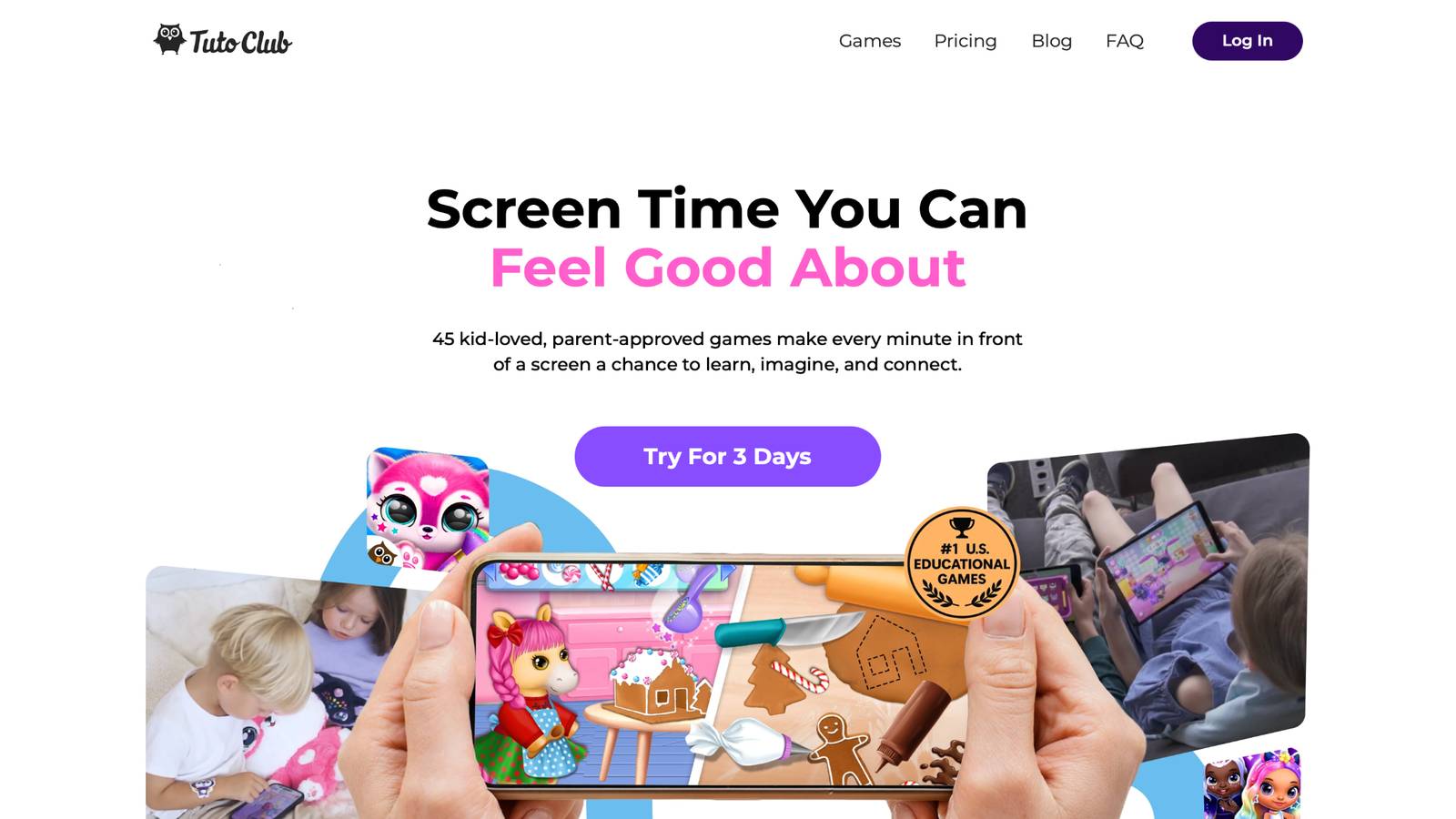
Educational games for 6 year olds from TutoClub open one calm subscription to more than 45 ad-free titles made by the TutoTOONS studio in Kaunas, Lithuania. A six-year-old can care for a baby unicorn, hatch fluffy pets, sort letters in Smolsies, tidy rooms, and decorate pet houses. Each task asks for a small choice, then a clear win. That loop builds focus, kindness, and early reading or number sense without ads or sudden pop-ups. Parents often like the same login on more than one device, so play stays in one place. The art stays bright but soft, and sessions feel short enough for after school. Kids who like stories stay longer because the lesson sits inside pet care, not a worksheet. Fresh scenes keep the set from feeling finished after a week.
Facts and information
- More than 45 skill-building games in one ad-free subscription
- Play that supports creativity, focus, empathy, and simple routines
- Letter, number, and spelling moments inside pet-care titles such as Smolsies
- One account across devices, with updates that add new play
- Built for balanced screen time that still feels like a game
TutoClub Overview
TutoClub is your gateway to a magical world of educational games designed especially for children.
As part of TutoTOONS, a leading kids' games studio, we offer premium access to over 45 ad-free games.
Our mission is to blend learning and play, helping kids explore, create, and grow in a safe online space.
Thousands of parents trust us for family-friendly content that sparks imagination and builds essential skills.
Key Features
- Unlimited Access: Unlock full content in all games with no interruptions.
- Ad-Free Experience: Enjoy seamless play without any ads or distractions.
- Skill Development: Games foster creativity, social skills, communication, and more through fun activities like pet care and cleanup challenges.
- Regular Updates: Get new releases, exclusive content, and future updates automatically.
- Easy Subscription: Cancel anytime with no obligations, simple and flexible for families.
Explore Our World
TutoClub provides a rich ecosystem of educational games for kids, featuring ad-free experiences that promote creativity, focus, and emotional growth through play.
This platform turns screen time into valuable learning opportunities, with parent-approved content that builds essential skills and sparks curiosity in young minds.
- TutoClub Games: Over 45 educational games, including popular titles like Fluvsies, Smolsies, and the Sweet Baby Girl series
- Blog: Insights, tips, and stories for families on kids' learning and play
- FAQ: Comprehensive answers to frequently asked questions about subscriptions, features, and more
Get TutoClub on Your Device
TutoClub delivers premium kids educational games directly to your mobile devices, making learning accessible anytime, anywhere.
With apps available on major platforms, families can easily download and subscribe for ad-free play that turns screen time into skill-building adventures.
Perfect for parents seeking safe, engaging content on iOS, Android, or Amazon devices.
Why Choose TutoClub?
We're committed to 100% safe, enriching entertainment that kids love and parents approve.
Join the thousands who've seen their children thrive through playful learning.
Ready to start the adventure?
Start calm, ad-free educational games for 6 year olds online with TutoClub!
2. Fluvsies Academy
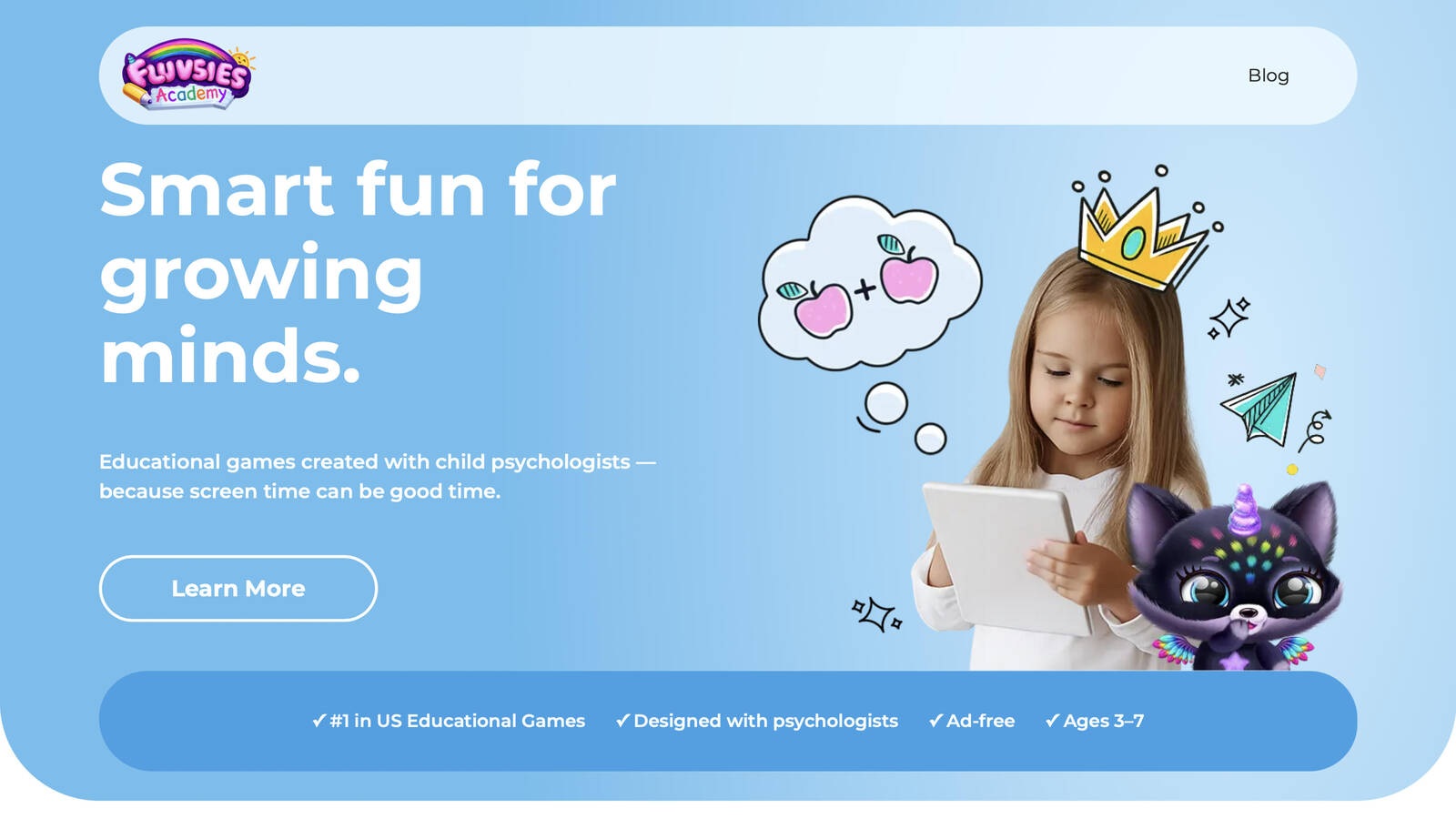
Fluvsies Academy, from TutoTOONS in Kaunas, Lithuania, is a learning app made for children ages 3 to 7 and shaped with child psychologists. Friendly Fluvsies lead short games in language and phonics, numbers, logic and attention, sorting, and life skills. A second mode walks kids through everyday jobs, such as a baker, a shop helper, or an astronaut, in a slower story style. Six-year-olds who already like the characters settle in fast. Tasks stay age-sized, with big taps and clear goals, so a new reader or a new counter can join without a long lesson first. Parents can follow progress in a simple area and see which skills the child has touched. The app is fully ad-free, which keeps the round from breaking for a sale or a video. Active skill play and quieter profession stories sit side by side, so one session can mix counting with a real-life scene. That mix fits kindergarten and early first grade, when children still learn best inside a character they trust. Fresh categories give a reason to come back without leaving the same calm world.
Key features
- Language, phonics, number games, logic, sorting, and life-skill scenes
- Active learning plus gentler profession stories
- Designed with child psychologists for ages 3 to 7
- Parent progress view and fully ad-free play
Facts and information
- Five learning areas cover early school skills and real-life habits
- Challenges adjust so preschool and early elementary players can both join
- Character-led design helps kids who already know Fluvsies stay engaged
3. Khan Academy Kids
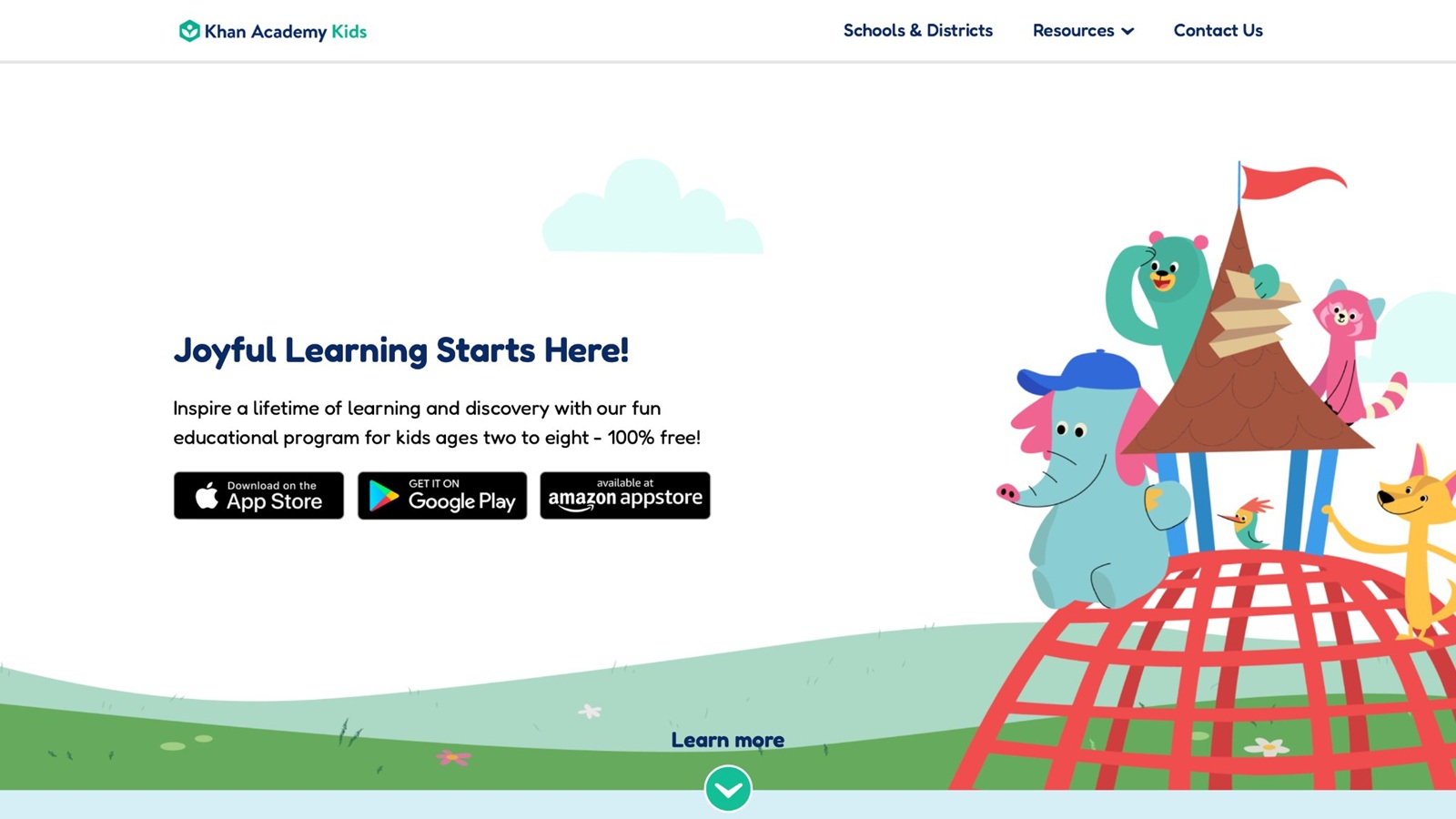
Khan Academy Kids is a free early-learning app from Khan Academy, the nonprofit known for lessons used in many homes and classrooms. It is built for about ages 2 to 8, which puts a typical six-year-old near the middle of the range. Stories, books, songs, and games cover letters, counting, feelings, and creative play. Characters guide the child, and paths shift with what the child can already do, so a strong reader is not stuck on the same letter page as a beginner. A six-year-old can read a short book, practice numbers, then draw, all inside one library. Downloads support offline use, which helps in the car or on a trip. The library is wide, and that helps on busy weeks when a parent wants books and skill play in the same place. The open menu can feel big at first, so a parent pick of one subject keeps the session tighter. There are no ads and no paid wall inside the lessons. It is a steady daily option when a family wants mixed practice rather than one story world. Some children still need an adult to name the goal before they open the app, or they wander between books and games.
Key features
- Reading, math, writing, and social-emotional activities
- Adaptive paths and character guides
- Books, videos, and creative play in one library
- Offline use after download
Facts and information
- Built for ages 2 to 8 with no ads
- Parent and teacher views show what the child practiced
- Strong fit for mixed practice rather than one subject only
4. ABCmouse
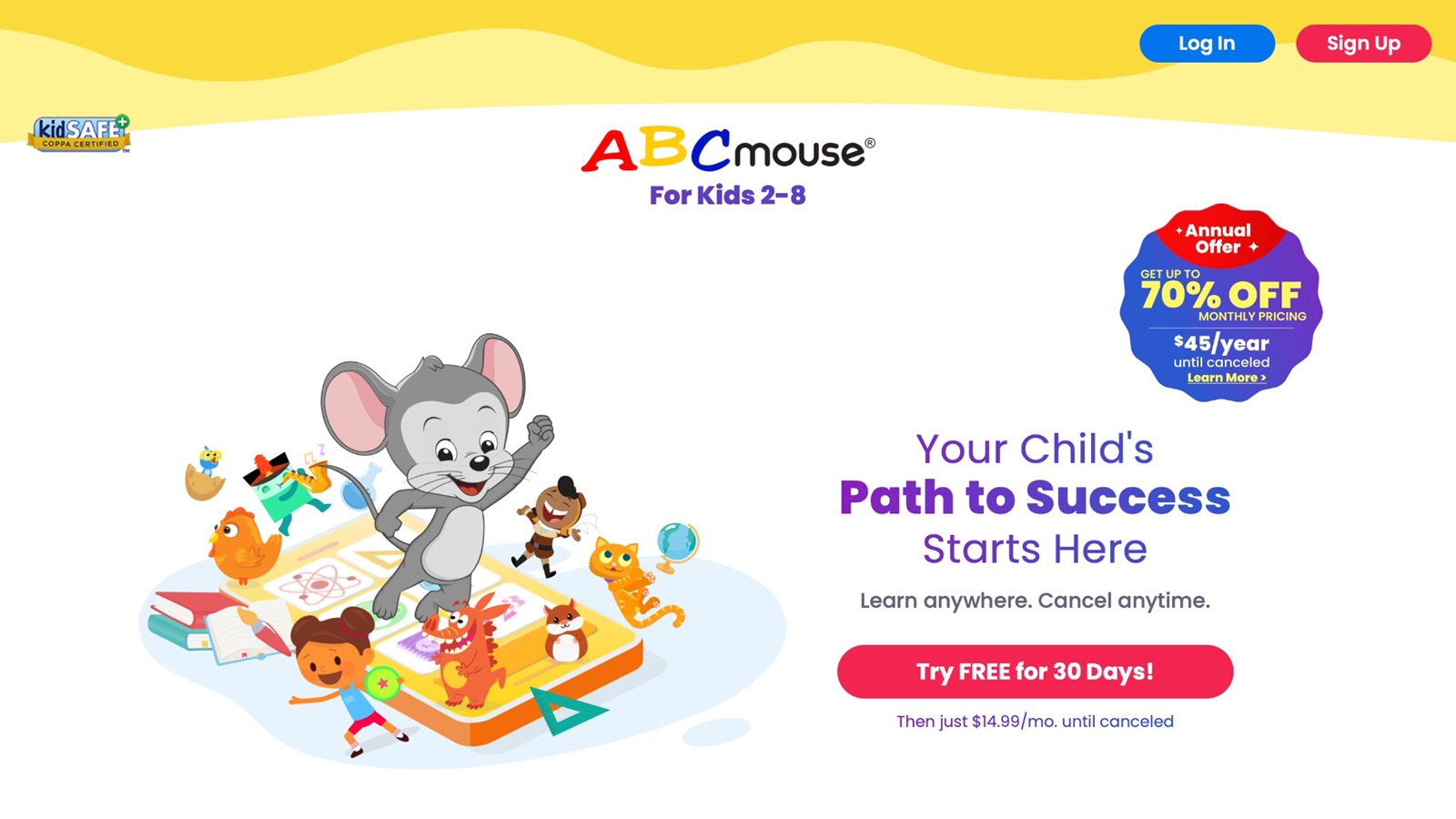
ABCmouse, from Age of Learning in Glendale, California, offers a leveled path for ages 2 to 8 across reading, math, science, art, and music. Children move through a bright world, finish short tasks, and collect rewards that mark the next step. Songs, games, and books sit on the same path, so a six-year-old meets the same skill in more than one form. A letter sound might show up in a song, then in a game, then in a short book. Printables extend a lesson off the screen, which helps families who want a paper follow-up after play. The map is large, and some children need a parent to point them back to the next lesson instead of hopping between tickets and side rooms. Progress tracking helps adults see what is done and what still needs a second look. It suits families who want a school-like sequence with playful rewards. The amount of content can feel heavy on day one, so starting with one subject, often reading or math, keeps the first week clear. New books and games are added over time, which gives returning players a fresh corner without a new app.
Key features
- Step-by-step lessons in reading, math, science, and art
- Songs, games, books, and printable extras
- Reward tickets that mark progress
- Parent tracking across subjects
Facts and information
- Aimed at ages 2 to 8 with a clear learning path
- New books and games are added over time
- Best when an adult helps choose the next lesson
5. Prodigy Math
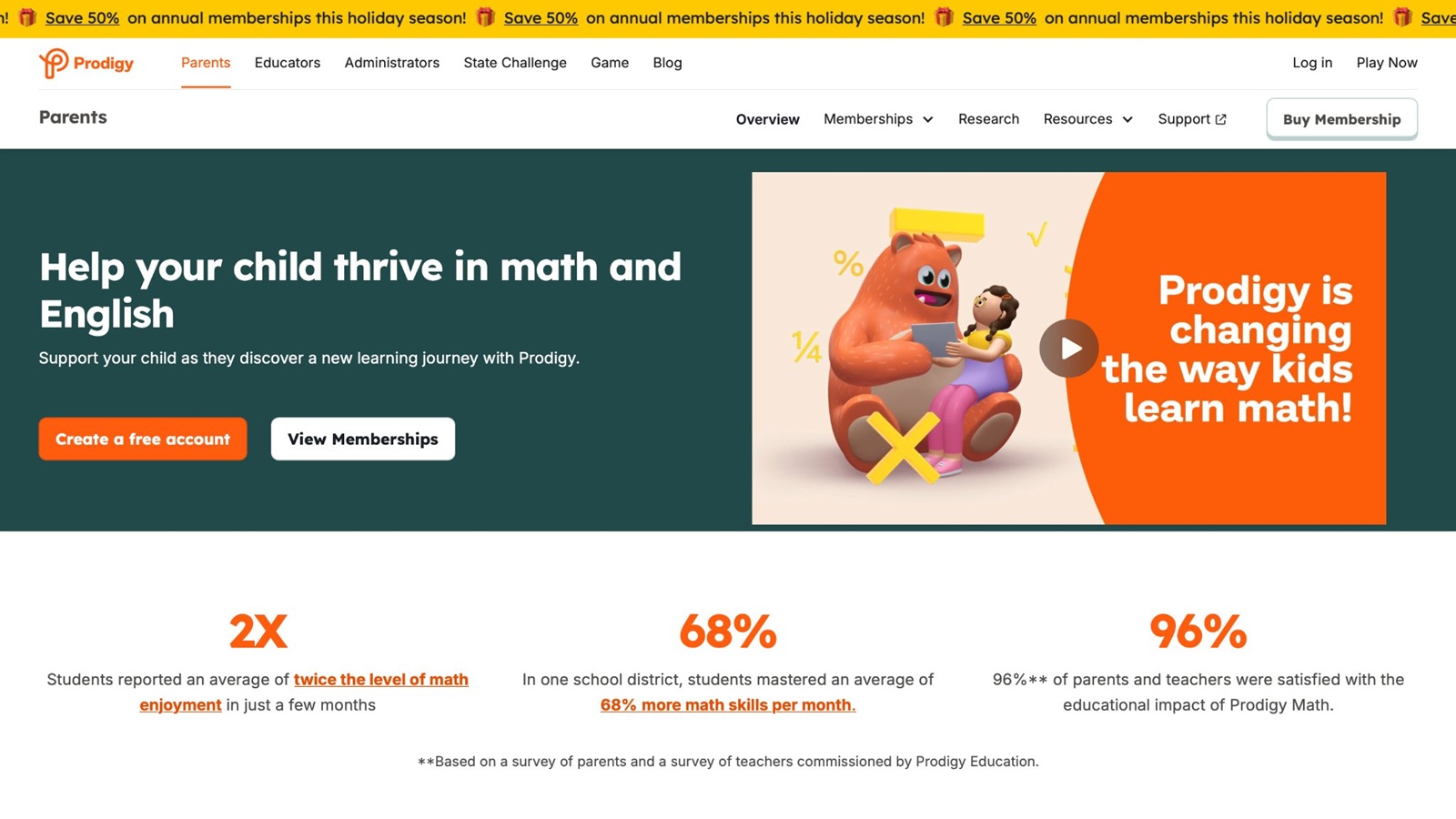
Prodigy Math, from Prodigy Education, turns math into a wizard quest for roughly grades 1 to 8. A child answers a problem to cast a spell or win a battle, so the math is the action, not a pause between fights. Questions shift with how the child does, from adding and subtracting toward fractions and geometry. A six-year-old in first grade often meets early facts inside the story, while a child who is ahead can see harder items sooner. Parent and teacher reports show skills practiced, which helps when a school has named a gap. The world is busy, with pets, gear, and side goals, and some children chase those more than the problems. A short timer set by a parent keeps the math in focus. It is a strong pick when math is the main goal and the child already likes quest games. Reading practice is thin, so it works better beside a phonics title than as the only learning game. Sessions can run long if the end is not named first, because the map always offers another battle.
Key features
- Adaptive math inside a role-play world
- Coverage from early facts toward harder grade topics
- Reports for parents and teachers
- Quests that reward correct answers
Facts and information
- Built mainly for grades 1 to 8
- Difficulty moves with the child’s answers
- Works better with a clear stop time than open play
6. PBS Kids Games
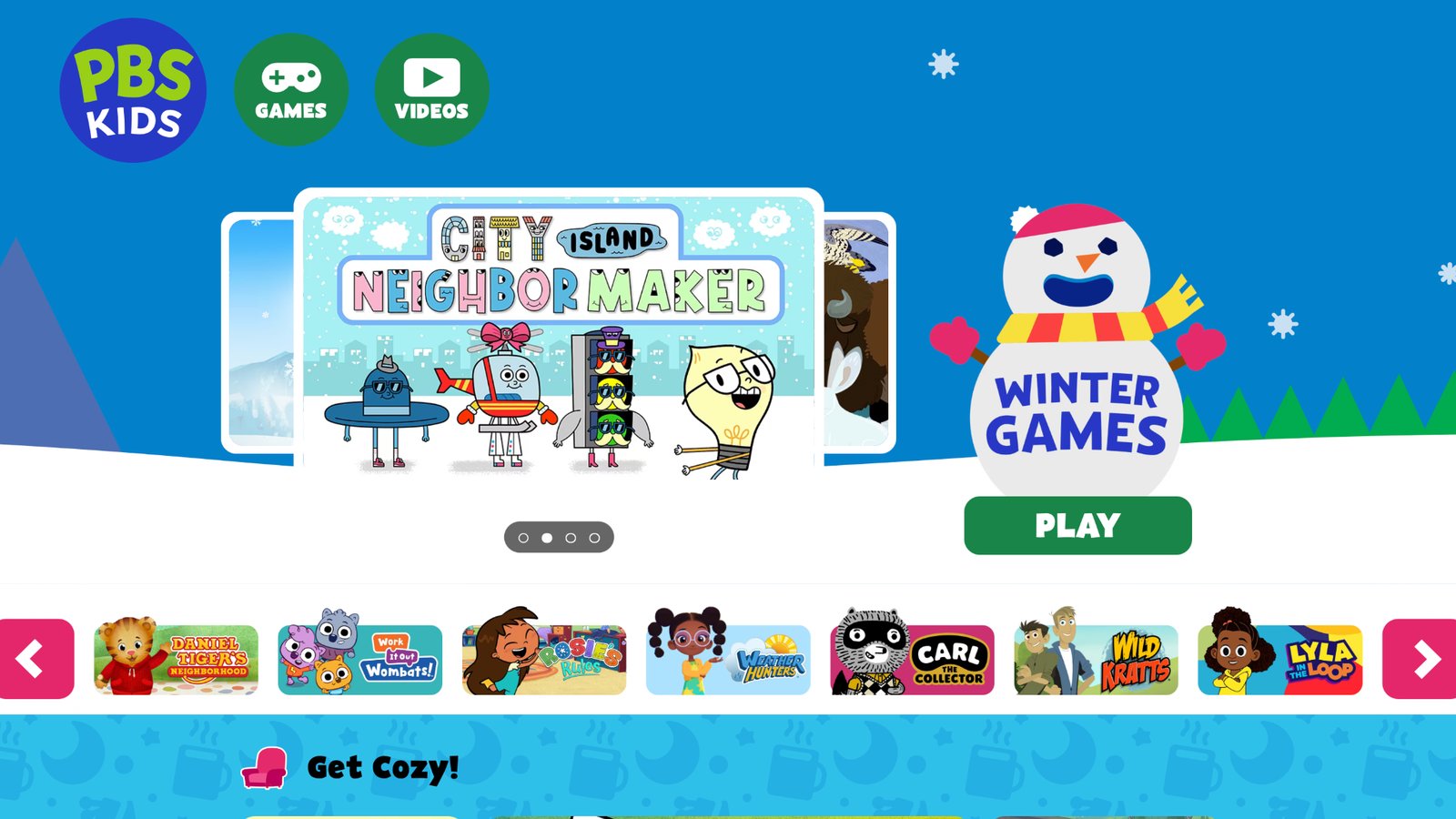
PBS Kids Games gathers short browser and app games tied to familiar public-media shows. Six-year-olds practice letters, numbers, science ideas, and social skills with characters they already know from daytime programs. Rounds are brief, which fits a snack break or a waiting room better than a long lesson block. New games appear over time, so the shelf does not stay frozen. Quality and depth vary by title, so an adult pick beats a random click through the full catalog. The collection is free and widely used at home and in classrooms, which makes it an easy shared choice when cousins or classmates already know the characters. It is handy when a child wants a known face and a parent wants a short, trusted round. It is lighter as a full lesson plan, because each game is a small slice rather than a mapped year of skills. Some browser titles need a steady connection, while the app set is easier to reopen on a tablet. Pairing one PBS round with a book from the same show keeps the skill in the room after the screen stops.
Key features
- Short games linked to children’s shows
- Reading, math, science, and social topics
- Free access with new titles added over time
- Simple rounds for preschool and early elementary ages
Facts and information
- Character familiarity helps hesitant players start
- Best with an adult choosing the game
- Strong for short sessions, lighter for a full lesson plan
7. Starfall
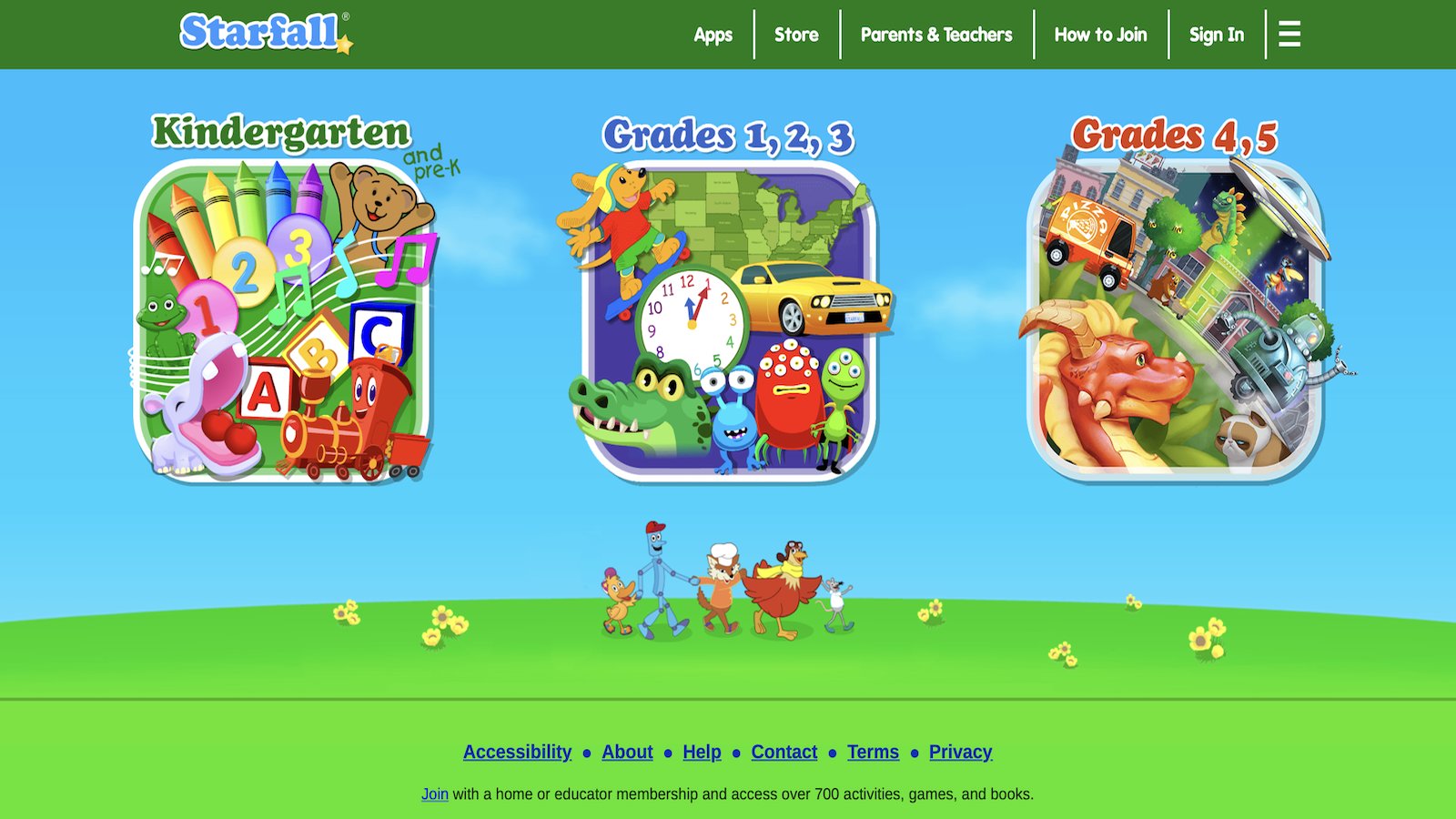
Starfall focuses on phonics, early reading, and simple math from pre-K through about grade 3. Songs, interactive books, and practice games walk a child from letter sounds toward short words and easy number facts. The look is plain and calm, which helps kids who get lost in loud art or busy reward screens. Some six-year-olds find the style less flashy than pet games, yet the reading path is clear and easy to restart. Many classrooms still use it for extra phonics, so home play can match what a teacher already shows. It fits a child who needs letter-sound practice more than a story world. Core activities stay available without pressure to rush, and a child can repeat a song until the sound sticks. The design is older in feel than many new apps, which some parents like and some children notice. It is better for skill practice than open creative play, and it pairs well with a care or building game on other days. A parent can sit for one book, then let the child replay the same page alone.
Key features
- Phonics songs, books, and practice games
- Early math beside the reading path
- Calm screens with a clear next step
- Use from pre-K through early grades
Facts and information
- Long used in homes and classrooms for literacy
- Core activities stay simple to restart
- Better for skill practice than open creative play
8. Teach Your Monster to Read
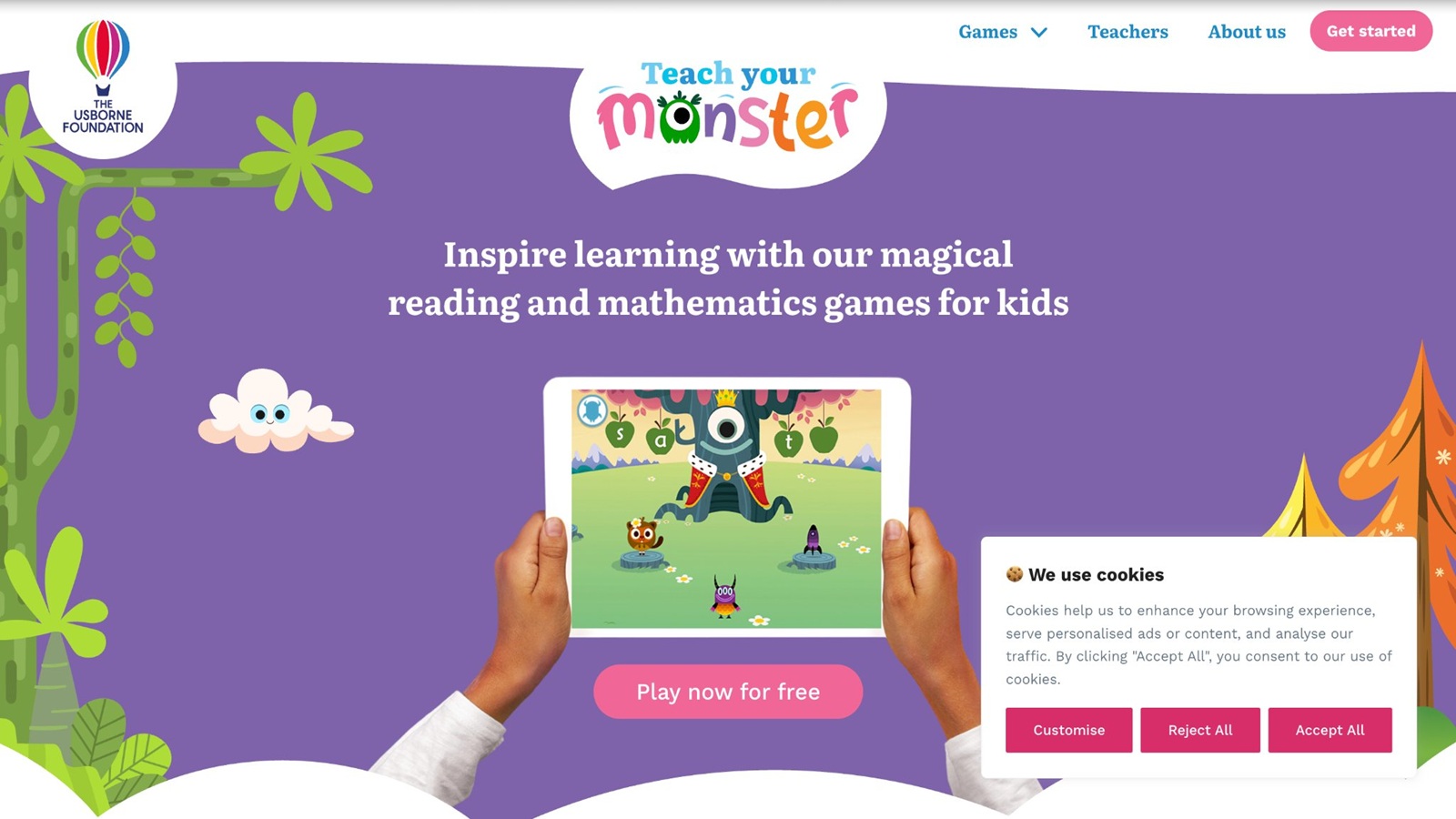
Teach Your Monster to Read turns phonics into a monster adventure for about ages 3 to 6, with room for early first grade. The child makes a monster, then moves through games on sounds, blending, and first words. Minigames keep the path from feeling like a test, and the map shows how far the monster has walked. Some number play appears too, though reading stays the center. The design grew with input from reading researchers, and many schools point families toward it for extra sound work. Older six-year-olds who already read simple books may finish early levels fast and want a harder book app next. The story still helps kids who resist letter drills, because the monster needs the sound to move. It is a focused reading game, not a full-subject library, so math and life skills need another title. Play works in a browser and in apps, which helps if a tablet is not free. A parent can see progress on the map without opening a long report.
Key features
- Phonics path with a custom monster guide
- Sound, blending, and early word games
- Short minigames inside a story map
- Designed around early reading programs
Facts and information
- Best for ages 3 to 6, still useful for new readers at 6
- Reading is the center, with light extra skills
- Progress is easy to see on the map
9. SplashLearn
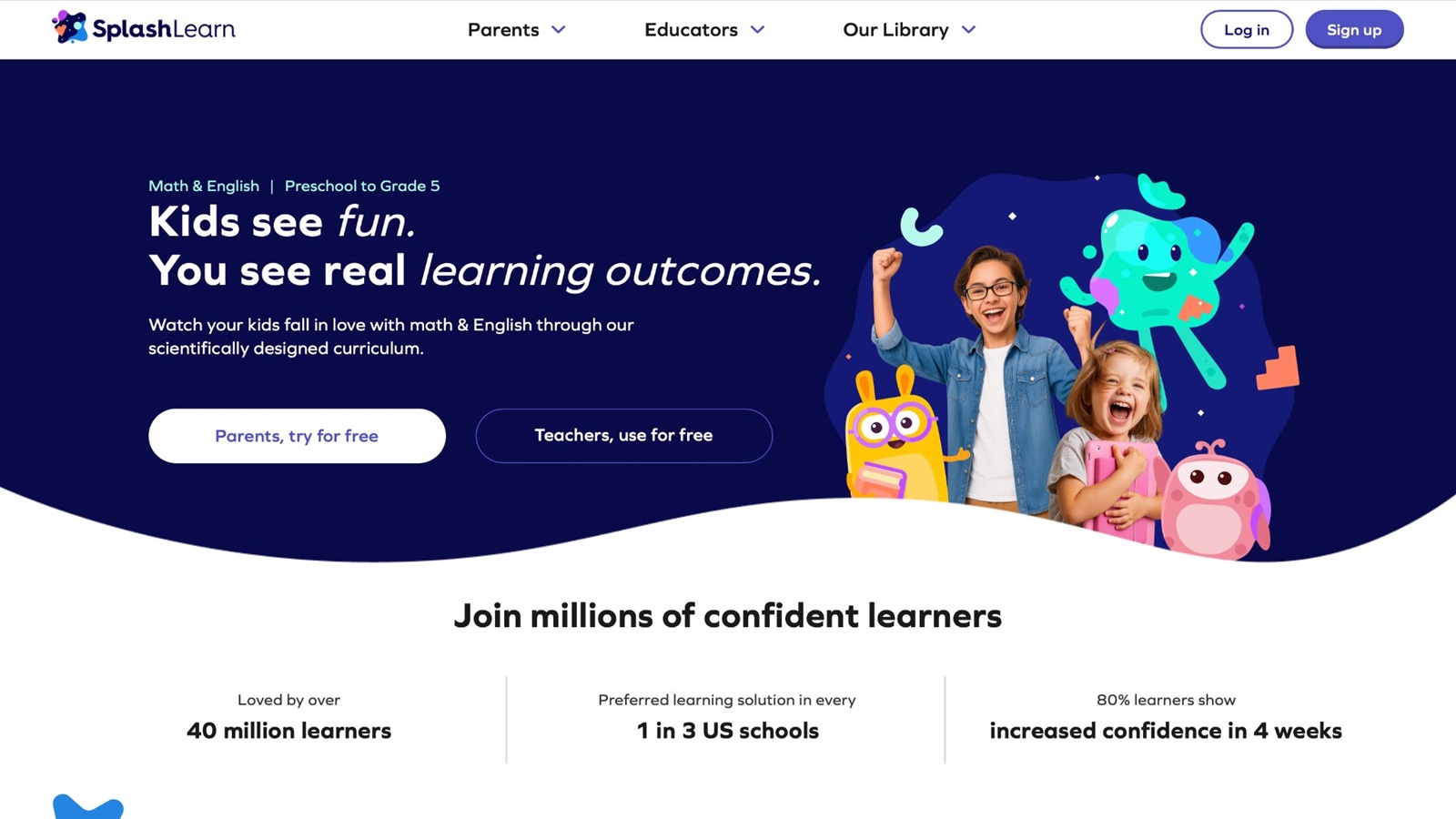
SplashLearn offers game-style math and reading practice from preschool into elementary grades. A six-year-old can work number sense, adding, phonics, and sight words on a path that shifts with answers. Rewards and small worlds keep practice from looking like a bare worksheet. Reports help parents spot a weak skill and send the child back to that spot. The catalog is large, and some screens feel more like school software than a story game, which is useful after a teacher names a topic and less fun as free play. It works well as extra practice beside a calmer play set. Teachers often use it for class assignments, so home play can continue the same skill. The amount of choices can slow a child who likes to browse, so a parent-picked mission is the cleaner start. Reading and math both live here, which cuts the need for two specialist apps on review nights. It is broader than a single-story game and narrower on care, art, and open building.
Key features
- Adaptive math and reading games
- Paths for number sense, operations, phonics, and sight words
- Rewards that mark finished skills
- Parent view of practice
Facts and information
- Spans preschool through elementary topics
- Useful for targeted review after school
- Broader skill list than a single-story game
10. ScratchJr
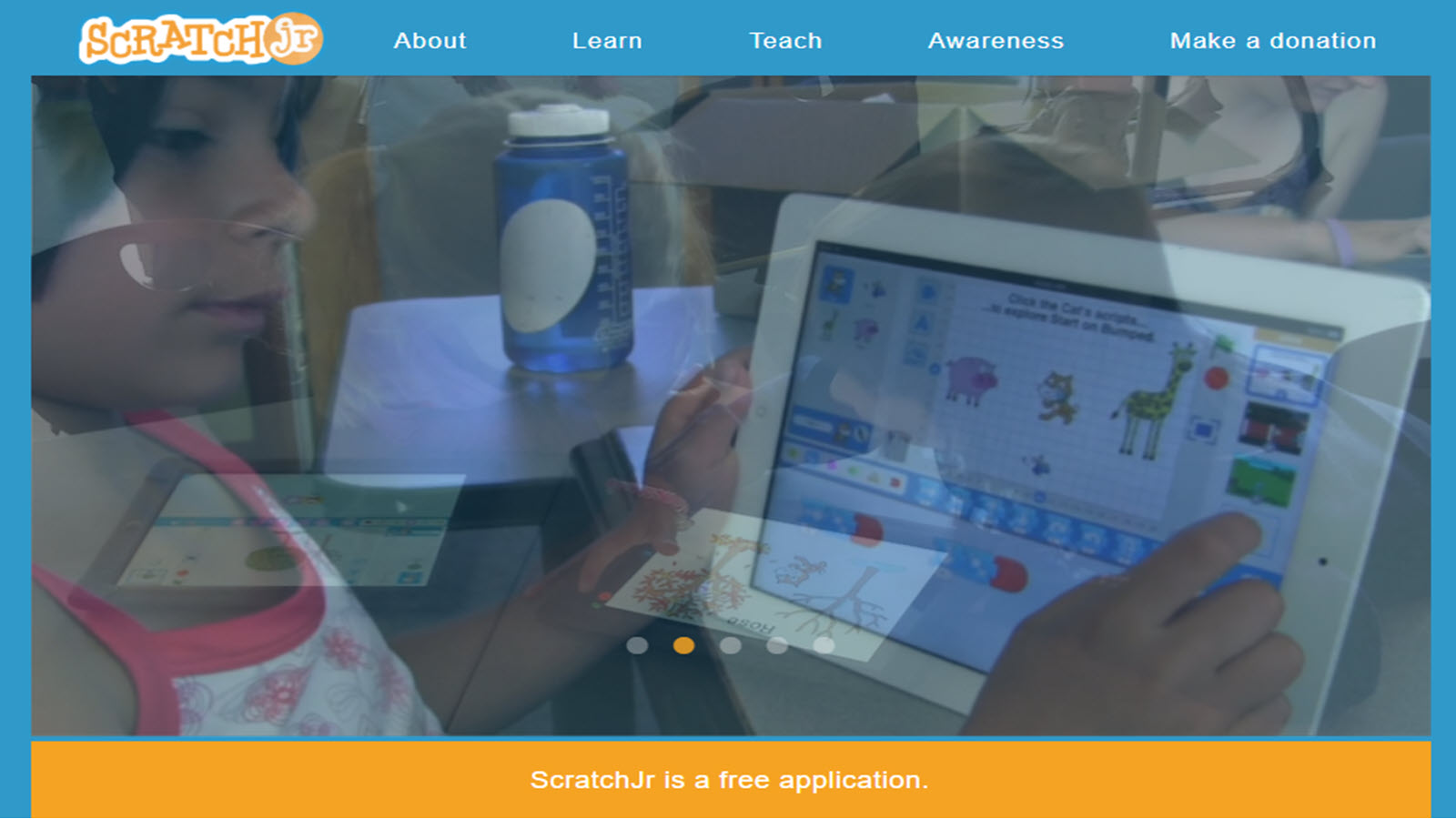
ScratchJr, from the Scratch team and used in many early coding lessons, lets ages about 5 to 7 build simple scenes by snapping blocks. A six-year-old can make a character move, speak, and loop without typing code. The app teaches sequence, cause and effect, and early planning. There is no graded lesson path, so some children need a first project from a parent, such as a cat that jumps, then says hello. It is free of ads and strong for creative logic. It is less useful as a daily reading or math program, and better as a weekend build beside skill games. Projects can be saved and replayed, which gives a real product the child can show. The block list grows, and a few icons need a quick adult label on the first day. Tablets are the natural home for it, since drag and drop is easier with a finger than a mouse for this age. One finished scene is a better goal than an open hour of tinkering.
Key features
- Block coding for movement, sound, and scenes
- No typing required
- Projects the child can save and replay
- Fits ages 5 to 7
Facts and information
- Introduces sequence and logic through making
- Open-ended, so a starter idea helps
- Complements, rather than replaces, reading and math play
11. Reading Eggs
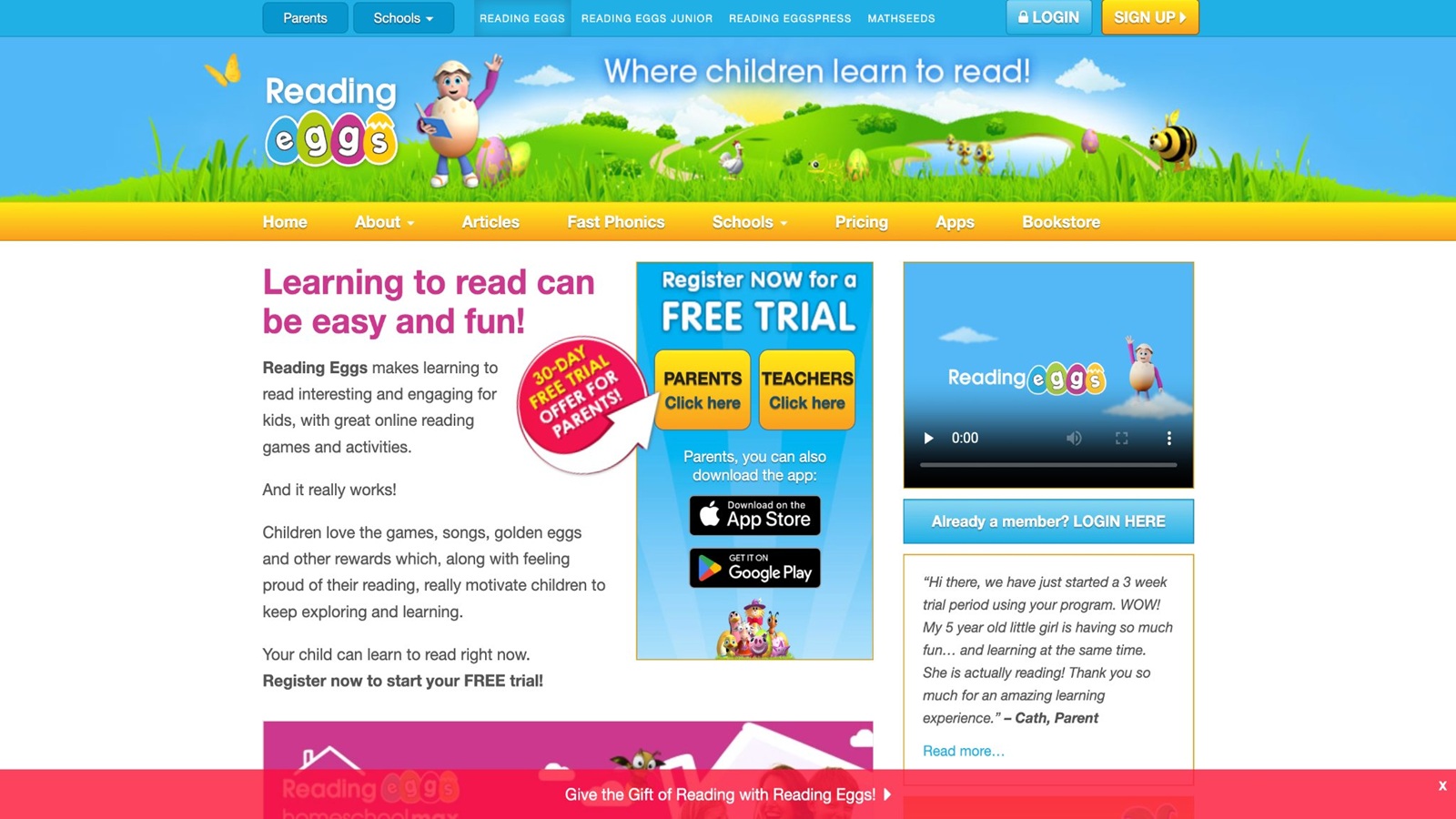
Reading Eggs maps early literacy from pre-reading into early chapter skills, which covers many six-year-olds. Lessons mix songs, phonics games, spelling, and short books. A placement step can start the child near the right level instead of forcing every player through the same first page. Multi-child profiles help families with siblings who are not on the same book. The path is structured, and some kids want more freedom between lessons, so a reward room can pull them off the next reading step. It is a clear choice when reading is the priority and a parent wants a set order of skills. Books extend the games off the lesson screen, which matters at age six, when sounding out should turn into real sentences. Math sits in a sister program, so this title alone will not cover number work. Progress maps are easy for an adult to scan after a short session. Children who already love stories often stay longer than children who only want pets or building.
Key features
- Sequenced reading lessons and decodable books
- Phonics, spelling, and sight-word practice
- Placement and progress tracking
- More than one child profile
Facts and information
- Aimed at early readers, including many ages 3 to 8
- Books extend the games off the lesson screen
- Best for a reading goal, not a full play library
12. Moose Math
.jpg)
Moose Math, from Duck Duck Moose, turns early math into town-building for young children, including many six-year-olds. Counting, adding, subtracting, sorting, and geometry show up as jobs in a shop or a city. The child earns pieces to build, which gives a reason to finish a round. Levels stay short, and the goals are easy to see. The subject list is math-first, so reading practice is thin and belongs in another app. Art is friendly, with a moose guide that keeps the tone light. It pairs well with a phonics game on other days. Some levels repeat the same job, which helps a child who needs more tries and bores a child who wants a new story every time. There is no long report for parents, so an adult learns progress by watching a round. The town reward is the hook: kids often ask to play one more shop so they can place a new building. That makes it a clean after-school math block when the rest of the week already has reading and care games.
Key features
- Counting, operations, sorting, and shape play
- Town rewards after math tasks
- Short levels with clear goals
- Early elementary math focus
Facts and information
- Built for young children practicing number sense
- Motivation comes from building, not a timer
- Narrower than multi-subject apps, deeper on math
13. Homer
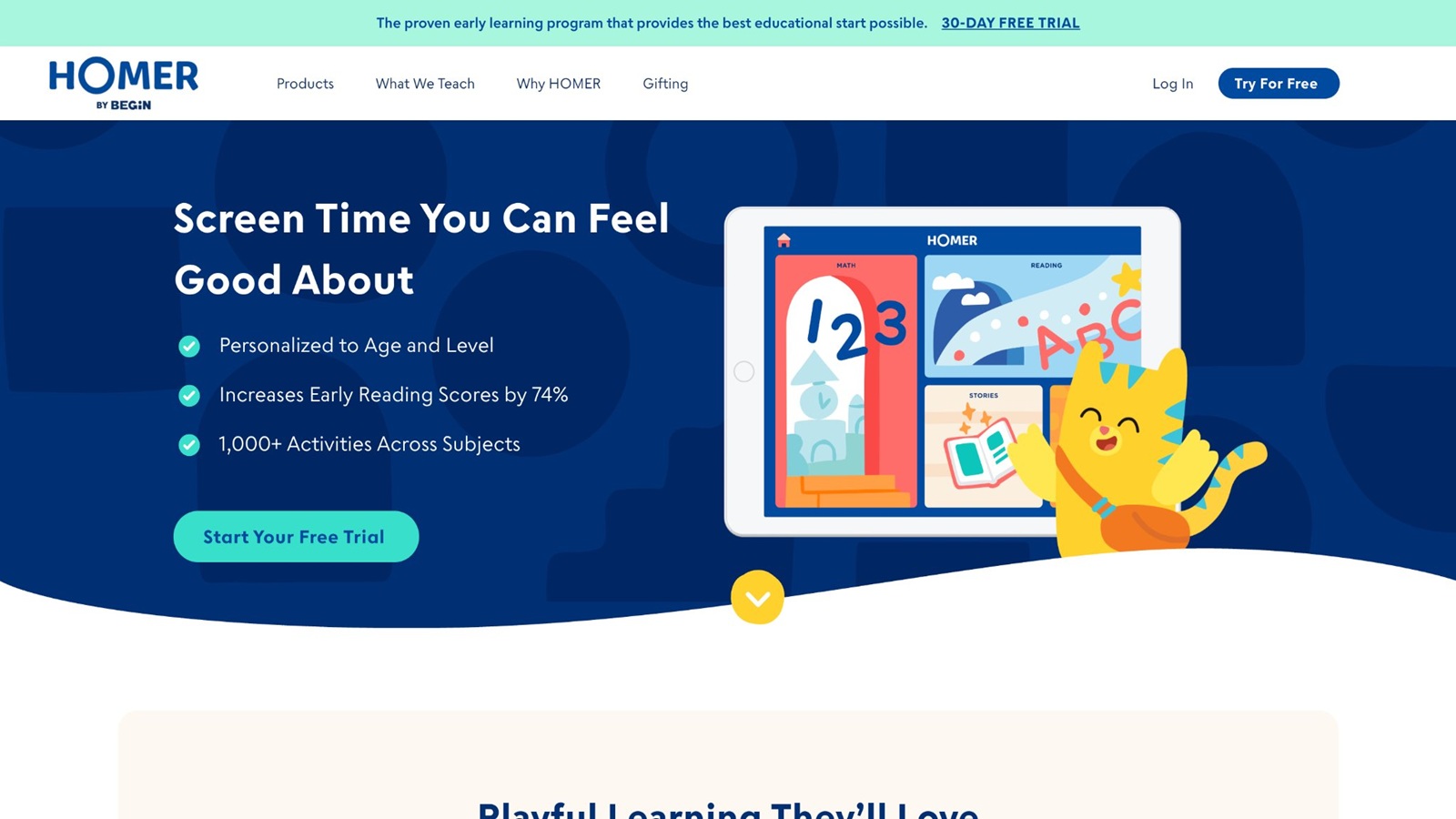
Homer, also shown as HOMER, is an early learning app for about ages 2 to 8 with a reading path at the center and side play in math, creativity, and feelings. A six-year-old can meet letters, sounds, and short books, then switch to a drawing or number activity. The app tries to place the child on a path after a short check, which saves time if the child already knows some sounds. Characters and songs keep the lessons from looking like a worksheet. The library is wide, and some children bounce between sections unless a parent names one reading mission first. It is stronger on literacy than on long creative builds or pet care. Offline downloads help travel days. Progress views give adults a simple picture of finished lessons. Families who want a reading-led app with extra subjects often keep it beside a calmer game set rather than as the only screen. Sessions stay clearer when they end on a finished book, not an open menu.
Key features
- Reading path with phonics, books, and songs
- Extra math, creativity, and social-emotional play
- Placement that starts the child near the right level
- Progress view for parents
Facts and information
- Aimed at about ages 2 to 8
- Reading is the core, with other subjects around it
- Best with one chosen mission per session
14. ABCya
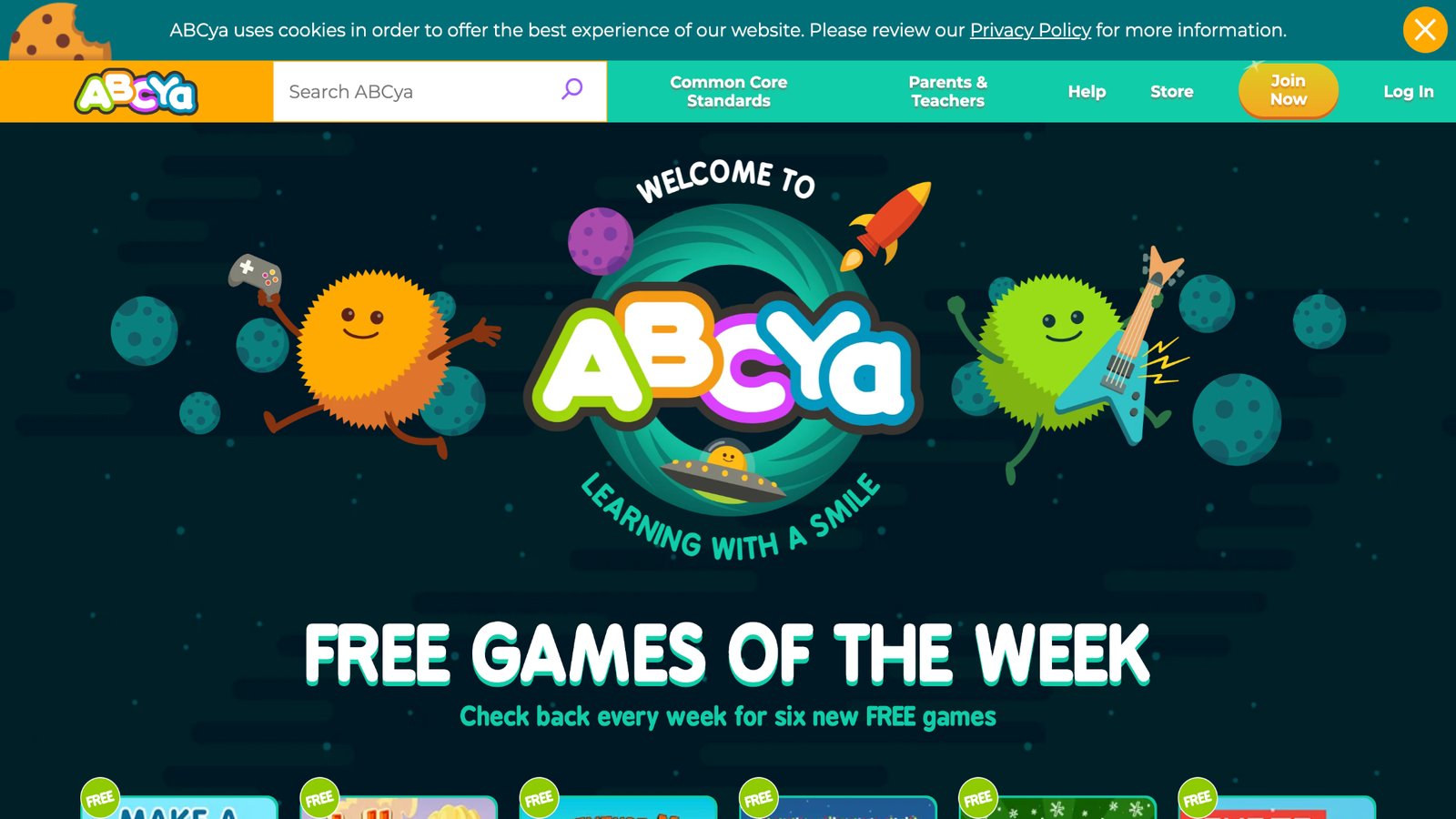
ABCya is a browser and app collection of teacher-made games for pre-K through grade 6. A six-year-old can find math, reading, typing, and logic titles, from number races to word puzzles. Each game is short, which makes it easy to match a school skill for a few minutes. The catalog is large, so quality and noise level change from game to game. An adult pick is safer than letting the child scroll the full grade page. Some titles feel like practice drills, which helps review and feels less like a story. Ads can appear on the free web side, so a parent should check the page before handing over the device. It works well as a skill sampler, not as one continuous world. Typing and puzzle games are a useful extra at this age, when fingers are still learning the keyboard. Pair one ABCya round with a book or a care game so the session is not only drills.
Key features
- Many short games across math, reading, and logic
- Grade labels from pre-K upward
- Browser play plus app options
- Puzzle, race, and practice formats
Facts and information
- Teacher-made activities used in many classrooms
- Best when an adult chooses the title
- Strong for a single skill, lighter as a full story world
15. Duolingo ABC
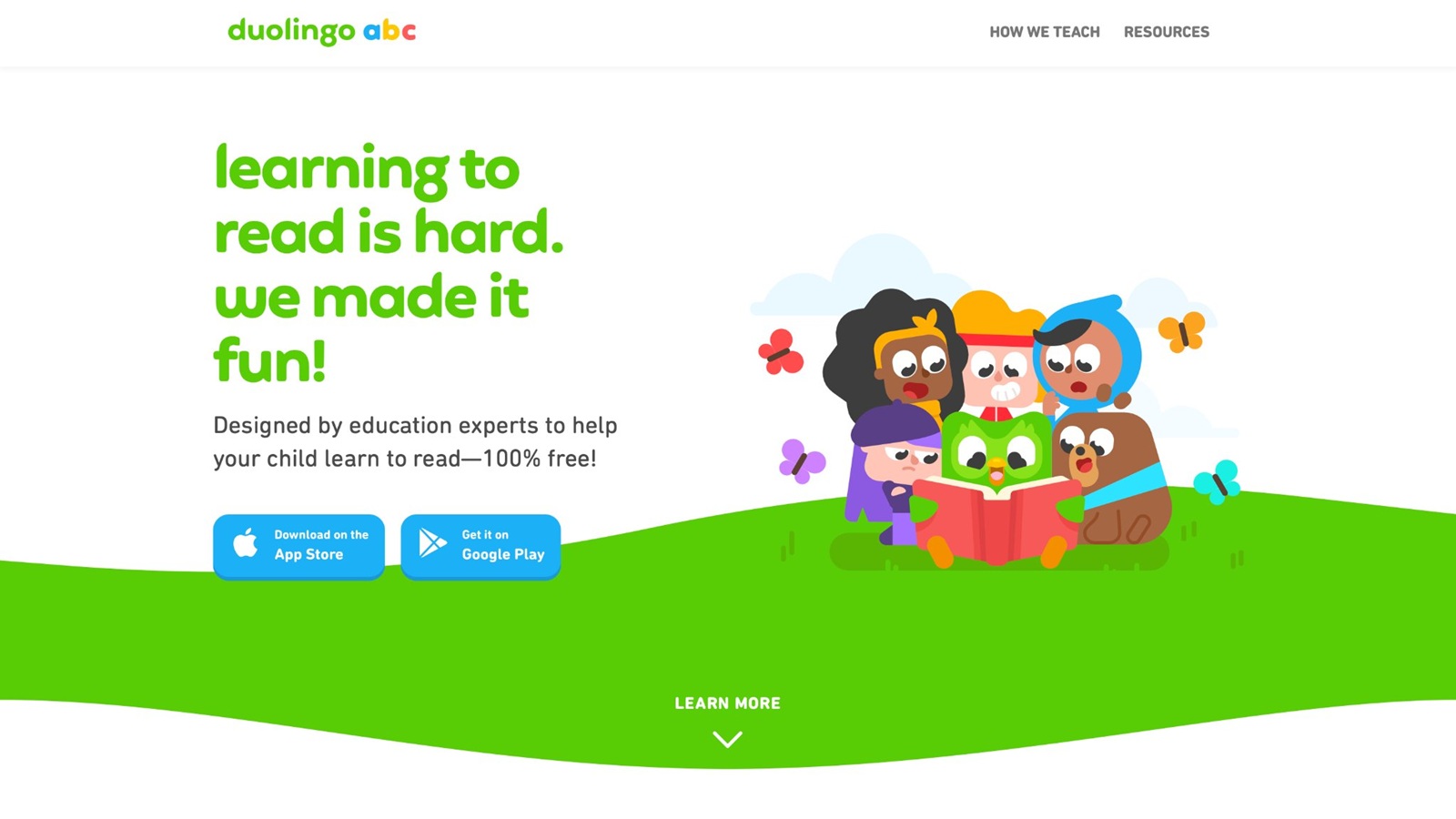
Duolingo ABC, from the Duolingo team, is an early reading app for young children, including many ages 3 to 8. Lessons walk through letter sounds, tracing, first words, and short reading steps, with the same bite-size shape older learners know from language lessons. A six-year-old who is still blending sounds can move one small step at a time. Art is bright and the taps are simple. The path is reading-first, so counting, care, and open play need another game. Some children finish a level quickly and want a prize screen more than the next word, so a parent end after one lesson keeps it useful. Offline use is limited compared with apps built for downloads, which matters on trips. It is a clean add-on when phonics is the gap and the child already likes short wins. It will not replace a story collection or a math quest. Used two or three times a week beside books, it supports the same sounds a kindergarten teacher is likely to review.
Key features
- Letter sounds, tracing, and first-word steps
- Short lessons with clear wins
- Reading-first path for early elementary ages
- Simple taps and bright art
Facts and information
- Built for early readers rather than a full subject mix
- Lessons stay small enough to finish in one sitting
- Works best beside real books and a separate math game
Skills to Match with a Six-Year-Old’s Week
Not every day needs the same game. A simple week plan keeps skills moving without a new download each night. Reading days can use phonics and short books. Math days can use counting and patterns. Care days can use pet and tidy games from a collection that already mixes those routines. Puzzle days can use sorting and memory. One calm title can cover more than one skill if the child likes to stay in one world. Learning through play activities and learning through play examples show how a screen task can match a real one.
Letter sounds and first words show up in songs, blending games, and short digital books. A good sign is that the child can say a sound, then find it in a word. Kid educational games with a reading path keep that match short. Counting and early adding show up in shop scenes, sorting, and pattern boards. A good sign is that the child checks the count before moving on. Educational kids games often place that count in a room or a shop.
Focus and logic show up in memory games, puzzles, and block steps. A good sign is that the child retries after a miss without quitting. Educational games for kids that are fun can hold the puzzle day when the child wants a story around the sort. Care and feelings show up in pet care, cleanup, and helping a character. A good sign is that the child names what the character needs. Emotional games for kids, responsibility games for kids, and chore games for real life skills keep that care on a weekly slot. Making and planning show up in block scenes, decorating, and simple stories. A good sign is that the child finishes a small build and shows it. Confidence building games end on that kind of finish.
Rotate subjects, but keep the app list short. Too many icons lead to hopping. Two or three trusted titles, plus real books and toys, cover most weeks. Educational games for kids age 5 help a younger sibling on the same plan. Benefits of learning through play show why the skill changes by day while the app list stays small. A family weekly planner can hold the reading day, math day, and care day in one view.
Screen Habits That Keep Learning Games Helpful
A learning label does not fix a late night or a second screen in the background. Six-year-olds copy the room. If a parent sits nearby for the first minute, names the goal, and leaves a clear stop, play stays cleaner. Healthy screen habits and a parents’ guide to healthy screen time with educational apps use that same short start.
Try these habits.
- Pick the game before the device comes out. Tablet games for kids and iPad games for kids are easier to limit when the title is already chosen.
- Set a visible end, such as one world or one story. Educational games for kids at home stay clearer with that end.
- Sit in shared space, not a closed bedroom, for this age. How to protect kids online starts with the room, not only the settings.
- Turn off extra tabs, chats, and store buttons. Mobile games for kids need that check more than a closed app.
- Follow the session with a real task that uses the same skill. Summer holiday educational games and offline ideas pair the screen round with an offline job.
Questions about accounts, devices, and what a subscription includes sit in the TutoClub FAQ. Store notes sit on App Store help, Google Play help, and Amazon help. Privacy notes sit on the privacy FAQ. Families who also want video-style learning can compare educational videos and games for kids and keep the same rule: short, chosen, and easy to stop. Educational games for kids on iPad and PC games for kids follow that rule on different screens. A person can answer account questions through the Support page.
FAQ
What are the best educational games for 6 year olds online?
The best educational games for 6 year olds online are calm, ad-free, and built around a short task with a clear win. A child this age is often in kindergarten or early first grade. Many can sound out simple words, count past ten, and follow a two-step task, but they still tire fast if a screen shouts, flashes, or cuts the round for a sale. Useful play covers early reading, number sense, logic, and care routines such as feeding a pet, sorting objects, or tidying a room. Large taps, visible goals, soft art, and a pause that really pauses matter more than a busy open world with no end. One login across devices, plus offline play after a download, keeps the same games available at home, in the car, and in a waiting room. Letter sounds and sight words belong inside a scene, not only on a drill page. Counting and patterns belong in a shop, a room, or a sort, where the child can see the amount. The right game is the one a six-year-old can restart alone and still finish, while a parent can see what was practiced without hovering over every tap. A title that still feels fresh after the first week usually has more than one short scene, not a single trailer loop. Educational online games for kids follow that same short-scene shape.
How long should a six-year-old play learning games?
Many families do better with short rounds than with one long sitting. One world, one short book, or one care task is often enough for a six-year-old. A second short round later in the day can work if the child is still interested and the first round actually ended. The rest of the day still needs real books, movement, and talk, so the screen is not the only place a skill shows up. If the child cannot stop, the session was too open, or the end was never named before the device came out. A stop said first, such as one story or one room, keeps the round useful instead of endless. A real follow-up helps the same skill leave the screen, like reading one page after a phonics round or setting the table after a tidy game. Two short plays on different skills usually beat one long play in a single loud app. Late screens and a second video in the background make even a good learning game feel messy. A visible end, picked with the child, is easier to keep than a hidden timer the child never heard. When the round is short, the child is more likely to remember the sound, the count, or the care step the next day. Learning apps for kids stay clearer when that end is named before play starts.
Are apps or browser games better for a six-year-old?
Apps often fit six-year-olds better because taps are bigger and a store can be limited on the device. Browser games help when a family wants no install, or when a school site is already open on a shared computer. Either form works if ads stay off, the goal is clear, and the child is not one click away from a video feed or a fake button. Offline downloads help travel days. A shared login helps when the same child uses a tablet at home and a phone in the car. A short list of approved titles beats a wide search through every icon on the home screen. The format matters less than the loop. A strong loop is the same in an app or a browser: pick a task, do a clear action, get feedback, and stop. Tiny text, timers that cannot be paused, and menus full of extra games make both formats harder at this age. Browser play can also open extra tabs if the parent is not nearby, so a full-screen app with a child profile is often calmer for daily use. A browser title still earns a place when the skill is a short school review and no download is wanted. The better choice is the one that stays on the lesson and closes when the task is done. An educational games for kids app is often the calmer daily form for this age.
How can parents keep online learning games safe?
Safe play at this age means no ads, no surprise buys, and art made for young children. A child profile, closed chat, and no links out to outside videos keep the session inside the game. Privacy notes and payment details belong with the adult, not on the device the child holds. Shared rooms work better than a closed bedroom for the first weeks, because a six-year-old copies the room and needs a quick check if a screen shifts. Safe play stays easier to manage when the approved list is short and the same few titles return each week. Account, device, and subscription questions are easier to settle before the tablet comes out. A parent pick before play starts also blocks the scroll through unknown icons. Calm music, few pop-ups, and a real pause are part of safety, not only the login settings. Age labels around 4 to 8 are a safer start than teen art or tiny text. Coins that push a store, fake close buttons, and chats with strangers do not belong in a six-year-old’s round. A short approved list, checked once, does more than a new download every night. The privacy policy is the place those data notes live.
Which skills should educational games for 6 year olds cover in a normal week?
A normal week can rotate letter sounds, counting, focus, care, and simple making without a new download each night. Reading days use phonics, sight words, and short digital books. A good sign is that the child can say a sound, then find it in a word. Math days use shop scenes, sorting, patterns, and early adding. A good sign is that the child checks the count before moving on. Puzzle days use memory and matching. A good sign there is a retry after a miss, without quitting. Care days use pet and tidy play, and a good sign is that the child names what the character needs. Making days use decorating, block steps, and simple stories, and a good sign is a small build the child can show. Two or three trusted titles, plus real books and toys, cover most weeks better than a full screen of icons. One calm title can cover more than one of these skills if the child likes to stay in the same world. Nearby ages shift the same skills a little earlier or later. Rotating the skill, not the app list, keeps the week full without turning play into hopping. Emotional regulation games for kids fit the care slot when feelings are the skill of the day.
Read Also:
- Best Educational Games For Kindergarten in 2026
- Best Educational Games For 7 Year Olds in 2026
- Best Kids Learning Games Online in 2026
- Best Online Puzzle Games For Kids In 2026
- Best Safe Kids Games In 2026
Give your six year olds calm educational games online with TutoClub!