

Best Creative Online Games for Child Skills





Parents look for the best creative online games for child skills that still feel like play. Art pages, pet stories, dress-up, and simple build games train focus, fine motor control, and imagination in short, calm sessions. A quiet library keeps that practice free of ads and loud pop-ups.
Creative online games for child skills work best when art, dress-up, and care stay short enough to finish. Painting games online and online coloring games train fine motor control and color choice, while fashion games online and makeover games online let a child plan an outfit and show the result without ads or loud pop-ups.
See how TutoClub turns creative play into real child skills!
Why Creative Play Builds Real Child Skills
Creative online games for child skills work best when the child makes a choice, then sees the result. A color pick, a room layout, a pet routine, or a short story all ask the same thing. Look, decide, try again. That loop is the heart of learning through play.
That loop supports several skills at once.
- Fine motor control grows when small hands drag, tap, trace, and place items with care. Easy educational games for kids keep those moves large and clear.
- Focus grows when a page, a room, or a care task has a finish. Brain games for kids use the same look-and-finish habit.
- Language grows when kids name colors, jobs, feelings, and story steps out loud. Educational games for kids learning English lean on those words.
- Planning grows when they match an outfit, sort objects, or set up a scene before they call it done. Problem solving games for kids train that same plan-and-try step.
- Empathy grows in care games, where a pet or baby character needs food, rest, and a tidy space. Pet care games make that care the story.
Many families already know art and pretend play help. Dress-up games for girls online ask a child to build a look for a mood. Social emotional games for kids add feeling words to that play. Confidence building games give a small win when the picture, outfit, or room is done. Short sessions help more than long, noisy ones. A child who finishes one picture, one room, or one care routine leaves with a clear win. Learning through play examples show how that win can be a cleaned corner, a matched color, or a finished story. Benefits of learning through play sit in that same finish-and-feel-proud loop. The games library keeps those creative tasks in one ad-free place.
How to Choose Games That Teach Through Making
The best creative online games for child skills share a few traits. They open fast. Buttons are large. The child can invent, not only tap the right answer. Ads stay out of the way. A parent can see what the child made. Safe kids games and safe games for kids use that same calm setup.
Match the game to the skill you want.
- Art and tracing fit kids who need hand control and color words. Kid educational games often hide that practice inside a picture.
- Open worlds and dress-up fit kids who like stories and self-expression. Emotional games for kids use story choice in a similar way.
- Care and cleanup play fit kids who need routines, sequencing, and patience. Responsibility games for kids and chore games for real-life skills keep those steps playful.
- Block building and simple coding fit kids ready to plan steps and fix a mistake. Educational games for 7-year-olds and educational games for 10-year-olds cover that older build play.
- Sorting and logic scenes fit preschoolers who like clear, short tasks. Educational games for kindergarten are built around those short wins.
Age still matters. Educational games for toddlers and games for toddlers stay big, slow, and simple. Educational games for 2-year-olds and educational games for kids age 3 keep the same gentle pace. Games for preschoolers and educational games for kids 4 years old add color, dress-up, and first stories. Educational games for 5-year-olds mix free play with light structure. Educational games for 6-year-olds start to hold a longer project.
Best Creative Online Games for Child Skills
1. TutoClub - Best Creative Online Games for Child Skills
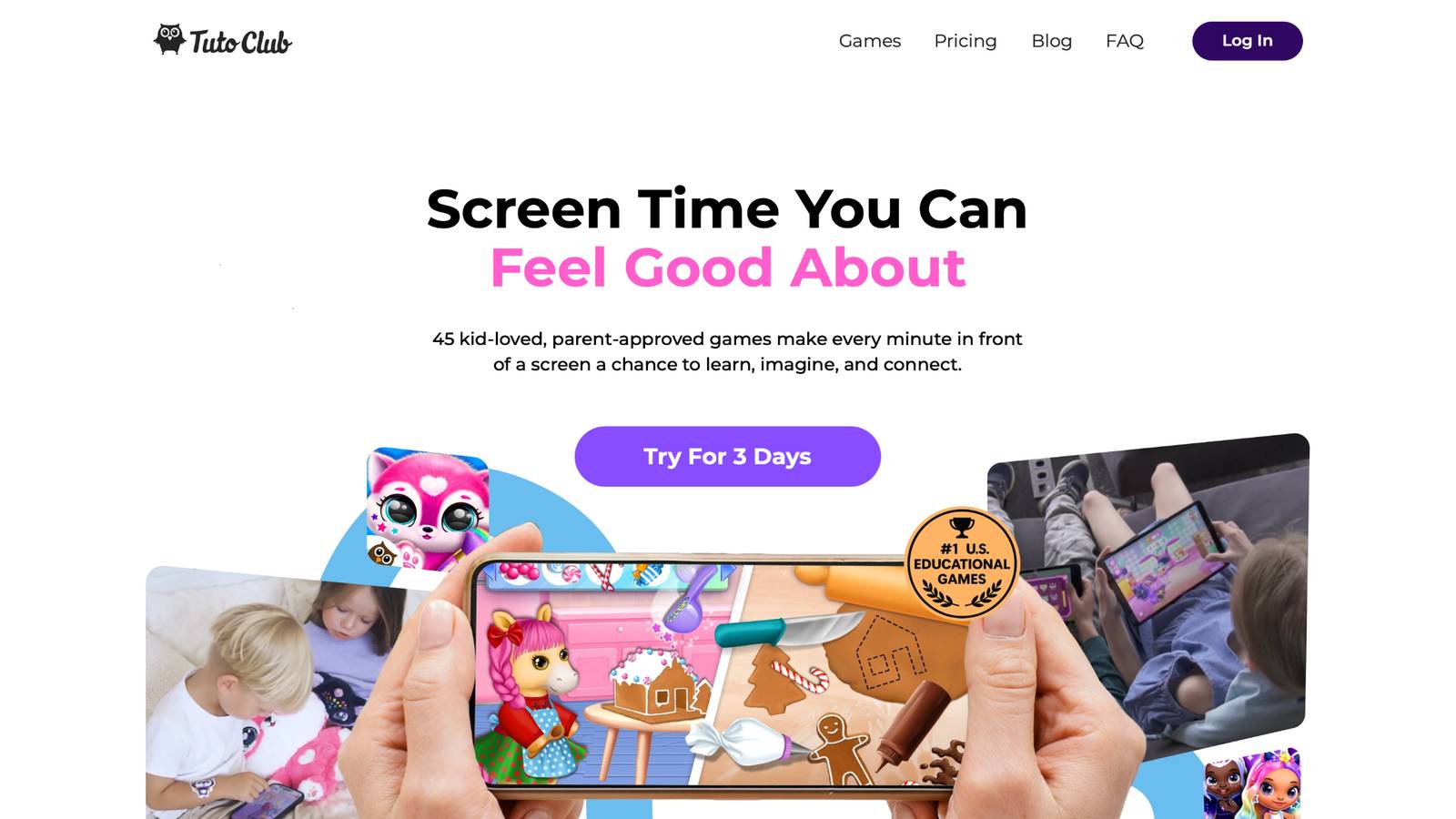
TutoClub is the strongest home for families who want creative online games for child skills in one calm place. The service comes from TutoTOONS, a kids studio in Kaunas, Lithuania. One membership opens more than 45 ad-free games. Kids color, dress characters, hatch pets, tidy rooms, and tell small stories without jumping between random apps.
Art play sits at the center. In coloring titles, children visit themed islands and fill pages of Fluvsies, Smolsies, FLOOF pets, and princesses. Color-by-number turns matching into a game. Neon tracing lets lines glow as little hands follow them. Free coloring gives brushes, markers, spray, glitter, and patterns. The same characters show up in care and fashion play, so a picture can become a story. Kids feed pets, decorate houses, and style looks, then come back the next day and continue the world they started.
The tone stays soft. No ads. No stranger chat. Screens feel made for young children who still love pretend care. Parents get one login that works across family devices, which keeps creative time easy to start and easy to stop.
- Key features include 45+ ad-free games, coloring modes, pet-care stories, dress-up play, and decorating tasks in one membership.
- Facts and information: built by TutoTOONS in Kaunas, Lithuania, aimed at young children, with research-backed play that supports creativity, focus, empathy, and simple life skills.
TutoClub Overview
TutoClub is your gateway to a magical world of educational games designed especially for children.
As part of TutoTOONS, a leading kids' games studio, we offer premium access to over 45 ad-free games.
Our mission is to blend learning and play, helping kids explore, create, and grow in a safe online space.
Thousands of parents trust us for family-friendly content that sparks imagination and builds essential skills.
Key Features
- Unlimited Access: Unlock full content in all games with no interruptions.
- Ad-Free Experience: Enjoy seamless play without any ads or distractions.
- Skill Development: Games foster creativity, social skills, communication, and more through fun activities like pet care and cleanup challenges.
- Regular Updates: Get new releases, exclusive content, and future updates automatically.
- Easy Subscription: Cancel anytime with no obligations, simple and flexible for families.
Explore Our World
TutoClub provides a rich ecosystem of educational games for kids, featuring ad-free experiences that promote creativity, focus, and emotional growth through play.
This platform turns screen time into valuable learning opportunities, with parent-approved content that builds essential skills and sparks curiosity in young minds.
- TutoClub Games: Over 45 educational games, including popular titles like Fluvsies, Smolsies, and the Sweet Baby Girl series
- Blog: Insights, tips, and stories for families on kids' learning and play
- FAQ: Comprehensive answers to frequently asked questions about subscriptions, features, and more
Get TutoClub on Your Device
TutoClub delivers premium kids educational games directly to your mobile devices, making learning accessible anytime, anywhere.
With apps available on major platforms, families can easily download and subscribe for ad-free play that turns screen time into skill-building adventures.
Perfect for parents seeking safe, engaging content on iOS, Android, or Amazon devices.
Why Choose TutoClub?
We're committed to 100% safe, enriching entertainment that kids love and parents approve.
Join the thousands who've seen their children thrive through playful learning.
Ready to start the adventure?
Join TutoClub and give your child creative games that build real skills!
2. Fluvsies Academy
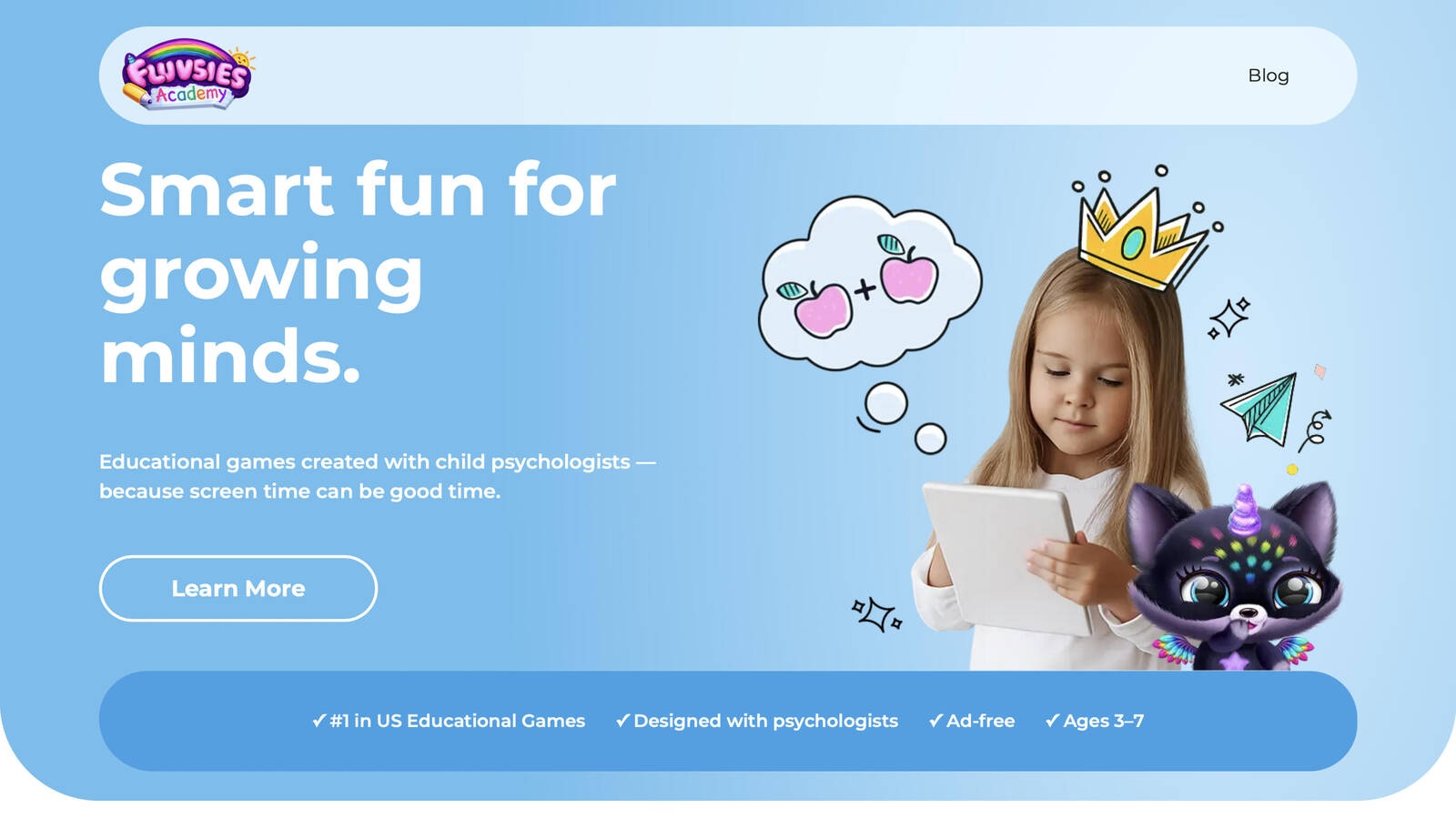
Fluvsies Academy is a gentle learning world for children ages 3 to 7, built around the fluffy Fluvsies characters many kids already love. It is not a single coloring book or a single quiz. It is a set of short, cheerful activities that mix language, numbers, logic, sorting, life skills, and creativity, so making and learning share the same friendly space. A child can move from a letter game to a pretend job without the art style changing, which helps little players feel at home. Language and phonics sit beside early math. Logic and attention tasks ask kids to look carefully and finish a small challenge. Sorting and comparison games build the habit of grouping things that belong together. The life-skills and creativity track turns everyday moments into play: cooking, brushing teeth, helping at a store, and setting up a simple scene. Professions play adds firefighters, vets, bakers, police officers, astronauts, and other jobs in a simple, age-fit way. Kids hear new words, try the actions, and invent a short story around the role.
- Key features include language and phonics, number play, logic and attention, sorting, life skills, creativity, and profession stories.
- Facts and information: made for ages 3 to 7, designed with child development experts, fully ad-free, with active learning and calmer imaginative modes.
3. Toca Boca World
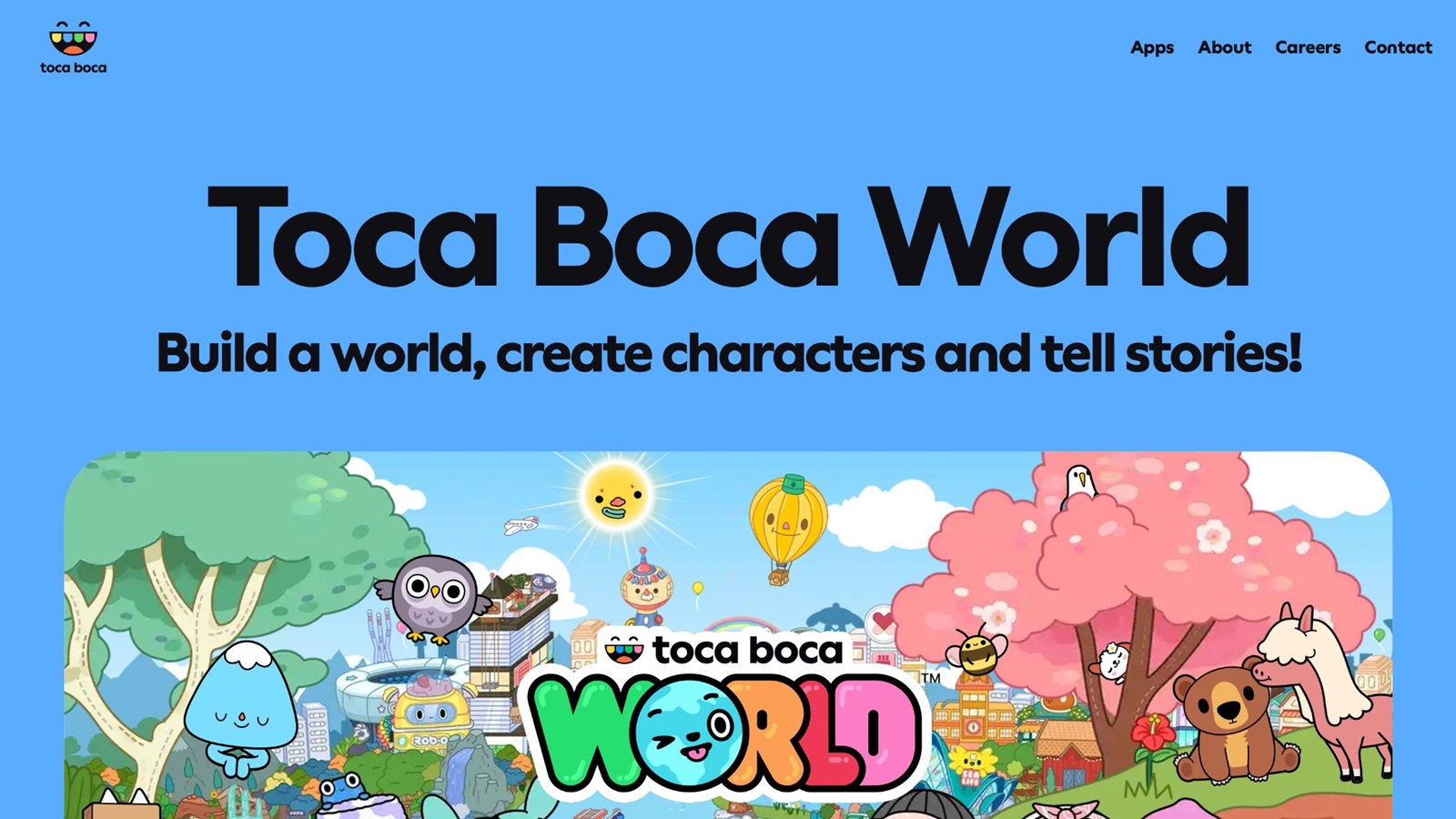
Toca Boca World, from Toca Boca in Stockholm, Sweden, is an open digital dollhouse where kids design the people, the rooms, and the story. There is no timer and no high score. The skill is in the choice. A child can build a character from hair, face, skin tone, and clothes, then drop that character into a café, a camp, a shop, or a home. Almost everything can be moved, styled, or used in pretend play, so one visit rarely looks like the last. Touch controls work for early readers and for kids who are still learning letters. Home design tools let them place furniture, change a room, and invent who lives there. Shops and hangouts give simple roles: stylist, cook, party host, pet owner. Because the world is single-player and ad-free, with no chat, many parents use it for creative time that does not depend on other players. New locations and items keep discovery fresh, and a weekly gift stop adds small surprises without turning the session into a contest.
- Key features include character design, home decorating, shops, pets, and story scenes with no fail state.
- Facts and information: made by Toca Boca AB in Stockholm, Sweden, suited to creative play across early and middle childhood, single-player and ad-free.
4. ScratchJr
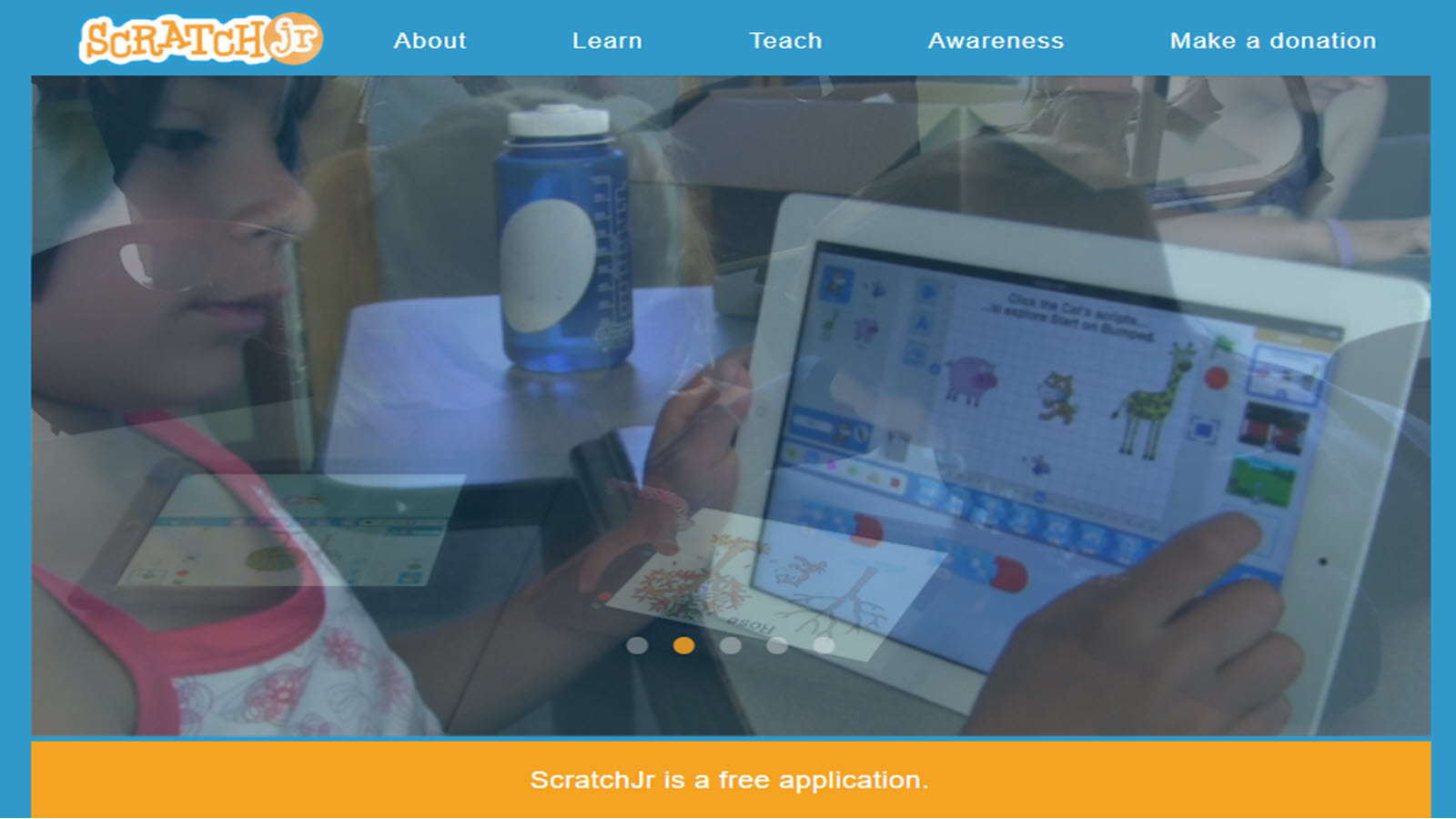
ScratchJr comes from work at Tufts University and the MIT Media Lab. It lets young children make a cartoon with picture blocks instead of typed code. A character can walk, jump, grow, shrink, speak, or wait for a tap. Kids paint new costumes, record a voice, drop in a family photo, and string several scenes into a short story or mini-game. Because every command is an icon, emerging readers can still plan a sequence. The paint editor is a real creative tool, not a sticker sheet. Children design how a character looks, then decide what that character does. When the scene fails, they move a block and try again. That fix-it loop builds planning, patience, and early debugging without a worksheet feeling. Sound recording adds language practice, because kids often narrate the story in their own words. Projects can be replayed and shown to a parent, which gives a clear finish.
- Key features include icon blocks, a paint editor, voice recording, and simple story scenes.
- Facts and information: built for young children, often used from about age 5, available on tablets, and focused on sequencing, storytelling, and creative expression.
5. Minecraft Education
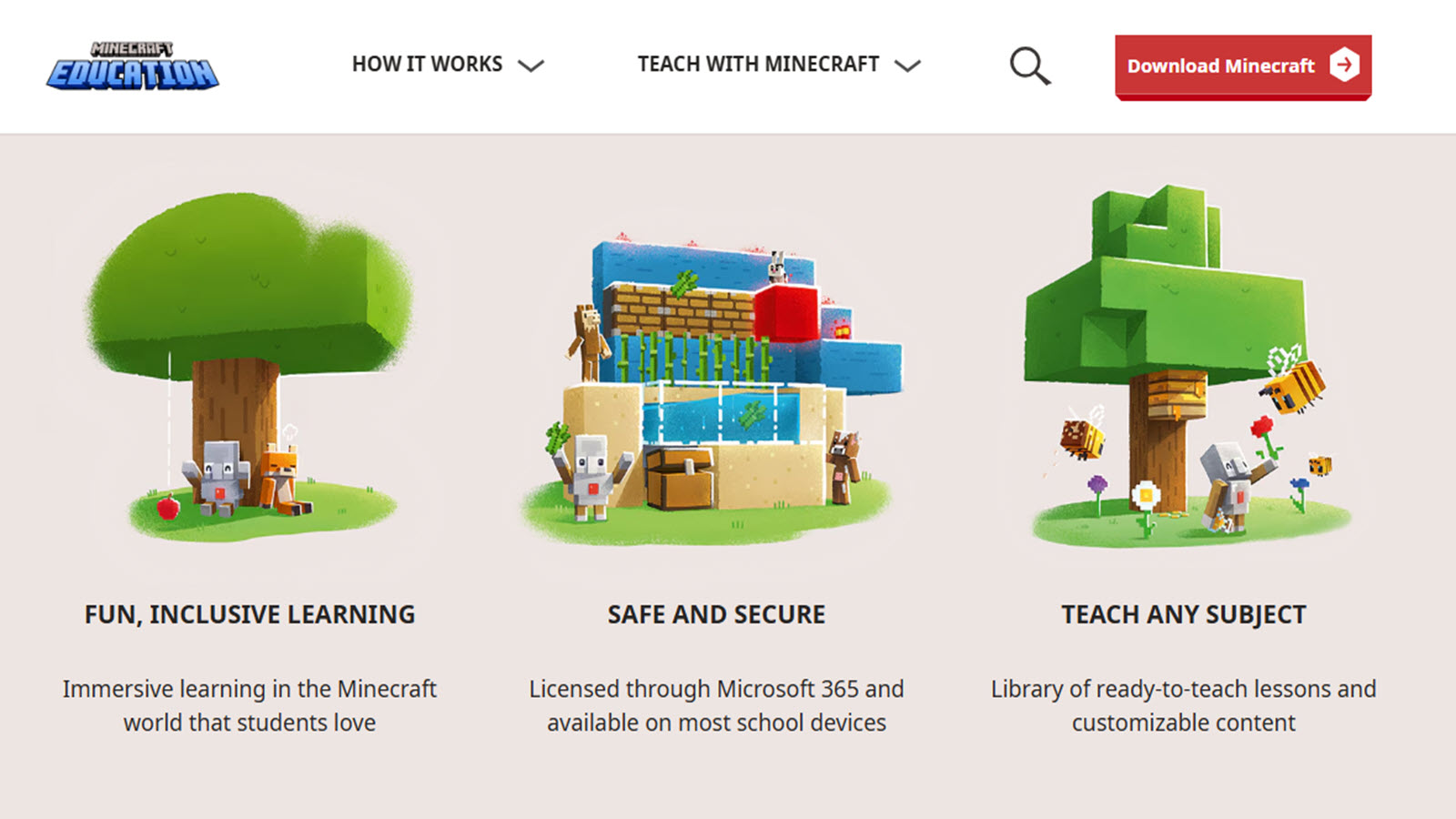
Minecraft Education keeps the familiar block world and adds classroom-style tools for school and home learning. Kids build houses, models, towns, habitats, and simple science scenes. Creative mode supports spatial thinking, because every wall, path, and roof is placed on purpose. Guided worlds can walk through history settings or design challenges. Redstone projects let older kids test cause and effect with switches, paths, and simple machines. The creative skill shows up in the build itself. A child who plans a room, counts blocks, and changes a design after it looks wrong is practicing planning and persistence. Group builds, when a teacher or parent joins, add shared language: taller, wider, next to, inside. Lesson worlds give a starting idea, which helps kids who freeze in a fully open game. Free build still matters, because many children do their best inventing after the guided task.
- Key features include block building, classroom-style worlds, creative mode, and simple engineering projects.
- Facts and information: an education edition of Minecraft used in many schools, strongest for elementary ages and up who like to build and test ideas.
6. Crayola Create and Play
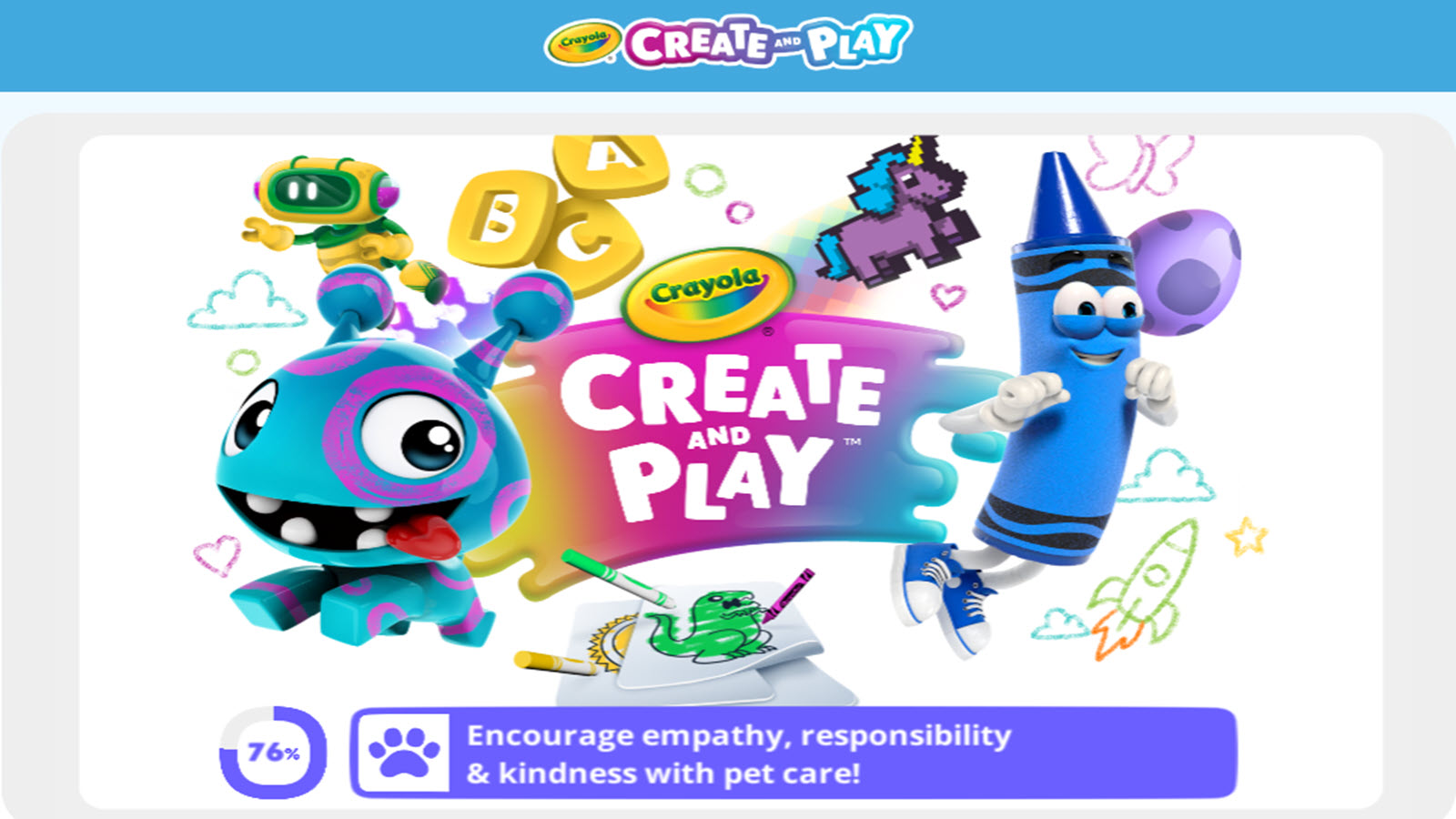
Crayola Create and Play is a digital art box from the Crayola brand, aimed at kids about ages 3 to 8. Children color pages, draw freehand, and play with tools that feel close to the crayons already on the kitchen table. That familiar link helps some kids start, because the brand means art before the app even opens. Large colors and simple controls suit little hands. Guided pages give a clear finish. A child fills a picture, shows it, and stops. Free draw mode asks for more choice: what to make, which color, when it is done. Both modes support fine motor practice and color words. Parents can sit beside the screen and name shades, which turns a quiet art break into language time. The tone stays light, and the task is easy to understand without a long tutorial. It is lighter on story than a full game world. There is no pet to feed and no town to build, so kids who want characters and routines may leave after the page is done. Older children sometimes outgrow the tool set and ask for more patterns, stickers, or saved galleries. For early color play, hand control, and a calm creative start, it remains an easy art session that does not depend on scores or levels.
- Key features include coloring pages, free drawing, and simple art tools in a kid-first layout.
- Facts and information: tied to the Crayola art brand, commonly aimed at preschool and early elementary children who like coloring and drawing.
7. Khan Academy Kids
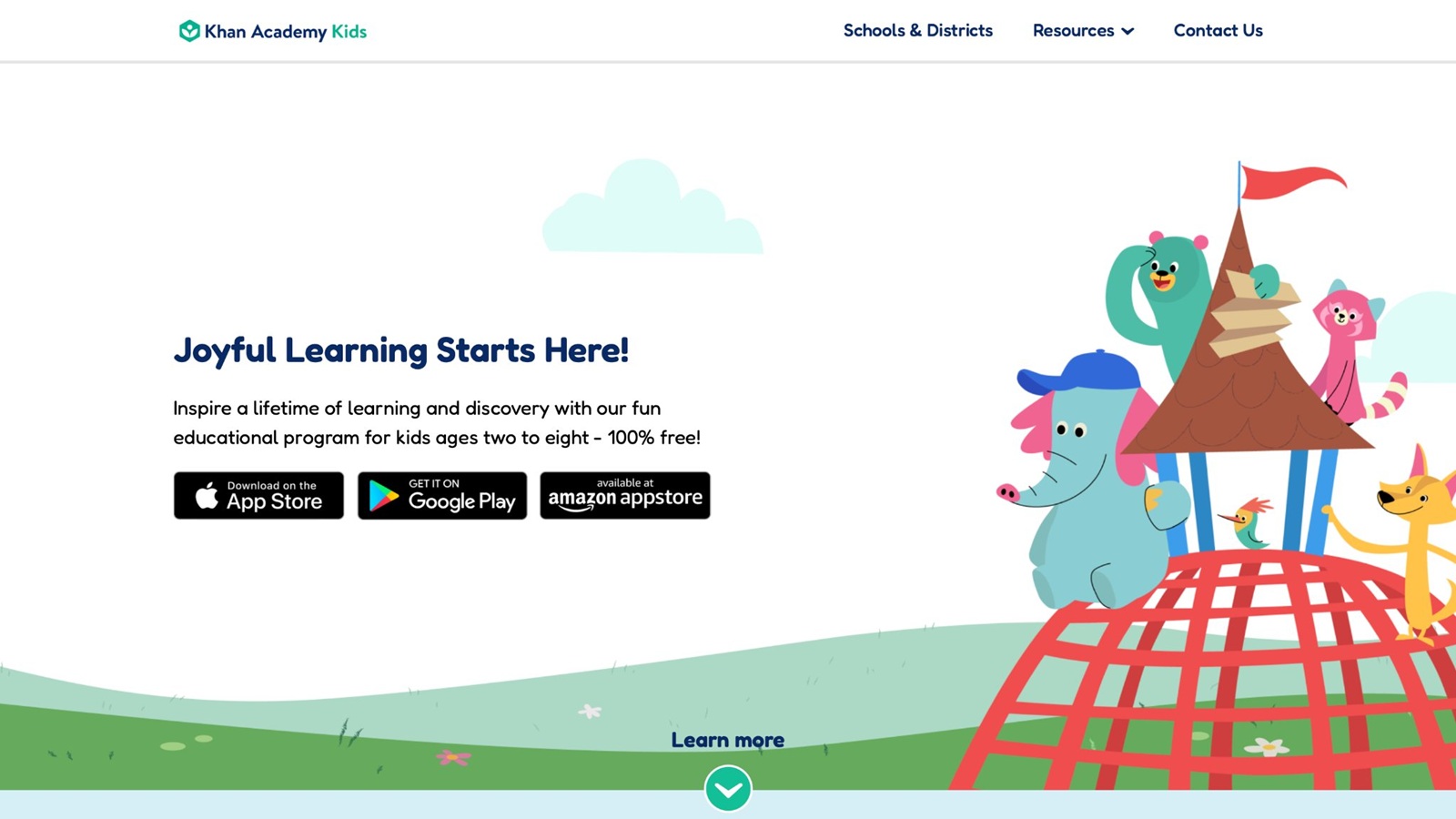
Khan Academy Kids is a broad early-learning library with stories, letters, numbers, and creative activities in one app. Friendly characters guide short lessons, read-along books, and make-and-play tasks. Creative corners let children draw, build simple scenes, and retell a story between the academic games. The mix is the point: art does not sit in a separate app from early reading and math. Kids who like a path with a next step often stay engaged. A drawing activity can follow a letter game, so creative play becomes part of the routine instead of a reward tacked on at the end. Read-along stories also support language, and some activities ask the child to show what happened, which is a light creative check. Parents get a wide set of skills without collecting many separate downloads.
- Key features include stories, early literacy, math, and creative activities in one kids library.
- Facts and information: an early-learning app from Khan Academy, often used for ages about 2 to 8, with lessons and make-and-play tasks on many devices.
8. ABCya
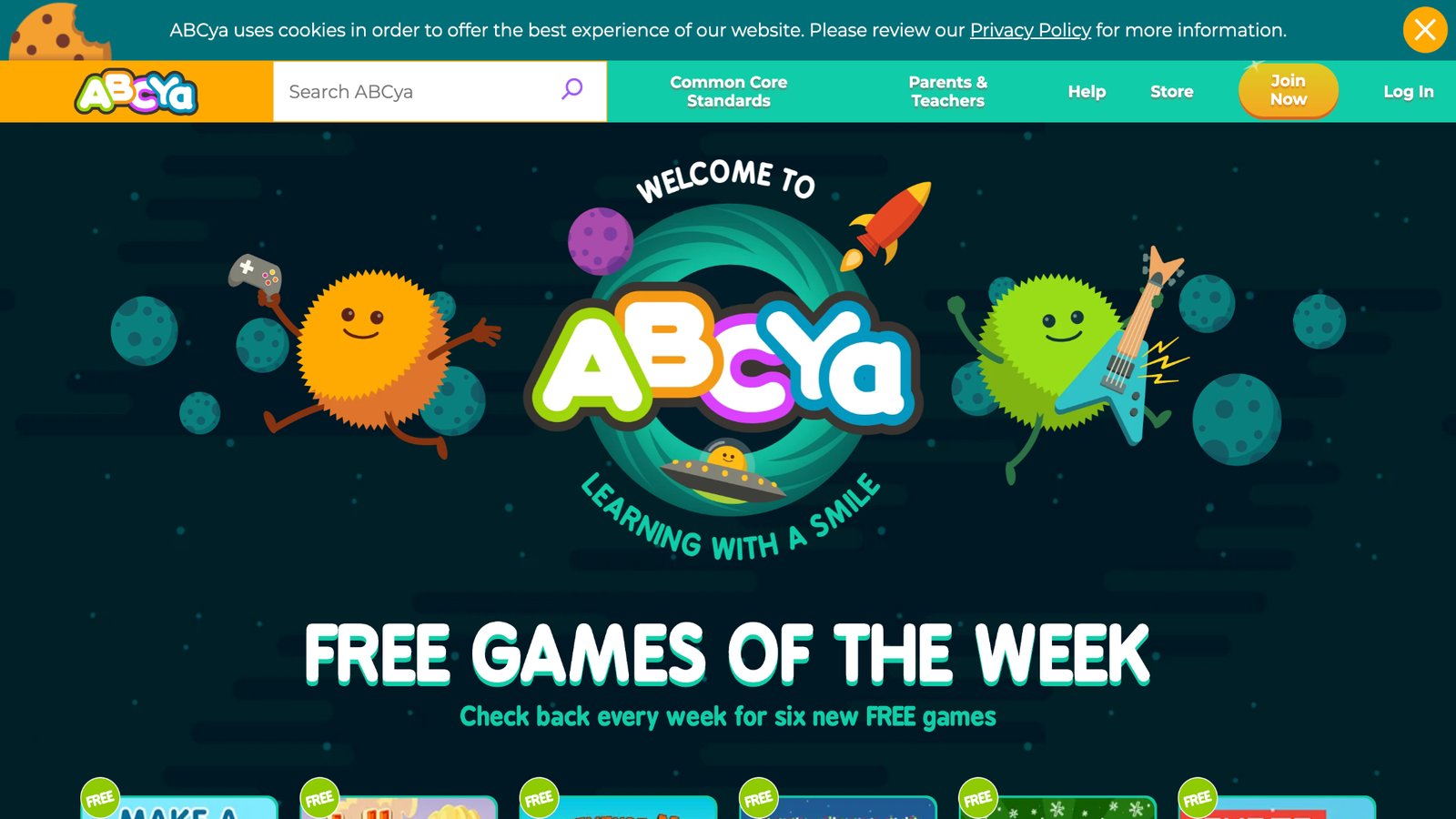
ABCya offers teacher-made browser games from pre-K through about sixth grade. Creative picks sit beside math, reading, typing, and logic. Kids color, build, race through skill games, and solve puzzles in bright, short activities. A child can finish one game and pick another without a long setup, which helps after-school play on a family computer. The range is useful for mixed-age siblings. A younger child can color or match while an older child tries a building or typing game. Many activities reinforce a classroom idea through play, so the creative piece often has a learning frame. Browser access means no store install on some devices, and filters help parents point a child toward art or logic instead of a random title. Art games here are simpler than a full studio. Some titles feel more like practice than open invention, and the catalog is large enough that not every game is a creative one. Parents still need to pick the first activity. Used that way, ABCya works as a wide bench of short creative and skill games, especially for kids who like a clear task and a quick finish.
- Key features include coloring, building, typing, and subject games made for school-age kids.
- Facts and information: a long-running set of teacher-created games spanning pre-K to later elementary grades, played mainly in a browser.
9. Hopscotch
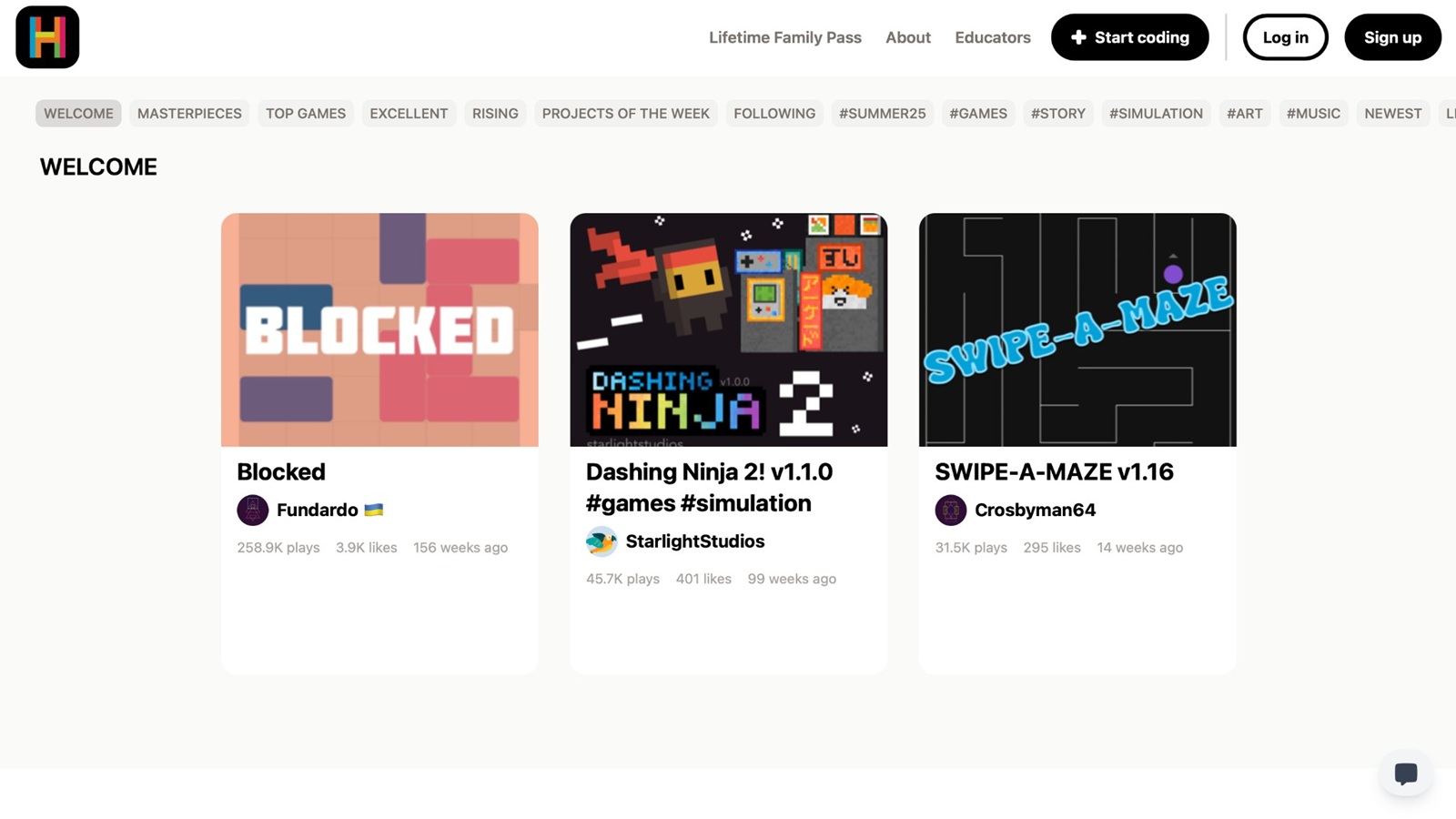
Hopscotch lets kids build their own games with a visual, block-based editor. They drag commands, move characters, design rules, and publish animations, stories, and art projects. The creative act is the game itself. A child who likes cartoons and "what if" rules often stays longer here than on a fixed coloring page, because the next idea can become a playable scene. Projects start simple: make a character move, then add a tap, a sound, or a score. Later builds stack those ideas. That path supports planning, sequencing, and persistence. When the game breaks, the child changes a block and tests again. Sharing a finished project gives a real audience, even if that audience is only a parent at the kitchen table. The editor feels closer to a studio than to a lesson video. It fits older elementary kids more than preschoolers. Reading and patience help, because a project can fail in a way that is not obvious at first. Some sessions run long, so a timer still helps at home. Kids who only want free draw may find the logic layer extra. For creative online games for child skills that include design and debugging, Hopscotch is a strong step after picture-block story apps.
- Key features include block coding, character control, animations, and player-made games.
- Facts and information: a visual coding studio for kids who want to design play, not only consume it, with a focus on logic and creative projects.
10. Pok Pok
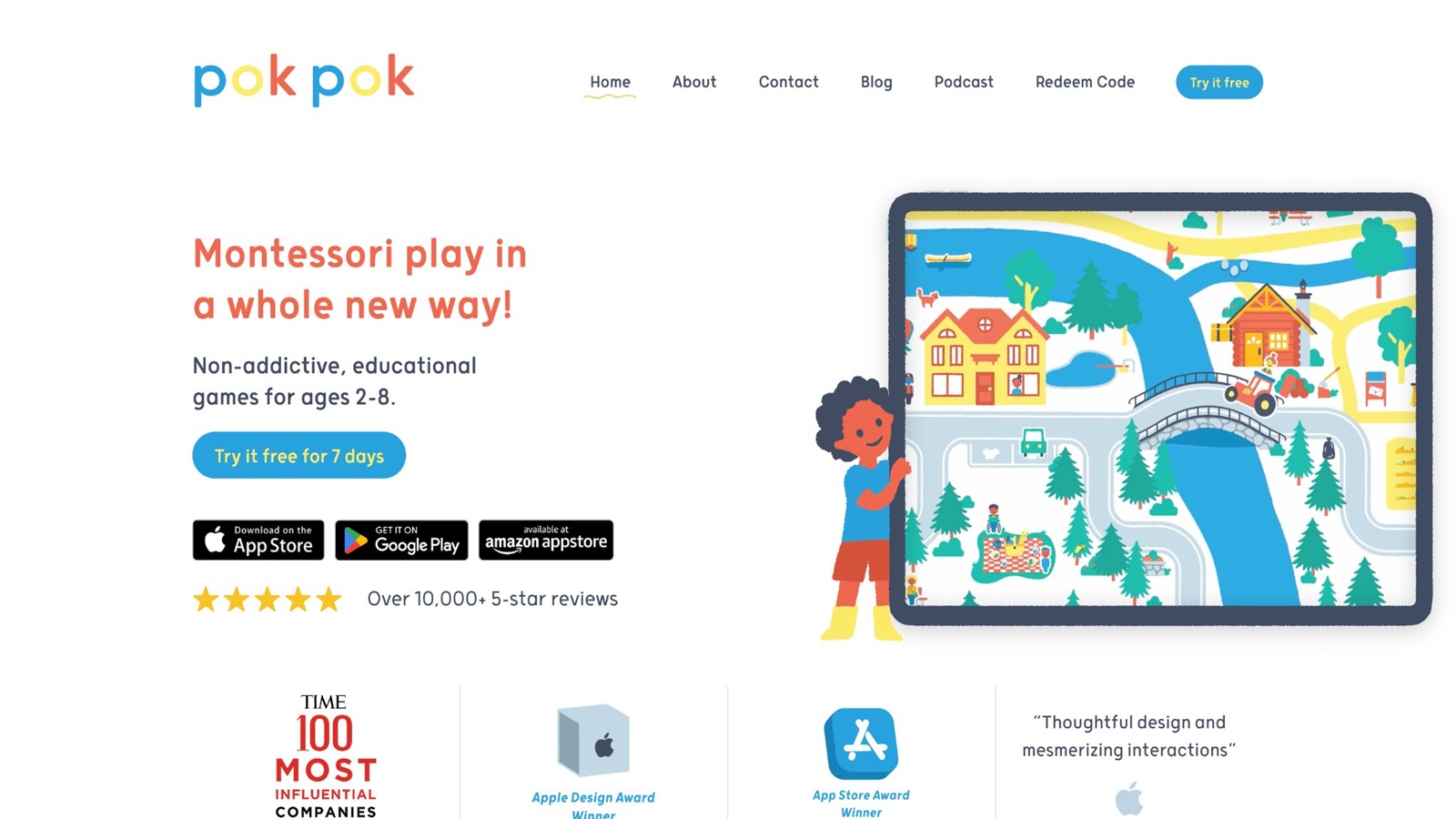
Pok Pok is a calm, Montessori-inspired playroom for children about ages 2 to 8. Hand-drawn toys cover drawing, dress-up, music, shapes, stacking, and simple world play. There is no score chase and no loud reward loop. Kids poke, stack, dress, and doodle at their own pace. The low stimulation is the point, especially for sensitive players and short creative breaks. Drawing and pretend toys carry creative skill. A child can make marks, try a pattern, dress a character, or set up a small scene without a fail state. Everyday themes keep the play close to real life, which helps language when a parent names the objects. Sessions are easy to end because nothing begs for one more level. That makes Pok Pok a gentle fit beside paper crayons or a care game. Some older kids want bigger stories, saved builds, or more art tools. The playroom style can feel quiet if a child is used to fast games. It is best when the goal is open-ended making in the early years, not a structured course. Families looking for creative online games for child skills with a soft tone often use it for drawing, dress-up, and hands-on digital toys.
- Key features include drawing, dress-up, music, and hands-on digital toys without timers.
- Facts and information: aimed at about ages 2 to 8, with a calm visual style and open play rather than leveled challenges.
11. Tynker
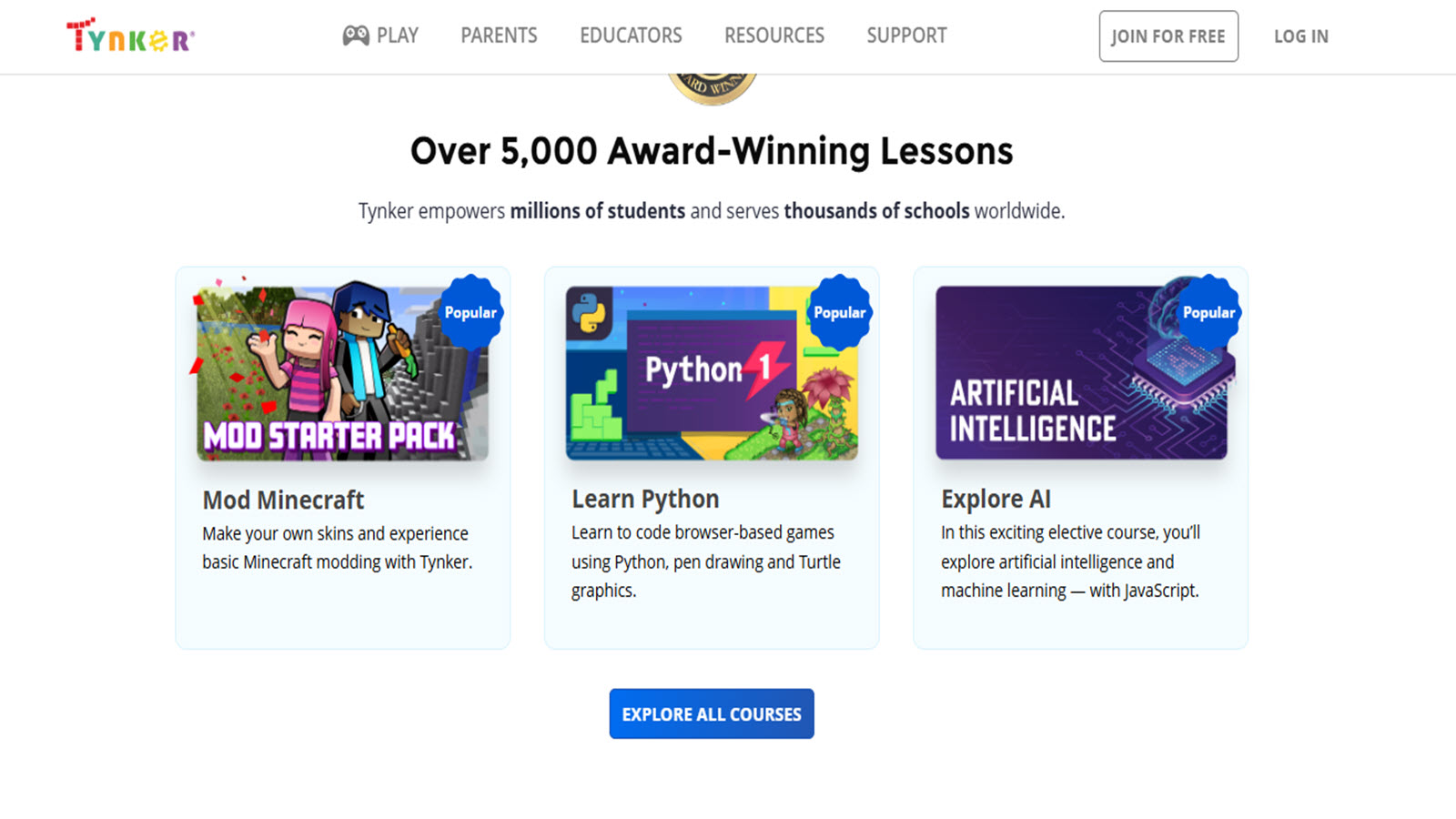
Tynker walks kids from block coding into projects that look like real games and animations. Courses and puzzles ask them to design characters, set rules, and solve a broken scene. Creative design and logic grow together. A child might build a short animation, then a simple game, then a harder project that needs a plan. Later paths introduce text coding, including Python, for kids who want more than blocks. The project style is what ties it to creative skills. Kids are not only answering prompts. They choose how a character moves, what the scene looks like, and how the game should feel. Instant feedback shows whether the idea worked. That loop supports persistence and clear thinking. Classroom-style courses also help parents who want a path, not a blank page. It is a stronger fit once a child can follow multi-step lessons. Younger players may need a parent for the first course, and kids who only want free draw may find the lesson path too guided. Session length can grow with harder projects, so a stop point still helps. For older elementary creative play that blends art, story, and code, Tynker is a solid next step after simpler block apps.
- Key features include block coding, game projects, animations, and a path toward text coding.
- Facts and information: a kids coding platform used at home and in many classrooms, with creative projects alongside structured puzzles.
12. PBS KIDS Games
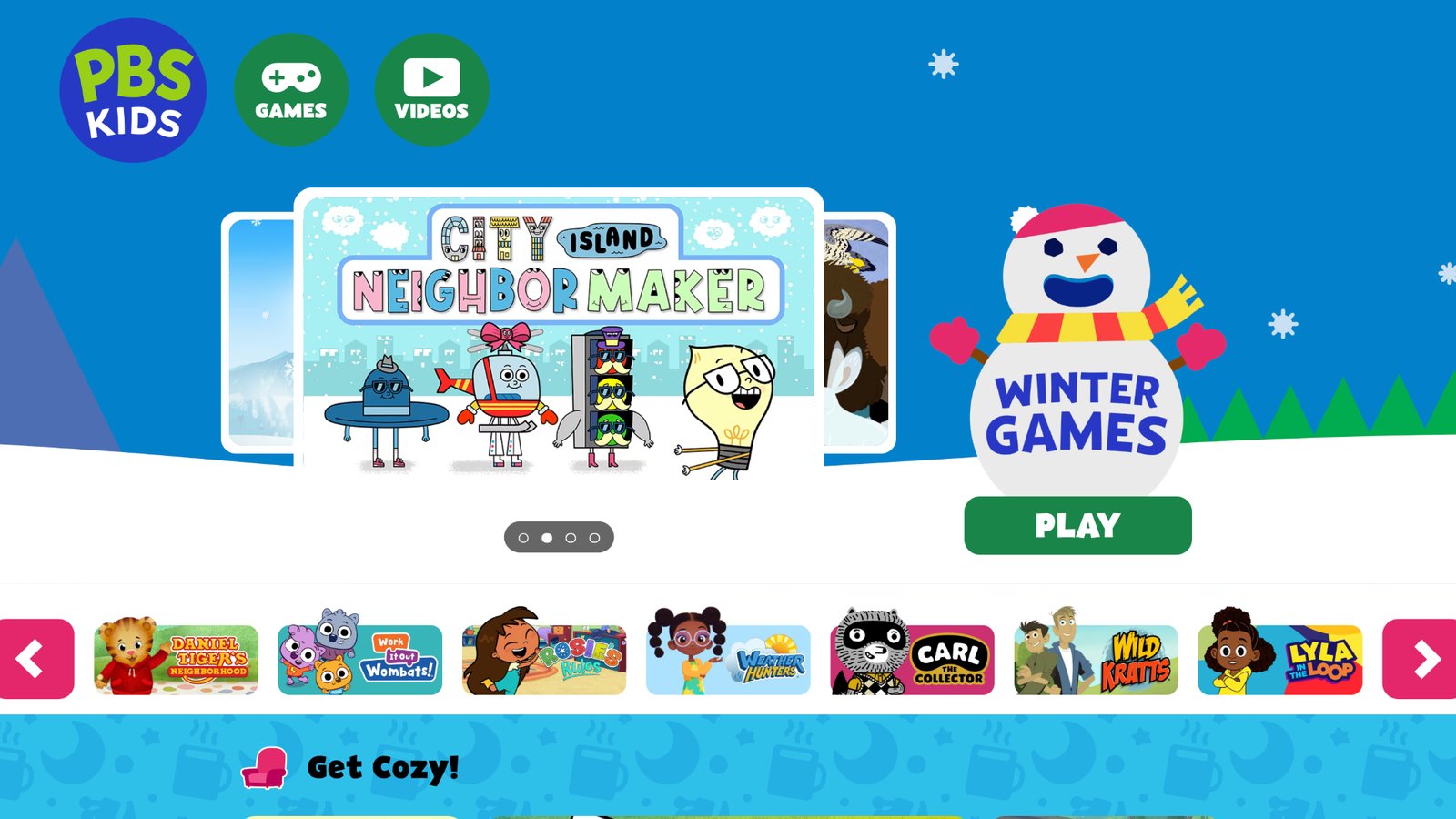
PBS KIDS Games gathers short browser and app games built around familiar public-media characters. Creative titles sit beside early reading, math, and science play. Kids may paint, build, sort, or act out a story with a character they already know from a show. That familiarity helps young children start, because the face on the screen is not a stranger. Many games are built as small, finishable activities. A child completes a scene, sees the result, and can pick another. That structure supports focus and task completion. Story games add language, especially when a parent asks what the character did. Art-leaning games add color choice and simple design. The collection is broad, so siblings can use different games on the same site without a new download every time. Not every title is a creative studio. Some are closer to a short lesson or a character mini-game, and the catalog is large enough that parents should choose the first link. Younger kids do best with one game and a clear stop. Used that way, PBS KIDS Games works as a trusted bench of creative and early-learning play tied to well-known stories.
- Key features include character games, short creative activities, and early learning play in a browser and apps.
- Facts and information: part of PBS KIDS, with games for preschool and early elementary children built around familiar show characters.
13. codeSpark Academy
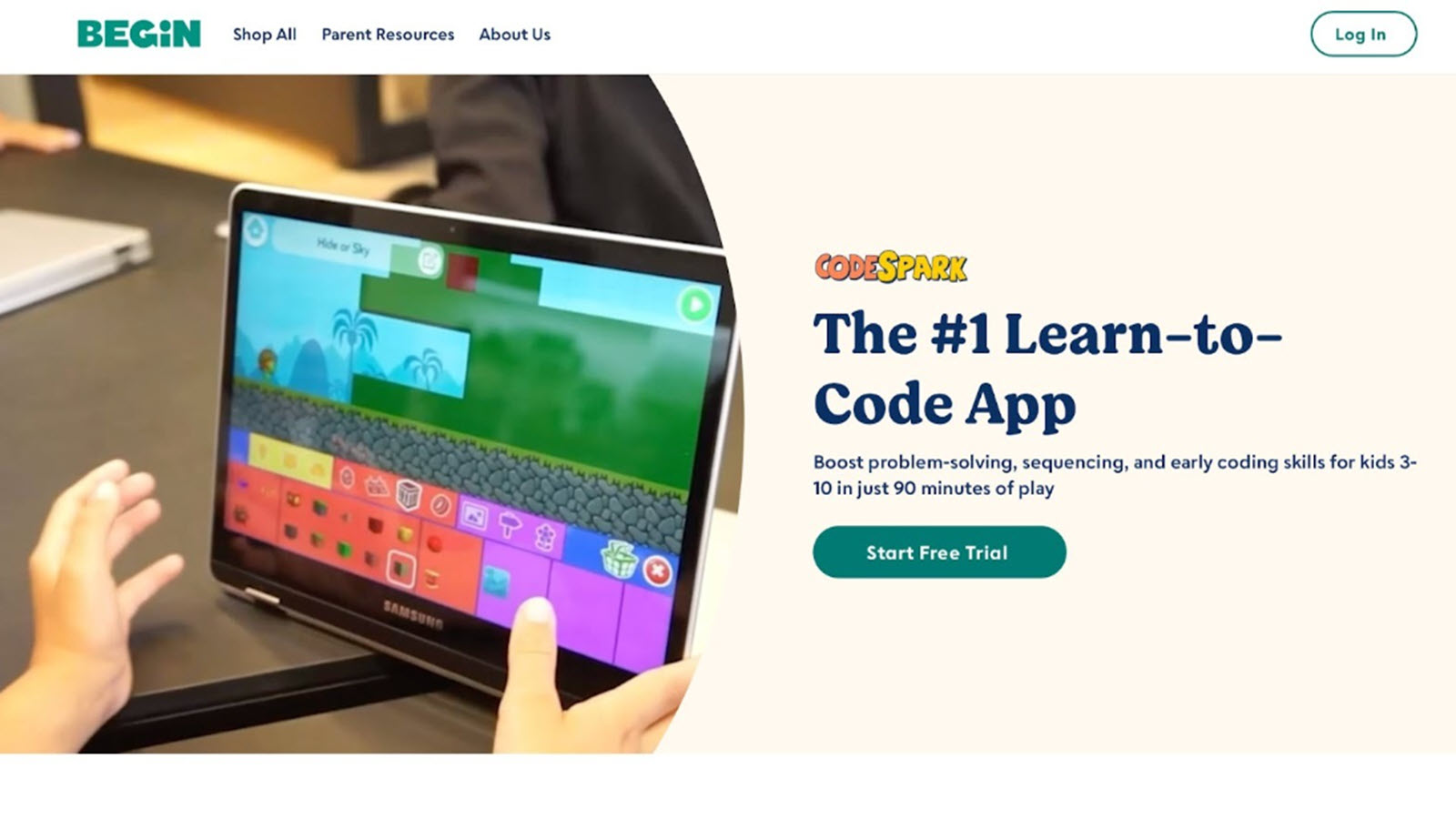
codeSpark Academy introduces young learners to sequencing and logic through colorful puzzles and game-making. Kids guide characters with drag-and-drop commands, then use those ideas to build simple games of their own. The creative piece is not only solving a maze. It is designing what happens next, which character moves, and how the level should work. Picture-based commands help children who are still early readers. A puzzle can teach one idea, then a create mode lets them reuse that idea in a game they own. That shift from player to maker supports planning and confidence. Friendly art keeps the tone light, so the logic does not feel like a test. Parents often like the clear skills: order, cause and effect, and fixing a step that did not work. Some sessions are more puzzle than open art, so a child who only wants to draw may need a coloring game beside it. Harder create tools fit early elementary kids better than the youngest preschoolers. An adult nearby helps the first time a child builds rather than plays. For creative online games for child skills that include design and early coding, codeSpark Academy is a playful bridge.
- Key features include drag-and-drop commands, puzzle worlds, and tools for making simple games.
- Facts and information: aimed at young children, often from about age 5, with picture commands that support sequencing and creative game design.
14. Scratch
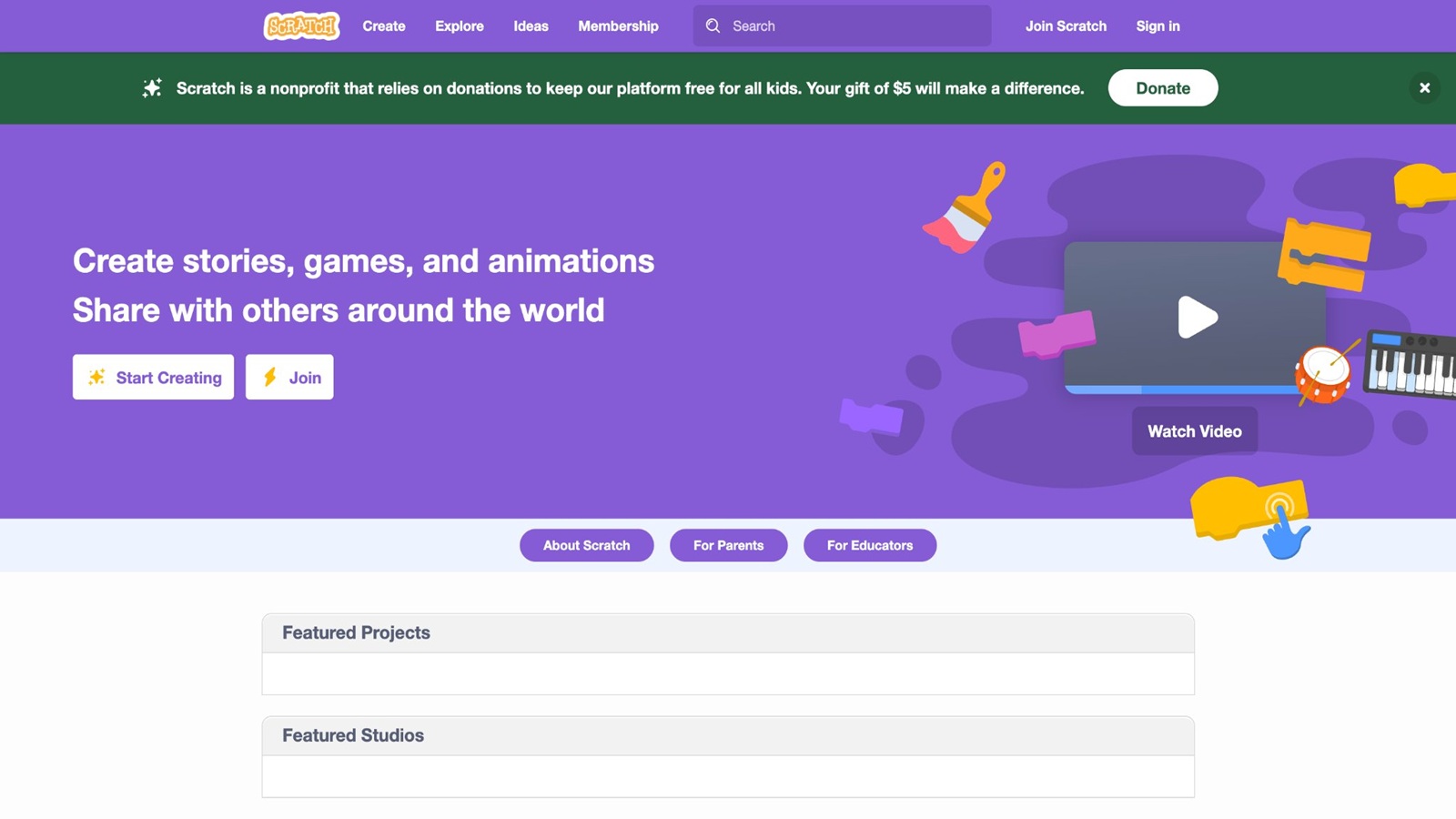
Scratch, from the MIT Media Lab, is a free block-coding studio where kids snap commands together to make stories, animations, and games. It is the older sibling of ScratchJr. Projects can include painted sprites, recorded sounds, scores, and scenes the child invented. A large public gallery lets kids see what others made and remix a project, which adds ideas as well as a reason to improve their own. The creative range is wide. One child makes a cartoon. Another makes a music toy or a chase game. Debugging is part of the fun: change a block, test, and try again. That habit supports persistence and clear thinking. Because the tools go further than picture-only apps, Scratch can grow with a child for years. Many schools use it for exactly that reason. It asks for more reading and patience than preschool apps. The community side also needs a parent check, because sharing and comments are part of the site. Younger kids usually do better in ScratchJr first. For older elementary and middle-grade kids, Scratch is one of the strongest creative games for storytelling, art, and logic in the same project.
- Key features include block coding, a paint editor, sound, animations, and remixable projects.
- Facts and information: a free studio from the MIT Media Lab, widely used from about age 8, for stories, games, and animations kids build themselves.
15. Sago Mini World
Sago Mini World, from Sago Mini, is a gentle open-play set for young children, often from toddler age into early elementary. Kids visit small themed scenes, dress characters, drive, cook, care for animals, and doodle. The games are toy-like. There is no fail state and little reading, so a child can tap, drag, and invent without a lesson blocking the fun. Creative skill shows up in pretend routines. A child sets the table, styles a character, or builds a tiny outing, then tells a parent what happened. Cause and effect stay simple and visible, which helps focus. Art is soft and the pace is slow, a good match for kids who get overwhelmed by louder games. Several activities live in one world, so play can shift from dress-up to animals without a new app. Older kids may want deeper tools, saved builds, or harder puzzles. Some scenes are short by design, which is a plus for toddlers and a limit for a child who wants a long project. Families who want creative online games for child skills in the early years often use Sago Mini World for calm pretend play, hand control, and simple storytelling.
- Key features include themed scenes, dress-up, animal care, doodling, and open pretend play.
- Facts and information: part of the Sago Mini collection for young children, with low-reading, no-fail creative activities and a soft visual style.
Skills Kids Practice When They Create on a Screen
Creative games are not one skill. The mode changes the practice. Fun educational games for kids and educational but fun games for kids work best when the fun task is also the lesson.
- Color-by-number. The child matches a shade to a shape and finishes a page. That play supports focus, matching, and task completion. Kids games educational often use this match-and-finish pattern.
- Free drawing. The child picks colors, changes a plan, and tries again. That play supports choice-making and self-expression. Emotional regulation games for kids use a similar pause-and-choose step when feelings run high.
- Tracing and glow lines. The child follows a path with a finger or stylus. That play supports hand control and patience. Games for young kids keep those paths short.
- Dress-up and makeover. The child builds a look for a mood or story. That play supports language, planning, and creativity. A Fluvsies paper doll printable carries the same dress-up idea off the screen.
- Pet and home care. The child feeds, tidies, and decorates. That play supports sequencing, empathy, and responsibility. Educational games for kids at home fit this kind of daily pretend work.
- Block build and simple code. The child places steps, tests, and fixes. That play supports planning, spatial thinking, and persistence. Educational games for kids in 4th grade and learning apps for kids 8 years old are a better match once projects get longer.
A mix works better than one mode all week. Art one day, a care story the next, a small build after that. Learning games for kids and learning games for kids online often use this mix so creativity does not sit apart from focus and language. Online educational games for kids and educational online games for kids keep that mix in the browser. Kids educational games and educational kids games are the wider shelf around those creative picks.
Screen Time Habits That Keep Creative Play Useful
Creative games still need a frame. Many child health groups suggest that families set limits, keep screens out of bedrooms at night, and play together sometimes. The game can be good and the session can still run too long. Healthy screen habits and a parent guide to healthy screen time with educational apps give that frame a daily shape.
A simple home pattern helps.
- Pick one creative goal before the screen opens, such as one page, one outfit, or one room. A family weekly planner can hold that goal next to the rest of the day.
- Sit nearby for the first minute so the child knows the plan. How to protect kids online starts with that same close look.
- Ask one question at the end: what did you make, and why?
- Pair digital art with paper crayons on another day so hands get both kinds of practice. Summer holiday educational games and offline ideas mix those two.
- Stop on a finish, not in the middle of a loud reward loop. Safe apps for kids make that stop easier.
Ad-free play matters here. Pop-ups pull attention off the picture. Online games for children that stay calm are easier to end. Games for kids online educational and kids games online educational should still be picked by a parent, not by a random next button. Online kids educational games work best as a short list, not an open catalog.
Device choice is part of the habit. Tablet games for kids, iPad games for kids, and educational games for kids on iPad suit tracing and dress-up. Mobile games for kids fit a short car or kitchen session. PC games for kids and kids educational games for Mac suit older build and coding play. Educational websites for kids cover the browser path. Electronic educational games for kids and educational videos and games for kids are a wider mix, so creative time should stay the main task.
FAQ
What are creative online games for child skills?
Creative online games for child skills are play titles where the child makes something, then sees the result. That something might be a picture, a character, a room, a pet routine, or a tiny story. The skill sits inside the action: matching colors trains focus, tracing trains hand control, and care stories train sequencing. These games differ from pure quiz apps, because the child invents as well as answers, and a small mistake can be fixed without a wrong-answer buzzer. A good session has a clear finish, such as one page, one outfit, or one tidy room, so the child can point to what they made. Familiar characters help, because a child who already loves a pet or a princess will stay with the page longer and turn that picture into the next story. Open coloring, dress-up, and simple build play all count, as long as the child chooses and then lives with that choice. The same idea shows up in an educational games for kids app, where the task itself is the practice and a finished page or a tidy room is the win.
Which creative games help fine motor skills?
Tracing, coloring, sticker placement, and drag-and-drop dress-up all help fine motor skills. The child aims, presses, and releases with control, which is the same hand work used later for writing and for buttoning a coat. Glow lines and color-by-number add a path to follow, which suits little hands, while free draw asks for more control and more choice. A stylus can help older kids, but a finger is enough for most preschool play, especially on a tablet with large color buttons. Short tracing paths work better than a long blank page for the youngest players. Spray, glitter, and pattern tools add a later step once the child can already stay inside a shape. Small dress-up pieces, such as bows, bags, and shoes, train the same careful placement. Decorating a room or setting a tiny table uses that skill too, because each item has to land in the right spot. Educational games for kids on iPad keep those moves large and clear. Paper drawing on other days works the same muscles away from the screen, so digital art and real crayons can share the week.
Can creative games support language and social skills?
Yes. Kids name colors, clothes, jobs, and feelings while they build a scene, so art time becomes talk time. Dress-up play invites mood words, pet care invites routine words, and profession stories add job names and simple actions such as bake, feed, or pack. Social skill grows faster when a sibling or parent joins and takes a turn, because the child has to explain the picture or the next step and wait while someone else adds a piece. Quiet solo play still helps language if an adult asks one question at the end, such as what the color means or what the pet needed next. Light and dark shades, party looks, and rainy-day outfits all give extra words without a worksheet. A child who retells the pet's day, or says why a room looks ready for a guest, is practicing story language as well as art. Taking turns on one shared picture also teaches waiting, which is a social skill even in a calm two-player session. English learning apps for kids use that naming habit and add feeling words to the same kind of story play.
How long should a creative game session last?
Many young children do better with one clear task, then a stop, such as one coloring page, one outfit, or one tidy room. Preschool sessions are often shorter than elementary ones, and a finish matters more than a clock, because the child leaves with a done project instead of a half-played level. End on that finish so the stop does not land in the middle of a loud reward loop. If the game has no end, set the goal before play starts and say it out loud. A nearby adult for the first minute helps the plan stick, then the child can work while the adult stays close. Older kids can hold a longer build, but they still need a saved project and a stop, or the session drifts into tapping with no new idea. A second short session later in the day is usually better than one long stretch. Stopping while the child still feels proud makes the next session easier to start. Free online games for kids still need that frame: one goal, a nearby adult at the start, and a question at the end. A calm, ad-free title makes the stop easier, because nothing pops up to pull the child back in.
How do art play and care play build different skills?
Art play and care play train different parts of the same creative habit. Color-by-number, free drawing, and tracing build matching, hand control, and choice-making, because the child picks a shade and lives with it. Pet care, home tidy-up, and dress-up build sequencing, empathy, and planning, because the child has to do steps in an order and talk about why. A mix across the week works better than one mode every day: a picture one afternoon, a pet routine the next, a small build after that. Art is stronger for color words and hand control. Care play is stronger for responsibility and kind talk. A child who only colors may miss the routine practice, and a child who only feeds a pet may miss the fine hand work. Putting both in one week gives focus, language, and empathy a turn without turning play into a lesson list. A dress-up session can even bridge the two, because the child both places small items and invents a reason for the look. Kids educational games for a 5-year-old often mix that art side with the plan-and-fix side that shows up in care and build play.
Read Also:
- Best Learning Through Play
- Best Problem Solving Games For Kids
- How Pet Care Games Teach Kids Empathy and Responsibility
- Best Social Emotional Games for Kids
- Best Painting Games Online
See how TutoClub turns creative play into real child skills!