


Best Painting Games Online In 2026





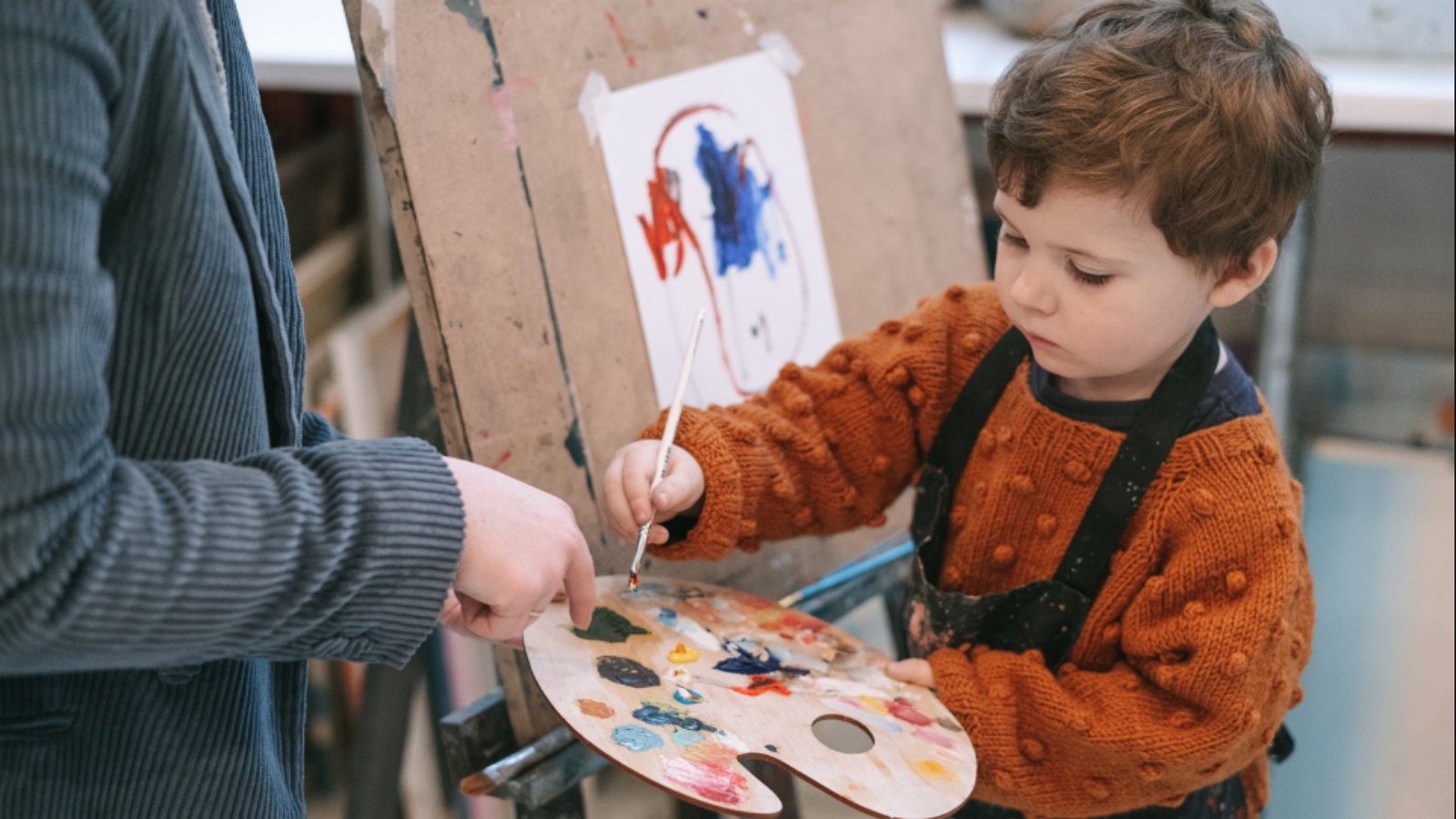
Looking for the best painting games online in 2026? Kids want bright colors, simple brushes, and pictures they already love. Parents want calm, ad-free play that builds creativity and focus.
After a painting session, many kids also enjoy pairing colors with the best dress-up games for girls online so outfits match their pictures. The best makeup games online add a calm creative step without ads. Families looking for more gentle options can browse the best games online for girls and the best online coloring games that keep the same bright, focused play.
Start a free trial and give kids painting games with TutoClub that feel good to play!
What Makes a Painting Game Worth Playing

A good painting game is simple to start and hard to outgrow. Young children need large buttons, clear colors, and pictures they already love. Older kids want more tools, like spray, glitter, patterns, and free drawing. The best painting games online keep the canvas clean. No random pop-ups. No chats with strangers. No pressure to buy extra brushes mid-picture.
Painting play also trains useful skills. Kids practice color matching, number recognition, and hand control. They learn to finish a page. They try a new idea when the first color does not feel right. That mix of art and focus is why many families keep painting next to other kids games educational picks and a trusted educational games for kids app. A short coloring session can sit beside story play or pet care without turning into noisy, endless tapping.
Look for modes that match the child. Color-by-number helps kids who like clear steps. Neon tracing is great for little hands still learning lines. Open coloring pages suit children who want to invent. Those same habits show up across the best learning games for kids and the best kid educational games, where finishing a small task matters as much as the picture itself.
How Kids Use Painting Games in 2026
Painting games now live in three main places. Some are full coloring books with beloved characters. Some are party drawing games where friends guess what you painted. Some are quiet fill-in puzzles that feel like a digital crayon box.
For preschool and early elementary kids, character worlds work best. A child who already loves pets, princesses, or play houses will stay with a page longer. That same child may also enjoy dress up games for girls online, because fashion play and painting both teach color pairing. Many families run this art time on a tablet, which is why tablet games for kids and educational games for kids on iPad lists keep showing up next to coloring apps.
Party drawing games are different. They shine with siblings or a family video call. The art does not need to be neat. The joke is the point. Those games are less useful as daily solo play for a four-year-old. Daily painting is closer to mobile games for kids that open fast and stay calm. After-school coloring also fits games for preschoolers and games for young kids, when the goal is one finished page, not a loud lobby.
Best Painting Games Online In 2026
1. TutoClub - Best Painting Games Online In 2026
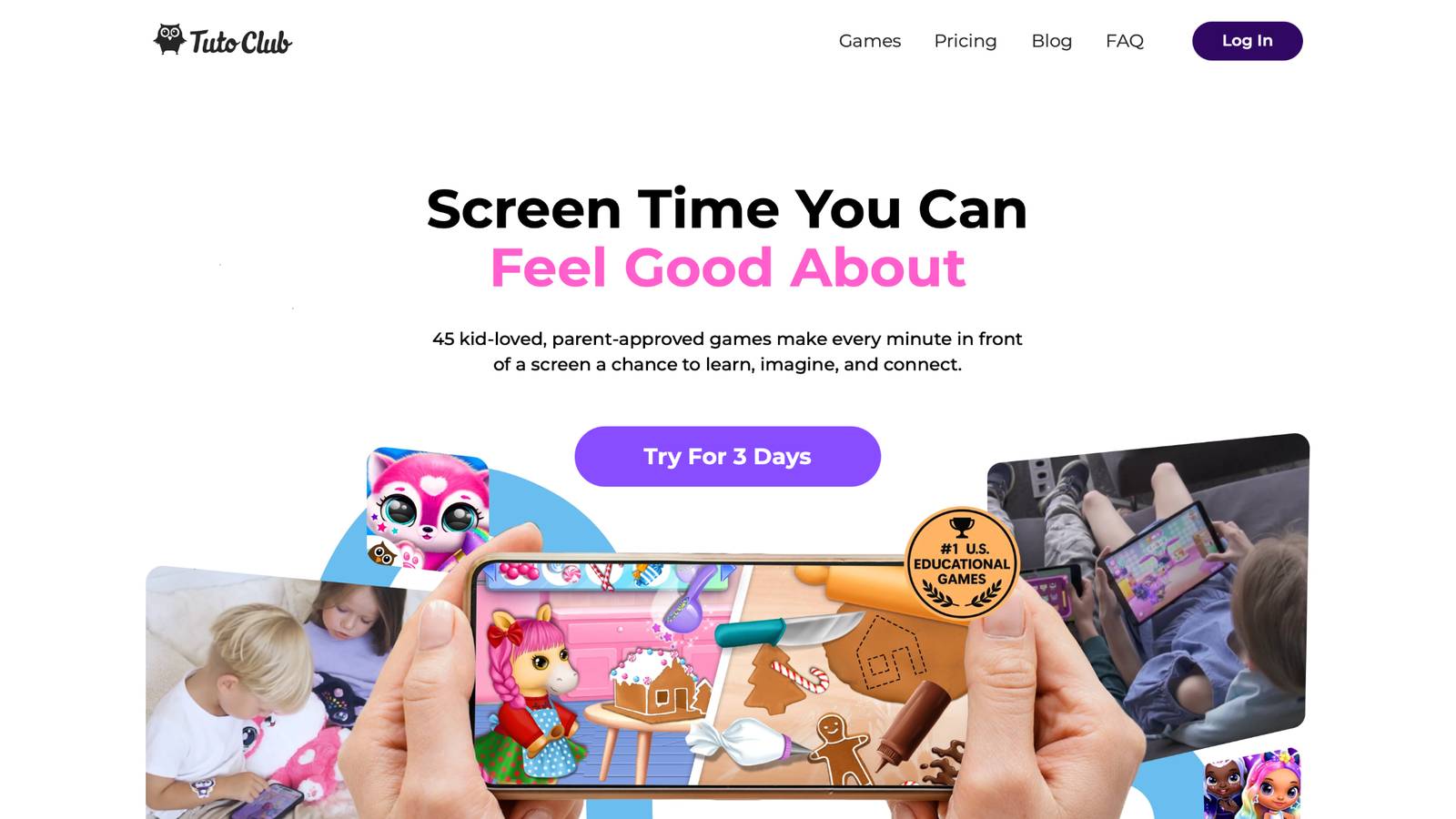
TutoClub is the strongest home for kids who want painting games plus a whole library of calm, creative play. The service comes from TutoTOONS, a kids studio based in Kaunas, Lithuania. One membership opens more than 45 ad-free games, including art-inspired titles such as Tuto Coloring Club. Children color Fluvsies, Smolsies, FLOOF pets, and Princesses with brushes, markers, pencils, color spray, glitter glue, and neon glow tools.
TutoClub turns classic coloring into a small studio. Kids visit coloring islands, pick a picture, and choose a mode. Color-by-number makes numbers feel like a game. Neon tracing lets lines light up as little hands follow them. Free coloring mode gives full control of tools and patterns. Pictures feel familiar because they come from the same worlds children already play in other TutoTOONS games.
That is the real edge. Painting is not a one-off app that sits alone on the home screen. It sits next to pet care, storytelling, cleanup play, and fashion games. Kids move from a coloring page into a story or a daily routine game without leaving a safe, parent-managed space. Families can use the same account on multiple devices. Most games can be played offline after download. Content follows child-privacy rules. There are no third-party ads and no surprise shops during play.
TutoClub Overview
TutoClub is your gateway to a magical world of educational games designed especially for children.
As part of TutoTOONS, a leading kids' games studio, we offer premium access to over 45 ad-free games.
Our mission is to blend learning and play, helping kids explore, create, and grow in a safe online space.
Thousands of parents trust us for family-friendly content that sparks imagination and builds essential skills.
Key Features
- Unlimited Access: Unlock full content in all games with no interruptions.
- Ad-Free Experience: Enjoy seamless play without any ads or distractions.
- Skill Development: Games foster creativity, social skills, communication, and more through fun activities like pet care and cleanup challenges.
- Regular Updates: Get new releases, exclusive content, and future updates automatically.
- Easy Subscription: Cancel anytime with no obligations, simple and flexible for families.
Explore Our World
TutoClub provides a rich ecosystem of educational games for kids, featuring ad-free experiences that promote creativity, focus, and emotional growth through play.
This platform turns screen time into valuable learning opportunities, with parent-approved content that builds essential skills and sparks curiosity in young minds.
- TutoClub Games: Over 45 educational games, including popular titles like Fluvsies, Smolsies, and the Sweet Baby Girl series
- Blog: Insights, tips, and stories for families on kids' learning and play
- FAQ: Comprehensive answers to frequently asked questions about subscriptions, features, and more
Get TutoClub on Your Device
TutoClub delivers premium kids educational games directly to your mobile devices, making learning accessible anytime, anywhere.
With apps available on major platforms, families can easily download and subscribe for ad-free play that turns screen time into skill-building adventures.
Perfect for parents seeking safe, engaging content on iOS, Android, or Amazon devices.
Why Choose TutoClub?
We're committed to 100% safe, enriching entertainment that kids love and parents approve.
Join the thousands who've seen their children thrive through playful learning.
Ready to start the adventure?
Give your child painting games plus 45-plus ad-free titles with a TutoClub trial!
2. Fluvsies Academy
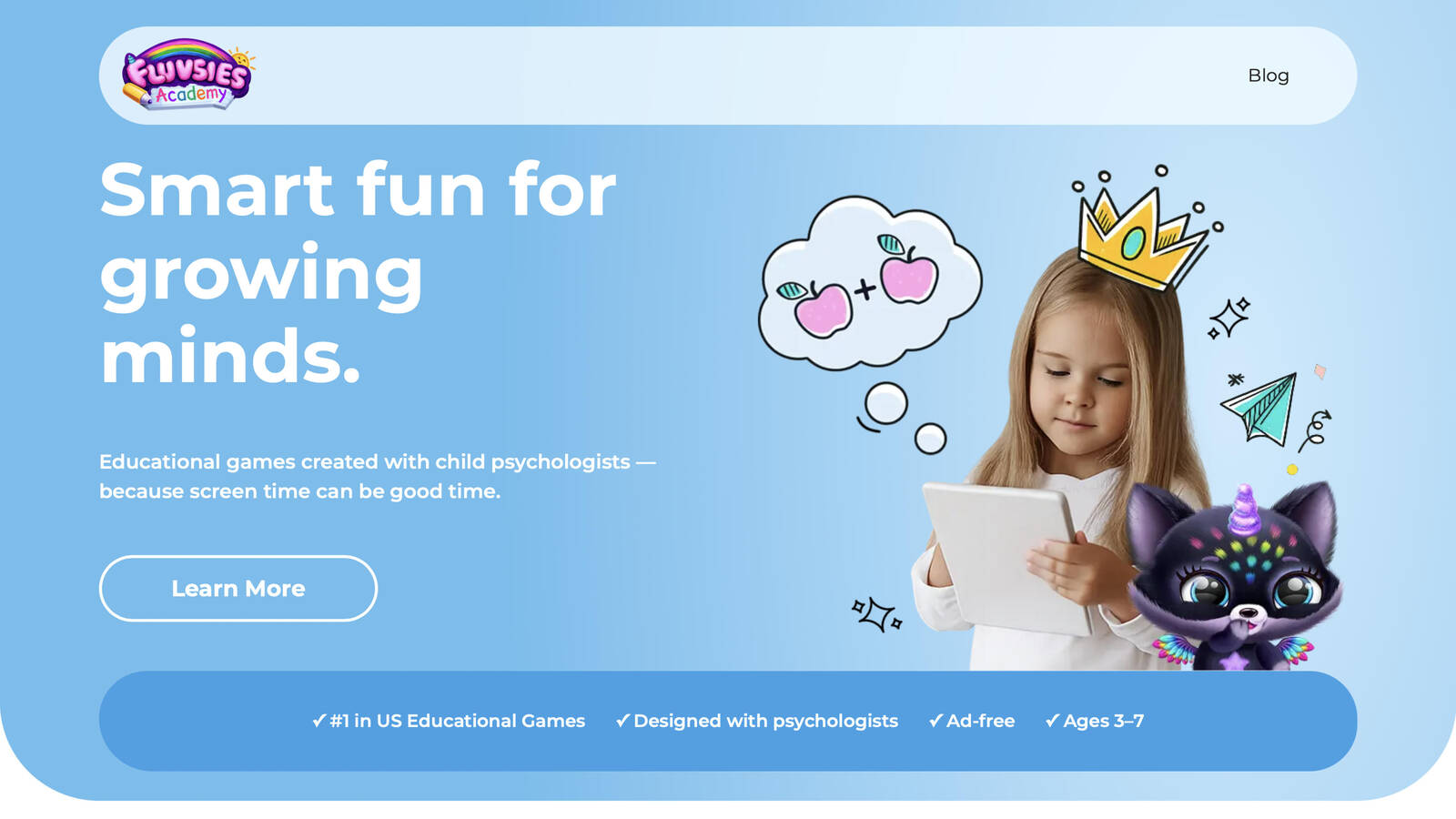
Fluvsies Academy is a gentle learning world for children ages 3 to 7, built around the fluffy Fluvsies characters many kids already know from other TutoTOONS games. It is not a single coloring book. It is a set of short, cheerful activities that mix language, math, logic, sorting, and life skills with creativity. Kids meet real jobs in a simple way, from baker to firefighter to astronaut, and practice everyday habits through play that feels like a story.
The tone stays calm. Tasks are short. Visuals are bright without feeling loud. Parents who already trust Fluvsies often feel at home here because the characters are familiar and the sessions feel like guided pretend play. Creativity shows up in life-skills moments and open imagination play rather than one giant empty canvas. That makes it a strong neighbor to painting time. A child can color a favorite fluff in another game, then jump into Academy play that still feels like the same friendly world.
Facts and information
- Made for ages 3 to 7
- Built with child psychologists
- Categories include language, math, logic, sorting, and life skills plus creativity
- Profession stories introduce simple job words and tasks
- Fully ad-free with no chat and no outside links
- Available on iOS and Android phones and tablets
3. Gartic Phone
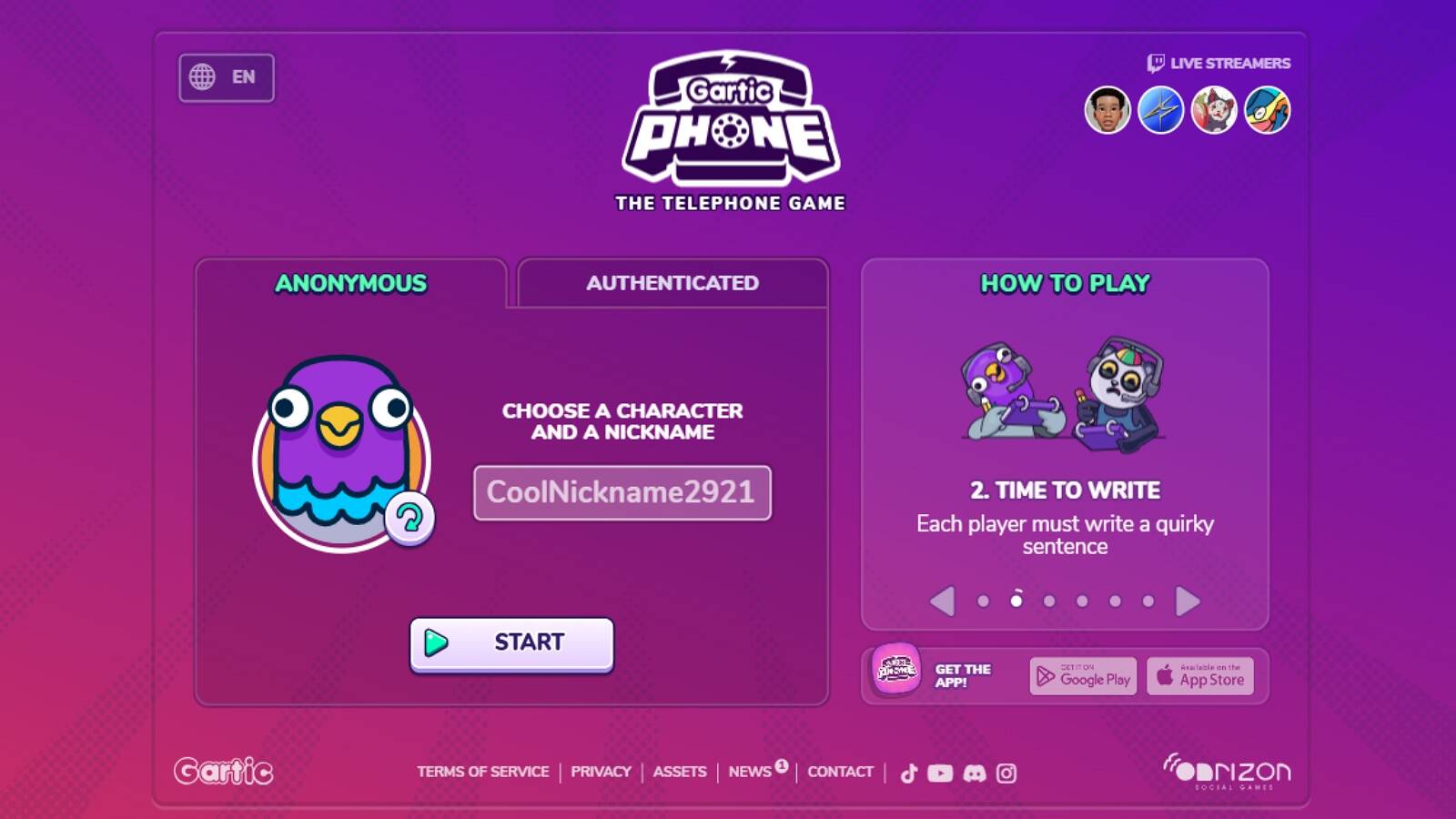
Gartic Phone is a browser and app party game that turns drawing into a group telephone chain. One player writes a sentence. The next player paints it. The next player writes what they see. The chain keeps going until the room watches the whole story fall apart in the funniest way. Rooms open with a link or a QR code, so families can start a round during a video call without a long setup. It works well for older kids, siblings, classrooms, and grown-ups who already know how to take turns. Drawing tools include pencil, fill, shapes, color controls, undo, and zoom. Modes range from classic write-and-draw to animation, background scenes, and coloring-book style rounds where players fill pages made by the group. The art can be messy. That is part of the charm. Younger preschoolers may need a grown-up beside them, since the game is built for groups, not solo quiet time. Save it for weekend hangouts, then return to a kids coloring club for daily painting.
Facts and information
- Play in a browser or on mobile
- Many room modes, including classic, knock-off, animation, and coloring-style rounds
- Invite with a link or QR code
- Replay drawings stroke by stroke
- Strong fit for family calls and class parties
- Less focused on parent-safe daily coloring for toddlers
4. Happy Color

Happy Color, from X-FLOW in Limassol, Cyprus, is a tap-to-fill color-by-number app with a very large library of pictures. Players choose a page, tap numbered spots, and watch a detailed image appear. Themes cover animals, nature, interiors, fashion, mandalas, and licensed scenes. Many adults use it as a quiet wind-down tool. Older children who like neat, finished pictures often like it too. The play loop is simple and repeatable. Search and filters help a player find a subject they care about. A hint light can show missed spots when a page looks done but is not. Progress can move across phones and tablets when an account is set up. The app lives on iOS and Android, not on a regular laptop browser, so it is a pocket coloring book more than a family desktop studio. It is less of a free-drawing space and more of a guided mosaic. Families who want character worlds made for ages 3 to 6 may still want a kids-first coloring club beside it for glitter, spray, and familiar pets.
Facts and information
- Color-by-number tap play on phones and tablets
- Huge library across nature, animals, patterns, and licensed art
- Search and filters help players find a theme
- Hint tool marks uncolored spots
- Made by X-FLOW in Limassol, Cyprus
- Stronger for independent older kids than for toddlers who need big, simple tools
5. Crayola Create & Play
Crayola Create & Play is the official Crayola creativity app for kids about ages 3 to 8. It treats the screen like a digital art table. Children color, draw, trace, stamp, add glitter, try glow art, and build pixel pictures with tools that look like real Crayola crayons and markers. Coloring pages sit next to drawing videos, a gallery, and other creative rooms inside an open world. The app also mixes art with light learning. There are tracing pages, spelling-and-spray moments, simple coding-style targets, and museum-style play built with Smithsonian experts. New themed activities arrive on a regular cadence, so a dinosaur month or a seasonal craft can refresh the home screen. Families can save finished pages to a gallery and print them from the device. It is broader than a single coloring book, which is helpful, and it is still a different shape from a full ad-free kids game club that also includes pet care and daily-life play. For pure painting time, the art station is the room that matters most.
Facts and information
- Official Crayola app for early elementary ages
- Realistic crayon, marker, stamp, glitter, glow, and pixel tools
- Coloring pages, tracing, drawing videos, and a saveable gallery
- STEAM-style side activities for letters, logic, and fine motor play
- Smithsonian-themed learning rooms
- Profiles can be shared across family devices
6. Sketchpad

Sketchpad, from Sketch.io, is a browser drawing board that feels close to a simple art desk. Kids and adults can sketch, fill, stamp, add text, and work in layers without installing a heavy program. It runs in a modern browser on a computer or tablet, which makes it handy for homework art, birthday cards, and open doodles. The tool set is broader than a preschool coloring app. There are brushes, shapes, stickers, backgrounds, and export options that turn a page into an image file. That range is helpful for school projects. It also means a young child may need help finding the right brush and saving the file. There is no built-in story world, so motivation comes from the child, not from a favorite pet or princess waiting on an island. Treat Sketchpad as a digital sketchbook. Pair it with a kids coloring game when you want characters, glow pens, and a finished-page feeling that does not ask a five-year-old to manage layers.
Facts and information
- Runs in a modern browser on computer or tablet
- Freeform canvas with brushes, fill, stamps, text, and layers
- Useful for homework art and open doodling
- Export options for saving a picture
- No character story world
- Better as a tool than as a guided kids game
7. AutoDraw
AutoDraw, from Google, turns a rough scribble into a clean icon. A child draws a cat that looks like a cloud. The tool suggests finished pictures. That surprise is the hook. It helps kids who feel stuck because their lines do not look “right” yet. The page is fast and light, with almost no setup, so it works as a five-minute creativity spark on a laptop or tablet. The experience is closer to a smart sticker maker than a full painting studio. There is little room for glitter spray, numbered pages, or a long coloring session. That is fine if the goal is confidence. A shy drawer sees a clean shape appear and wants to try again. Then the energy often fades unless you move into a real coloring world. Use AutoDraw as a warm-up. Let the child pick a suggestion, laugh at the near-misses, and then open a kids painting game where they can spend time on one picture they already love.
Facts and information
- Browser-based sketch-to-icon helper from Google
- Fast start with almost no setup
- Suggests clean drawings from rough scribbles
- Helps reluctant drawers feel successful
- Limited as a full painting game
- Best as a short creative boost before longer coloring play
8. Quick, Draw!
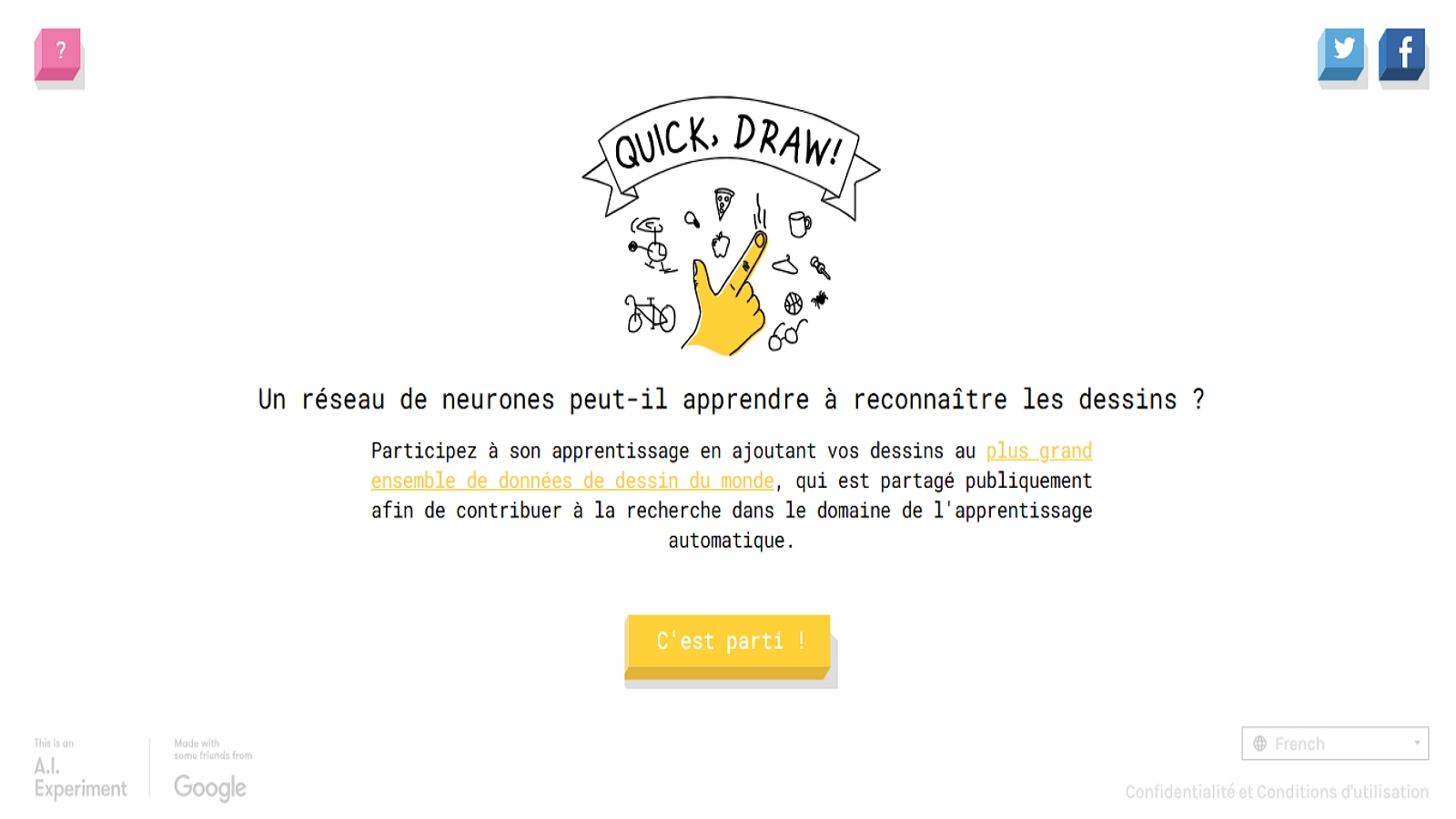
Quick, Draw! is Google’s guess-the-doodle game. Players have a few seconds to draw a prompt. A model tries to name the picture. Kids laugh when it gets a shark right, and they laugh harder when it does not. The site runs in a browser and asks for almost nothing before the first round, which makes it easy to try on a family computer. The pace is snappy. That makes it fun in short bursts and less ideal for quiet coloring. It can still help children notice the simple shapes inside objects, which supports later drawing. A house becomes a square and a triangle. A cat becomes two ears and a tail. Those shortcuts are useful. They are not the same skill as sitting with a brush and finishing a page. Pair Quick, Draw! with slower painting play if you want a full art session. Keep it as a warm-up or a sibling challenge, not as the only painting game in the house.
Facts and information
- Timed prompt-and-draw rounds in a browser
- A model tries to guess each doodle
- Good for shape recognition and quick thinking
- High energy, short sessions
- No coloring-book world or saveable story pages
- Not a replacement for a kids coloring club
9. Skribbl
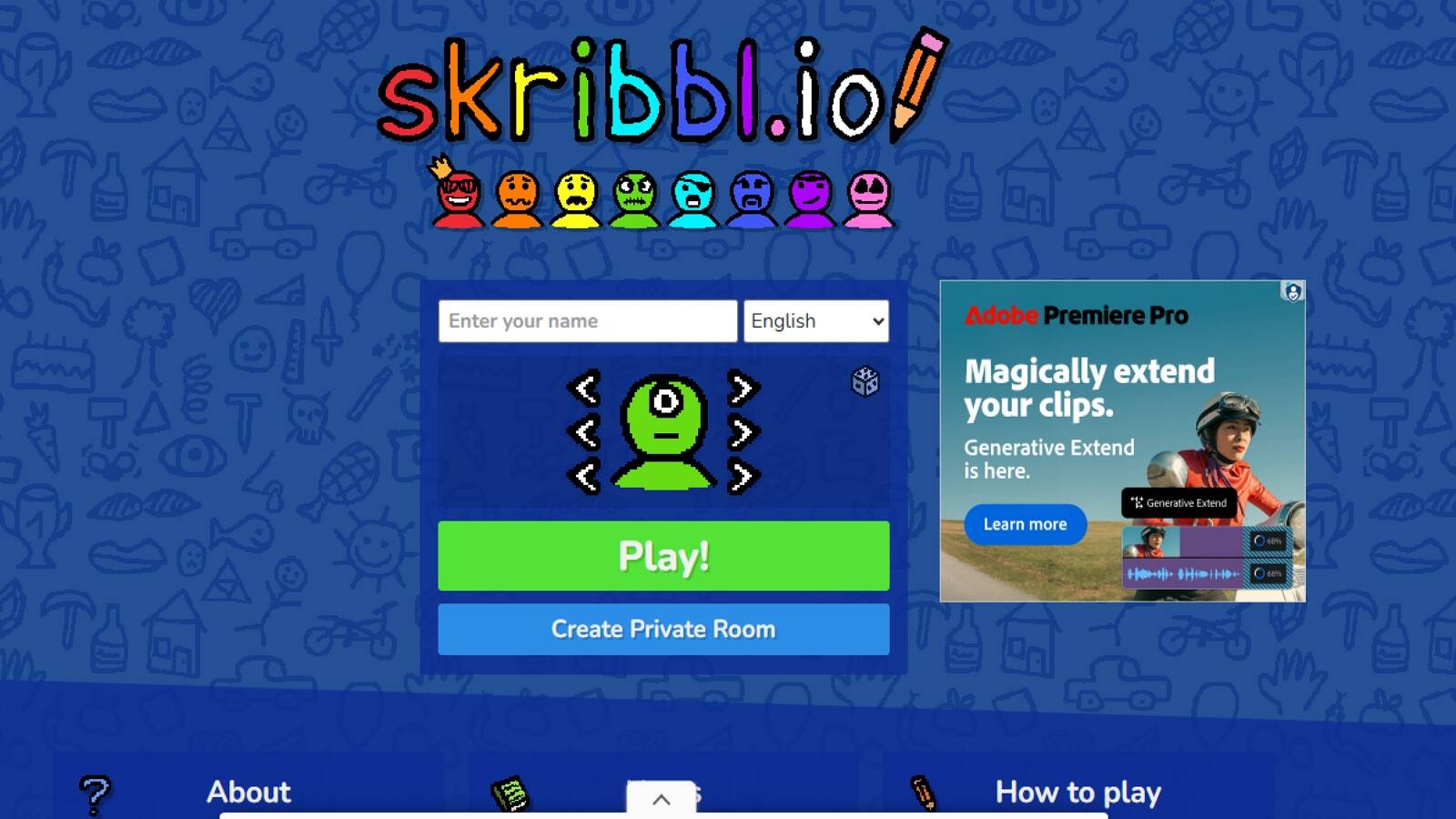
skribbl is a free multiplayer drawing and guessing game played in a browser. One player gets a word, draws it, and everyone else types guesses. Points go to fast, accurate guesses and to the artist when the room figures it out. You can join a public lobby or open a private room for friends, classmates, or cousins on a call. The company behind the game is based in Limburg an der Lahn, Germany. The tools stay simple on purpose: basic colors, line thickness, fill, and undo. The charm is speed and shared jokes, not fine art. Word lists cover everyday objects, animals, food, and trickier prompts that make older kids stretch. Public rooms can feel noisy, so families often do better in a private room with people they know. Like other party painters, it is a weak daily studio for a preschooler. It is a strong Saturday game for kids who can read, type, and wait their turn. After the lobby closes, a calmer coloring app still does the quiet work of finishing a picture.
Facts and information
- Browser draw-and-guess play with public and private rooms
- Turn-based rounds with a timer
- Simple pencil, color, fill, and undo tools
- Private rooms work well for families and classes
- Reading and typing help a lot
- Better for group nights than toddler coloring time
10. Drawize
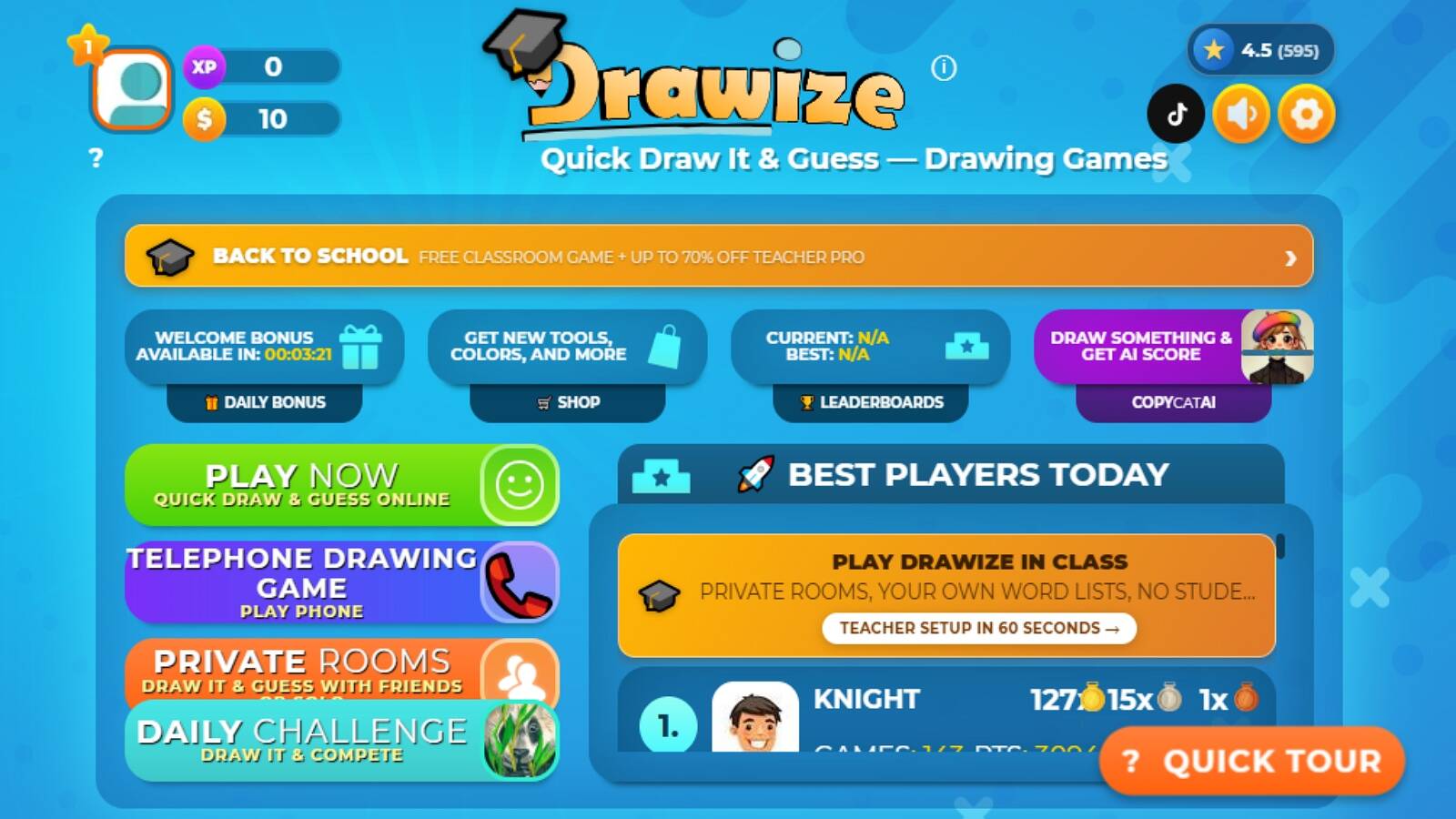
Drawize is a browser draw-and-guess game with a cleaner lobby than many classic .io rooms. Friends join with a room code. Players take turns painting a word while others guess. The site also offers practice paths that do not need a full group, including quick solo drawing and extra challenge modes that some classrooms like. Custom word lists help a teacher or parent keep prompts age-right. That matters if you want animals and foods instead of tricky adult phrases. The drawing tools stay easy to read on a laptop or tablet. The mood is closer to Pictionary than to a glitter coloring book. Kids who already enjoy live guessing games will feel at home. Kids who want to spray-paint a princess page will not. Use Drawize when the goal is shared guessing. Use a kids coloring club when the goal is a calm, finished picture with characters the child already loves.
Facts and information
- Free browser Pictionary-style play
- Private rooms and custom word lists
- Solo practice and extra challenge modes
- Simple, readable drawing tools
- Often used by families, offices, and classes
- Group guessing first, free coloring second
11. Drawasaurus
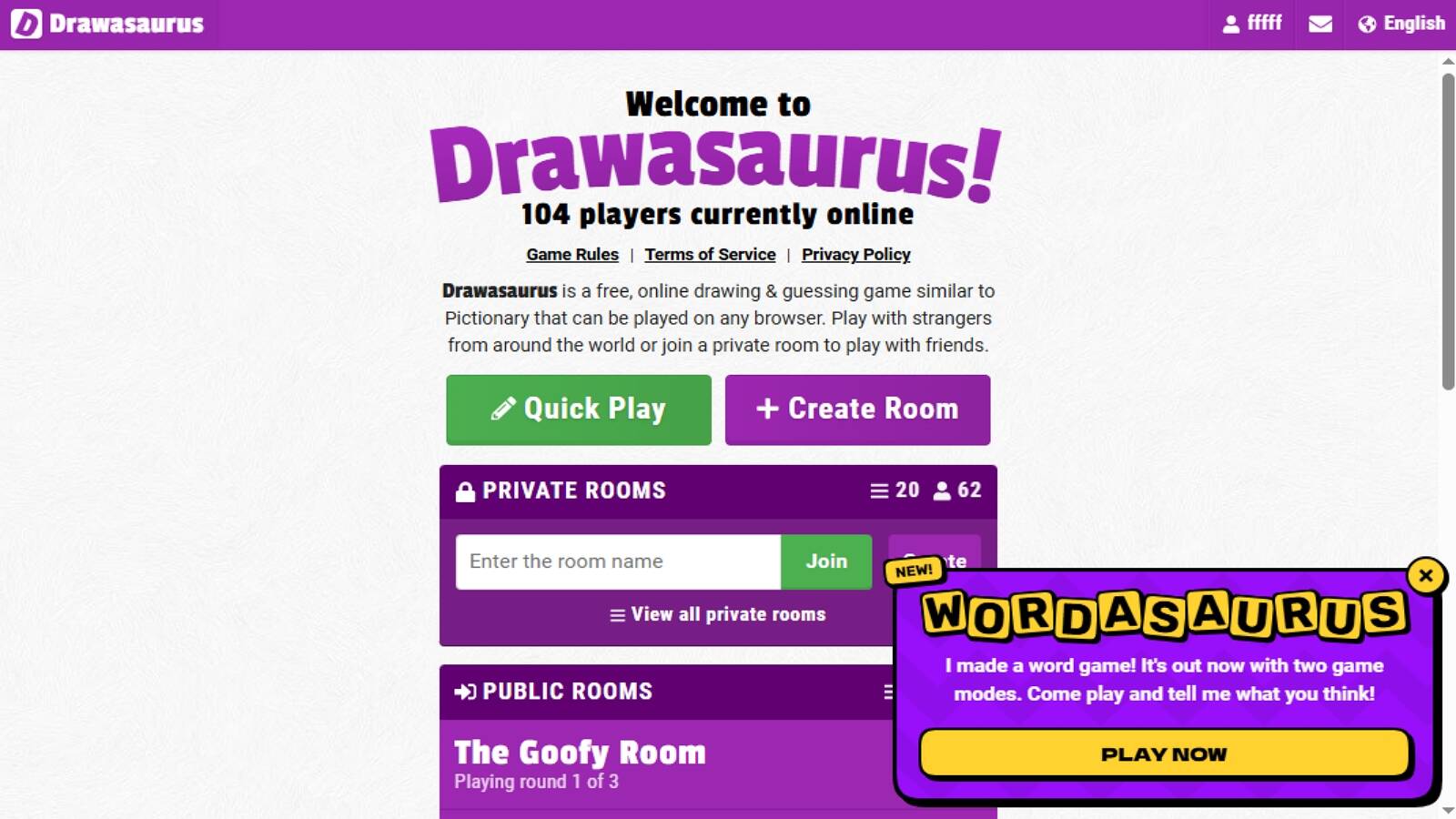
Drawasaurus is a free online drawing and guessing game, similar to Pictionary, that runs in any modern browser. Players can hop into a public room or make a private room with a code. One person draws a word from a category list. Everyone else guesses. Categories such as animals, food, and jobs keep the prompts easier to manage for mixed-age groups. The interface is plain on purpose. That helps when you want a no-fuss backup for family night or a classroom icebreaker. The scoring is gentle enough that a messy drawing still feels welcome. Public rooms can sit quiet at odd hours, so private rooms are the better plan for a family. There is no deep coloring studio here, no neon trace mode, and no pet island waiting after the round. Drawasaurus is a spare, friendly guess-and-draw table. Keep it for groups. Keep a kids painting membership for the everyday canvas.
Facts and information
- Browser drawing and guessing with public and private rooms
- Themed word lists such as animals, food, and occupations
- Easy private-room codes for families and classes
- Simple tools and a low-pressure mood
- Works on phones and computers through the browser
- Lightweight group play rather than a full art world
12. Recolor

Recolor, from Recolor Oy in Helsinki, Finland, is an adult-leaning coloring app with thousands of pages by working artists. Players color mandalas, flowers, pets, and detailed scenes, and they can also bring their own pictures into the book. Daily pages and weekly events give people a reason to open the app again. A community layer lets colorists share finished work. The tools feel closer to a design studio than a toddler crayon box. That is a plus for tweens and grown-ups who want rich palettes and polished pages. It is a weaker solo pick for a three-year-old who needs giant buttons and a character they already hug. There is more social energy here than in a locked-down kids club, so parents should look at sharing settings before handing a young child the phone. Recolor is a strong “quiet evening coloring” app for older players. Pair it with a child-first painting game when the artist in the house is still in preschool.
Facts and information
- Studio based in Helsinki, Finland
- Large library of artist-made coloring pages
- Daily pictures and regular themed events
- Option to color uploaded images
- Community sharing of finished pages
- Better fit for older kids and adults than early preschool
13. Bimi Boo
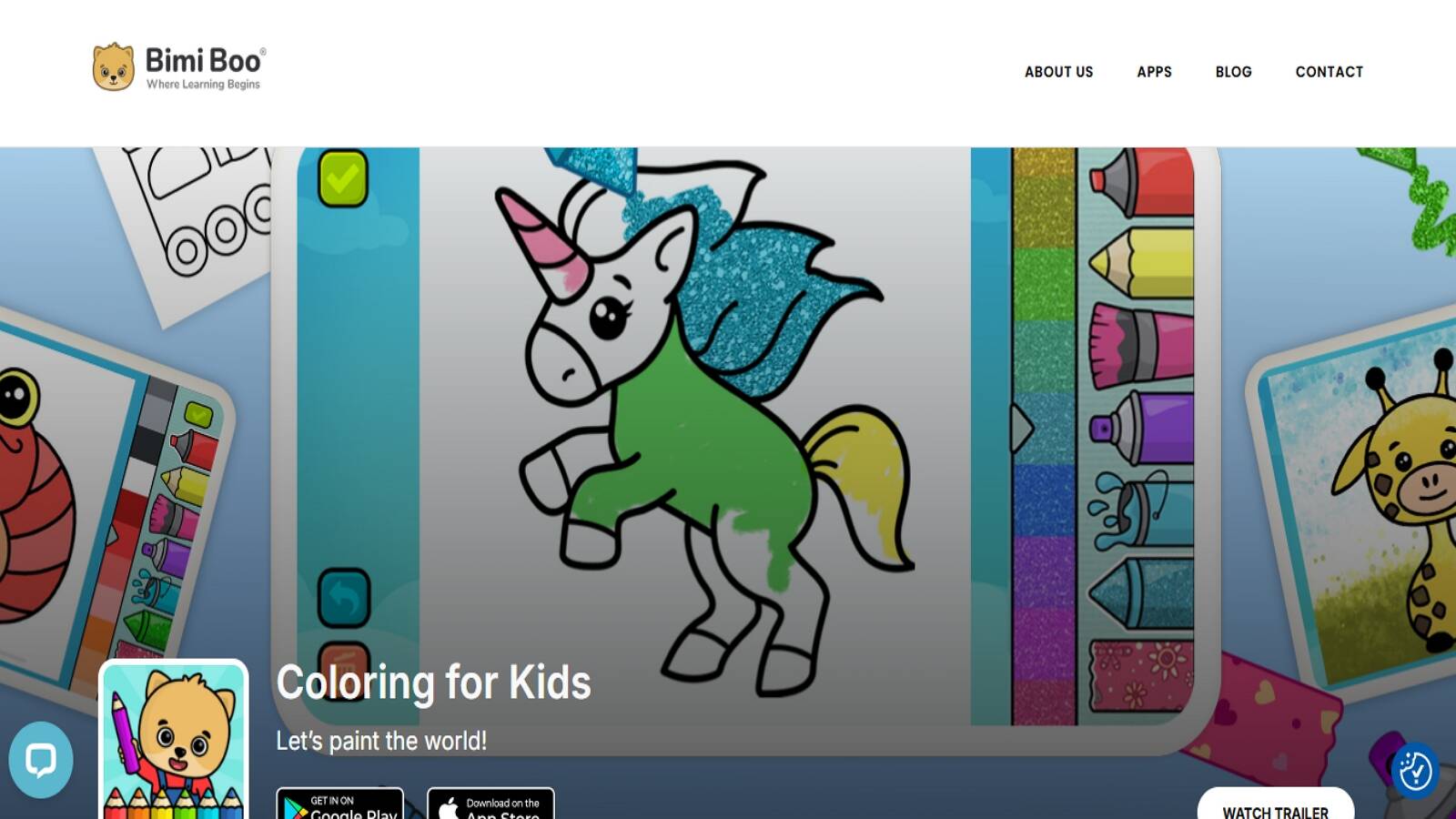
Bimi Boo makes preschool apps, including Coloring for Kids and Drawing for Kids, with big pictures and simple tools. Children pick a page from themes such as dinosaurs, princesses, animals, and sea creatures, then fill it with colors, patterns, glitter backgrounds, pencils, brushes, and spray. The company designs for roughly ages 2 to 5, with large controls and short sessions. Coloring for Kids focuses on finishing a picture. Drawing for Kids adds sequencing and choice-making, like picking a background or using undo when a color feels wrong. Finished pages can feel lively, and the catalog sits beside other Bimi Boo play such as puzzles and salon games. The art apps are friendly on-ramps. They are still single-purpose compared with a membership that keeps coloring next to pet care, stories, and daily-life games in one parent-managed account. If your child wants a simple coloring book with bright themes, Bimi Boo is an easy try. If you want painting plus a wider safe library, a kids club still covers more of the week.
Facts and information
- Preschool coloring and drawing apps from Bimi Boo
- Themes include dinosaurs, princesses, animals, and sea life
- Tools include pencils, brushes, spray, patterns, and glitter looks
- Made for little hands, about ages 2 to 5
- Undo and simple choices support early problem solving
- Art apps sit beside other Bimi Boo toddler titles
14. Pixilart
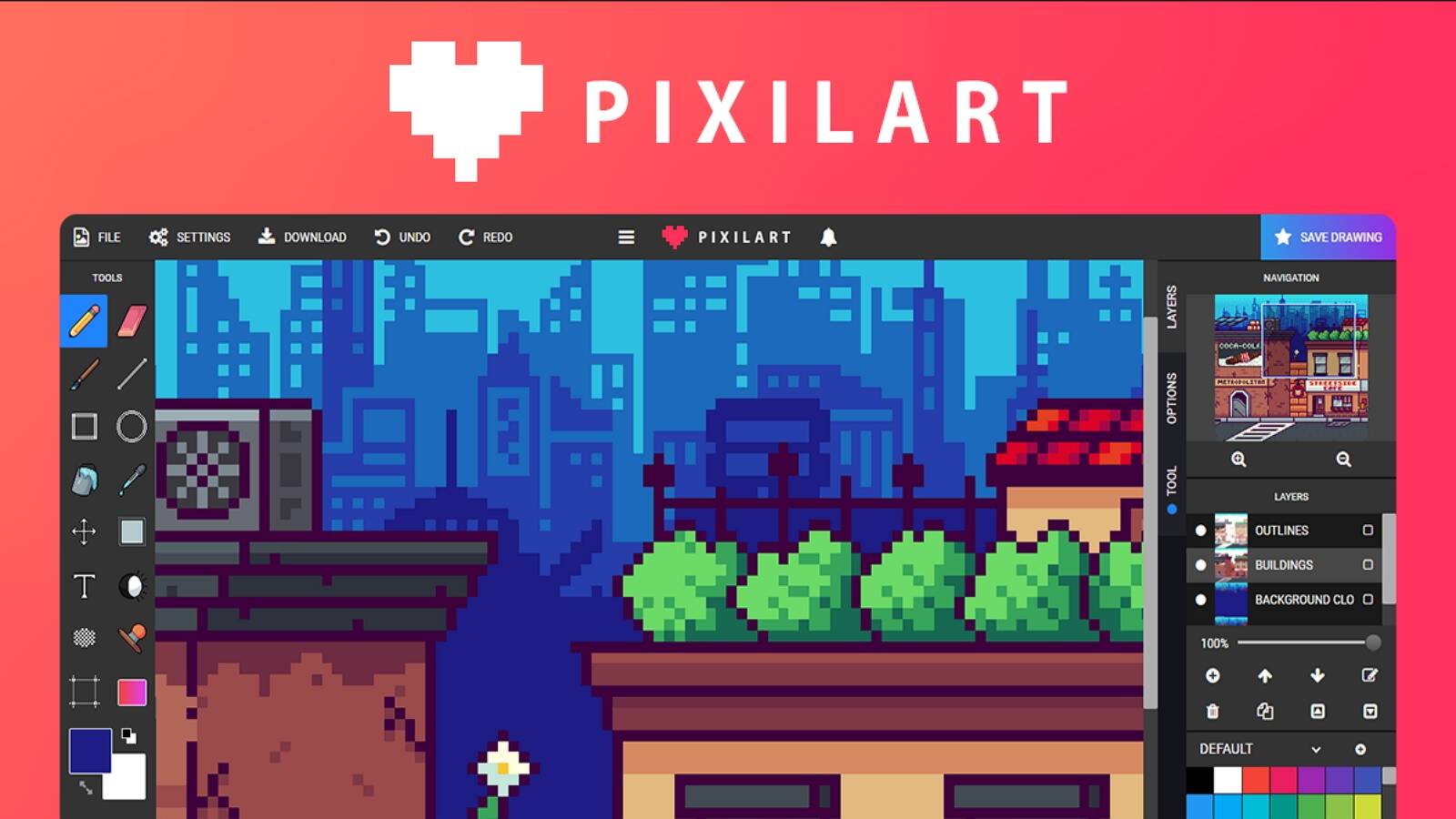
Pixilart is a browser pixel-art studio and community. Kids and teens place tiny squares to build characters, scenes, and game-style sprites. There are drawing tools, templates, animations, and public galleries where people post work and remix ideas. A family can start a picture in the browser without installing a full desktop paint program. Pixel art teaches patience in a different way than wet-looking brushes. Each square is a decision. That can click for kids who like patterns, video-game looks, and clean edges. The public side is the part parents should watch. Galleries and comments are made for a mixed-age internet, not a closed preschool room. Private drawing is the safer lane for younger children. Pixilart is a real painting game if you count pixels as paint. It is not a neon coloring island for a four-year-old. Use it when a child is ready for grid art and a parent can keep the session on the canvas, not the comment thread.
Facts and information
- Browser pixel drawing and animation tools
- Templates and a public gallery of user art
- Good for game-style characters and pattern thinking
- Works on computers and many tablets through the browser
- Community features need parent attention
- Better for older kids than early coloring play
15. Ibis Paint

Ibis Paint is a full digital painting app used by hobby artists and many teens. It offers a long list of brushes, layers, rulers, filters, and canvas controls that feel close to a junior art program. People draw on phones and tablets, then share process videos that show a picture being built stroke by stroke. That depth is the point. A child who has outgrown tap-to-fill pages can try real layering, blending, and line work. The same depth can overwhelm a preschooler. Menus are busy. Community features exist for posting and browsing other artists. Families who want a first painting game should start simpler. Families with an older child who keeps asking for “real art tools” may like Ibis Paint as a next step after coloring books. It is a studio in your pocket, not a story world with Fluvsies and princess islands. Keep a kids club for daily safe play, and keep Ibis Paint for the child who is ready to learn how digital paint actually works.
Facts and information
- Mobile digital painting studio with brushes, layers, and filters
- Process-video style sharing is part of the culture
- Strong next step after simple coloring apps
- Tool-heavy menus can feel like a lot for young kids
- Works as a serious sketchbook on phones and tablets
- Best for older kids and beginners who want real painting tools
Skills Kids Practice When They Paint on a Screen
Painting games do more than fill time. A child who picks yellow, then changes to blue, is making a choice and living with it. That is early decision practice. A child who stays inside a numbered shape is training attention. A child who traces a neon line is building the same hand control used later for writing.
Color play also supports language. Kids name shades. They compare light and dark. They describe a picture to a parent. Those talks pair well with confidence building games, because finishing a page gives a small, visible win. The same focus shows up in memory games for kids, where a child holds a color or shape in mind long enough to use it again.
Fine motor growth shows up in short, repeated motions: tap, drag, pinch, undo, try again. That loop is kinder than a worksheet for many kids. It also fits learning through play activities and learning through play examples, since a coloring page is a quiet puzzle with a pretty answer. When a child talks about the character they painted, social emotional games for kids and emotional regulation games for kids become a natural next step, because art gives feelings a color and a face.
- Color-by-number fits kids who like clear steps. They match a color to a shape, stay with one page, and feel proud when the picture is done. That play builds focus, matching skills, and the habit of finishing a task.
- Neon tracing is the sweet spot for little hands still learning lines. Kids follow a path and watch the drawing glow. It trains hand control and patience without feeling like handwriting practice.
- Free coloring is for kids who want to invent. They pick the sky color, change their mind, and try again. That is choice-making and self-expression, the same spark you want from the best painting games online.
- Party draw-and-guess games shine with siblings and family calls. The picture can be messy. The fun is in the laugh and the next turn. Kids practice humor, turn-taking, and describing what they meant to paint.
- Pattern fill games, like flags or tile painters, suit kids who like order. They scan the page, find the next spot, and keep going. That builds visual scanning and persistence, a quieter kind of painting play than a glitter brush on a unicorn page.
Keep sessions short for younger children. One finished page beats five half-started ones. A parent sitting nearby can ask simple questions: “What color did you pick for the sky?” That tiny talk turns a painting game into shared time.
How to Choose a Safe Painting Game for Your Child
Start with age and mood, not with the flashiest trailer. A three-year-old needs big tools and familiar characters. A seven-year-old may want more brushes and a chance to draw from scratch. If your child already loves pets and pretend care, a coloring page with those same friends will last longer than a blank adult canvas.
Safety checks are simple.
- Can a child play without ads or outside links?
- Is there public chat?
- Can you use more than one family device?
- Can the game work after it is downloaded?
- Does the art world match what your child already enjoys?
Those questions sit next to any honest guide on how to protect kids online. A parent account, clear download steps, and a closed play space matter as much as the brush set. The FAQ section explains how family logins, devices, and child-safe rules work after games are downloaded from an app store.
Think about the room, too. Party drawing games are loud and social. Color-by-number is quiet. Neon glow pages feel magical at night. Match the game to the hour. Bedtime wants soft tools. Daily after-school play often works best at home with educational games for kids at home and educational games for toddlers nearby, so painting is one calm lane inside a bigger kids routine.
Painting Games, Coloring Books, and Drawing Parties Are Not the Same
People search “painting games” for three different wants. One child wants a digital crayon box. One wants a puzzle that fills itself as they tap. One wants to draw a terrible pizza and watch a cousin guess “spaceship.” Coloring books win for daily use. They are calm. They have an end. They look good on a parent’s phone. Drawing parties win for groups. Puzzle painters win when a child likes order more than invention.
You do not need one app to do all three. You need a home base that is safe, then a couple of extras for special moods. For many families, that home base is a kids membership with coloring plus stories and play worlds. That mix keeps free online games for kids from turning into a random pile of risky links, and it stays closer to online educational games for kids and online games for kids educational play.
If your child is around age five, art play also pairs with early school skills. Numbered pages support counting. Color names support vocabulary. Finished pictures support pride. Those same years are a strong time for educational games for kids age 5 and educational games for 5 year olds. A little later, educational games for 6 year olds and educational games for 7 year olds still leave room for painting, only with more tools and longer pages.
FAQ
What are the best painting games online for young kids?
The best painting games online for young kids are calm coloring and drawing games with big tools, familiar characters, and a closed, family-friendly space. Young children stay longer when the page features pets, princesses, or other friends they already know, and when the tools are easy to tap, trace, and fill. Color-by-number and neon tracing help little hands finish a picture, while free coloring gives room to invent. That kind of art play fits the same early years covered in educational games for kids age 3, when short pages and clear colors matter most.
Are online painting games good for learning or only for fun?
Online painting games can be both. Kids practice focus, color words, number matching, and hand control while they fill a page, and those same motions support later writing. Finishing a picture also builds pride because the result is easy to see and talk about. The learning stays light because the goal is a bright picture, not a quiz. That mix is the same idea behind the fun educational games for kids, where play comes first and skill-building rides along.
Can kids play painting games without a lot of setup?
Yes. Many coloring games open to a picture in seconds once the app is on the device. A family account takes a few extra minutes on the first day because a parent creates the login and downloads each title from an app store. After that, kids can jump in faster, and many games still work offline after the first download. Device and website account steps are covered in the website FAQ, including how one login follows the family across phones and tablets.
How do painting games fit with other kids games?
Painting is a quiet creative slot beside dress-up, pet care, cleanup play, and simple puzzles. A child can color a character, then take care of that same character in another game, so the afternoon feels like one world. Fashion, care, and art all teach color choice and follow-through. A single kids membership makes the switch easier than stacking unrelated downloads. Painting sits comfortably next to other educational but fun games for kids, especially when the same characters show up in more than one activity.
What should parents look for in a safe painting game?
Parents should look for ad-free play, no public chat, age-right pictures, and tools a child can use without help. A good painting game also makes it easy to finish one page, save the picture, and stop when time is up. Safety is stronger when coloring lives inside a closed kids space rather than a random browser tab. Family profiles, offline play after download, and a clear parent account help keep the session on the canvas. Those same checks show up in any honest list of safe apps for kids, because the brush set only helps if the room around it stays calm.
Read Also:
- Best Educational Games For Kids That Are Fun in 2026
- Best Learning Apps for Kids
- Best Apps for Preschoolers
- Best Educational Games for Kindergarten
- Fluvsies Paper Doll Printable
Start a free trial and give kids painting games with TutoClub that feel good to play!