
How Top Apps for Kids' Learning Turn Playtime into Progress






Parents want screen time that helps kids grow instead of just filling quiet moments. Top apps for kids' learning turn playtime into progress by mixing fun games with real skill building. Kids explore, practice letters, numbers, problem solving, and feelings while they play.
These goals become easier with the best English learning apps for kids that build language skills playfully. Broader options include the best learning apps for kids and the best safe apps for kids, while a dedicated educational games for kids app keeps every session focused on growth.
Turn playtime into progress with safe learning games your child will love with TutoClub!
Why Play Turns Screen Time into Skill Building

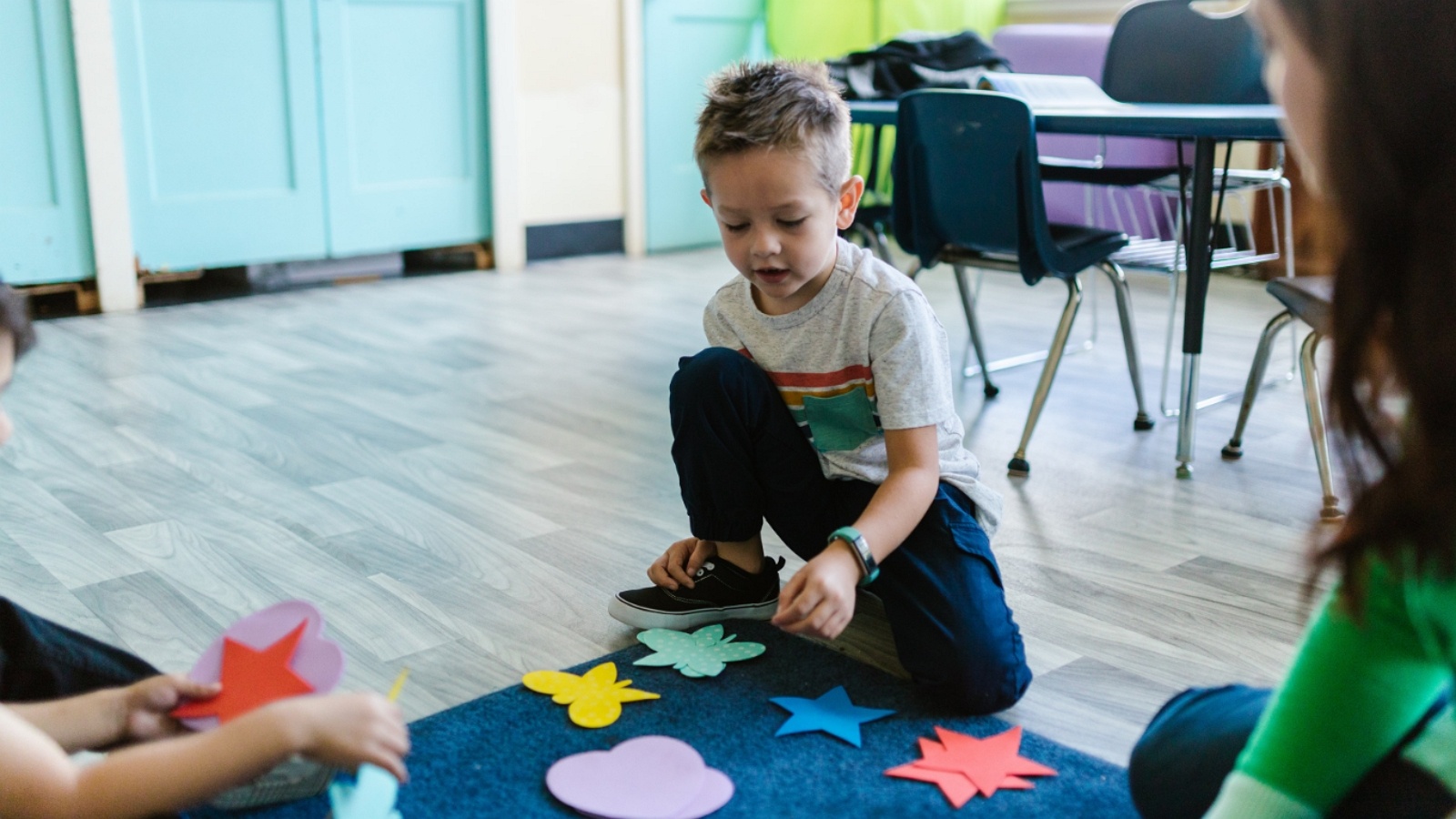
Children learn best when they feel free to try, fail, and try again. Play gives them that freedom. Top learning games for kids copy this natural style. They use bright characters, simple stories, and short challenges that feel like games. Kids stay focused longer because the activity matches how their brains work at young ages.
Research on learning through play activities shows that guided play helps children pick up new words, shapes, and thinking skills more easily than pure free play or pure instruction. Apps take that idea and put it on a screen kids already enjoy. The best ones keep the child in charge while quietly guiding them toward useful goals. A child might care for a digital pet and, without noticing, practice counting or naming emotions. That mix of joy and purpose is what turns ordinary playtime into steady progress through educational games for kids online. Short sessions work best. Many parents set brief periods so the experience stays fresh and positive. When the app ends on a high note, kids often ask to return the next day.
This same playful style appears in the best problem-solving games for kids that encourage trial and error. Complementary options include the best social-emotional games for kids, the best confidence-building games, and the best responsibility games for kids that nurture empathy, self-assurance, and care through guided challenges.
Core Features That Make Learning Stick
Strong kids learning apps share a few clear traits that separate them from pure entertainment.
Adaptive difficulty sits near the top of the list. The app watches how a child answers and gently raises or lowers the challenge. Too easy and kids get bored. Too hard and they quit. The right level keeps them in a sweet spot where success feels earned.
Clear goals mixed with open play matter too. Some activities have a right answer, like matching letters. Others let kids create freely, such as decorating a room or telling a story. Both styles build different strengths. Structured tasks teach focus and accuracy. Open tasks grow creativity and confidence, much like the best fun educational games for kids.
Immediate, kind feedback helps young learners. A cheerful sound or a character cheer when they succeed feels rewarding. Gentle hints when they struggle keep frustration low. Over time this builds a habit of trying again.
Parent visibility rounds out the package. Many top apps show what skills the child practiced and how they improved. Parents can see progress without sitting beside the child every minute. This trust makes it easier to allow regular playtime with many safe apps for kids.
Safety features close the list. Ad-free design, no in-app purchases that interrupt play, and age-appropriate content protect the experience. Kids stay inside the learning world instead of drifting into ads or unrelated videos.
How Leading Apps Build Different Skills
Different educational game apps for kids options focus on different areas, yet the best ones cover a wide range through play. Early literacy apps often use phonics games, letter tracing, and short stories. Kids hear sounds, match them to letters, then put letters into words. The game format makes repetition feel fresh. Some include read-along books so children hear fluent reading while following along.
Math apps turn numbers into quests or puzzles. Counting becomes collecting items. Simple addition appears as solving a character’s problem. Spatial games with shapes and patterns strengthen the thinking skills that later support geometry and problem solving, similar to strong online educational games for kids.
Social-emotional learning appears in many high-quality apps. Caring for characters teaches empathy. Naming feelings in stories helps kids recognize their own emotions. Role-play scenarios let children practice kindness and sharing in a safe setting through social emotional games for kids.
Creativity tools invite kids to draw, build, or invent stories. These open-ended activities support flexible thinking. When a child designs a character’s home or creates a short animation, they practice planning, deciding, and expressing ideas. Many of these strengths show up clearly in collections of the best kid educational games. Some apps blend several of these areas in one place. A single game might ask a child to sort objects by color (early math), name the objects (vocabulary), and decide how to care for them (empathy). This layered design multiplies the value of each play session.
What Sets Strong Options Apart from the Rest
Not every app labeled educational delivers real progress. The ones that succeed share a few quiet strengths, especially among the best educational games for toddlers and games for preschoolers.
They limit distractions. Flashy effects that pull attention away from the learning goal get removed or toned down. The design stays calm enough for a young mind to focus.
They respect a child’s pace. Forced timers or endless levels that push for longer play often backfire. The better apps let kids finish a short activity and stop on a positive note.
They connect to everyday life. Games that mirror real routines, such as cleaning, caring for others, or exploring nature, help children transfer skills offline. A child who practices sorting toys in an app may later sort real toys more willingly.
They grow with the child. Content that stays interesting across several ages keeps the same app useful longer. Adaptive paths and new activities over time support this growth, as seen in the best educational games for kids at home.
Parents often notice the difference after a few weeks. A child who once resisted practice now asks for the app. Focus during other tasks may improve. Small wins in the game build confidence that shows up at school or during family activities.
Tutoclub Turns Everyday Play into Steady Growth
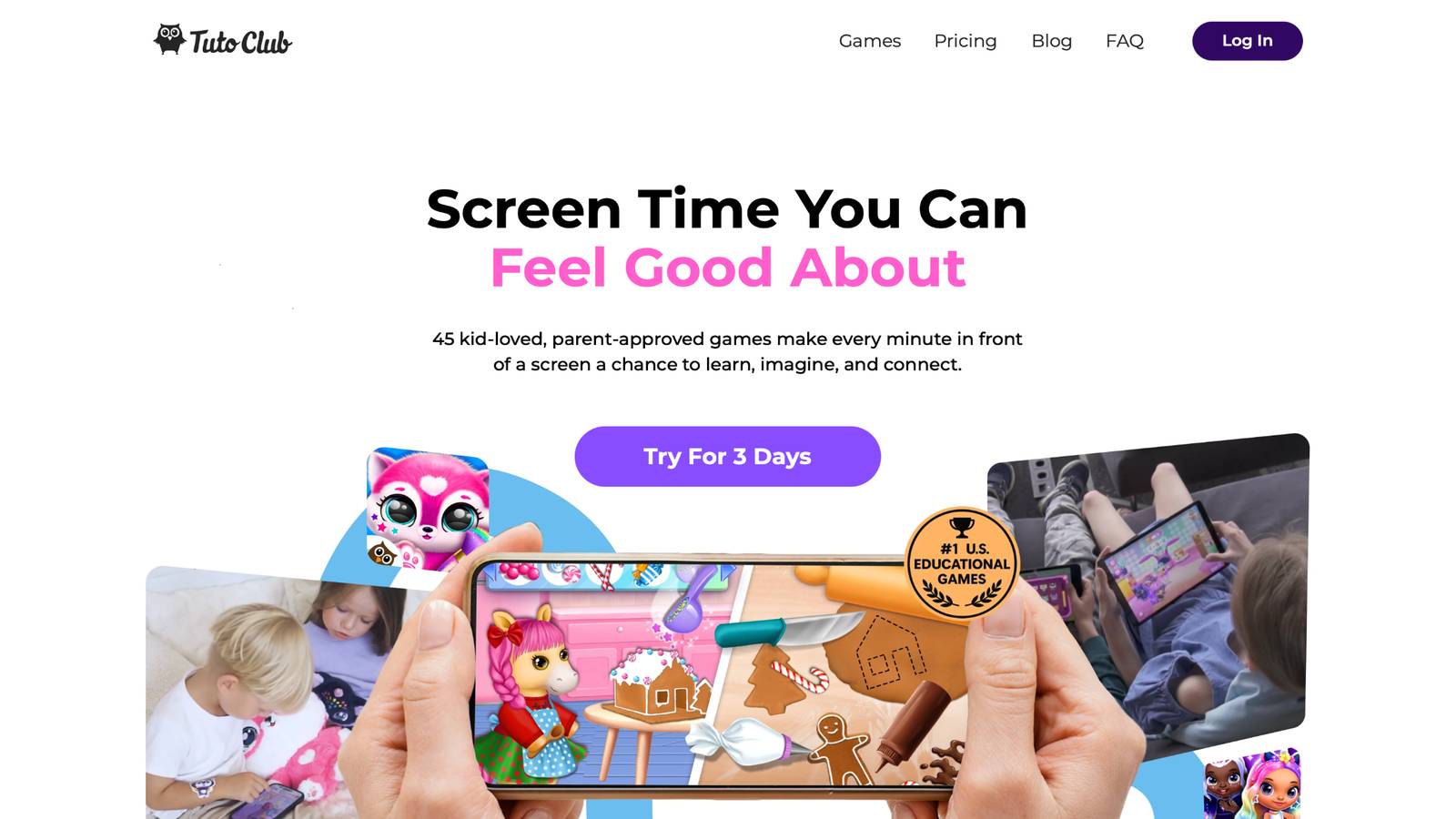
Tutoclub stands out among options that turn playtime into progress. It offers one simple subscription that unlocks more than 45 carefully chosen games made for young children. Every game stays completely free of ads and in-app purchases. Kids play in a calm, safe space designed for ages that match early learning years.
The collection focuses on skills that matter: creativity, focus, problem solving, empathy, and early academic foundations. Games such as caring for virtual pets, helping characters with everyday tasks, or exploring imaginative worlds let children practice these skills while having fun. Many activities feel like open play yet quietly build letters, numbers, memory, and social awareness, aligning closely with the strengths of the kids games educational content.
Because the games come from a studio experienced in children’s content, the design stays age-appropriate and engaging without overstimulation. Parents can use the same subscription across multiple devices, so the experience travels easily from tablet to phone. Regular updates keep fresh content coming so interest stays high. Families often choose this approach when they want variety without hunting for dozens of separate apps, much like the value found in tablet games for kids.
One login opens the full set. Children move between different styles of play while parents know the environment stays consistent and protected. The result is screen time that feels purposeful and joyful at the same time.
TutoClub Overview
TutoClub is your gateway to a magical world of educational games designed especially for children.
As part of TutoTOONS, a leading kids' games studio, we offer premium access to over 45 ad-free games.
Our mission is to blend learning and play, helping kids explore, create, and grow in a safe online space.
Thousands of parents trust us for family-friendly content that sparks imagination and builds essential skills.
Key Features
- Unlimited Access: Unlock full content in all games with no interruptions.
- Ad-Free Experience: Enjoy seamless play without any ads or distractions.
- Skill Development: Games foster creativity, social skills, communication, and more through fun activities like pet care and cleanup challenges.
- Regular Updates: Get new releases, exclusive content, and future updates automatically.
- Easy Subscription: Cancel anytime with no obligations, simple and flexible for families.
Explore Our World
TutoClub provides a rich ecosystem of educational games for kids, featuring ad-free experiences that promote creativity, focus, and emotional growth through play.
This platform turns screen time into valuable learning opportunities, with parent-approved content that builds essential skills and sparks curiosity in young minds.
- TutoClub Games: Over 45 educational games, including popular titles like Fluvsies, Smolsies, and the Sweet Baby Girl series
- Blog: Insights, tips, and stories for families on kids' learning and play
- FAQ: Comprehensive answers to frequently asked questions about subscriptions, features, and more
Get TutoClub on Your Device
TutoClub delivers premium kids educational games directly to your mobile devices, making learning accessible anytime, anywhere.
With apps available on major platforms, families can easily download and subscribe for ad-free play that turns screen time into skill-building adventures.
Perfect for parents seeking safe, engaging content on iOS, Android, or Amazon devices.
Why Choose TutoClub?
We're committed to 100% safe, enriching entertainment that kids love and parents approve. Join the thousands who've seen their children thrive through playful learning.
Ready to start the adventure?
Discover how one subscription of educational games can make every play session count for your child!
Practical Ways Parents Guide App Play
Even the best app works better with a little parent support. Start by sitting together for the first few sessions. Watch how your child interacts and notice what they enjoy most. Then step back while still staying nearby.
Set clear time boundaries before the device comes out. A simple timer or natural end point after a few activities helps children accept limits. Celebrate small wins out loud: “You figured out that puzzle!” Positive words reinforce the effort.
Connect the digital play to real life. If the app involves caring for a pet, talk about how the family cares for a real pet or plant. If sorting or cleaning appears, invite the child to help with a similar task at home. These bridges make the learning stick and mirror ideas from learning through play examples.
Check the parent tools that many apps provide. Look at the skills practiced and adjust if needed. Some children thrive with more creative games; others prefer clear goals. Matching the mix to your child’s personality keeps motivation high, especially when choosing from the best apps for preschoolers or the best games for toddlers.
Balance remains key. Pair app time with outdoor play, reading paper books, and face-to-face conversation. The goal is not to replace those experiences but to make the inevitable screen moments more valuable.
Choosing an App That Fits Your Family
Begin with your child’s current interests and age. A toddler may love simple cause-and-effect games and bright characters. An older preschooler may enjoy longer stories or simple challenges. Matching the app to natural curiosity raises the chance of success, whether looking at educational games for kids age 3, educational games for 5 year olds, or options for educational games for 10 year olds.
Look for clear information about learning goals. The best descriptions explain which skills the activities support rather than just listing fun features. Safety details such as ad-free design and data practices matter just as much, which is why many families turn to safe apps for kids.
Try free trials or limited versions when available. Watch your child’s reaction for a few days. Do they return to the app willingly? Do they talk about the characters or skills afterward? Those signs often matter more than any feature list.
Consider how the app fits into family routines. Multi-device access and offline play after download make daily use easier. A single subscription that covers many games can simplify decisions and reduce the temptation to keep adding new apps, similar to the convenience of strong mobile games for kids collections.
Finally, trust your observations. If an app leaves your child calm, focused, and proud of small achievements, it is likely doing its job. If it creates overstimulation or requests for longer and longer sessions, it may not be the right fit.
FAQ
How do I know if an app is truly educational?
Look for activities that ask the child to think, choose, create, or solve rather than simply watch or tap repeatedly. Strong options include adaptive challenges that match the child’s level, calm design without constant interruptions, and clear links between the play and useful skills such as early literacy, number sense, problem solving, or emotional awareness. Parent tools that show what skills were practiced also help confirm real progress is happening. Games focused on caring for characters, completing everyday tasks, or open-ended creation often deliver this kind of meaningful play through quality educational games for kids. When the experience feels purposeful and the child stays engaged without overstimulation, the app is more likely supporting growth.
What age works best for learning through apps?
Many high-quality learning apps suit children from the toddler years through early elementary, roughly the stage when play remains the main way young minds absorb new ideas. Younger children benefit most from short, simple interactions with bright characters and basic cause-and-effect activities, ideally with a caregiver nearby at first. Older preschool and early school-age kids can handle longer stories, mild challenges, and more independent exploration that builds focus and creativity. Matching the content and session length to the child’s current stage and interests matters more than any fixed age range. Apps that grow with the child through varied activities keep the experience useful longer, especially among strong learning apps for kids online.
Can learning apps replace traditional play or school?
No. These apps work best as a helpful supplement rather than a full replacement. Hands-on play with real objects, outdoor time, paper books, and everyday conversations with caring adults remain essential for balanced development. Quality apps shine when they fill quieter moments, reinforce skills in a format kids enjoy, or turn necessary screen time into something more valuable. Used this way, they support progress without taking the place of richer, real-world experiences. The strongest results come when digital play connects back to daily life, such as talking about empathy after caring for a digital character, in line with the best learning through play activities.
How much time should kids spend on these apps?
Short, focused sessions usually work best for young children so the experience stays positive and attention remains high. Ending while the child still feels successful helps maintain motivation for the next time. Quality of engagement matters far more than longer stretches of use. Pairing app time with other activities like outdoor play or shared reading keeps the overall day balanced. Parents can watch their child’s energy and interest levels and adjust so playtime stays enjoyable rather than tiring with thoughtfully psychologist-designed apps.
What makes one subscription better than buying many separate apps?
A single curated collection under one account removes the need to search, download, and manage many individual titles while keeping safety standards consistent across everything. Children enjoy variety through different styles of play, from creative care routines to early skill practice, without leaving a protected environment. Features such as ad-free design, multi-device access, and regular updates make daily use simpler for families. Parents gain peace of mind knowing the full set supports creativity, focus, problem solving, and social-emotional growth in one reliable place. This approach turns screen time into steady progress more easily than piecing together separate options, as seen with well-chosen kids games educational collections.
Read Also:
- Best Kids Games Educational
- Educational Games for Kids App
- Best Learning Games for Kids
- Best Educational Games for Kids
- Best Learning Apps for Kids
Turn playtime into progress with safe learning games your child will love with TutoClub!